
Anime Pop-Art Protest Poster
This prompt generates a bold vertical anime poster with a censored-faced character, peace sign gesture, and oversized slogan bubble for meme art, social posts, or graphic poster experiments.
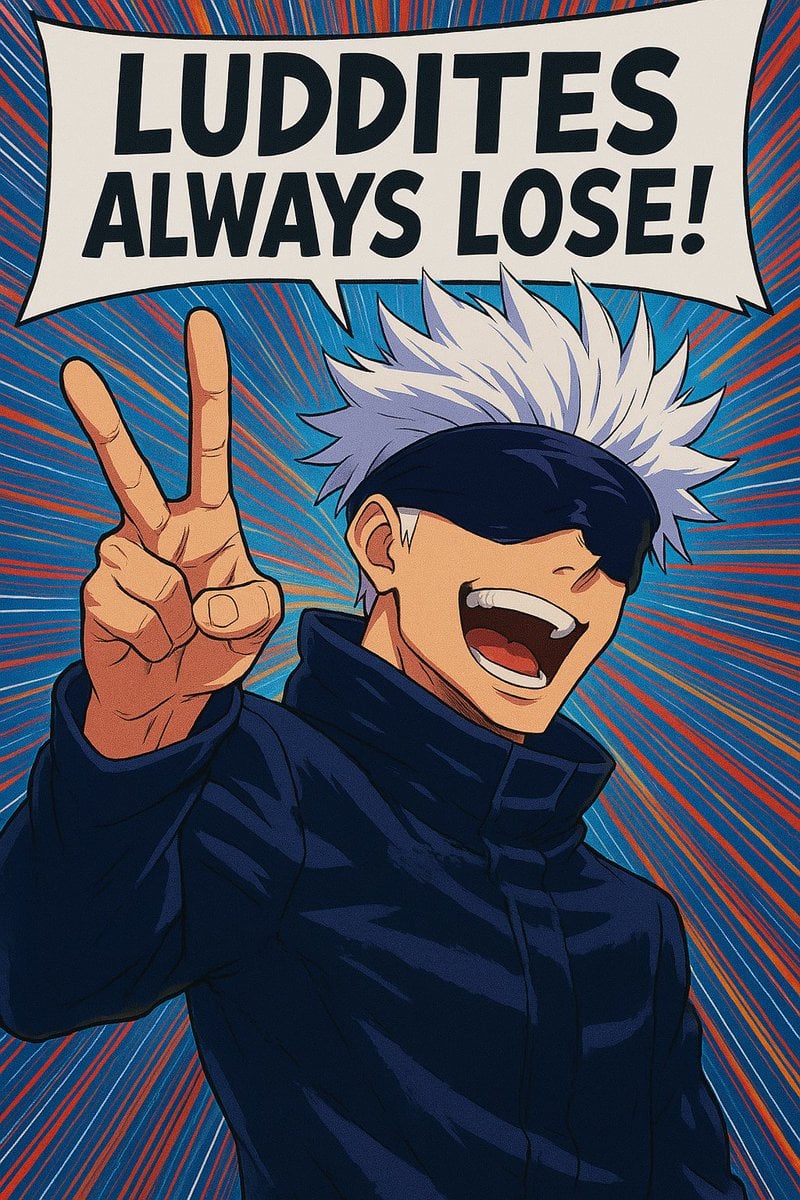
- Prompt included
- Model and format preset
- Free template
The prompt behind this image
Copy the exact prompt behind Anime Pop-Art Protest Poster, or open it in the studio and make it yours.
A bold anime pop-art poster of a tall white-haired male sorcerer in a dark navy high-collar coat, shown from the waist up, facing forward in a confident pose with his left hand raised close to the camera making a peace sign. His face is partially obscured by a rectangular blur/censor block centered over the eyes and nose area, while his spiky silver-white hair fans outward dramatically above a dark blindfold or visor. Place a huge comic speech bubble across the top with the exact text {argument name="headline text" default="LUDDITES ALWAYS LOSE!"} in heavy black all-caps sans-serif lettering. Use a vivid blue background filled with dense red and orange radial speed lines exploding outward from behind the character, creating a dynamic manga cover feel. Emphasize thick ink outlines, cel-shaded anime rendering, posterized contrast, and a slightly warped vintage-comic print look. The composition should be vertical, tightly cropped, high energy, rebellious, graphic, and meme-like, with the {argument name="character hair color" default="silver white"} hair, {argument name="coat color" default="dark navy"} coat, and {argument name="background color" default="bright blue with red-orange radial lines"} dominating the palette.
How to use Anime Pop-Art Protest Poster in 3 steps
- 1Upload ImagePNG, JPG or paste
Add your photo
Upload the photo the template builds on. The prompt, model and format are already set.
- 2…a portrait of your subject in softgolden-hour light, 85mm…
Personalize
Edit the subject and creative details for your destination.
- 3Generate
Generate
Press Generate — your image is created in PicX Studio, so you can compare it with the original and refine one variable at a time.
More like this
Templates with the same subject, style or setup. Open one to see its prompt.

Captain Tsubasa Anime World Cup Poster
Anime University Protest Poster
Anime Pop Sphynx Cat Outing Poster

Gpt2 Youtube Thumbnail Anime Music Bootcamp Promo Poster

Japan Travel Brochure Poster
Retro 80s City Pop Anime Illustration

Nice Day Anime Poster

Cel 2D Finale Fireworks

Cel 2D Garden Maze

Cel 2D Rooftop Concert

Cel 2D Bicycle Coast

Cel 2D Castle Gate
Make it yours
Anime Pop-Art Protest Poster works as-is. These are the safest ways to change it without losing the look.
Change one field
Copy a single group, rewrite it, and generate again so you can see what that field is doing.
Keep the frame, change the subject
Hold the composition and light of Anime Pop-Art Protest Poster, then swap wardrobe, props or the person for a new take.
| If the result… | Why | Fix |
|---|---|---|
| The result drifts from the preview | Too many fields changed at once. | Reuse Anime Pop-Art Protest Poster as-is first, then change one group — subject, light, or setting. |
| The model over-stylizes the scene | The prose prompt leaves finish and camera underspecified. | Add one camera or lighting sentence and stay on GPT Image 2. |
More GPT Image 2 templates
Other prompts made for GPT Image 2.

Six VTuber Japanese Logo Sheet

Realistic Portrait of Woman and Deer

The Vista Modular Condo Poster

AI Model Routing Comparison Infographic

2.5D Anime Art Board

Isometric Productivity Desk Scene

New York Double Exposure Poster

Four-Panel AI Landscape Comparison

Japanese Tatami Lifestyle Magazine Cover

NESCAFÉ Coffee Map Poster
More image prompts
Fresh picks from across the catalog.
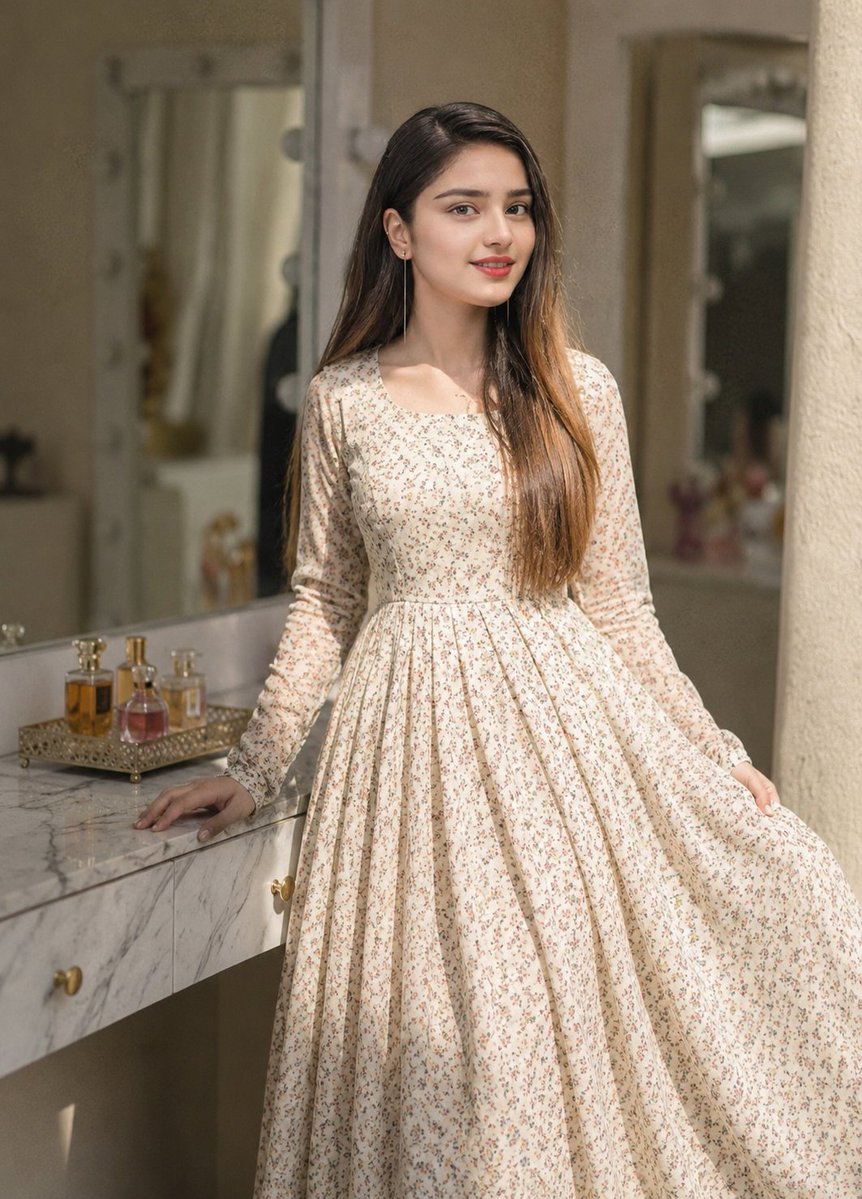
Floral Dress Vanity Portrait
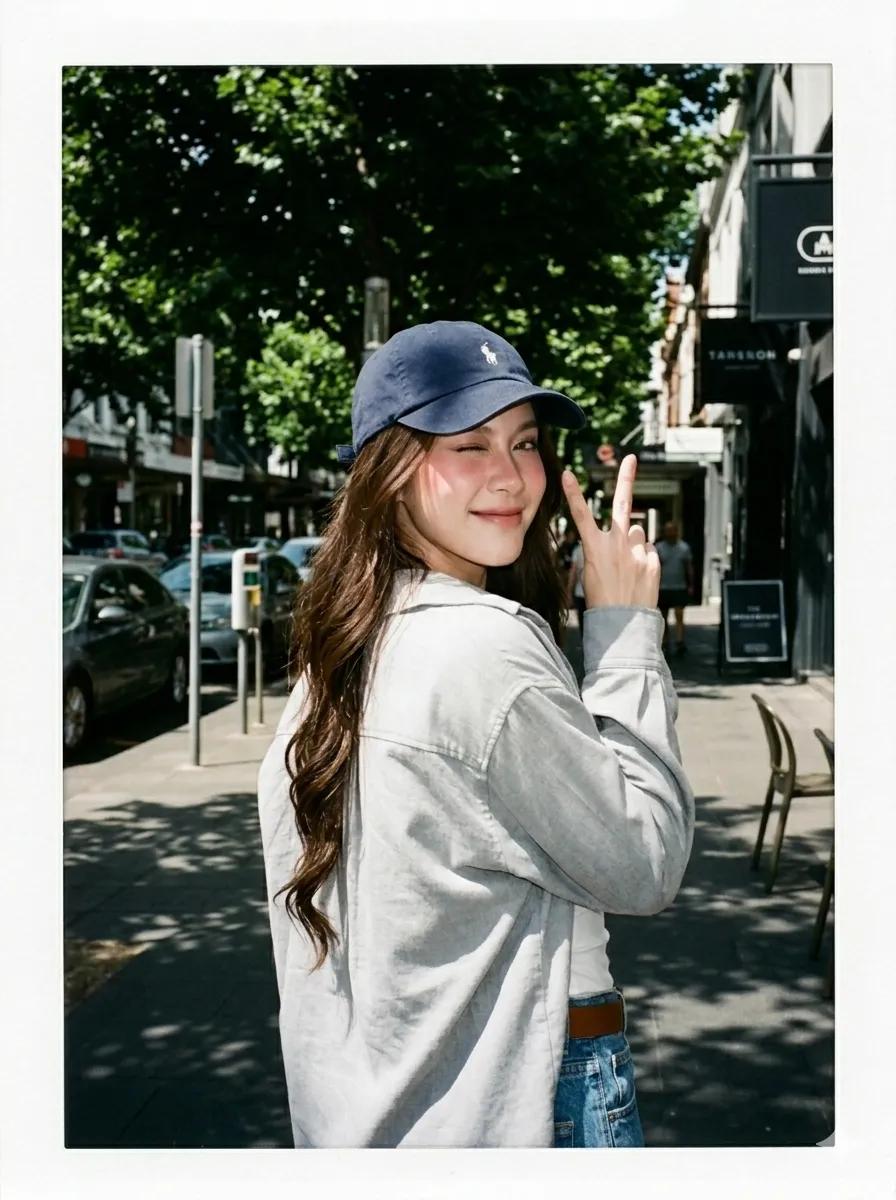
Summer Street Lifestyle Photography

Gemini Nano Banana 2
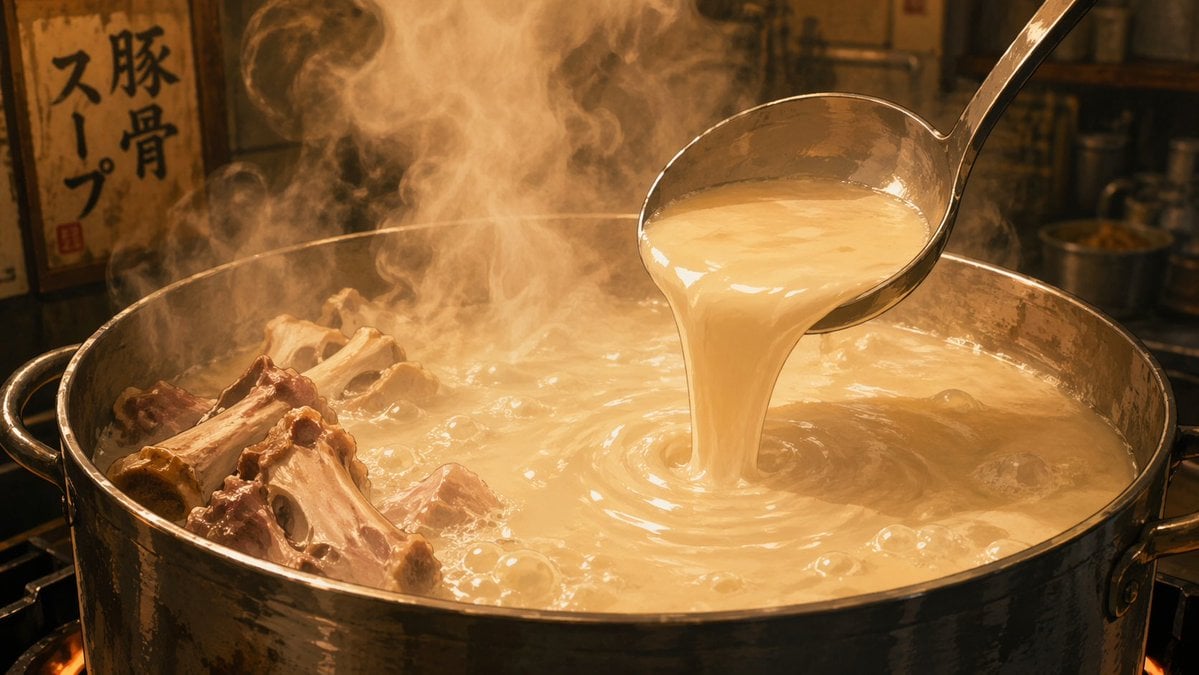
Anime Food: Tonkotsu Broth
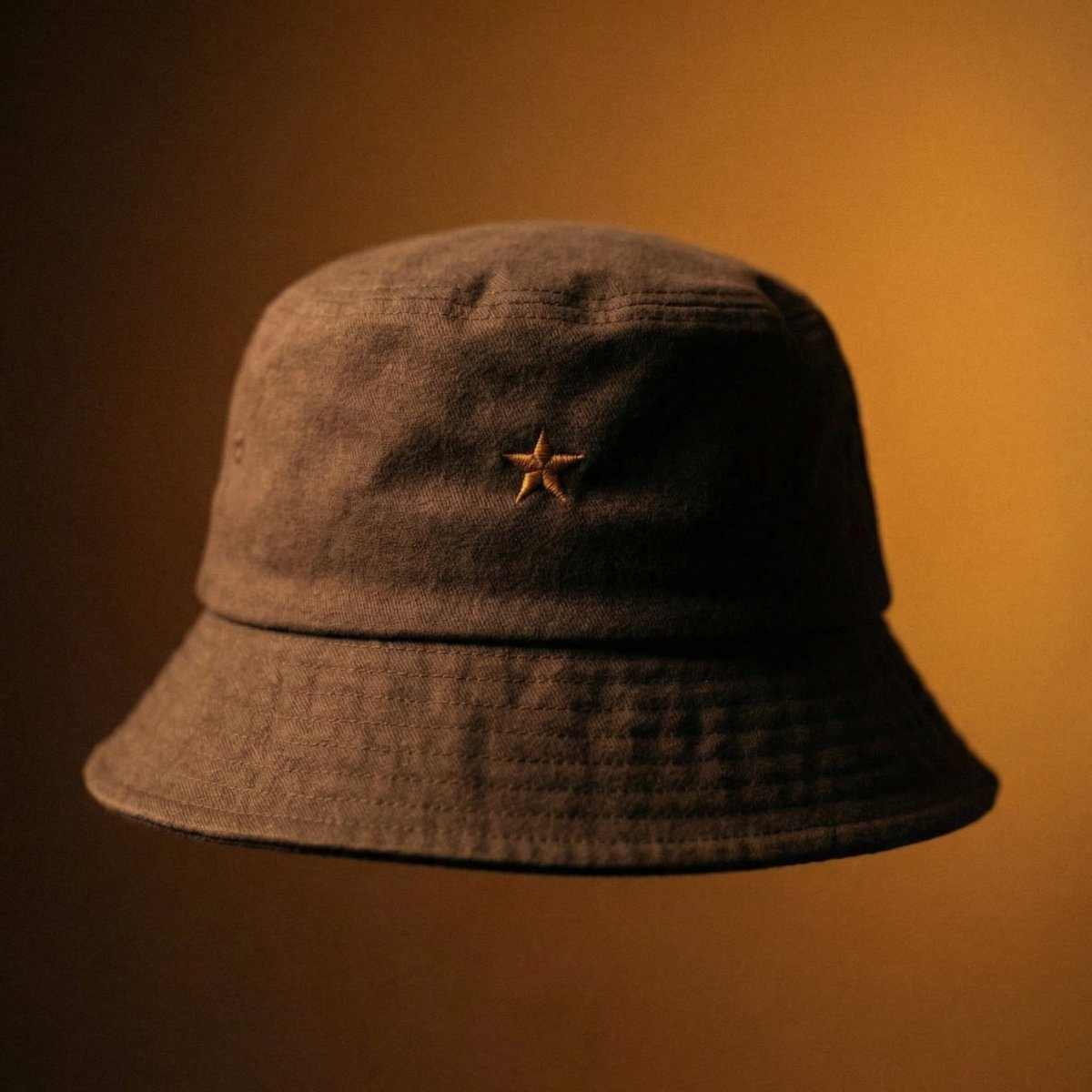
Luxury Bucket Hat Product Editorial
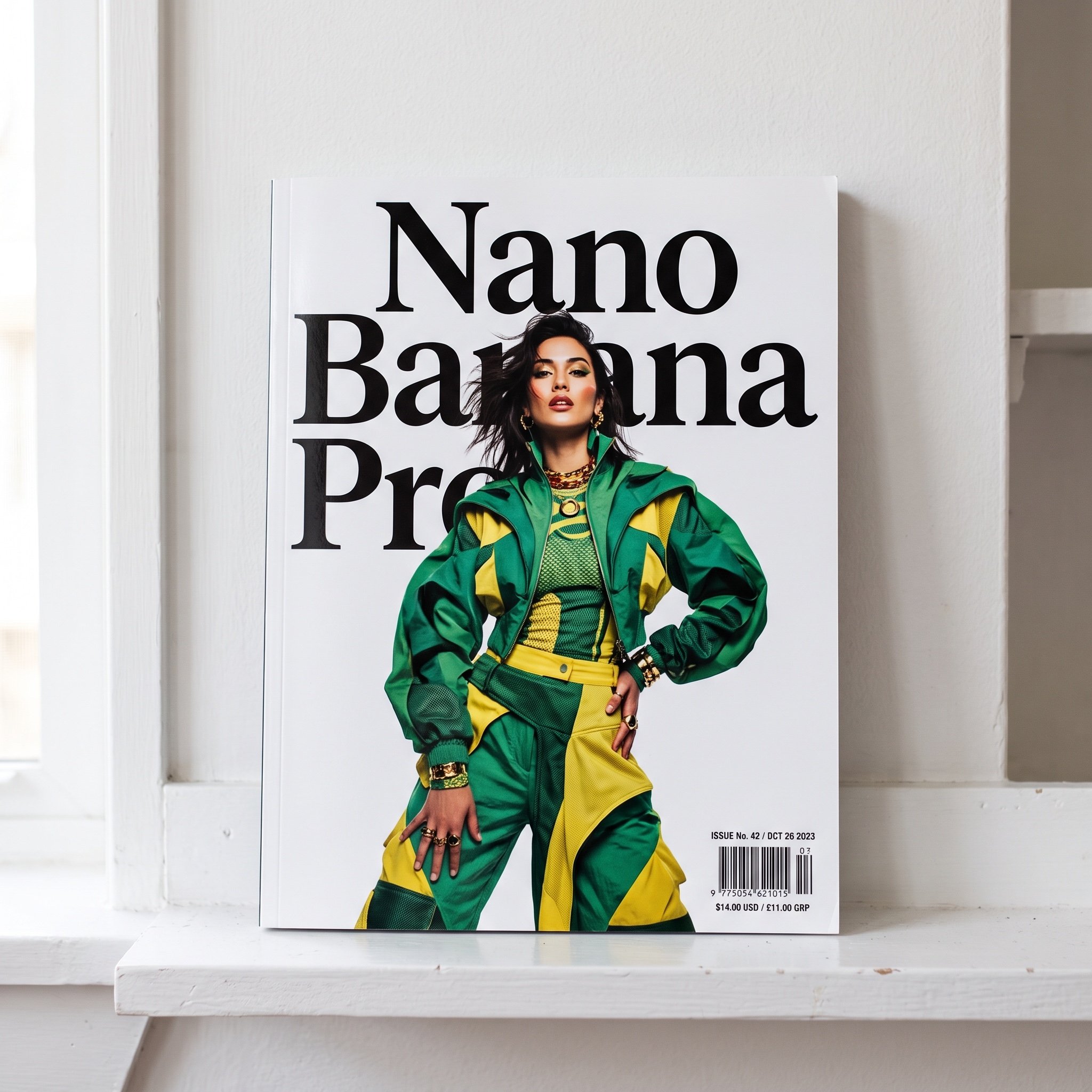
Magazine Cover with Nano Banana Pro Branding
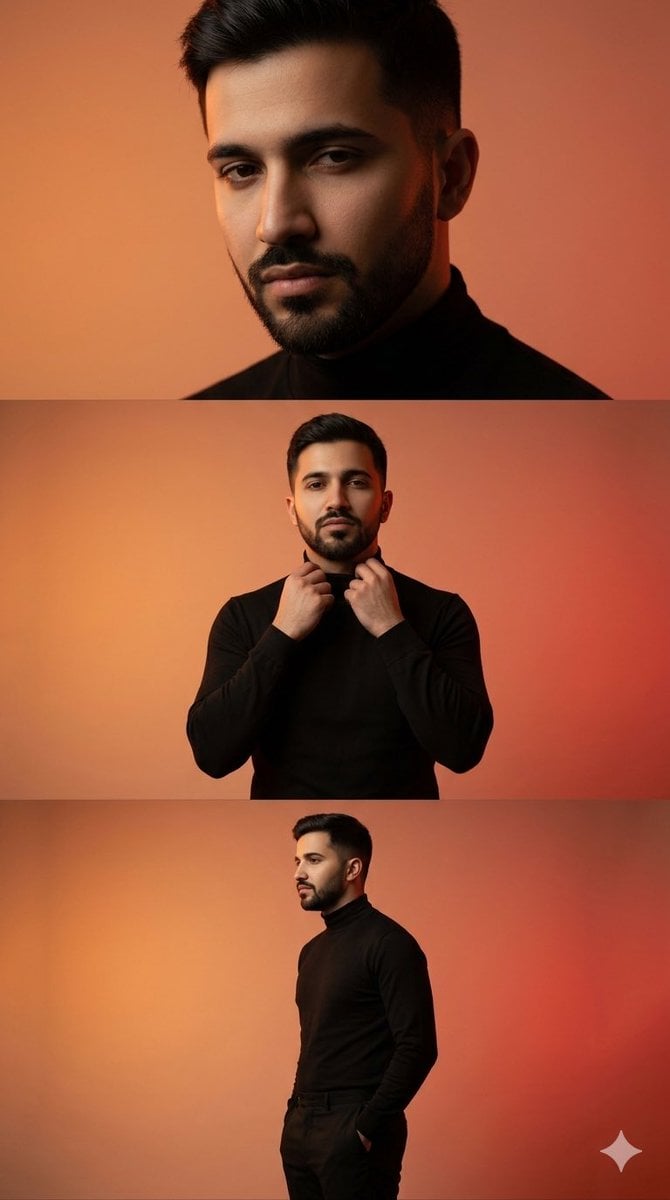
Vertical collage of a stylish young man
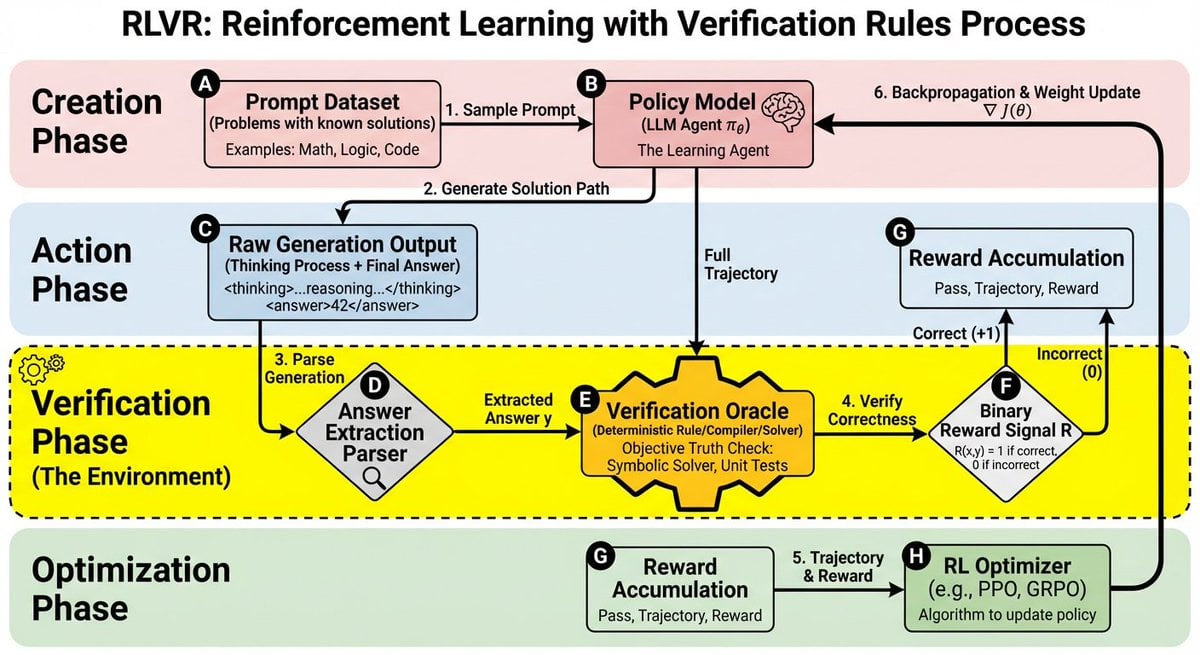
RLVR block diagram
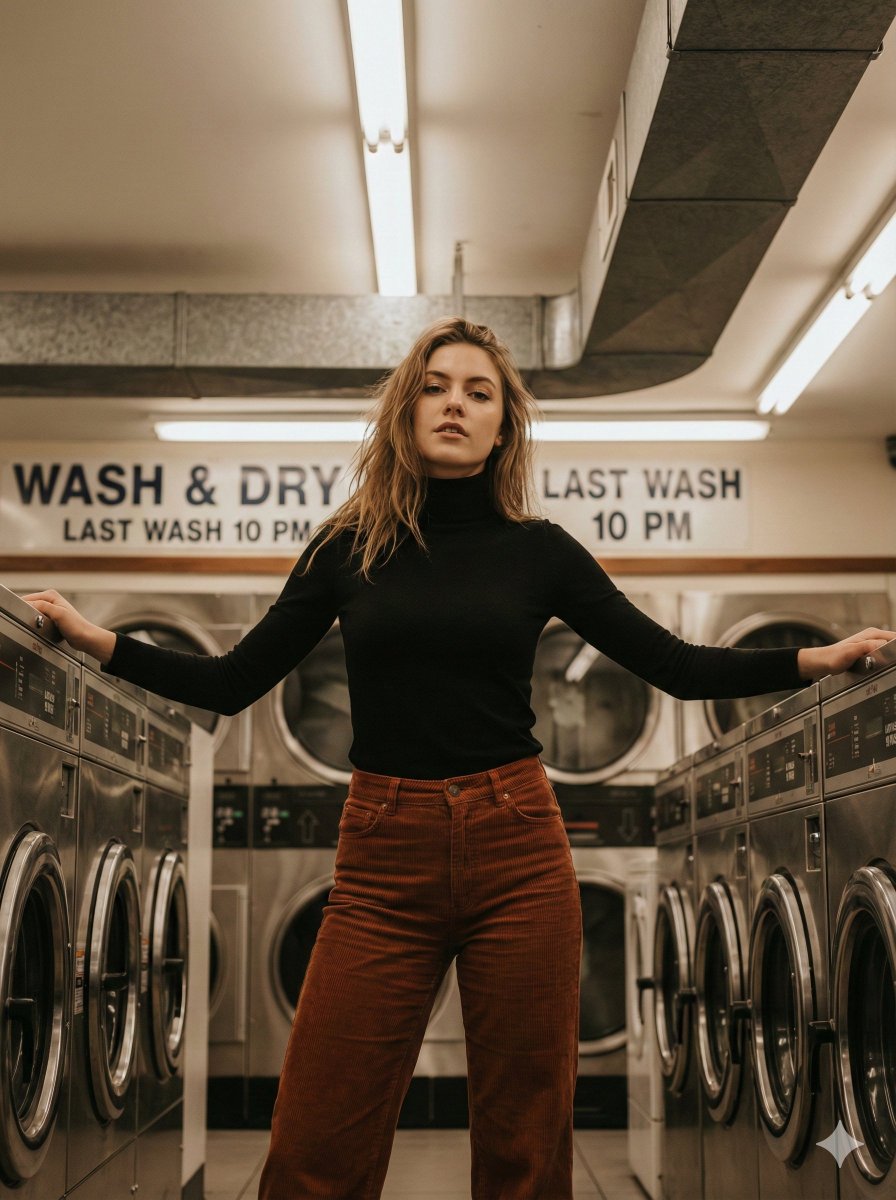
Editorial Laundromat Portrait Prompt
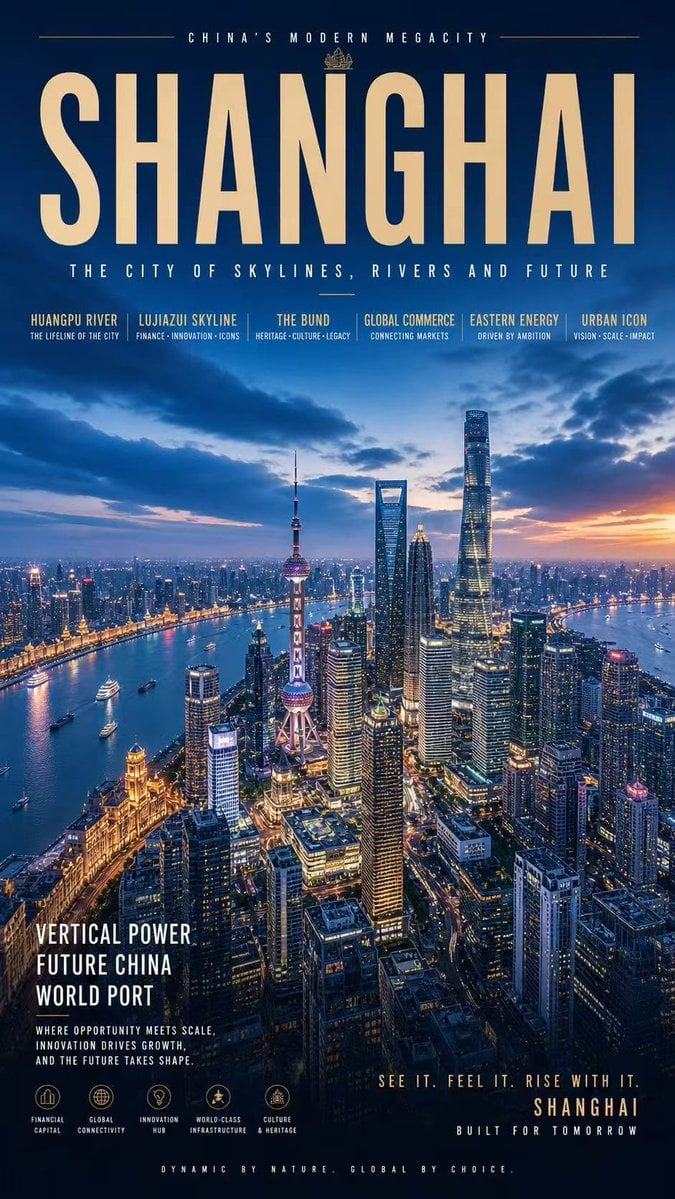
Shanghai Megacity Night Poster
Browse template categories
Anime Pop-Art Protest Poster questions
How do I use the Anime Pop-Art Protest Poster template?
Add your photo if the template asks for one, edit the prompt if you like — the template's model and format are already selected — and press Generate. Your version opens in PicX Studio.
Can I customize the Anime Pop-Art Protest Poster template?
Yes. You can change the subject, setting, lighting, mood, format, and available model controls before creating your image.
Is the Anime Pop-Art Protest Poster template free?
Opening and editing this template is free. Generating uses credits, shown on the Generate button when you are signed in.
Which AI model should I use?
Start with GPT Image 2, which is the model associated with this template. You can compare another compatible model for a different finish.
Looking for something else? Browse all templates.

Your photo, any look
Thousands of ready templates for every top image and video model, from one credit balance.