
Anime University Protest Poster
Generates a cinematic German protest poster with Azur Lane-inspired anime students, university funding slogans, placards, and dramatic political infographic panels.
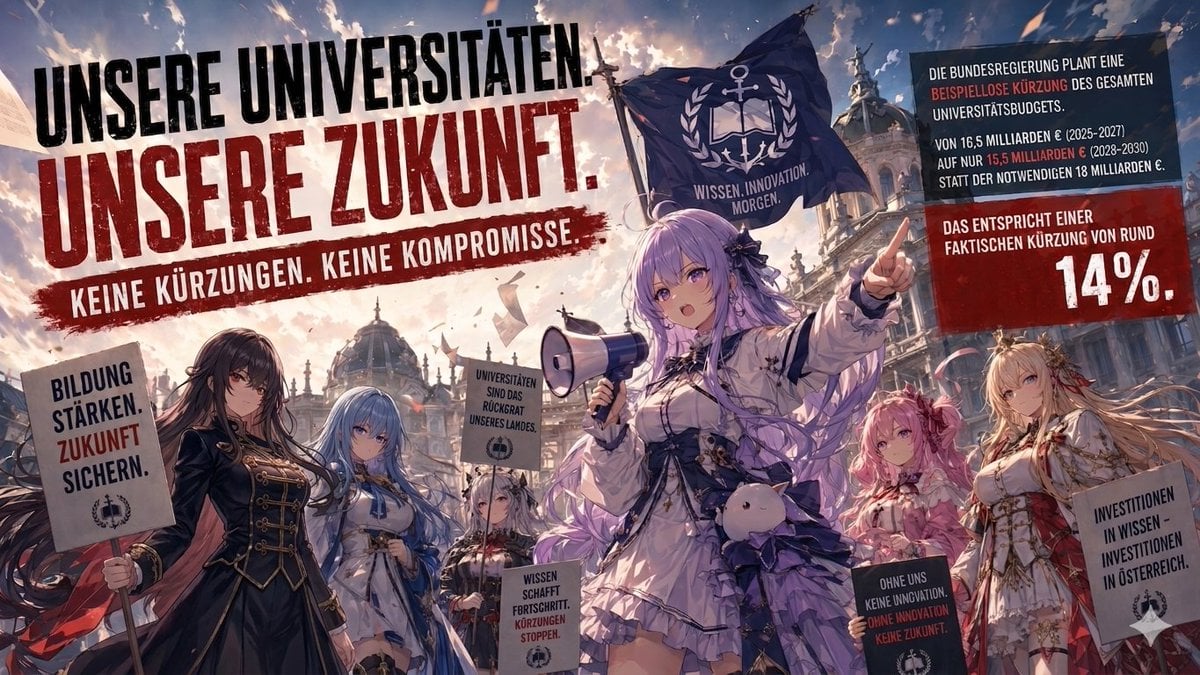
- Prompt included
- Model and format preset
- Premium template
The prompt behind this image
Copy the exact prompt behind Anime University Protest Poster, or open it in the studio and make it yours.
Goal: Create a dramatic anime protest poster inspired by Azur Lane character design, showing university students defending education funding in Austria. Canvas: Wide cinematic 16:9 horizontal poster, 1200x675 style composition, crowded political demonstration in front of grand European university architecture with domes, statues, columns, and a stormy sunset sky filled with drifting papers and sparks. Main message: Huge distressed uppercase German headline across the upper left: “UNSERE UNIVERSITÄTEN. UNSERE ZUKUNFT.” with “UNSERE ZUKUNFT.” in dark red, and a red paint-stroke slogan below: “KEINE KÜRZUNGEN. KEINE KOMPROMISSE.” Characters: Include exactly 6 anime-style young women in ornate naval-academy fantasy outfits, all rendered with polished high-detail illustration quality. 1) central leader with {argument name="hair color" default="long lavender hair"}, white frilled uniform coat, black ribbons, holding a megaphone in one hand and pointing upward with the other, with a small plush mascot hanging at her waist; 2) left foreground brunette in a black military-style coat holding a placard; 3) blue-haired girl in a white-and-blue uniform near left center; 4) small silver-haired girl in the middle background holding a sign; 5) pink-haired girl in a red-and-white outfit near right center; 6) blonde girl in an ornate white-and-gold outfit at far right holding a placard. Add soft rectangular censor-like blur patches over the central leader’s face and the left brunette’s face, matching the image-edit artifact. Flags and placards: Include exactly 1 large dark navy flag behind the central leader, waving dramatically, with a white anchor-and-laurel emblem and the motto “WISSEN. INNOVATION. MORGEN.” Include exactly 6 protest signs/placards: 1) left foreground sign reading “BILDUNG STÄRKEN. ZUKUNFT SICHERN.”; 2) center raised sign reading “UNIVERSITÄTEN SIND DAS RÜCKGRAT UNSERES LANDES.”; 3) lower center sign reading “WISSEN SCHAFFT FORTSCHRITT. KÜRZUNGEN STOPPEN.”; 4) lower right dark sign reading “OHNE UNS KEINE INNOVATION. OHNE INNOVATION KEINE ZUKUNFT.”; 5) far right sign reading “INVESTITIONEN IN WISSEN – INVESTITIONEN IN ÖSTERREICH.”; 6) one partially obscured small protest sign in the crowd, with university-emblem styling but not much readable text. Right-side information panels: Add exactly 2 stacked tilted rectangular infographic panels in the upper right. Top dark panel with white text and red emphasis: “DIE BUNDESREGIERUNG PLANT EINE BEISPIELLOSE KÜRZUNG DES GESAMTEN UNIVERSITÄTSBUDGETS. VON 16,5 MILLIARDEN € (2025–2027) AUF NUR 15,5 MILLIARDEN € (2028–2030) STATT DER NOTWENDIGEN 18 MILLIARDEN €.” Bottom red panel reading: “DAS ENTSPRICHT EINER FAKTISCHEN KÜRZUNG VON RUND 14%.” Make “14%” enormous and white. Visual style: Epic propaganda-poster composition, dynamic low-angle perspective, painterly anime rendering, sharp linework, high contrast, red-white-black protest typography, dust and flying paper, cinematic lighting, dramatic clouds, sense of urgency and solidarity. Use {argument name="headline text" default="UNSERE UNIVERSITÄTEN. UNSERE ZUKUNFT."} and {argument name="slogan text" default="KEINE KÜRZUNGEN. KEINE KOMPROMISSE."} as the dominant readable typography. Keep all text intentionally German, bold, distressed, and poster-like. Avoid logos or real-party branding.
How to use Anime University Protest Poster in 3 steps
- 1Upload ImagePNG, JPG or paste
Add your photo
Upload the photo the template builds on. The prompt, model and format are already set.
- 2…a portrait of your subject in softgolden-hour light, 85mm…
Personalize
Edit the subject and creative details for your destination.
- 3Generate
Generate
Press Generate — your image is created in PicX Studio, so you can compare it with the original and refine one variable at a time.
More like this
Templates with the same subject, style or setup. Open one to see its prompt.
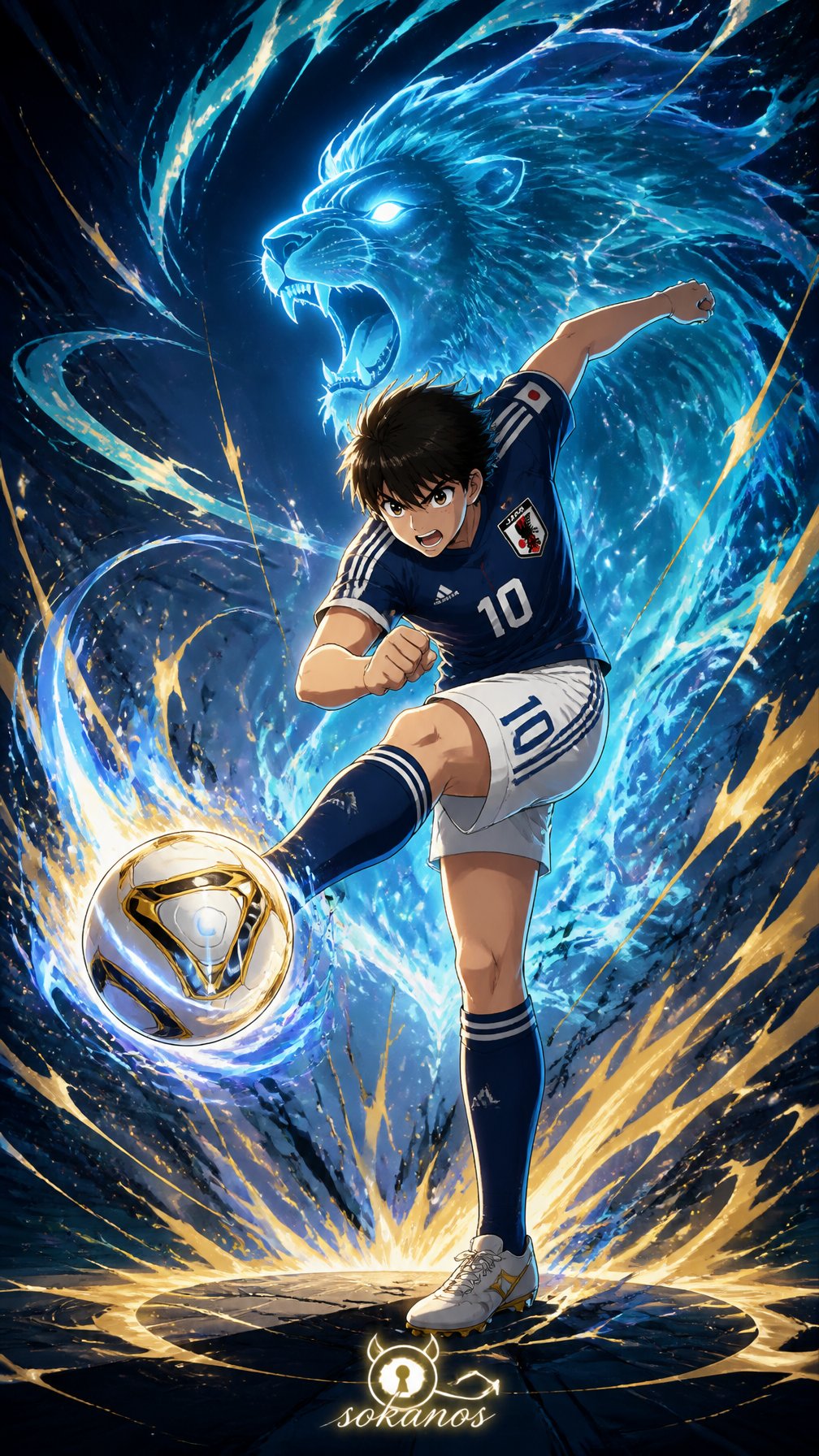
Captain Tsubasa Anime World Cup Poster
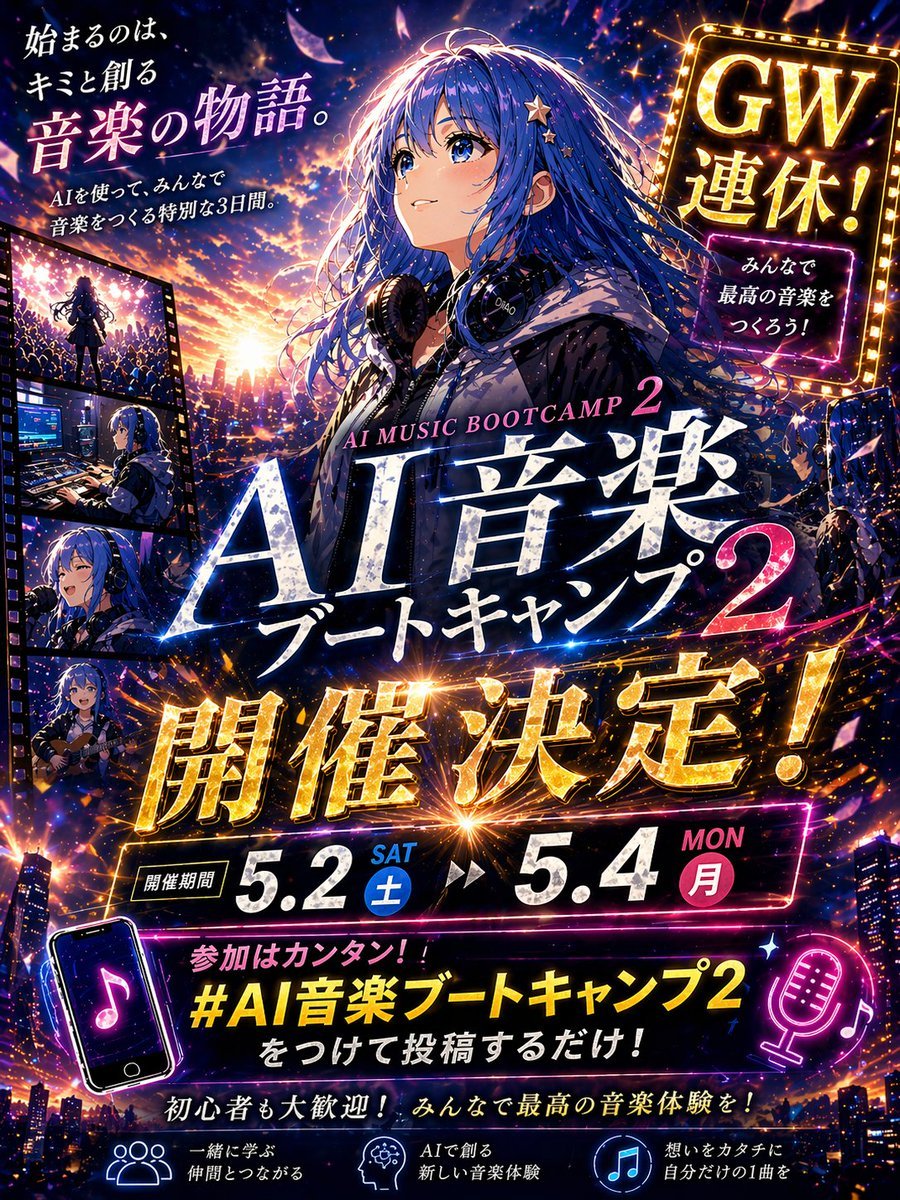
Gpt2 Youtube Thumbnail Anime Music Bootcamp Promo Poster

Anime Pop-Art Protest Poster

Japan Travel Brochure Poster

Cel 2D Finale Fireworks

Cel 2D Garden Maze
Cel 2D Rooftop Concert
Cel 2D Bicycle Coast

Cel 2D Castle Gate
Cel 2D Kitchen Chaos
Cel 2D Carnival Ride
Cel 2D Rainy Bus Stop
Make it yours
Anime University Protest Poster works as-is. These are the safest ways to change it without losing the look.
Change one field
Copy a single group, rewrite it, and generate again so you can see what that field is doing.
Keep the frame, change the subject
Hold the composition and light of Anime University Protest Poster, then swap wardrobe, props or the person for a new take.
| If the result… | Why | Fix |
|---|---|---|
| The result drifts from the preview | Too many fields changed at once. | Reuse Anime University Protest Poster as-is first, then change one group — subject, light, or setting. |
| The model over-stylizes the scene | The prose prompt leaves finish and camera underspecified. | Add one camera or lighting sentence and stay on GPT Image 2. |
More GPT Image 2 templates
Other prompts made for GPT Image 2.

Six VTuber Japanese Logo Sheet

Realistic Portrait of Woman and Deer

The Vista Modular Condo Poster

AI Model Routing Comparison Infographic

2.5D Anime Art Board

Isometric Productivity Desk Scene

New York Double Exposure Poster

Four-Panel AI Landscape Comparison

Japanese Tatami Lifestyle Magazine Cover

NESCAFÉ Coffee Map Poster
More image prompts
Fresh picks from across the catalog.
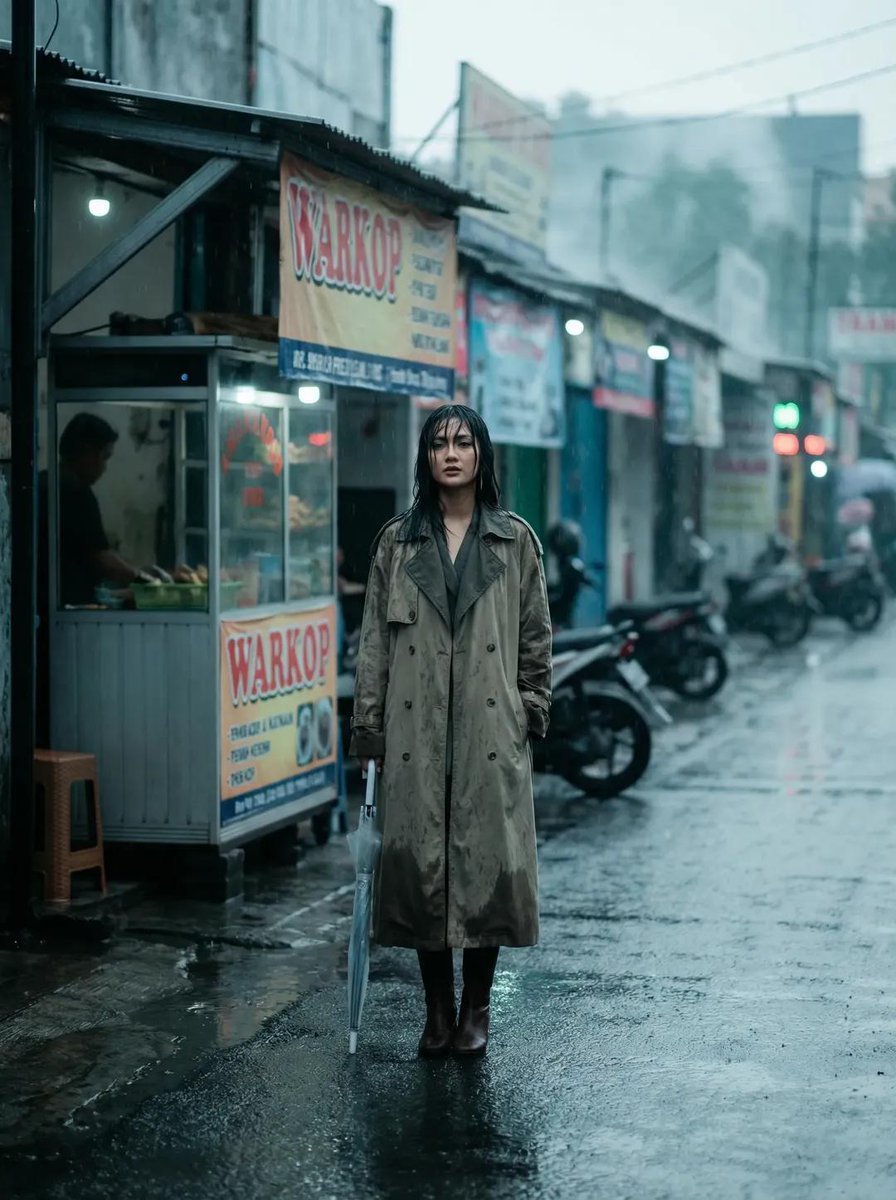
Rainy Indonesian Warkop Fashion Editorial Prompt
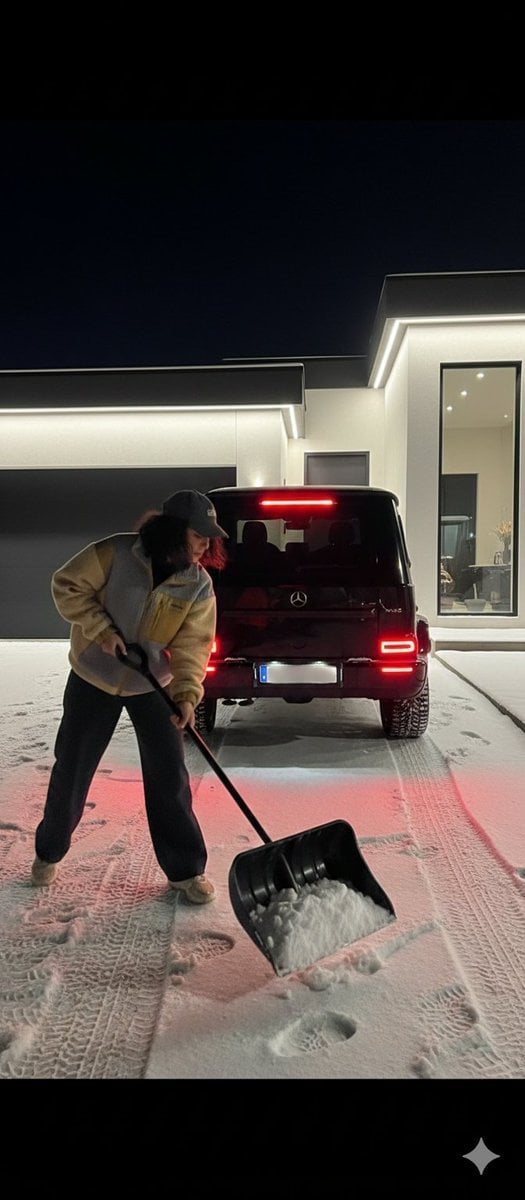
Night Photography Prompt: Clearing Snow with Mercedes G 63 AMG
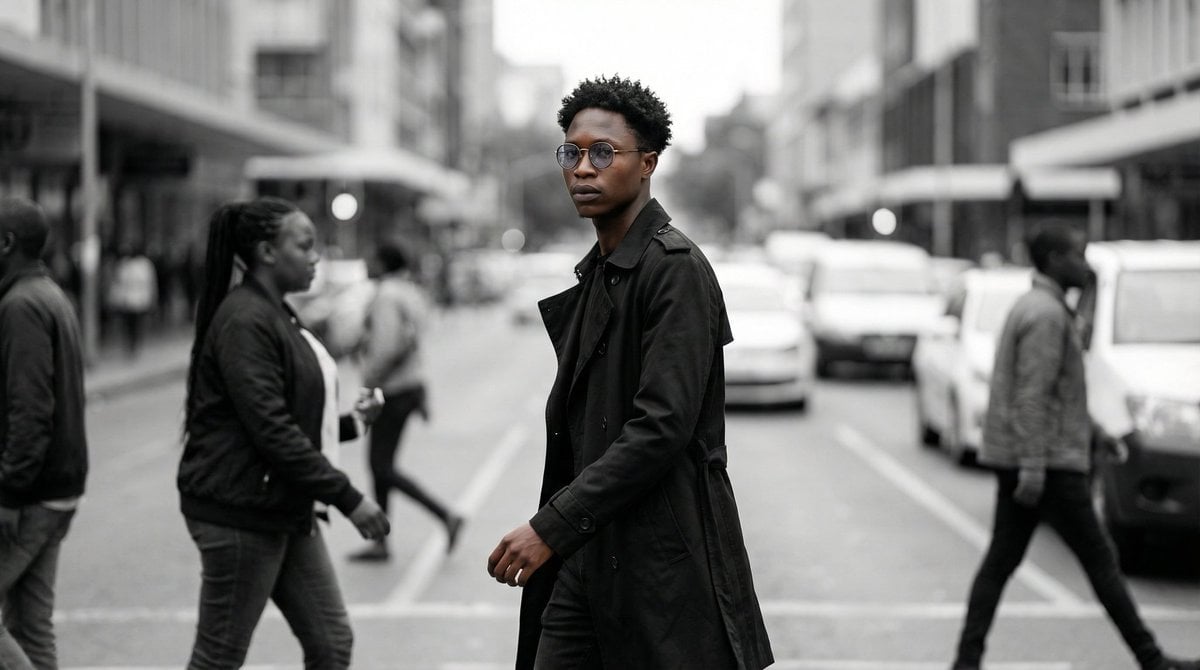
Cinematic Street Portrait
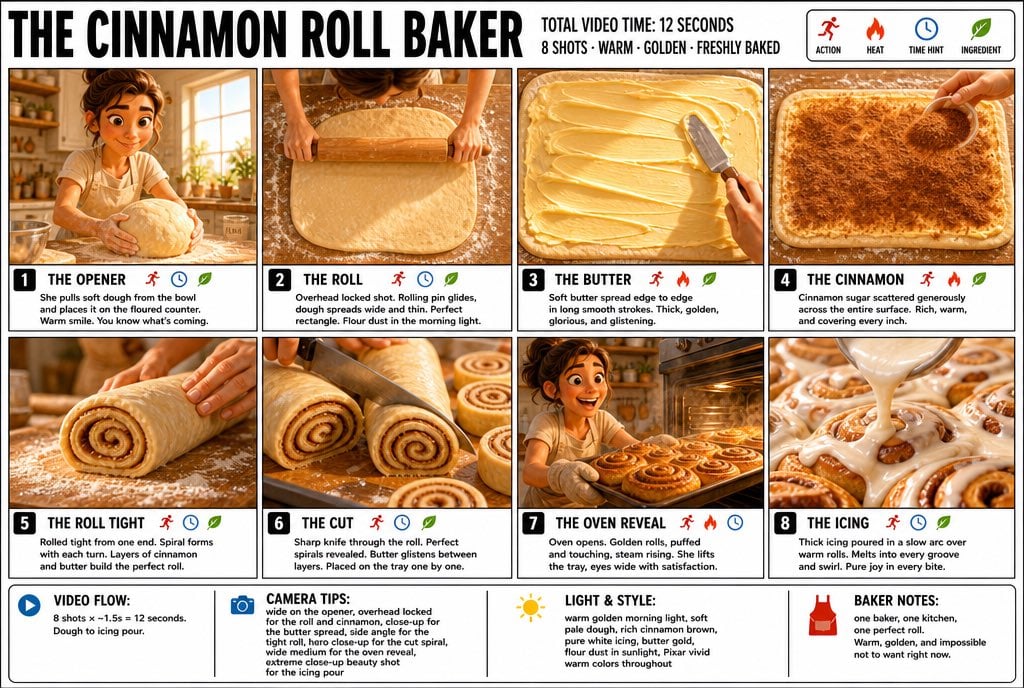
3D Pixar Style Bakery Infographic
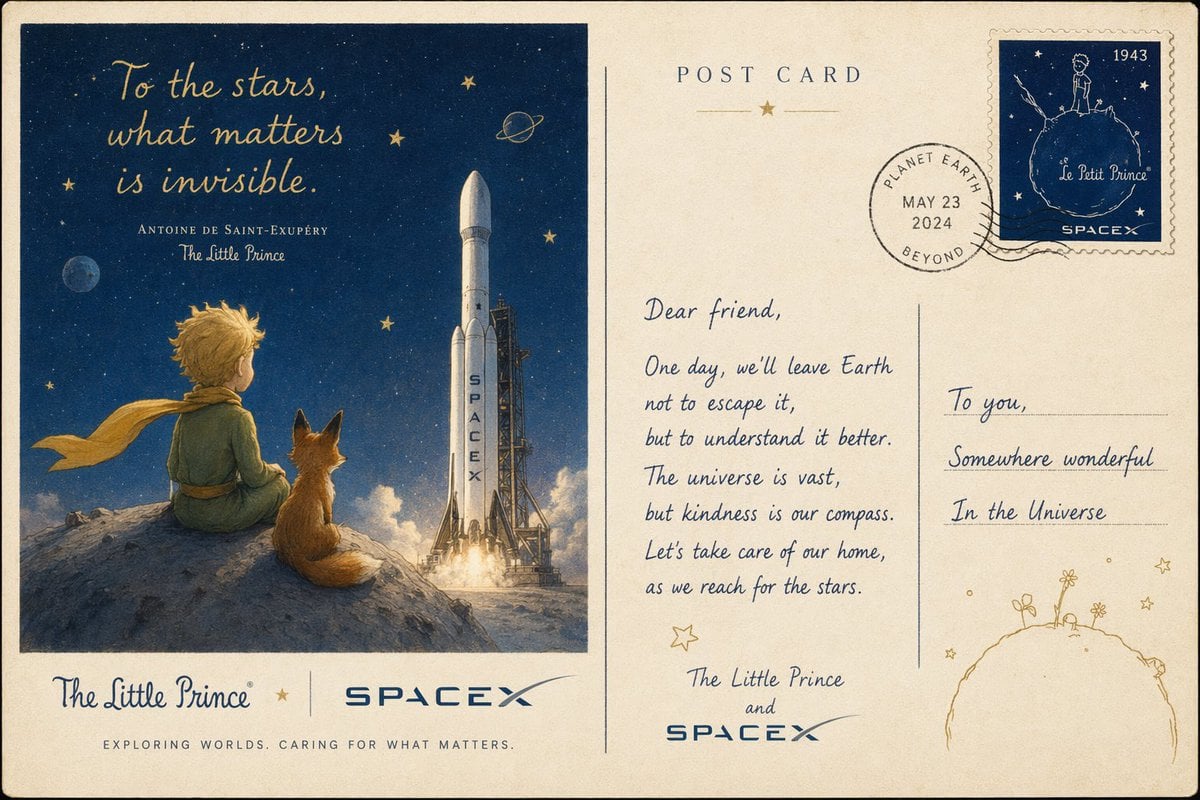
Vintage Little Prince Space Postcard
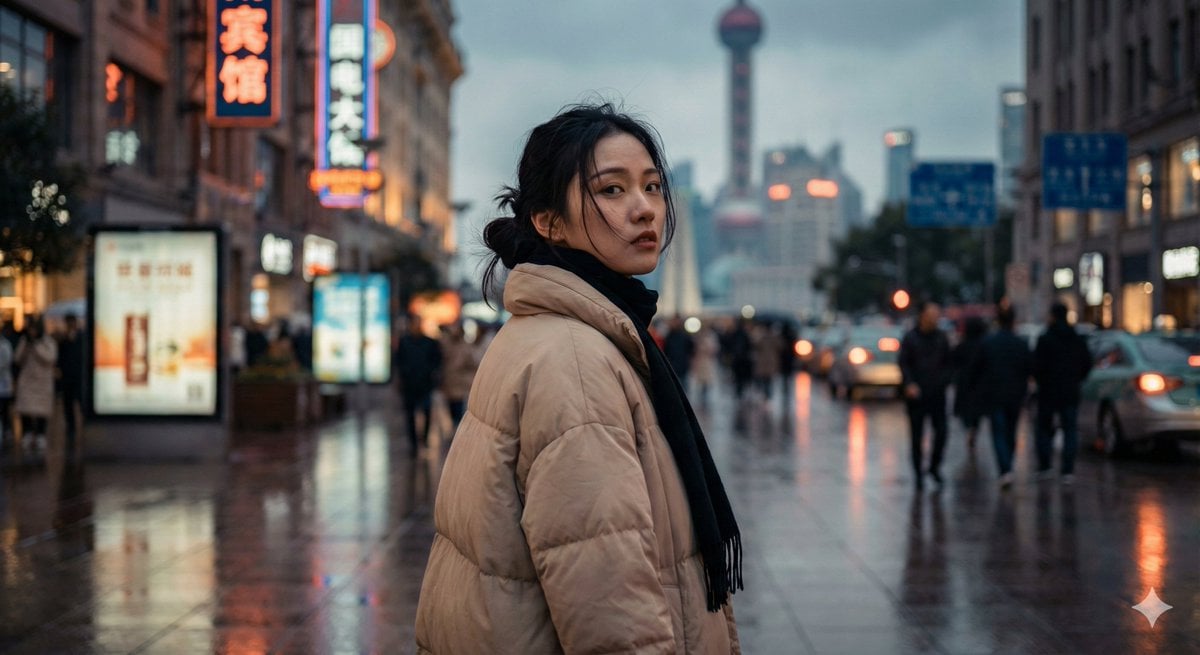
Cinematic Urban Portrait of a Young Woman in Shanghai

3D Pororo Winter Village Breaking the Fourth Wall
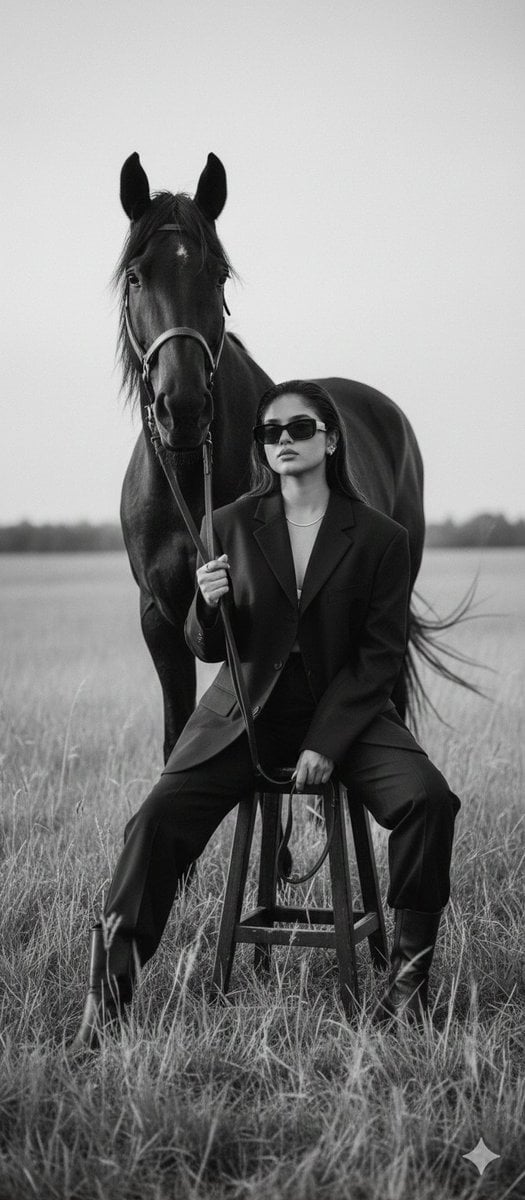
Cinematic Black-and-White Editorial Fashion Prompt
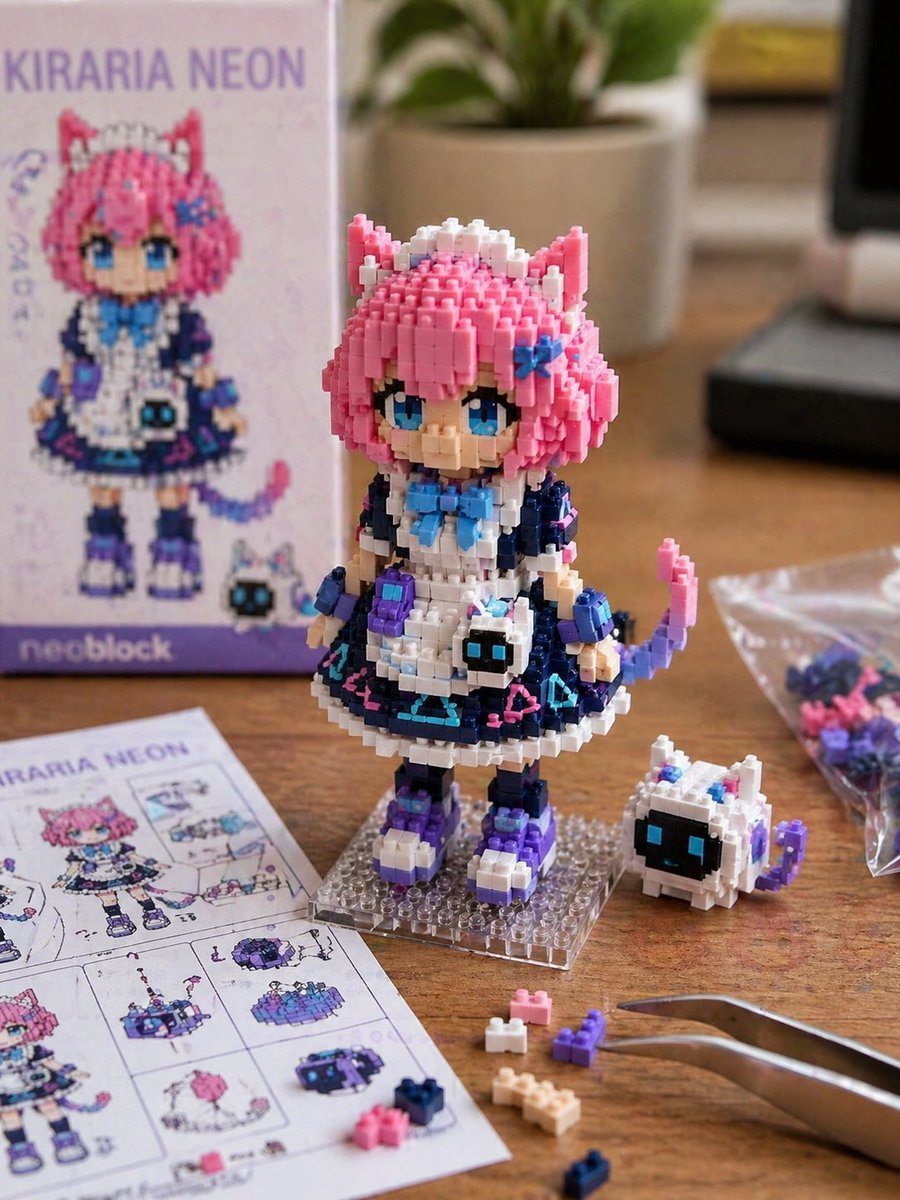
Custom Nanoblock Toy Creator
Frogs on a Laptop in Wild Grass
Browse template categories
Anime University Protest Poster questions
How do I use the Anime University Protest Poster template?
Add your photo if the template asks for one, edit the prompt if you like — the template's model and format are already selected — and press Generate. Your version opens in PicX Studio.
Can I customize the Anime University Protest Poster template?
Yes. You can change the subject, setting, lighting, mood, format, and available model controls before creating your image.
Is the Anime University Protest Poster template free?
Opening and editing this template is free. Generating uses credits, shown on the Generate button when you are signed in.
Which AI model should I use?
Start with GPT Image 2, which is the model associated with this template. You can compare another compatible model for a different finish.
Looking for something else? Browse all templates.

Your photo, any look
Thousands of ready templates for every top image and video model, from one credit balance.