
3D Pororo Winter Village Breaking the Fourth Wall
A detailed prompt for creating a highly realistic 3D art piece featuring a giant smartphone displaying a miniature Pororo winter village.
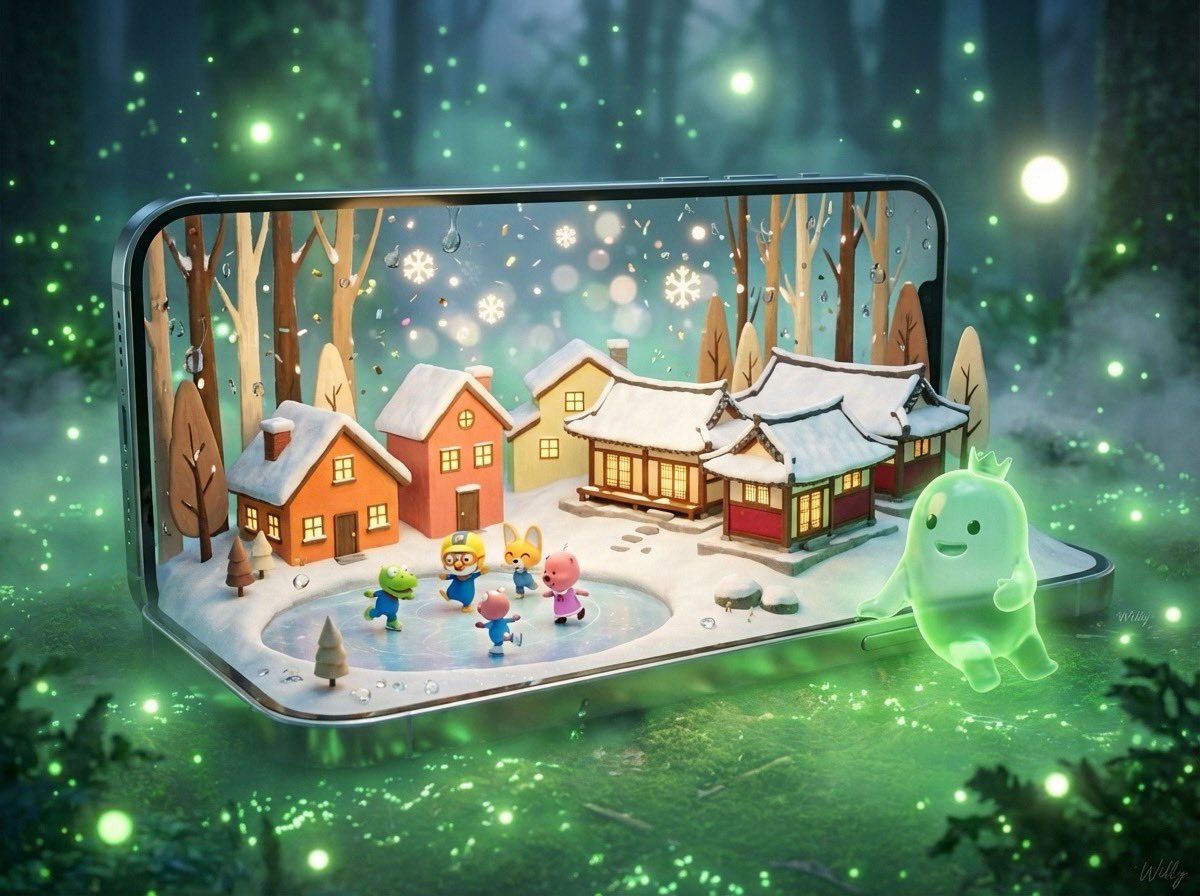
- Prompt included
- Model and format preset
- Free template
The prompt behind this image
Copy the exact prompt behind 3D Pororo Winter Village Breaking the Fourth Wall, or open it in the studio and make it yours.
Create a highly detailed 3D “breaking the fourth wall” art piece featuring a giant, sleek smartphone standing horizontality. The phone must display the Ingenious 3D Pororo miniature pororo winter village.hand-drawn orange, salmon, yellow, cream, red, and burgundy Pororo animation, 2 houses and 3 Hanok-style houses on a small hill, three-dimensional snow roofs and shining windows, the main characters in the animation are posing and playing and skating on the ice in a corner, all the contents listed are applied to the phone. Brown, tan, cream-colored thin trees, white snow floor, colorful glittering confetti, contrast between warm interior lighting and cold atmosphere background, boquet effect of falling snowflakes, water droplets in glass, metal lock, painting impressionist style, central composition, magically cozy and nostalgic Christmas atmosphere, dreamy feeling of soft focus. Green ghost character — a glowing, soft, jelly-like green ghost with a small crown — has stepped out of the phone screen and standing on the ground and , leaning naturally and comfortably against the phone bezel, with rsmiling at the phone screen. bioluminescent forest ambience, green luminous particles, soft fog, glowing light orbs, dreamy atmosphere. Use cinematic lighting, photorealistic materials, 8K render detail, crisp subsurface scattering on the ghost character, and realistic reflections on the smartphone. The composition should feel magical, grounded, and premium. signature '{argument name="signature" default="Willy"}' is in the bottom-right corner.—ar 4:3 #AIart #prompt #cute #Christmas #pororo #beauty
How to use 3D Pororo Winter Village Breaking the Fourth Wall in 3 steps
- 1
Open
The prompt is already in the box next to the preview, with the template's model and format selected.
- 2…a portrait of your subject in softgolden-hour light, 85mm…
Personalize
Edit the subject and creative details for your destination.
- 3Generate
Generate
Press Generate — your image is created in PicX Studio, so you can compare it with the original and refine one variable at a time.
More like this
Templates with the same subject, style or setup. Open one to see its prompt.
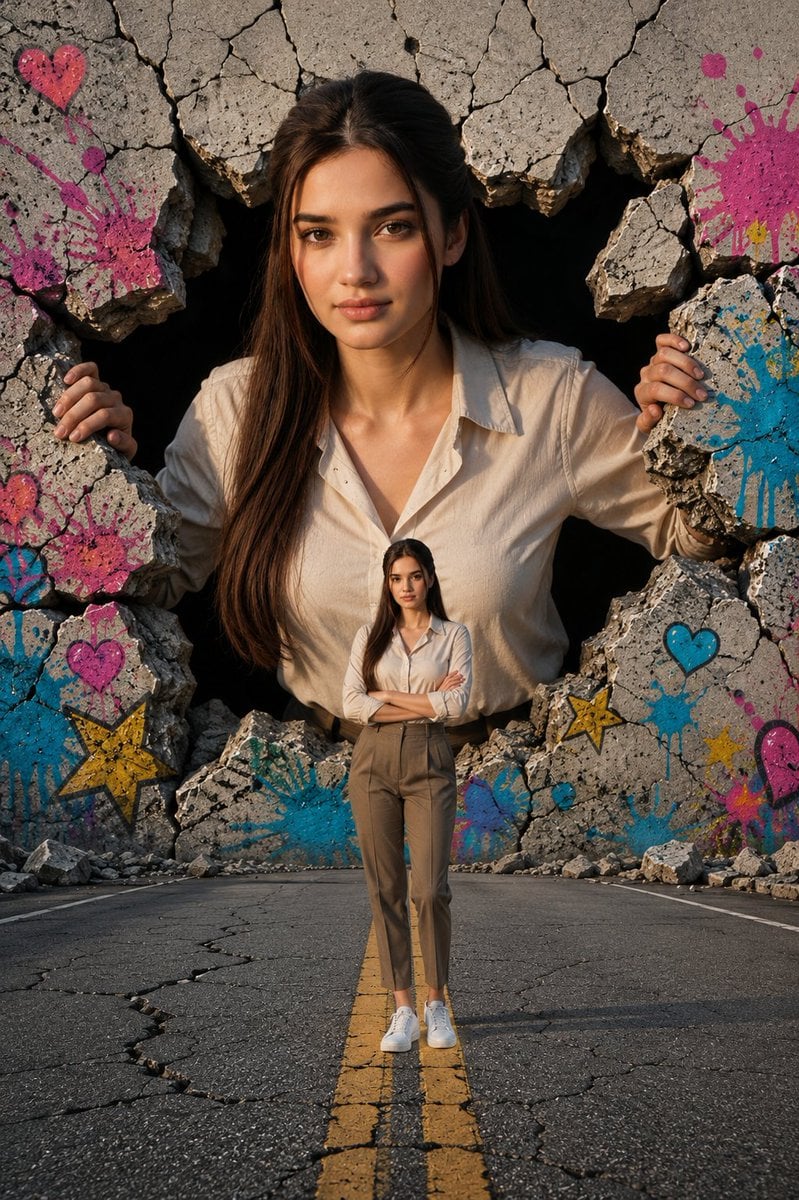
Giant Woman Breaking Through Wall
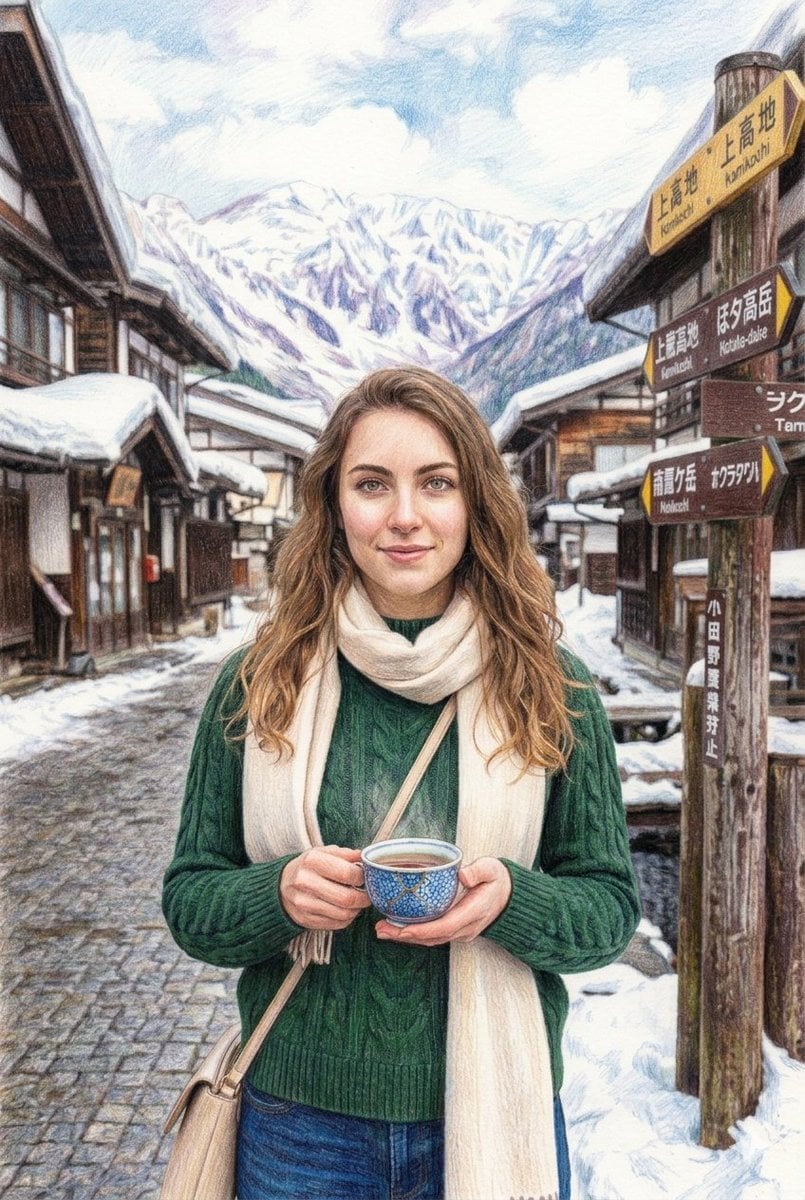
Snowy Japanese Village Winter Illustration

Frozen Street Luxe Graffiti Fashion Campaign

Photoreal Village Lanterns Minecraft Scene

Photoreal Snow Biome Name Tag UI

Minecraft You Died Winter Death Screen

Photoreal Selfie Minecraft Village Ghast UI
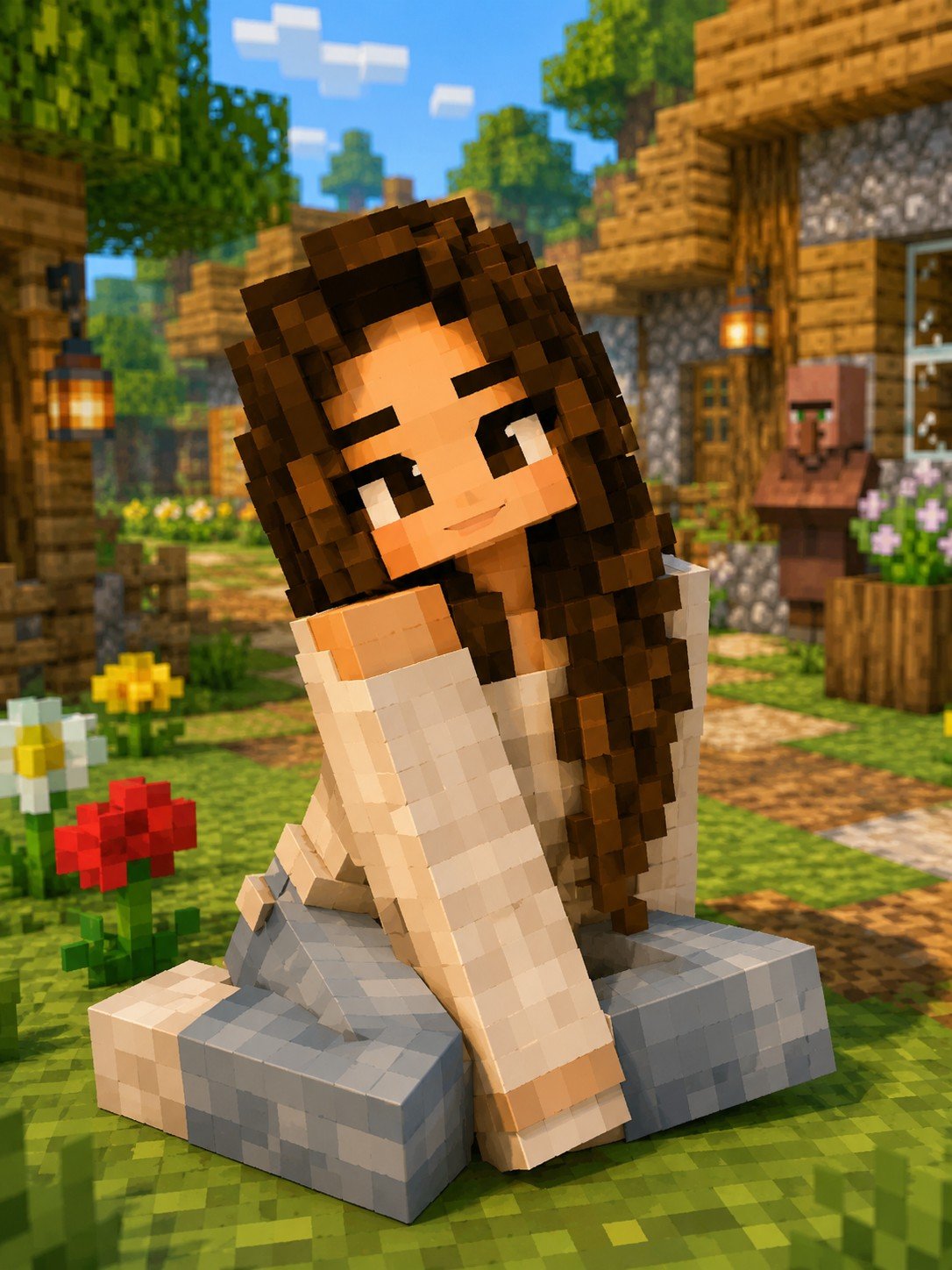
Minecraft Voxel Character Village Portrait
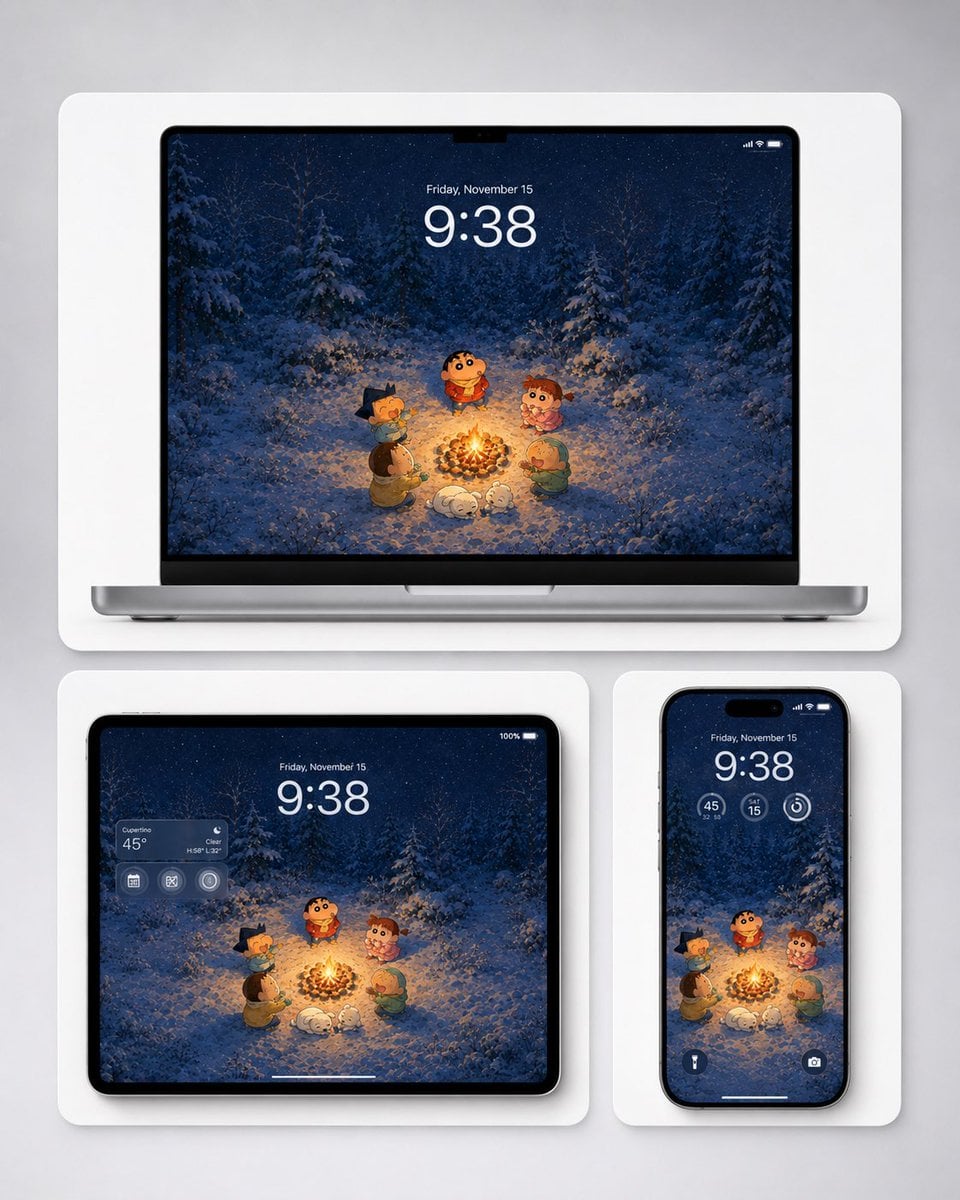
Winter Campfire Wallpaper Device Mockup
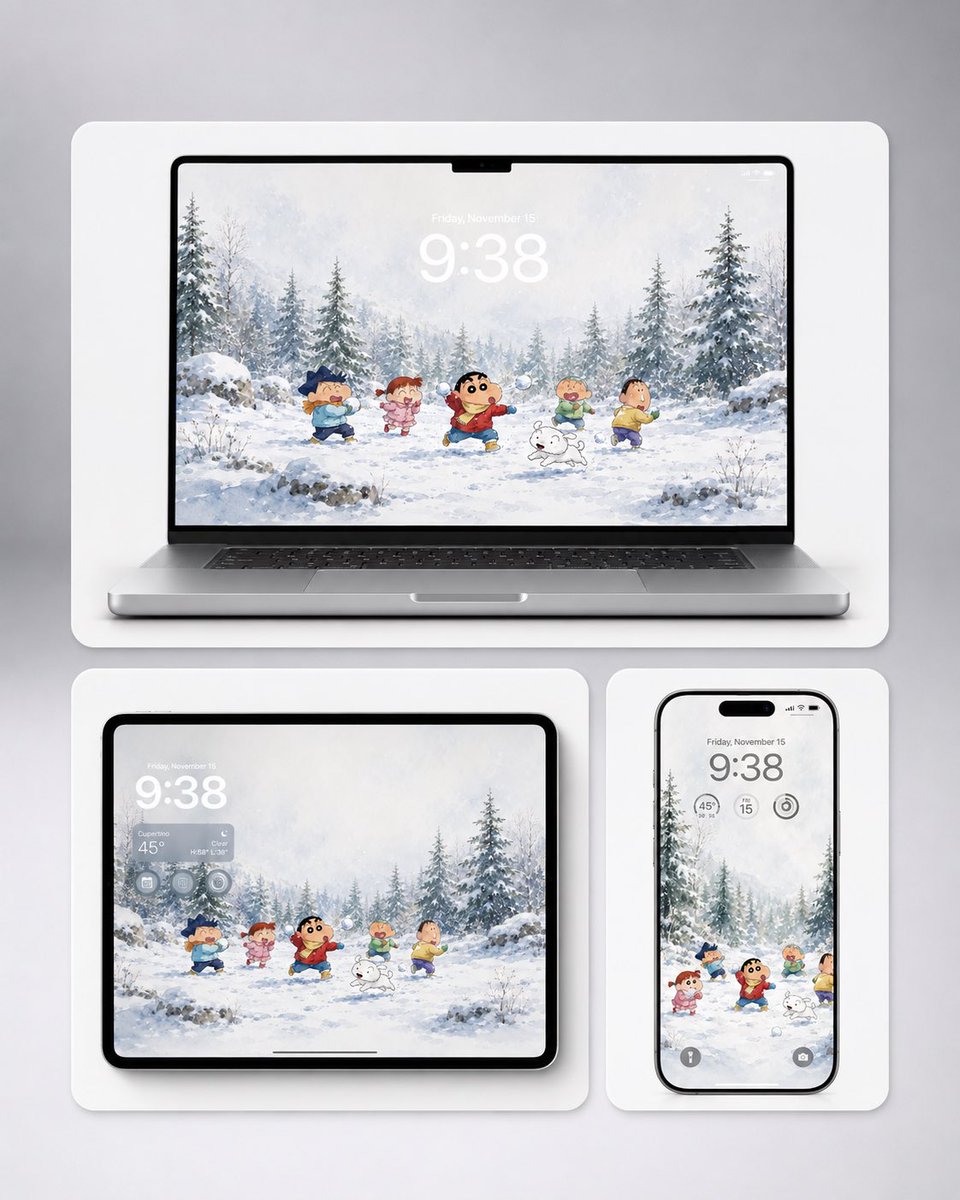
Shin-chan Winter Device Wallpaper Mockup

Indian Village Cattle Herding — Nano Banana

Winter, peace, and chocolate.
Make it yours
3D Pororo Winter Village Breaking the Fourth Wall works as-is. These are the safest ways to change it without losing the look.
Change one field
Copy a single group, rewrite it, and generate again so you can see what that field is doing.
Keep the frame, change the subject
Hold the composition and light of 3D Pororo Winter Village Breaking the Fourth Wall, then swap wardrobe, props or the person for a new take.
| If the result… | Why | Fix |
|---|---|---|
| The result drifts from the preview | Too many fields changed at once. | Reuse 3D Pororo Winter Village Breaking the Fourth Wall as-is first, then change one group — subject, light, or setting. |
| The model over-stylizes the scene | The prose prompt leaves finish and camera underspecified. | Add one camera or lighting sentence and stay on Nano Banana 2. |
More Nano Banana 2 templates
Other prompts made for Nano Banana 2.

Photorealistic Leaf Shaped Like a Dragon

K-Pop Idol Portrait Grid for Rapid Selection

Poetic Rain Forest Portrait During Golden Hour

Urban Street Portrait with Cartoon Inner Self Duo

Candid Nighttime Photo with Cat Prompt

High-Concept 3D Diorama Generation Prompt

Cinematic Futuristic Studio Portrait Template

Skincare Editorial Photography Collage Prompt

Hyper-Realistic Commercial Product Photography (Splash Effect)

Hyper-Realistic Nightclub Portrait Prompt
More image prompts
Fresh picks from across the catalog.
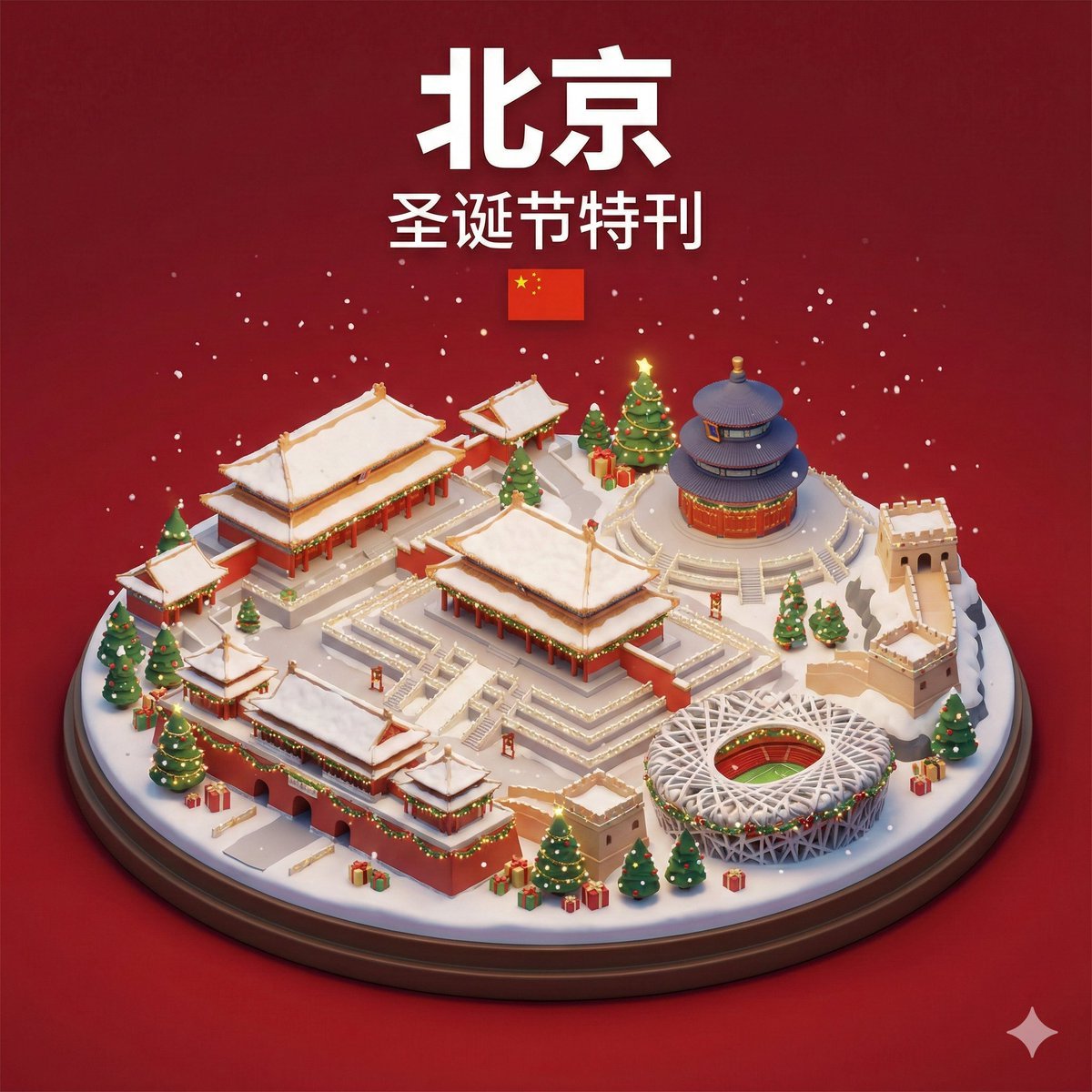
Isometric 3D Miniature City Diorama with Holiday Theme
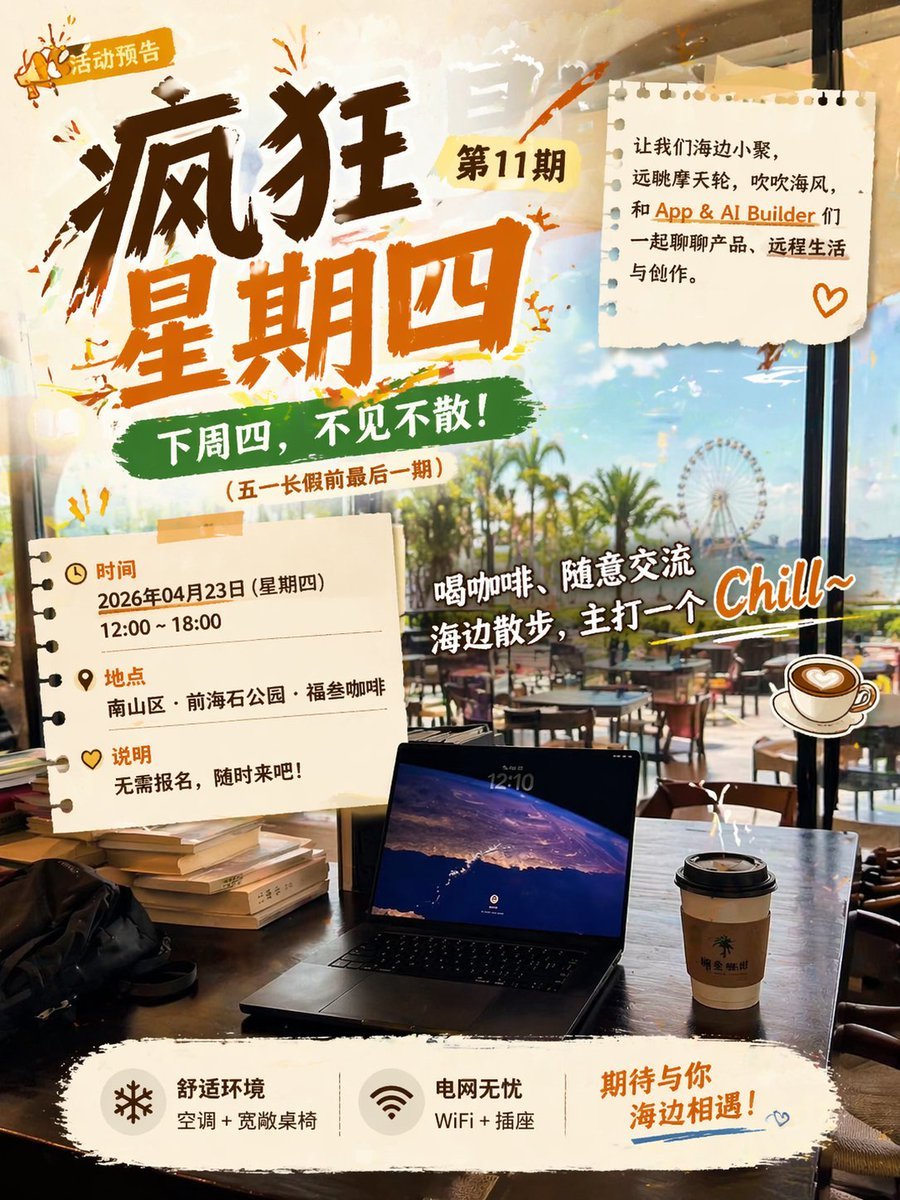
Seaside Cafe Event Poster

Luxurious New Year 2026 Portrait on a Snowy Mountain
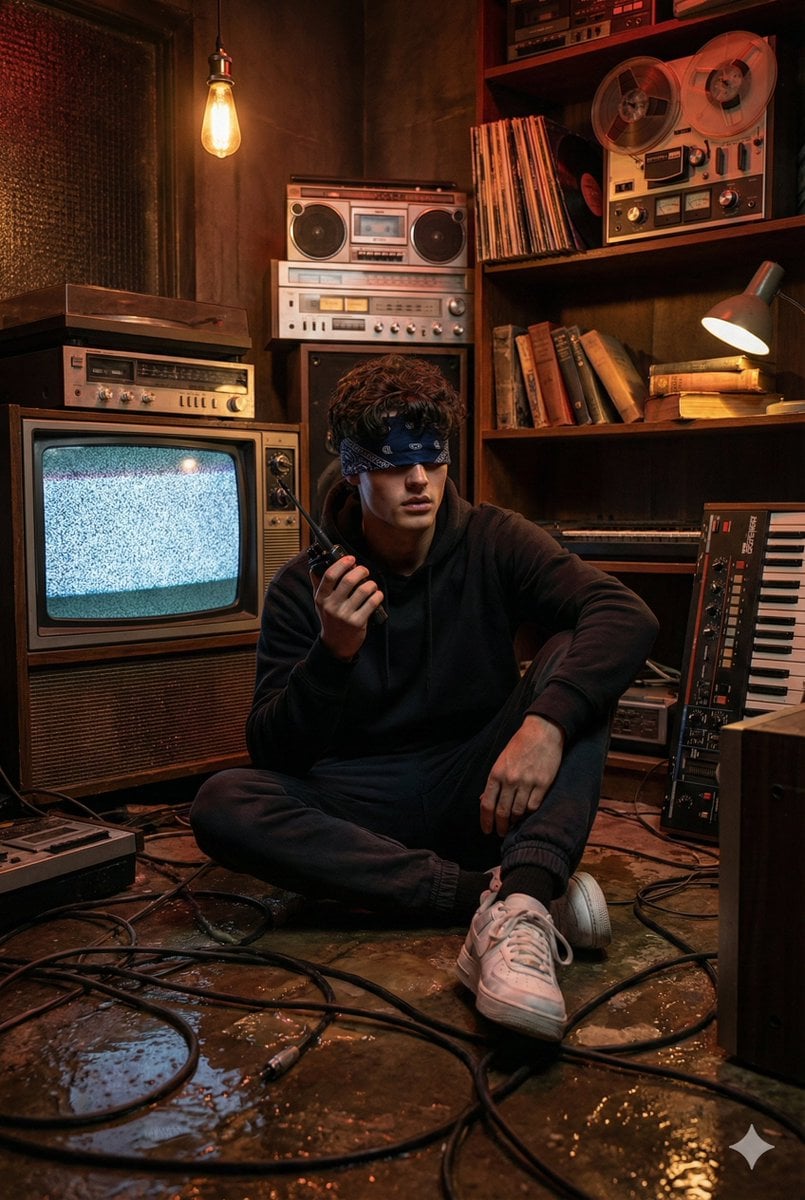
Stranger Things Inspired Cinematic Portrait
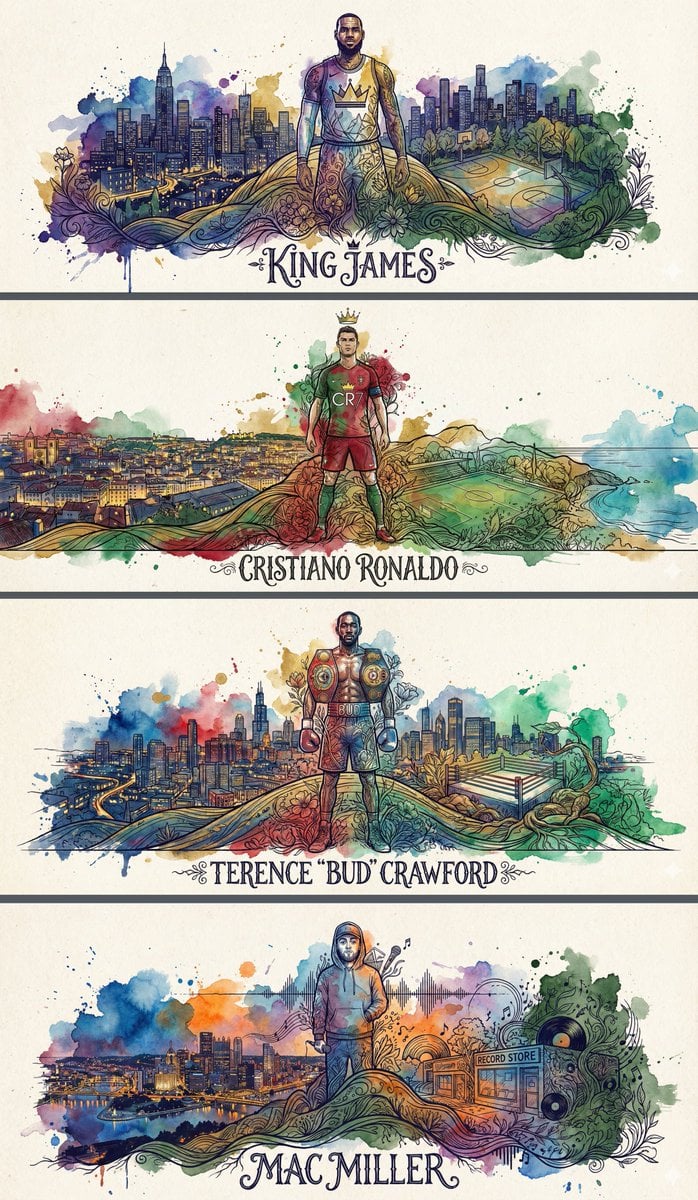
Idol Poster/Banner Generation Template

Night Paparazzi Car Editorial Prompt with Identity Lock
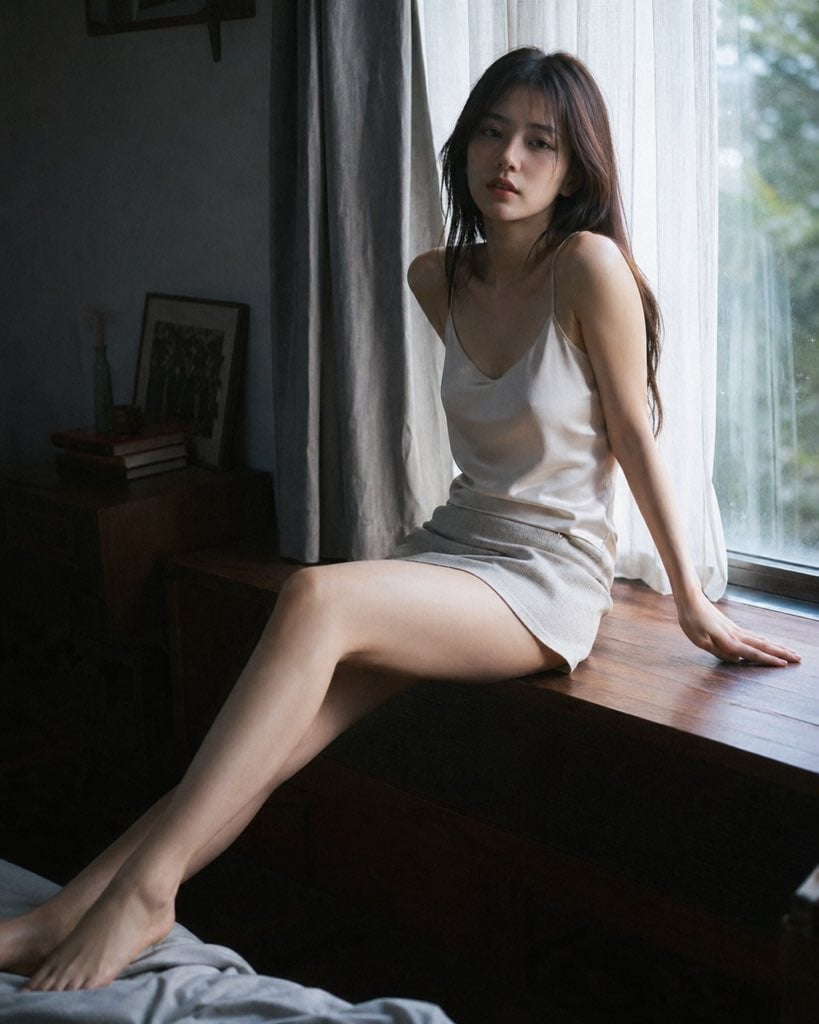
Cinematic Morning Interior Scene

16K Cinematic Portrait with Identity Lock and Yellow Hoodie
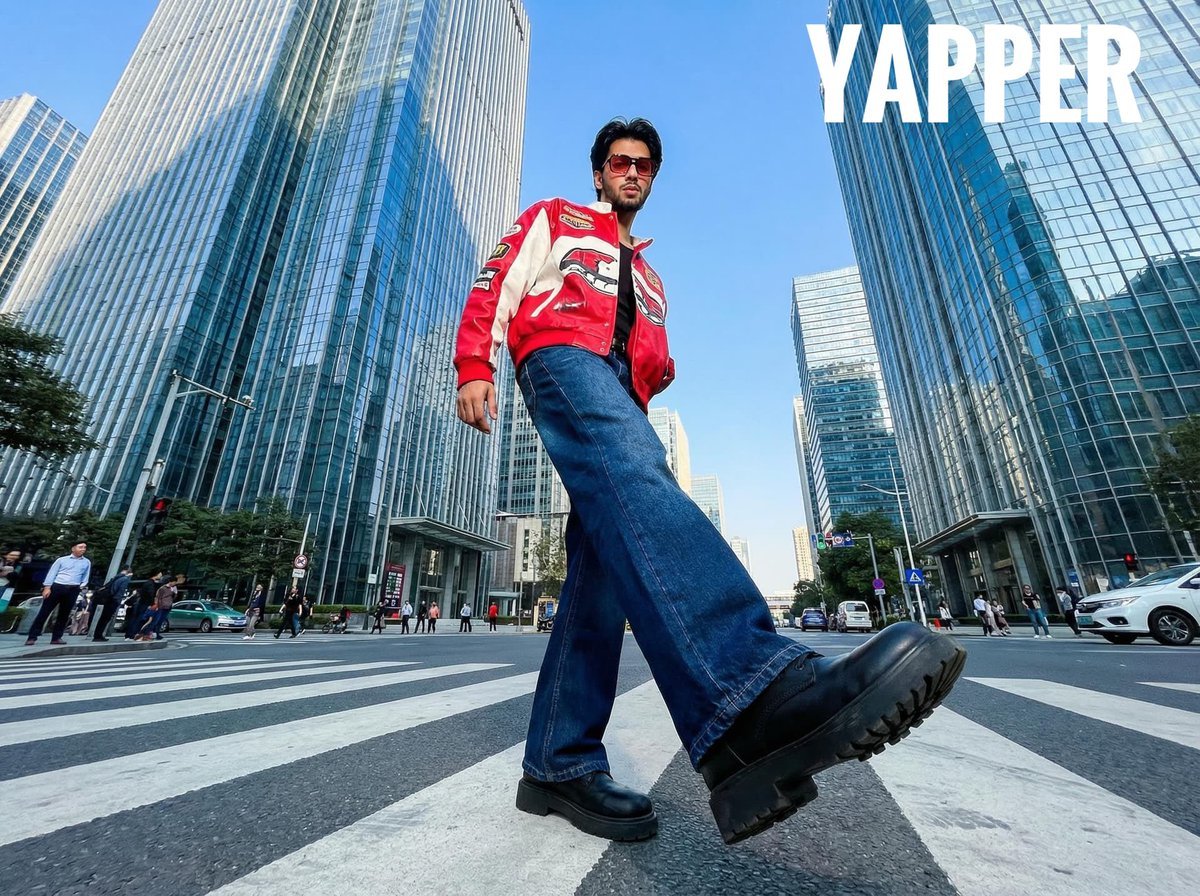
Ultra-Wide-Angle Street Fashion Photography

Soccer-Themed Motivational Poster
Browse template categories
3D Pororo Winter Village Breaking the Fourth Wall questions
How do I use the 3D Pororo Winter Village Breaking the Fourth Wall template?
Add your photo if the template asks for one, edit the prompt if you like — the template's model and format are already selected — and press Generate. Your version opens in PicX Studio.
Can I customize the 3D Pororo Winter Village Breaking the Fourth Wall template?
Yes. You can change the subject, setting, lighting, mood, format, and available model controls before creating your image.
Is the 3D Pororo Winter Village Breaking the Fourth Wall template free?
Opening and editing this template is free. Generating uses credits, shown on the Generate button when you are signed in.
Which AI model should I use?
Start with Nano Banana 2, which is the model associated with this template. You can compare another compatible model for a different finish.
Looking for something else? Browse all templates.

Your photo, any look
Thousands of ready templates for every top image and video model, from one credit balance.