
Winter, peace, and chocolate.
Winter, peace, and chocolate. is a ready photo look.
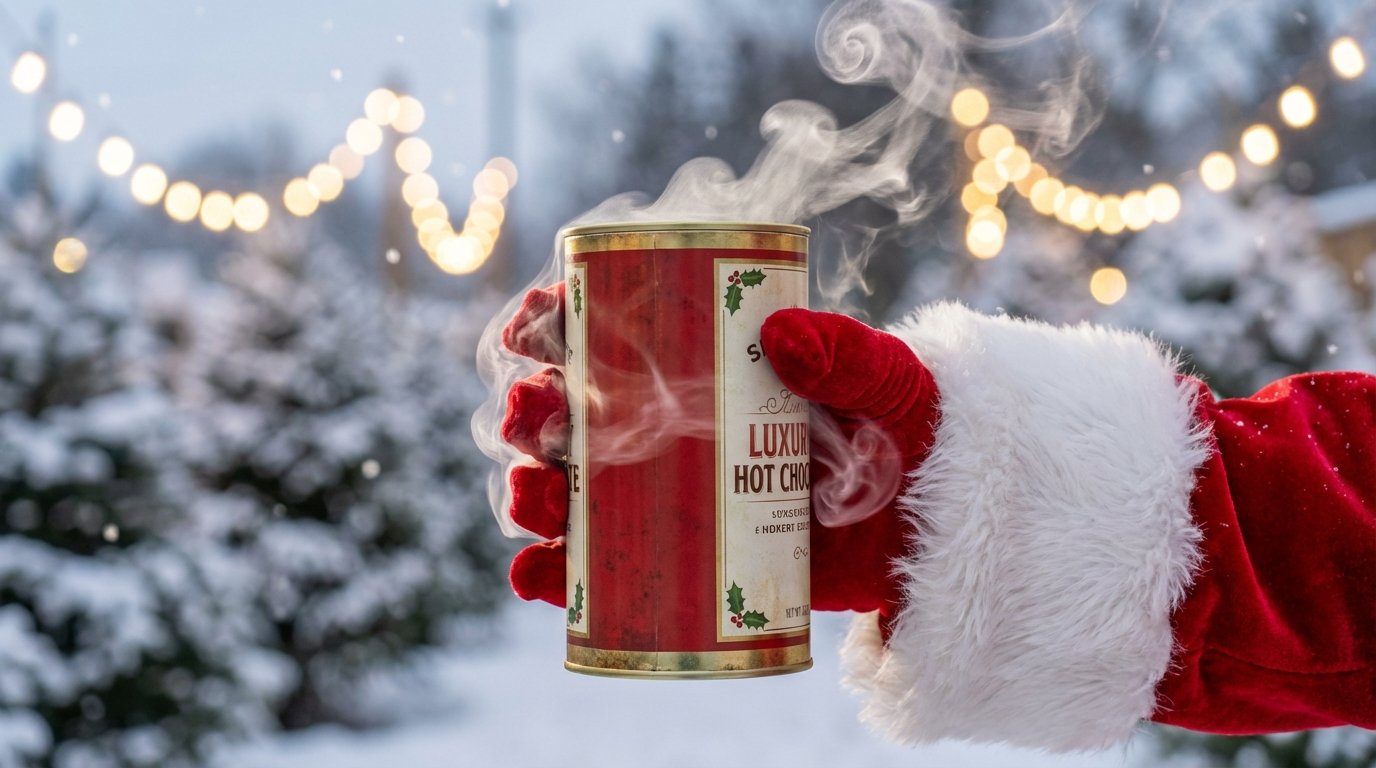
- Prompt included
- Model and format preset
- Free template
The prompt behind this image
Copy the exact prompt behind Winter, peace, and chocolate., or open it in the studio and make it yours.
A close-up product photography shot. A gloved hand belonging to Santa Claus, wearing a red velvet glove with white fur trim (exactly like the reference in), holds a premium tin jar of hot chocolate. The brand name is clearly visible on the tin. Wisps of steam rise gently from around the lid of the tin. The background is a completely blurred (bokeh) scene of snow-covered Christmas trees and twinkling warm golden fairy lights. Focus is sharp on the hand and the product. Cold daylight feel.
How to use Winter, peace, and chocolate. in 3 steps
- 1
Open
The prompt is already in the box next to the preview, with the template's model and format selected.
- 2…a portrait of your subject in softgolden-hour light, 85mm…
Personalize
Edit the subject and creative details for your destination.
- 3Generate
Generate
Press Generate — your image is created in PicX Studio, so you can compare it with the original and refine one variable at a time.
More like this
Templates with the same subject, style or setup. Open one to see its prompt.
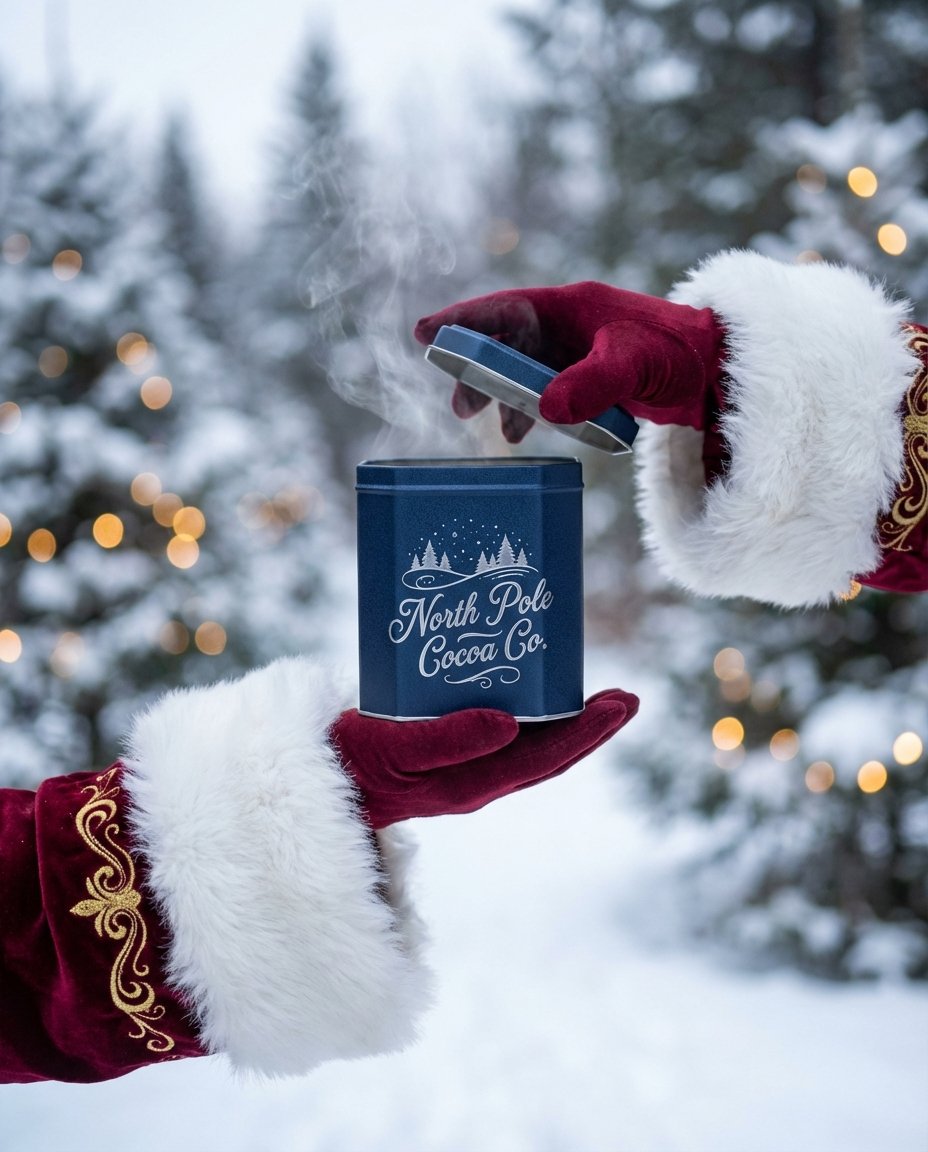
The sweetest feeling of winter.

Frozen Street Luxe Graffiti Fashion Campaign

Photoreal Snow Biome Name Tag UI

Minecraft You Died Winter Death Screen
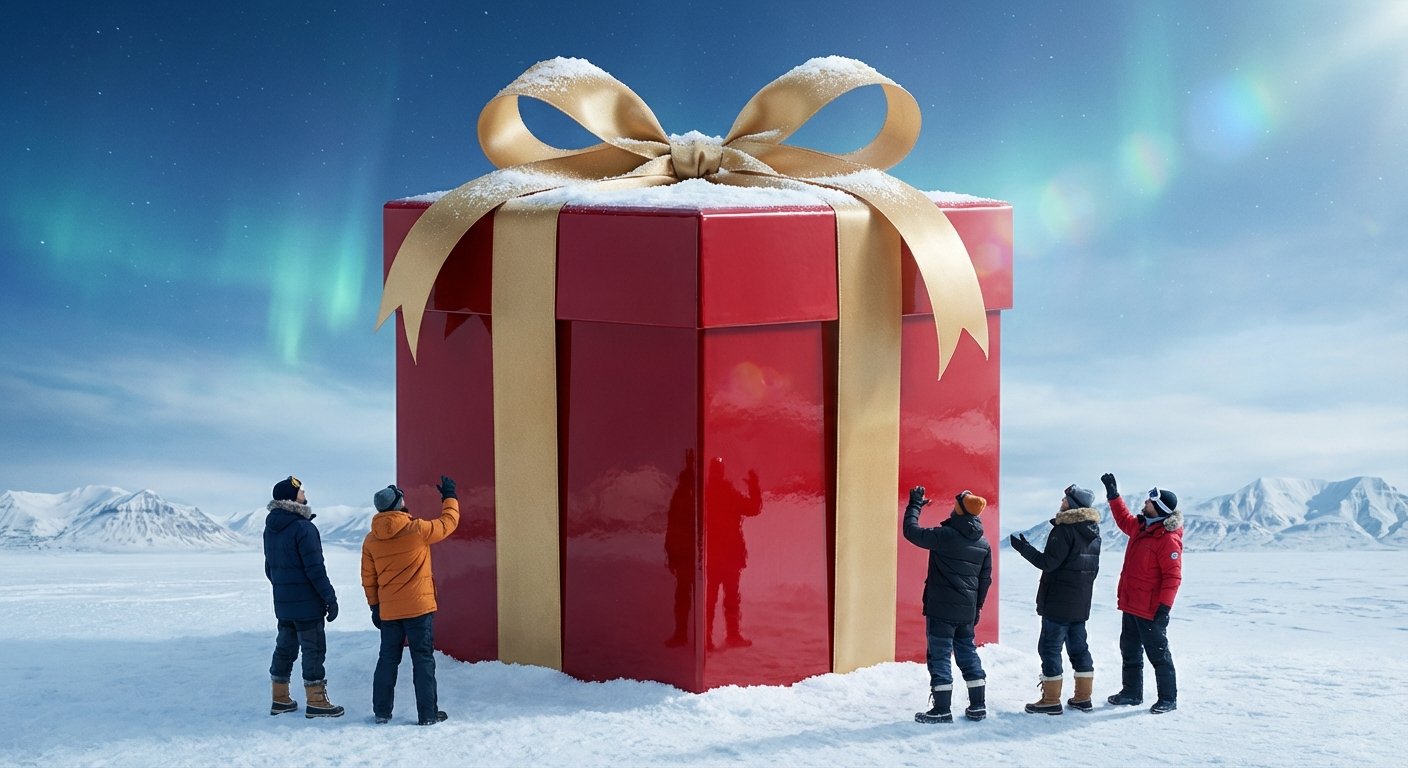
The biggest surprise of the year!
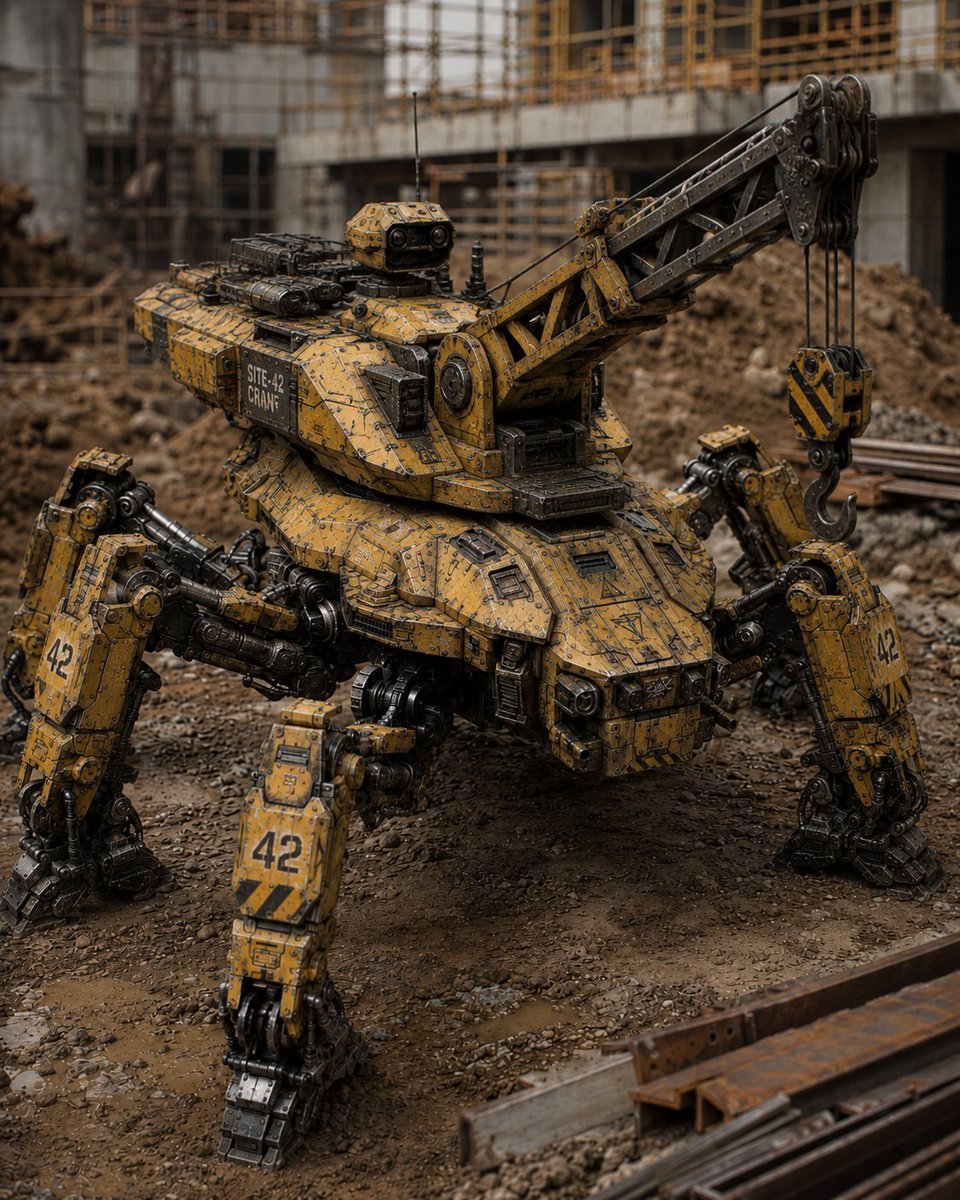
Peaceful Multi-Legged Construction Machine
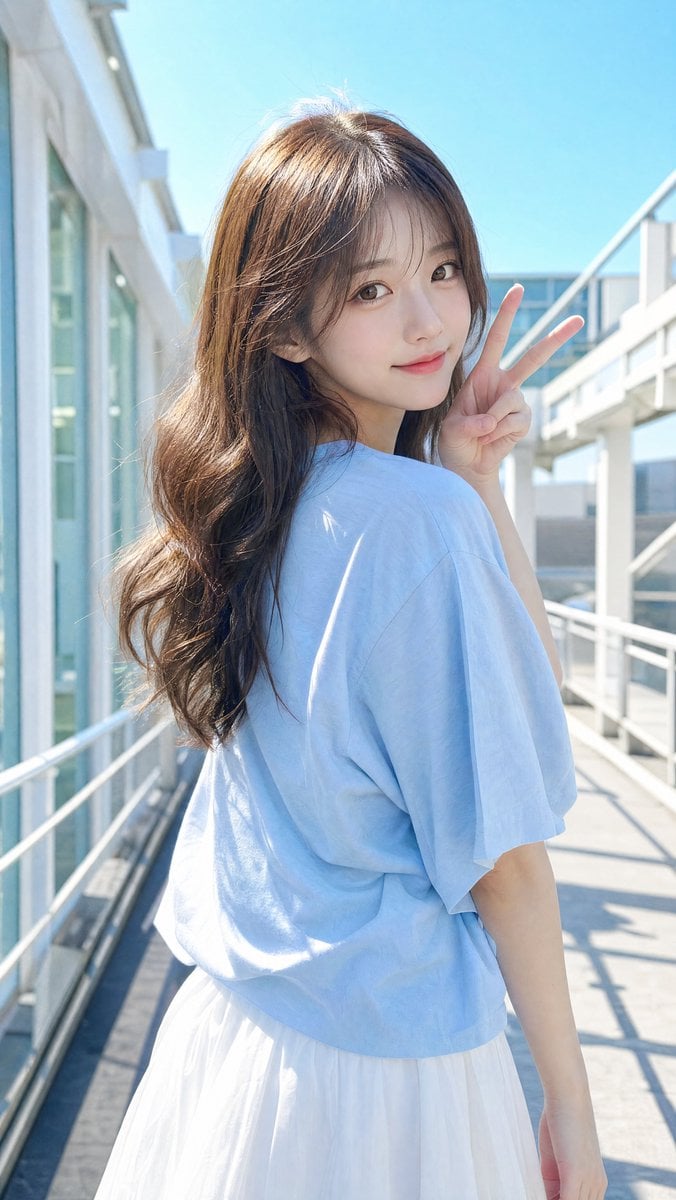
East Asian Woman Making Peace Sign
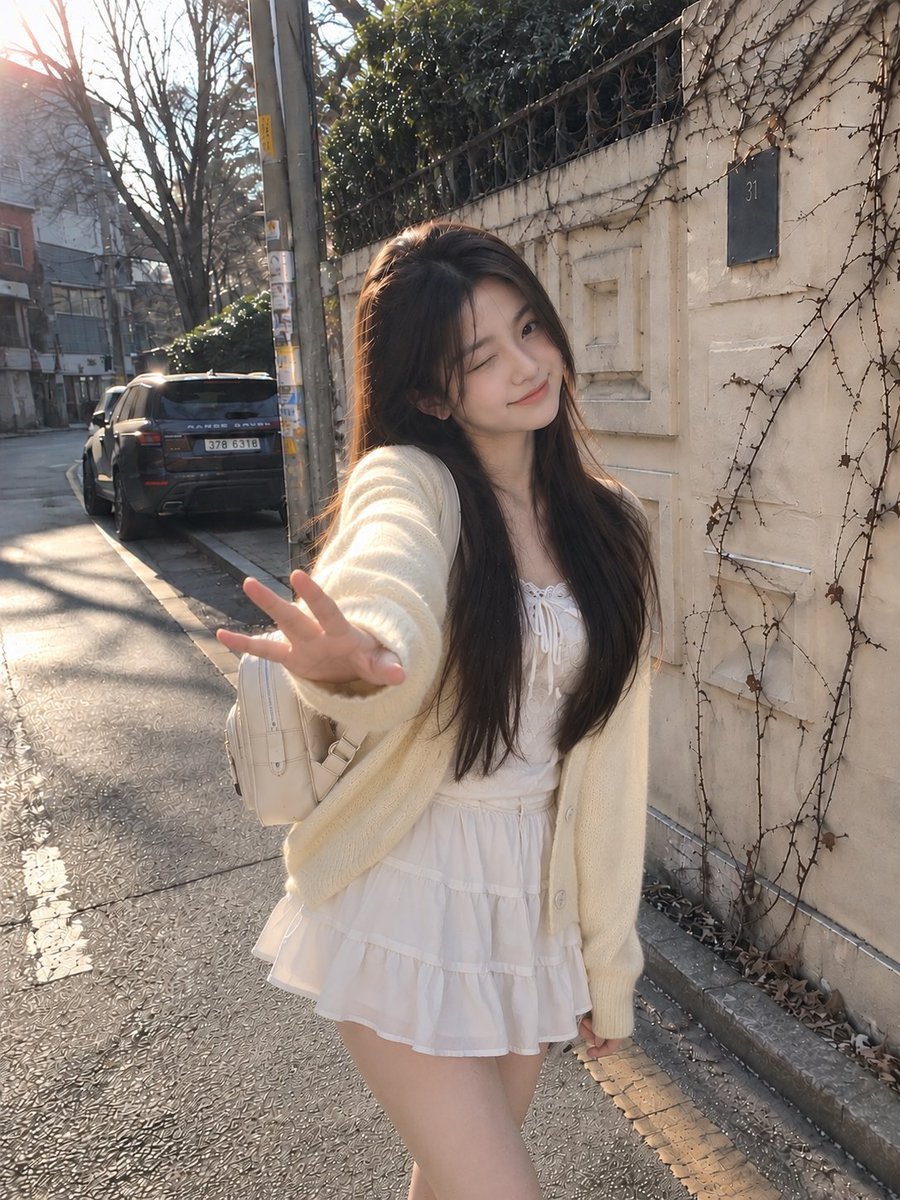
Candid Winter Smartphone Portrait
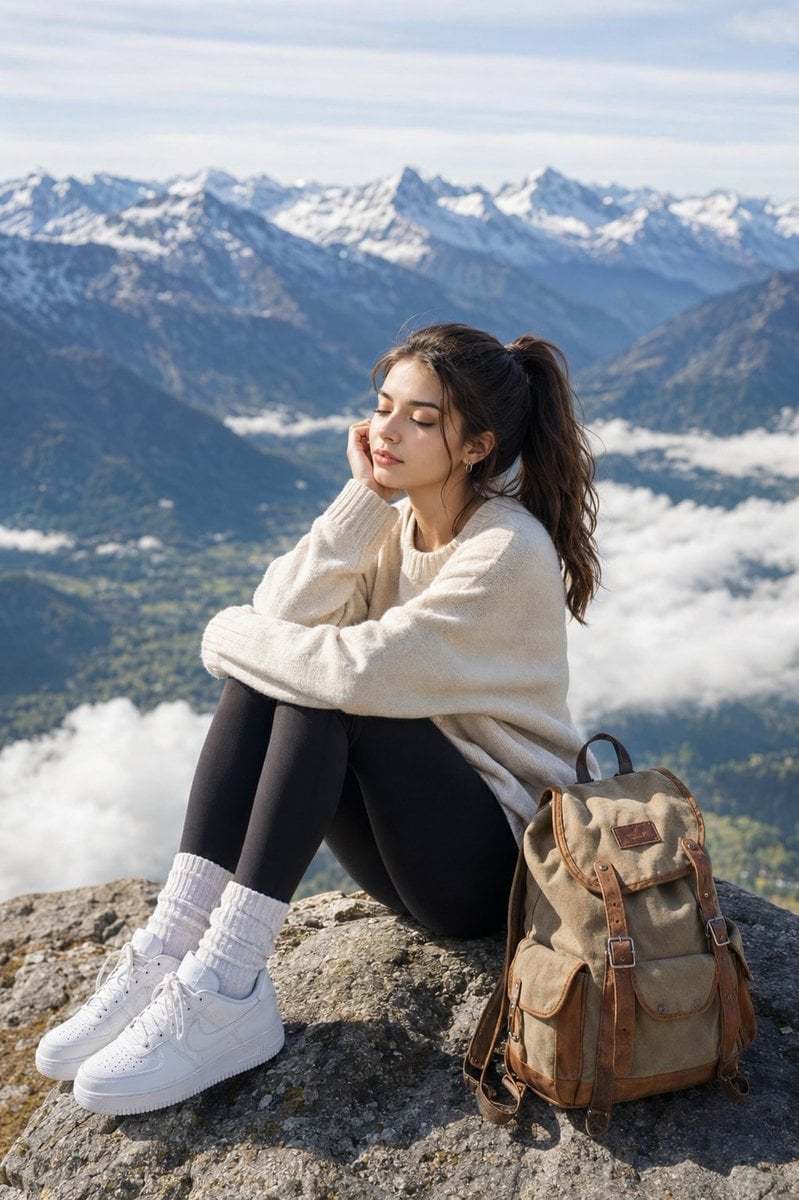
Peaceful Alpine Mountain Peak Portrait

Thick molten chocolate splashes wrapping around the package
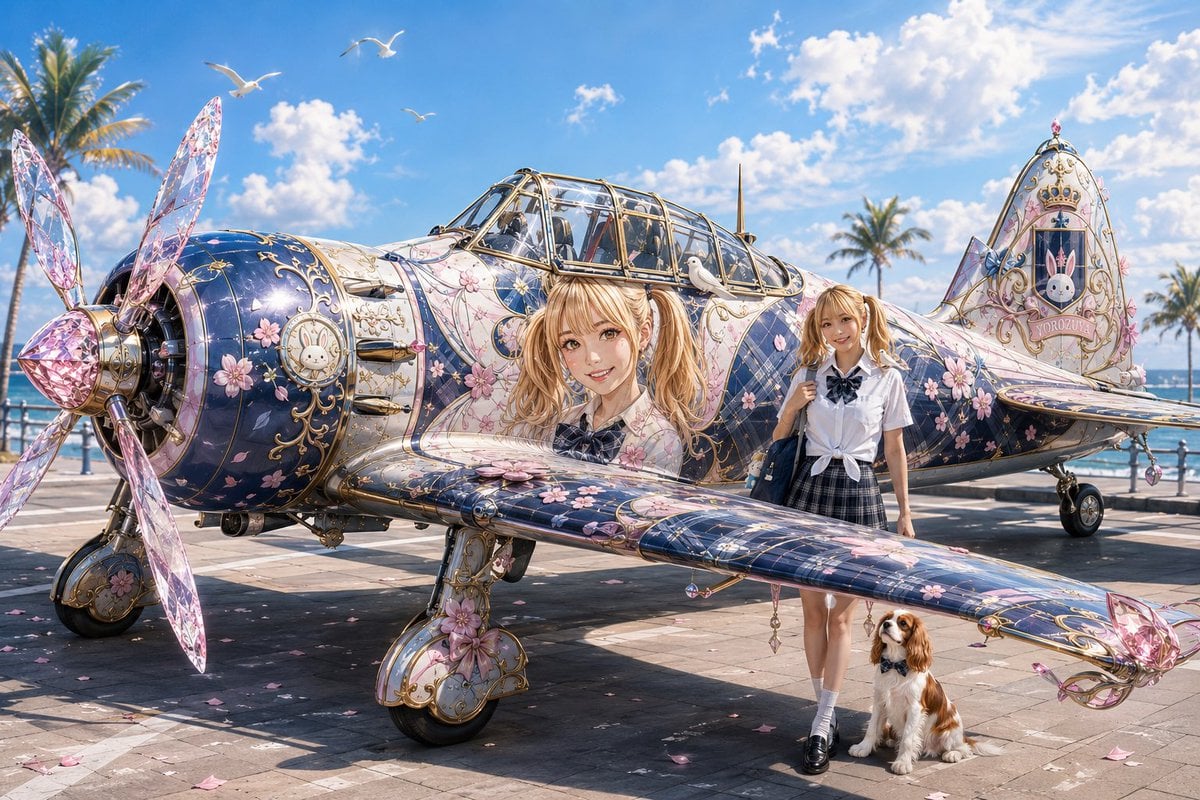
Colorful Peace-Themed Fighter Plane Wrap
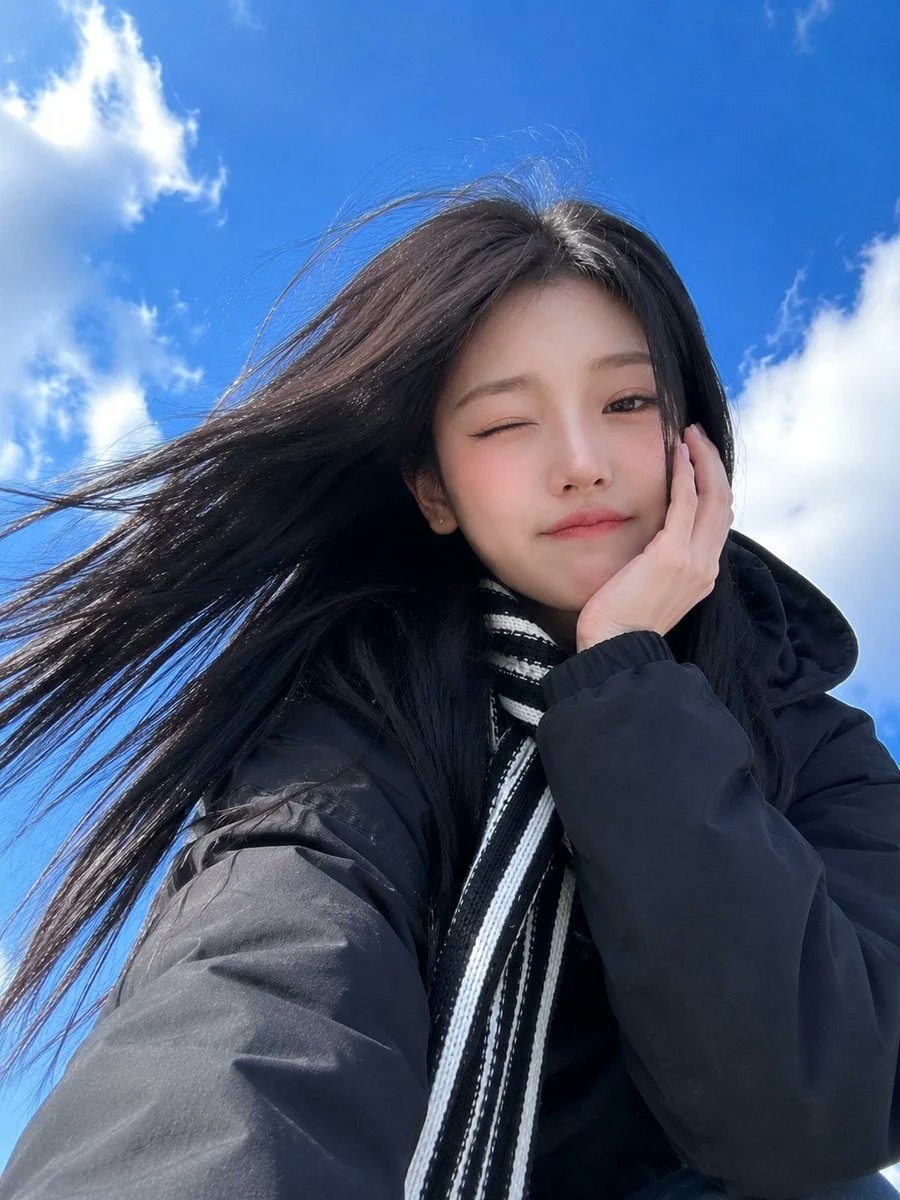
Low-Angle Winter Scarf Selfie
Make it yours
Winter, peace, and chocolate. works as-is. These are the safest ways to change it without losing the look.
Change one field
Copy a single group, rewrite it, and generate again so you can see what that field is doing.
Keep the frame, change the subject
Hold the composition and light of Winter, peace, and chocolate., then swap wardrobe, props or the person for a new take.
| If the result… | Why | Fix |
|---|---|---|
| The result drifts from the preview | Too many fields changed at once. | Reuse Winter, peace, and chocolate. as-is first, then change one group — subject, light, or setting. |
| The model over-stylizes the scene | The prose prompt leaves finish and camera underspecified. | Add one camera or lighting sentence and stay on PicX Studio. |
More image prompts
Fresh picks from across the catalog.
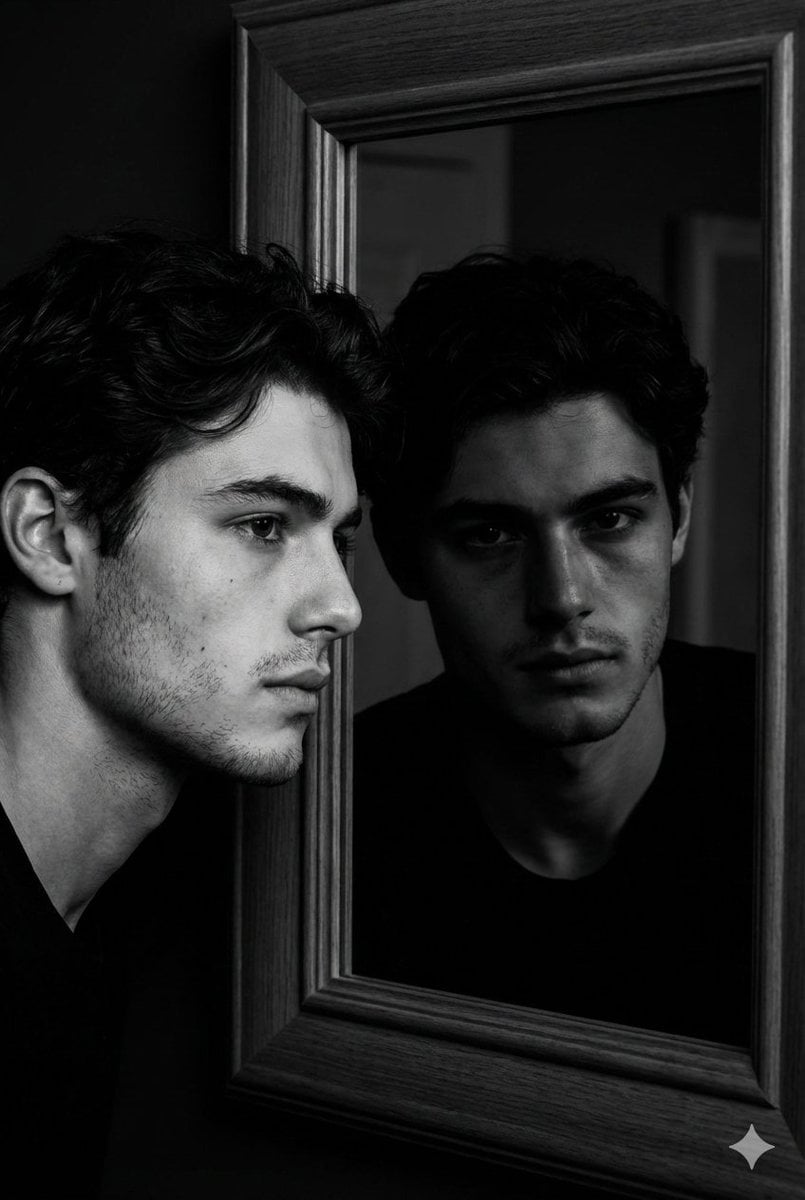
Noir Mirror Reflection Portrait

First-Person Perspective Christmas Gift Delivery with Character Model
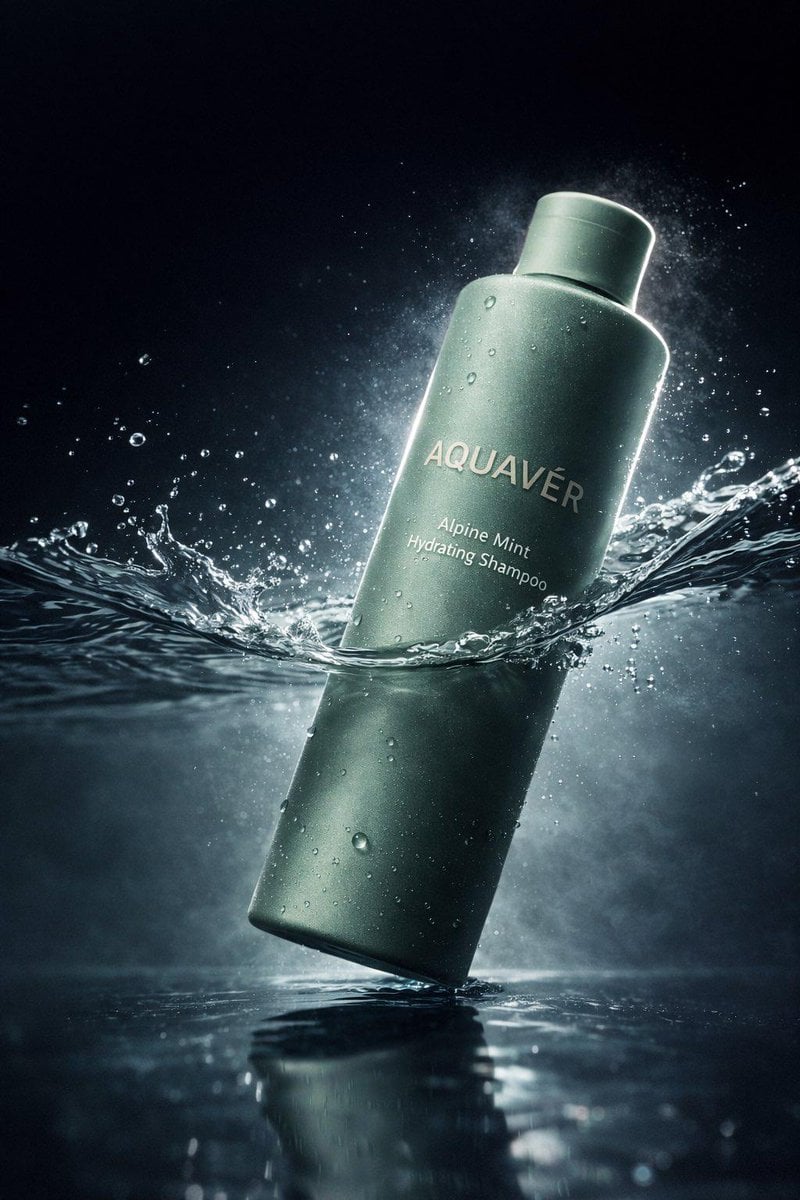
Luxury Shampoo Bottle Splash Commercial
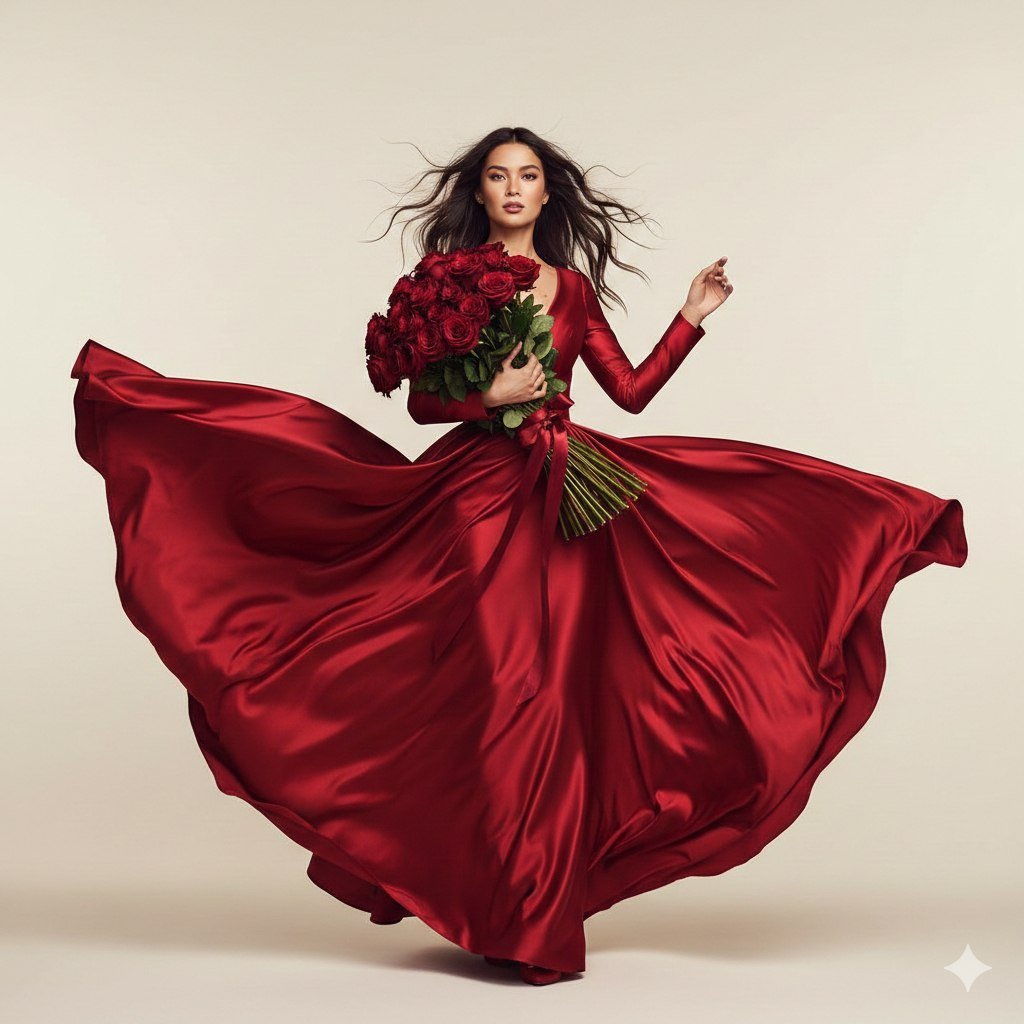
Dual Valentine's Day Fashion and Product Prompts
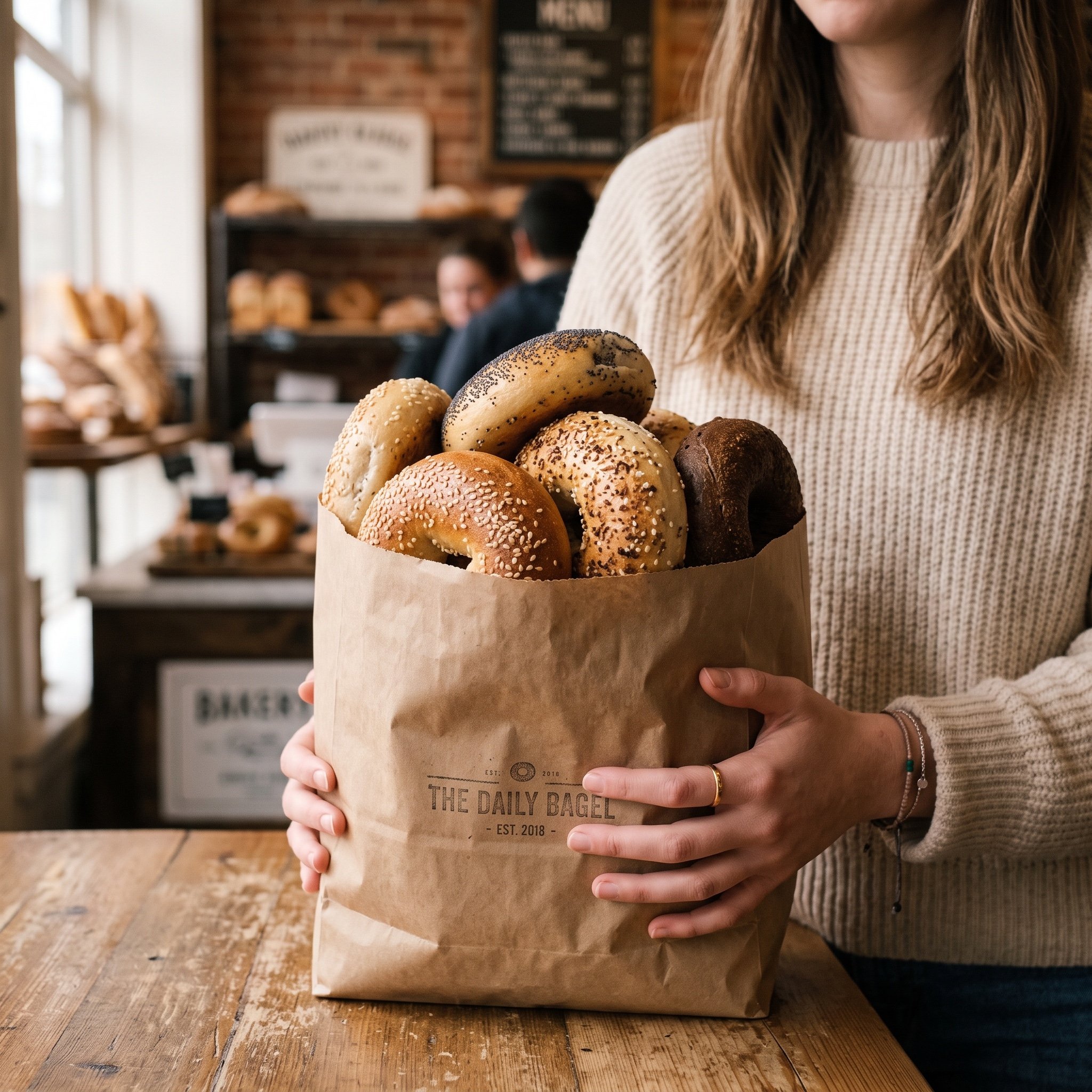
Image Generation Prompt: Purchased Items
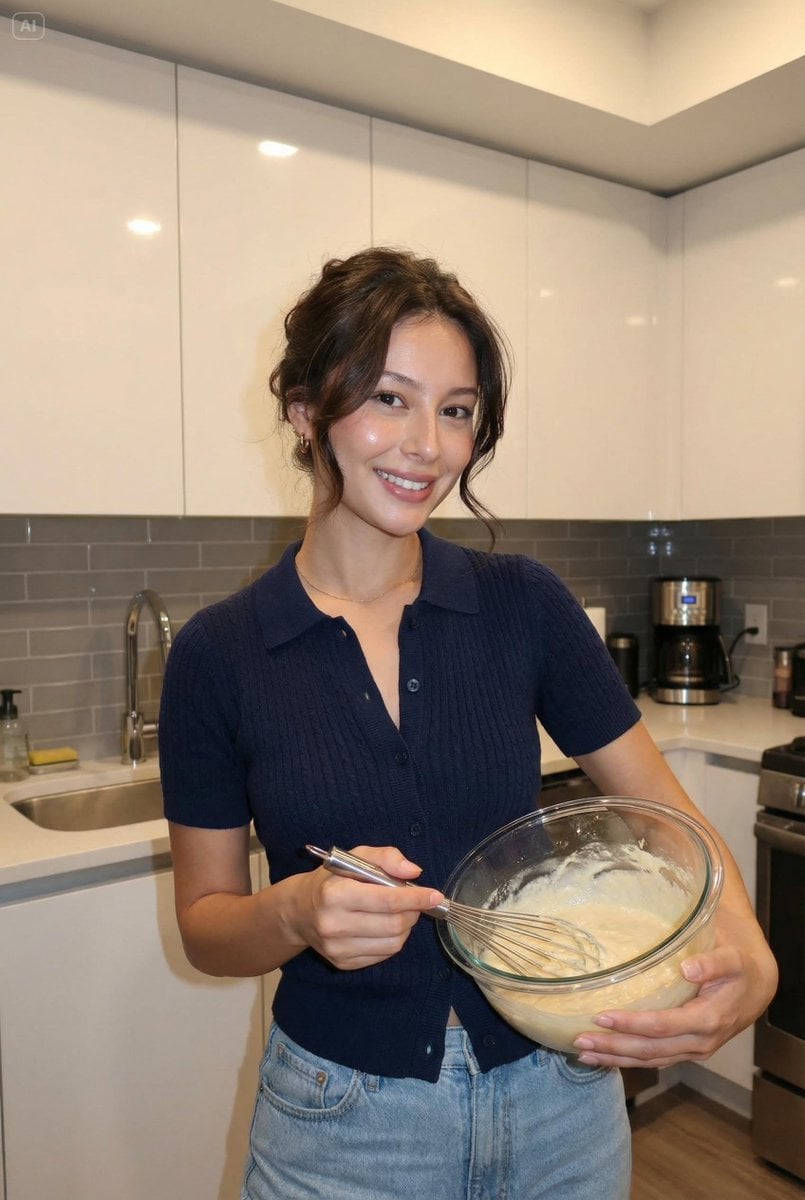
Reference-matched woman portrait JSON prompt
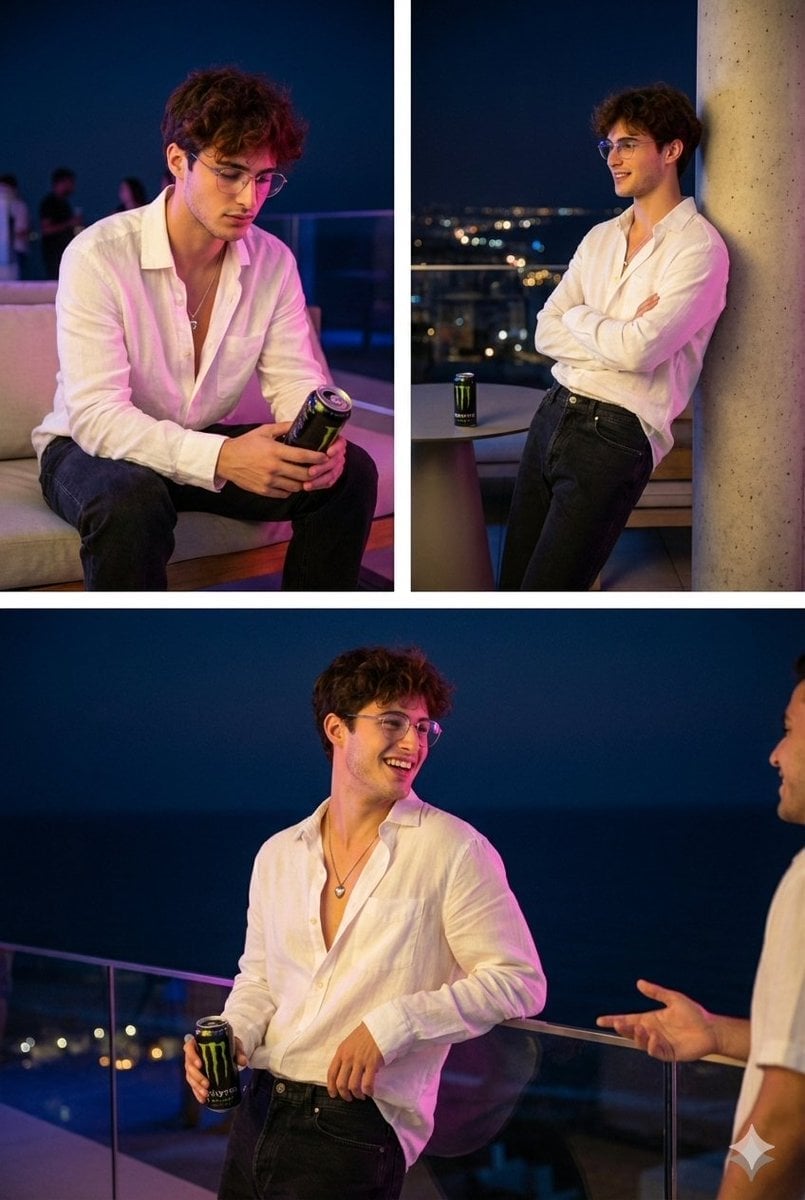
Nighttime Roof Terrace Party Portrait Prompt
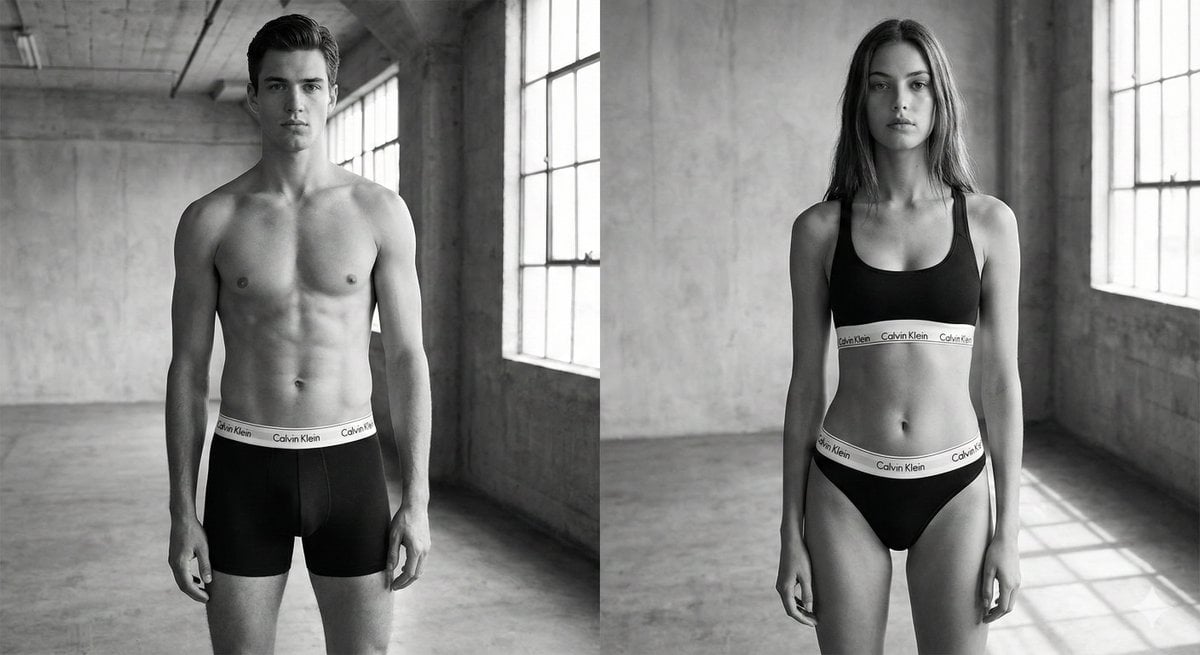
Black and White Brand Marketing Photography

Pixar-Style Chibi Character Prompt
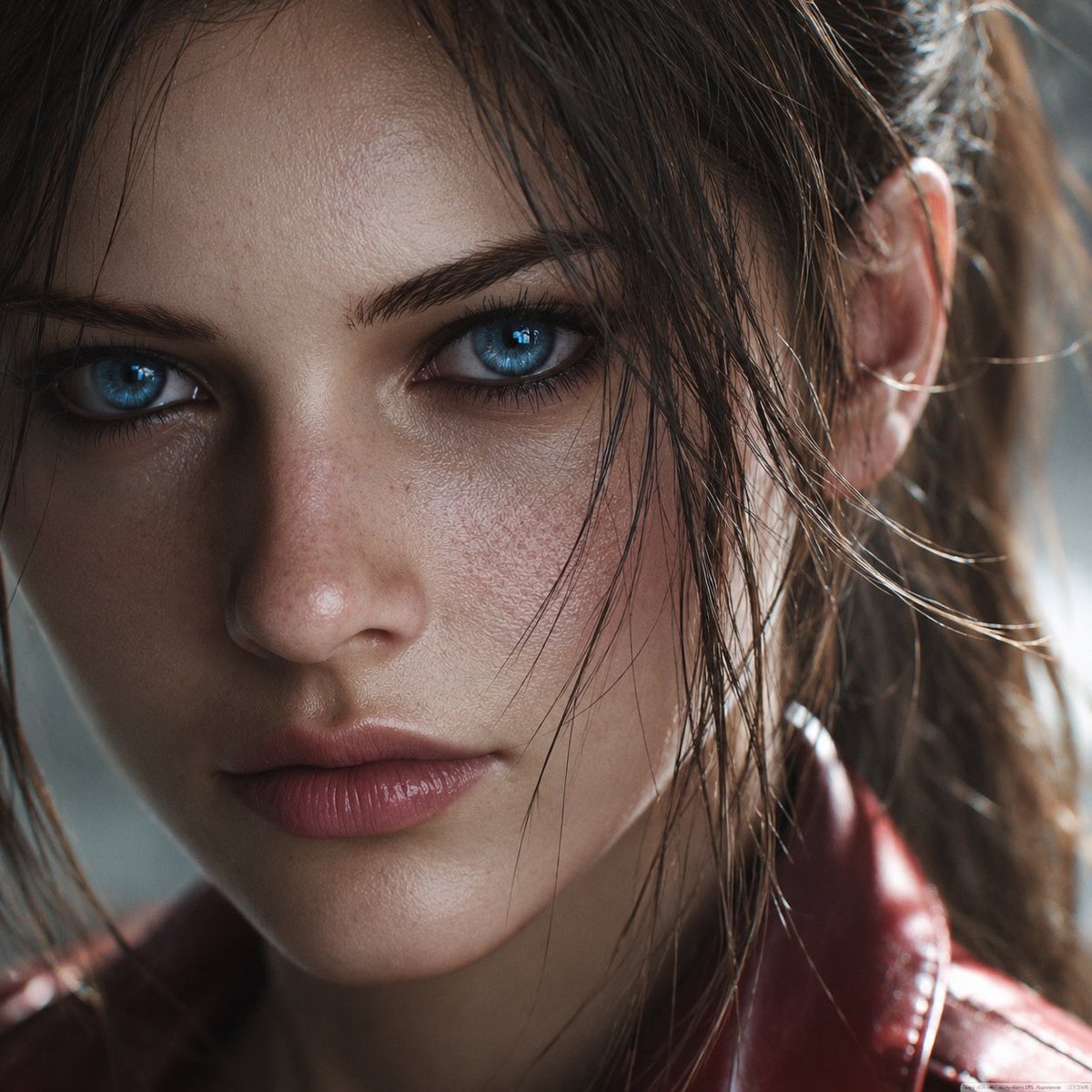
Photoreal Claire Face Restoration
Browse template categories
Winter, peace, and chocolate. questions
How do I use the Winter, peace, and chocolate. template?
Add your photo if the template asks for one, edit the prompt if you like — the template's model and format are already selected — and press Generate. Your version opens in PicX Studio.
Can I customize the Winter, peace, and chocolate. template?
Yes. You can change the subject, setting, lighting, mood, format, and available model controls before creating your image.
Is the Winter, peace, and chocolate. template free?
Opening and editing this template is free. Generating uses credits, shown on the Generate button when you are signed in.
Which AI model should I use?
Choose a compatible model in PicX Studio based on the style, speed, and output controls your project needs.
Looking for something else? Browse all templates.

Your photo, any look
Thousands of ready templates for every top image and video model, from one credit balance.