
The biggest surprise of the year!
The biggest surprise of the year! is a ready photo look.
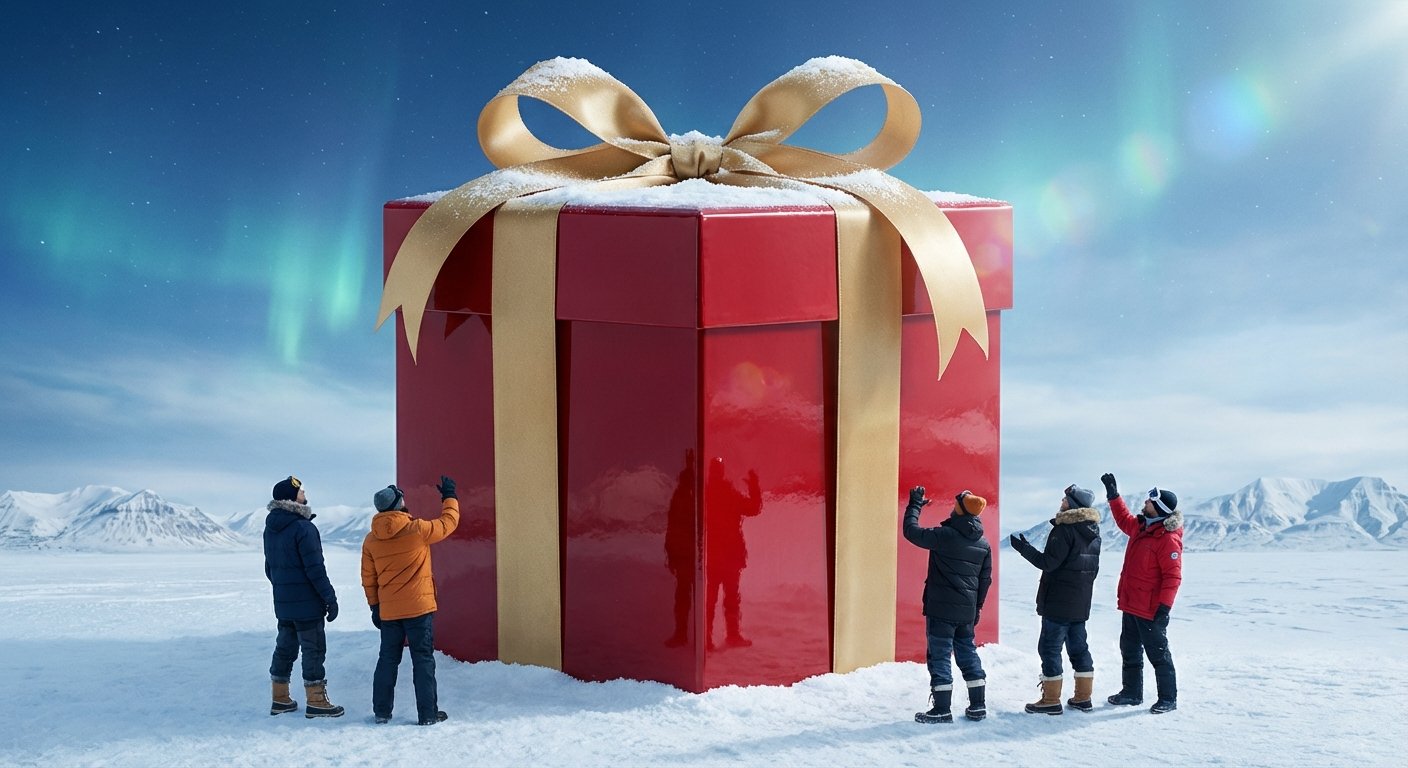
- Prompt included
- Model and format preset
- Free template
The prompt behind this image
Copy the exact prompt behind The biggest surprise of the year!, or open it in the studio and make it yours.
A photorealistic CGI product shot. A colossal, glossy red gift box tied with a shimmering gold ribbon stands like a monument in the center of a vast, frozen, snow-covered landscape. The box is so huge that four miniature human figures in winter gear standing at its base look tiny, looking up in awe. A light dusting of snow is on top of the box. The background features towering snow-capped mountains and a frozen lake under a cold, blue sky with faint green and blue Aurora Borealis lights. Cinematic lighting, magical atmosphere, 8k resolution.
How to use The biggest surprise of the year! in 3 steps
- 1
Open
The prompt is already in the box next to the preview, with the template's model and format selected.
- 2…a portrait of your subject in softgolden-hour light, 85mm…
Personalize
Edit the subject and creative details for your destination.
- 3Generate
Generate
Press Generate — your image is created in PicX Studio, so you can compare it with the original and refine one variable at a time.
More like this
Templates with the same subject, style or setup. Open one to see its prompt.
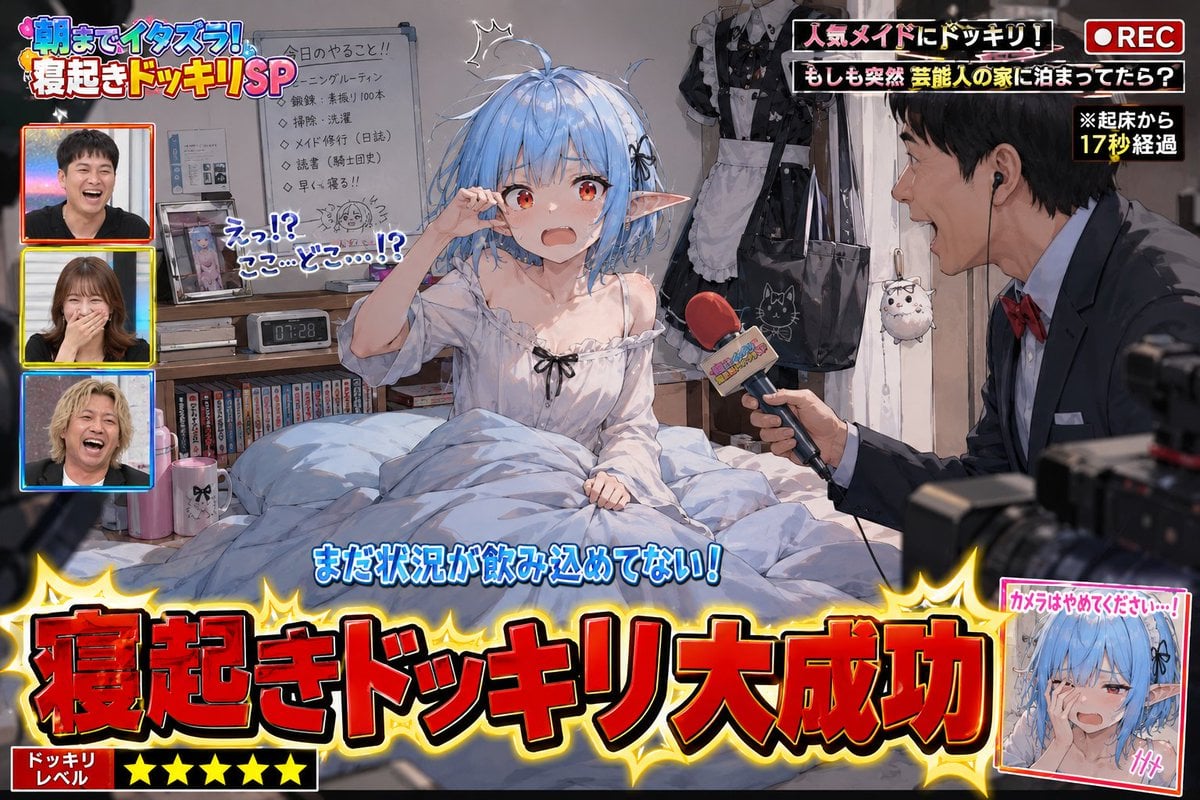
Variety Show Surprise Prank Anime Screenshot
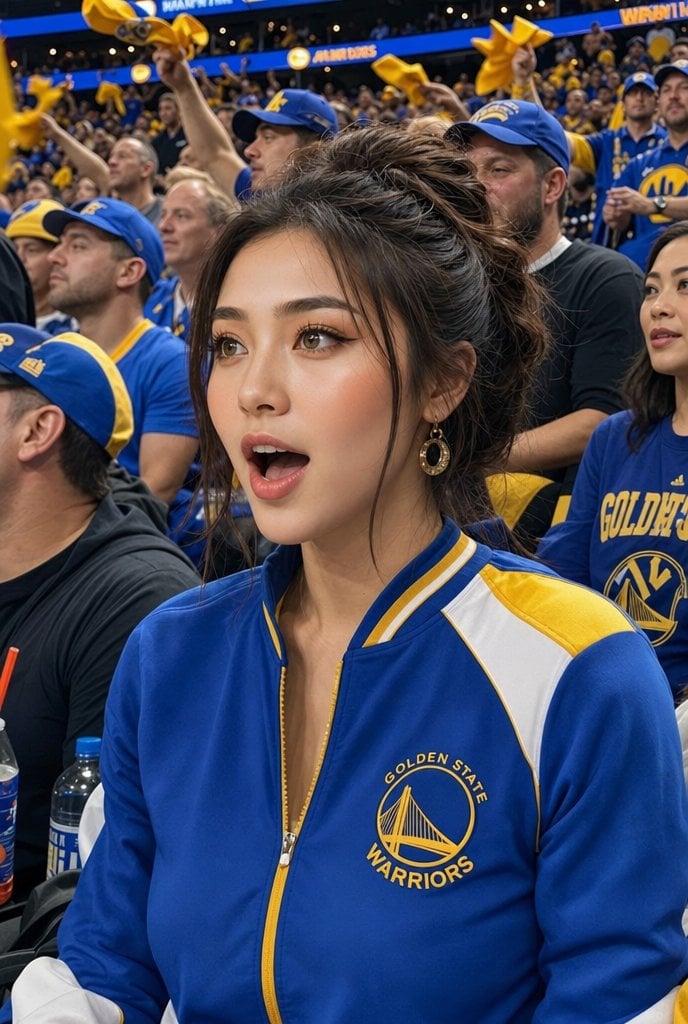
Warriors Fan Surprised Courtside Portrait
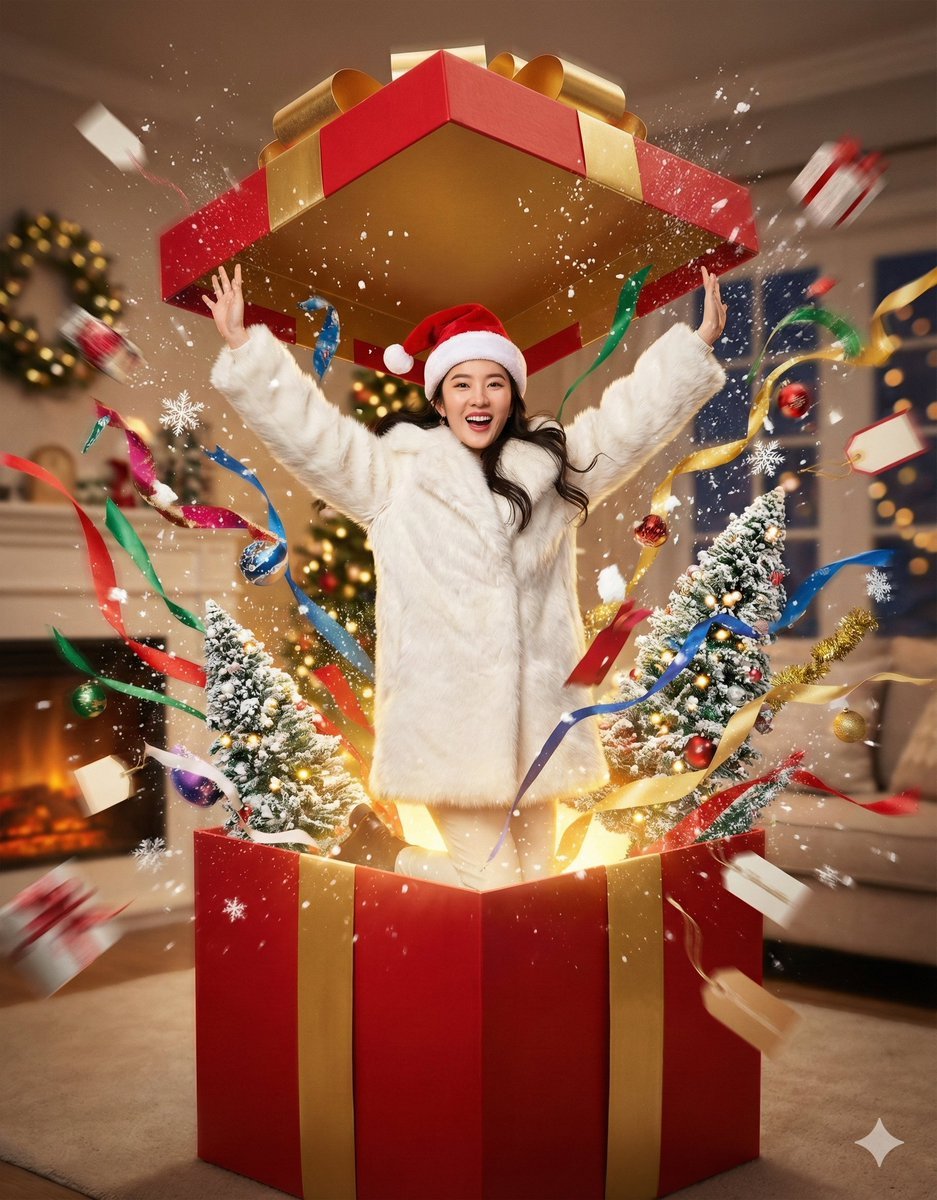
Christmas Surprise Box Dynamic Action Shot
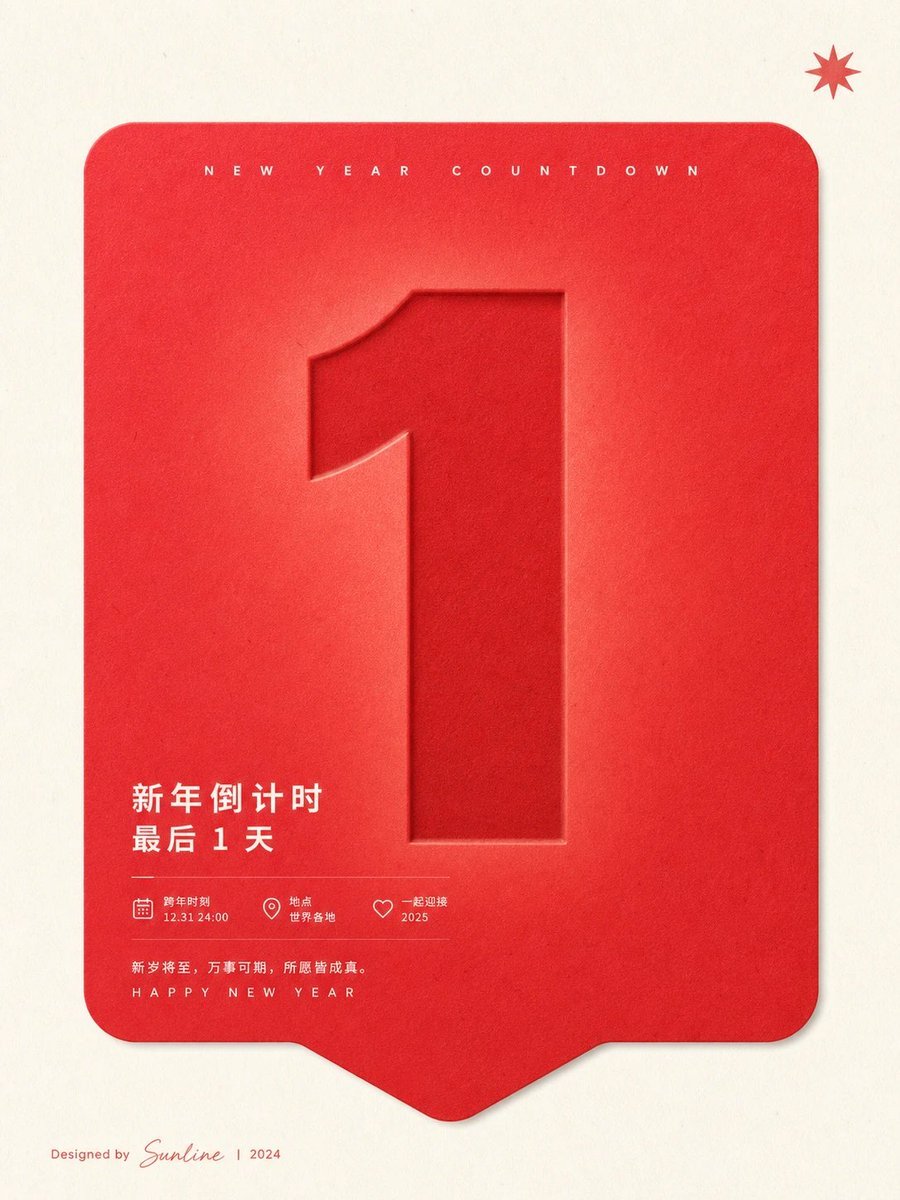
Red New Year Countdown Poster

Nike Dragon of the Year Campaign
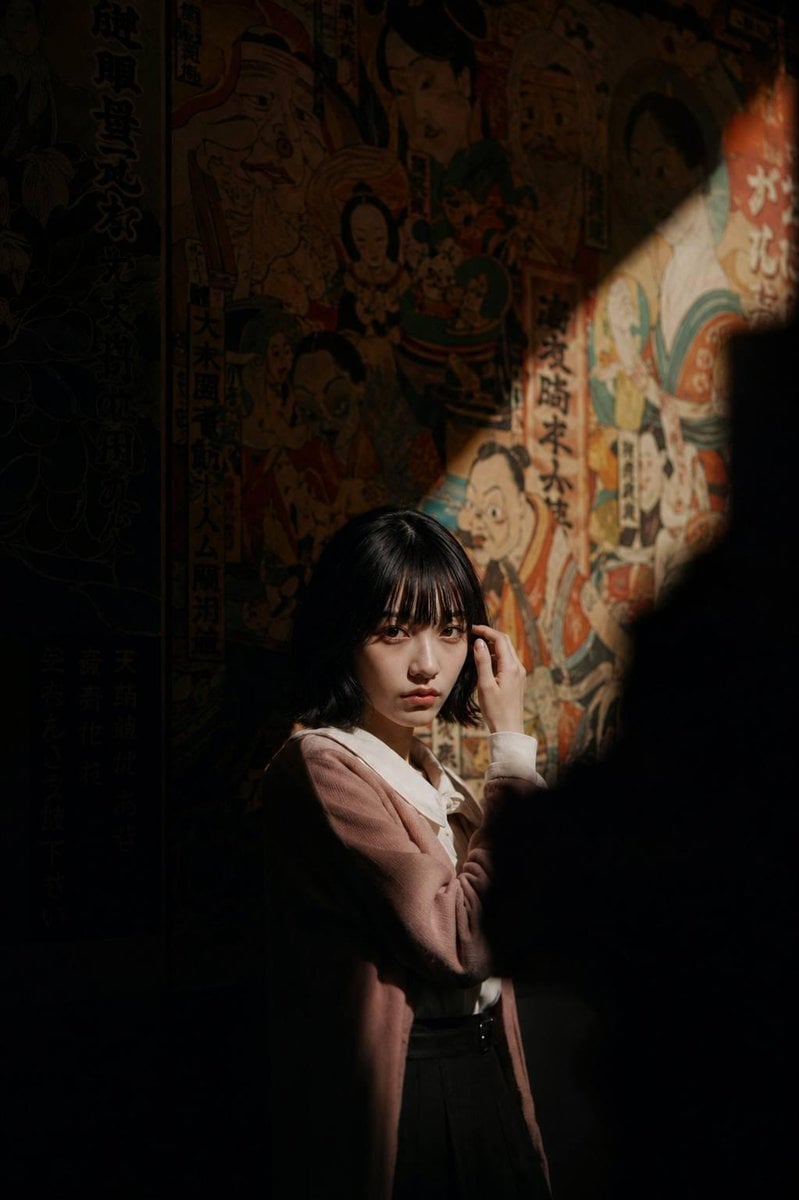
Anime Monorail Sunset
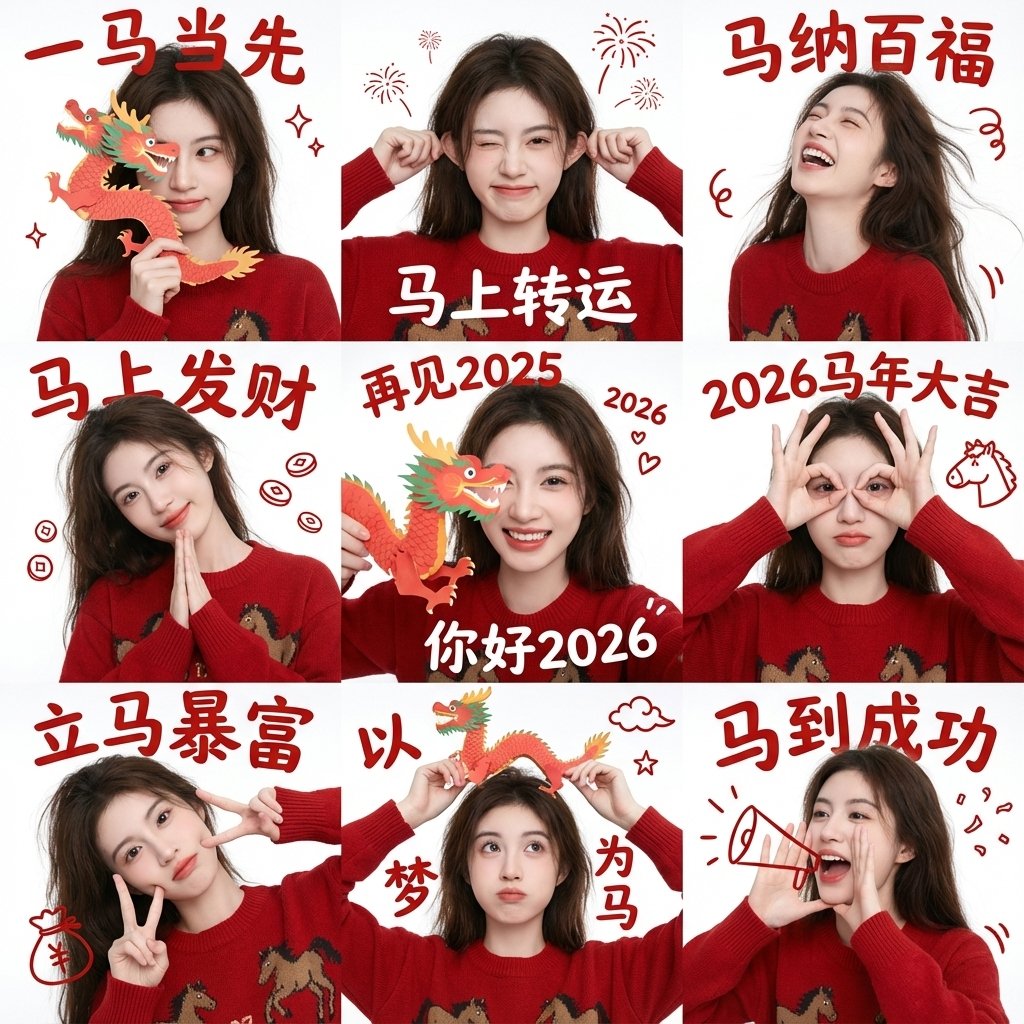
Chinese New Year Blessing Portrait Grid
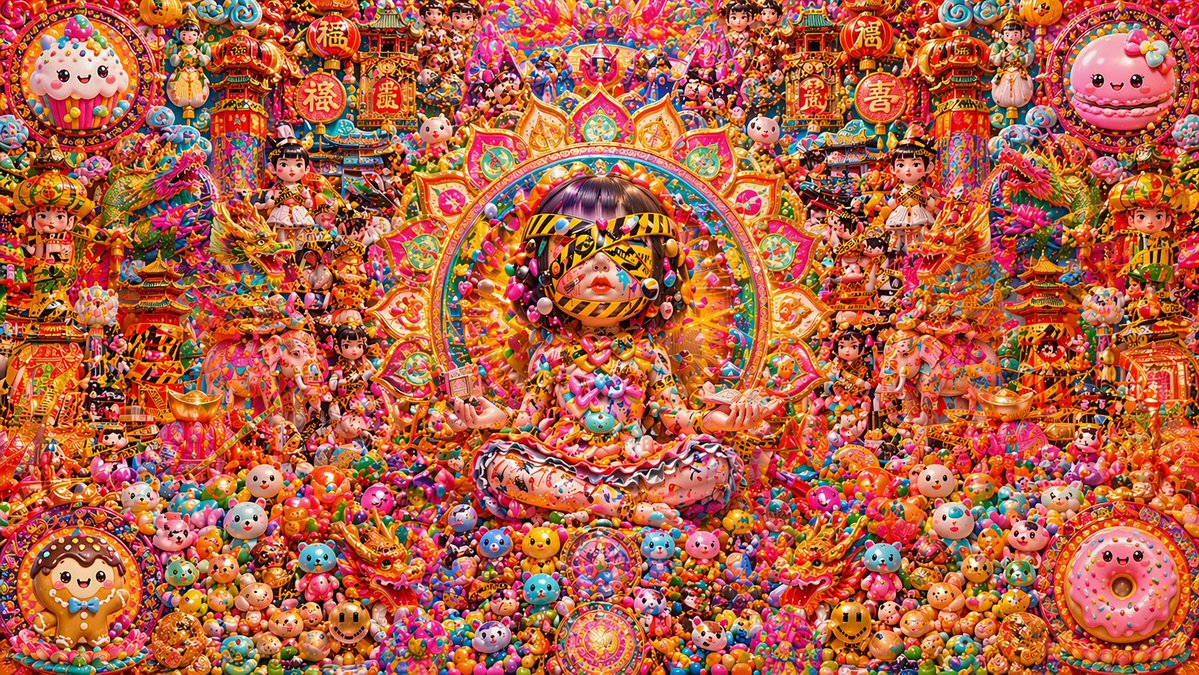
Candy Lunar New Year Shrine

Two Years Birthday Portrait
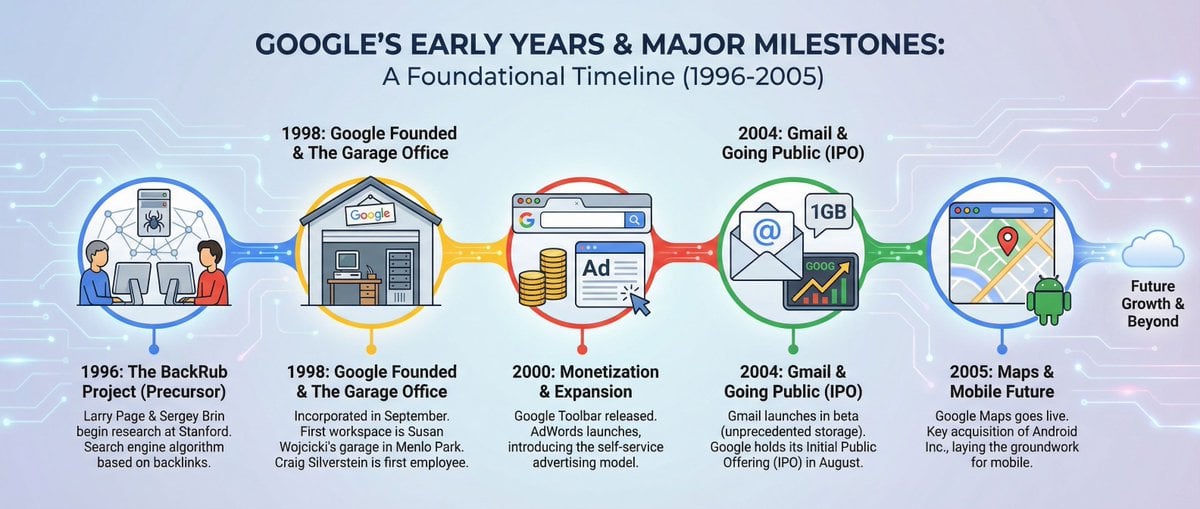
Infographic about Google’s early years
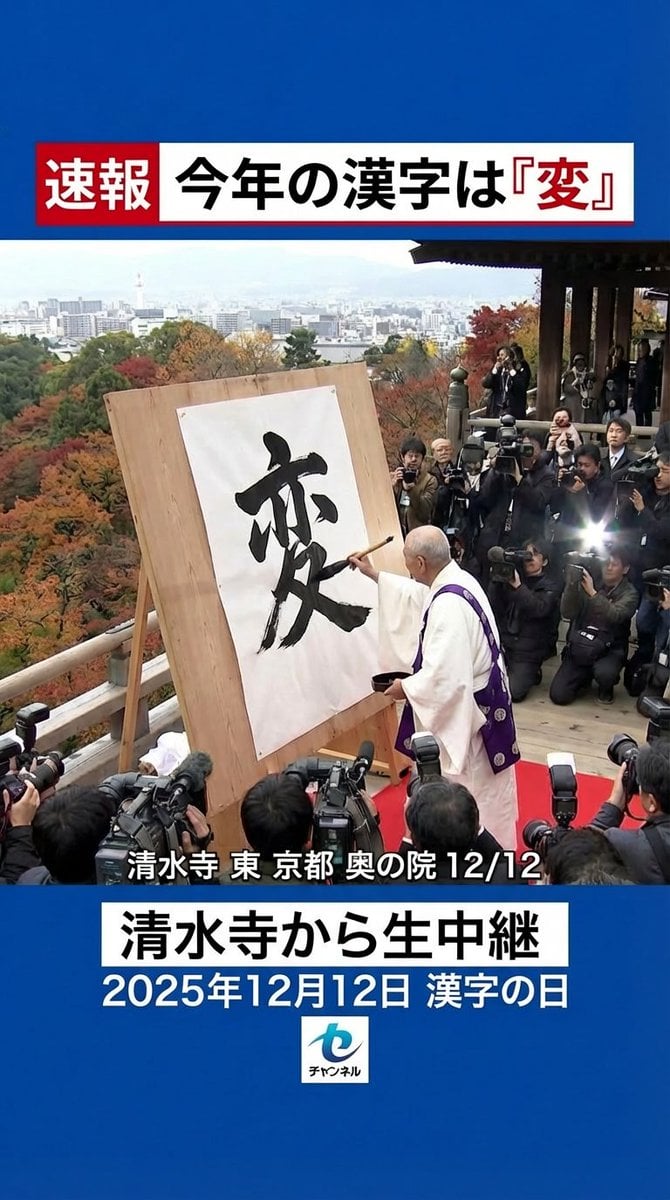
Nano Banana Pro 'Kanji of the Year' Announcement Prompt
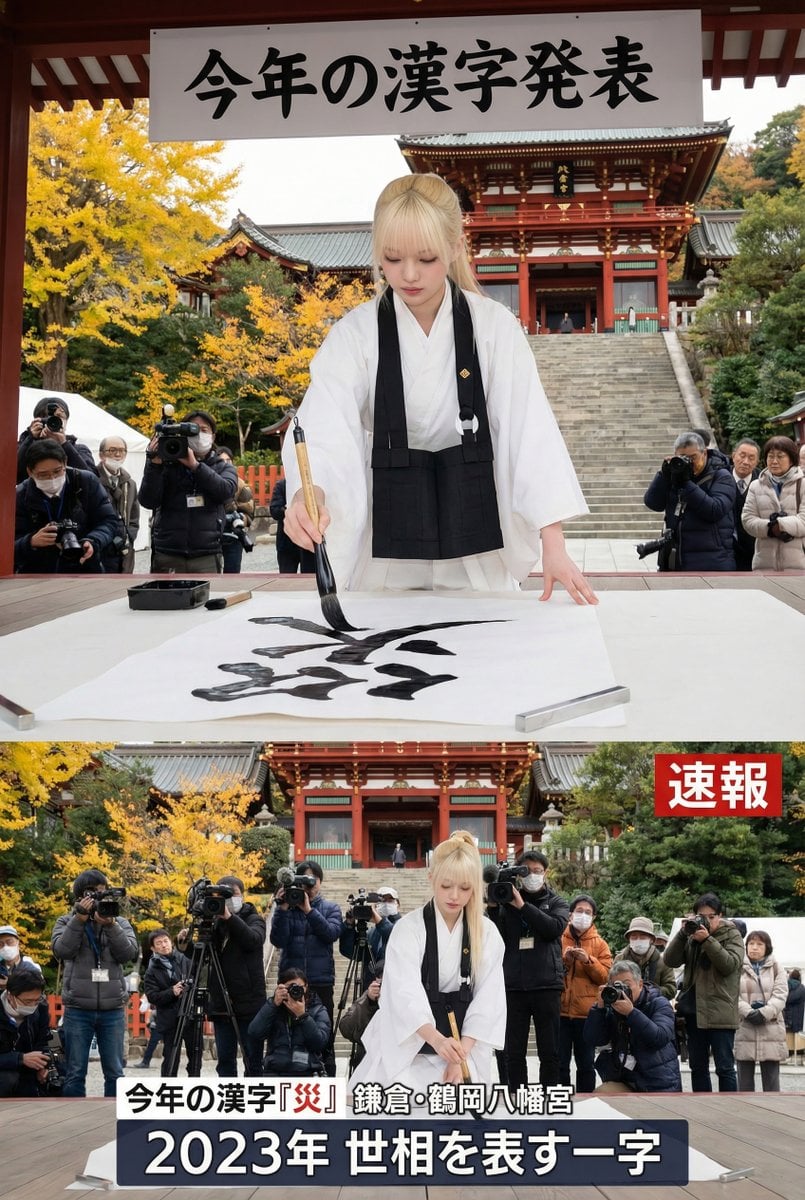
Kanji of the Year Announcement Image Prompt (Geospatial)
Make it yours
The biggest surprise of the year! works as-is. These are the safest ways to change it without losing the look.
Change one field
Copy a single group, rewrite it, and generate again so you can see what that field is doing.
Keep the frame, change the subject
Hold the composition and light of The biggest surprise of the year!, then swap wardrobe, props or the person for a new take.
| If the result… | Why | Fix |
|---|---|---|
| The result drifts from the preview | Too many fields changed at once. | Reuse The biggest surprise of the year! as-is first, then change one group — subject, light, or setting. |
| The model over-stylizes the scene | The prose prompt leaves finish and camera underspecified. | Add one camera or lighting sentence and stay on PicX Studio. |
More image prompts
Fresh picks from across the catalog.
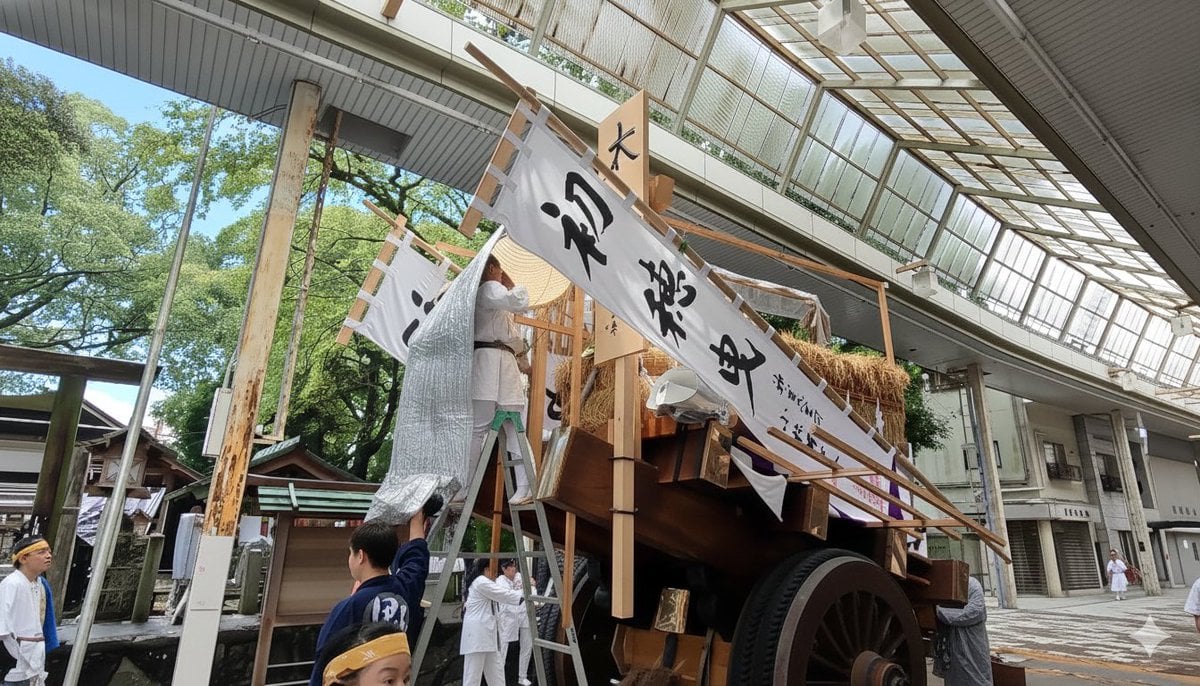
Image Editing Prompts: Removing and Replacing People
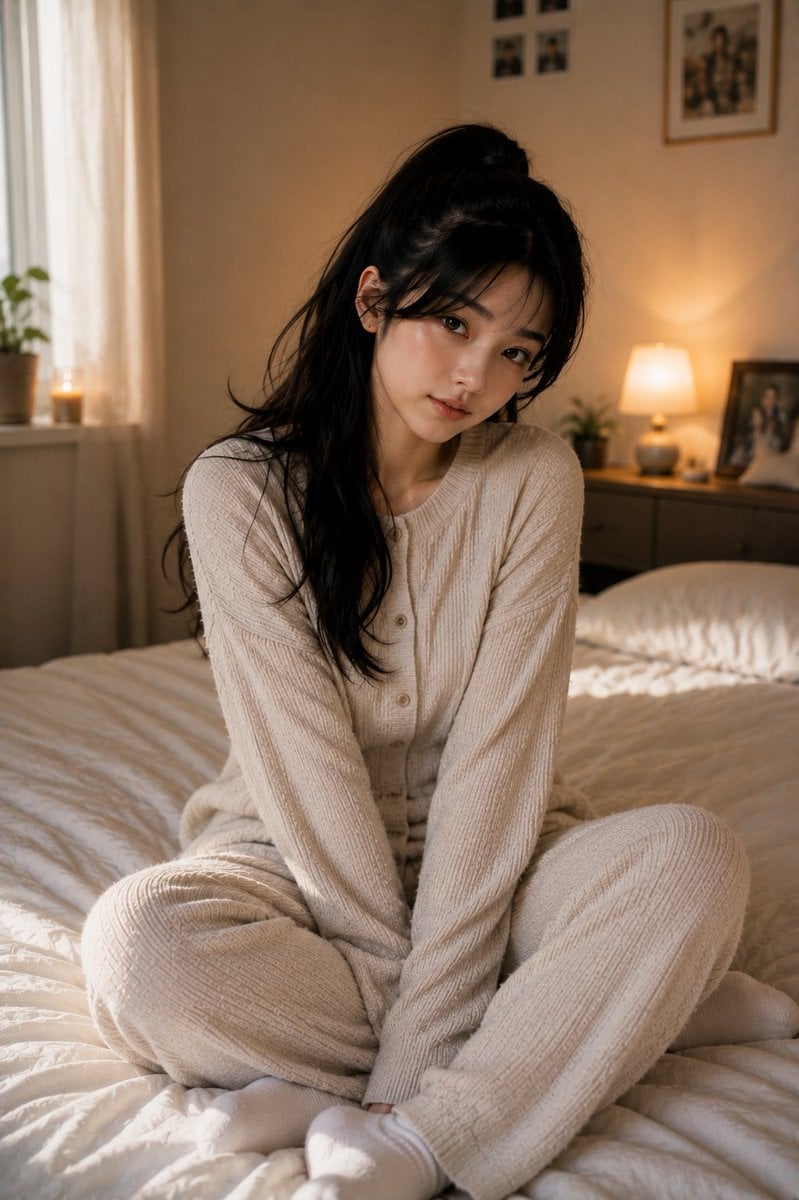
Korean Bedroom Photography

Hyper-Realistic Flash Selfie Crime Scene Prompt (JSON format)
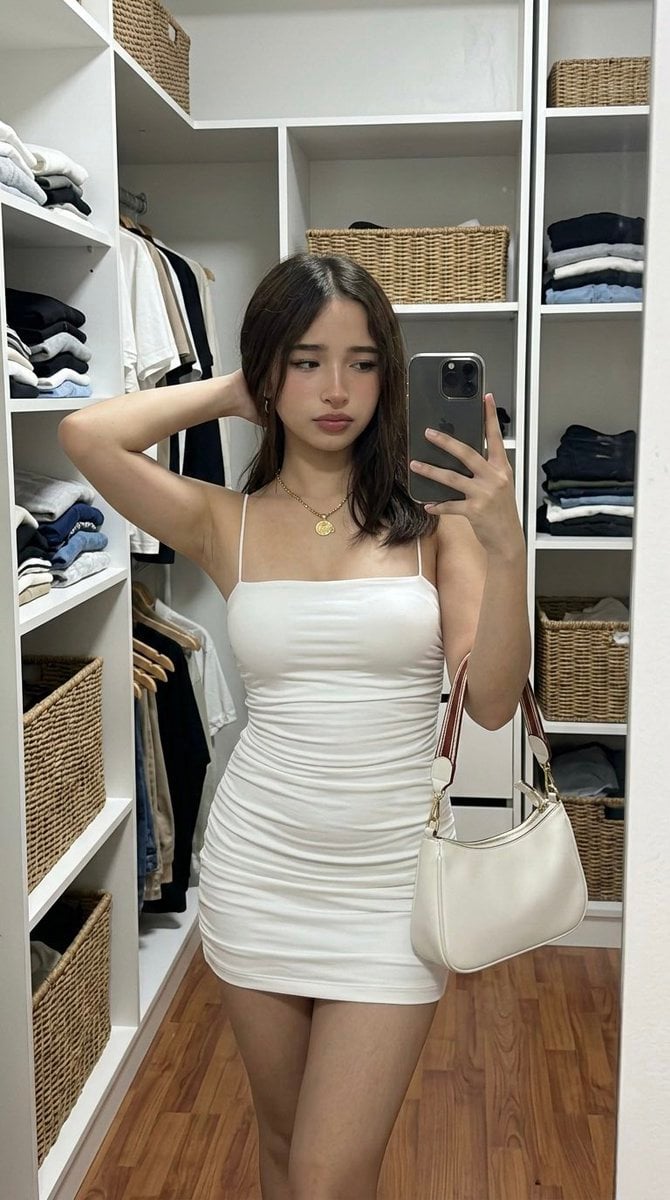
Hyper-Realistic Mirror Selfie Prompt for Gemini Nano Banana 2
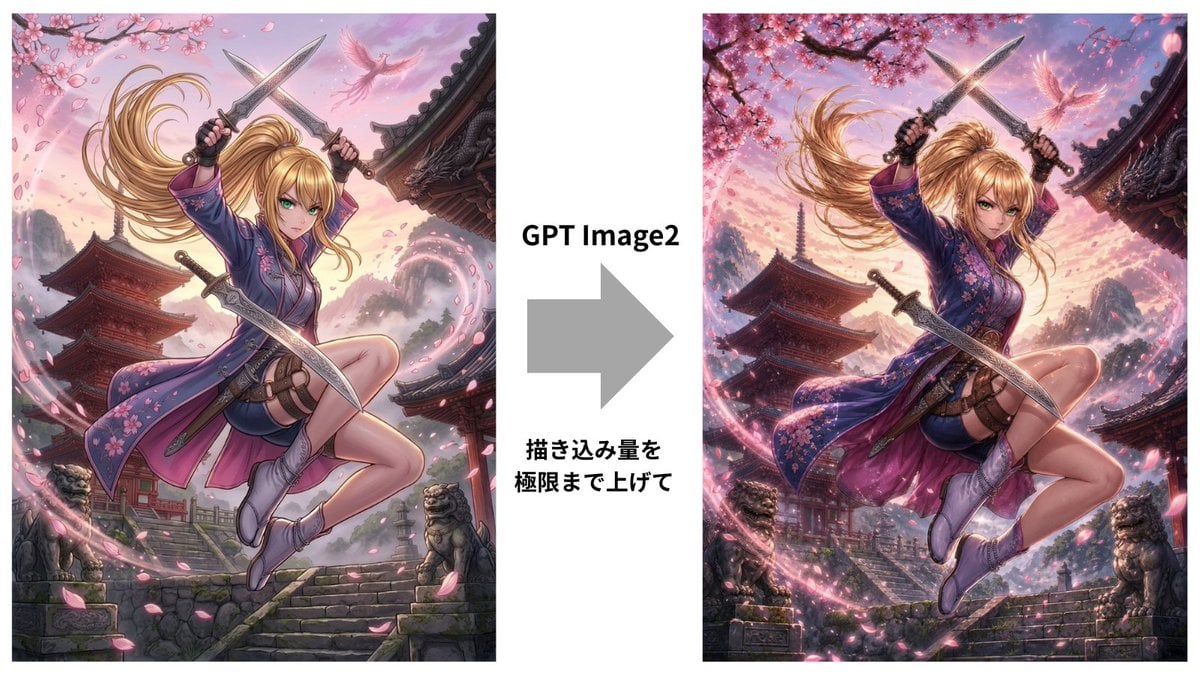
GPT Image 2 Kunoichi Comparison
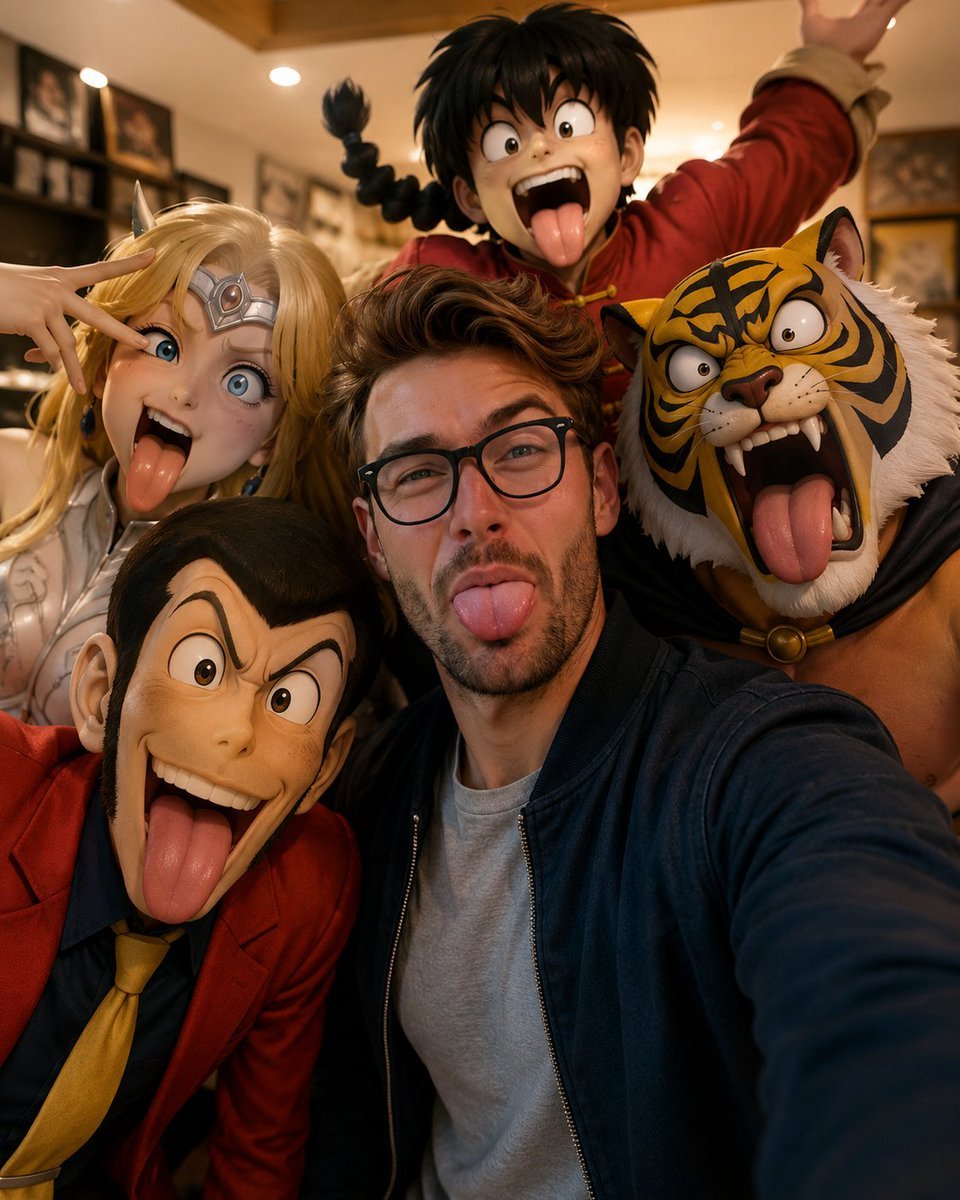
Realistic Selfie with Cartoon Characters

Dramatic Water Emergence Portrait
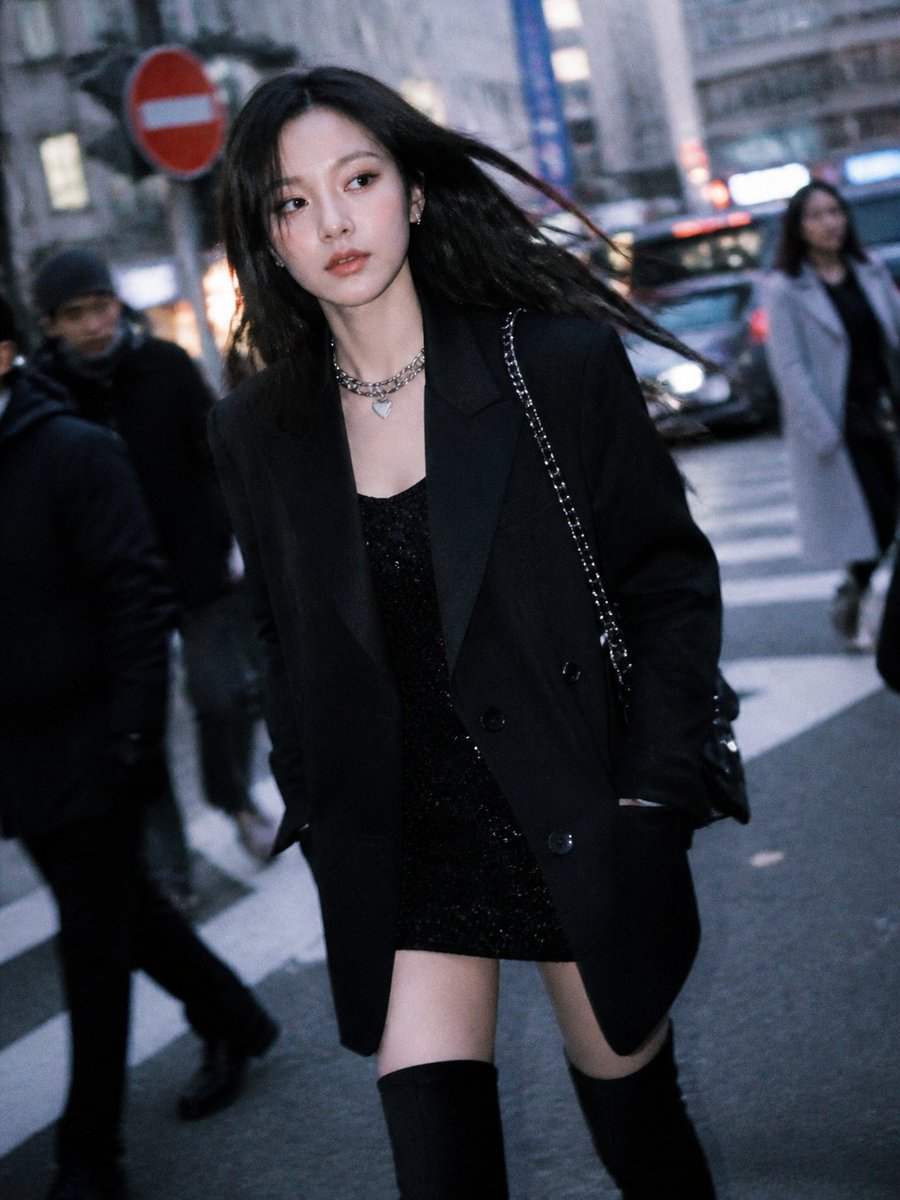
Moody Black Outfit Street Style
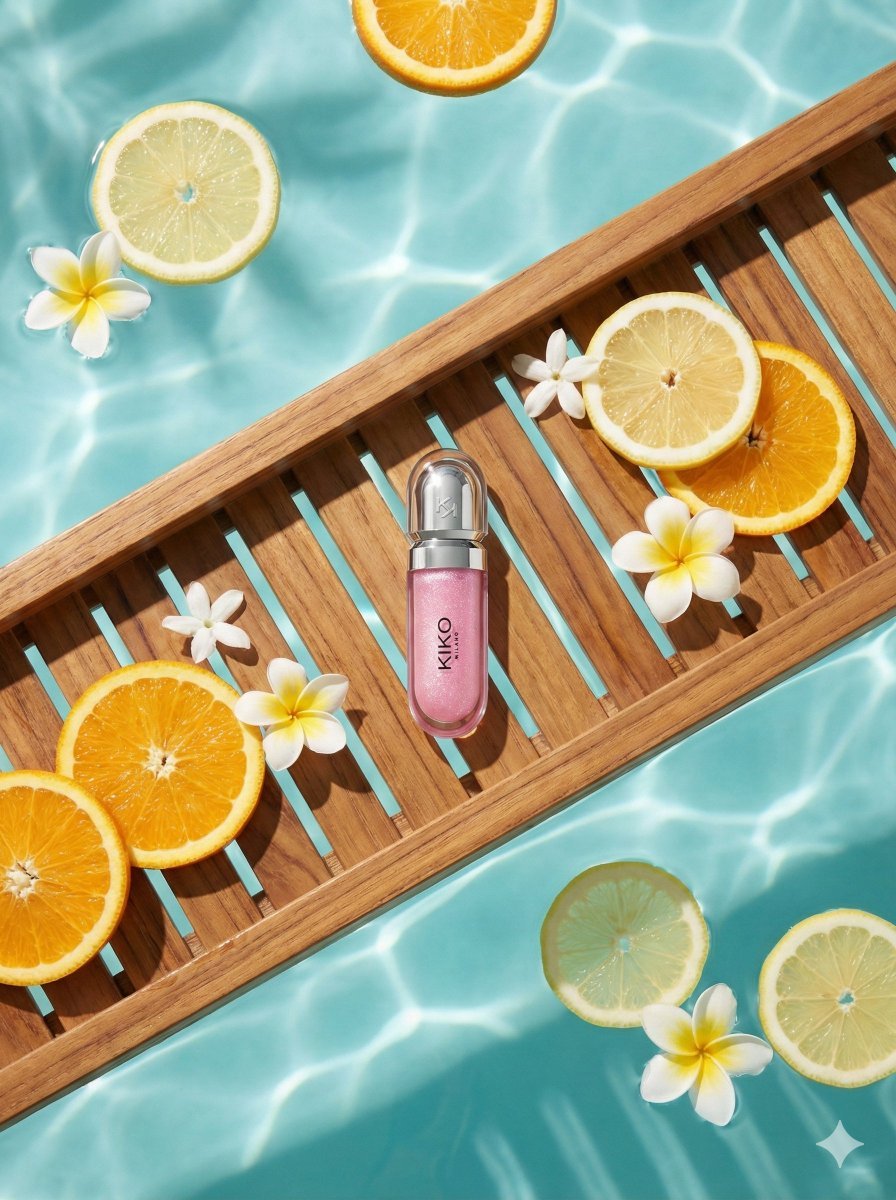
8K Ultra-Realistic Luxury Product Flat-Lay
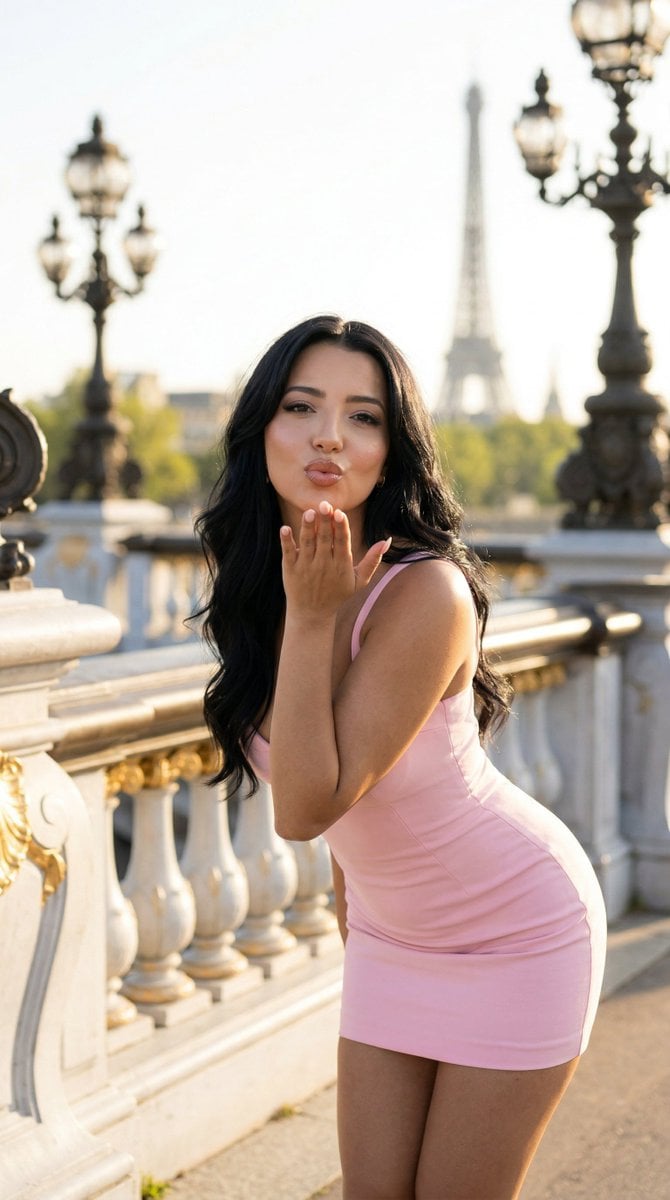
Nano Banana - Rooftop Dinner Night
Browse template categories
The biggest surprise of the year! questions
How do I use the The biggest surprise of the year! template?
Add your photo if the template asks for one, edit the prompt if you like — the template's model and format are already selected — and press Generate. Your version opens in PicX Studio.
Can I customize the The biggest surprise of the year! template?
Yes. You can change the subject, setting, lighting, mood, format, and available model controls before creating your image.
Is the The biggest surprise of the year! template free?
Opening and editing this template is free. Generating uses credits, shown on the Generate button when you are signed in.
Which AI model should I use?
Choose a compatible model in PicX Studio based on the style, speed, and output controls your project needs.
Looking for something else? Browse all templates.

Your photo, any look
Thousands of ready templates for every top image and video model, from one credit balance.