
Variety Show Surprise Prank Anime Screenshot
A complex prompt for generating humorous anime screenshots of a TV 'wake-up prank,' including on-screen captions, reporters, and messy bedroom details.
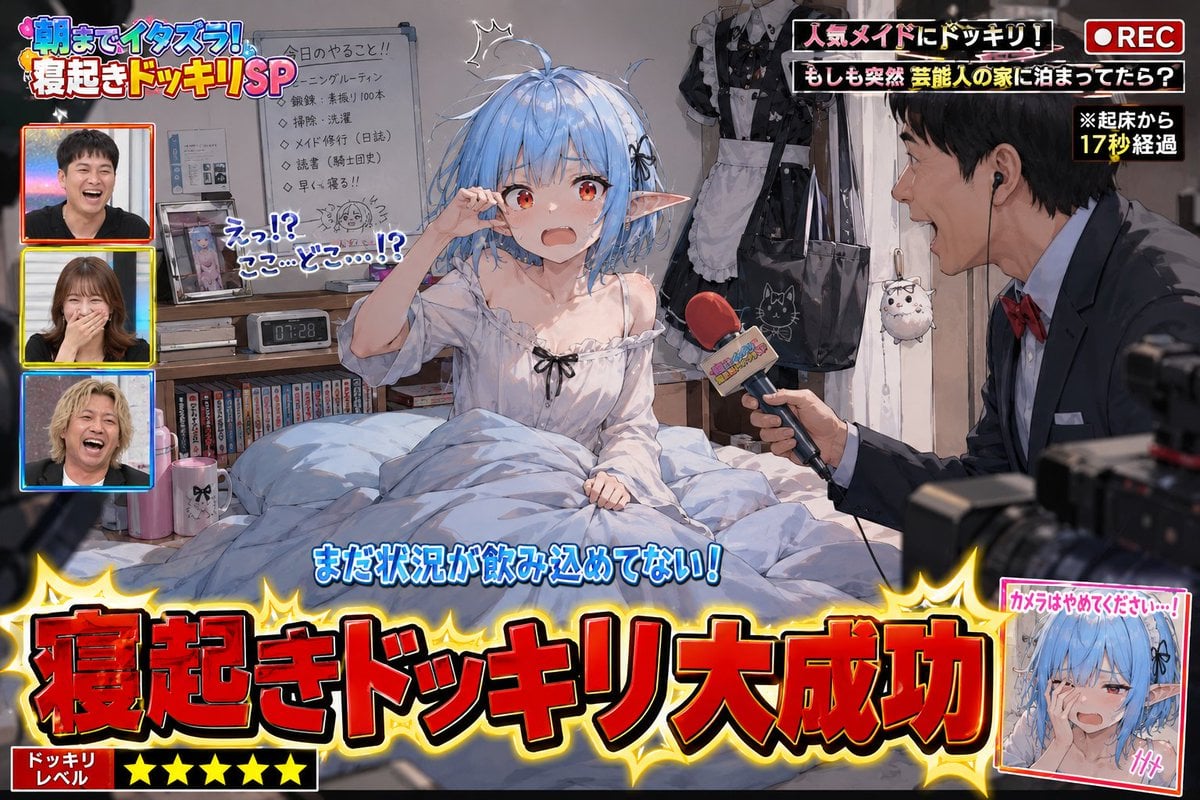
- Prompt included
- Model and format preset
- Free template
The prompt behind this image
Copy the exact prompt behind Variety Show Surprise Prank Anime Screenshot, or open it in the studio and make it yours.
Use the attached image as the character's baseline reference. With the character from the reference image as the protagonist, depict "{argument name="show concept" default="the moment a popular variety show's wake-up-prank segment succeeds spectacularly"}" as the scene. This is not a poster. This is not a key visual. This is a screenshot of wake-up-prank footage that was actually broadcast on a TV show. The character should be right after waking up. Naturally express the surprise, confusion, grogginess, embarrassment, and not-yet-grasping-the-situation reactions caused by suddenly being woken up. Depict bed-head, a messed-up futon/bedding, a collapsed posture, a room with a lived-in feel, and so on. Don't fix the sleepwear or sleeping posture to one specific thing. Naturally infer it from the reference-image character's personality, occupation, world-setting, everyday clothing, and lifestyle. Make it a look that feels like that character's private life. On the desk, on shelves, around the bed, near the pillow, etc., place personal items that would be a little embarrassing for the person if seen by others. Naturally infer these from the reference-image character's personality, occupation, hobbies, world-setting, and lifestyle. Don't limit them to generic "otaku goods." The embarrassing personal items are an element for expressing the character's own unique individuality; don't just repeatedly place figure shelves or anime merchandise. Include elements that make the viewer think, "So that's the kind of hobby they had," "so that's the kind of private life they had," include such elements. Don't fix the entire room as an "otaku room." The room itself should also be naturally inferred from the reference-image character's lifestyle. Add TV-show-style production elements within the frame. With a large caption, display "{argument name="caption text" default="寝起きドッキリ大成功"}" show it like that. Incorporate TV-show-like decorations, captions, sound-effect-style text, cut-in inset shots, subtitles, a show logo, and a screen composition that makes it clear filming is underway. Have a prank reporter appear. If there is one reference image: generate an original TV reporter that fits the world-setting. If there are multiple reference images: use the first reference image as the prank target, and use the second reference image as the prank reporter. The reporter should be holding a microphone, either excitedly narrating or pointing the microphone at the prank target. You may add direction that suggests the presence of TV staff or a film crew. Prioritize a comical, fun-feeling expression. Depict it as a scene from a TV show that genuinely looks like it could have been broadcast. Prioritize making the situation understandable at a glance on social media. High-quality anime illustration. Natural character expression. Abundant depiction of small props/items. Information-dense TV-show-style direction. The fun, laughable atmosphere of a prank show. Prioritize depictions that reveal an unexpected side of the character or glimpses of their private life, the kind that make the viewer burst out laughing.
How to use Variety Show Surprise Prank Anime Screenshot in 3 steps
- 1Upload ImagePNG, JPG or paste
Add your photo
Upload the photo the template builds on. The prompt, model and format are already set.
- 2…a portrait of your subject in softgolden-hour light, 85mm…
Personalize
Edit the subject and creative details for your destination.
- 3Generate
Generate
Press Generate — your image is created in PicX Studio, so you can compare it with the original and refine one variable at a time.
More like this
Templates with the same subject, style or setup. Open one to see its prompt.









Make it yours
Variety Show Surprise Prank Anime Screenshot works as-is. These are the safest ways to change it without losing the look.
Change one field
Copy a single group, rewrite it, and generate again so you can see what that field is doing.
Keep the frame, change the subject
Hold the composition and light of Variety Show Surprise Prank Anime Screenshot, then swap wardrobe, props or the person for a new take.
| If the result… | Why | Fix |
|---|---|---|
| The result drifts from the preview | Too many fields changed at once. | Reuse Variety Show Surprise Prank Anime Screenshot as-is first, then change one group — subject, light, or setting. |
| The model over-stylizes the scene | The prose prompt leaves finish and camera underspecified. | Add one camera or lighting sentence and stay on GPT Image 2. |
More GPT Image 2 templates
Other prompts made for GPT Image 2.

Six VTuber Japanese Logo Sheet

Realistic Portrait of Woman and Deer

The Vista Modular Condo Poster

AI Model Routing Comparison Infographic

2.5D Anime Art Board

Isometric Productivity Desk Scene

New York Double Exposure Poster

Four-Panel AI Landscape Comparison

Japanese Tatami Lifestyle Magazine Cover

NESCAFÉ Coffee Map Poster
More image prompts
Fresh picks from across the catalog.
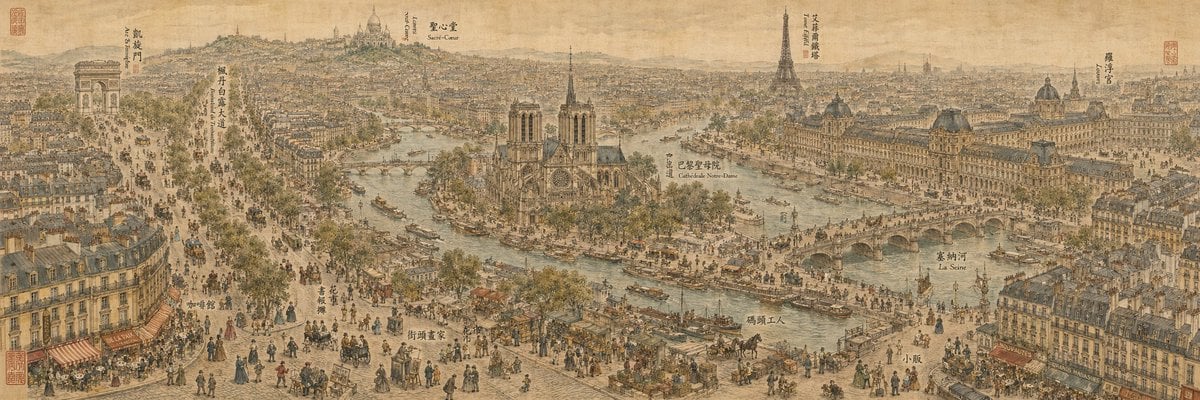
19th Century Paris in Chinese Ink Style
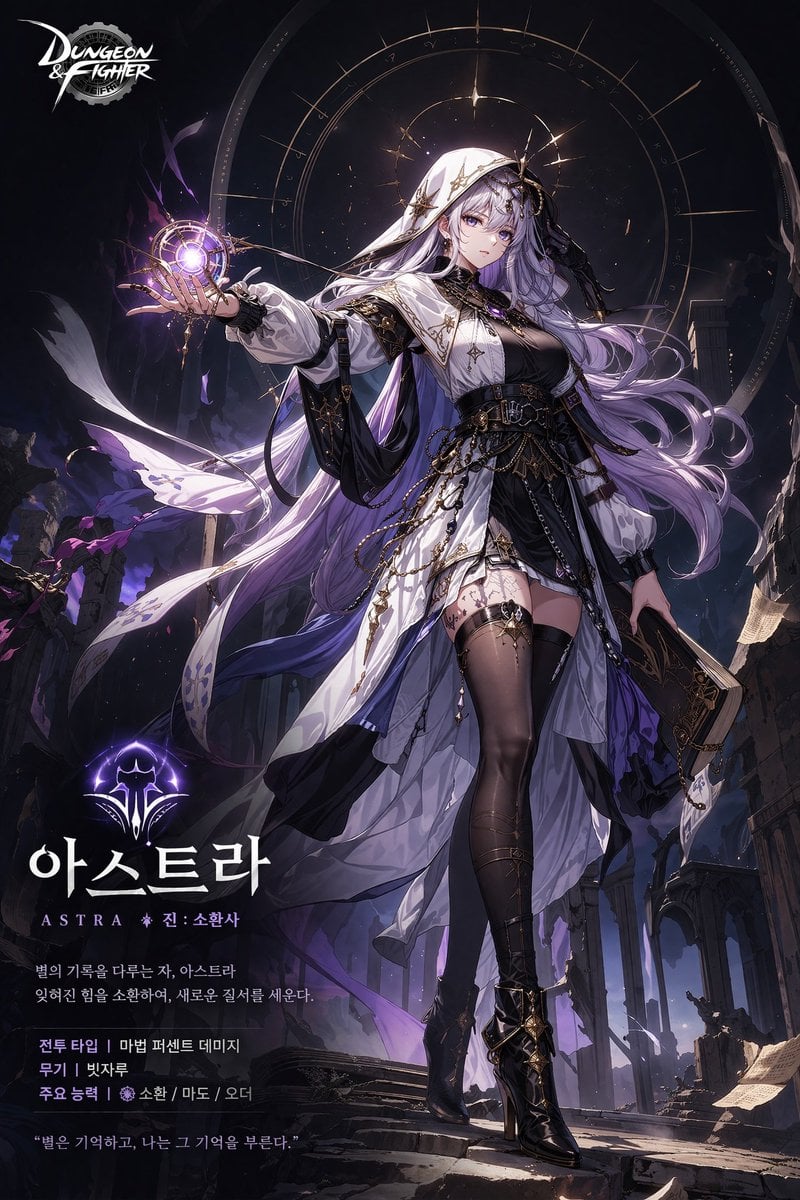
Anime Game Character Promo Poster
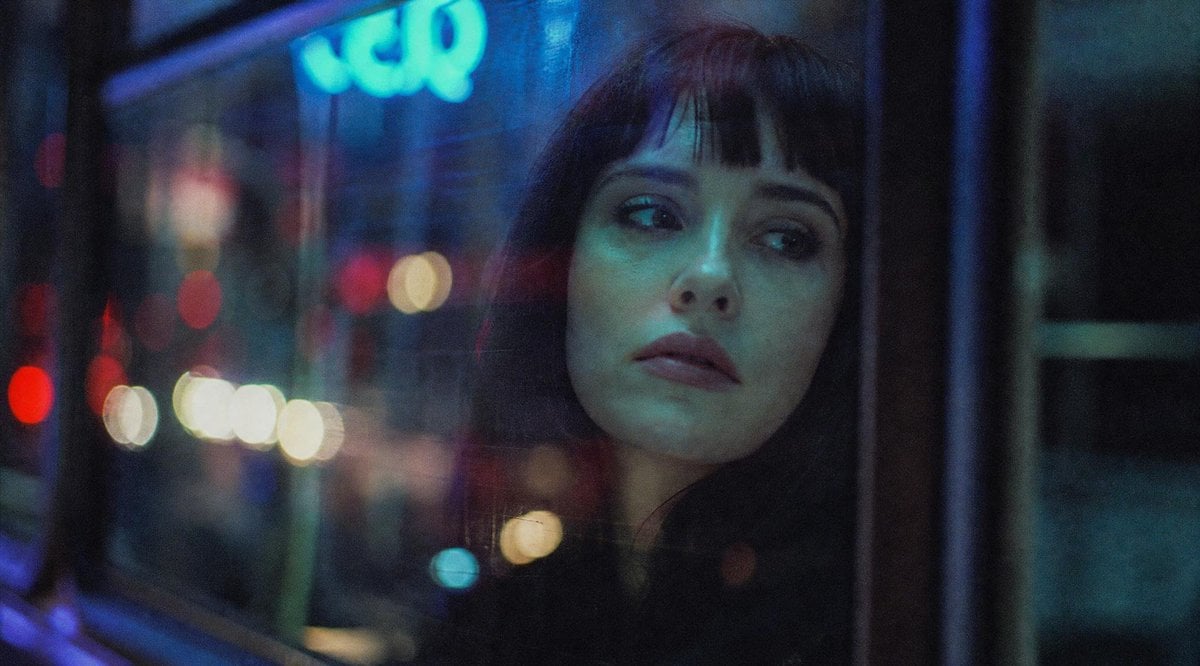
Censored Night Bus Window Scene
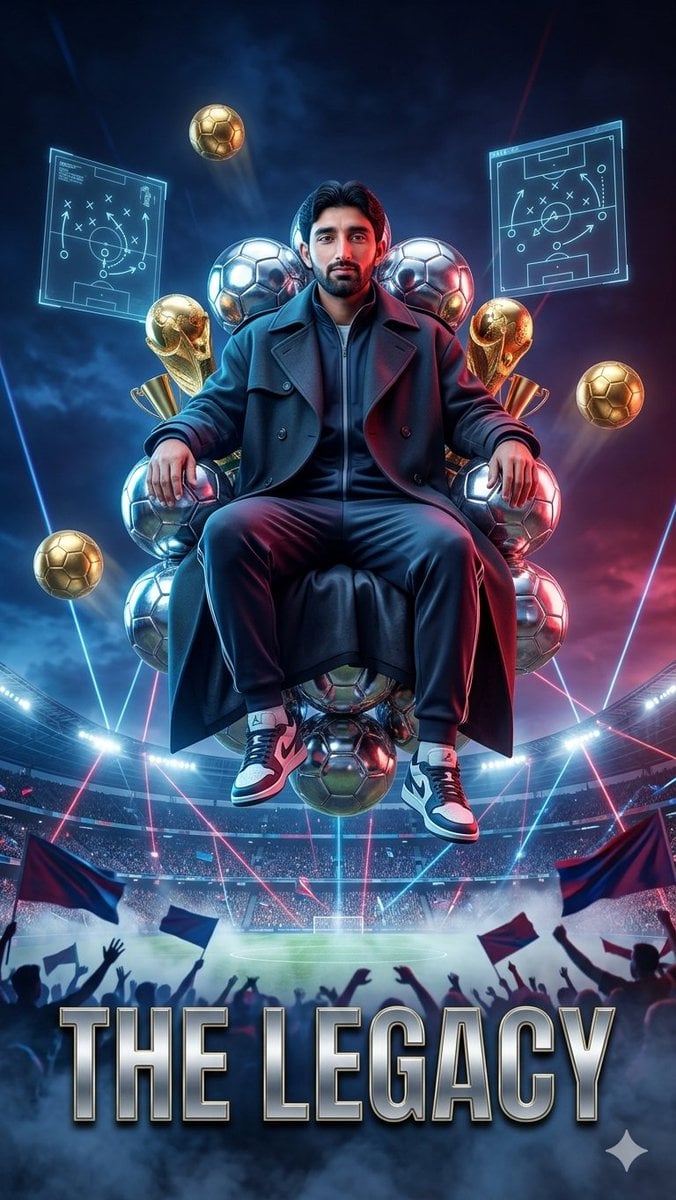
Floating Football Legacy Throne Poster
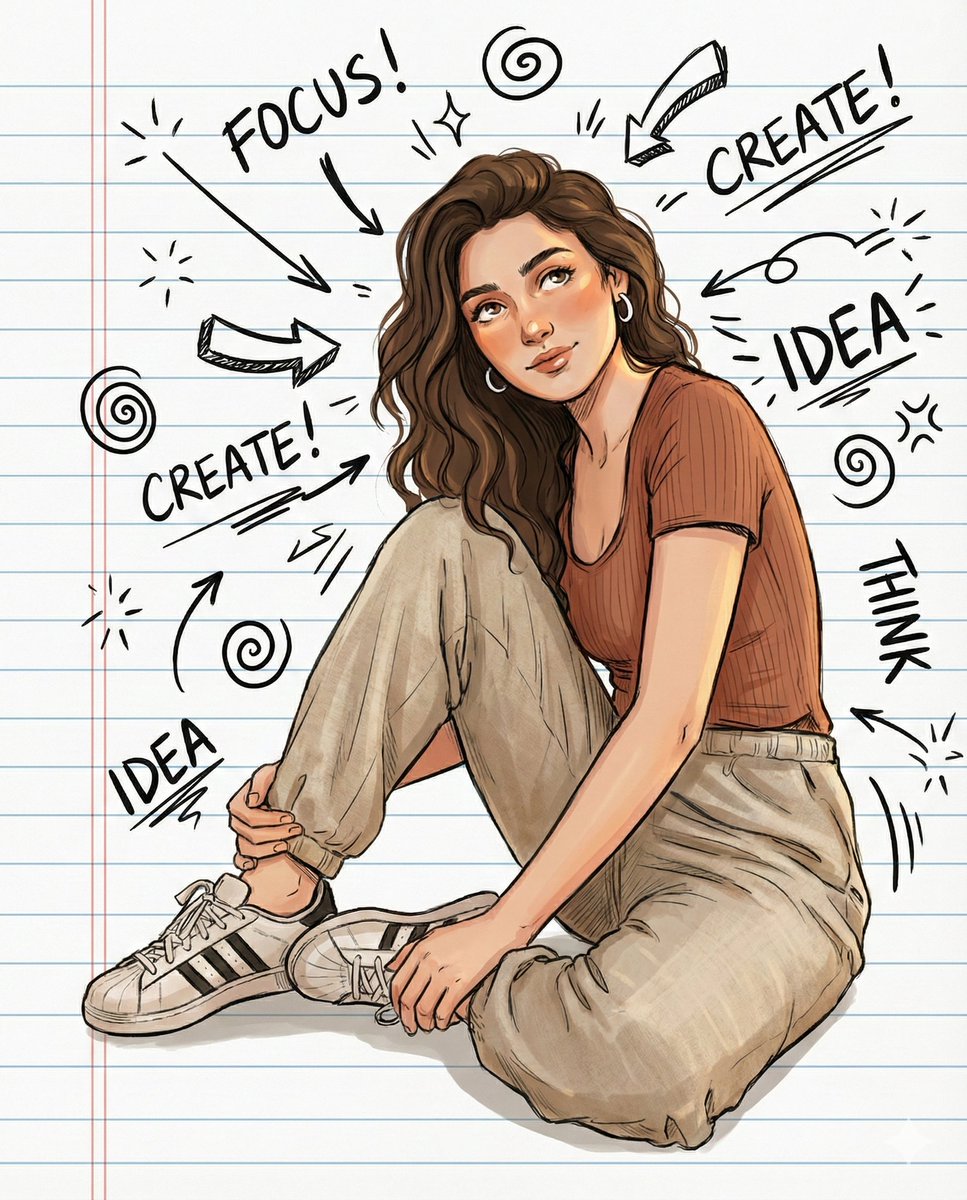
Illustrated Portrait on Ruled Notebook Background
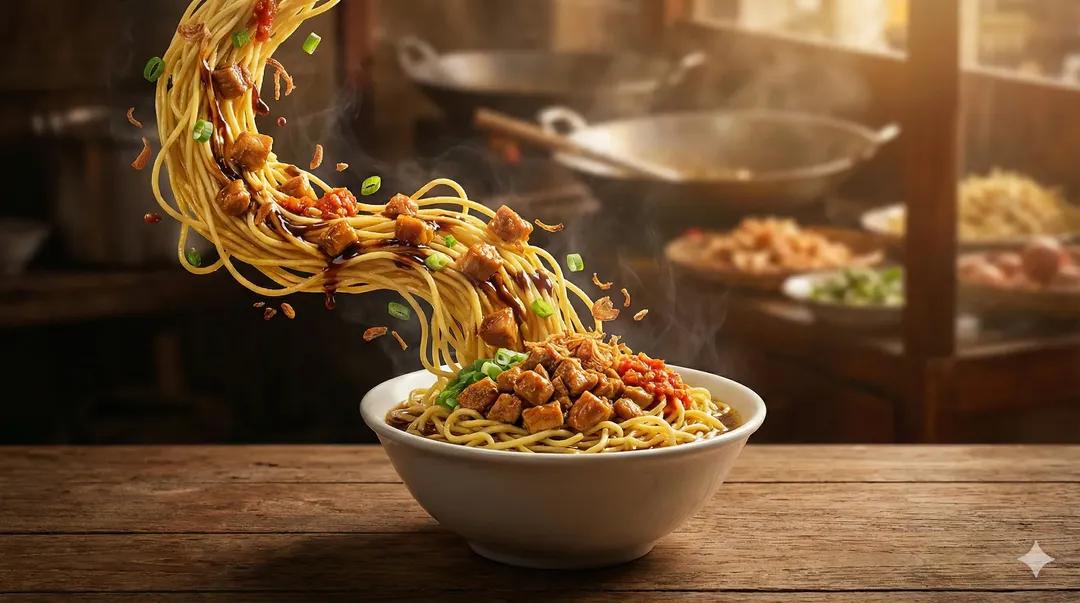
Ultra-Realistic Cinematic Food Photography of Noodles
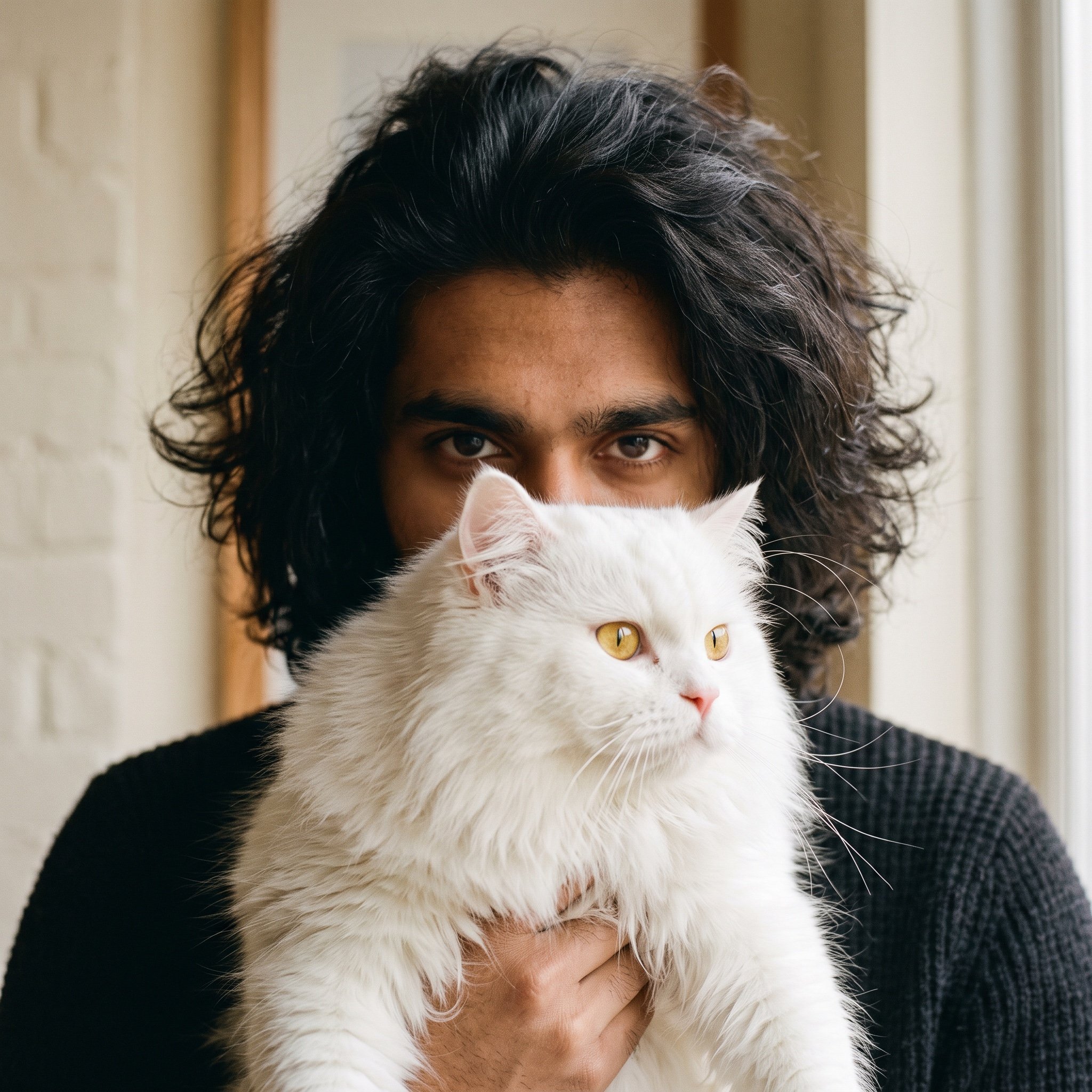
Close-up Portrait with Persian Cat
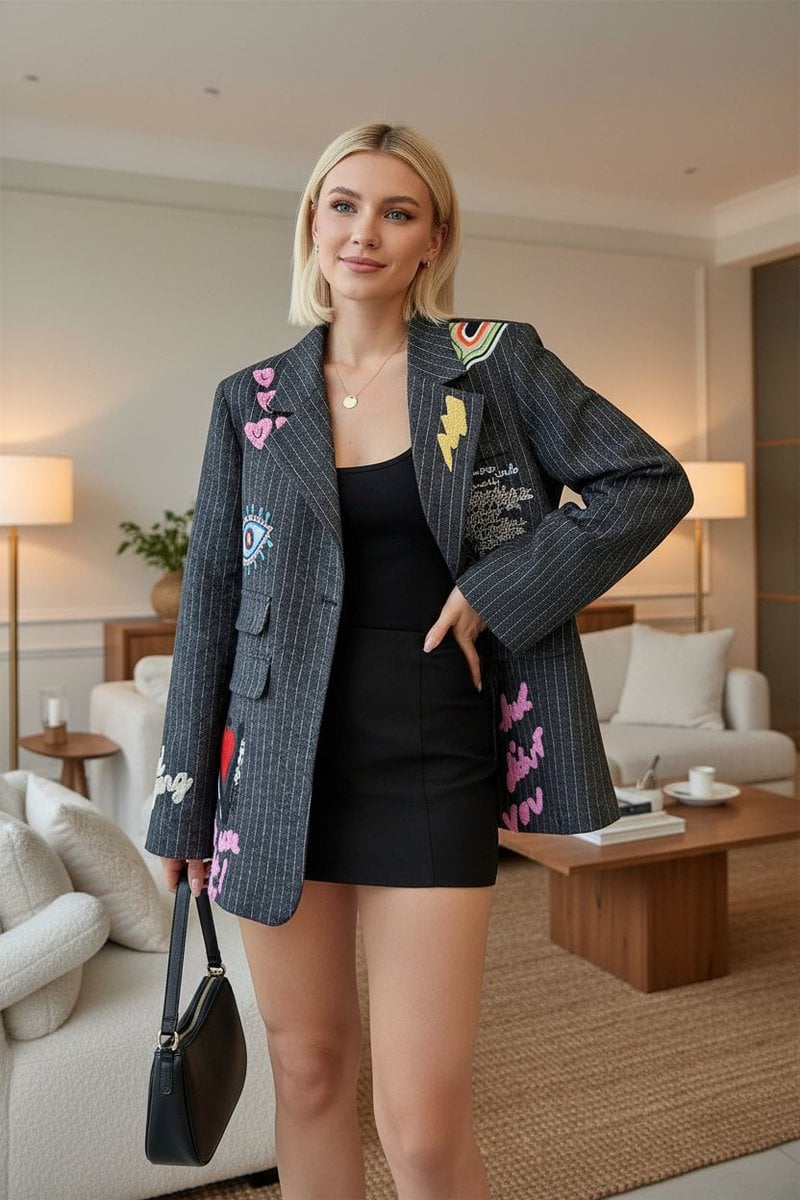
E-commerce Product Listing: Embroidered Pinstripe Blazer
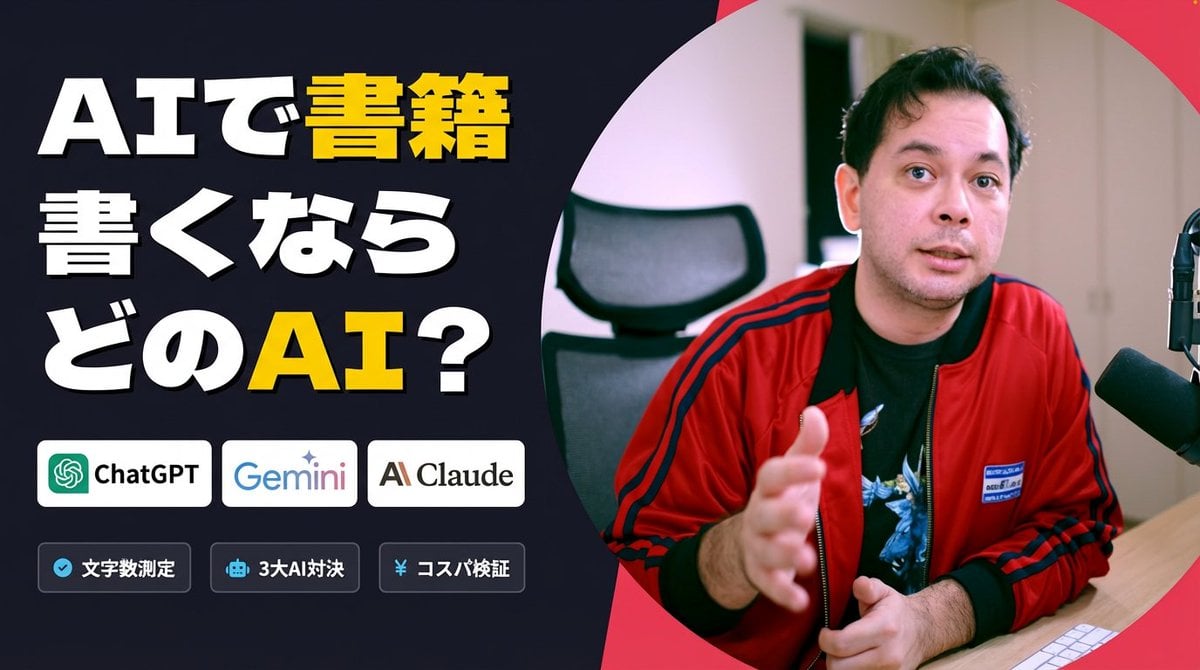
Preserve Original Photo in YouTube Thumbnail Prompt
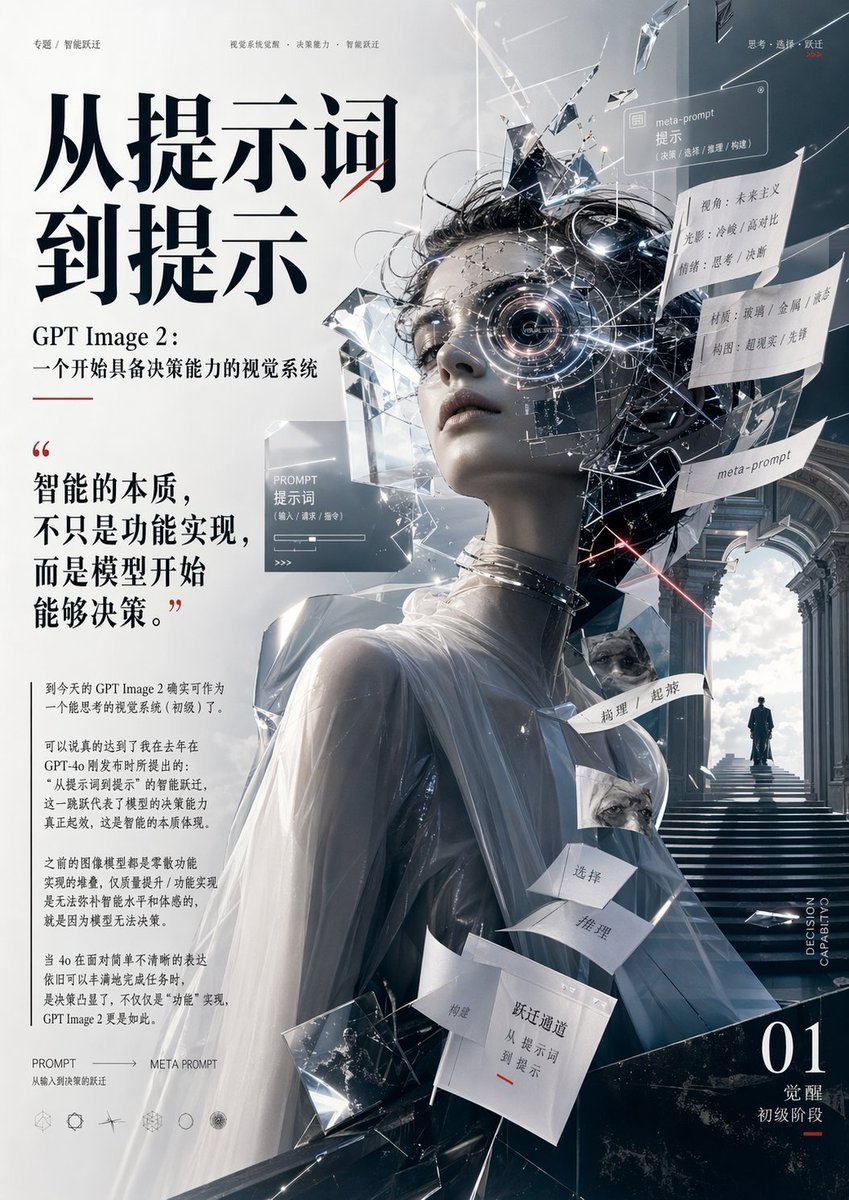
Futuristic AI Editorial Poster
Browse template categories
Variety Show Surprise Prank Anime Screenshot questions
How do I use the Variety Show Surprise Prank Anime Screenshot template?
Add your photo if the template asks for one, edit the prompt if you like — the template's model and format are already selected — and press Generate. Your version opens in PicX Studio.
Can I customize the Variety Show Surprise Prank Anime Screenshot template?
Yes. You can change the subject, setting, lighting, mood, format, and available model controls before creating your image.
Is the Variety Show Surprise Prank Anime Screenshot template free?
Opening and editing this template is free. Generating uses credits, shown on the Generate button when you are signed in.
Which AI model should I use?
Start with GPT Image 2, which is the model associated with this template. You can compare another compatible model for a different finish.
Looking for something else? Browse all templates.

Your photo, any look
Thousands of ready templates for every top image and video model, from one credit balance.