How do I use the Japanese TV Idol Show Screenshot template?
Choose the primary action to open PicX Studio with the available template settings. Review the model and format, personalize the creative direction, and generate when ready.
This prompt generates a realistic Japanese variety-show broadcast frame with two uniformed female idols, detailed studio graphics, and multiple readable on-scre

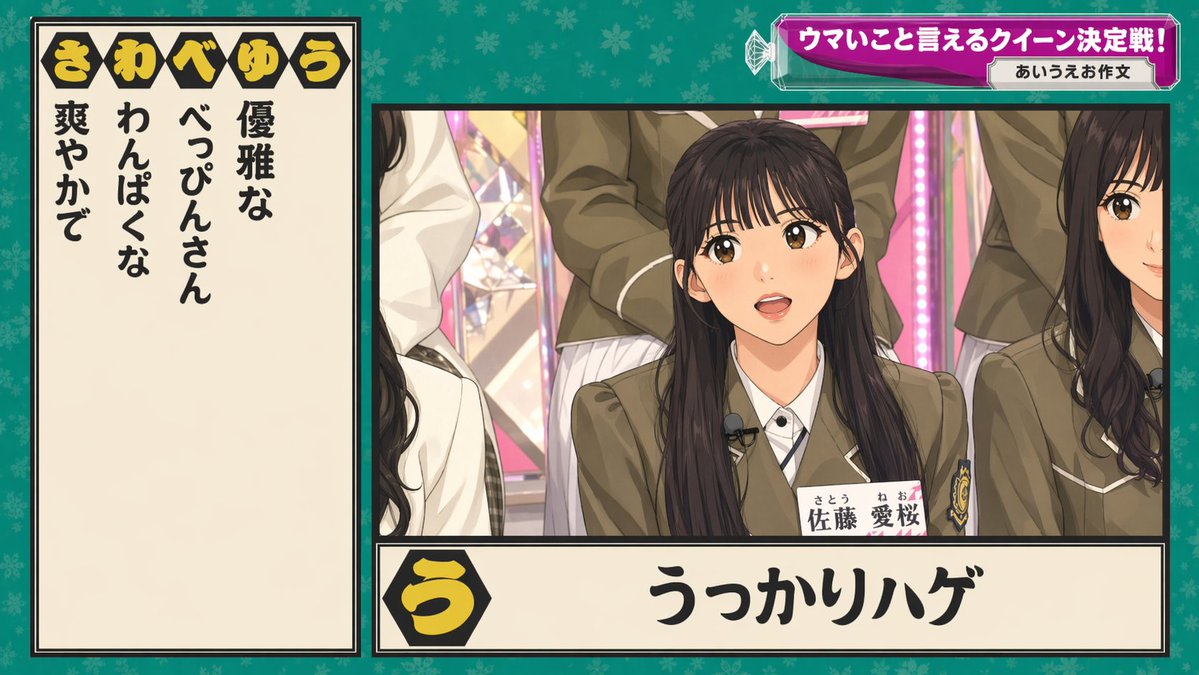
A brightly lit Japanese television variety show set with two young female idols standing side by side behind a small white podium, framed in a medium shot from about waist-up. Both wear matching light gray school-uniform-style blazers with silver buttons, white dress shirts, gray striped ribbon ties, and coordinated name tags pinned to their left chest, with subtle lace detail visible at the waistline. The woman on the left has dark brown to black hair styled in a side braid draped over her right shoulder, hands clasped together in front of her chest, and a slightly angled body posture facing right. The woman on the right has long dark wavy hair falling over both shoulders and rests both hands lightly on the top of the podium. Their faces are obscured by soft rectangular blur blocks. The background is a colorful, dense TV studio design: on the left, a tall pink glitter panel filled with repeating white icons including hearts, triangles, snowflake-like flowers, and tree silhouettes, bordered by ornate gold trim; in the center, a vivid red-orange vertical panel with partial white lettering behind the presenters; on the right, a yellow wall with metallic geometric decorations and a large curved brown mosaic arch studded with small reflective squares. Include 3 visible on-screen text areas: a top-left show logo in Japanese reading {argument name="show logo text" default="日向坂で会いましょう"} in a playful blue-and-white badge, a top-right headline banner in Japanese with two lines reading {argument name="headline text" default="ガッツリ褒められ隊を攻略せよ!『褒め褒めストラックアウト』"} in bold white and blue outlined text, and a lower-left black placard with red border containing Japanese text and a large score reading {argument name="score value" default="9 pt"}. The left name tag reads 1 member name in Japanese, {argument name="left name tag" default="高瀬 愛奈"}, and the right name tag reads 1 member name in Japanese, {argument name="right name tag" default="小坂 菜緒"}. Render it as a crisp broadcast screenshot with vivid studio lighting, saturated colors, realistic fabric texture, authentic Japanese TV graphics, and a polished entertainment-program look.
Choose the primary action to open PicX Studio with the available template settings. Review the model and format, personalize the creative direction, and generate when ready.
Yes. You can change the subject, setting, lighting, mood, format, and available model controls before creating your image.
This template is free to open and customize. Generation usage is shown in PicX Studio before you create.
Start with GPT Image 2, which is the model associated with this template. You can compare another compatible model for a different finish.
Follow a topic to a crawlable collection of related PicX Studio templates.