
Japanese Variety Show Quiz Screen
A TV-style Japanese quiz show screenshot with a contestant panel, clue text, headline banner, and a large punchline answer, suitable for recreating broadcast graphics or game-show mockups.
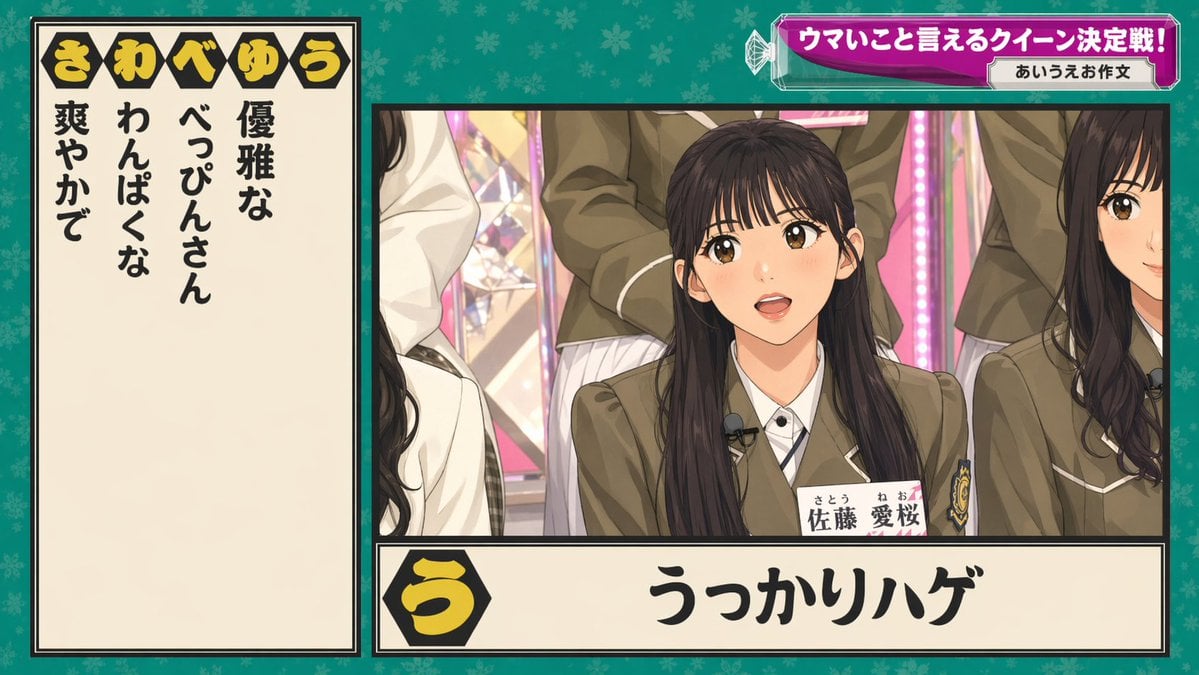
- Prompt included
- Model and format preset
- Free template
The prompt behind this image
Copy the exact prompt behind Japanese Variety Show Quiz Screen, or open it in the studio and make it yours.
- Type
- Japanese TV variety show quiz graphic
- Style
- modern Japanese broadcast screenshot, crisp studio lighting, high text legibility, colorful game-show overlay, semi-realistic live-action composite
- Scene › Setting
- idol variety show studio with pink illuminated stage elements and multiple seated female participants in school-uniform-inspired outfits
- Scene › Background
- teal-green patterned full-frame backdrop with subtle floral motifs behind the graphic layout
- Layout › Format
- single broadcast frame with left answer panel, main video panel on right, top-right headline banner, and bottom answer strip
- Layout › Sections › 0 › Title
- き わ べ ゆ う
- Layout › Sections › 0 › Position
- top-left inside the left panel header
- Layout › Sections › 0 › Count
- 5
- Layout › Sections › 0 › Labels
- き, わ, べ, ゆ, う
- Layout › Sections › 1 › Title
- left clue list
- Layout › Sections › 1 › Position
- left vertical cream panel
- Layout › Sections › 1 › Count
- 4
- Layout › Sections › 1 › Labels
- 優雅な, わんぱくな, べっぴんさん, 爽やかで
- Layout › Sections › 2 › Title
- top-right banner
- Layout › Sections › 2 › Position
- upper-right
- Layout › Sections › 2 › Count
- 2
- Layout › Sections › 2 › Labels
- ウマいこと言えるクイーン決定戦!, あいうえお作文
- Layout › Sections › 3 › Title
- bottom answer strip
- Layout › Sections › 3 › Position
- bottom center-right
- Layout › Sections › 3 › Count
- 2
- Layout › Sections › 3 › Labels
- う, うっかりハゲ
- Layout › Centerpiece
- main camera shot of a seated young Japanese woman centered in the right panel, surrounded by other similarly dressed women cropped at the sides and back
- Subjects › Count
- 5
- Subjects › Primary Subject › Gender
- female
Raw JSON
{"type":"Japanese TV variety show quiz graphic","style":"modern Japanese broadcast screenshot, crisp studio lighting, high text legibility, colorful game-show overlay, semi-realistic live-action composite","scene":{"setting":"idol variety show studio with pink illuminated stage elements and multiple seated female participants in school-uniform-inspired outfits","background":"teal-green patterned full-frame backdrop with subtle floral motifs behind the graphic layout"},"layout":{"format":"single broadcast frame with left answer panel, main video panel on right, top-right headline banner, and bottom answer strip","sections":[{"title":"き わ べ ゆ う","position":"top-left inside the left panel header","count":5,"labels":["き","わ","べ","ゆ","う"]},{"title":"left clue list","position":"left vertical cream panel","count":4,"labels":["優雅な","わんぱくな","べっぴんさん","爽やかで"]},{"title":"top-right banner","position":"upper-right","count":2,"labels":["ウマいこと言えるクイーン決定戦!","あいうえお作文"]},{"title":"bottom answer strip","position":"bottom center-right","count":2,"labels":["う","うっかりハゲ"]}],"centerpiece":"main camera shot of a seated young Japanese woman centered in the right panel, surrounded by other similarly dressed women cropped at the sides and back"},"subjects":{"count":5,"primary subject":{"gender":"female","age":"late teens to early twenties","ethnicity":"Japanese","hair":"long straight dark hair, center part","outfit":"olive-brown school blazer with white piping, white shirt, striped tie, crest on chest pocket, clip-on lavalier microphone, visible name tag reading 佐藤 愛桜 with furigana"},"secondary subjects":["partial woman on left edge with long dark wavy hair and white jacket","partial woman on right edge with long dark wavy hair and matching blazer","standing woman behind center in matching blazer and pleated skirt","additional cropped participant in back-left"]},"graphics":{"left panel":{"background":"warm cream","border":"thick black border with thin inner line","text":"large bold vertical black Japanese characters"},"top banner":{"shape":"faceted magenta-purple gradient capsule with glossy highlights and white outline, small crystal-like decorative elements at left","sublabel":"small white rounded rectangle on the right"},"bottom strip":{"background":"cream rectangular panel with black border","icon":"black hexagon at left containing large yellow hiragana う","answer_text":"very large bold black calligraphic Japanese text"}},"camera":{"framing":"medium shot within the right panel","angle":"straight-on broadcast camera angle"},"quality":"clean high-resolution TV screenshot aesthetic with precise Japanese typography and authentic variety-show composition"}How to use Japanese Variety Show Quiz Screen in 3 steps
- 1Upload ImagePNG, JPG or paste
Add your photo
Upload the photo the template builds on. The prompt, model and format are already set.
- 2…a portrait of your subject in softgolden-hour light, 85mm…
Personalize
Edit the subject and creative details for your destination.
- 3Generate
Generate
Press Generate — your image is created in PicX Studio, so you can compare it with the original and refine one variable at a time.
More like this
Templates with the same subject, style or setup. Open one to see its prompt.
Japanese Idol TV Show Screenshot
Japanese TV Idol Show Screenshot
TV Variety Show Screen Capture
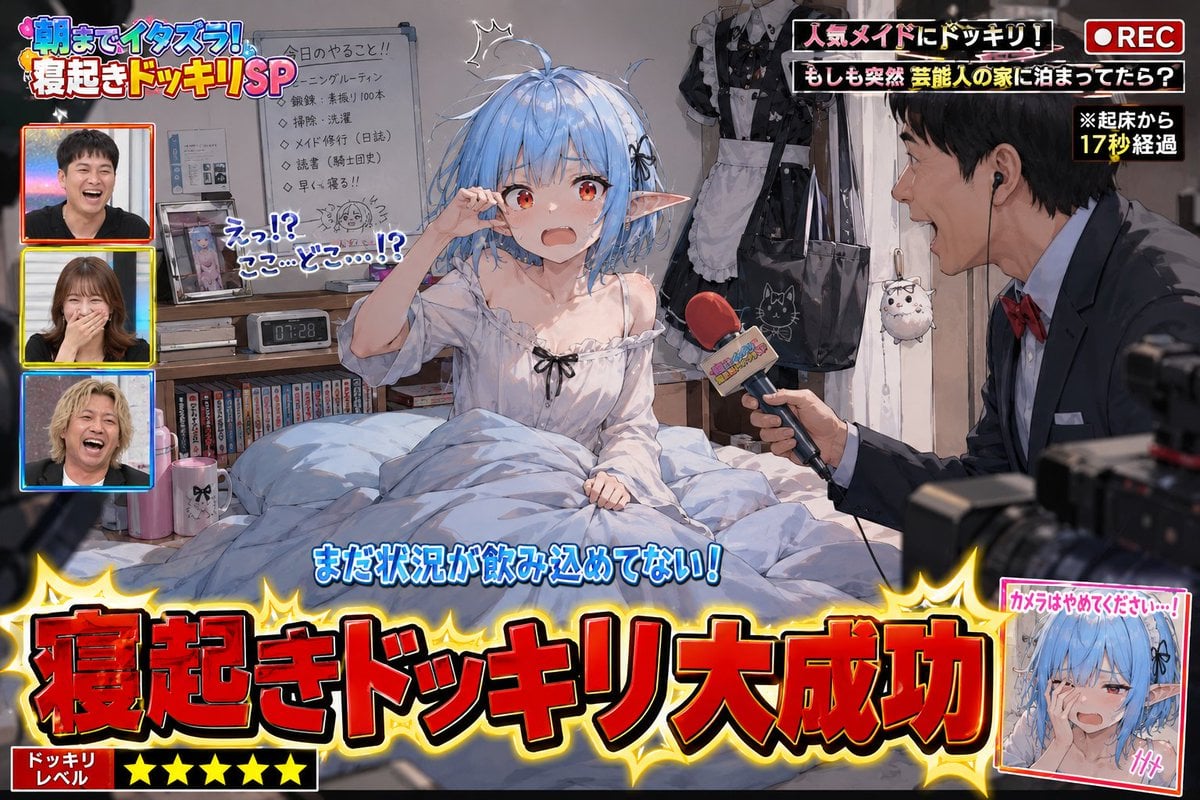
Variety Show Surprise Prank Anime Screenshot
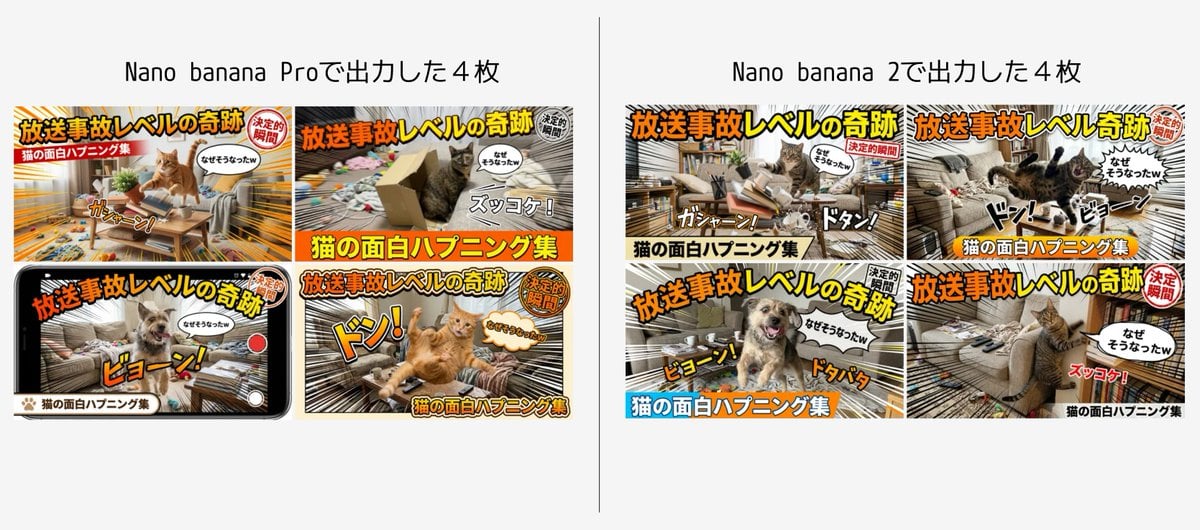
Detailed Japanese Prompt for Variety Show Style Image
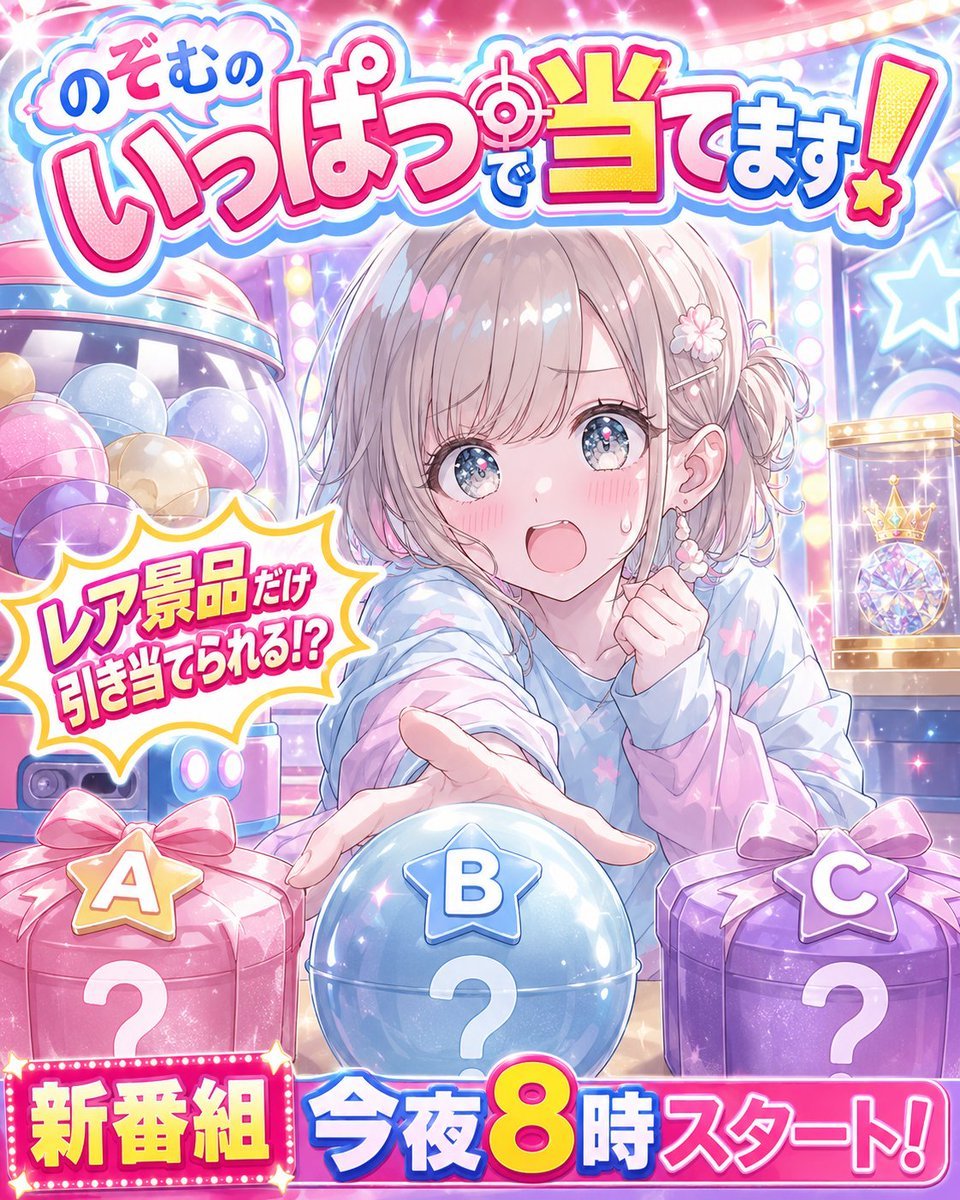
Anime Prize Variety Show Poster

Minecraft Japanese Research Lab Exploration

Japanese Architectural Concrete Studio Fashion Campaign

Japanese Minimalist Concrete Studio Fashion Editorial

Blue Backdrop Luxury Fashion Portrait Campaign
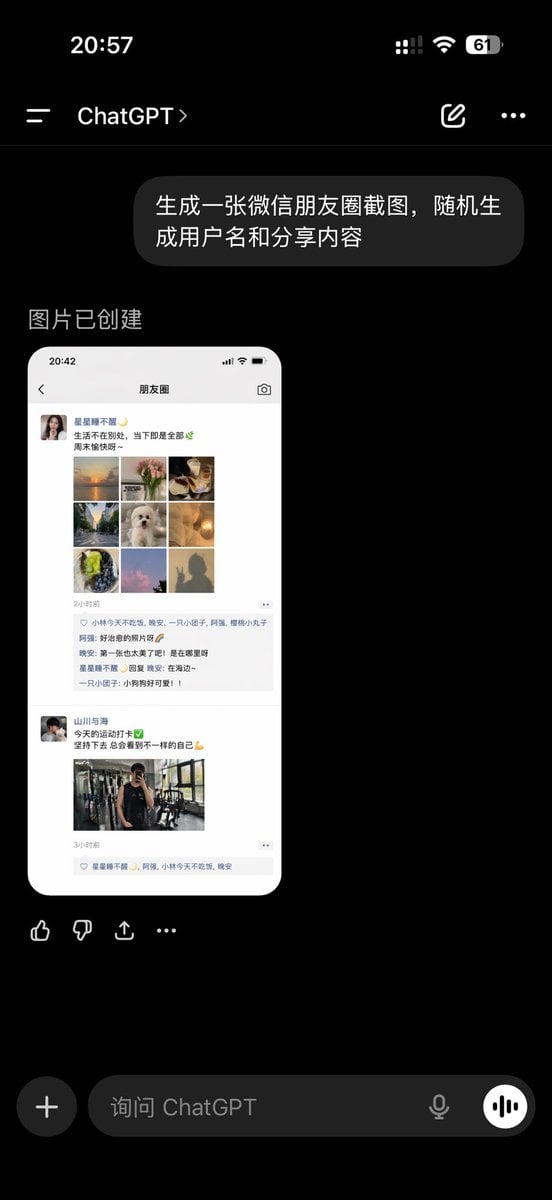
ChatGPT App Showing WeChat Moments Screenshot
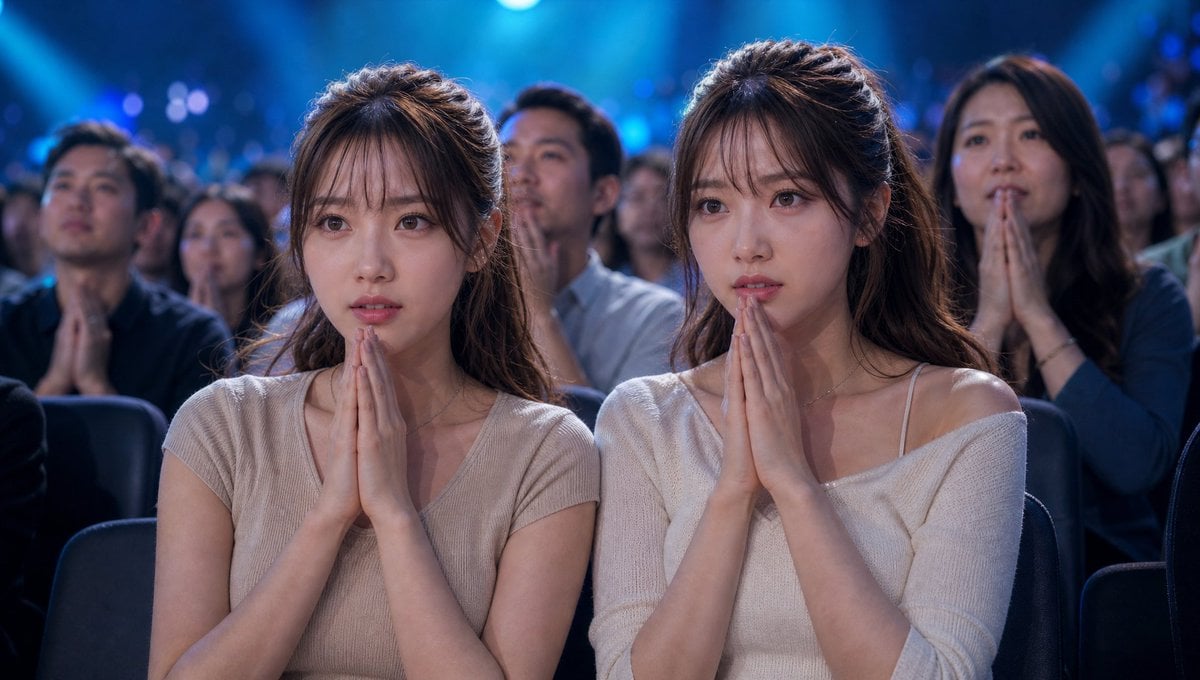
Cinematic Quiz Show Audience
Make it yours
Japanese Variety Show Quiz Screen works as-is. These are the safest ways to change it without losing the look.
Swap the setting
Keep the rest of the prompt and replace the location block. The current setting is “idol variety show studio with pink illuminated stage elements and multiple seate”.
Change one field
Copy a single group, rewrite it, and generate again so you can see what that field is doing.
Keep the frame, change the subject
Hold the composition and light of Japanese Variety Show Quiz Screen, then swap wardrobe, props or the person for a new take.
| If the result… | Why | Fix |
|---|---|---|
| The result drifts from the preview | Too many fields changed at once. | Reuse Japanese Variety Show Quiz Screen as-is first, then change one group — subject, light, or setting. |
| GPT Image 2 ignores part of the JSON | Some models flatten or skip nested keys. | Keep the same values and paste them as a short paragraph instead. |
More GPT Image 2 templates
Other prompts made for GPT Image 2.

Realistic Portrait of Woman and Deer

The Vista Modular Condo Poster

AI Model Routing Comparison Infographic

2.5D Anime Art Board

Isometric Productivity Desk Scene

New York Double Exposure Poster

Four-Panel AI Landscape Comparison

NESCAFÉ Coffee Map Poster

Brutalist Cogito Chinese Typography Poster

Cinematic Luxury Terrace Portrait
More image prompts
Fresh picks from across the catalog.
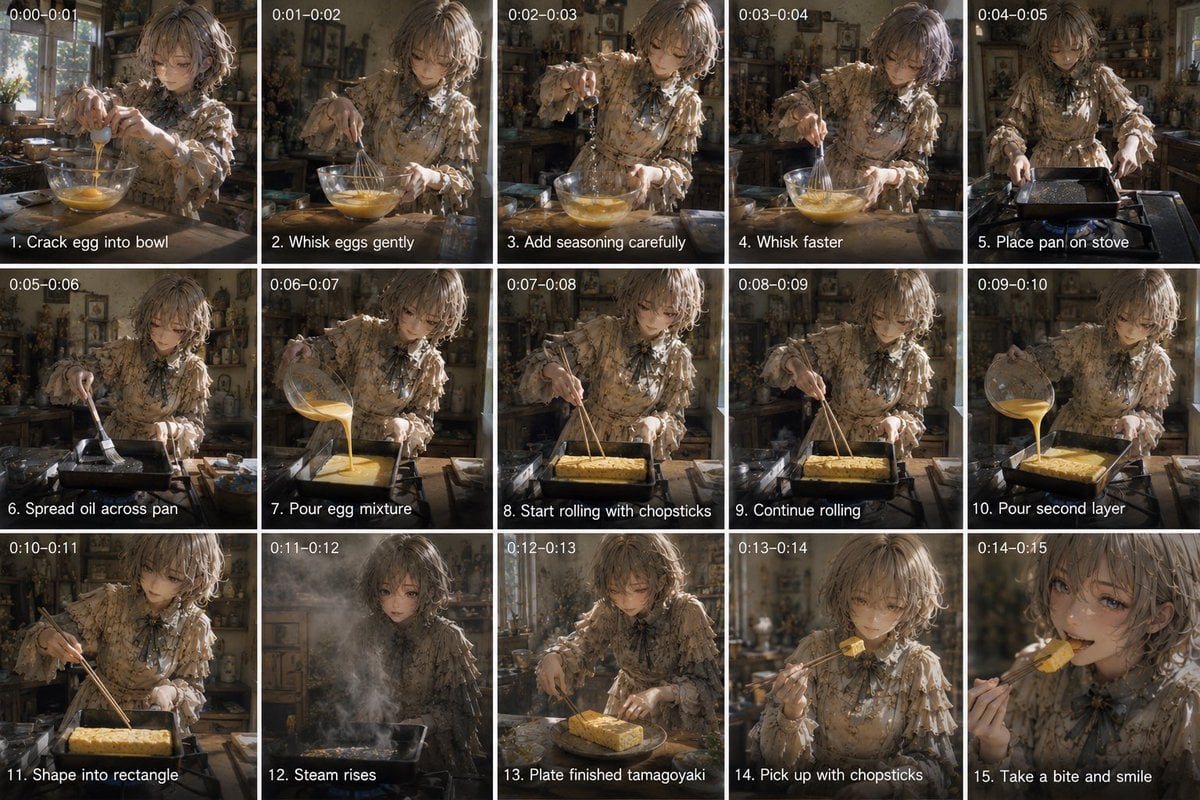
Tamagoyaki Cooking Storyboard

3D Construction Safety Icon Set
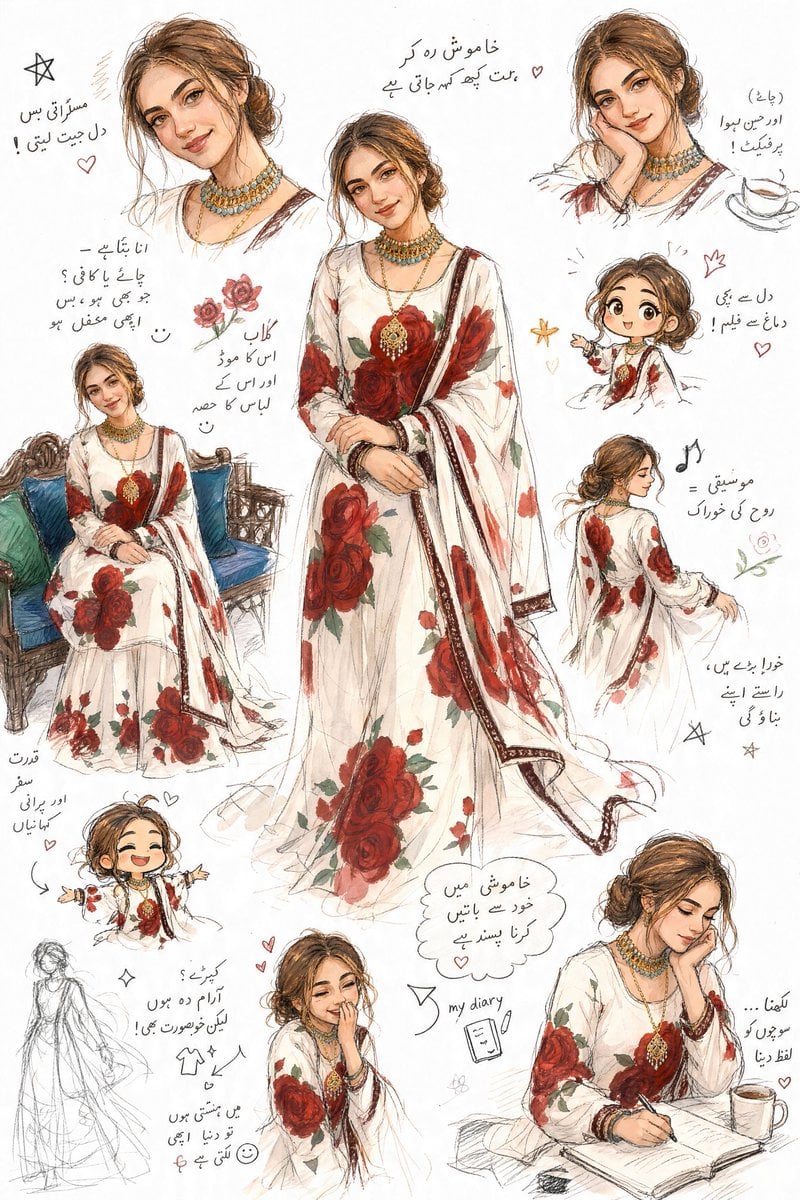
Artistic Sketchbook Character Study in Urdu

High-Fashion Editorial on a Flying Magic Carpet
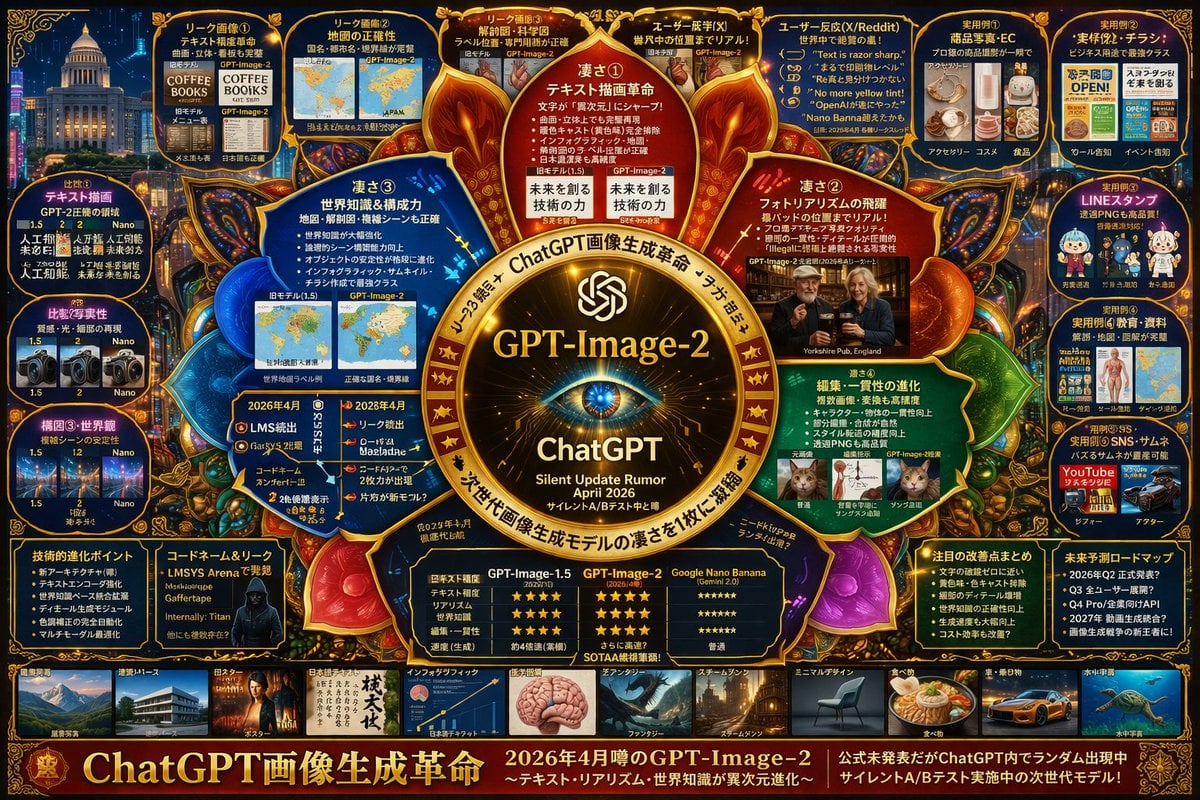
Complex AI Model Infographic Board
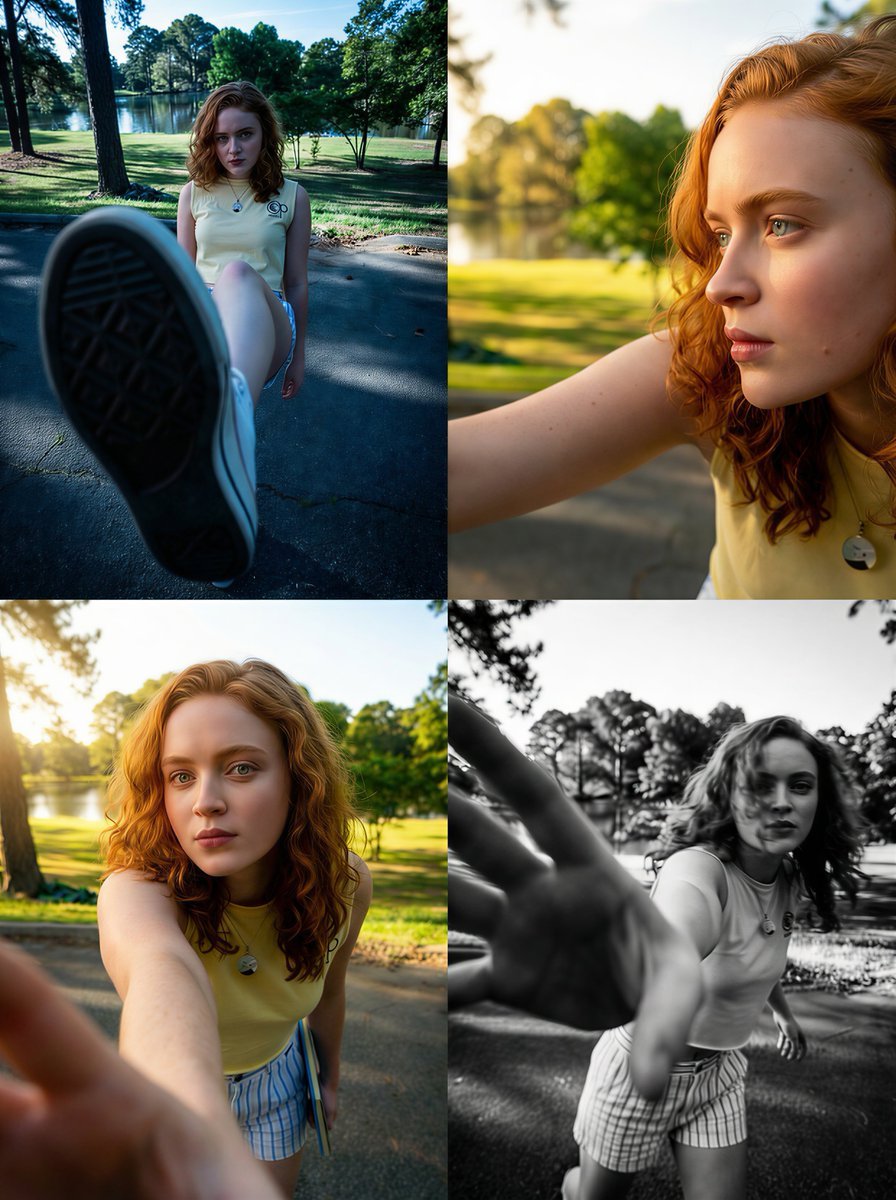
Dramatic Wide-Angle Perspective Transformation Prompt
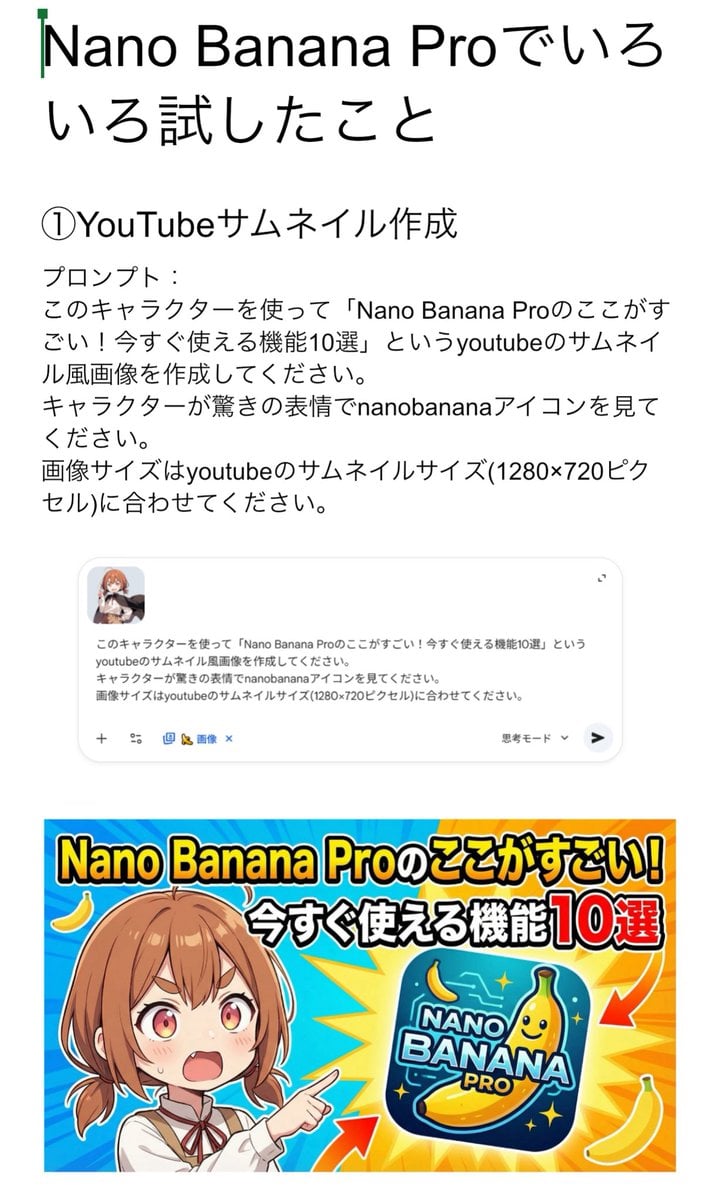
YouTube thumbnail for Nano Banana Pro features
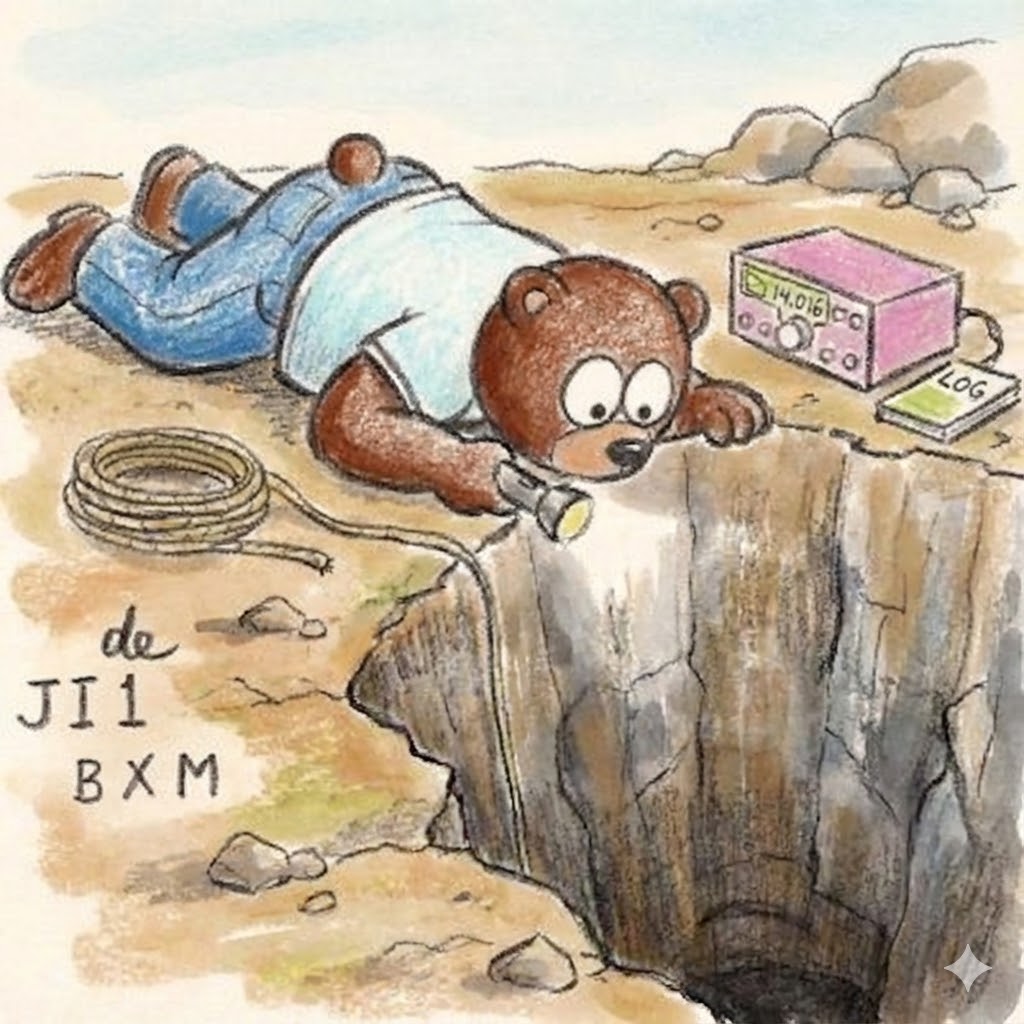
Bear Peering into a Deep Hole Illustration

Multi-Frame Lifestyle Portrait Prompt for Nano Banana Pro

Chibi Bunny Mascot Illustration
Browse template categories
Japanese Variety Show Quiz Screen questions
How do I use the Japanese Variety Show Quiz Screen template?
Add your photo if the template asks for one, edit the prompt if you like — the template's model and format are already selected — and press Generate. Your version opens in PicX Studio.
Can I customize the Japanese Variety Show Quiz Screen template?
Yes. You can change the subject, setting, lighting, mood, format, and available model controls before creating your image.
Is the Japanese Variety Show Quiz Screen template free?
Opening and editing this template is free. Generating uses credits, shown on the Generate button when you are signed in.
Which AI model should I use?
Start with GPT Image 2, which is the model associated with this template. You can compare another compatible model for a different finish.
Looking for something else? Browse all templates.

Your photo, any look
Thousands of ready templates for every top image and video model, from one credit balance.