
Cinematic Quiz Show Audience
A detailed prompt for creating a cinematic, realistic image of twins sitting in a tense atmosphere within a TV quiz show studio.
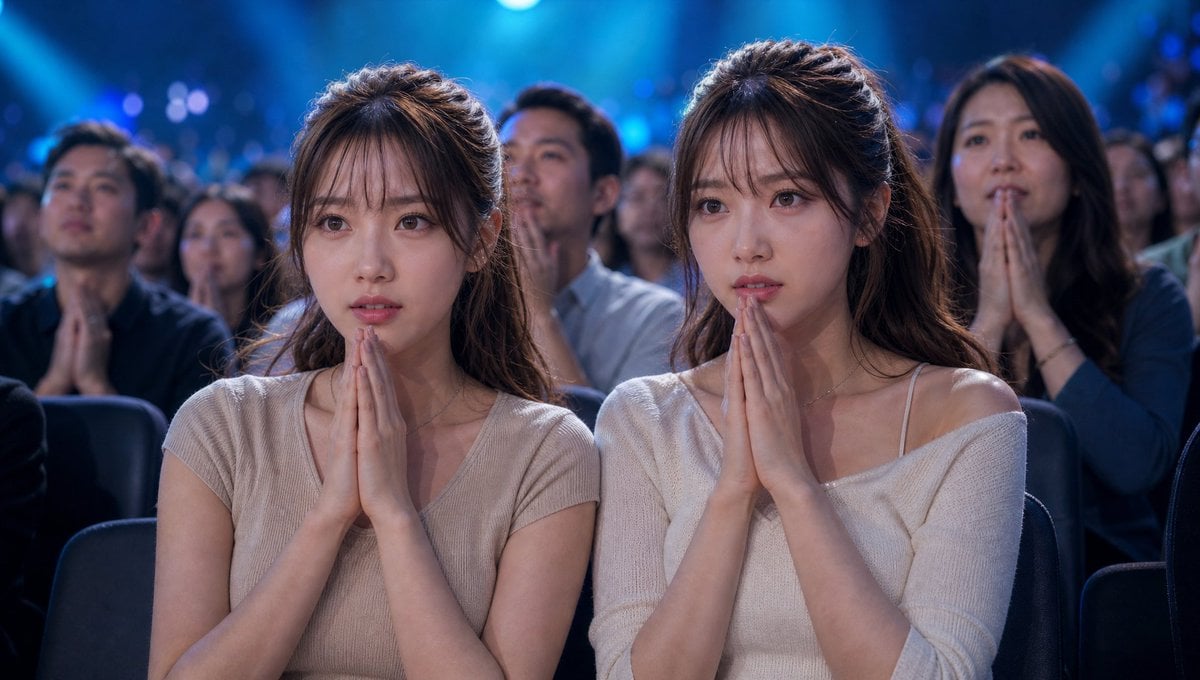
- Prompt included
- Model and format preset
- Free template
The prompt behind this image
Copy the exact prompt behind Cinematic Quiz Show Audience, or open it in the studio and make it yours.
参照画像の{argument name="人物" default="双子の人物"}を維持、服装は{argument name="服装" default="カジュアルオシャレな服"}に変更、リアルな実写映像風、巨大なテレビクイズ番組のスタジオ観覧席、高額賞金がかかった緊張感ある瞬間。双子は観覧席の最前列の関係者席に並んで座っており、両手を胸の前で組んで祈るポーズをしている。二人とも真剣で不安そうな表情、正解発表を固唾を飲んで待っている。スタジオ全体は豪華で派手な照明、大型LEDスクリーンの光が観客席を照らしている。周囲の観客も静まり返り、息を呑むような空気感。司会者や回答者は映さず、カメラは観覧席だけを切り取っている。スポットライトが双子を印象的に照らし、リアルな肌質、自然な表情、緊迫感ある空気、シネマティックな構図、望遠レンズ風、浅い被写界深度、ドキュメンタリー風のテレビカメラ映像、フォトリアル、超高精細、リアルな映画品質。服や看板、テレビ画面には企業ロゴや文字を入れない。
How to use Cinematic Quiz Show Audience in 3 steps
- 1Upload ImagePNG, JPG or paste
Add your photo
Upload the photo the template builds on. The prompt, model and format are already set.
- 2…a portrait of your subject in softgolden-hour light, 85mm…
Personalize
Edit the subject and creative details for your destination.
- 3Generate
Generate
Press Generate — your image is created in PicX Studio, so you can compare it with the original and refine one variable at a time.
More like this
Templates with the same subject, style or setup. Open one to see its prompt.
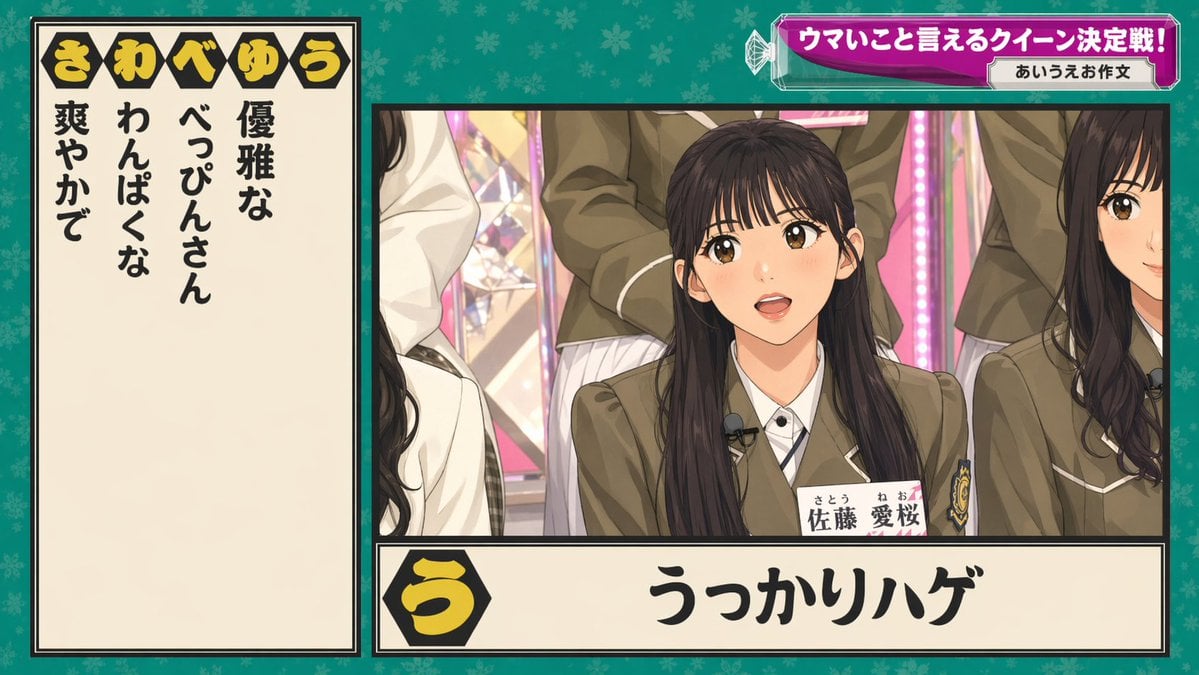
Japanese Variety Show Quiz Screen
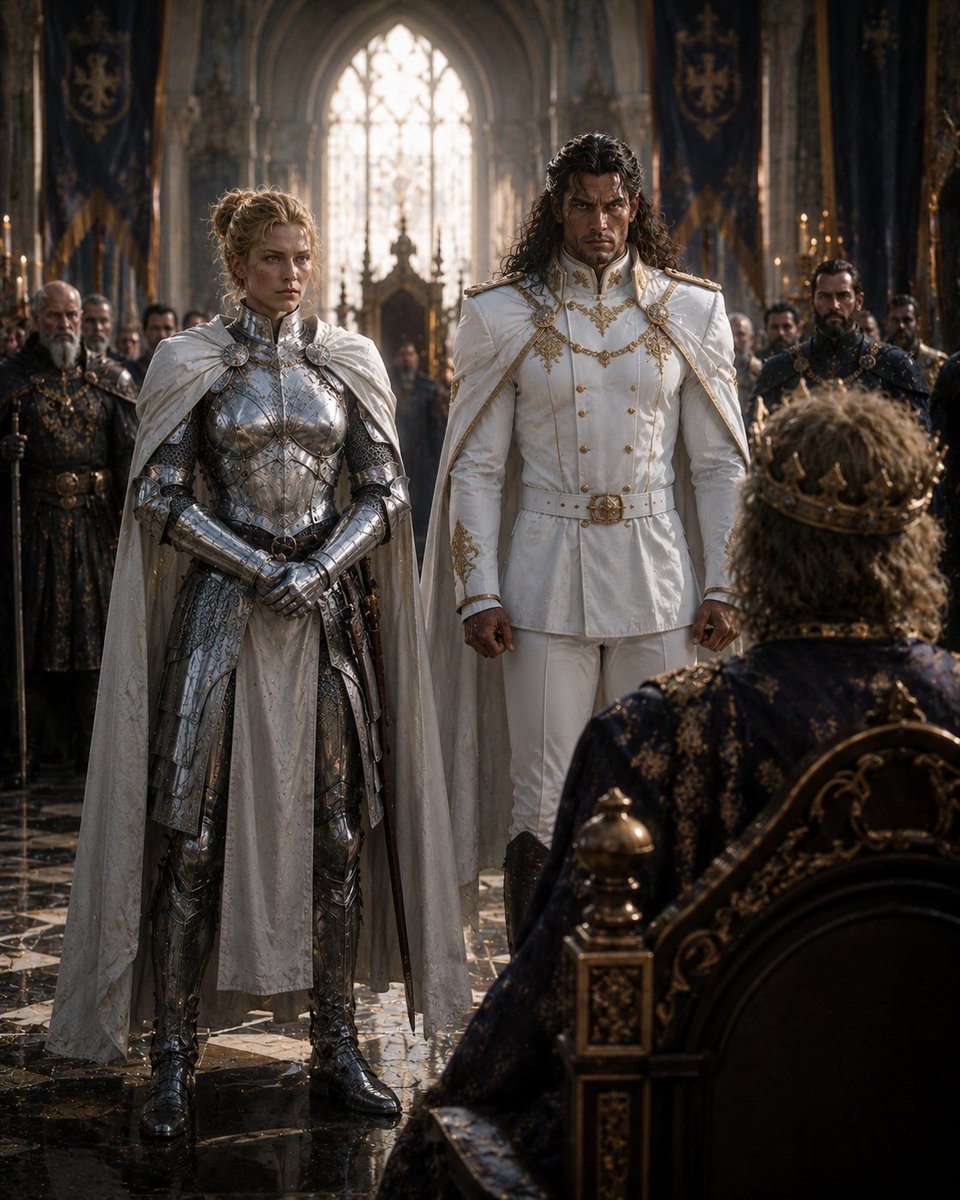
Audience with the King
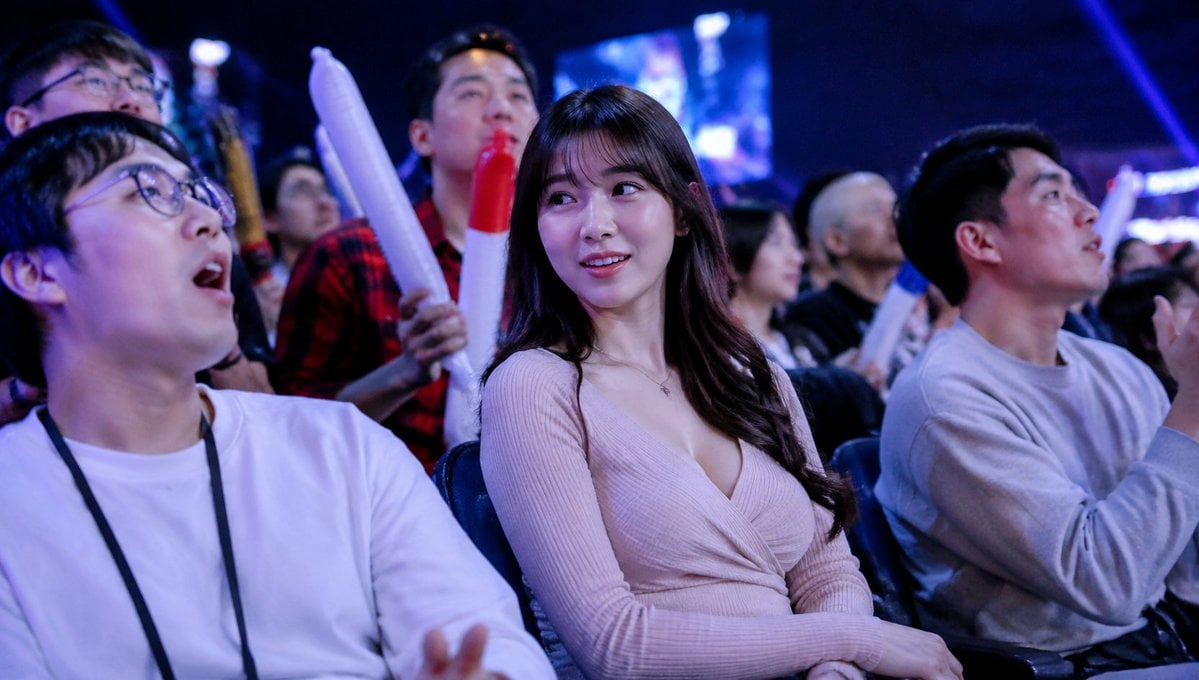
Blurred Esports Audience Crowd Shot
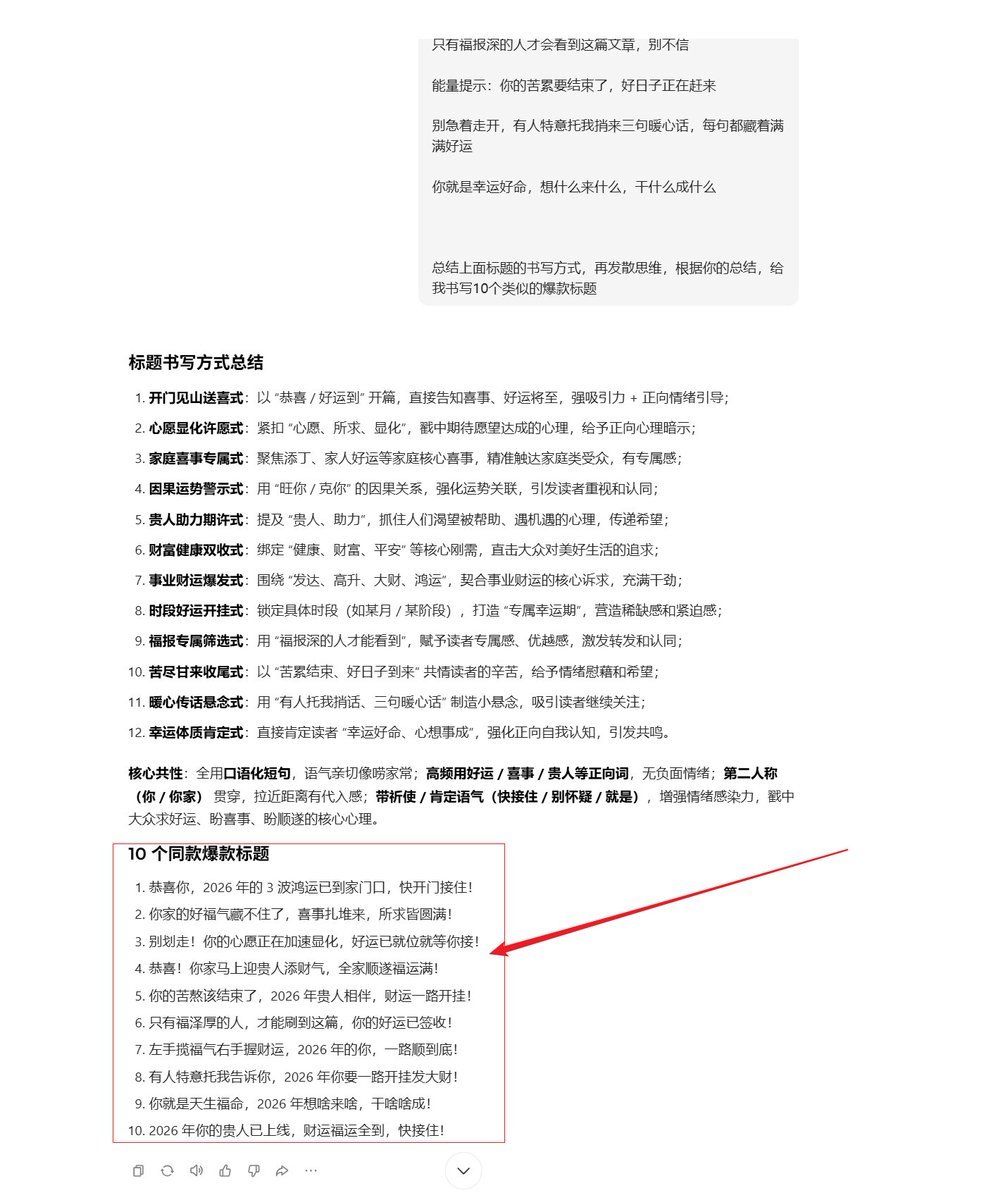
AI Prompt Template for Generating Viral Titles and Copy for Middle-Aged and Elderly Audiences
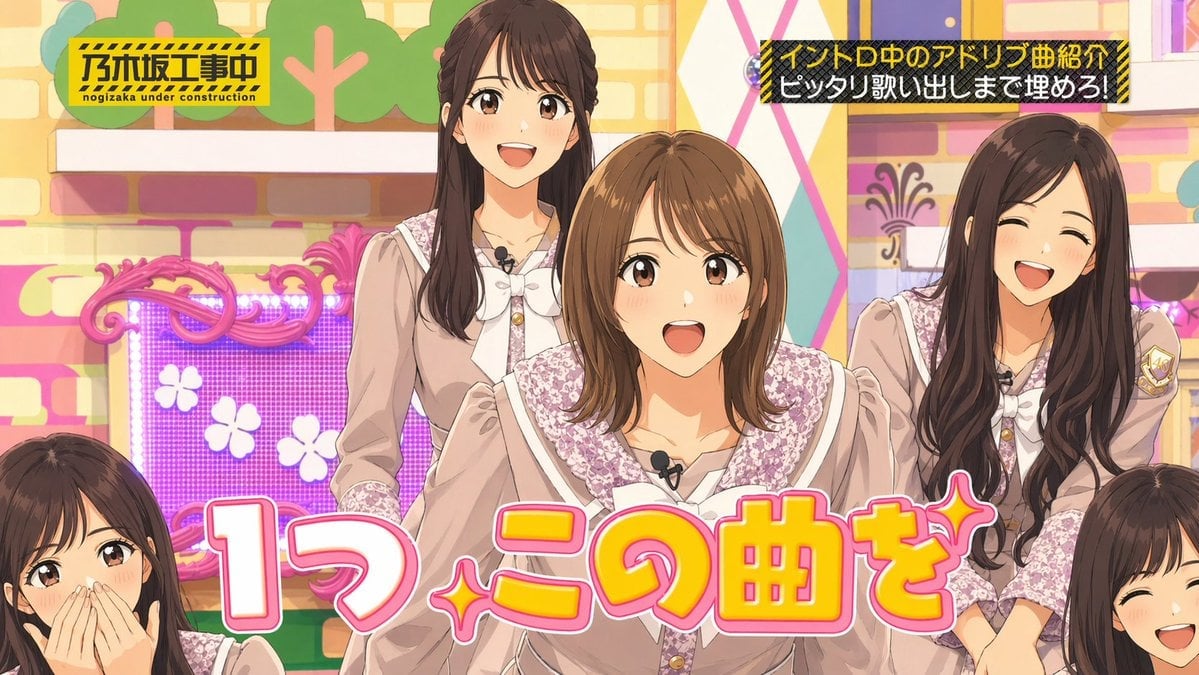
Japanese Idol TV Show Screenshot
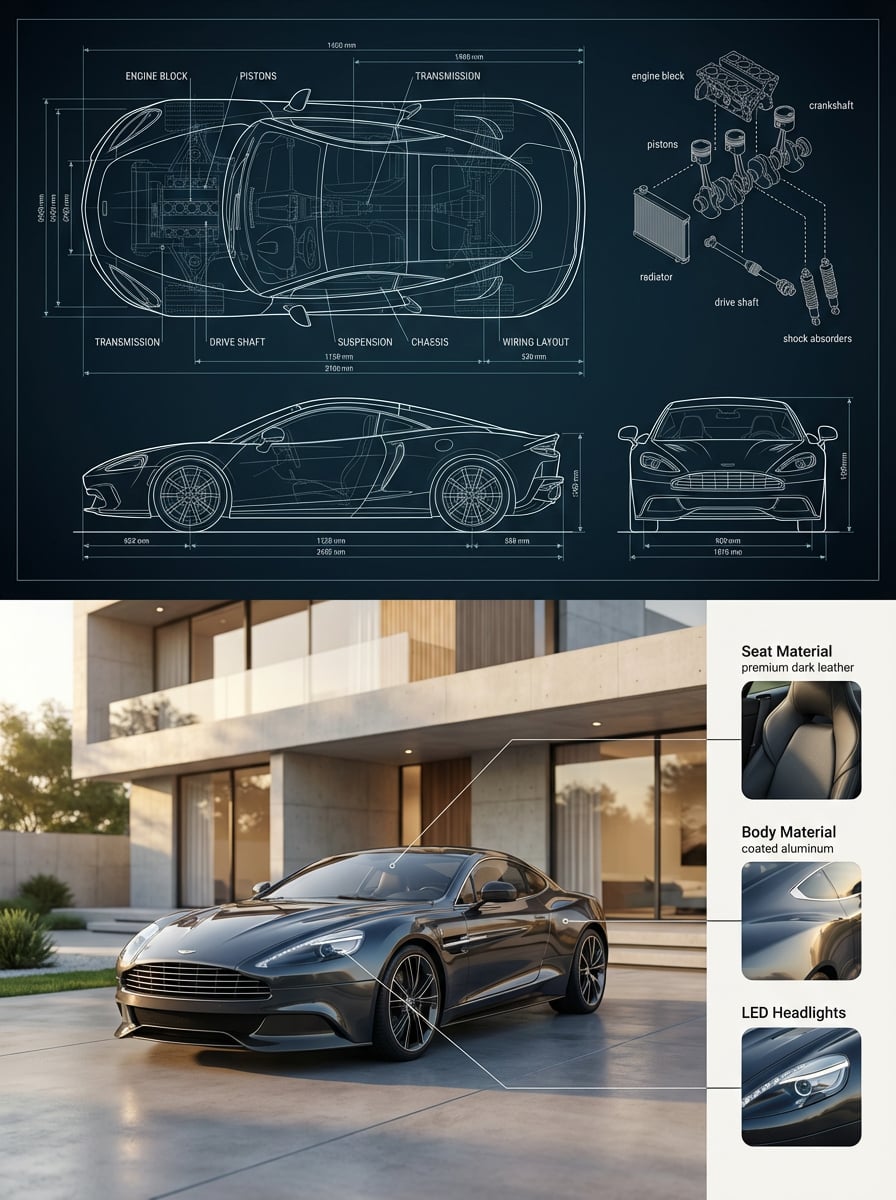
Premium split composition showing a detailed automotive blueprint top
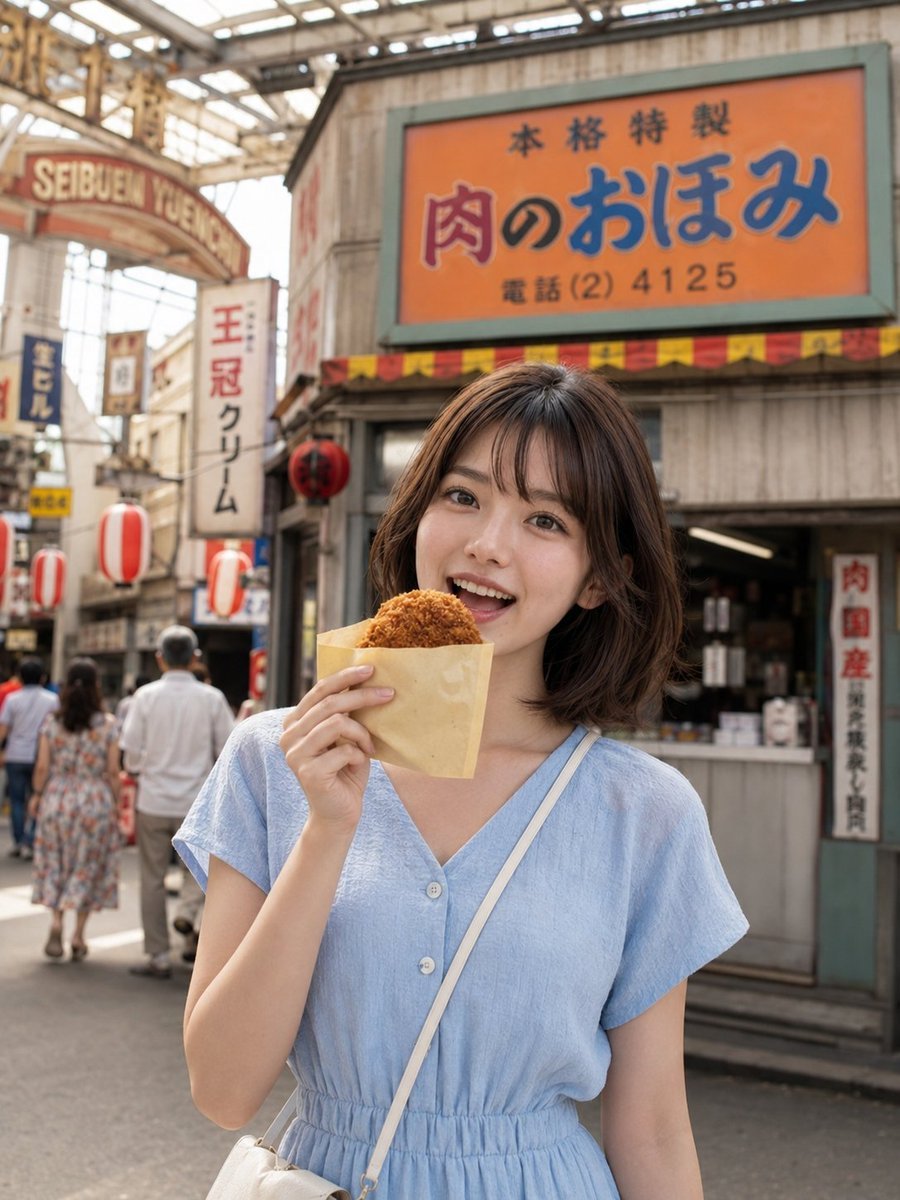
Showa Retro Arcade Croquette Portrait
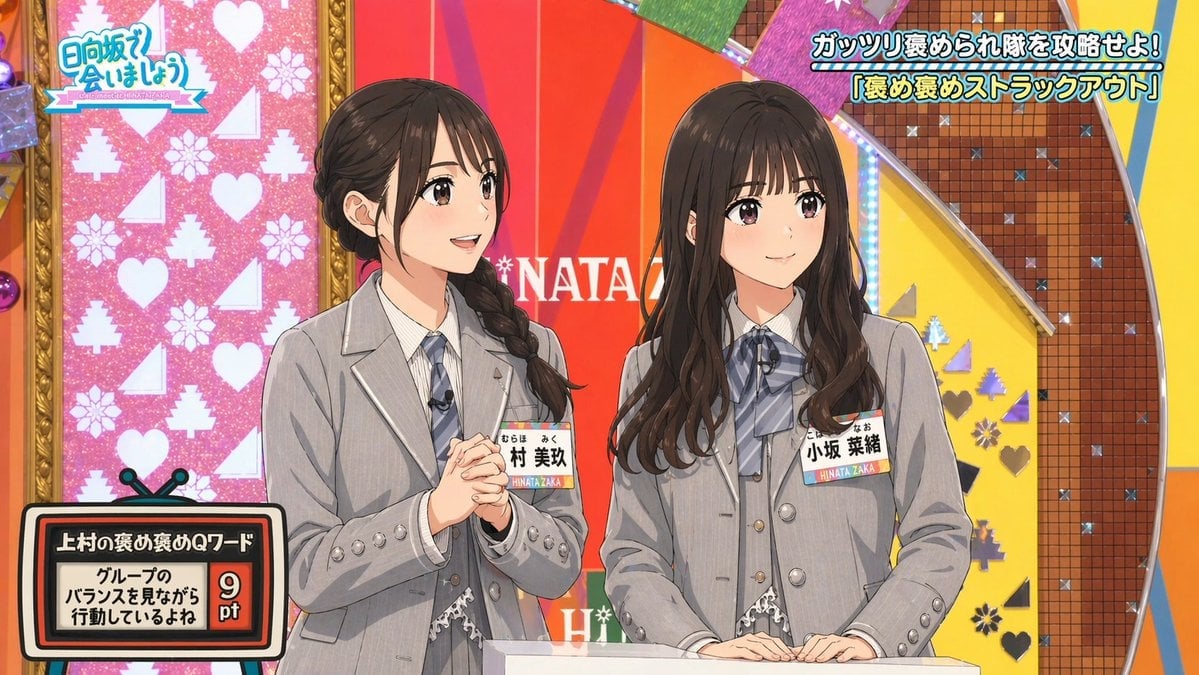
Japanese TV Idol Show Screenshot
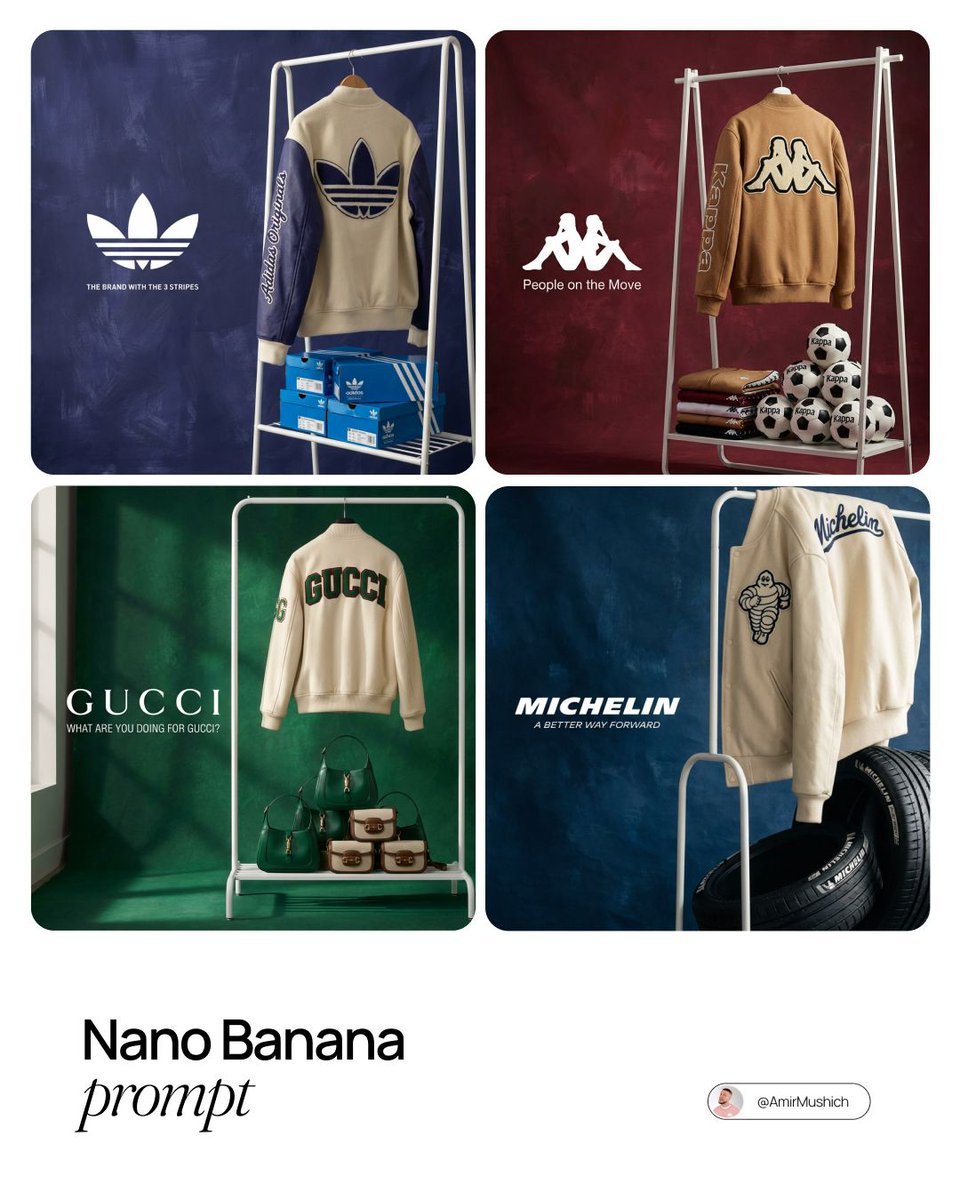
Brand Merch Showroom Photography
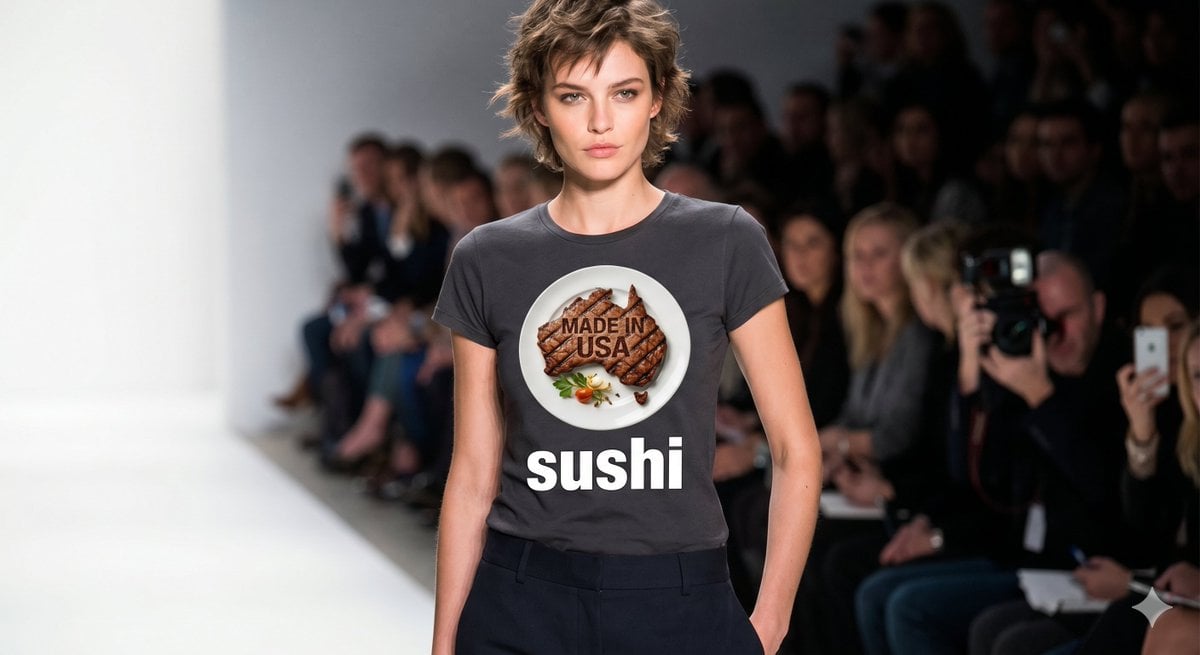
Australian Beef T-shirt Fashion Show

Cartoon TV Show Poster Pack
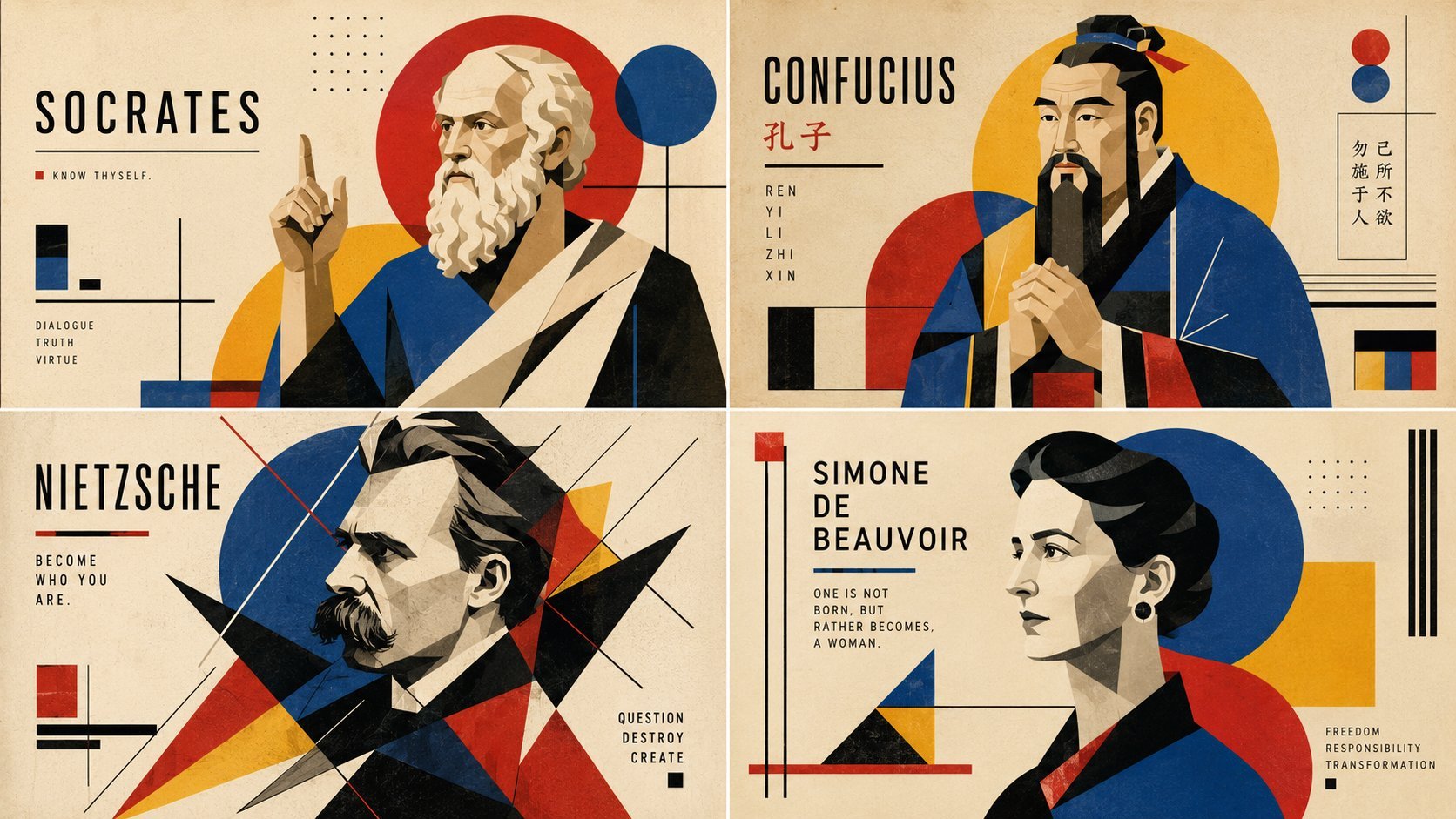
Readable AI Agent Prompt Showcase
Make it yours
Cinematic Quiz Show Audience works as-is. These are the safest ways to change it without losing the look.
Change one field
Copy a single group, rewrite it, and generate again so you can see what that field is doing.
Keep the frame, change the subject
Hold the composition and light of Cinematic Quiz Show Audience, then swap wardrobe, props or the person for a new take.
| If the result… | Why | Fix |
|---|---|---|
| The result drifts from the preview | Too many fields changed at once. | Reuse Cinematic Quiz Show Audience as-is first, then change one group — subject, light, or setting. |
| The model over-stylizes the scene | The prose prompt leaves finish and camera underspecified. | Add one camera or lighting sentence and stay on GPT Image 2. |
More GPT Image 2 templates
Other prompts made for GPT Image 2.

Six VTuber Japanese Logo Sheet

Realistic Portrait of Woman and Deer

The Vista Modular Condo Poster

AI Model Routing Comparison Infographic

2.5D Anime Art Board

Isometric Productivity Desk Scene

New York Double Exposure Poster

Four-Panel AI Landscape Comparison

Japanese Tatami Lifestyle Magazine Cover

NESCAFÉ Coffee Map Poster
More image prompts
Fresh picks from across the catalog.
Wide-Angle Foreshortening Portrait on Sofa
Golden Hour Rooftop Portrait
Rose Garden Travel Postcard Flat Lay
Cyber-Liminal Dream Sequence Triptych
Cinematic Studio Portrait of an Intellectual Man
Photorealistic Long-Exposure Fireworks over a City Skyline
untitled
Image Analysis and Correction Tool Description
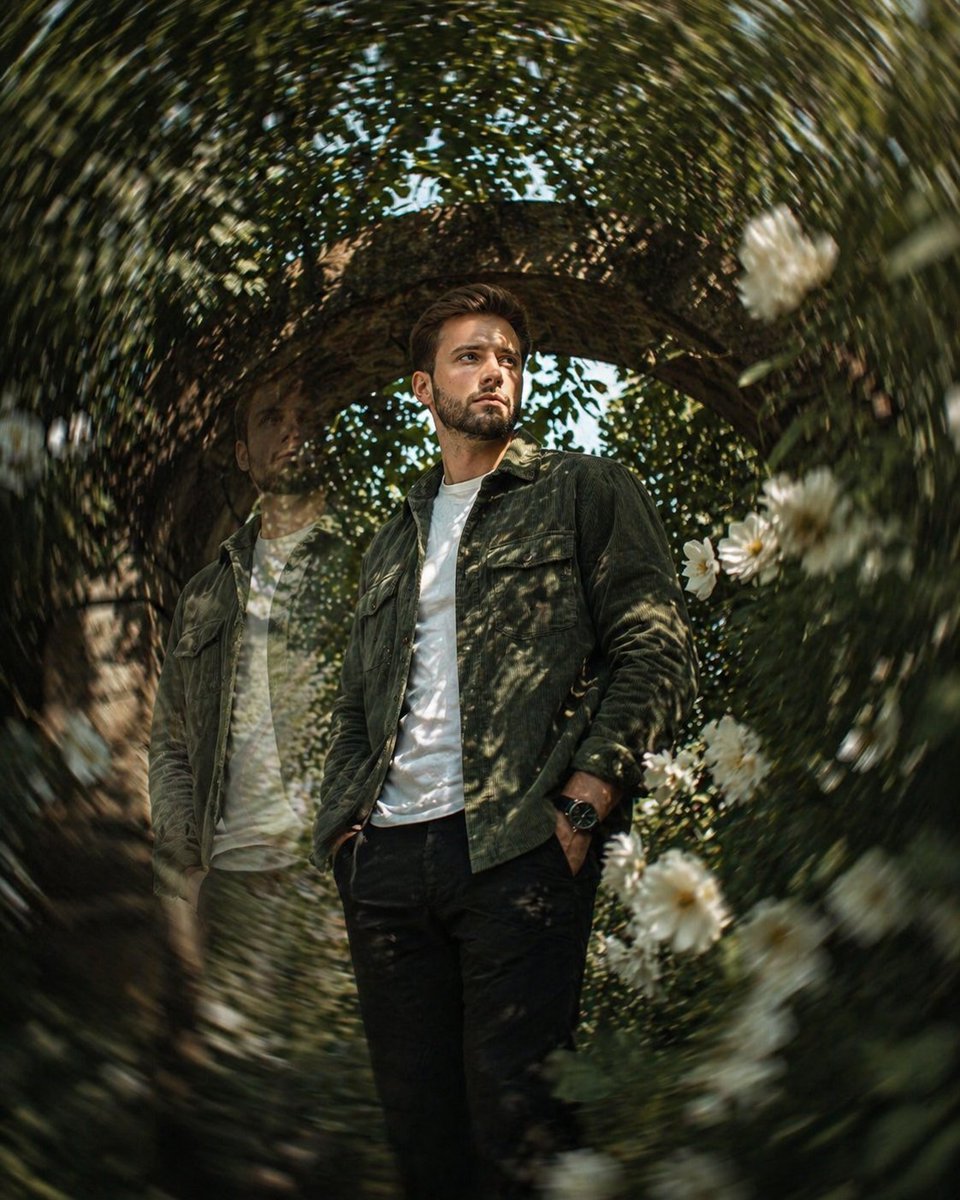
Cinematic surreal garden portrait prompt

Blindfolded Sorcerer Victory Pose
Browse template categories
Cinematic Quiz Show Audience questions
How do I use the Cinematic Quiz Show Audience template?
Add your photo if the template asks for one, edit the prompt if you like — the template's model and format are already selected — and press Generate. Your version opens in PicX Studio.
Can I customize the Cinematic Quiz Show Audience template?
Yes. You can change the subject, setting, lighting, mood, format, and available model controls before creating your image.
Is the Cinematic Quiz Show Audience template free?
Opening and editing this template is free. Generating uses credits, shown on the Generate button when you are signed in.
Which AI model should I use?
Start with GPT Image 2, which is the model associated with this template. You can compare another compatible model for a different finish.
Looking for something else? Browse all templates.

Your photo, any look
Thousands of ready templates for every top image and video model, from one credit balance.