
Showa Retro Arcade Croquette Portrait
A photorealistic travel portrait of a woman eating a croquette in a nostalgic Japanese amusement-park shopping street.
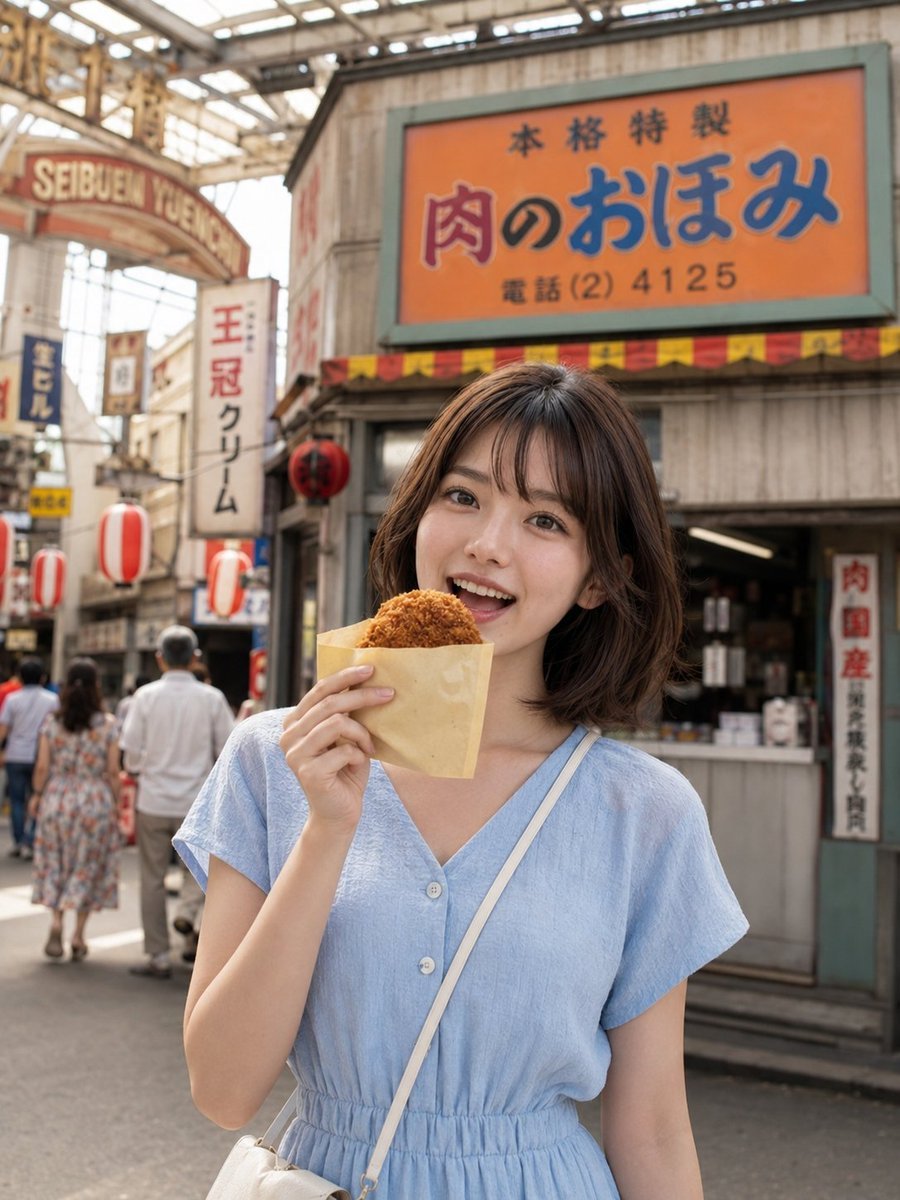
- Prompt included
- Model and format preset
- Free template
The prompt behind this image
Copy the exact prompt behind Showa Retro Arcade Croquette Portrait, or open it in the studio and make it yours.
Create a realistic vertical travel snapshot in a nostalgic 1960s Showa-retro Japanese amusement-park shopping street, like Seibuen Yuenchi's Sunset Hill shopping arcade. In the foreground, show one young Japanese woman with a short wavy dark-brown bob wearing a pale {argument name="dress color" default="light blue"} short-sleeve V-neck button-front summer dress with an elastic waist and a thin white crossbody bag strap; she stands centered, cropped from mid-thigh upward, holding one hot croquette in a tan paper pouch up near her mouth with one hand. Her face is intentionally obscured by one flat opaque medium-brown square censor block covering the central face area from forehead to mouth, while some hair remains visible around it. Behind her, create a busy covered arcade with warm daylight through a glass-and-metal roof, shallow depth of field, and a grey wooden storefront on the right. Add one large orange shop sign above her reading {argument name="main shop sign" default="本格特製 肉のおほみ 電話 (2) 4125"}, with blue and red lettering and a green frame; add a red-yellow striped awning beneath it. Include exactly four red-and-white cylindrical paper lanterns hanging along the street and exactly one round red lantern beside the storefront. Include pedestrians in the background: three main walking figures visible from behind, softly blurred. Add several retro vertical signs, including one arched entrance sign on the left reading {argument name="arcade sign" default="SEIBUEN YUENCHI"} and a tall vertical sign reading {argument name="vertical sign" default="王冠クリーム"}. Use photorealistic detail, natural skin and fabric texture, soft background blur, warm nostalgic colors, no modern signage, no watermark, no extra people in the foreground.
How to use Showa Retro Arcade Croquette Portrait in 3 steps
- 1Upload ImagePNG, JPG or paste
Add your photo
Upload the photo the template builds on. The prompt, model and format are already set.
- 2…a portrait of your subject in softgolden-hour light, 85mm…
Personalize
Edit the subject and creative details for your destination.
- 3Generate
Generate
Press Generate — your image is created in PicX Studio, so you can compare it with the original and refine one variable at a time.
More like this
Templates with the same subject, style or setup. Open one to see its prompt.










Make it yours
Showa Retro Arcade Croquette Portrait works as-is. These are the safest ways to change it without losing the look.
Change one field
Copy a single group, rewrite it, and generate again so you can see what that field is doing.
Keep the frame, change the subject
Hold the composition and light of Showa Retro Arcade Croquette Portrait, then swap wardrobe, props or the person for a new take.
| If the result… | Why | Fix |
|---|---|---|
| The result drifts from the preview | Too many fields changed at once. | Reuse Showa Retro Arcade Croquette Portrait as-is first, then change one group — subject, light, or setting. |
| The model over-stylizes the scene | The prose prompt leaves finish and camera underspecified. | Add one camera or lighting sentence and stay on GPT Image 2. |
More GPT Image 2 templates
Other prompts made for GPT Image 2.

Six VTuber Japanese Logo Sheet

Realistic Portrait of Woman and Deer

The Vista Modular Condo Poster

AI Model Routing Comparison Infographic

2.5D Anime Art Board

Isometric Productivity Desk Scene

New York Double Exposure Poster

Four-Panel AI Landscape Comparison

Japanese Tatami Lifestyle Magazine Cover

NESCAFÉ Coffee Map Poster
More image prompts
Fresh picks from across the catalog.
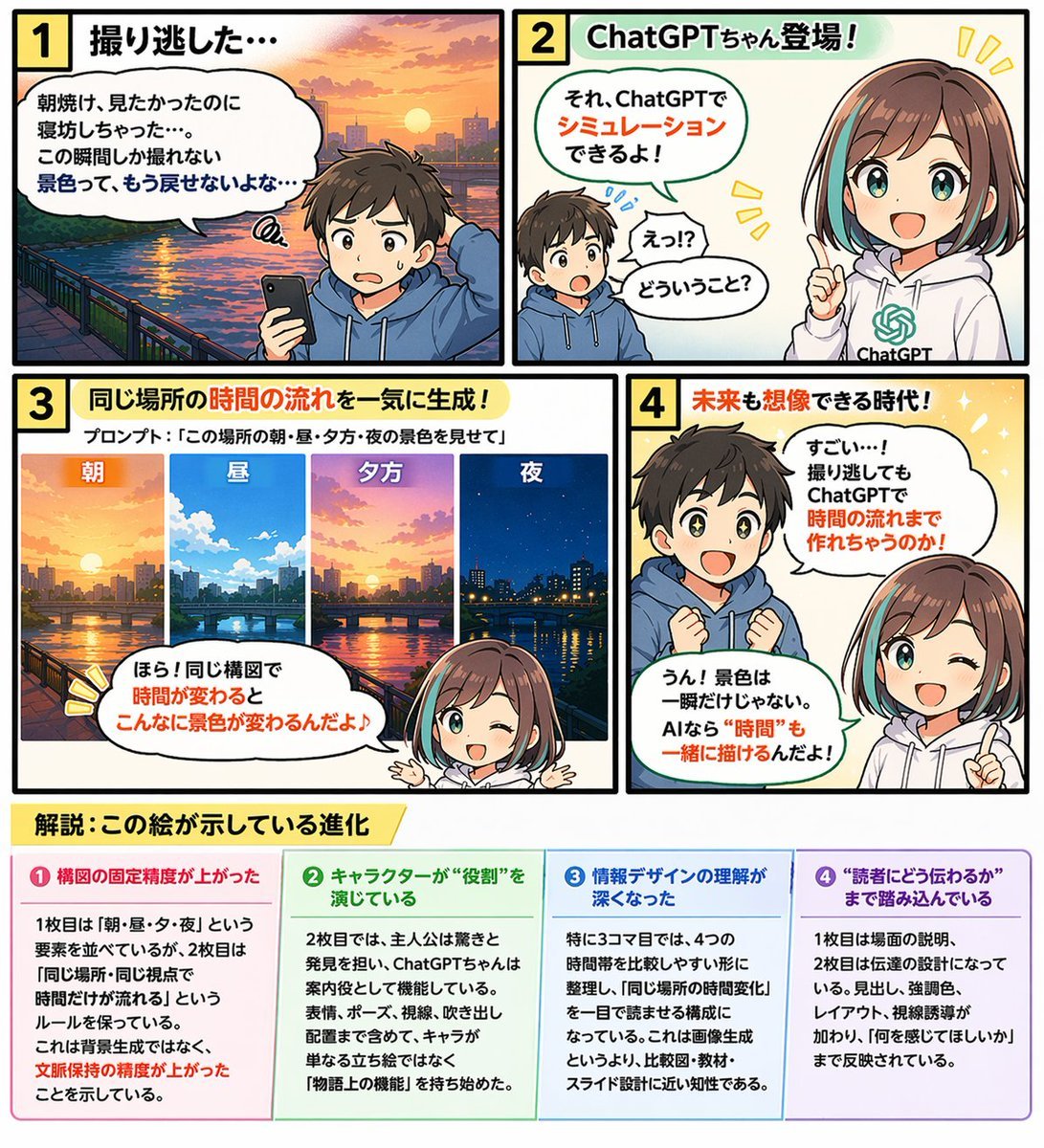
Educational 4-Panel Manga with Infographic
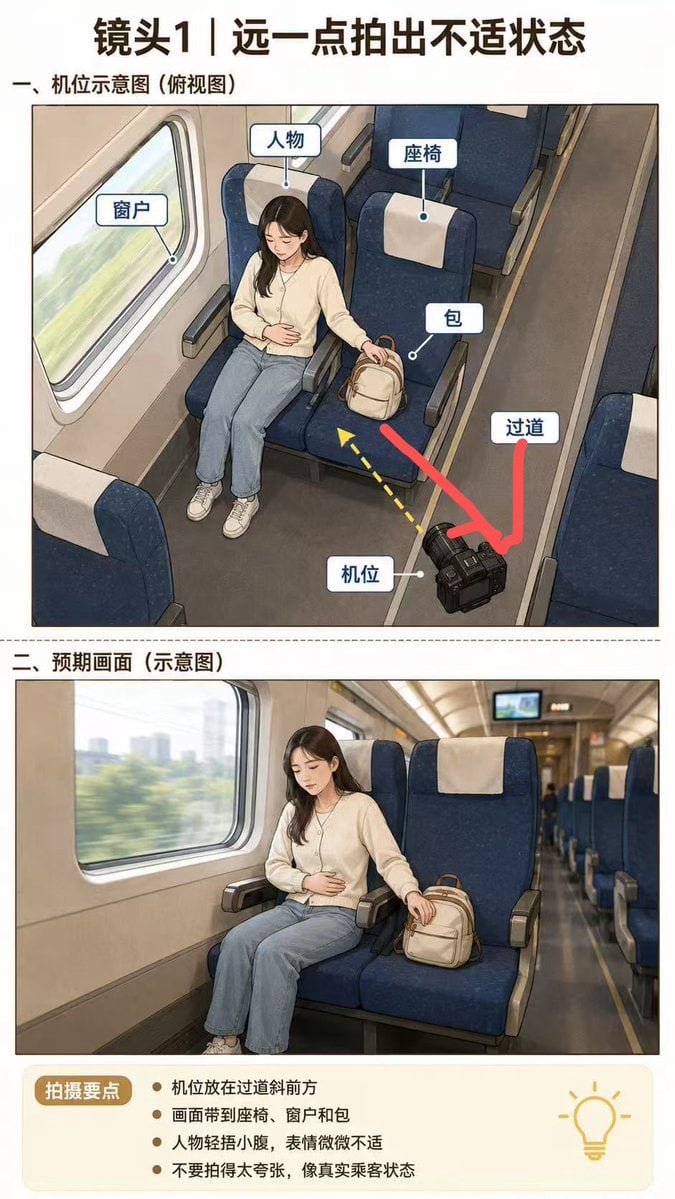
High-Speed Train Filming Storyboard
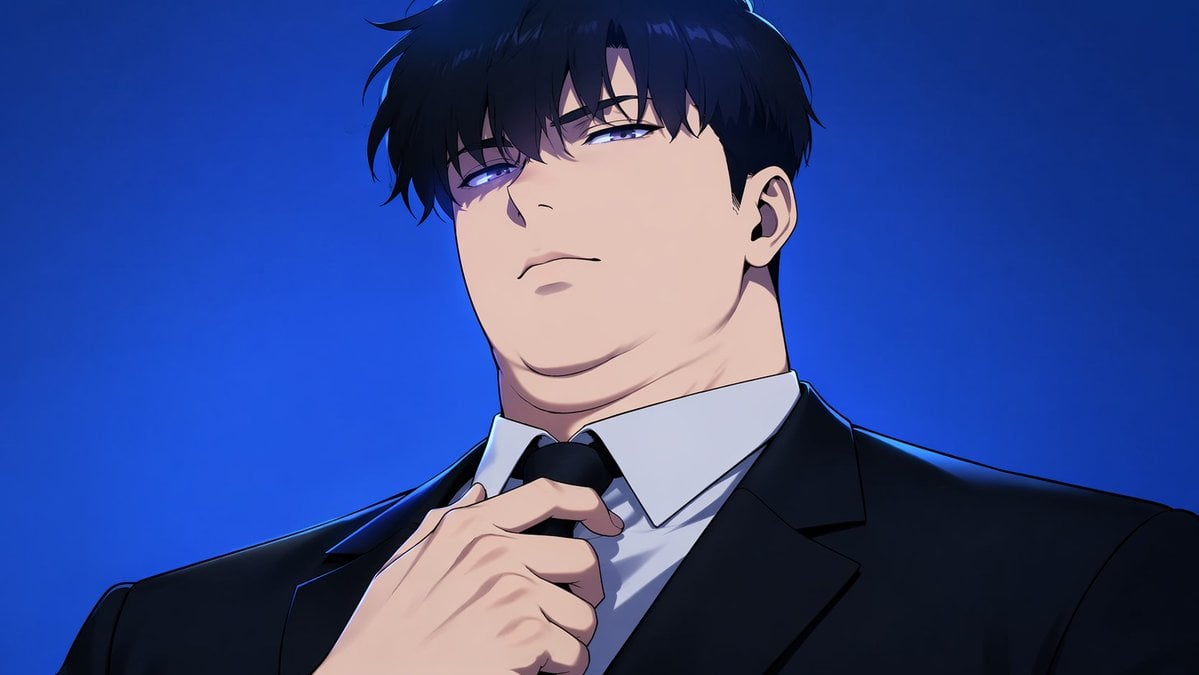
Manhwa Style Boss Adjusting Tie
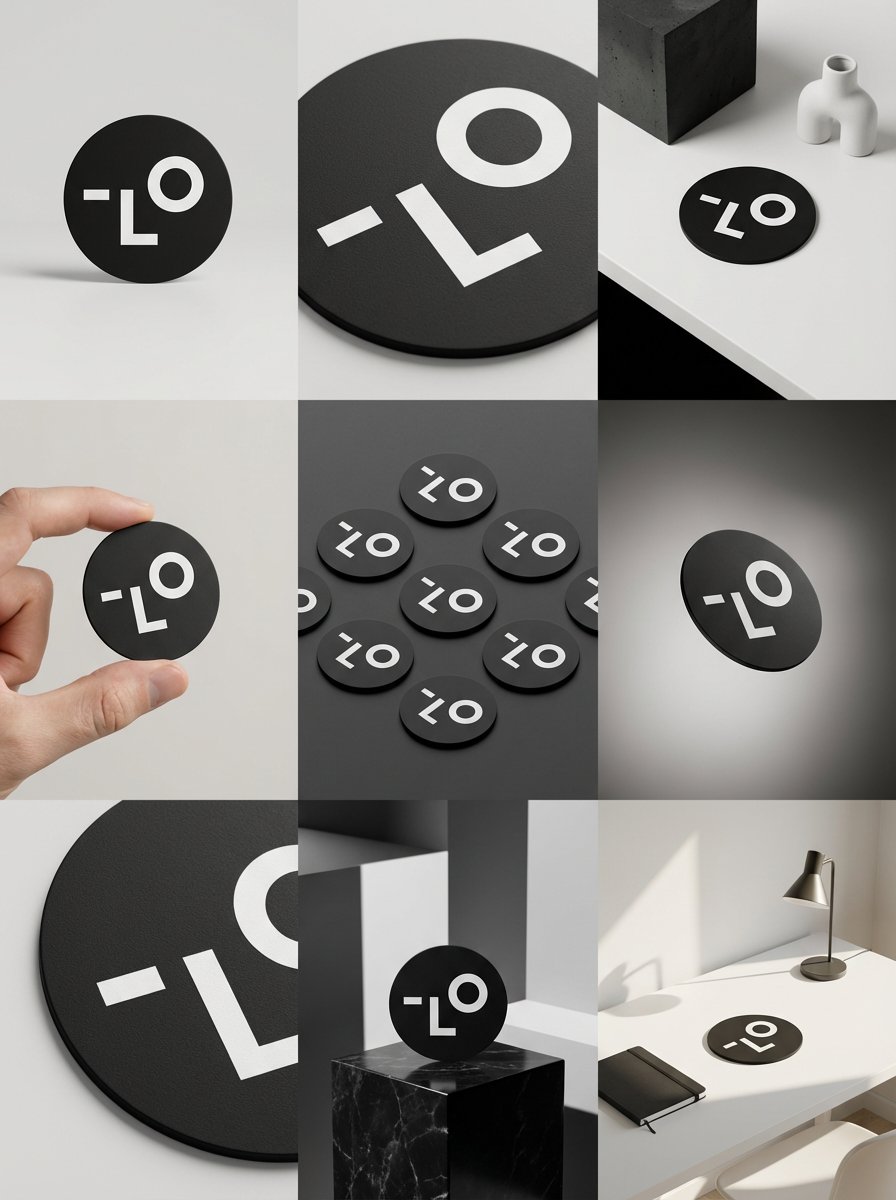
Detailed Storyboard Prompt for Brand Visuals
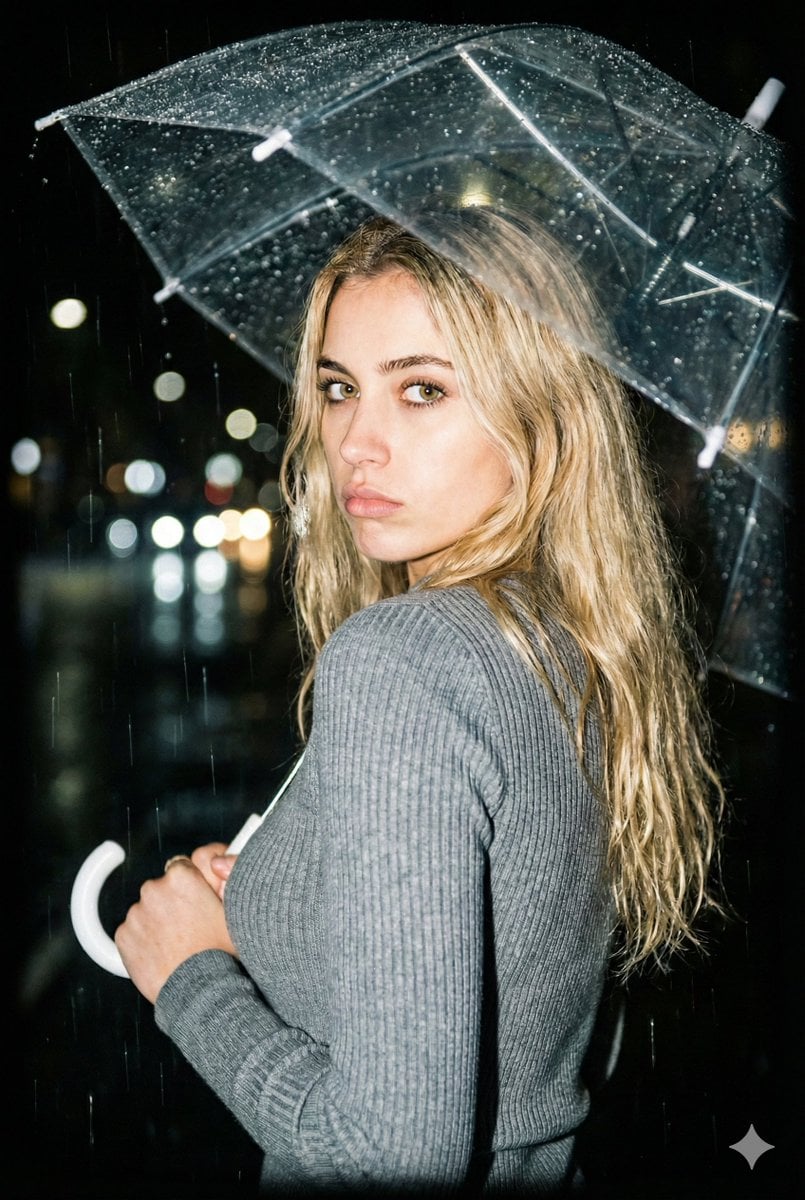
Nighttime Rainy Umbrella Portrait Prompt

Codex Product Update Poster
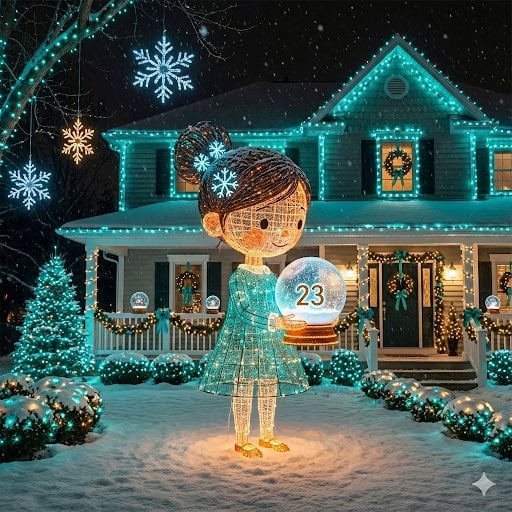
Image-to-Outdoor Christmas Decor Prompt
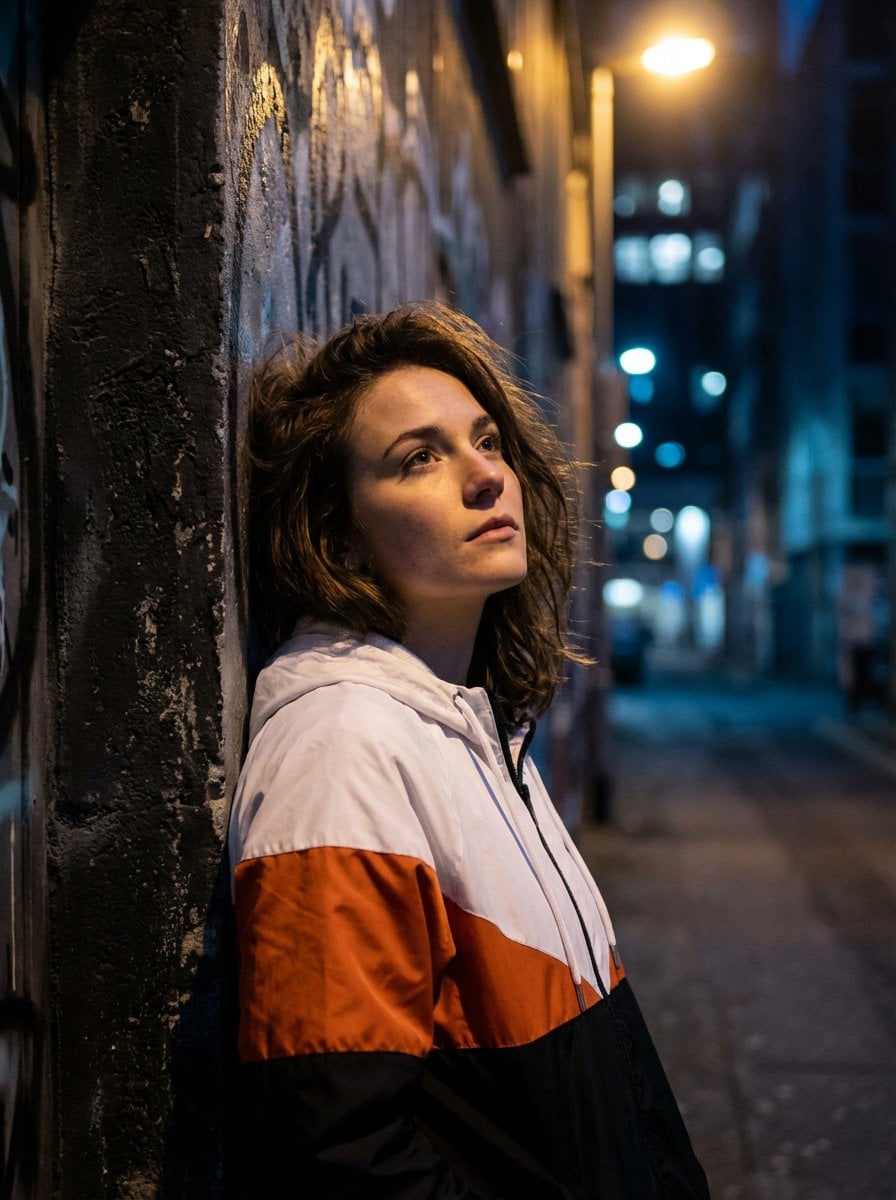
Dramatic Urban Portrait with Overhead Lighting
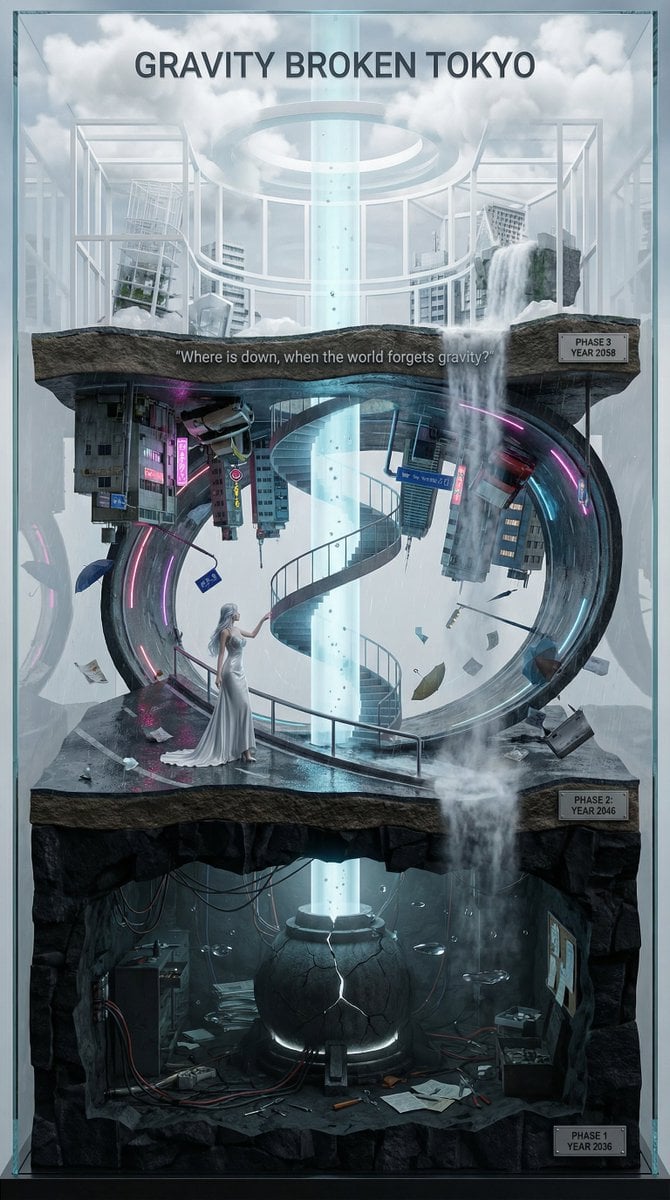
Vertical Layered Diorama Concept Art Prompt for Sci-Fi Film
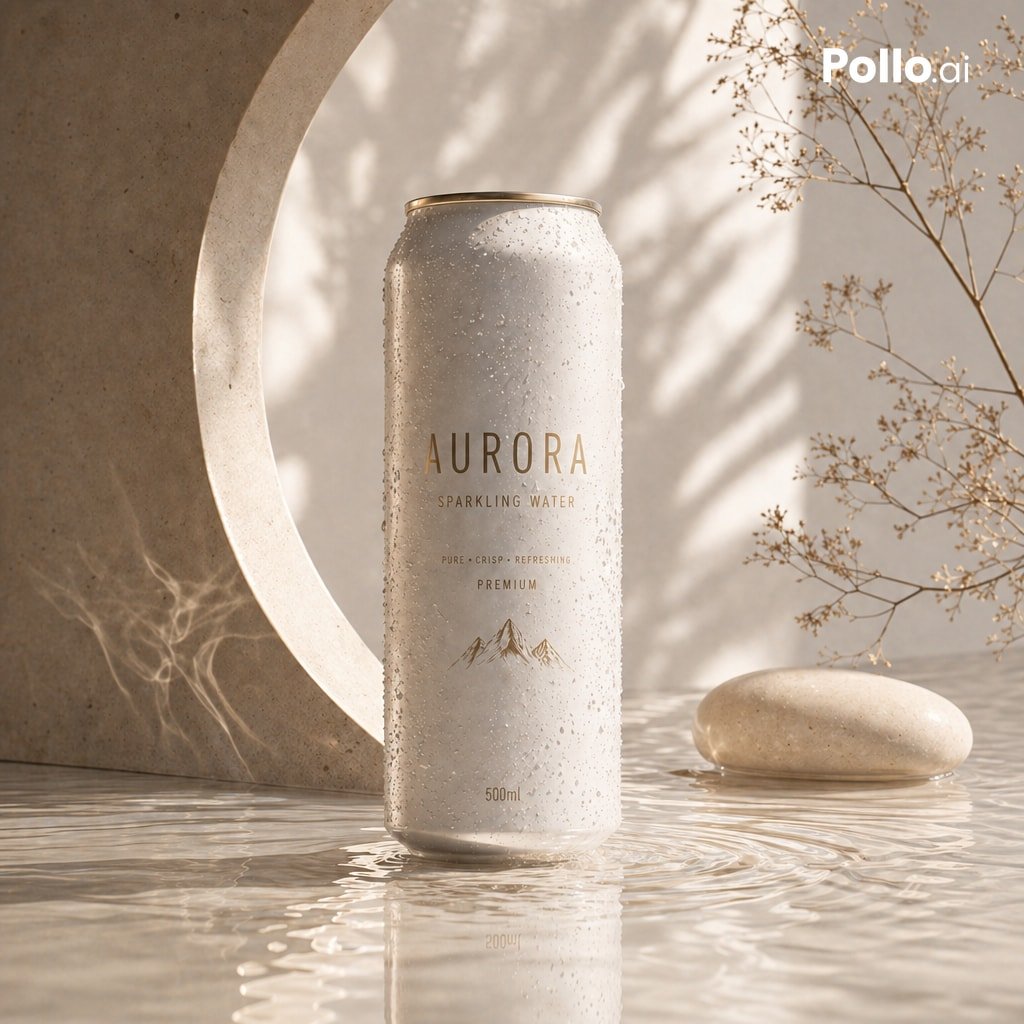
Luxury Sparkling Water Can Ad
Browse template categories
Showa Retro Arcade Croquette Portrait questions
How do I use the Showa Retro Arcade Croquette Portrait template?
Add your photo if the template asks for one, edit the prompt if you like — the template's model and format are already selected — and press Generate. Your version opens in PicX Studio.
Can I customize the Showa Retro Arcade Croquette Portrait template?
Yes. You can change the subject, setting, lighting, mood, format, and available model controls before creating your image.
Is the Showa Retro Arcade Croquette Portrait template free?
Opening and editing this template is free. Generating uses credits, shown on the Generate button when you are signed in.
Which AI model should I use?
Start with GPT Image 2, which is the model associated with this template. You can compare another compatible model for a different finish.
Looking for something else? Browse all templates.

Your photo, any look
Thousands of ready templates for every top image and video model, from one credit balance.