
Detailed Storyboard Prompt for Brand Visuals
A highly detailed, multi-frame prompt designed for Nano Banana Pro to generate a clean, professional 3x3 storyboard grid for a branding portfolio.
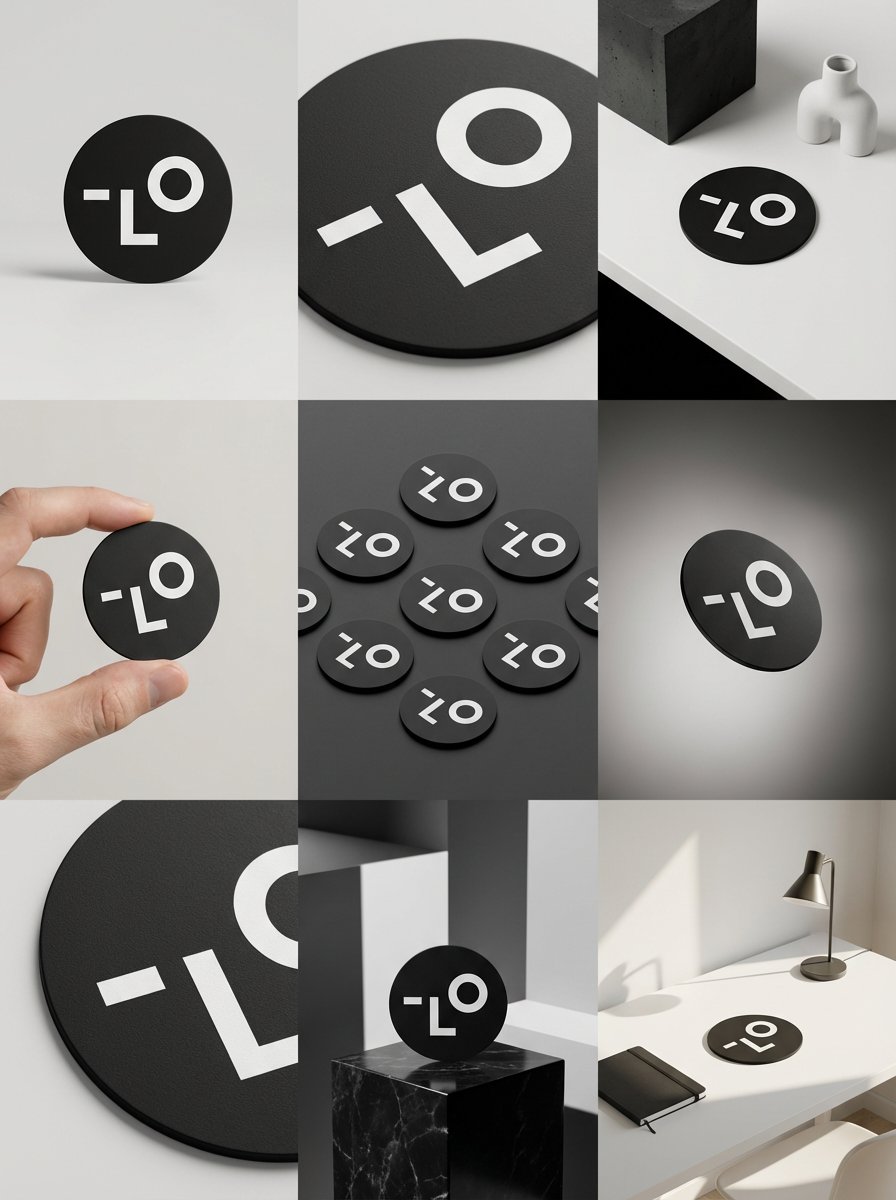
- Prompt included
- Model and format preset
- Free template
The prompt behind this image
Copy the exact prompt behind Detailed Storyboard Prompt for Brand Visuals, or open it in the studio and make it yours.
3×3 [比率] のクリーンなストーリーボードグリッドに、9 つの [比率] サイズのパネルを [4:5] の比率で配置します。 参考画像を製品のベースイメージとして使用します。製品、パッケージデザイン、ブランディング、素材、色、比率、全体的なアイデンティティは、参考画像と完全に同じにしてください。製品はすべてのフレームで明確に認識できる必要があります。ラベル、ロゴ、比率は完全に同じである必要があります。 このストーリーボードは、ブランディングポートフォリオ用の高級デザイナーによるモックアッププレゼンテーションです。リアリズムやライフスタイルのナラティブではなく、形状、構成、素材、視覚的なリズムに焦点を当てています。全体的な外観は、キュレーションされた、編集された、デザイン主導の印象を与える必要があります。 フレーム 1: クリーンなスタジオセットアップで、製品を正面から撮影したヒーローショット。ニュートラルな背景、バランスの取れた構図、落ち着いた自信に満ちた製品のプレゼンテーション。 フレーム2: 製品の中心にフォーカスを合わせたクローズアップショット。表面の質感、素材、印刷のディテールに焦点を当てています。 フレーム3: ブランドと製品カテゴリーに自然に溶け込む環境に配置された参考製品。製品のデザイン要素と色彩からインスピレーションを得たスタジオセッティングです。 フレーム4: ニュートラルなスタジオの背景に、製品の使用またはインタラクションの様子が写っています。手やインタラクション要素は最小限に抑えられ、パッケージのスタイルにマッチした外観です。 フレーム5: 複数の製品を上面から等角投影し、正確な幾何学的順序で配置したアイソメトリック構図です。すべての製品が同じ上面から等角投影され、均等な間隔で配置され、すっきりと整理され、グラフィックな印象を与えます。 フレーム6: 参考画像のカラーパレットにマッチしたニュートラルな背景に、製品がわずかに傾けて浮かんでいます。意図的に角度をつけて浮かんでいるため、製品は空間に自然に浮かんでいます。 フレーム7: ラベル、エッジ、テクスチャ、または素材の挙動といった特定のディテールに焦点を当てた、極めてクローズアップのショットです。 フレーム8: 製品は、予想外でありながらも美的に力強いセッティングの中にあり、大胆でエディトリアルな印象を与え、視覚的に印象的です。 予想外でありながら、高度に様式化されたセッティング。スタジオを拠点とし、デザイナー主導で制作。ブランドイメージを高める大胆な構図。 フレーム9: 洗練されたデザイナーのセッティングの中に置かれた製品の使用シーンを映し出すワイドな構図。無駄のない小道具、コントロールされたスタイリング、そしてシリーズの他の作品との統一感。 カメラとスタイル: リアルなカメラルックを備えた、超高画質のスタジオ撮影。フレームごとに異なるカメラアングルとフレーミング。被写界深度、正確な照明、正確な素材と反射。照明のロジック、カラーパレット、ムード、そしてビジュアルランゲージは、9つのパネル全体で一貫性を保ち、1つのシリーズとして統一する必要があります。 出力: 境界線、テキスト、キャプション、透かしのない、すっきりとした 3×3 グリッド。
How to use Detailed Storyboard Prompt for Brand Visuals in 3 steps
- 1
Open
The prompt is already in the box next to the preview, with the template's model and format selected.
- 2…a portrait of your subject in softgolden-hour light, 85mm…
Personalize
Edit the subject and creative details for your destination.
- 3Generate
Generate
Press Generate — your image is created in PicX Studio, so you can compare it with the original and refine one variable at a time.
More like this
Templates with the same subject, style or setup. Open one to see its prompt.

Luxury Fashion Campaign Typography Poster System

Premium Fashion Editorial Campaign Poster System

Headphones Lifestyle Nine Panel Grid

Isometric Brand Store Diorama

Moss Logo Minimalist Brand Flat Lay
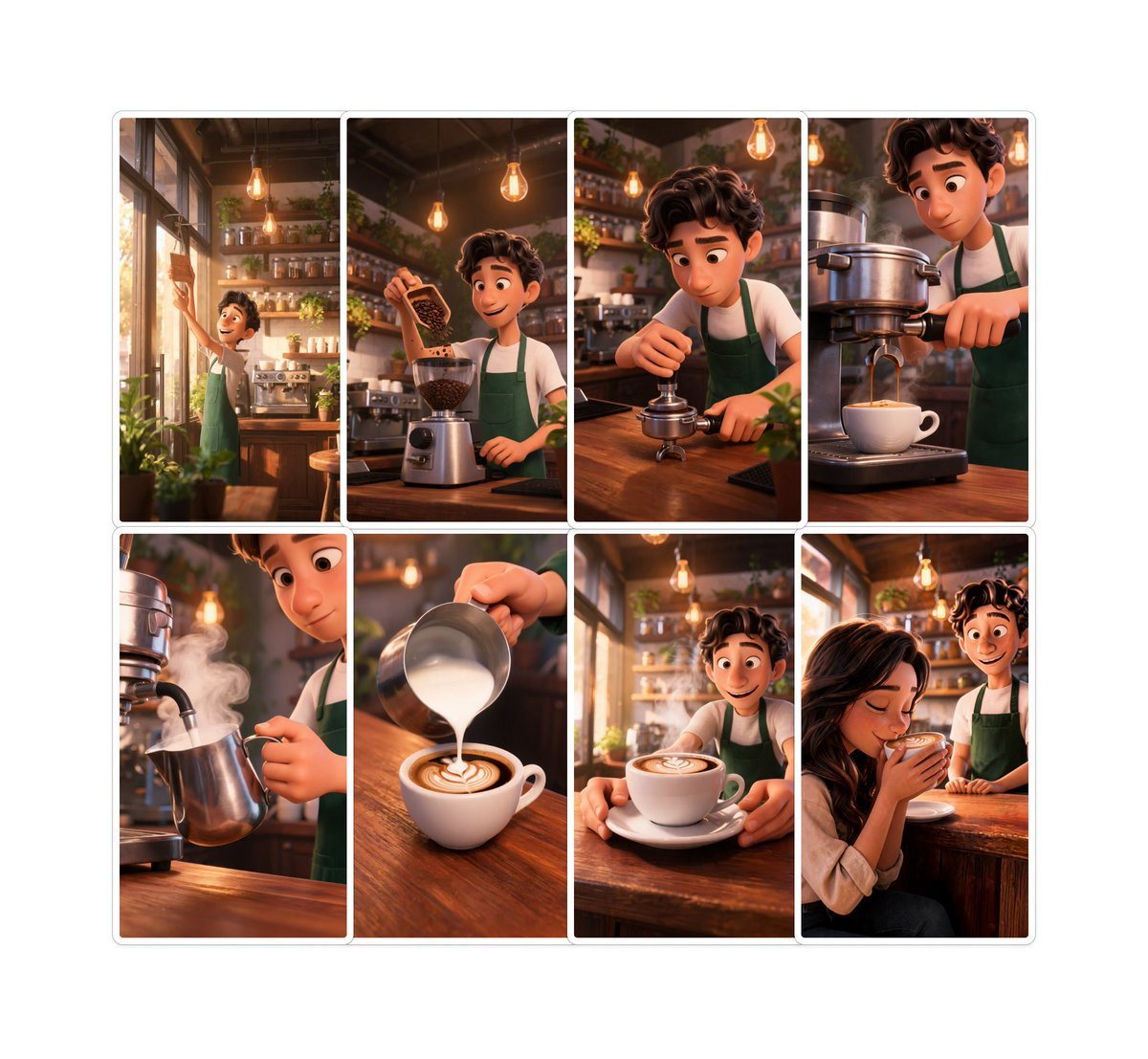
Pixar-Style Coffee Brand Storyboard
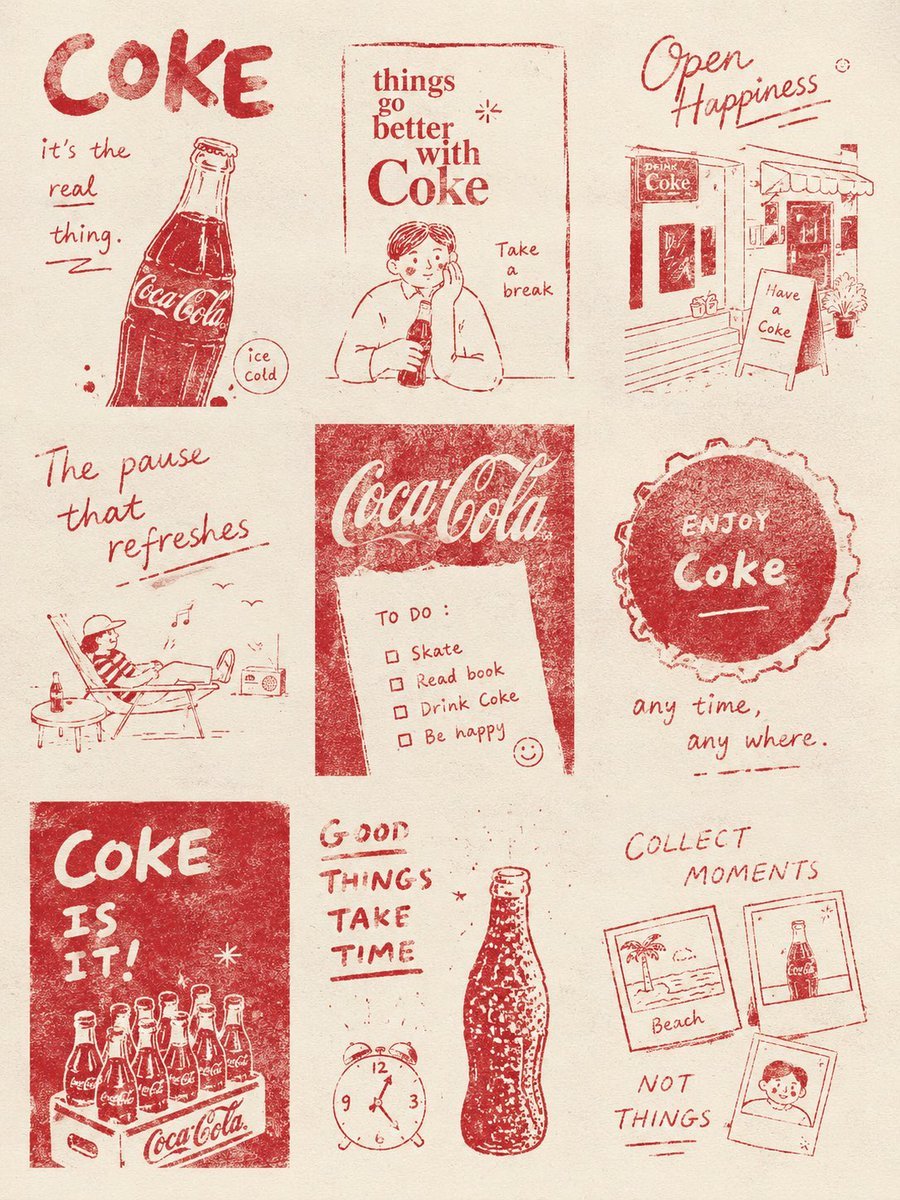
Magazine Collage Brand Visuals
Seedance - Storyboard to Movie
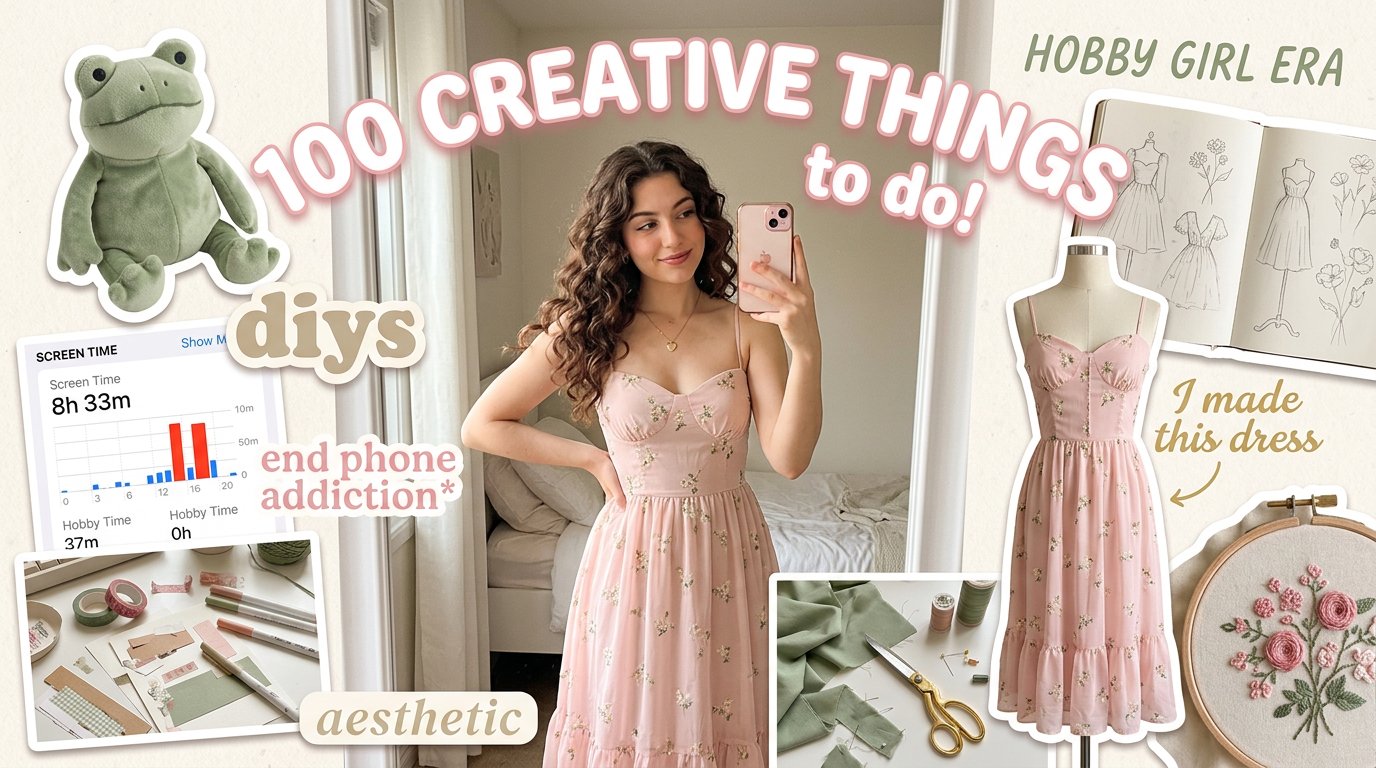
Aesthetic Hobby Girl Collage Youtube Thumbnail
Eco Laundry Hack Youtube Thumbnail
Youtube Thumbnail Template
Urban Commuter Portrait Documentary
Make it yours
Detailed Storyboard Prompt for Brand Visuals works as-is. These are the safest ways to change it without losing the look.
Change one field
Copy a single group, rewrite it, and generate again so you can see what that field is doing.
Keep the frame, change the subject
Hold the composition and light of Detailed Storyboard Prompt for Brand Visuals, then swap wardrobe, props or the person for a new take.
| If the result… | Why | Fix |
|---|---|---|
| The result drifts from the preview | Too many fields changed at once. | Reuse Detailed Storyboard Prompt for Brand Visuals as-is first, then change one group — subject, light, or setting. |
| The model over-stylizes the scene | The prose prompt leaves finish and camera underspecified. | Add one camera or lighting sentence and stay on Nano Banana 2. |
More Nano Banana 2 templates
Other prompts made for Nano Banana 2.

Photorealistic Leaf Shaped Like a Dragon

K-Pop Idol Portrait Grid for Rapid Selection

Poetic Rain Forest Portrait During Golden Hour

Urban Street Portrait with Cartoon Inner Self Duo

Candid Nighttime Photo with Cat Prompt

High-Concept 3D Diorama Generation Prompt

Cinematic Futuristic Studio Portrait Template

Skincare Editorial Photography Collage Prompt

Hyper-Realistic Commercial Product Photography (Splash Effect)

Hyper-Realistic Nightclub Portrait Prompt
More image prompts
Fresh picks from across the catalog.
New Year's Card Generation with Character Synchronization and Typography
Constructivist Anime Poster Art
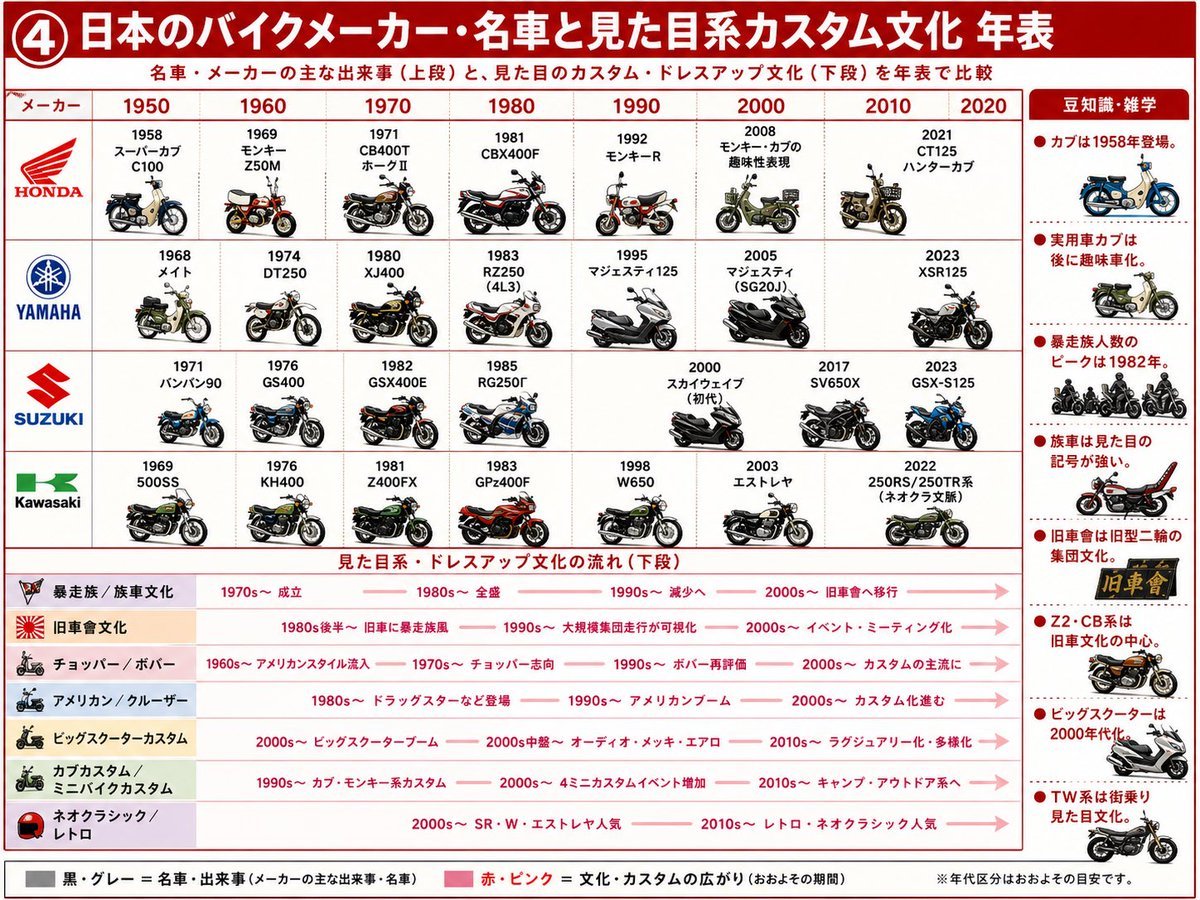
Japanese Motorcycle Culture Timeline
1980s Chinese Family Watching TV
Cinematic Tokyo Hotel Kimono Portrait
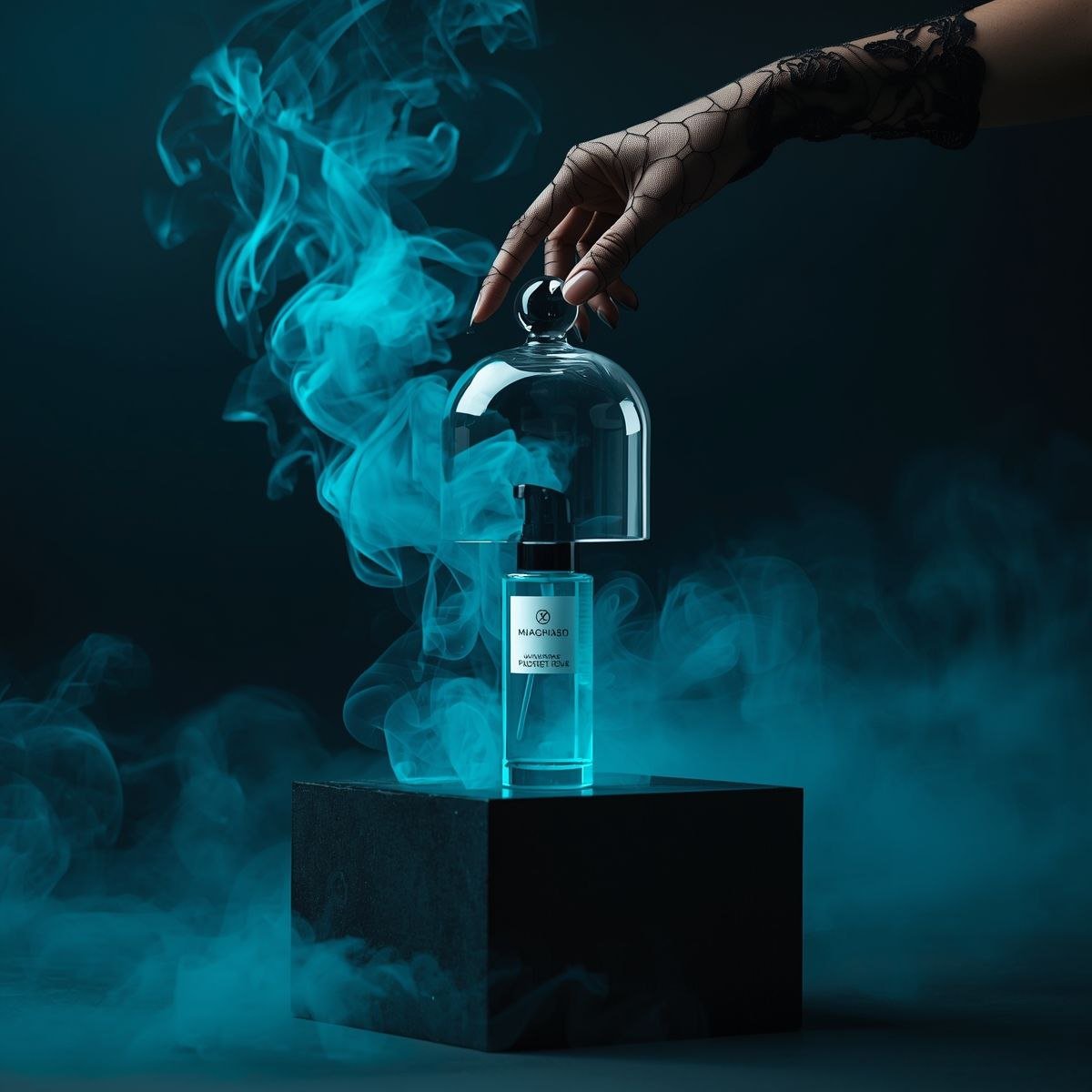
Cinematic Product Video for Luxury Perfume
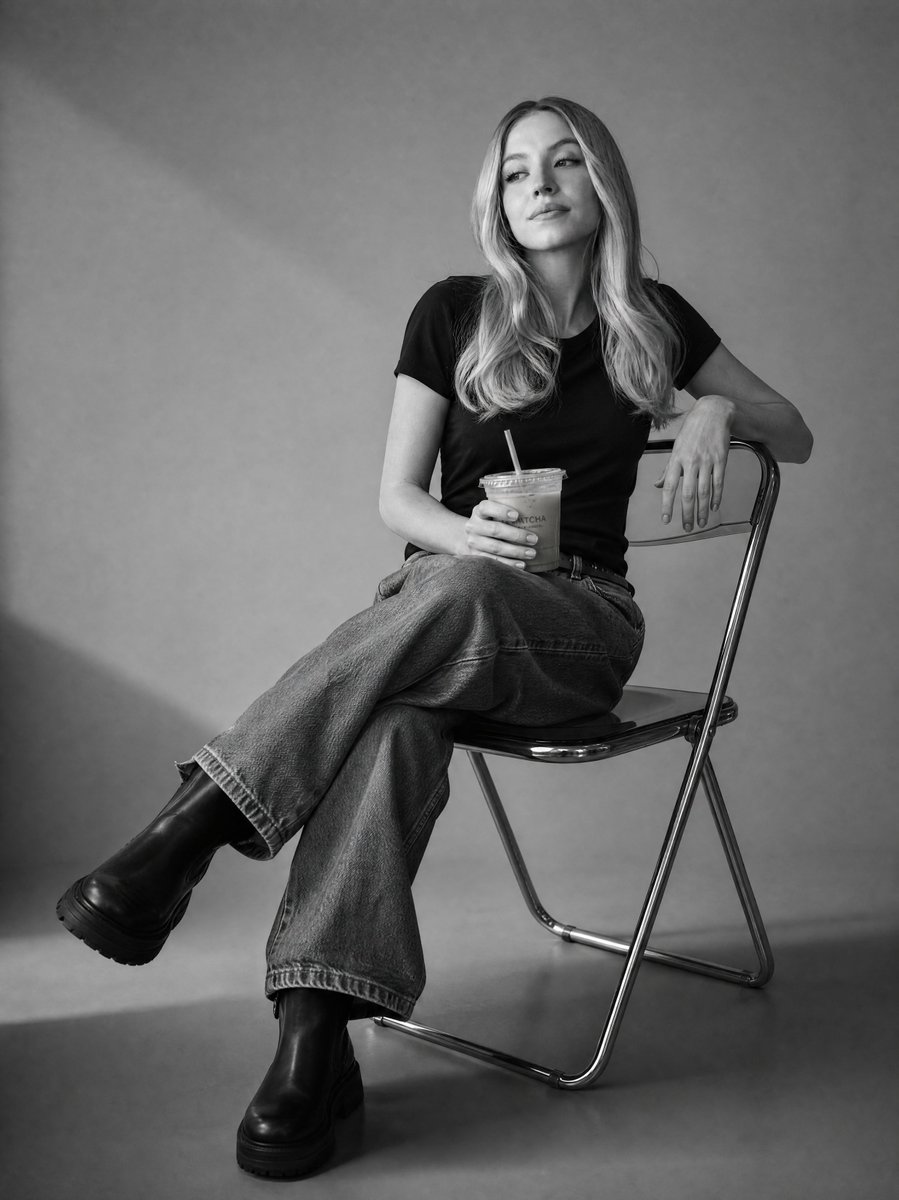
Black and White Studio Portrait
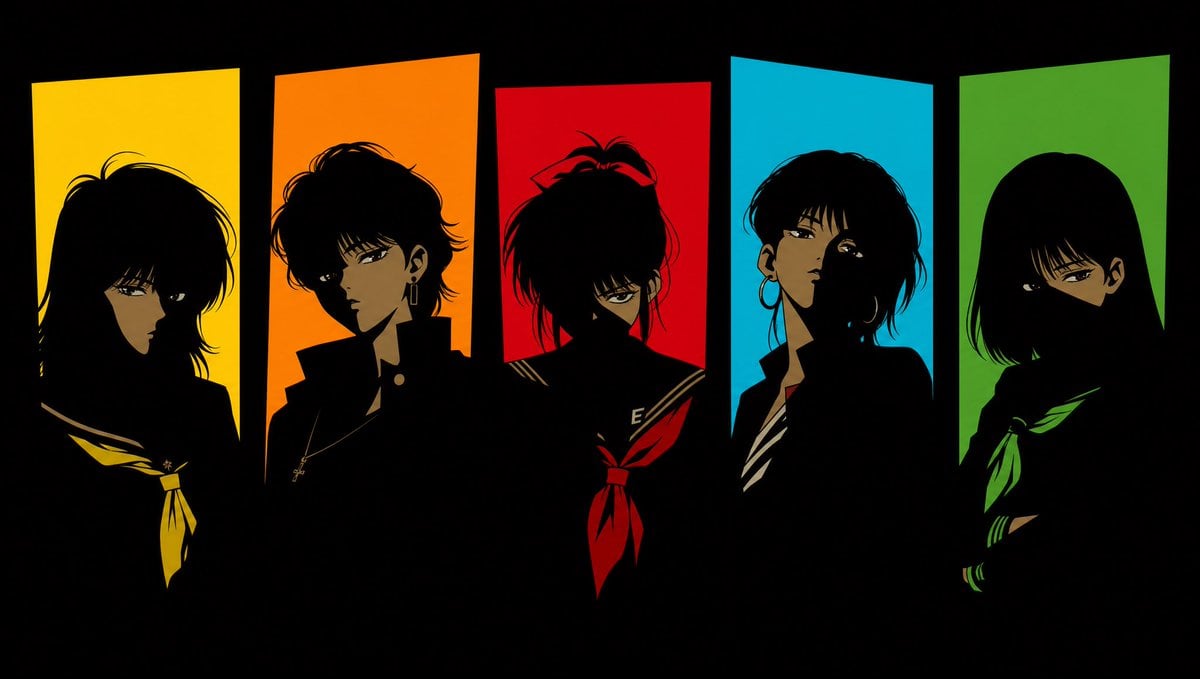
Five 1980s Delinquent Anime Girls
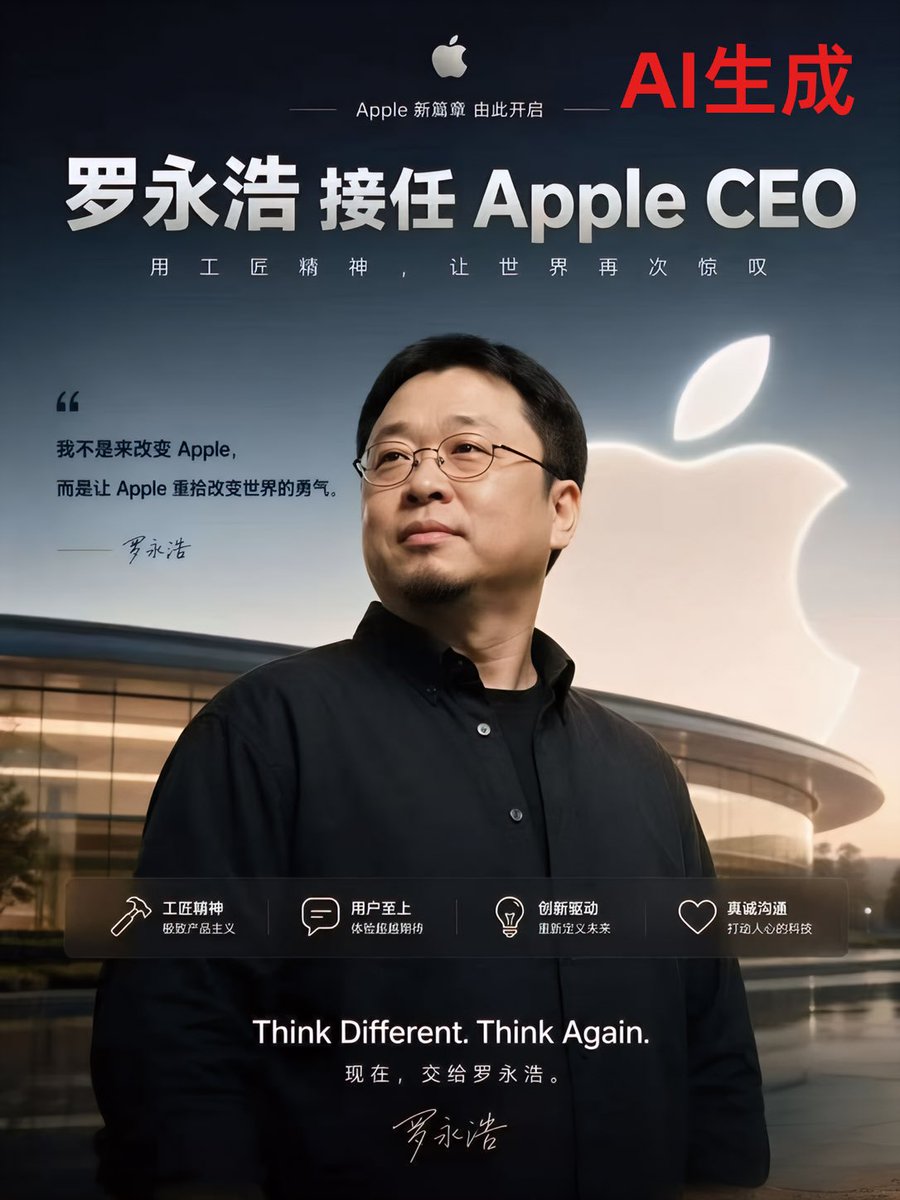
Apple-Style CEO Announcement Poster
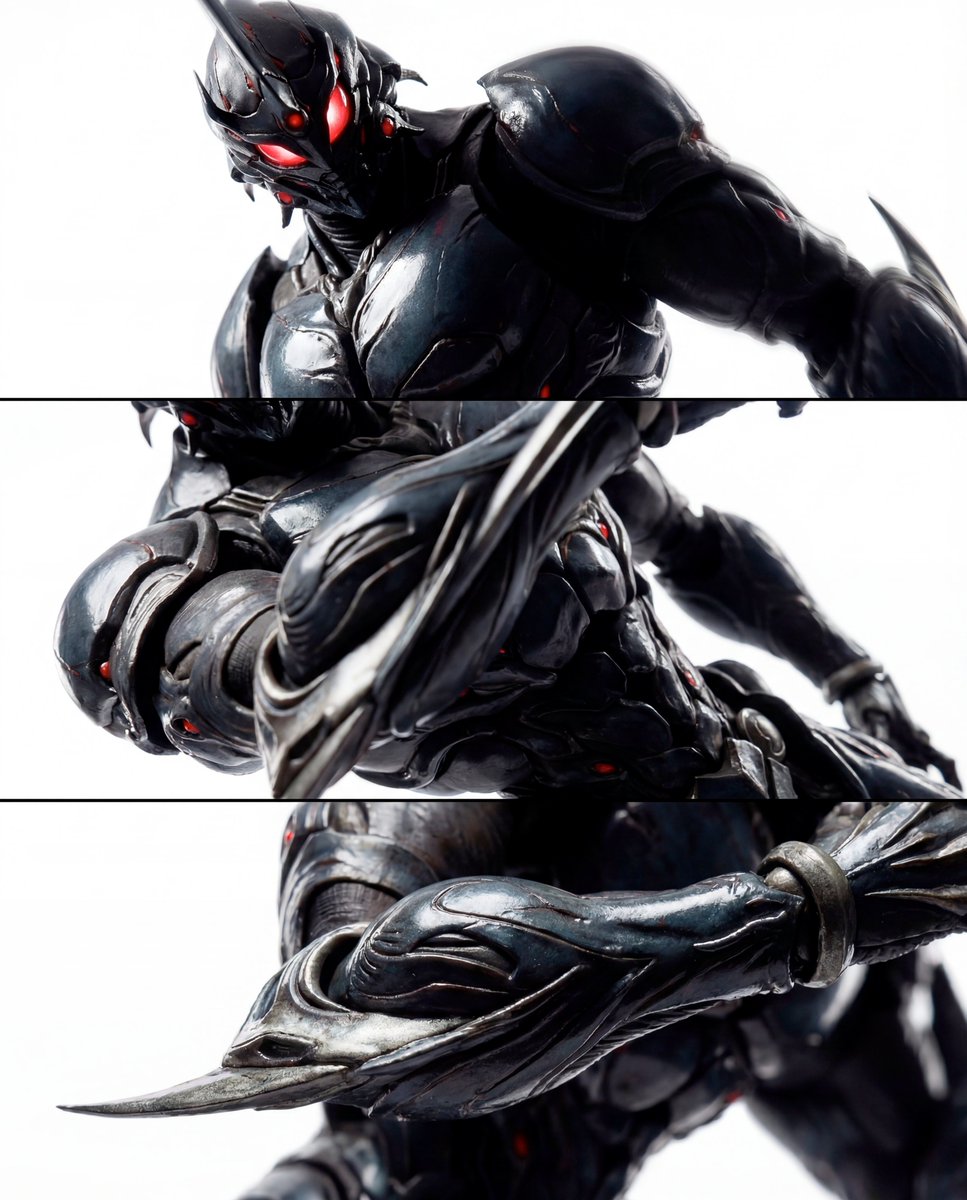
Triptych Composition Prompt for Abstract Fashion Editorial
Browse template categories
Detailed Storyboard Prompt for Brand Visuals questions
How do I use the Detailed Storyboard Prompt for Brand Visuals template?
Add your photo if the template asks for one, edit the prompt if you like — the template's model and format are already selected — and press Generate. Your version opens in PicX Studio.
Can I customize the Detailed Storyboard Prompt for Brand Visuals template?
Yes. You can change the subject, setting, lighting, mood, format, and available model controls before creating your image.
Is the Detailed Storyboard Prompt for Brand Visuals template free?
Opening and editing this template is free. Generating uses credits, shown on the Generate button when you are signed in.
Which AI model should I use?
Start with Nano Banana 2, which is the model associated with this template. You can compare another compatible model for a different finish.
Looking for something else? Browse all templates.

Your photo, any look
Thousands of ready templates for every top image and video model, from one credit balance.