
Youtube Thumbnail Template
Youtube Thumbnail Template is a ready photo look.
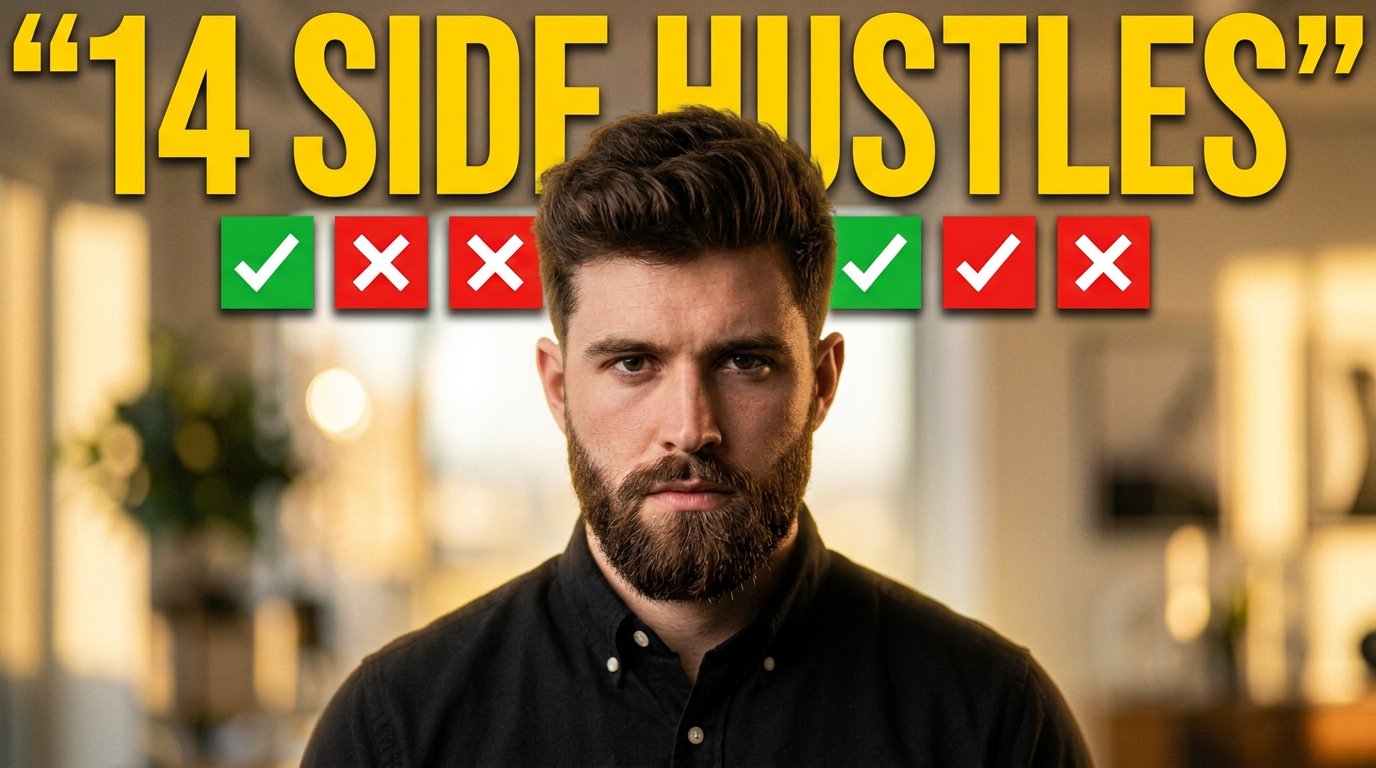
- Prompt included
- Model and format preset
- Free template
The prompt behind this image
Copy the exact prompt behind Youtube Thumbnail Template, or open it in the studio and make it yours.
1280x720 YouTube thumbnail. Background: Warm blurred office interior, shallow depth of field, soft golden lighting, realistic bokeh. Center subject: Young man, styled voluminous hair, trimmed beard. Wearing black buttoned shirt. Looking directly at camera. Expression serious but neutral. Framing chest-up. Lens: 85mm portrait look. Lighting: Key light front center. Subtle shadow under jaw. Warm color tone. Top text: “14 SIDE HUSTLES” Huge bold condensed sans-serif. Bright yellow (#FFD400). Heavy weight. Slight drop shadow for separation (very subtle). Above head: Row of small square cards showing: Green check icons and red X icons alternating. Flat icons. Clean edges. Color grade: Slightly dramatic. High contrast. Face sharp. Background blurred. ❌ NEGATIVE PROMPT No extra text No cluttered icons No exaggerated facial features No AI glossy skin No plastic look No over-blur No halo cutout No fake glow No color banding No duplicated icons No watermark
How to use Youtube Thumbnail Template in 3 steps
- 1
Open
The prompt is already in the box next to the preview, with the template's model and format selected.
- 2…a portrait of your subject in softgolden-hour light, 85mm…
Personalize
Edit the subject and creative details for your destination.
- 3Generate
Generate
Press Generate — your image is created in PicX Studio, so you can compare it with the original and refine one variable at a time.
More like this
Templates with the same subject, style or setup. Open one to see its prompt.
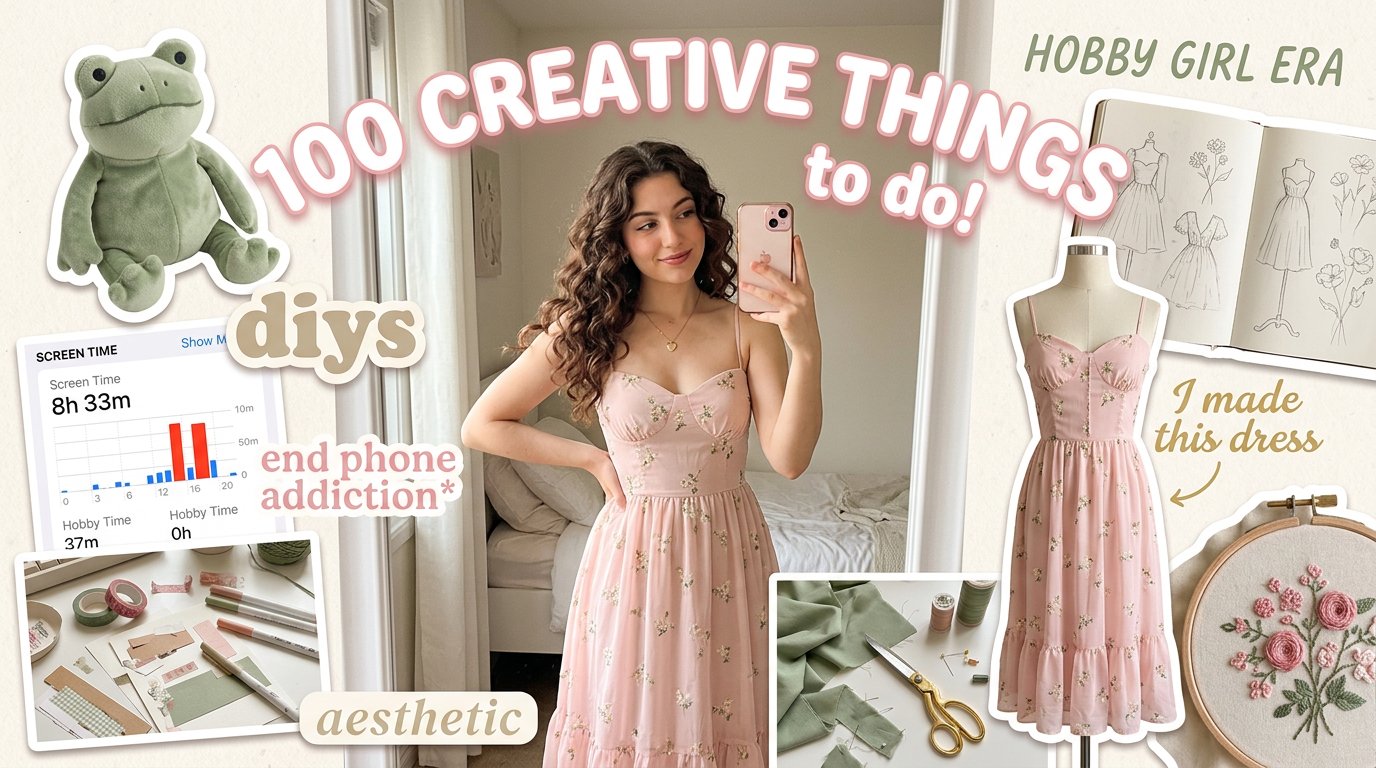
Aesthetic Hobby Girl Collage Youtube Thumbnail
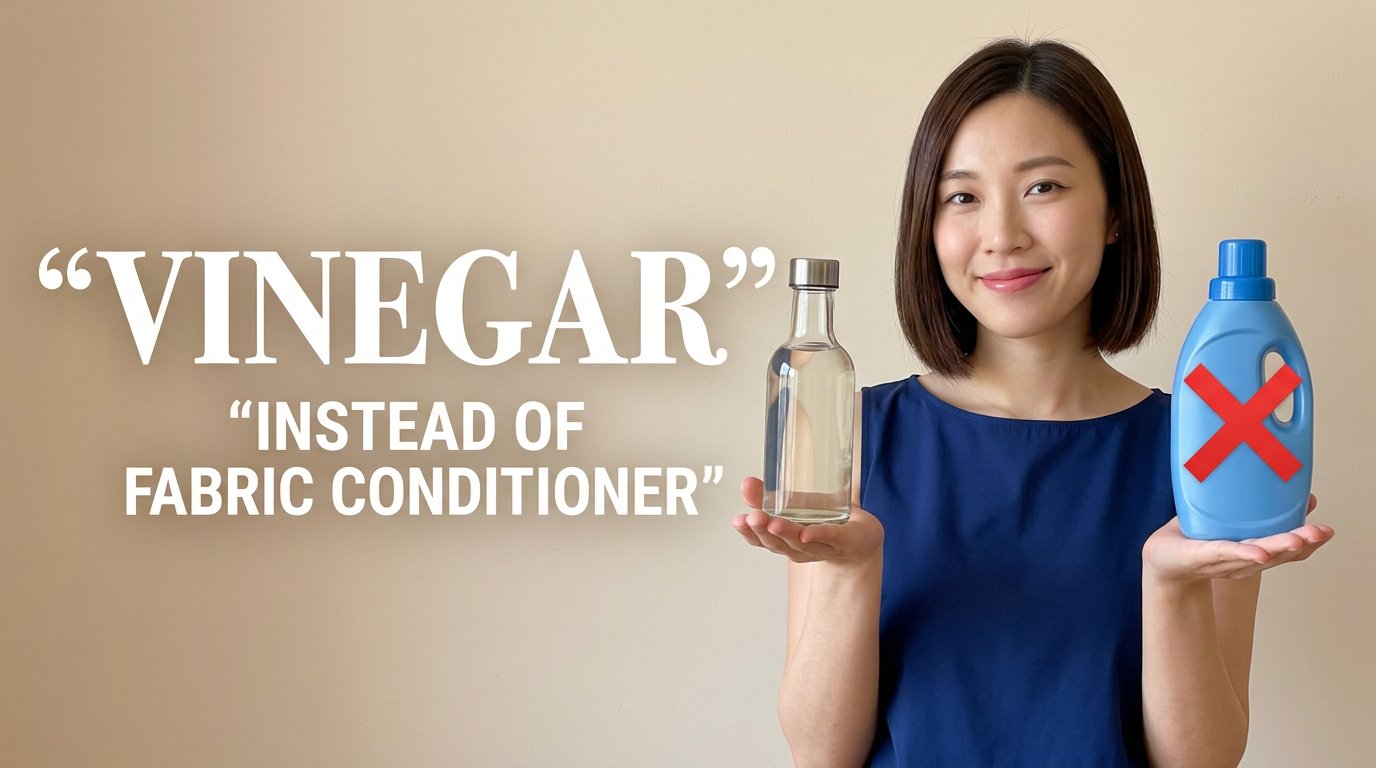
Eco Laundry Hack Youtube Thumbnail

Luxury Fashion Campaign Typography Poster System

Premium Fashion Editorial Campaign Poster System

Isometric Brand Store Diorama

Moss Logo Minimalist Brand Flat Lay

Urban Commuter Portrait Documentary
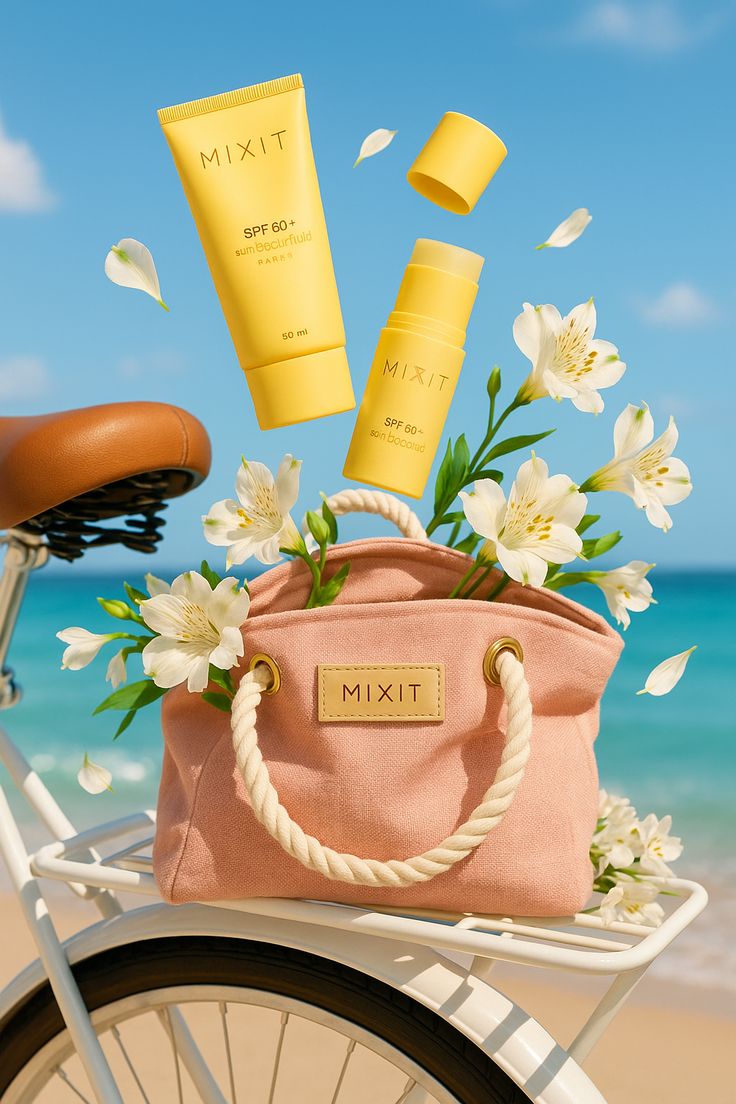
Sun-Kissed Summer Skincare Beachfront
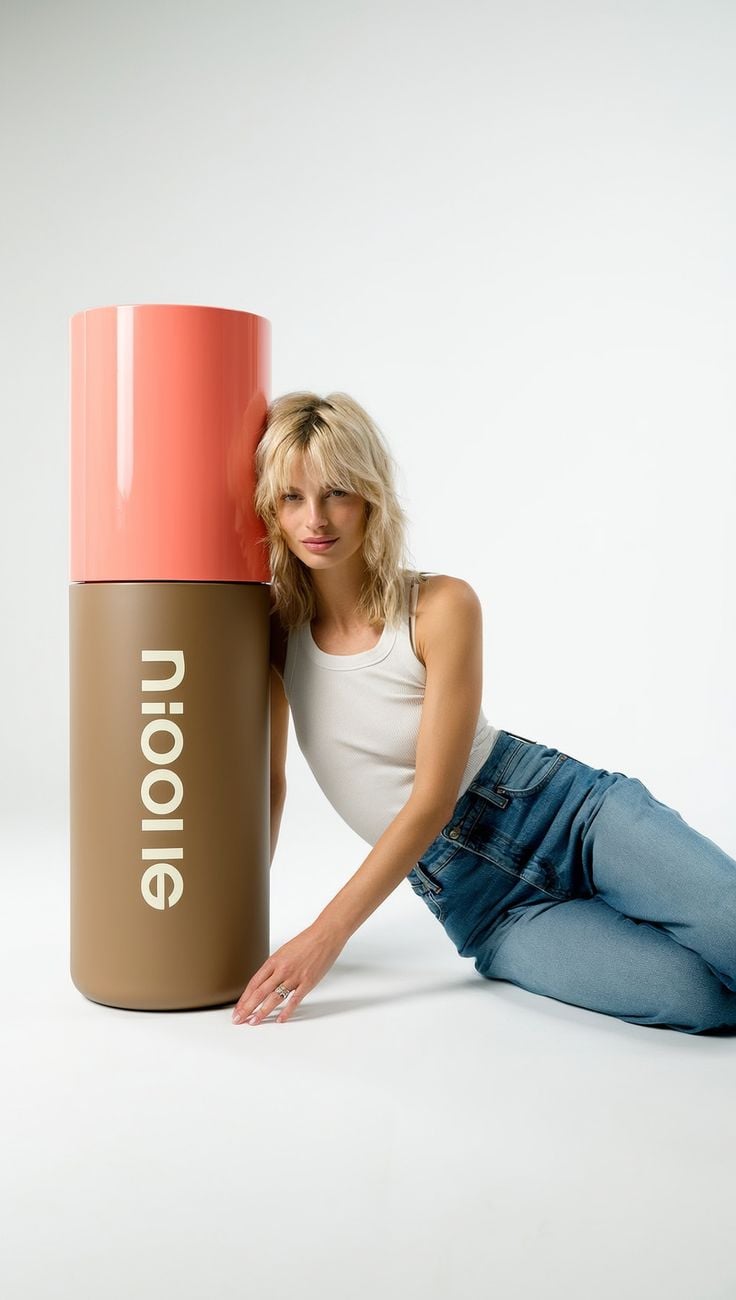
Oversized Minimalist Product Portrait
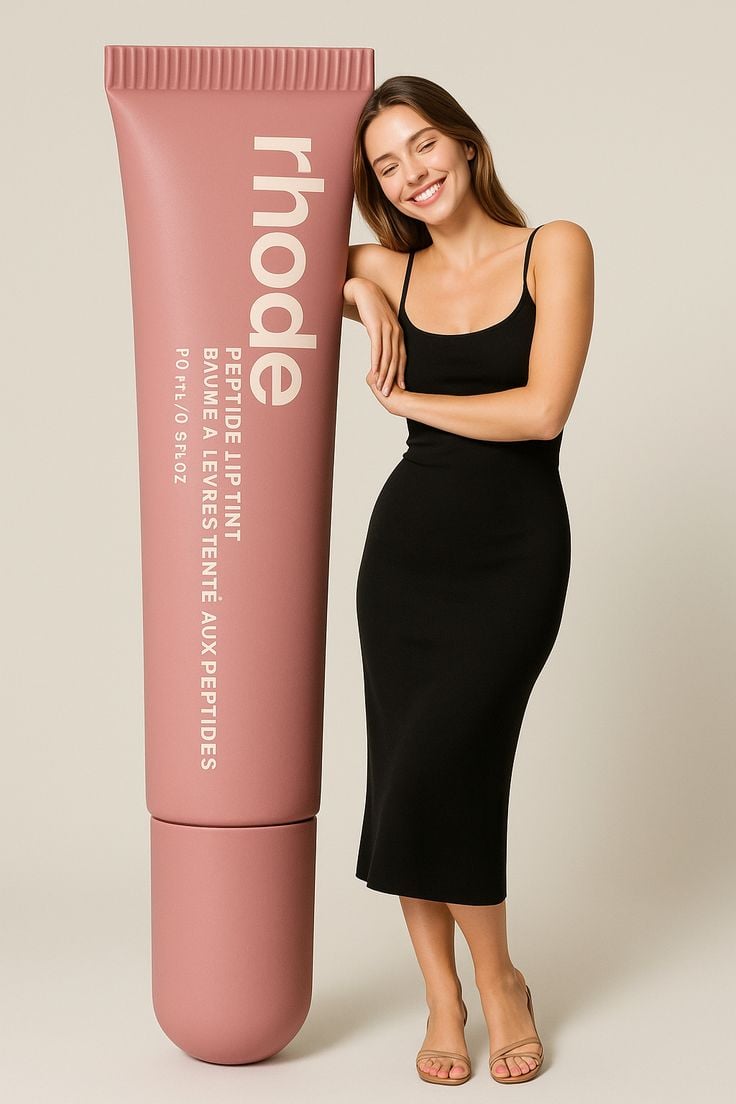
Giant Product Lifestyle Mockup
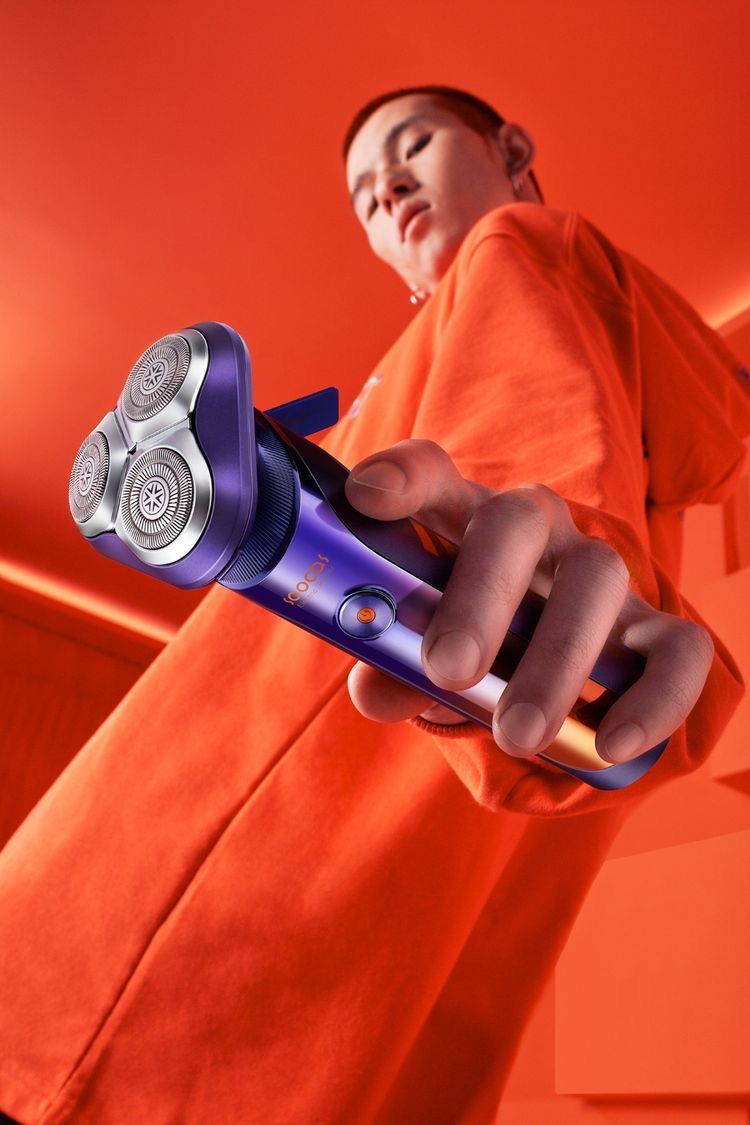
Modern Electric Shaver Showcase
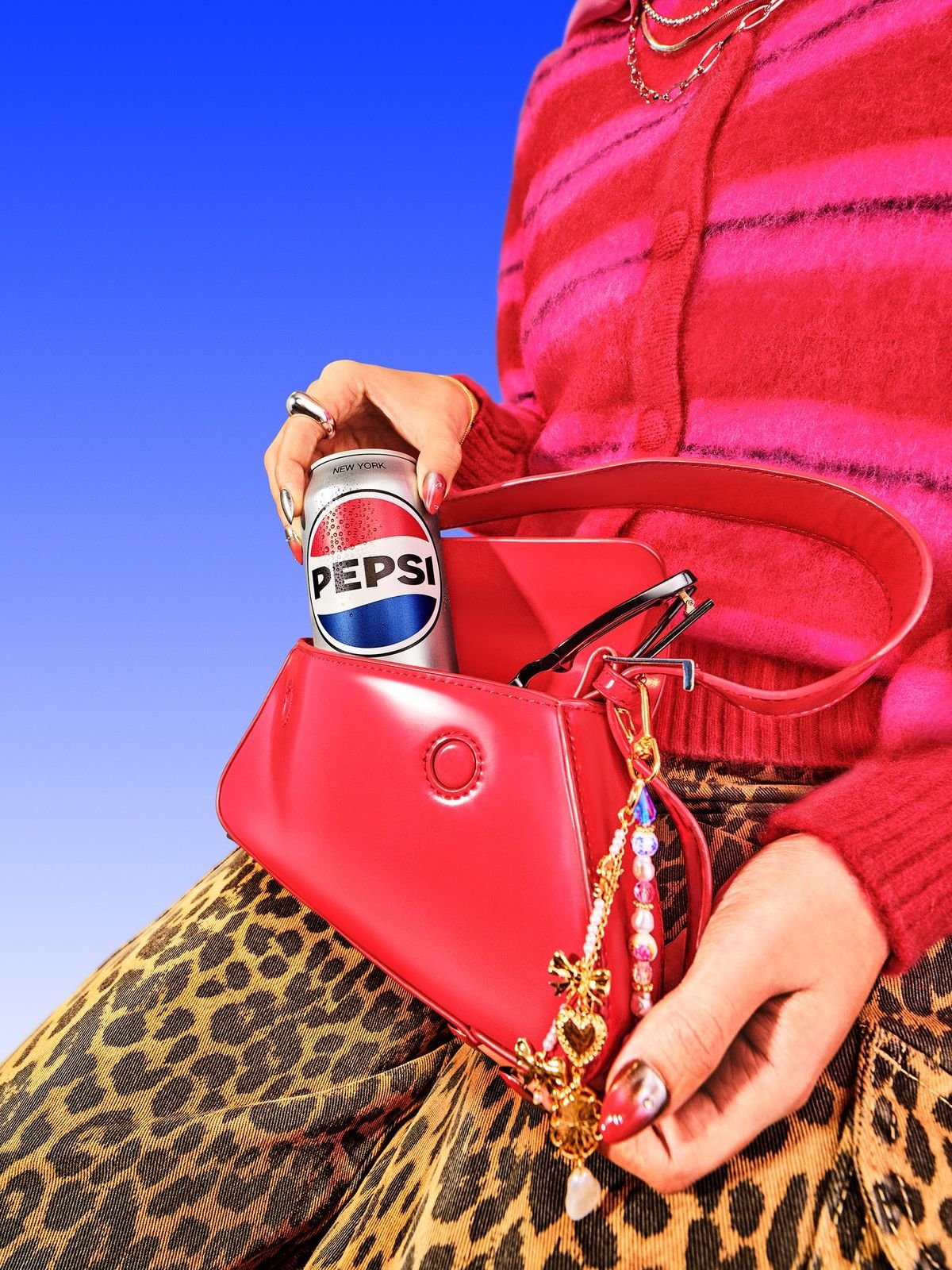
Vibrant Pop Fashion Aesthetic
Make it yours
Youtube Thumbnail Template works as-is. These are the safest ways to change it without losing the look.
Change one field
Copy a single group, rewrite it, and generate again so you can see what that field is doing.
Keep the frame, change the subject
Hold the composition and light of Youtube Thumbnail Template, then swap wardrobe, props or the person for a new take.
| If the result… | Why | Fix |
|---|---|---|
| The result drifts from the preview | Too many fields changed at once. | Reuse Youtube Thumbnail Template as-is first, then change one group — subject, light, or setting. |
| The model over-stylizes the scene | The prose prompt leaves finish and camera underspecified. | Add one camera or lighting sentence and stay on PicX Studio. |
More image prompts
Fresh picks from across the catalog.
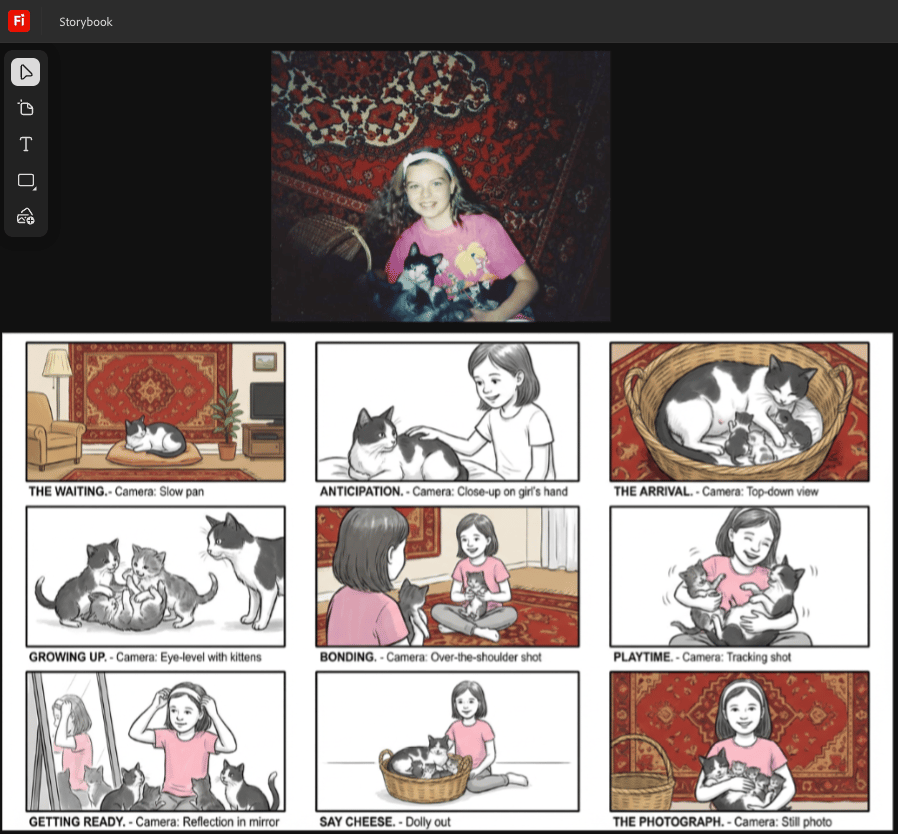
Storyboard from childhood photo
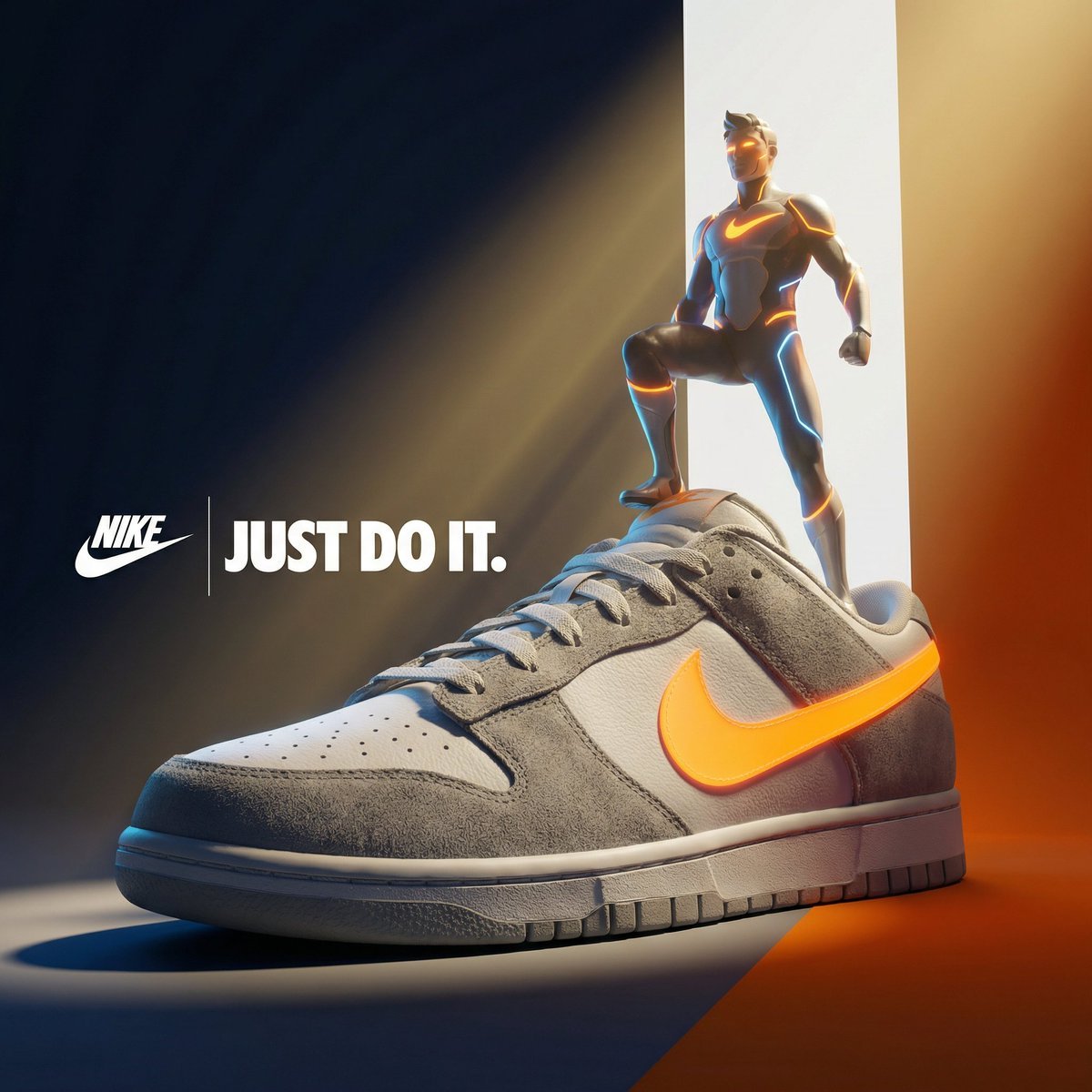
Ultra-Premium Cinematic 3D Brand Advertisement Prompt for Nano Banana Pro
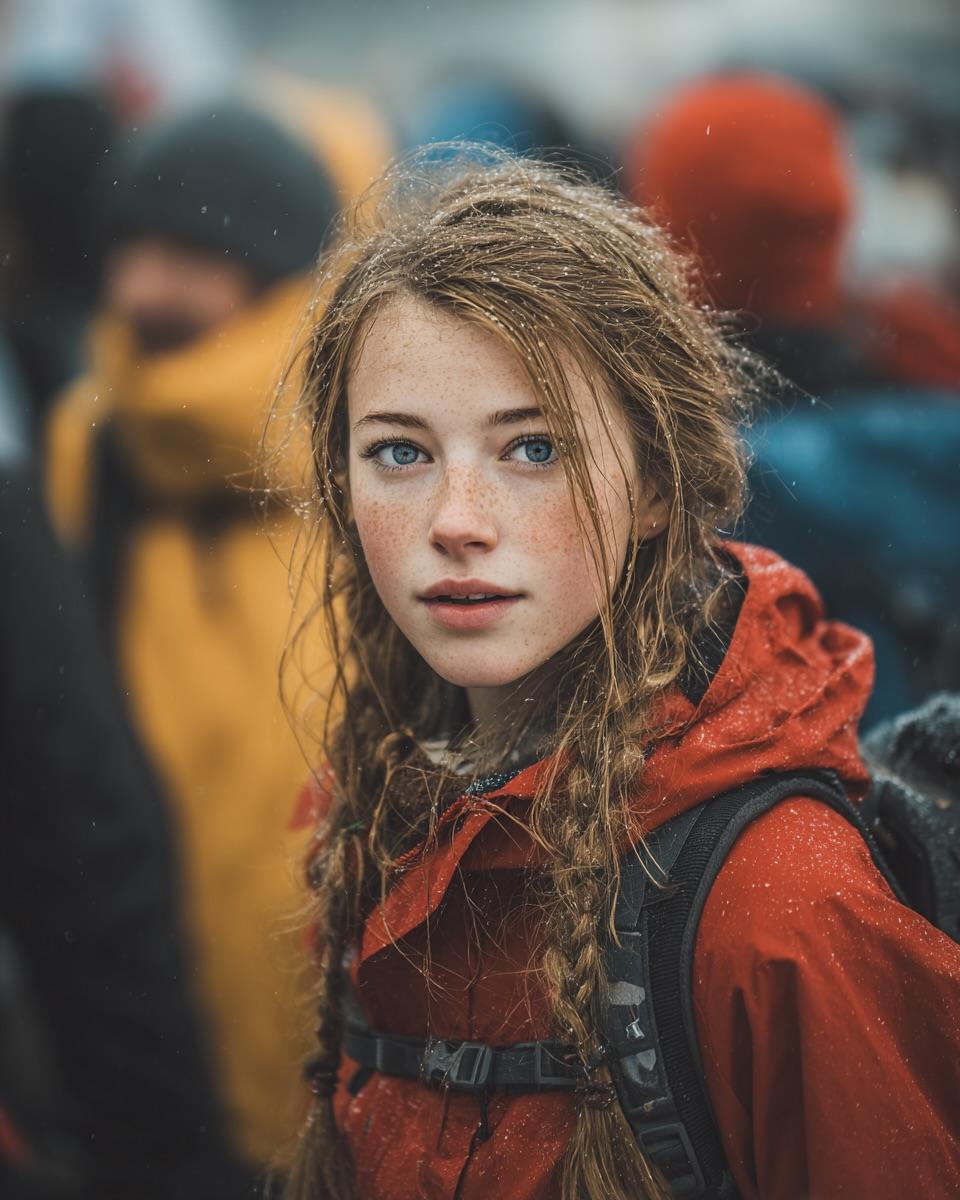
Cinematic Street Portrait (JSON)
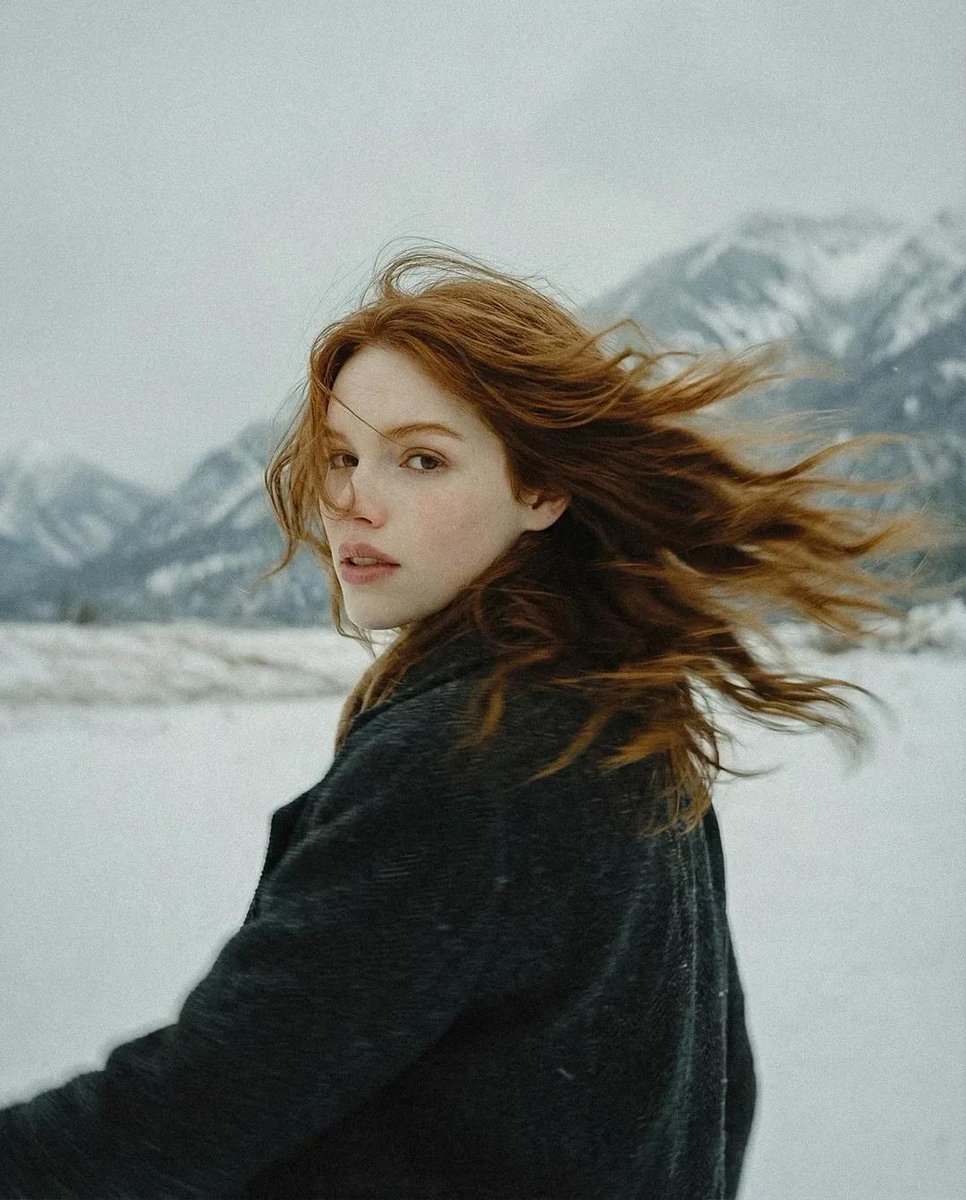
Poetic Cinematic Winter Portrait
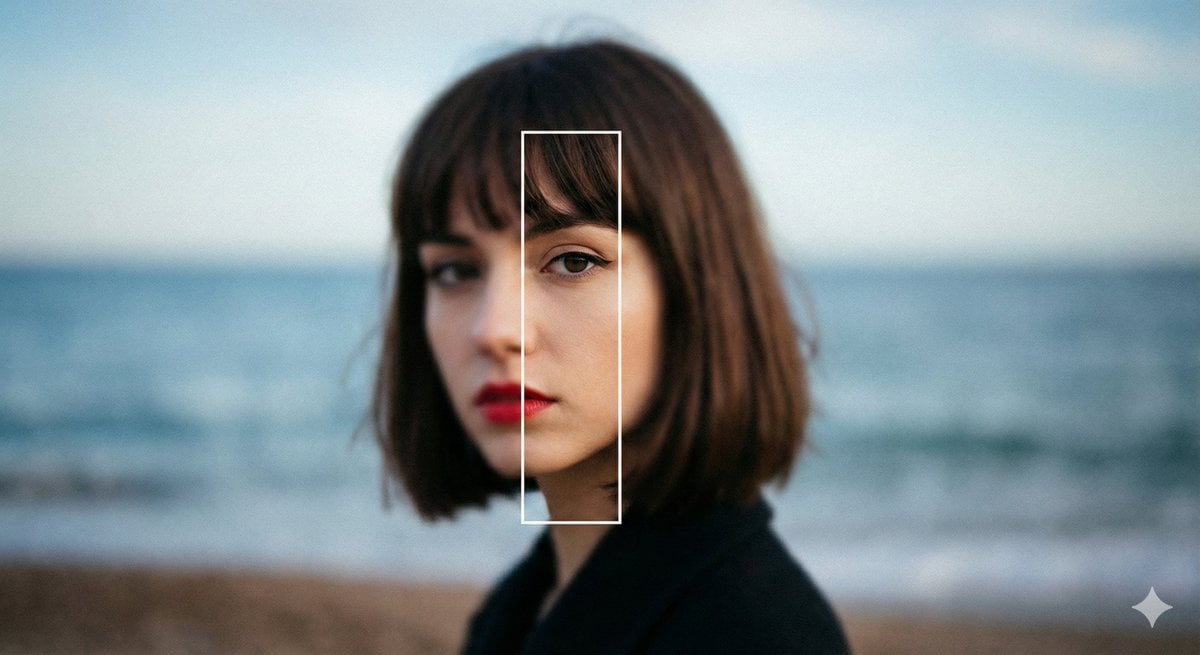
Experimental Editorial Portrait Prompt (Selective Focus)
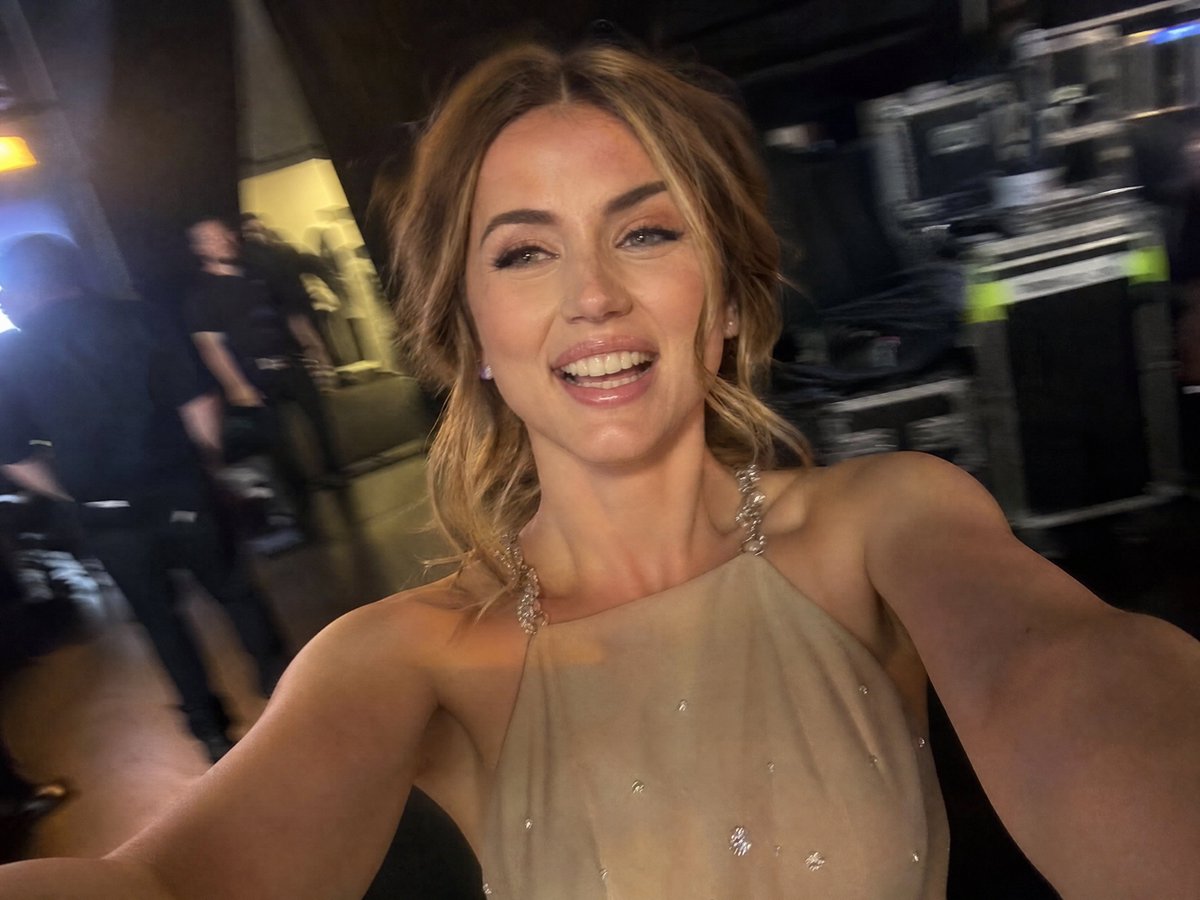
Accidental iPhone Camera Selfie

Spotify Discovery UI Concept Poster

SNS x Character Prompt for Profile Visualization
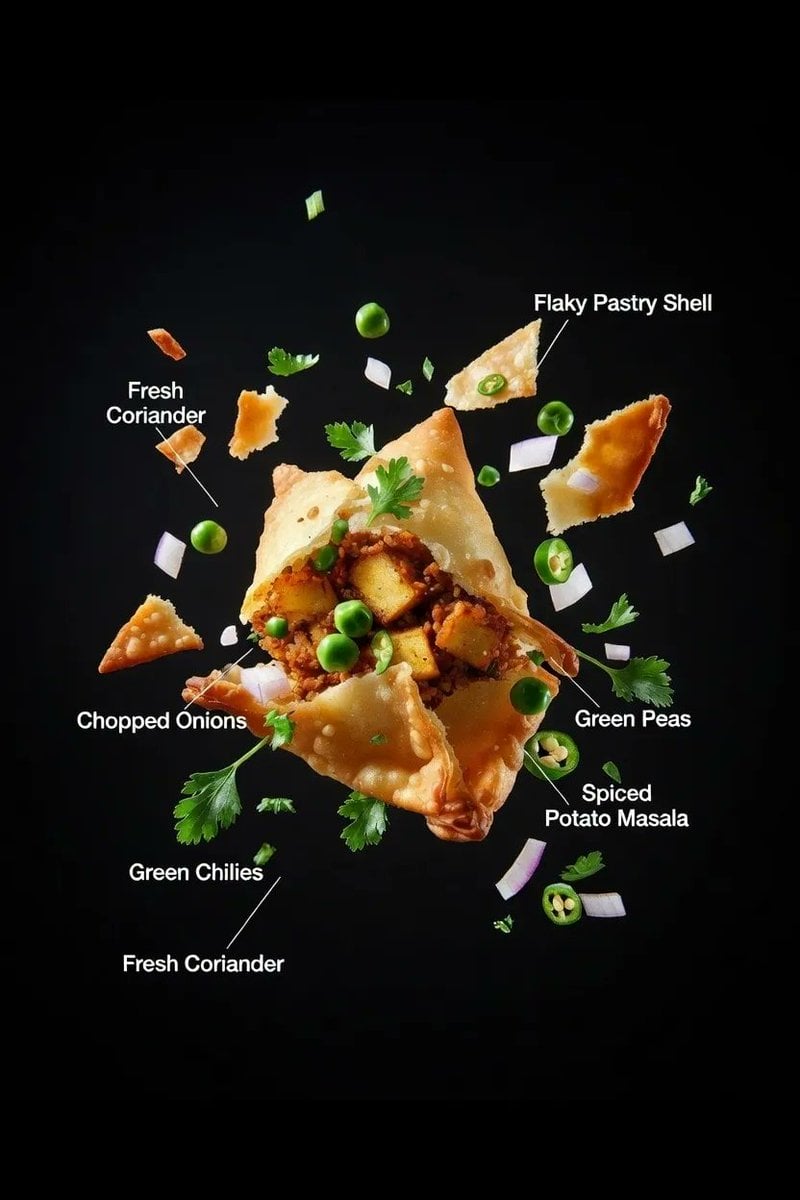
Ultra-realistic Food Advertisement Shot of an Indian Samosa
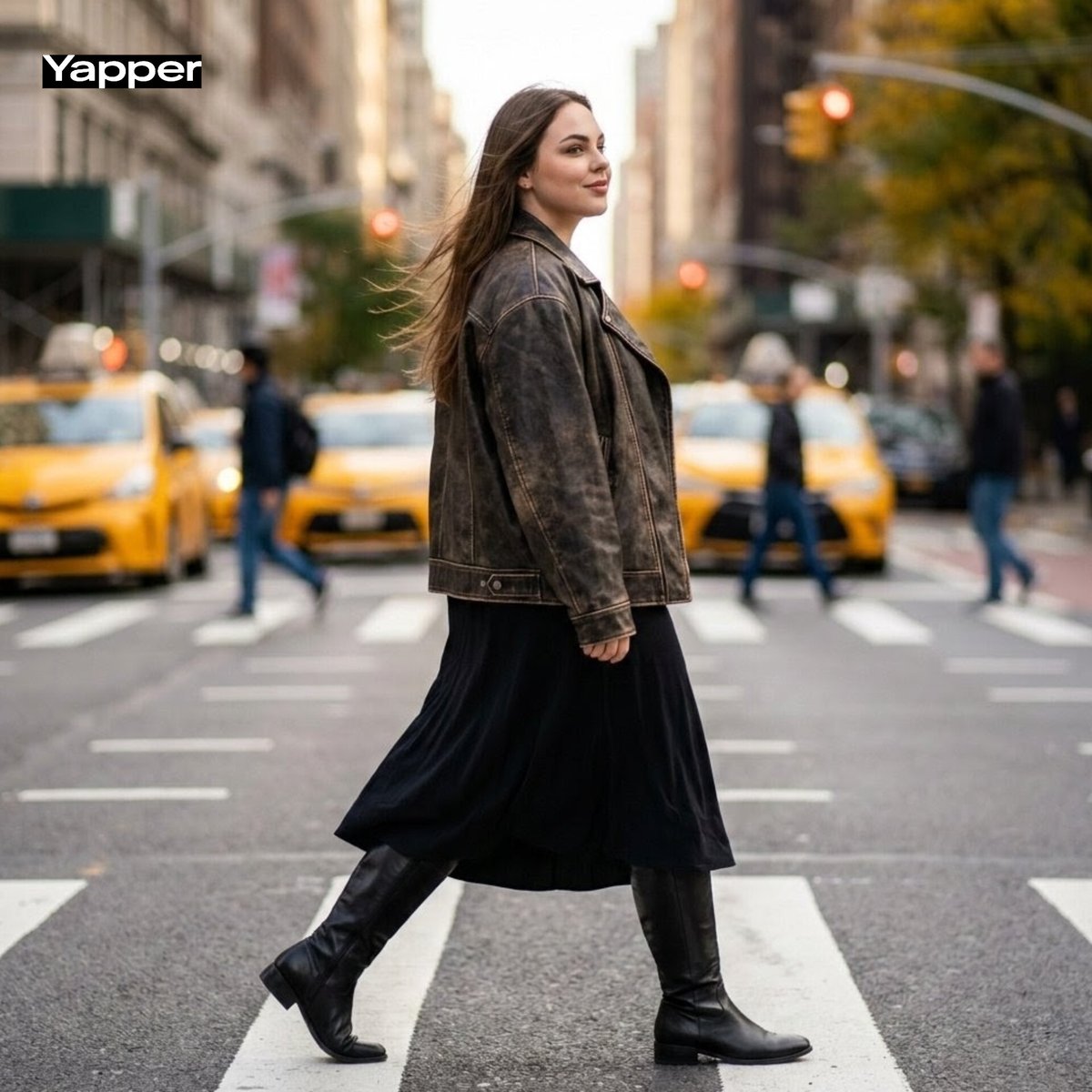
Cinematic Street Fashion Photography Prompt
Browse template categories
Youtube Thumbnail Template questions
How do I use the Youtube Thumbnail Template template?
Add your photo if the template asks for one, edit the prompt if you like — the template's model and format are already selected — and press Generate. Your version opens in PicX Studio.
Can I customize the Youtube Thumbnail Template template?
Yes. You can change the subject, setting, lighting, mood, format, and available model controls before creating your image.
Is the Youtube Thumbnail Template template free?
Opening and editing this template is free. Generating uses credits, shown on the Generate button when you are signed in.
Which AI model should I use?
Choose a compatible model in PicX Studio based on the style, speed, and output controls your project needs.
Looking for something else? Browse all templates.

Your photo, any look
Thousands of ready templates for every top image and video model, from one credit balance.