
Urban Commuter Portrait Documentary
Urban Commuter Portrait Documentary is a ready photo look.
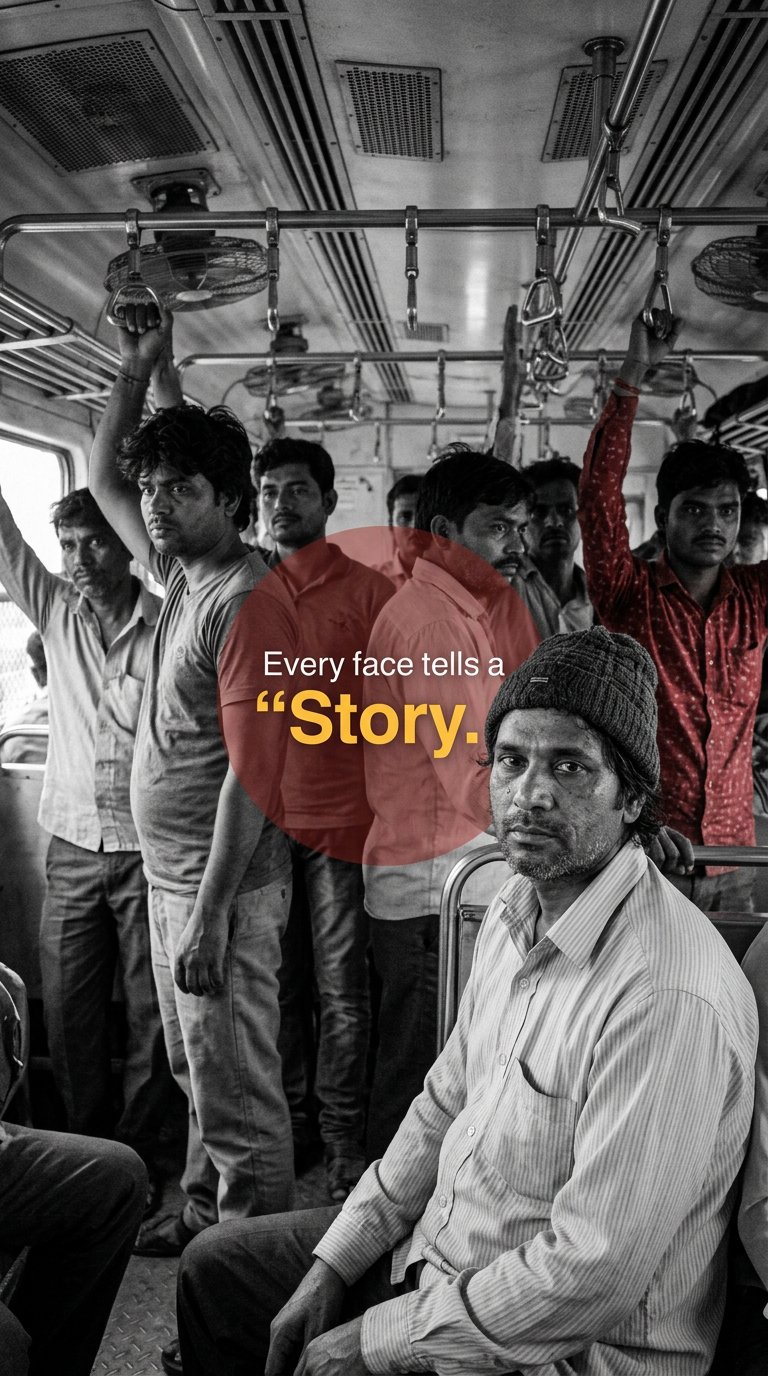
- Prompt included
- Model and format preset
- Free template
The prompt behind this image
Copy the exact prompt behind Urban Commuter Portrait Documentary, or open it in the studio and make it yours.
A documentary-style photograph inside a crowded Indian local train compartment. The scene is mostly black and white (desaturated), with high contrast and strong natural shadows. Metal hand grips hanging from overhead rails fill the top portion of the frame in repetition, creating depth and perspective lines. The ceiling fans and rectangular ventilation panels are visible above. Several Indian male passengers of different ages stand and sit close together. Some are holding the overhead handles. Expressions are serious, tired, contemplative — authentic commuter mood. Realistic skin texture, no smoothing. In the foreground, slightly right of center, a middle-aged Indian man wearing a light striped button-down shirt and a simple knit beanie cap sits facing slightly left but looking directly at the camera. His expression is calm, observant, neutral. Natural window light from the left side illuminates his face softly. Behind him, slightly to the right, one man in the crowd is selectively colored in a bold red shirt — the only colored element in the otherwise monochrome scene. The red should be rich and matte, not glowing. Overlay a large semi-transparent red circle behind the seated man (center-right of frame). The circle should blend naturally with the scene, soft edges, about 40–50% opacity. Inside the red circle, place clean modern typography exactly as follows: Top small white sans-serif text: “Every face tells a” Below it, larger bold word in warm yellow: “Story.” The quotation mark before Story should be visible and styled as shown: a small yellow opening quote before the word Story. Typography should be clean, centered within the red circle, minimal kerning, contemporary editorial style. Vertical portrait orientation. Sharp documentary realism. No cinematic teal-orange grading. No artificial glow. No HDR. Natural grain. Authentic photojournalism aesthetic. Negative Prompt: illustration, digital painting, 3D render, CGI, smooth plastic skin, extra fingers, distorted faces, exaggerated expressions, glowing red, neon colors, cinematic color grading, shallow depth blur, unrealistic lighting, text warping, font distortion, fantasy tone, oversharpened, AI-art look.
How to use Urban Commuter Portrait Documentary in 3 steps
- 1
Open
The prompt is already in the box next to the preview, with the template's model and format selected.
- 2…a portrait of your subject in softgolden-hour light, 85mm…
Personalize
Edit the subject and creative details for your destination.
- 3Generate
Generate
Press Generate — your image is created in PicX Studio, so you can compare it with the original and refine one variable at a time.
More like this
Templates with the same subject, style or setup. Open one to see its prompt.

Found Photograph: Us, 1970

80s Couple Studio Portrait

80s Bollywood Star

80s Golden Hour Cinema

Me in 1985

1985 Studio Portrait

Hyper-Realistic Minecraft POV Portrait
Modern Urban Streetwear Portrait

Cinematic Golden Hour Urban Portrait

Rooftop Fisheye — Cat-Ear Balaclava at Golden Hour
Urban Fashion Symmetrical Portrait

Street-Art Inspired Urban Portrait
Make it yours
Urban Commuter Portrait Documentary works as-is. These are the safest ways to change it without losing the look.
Change one field
Copy a single group, rewrite it, and generate again so you can see what that field is doing.
Keep the frame, change the subject
Hold the composition and light of Urban Commuter Portrait Documentary, then swap wardrobe, props or the person for a new take.
| If the result… | Why | Fix |
|---|---|---|
| The result drifts from the preview | Too many fields changed at once. | Reuse Urban Commuter Portrait Documentary as-is first, then change one group — subject, light, or setting. |
| The model over-stylizes the scene | The prose prompt leaves finish and camera underspecified. | Add one camera or lighting sentence and stay on PicX Studio. |
More image prompts
Fresh picks from across the catalog.
Cyberpunk Glitch Profile Portrait
Hyper-Realistic Cinematic Yacht Photo
Bathroom Mirror Selfie Lifestyle Shot

Panel Face Wash Ad Grid
High-Contrast Black-and-White Cinematic Portrait

Hyper-Realistic Food Photography of Creamy Croissant
Cozy New Year 2026 Winter Portrait
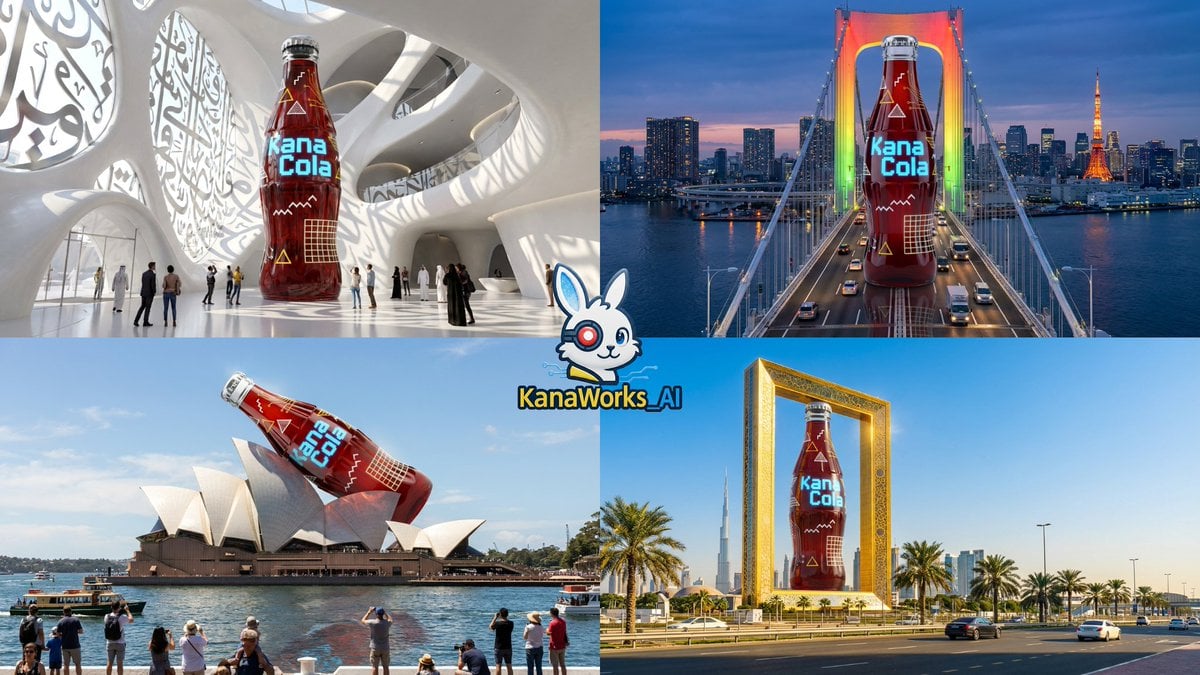
Nano Banana Pro: Giant Product Image Generation Prompt
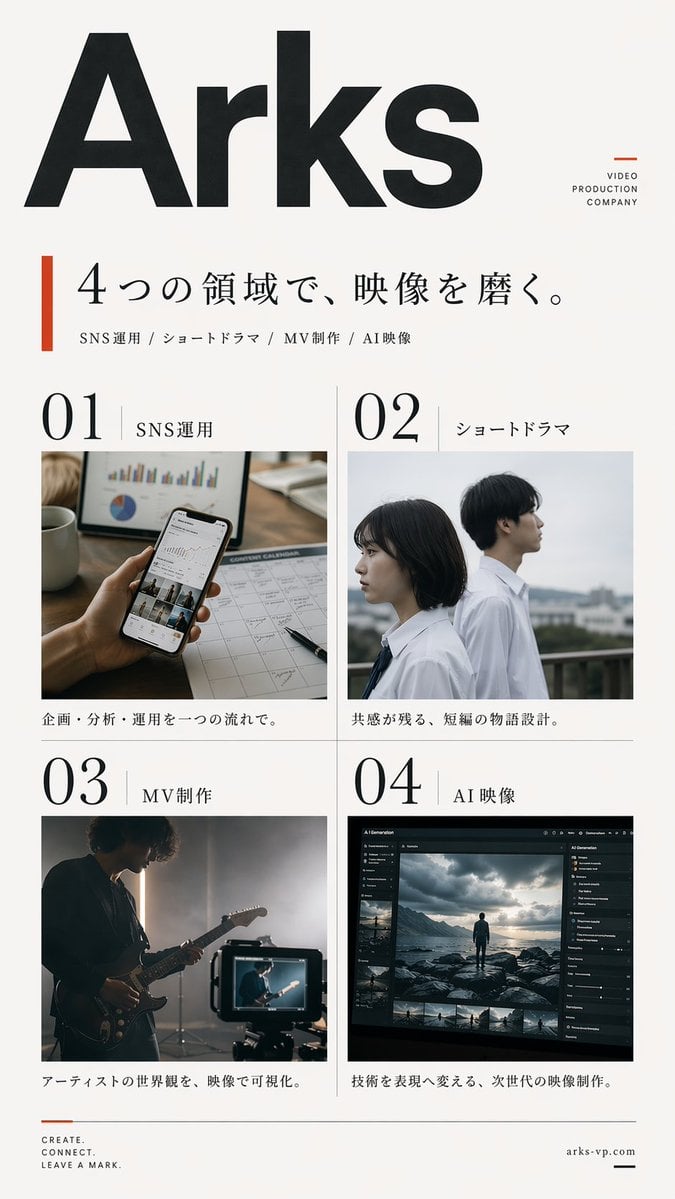
Japanese Video Production Poster
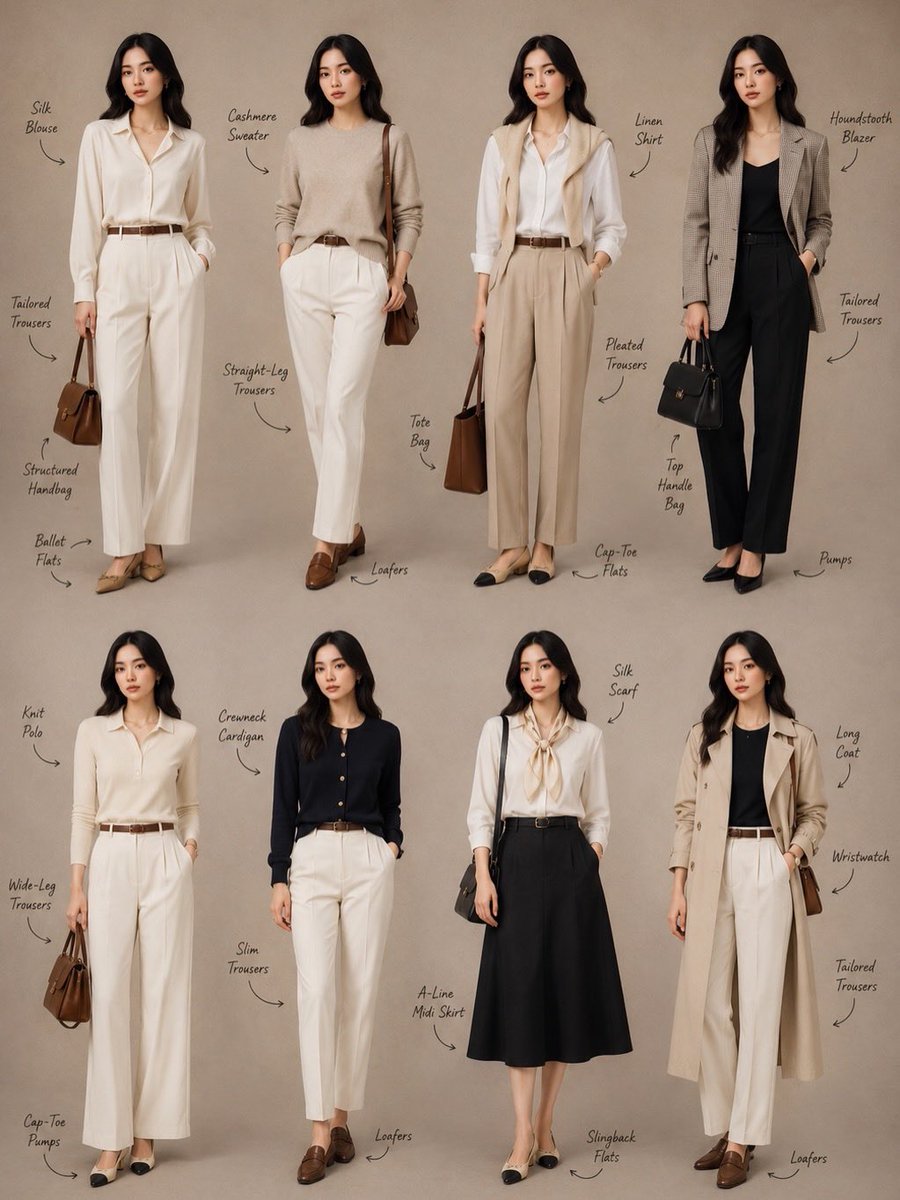
Minimalist Fashion Lookbook Collage
Browse template categories
Urban Commuter Portrait Documentary questions
How do I use the Urban Commuter Portrait Documentary template?
Add your photo if the template asks for one, edit the prompt if you like — the template's model and format are already selected — and press Generate. Your version opens in PicX Studio.
Can I customize the Urban Commuter Portrait Documentary template?
Yes. You can change the subject, setting, lighting, mood, format, and available model controls before creating your image.
Is the Urban Commuter Portrait Documentary template free?
Opening and editing this template is free. Generating uses credits, shown on the Generate button when you are signed in.
Which AI model should I use?
Choose a compatible model in PicX Studio based on the style, speed, and output controls your project needs.
Looking for something else? Browse all templates.

Your photo, any look
Thousands of ready templates for every top image and video model, from one credit balance.