How do I use the Street-Art Inspired Urban Portrait template?
Choose the primary action to open PicX Studio with the available template settings. Review the model and format, personalize the creative direction, and generate when ready.
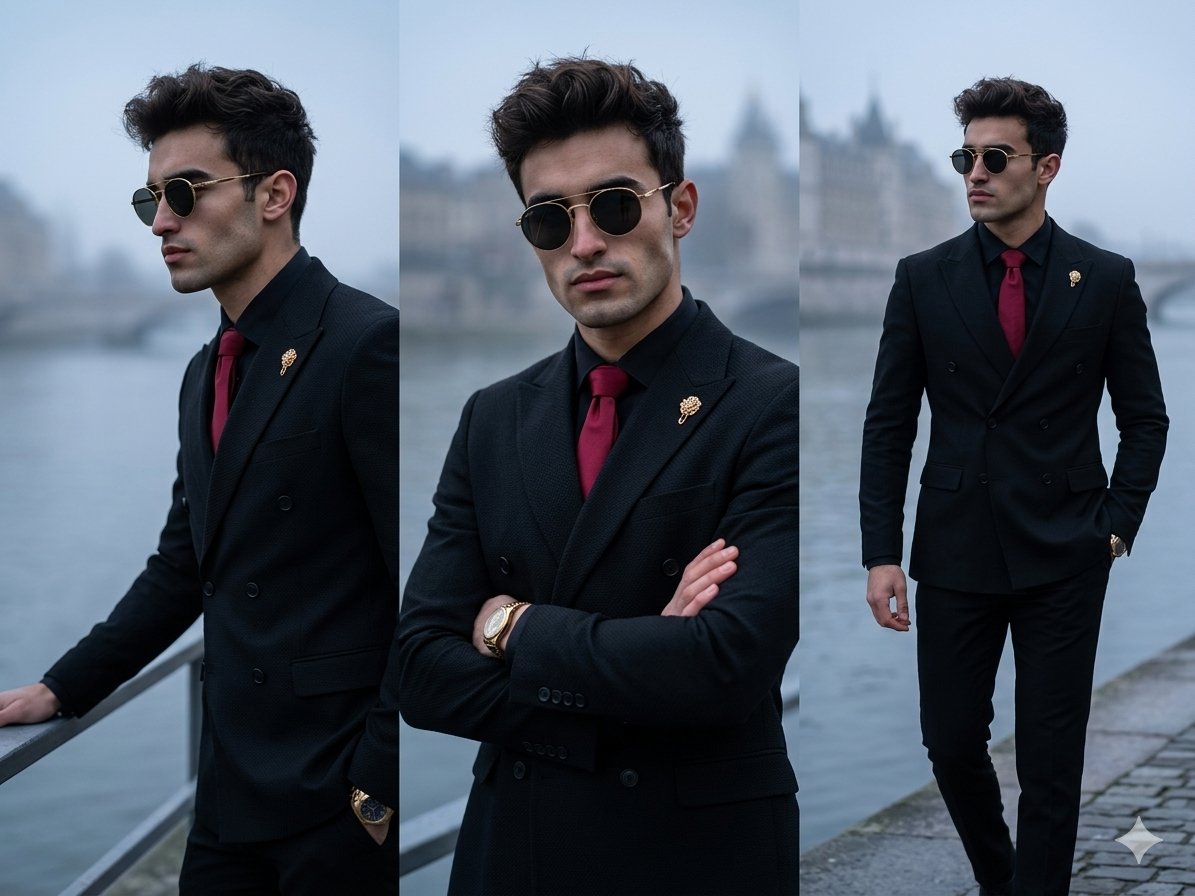
A stylized illustration prompt for a young man's portrait featuring graffiti, spray paint textures, and a gritty poster design aesthetic.
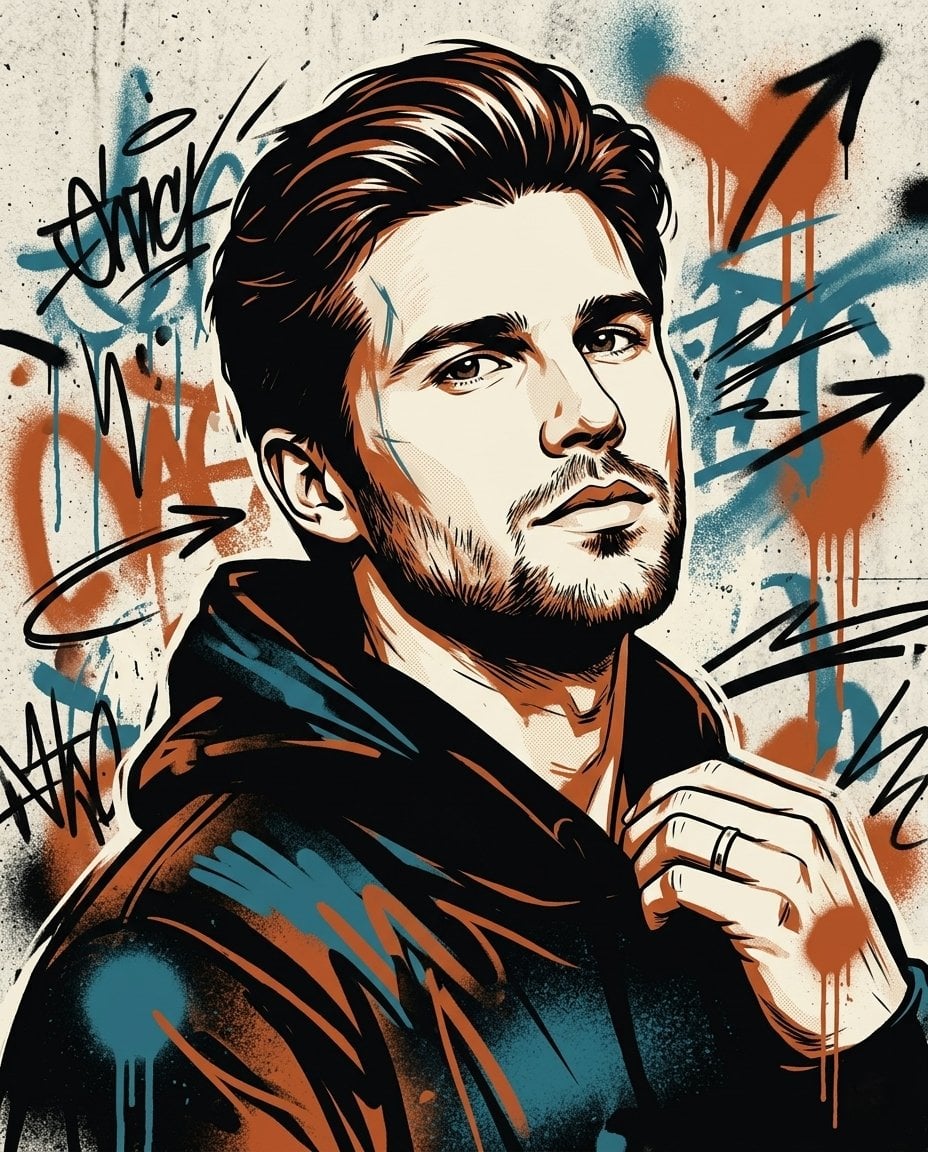
Bold street-art inspired portrait of a {argument name="subject" default="young man with sharp facial features and short dark hair"}, 3/4 angle (slightly turned toward the camera), looking toward the camera with his head slightly tilted upward, confident yet thoughtful expression, wearing a {argument name="clothing" default="hoodie"} and minimal accessories, clean upper-body framing with no environment distractions, surrounded by dynamic graffiti elements, spray paint textures, scribbles, arrows and motion lines, layered stencil technique with paint drips and rough edges, color palette of {argument name="colors" default="black, off-white, burnt orange and subtle blue accents"}, strong contrast and urban energy, realistic face preserved under stylized overlays, gritty poster design with raw texture and depth, ultra-detailed face, sharp focus, high-resolution, no photorealism, illustration style only
Choose the primary action to open PicX Studio with the available template settings. Review the model and format, personalize the creative direction, and generate when ready.
Yes. You can change the subject, setting, lighting, mood, format, and available model controls before creating your image.
This template is free to open and customize. Generation usage is shown in PicX Studio before you create.
Start with Nano Banana 2, which is the model associated with this template. You can compare another compatible model for a different finish.
Follow a topic to a crawlable collection of related PicX Studio templates.