
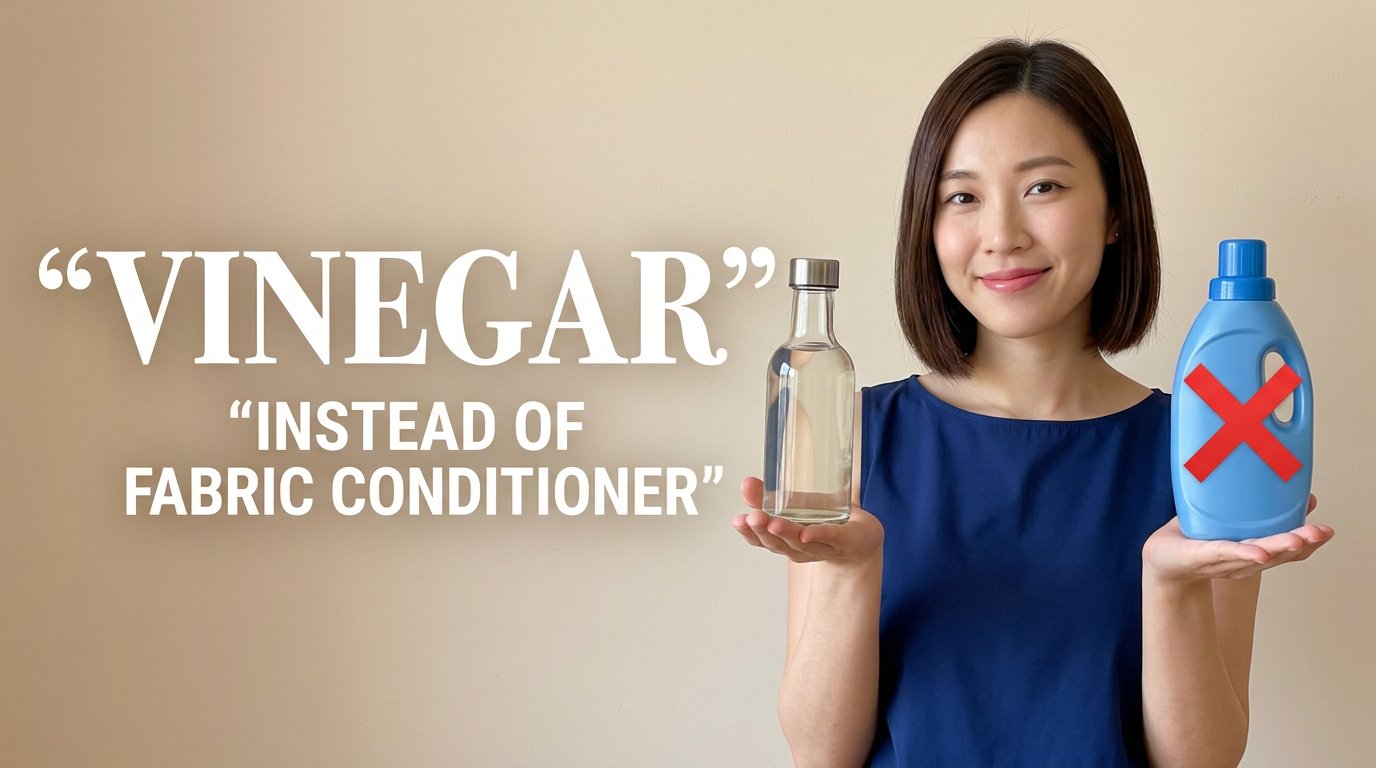
Eco Laundry Hack Youtube Thumbnail
Eco Laundry Hack Youtube Thumbnail is a ready photo look.
- Prompt included
- Model and format preset
- Free template
The prompt behind this image
Copy the exact prompt behind Eco Laundry Hack Youtube Thumbnail, or open it in the studio and make it yours.
1280x720 thumbnail. Background: Soft warm beige wall. Natural daylight tone. Left side text: “VINEGAR” Very large white bold serif font. Clean. No texture. Below: “INSTEAD OF FABRIC CONDITIONER” Smaller white uppercase font. Right side subject: Asian woman, short sleek bob haircut. Wearing navy sleeveless blouse. Natural makeup. Smiling. Both hands cupped forward as if presenting product. Above left palm: Clear glass vinegar bottle with metal cap. Transparent liquid. Realistic glass reflections. Opposite side: Blue plastic fabric conditioner bottle. Large red X overlay (flat red, no texture). Lighting: Soft even household lighting. Realistic shadows. No dramatic contrast. ❌ NEGATIVE PROMPT No extra products No clutter No extra text No messy typography No AI hand distortion No melted bottle No unrealistic reflections No glow effects No watermark No blur
How to use Eco Laundry Hack Youtube Thumbnail in 3 steps
- 1
Open
The prompt is already in the box next to the preview, with the template's model and format selected.
- 2…a portrait of your subject in softgolden-hour light, 85mm…
Personalize
Edit the subject and creative details for your destination.
- 3Generate
Generate
Press Generate — your image is created in PicX Studio, so you can compare it with the original and refine one variable at a time.
More like this
Templates with the same subject, style or setup. Open one to see its prompt.
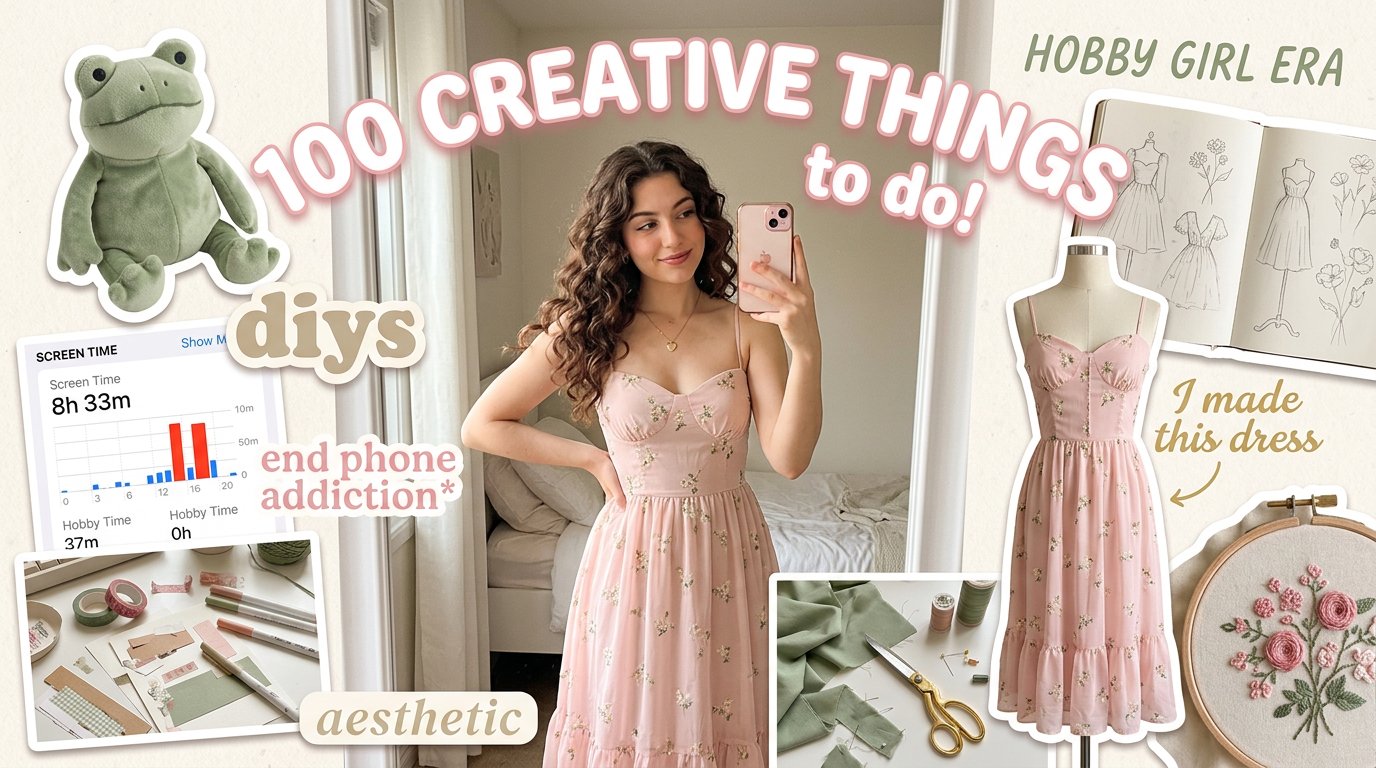
Aesthetic Hobby Girl Collage Youtube Thumbnail
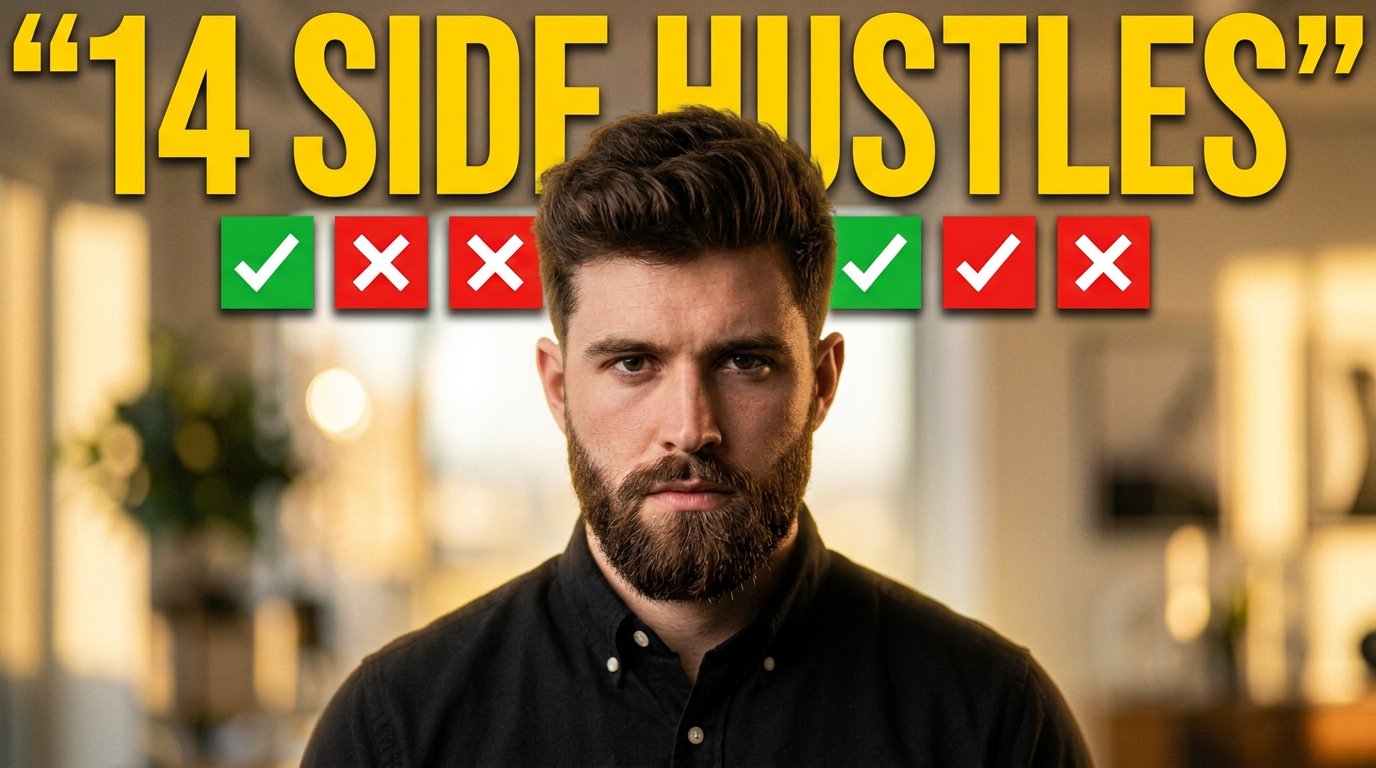
Youtube Thumbnail Template
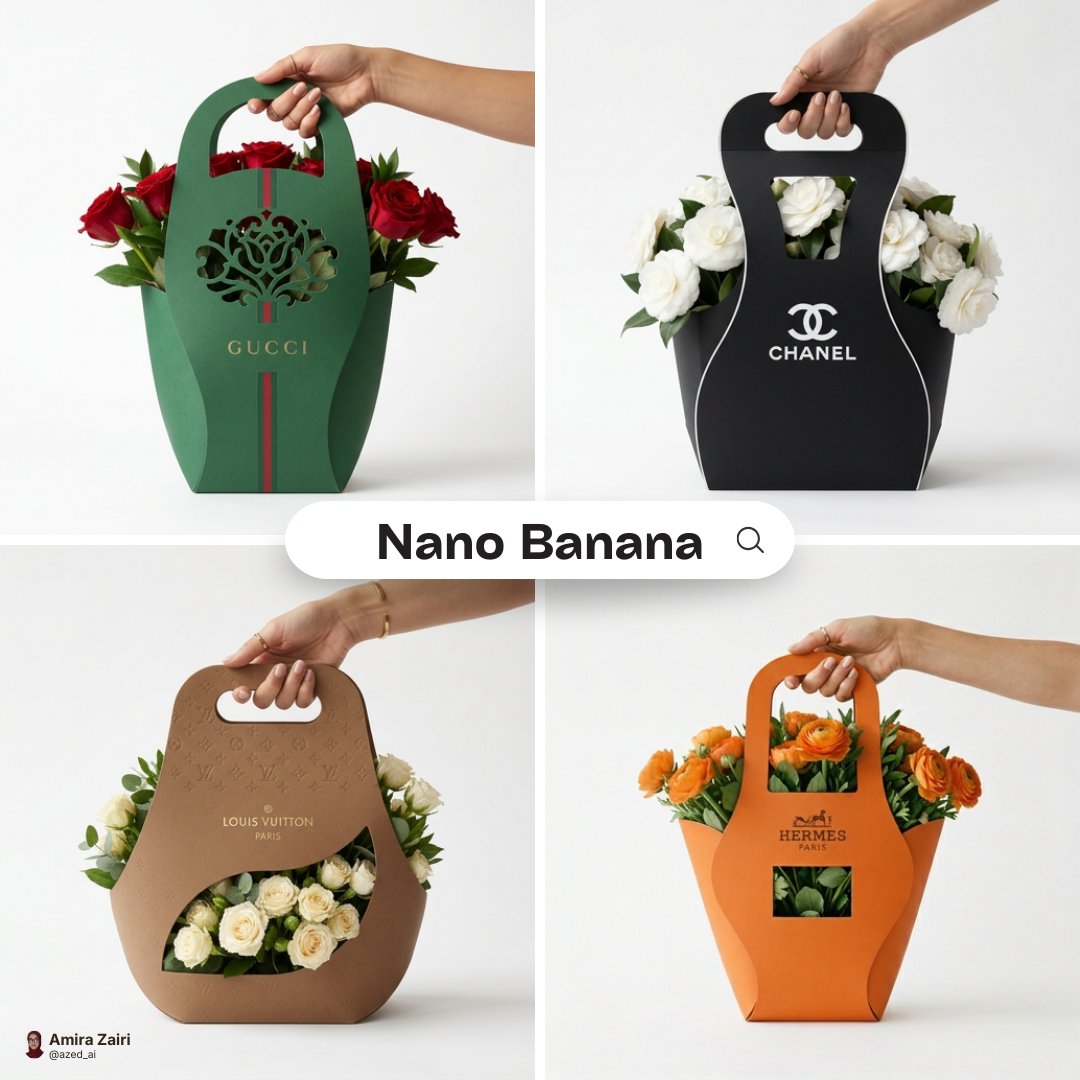
Minimalist branded flower packaging design eco-friendly cardboard sleeve

Luxury Fashion Campaign Typography Poster System

Premium Fashion Editorial Campaign Poster System

Isometric Brand Store Diorama

Moss Logo Minimalist Brand Flat Lay

Dramatic Border City YouTube Thumbnail
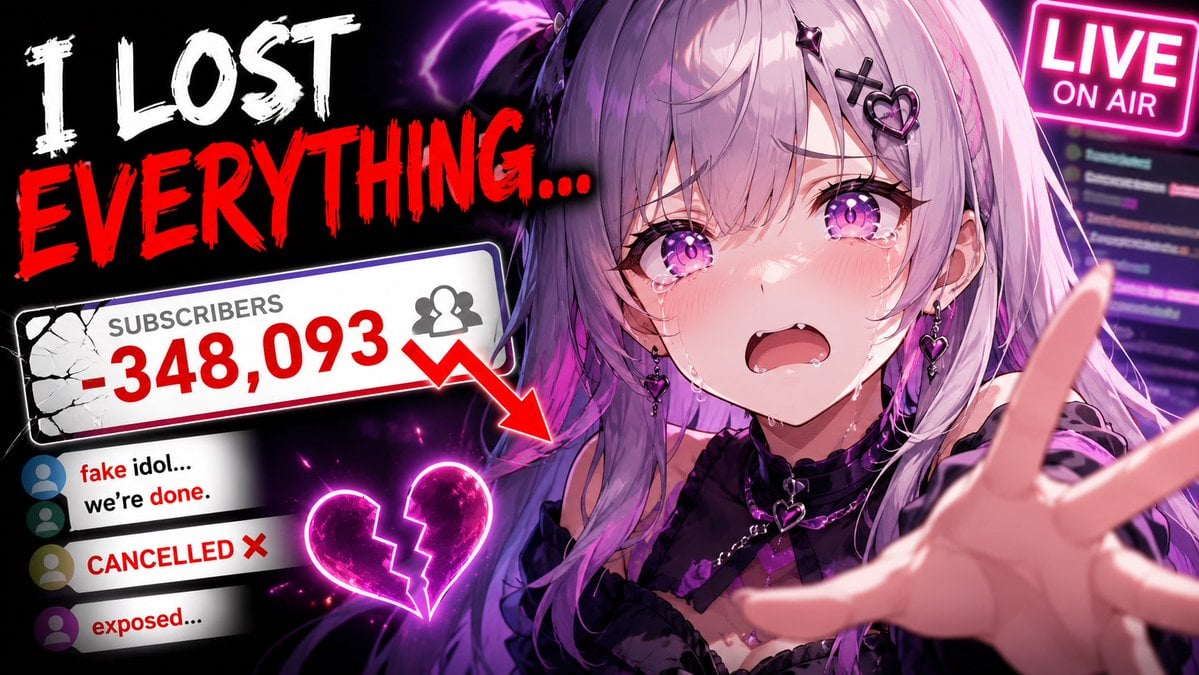
Viral YouTube Thumbnail Template

Neon AI Side Hustle YouTube Thumbnail
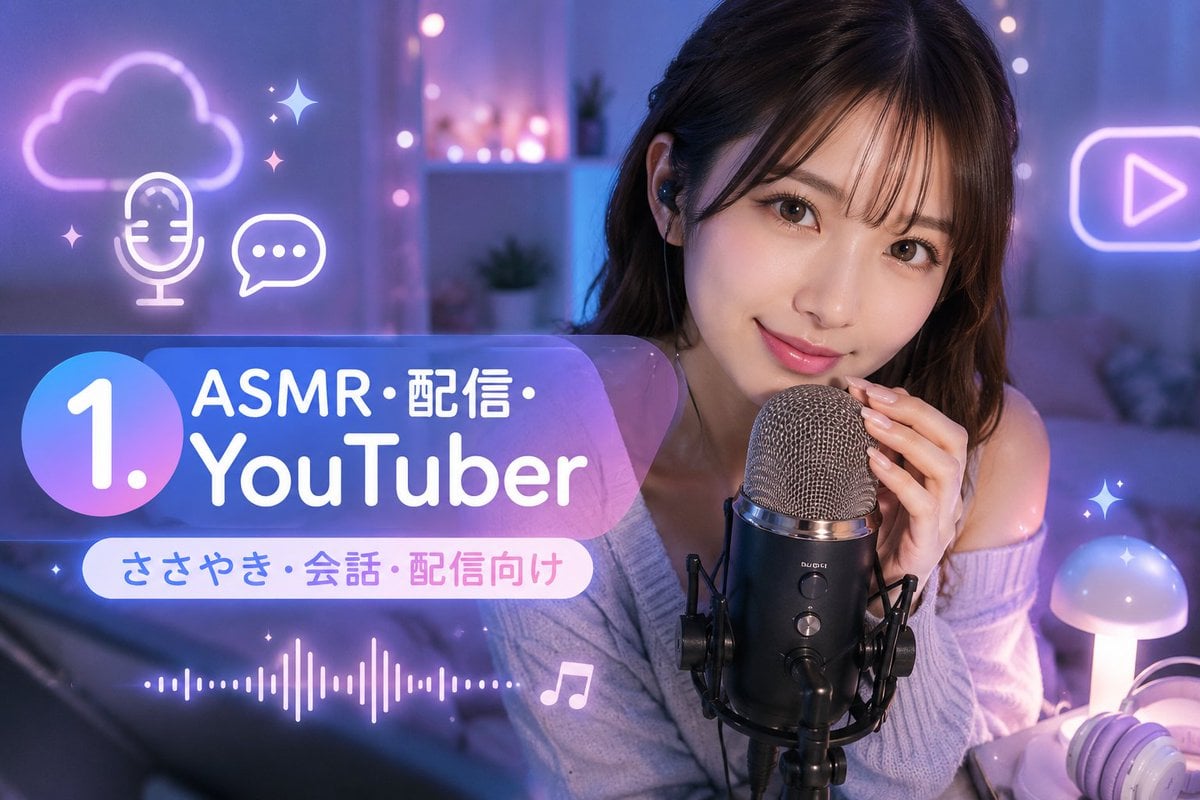
ASMR YouTuber Thumbnail
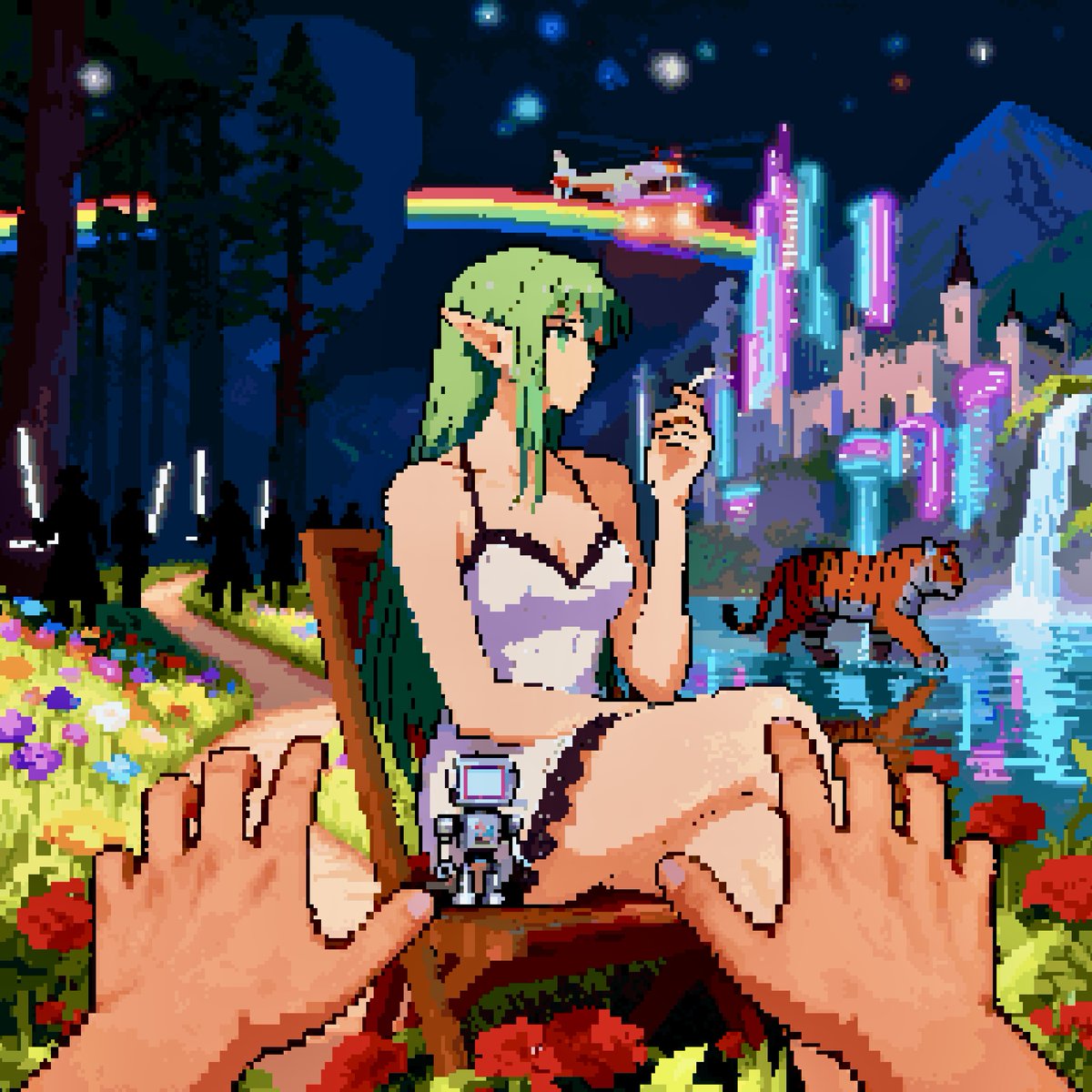
Convert image into YouTube thumbnail with OMW text
Make it yours
Eco Laundry Hack Youtube Thumbnail works as-is. These are the safest ways to change it without losing the look.
Change one field
Copy a single group, rewrite it, and generate again so you can see what that field is doing.
Keep the frame, change the subject
Hold the composition and light of Eco Laundry Hack Youtube Thumbnail, then swap wardrobe, props or the person for a new take.
| If the result… | Why | Fix |
|---|---|---|
| The result drifts from the preview | Too many fields changed at once. | Reuse Eco Laundry Hack Youtube Thumbnail as-is first, then change one group — subject, light, or setting. |
| The model over-stylizes the scene | The prose prompt leaves finish and camera underspecified. | Add one camera or lighting sentence and stay on PicX Studio. |
More image prompts
Fresh picks from across the catalog.
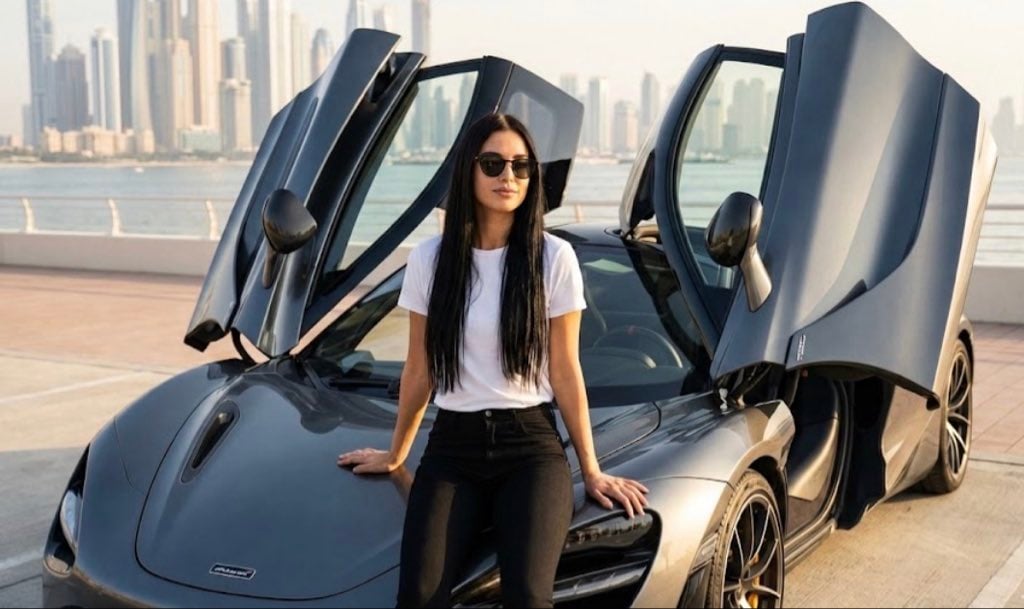
Ultra Realistic McLaren Supercar Portrait Prompt
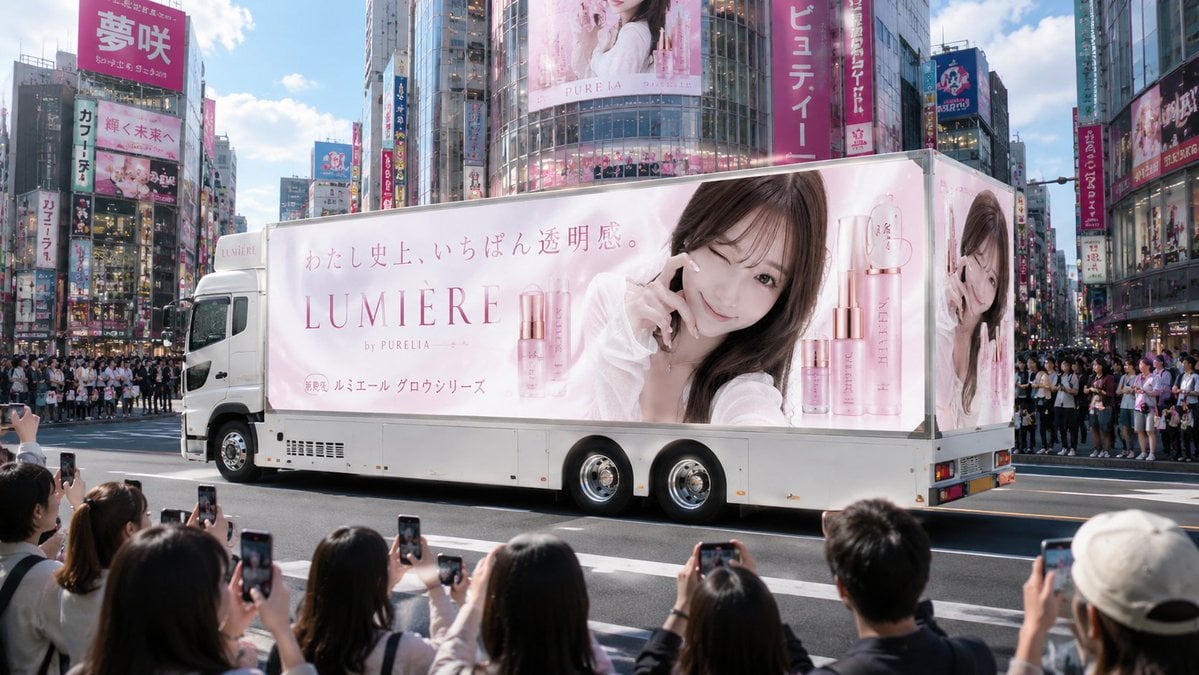
Japanese Cosmetic Ad Truck
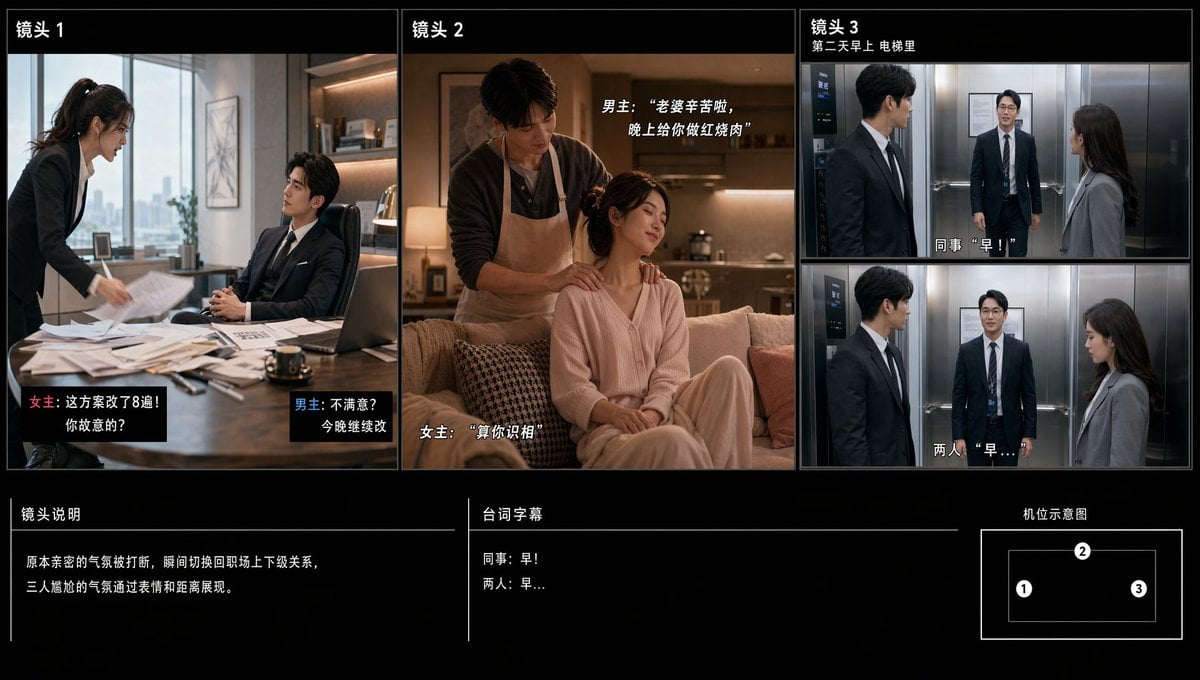
Chinese Drama Storyboard Sheet

Dreamy 3D Animated Girl in Magical Cave

Old Photo Restoration to DSLR Quality
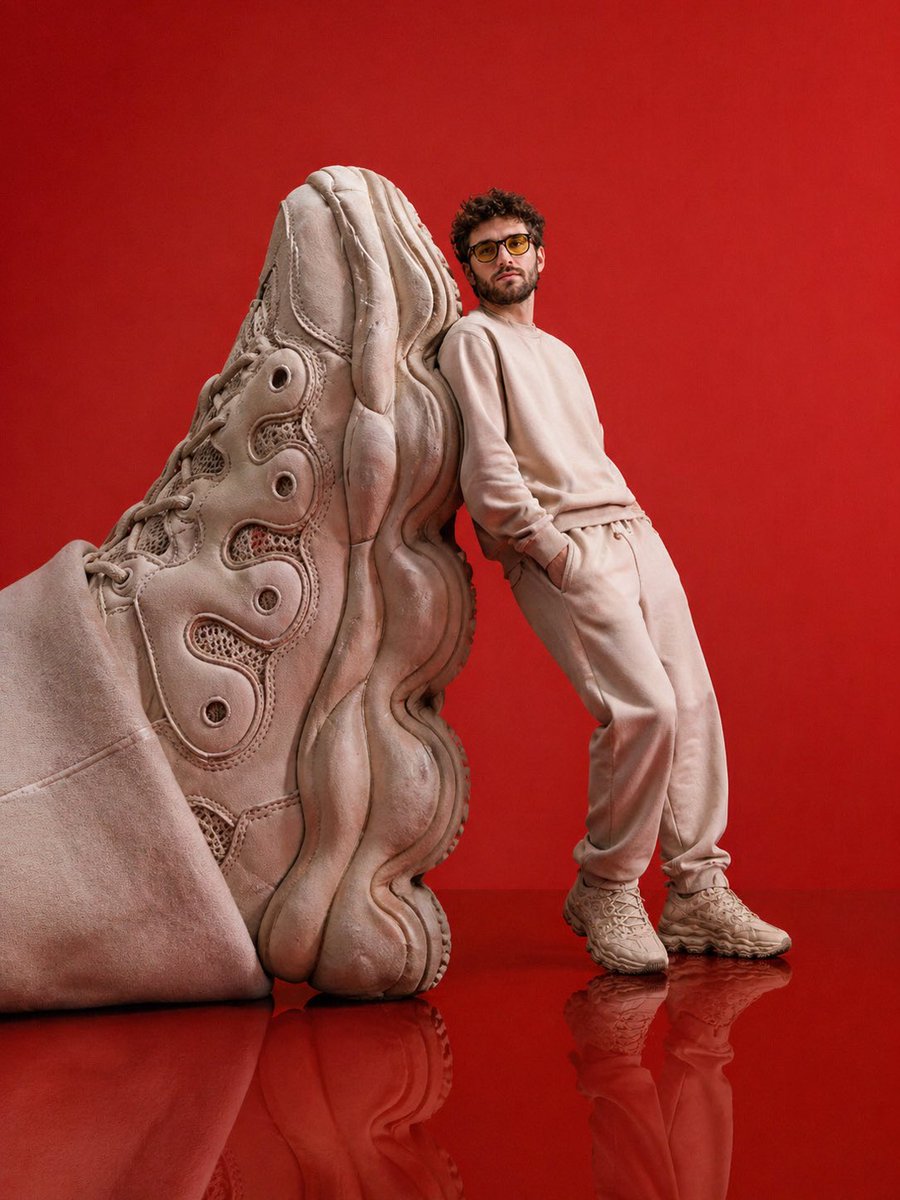
Luxury Streetwear Sneaker Editorial
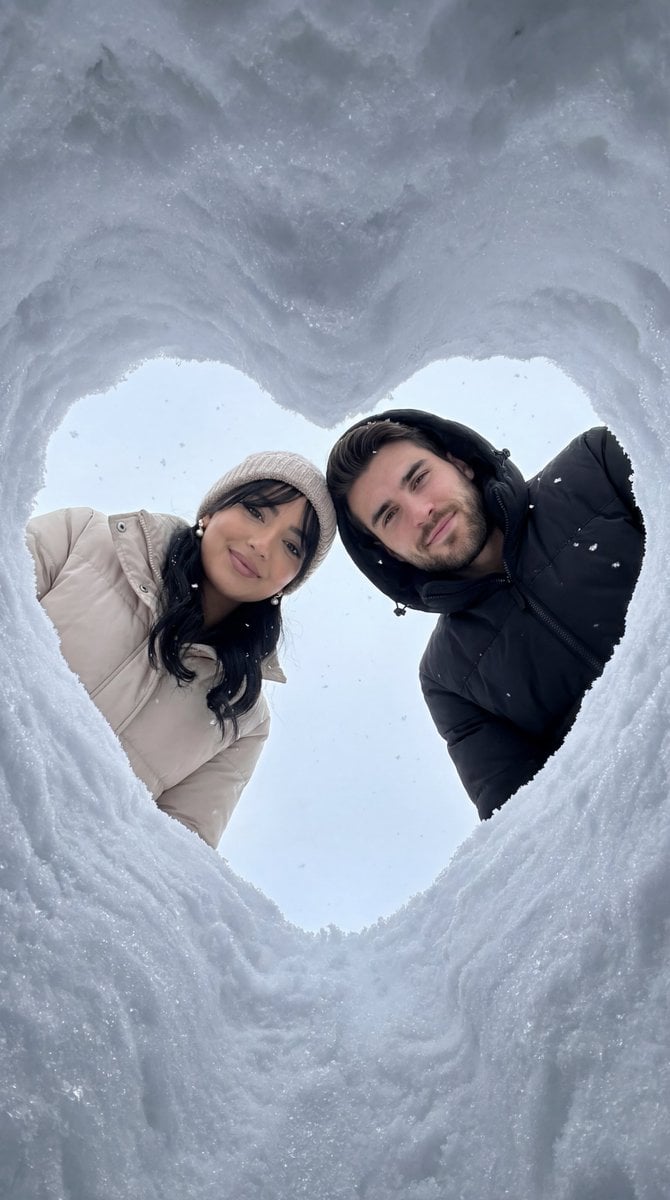
Cinematic Winter Photoshoot with Heart-Shaped Snow Frame
Editorial Portrait Collage
Neutral Luxury Fashion Editorial

Isometric Coastal Base Under Naval Attack
Browse template categories
Eco Laundry Hack Youtube Thumbnail questions
How do I use the Eco Laundry Hack Youtube Thumbnail template?
Add your photo if the template asks for one, edit the prompt if you like — the template's model and format are already selected — and press Generate. Your version opens in PicX Studio.
Can I customize the Eco Laundry Hack Youtube Thumbnail template?
Yes. You can change the subject, setting, lighting, mood, format, and available model controls before creating your image.
Is the Eco Laundry Hack Youtube Thumbnail template free?
Opening and editing this template is free. Generating uses credits, shown on the Generate button when you are signed in.
Which AI model should I use?
Choose a compatible model in PicX Studio based on the style, speed, and output controls your project needs.
Looking for something else? Browse all templates.

Your photo, any look
Thousands of ready templates for every top image and video model, from one credit balance.