
Neon AI Side Hustle YouTube Thumbnail
Generates a vibrant, information-dense promotional thumbnail with a cosmic background, an anime-style character, and multiple customizable Japanese text badges.
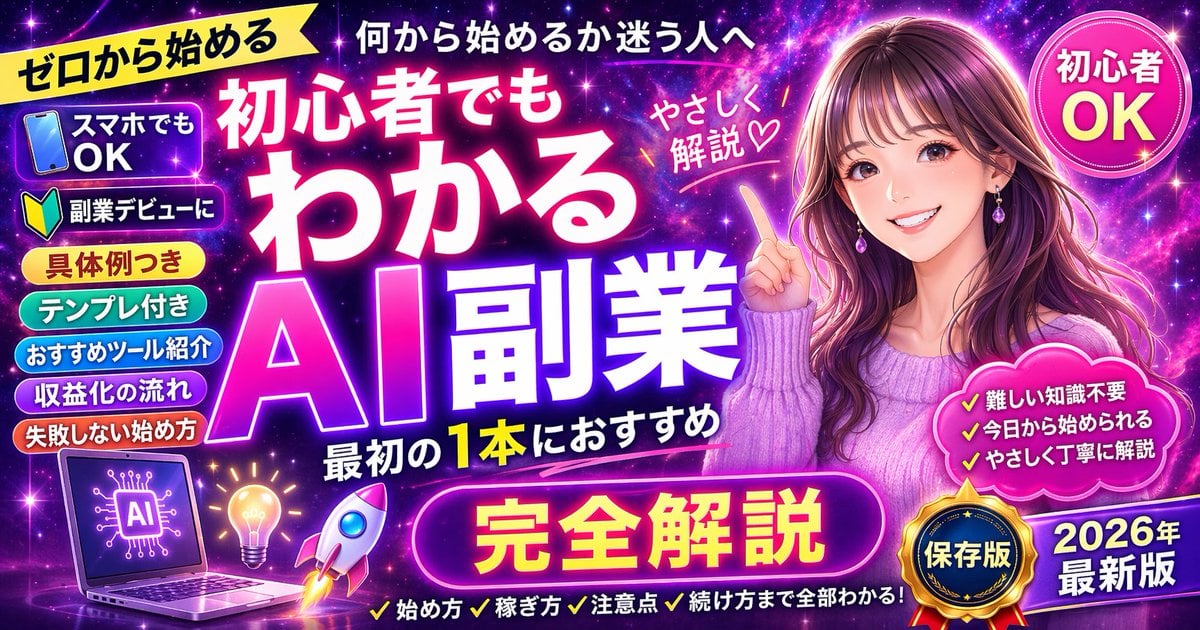
- Prompt included
- Model and format preset
- Free template
The prompt behind this image
Copy the exact prompt behind Neon AI Side Hustle YouTube Thumbnail, or open it in the studio and make it yours.
- Type
- promotional banner thumbnail
- Style
- vibrant neon, cosmic galaxy background, anime illustration style, high-density Japanese typography, glowing text effects
- Character › Description
- smiling young woman pointing upwards with right index finger
- Character › Appearance
- long {argument name="character hair color" default="brown"} hair, purple drop earrings, textured purple sweater
- Character › Position
- right side
- Layout › Background
- purple, pink, and blue starry space nebula
- Layout › Center Typography › Top Small Text
- 何から始めるか迷う人へ
- Layout › Center Typography › Main Title
- {argument name="main title" default="初心者でもわかる AI副業"}
- Layout › Center Typography › Subtitle
- 最初の1本におすすめ
- Layout › Center Typography › Floating Text Near Character
- やさしく解説♡
- Layout › Top Left › Yellow Ribbon
- {argument name="top left ribbon text" default="ゼロから始める"}
- Layout › Top Right › Pink Circle Badge
- 初心者 OK
- Layout › Left Column › Count
- 7
- Layout › Left Column › Description
- stack of pill-shaped badges
- Layout › Left Column › Labels
- スマホでもOK (with phone icon), 副業デビューに (with beginner mark icon), 具体例つき, テンプレ付き, おすすめツール紹介, 収益化の流れ, 失敗しない始め方
- Layout › Bottom Left Graphics › Count
- 3
- Layout › Bottom Left Graphics › Items
- laptop displaying an AI circuit brain graphic, glowing lightbulb, rocket ship taking off
- Layout › Bottom Center › Large Purple Button
- {argument name="bottom center button text" default="完全解説"}
- Layout › Bottom Center › Checklist Text Below
- ✓始め方 ✓稼ぎ方 ✓注意点 ✓続け方まで全部わかる!
- Layout › Bottom Right › Pink Cloud Shape › Count
- 3
- Layout › Bottom Right › Pink Cloud Shape › Bullet Points
- ✓難しい知識不要, ✓今日から始められる, ✓やさしく丁寧に解説
- Layout › Bottom Right › Gold Medal Seal
- 保存版
- Layout › Bottom Right › Purple Badge
- {argument name="year badge text" default="2026年 最新版"}
Raw JSON
{
  "type": "promotional banner thumbnail",
  "style": "vibrant neon, cosmic galaxy background, anime illustration style, high-density Japanese typography, glowing text effects",
  "character": {
    "description": "smiling young woman pointing upwards with right index finger",
    "appearance": "long {argument name=\"character hair color\" default=\"brown\"} hair, purple drop earrings, textured purple sweater",
    "position": "right side"
  },
  "layout": {
    "background": "purple, pink, and blue starry space nebula",
    "center_typography": {
      "top_small_text": "何から始めるか迷う人へ",
      "main_title": "{argument name=\"main title\" default=\"初心者でもわかる AI副業\"}",
      "subtitle": "最初の1本におすすめ",
      "floating_text_near_character": "やさしく解説♡"
    },
    "top_left": {
      "yellow_ribbon": "{argument name=\"top left ribbon text\" default=\"ゼロから始める\"}"
    },
    "top_right": {
      "pink_circle_badge": "初心者 OK"
    },
    "left_column": {
      "count": 7,
      "description": "stack of pill-shaped badges",
      "labels": [
        "スマホでもOK (with phone icon)",
        "副業デビューに (with beginner mark icon)",
        "具体例つき",
        "テンプレ付き",
        "おすすめツール紹介",
        "収益化の流れ",
        "失敗しない始め方"
      ]
    },
    "bottom_left_graphics": {
      "count": 3,
      "items": [
        "laptop displaying an AI circuit brain graphic",
        "glowing lightbulb",
        "rocket ship taking off"
      ]
    },
    "bottom_center": {
      "large_purple_button": "{argument name=\"bottom center button text\" default=\"完全解説\"}",
      "checklist_text_below": "✓始め方 ✓稼ぎ方 ✓注意点 ✓続け方まで全部わかる!"
    },
    "bottom_right": {
      "pink_cloud_shape": {
        "count": 3,
        "bullet_points": [
          "✓難しい知識不要",
          "✓今日から始められる",
          "✓やさしく丁寧に解説"
        ]
      },
      "gold_medal_seal": "保存版",
      "purple_badge": "{argument name=\"year badge text\" default=\"2026年 最新版\"}"
    }
  }
}How to use Neon AI Side Hustle YouTube Thumbnail in 3 steps
- 1Upload ImagePNG, JPG or paste
Add your photo
Upload the photo the template builds on. The prompt, model and format are already set.
- 2…a portrait of your subject in softgolden-hour light, 85mm…
Personalize
Edit the subject and creative details for your destination.
- 3Generate
Generate
Press Generate — your image is created in PicX Studio, so you can compare it with the original and refine one variable at a time.
More like this
Templates with the same subject, style or setup. Open one to see its prompt.

Cinematic Sci-Fi Commander Side Profile Portrait

80s Neon Disco Night

Cartoon TV Show Poster Pack

Rainy Night Android Cyberpunk Portrait

Korean Idol Partial Shadow Editorial Portrait

Cyberpunk Neon Profile Fashion Portrait

Neon Night Crosswalk Candid Portrait

Subway Platform Quiet Introspective Portrait
Rainy Night Android Cyberpunk Portrait
Low-Angle Cyberpunk Neon Profile Portrait

Cinematic Neon Light Strip Studio Portrait

Neon Violet Streetwear Fashion Portrait
Make it yours
Neon AI Side Hustle YouTube Thumbnail works as-is. These are the safest ways to change it without losing the look.
Swap the setting
Keep the rest of the prompt and replace the location block. The current setting is “purple, pink, and blue starry space nebula”.
Change one field
Copy a single group, rewrite it, and generate again so you can see what that field is doing.
Keep the frame, change the subject
Hold the composition and light of Neon AI Side Hustle YouTube Thumbnail, then swap wardrobe, props or the person for a new take.
| If the result… | Why | Fix |
|---|---|---|
| The result drifts from the preview | Too many fields changed at once. | Reuse Neon AI Side Hustle YouTube Thumbnail as-is first, then change one group — subject, light, or setting. |
| GPT Image 2 ignores part of the JSON | Some models flatten or skip nested keys. | Keep the same values and paste them as a short paragraph instead. |
More GPT Image 2 templates
Other prompts made for GPT Image 2.

Six VTuber Japanese Logo Sheet

Realistic Portrait of Woman and Deer

The Vista Modular Condo Poster

AI Model Routing Comparison Infographic

2.5D Anime Art Board

Isometric Productivity Desk Scene

New York Double Exposure Poster

Four-Panel AI Landscape Comparison

Japanese Tatami Lifestyle Magazine Cover

NESCAFÉ Coffee Map Poster
More image prompts
Fresh picks from across the catalog.
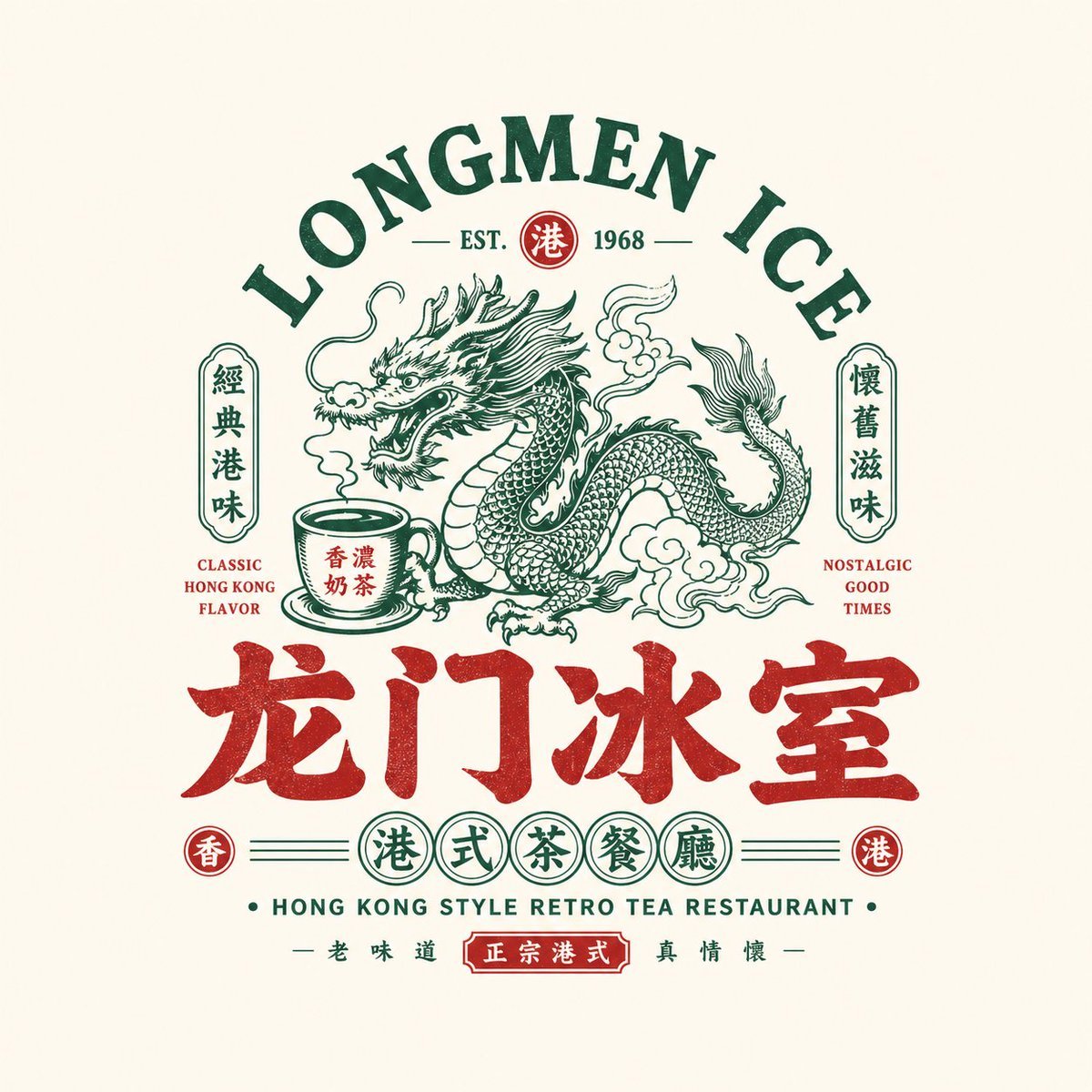
Retro Chinese Catering Badge Logo
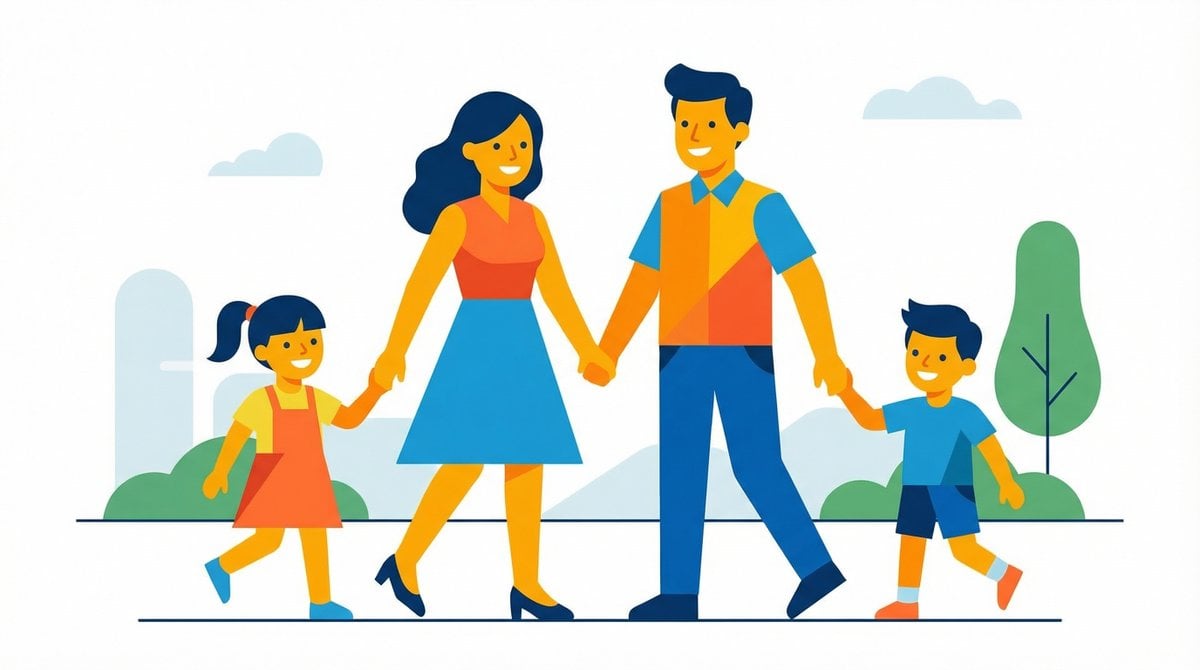
Flat UI/Startup Style Illustration Prompt
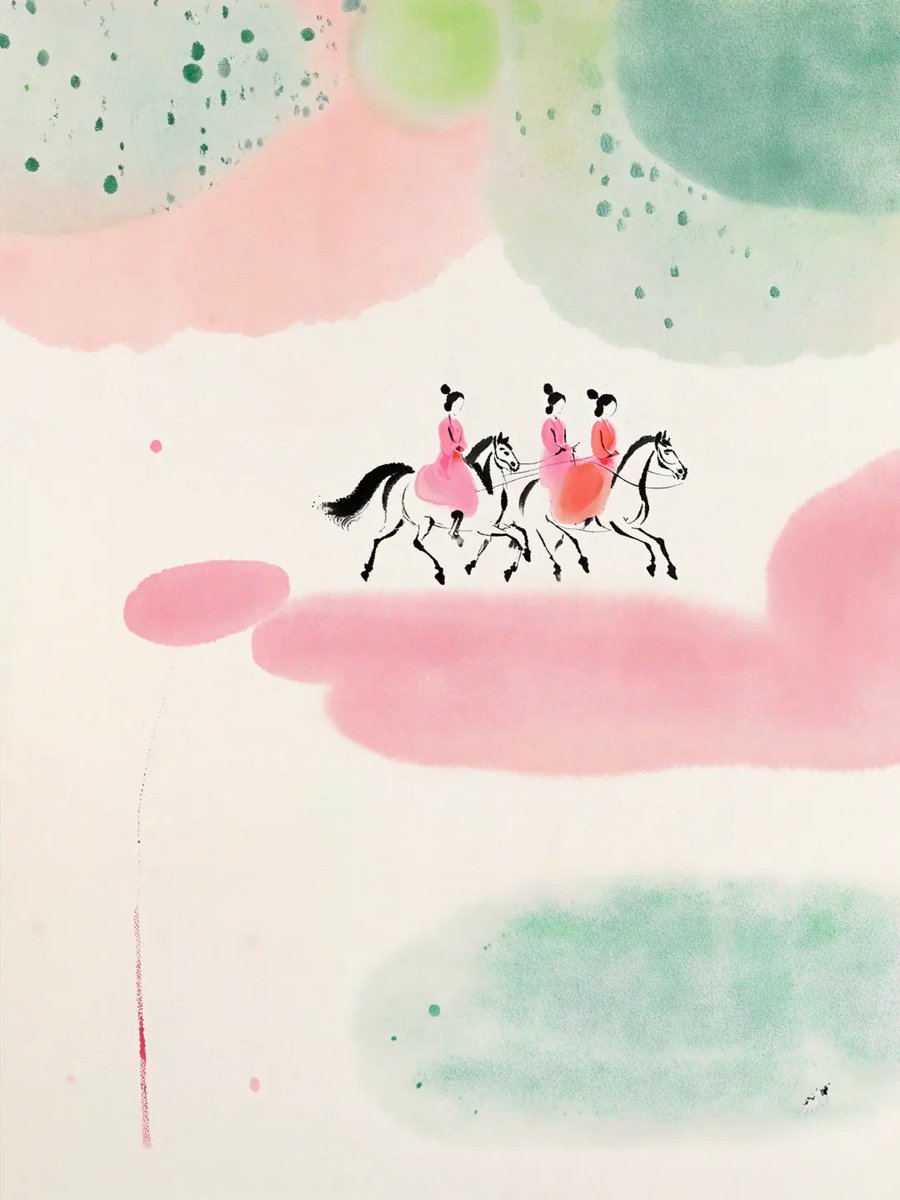
Pastel Court Ladies on Horseback
Nature-Human Fusion Editorial Portrait Prompt
Conceptual Portrait of Man Zipping Reality Open to Cosmic Void
Cinematic Portrait in a Busy City Street
Luxury Perfume Counter Office Lady Scene
Minimalist Fashion Runway Illustration
Golden Hour Mirror Selfie Realism
Gritty Evangelion Poster
Browse template categories
Neon AI Side Hustle YouTube Thumbnail questions
How do I use the Neon AI Side Hustle YouTube Thumbnail template?
Add your photo if the template asks for one, edit the prompt if you like — the template's model and format are already selected — and press Generate. Your version opens in PicX Studio.
Can I customize the Neon AI Side Hustle YouTube Thumbnail template?
Yes. You can change the subject, setting, lighting, mood, format, and available model controls before creating your image.
Is the Neon AI Side Hustle YouTube Thumbnail template free?
Opening and editing this template is free. Generating uses credits, shown on the Generate button when you are signed in.
Which AI model should I use?
Start with GPT Image 2, which is the model associated with this template. You can compare another compatible model for a different finish.
Looking for something else? Browse all templates.

Your photo, any look
Thousands of ready templates for every top image and video model, from one credit balance.