
Pastel Court Ladies on Horseback
A delicate East Asian-inspired watercolor illustration of three ancient court ladies riding white horses through abstract pink and green washes, suitable for art prints and editorial visuals.
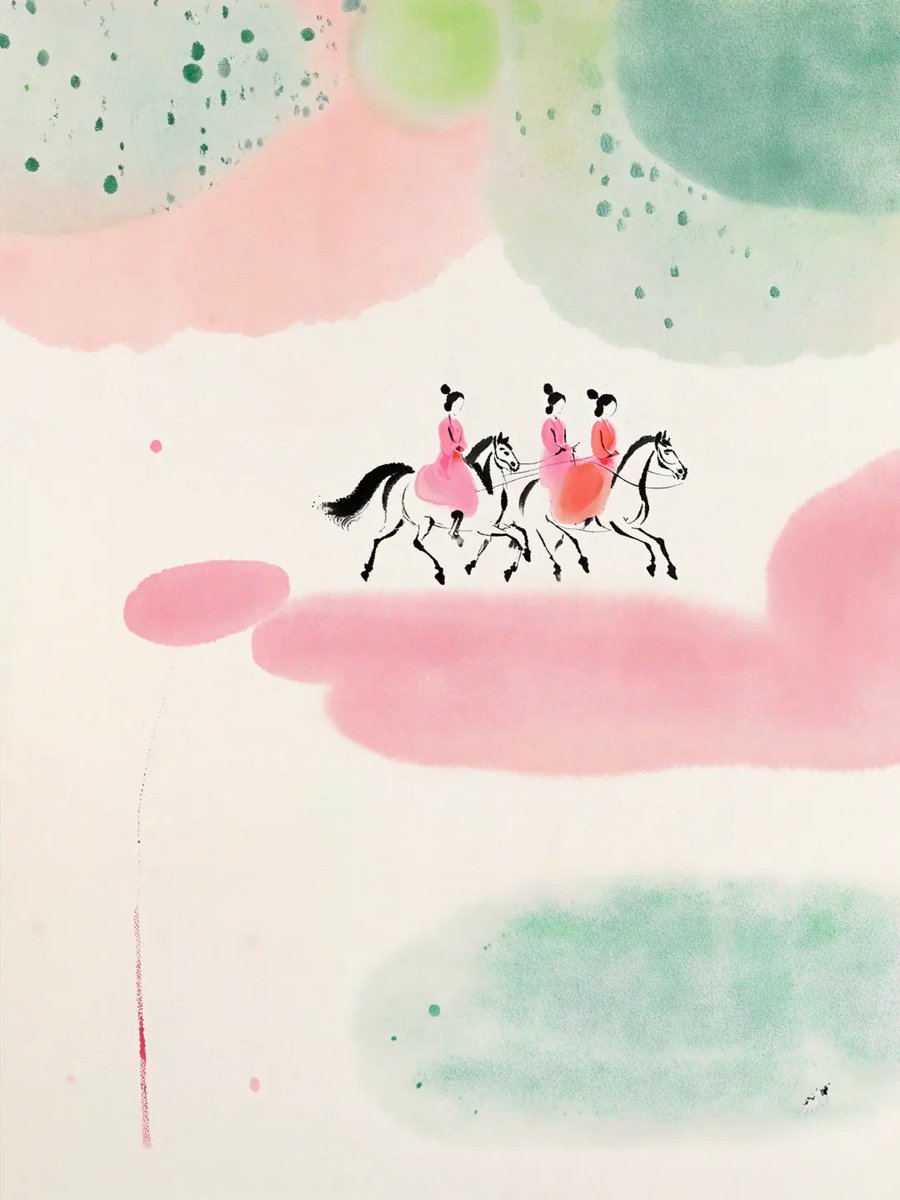
- Prompt included
- Model and format preset
- Free template
The prompt behind this image
Copy the exact prompt behind Pastel Court Ladies on Horseback, or open it in the studio and make it yours.
Create a minimalist contemporary ink-and-watercolor illustration on an off-white vertical paper canvas. In the center, show exactly 3 small ancient Chinese court ladies riding exactly 3 white horses from left to right, rendered as tiny delicate black-ink line figures with soft pink and coral robes. The riders have black hair in high traditional buns and simplified facial details; the horses have black manes, black tails, thin legs, and lightly sketched bridles, with a graceful procession rhythm. Surround them with large translucent abstract watercolor washes: one broad pale pink cloud band across the lower middle, one smaller pink oval wash at lower left, one soft coral-pink wash sweeping across the upper left, one large misty green wash in the lower right, one pale sage-green wash across the upper right, one darker teal-green rounded wash in the top-right corner, and one light yellow-green circular glow near the top center. Add scattered dark green ink speckles near the top-left and upper center-right, a few tiny pink and green dots in the open white space, and a thin vertical reddish drip line descending near the lower-left edge. Keep the composition airy with abundant negative space, soft bleeding watercolor edges, subtle paper grain, no border, no text, no watermark. Style: refined East Asian-inspired modern watercolor, poetic, ethereal, collectible art print, delicate ink strokes, pastel palette of {argument name="main pink color" default="soft rose pink"}, {argument name="main green color" default="misty teal green"}, and cream paper, with the central procession small and crisp against large abstract washes.
How to use Pastel Court Ladies on Horseback in 3 steps
- 1Upload ImagePNG, JPG or paste
Add your photo
Upload the photo the template builds on. The prompt, model and format are already set.
- 2…a portrait of your subject in softgolden-hour light, 85mm…
Personalize
Edit the subject and creative details for your destination.
- 3Generate
Generate
Press Generate — your image is created in PicX Studio, so you can compare it with the original and refine one variable at a time.
More like this
Templates with the same subject, style or setup. Open one to see its prompt.

Korean Cafe Courtyard Gold Frame Mirror Selfie

Eid al-Adha Cute Chaos — Fisheye Selfie with Farm Selfie, Mosque & Animals

Cute Layered Paper Cut Chibi Girl

Layered Paper Cut Illustration Template

Premium Vintage Travel Poster Landscape

Quiet Minimalist Anime Style Guide
Premium Vintage Travel Poster Landscape

Pastel Fantasy Pagoda Mountain Landscape

Glass Skin Beauty Portrait — Soft Pastel Nano Banana
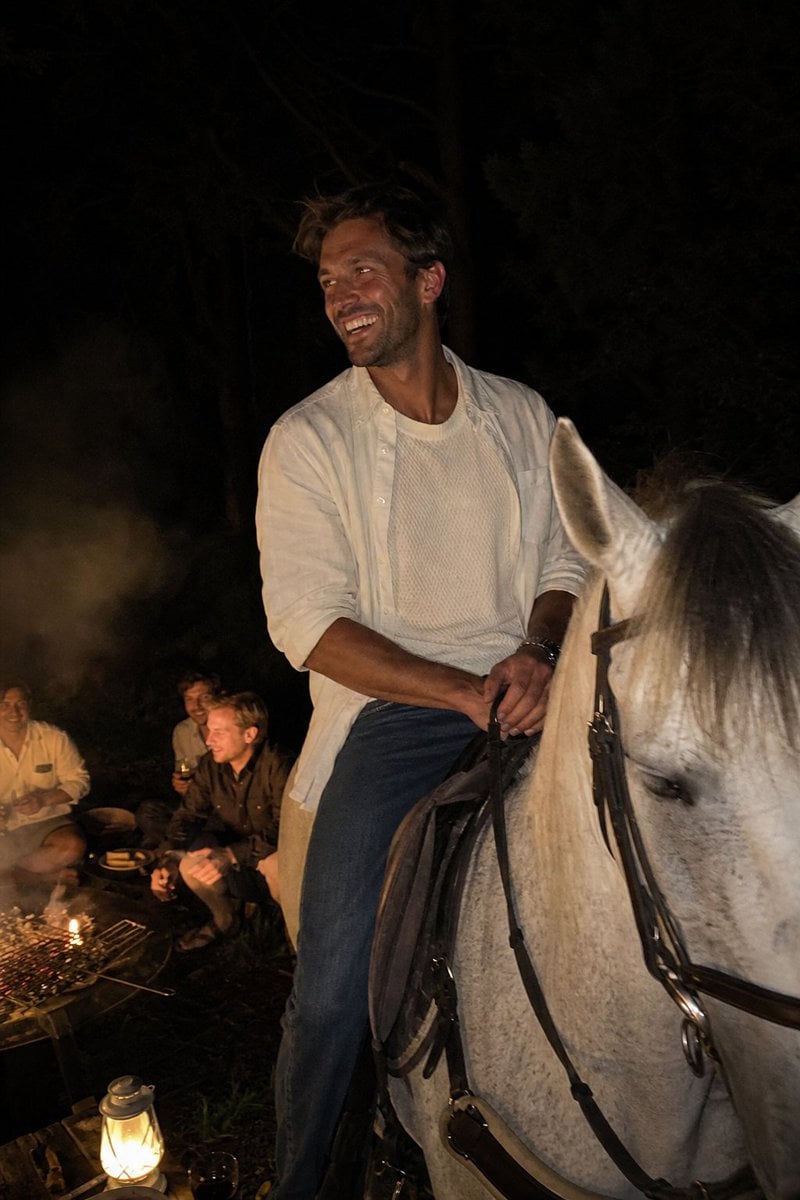
Candid Night Horseback Campfire Photo
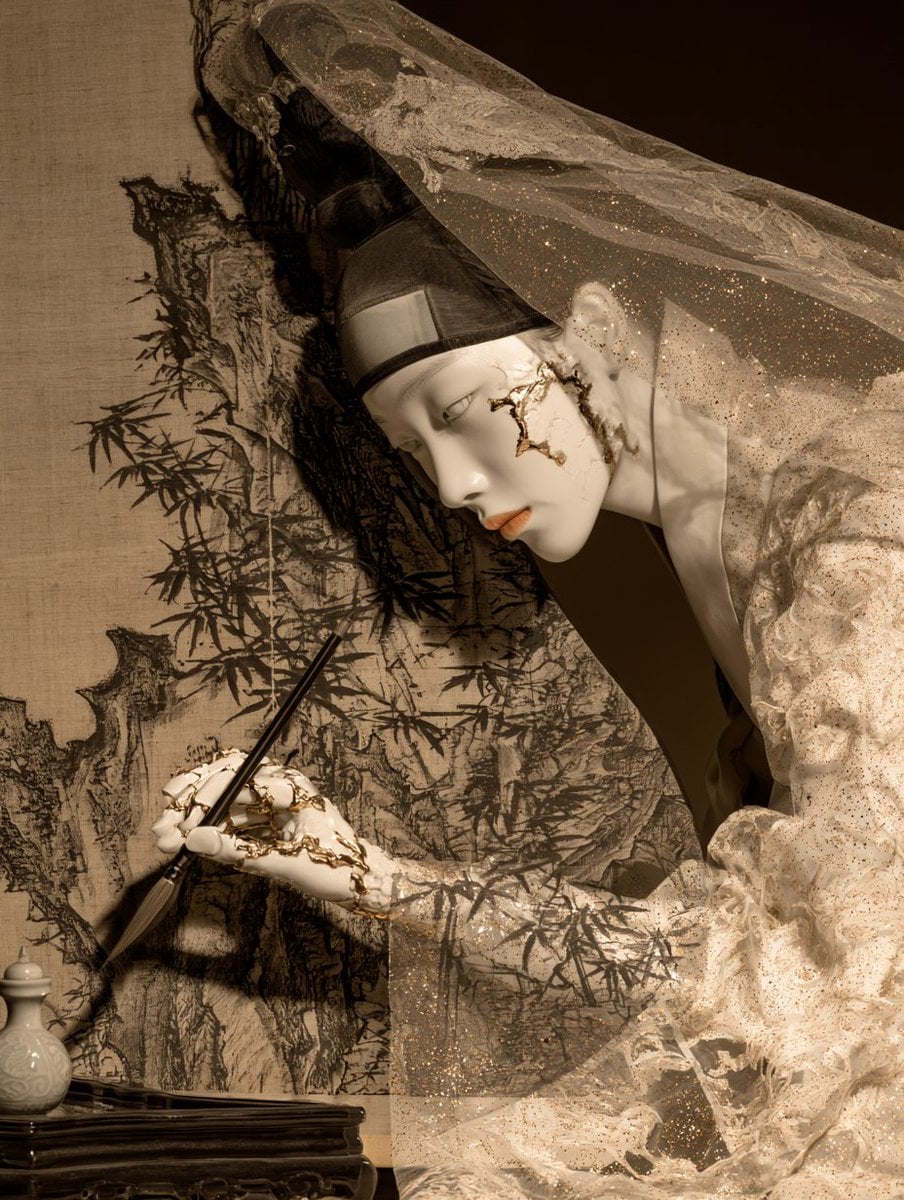
Porcelain Court Painter
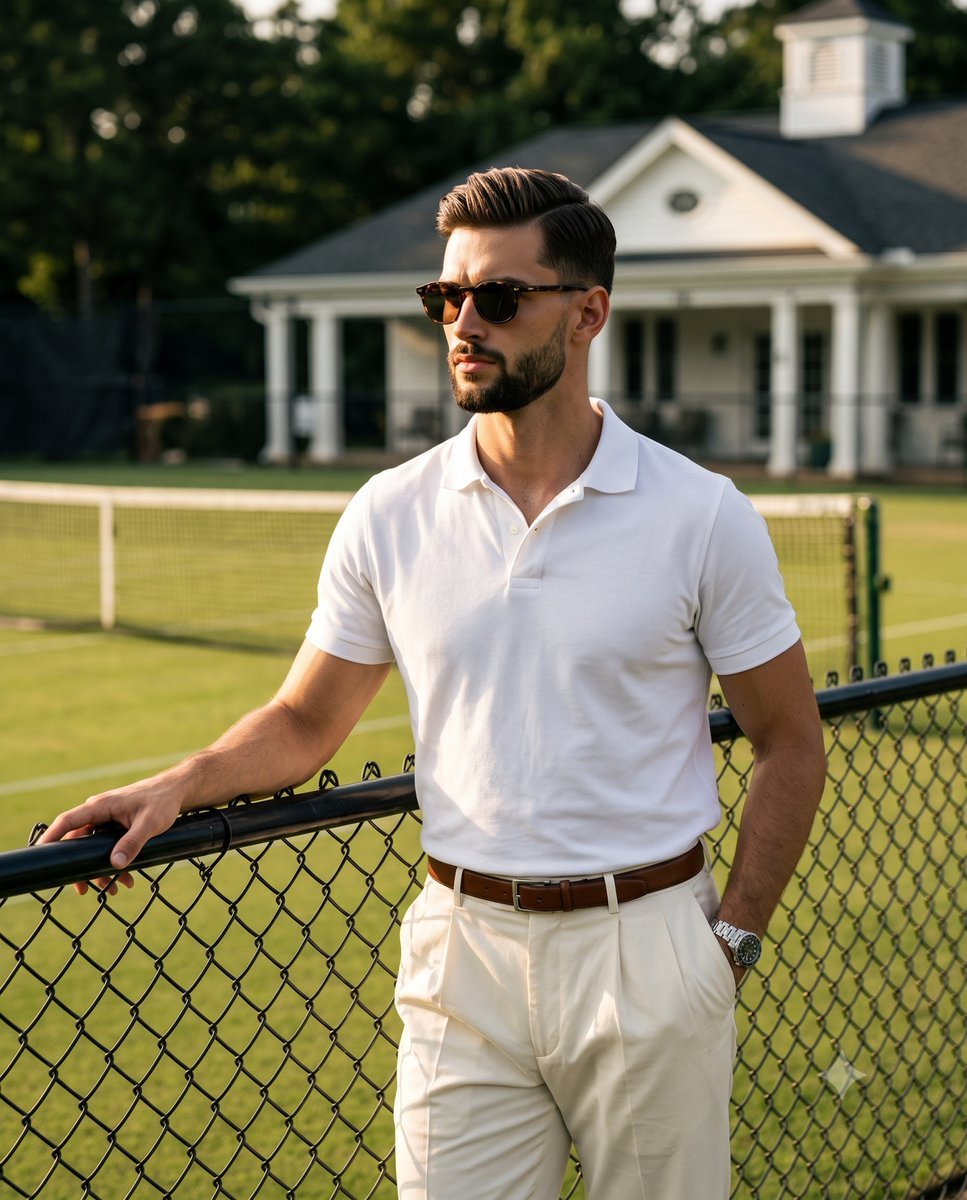
Golden Hour Tennis Court Portrait
Make it yours
Pastel Court Ladies on Horseback works as-is. These are the safest ways to change it without losing the look.
Change one field
Copy a single group, rewrite it, and generate again so you can see what that field is doing.
Keep the frame, change the subject
Hold the composition and light of Pastel Court Ladies on Horseback, then swap wardrobe, props or the person for a new take.
| If the result… | Why | Fix |
|---|---|---|
| The result drifts from the preview | Too many fields changed at once. | Reuse Pastel Court Ladies on Horseback as-is first, then change one group — subject, light, or setting. |
| The model over-stylizes the scene | The prose prompt leaves finish and camera underspecified. | Add one camera or lighting sentence and stay on GPT Image 2. |
More GPT Image 2 templates
Other prompts made for GPT Image 2.

Six VTuber Japanese Logo Sheet

Realistic Portrait of Woman and Deer

The Vista Modular Condo Poster

AI Model Routing Comparison Infographic

2.5D Anime Art Board

Isometric Productivity Desk Scene

New York Double Exposure Poster

Four-Panel AI Landscape Comparison

Japanese Tatami Lifestyle Magazine Cover

NESCAFÉ Coffee Map Poster
More image prompts
Fresh picks from across the catalog.
Classic Comic Book Panel Style
Artisan Chocolate Product Visuals (Multi-Image Prompt)

untitled
Pastel Japanese Mobile Game Store Screenshot
Urban Fashion Lookbook Collage
style and use case copy paste and generate instan... (IMAGE-NANO_BANANA)
Cinematic Street Portrait with Motion Blur
Portrait prompt for replicating a subject's appearance

City in Hand Micro-World Prompt
TV Series Recommendation Engine & Miniature Set Designer
Browse template categories
Pastel Court Ladies on Horseback questions
How do I use the Pastel Court Ladies on Horseback template?
Add your photo if the template asks for one, edit the prompt if you like — the template's model and format are already selected — and press Generate. Your version opens in PicX Studio.
Can I customize the Pastel Court Ladies on Horseback template?
Yes. You can change the subject, setting, lighting, mood, format, and available model controls before creating your image.
Is the Pastel Court Ladies on Horseback template free?
Opening and editing this template is free. Generating uses credits, shown on the Generate button when you are signed in.
Which AI model should I use?
Start with GPT Image 2, which is the model associated with this template. You can compare another compatible model for a different finish.
Looking for something else? Browse all templates.

Your photo, any look
Thousands of ready templates for every top image and video model, from one credit balance.