
Golden Hour Tennis Court Portrait
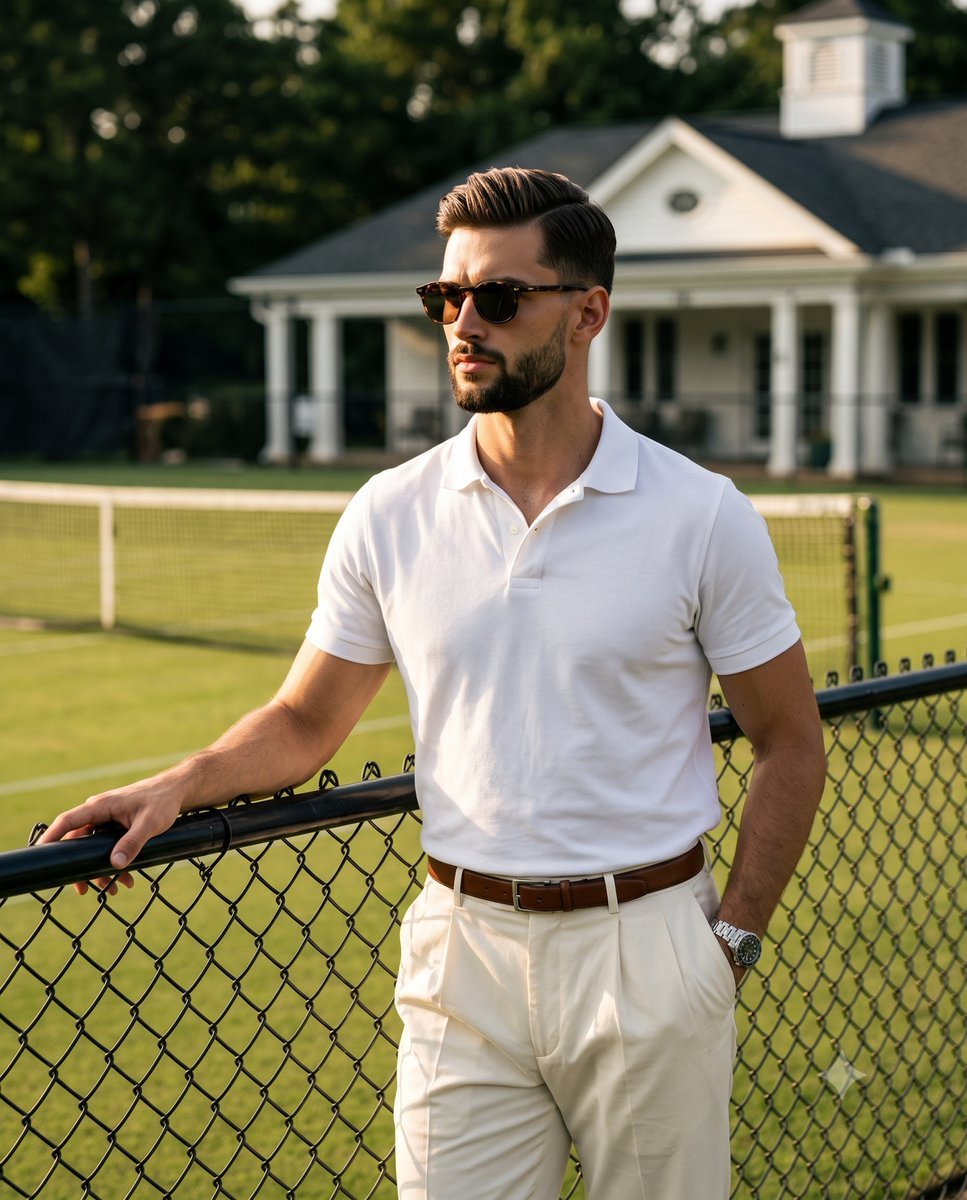
A highly detailed portrait prompt of an athletic male leaning against a fence at a tennis court during golden hour with dramatic hard lighting.
- Prompt included
- Model and format preset
- Free template
The prompt behind this image
Copy the exact prompt behind Golden Hour Tennis Court Portrait, or open it in the studio and make it yours.
A waist-up shot of {argument name="subject" default="an athletic adult male"} positioned center-right, exuding a confident, serious, and guarded expression. He is dressed in {argument name="clothing" default="a crisp white polo shirt"}, cream pleated trousers secured by a brown leather belt, a silver watch, and dark tortoiseshell sunglasses that conceal his eyes as he gazes far left off-camera. His hair is short on the sides with two to three inches of wavy texture on top, pushed back without a distinct part, showcasing a natural matte finish with slight frizz, varied strand clumping, and delicately backlit flyaways at the crown. His relaxed mouth remains in a closed neutral pose, while his body leans casually back against a slightly worn, matte black chain-link fence with his weight shifted slightly to the left, relaxing his shoulders into the lean. His left hand rests naturally on the fence's top tubular rail, with fingers draped loosely over the curved edge, visible from wrist to knuckles, while his right hand is tucked deep into his front trouser pocket, exposing only a sliver of his wrist and thumb knuckle. Anchoring the lower third foreground, the fence features a thick diamond wire mesh and a cylindrical top bar that catches the sunlight. Behind him, the deep spatial depth transitions into a pristine midground consisting of a {argument name="setting" default="manicured olive-green grass tennis court"} intersected by crisp white painted lawnmower stripes and solid boundary lines, alongside a pristine black tennis net bordered by a thick white canvas top band. The background is anchored on the upper right by an immaculate white clubhouse pavilion boasting vertical structural pillars, architectural molding, smooth painted wood, and a dark gabled roof, balanced by thriving, dense leafy tree canopies on the top left and far right. The atmosphere is saturated in a sophisticated, dramatic outdoor golden hour, defined by a highly directional, singular hard sun source casting bright, warm light from exactly ninety degrees to the mid-left. This creates a high contrast ratio with deep black shadows nestled within the folds of his clothing and harsh, defined long shadows stretching out from the fence across the grass, blanketing the right side of his face and body in dramatic darkness. Conversely, preserved golden-yellow highlights softly illuminate the left side of his face and left arm, while crisp rim lighting accentuates the textured flyaways of his hair and the top edge of the fence rail, all slightly softened by a warm ambient sky fill. The scene employs an analogous color palette with striking neutral contrasts, harmonizing the warm off-white of his clothing with the olive greens of the environment and the dark brown and black accents. Captured through digital photography using an 85mm prime lens from a straight-on, slightly low angle at chest height, the image utilizes an f/1.8 aperture for a shallow depth of field that renders the subject tack sharp while melting the clubhouse and trees into bokeh.
How to use Golden Hour Tennis Court Portrait in 3 steps
- 1
Open
The prompt is already in the box next to the preview, with the template's model and format selected.
- 2…a portrait of your subject in softgolden-hour light, 85mm…
Personalize
Edit the subject and creative details for your destination.
- 3Generate
Generate
Press Generate — your image is created in PicX Studio, so you can compare it with the original and refine one variable at a time.
More like this
Templates with the same subject, style or setup. Open one to see its prompt.

80s Golden Hour Cinema
Athletic Man Tennis Court Editorial
Luxury Tennis Court Fashion Editorial

Rooftop Fisheye — Cat-Ear Balaclava at Golden Hour
Tennis Player Golden Hour Portrait Prompt

Underwater Macro Face Portrait

Noir Punk Street Portrait

High Contrast Cinematic Face Portrait

Monochrome Studio Portrait with Colored Lens

Ultra-Realistic Yacht Sunset Portrait

Cinematic Golden Hour Garden Portrait

Cinematic Golden Hour Urban Portrait
Make it yours
Golden Hour Tennis Court Portrait works as-is. These are the safest ways to change it without losing the look.
Change one field
Copy a single group, rewrite it, and generate again so you can see what that field is doing.
Keep the frame, change the subject
Hold the composition and light of Golden Hour Tennis Court Portrait, then swap wardrobe, props or the person for a new take.
| If the result… | Why | Fix |
|---|---|---|
| The result drifts from the preview | Too many fields changed at once. | Reuse Golden Hour Tennis Court Portrait as-is first, then change one group — subject, light, or setting. |
| The model over-stylizes the scene | The prose prompt leaves finish and camera underspecified. | Add one camera or lighting sentence and stay on Gemini 3 Pro Image Preview. |
More Gemini 3 Pro Image Preview templates
Other prompts made for Gemini 3 Pro Image Preview.

Creative Character in Pink Office

Avant-Garde Asian Fashion Model

Water-level Bridge Modification

Mushroom Still Life Composition

Whimsical Anthropomorphic Friendly Insect

Cinematic Urban Night Billboard Portrait

Pop Art Summer Fruit Fashion Illustration

Ultra-Realistic iPhone Selfie with Motion Blur

Cinematic Mirror Reflection Portrait

Elegant Men's Twilight Editorial
More image prompts
Fresh picks from across the catalog.
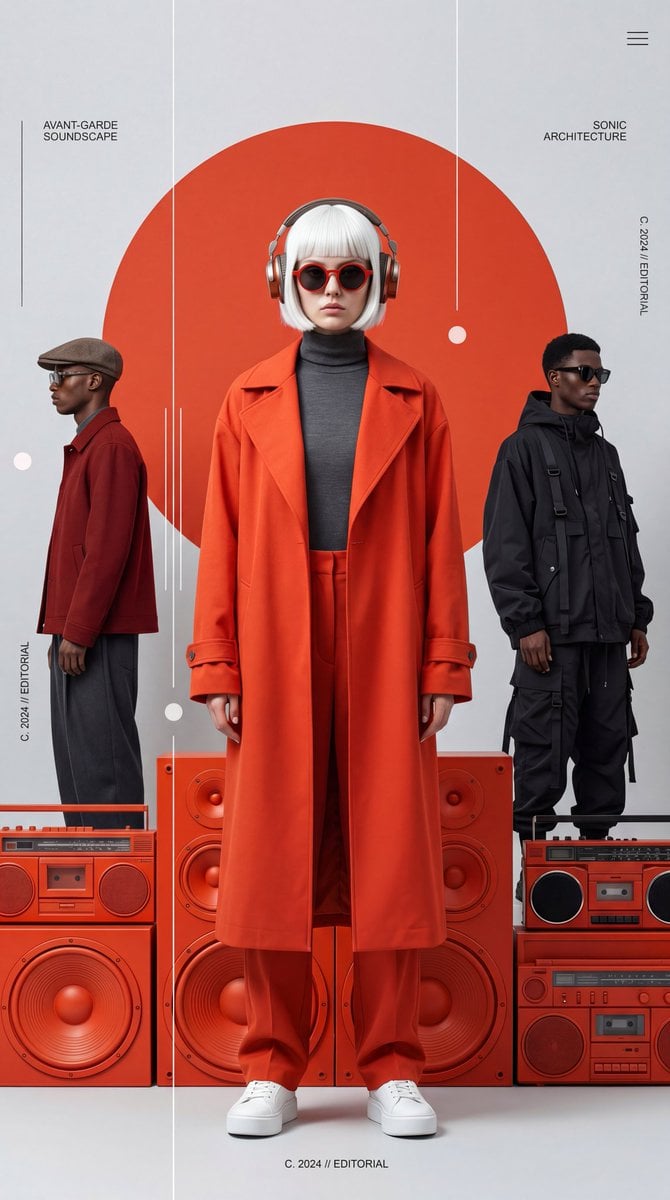
Avant-Garde Electronic Music Poster
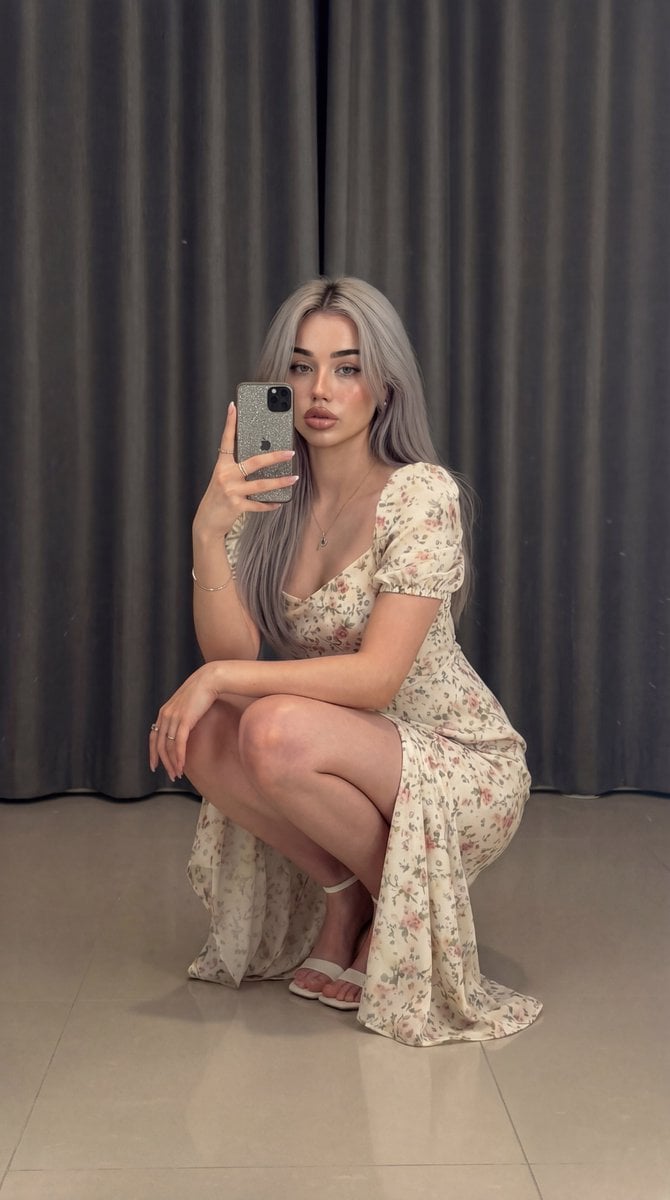
Structured Prompt for Full-Body Mirror Selfie in Floral Dress

X Strength04 X Gpt Image 2 on Chatgpt
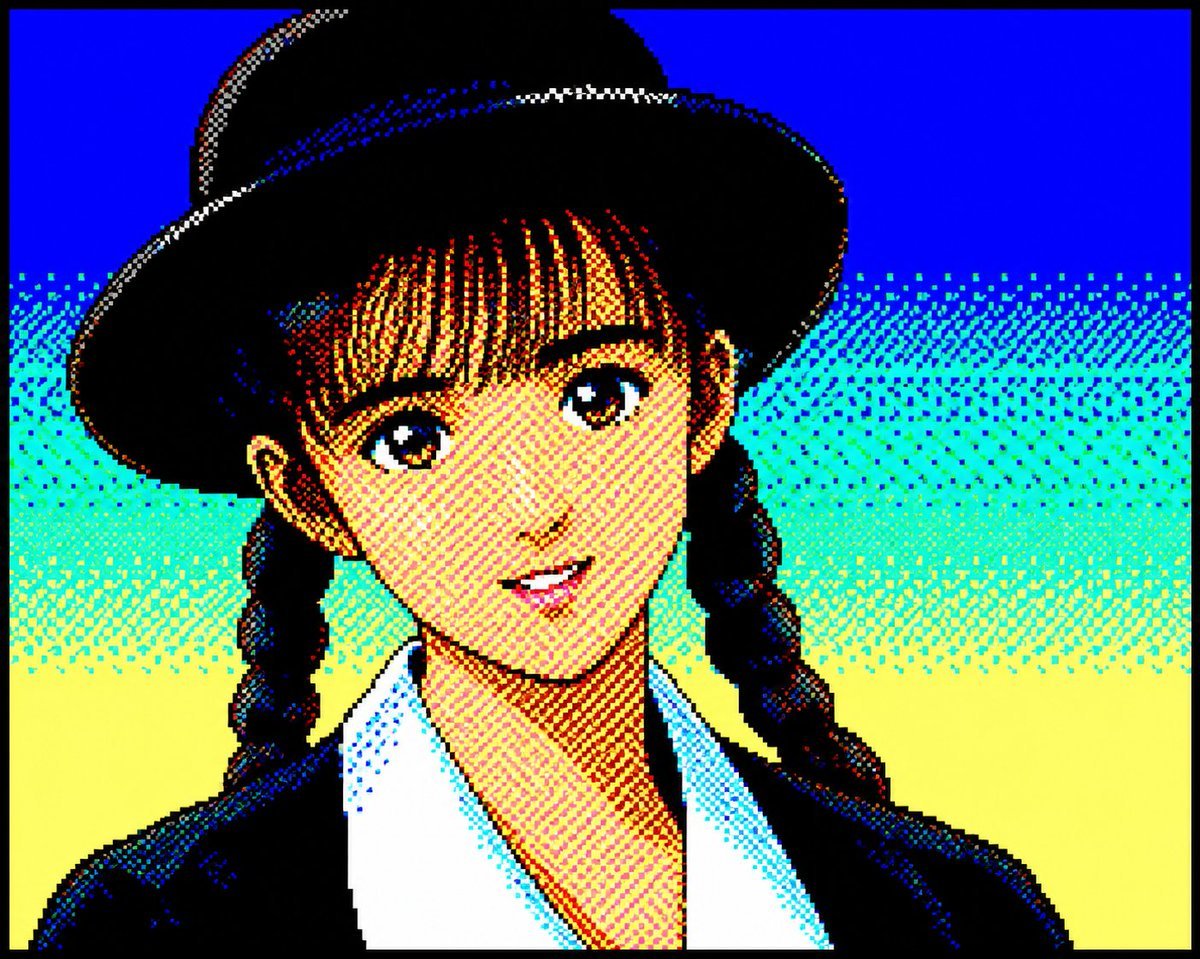
Retro PC-88 8-Bit Anime Portrait
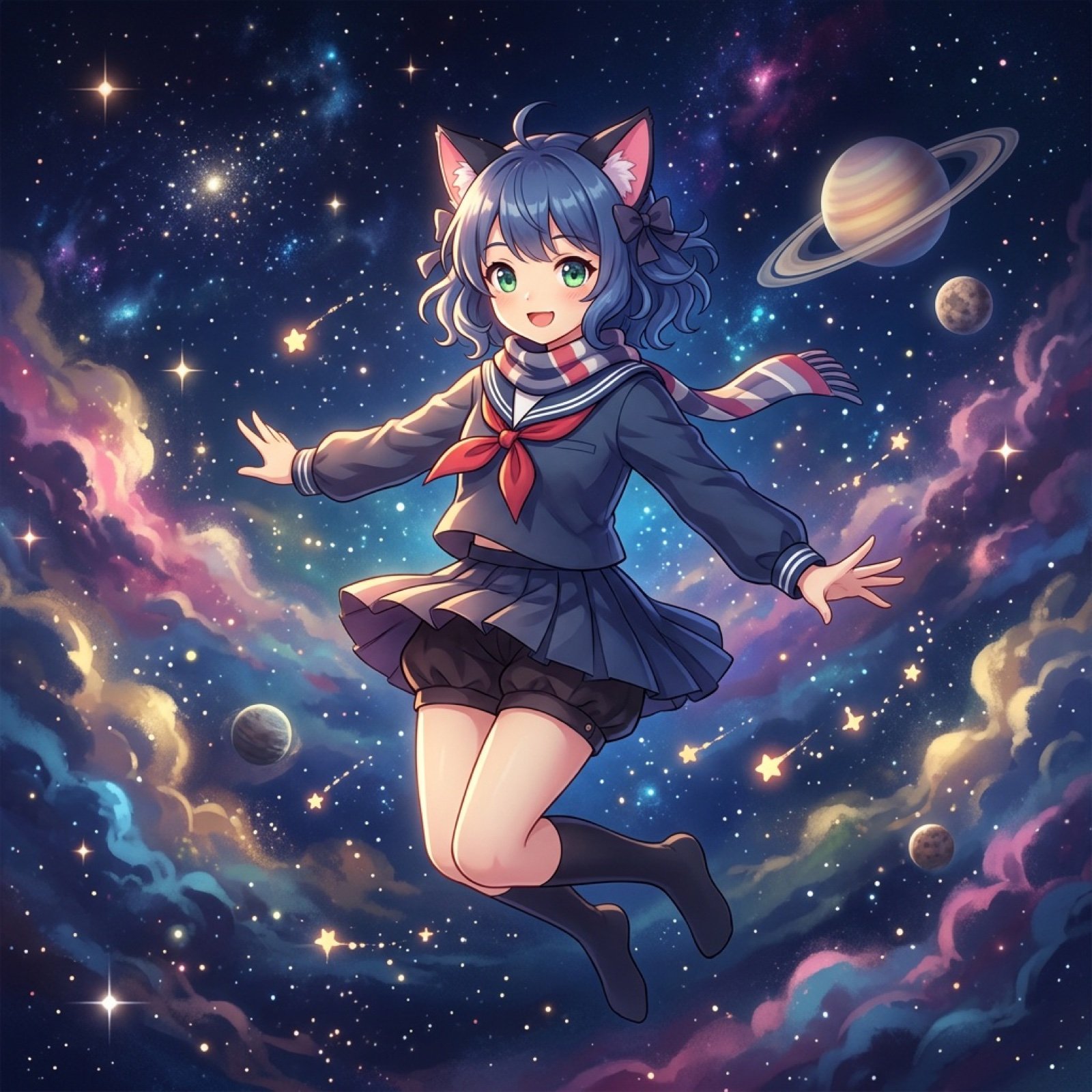
Nano Banana Pro Image Prompt for Video Generation

LMGT3-Class Car Inspired Sea Iguana
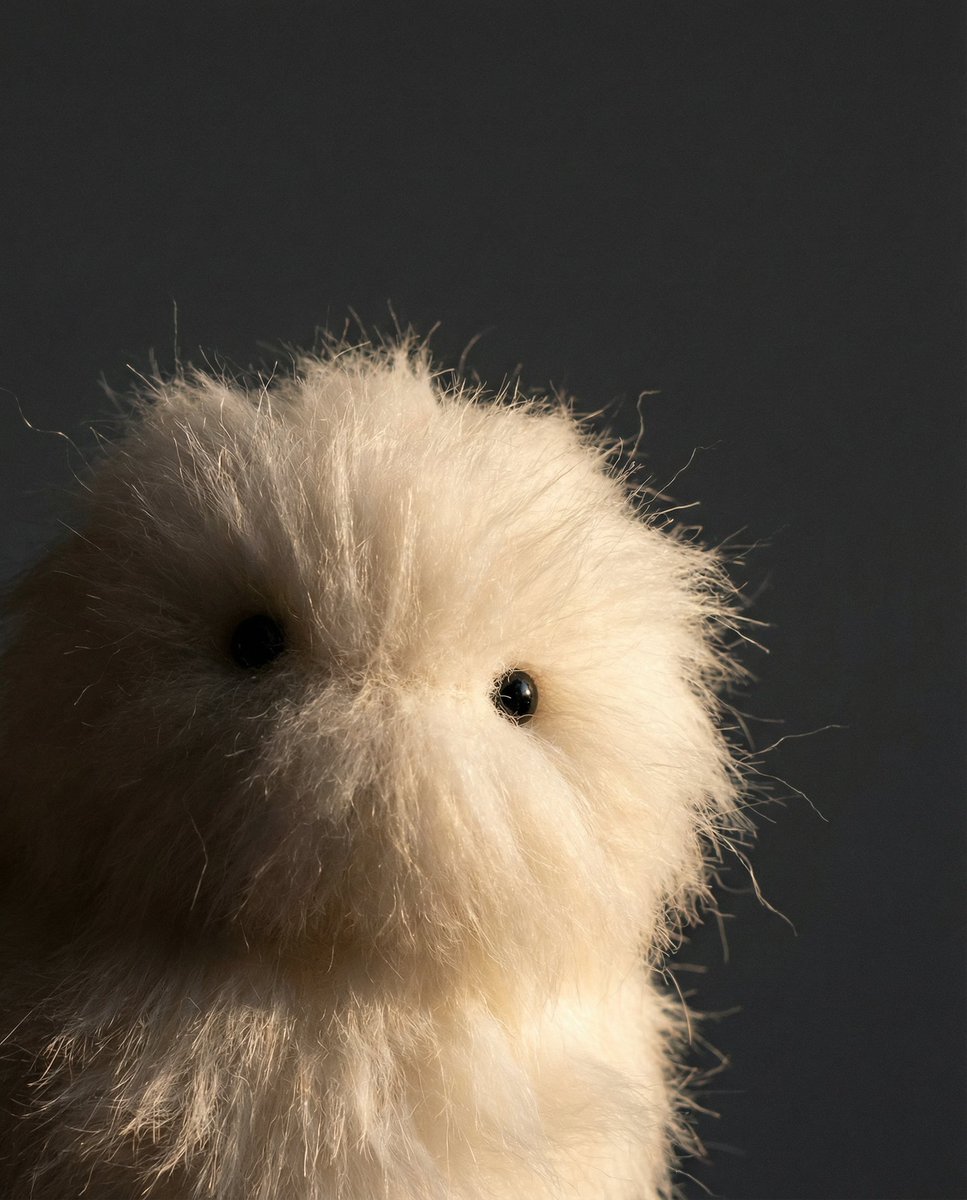
Prompt Share for Nano Banana Pro
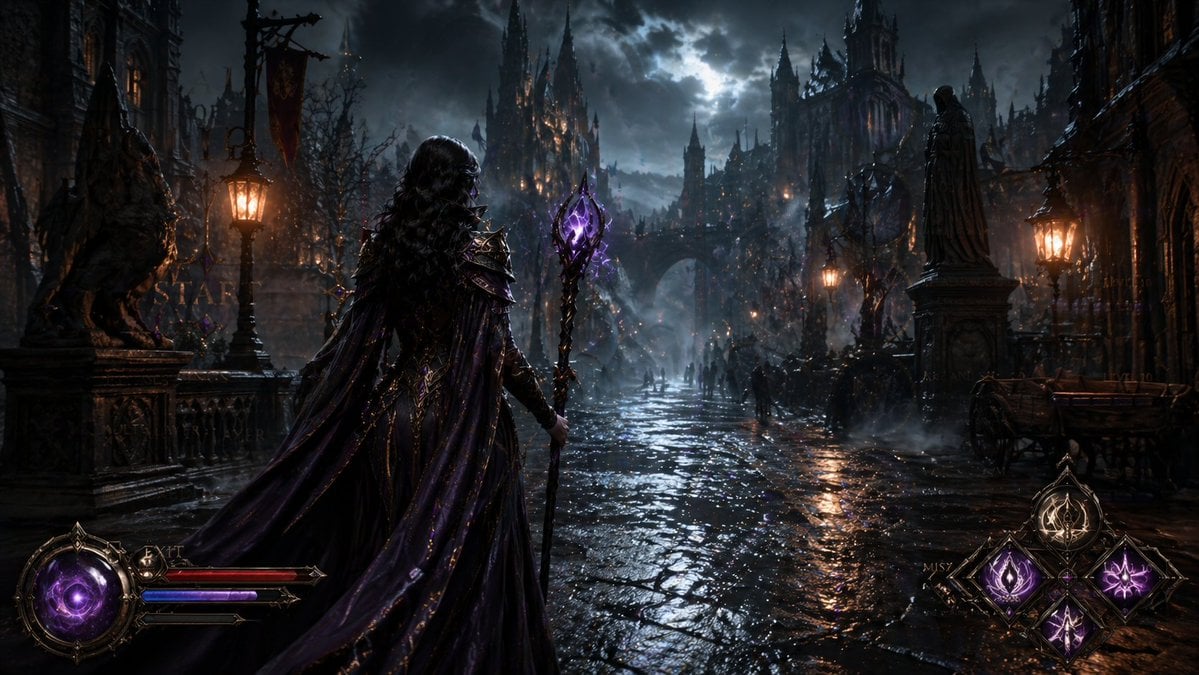
Dark Medieval Sorceress Scene
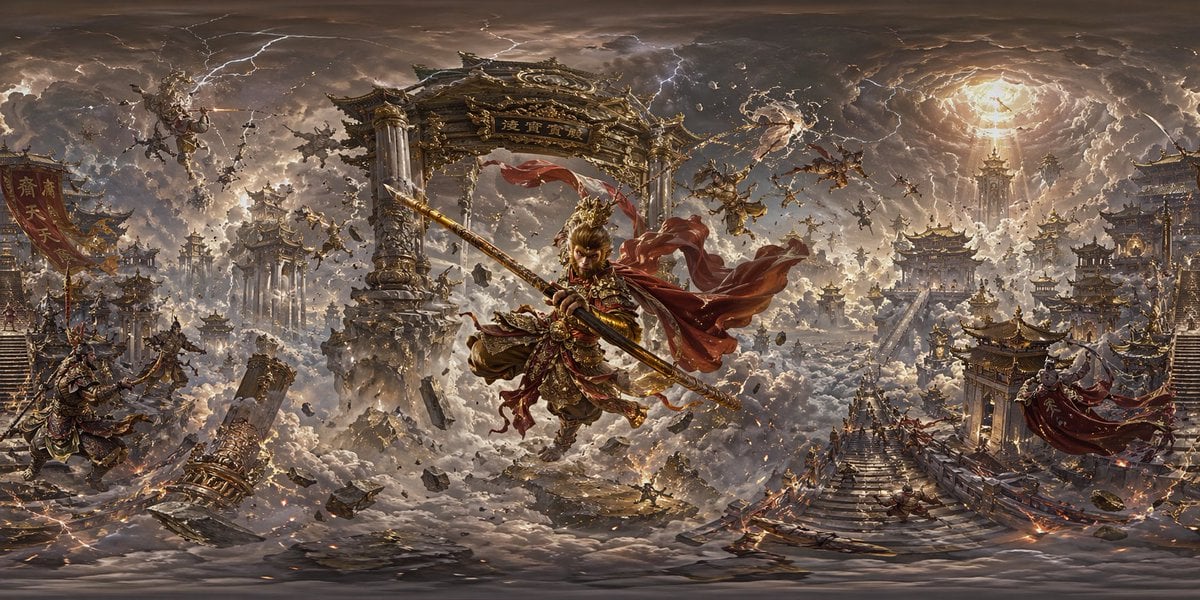
Degree Panorama Generation Formula
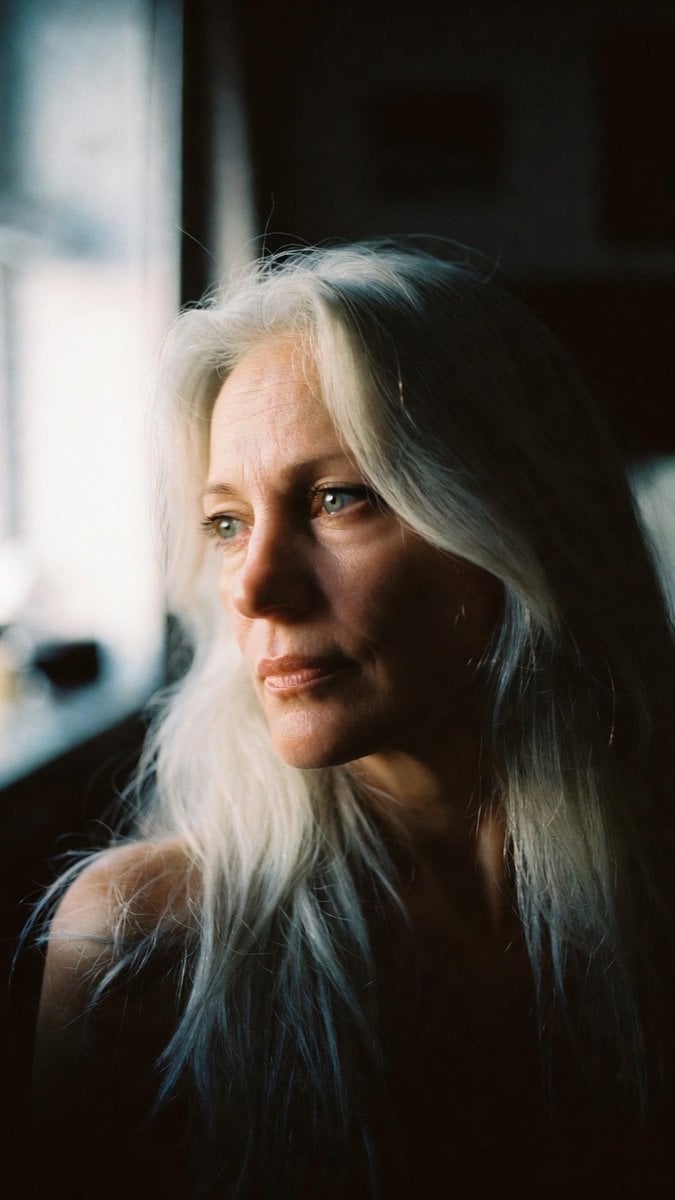
Portrait - Silver Hair Lady
Browse template categories
Golden Hour Tennis Court Portrait questions
How do I use the Golden Hour Tennis Court Portrait template?
Add your photo if the template asks for one, edit the prompt if you like — the template's model and format are already selected — and press Generate. Your version opens in PicX Studio.
Can I customize the Golden Hour Tennis Court Portrait template?
Yes. You can change the subject, setting, lighting, mood, format, and available model controls before creating your image.
Is the Golden Hour Tennis Court Portrait template free?
Opening and editing this template is free. Generating uses credits, shown on the Generate button when you are signed in.
Which AI model should I use?
Start with Gemini 3 Pro Image Preview, which is the model associated with this template. You can compare another compatible model for a different finish.
Looking for something else? Browse all templates.

Your photo, any look
Thousands of ready templates for every top image and video model, from one credit balance.