
Luxury Tennis Court Fashion Editorial
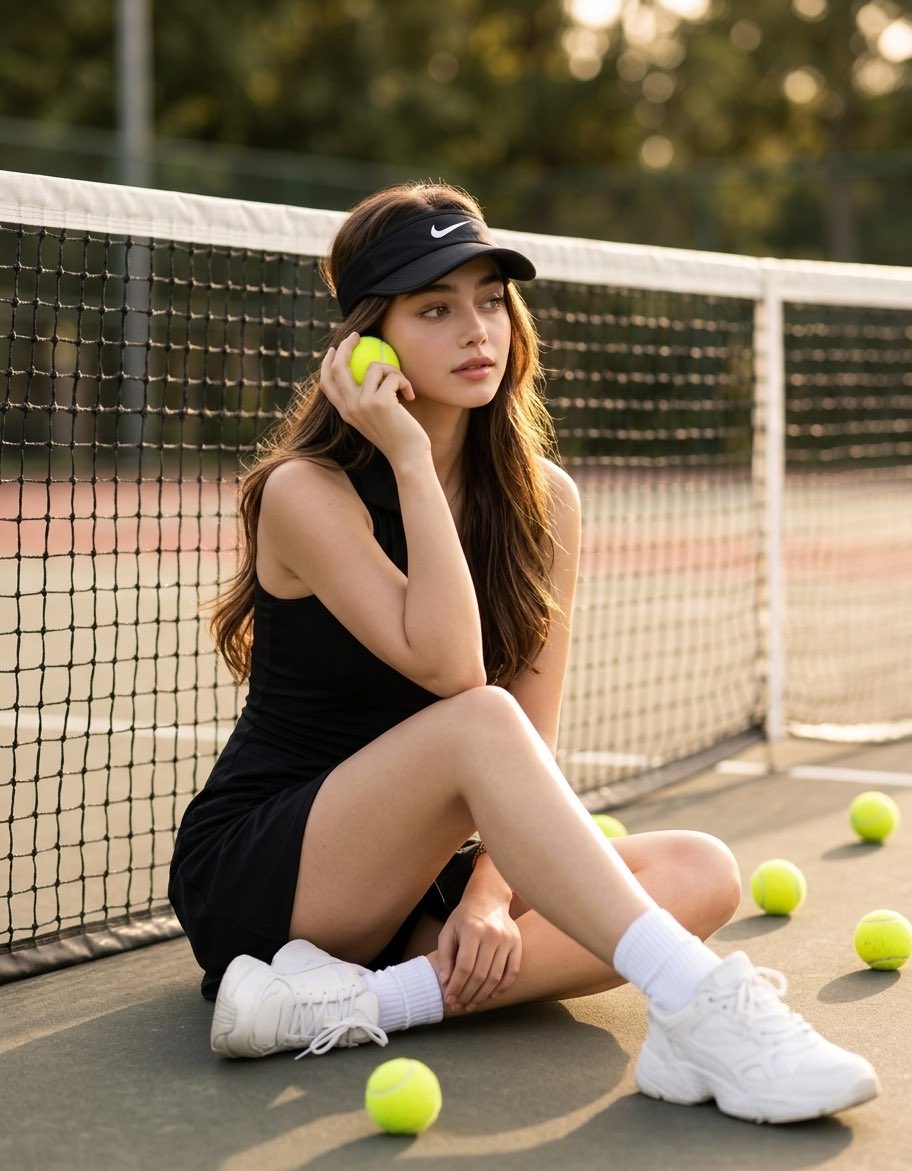
An Identity Lock prompt for creating consistent model imagery in a luxurious tennis-themed fashion shoot, focusing on preserving facial features.
- Prompt included
- Model and format preset
- Premium template
The prompt behind this image
Copy the exact prompt behind Luxury Tennis Court Fashion Editorial, or open it in the studio and make it yours.
Use the uploaded image as the SINGLE model reference. The woman in the photo is the exact model. Preserve her appearance with absolute precision. Identity Lock is the top priority. The face must be 100% identical to the reference. Do not change, improve, stylize, change age, or alter any facial features. Preserve exact eyes, eyebrows, eyelashes, nose, lips, jawline, cheekbones, ears, skin tone, facial proportions, expression, hairstyle, hairline, body proportions, and overall look. No deviations from the original. Create a luxurious editorial lifestyle-fashion photograph on an outdoor tennis court. The model sits naturally on the court surface next to a tennis net: one leg bent, the other freely extended, a relaxed and elegant pose. She holds a {argument name="prop" default="bright yellow tennis ball"} near her ear as if talking on the phone, looking thoughtfully to the side. Several tennis balls are naturally scattered around her on the court. She wears a {argument name="clothing" default="black sleeveless tennis dress"}, a {argument name="headwear" default="black Nike visor with a white logo"}, white Nike socks, and chunky white tennis sneakers. Minimal jewelry. Hair lies freely on her shoulders. Warm golden hour light, cinematographic lighting, soft shadows, shallow depth of field, atmosphere of expensive fashion editorial shooting, premium sportswear advertising campaign, natural skin texture with visible pores, ultra-realistic hair strands, rich contrast, soft bokeh, 85mm lens, aperture f/1.8, medium format camera quality, Vogue style, Harper's Bazaar, Saint Laurent Campaign, Nike Women Campaign, ultra-photorealism, HDR, 8K, masterpiece, award-winning fashion photography. Negative prompt: different face, identity change, face drift from reference, altered facial features, different hairstyle, different body proportions, different skin tone, beauty filter, plastic skin, heavy makeup, cartoon style, CGI, illustration, anime, low quality, blurriness, extra fingers, distorted hands, cropped body, body duplication, face duplication, watermark, logo, text.
How to use Luxury Tennis Court Fashion Editorial in 3 steps
- 1Upload ImagePNG, JPG or paste
Add your photo
Upload the photo the template builds on. The prompt, model and format are already set.
- 2…a portrait of your subject in softgolden-hour light, 85mm…
Personalize
Edit the subject and creative details for your destination.
- 3Generate
Generate
Press Generate — your image is created in PicX Studio, so you can compare it with the original and refine one variable at a time.
More like this
Templates with the same subject, style or setup. Open one to see its prompt.

Gpt Image 2 Fashion Portrait
Athletic Man Tennis Court Editorial

19 Luxury Helicopter Travel — California Series

08 Rodeo Drive Luxury Exit — California Series
High Fashion Editorial Portrait
Golden Hour Tennis Court Portrait
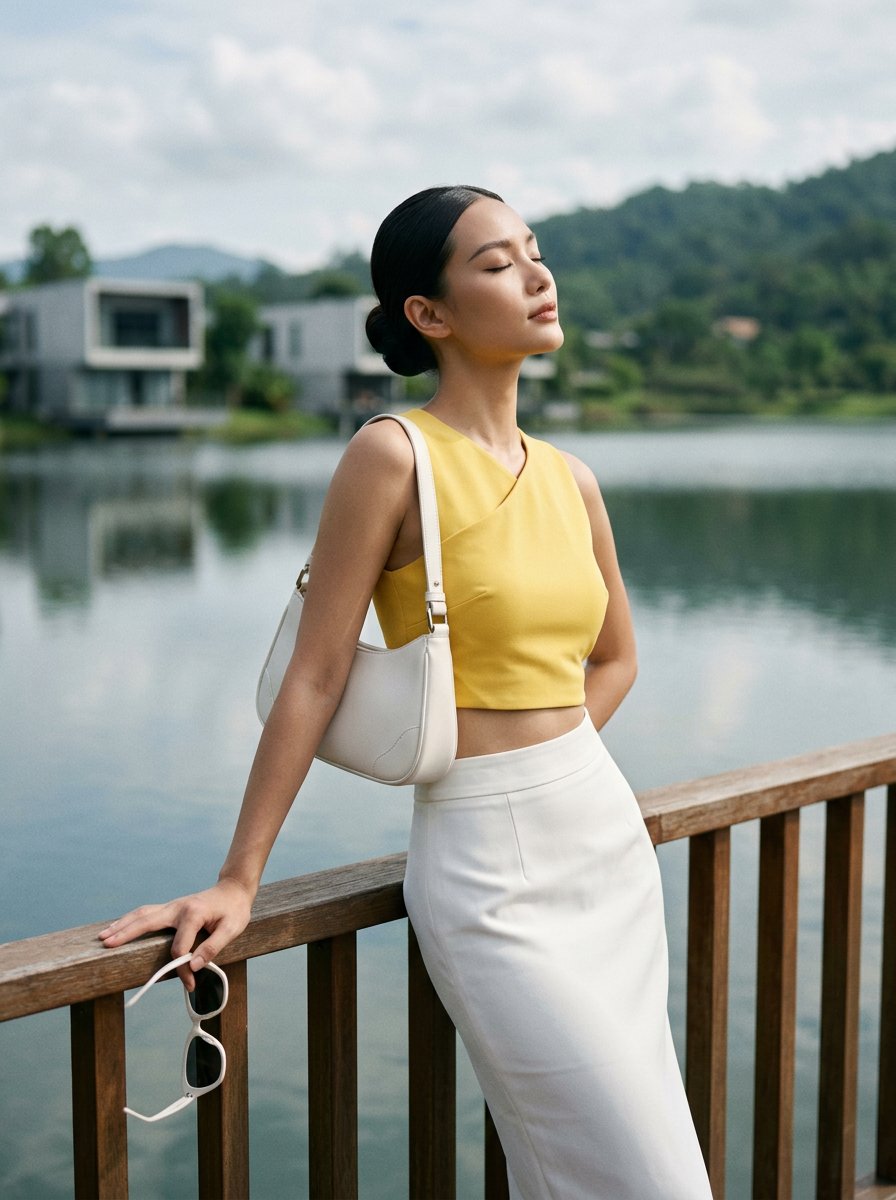
Modern Luxury Lakeside Fashion
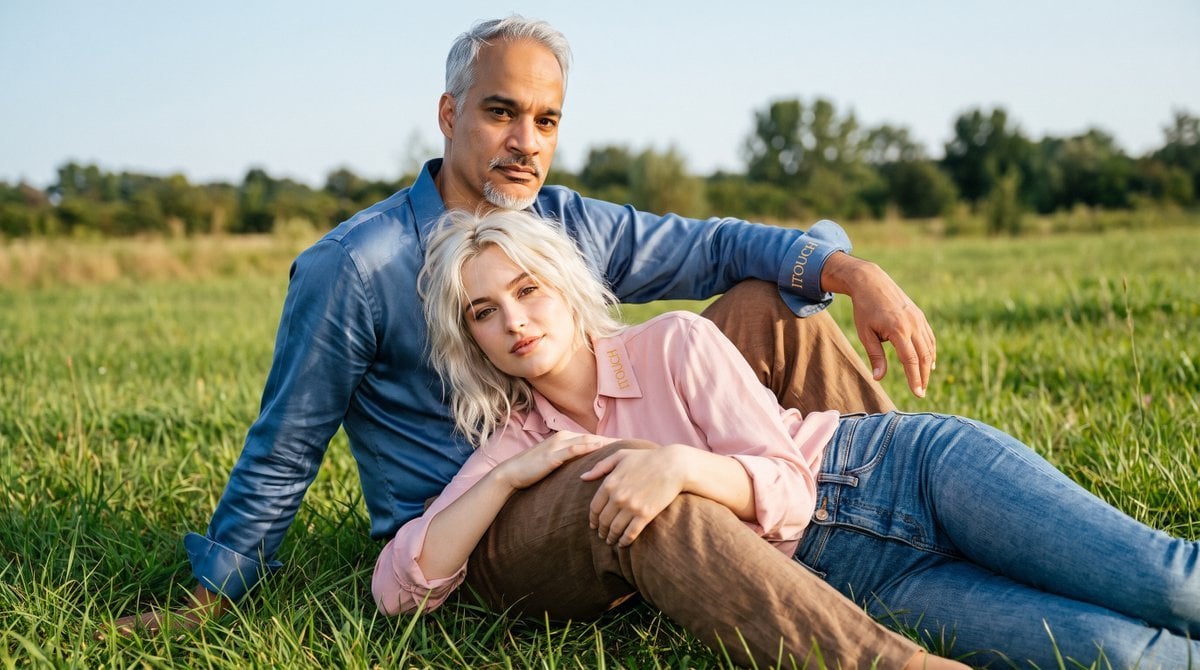
Cinematic Amateur Fashion Editorial

01 Skincare Split Portrait — Nano Banana 2

24 The Getty Center — California Series

21 Glass Floor Skyscraper — California Series

03 Beverly Hills Convertible — California Series
Make it yours
Luxury Tennis Court Fashion Editorial works as-is. These are the safest ways to change it without losing the look.
Change one field
Copy a single group, rewrite it, and generate again so you can see what that field is doing.
Keep the frame, change the subject
Hold the composition and light of Luxury Tennis Court Fashion Editorial, then swap wardrobe, props or the person for a new take.
| If the result… | Why | Fix |
|---|---|---|
| The result drifts from the preview | Too many fields changed at once. | Reuse Luxury Tennis Court Fashion Editorial as-is first, then change one group — subject, light, or setting. |
| The model over-stylizes the scene | The prose prompt leaves finish and camera underspecified. | Add one camera or lighting sentence and stay on Gemini 3 Pro Image Preview. |
More Gemini 3 Pro Image Preview templates
Other prompts made for Gemini 3 Pro Image Preview.

Creative Character in Pink Office

Underwater Macro Face Portrait

Water-level Bridge Modification

Noir Punk Street Portrait

High Contrast Cinematic Face Portrait

Monochrome Studio Portrait with Colored Lens

Ultra-Realistic Yacht Sunset Portrait

Mushroom Still Life Composition

Whimsical Anthropomorphic Friendly Insect

Cinematic Urban Night Billboard Portrait
More image prompts
Fresh picks from across the catalog.
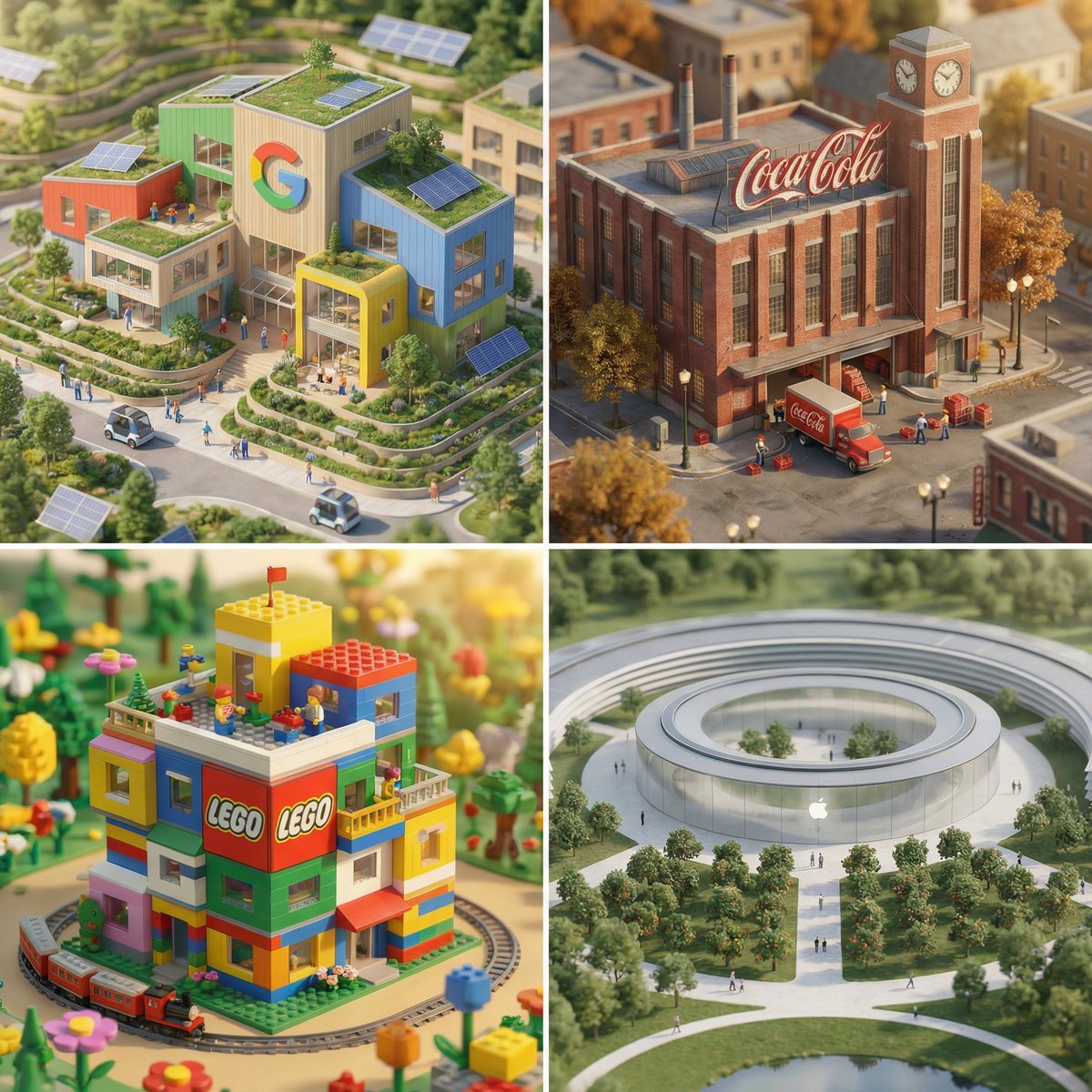
Miniature Brand Building Prompt (Placeholder)
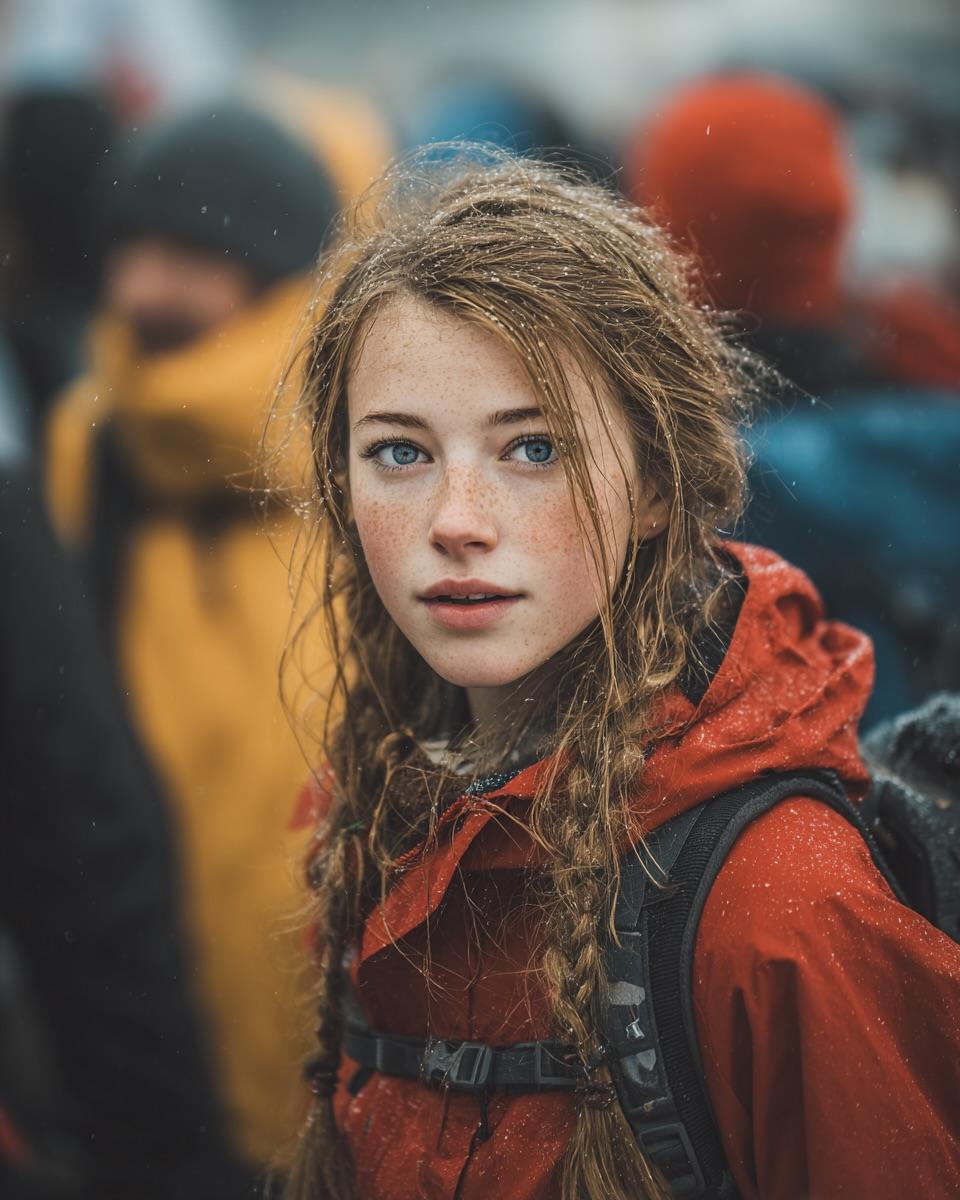
Cinematic Street Portrait (JSON)
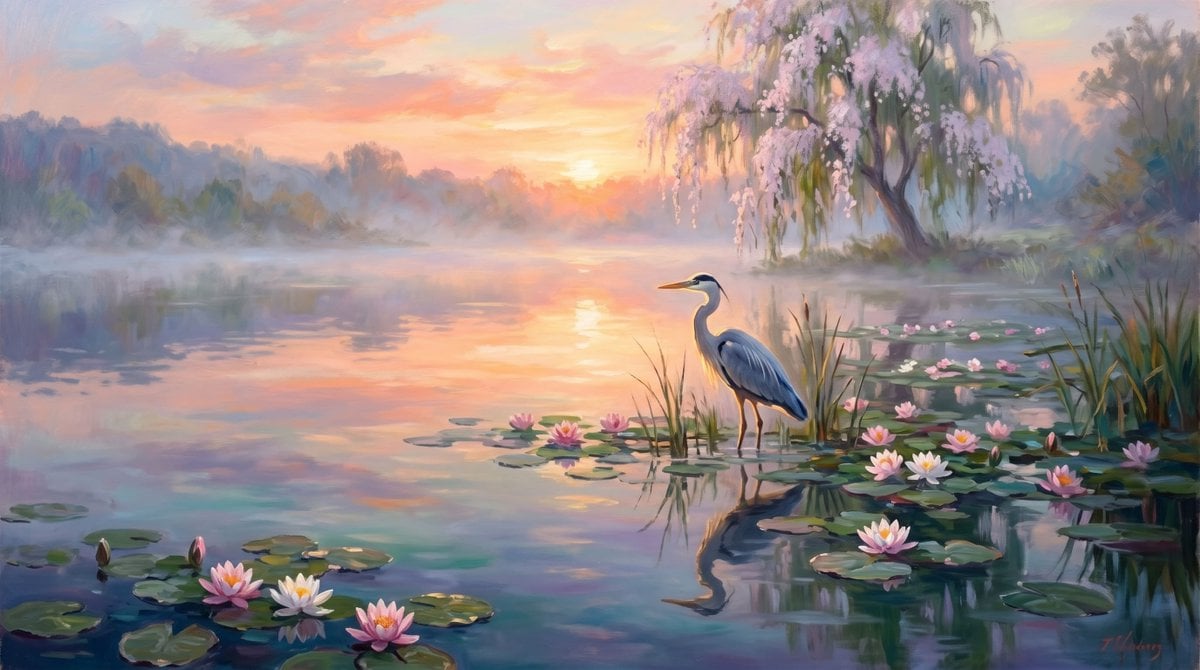
Misty Sunrise Heron Lake
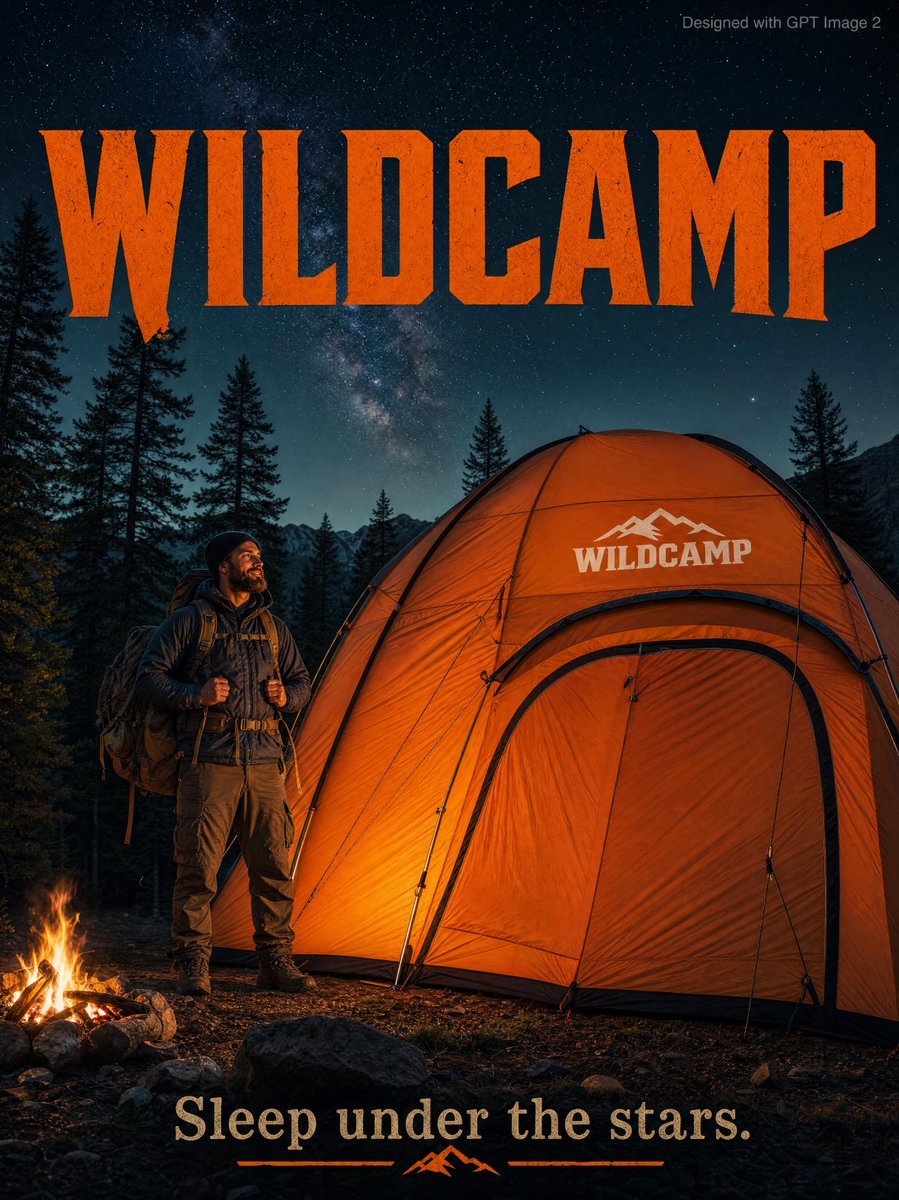
Rugged Adventure Outdoor Ad Poster

Nano Banana Pro Character Generation - Spikified Shonai-san
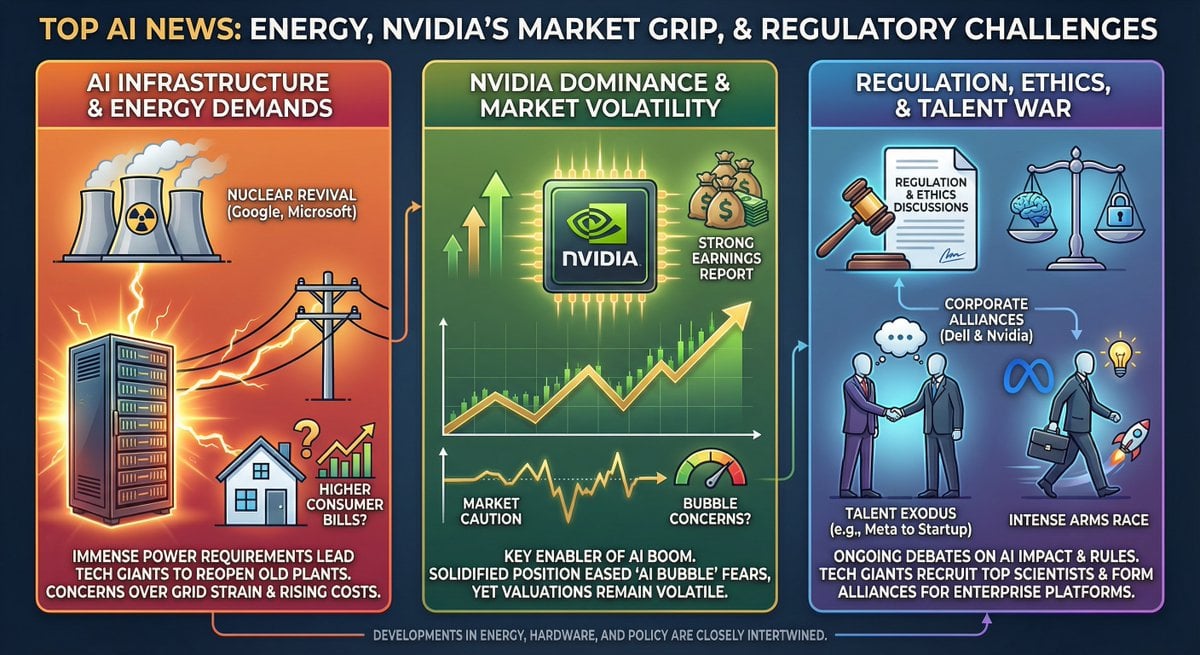
Infographic from pasted text
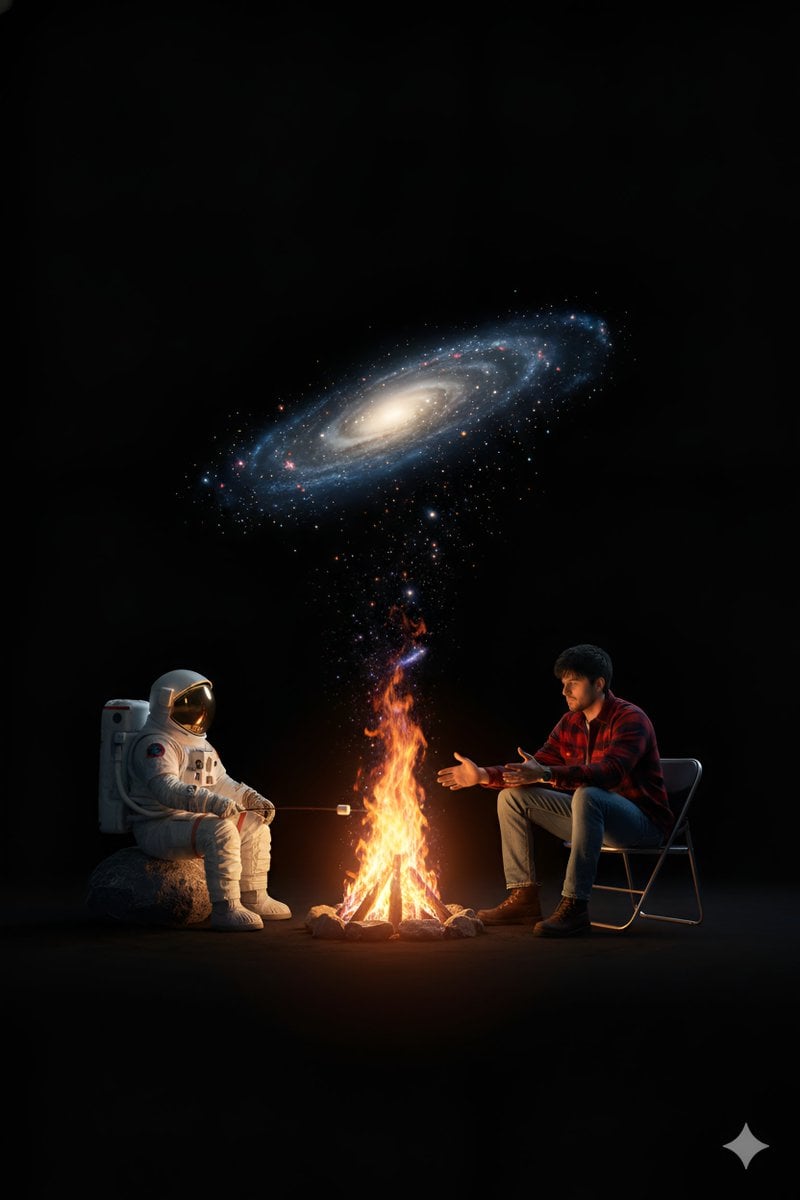
Surreal Campfire in Cosmic Void
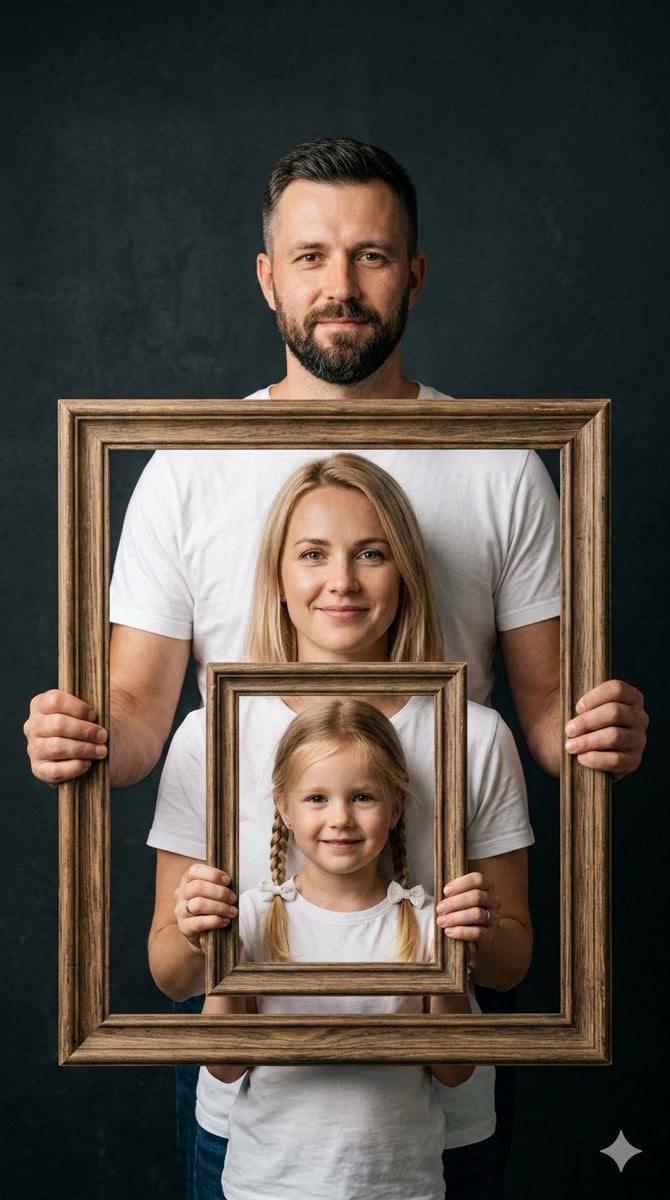
Creative Family Studio Photograph Prompt
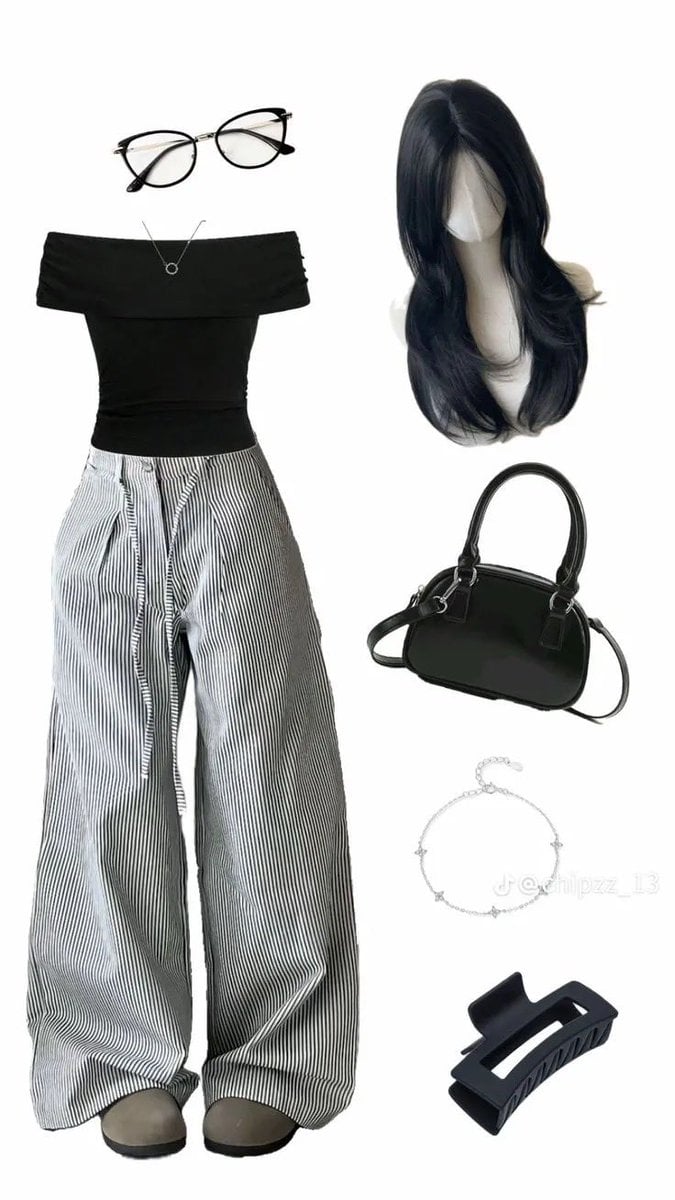
High-End Pinstripe Fashion Portrait
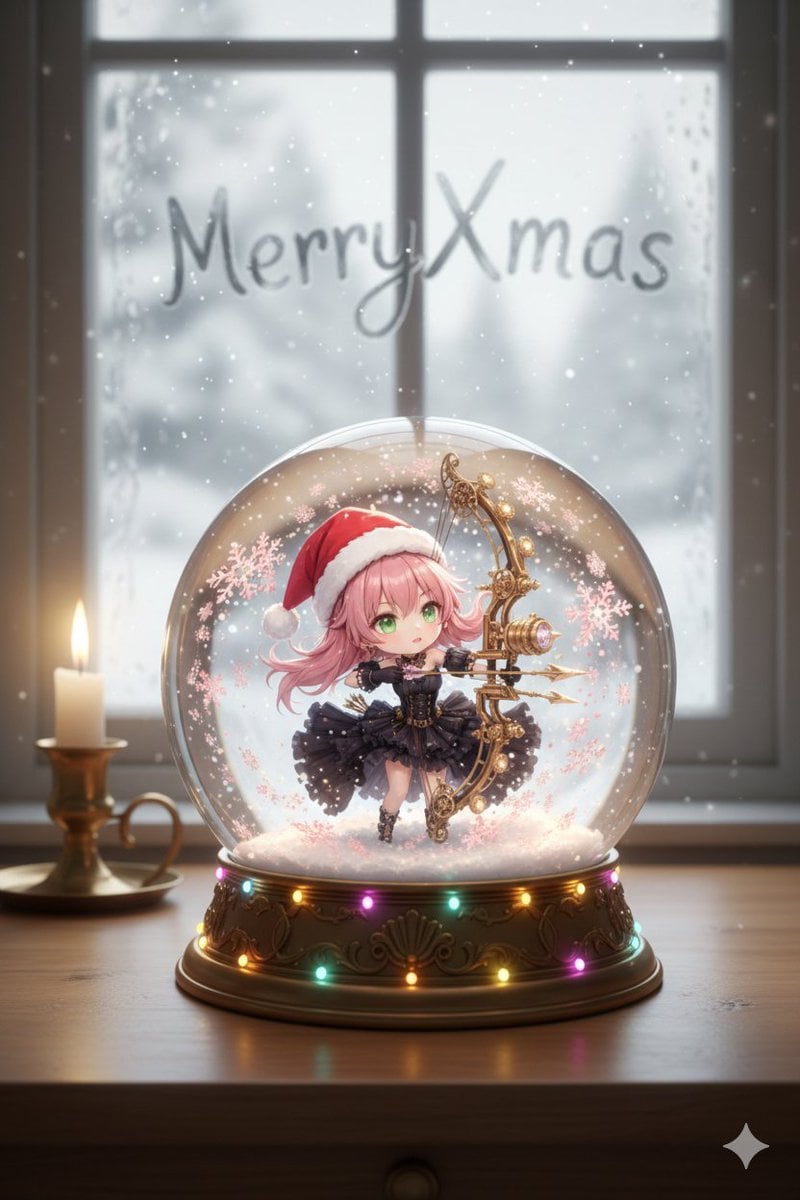
Snow globe character illustration prompt for Nano Banana Pro
Browse template categories
Luxury Tennis Court Fashion Editorial questions
How do I use the Luxury Tennis Court Fashion Editorial template?
Add your photo if the template asks for one, edit the prompt if you like — the template's model and format are already selected — and press Generate. Your version opens in PicX Studio.
Can I customize the Luxury Tennis Court Fashion Editorial template?
Yes. You can change the subject, setting, lighting, mood, format, and available model controls before creating your image.
Is the Luxury Tennis Court Fashion Editorial template free?
Opening and editing this template is free. Generating uses credits, shown on the Generate button when you are signed in.
Which AI model should I use?
Start with Gemini 3 Pro Image Preview, which is the model associated with this template. You can compare another compatible model for a different finish.
Looking for something else? Browse all templates.

Your photo, any look
Thousands of ready templates for every top image and video model, from one credit balance.