
Cinematic Amateur Fashion Editorial
Generates a high-end fashion editorial portrait with a raw, flash-driven aesthetic and detailed cinematic lighting specifications.
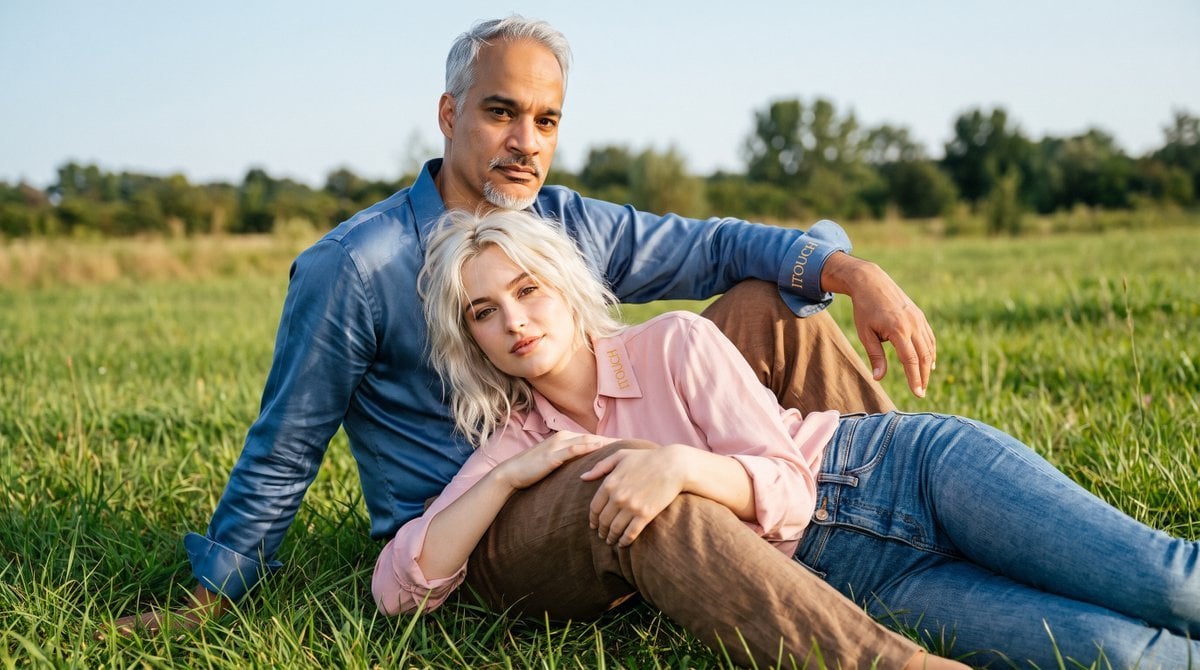
- Prompt included
- Model and format preset
- Free template
The prompt behind this image
Copy the exact prompt behind Cinematic Amateur Fashion Editorial, or open it in the studio and make it yours.
Cinematic amateur-fashion aesthetic blended with premium luxury realism, emotionally intense portrait photography, raw flash-driven beauty editorial with authentic imperfect atmosphere. A breathtaking woman in her {argument name="woman age" default="early 20s"} and a man sitting on soft green grass. **Woman ({argument name="hair color" default="Platinum Blonde"}):** Athletic yet feminine physique, defined collarbones, elegant neck, long toned legs, naturally sculpted body lines. Deep expressive eyes with realistic iris texture, soft confident gaze, minimal high-end editorial makeup, authentic facial asymmetry and micro skin detail. Messy lived-in {argument name="hair color" default="platinum blonde"} hair. **Man:** Tall masculine build with a strong and confident posture. Calm, intense masculine expression. (Face will be referenced separately.) Clothing: **Man:** Brown linen trousers and a blue silky shirt with sleeves rolled up to the elbows. Soft elegant fabric. Small gold ITOUCH embroidery on the shirt cuff. **Woman:** Fitted denim jeans and a soft pink shirt. Casual yet stylish. Soft gold ITOUCH monogram near the shirt collar. Pose & Composition: **Man:** Sitting on the green grass. One knee raised with the foot planted on the ground, elbow resting on that raised knee close to his chest. The other leg bent and resting on the grass. Strong, masculine and relaxed posture, looking toward the camera with calm intensity. **Woman:** Reclining / lying against his raised knee, upper body resting on his thigh, arms gently wrapped or relaxed around his leg. Chin slightly tilted, looking toward the camera with soft confidence. Natural and intimate connection. Lighting: Soft natural daylight mixed with gentle front flash. Beautiful rim lighting on both, soft specular highlights on skin and fabric, natural outdoor glow. Deep f/8 aperture keeping skin texture, fabric details, ITOUCH branding and grass details razor sharp. Background & Setting: Lush green grass field in a peaceful outdoor location. Soft natural environment, distant trees or open sky, calm and luxurious vacation atmosphere. Skin rendering: Extreme micro-detail realism, visible pores, natural peach fuzz, subtle natural glow with light sheen, subsurface scattering, tiny imperfections. Hair: Woman: Messy lived-in {argument name="hair color" default="platinum blonde"} hair with soft natural movement. Man: Short textured dark hair with slight natural volume. Color grading: Soft pink + blue + brown + fresh green tones + warm natural light, heavy cinematic grain, beautiful skin warmth, analog tonal response. Camera: Canon EOS R5, 50mm lens, direct flash attachment, slightly low amateur-fashion perspective, high-resolution RAW aesthetic. Atmosphere: Relaxed and intimate outdoor editorial. Masculine calm presence with soft feminine energy, natural connection, cinematic realism.
How to use Cinematic Amateur Fashion Editorial in 3 steps
- 1
Open
The prompt is already in the box next to the preview, with the template's model and format selected.
- 2…a portrait of your subject in softgolden-hour light, 85mm…
Personalize
Edit the subject and creative details for your destination.
- 3Generate
Generate
Press Generate — your image is created in PicX Studio, so you can compare it with the original and refine one variable at a time.
More like this
Templates with the same subject, style or setup. Open one to see its prompt.
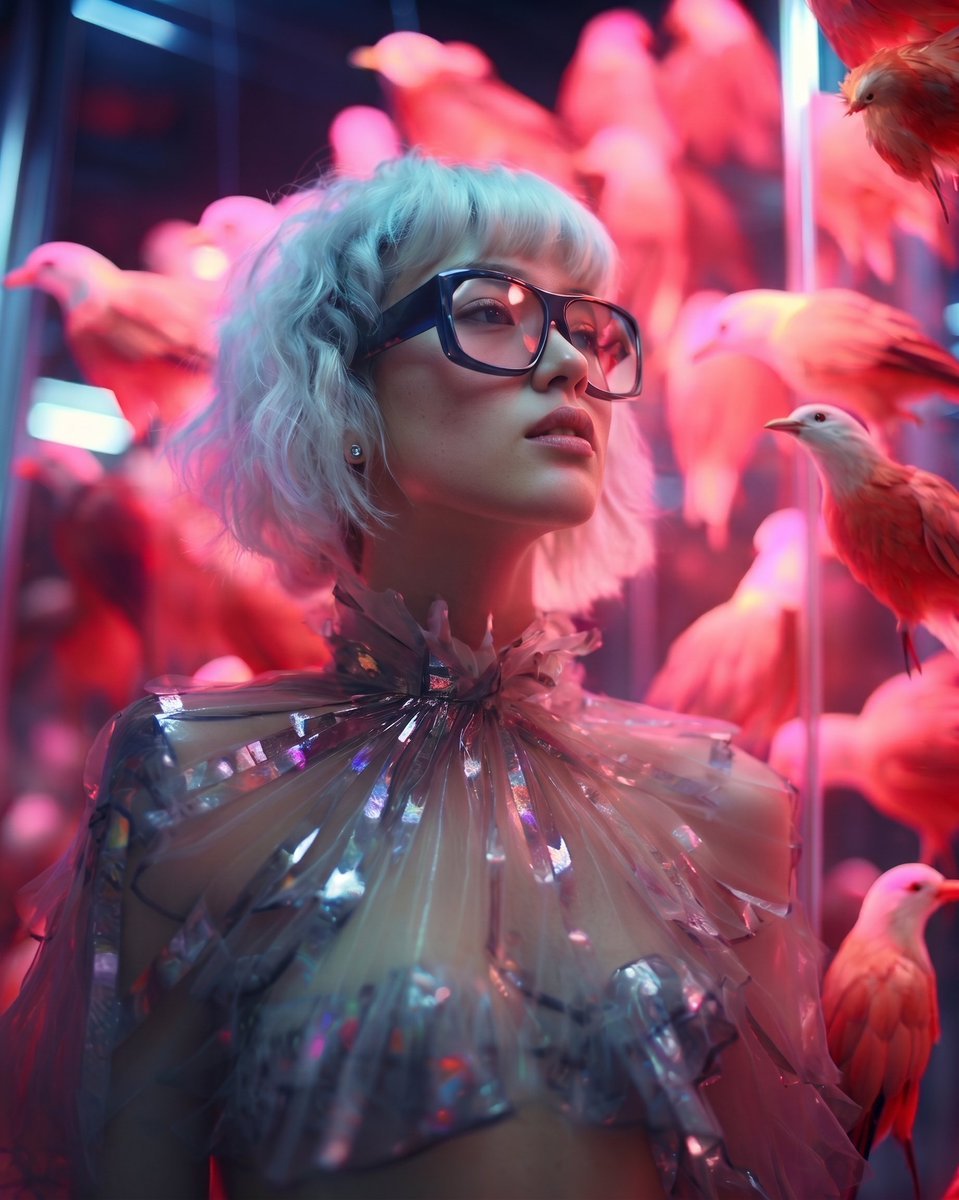
High Fashion Editorial Portrait

Conceptual Fashion Portrait in Spider We

01 Skincare Split Portrait — Nano Banana 2

24 The Getty Center — California Series

21 Glass Floor Skyscraper — California Series

19 Luxury Helicopter Travel — California Series

08 Rodeo Drive Luxury Exit — California Series

03 Beverly Hills Convertible — California Series

Gpt Image 2 Fashion Portrait

Caution Tape Fashion — Industrial Editorial

Nano Banana - Paris Cafe Editorial

Avant-Garde Asian Fashion Model
Make it yours
Cinematic Amateur Fashion Editorial works as-is. These are the safest ways to change it without losing the look.
Change one field
Copy a single group, rewrite it, and generate again so you can see what that field is doing.
Keep the frame, change the subject
Hold the composition and light of Cinematic Amateur Fashion Editorial, then swap wardrobe, props or the person for a new take.
| If the result… | Why | Fix |
|---|---|---|
| The result drifts from the preview | Too many fields changed at once. | Reuse Cinematic Amateur Fashion Editorial as-is first, then change one group — subject, light, or setting. |
| The model over-stylizes the scene | The prose prompt leaves finish and camera underspecified. | Add one camera or lighting sentence and stay on Gemini 3 Pro Image Preview. |
More Gemini 3 Pro Image Preview templates
Other prompts made for Gemini 3 Pro Image Preview.

Water-level Bridge Modification

Noir Punk Street Portrait

High Contrast Cinematic Face Portrait

Monochrome Studio Portrait with Colored Lens

Ultra-Realistic Yacht Sunset Portrait

Mushroom Still Life Composition

Whimsical Anthropomorphic Friendly Insect

Cinematic Urban Night Billboard Portrait

Ultra-Realistic iPhone Selfie with Motion Blur

Cinematic Mirror Reflection Portrait
More image prompts
Fresh picks from across the catalog.
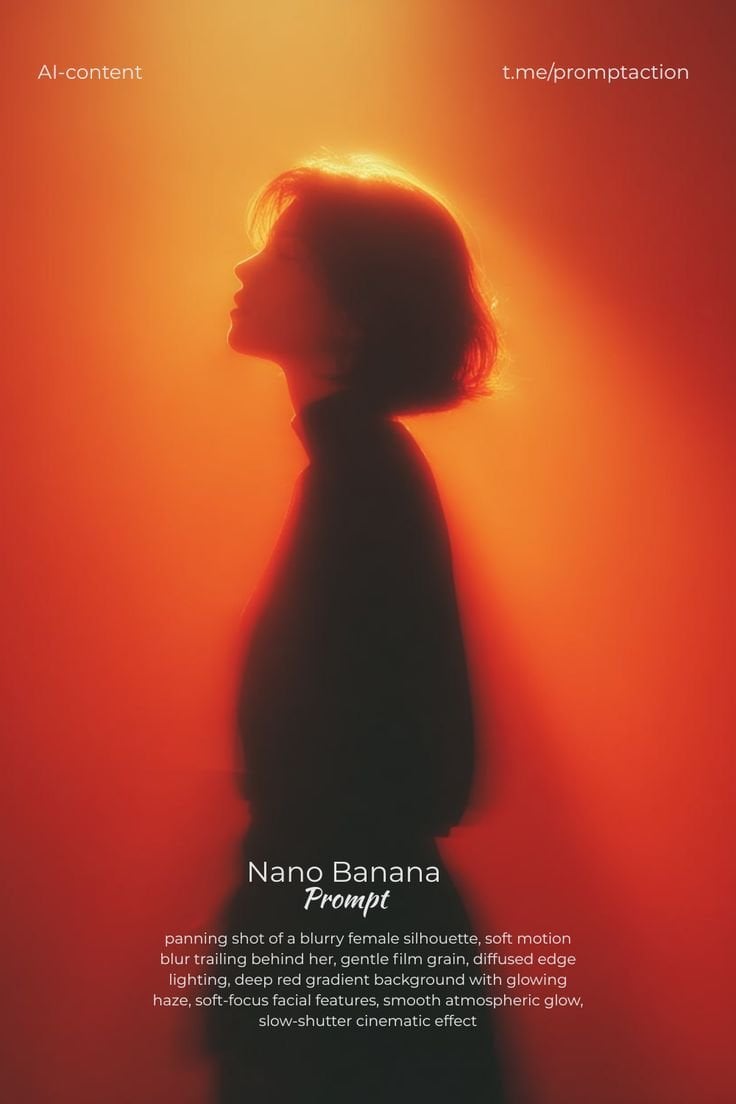
Red Motion Blur Silhouette
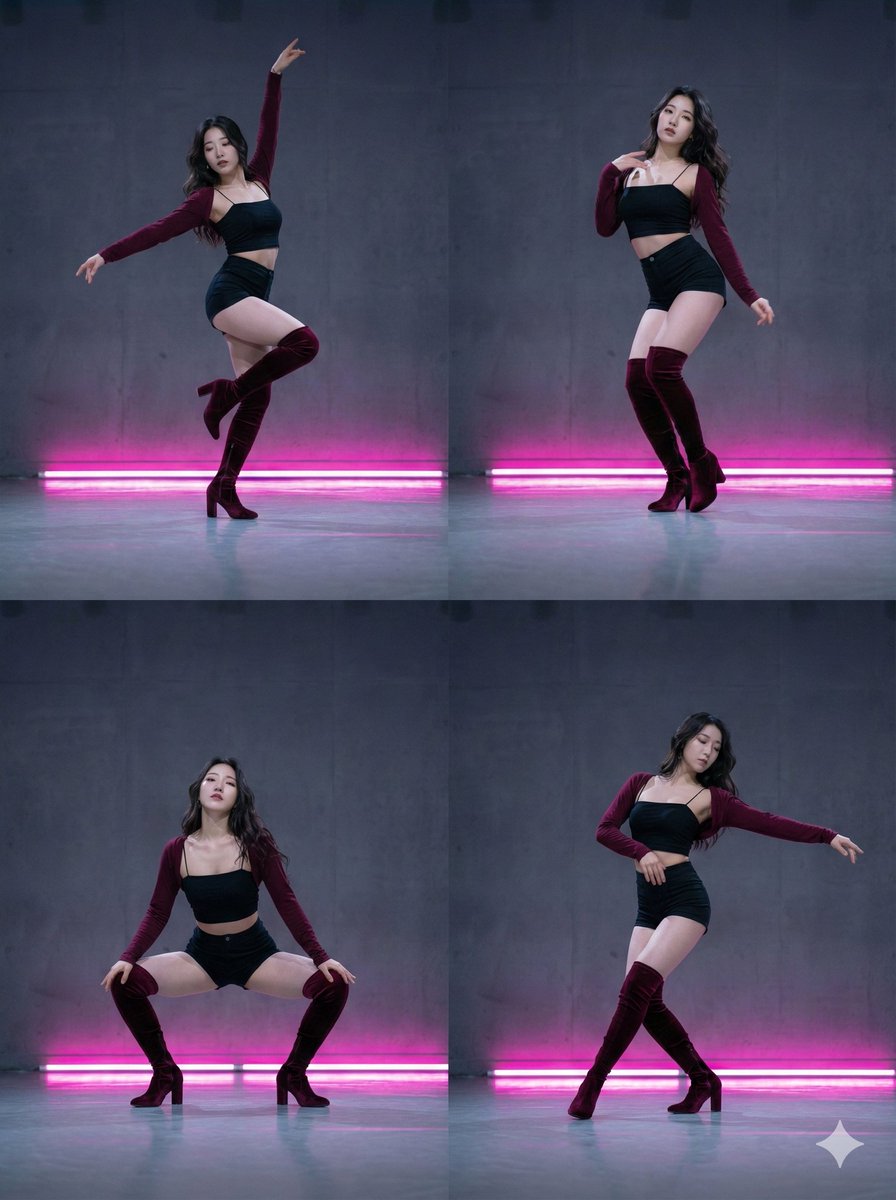
2x2 Grid Composition for Consistent Images
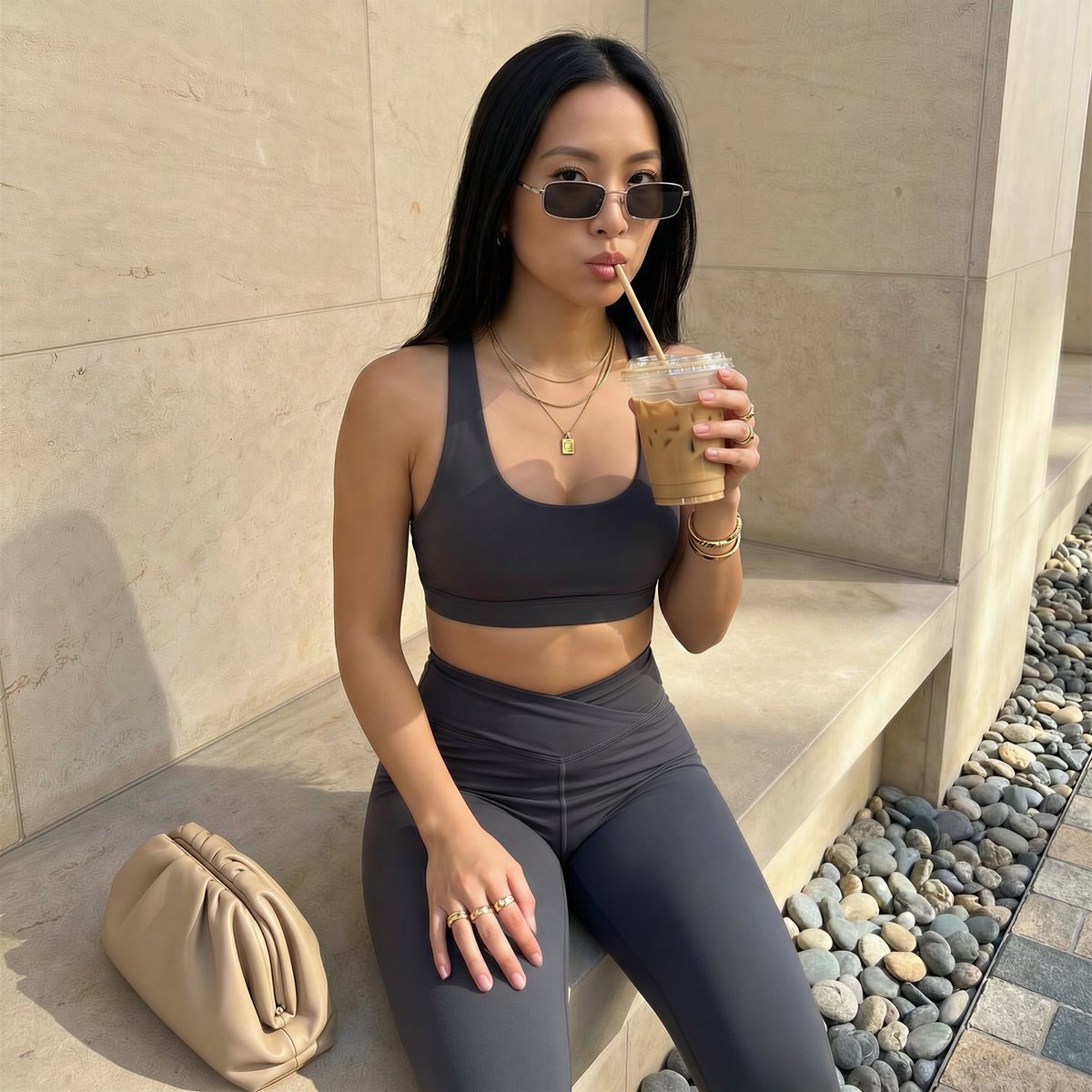
Detailed French Prompt for Urban Athleisure Portrait
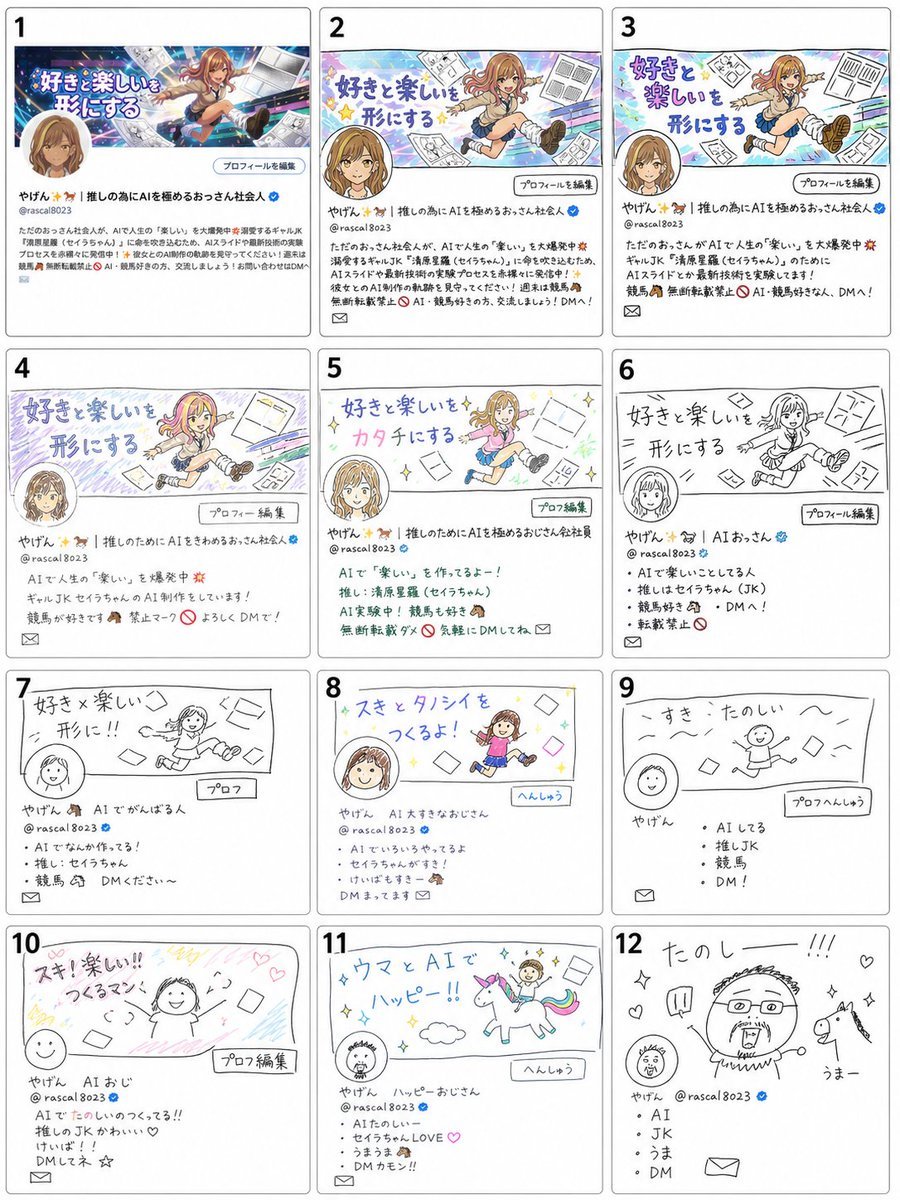
Visual Telephone Game Image Grid
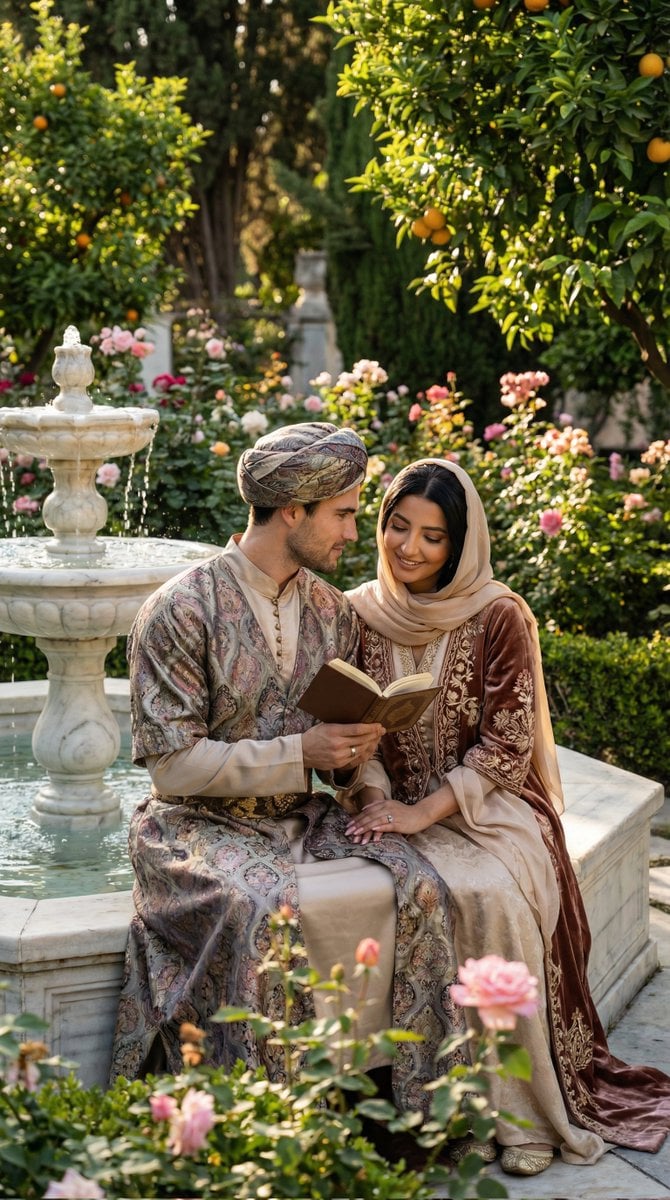
Historical Romantic Editorial Scene in an Ottoman Garden
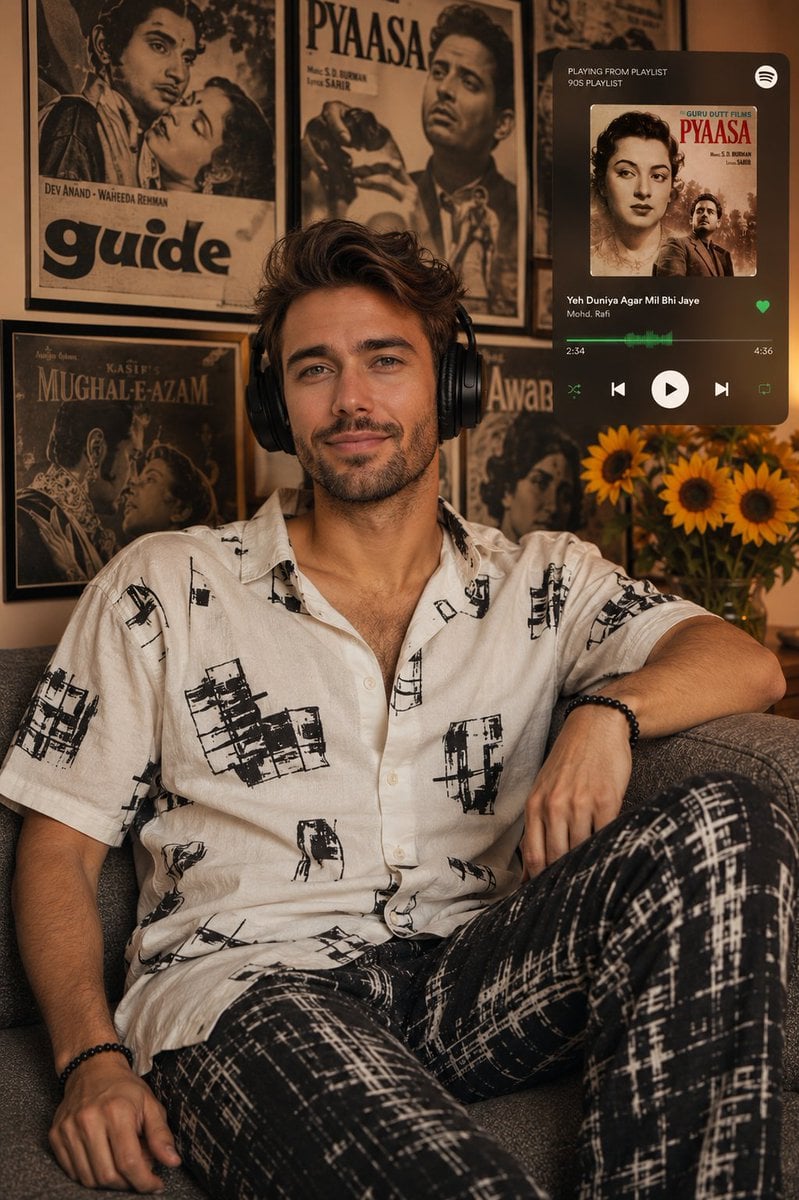
Vintage Bollywood Editorial Portrait
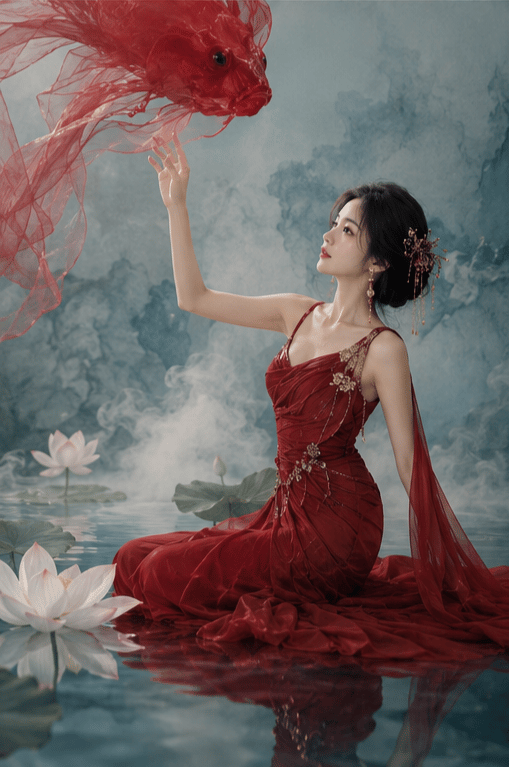
New Chinese Koi Fine Art Photography
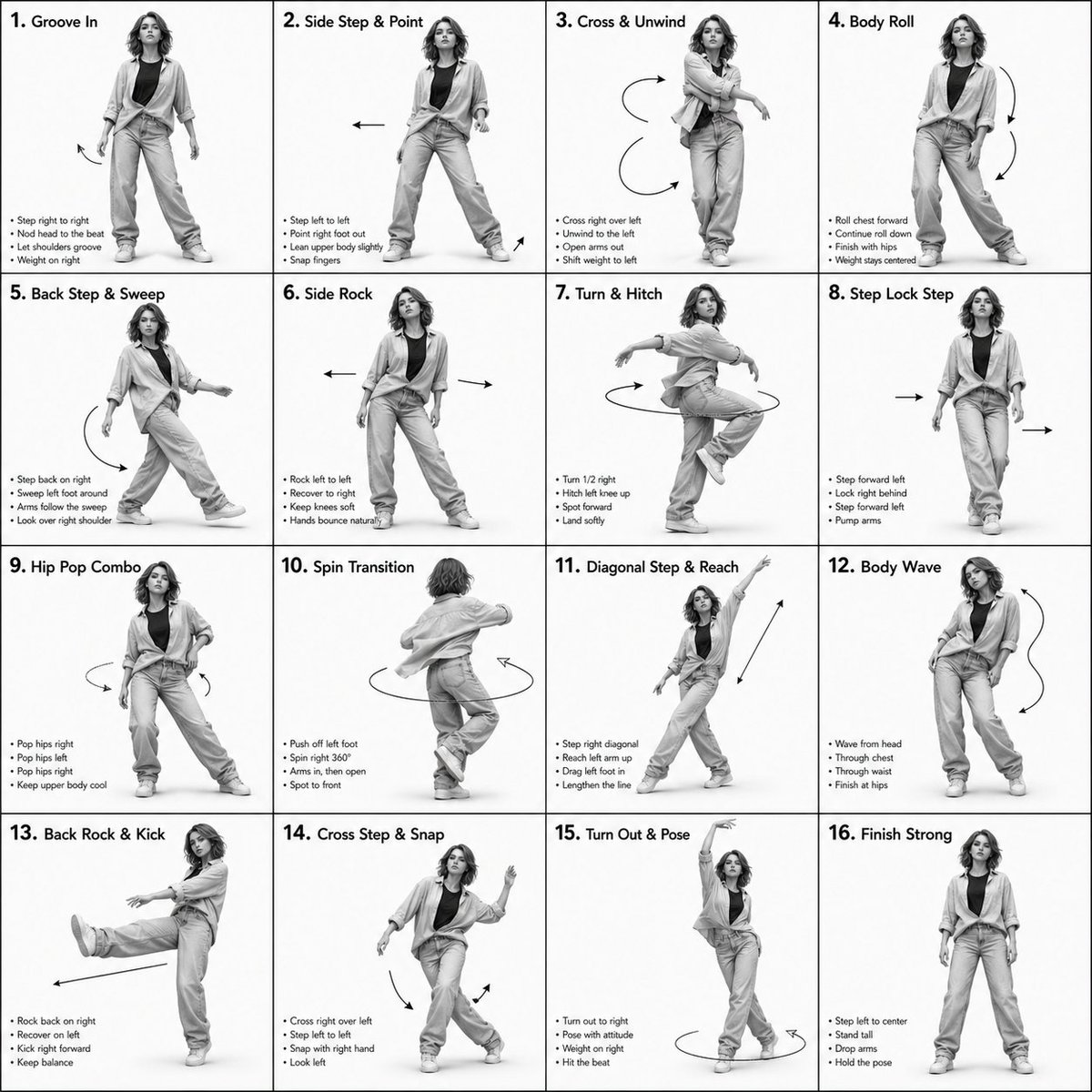
3D Rendered Dance Sequence Guide
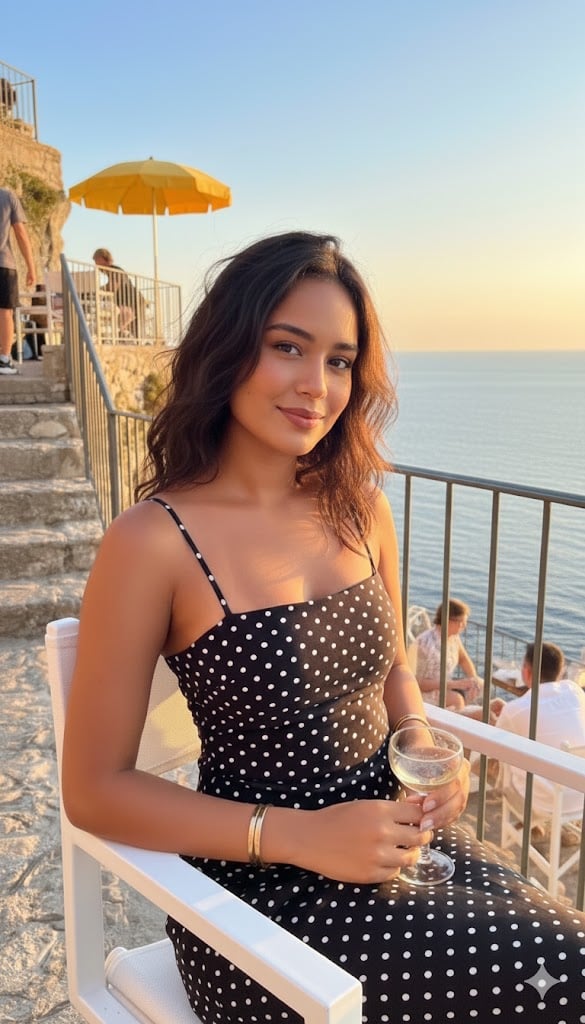
Golden Hour Coastal Lifestyle Photograph
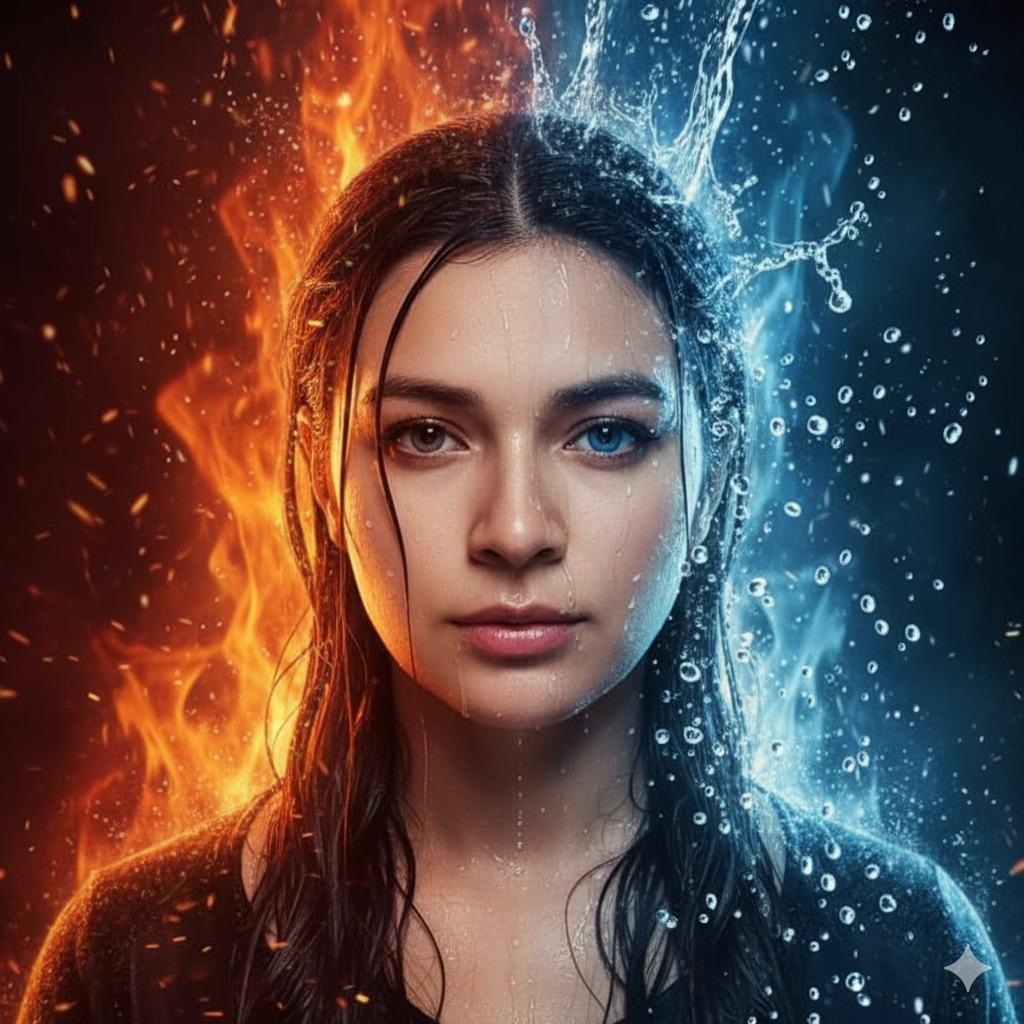
Hyper-Realistic Cinematic Portrait of Elemental Balance (Fire and Water)
Browse template categories
Cinematic Amateur Fashion Editorial questions
How do I use the Cinematic Amateur Fashion Editorial template?
Add your photo if the template asks for one, edit the prompt if you like — the template's model and format are already selected — and press Generate. Your version opens in PicX Studio.
Can I customize the Cinematic Amateur Fashion Editorial template?
Yes. You can change the subject, setting, lighting, mood, format, and available model controls before creating your image.
Is the Cinematic Amateur Fashion Editorial template free?
Opening and editing this template is free. Generating uses credits, shown on the Generate button when you are signed in.
Which AI model should I use?
Start with Gemini 3 Pro Image Preview, which is the model associated with this template. You can compare another compatible model for a different finish.
Looking for something else? Browse all templates.

Your photo, any look
Thousands of ready templates for every top image and video model, from one credit balance.