How do I use the x-Strength04_X-gpt-image-2-on-chatgpt template?
Choose the primary action to open PicX Studio with the available template settings. Review the model and format, personalize the creative direction, and generate when ready.
GPT image 2 on ChatGPT 📱 PROMPT: Epic outdoor adventure advertisement for "TERRA" boots brand, male model standing confidently on rocky mountain cliff wearing
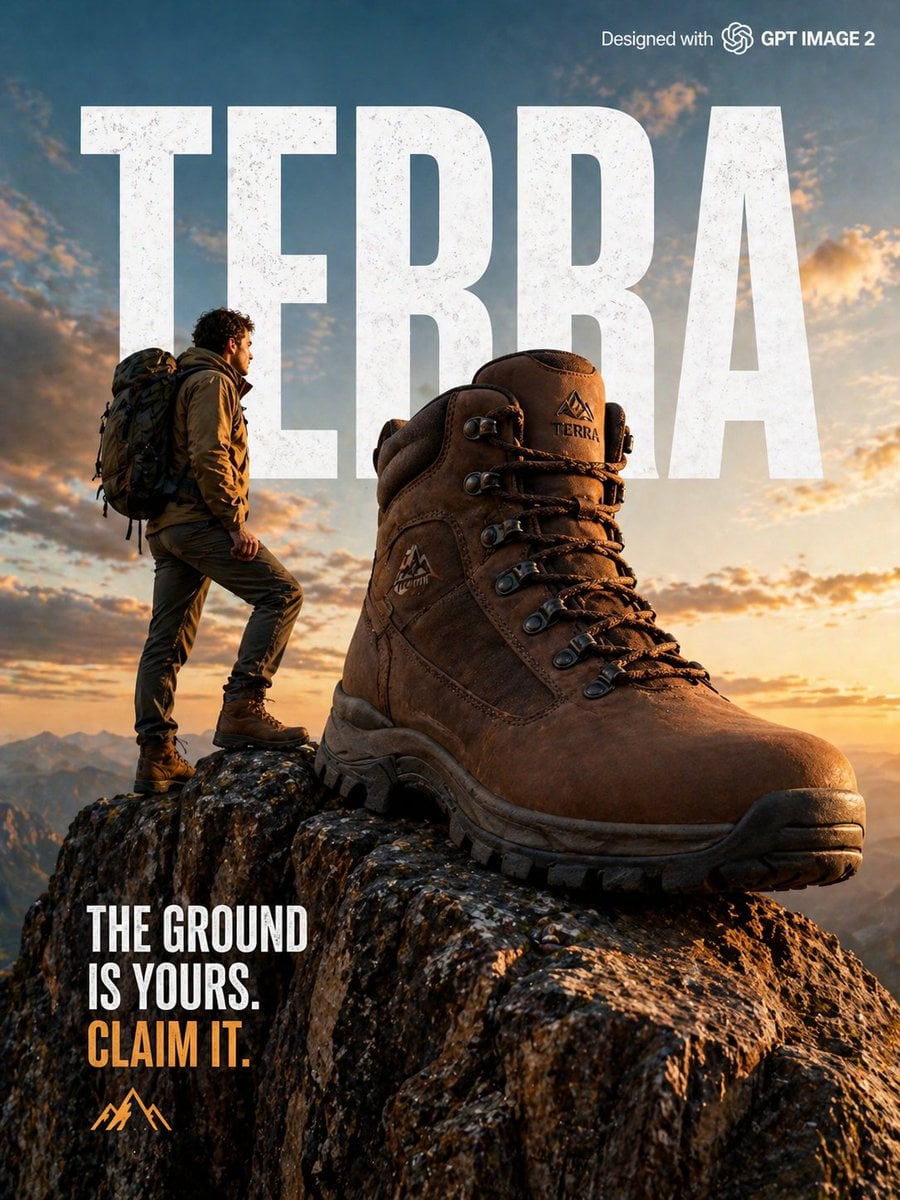
GPT image 2 on ChatGPT 📱 PROMPT: Epic outdoor adventure advertisement for "TERRA" boots brand, male model standing confidently on rocky mountain cliff wearing rugged brown boots, giant oversized boot dramatically placed on mountain edge, golden hour sunset lighting, bold condensed white typography "TERRA" overlaid on sky, tagline "The ground is yours. Claim it.", cinematic wide shot, National Geographic style photography, designed with GPT IMAGE 2 watermark top right, photorealistic HD 8K.
Choose the primary action to open PicX Studio with the available template settings. Review the model and format, personalize the creative direction, and generate when ready.
Yes. You can change the subject, setting, lighting, mood, format, and available model controls before creating your image.
This template is free to open and customize. Generation usage is shown in PicX Studio before you create.
Start with GPT Image 2, which is the model associated with this template. You can compare another compatible model for a different finish.
Follow a topic to a crawlable collection of related PicX Studio templates.