
Shi Xiangyun Hanfu Story Poster
Creates an ornate Chinese historical-romance character infographic poster with a Hanfu heroine, peony garden setting, and eight numbered story cards.
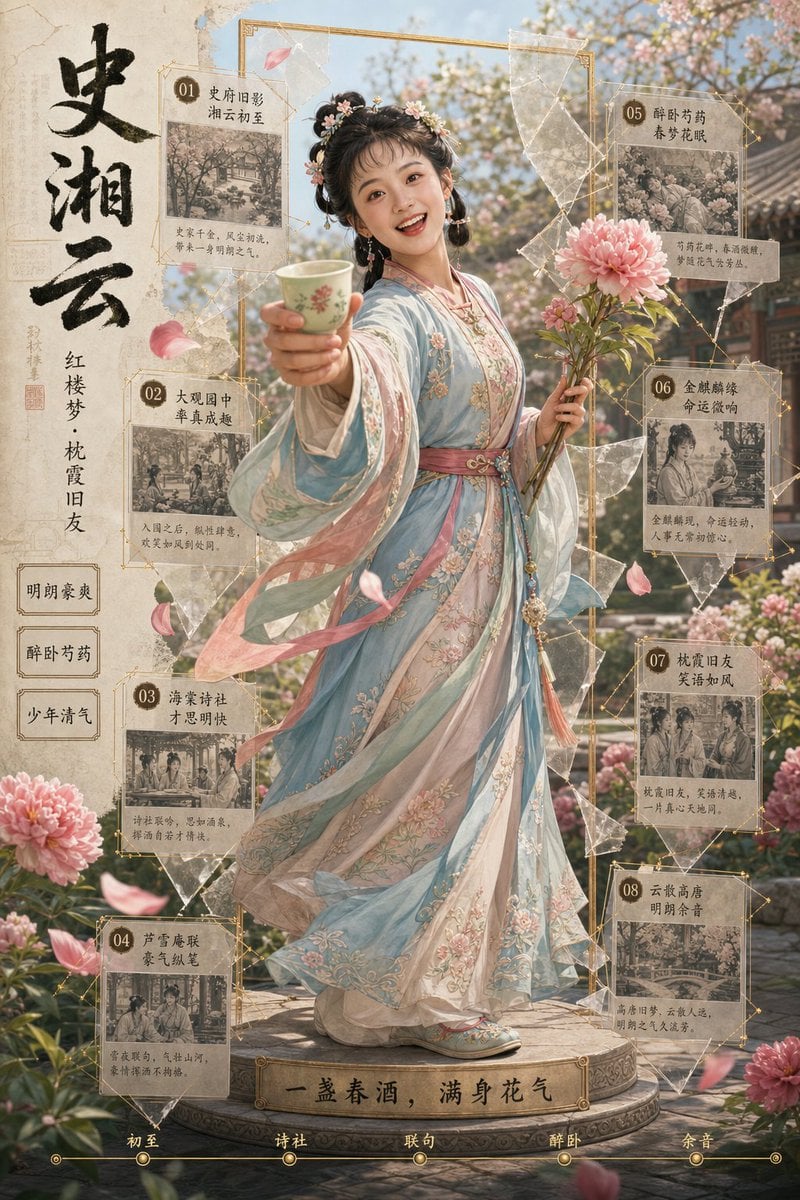
- Prompt included
- Model and format preset
- Free template
The prompt behind this image
Copy the exact prompt behind Shi Xiangyun Hanfu Story Poster, or open it in the studio and make it yours.
Goal: Create an ornate vertical Chinese historical-romance poster / character infographic featuring {argument name="character name" default="Shi Xiangyun"} as a full-body young noblewoman in a spring garden, blending cinematic photorealism with delicate illustrated UI overlays. Canvas: Vertical 2:3 poster, warm parchment-and-gold palette, soft morning sunlight, shallow depth of field, high detail. Background is a blooming classical Chinese courtyard garden with pavilions, stone path, flowering trees, peonies, drifting pink petals, and a dreamy misty atmosphere. Main subject: Centered full-body Hanfu woman standing on a round carved stone platform. She wears a flowing pastel embroidered Hanfu in {argument name="dress colors" default="pale blue, blush pink, ivory, and soft teal"}, layered translucent sleeves and long ribbons moving in the breeze, floral embroidery, pink sash belt, tassel ornaments, embroidered shoes, and ornate traditional hair buns decorated with small flowers and hairpins. Her right arm reaches toward the viewer holding a small green floral porcelain wine cup; her left hand holds a bouquet of large pink peonies. Use a graceful, poised, friendly gesture, with the face softly obscured or left non-specific. Left title column: Add a textured parchment vertical strip on the left. Large black brush-calligraphy title reads 「史湘云」. Smaller vertical subtitle reads 「红楼梦·枕霞旧友」. Add a small red seal stamp. Below are exactly 3 stacked rectangular navigation tabs labeled: 1) 「明朗豪爽」 2) 「醉卧芍药」 3) 「少年清气」. Information cards: Surround the subject with exactly 8 vintage parchment story cards connected by thin gold geometric lines, small circular number badges, translucent crystal-like paper shards, and faint constellation nodes. Each card has a sepia miniature illustration and Chinese title/body text. Use these exact numbered titles: 01 「史府旧影 湘云初至」 02 「大观园中 掌声成趣」 03 「海棠诗社 才思明快」 04 「芦雪庵联 豪气纵笔」 05 「醉卧芍药 春梦花眠」 06 「金麒麟缘 命运微响」 07 「枕霞旧友 笑语如风」 08 「云散高唐 明朗余音」 Place cards 01, 02, 03, 04 down the left/left-lower side and cards 05, 06, 07, 08 down the right side. Keep the card text small, decorative, and secondary; prioritize the titles and the numbered badges. Bottom elements: At the base of the platform, add a gold plaque with the quote {argument name="bottom quote" default="一盏春酒,满身花气"}. Along the very bottom edge, add a thin gold timeline with exactly 5 labeled nodes: 「初至」, 「诗社」, 「联句」, 「醉卧」, 「余音」. Visual style: Elegant Chinese vintage editorial design, Red Chamber Dream aesthetic, parchment texture, gold filigree borders, ink brush typography, sepia story thumbnails, translucent collage fragments, romantic peony blossoms, soft bokeh, premium museum-poster composition, highly detailed fabric and embroidery, cinematic lighting. Constraints: Keep all text in Chinese exactly where specified, use no English text inside the image, no watermark, no logo, no extra cards, no extra timeline nodes, no modern objects.
How to use Shi Xiangyun Hanfu Story Poster in 3 steps
- 1Upload ImagePNG, JPG or paste
Add your photo
Upload the photo the template builds on. The prompt, model and format are already set.
- 2…a portrait of your subject in softgolden-hour light, 85mm…
Personalize
Edit the subject and creative details for your destination.
- 3Generate
Generate
Press Generate — your image is created in PicX Studio, so you can compare it with the original and refine one variable at a time.
More like this
Templates with the same subject, style or setup. Open one to see its prompt.

Urban Fashion Editorial Collage Streetwear Poster

Premium Fashion Editorial Cover Layout System

Polo Ralph Lauren Luxury American Heritage Fashion Campaign

Monochrome Halftone Editorial Fashion Poster

Retro Mirror Luxury Fashion Campaign Poster

Luxury Fashion Campaign Typography Poster System

Premium Fashion Editorial Campaign Poster System

Ultra-Stylized High-Fashion Streetwear Poster

Urban Fashion Editorial Collage Poster

Typography Mask Editorial Fashion Poster
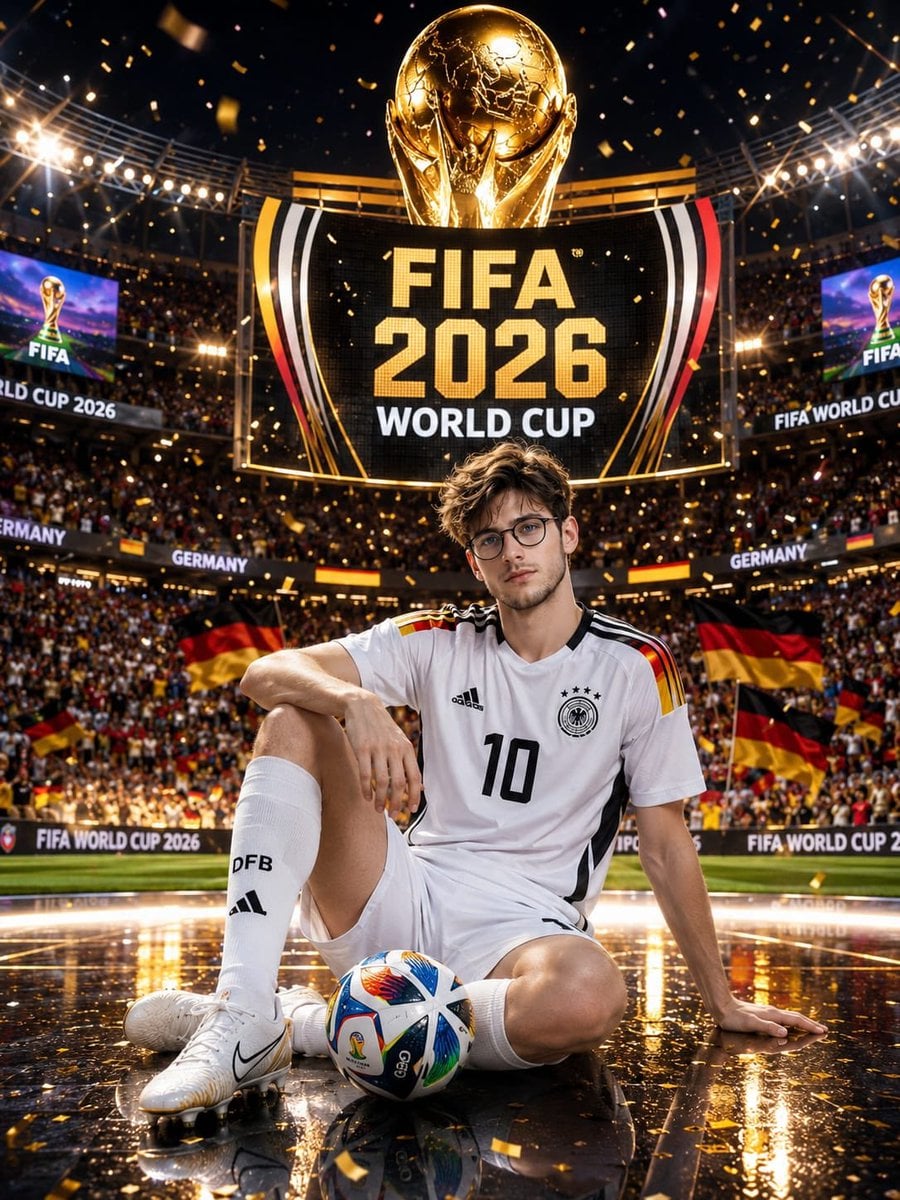
Germany 10 Championship Celebration Poster

Japan Travel Brochure Poster
Make it yours
Shi Xiangyun Hanfu Story Poster works as-is. These are the safest ways to change it without losing the look.
Change one field
Copy a single group, rewrite it, and generate again so you can see what that field is doing.
Keep the frame, change the subject
Hold the composition and light of Shi Xiangyun Hanfu Story Poster, then swap wardrobe, props or the person for a new take.
| If the result… | Why | Fix |
|---|---|---|
| The result drifts from the preview | Too many fields changed at once. | Reuse Shi Xiangyun Hanfu Story Poster as-is first, then change one group — subject, light, or setting. |
| The model over-stylizes the scene | The prose prompt leaves finish and camera underspecified. | Add one camera or lighting sentence and stay on GPT Image 2. |
More GPT Image 2 templates
Other prompts made for GPT Image 2.

Six VTuber Japanese Logo Sheet

Realistic Portrait of Woman and Deer

The Vista Modular Condo Poster

AI Model Routing Comparison Infographic

2.5D Anime Art Board

Isometric Productivity Desk Scene

New York Double Exposure Poster

Four-Panel AI Landscape Comparison

Japanese Tatami Lifestyle Magazine Cover

NESCAFÉ Coffee Map Poster
More image prompts
Fresh picks from across the catalog.
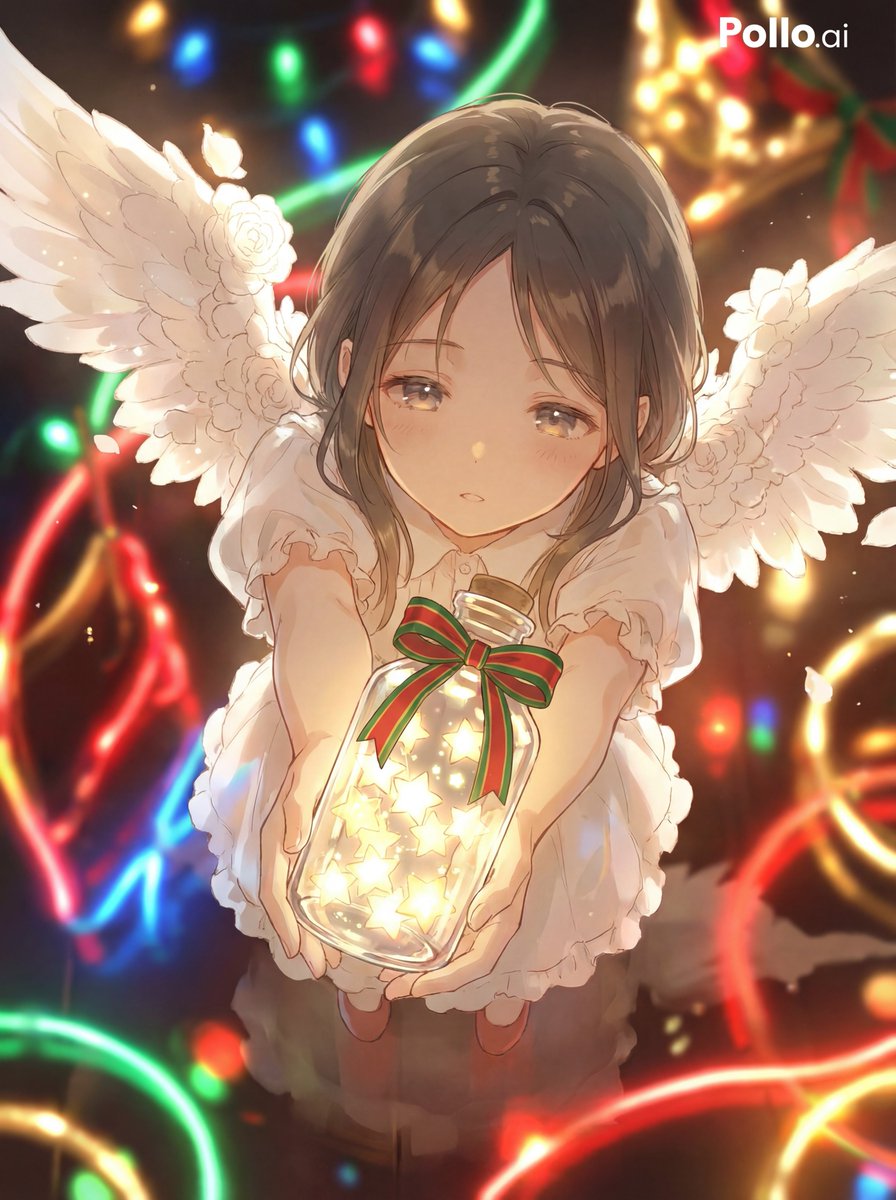
Star Present Image Generation
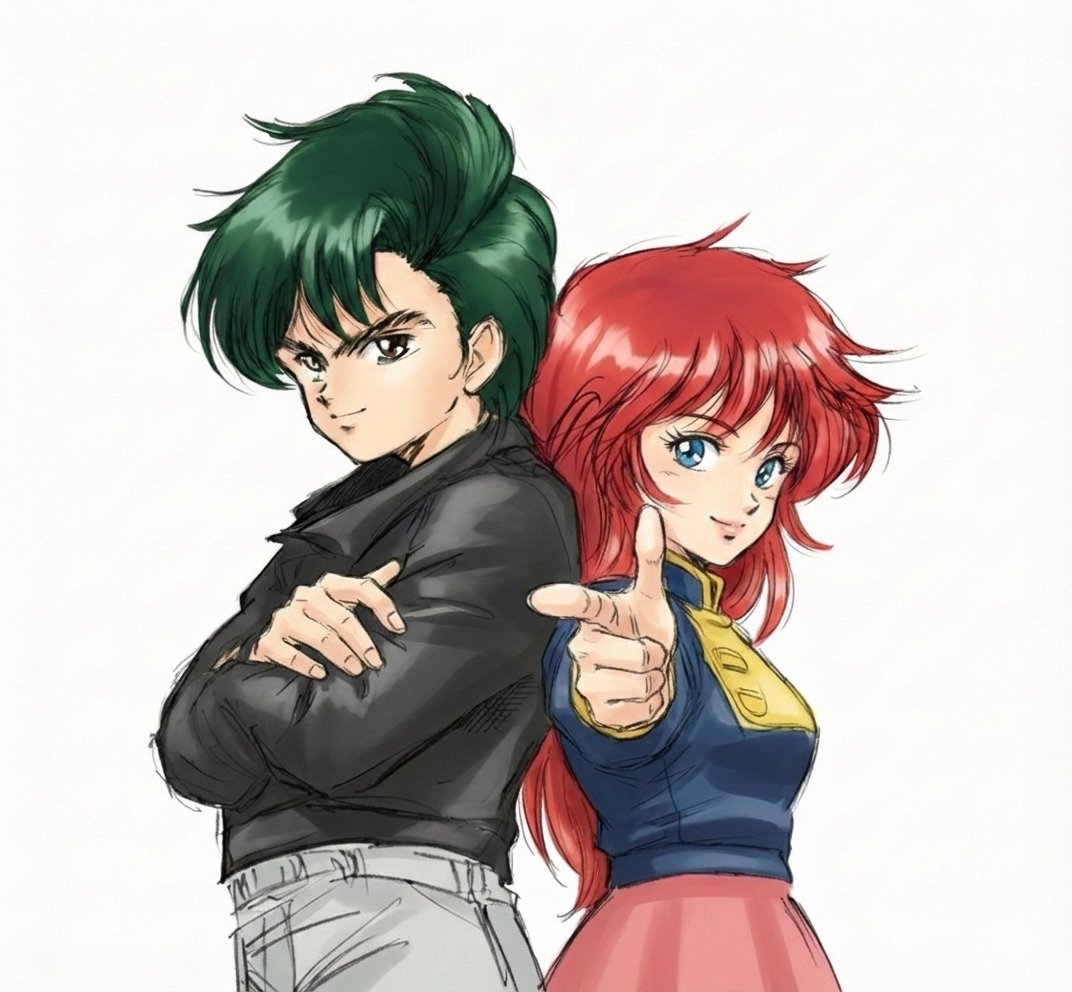
Real People Transforming into Comic Characters in a Future City

Professional Male Editorial Fashion Portrait
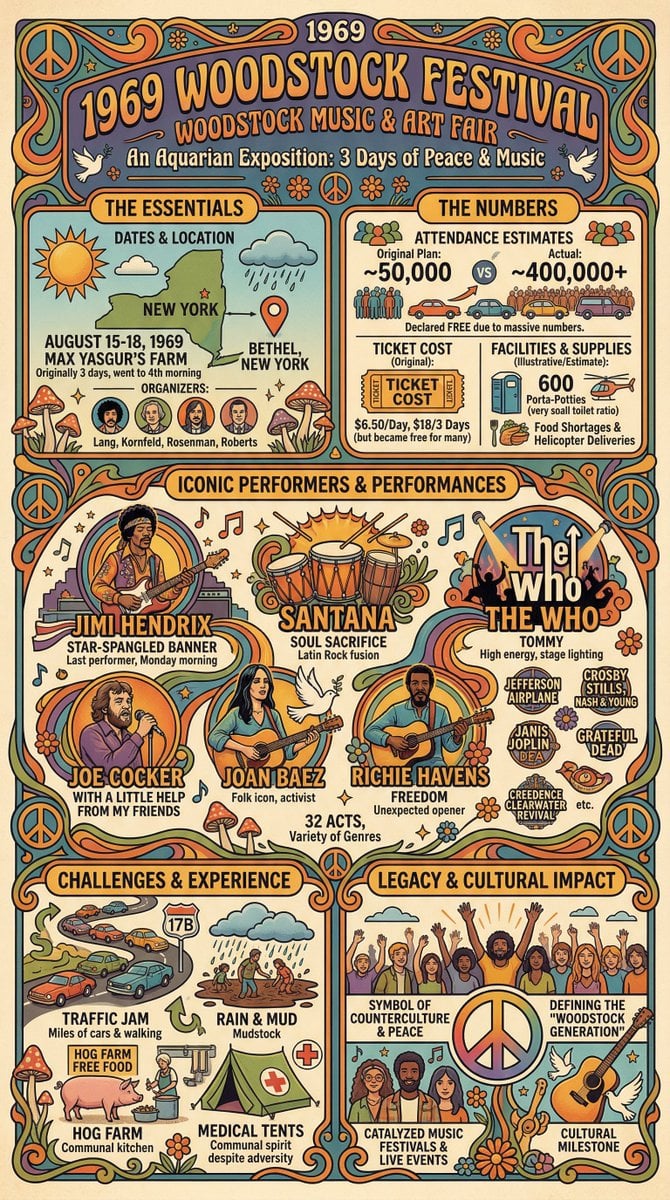
Infographic Creation with Simple Text Prompt
Nano Banana Pro Prompt Sharing
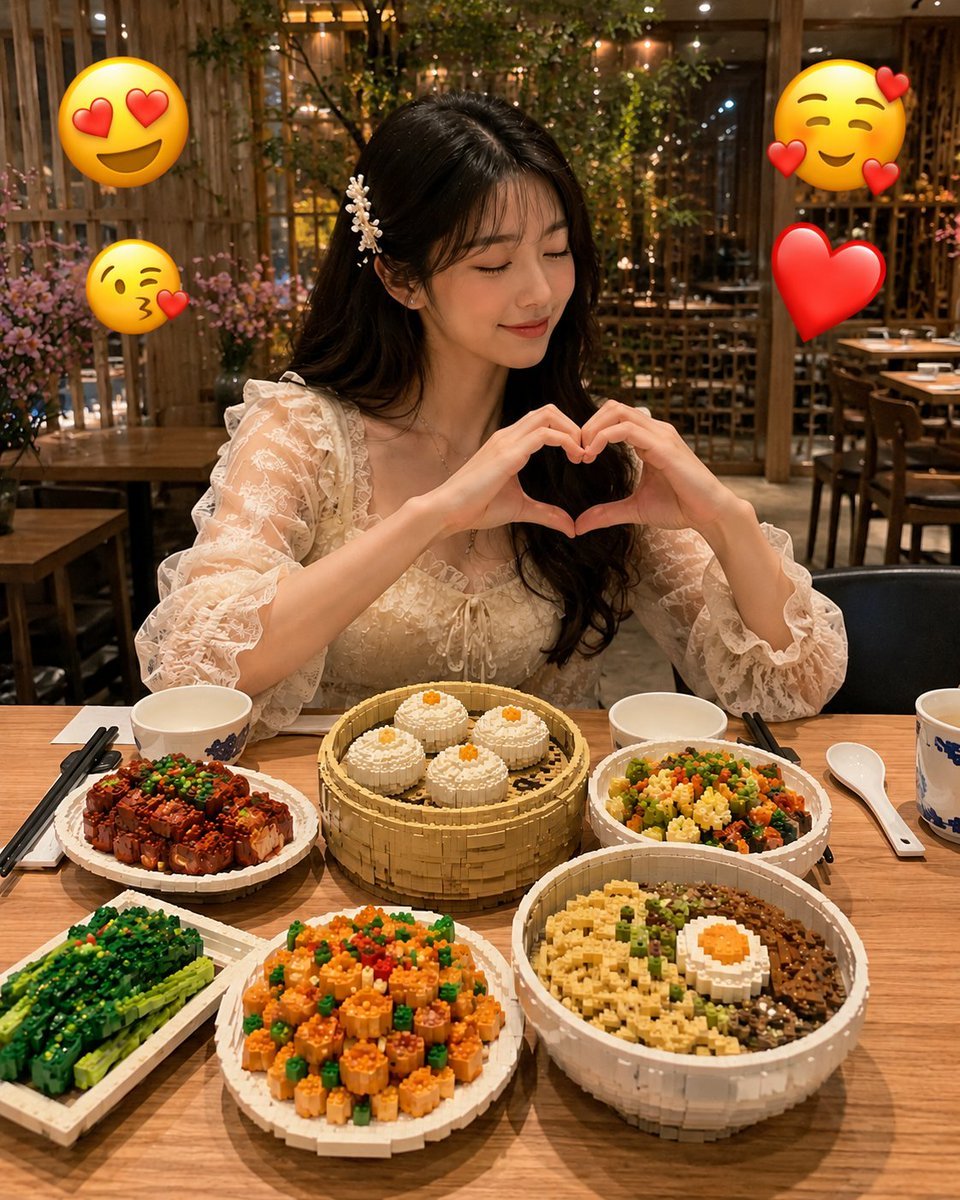
Realistic LEGO Food Miniature
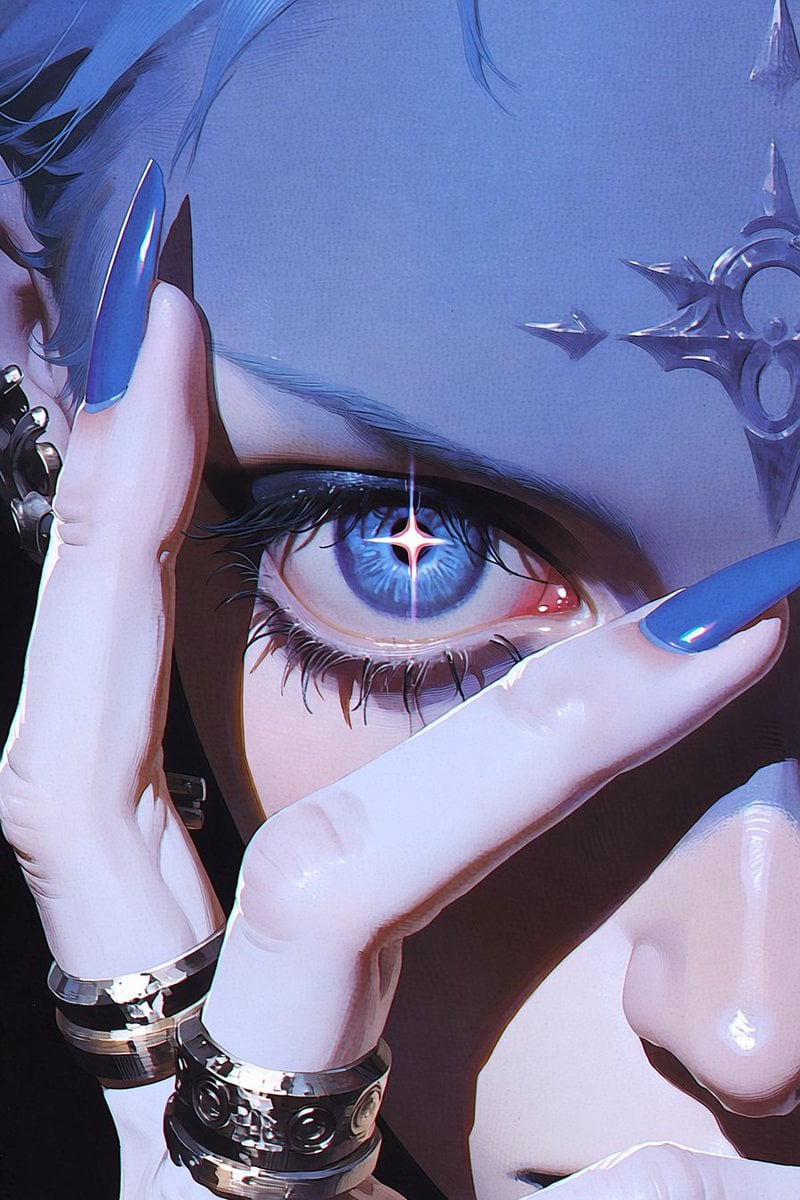
Anime Character to Photorealistic Portrait Conversion
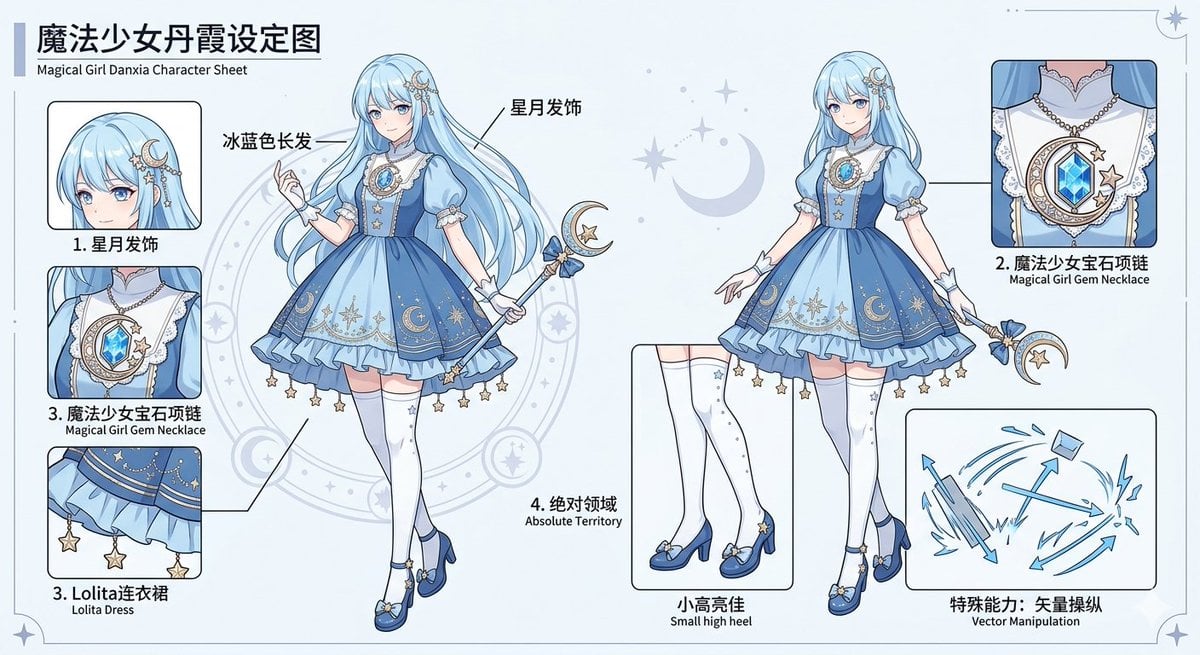
Magical Girl Character Sheet
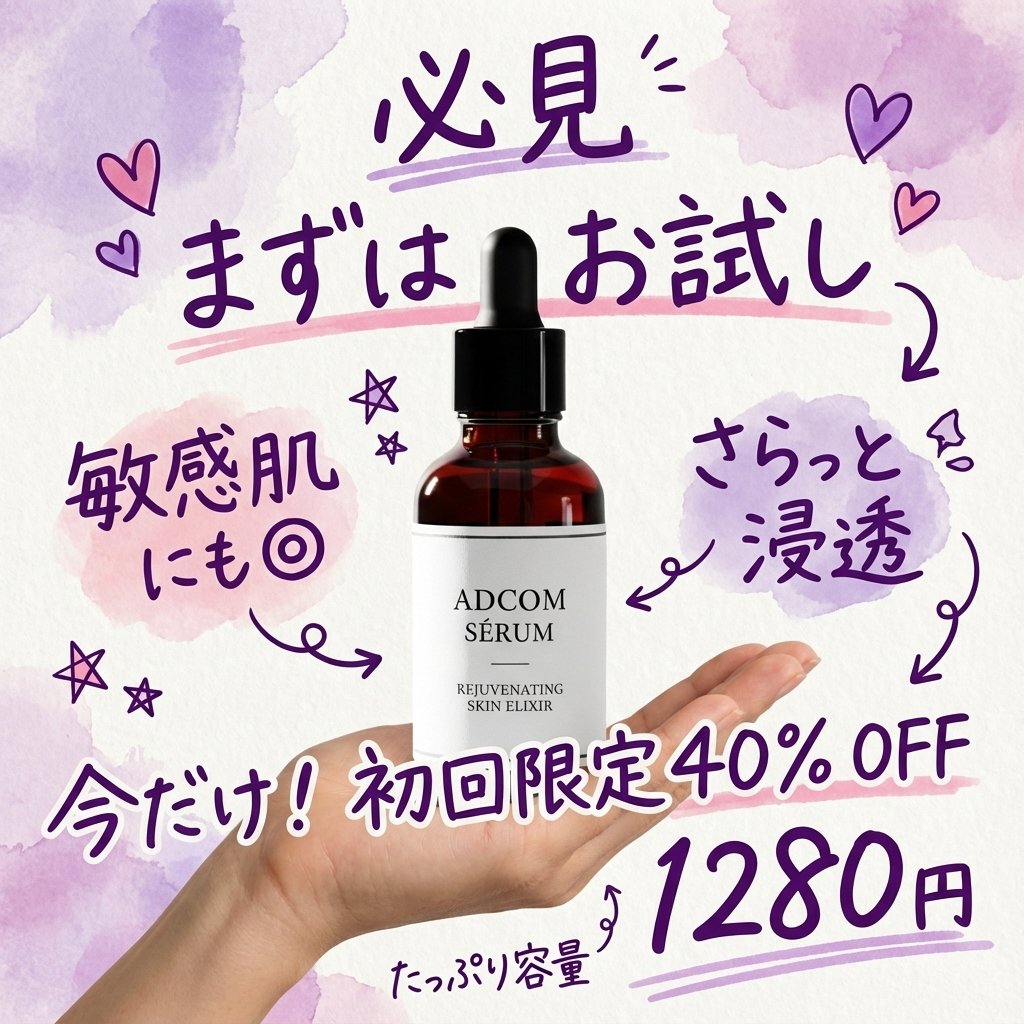
Instagram-style Japanese handwritten cosmetic ad
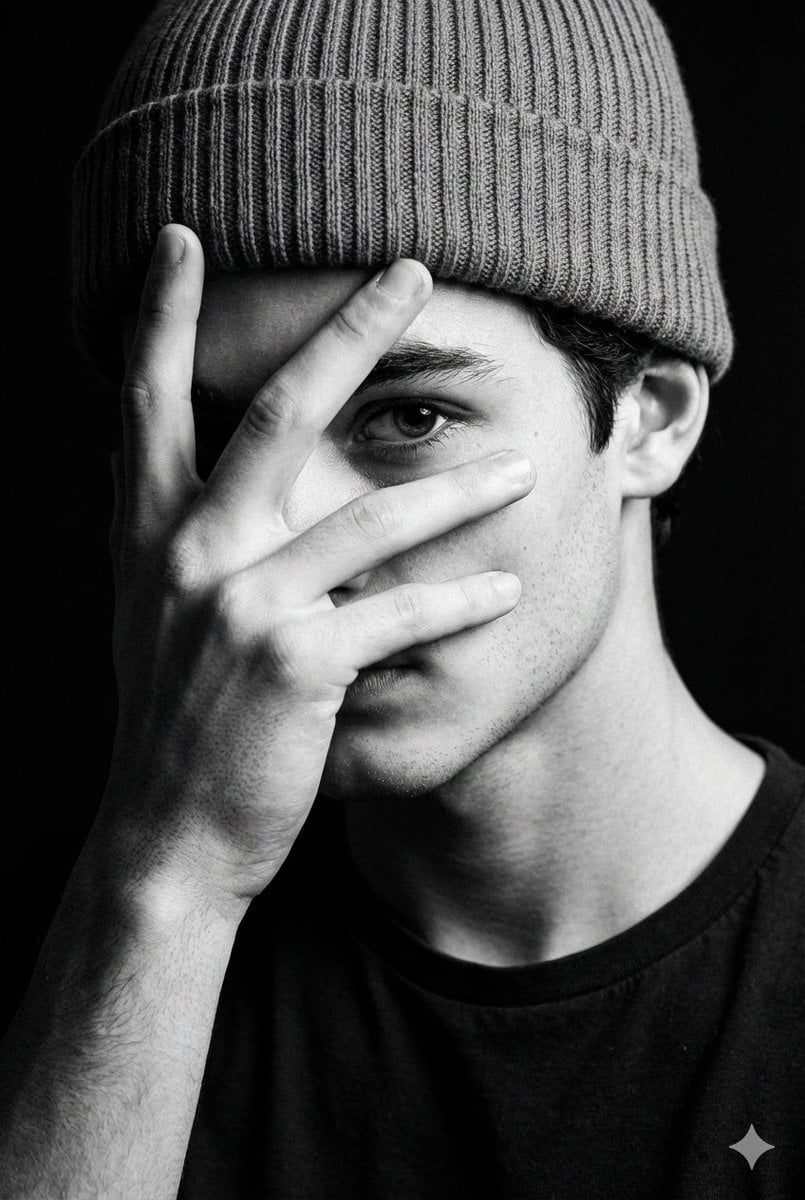
Dramatic Low-Key Monochrome Portrait Prompt
Browse template categories
Shi Xiangyun Hanfu Story Poster questions
How do I use the Shi Xiangyun Hanfu Story Poster template?
Add your photo if the template asks for one, edit the prompt if you like — the template's model and format are already selected — and press Generate. Your version opens in PicX Studio.
Can I customize the Shi Xiangyun Hanfu Story Poster template?
Yes. You can change the subject, setting, lighting, mood, format, and available model controls before creating your image.
Is the Shi Xiangyun Hanfu Story Poster template free?
Opening and editing this template is free. Generating uses credits, shown on the Generate button when you are signed in.
Which AI model should I use?
Start with GPT Image 2, which is the model associated with this template. You can compare another compatible model for a different finish.
Looking for something else? Browse all templates.

Your photo, any look
Thousands of ready templates for every top image and video model, from one credit balance.