
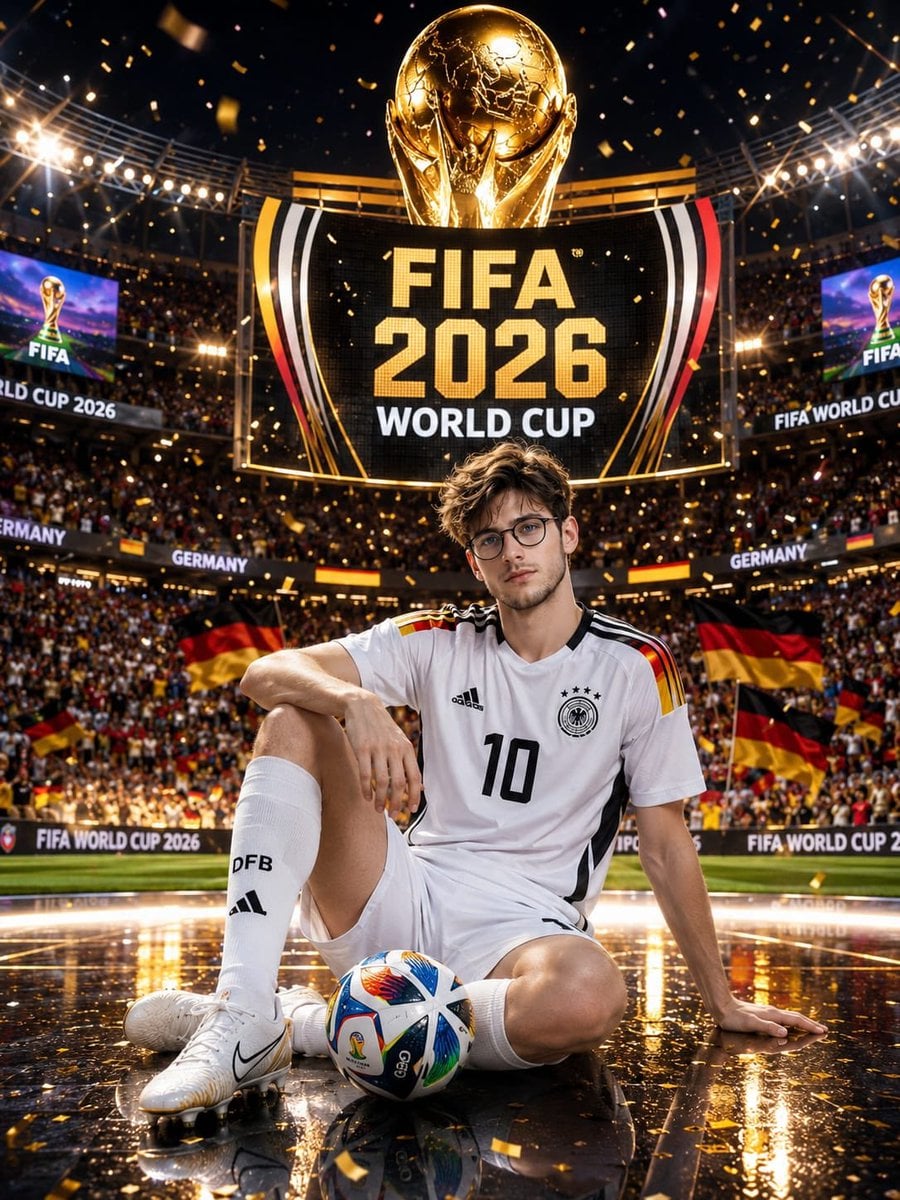
Germany 10 Championship Celebration Poster
Germany championship celebration poster with golden trophy, stadium crowd, pitch reflection, and World Cup screen glow.
- Prompt included
- Model and format preset
- Free template
The prompt behind this image
Copy the exact prompt behind Germany 10 Championship Celebration Poster, or open it in the studio and make it yours.
Ultra-realistic FIFA World Cup 2026 promotional poster featuring a handsome young male football player sitting confidently on the stadium pitch during a championship celebration. The boy has thick black hair, sharp facial features, expressive dark eyes, and an athletic physique. He wears the official Germany national football team home kit, jersey number 10, white shorts, long white socks, and professional football boots. He sits casually on the illuminated field with one knee raised and a FIFA match ball positioned in front of him. Behind him towers a gigantic golden FIFA World Cup trophy and an enormous glowing stadium screen displaying "FIFA 2026 WORLD CUP." Thousands of fans fill the packed arena waving German flags, while golden confetti rains from above. Epic championship atmosphere, dramatic stadium floodlights, sparkling reflections on the glossy pitch, cinematic depth of field, realistic crowd details, luxury sports advertising style, ultra-detailed football uniform textures, dynamic composition, vibrant colors, professional sports photography, sharp focus, volumetric lighting, photorealistic skin, 8K UHD, award-winning sports poster, FIFA promotional campaign aesthetic. Negative Prompt: blurry, low resolution, extra limbs, extra fingers, deformed body, bad anatomy, cropped, watermark, text artifacts, duplicate person, unrealistic face, distorted football, poor lighting, oversaturated colors, low quality, cartoon, CGI, noise, motion blur
How to use Germany 10 Championship Celebration Poster in 3 steps
- 1
Open
The prompt is already in the box next to the preview, with the template's model and format selected.
- 2…a portrait of your subject in softgolden-hour light, 85mm…
Personalize
Edit the subject and creative details for your destination.
- 3Generate
Generate
Press Generate — your image is created in PicX Studio, so you can compare it with the original and refine one variable at a time.
More like this
Templates with the same subject, style or setup. Open one to see its prompt.

Usa Cinematic Hyperreal Collage Poster
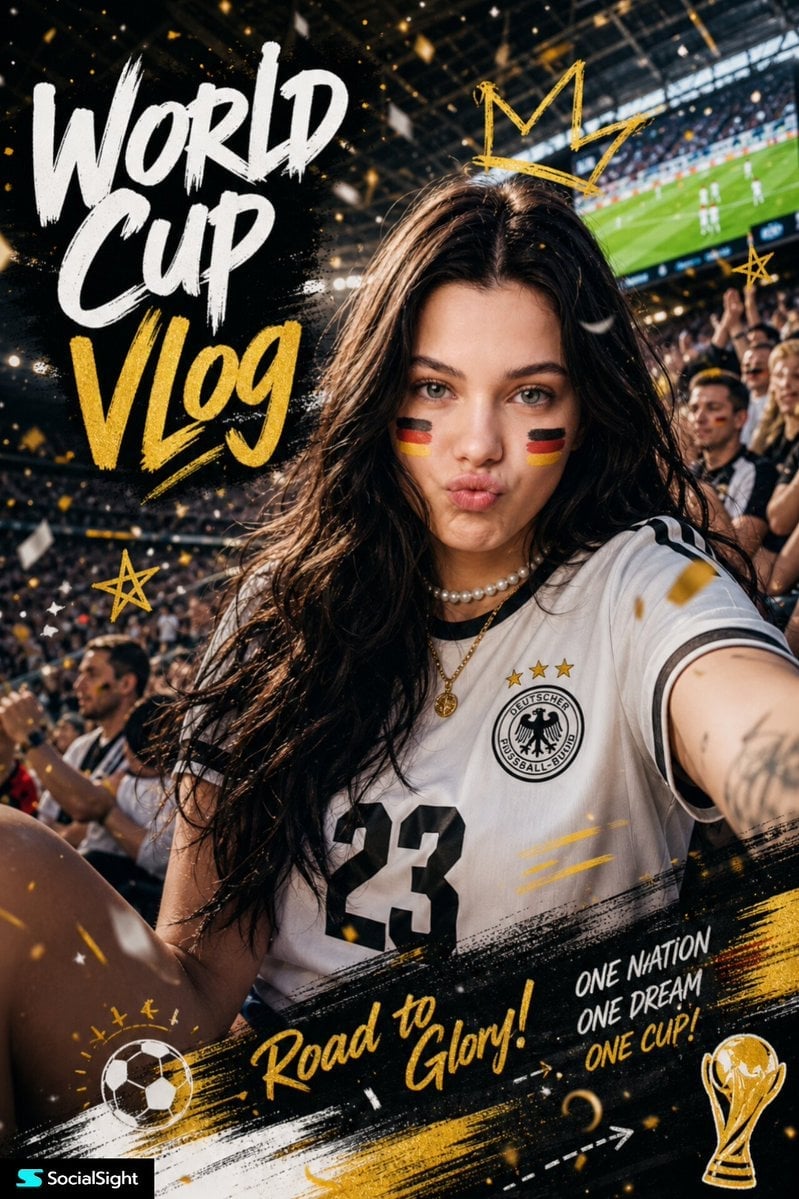
Fifa Stadium Fan Portrait Poster
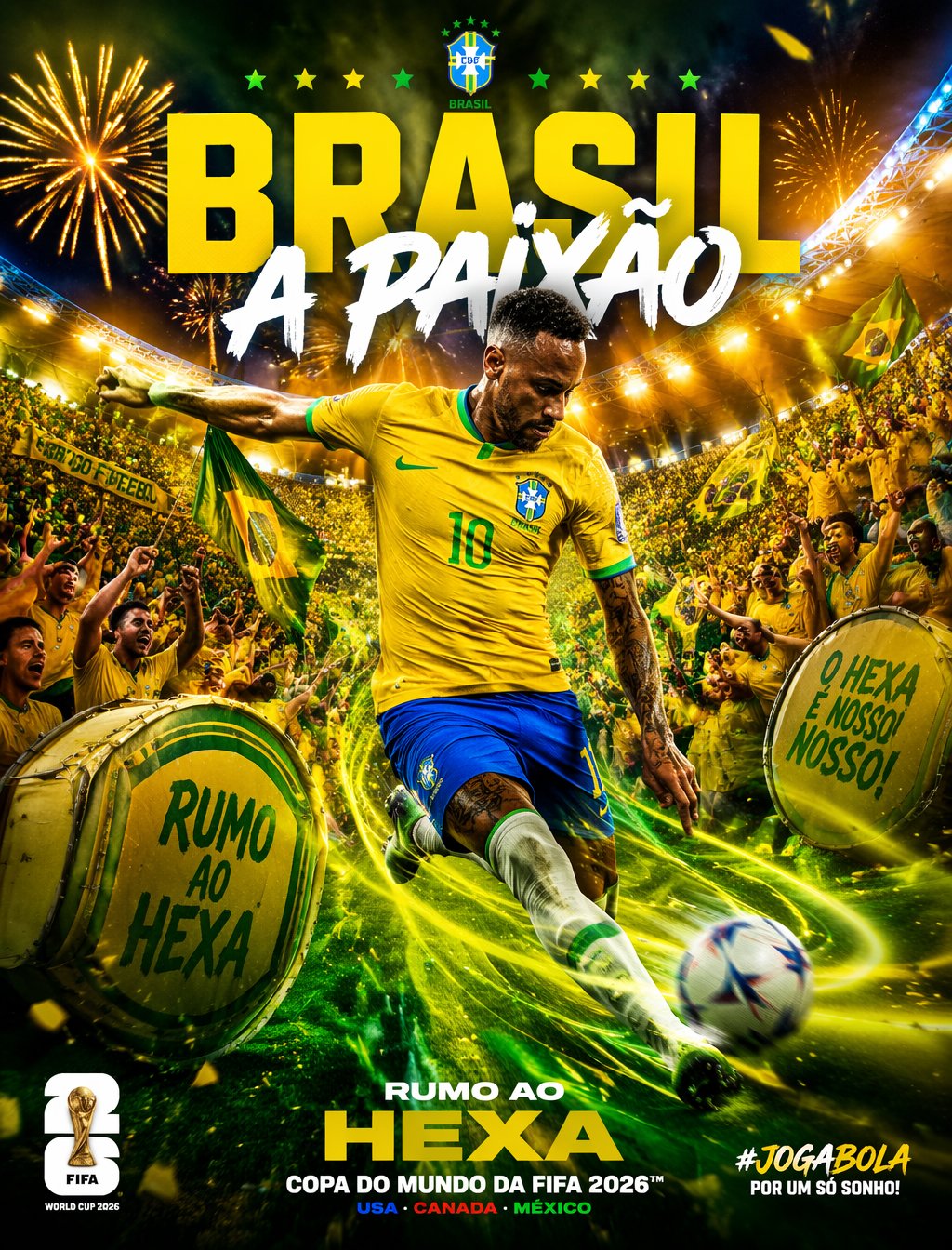
Brazil Passion Power Shot Poster
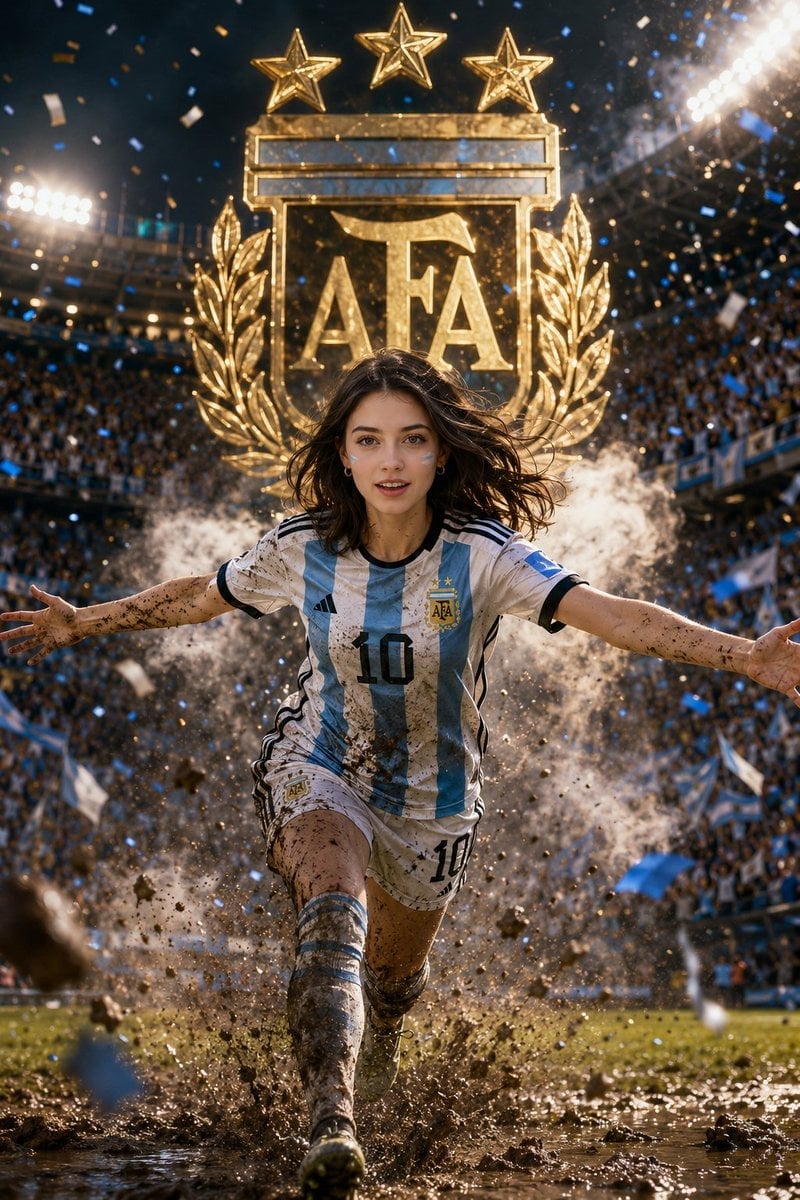
Argentina 10 Celebration Fan Poster

Campaign Smoke National Symbols World Cup

Vintage Lithograph Retro World Cup Poster

Monochrome Portrait Jersey Accent Poster

Last Dance Legacy Monochrome Portrait
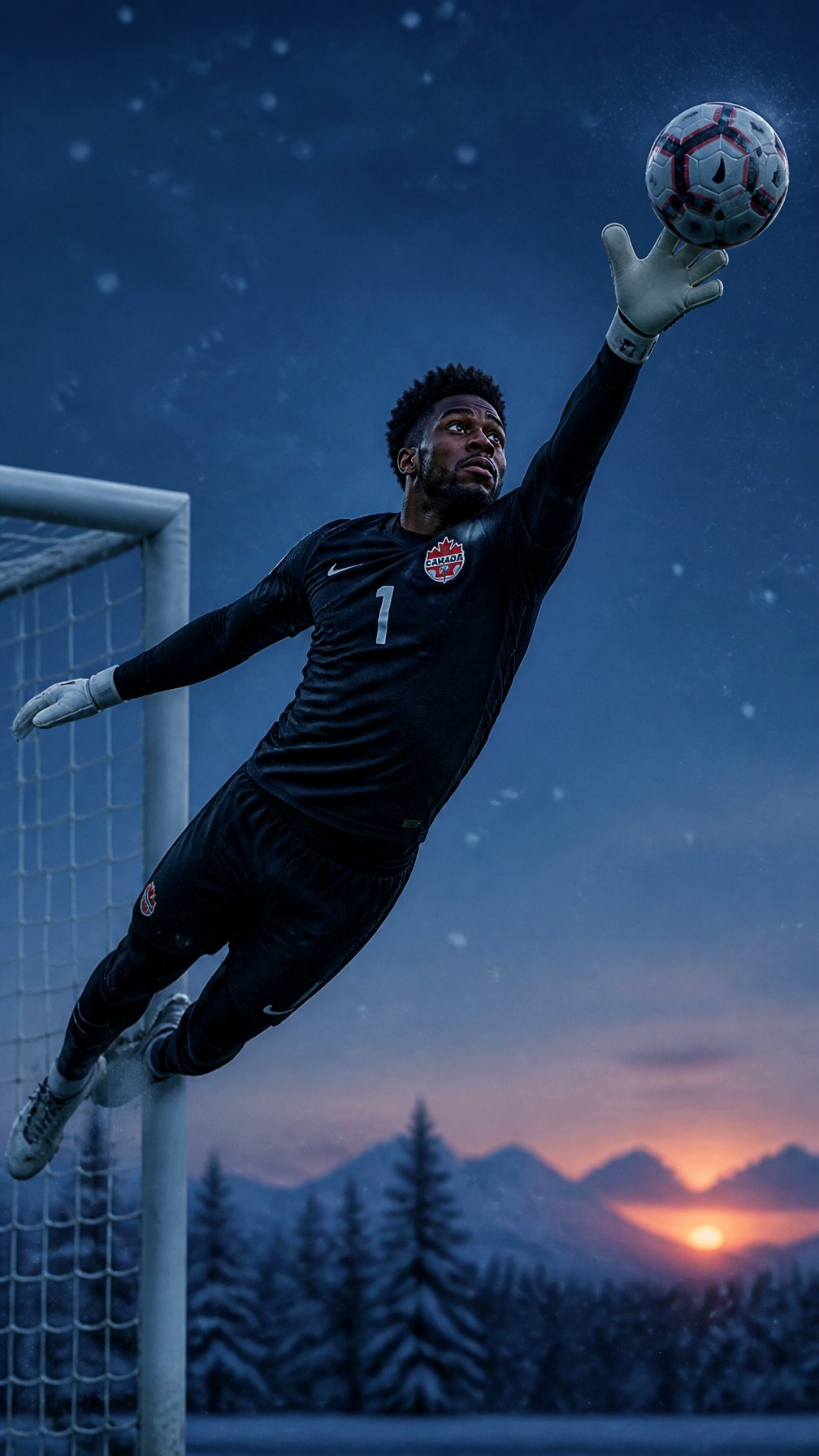
Canada Goalkeeper Twilight Editorial Portrait
Vintage Lithograph Retro World Cup Poster

Luxury Sliced Wordmark Player Poster

Legendary Player Fragmented Editorial Poster
Make it yours
Germany 10 Championship Celebration Poster works as-is. These are the safest ways to change it without losing the look.
Change one field
Copy a single group, rewrite it, and generate again so you can see what that field is doing.
Keep the frame, change the subject
Hold the composition and light of germany-10-championship-celebration-poster, then swap wardrobe, props or the person for a new take.
| If the result… | Why | Fix |
|---|---|---|
| The result drifts from the preview | Too many fields changed at once. | Reuse germany-10-championship-celebration-poster as-is first, then change one group — subject, light, or setting. |
| The model over-stylizes the scene | The prose prompt leaves finish and camera underspecified. | Add one camera or lighting sentence and stay on PicX Studio. |
More image prompts
Fresh picks from across the catalog.
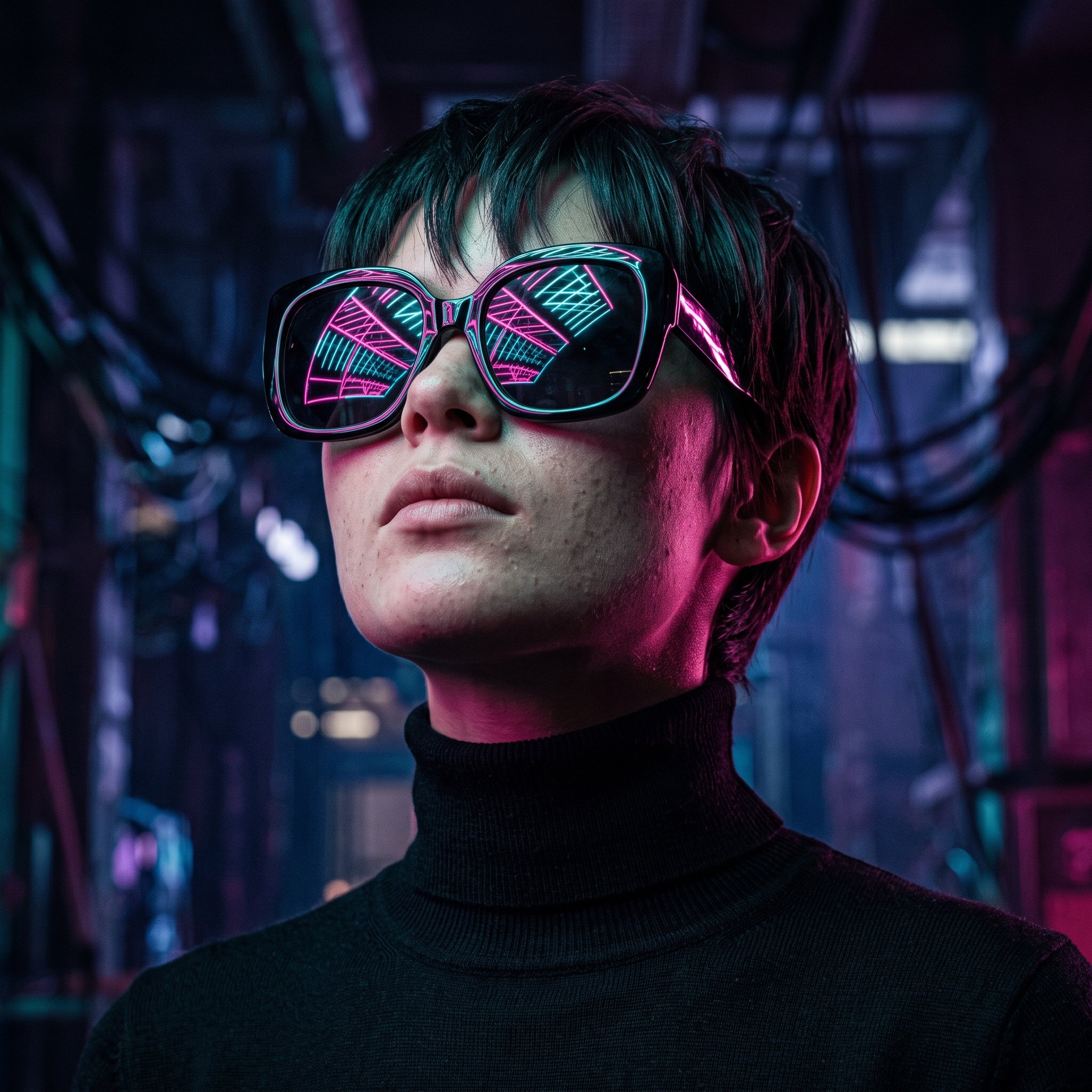
Cyberpunk Futuristic Portrait Prompt

Guangzhou Ink Brush Travel Poster
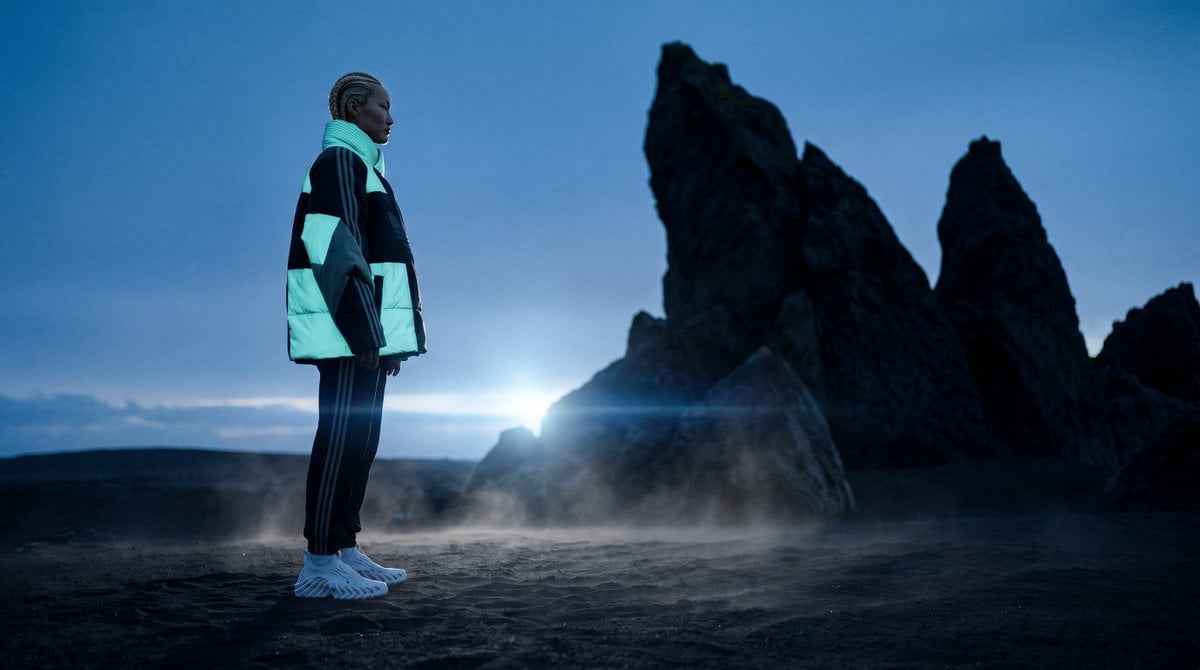
Blue Hour Volcanic Fashion Editorial
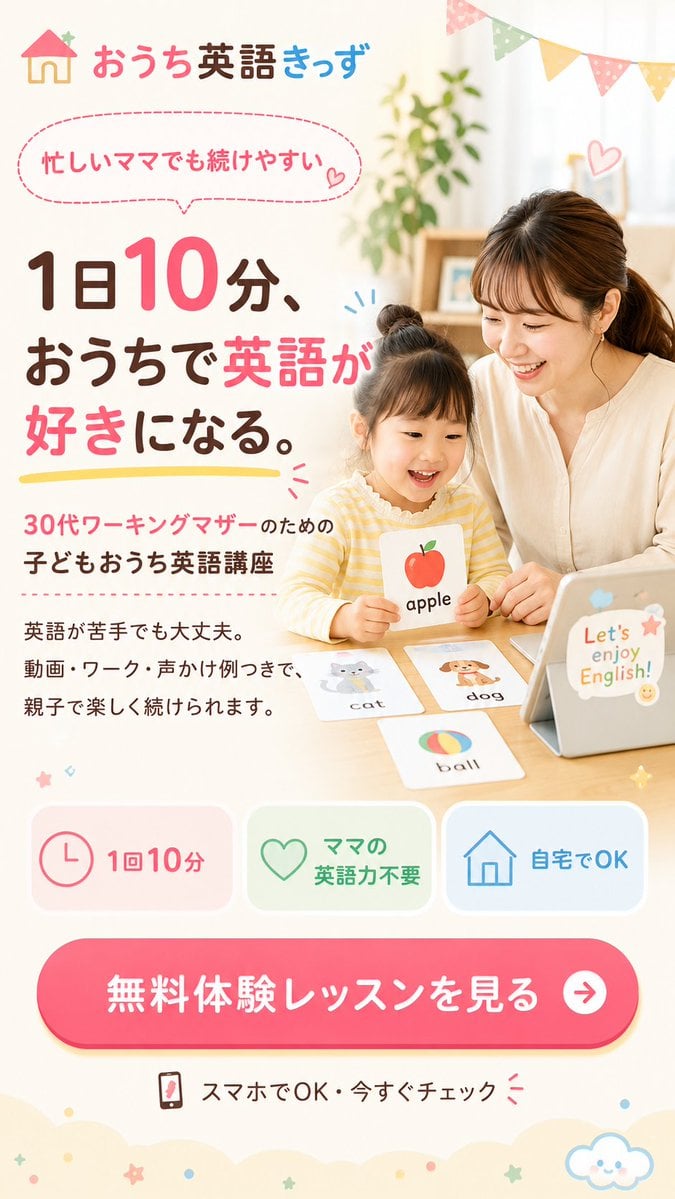
Japanese Kids English LP Hero
Duo Portrait Prompt for Nano Banana Pro
Audrey Hepburn Style Birthday Photoshoot
Urban Wheatpaste Poster Setup
photography
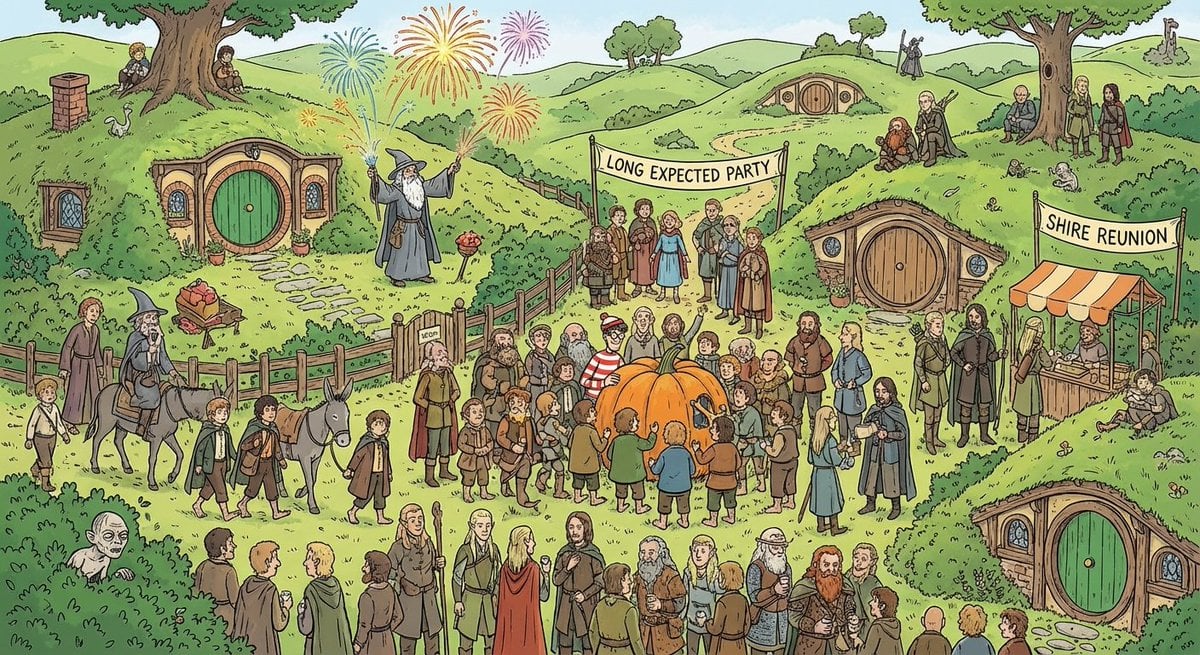
Where’s Waldo-style LOTR in the Shire
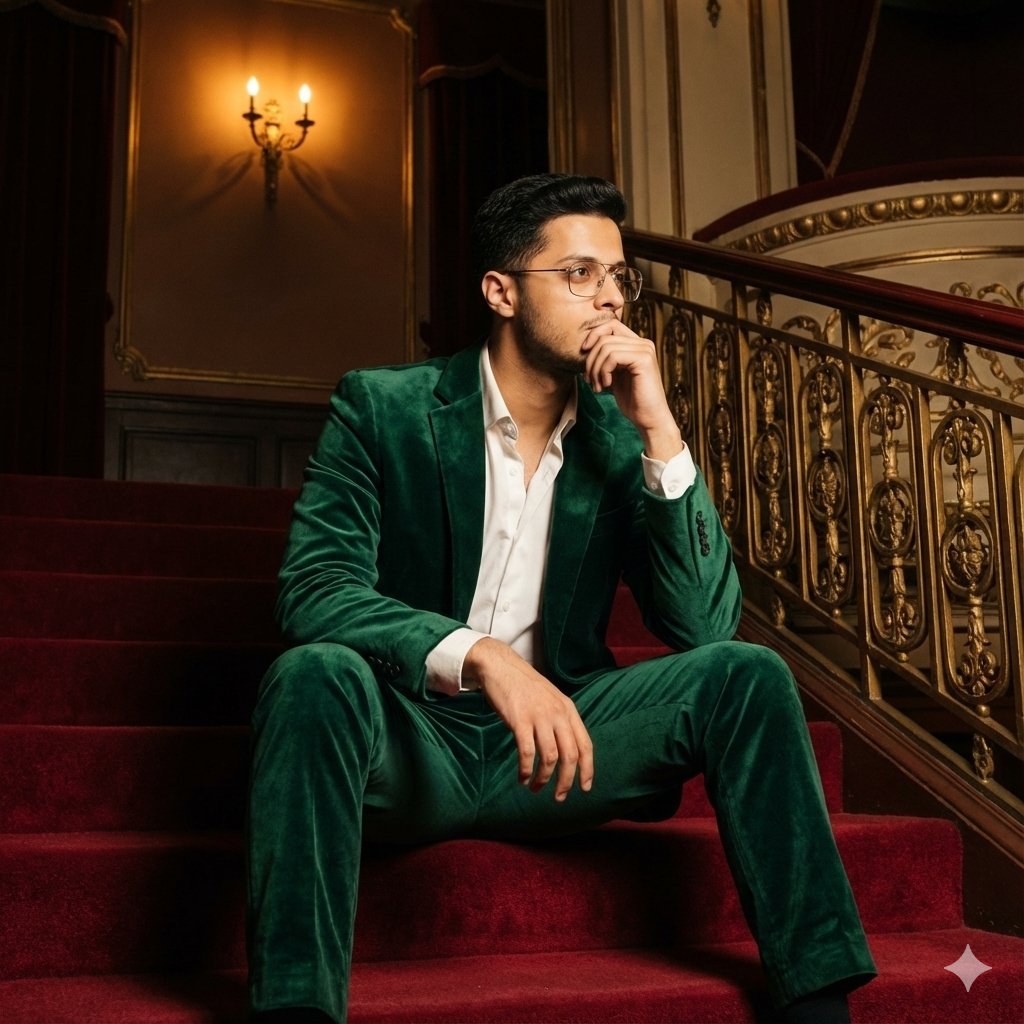
Cinematic Fashion Portrait Prompt
Browse template categories
Germany 10 Championship Celebration Poster questions
How do I use the germany-10-championship-celebration-poster template?
Add your photo if the template asks for one, edit the prompt if you like — the template's model and format are already selected — and press Generate. Your version opens in PicX Studio.
Can I customize the germany-10-championship-celebration-poster template?
Yes. You can change the subject, setting, lighting, mood, format, and available model controls before creating your image.
Is the germany-10-championship-celebration-poster template free?
Opening and editing this template is free. Generating uses credits, shown on the Generate button when you are signed in.
Which AI model should I use?
Choose a compatible model in PicX Studio based on the style, speed, and output controls your project needs.
Looking for something else? Browse all templates.

Your photo, any look
Thousands of ready templates for every top image and video model, from one credit balance.