
Duo Portrait Prompt for Nano Banana Pro
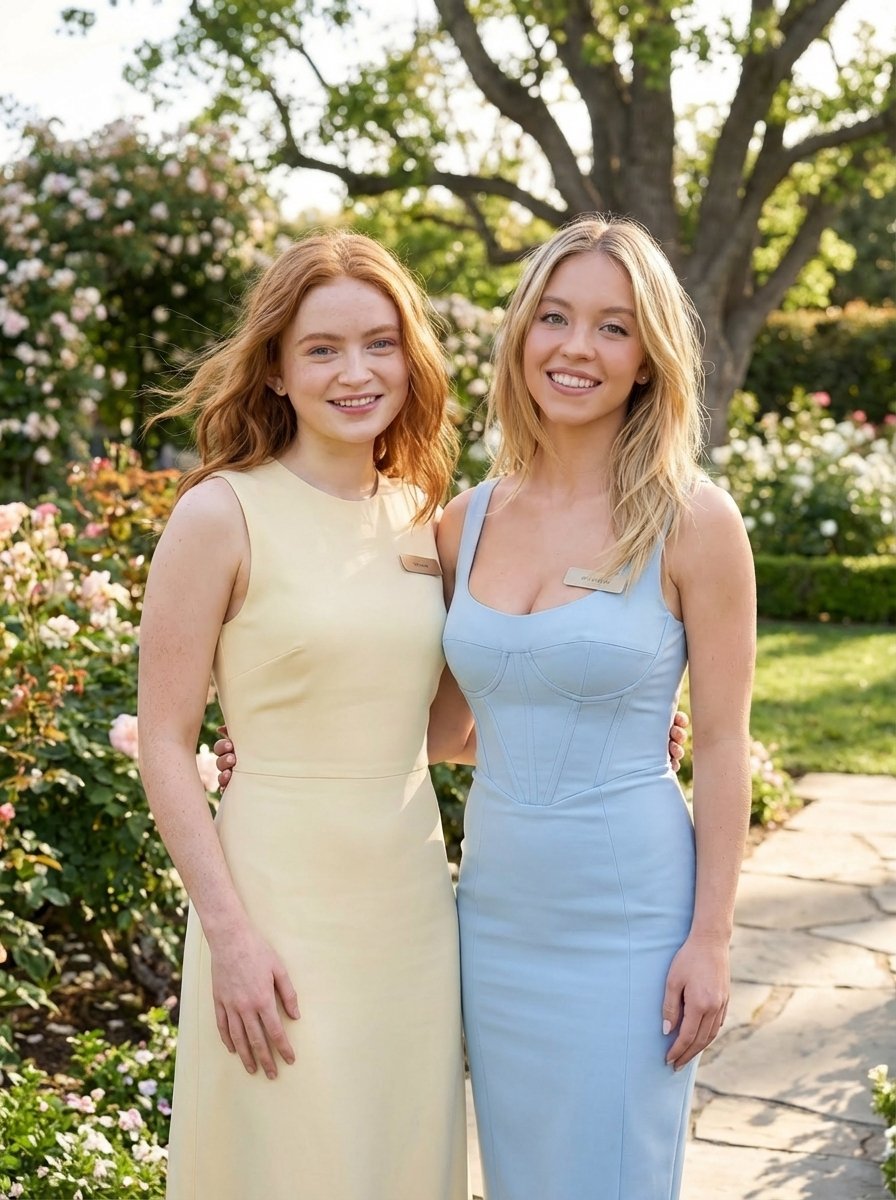
A structured JSON prompt for Nano Banana Pro to generate a lifestyle portrait of two young women in a garden setting, emphasizing strict identity lock based on an uploaded reference image, soft pastel clothing, and…
- Prompt included
- Model and format preset
- Free template
The prompt behind this image
Copy the exact prompt behind Duo Portrait Prompt for Nano Banana Pro, or open it in the studio and make it yours.
{ "image_generation_prompt": { "subject": { "description": "{argument name="subject description" default="two young women standing outdoors together in a garden setting, smiling and posing side by side, wearing soft pastel dresses, Use uploaded reference image, keep identity exact"}", "identity_lock": "STRICT — Use uploaded reference image, keep identity exact. Preserve both faces, hair, eyes, proportions. Do not alter identity.", "pose": { "type": "standing duo pose", "body_position": "standing close together with arms lightly around each other", "interaction": "friendly and relaxed posture", "head": "both slightly tilted toward each other, facing camera" } }, "face_details": { "instruction": "Use uploaded reference image, keep identity exact", "expression": "soft natural smiles", "skin": "natural skin tones with gentle sunlight glow", "eyes": "looking toward camera with warm expressions", "clarity": "both faces sharp and clearly visible", "focus_priority": "maximum facial clarity for both subjects" }, "hair": { "instruction": "Preserve hairstyles exactly", "style": "one with blonde loose waves, one with long straight brunette hair", "details": "natural movement and shine" }, "clothing": { "outfit": "{argument name="outfit" default="pastel dresses, one light yellow sleeveless dress and one light blue fitted dress with structured bodice"}", "details": "soft spring aesthetic, light fabrics", "accessories": "minimal jewelry, subtle name tags" }, "environment": { "setting": "garden or park", "background": "large tree, greenery, flowers, pathway, soft natural landscape", "props": "natural outdoor elements only", "atmosphere": "bright spring day, fresh and airy" }, "lighting": { "type": "natural sunlight", "quality": "soft diffused daylight", "direction": "front natural light illuminating faces evenly", "effect": "enhances skin tones and pastel colors", "imperfections": "slight natural shadowing from outdoor light" }, "camera": { "type": "portrait photography", "lens": "50mm lens", "angle": "eye-level", "distance": "medium shot with slight zoom", "focus": "sharp focus on both faces", "depth": "moderate depth of field with slightly blurred background", "zoom": "slight zoom to ensure both faces are clearly visible", "imperfections": "natural handheld realism" }, "composition": { "style": "lifestyle portrait", "framing": "both subjects centered in frame", "balance": "symmetrical composition with natural background framing" }, "effects": { "color_tone": "soft pastel tones with warm highlights", "finish": "clean, bright, natural look" }, "quality
How to use Duo Portrait Prompt for Nano Banana Pro in 3 steps
- 1Upload ImagePNG, JPG or paste
Add your photo
Upload the photo the template builds on. The prompt, model and format are already set.
- 2…a portrait of your subject in softgolden-hour light, 85mm…
Personalize
Edit the subject and creative details for your destination.
- 3Generate
Generate
Press Generate — your image is created in PicX Studio, so you can compare it with the original and refine one variable at a time.
More like this
Templates with the same subject, style or setup. Open one to see its prompt.

Nano Banana Is So Addictive

Nano Banana 2 Perspective Experiment

Gemini Nano Banana 2 Isometric 3d City D

Nano Banana 2

Gemini Nano Banana 2

Gemini Nano Banana 2 Logo in Wet Sand Be

Nano Banana 2 Gourmet Ice Cream Commerci

Nano Banana Pro Photoreal Playful Couple

Nano Banana 2 High Fashion Sports Campai

Nano Banana 2 Editorial Fashion Portrait

B&W Photobooth Expression Grid 4x4 — Nano Banana

Gen Z TikTok Viral Expression Grid 4x4 — Nano Banana
Make it yours
Duo Portrait Prompt for Nano Banana Pro works as-is. These are the safest ways to change it without losing the look.
Change one field
Copy a single group, rewrite it, and generate again so you can see what that field is doing.
Keep the frame, change the subject
Hold the composition and light of Duo Portrait Prompt for Nano Banana Pro, then swap wardrobe, props or the person for a new take.
| If the result… | Why | Fix |
|---|---|---|
| The result drifts from the preview | Too many fields changed at once. | Reuse Duo Portrait Prompt for Nano Banana Pro as-is first, then change one group — subject, light, or setting. |
| The model over-stylizes the scene | The prose prompt leaves finish and camera underspecified. | Add one camera or lighting sentence and stay on Nano Banana 2. |
More Nano Banana 2 templates
Other prompts made for Nano Banana 2.

Photorealistic Leaf Shaped Like a Dragon

K-Pop Idol Portrait Grid for Rapid Selection

Poetic Rain Forest Portrait During Golden Hour

Urban Street Portrait with Cartoon Inner Self Duo

Candid Nighttime Photo with Cat Prompt

High-Concept 3D Diorama Generation Prompt

Cinematic Futuristic Studio Portrait Template

Skincare Editorial Photography Collage Prompt

Hyper-Realistic Commercial Product Photography (Splash Effect)

Hyper-Realistic Nightclub Portrait Prompt
More image prompts
Fresh picks from across the catalog.
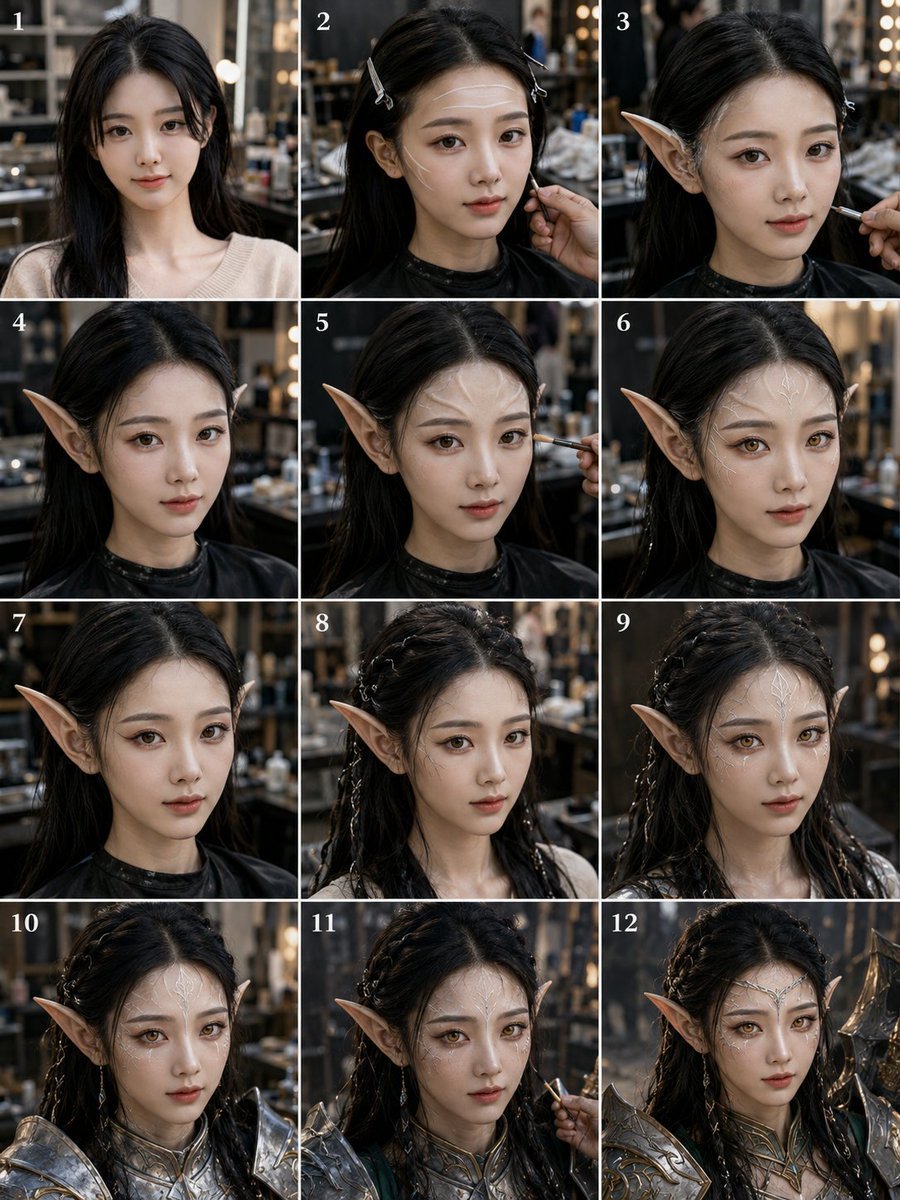
Elf Warrior Transformation Collage
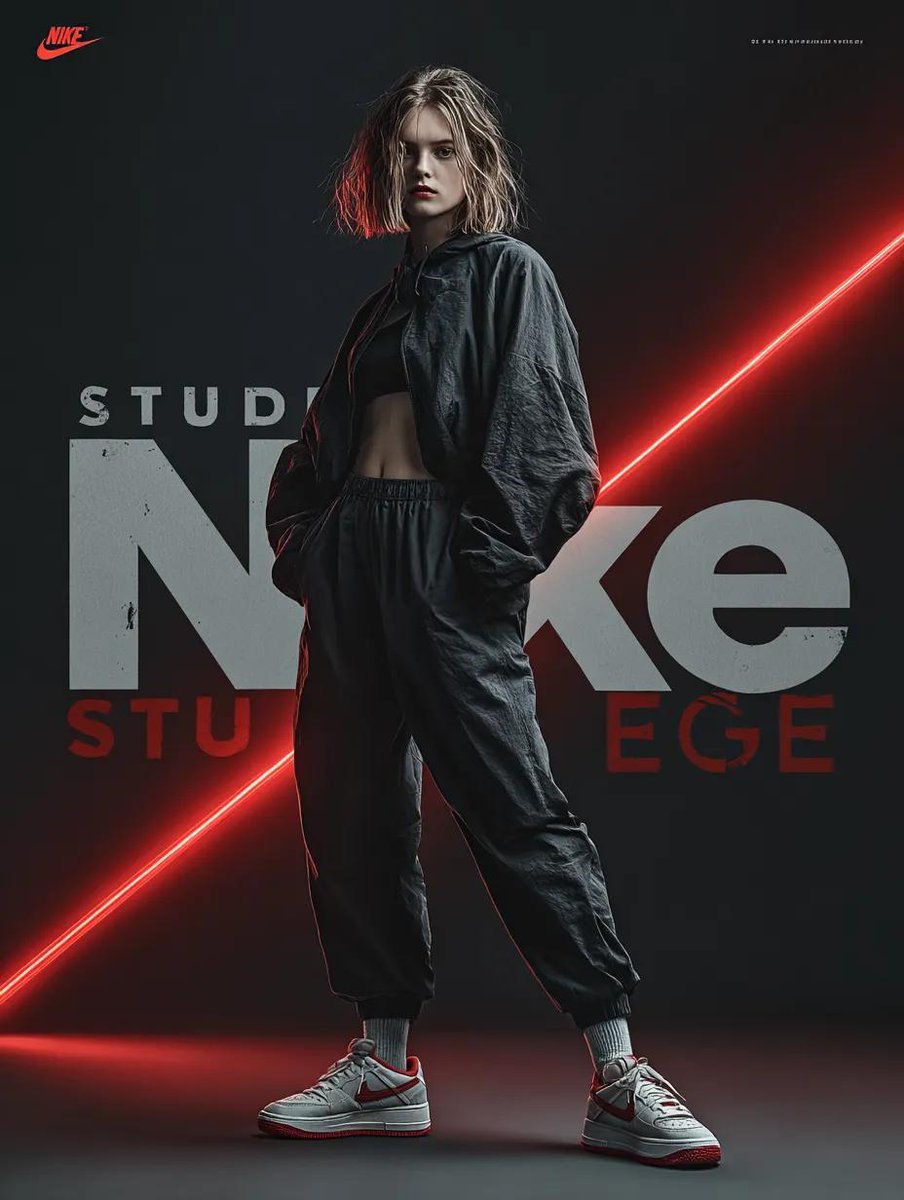
Dynamic Futuristic Nike Fashion Ad Prompt for Nano Banana Pro
Global Beauty Standards Portraits
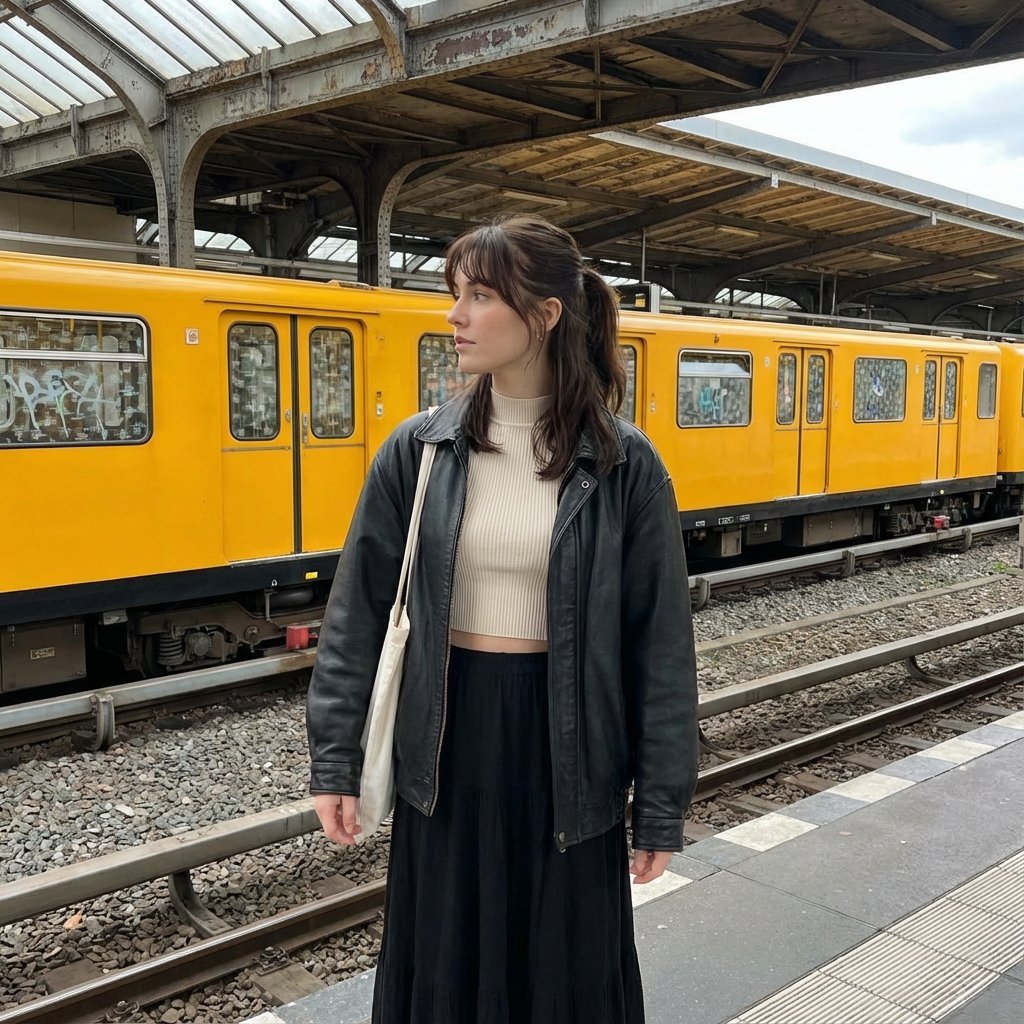
Candid street photography on a train platform
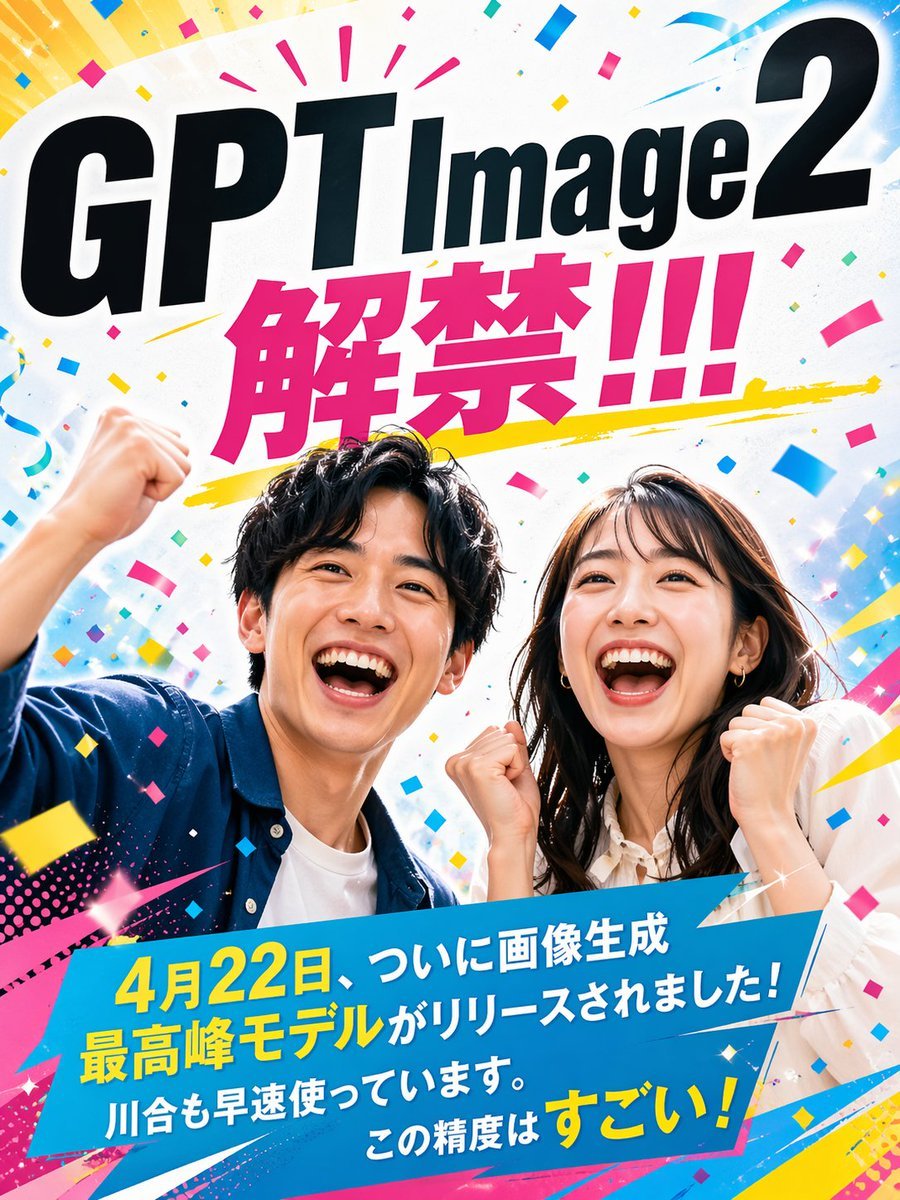
Modern Ad Layout Design
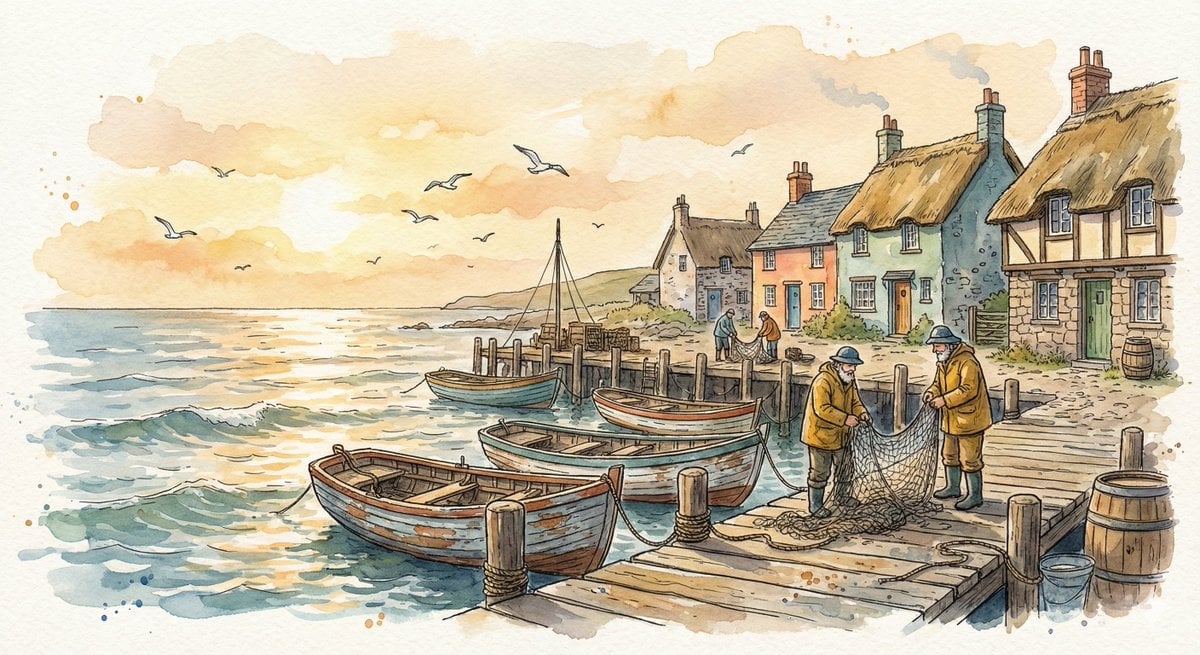
Watercolor Illustration of a Cozy Seaside Harbor Village
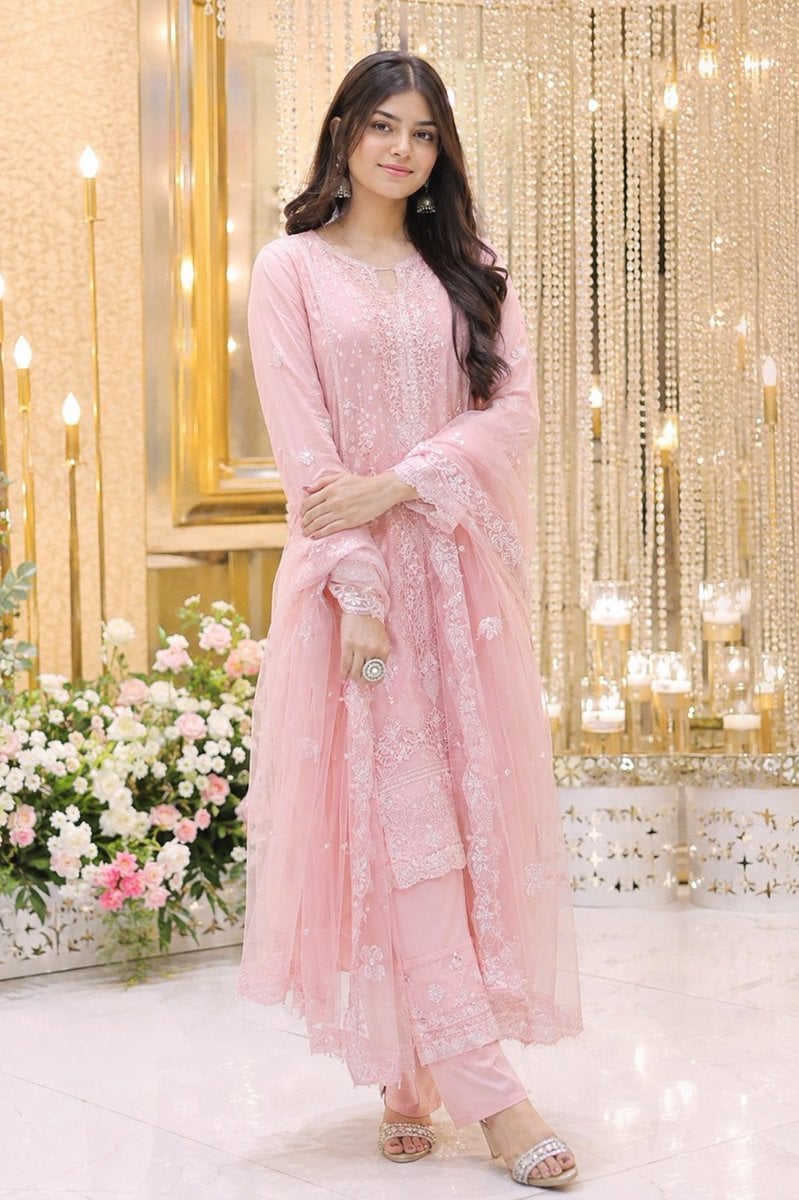
Elegant Indian Wedding Portrait
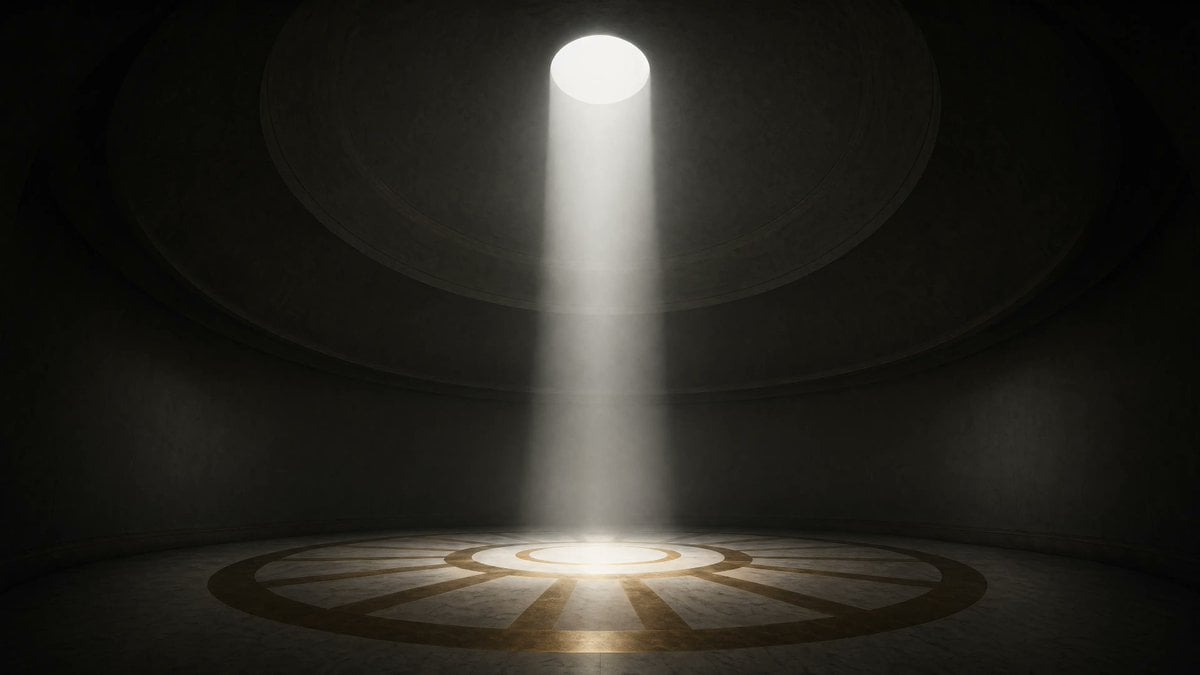
Cinematic Circular Chamber Spotlight
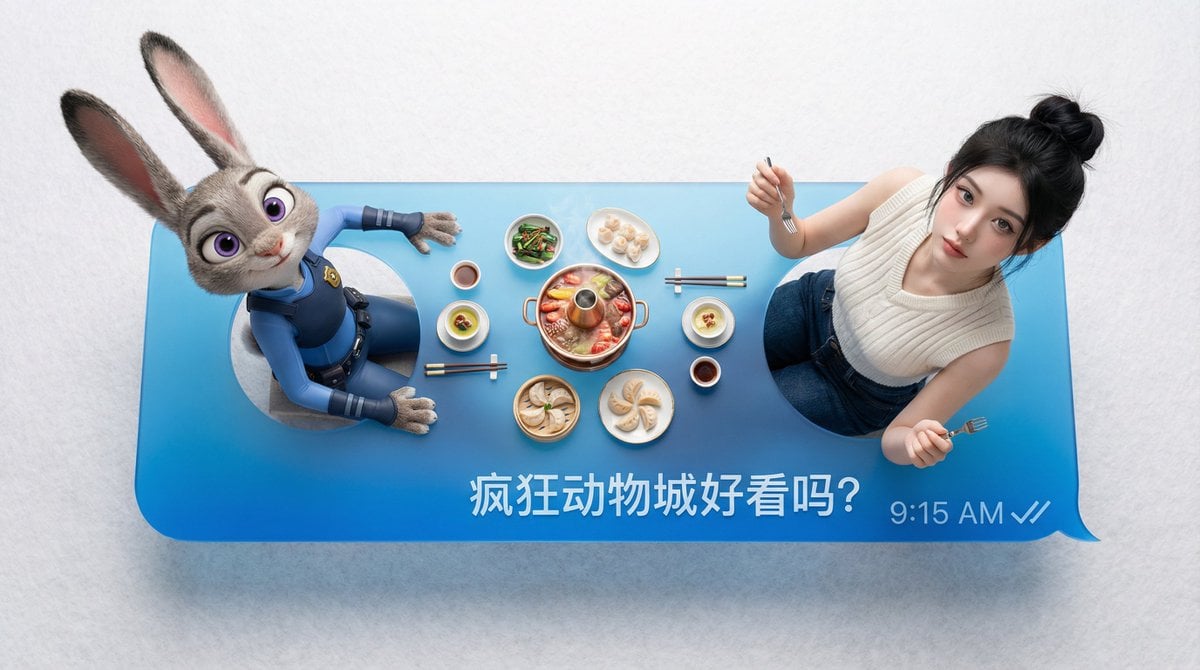
Customizable Chat Interface Image Generation Prompt
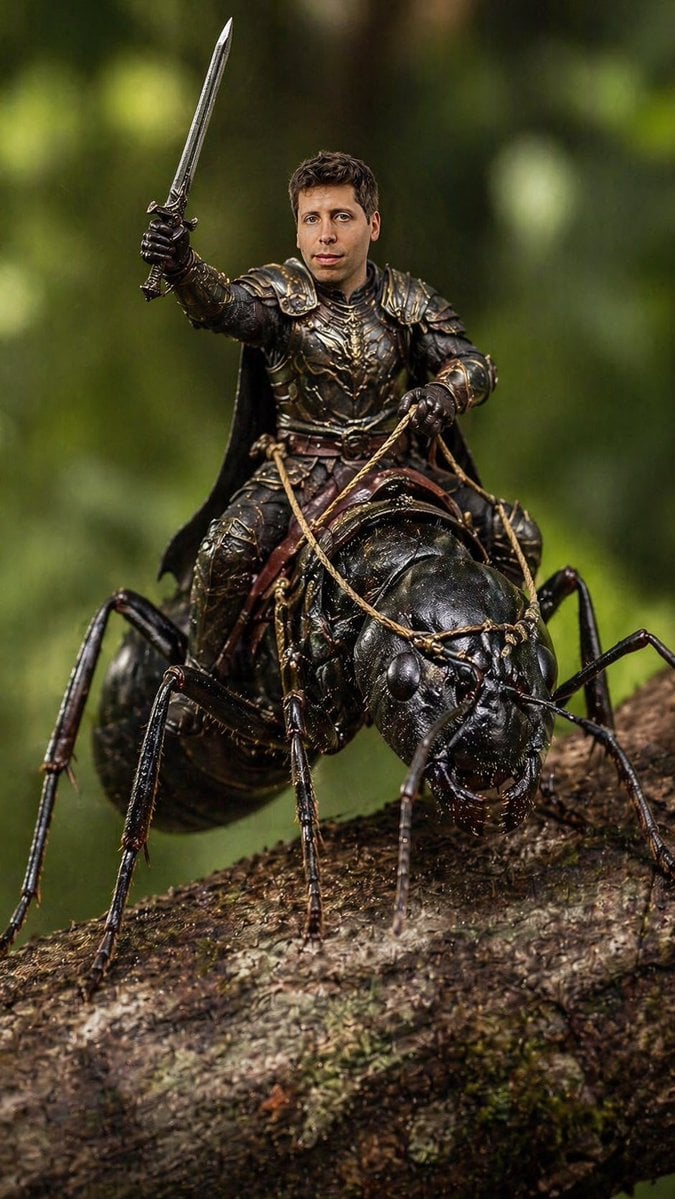
Ant Warrior Macro Photography
Browse template categories
Duo Portrait Prompt for Nano Banana Pro questions
How do I use the Duo Portrait Prompt for Nano Banana Pro template?
Add your photo if the template asks for one, edit the prompt if you like — the template's model and format are already selected — and press Generate. Your version opens in PicX Studio.
Can I customize the Duo Portrait Prompt for Nano Banana Pro template?
Yes. You can change the subject, setting, lighting, mood, format, and available model controls before creating your image.
Is the Duo Portrait Prompt for Nano Banana Pro template free?
Opening and editing this template is free. Generating uses credits, shown on the Generate button when you are signed in.
Which AI model should I use?
Start with Nano Banana 2, which is the model associated with this template. You can compare another compatible model for a different finish.
Looking for something else? Browse all templates.

Your photo, any look
Thousands of ready templates for every top image and video model, from one credit balance.