How do I use the Cinematic Circular Chamber Spotlight template?
Choose the primary action to open PicX Studio with the available template settings. Review the model and format, personalize the creative direction, and generate when ready.
A dark, minimalist sci-fi ceremonial chamber with a single overhead spotlight, ideal for cinematic concept art and atmospheric background generation. Change the subject, setting, or lighting one variable at a time.
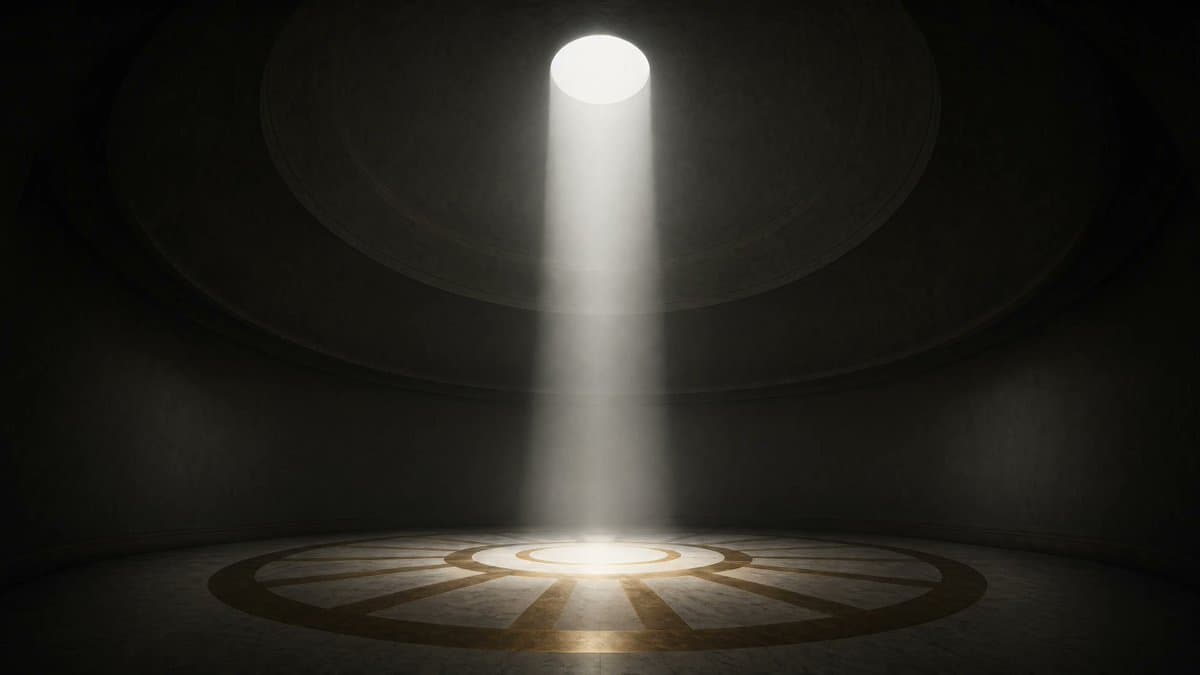
A cinematic, empty circular chamber viewed straight on, rendered in dark moody photorealism. The room is large, symmetrical, and almost entirely black with subtle gray texture on the curved walls. At the exact top center, a single round oculus in the ceiling emits one powerful white spotlight straight downward, forming a dense volumetric shaft of light through faint dust and haze. The beam lands precisely in the middle of the floor, illuminating a circular stone platform with concentric ring patterns and radial wedge segments, like a ceremonial or sci-fi chamber floor. Keep the environment minimal and unoccupied, with 1 ceiling opening, 1 vertical light beam, and 1 circular floor design as the only major elements. Strong contrast, deep shadows, soft atmospheric bloom around the light source, gentle reflections on the floor, centered composition, wide aspect ratio, dramatic high-end cinematic lighting, mysterious sacred-futuristic mood.
Choose the primary action to open PicX Studio with the available template settings. Review the model and format, personalize the creative direction, and generate when ready.
Yes. You can change the subject, setting, lighting, mood, format, and available model controls before creating your image.
This template is free to open and customize. Generation usage is shown in PicX Studio before you create.
Start with GPT Image 2, which is the model associated with this template. You can compare another compatible model for a different finish.
© 2026 PicX Studio. All rights reserved.

Follow a topic to a crawlable collection of related PicX Studio templates.
43,474 public templates available. Verified via the PicX Studio public templates API; refreshed hourly.













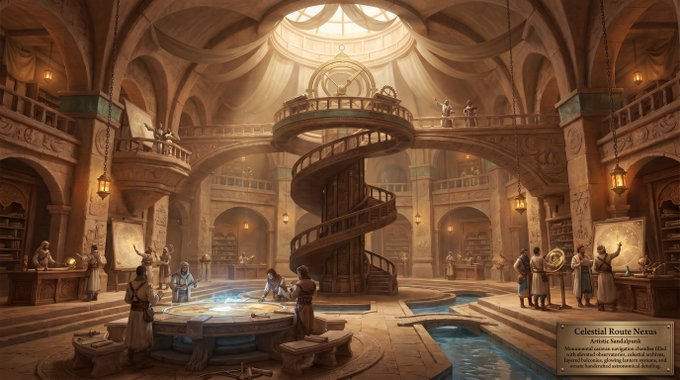

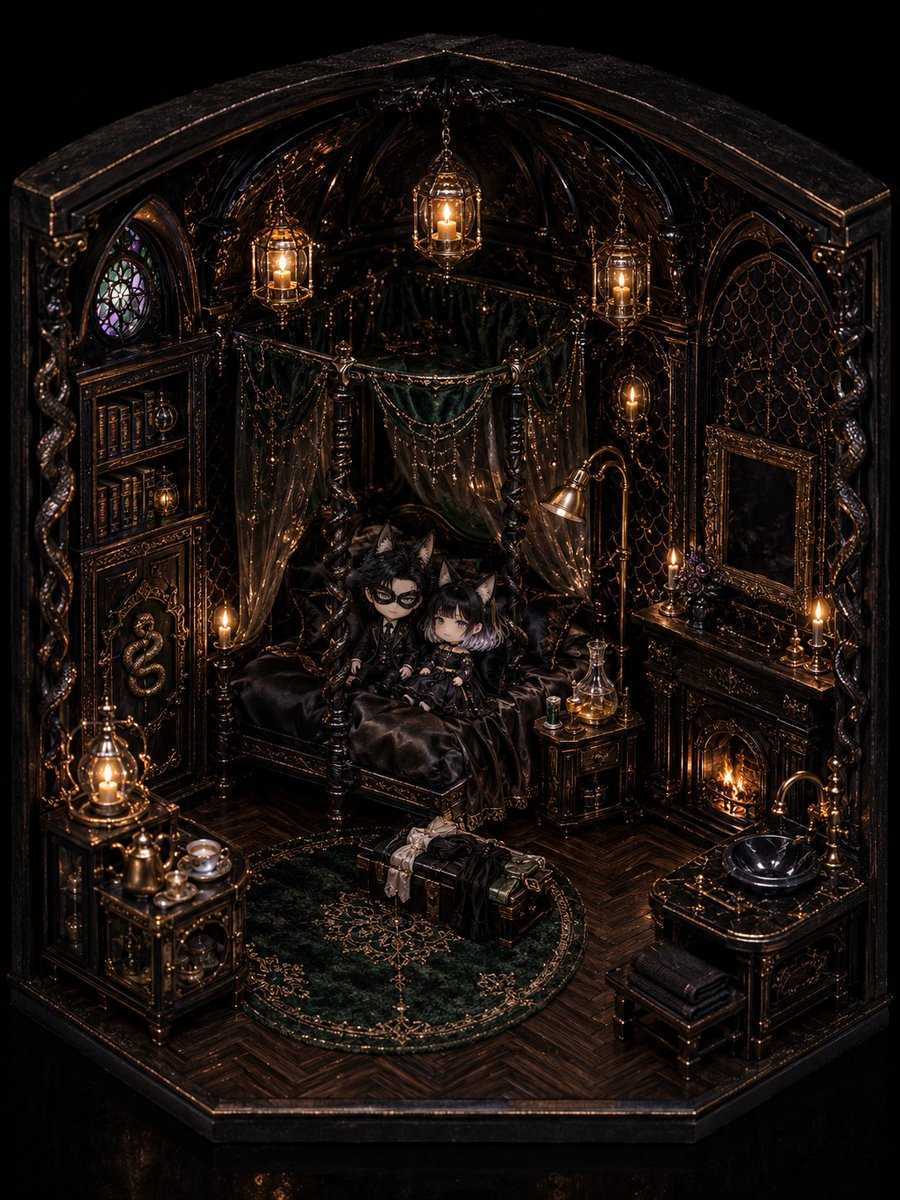


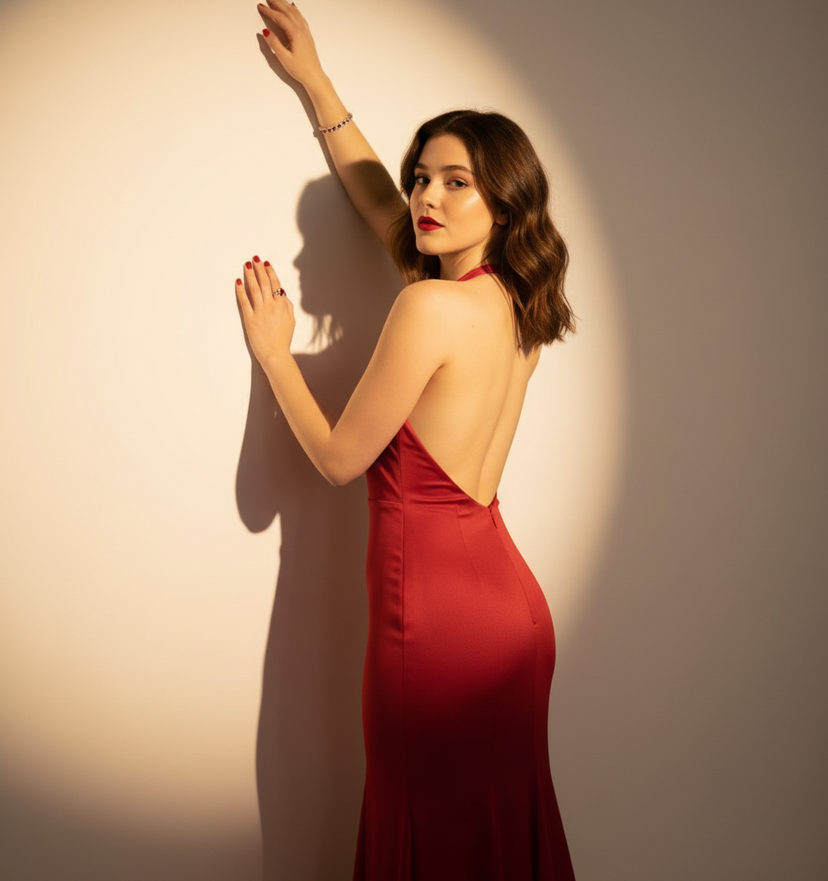
![Studio Portrait with Circular Cutout — A high-end studio portrait of {argument name="character description" default="[CHARACTER DESCRIPTION]"}, interacting with](https://cms-assets.youmind.com/media/1785143450257_p7k1hy_HOLBgM2X0AAEu2W-300x400.jpg)




























![High-Contrast Beach Snapshot with Strict Identity and Sharp Focus — (Vertical 9:16 smartphone aspect ratio). A raw, high-contrast [Snapshot] captured with an iP](https://pbs.twimg.com/media/G966oC_XkAAlUNN.jpg)