
Unfiltered Paparazzi-Style Portrait in a Private Jet
A highly specific prompt designed to generate an ultra-realistic, raw, and unfiltered portrait with a paparazzi aesthetic.
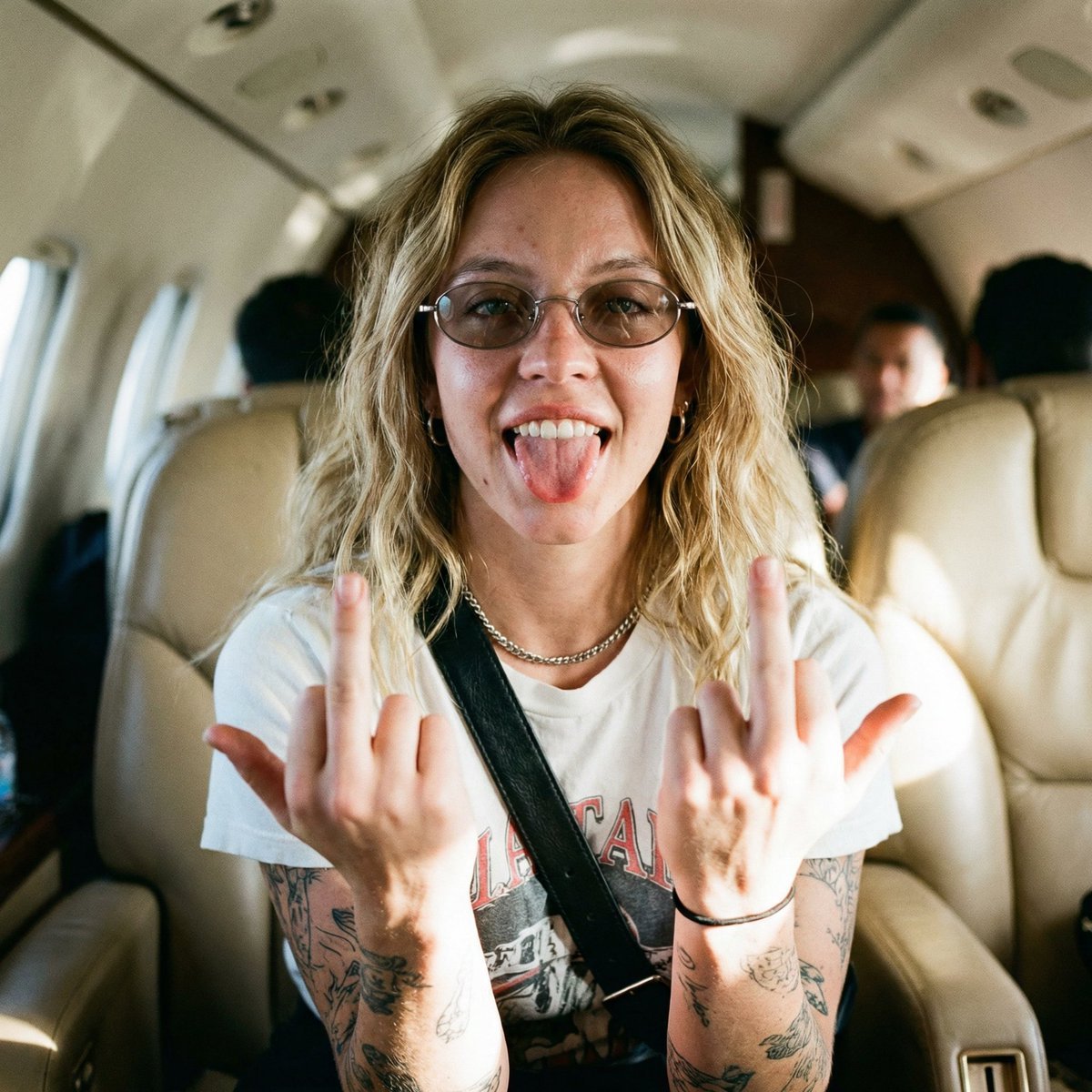
- Prompt included
- Model and format preset
- Free template
The prompt behind this image
Copy the exact prompt behind Unfiltered Paparazzi-Style Portrait in a Private Jet, or open it in the studio and make it yours.
"Ultra-realistic raw DSLR paparazzi-style cinematic portrait of a young woman from the reference image — shot inside a beige leather private jet cabin. Tight waist-up crop, very close camera distance, slightly high-angle perspective, as if captured quickly from the aisle in a candid moment. The subject leans forward casually, torso angled slightly left, head tilted subtly right.Her expression is unapologetically playful and rebellious: a wide grin with tongue fully out, teeth exposed, cheeks raised, jaw relaxed and loose. Eyes locked directly into the lens through thin oval metal-frame glasses with lightly tinted lenses; eyes in razor-sharp focus while everything else falls off naturally. Both hands lifted near the chest, elbows bent, palms inward, clearly flipping both middle fingers toward the camera in a spontaneous, unfiltered gesture. Hair appears natural and unstyled, without emphasis on length, color, or shape — no idealization or aesthetic exaggeration. Skin is fully realistic and unretouched: natural tone variations, visible pores, fine lines, micro-imperfections, slight oil sheen, authentic highlights on the forehead and nose, organic shadow transitions — absolutely no smoothing, beauty filters, or artificial skin effects. She wears a white graphic T-shirt, a black leather cross-body bag strap hanging naturally across the torso, a silver chain necklace, and a small hoop earring. Tattooed forearms are clearly visible with authentic ink texture, slight skin stretch, and real pigment absorption. Lighting is harsh natural cabin light from camera-left mixed with ambient overhead lighting, creating slightly uneven exposure, mild blown highlights, gritty contrast, and natural shadowing under the cheekbones and jawline. Background shows blurred beige jet seats and indistinct figures, shallow depth of field with imperfect focus falloff and organic lens blur. DSLR look, paparazzi candid energy, subtle grain, imperfect framing, real-world color cast, film-like RAW processing, HDR realism, non-AI aesthetic, natural proportions, documentary-style authenticity."
How to use Unfiltered Paparazzi-Style Portrait in a Private Jet in 3 steps
- 1Upload ImagePNG, JPG or paste
Add your photo
Upload the photo the template builds on. The prompt, model and format are already set.
- 2…a portrait of your subject in softgolden-hour light, 85mm…
Personalize
Edit the subject and creative details for your destination.
- 3Generate
Generate
Press Generate — your image is created in PicX Studio, so you can compare it with the original and refine one variable at a time.
More like this
Templates with the same subject, style or setup. Open one to see its prompt.
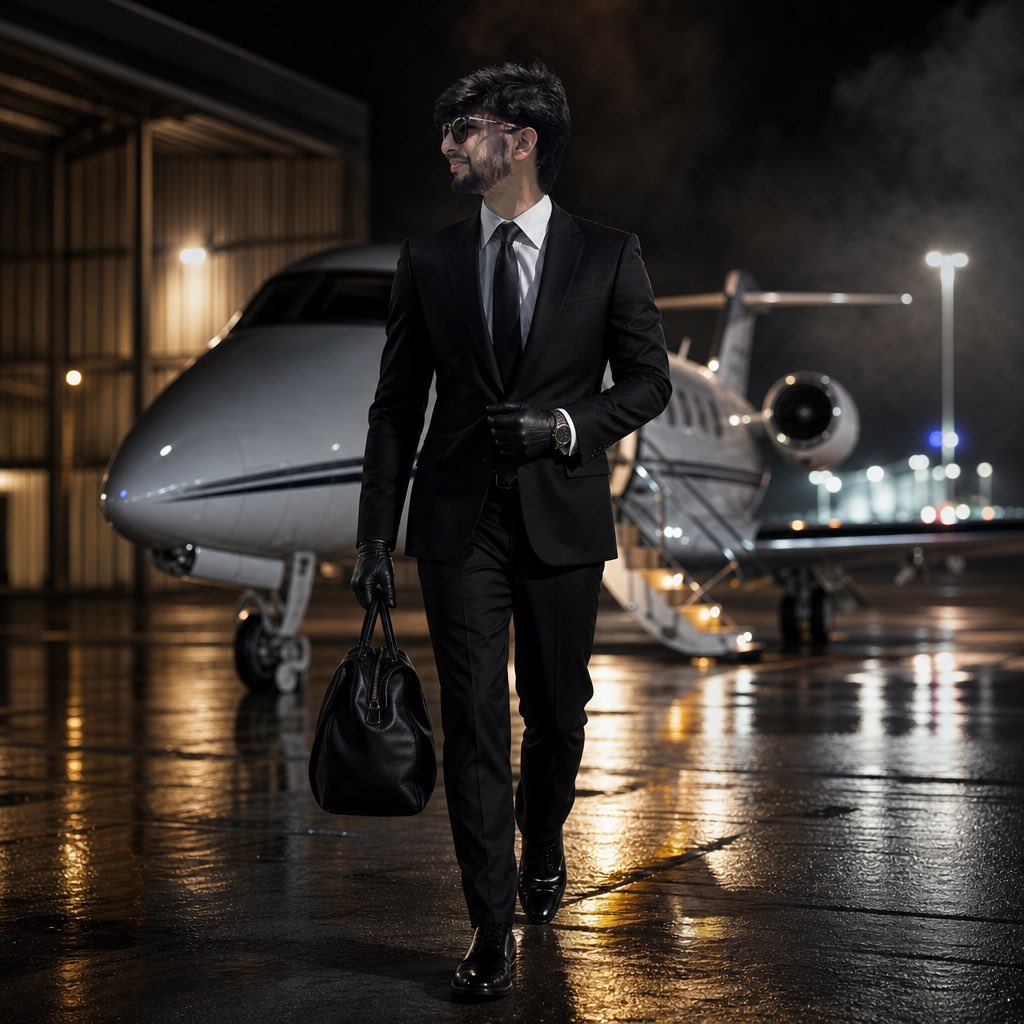
Cinematic Private Jet Hangar Portrait
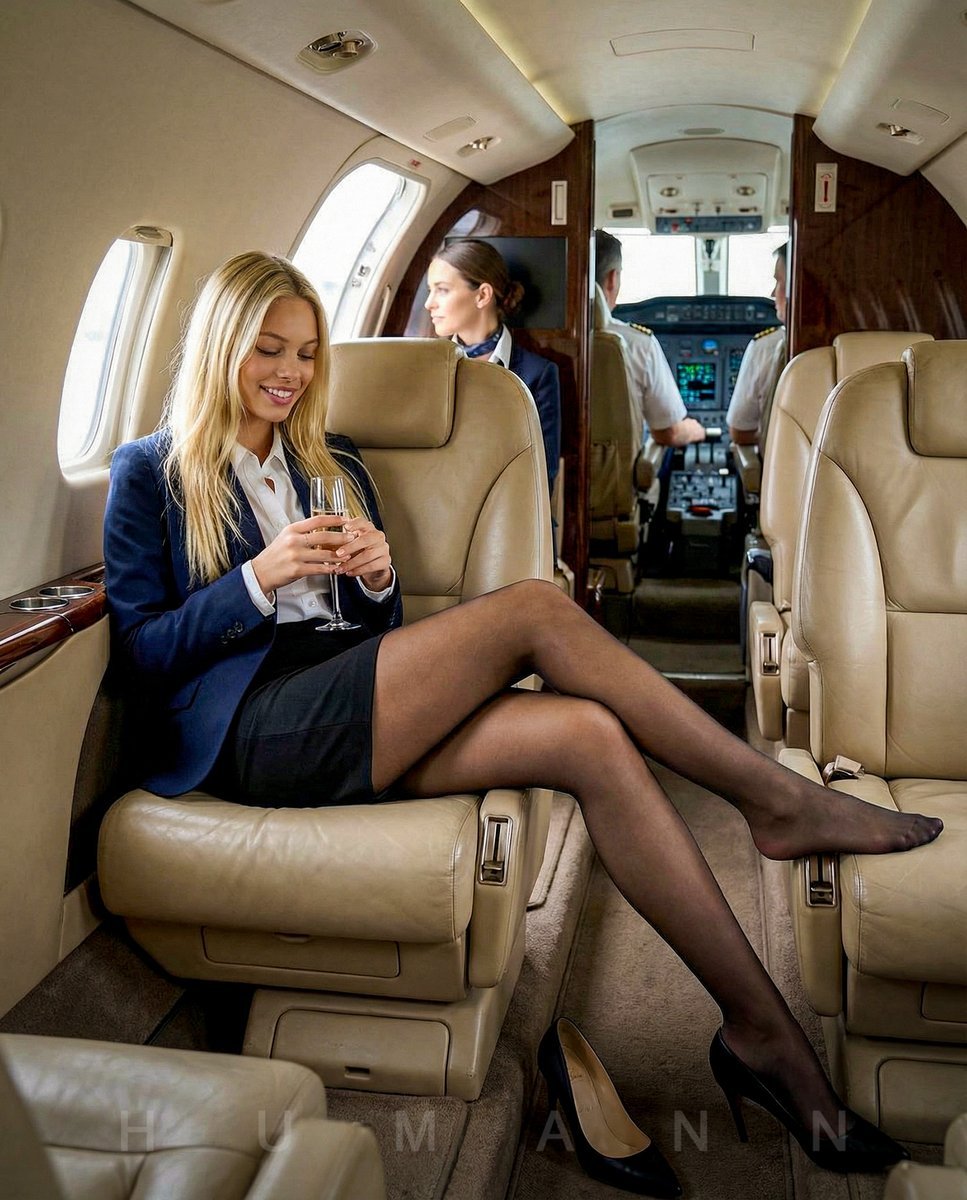
Editorial Portrait on a Private Jet

Found Photograph: Us, 1970

80s Couple Studio Portrait

80s Bollywood Star

80s Golden Hour Cinema

Me in 1985

1985 Studio Portrait
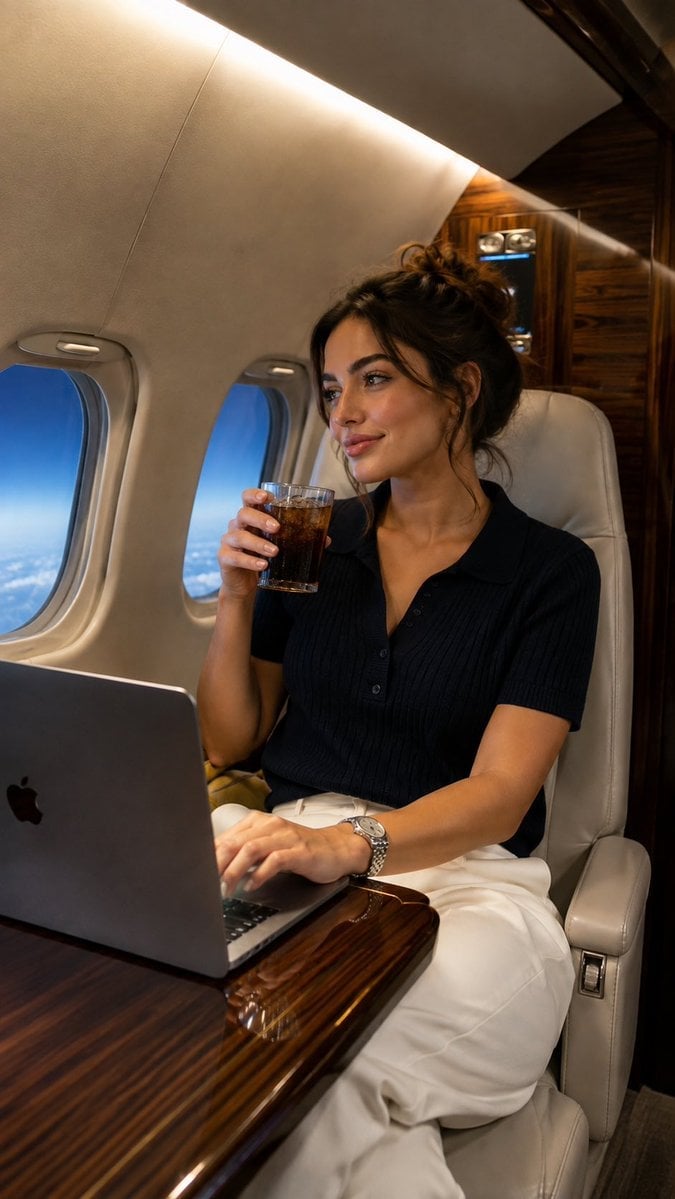
Private Jet Lifestyle Photography

Hyper-Realistic Minecraft POV Portrait

Rooftop Fisheye — Cat-Ear Balaclava at Golden Hour
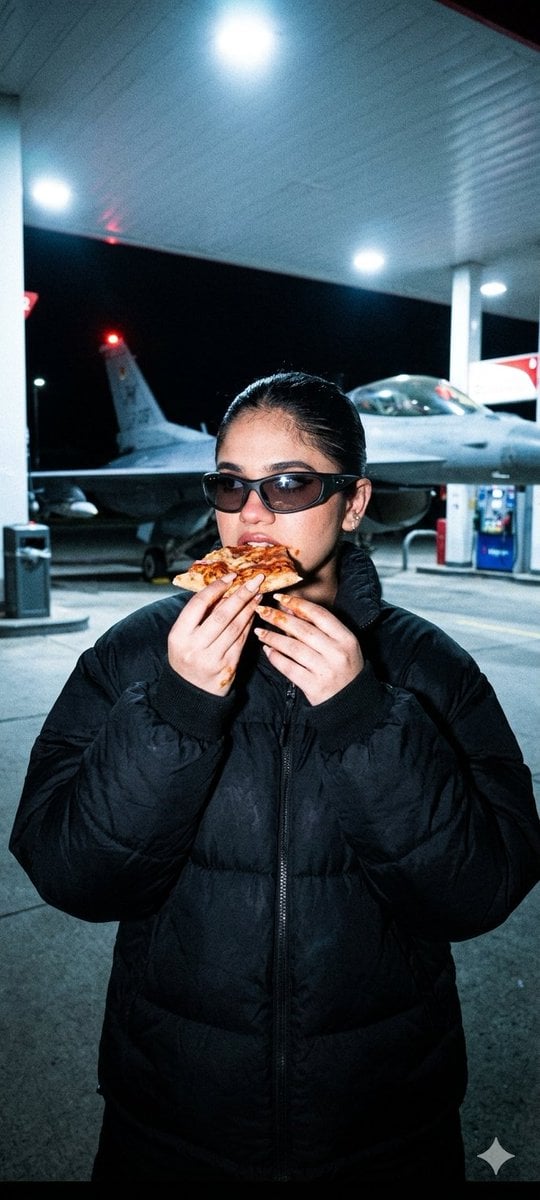
Underground Paparazzi Fighter Jet Pizza
Make it yours
Unfiltered Paparazzi-Style Portrait in a Private Jet works as-is. These are the safest ways to change it without losing the look.
Change one field
Copy a single group, rewrite it, and generate again so you can see what that field is doing.
Keep the frame, change the subject
Hold the composition and light of Unfiltered Paparazzi-Style Portrait in a Private Jet, then swap wardrobe, props or the person for a new take.
| If the result… | Why | Fix |
|---|---|---|
| The result drifts from the preview | Too many fields changed at once. | Reuse Unfiltered Paparazzi-Style Portrait in a Private Jet as-is first, then change one group — subject, light, or setting. |
| The model over-stylizes the scene | The prose prompt leaves finish and camera underspecified. | Add one camera or lighting sentence and stay on Nano Banana 2. |
More Nano Banana 2 templates
Other prompts made for Nano Banana 2.

Photorealistic Leaf Shaped Like a Dragon

K-Pop Idol Portrait Grid for Rapid Selection

Poetic Rain Forest Portrait During Golden Hour

Urban Street Portrait with Cartoon Inner Self Duo

Candid Nighttime Photo with Cat Prompt

High-Concept 3D Diorama Generation Prompt

Cinematic Futuristic Studio Portrait Template

Skincare Editorial Photography Collage Prompt

Hyper-Realistic Commercial Product Photography (Splash Effect)

Hyper-Realistic Nightclub Portrait Prompt
More image prompts
Fresh picks from across the catalog.
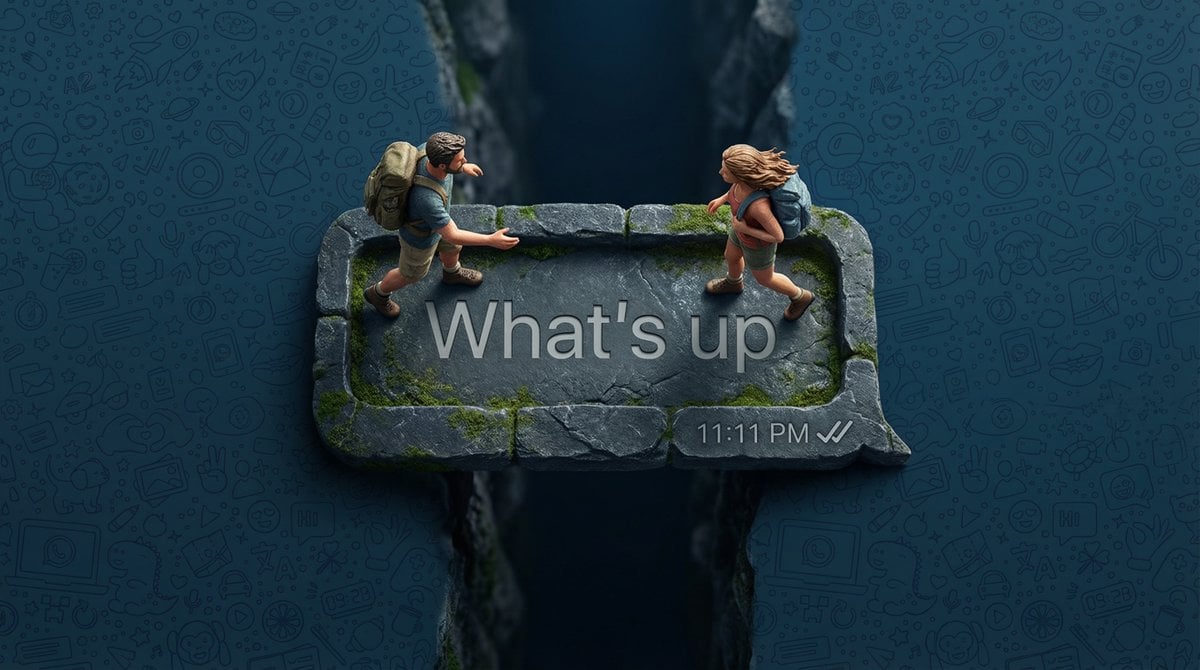
WhatsApp Speech Bubble Bridge Macro Photography
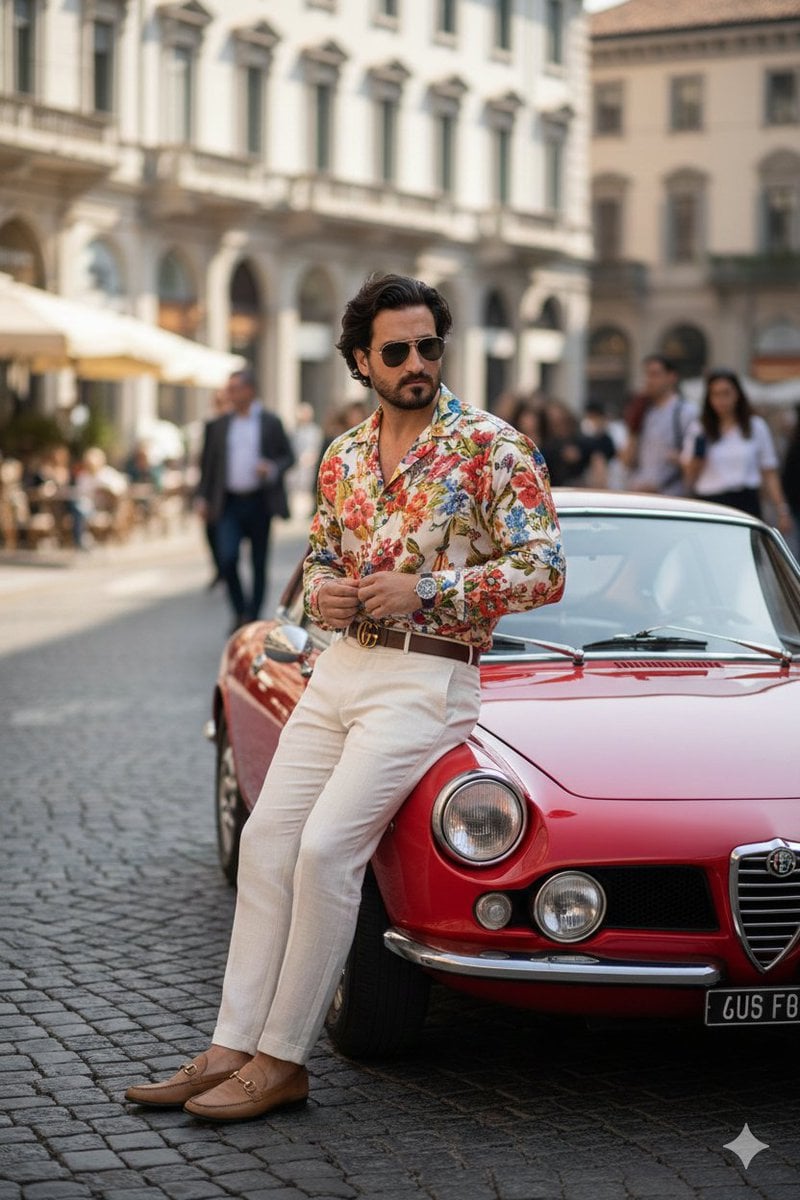
Photorealistic Gucci Editorial in Milan
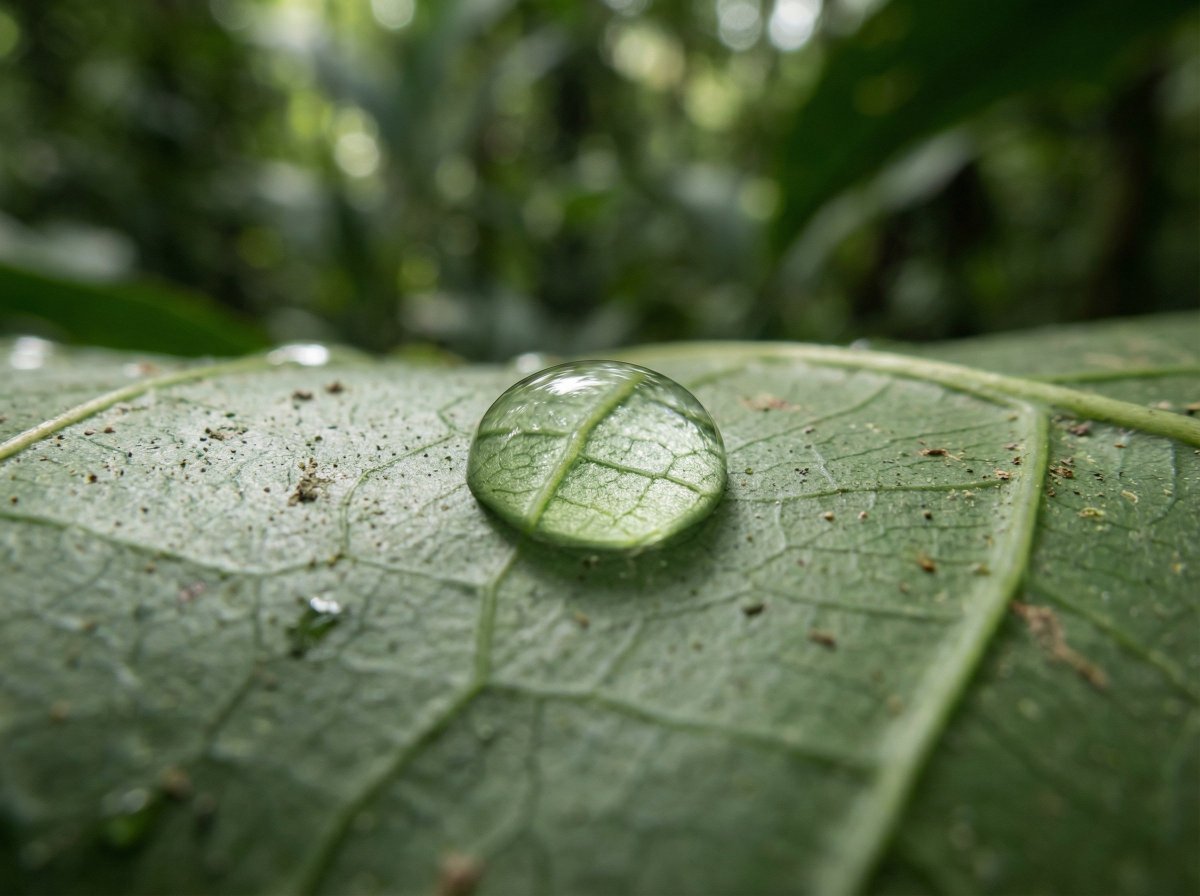
Scientific Macro Documentary Photography Prompt for Water Droplet on Leaf
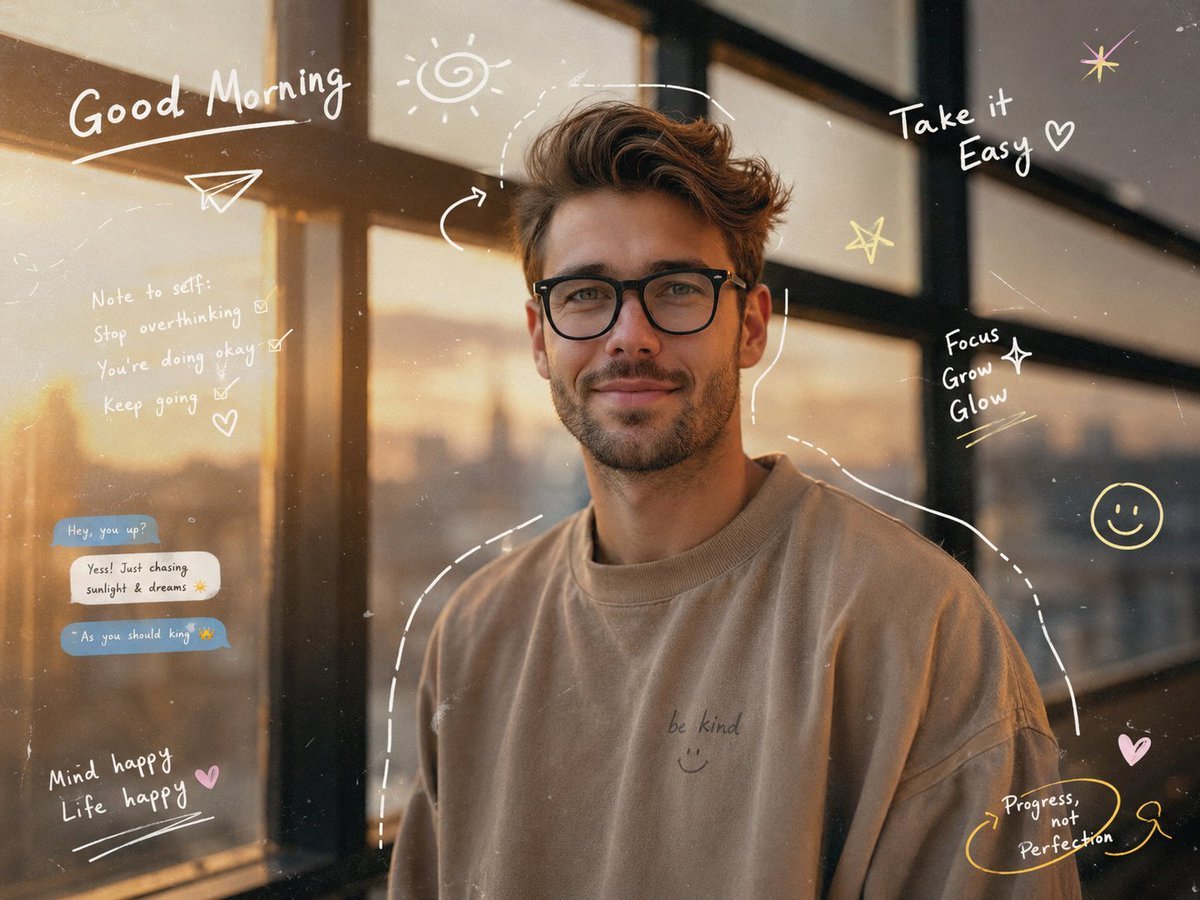
Gen-Z Aesthetic Doodle Portrait
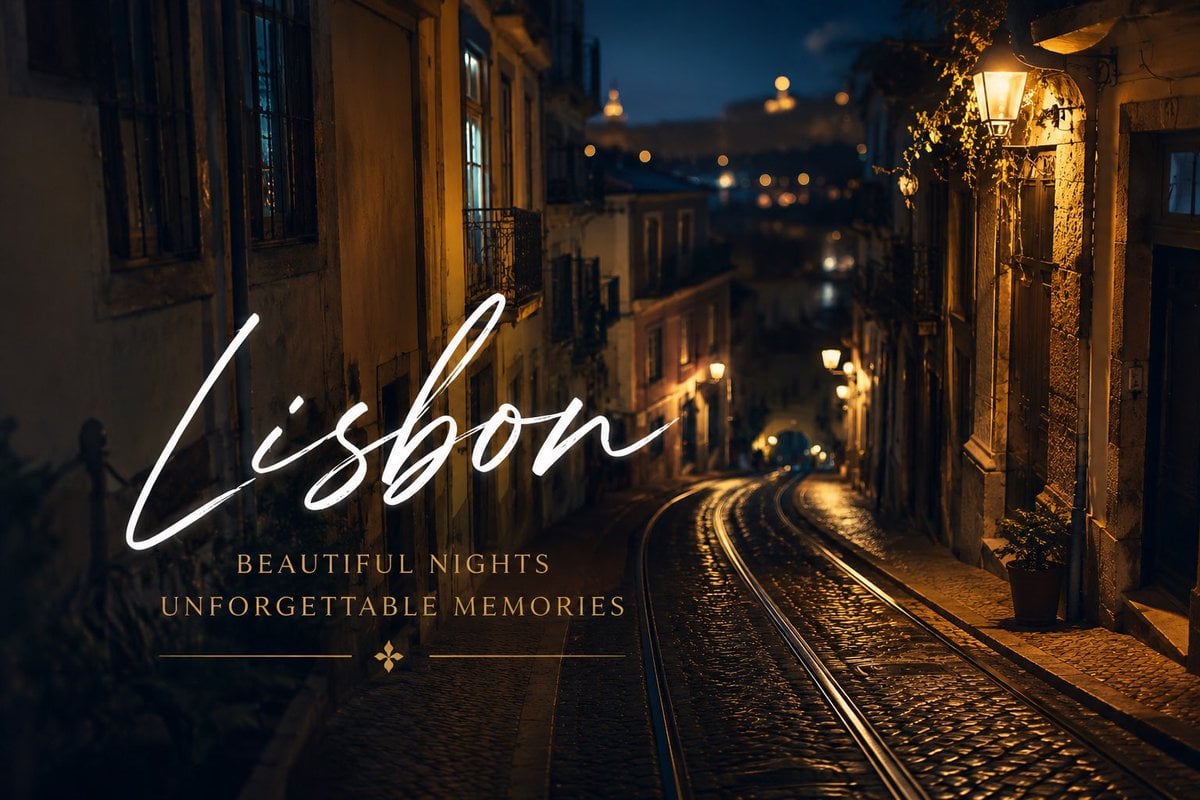
Lisbon Night Travel Poster
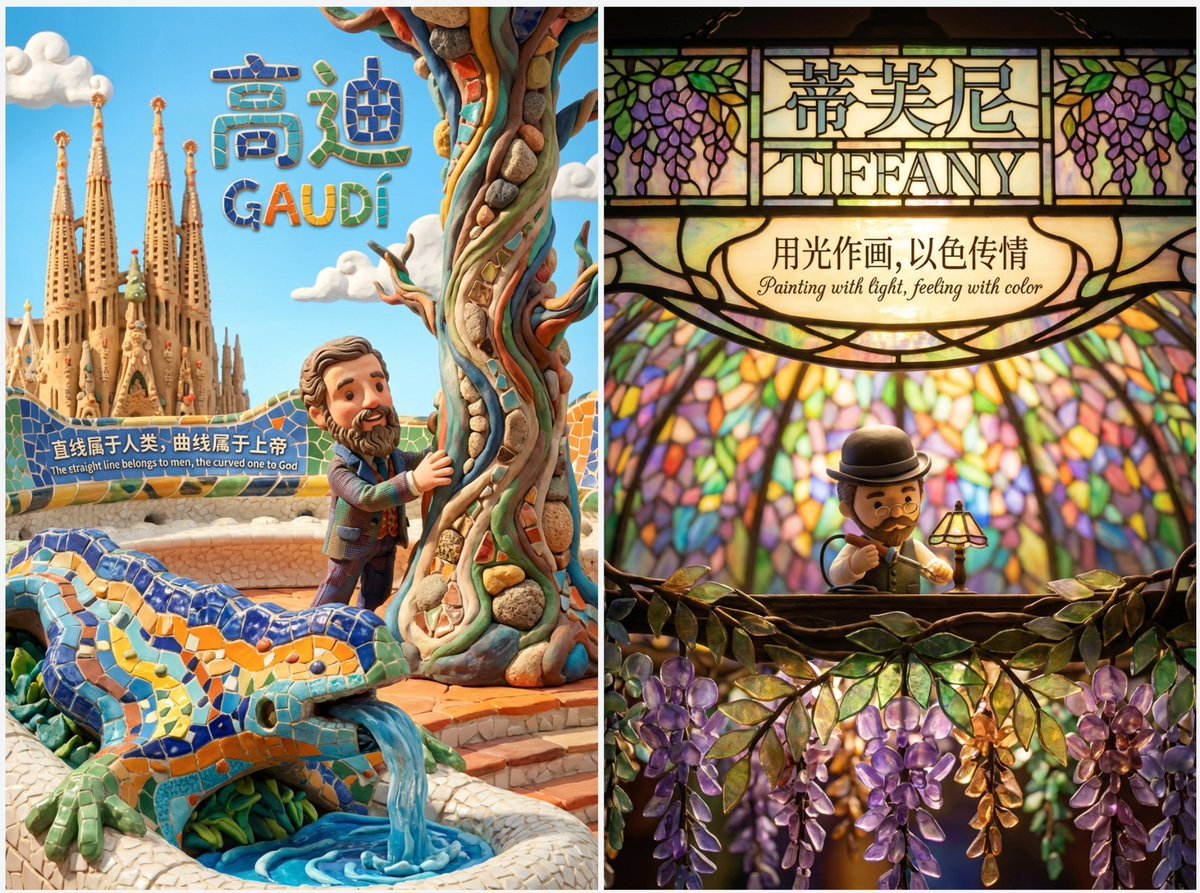
Cute Clay Style Theme Poster Template
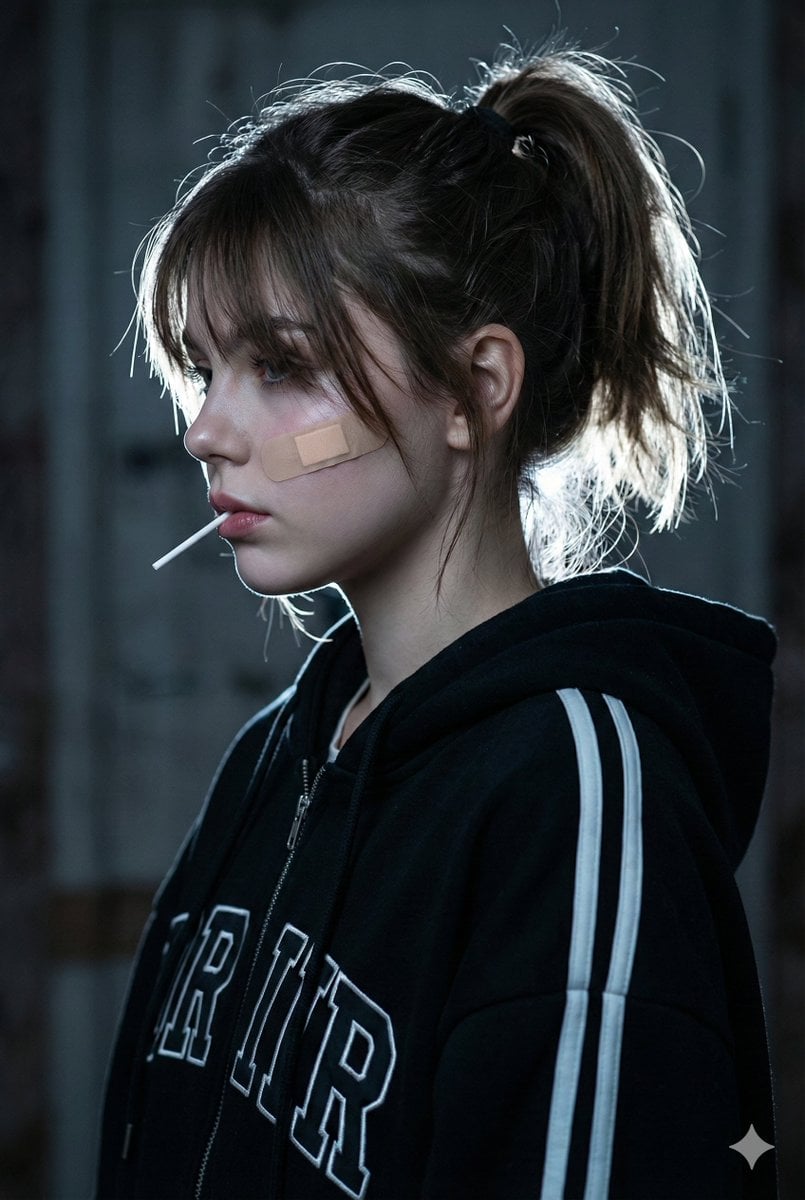
Cinematic Melancholic Portrait with Face Lock Prompt
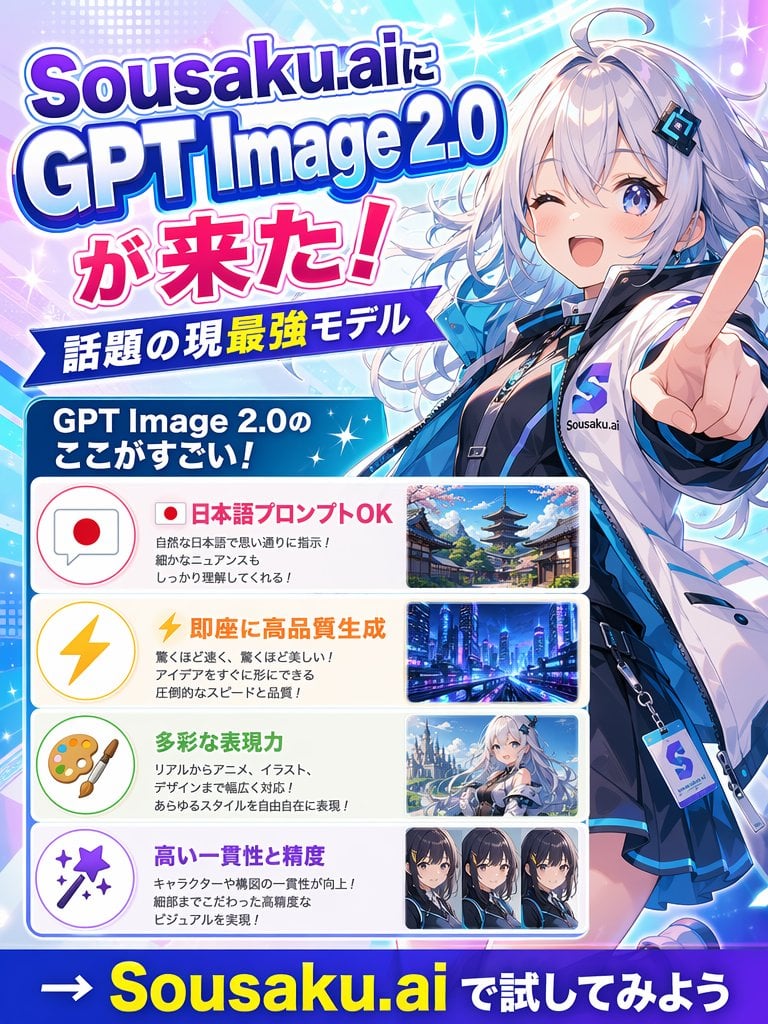
Japanese Anime AI Launch Poster
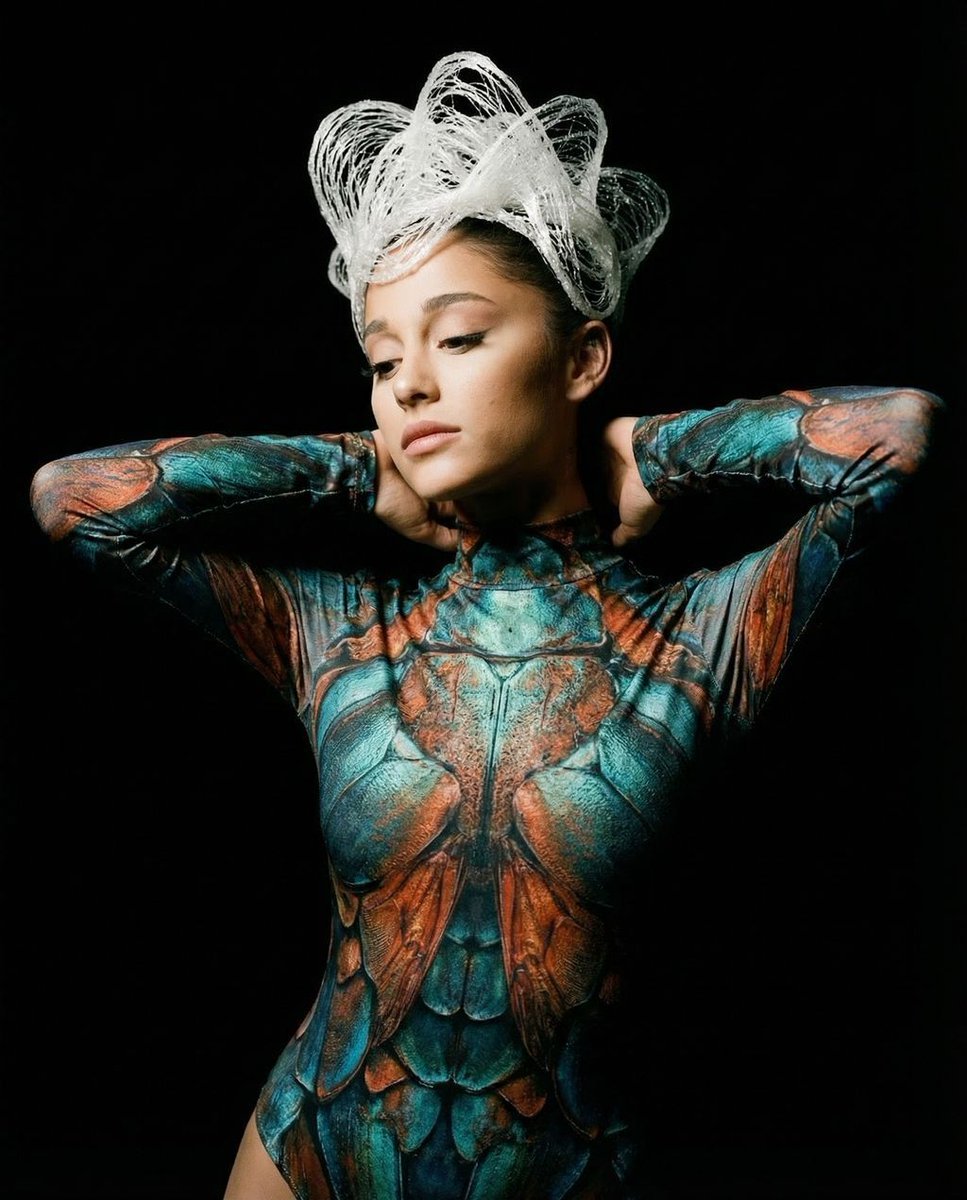
Hyper-Realistic Avant-Garde Fashion Portrait: Cellular Elegance
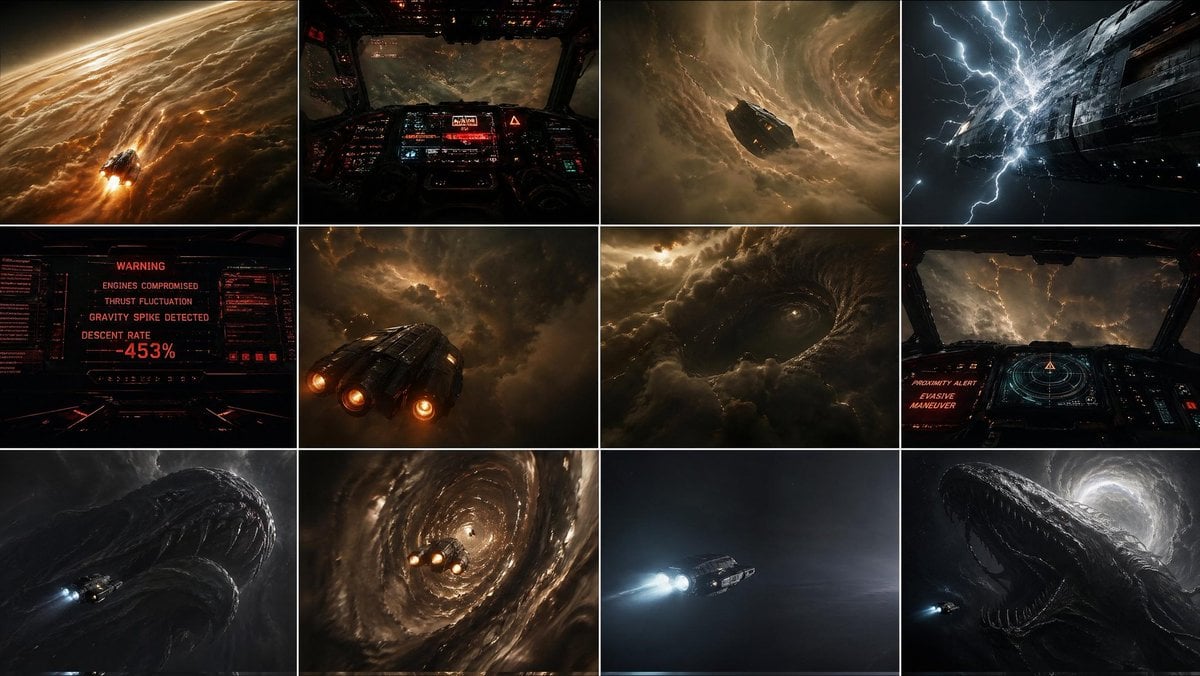
Gpt2 Comic Storyboard Gas Giant Descent Storyboard
Browse template categories
Unfiltered Paparazzi-Style Portrait in a Private Jet questions
How do I use the Unfiltered Paparazzi-Style Portrait in a Private Jet template?
Add your photo if the template asks for one, edit the prompt if you like — the template's model and format are already selected — and press Generate. Your version opens in PicX Studio.
Can I customize the Unfiltered Paparazzi-Style Portrait in a Private Jet template?
Yes. You can change the subject, setting, lighting, mood, format, and available model controls before creating your image.
Is the Unfiltered Paparazzi-Style Portrait in a Private Jet template free?
Opening and editing this template is free. Generating uses credits, shown on the Generate button when you are signed in.
Which AI model should I use?
Start with Nano Banana 2, which is the model associated with this template. You can compare another compatible model for a different finish.
Looking for something else? Browse all templates.

Your photo, any look
Thousands of ready templates for every top image and video model, from one credit balance.