
Lisbon Night Travel Poster
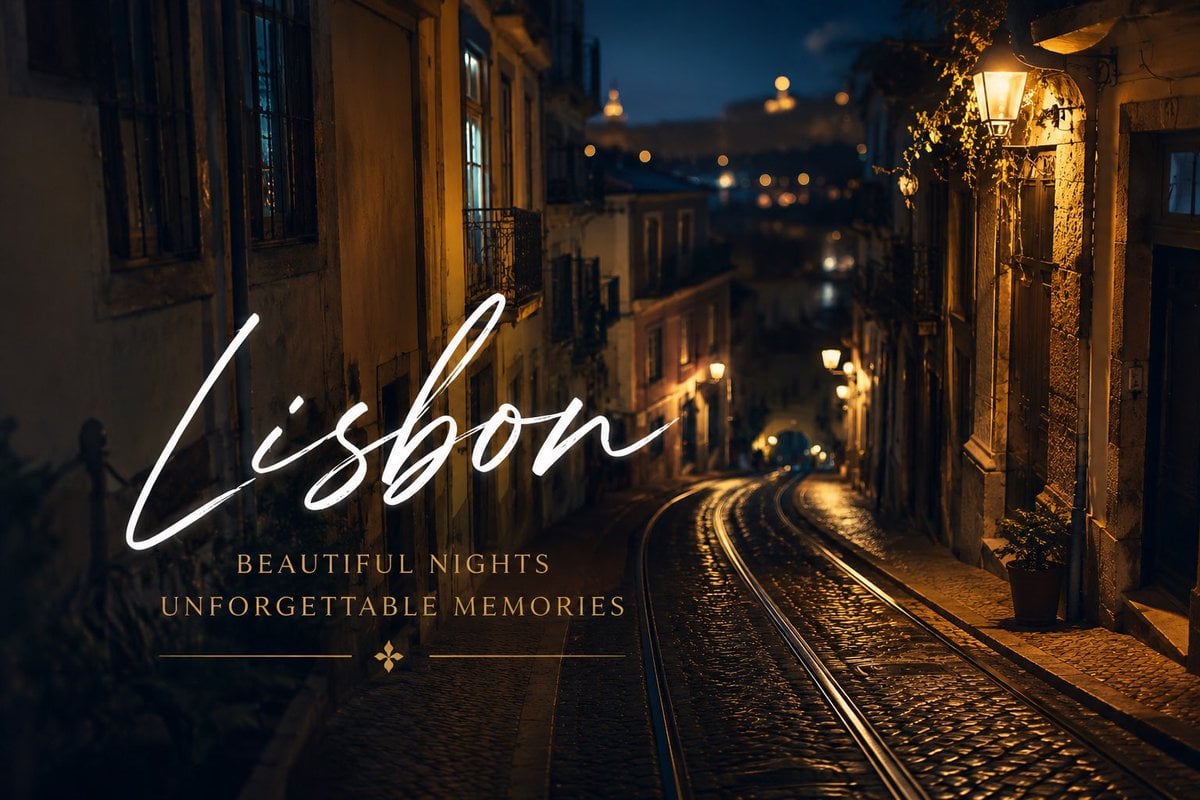
A cinematic Lisbon night street travel poster with tram tracks, warm lamps, and elegant destination typography for tourism or social media branding.
- Prompt included
- Model and format preset
- Free template
The prompt behind this image
Copy the exact prompt behind Lisbon Night Travel Poster, or open it in the studio and make it yours.
Create a cinematic travel-poster style night photograph of {argument name="city name" default="Lisbon"}, showing a steep old European cobblestone street descending into the distance with shiny tram tracks running down the center, historic narrow buildings on both sides, iron balconies and shuttered windows, warm amber street lamps glowing on the right and along the street, a deep blue night sky, and distant softly blurred hilltop lights. Use shallow depth of field and moody bokeh, with wet or polished cobblestones reflecting the lamps. Composition: landscape 3:2, the street curves from the lower right toward the center background, right side warmly lit, left side darker and shadowed, with the background slightly out of focus. Add elegant overlaid typography on the left half: a large white handwritten script word {argument name="main title" default="Lisbon"} spanning from lower-left to center, and beneath it two centered lines in small gold widely spaced serif capitals reading {argument name="subtitle line one" default="BEAUTIFUL NIGHTS"} and {argument name="subtitle line two" default="UNFORGETTABLE MEMORIES"}. Under the subtitles, add thin gold horizontal divider lines on both sides of a small gold four-petal ornament. Sophisticated luxury travel branding, romantic atmosphere, high contrast, warm golden highlights, realistic photography, no people, no vehicles, no extra text, no watermark.
How to use Lisbon Night Travel Poster in 3 steps
- 1Upload ImagePNG, JPG or paste
Add your photo
Upload the photo the template builds on. The prompt, model and format are already set.
- 2…a portrait of your subject in softgolden-hour light, 85mm…
Personalize
Edit the subject and creative details for your destination.
- 3Generate
Generate
Press Generate — your image is created in PicX Studio, so you can compare it with the original and refine one variable at a time.
More like this
Templates with the same subject, style or setup. Open one to see its prompt.

Japan Travel Brochure Poster

Clay Miniature Landmark Travel Diorama

Spider-Man Night Swing New York Cinematic
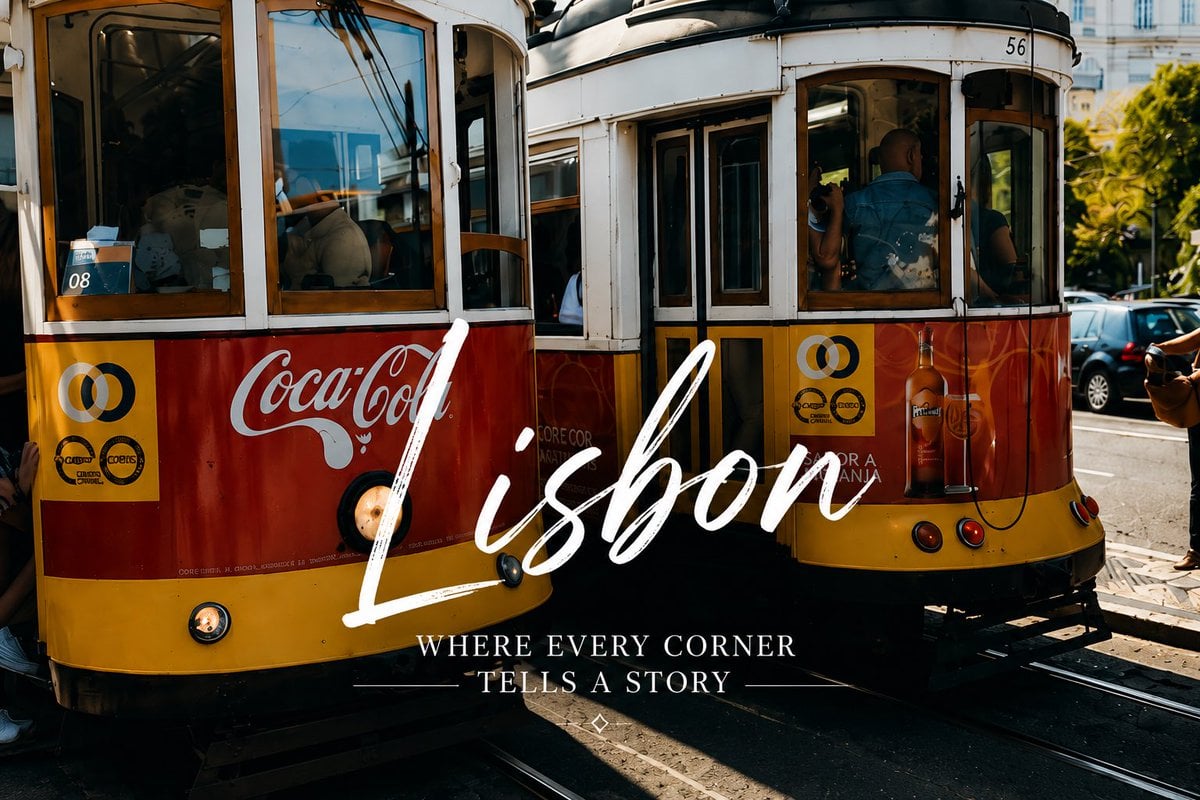
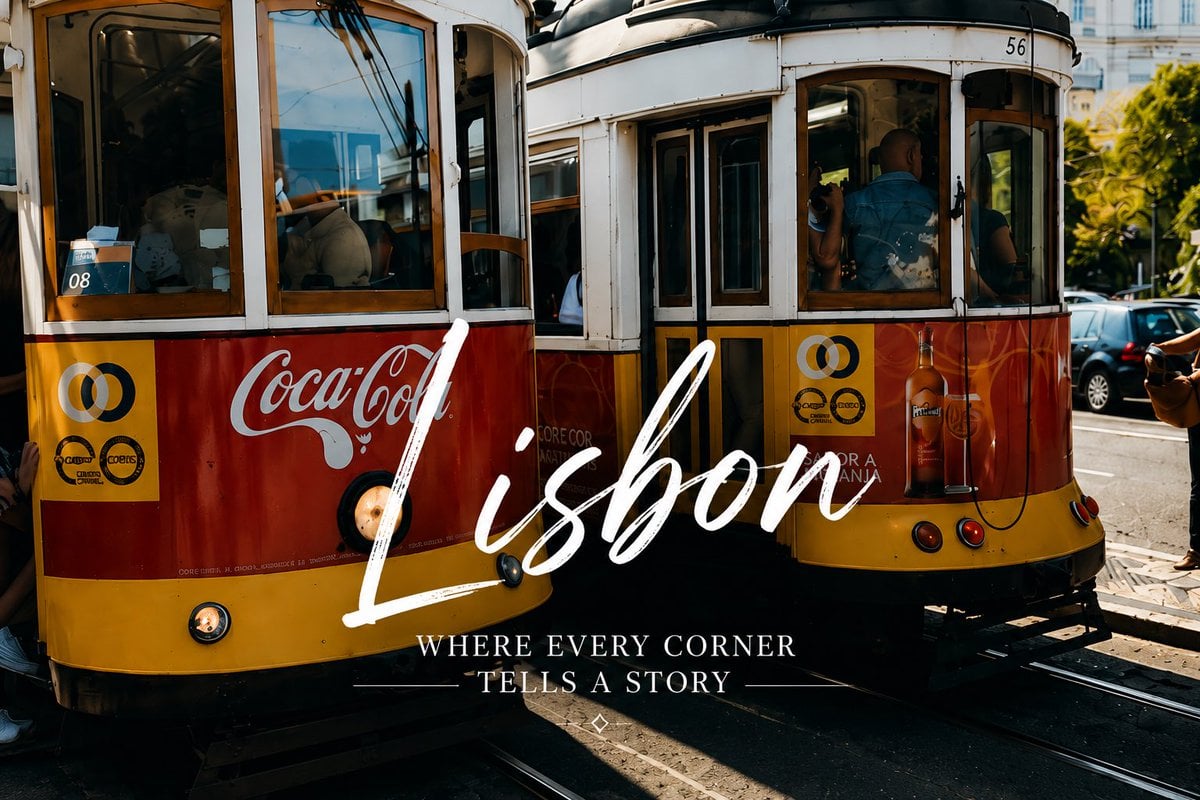
Lisbon Vintage Tram Travel Poster
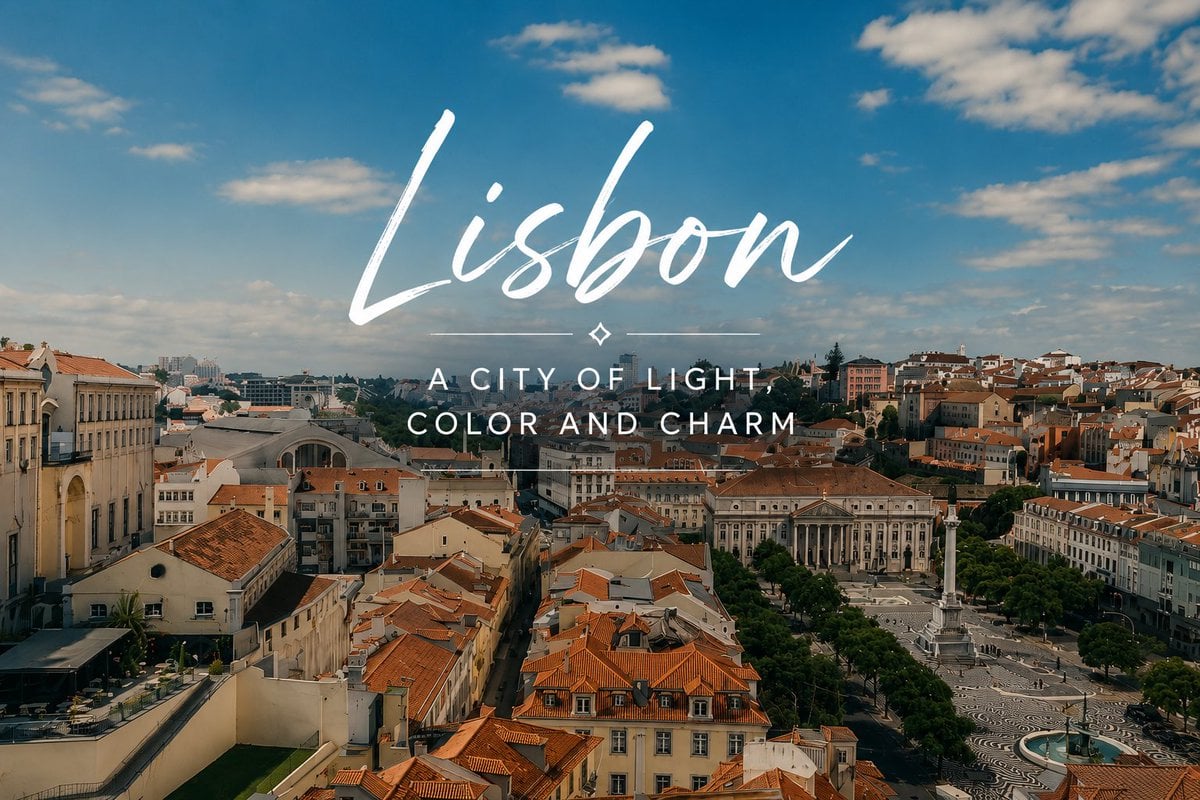
Lisbon Travel Poster
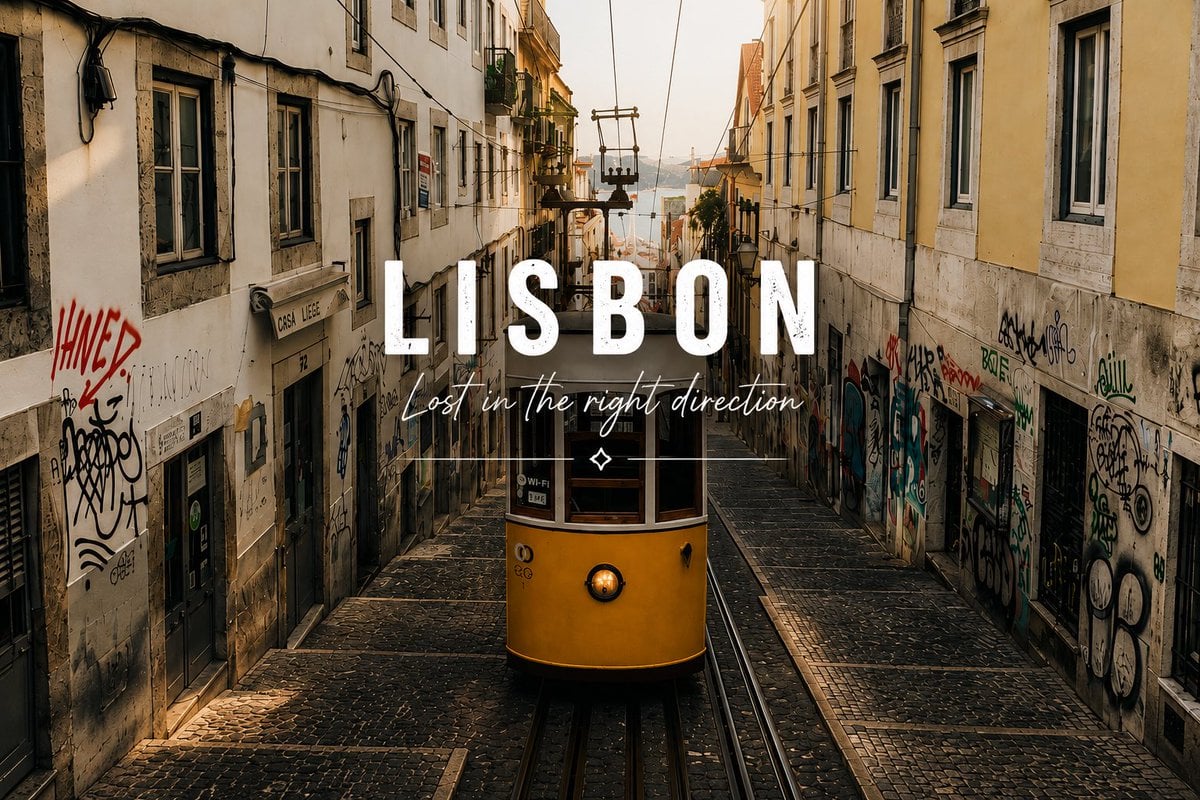
Lisbon Tram Travel Poster
Lisbon Vintage Tram Travel Poster

City Posters by Nano Banana Pro
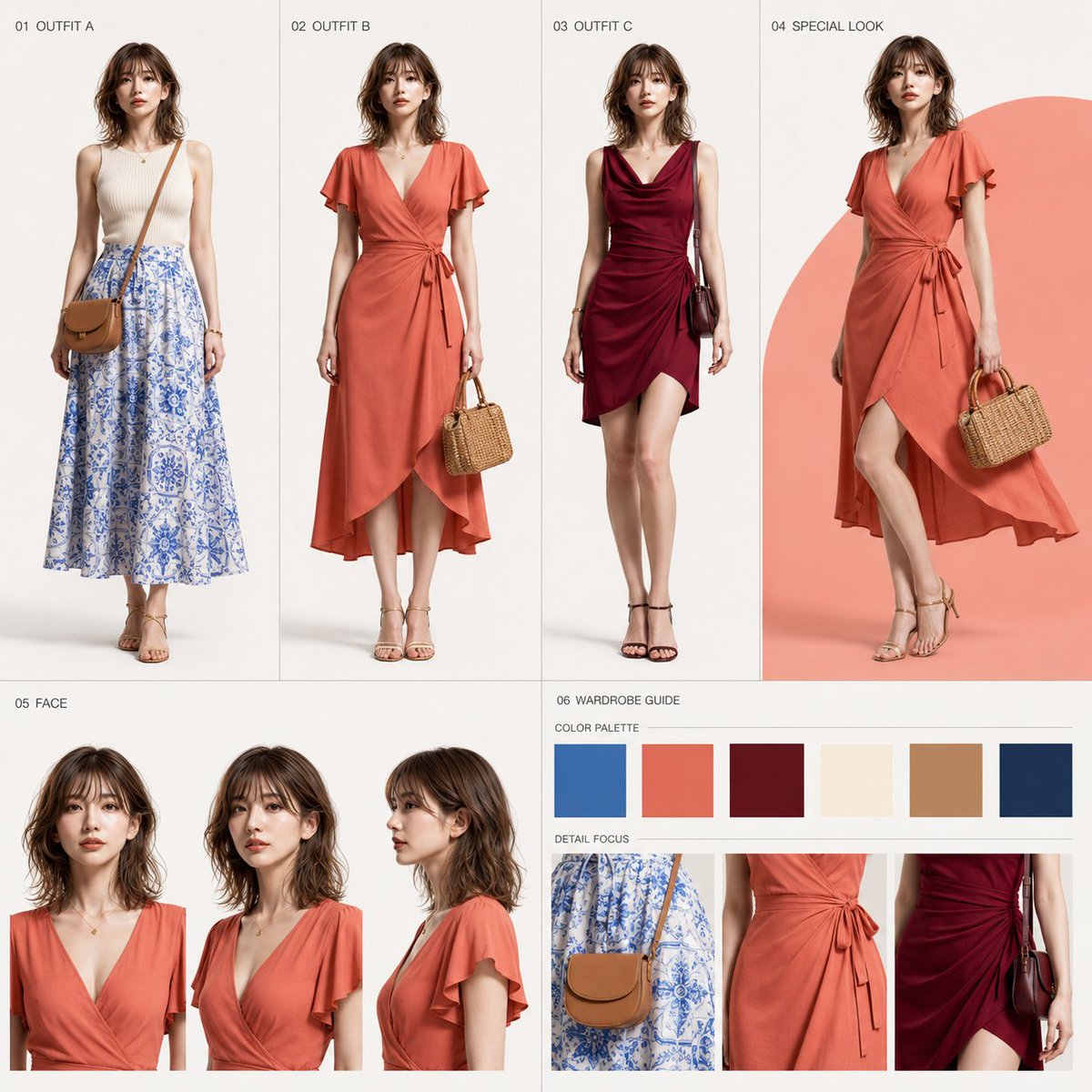
Lisbon Travel Fashion Character Sheet

Cartoon TV Show Poster Pack

Trendy Cafe Drink Promo Poster

Urban Fashion Editorial Collage Streetwear Poster
Make it yours
Lisbon Night Travel Poster works as-is. These are the safest ways to change it without losing the look.
Change one field
Copy a single group, rewrite it, and generate again so you can see what that field is doing.
Keep the frame, change the subject
Hold the composition and light of Lisbon Night Travel Poster, then swap wardrobe, props or the person for a new take.
| If the result… | Why | Fix |
|---|---|---|
| The result drifts from the preview | Too many fields changed at once. | Reuse Lisbon Night Travel Poster as-is first, then change one group — subject, light, or setting. |
| The model over-stylizes the scene | The prose prompt leaves finish and camera underspecified. | Add one camera or lighting sentence and stay on GPT Image 2. |
More GPT Image 2 templates
Other prompts made for GPT Image 2.

Six VTuber Japanese Logo Sheet

Realistic Portrait of Woman and Deer

The Vista Modular Condo Poster

AI Model Routing Comparison Infographic

2.5D Anime Art Board

Isometric Productivity Desk Scene

New York Double Exposure Poster

Four-Panel AI Landscape Comparison

Japanese Tatami Lifestyle Magazine Cover

NESCAFÉ Coffee Map Poster
More image prompts
Fresh picks from across the catalog.
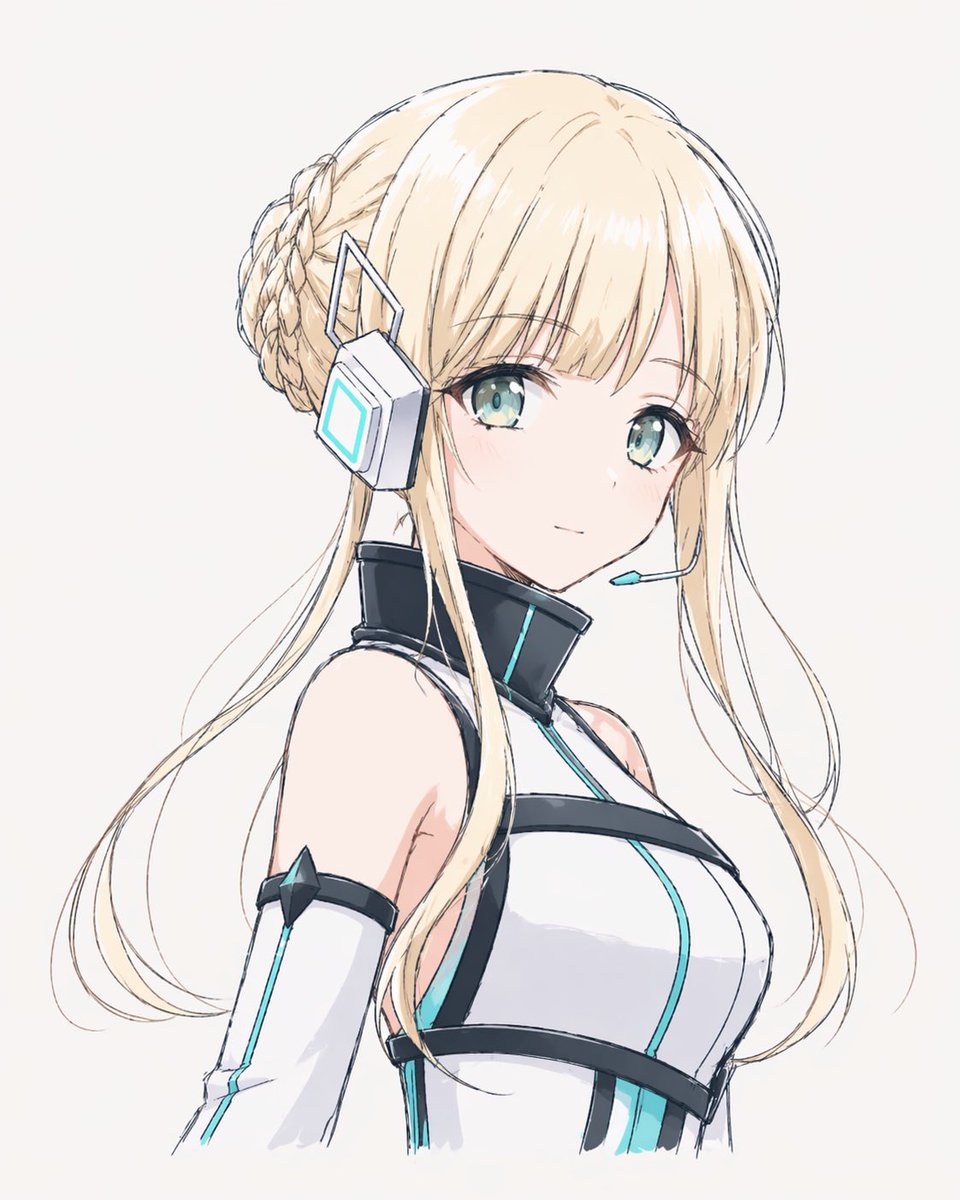
Minimal Futuristic Anime Girl Portrait
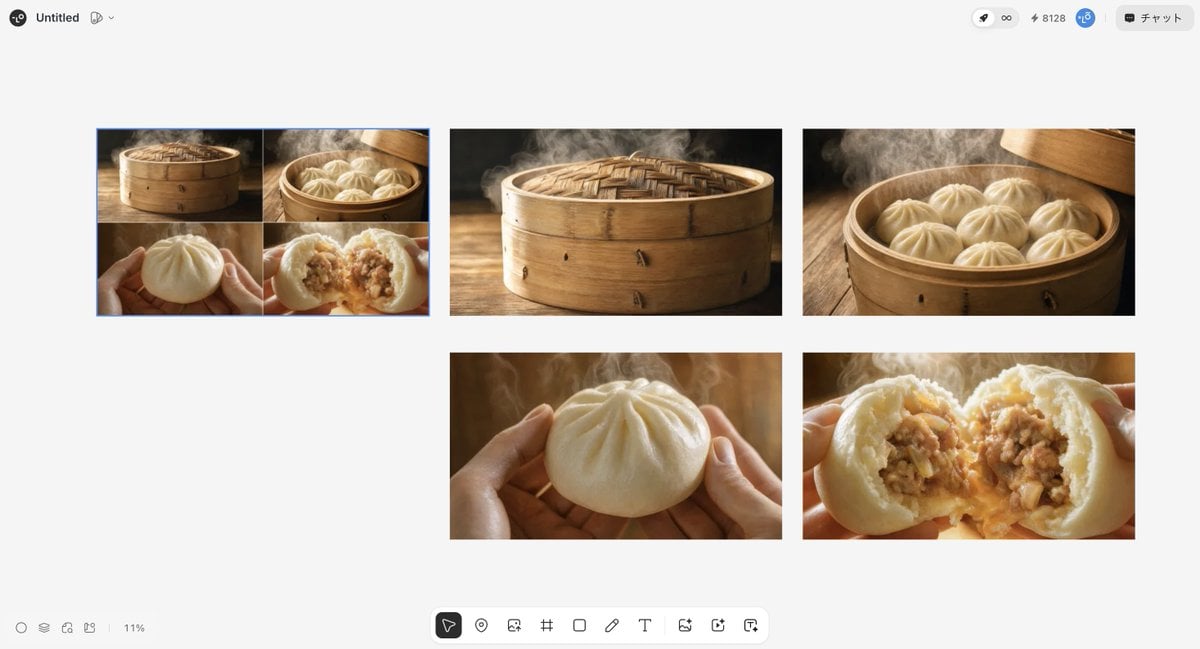
Luxury Steamed Bun Commercial Storyboard
Aurora Borealis Couple Portrait with Identity Preservation
Holi Festival Cinematic Photography Prompt (JSON Format)
Minimalist Anime Girl Side Profile
Photorealistic BTS SpongeBob Scene
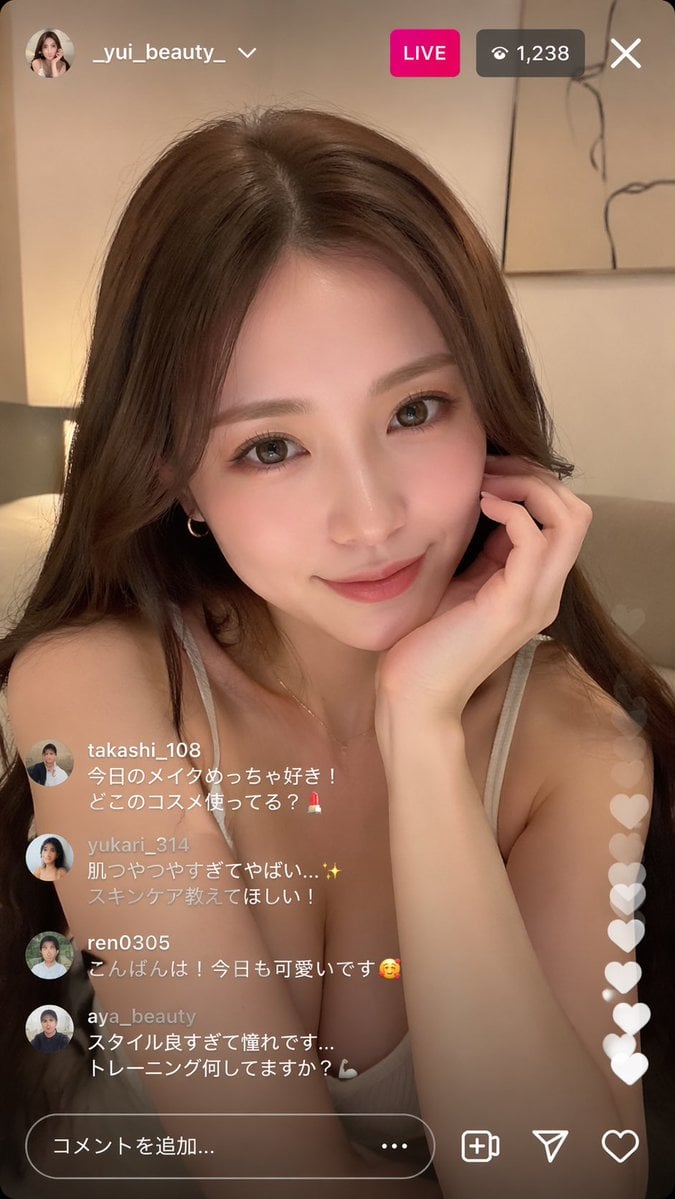
Instagram Live Influencer Scene
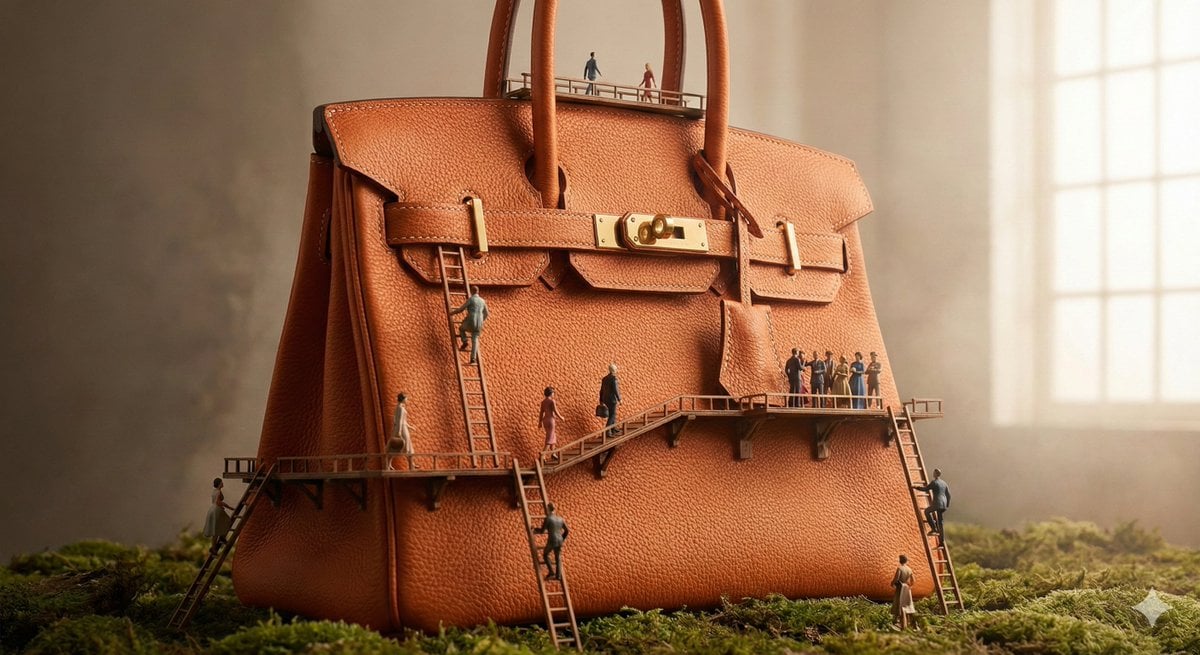
Micro World Discovery Product Photography Prompt
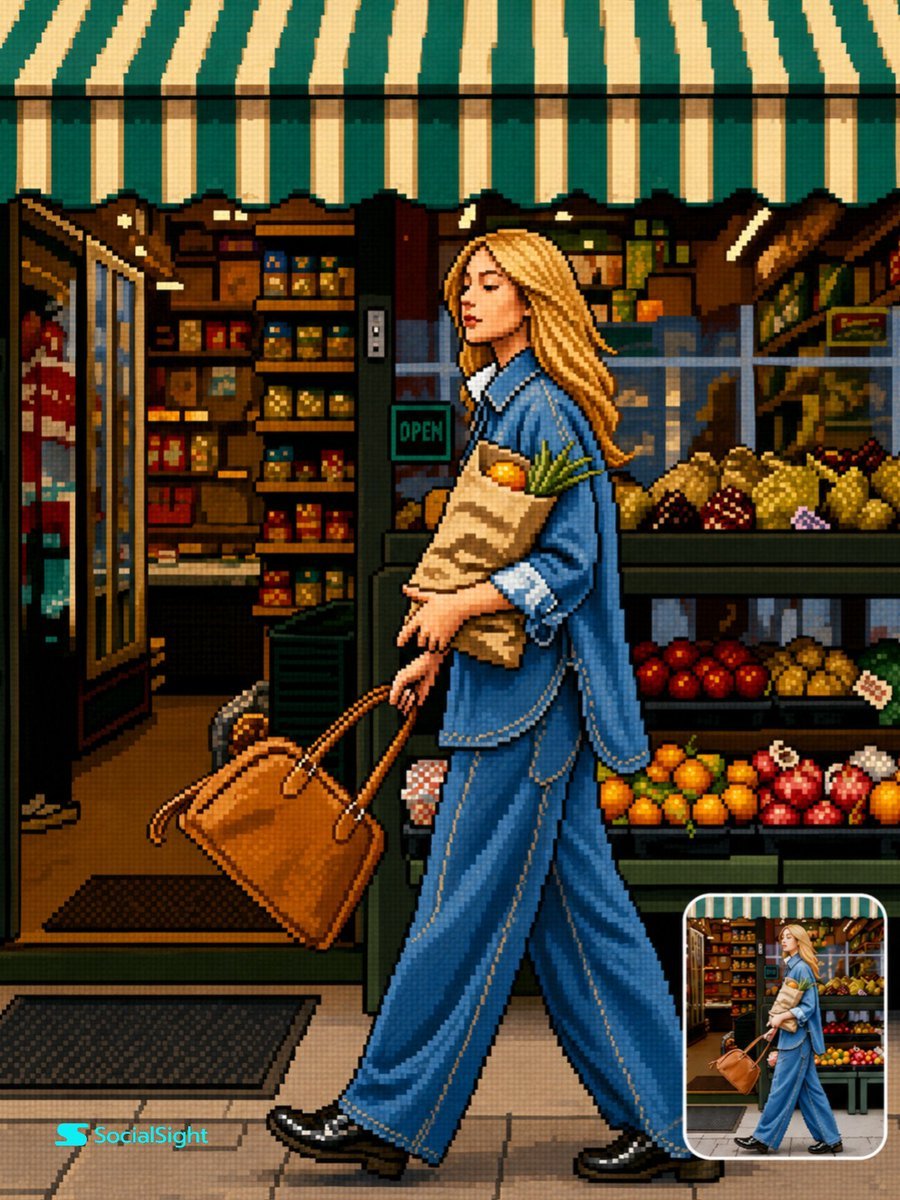
Retro 16-Bit Pixel Art Transformation

Cozy Work-From-Home Portrait Prompt
Browse template categories
Lisbon Night Travel Poster questions
How do I use the Lisbon Night Travel Poster template?
Add your photo if the template asks for one, edit the prompt if you like — the template's model and format are already selected — and press Generate. Your version opens in PicX Studio.
Can I customize the Lisbon Night Travel Poster template?
Yes. You can change the subject, setting, lighting, mood, format, and available model controls before creating your image.
Is the Lisbon Night Travel Poster template free?
Opening and editing this template is free. Generating uses credits, shown on the Generate button when you are signed in.
Which AI model should I use?
Start with GPT Image 2, which is the model associated with this template. You can compare another compatible model for a different finish.
Looking for something else? Browse all templates.

Your photo, any look
Thousands of ready templates for every top image and video model, from one credit balance.