How do I use the Lisbon Travel Poster template?
Choose the primary action to open PicX Studio with the available template settings. Review the model and format, personalize the creative direction, and generate when ready.
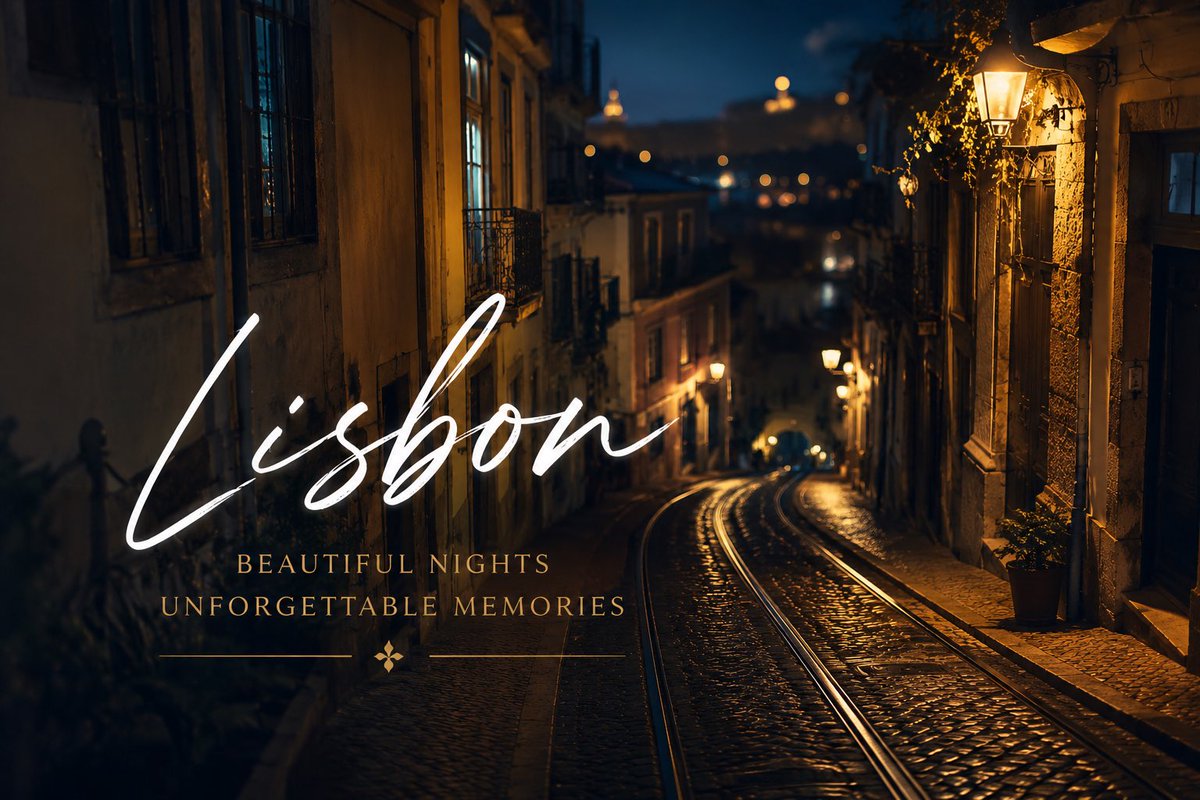
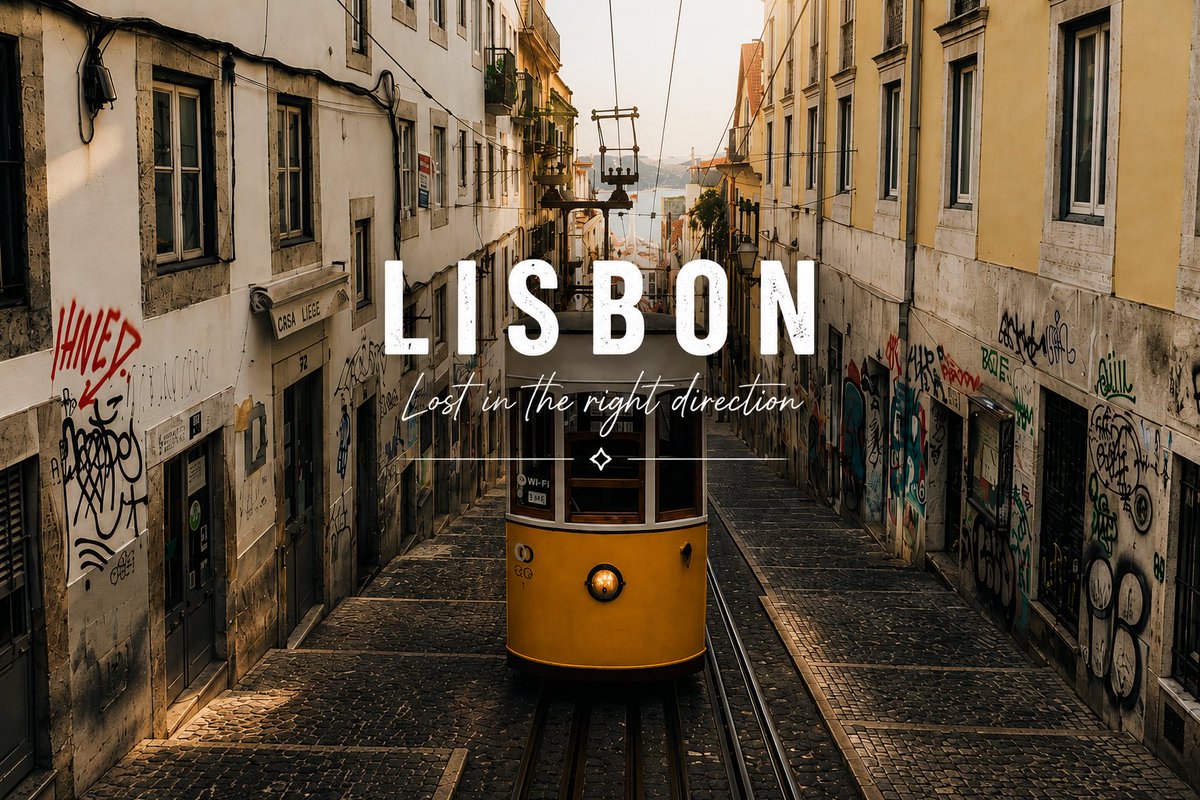
A cinematic Lisbon cityscape travel poster with elegant white script typography for tourism, postcards, or destination marketing. (free to use) — Free AI image template on PicX Studio.
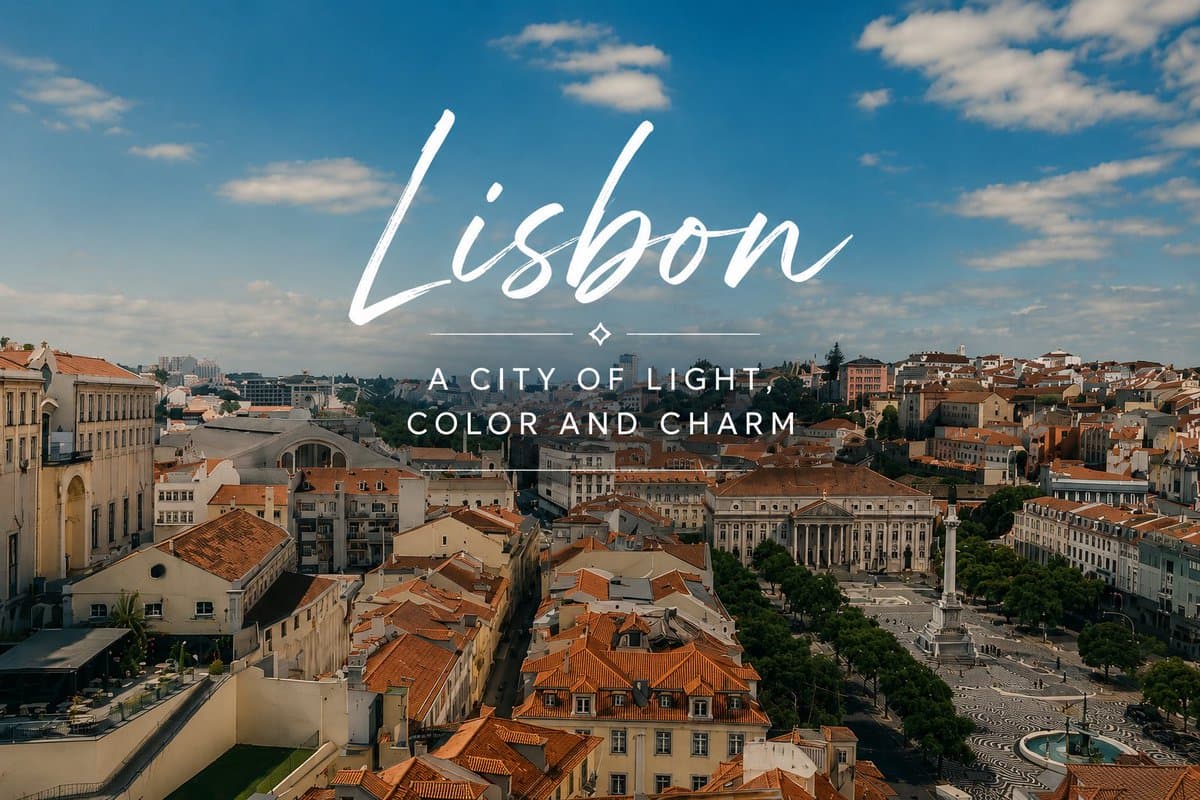
Create a cinematic travel-poster style aerial photograph of {argument name="city name" default="Lisbon"}, Portugal, viewed from an elevated lookout over a historic city center with warm terracotta rooftops, cream and pastel buildings, a broad plaza with patterned black-and-white paving, a tall monument column, tree-lined squares, and distant hills under a vivid blue sky with scattered soft white clouds. Use golden daylight, crisp realistic detail, slight teal-and-orange travel photography color grading, wide landscape composition, and no people emphasized. Overlay elegant white typography centered in the upper-middle sky: the large handwritten brush-script title “{argument name="headline text" default="Lisbon"}” with long sweeping strokes, a thin horizontal decorative divider beneath it with a small diamond ornament in the center, and below that an all-caps spaced sans-serif subtitle reading “{argument name="subtitle text" default="A CITY OF LIGHT, COLOR AND CHARM"}” on two lines. Keep the text clean, bright white, balanced, and legible against the sky, like a premium destination postcard or tourism campaign image.
Use Lisbon Travel Poster to plan an AI image around gpt-image-2 generation, themes such as en and gpt-image-2. Match the preview's composition first, then personalize the subject, setting, and mood for your own project.
Use the primary action to load the template settings in PicX Studio.
Adjust the subject and creative details for your destination.
Create the image, compare the result with the preview, and refine one variable at a time.
A continuous mix — similar concepts first, woven with same-model prompts and fresh picks from the catalog.
Choose the primary action to open PicX Studio with the available template settings. Review the model and format, personalize the creative direction, and generate when ready.
Yes. You can change the subject, setting, lighting, mood, format, and available model controls before creating your image.
This template is free to open and customize. Generation usage is shown in PicX Studio before you create.
Start with gpt-image-2, which is the model associated with this template. You can compare another compatible model for a different finish.
A continuous mix — similar concepts first, woven with same-model prompts and fresh picks from the catalog.
Follow a topic to a crawlable collection of related PicX Studio templates.

36,410 public templates available. Verified via the PicX Studio public templates API; refreshed hourly.