
Multi-Language Figure Product Introduction Layout Prompt for Nano Banana Pro
A detailed JSON-like prompt structure designed exclusively for Nano Banana Pro to transform a reference image character into a collectible figure and present it in a professional product introduction layout.
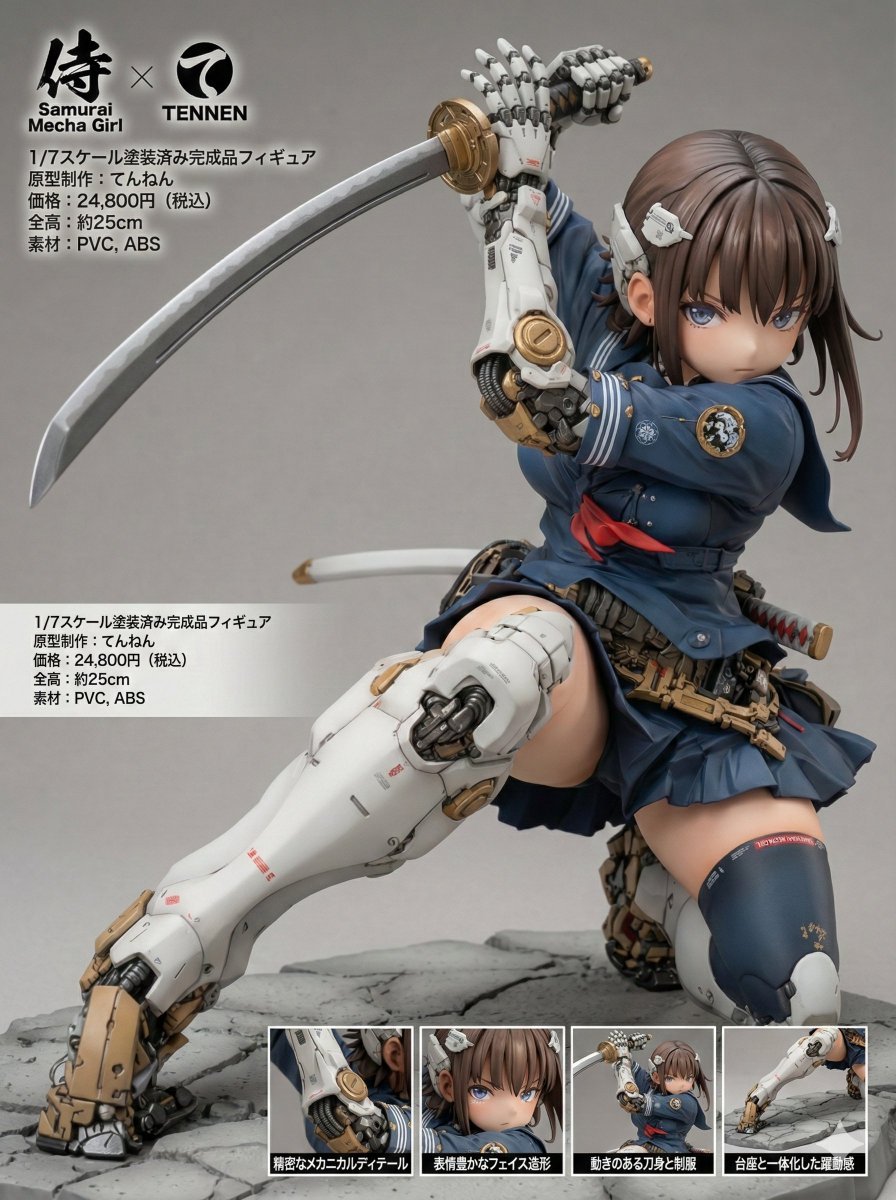
- Prompt included
- Model and format preset
- Premium template
The prompt behind this image
Copy the exact prompt behind Multi-Language Figure Product Introduction Layout Prompt for Nano Banana Pro, or open it in the studio and make it yours.
[Figure Product Introduction Style Layout Prompt – Multi-Language Compatible Version] This prompt allows you to transform a character from a reference image into a collectible figure and present it in a product introduction–style layout. The display language can be selected from four options: Japanese, English, German, or French. Please read this description carefully until the end. ※ This prompt is intended exclusively for Nano Banana Pro. ※ Unauthorized reproduction or redistribution of this prompt is prohibited. ◆ Overview Display Language (language) You can choose from: - "ja" (Japanese) - "en" (English) - "de" (German) - "fr" (French) Product Name (product_name) Manufacturer Name (manufacturer_name) You may specify any arbitrary strings for both values. Product Name Logo: The product name logo is inferred from the product name string and the visual atmosphere of the reference image. Manufacturer Logo: The manufacturer logo is inferred from the manufacturer name string. ※ Depending on the selected display language, these names may be translated or localized automatically. Size: The total height (in centimeters) is inferred and displayed based on the character’s body proportions and the 1/7 scale setting. Material: Appropriate materials for a collectible figure are inferred and displayed. Price: The retail price is inferred from the figure’s scale, modeling density, and paint detailing. Close-Up Views: Each close-up view is accompanied by a caption that explains a different part or feature of the figure. All captions are generated in the selected display language. ◆ How to Use Display Language (language) Rewrite the content inside the quotation marks ("") as shown below: language: "{argument name="display language" default="en"}" Available values: ja: Japanese en: English de: German fr: French Product Name (product_name) Manufacturer Name (manufacturer_name) Rewrite the content inside the quotation marks ("") using any arbitrary strings you like. The manufacturer name will also be reflected in the "Sculptor / Production" field. product_name: "{argument name="product name" default="ARBITRARY_PRODUCT_NAME"}" manufacturer_name: "{argument name="manufacturer name" default="ARBITRARY_MANUFACTURER_NAME"}" ◆ Precautions for Using This Prompt This prompt does not intentionally include any specific work titles, author names, character names, or brand names. However, due to the internal processing or training data of the image generation model, unintended associations may occur. As a result, generated images may resemble existing works, characters, trademarks, or brand logos. Please exercise sufficient caution when using, publishing, or distributing generated images. We assume no responsibility whatsoever for any outcomes produced by using this prompt, or for any issues, damages, or disputes arising from such use. All usage is at your own risk and discretion. ◆ Prompt The full prompt for actual use is provided in the replies.
How to use Multi-Language Figure Product Introduction Layout Prompt for Nano Banana Pro in 3 steps
- 1Upload ImagePNG, JPG or paste
Add your photo
Upload the photo the template builds on. The prompt, model and format are already set.
- 2…a portrait of your subject in softgolden-hour light, 85mm…
Personalize
Edit the subject and creative details for your destination.
- 3Generate
Generate
Press Generate — your image is created in PicX Studio, so you can compare it with the original and refine one variable at a time.
More like this
Templates with the same subject, style or setup. Open one to see its prompt.
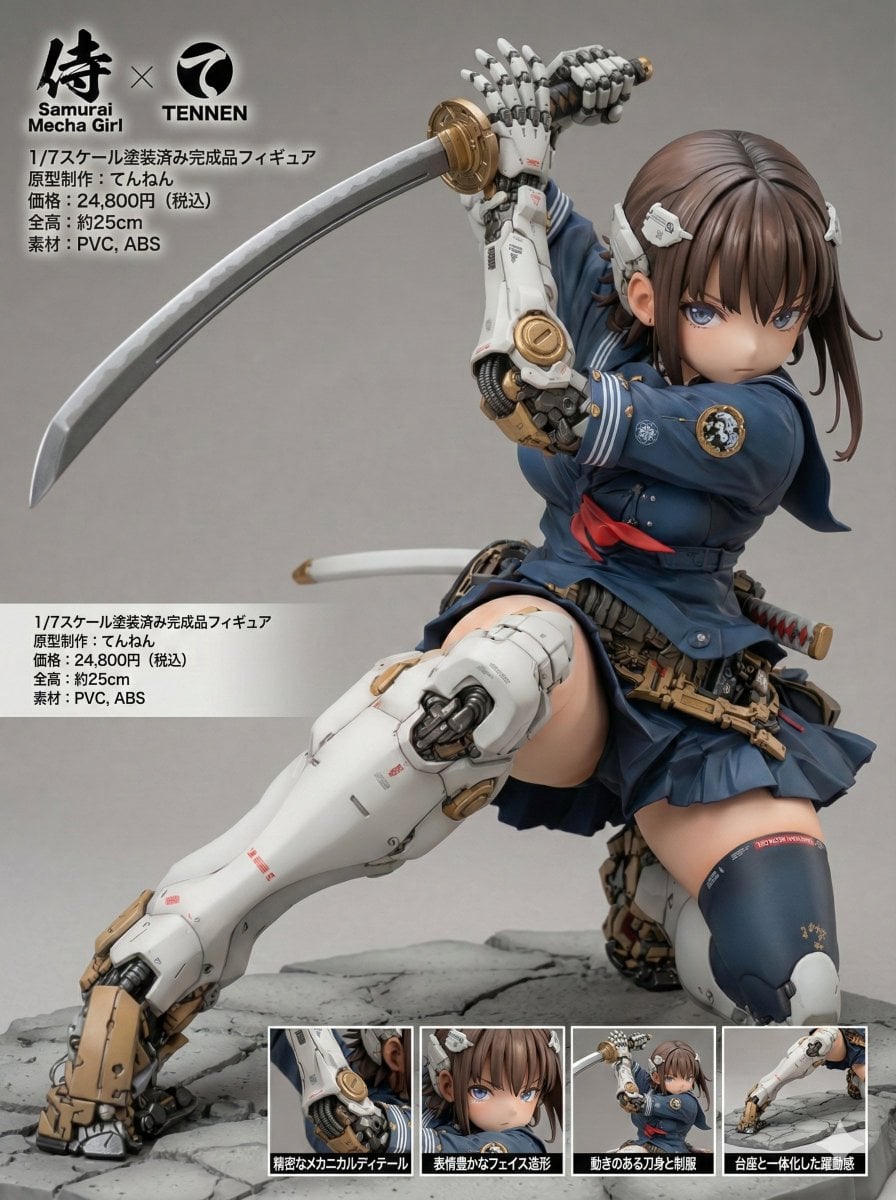
Multilingual Figure Product Introduction Layout Prompt for Nano Banana Pro
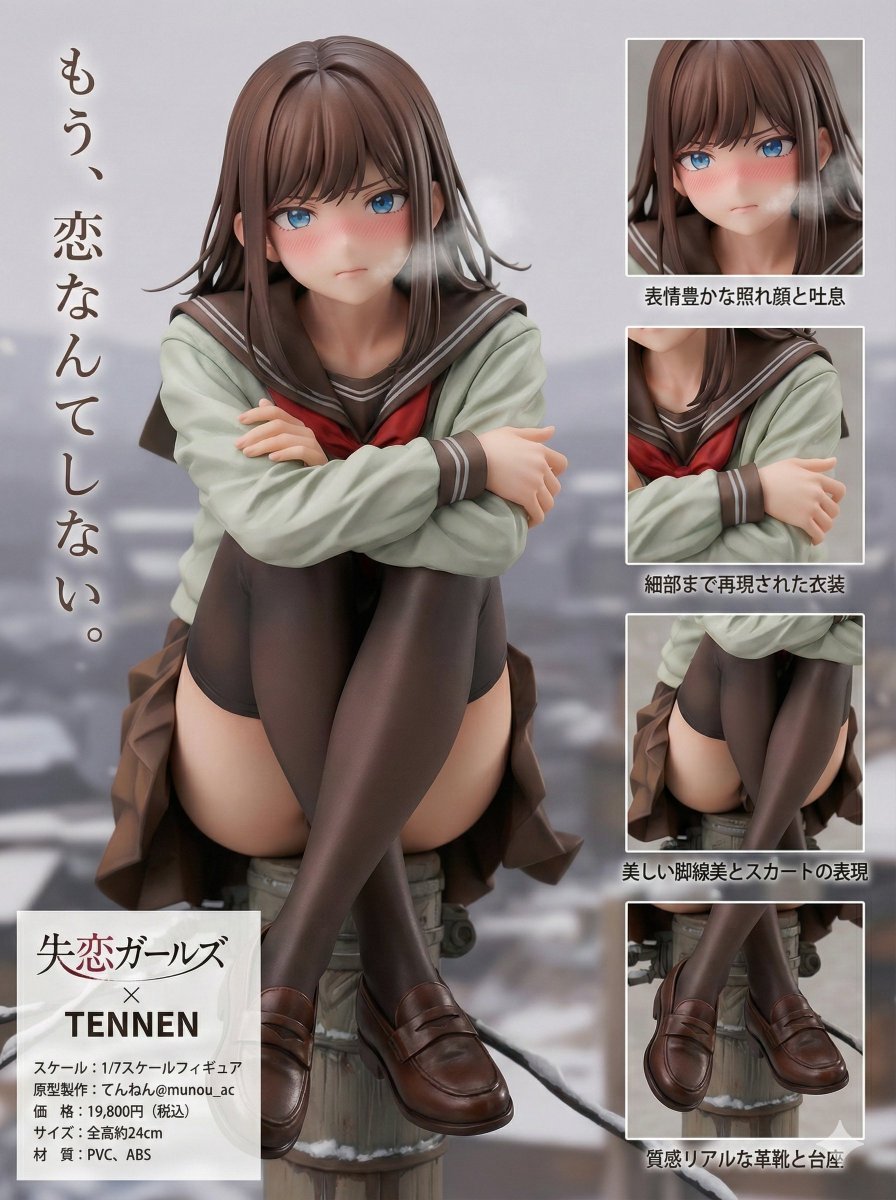
Figure Product Introduction Layout Prompt (Multilingual)
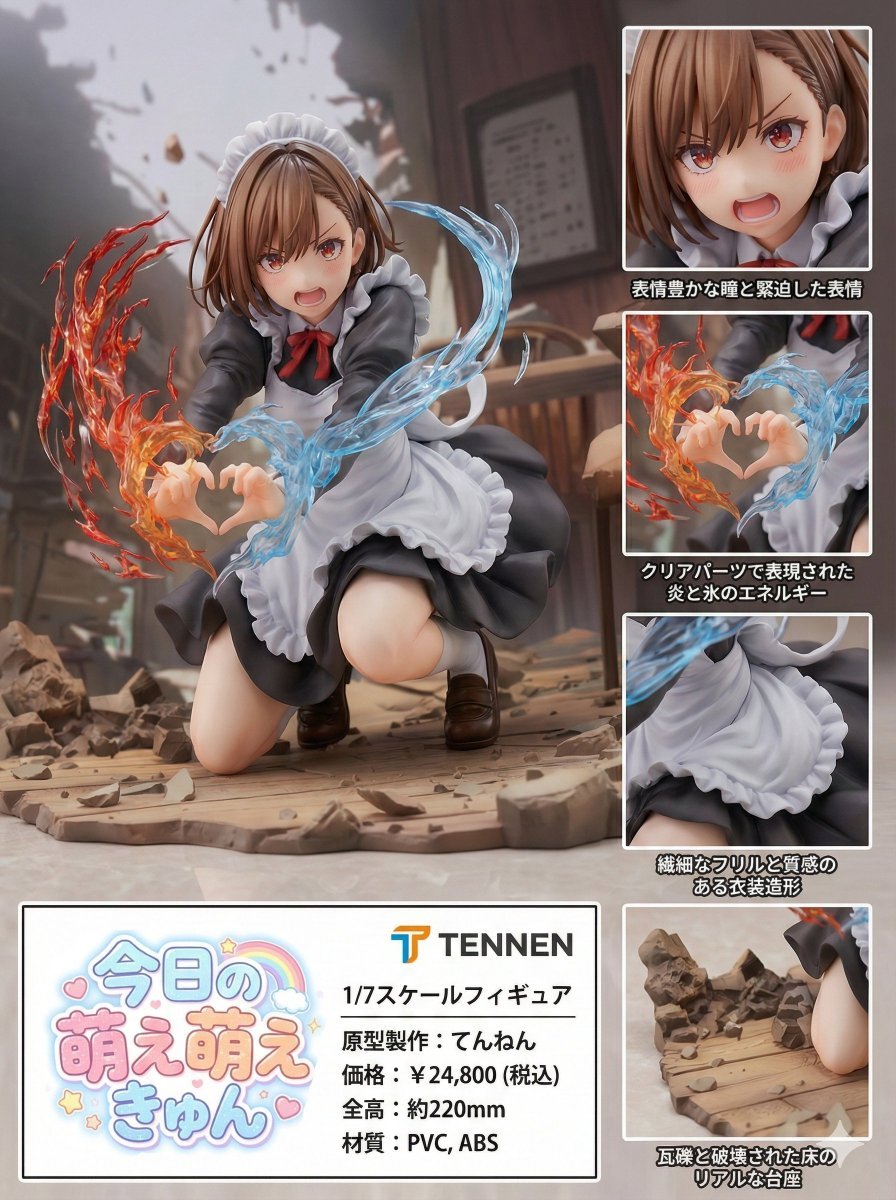
Photorealistic PVC Figure Product Introduction Layout

Cosmetic Tube Product — Nano Banana 2
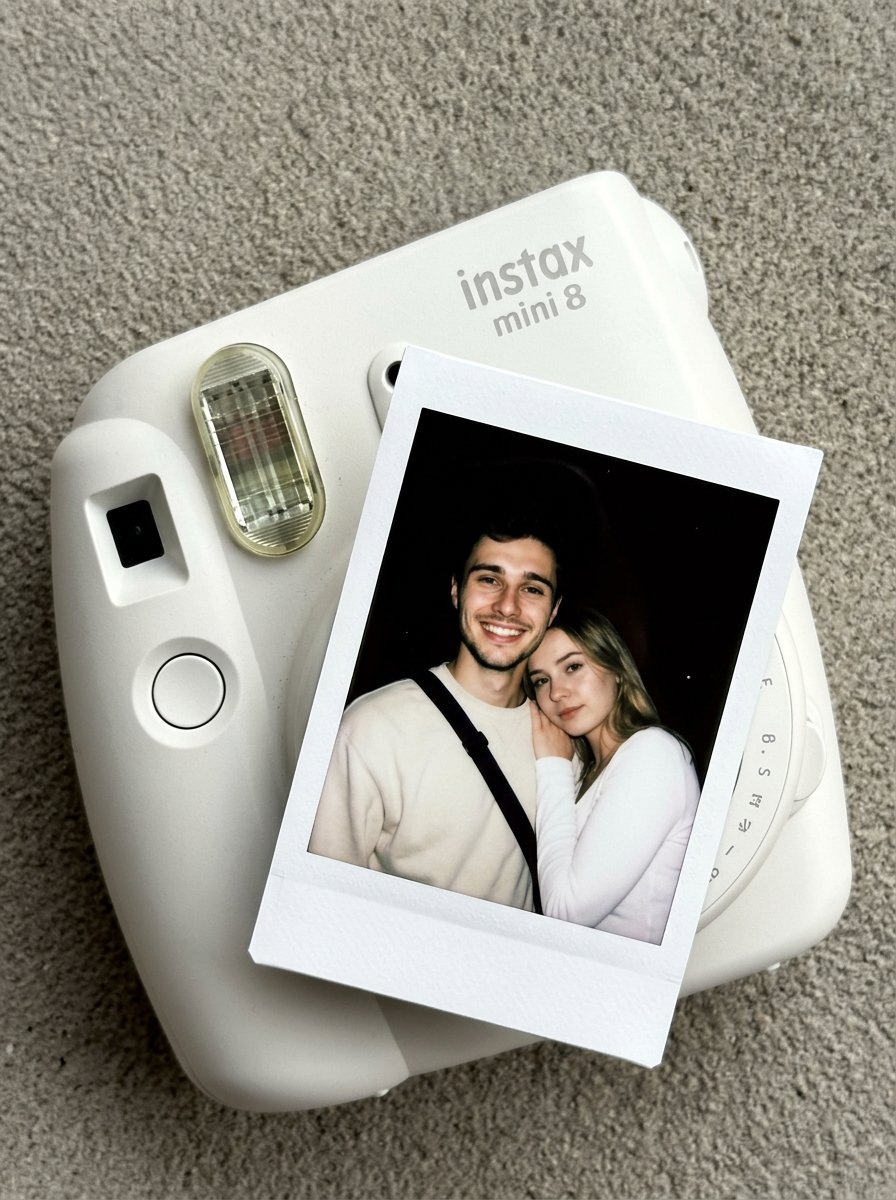
Nano Banana Pro Instax Mini 8
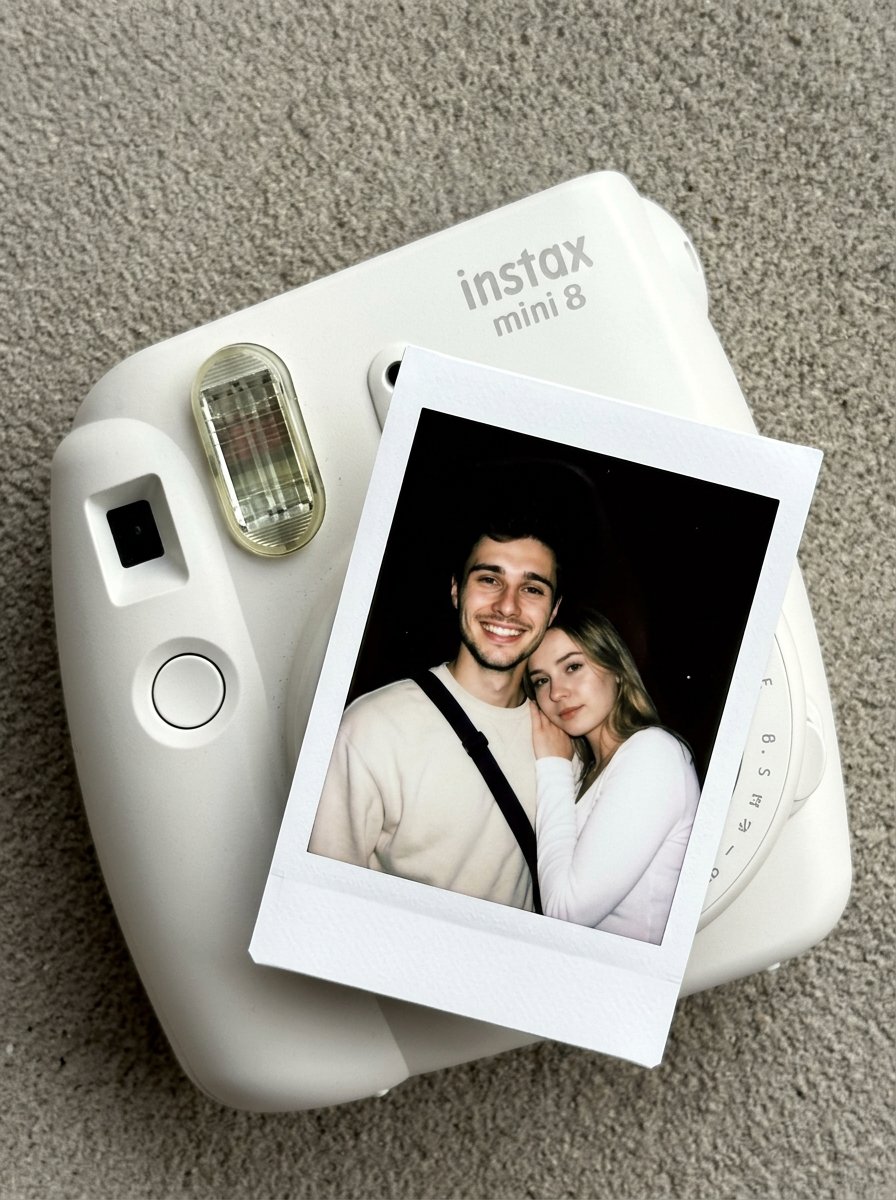
02 Instax Camera Product — Nano Banana 2

Multi-Frame Lifestyle Portrait Prompt for Nano Banana Pro

Low-Key Product Photography Prompt for Gemini Nano Banana Pro
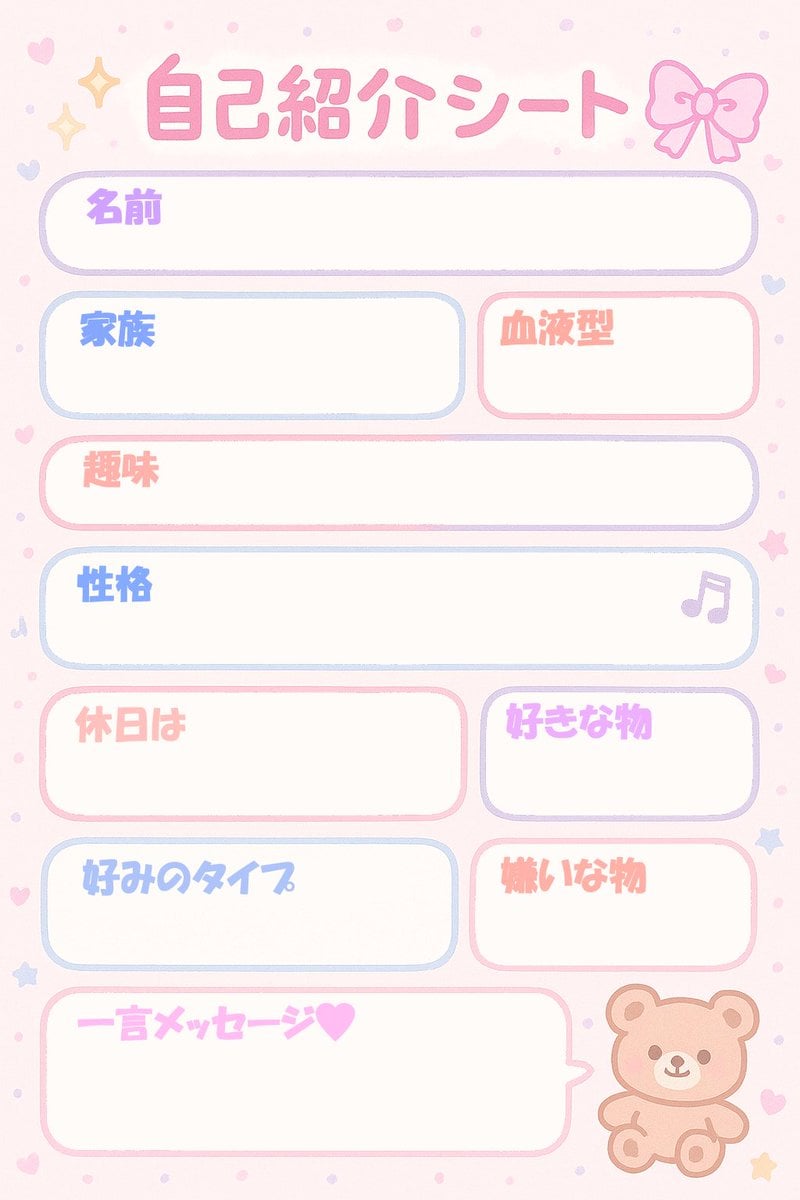
Self-Introduction Sheet Generation Prompt for Nano Banana Pro
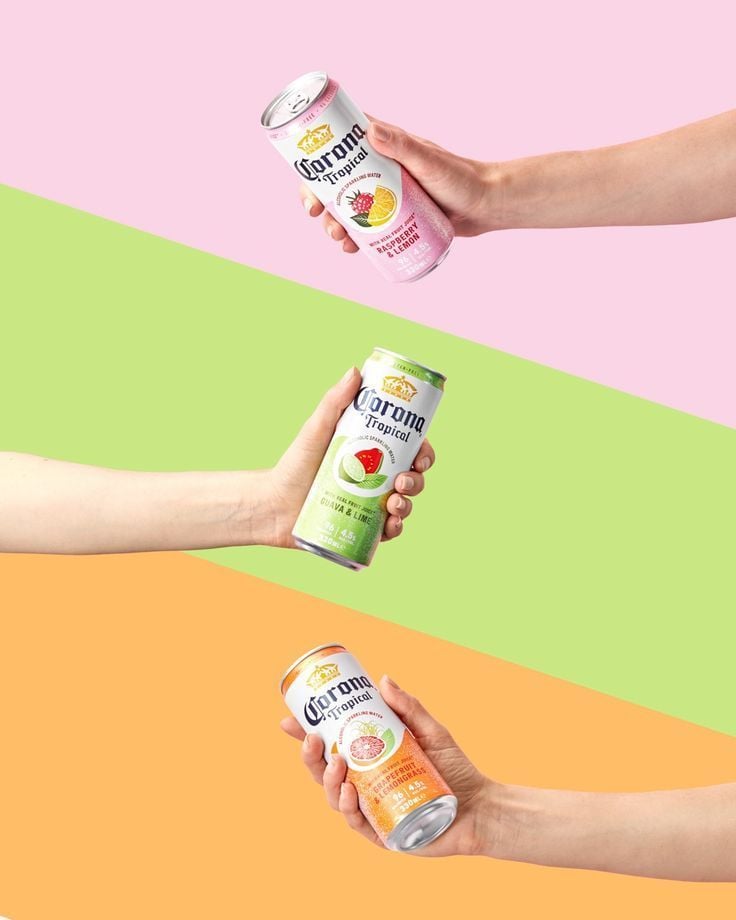
Tropical Seltzer Trio Layout
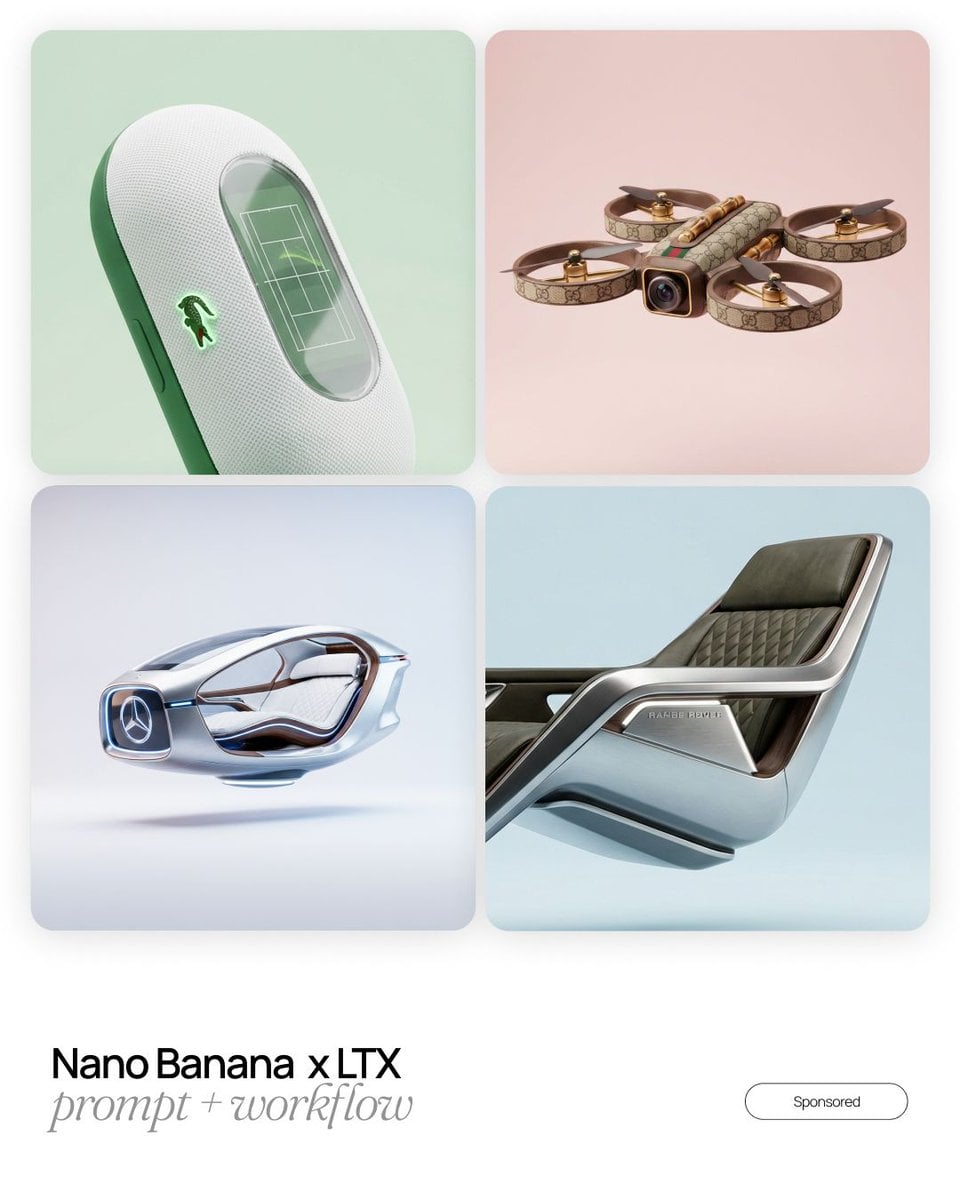
Design language, object reimagined as an unexpected flagship product
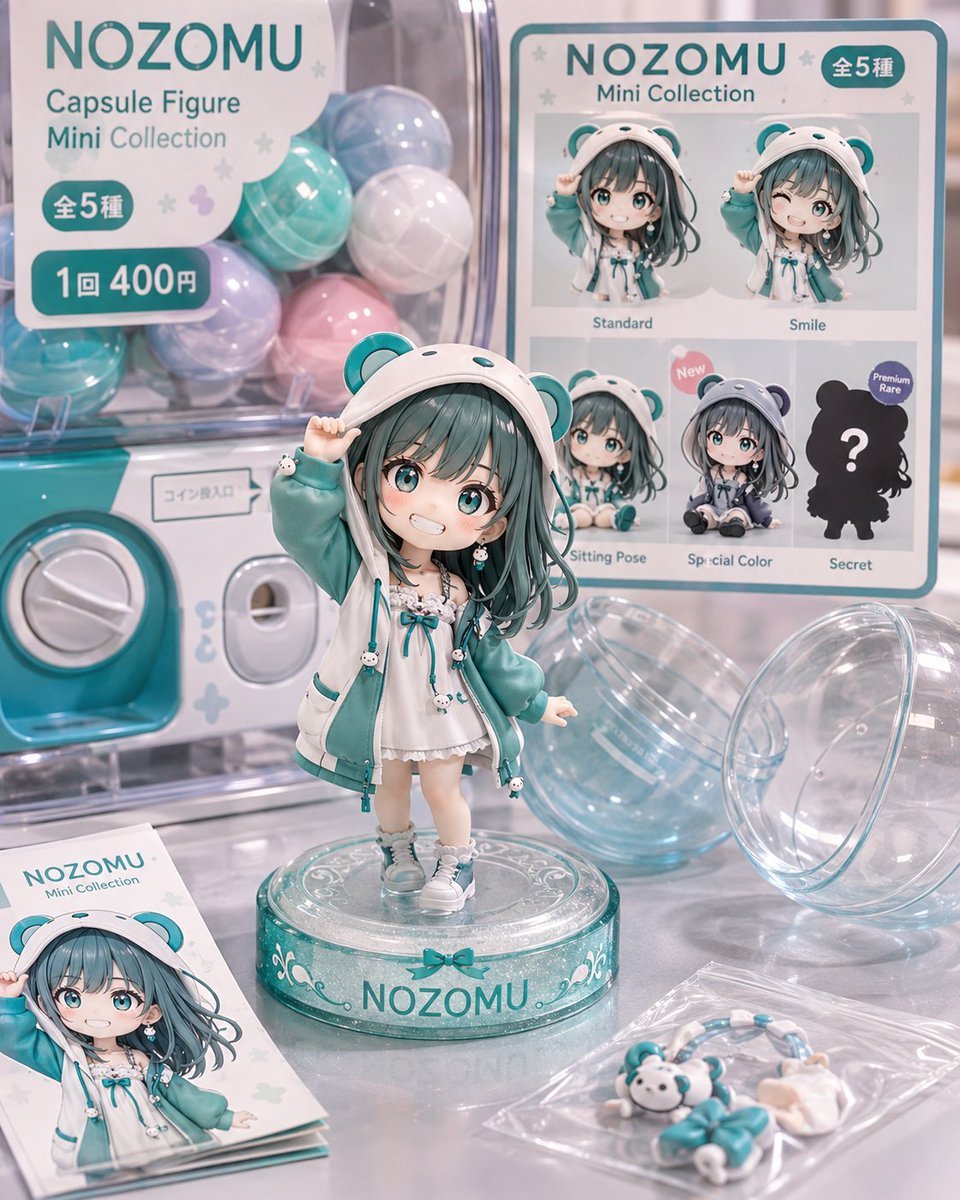
NOZOMU Capsule Figure Product Display
Make it yours
Multi-Language Figure Product Introduction Layout Prompt for Nano Banana Pro works as-is. These are the safest ways to change it without losing the look.
Change one field
Copy a single group, rewrite it, and generate again so you can see what that field is doing.
Keep the frame, change the subject
Hold the composition and light of Multi-Language Figure Product Introduction Layout Prompt for Nano Banana Pro, then swap wardrobe, props or the person for a new take.
| If the result… | Why | Fix |
|---|---|---|
| The result drifts from the preview | Too many fields changed at once. | Reuse Multi-Language Figure Product Introduction Layout Prompt for Nano Banana Pro as-is first, then change one group — subject, light, or setting. |
| The model over-stylizes the scene | The prose prompt leaves finish and camera underspecified. | Add one camera or lighting sentence and stay on Nano Banana 2. |
More Nano Banana 2 templates
Other prompts made for Nano Banana 2.

Photorealistic Leaf Shaped Like a Dragon

K-Pop Idol Portrait Grid for Rapid Selection

Poetic Rain Forest Portrait During Golden Hour

Urban Street Portrait with Cartoon Inner Self Duo

Candid Nighttime Photo with Cat Prompt

High-Concept 3D Diorama Generation Prompt

Cinematic Futuristic Studio Portrait Template

Skincare Editorial Photography Collage Prompt

Hyper-Realistic Commercial Product Photography (Splash Effect)

Hyper-Realistic Nightclub Portrait Prompt
More image prompts
Fresh picks from across the catalog.
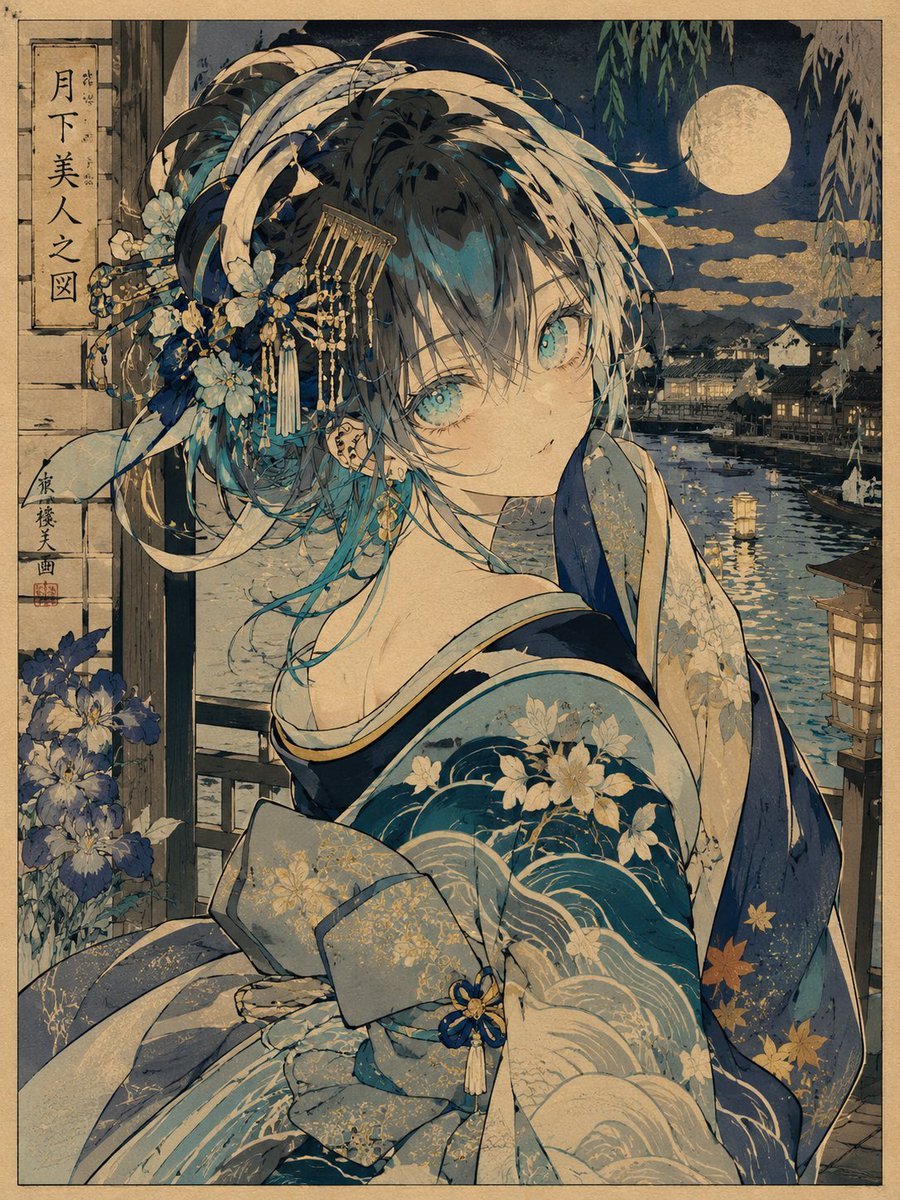
Ukiyo-e Character Transformation
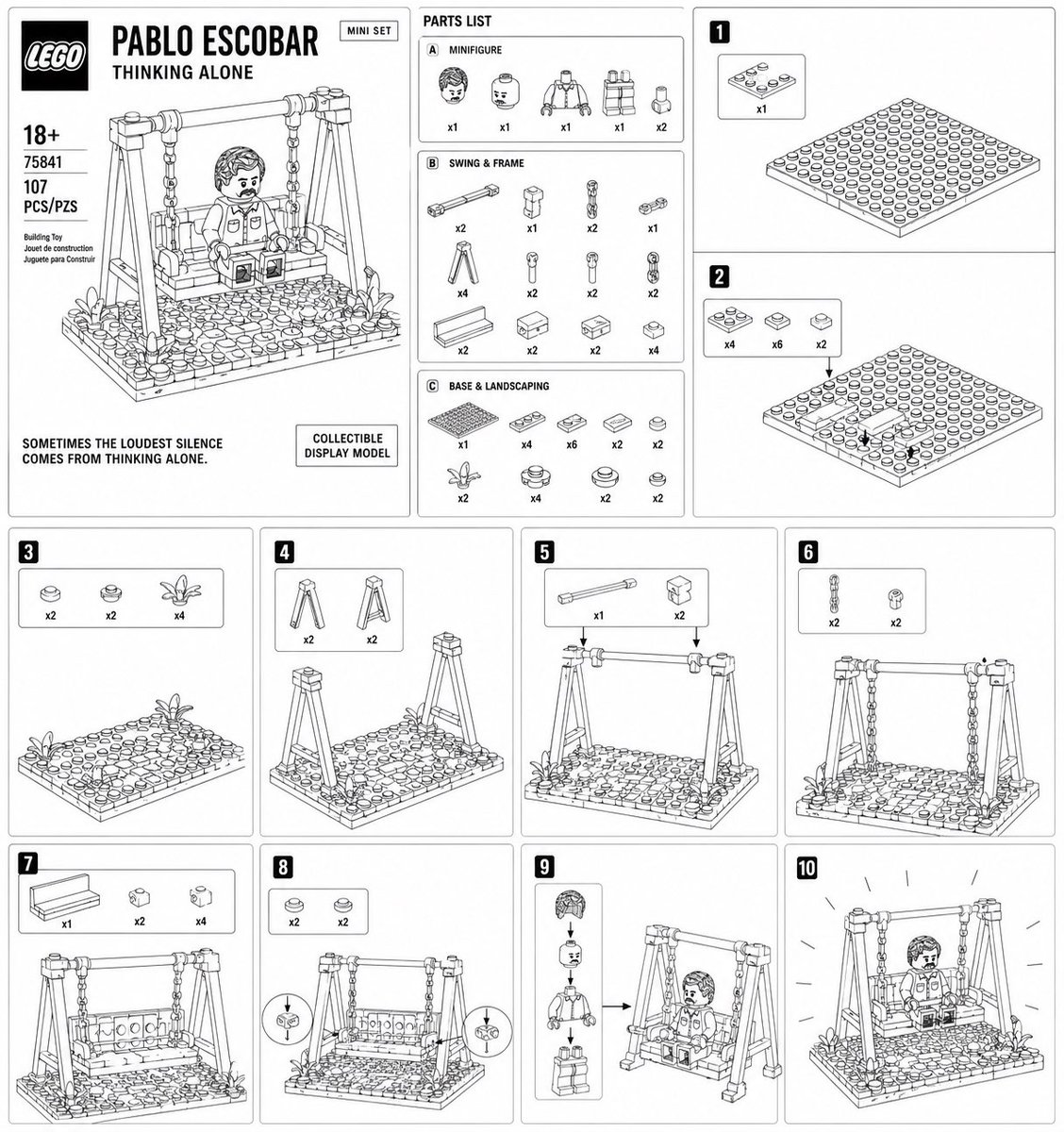
LEGO Mini Set Instruction Poster

Bilibili Livestream Scene
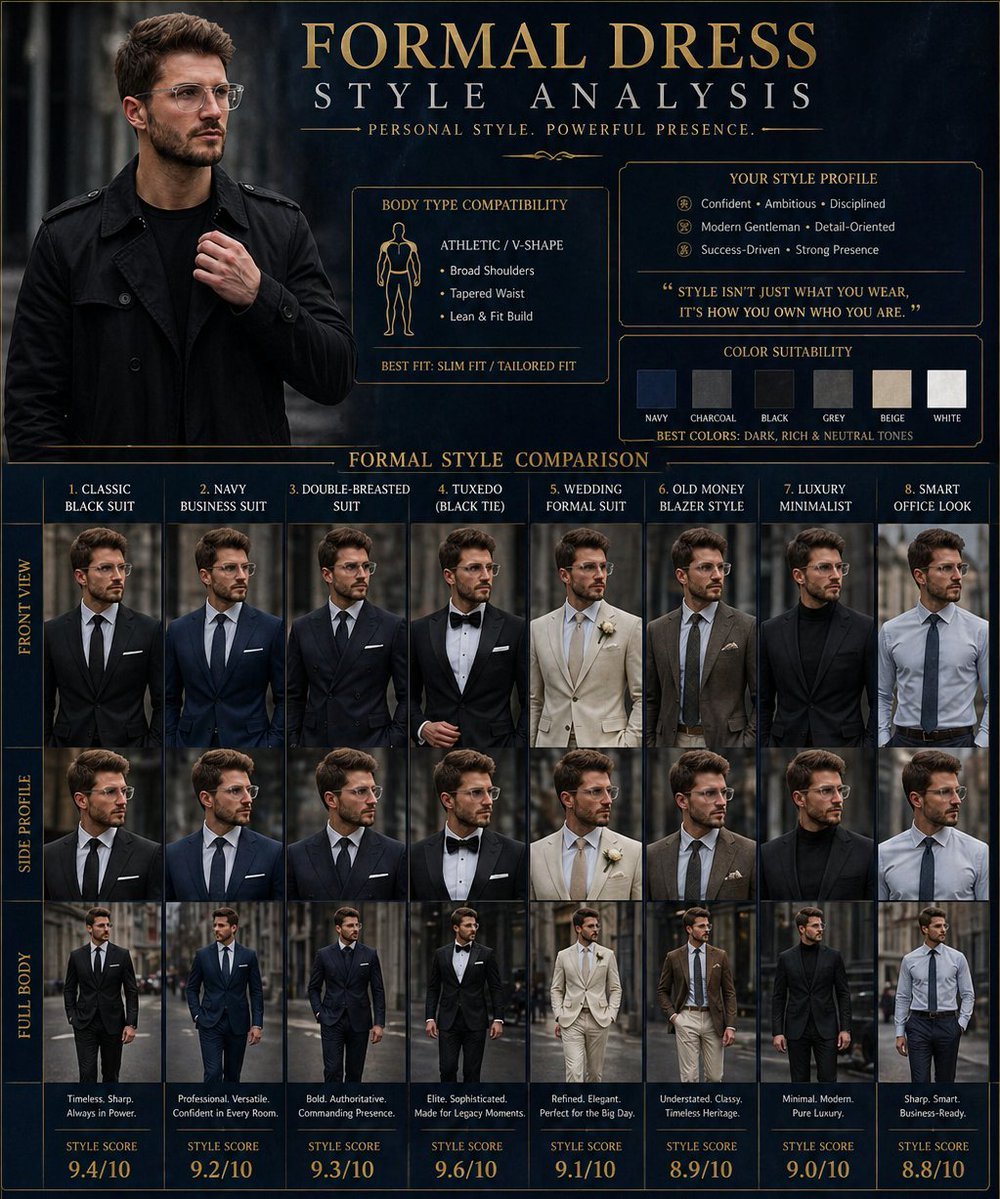
Formal Dress Style Analysis Poster
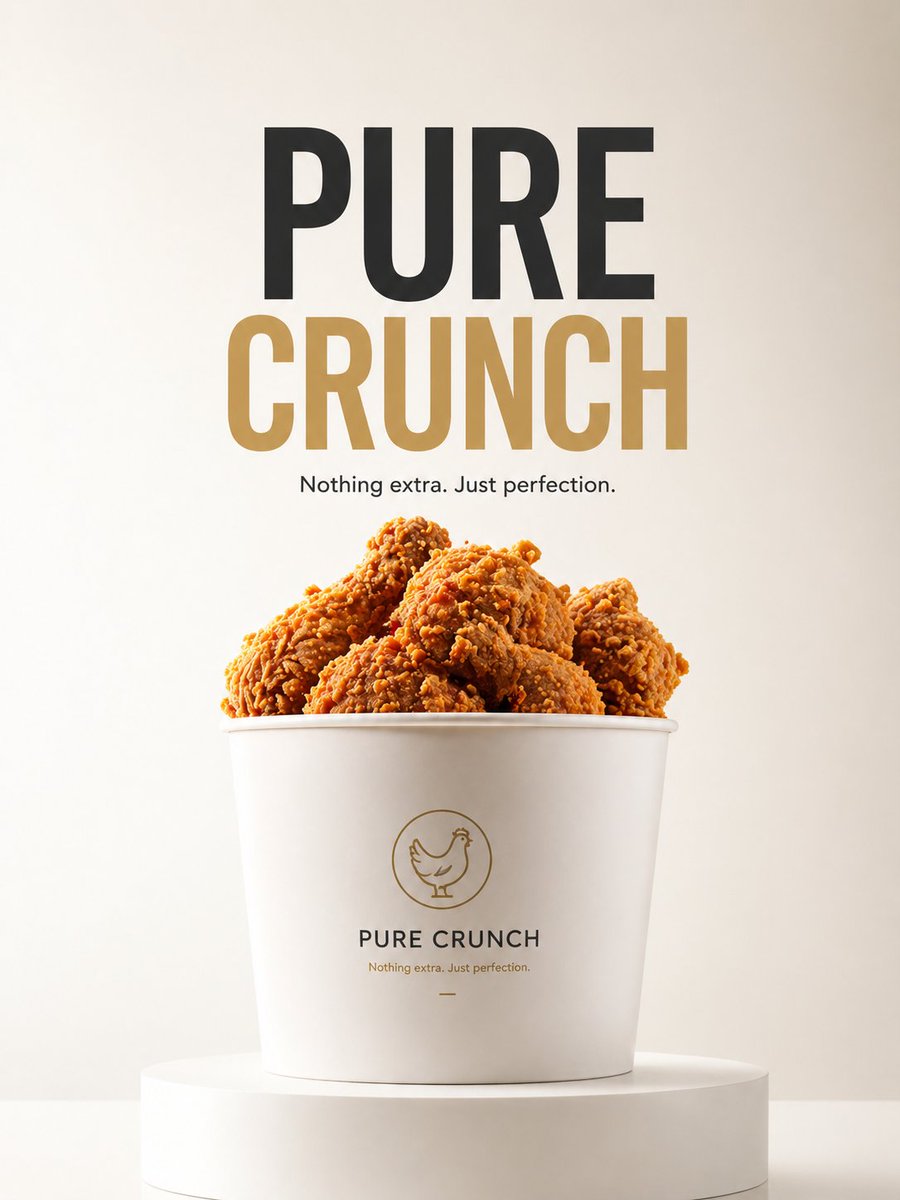
Minimalist Product Ad: PURE CRUNCH

Hyper-realistic Living Room Football Scene Prompt
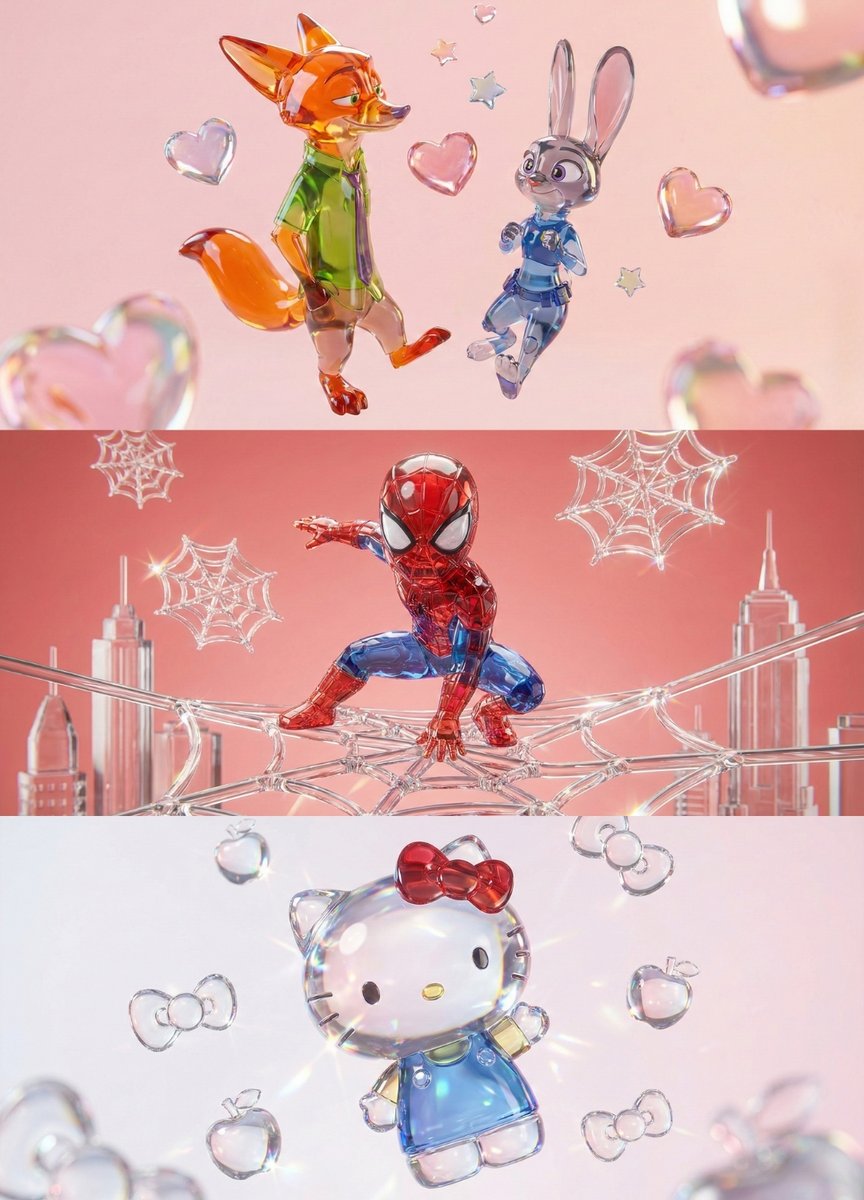
Aesthetic 3D Crystal Figurine Prompt Template
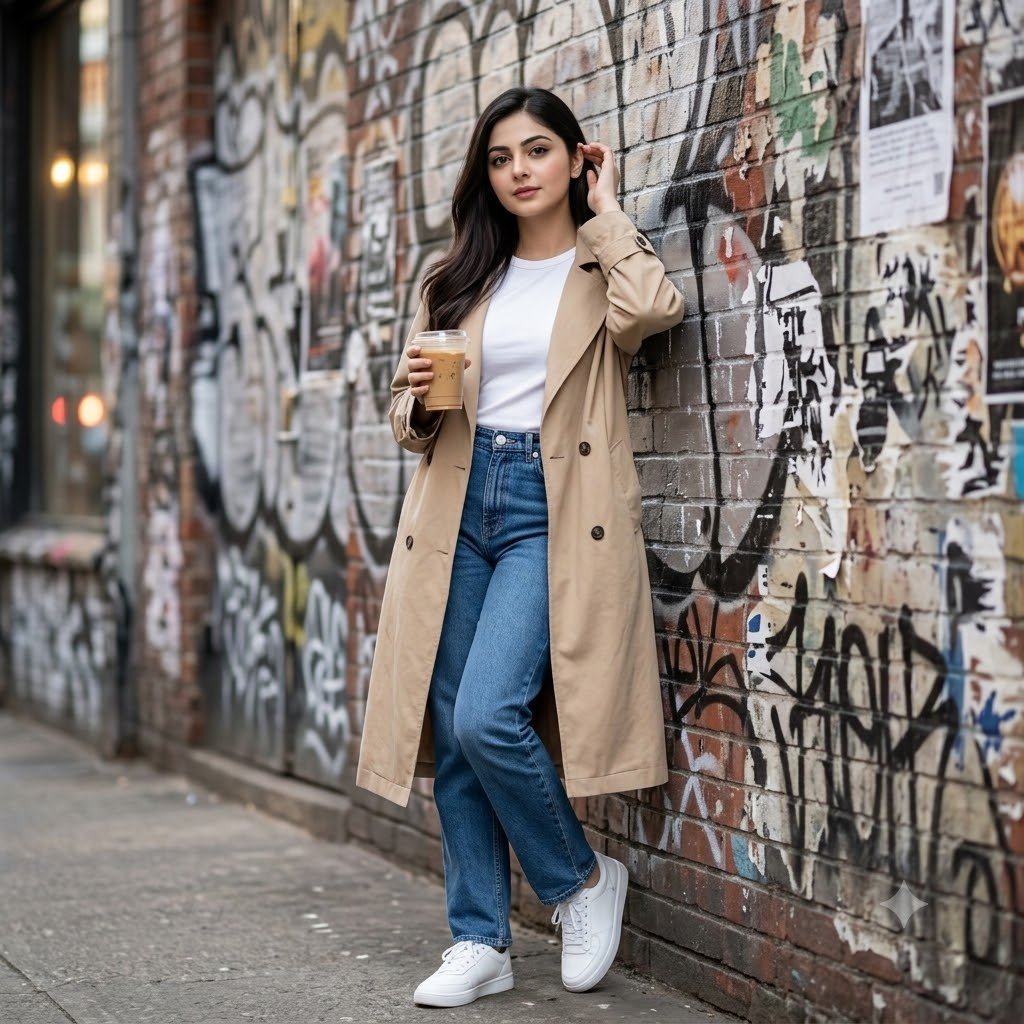
Urban Graffiti Brick Wall Portrait
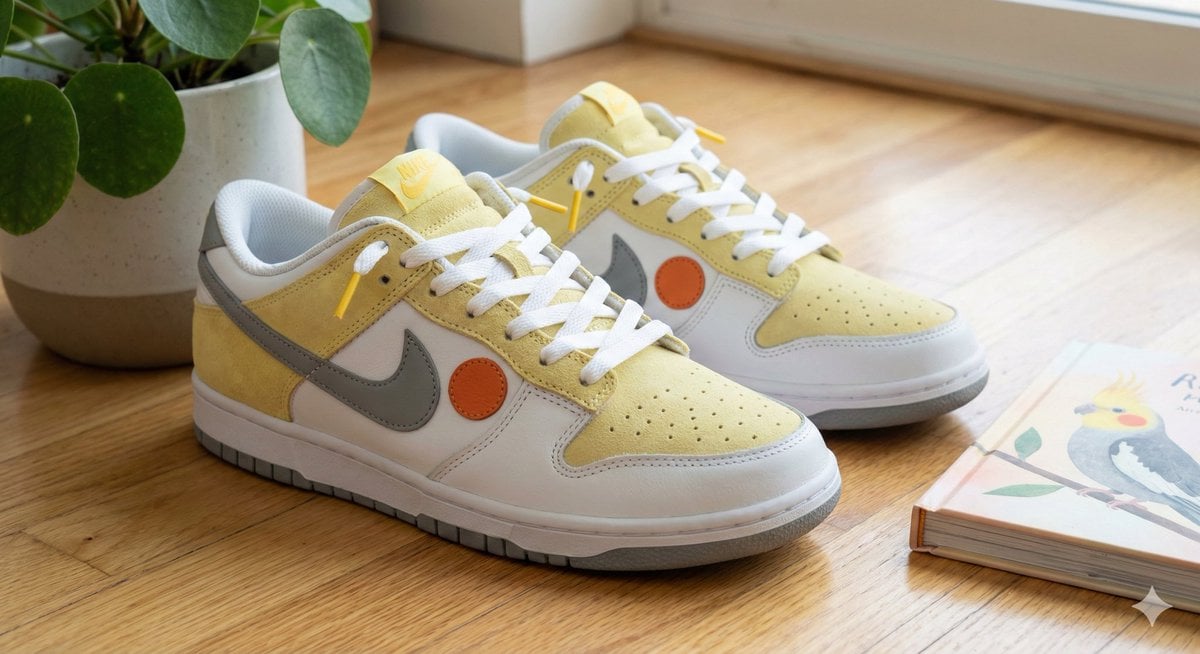
Cockatiel Model Sneakers Generated by Nano Banana Pro
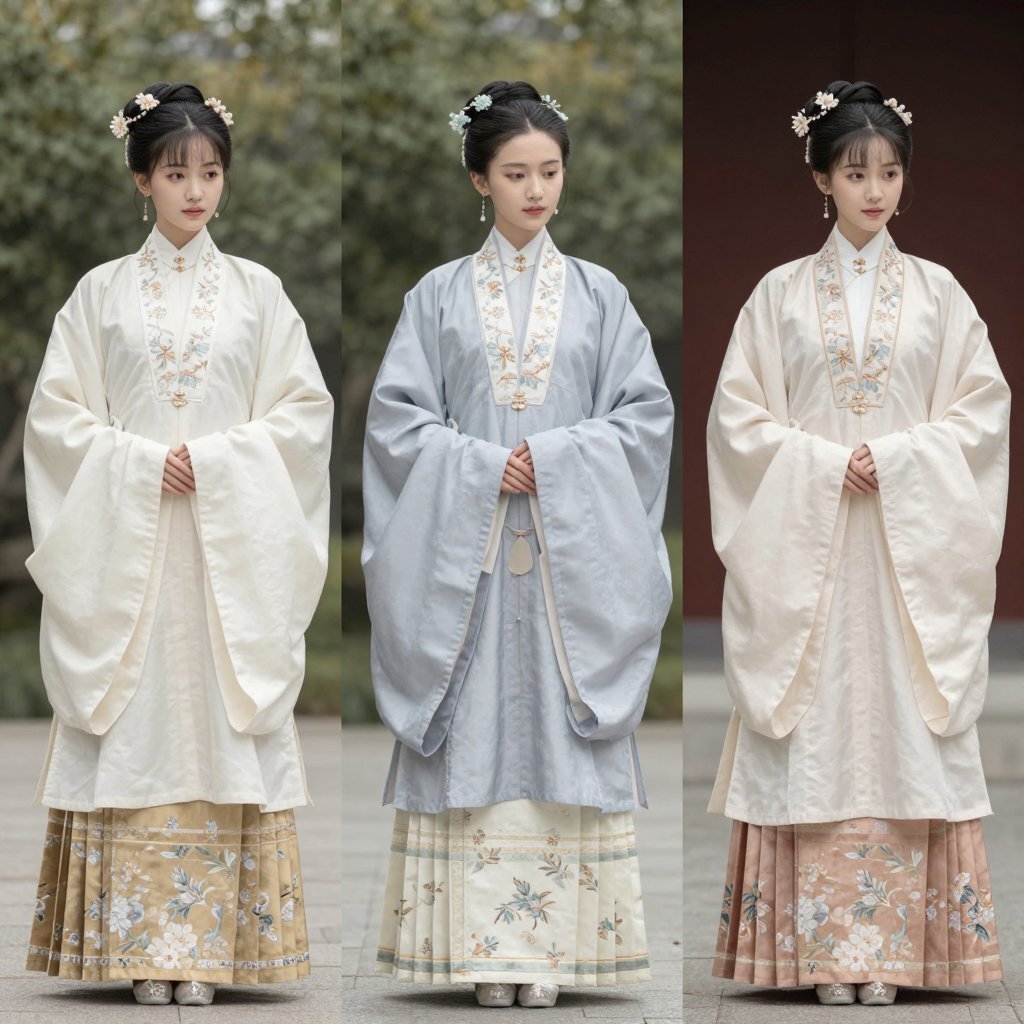
Three Hanfu Outfit Comparison
Browse template categories
Multi-Language Figure Product Introduction Layout Prompt for Nano Banana Pro questions
How do I use the Multi-Language Figure Product Introduction Layout Prompt for Nano Banana Pro template?
Add your photo if the template asks for one, edit the prompt if you like — the template's model and format are already selected — and press Generate. Your version opens in PicX Studio.
Can I customize the Multi-Language Figure Product Introduction Layout Prompt for Nano Banana Pro template?
Yes. You can change the subject, setting, lighting, mood, format, and available model controls before creating your image.
Is the Multi-Language Figure Product Introduction Layout Prompt for Nano Banana Pro template free?
Opening and editing this template is free. Generating uses credits, shown on the Generate button when you are signed in.
Which AI model should I use?
Start with Nano Banana 2, which is the model associated with this template. You can compare another compatible model for a different finish.
Looking for something else? Browse all templates.

Your photo, any look
Thousands of ready templates for every top image and video model, from one credit balance.