
Ukiyo-e Character Transformation
A highly detailed prompt for transforming a character into a refined Japanese ukiyo-e style illustration, specifically influenced by the aesthetics of Kitagawa Utamaro.
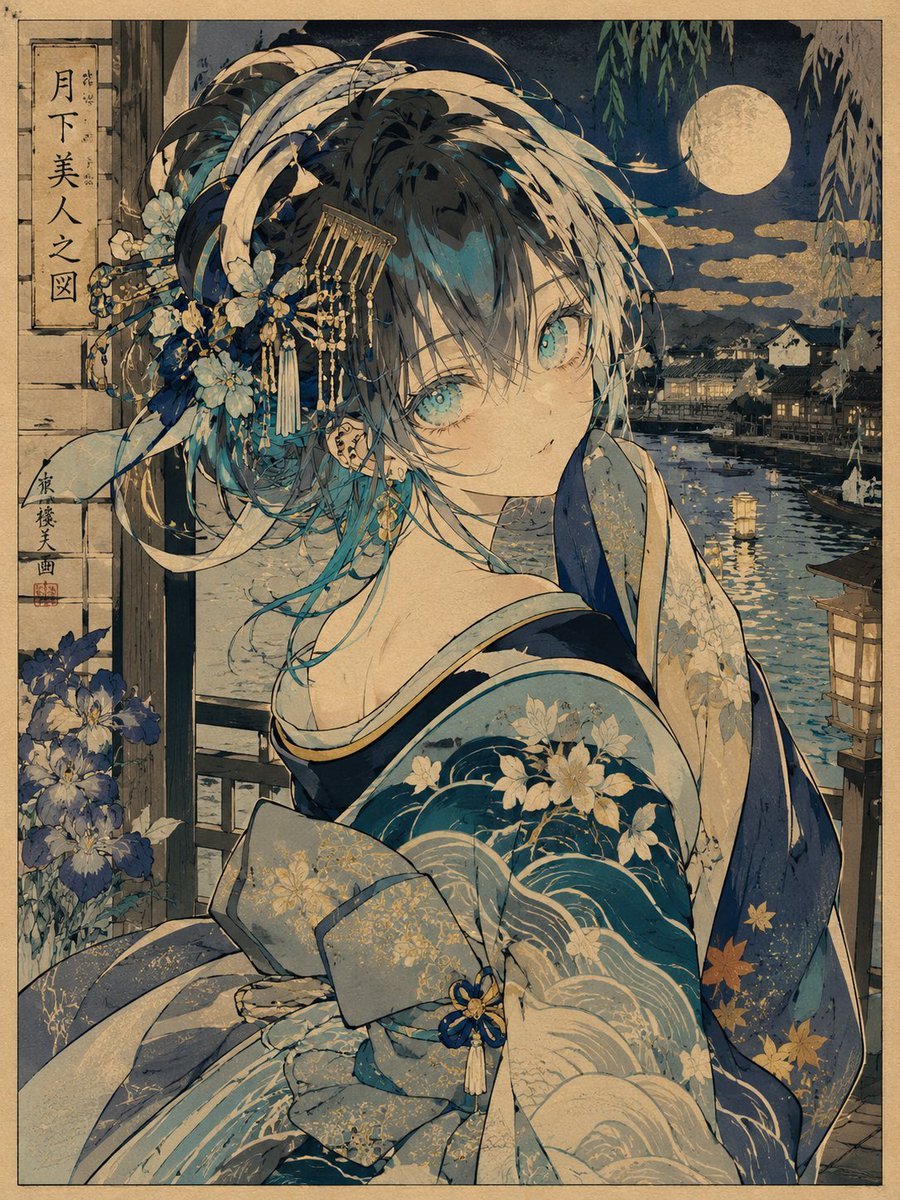
- Prompt included
- Model and format preset
- Free template
The prompt behind this image
Copy the exact prompt behind Ukiyo-e Character Transformation, or open it in the studio and make it yours.
Use the uploaded character strictly as the identity reference only. Transform the character into a {argument name="art style" default="refined Japanese ukiyo-e inspired illustration"} influenced by Kitagawa Utamaro aesthetics while preserving the character’s recognizable face, hairstyle, hair color, eye shape, silhouette, and emotional identity. The image should feel like: a luxurious modern-anime reinterpretation of a traditional ukiyo-e bijin-ga artwork. IMPORTANT: The character should pose with elegant, flowing, asymmetrical “Utamaro-style” body language rather than modern anime action posing. Pose direction examples: - {argument name="pose" default="looking back over the shoulder"} - adjusting hair ornaments - partially hiding the mouth with a sleeve - delicate hand near the neck or collar - seated side pose with flowing kimono silhouette - graceful walking motion - turning mid-movement - subtle emotional gesture - elegant fan interaction - layered sleeve movement - quiet theatrical gesture. The pose must feel: graceful, poetic, feminine, rhythmical, silhouette-focused, naturally flowing. Avoid: action pose, fighting pose, idol pose, modern peace sign, hand reaching toward camera, stiff standing, symmetrical pose, exaggerated perspective. Clothing: Transform the character into a stylized ukiyo-e fantasy kimono aesthetic. Use: simplified layered kimono, elegant obi, flowing sleeves, subtle seasonal motifs, clean silhouette, controlled ornament density. Patterns should use: waves, flowers, clouds, maple leaves, gold dust, traditional geometric motifs, ink gradients. Keep the design visually organized and readable. Do not overdecorate. Hair and accessories: Add elegant kanzashi, cords, comb ornaments, silk ribbons, or subtle fantasy ornamentation inspired by Edo-period beauty paintings. Background: Create a beautiful ukiyo-e inspired {argument name="environment" default="Japanese environment"}. Possible elements: moonlit riverside, paper lantern streets, Edo-style wooden architecture, folding screens, cherry blossoms, misty gardens, rain over old bridges, flowing water, gold-leaf clouds, ink-painted sky, stylized waves, cranes, red maple trees, traditional interior spaces. The background should feel: atmospheric, painterly, elegant, layered, softly detailed. Composition: The composition should resemble: ukiyo-e bijin-ga, Japanese woodblock print, traditional hanging scroll, elegant Japanese poster art. Use: asymmetrical balance, strong negative space, layered foreground/background, graceful silhouette design, flowing kimono shapes, subtle depth. Art style: modern ukiyo-e anime fusion, Utamaro-inspired beauty painting, Japanese woodblock print aesthetics, flat layered coloring, soft washi-paper texture, controlled ink outlines, stylized traditional shading, elegant Japanese color palette, minimal realism, high readability, refined silhouette design, traditional Japanese artistic atmosphere.
How to use Ukiyo-e Character Transformation in 3 steps
- 1Upload ImagePNG, JPG or paste
Add your photo
Upload the photo the template builds on. The prompt, model and format are already set.
- 2…a portrait of your subject in softgolden-hour light, 85mm…
Personalize
Edit the subject and creative details for your destination.
- 3Generate
Generate
Press Generate — your image is created in PicX Studio, so you can compare it with the original and refine one variable at a time.
More like this
Templates with the same subject, style or setup. Open one to see its prompt.
Seedance - Character Transition
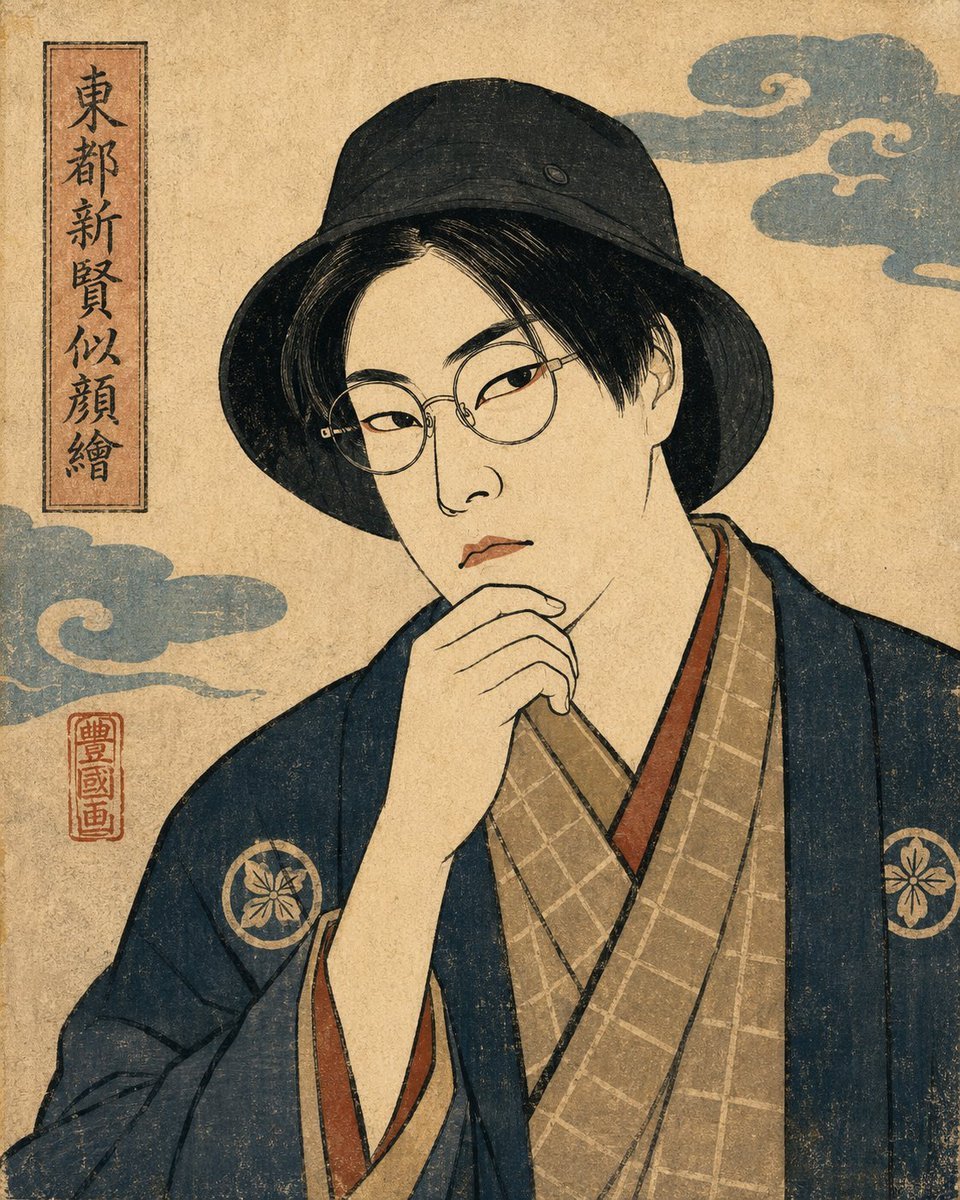
Ukiyo-e Portrait Transformation
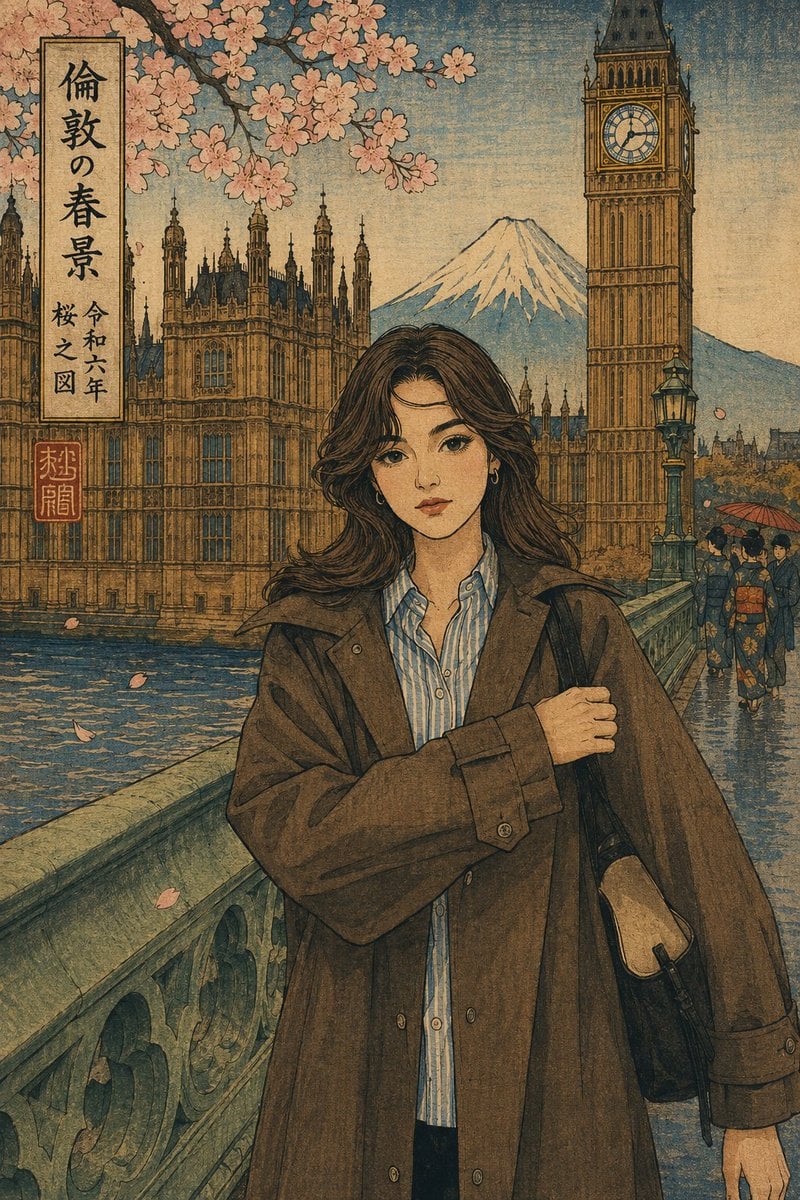
Ukiyo-e Portrait Transformation
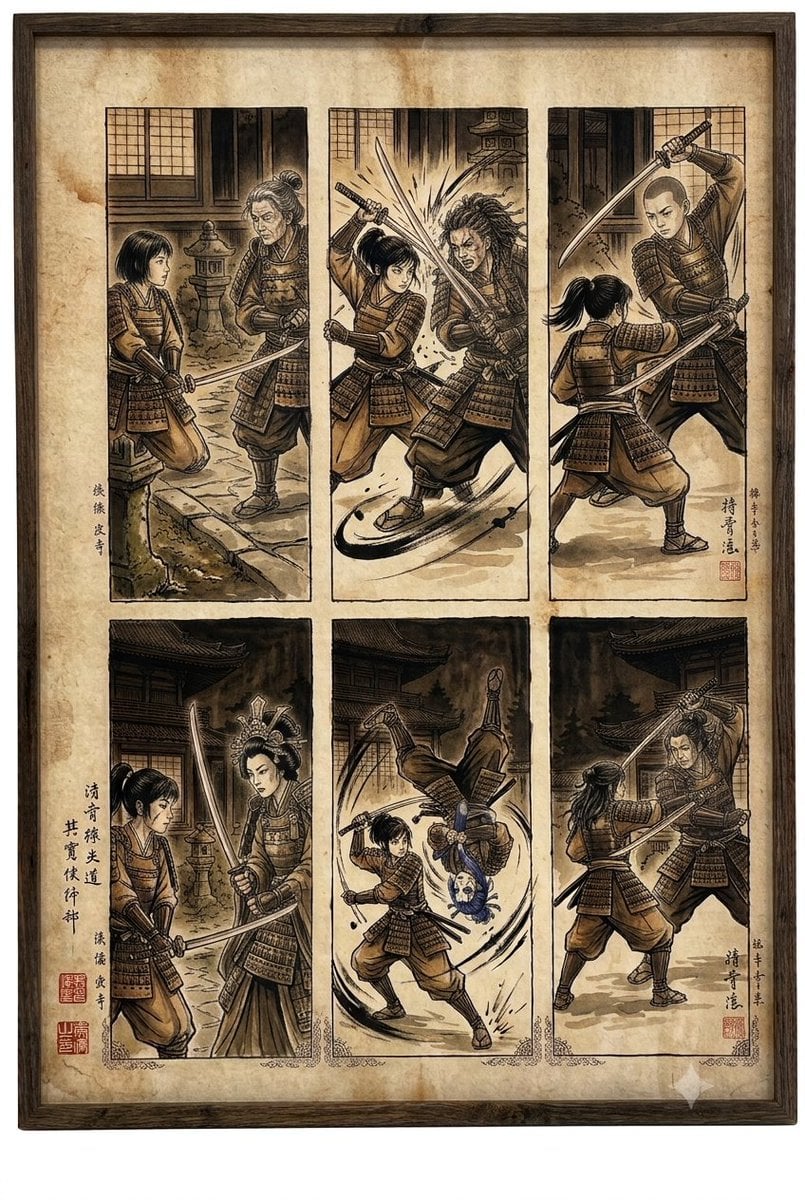
Samurai fight scene ukiyo-e triptych
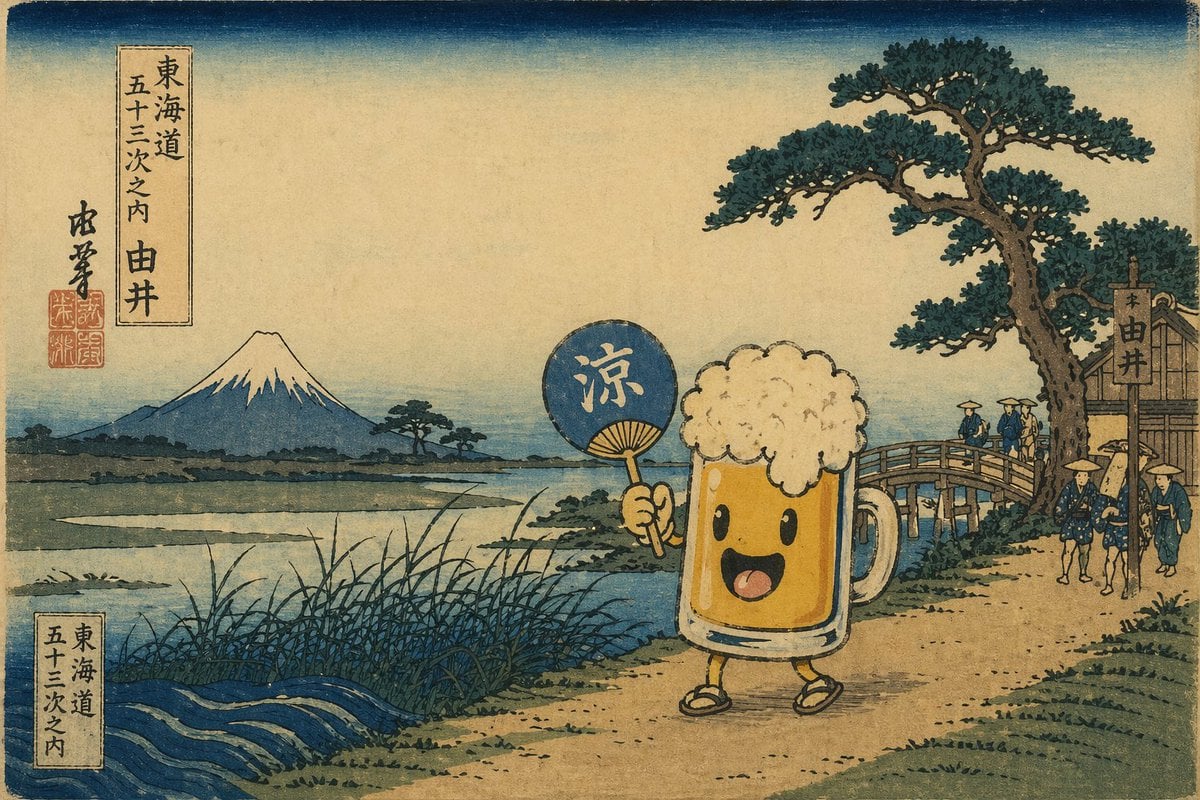
Ukiyo-e Mascot Landscape
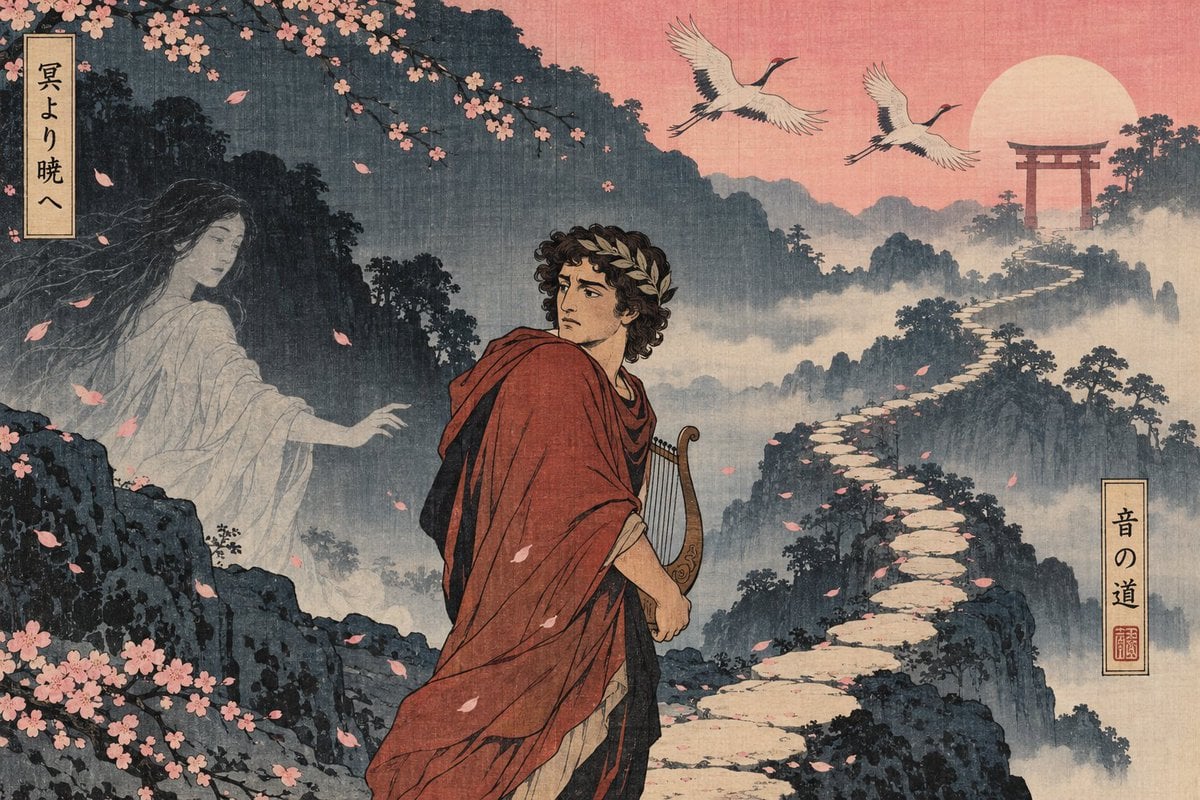
Ukiyo-e Orpheus Mountain Path
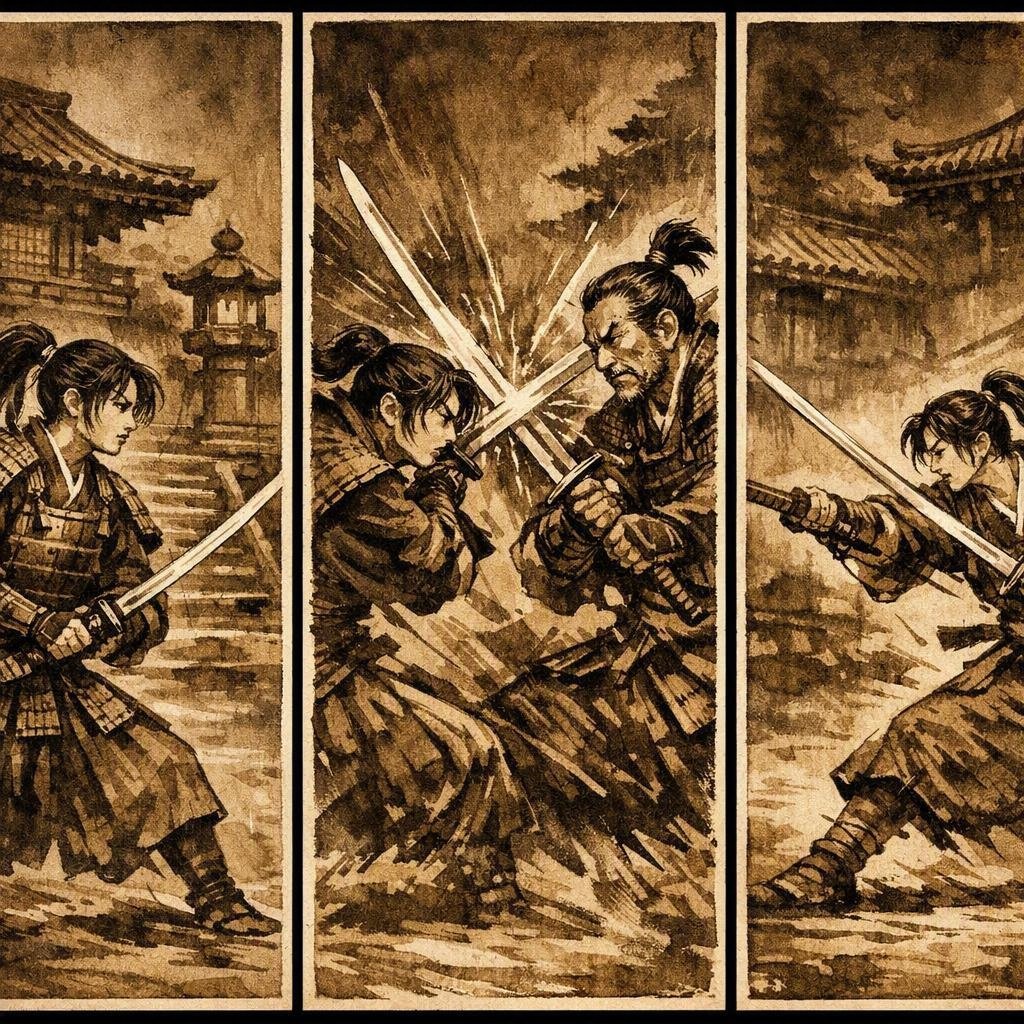
Japanese Samurai Ukiyo-e Triptych
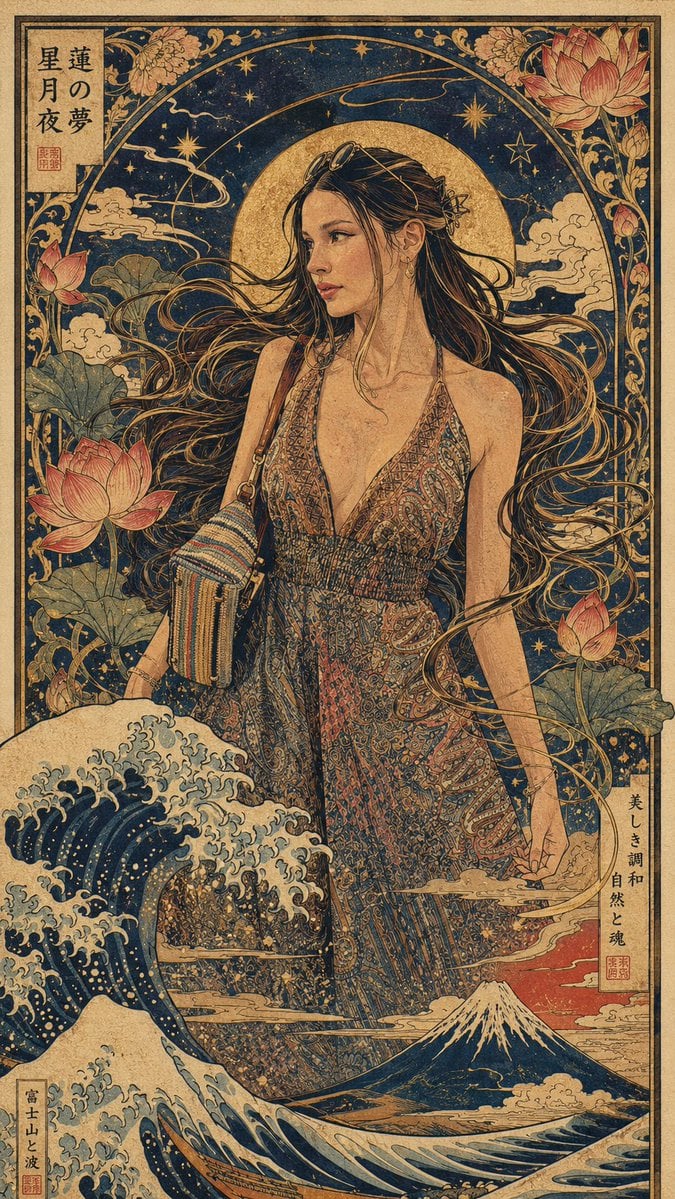
Art Nouveau & Ukiyo-e Fusion Portrait
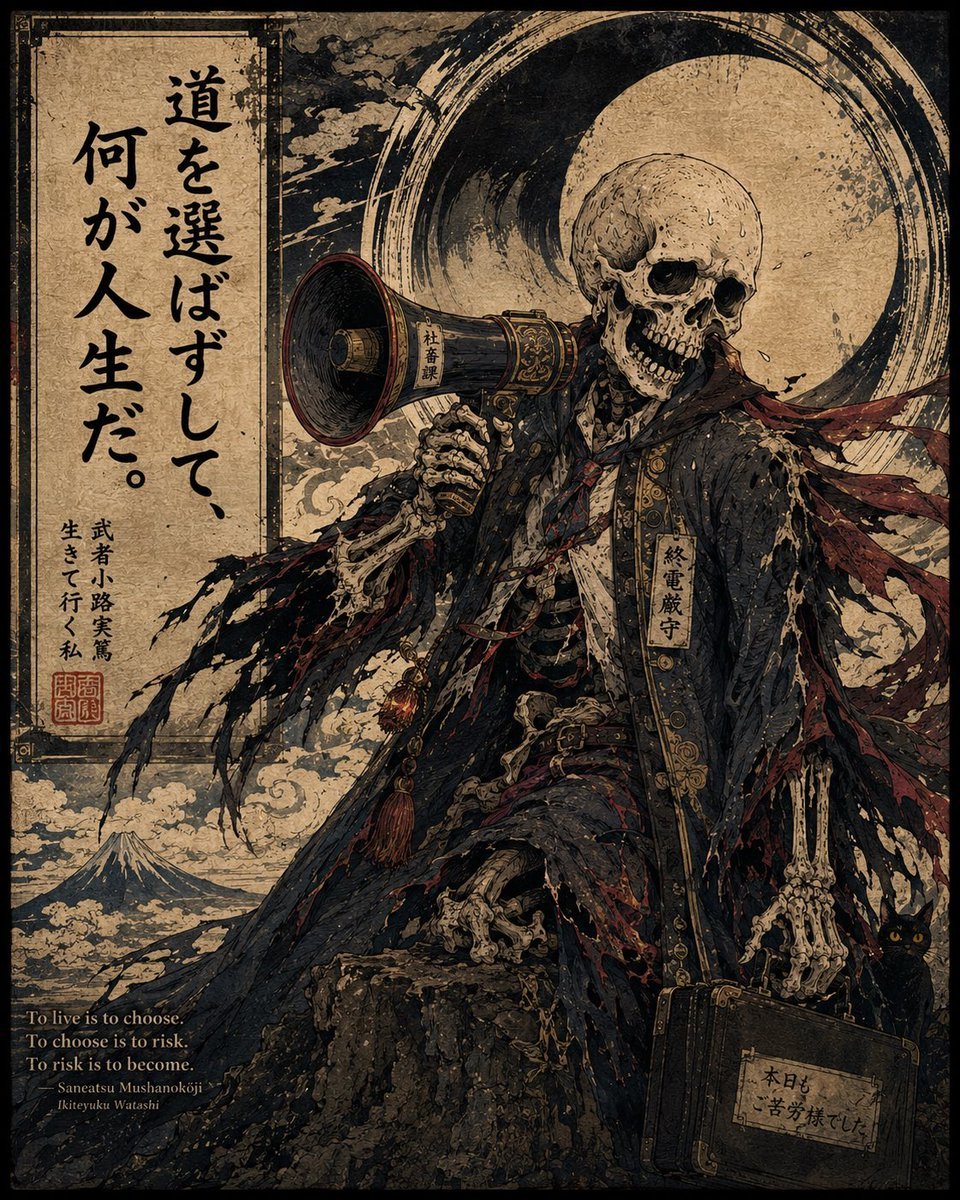
Ukiyo-e Skeleton Salaryman Quote Poster
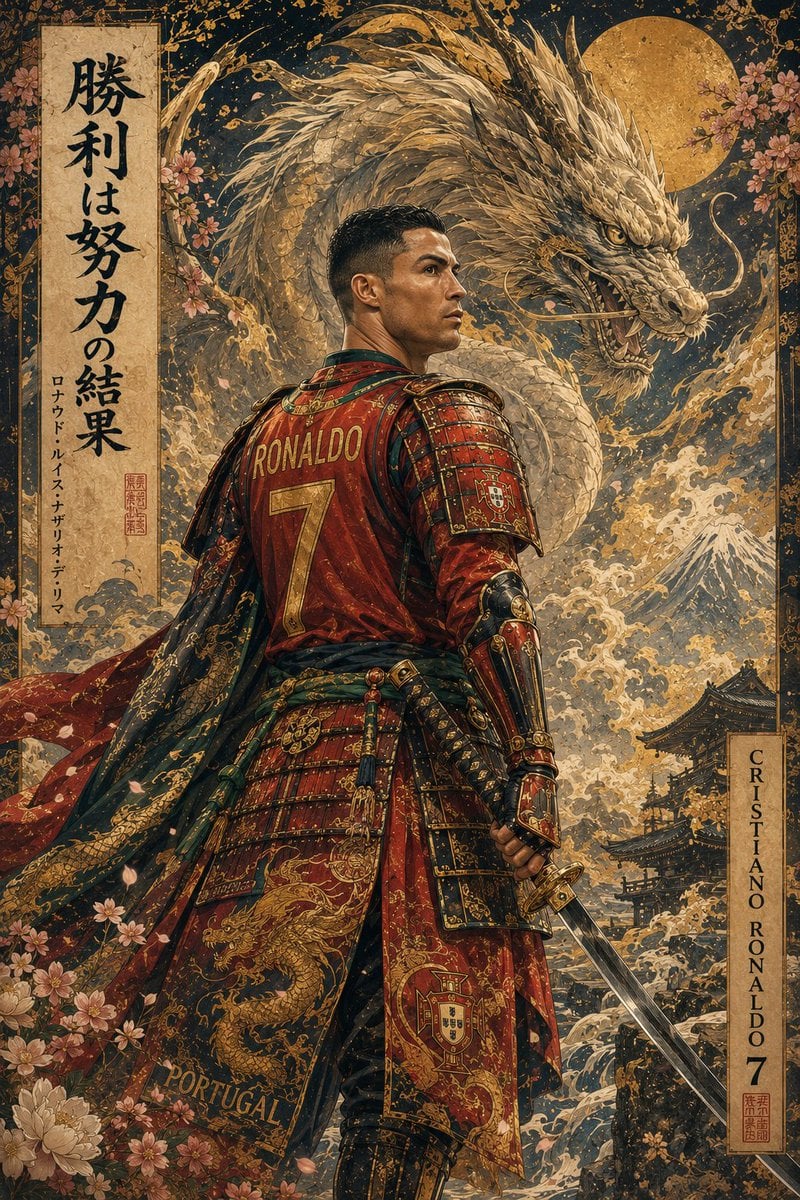
Ukiyo-e Mythological Samurai Portrait
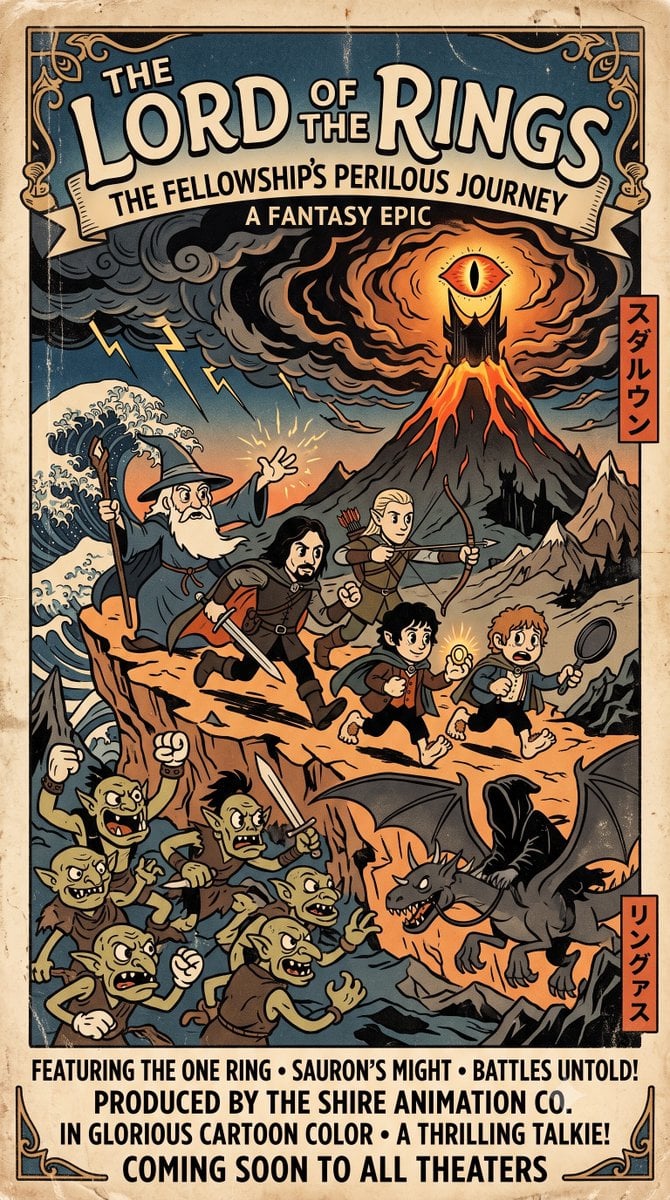
Ukiyo-e Style Movie Poster
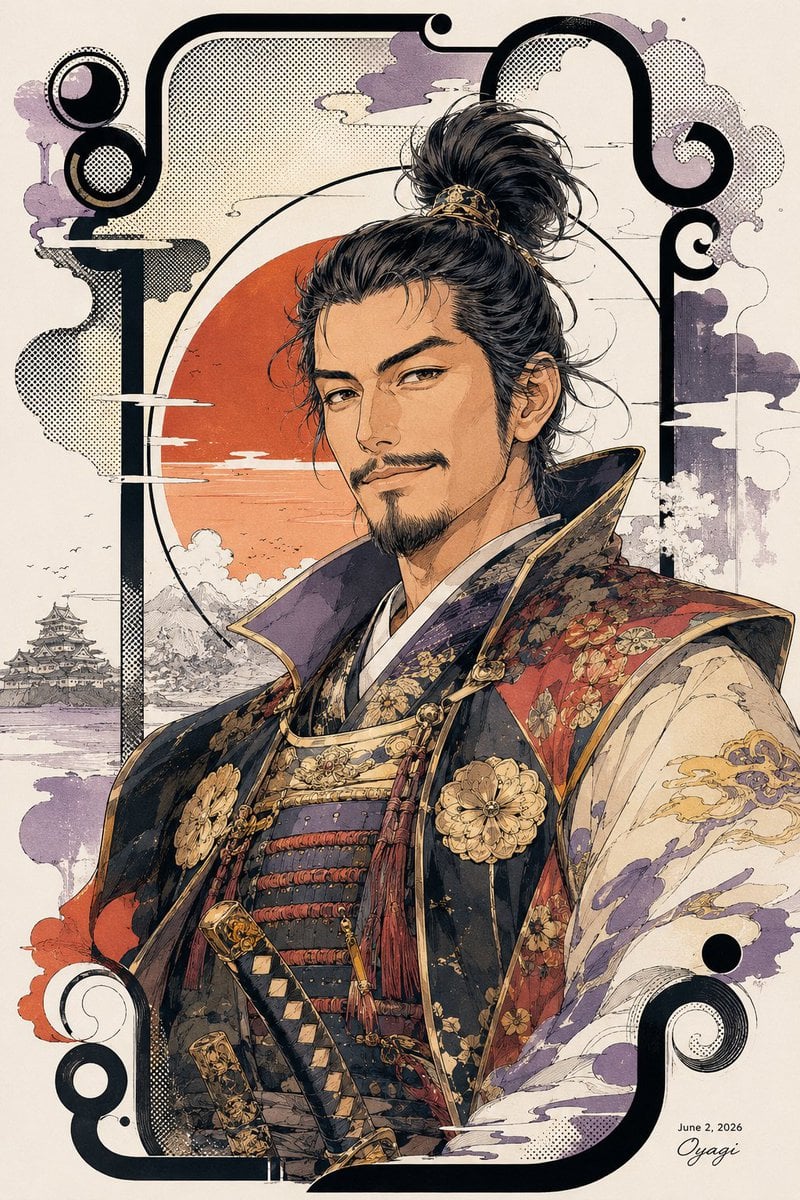
Stylish Nobunaga Ukiyo-e Portrait
Make it yours
Ukiyo-e Character Transformation works as-is. These are the safest ways to change it without losing the look.
Change one field
Copy a single group, rewrite it, and generate again so you can see what that field is doing.
Keep the frame, change the subject
Hold the composition and light of Ukiyo-e Character Transformation, then swap wardrobe, props or the person for a new take.
| If the result… | Why | Fix |
|---|---|---|
| The result drifts from the preview | Too many fields changed at once. | Reuse Ukiyo-e Character Transformation as-is first, then change one group — subject, light, or setting. |
| The model over-stylizes the scene | The prose prompt leaves finish and camera underspecified. | Add one camera or lighting sentence and stay on GPT Image 2. |
More GPT Image 2 templates
Other prompts made for GPT Image 2.

Six VTuber Japanese Logo Sheet

Realistic Portrait of Woman and Deer

The Vista Modular Condo Poster

AI Model Routing Comparison Infographic

2.5D Anime Art Board

Isometric Productivity Desk Scene

New York Double Exposure Poster

Four-Panel AI Landscape Comparison

Japanese Tatami Lifestyle Magazine Cover

NESCAFÉ Coffee Map Poster
More image prompts
Fresh picks from across the catalog.
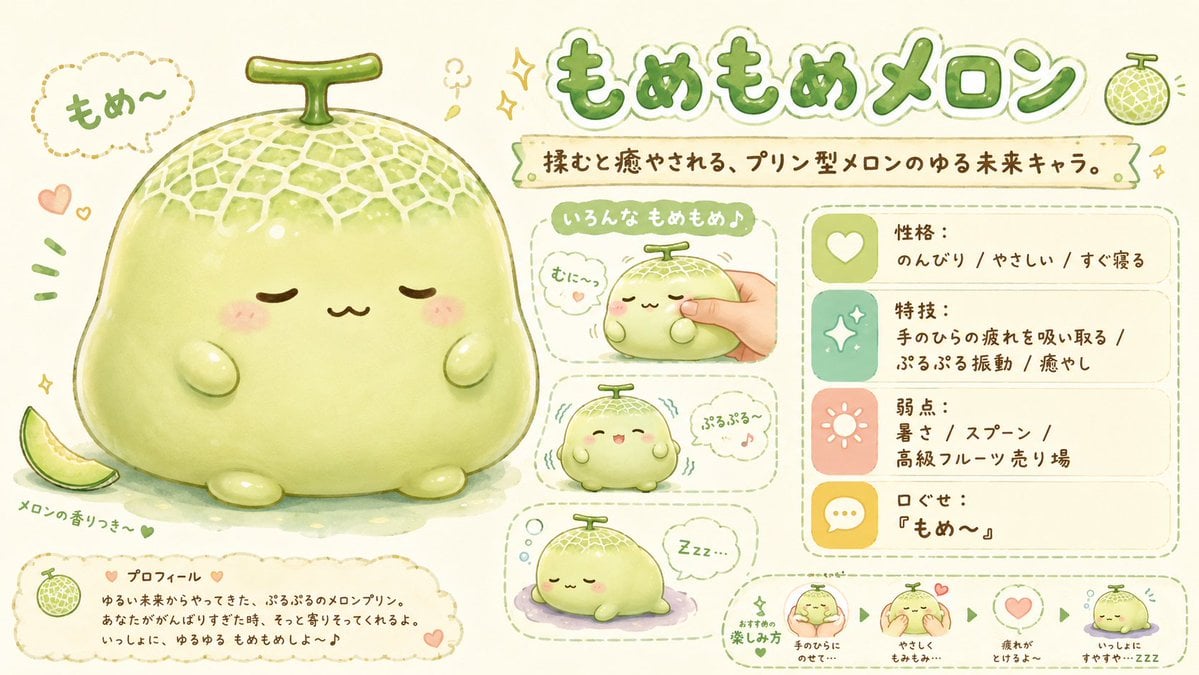
Kawaii Melon Mascot Character Sheet
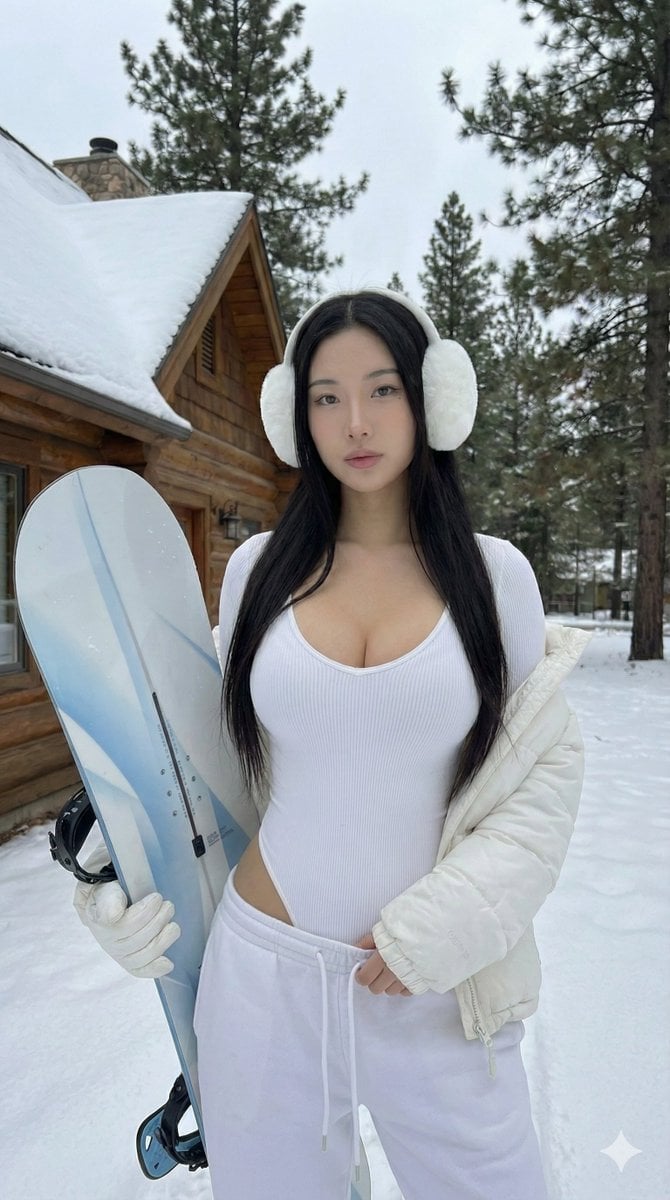
Winter Full Hourglass Portrait with Puffer Jacket Prompt
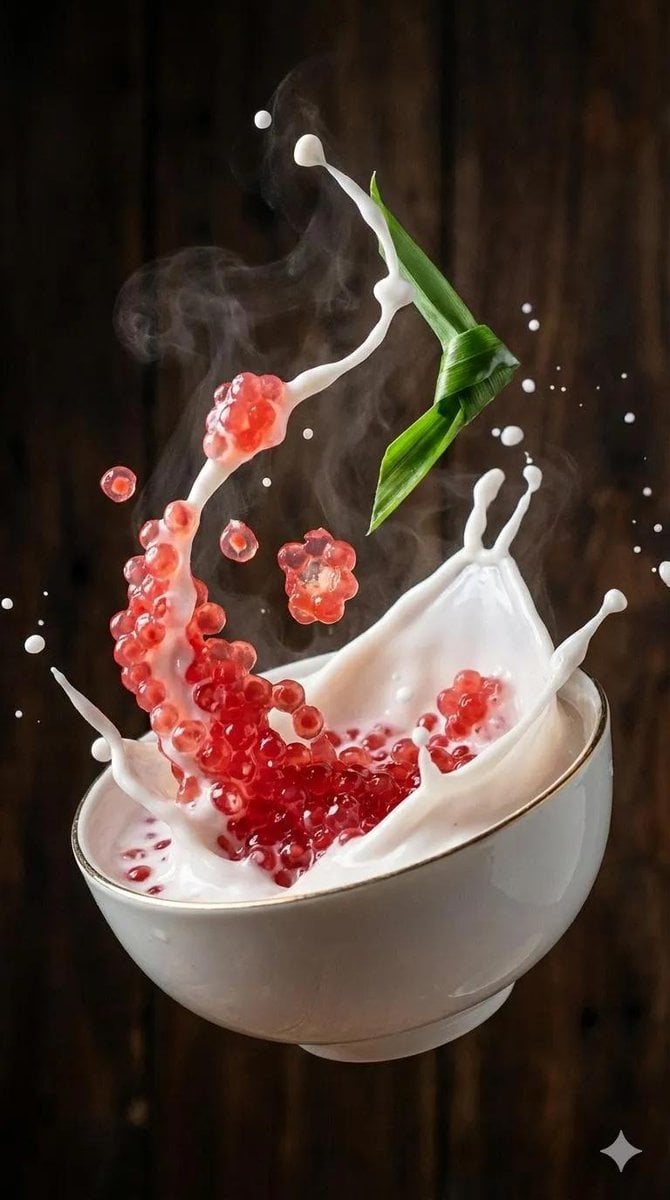
Ultra-Realistic Food Photography of Dessert Splash
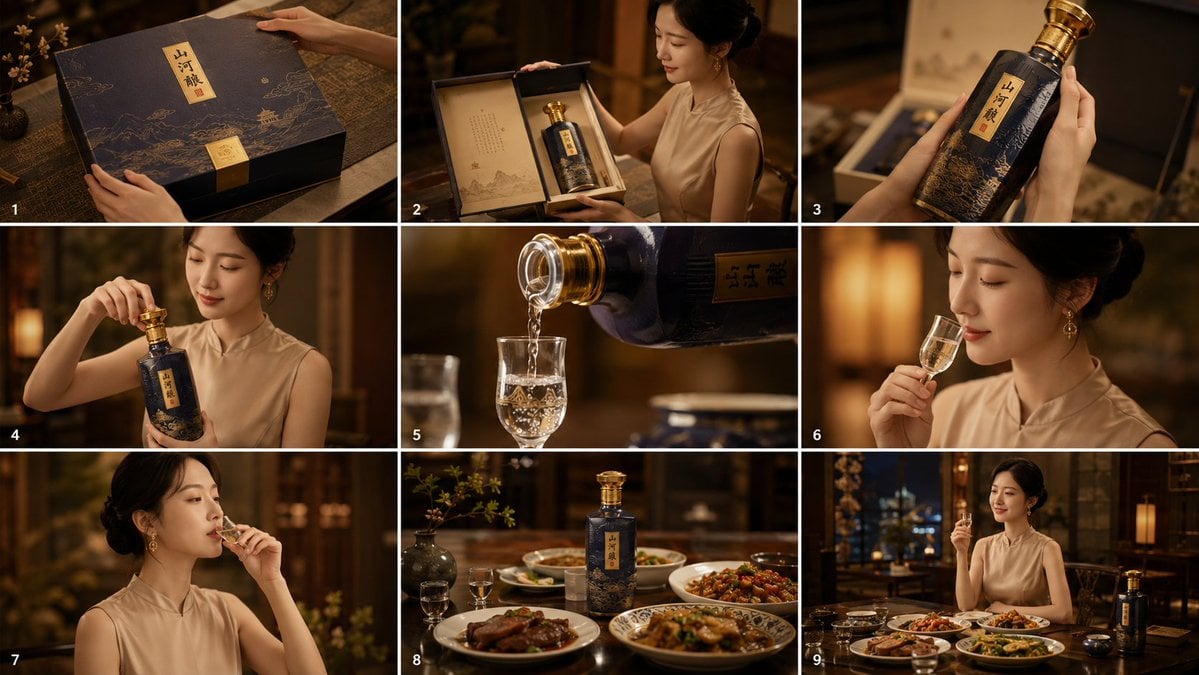
Cinematic Baijiu 9-Panel Storyboard
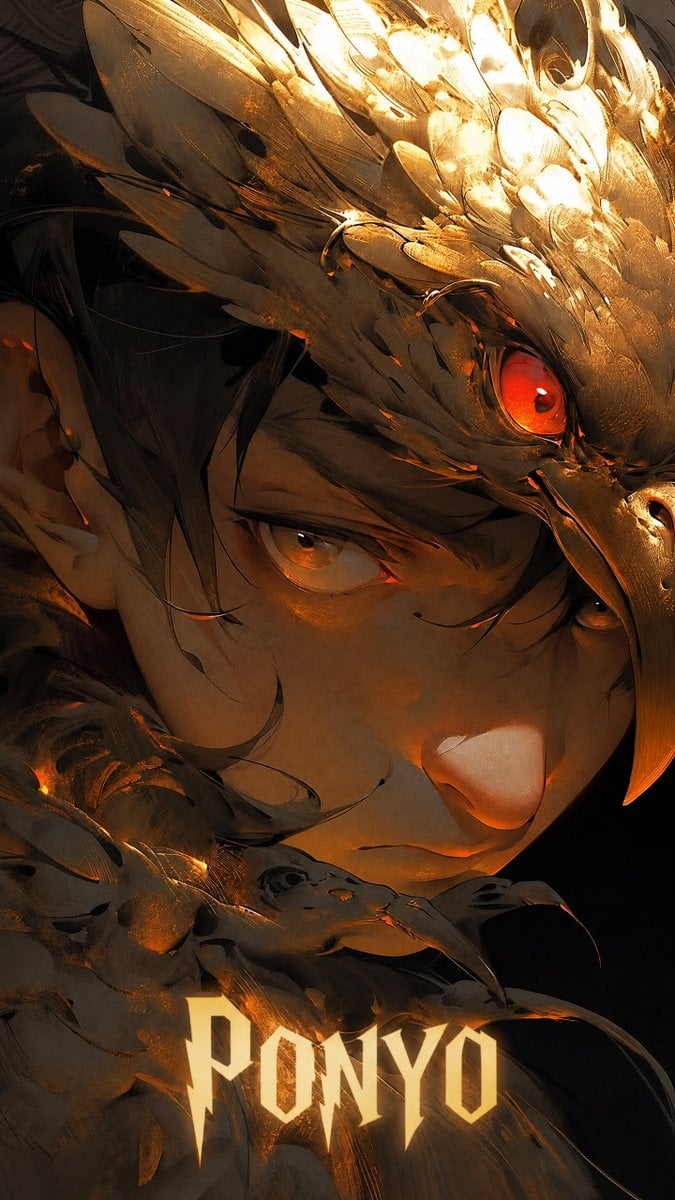
Dark Raven Armor Anime Portrait
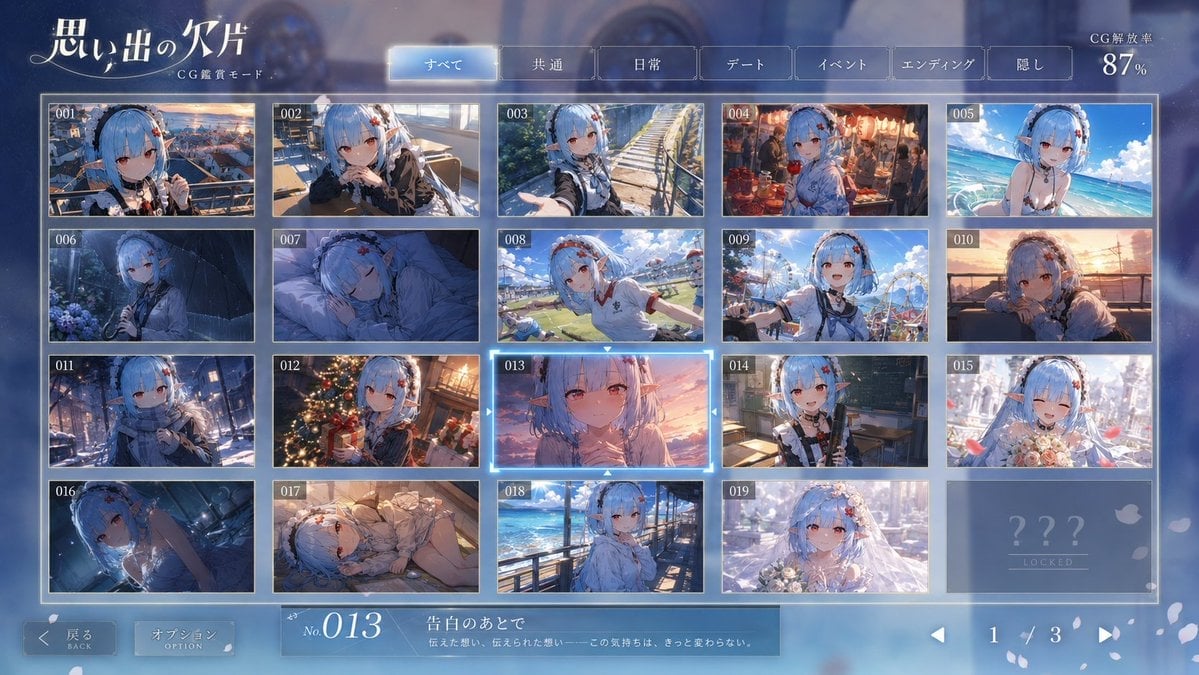
Romance Adventure Game CG Gallery UI

Japanese Stormworks Guide Infographic
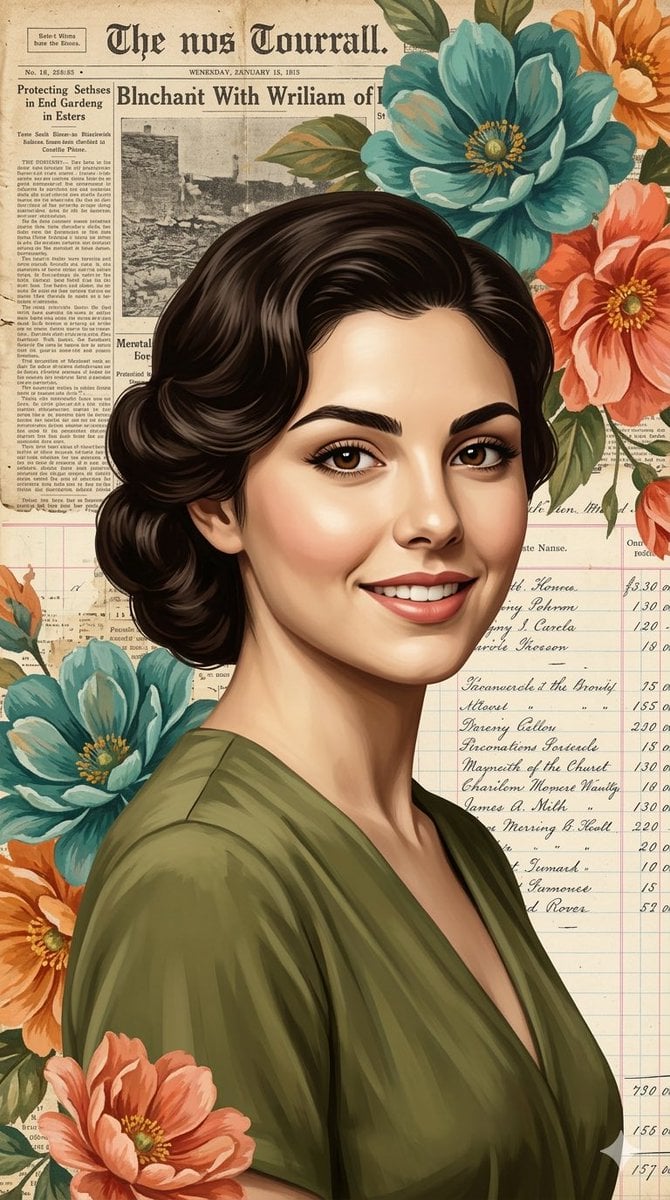
Elegant Digital Illustration with Vintage Realism
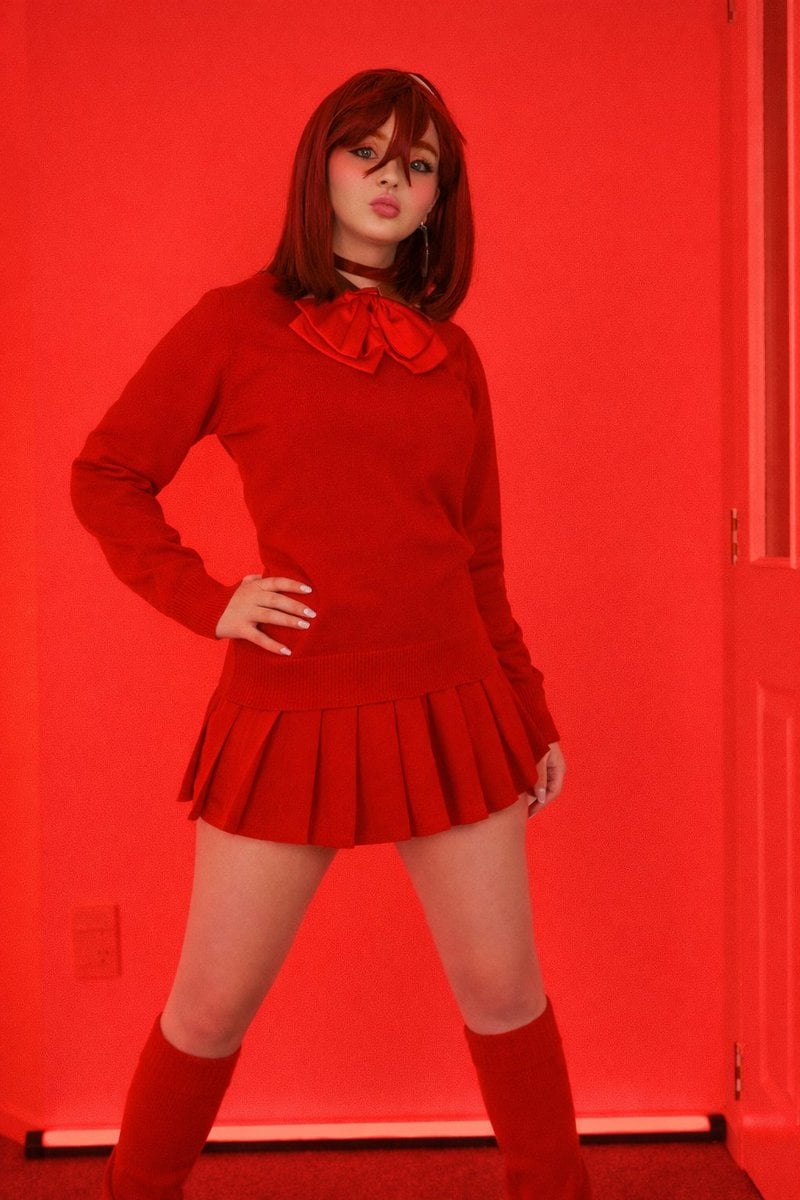
Bold Red Fashion Portrait
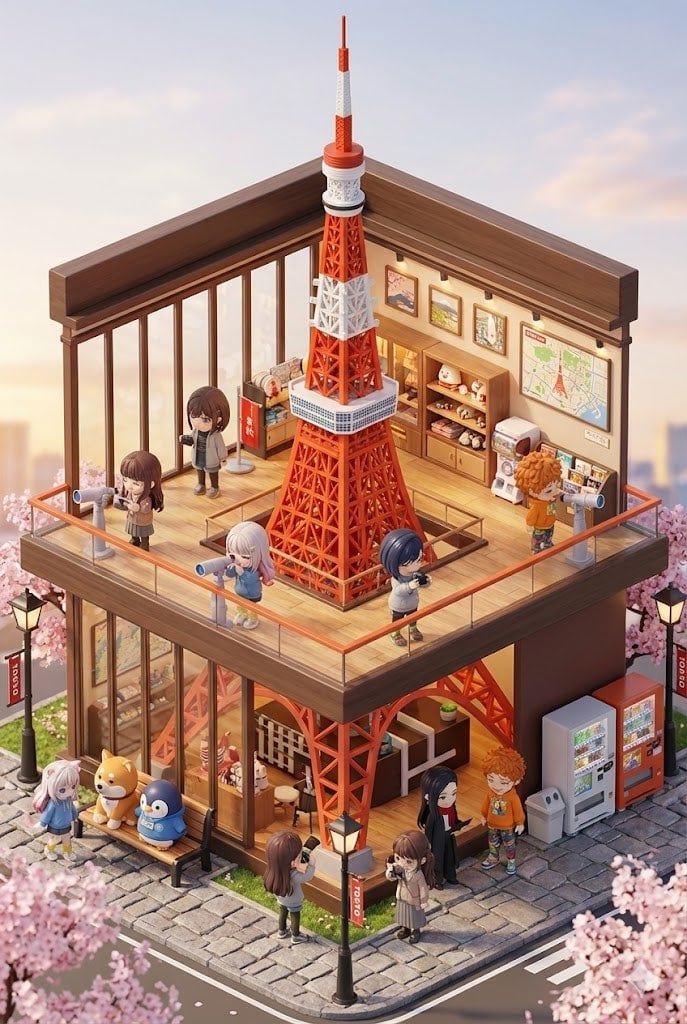
3D chibi miniature travel spot concept prompt
Browse template categories
Ukiyo-e Character Transformation questions
How do I use the Ukiyo-e Character Transformation template?
Add your photo if the template asks for one, edit the prompt if you like — the template's model and format are already selected — and press Generate. Your version opens in PicX Studio.
Can I customize the Ukiyo-e Character Transformation template?
Yes. You can change the subject, setting, lighting, mood, format, and available model controls before creating your image.
Is the Ukiyo-e Character Transformation template free?
Opening and editing this template is free. Generating uses credits, shown on the Generate button when you are signed in.
Which AI model should I use?
Start with GPT Image 2, which is the model associated with this template. You can compare another compatible model for a different finish.
Looking for something else? Browse all templates.

Your photo, any look
Thousands of ready templates for every top image and video model, from one credit balance.