
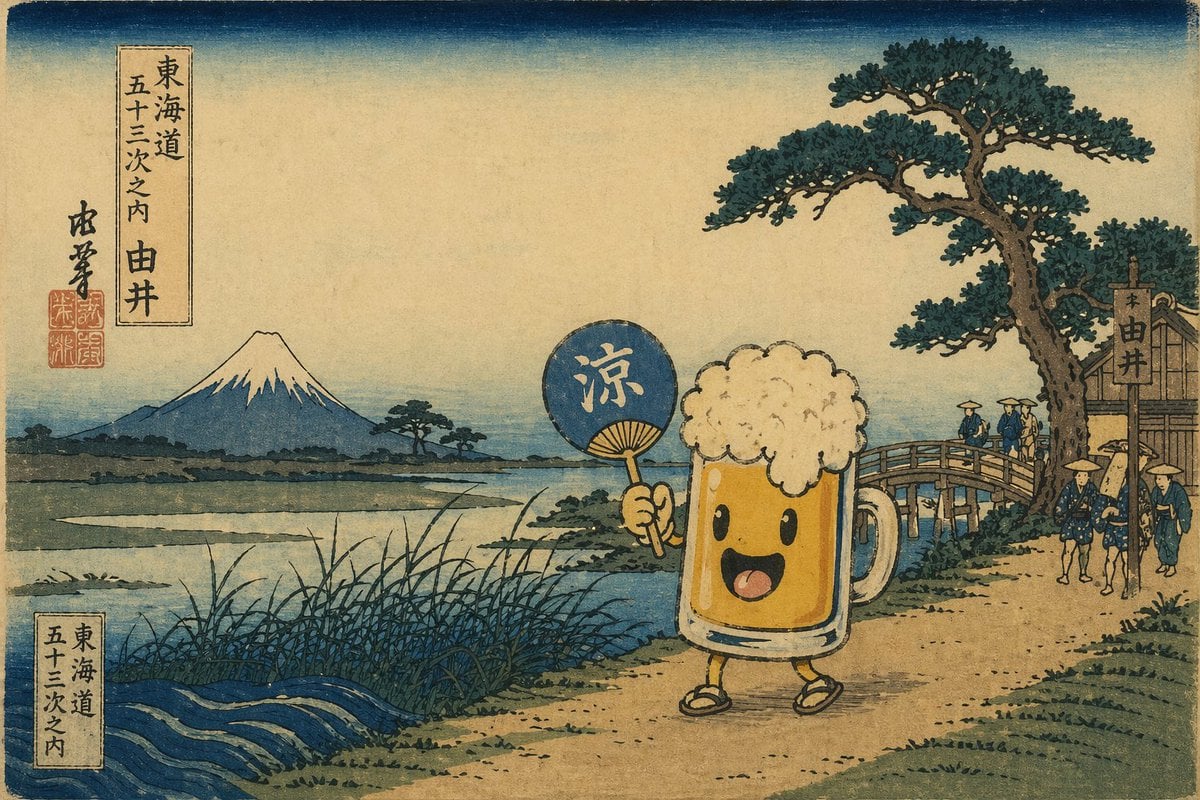
Ukiyo-e Mascot Landscape
Generates a traditional Japanese woodblock print featuring a customizable mascot character in a classic Mount Fuji landscape.
- Prompt included
- Model and format preset
- Free template
The prompt behind this image
Copy the exact prompt behind Ukiyo-e Mascot Landscape, or open it in the studio and make it yours.
A {argument name="art style" default="traditional Japanese Ukiyo-e woodblock print"} landscape featuring an {argument name="main character" default="anthropomorphic glass of beer with a frothy head, a happy smiling face, stick-like yellow arms and legs, and traditional sandals"} walking on a dirt path. The character holds a blue round fan displaying the kanji "{argument name="fan text" default="涼"}". The background includes a large pine tree and a wooden bridge on the right with 3 small figures crossing, plus 3 more figures walking on the path. To the left, tall reeds border a river leading to a distant {argument name="background mountain" default="snow-capped Mount Fuji"} under a gradient sky. A traditional text cartouche in the top left reads "{argument name="top left text" default="東海道 五十三次之内 由井"}" next to red artist seals, with a matching cartouche in the bottom left. The image has vintage, muted colors and authentic woodblock paper textures.
How to use Ukiyo-e Mascot Landscape in 3 steps
- 1Upload ImagePNG, JPG or paste
Add your photo
Upload the photo the template builds on. The prompt, model and format are already set.
- 2…a portrait of your subject in softgolden-hour light, 85mm…
Personalize
Edit the subject and creative details for your destination.
- 3Generate
Generate
Press Generate — your image is created in PicX Studio, so you can compare it with the original and refine one variable at a time.
More like this
Templates with the same subject, style or setup. Open one to see its prompt.

Teen Girl Alpine Lake Mountain View

Anime Rain Poncho Parade

Anime Street Performer Magic

Anime Ferry Boat Arrival

Anime Hidden Mickey Hunt

Anime Popcorn Cart Hero

Anime Nighttime Projection

Anime Character Meet Tent

Anime Splash Mountain Drop

Anime Balloon Seller Lane

Anime Pirate Ship Stage

Anime Monorail Sunset
Make it yours
Ukiyo-e Mascot Landscape works as-is. These are the safest ways to change it without losing the look.
Change one field
Copy a single group, rewrite it, and generate again so you can see what that field is doing.
Keep the frame, change the subject
Hold the composition and light of Ukiyo-e Mascot Landscape, then swap wardrobe, props or the person for a new take.
| If the result… | Why | Fix |
|---|---|---|
| The result drifts from the preview | Too many fields changed at once. | Reuse Ukiyo-e Mascot Landscape as-is first, then change one group — subject, light, or setting. |
| The model over-stylizes the scene | The prose prompt leaves finish and camera underspecified. | Add one camera or lighting sentence and stay on GPT Image 2. |
More GPT Image 2 templates
Other prompts made for GPT Image 2.

Six VTuber Japanese Logo Sheet

Realistic Portrait of Woman and Deer

The Vista Modular Condo Poster

AI Model Routing Comparison Infographic

2.5D Anime Art Board

Isometric Productivity Desk Scene

New York Double Exposure Poster

Four-Panel AI Landscape Comparison

Japanese Tatami Lifestyle Magazine Cover

NESCAFÉ Coffee Map Poster
More image prompts
Fresh picks from across the catalog.
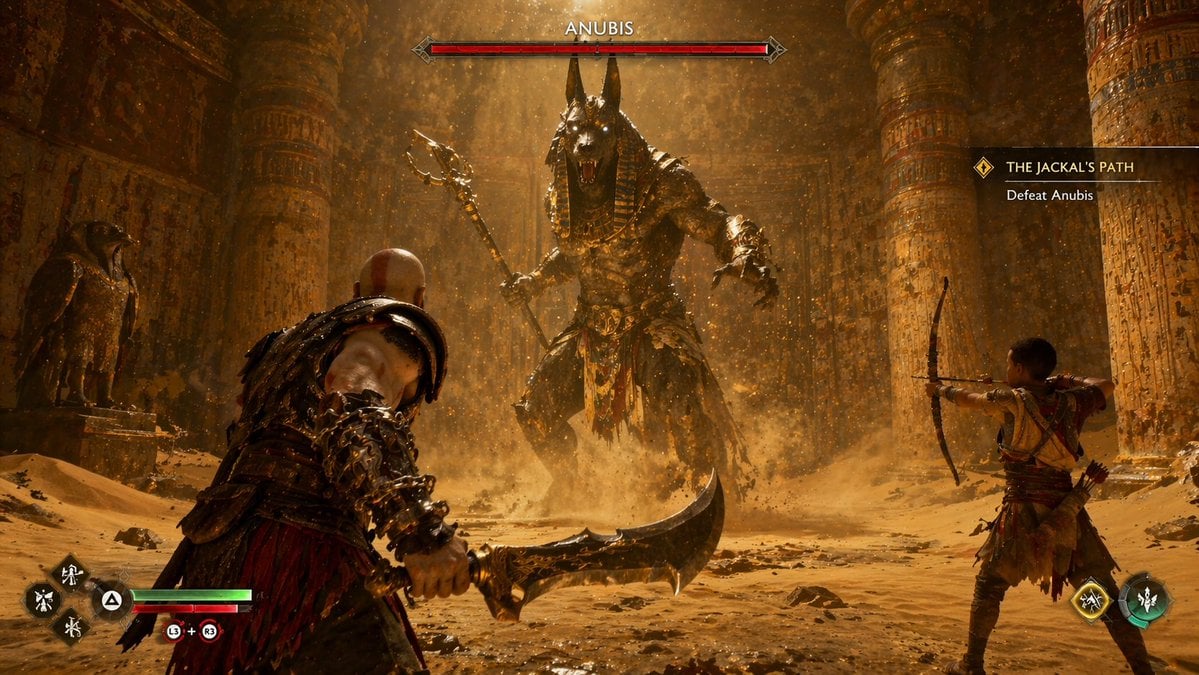
Mythological Action Game Screenshot
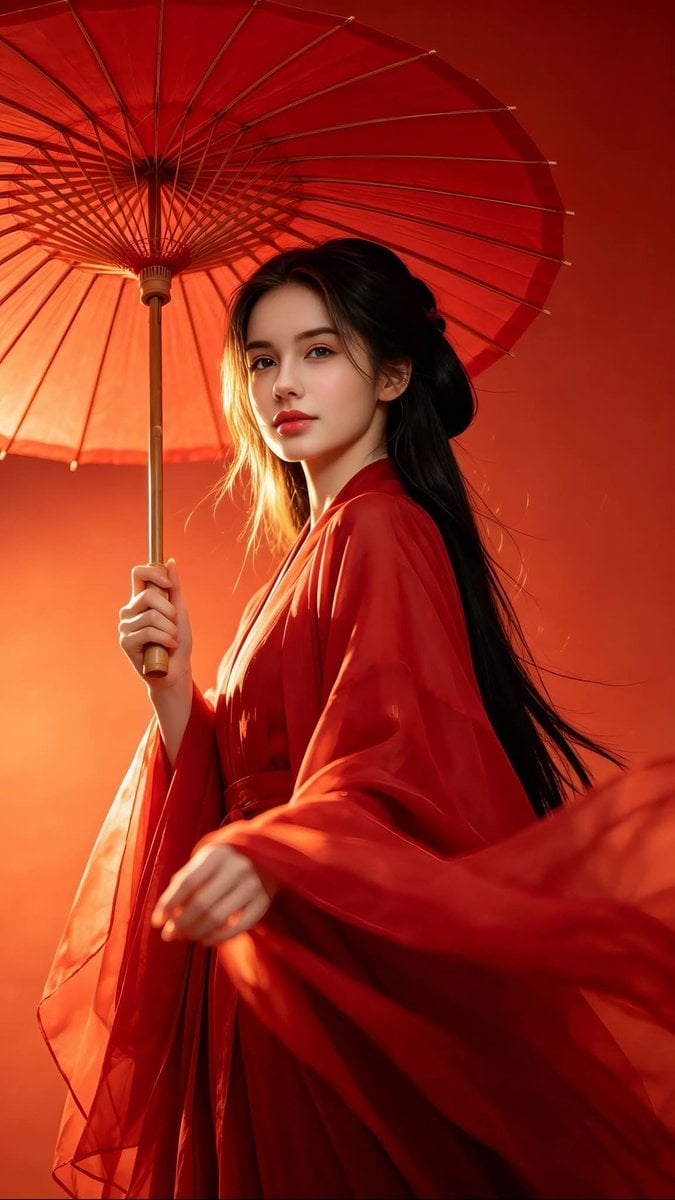
Chinese Hanfu Red Fantasy Portrait

Cinematic Video of a Woman Enjoying Sweets
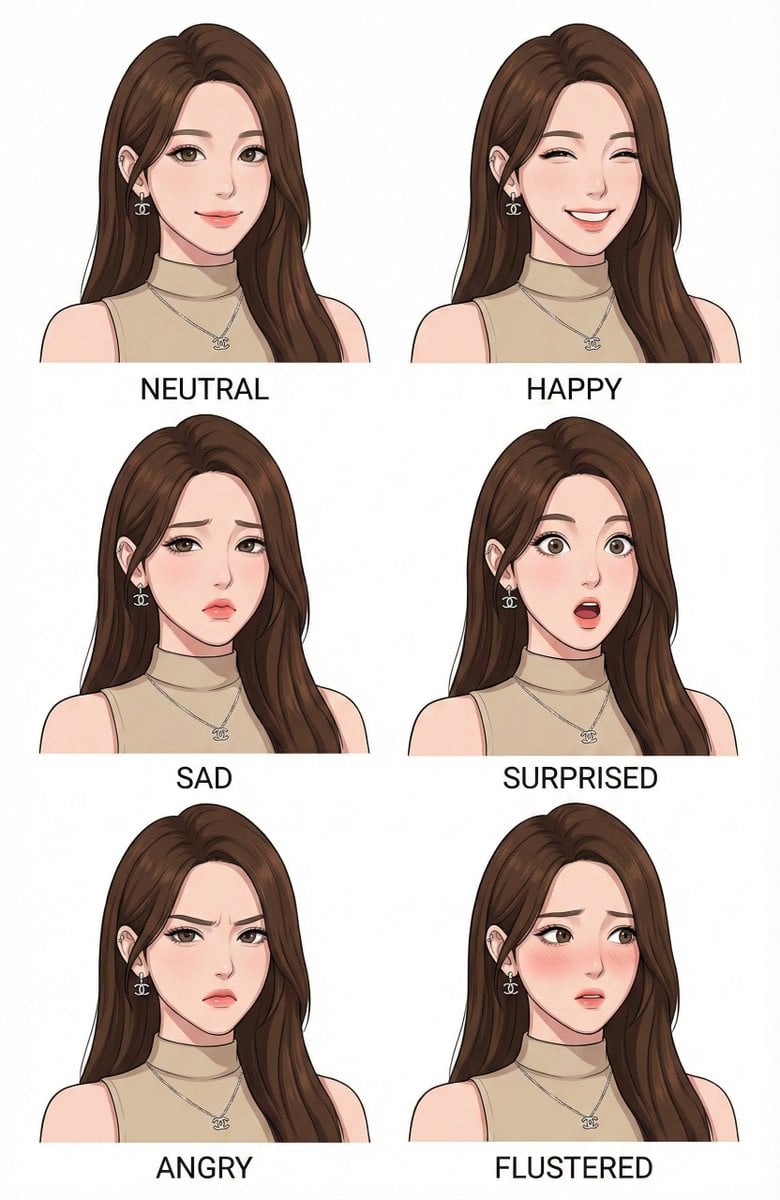
Character Design Expression Style Guide Prompt

Photorealistic Portrait of Zhao Lusi (Rosy Zhao) with Cottagecore Vibe
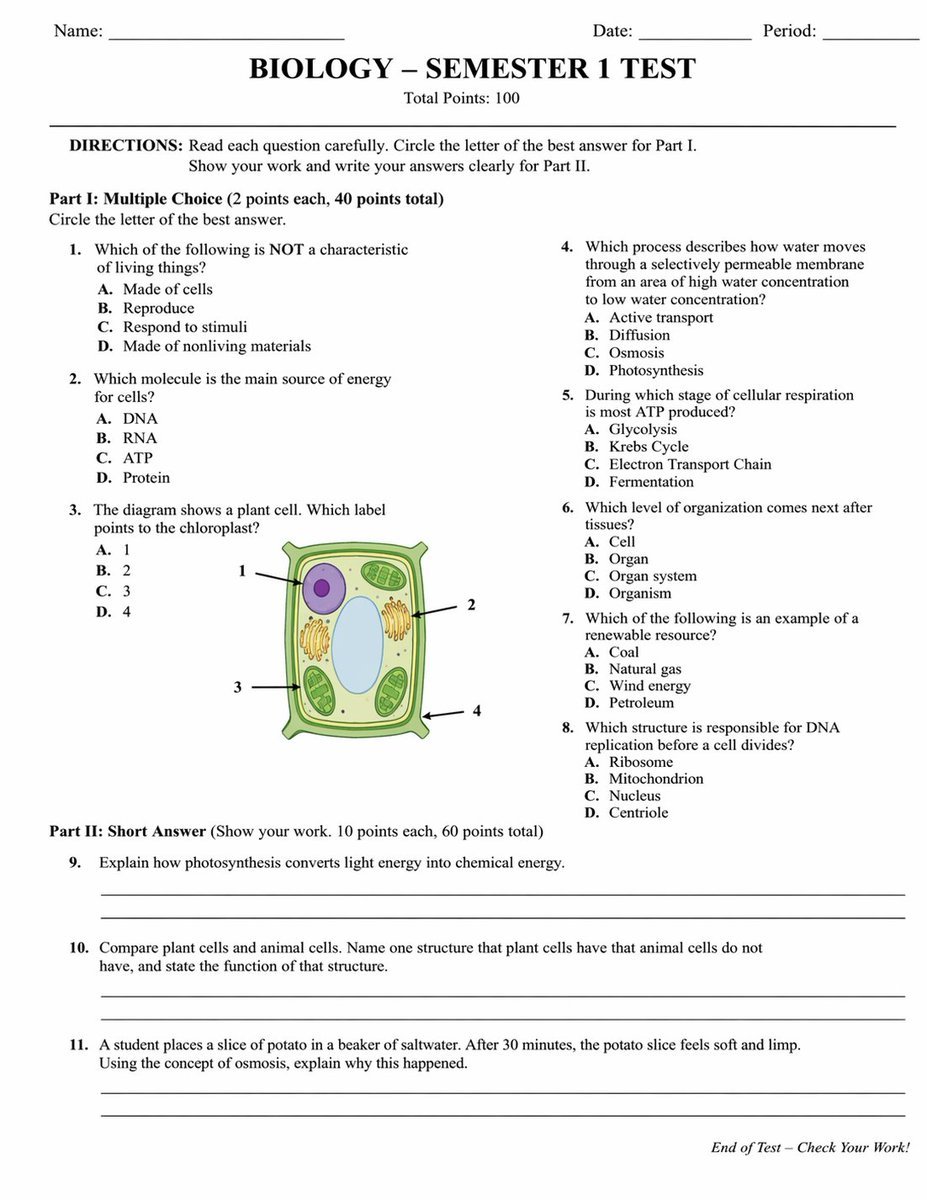
Academic Exam Paper Generator
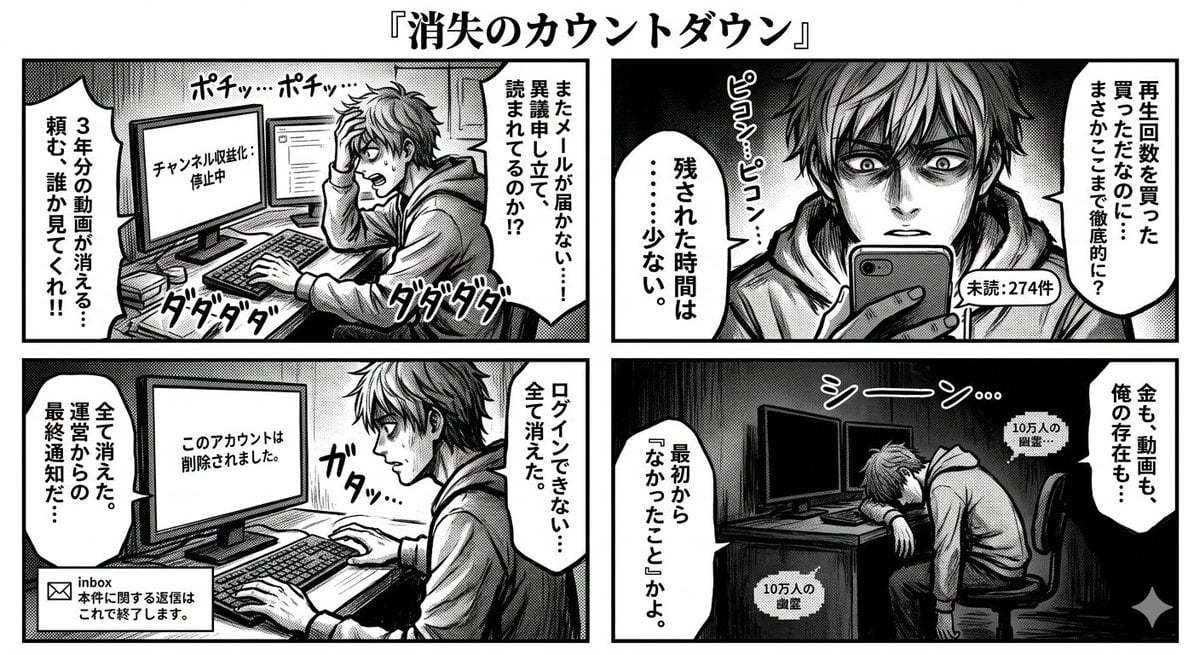
Four-Panel Manga: Countdown to Disappearance

Realistic Commercial Beverage Advertisement

Surreal Cosmetic Alchemist Portrait Prompt
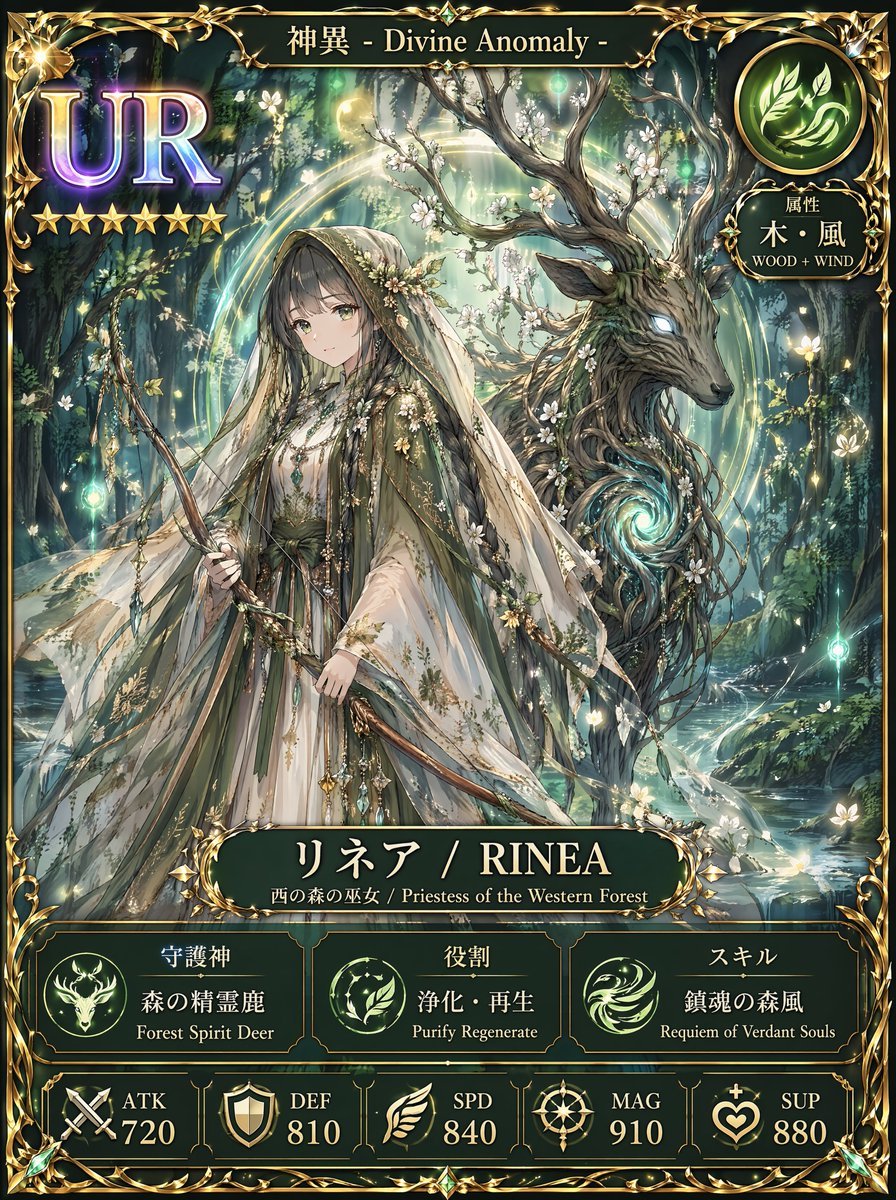
Fantasy UR Forest Priestess Card
Browse template categories
Ukiyo-e Mascot Landscape questions
How do I use the Ukiyo-e Mascot Landscape template?
Add your photo if the template asks for one, edit the prompt if you like — the template's model and format are already selected — and press Generate. Your version opens in PicX Studio.
Can I customize the Ukiyo-e Mascot Landscape template?
Yes. You can change the subject, setting, lighting, mood, format, and available model controls before creating your image.
Is the Ukiyo-e Mascot Landscape template free?
Opening and editing this template is free. Generating uses credits, shown on the Generate button when you are signed in.
Which AI model should I use?
Start with GPT Image 2, which is the model associated with this template. You can compare another compatible model for a different finish.
Looking for something else? Browse all templates.

Your photo, any look
Thousands of ready templates for every top image and video model, from one credit balance.