How do I use the Academic Exam Paper Generator template?
Edit the prompt in the box under the preview — the template's model and format are already selected — and press Generate. Your version appears right on this page.
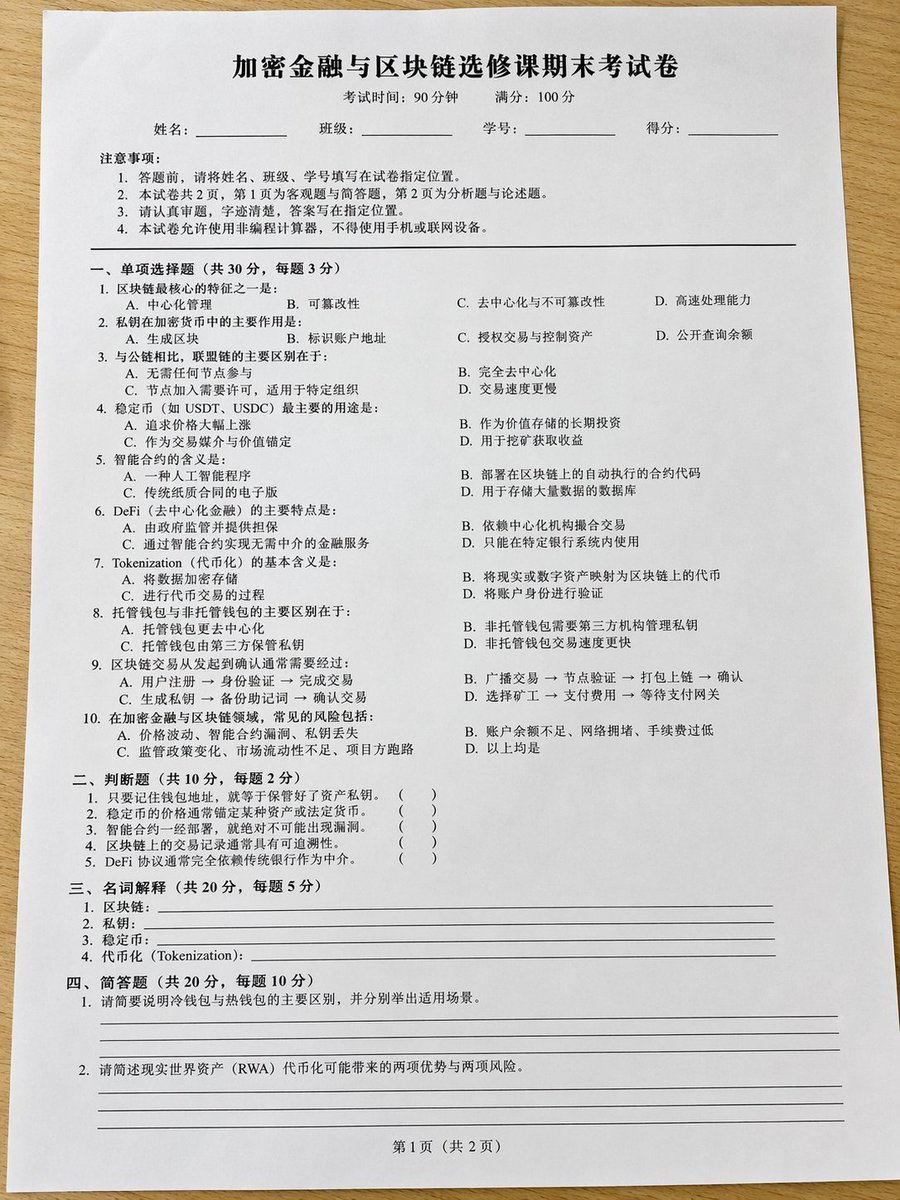
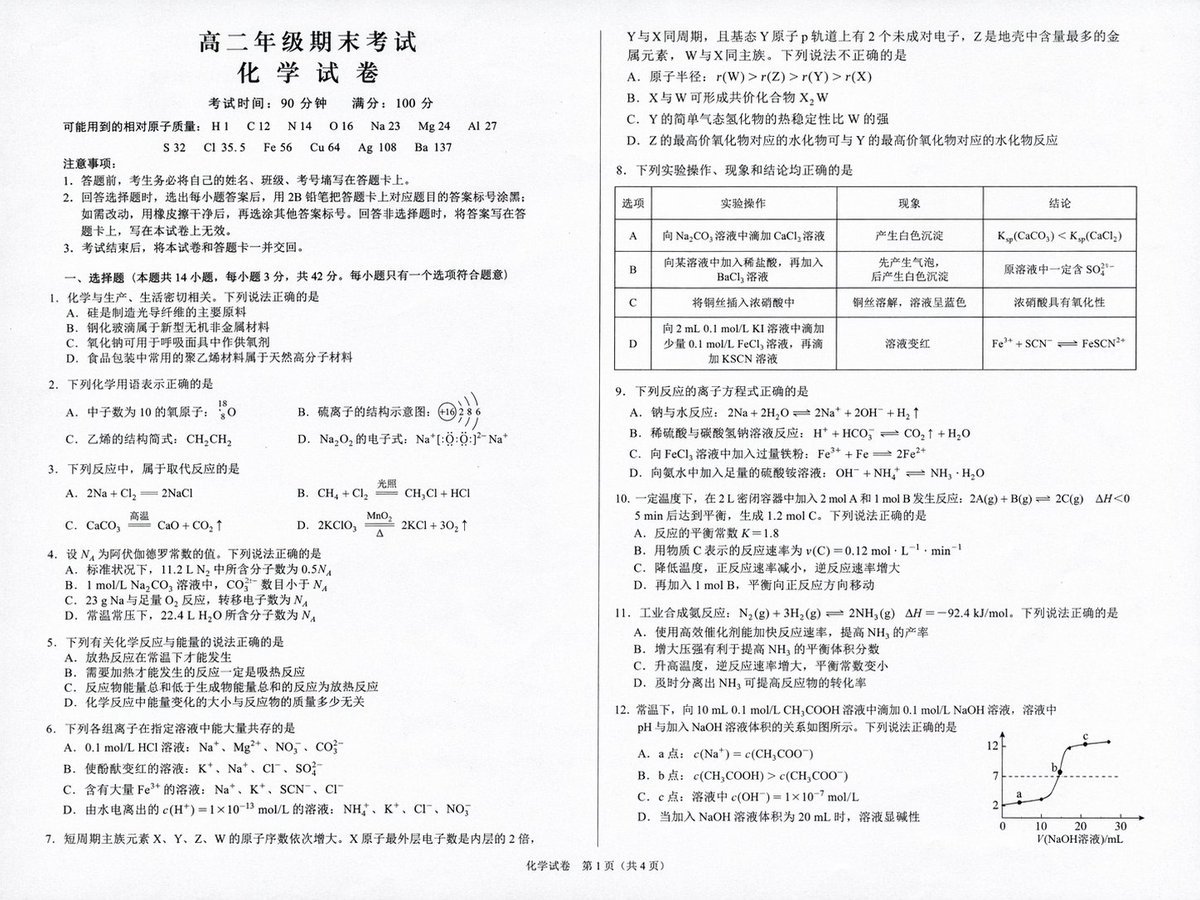
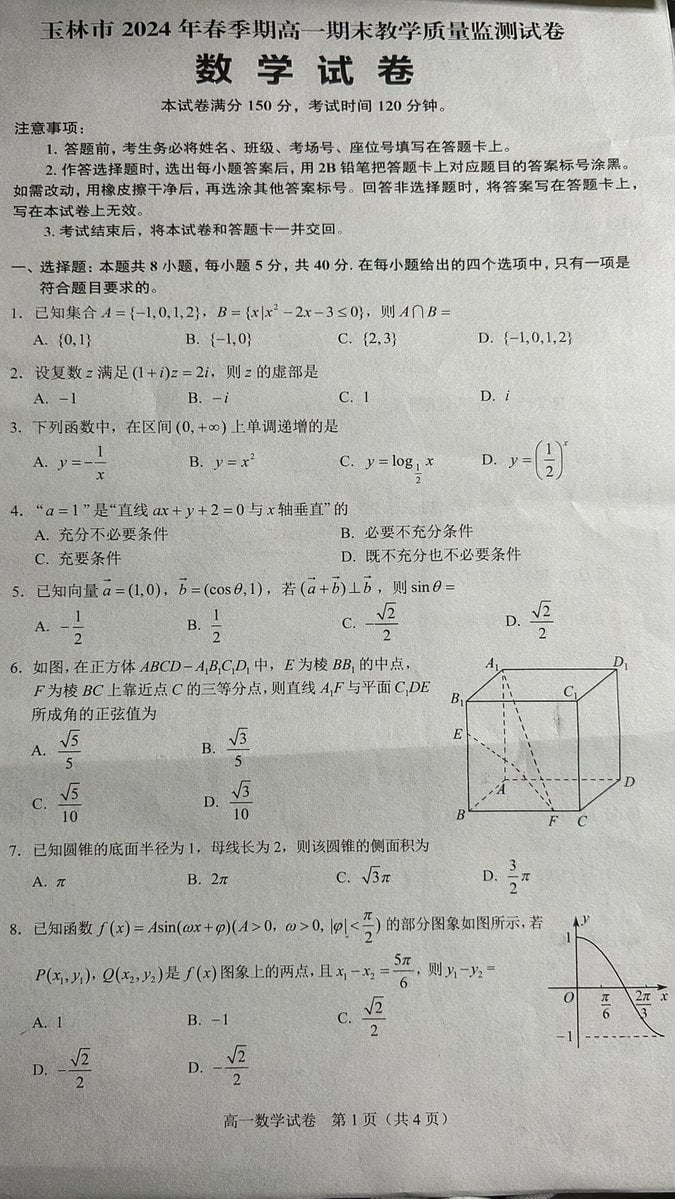
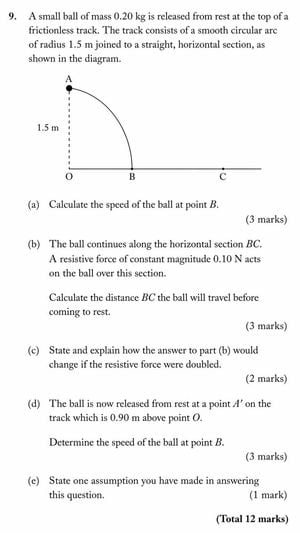
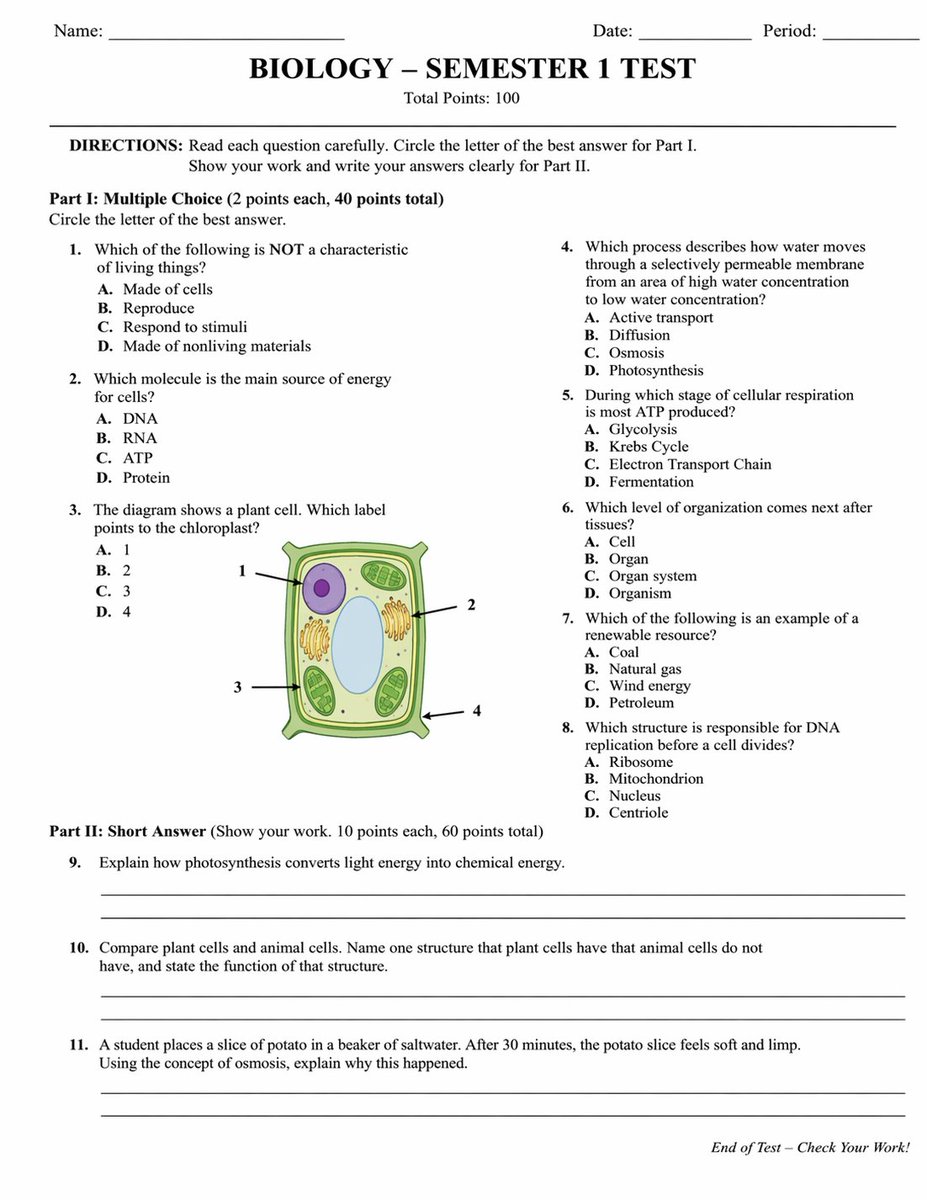
Generates a realistic, structured academic test paper with multiple-choice questions, a diagram, and short-answer sections.

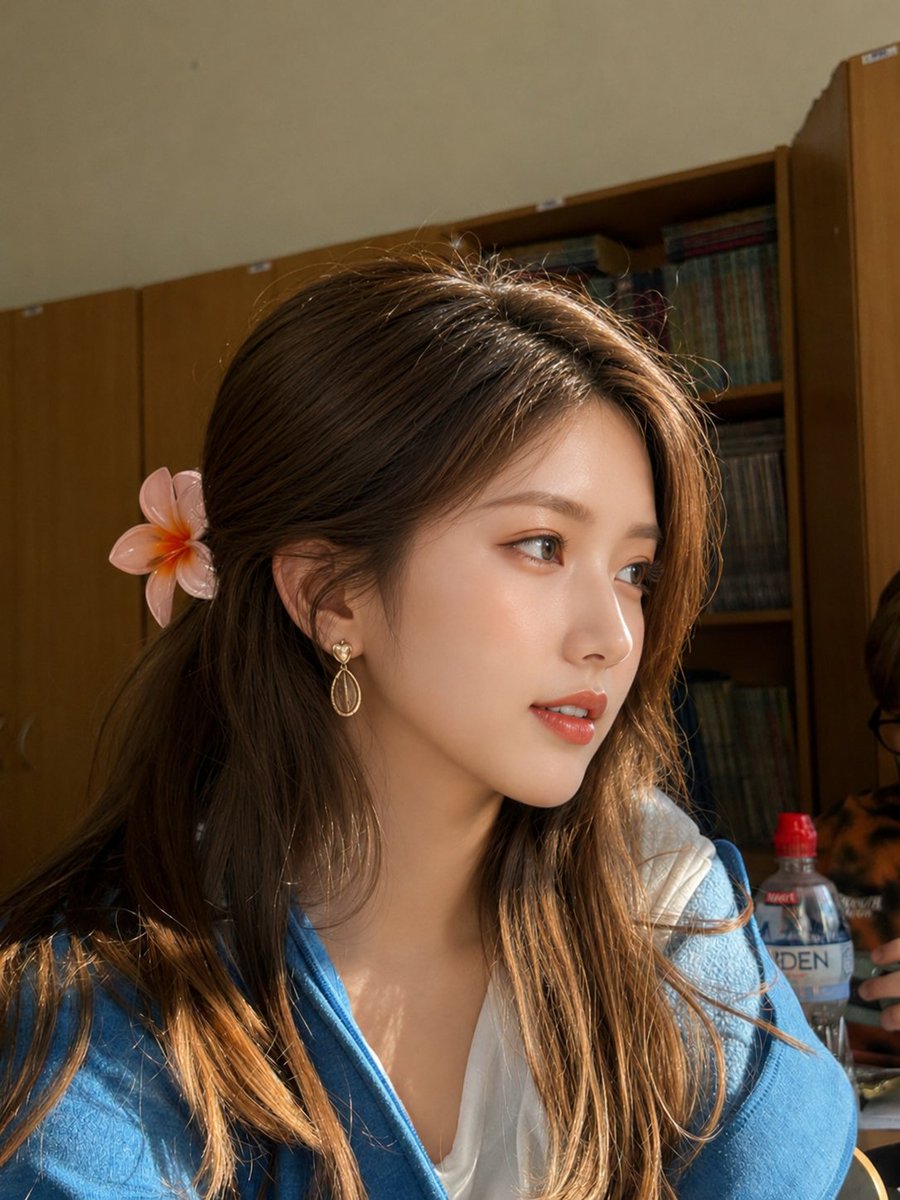
This template uses your photo — add one with the + button.
{ "type": "academic exam paper", "header": { "student_info": ["Name:", "Date:", "Period:"], "title": "{argument name=\"subject\" default=\"BIOLOGY\"} - {argument name=\"test title\" default=\"SEMESTER 1 TEST\"}", "subtitle": "Total Points: 100" }, "instructions": "DIRECTIONS: Read each question carefully. Circle the letter of the best answer for Part I. Show your work and write your answers clearly for Part II.", "sections": [ { "title": "Part I: {argument name=\"part 1 type\" default=\"Multiple Choice\"} (2 points each, 40 points total)", "layout": "two columns", "question_count": 8, "format": "numbered questions 1 through 8, each with options A, B, C, D", "diagram": { "location": "Question 3", "description": "illustration of a {argument name=\"diagram subject\" default=\"plant cell\"}", "labels": ["1", "2", "3", "4"] } }, { "title": "Part II: {argument name=\"part 2 type\" default=\"Short Answer\"} (Show your work. 10 points each, 60 points total)", "layout": "single column", "question_count": 3, "format": "numbered questions 9 through 11, each followed by two blank horizontal lines" } ], "footer": "End of Test - Check Your Work!" }
Academic Exam Paper Generator needs input media to work. Open it in the studio and these load alongside the prompt — pick whichever ones your chosen model can take.
Edit the prompt in the box under the preview — the template's model and format are already selected — and press Generate. Your version appears right on this page.
Yes. You can change the subject, setting, lighting, mood, format, and available model controls before creating your image.
Opening and editing this template is free. Generating uses credits, shown on the Generate button when you are signed in.
Start with GPT Image 2, which is the model associated with this template. You can compare another compatible model for a different finish.
Follow a topic to a crawlable collection of related PicX Studio templates.