
Photorealistic Chinese Math Exam Paper
Generates a highly realistic, structured Chinese high school mathematics examination paper complete with multiple-choice questions, formulas, and geometric diagrams.
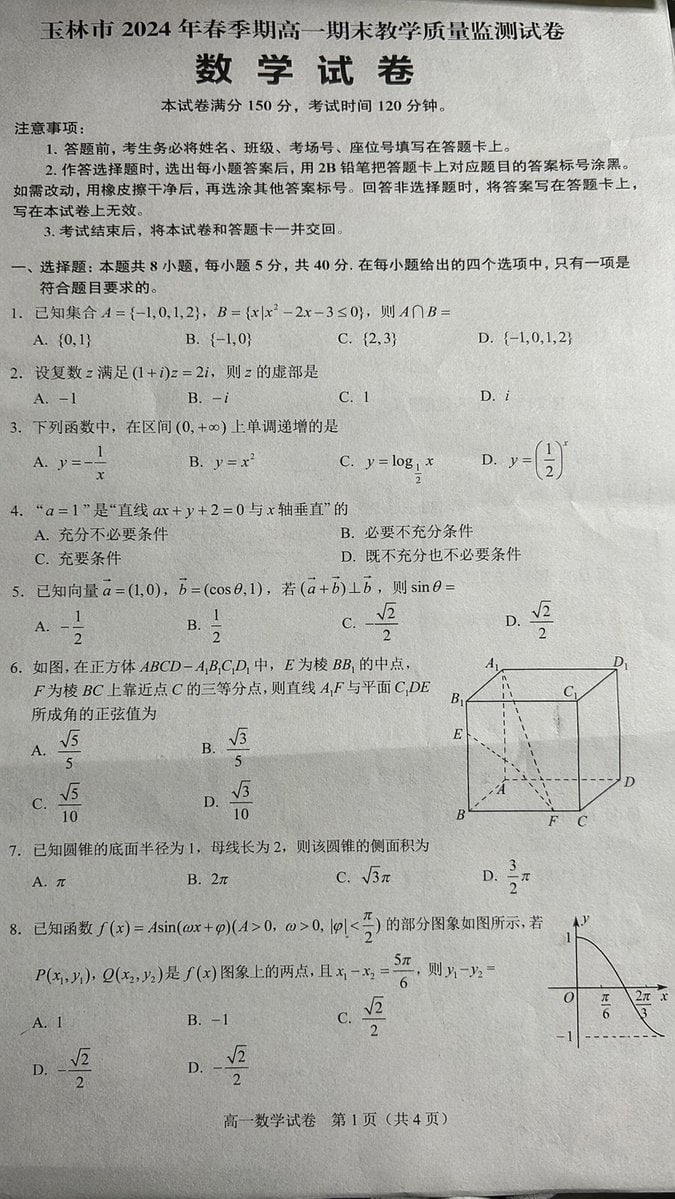
- Prompt included
- Model and format preset
- Free template
The prompt behind this image
Copy the exact prompt behind Photorealistic Chinese Math Exam Paper, or open it in the studio and make it yours.
- Type
- photorealistic printed examination paper
- Style
- black text on slightly crumpled off-white paper, authentic document photography
- Header › Main Title
- {argument name="exam title" default="玉林市 2024 年春季期高一期末教学质量监测试卷"}
- Header › Subject
- {argument name="subject name" default="数 学 试 卷"}
- Header › Details
- {argument name="score and time" default="本试卷满分 150 分,考试时间 120 分钟。"}
- Layout › Instructions › Title
- 注意事项:
- Layout › Instructions › Point Count
- 3
- Layout › Instructions › Content
- Standard exam rules regarding answer sheets, 2B pencils, and submission.
- Layout › Main Section › Heading
- {argument name="section title" default="一、选择题: 本题共 8 小题,每小题 5 分,共 40 分。在每小题给出的四个选项中,只有一项是符合题目要求的。"}
- Layout › Main Section › Question Count
- 8
- Layout › Main Section › Format
- Numbered list from 1 to 8, each with mathematical formulas and 4 multiple-choice options (A, B, C, D).
- Layout › Main Section › Topics
- Sets intersection, Complex numbers, Monotonically increasing functions, Necessary and sufficient conditions, Vectors and trigonometry, Solid geometry, Cone lateral surface area, Trigonometric function graph
- Layout › Main Section › Diagrams › Count
- 2
- Layout › Main Section › Diagrams › Descriptions
- A 3D line drawing of a cube with internal dashed lines located next to question 6., A 2D Cartesian coordinate graph showing a partial sine wave curve located next to question 8.
- Layout › Footer
- {argument name="footer text" default="高一数学试卷 第 1 页 (共 4 页)"}
Raw JSON
{
  "type": "photorealistic printed examination paper",
  "style": "black text on slightly crumpled off-white paper, authentic document photography",
  "header": {
    "main_title": "{argument name=\"exam title\" default=\"玉林市 2024 年春季期高一期末教学质量监测试卷\"}",
    "subject": "{argument name=\"subject name\" default=\"数 学 试 卷\"}",
    "details": "{argument name=\"score and time\" default=\"本试卷满分 150 分,考试时间 120 分钟。\"}"
  },
  "layout": {
    "instructions": {
      "title": "注意事项:",
      "point_count": 3,
      "content": "Standard exam rules regarding answer sheets, 2B pencils, and submission."
    },
    "main_section": {
      "heading": "{argument name=\"section title\" default=\"一、选择题: 本题共 8 小题,每小题 5 分,共 40 分。在每小题给出的四个选项中,只有一项是符合题目要求的。\"}",
      "question_count": 8,
      "format": "Numbered list from 1 to 8, each with mathematical formulas and 4 multiple-choice options (A, B, C, D).",
      "topics": [
        "Sets intersection",
        "Complex numbers",
        "Monotonically increasing functions",
        "Necessary and sufficient conditions",
        "Vectors and trigonometry",
        "Solid geometry",
        "Cone lateral surface area",
        "Trigonometric function graph"
      ],
      "diagrams": {
        "count": 2,
        "descriptions": [
          "A 3D line drawing of a cube with internal dashed lines located next to question 6.",
          "A 2D Cartesian coordinate graph showing a partial sine wave curve located next to question 8."
        ]
      }
    },
    "footer": "{argument name=\"footer text\" default=\"高一数学试卷 第 1 页 (共 4 页)\"}"
  }
}How to use Photorealistic Chinese Math Exam Paper in 3 steps
- 1Upload ImagePNG, JPG or paste
Add your photo
Upload the photo the template builds on. The prompt, model and format are already set.
- 2…a portrait of your subject in softgolden-hour light, 85mm…
Personalize
Edit the subject and creative details for your destination.
- 3Generate
Generate
Press Generate — your image is created in PicX Studio, so you can compare it with the original and refine one variable at a time.
More like this
Templates with the same subject, style or setup. Open one to see its prompt.

敦煌纸雕飞天 — 3D Layered Paper Cutout

Cozy Knit Sweater Window Portrait

Gen Z Triple Selfie Collage — Y2K Flash Photography

Mountain Lake Sunset Landscape

Cinematic Destination Letter Panel Poster

Spider-Man Rooftop Golden Hour Cinematic Photo

Face-Locked Train Window Lifestyle Portrait

Face-Locked Cream Half-Zip Street Walk

Luxury Toothpaste Commercial Storyboard

Unfinished Sketch Comes Alive Portrait

Open Travel Journal Overhead Still Life

Face-Locked City Skyline Double Exposure
Make it yours
Photorealistic Chinese Math Exam Paper works as-is. These are the safest ways to change it without losing the look.
Change one field
Copy a single group, rewrite it, and generate again so you can see what that field is doing.
Keep the frame, change the subject
Hold the composition and light of Photorealistic Chinese Math Exam Paper, then swap wardrobe, props or the person for a new take.
| If the result… | Why | Fix |
|---|---|---|
| The result drifts from the preview | Too many fields changed at once. | Reuse Photorealistic Chinese Math Exam Paper as-is first, then change one group — subject, light, or setting. |
| GPT Image 2 ignores part of the JSON | Some models flatten or skip nested keys. | Keep the same values and paste them as a short paragraph instead. |
More GPT Image 2 templates
Other prompts made for GPT Image 2.

Six VTuber Japanese Logo Sheet

Realistic Portrait of Woman and Deer

The Vista Modular Condo Poster

AI Model Routing Comparison Infographic

2.5D Anime Art Board

Isometric Productivity Desk Scene

New York Double Exposure Poster

Four-Panel AI Landscape Comparison

Japanese Tatami Lifestyle Magazine Cover

NESCAFÉ Coffee Map Poster
More image prompts
Fresh picks from across the catalog.
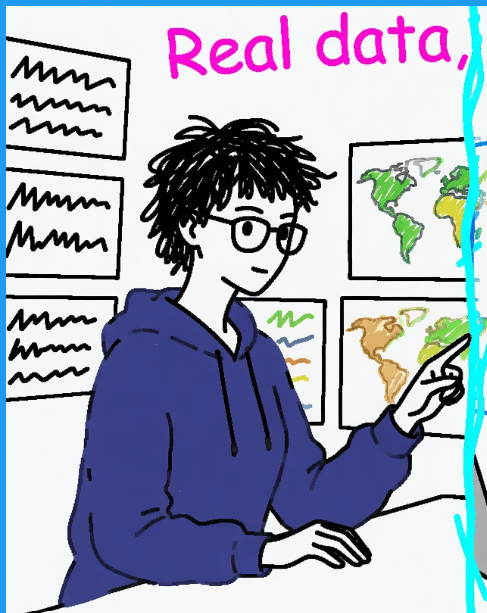
Clumsy MS Paint Style Redraw

Penguin Martial Arts Dojo Duel
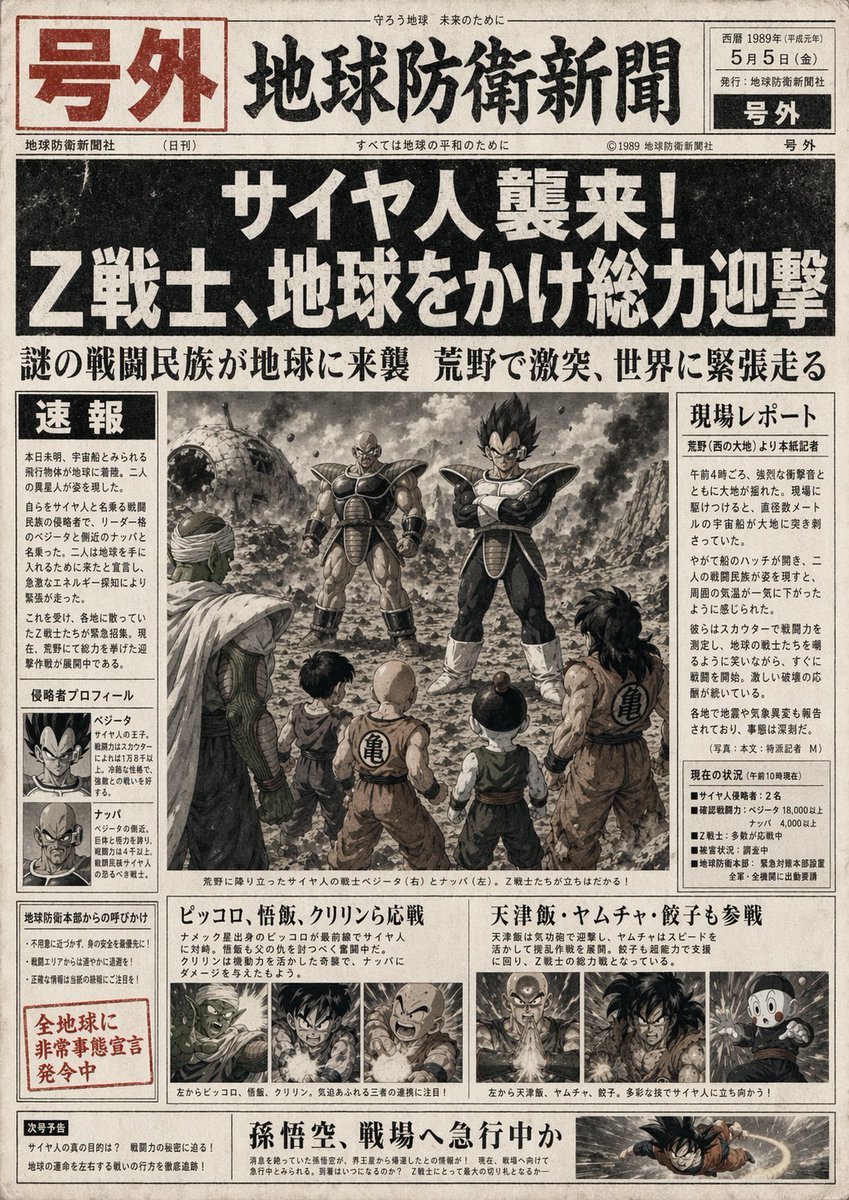
Fictional Newspaper Newspaper Extra
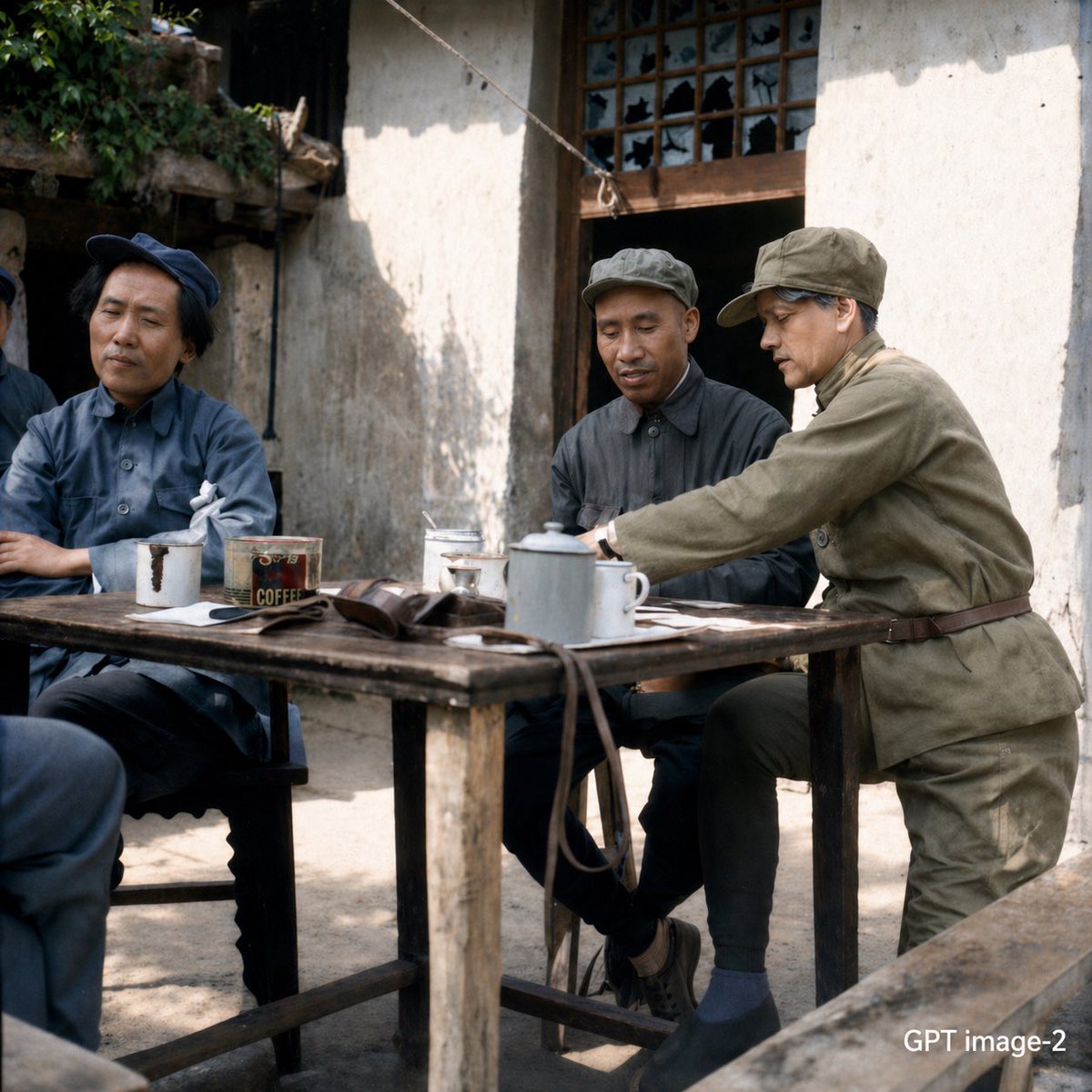
Mao-Era Courtyard Meeting Photo
Fluffy Pirate Cat Captain Portrait
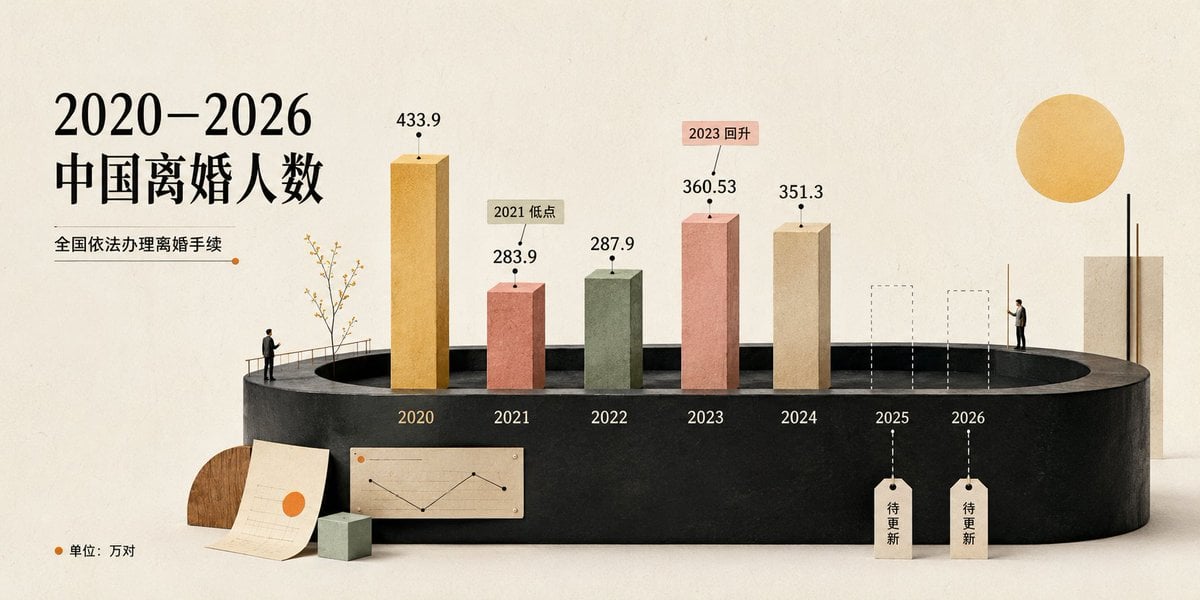
China Divorce Data 3D Infographic

Receptionist Seated at Front Desk

Monochrome Portrait with Neon Rim Light
Lone Figure in Abandoned Warehouse
Cinematic Black and White Studio Portrait
Browse template categories
Photorealistic Chinese Math Exam Paper questions
How do I use the Photorealistic Chinese Math Exam Paper template?
Add your photo if the template asks for one, edit the prompt if you like — the template's model and format are already selected — and press Generate. Your version opens in PicX Studio.
Can I customize the Photorealistic Chinese Math Exam Paper template?
Yes. You can change the subject, setting, lighting, mood, format, and available model controls before creating your image.
Is the Photorealistic Chinese Math Exam Paper template free?
Opening and editing this template is free. Generating uses credits, shown on the Generate button when you are signed in.
Which AI model should I use?
Start with GPT Image 2, which is the model associated with this template. You can compare another compatible model for a different finish.
Looking for something else? Browse all templates.

Your photo, any look
Thousands of ready templates for every top image and video model, from one credit balance.