
Mao-Era Courtyard Meeting Photo
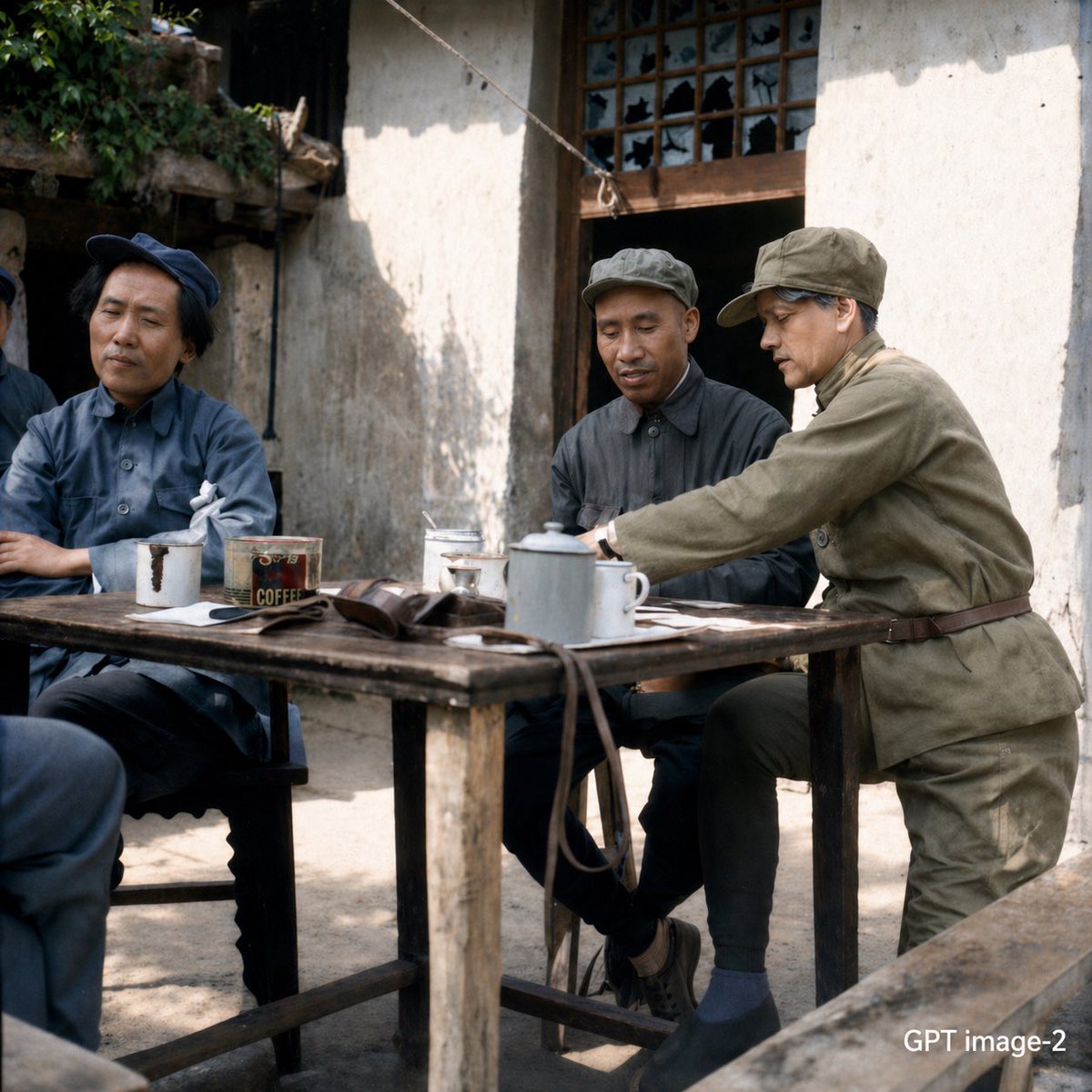
This prompt generates a realistic historical photo of a small group in Mao-era clothing meeting at a wooden table in a rustic Chinese courtyard, useful for documentary-style or cinematic period imagery.
- Prompt included
- Model and format preset
- Free template
The prompt behind this image
Copy the exact prompt behind Mao-Era Courtyard Meeting Photo, or open it in the studio and make it yours.
A realistic historical documentary-style photo of {argument name="number of people" default="4"} Chinese people gathered around a rough wooden table in a rural courtyard outside an old whitewashed building with a dark wooden door and a broken lattice window. The scene is set in mid-20th-century China, with muted natural colors, soft daylight, and a candid, observational composition. One person in the right foreground wears an olive-green military-style uniform and matching cap, leaning forward over the table as if speaking or handing something across. Two seated people wear blue-gray Mao-era work jackets and caps, and a fourth figure is partially visible at the far left edge. On the table are exactly 7 visible items: a white enamel teapot, 2 white enamel cups, 1 rectangular metal coffee tin labeled {argument name="tin text" default="COFFEE"}, 1 folded brown leather satchel, 1 white cloth or folded paper bundle, and 1 small dish or ashtray. The table is weathered and uneven, with strong texture and age. The courtyard has packed earth ground, rough plaster walls, creeping greenery at the upper left, and a clothesline or rope crossing diagonally above. Shoot from a seated eye-level angle with a slightly off-center composition, shallow depth of field, subtle film grain, and authentic period detail. Emphasize realism, understated tension, lived-in textures, and a cinematic photojournalistic mood.
How to use Mao-Era Courtyard Meeting Photo in 3 steps
- 1Upload ImagePNG, JPG or paste
Add your photo
Upload the photo the template builds on. The prompt, model and format are already set.
- 2…a portrait of your subject in softgolden-hour light, 85mm…
Personalize
Edit the subject and creative details for your destination.
- 3Generate
Generate
Press Generate — your image is created in PicX Studio, so you can compare it with the original and refine one variable at a time.
More like this
Templates with the same subject, style or setup. Open one to see its prompt.
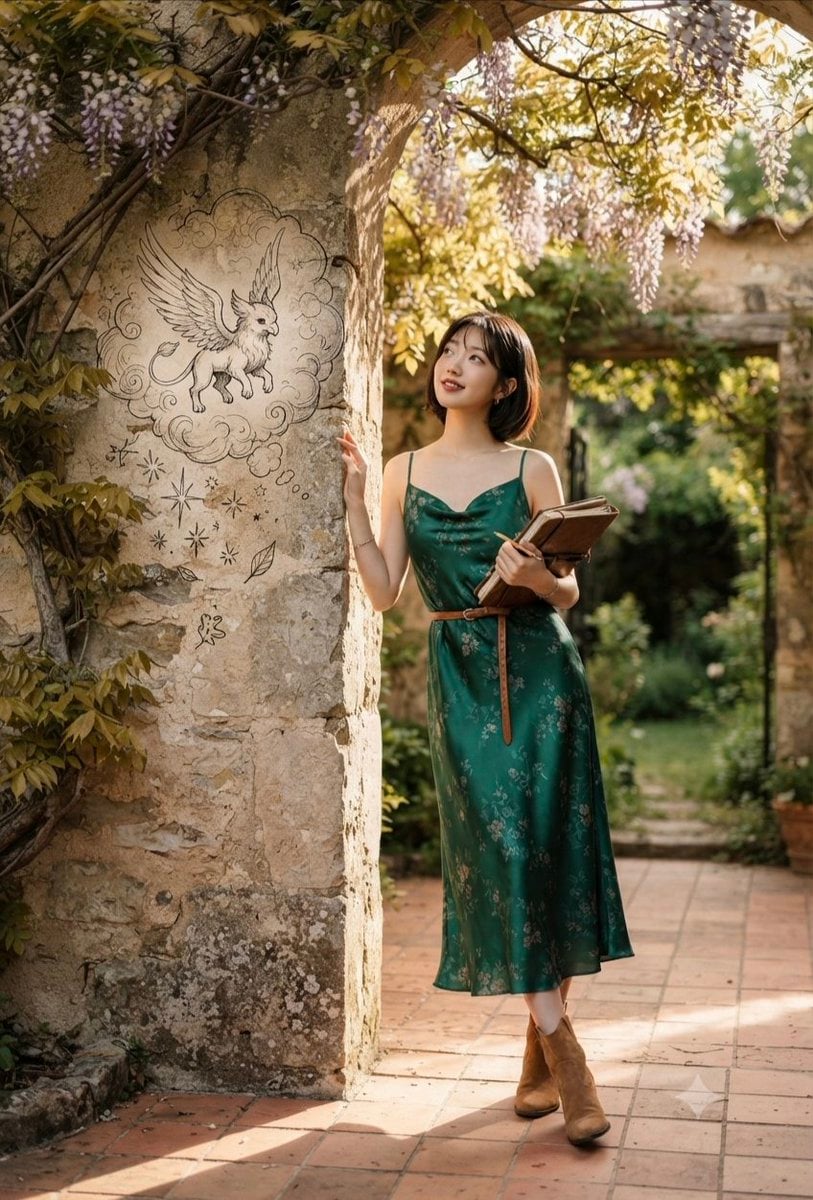
Emerald Dress Wisteria Courtyard Portrait
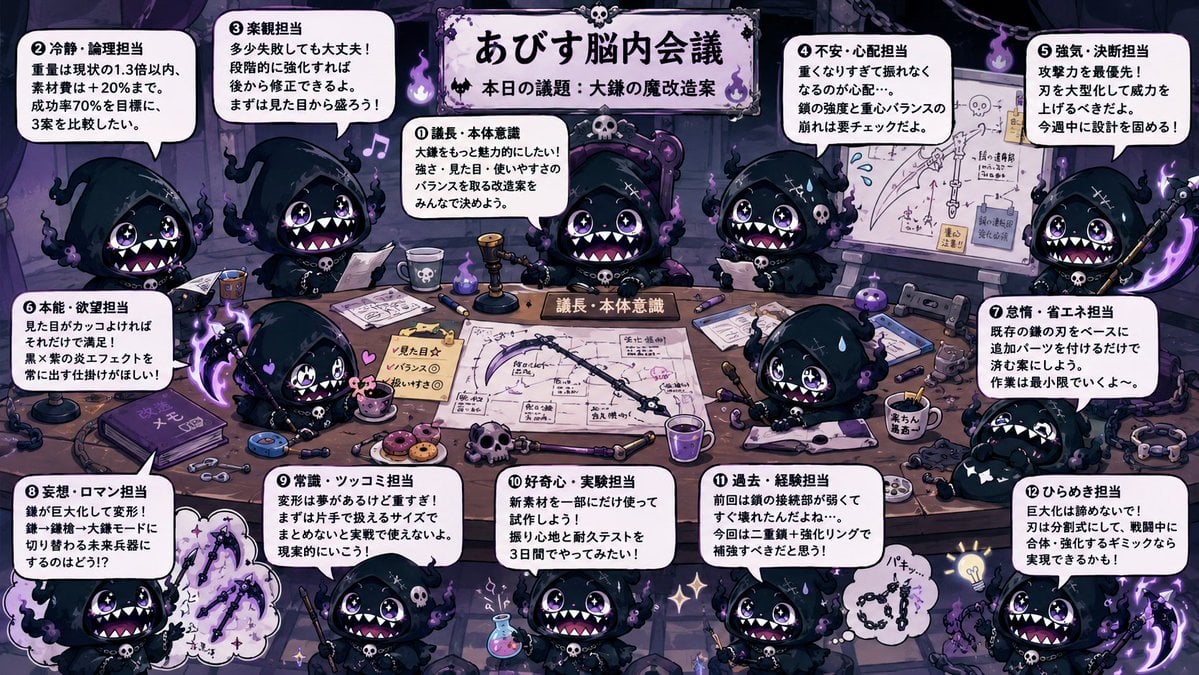
Character Brain Meeting Scene Generator
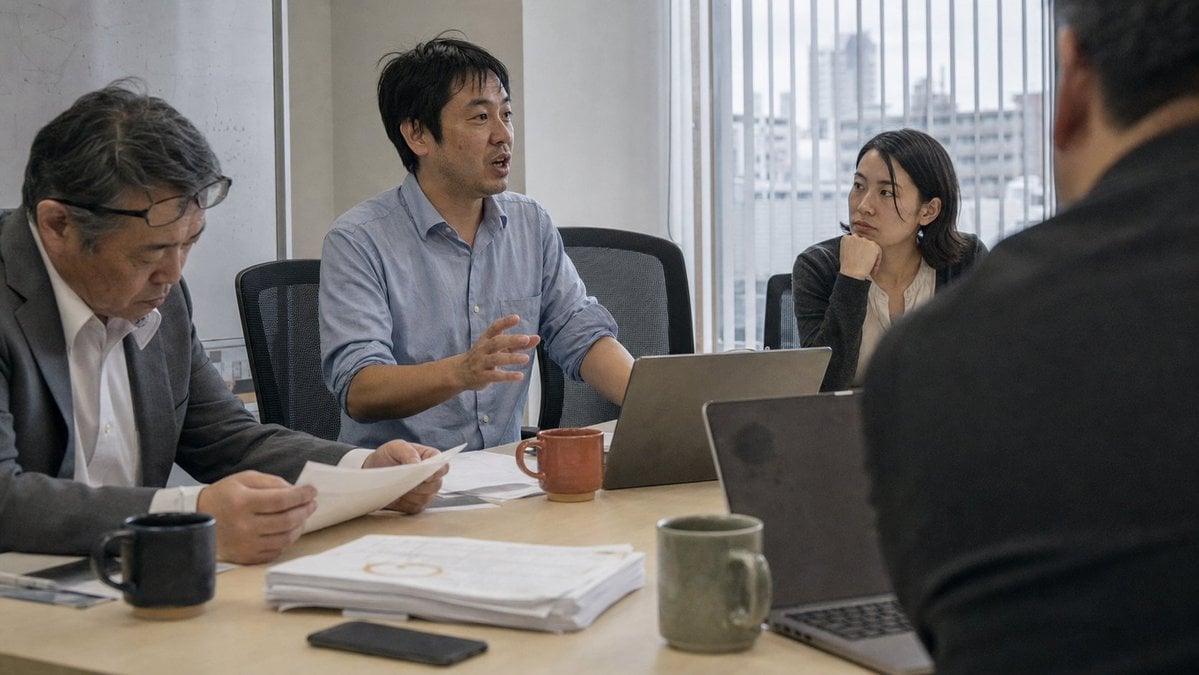
Realistic Japanese Office Meeting

Futuristic Boardroom Analytics Meeting
Victorian Royal Courtyard Fashion Portrait
South Asian Courtyard Portrait
Tang Dynasty Courtyard Rain Scene
Elegant Woman in Mediterranean Courtyard
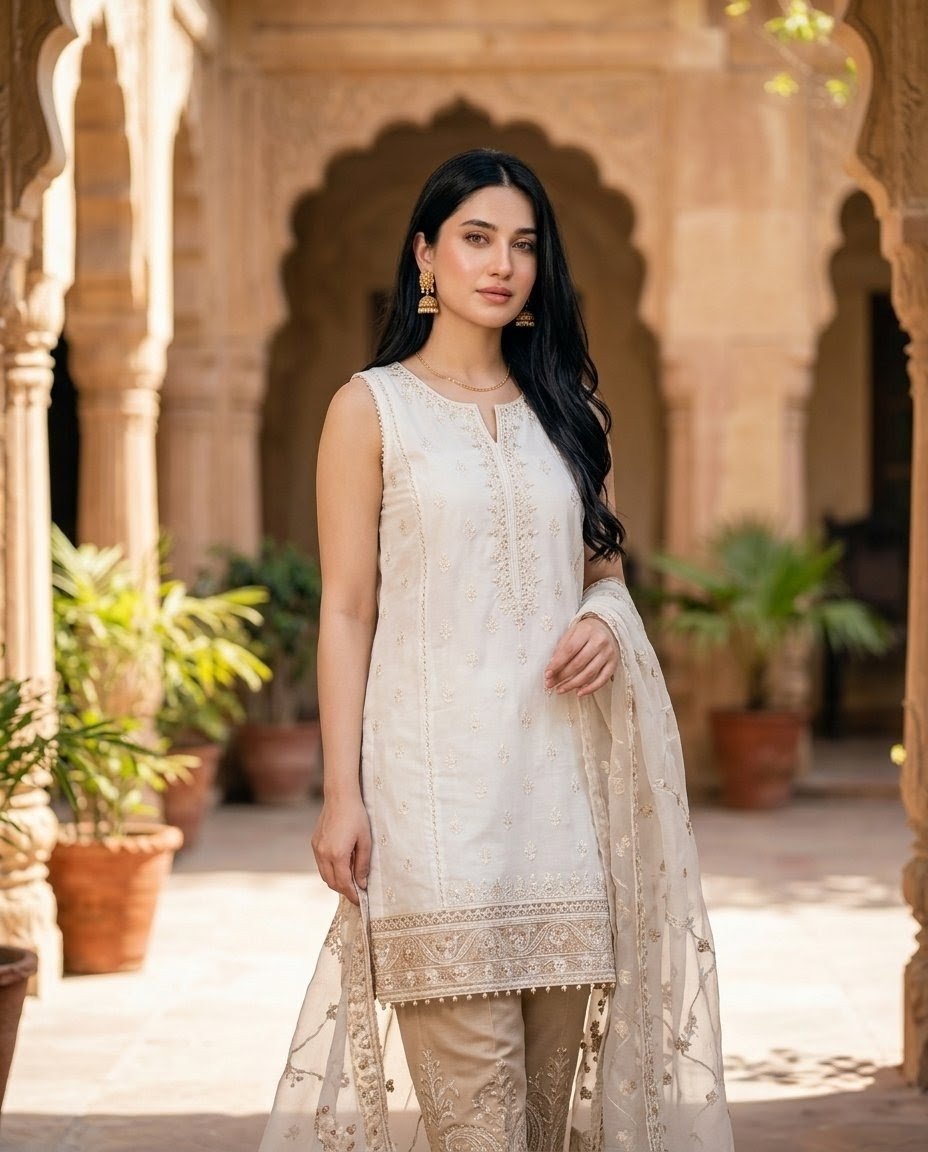
Pakistani Fashion Portrait in Mughal Courtyard
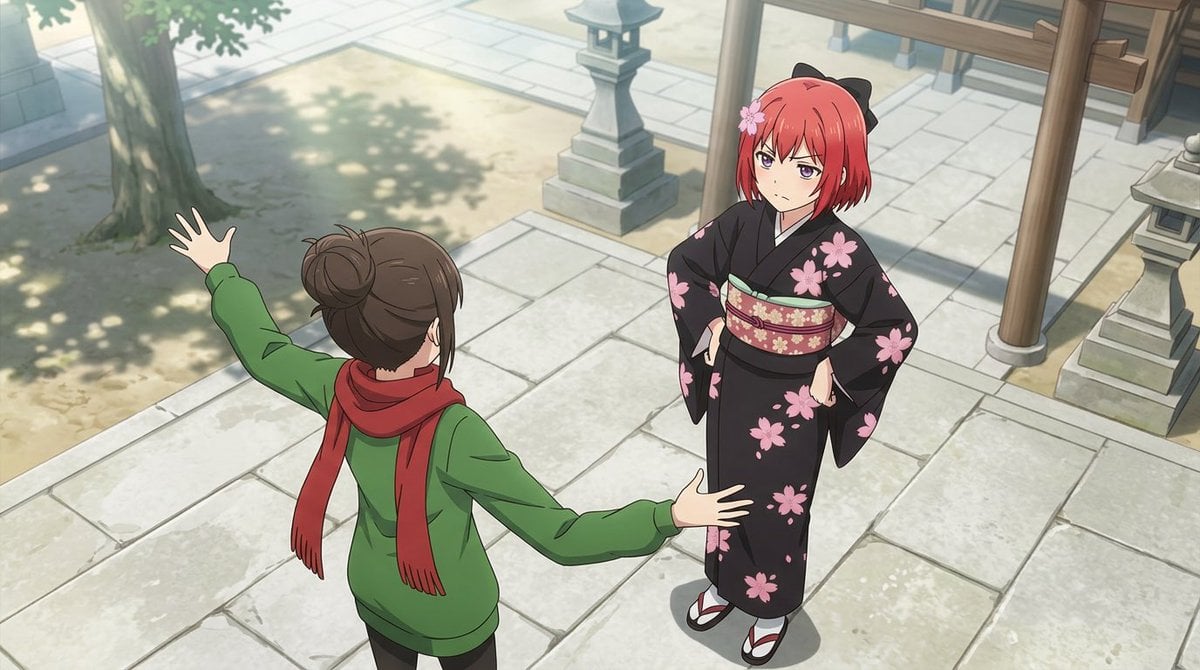
Anime Shrine Courtyard Conversation
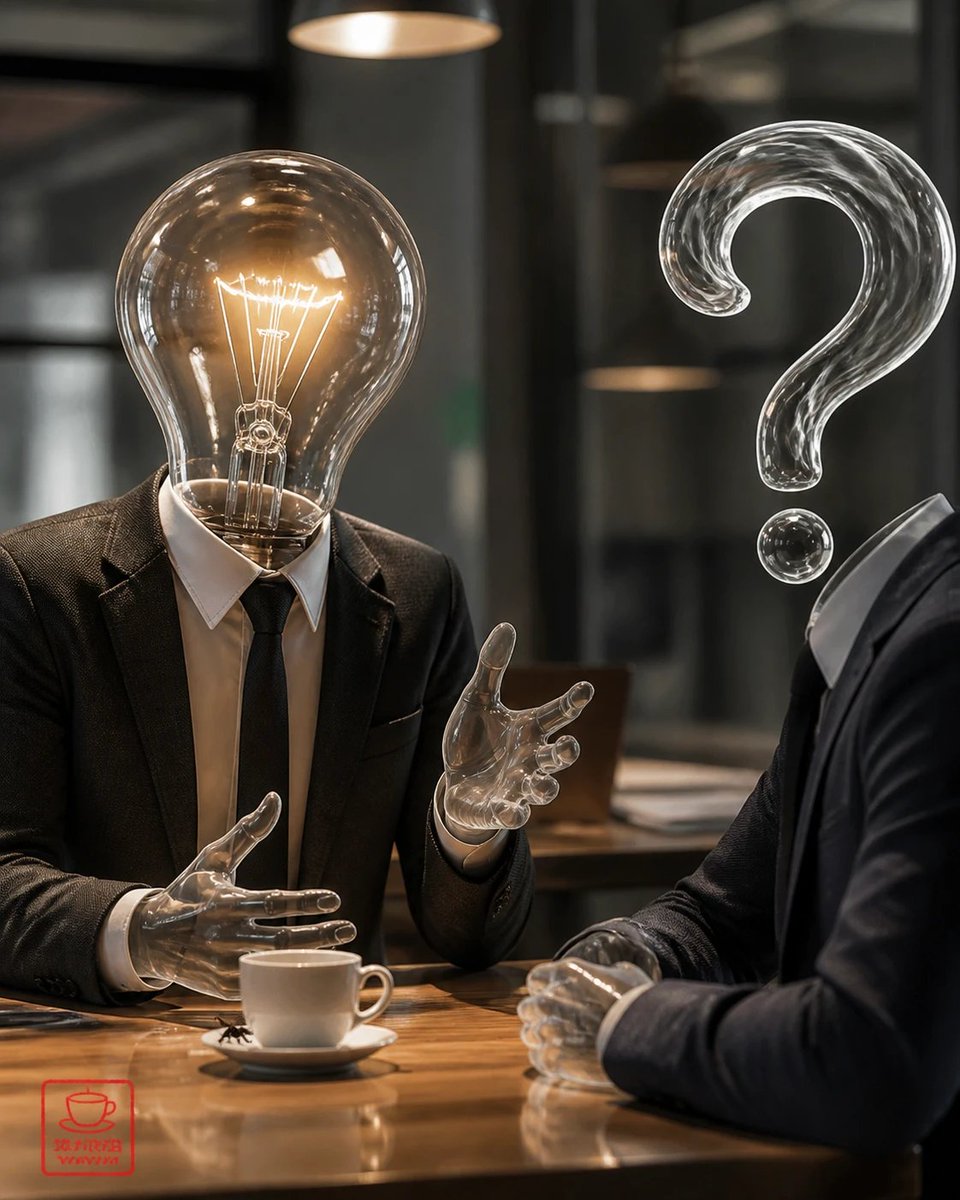
Surreal Light Bulb Business Meeting
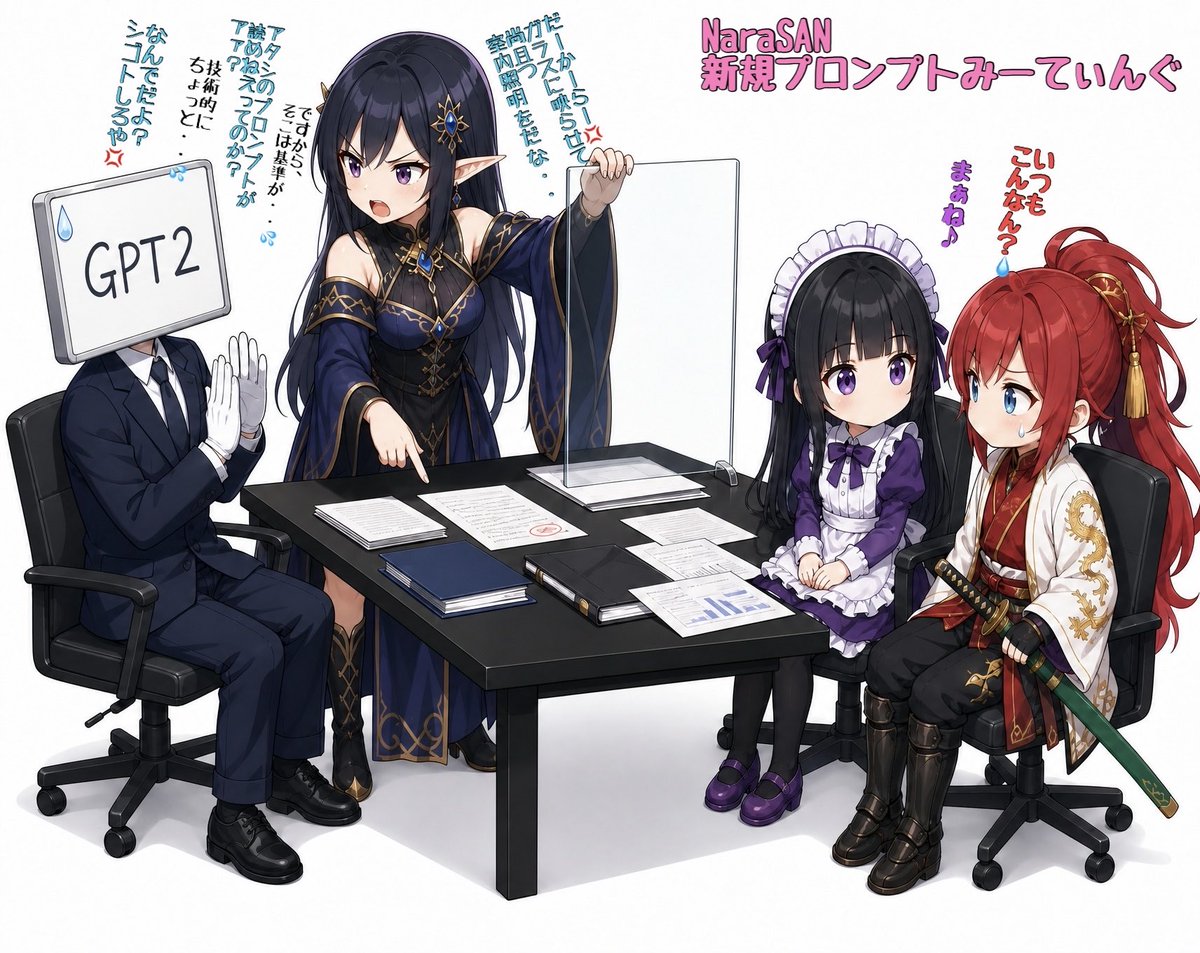
Anime AI Prompt Review Meeting
Make it yours
Mao-Era Courtyard Meeting Photo works as-is. These are the safest ways to change it without losing the look.
Change one field
Copy a single group, rewrite it, and generate again so you can see what that field is doing.
Keep the frame, change the subject
Hold the composition and light of Mao-Era Courtyard Meeting Photo, then swap wardrobe, props or the person for a new take.
| If the result… | Why | Fix |
|---|---|---|
| The result drifts from the preview | Too many fields changed at once. | Reuse Mao-Era Courtyard Meeting Photo as-is first, then change one group — subject, light, or setting. |
| The model over-stylizes the scene | The prose prompt leaves finish and camera underspecified. | Add one camera or lighting sentence and stay on GPT Image 2. |
More GPT Image 2 templates
Other prompts made for GPT Image 2.

Six VTuber Japanese Logo Sheet

Realistic Portrait of Woman and Deer

The Vista Modular Condo Poster

AI Model Routing Comparison Infographic

2.5D Anime Art Board

Isometric Productivity Desk Scene

New York Double Exposure Poster

Four-Panel AI Landscape Comparison

Japanese Tatami Lifestyle Magazine Cover

NESCAFÉ Coffee Map Poster
More image prompts
Fresh picks from across the catalog.
Professional Food Poster Prompt for NanoBananaPro
Photorealistic Portrait Promoting Body Positivity
Manga Tankobon Cover Illustrator
Portrait of a Middle-Aged Man Lying Down
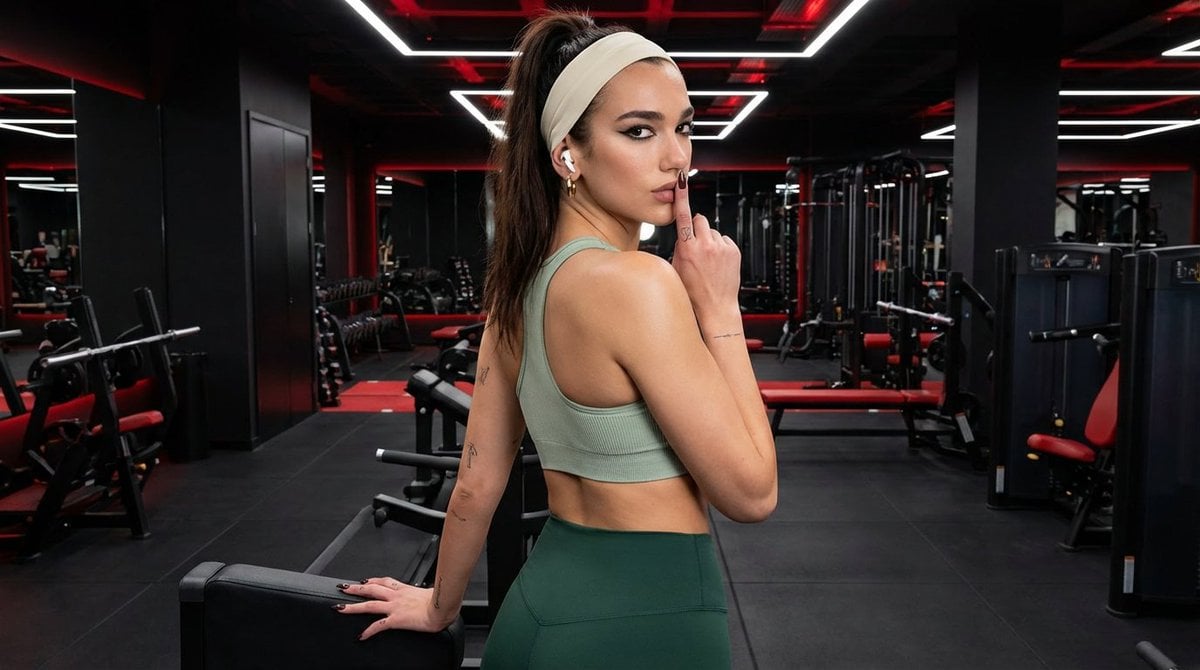
Modern Fitness Editorial Portrait
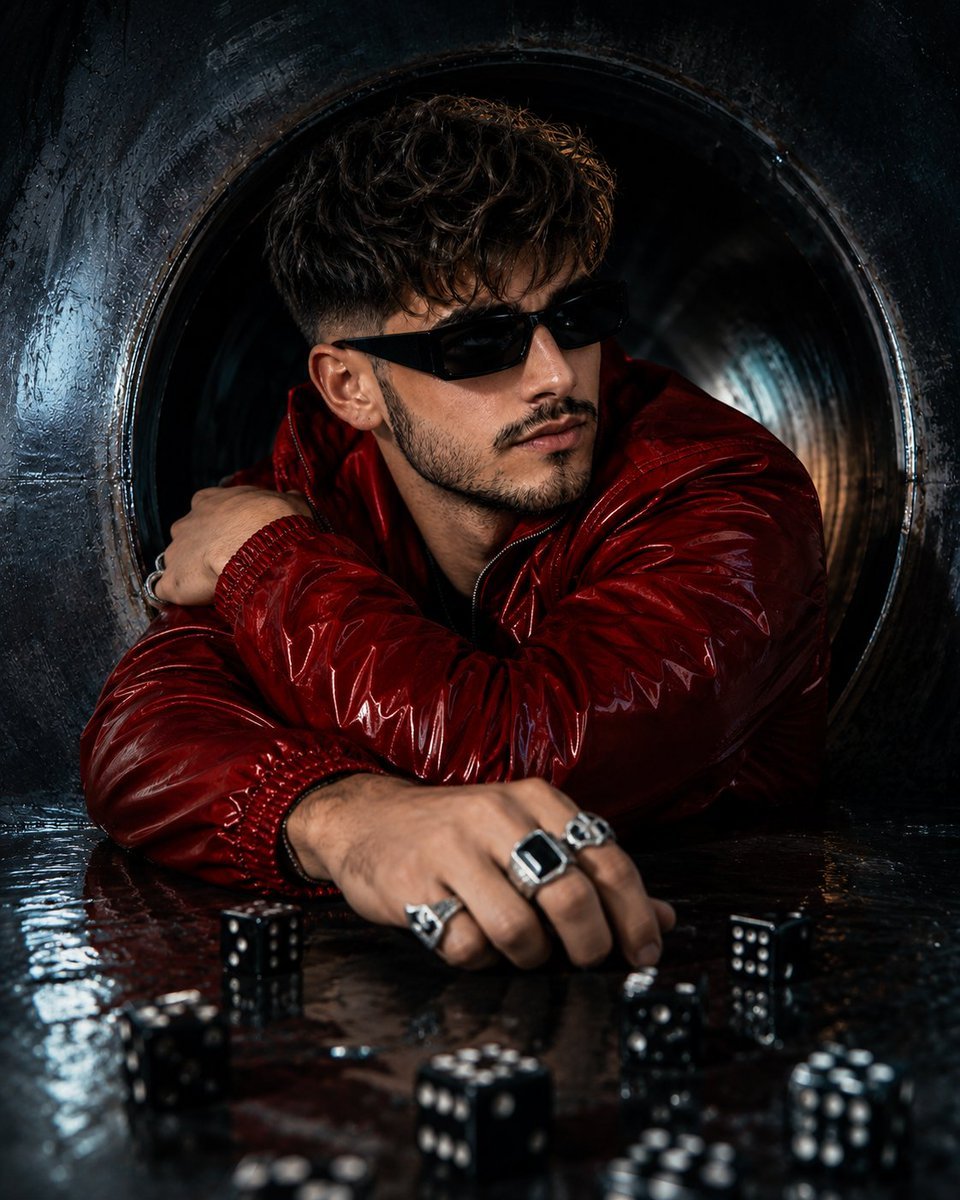
Ultra-Realistic Face Swap Portrait
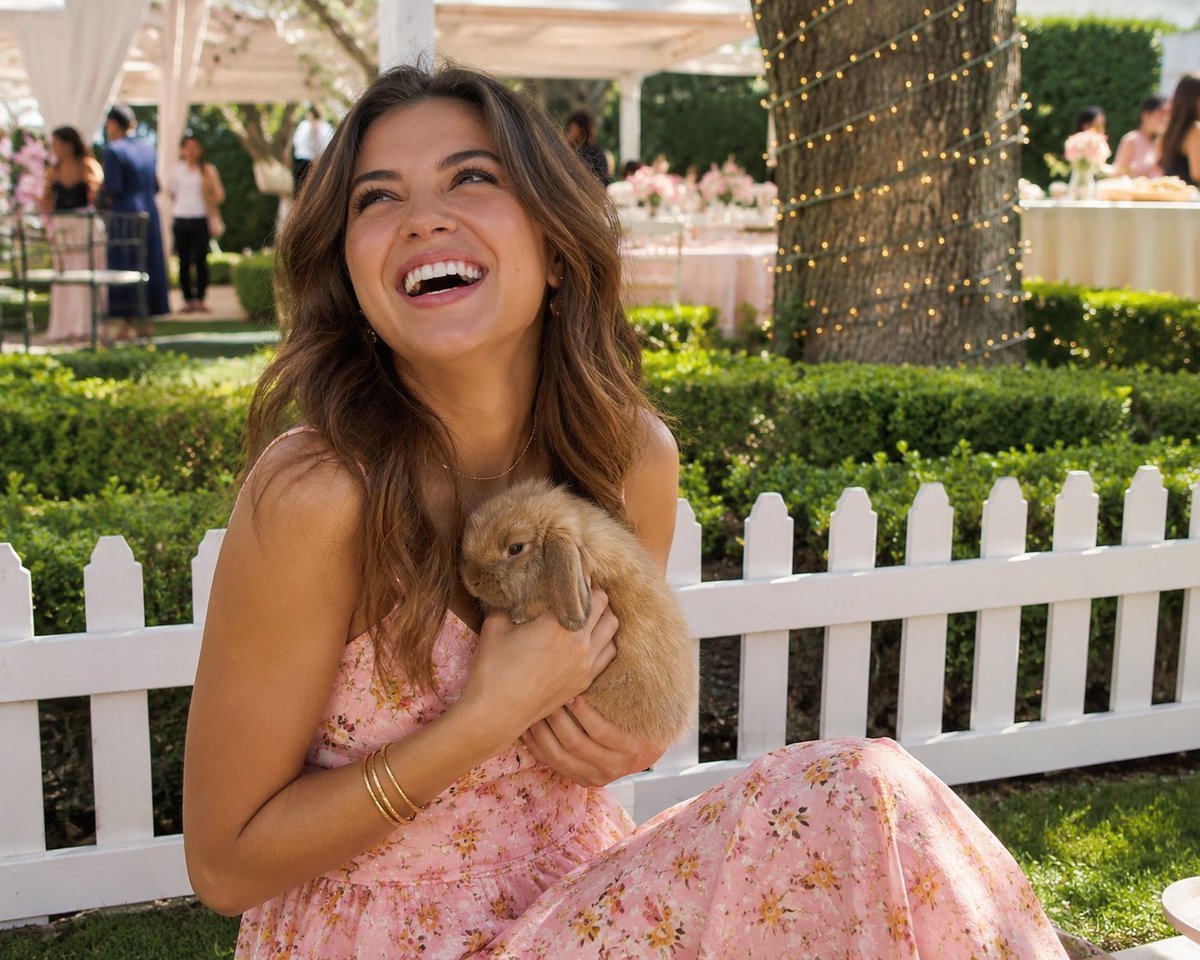
Candid Garden Portrait with Bunny
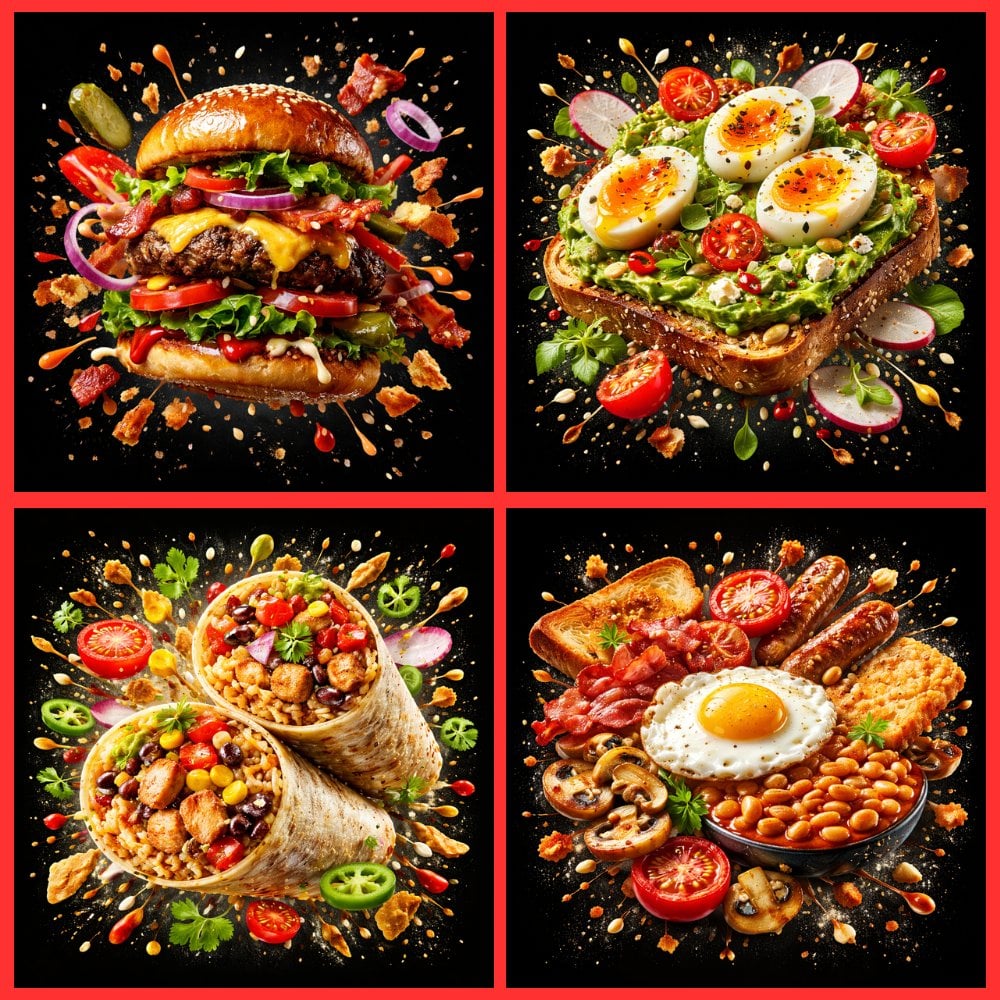
Food Explosion Poster Generator
Minimal Japanese Cooking Class Hero Image
Vintage Camera Creativity Metaphor
Browse template categories
Mao-Era Courtyard Meeting Photo questions
How do I use the Mao-Era Courtyard Meeting Photo template?
Add your photo if the template asks for one, edit the prompt if you like — the template's model and format are already selected — and press Generate. Your version opens in PicX Studio.
Can I customize the Mao-Era Courtyard Meeting Photo template?
Yes. You can change the subject, setting, lighting, mood, format, and available model controls before creating your image.
Is the Mao-Era Courtyard Meeting Photo template free?
Opening and editing this template is free. Generating uses credits, shown on the Generate button when you are signed in.
Which AI model should I use?
Start with GPT Image 2, which is the model associated with this template. You can compare another compatible model for a different finish.
Looking for something else? Browse all templates.

Your photo, any look
Thousands of ready templates for every top image and video model, from one credit balance.