
Anime Shrine Courtyard Conversation
Generates a cinematic anime scene of two girls interacting in a Japanese shrine courtyard from an overhead camera angle.
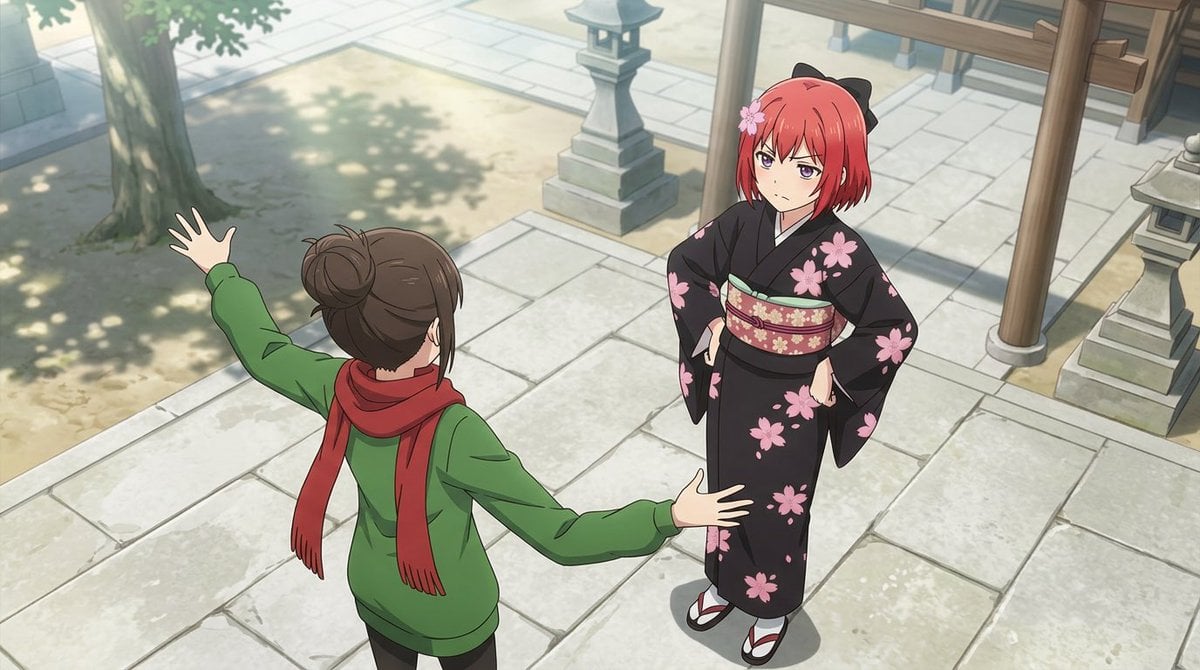
- Prompt included
- Model and format preset
- Free template
The prompt behind this image
Copy the exact prompt behind Anime Shrine Courtyard Conversation, or open it in the studio and make it yours.
Create a polished anime-style scene in a quiet Japanese shrine courtyard from a high three-quarter overhead camera angle, looking down at two characters on pale stone paving. On the left foreground, show a teenage girl seen mostly from behind, with {argument name="hair color" default="brown"} hair tied in a messy bun, wearing a green hoodie, black pants, and a long red scarf; she is gesturing dramatically with both arms spread wide, one hand raised toward the upper left and the other extended toward the girl opposite her. On the right midground, show a second teenage girl facing the camera at an angle, with short {argument name="character hair color" default="red"} bobbed hair, purple eyes, a pink flower hair ornament, and black cat-ear-like accessories; she wears a formal black kimono decorated with large pink cherry blossoms, a patterned red-and-gold obi, white tabi socks, and red-and-white sandals. Her stance is composed and slightly skeptical, one hand resting at her waist and the other relaxed near her sleeve, looking toward the gesturing girl. The environment should include exactly 4 prominent shrine courtyard elements: a large tree trunk with leafy shadow in the upper left, a stone lantern near the upper center, a wooden torii or shrine gate structure with vertical posts on the right, and a second stone lantern partially visible on the far right. Use soft daylight, gentle shadows, clean line art, detailed anime background painting, cinematic widescreen composition, and no text or watermark.
How to use Anime Shrine Courtyard Conversation in 3 steps
- 1Upload ImagePNG, JPG or paste
Add your photo
Upload the photo the template builds on. The prompt, model and format are already set.
- 2…a portrait of your subject in softgolden-hour light, 85mm…
Personalize
Edit the subject and creative details for your destination.
- 3Generate
Generate
Press Generate — your image is created in PicX Studio, so you can compare it with the original and refine one variable at a time.
More like this
Templates with the same subject, style or setup. Open one to see its prompt.












Make it yours
Anime Shrine Courtyard Conversation works as-is. These are the safest ways to change it without losing the look.
Change one field
Copy a single group, rewrite it, and generate again so you can see what that field is doing.
Keep the frame, change the subject
Hold the composition and light of Anime Shrine Courtyard Conversation, then swap wardrobe, props or the person for a new take.
| If the result… | Why | Fix |
|---|---|---|
| The result drifts from the preview | Too many fields changed at once. | Reuse Anime Shrine Courtyard Conversation as-is first, then change one group — subject, light, or setting. |
| The model over-stylizes the scene | The prose prompt leaves finish and camera underspecified. | Add one camera or lighting sentence and stay on GPT Image 2. |
More GPT Image 2 templates
Other prompts made for GPT Image 2.

Six VTuber Japanese Logo Sheet

Realistic Portrait of Woman and Deer

The Vista Modular Condo Poster

AI Model Routing Comparison Infographic

2.5D Anime Art Board

Isometric Productivity Desk Scene

New York Double Exposure Poster

Four-Panel AI Landscape Comparison

Japanese Tatami Lifestyle Magazine Cover

NESCAFÉ Coffee Map Poster
More image prompts
Fresh picks from across the catalog.
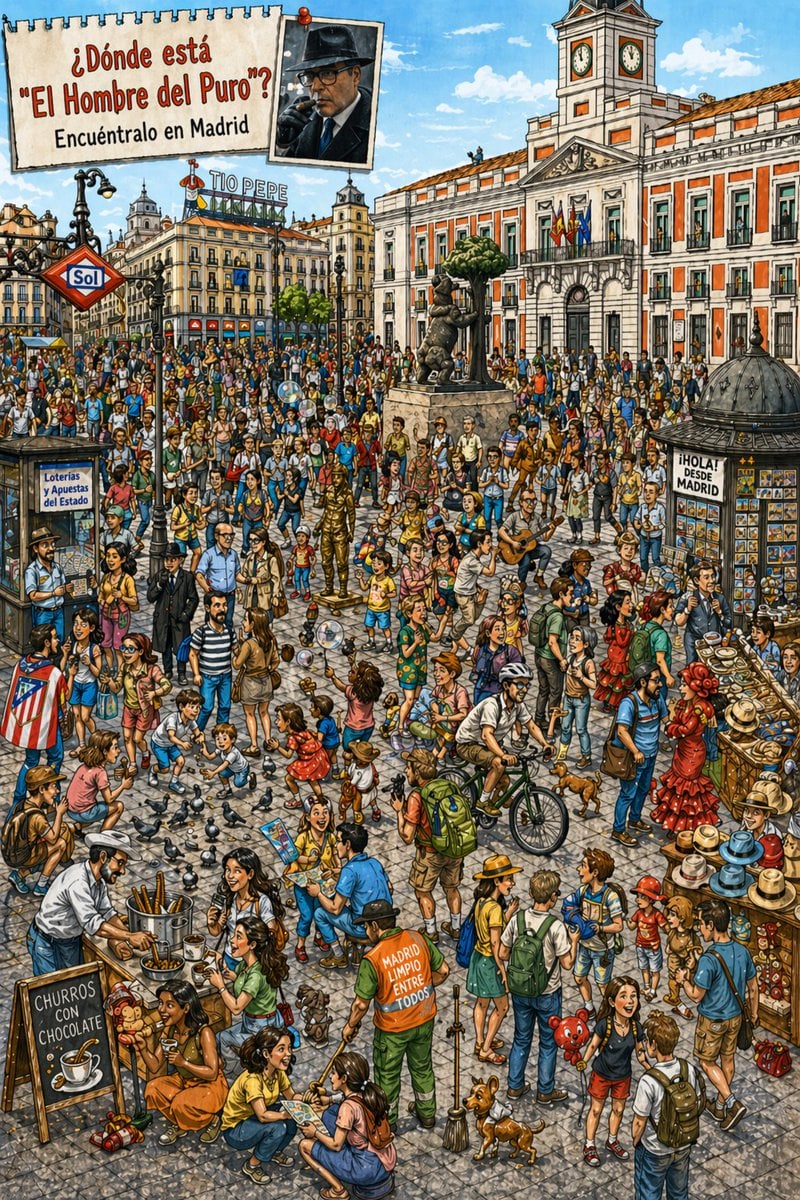
Hidden-Object Madrid Plaza Puzzle
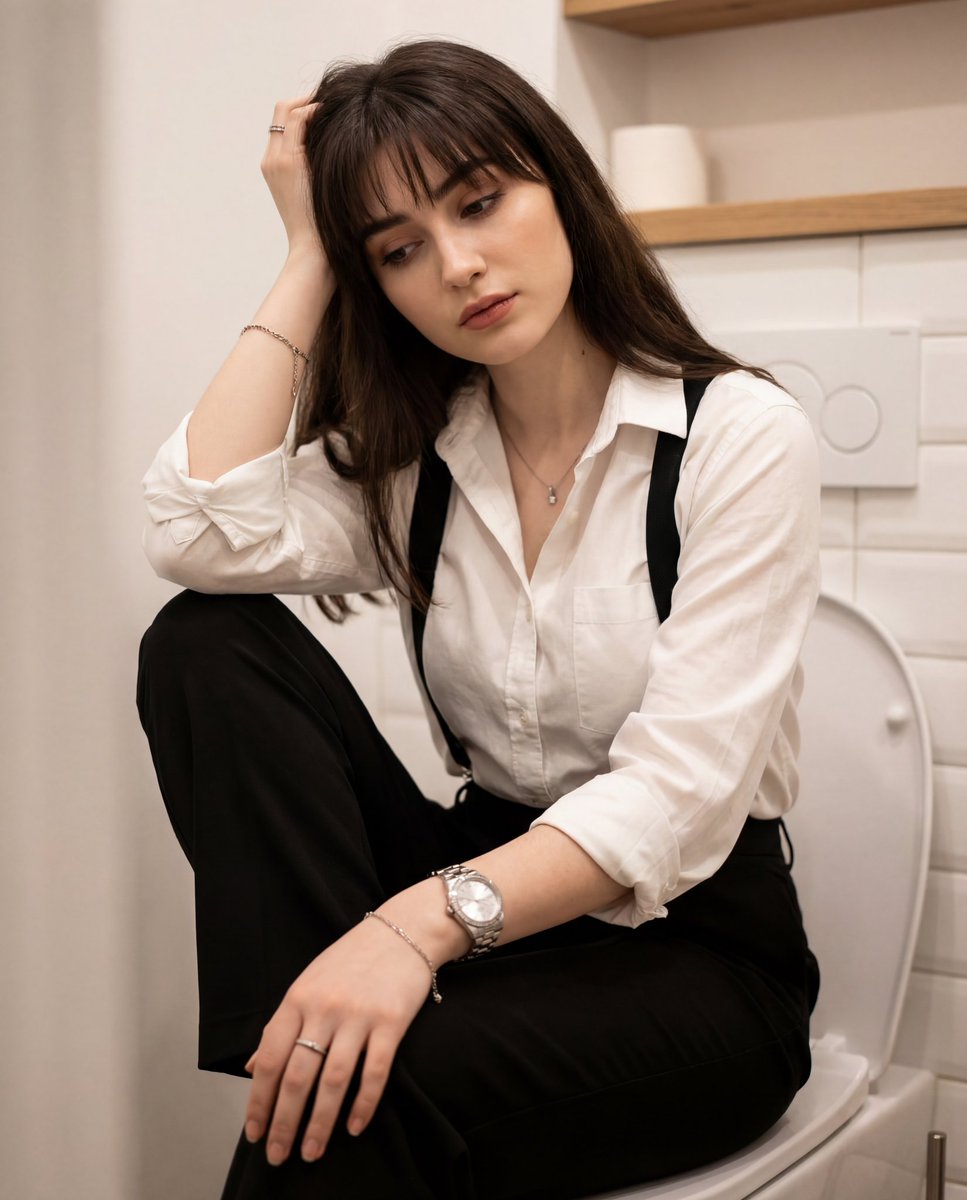
Introspective Portrait in a Bathroom with Identity Lock
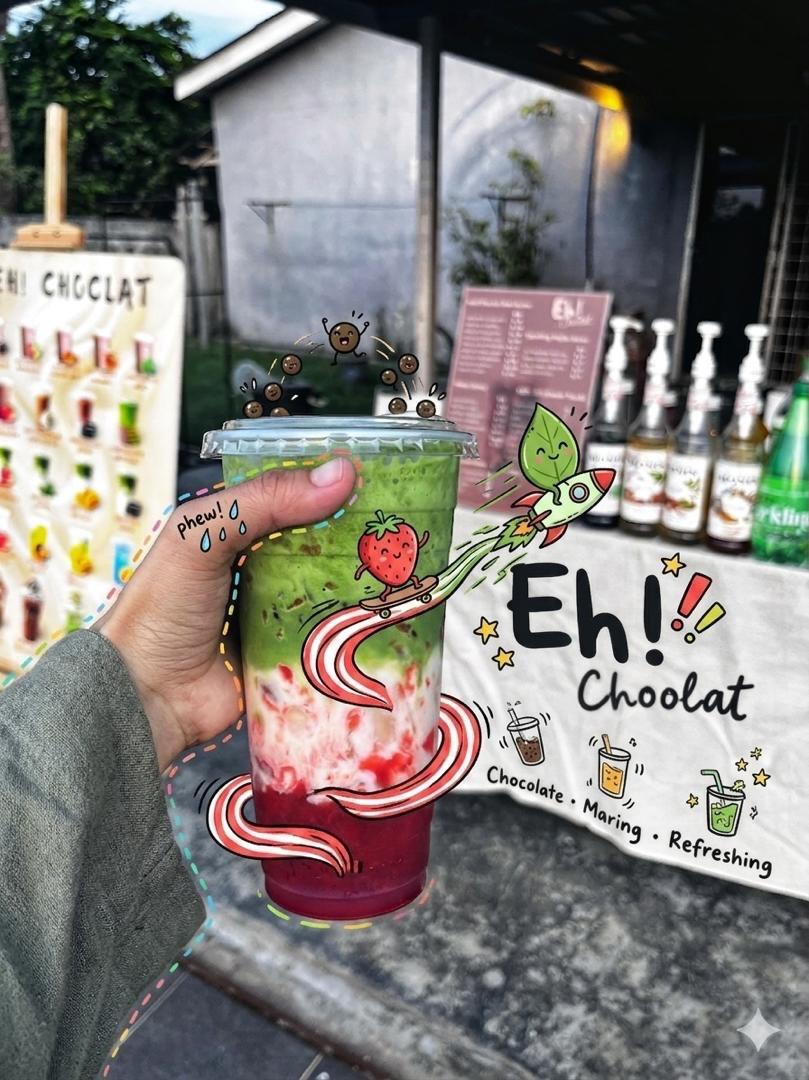
Doodled Strawberry Matcha Drink Photo
Winter Forest Portrait with Backlight
Hyperrealistic Dark Sorcerer Portrait
Fine-Art Cinematic Monochrome Studio Portrait Prompt (Reference Match)
Generating City-Scale Self-Portrait Advertising

Levitating Bottled Water Commercial Prompt

Futuristic Tech Product Advertisement Set
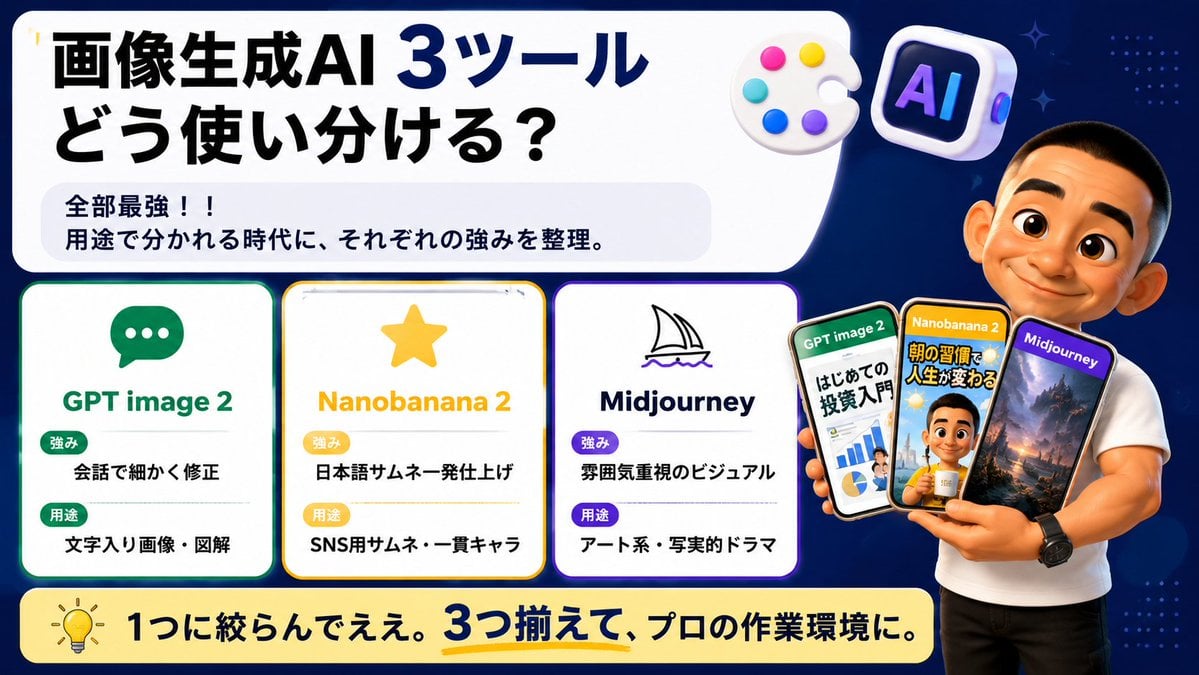
Japanese AI Tool Comparison Thumbnail
Browse template categories
Anime Shrine Courtyard Conversation questions
How do I use the Anime Shrine Courtyard Conversation template?
Add your photo if the template asks for one, edit the prompt if you like — the template's model and format are already selected — and press Generate. Your version opens in PicX Studio.
Can I customize the Anime Shrine Courtyard Conversation template?
Yes. You can change the subject, setting, lighting, mood, format, and available model controls before creating your image.
Is the Anime Shrine Courtyard Conversation template free?
Opening and editing this template is free. Generating uses credits, shown on the Generate button when you are signed in.
Which AI model should I use?
Start with GPT Image 2, which is the model associated with this template. You can compare another compatible model for a different finish.
Looking for something else? Browse all templates.

Your photo, any look
Thousands of ready templates for every top image and video model, from one credit balance.