
Hidden-Object Madrid Plaza Puzzle
This prompt generates a busy illustrated search-and-find poster of Puerta del Sol in Madrid, ideal for hidden-object games, social posts, or travel-themed puzzle art.
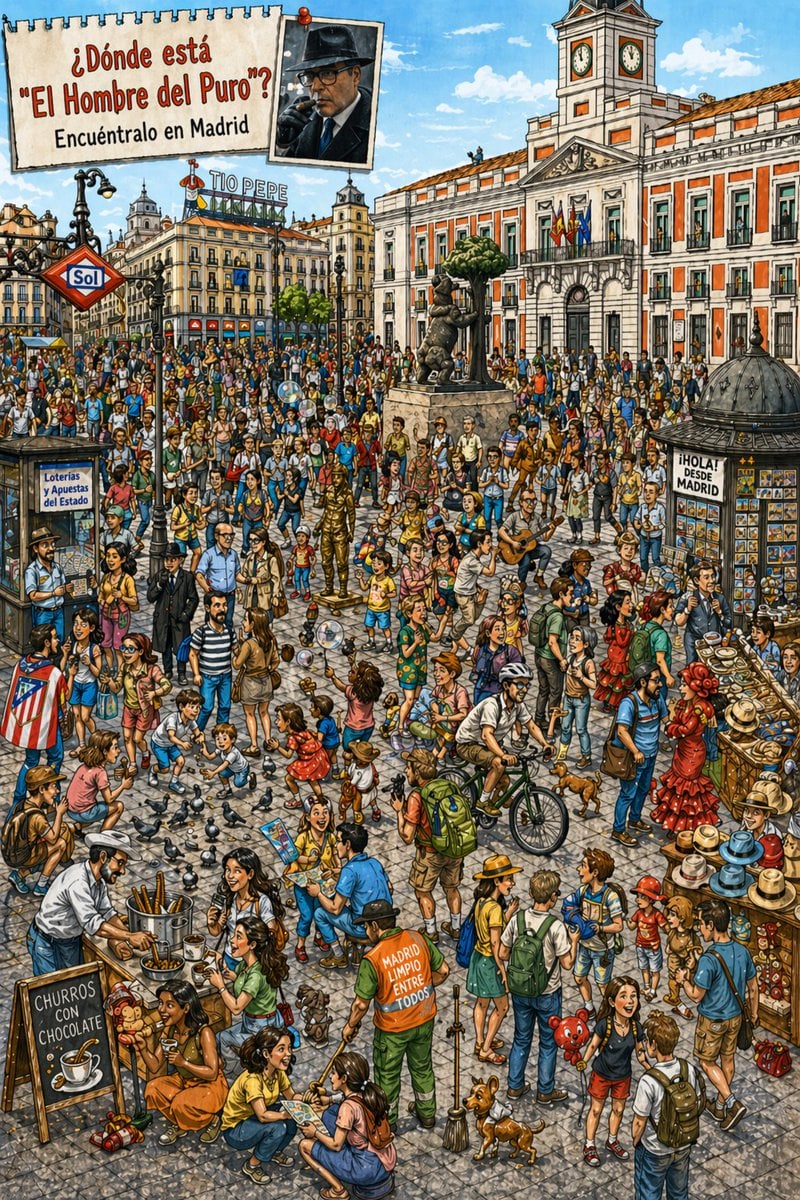
- Prompt included
- Model and format preset
- Free template
The prompt behind this image
Copy the exact prompt behind Hidden-Object Madrid Plaza Puzzle, or open it in the studio and make it yours.
A highly detailed, colorful illustrated hidden-object poster set in Madrid’s Puerta del Sol on a bright sunny day, rendered like a lively hand-drawn travel puzzle with crisp ink outlines, textured watercolor-gouache shading, and a slightly whimsical caricature style. The composition is packed edge to edge with a huge crowd in the plaza, viewed from a slightly elevated eye level, with the Real Casa de Correos clock building dominating the right background, the Tío Pepe rooftop sign in the left background, the red diamond Sol metro sign on the left, the bear and strawberry tree statue near the center, historic facades, blue sky, and soft clouds. At the top left, include a torn notebook-paper sign pinned over the scene with large Spanish text: {argument name="headline text" default="¿Dónde está \"El Hombre del Puro\"?"} and a second line {argument name="subheadline text" default="Encuéntralo en Madrid"}. Next to it, add a pinned small portrait photo of the target man: a middle-aged man in a dark fedora and dark coat holding a cigar near his mouth, styled like a reference snapshot. Fill the square with exactly 1 metro entrance sign, 1 lottery kiosk labeled “Loterías y Apuestas del Estado,” 1 domed souvenir kiosk with postcard display and a sign reading “¡HOLA! DESDE MADRID,” 1 churros stand with a chalkboard reading “CHURROS CON CHOCOLATE,” 1 hat display stall on the lower right, 1 guitarist, 2 flamenco dancers in red dresses, 1 street cleaner in a bright orange-and-green uniform with text on the back reading “MADRID LIMPIO ENTRE TODOS,” 1 bicyclist, 2 dogs, 1 child holding a red teddy-bear balloon, many pigeons scattered across the foreground, children playing with soap bubbles, tourists with backpacks and maps, families, street onlookers, and performers. The crowd should feel dense and bustling, with dozens of distinct figures in varied summer clothing and natural poses, creating a challenging search scene. Emphasize Spanish local color, playful observational details, warm oranges and sunlit stone grays, and the feeling of a classic “Where’s Waldo?” style city-search illustration centered on finding {argument name="target character" default="El Hombre del Puro"} somewhere among the crowd in {argument name="city" default="Madrid"}.
How to use Hidden-Object Madrid Plaza Puzzle in 3 steps
- 1Upload ImagePNG, JPG or paste
Add your photo
Upload the photo the template builds on. The prompt, model and format are already set.
- 2…a portrait of your subject in softgolden-hour light, 85mm…
Personalize
Edit the subject and creative details for your destination.
- 3Generate
Generate
Press Generate — your image is created in PicX Studio, so you can compare it with the original and refine one variable at a time.
More like this
Templates with the same subject, style or setup. Open one to see its prompt.
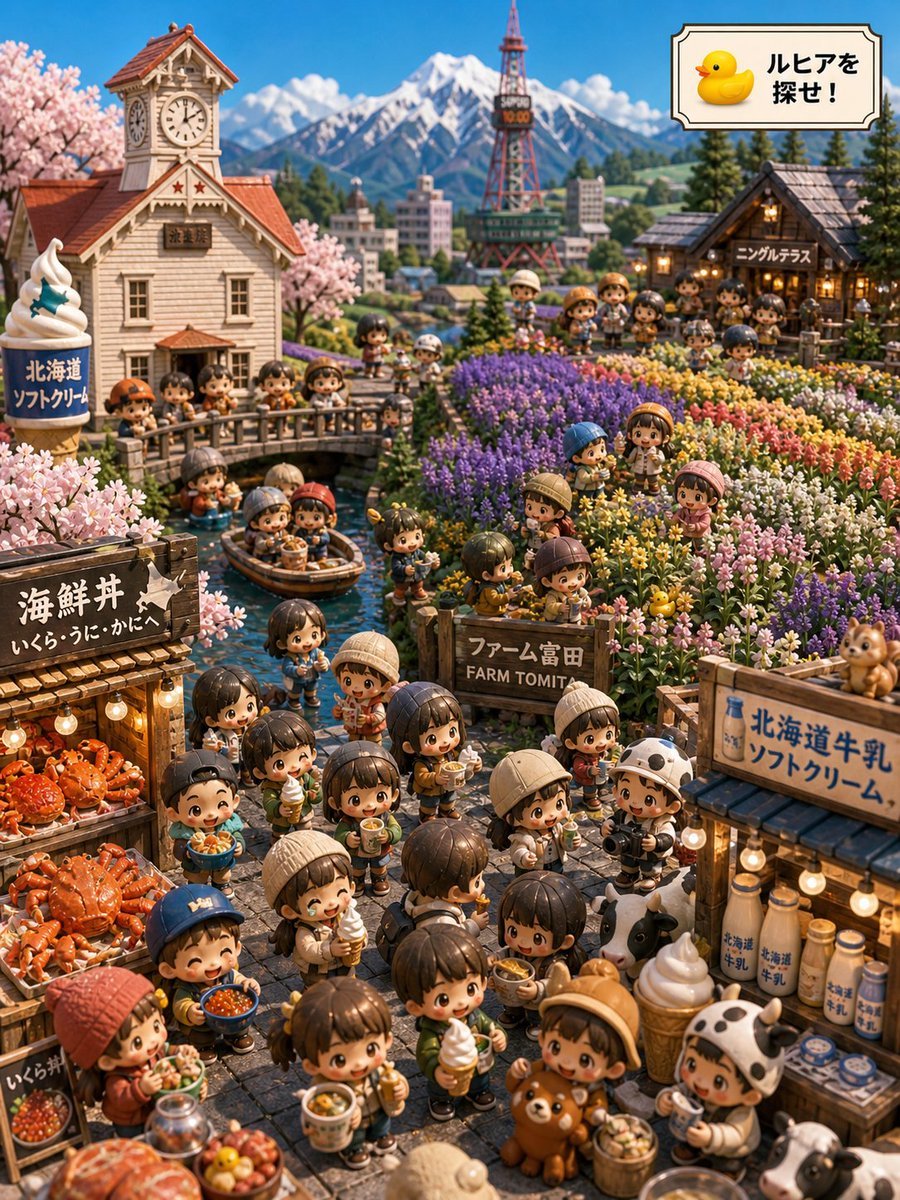
Hokkaido Hidden Duck Travel Puzzle
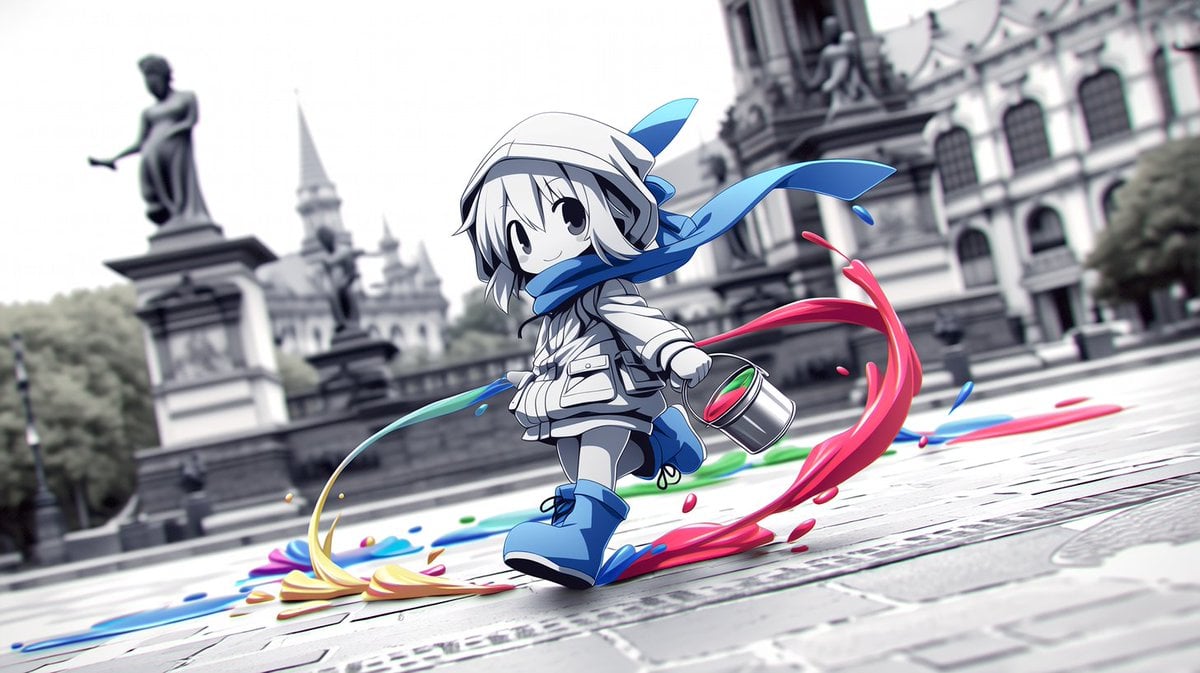
Chibi Painter in Monochrome Plaza

Greyscale Puzzle Portrait with Color Accent
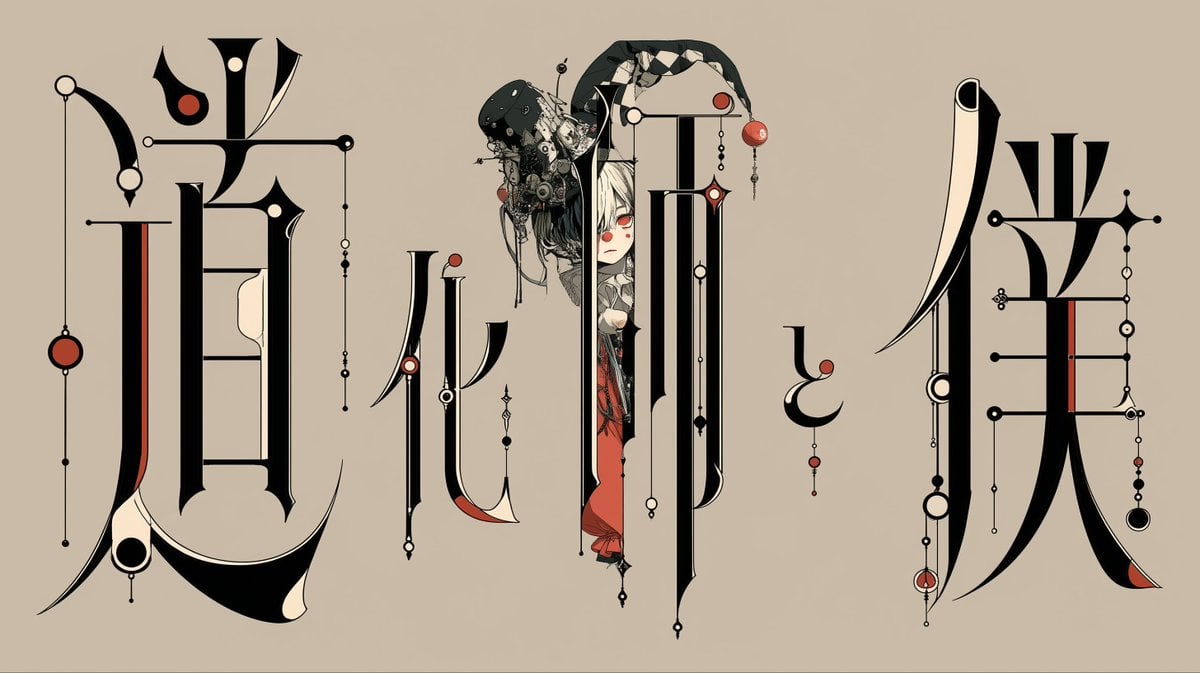
Gothic Calligraphy Hidden Clown Poster
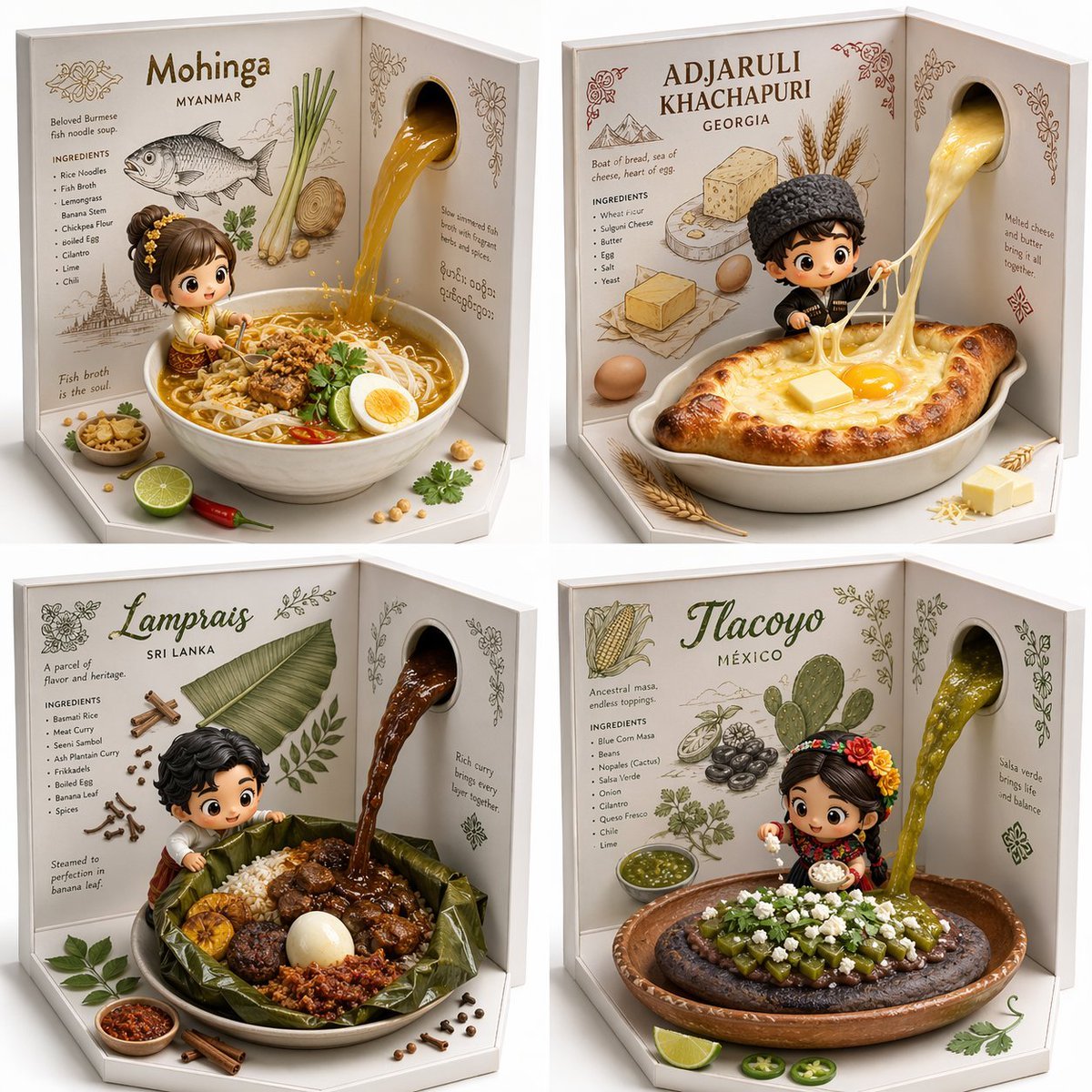
2x2 grid, do this for 4 hidden gem international foods select

Realistic Real Madrid Football Stadium Fan Portrait
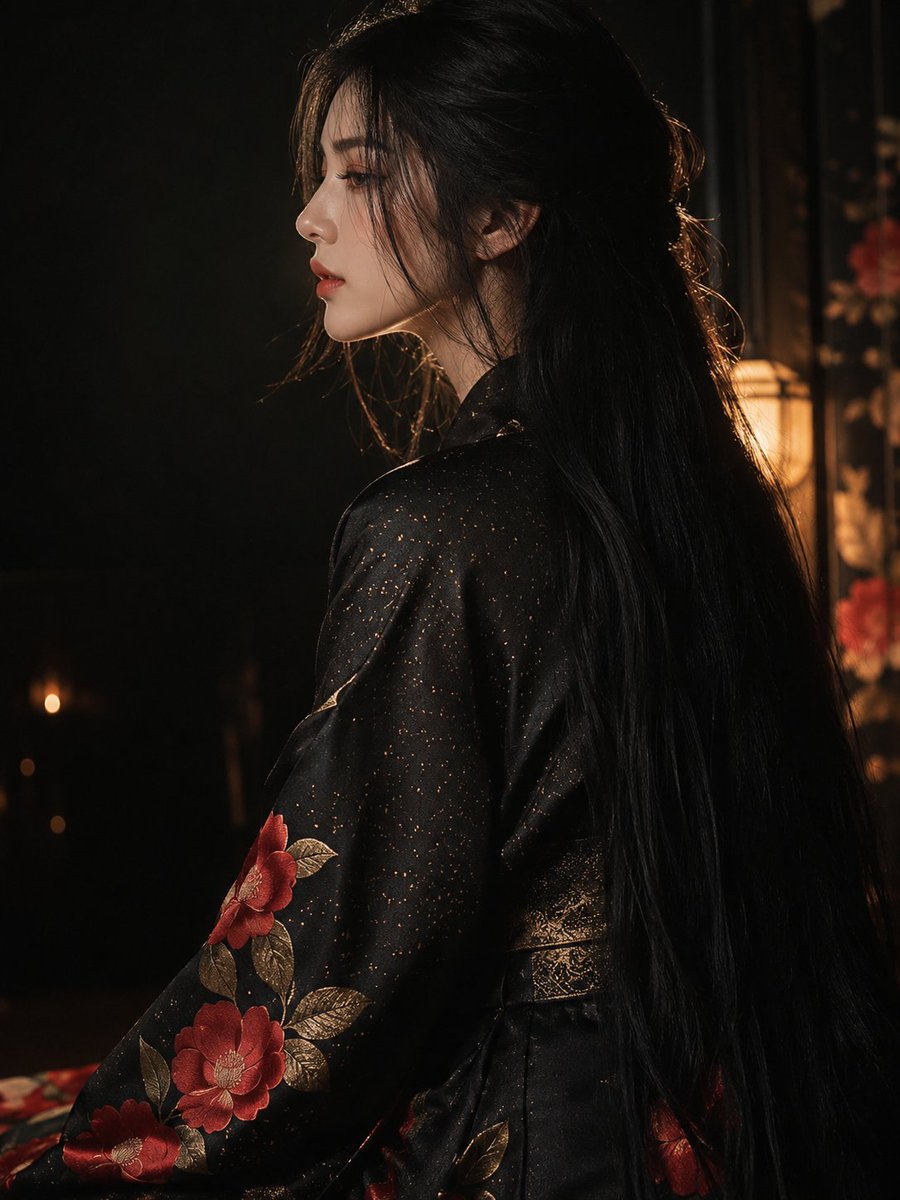
Dark Kimono Portrait with Hidden Face
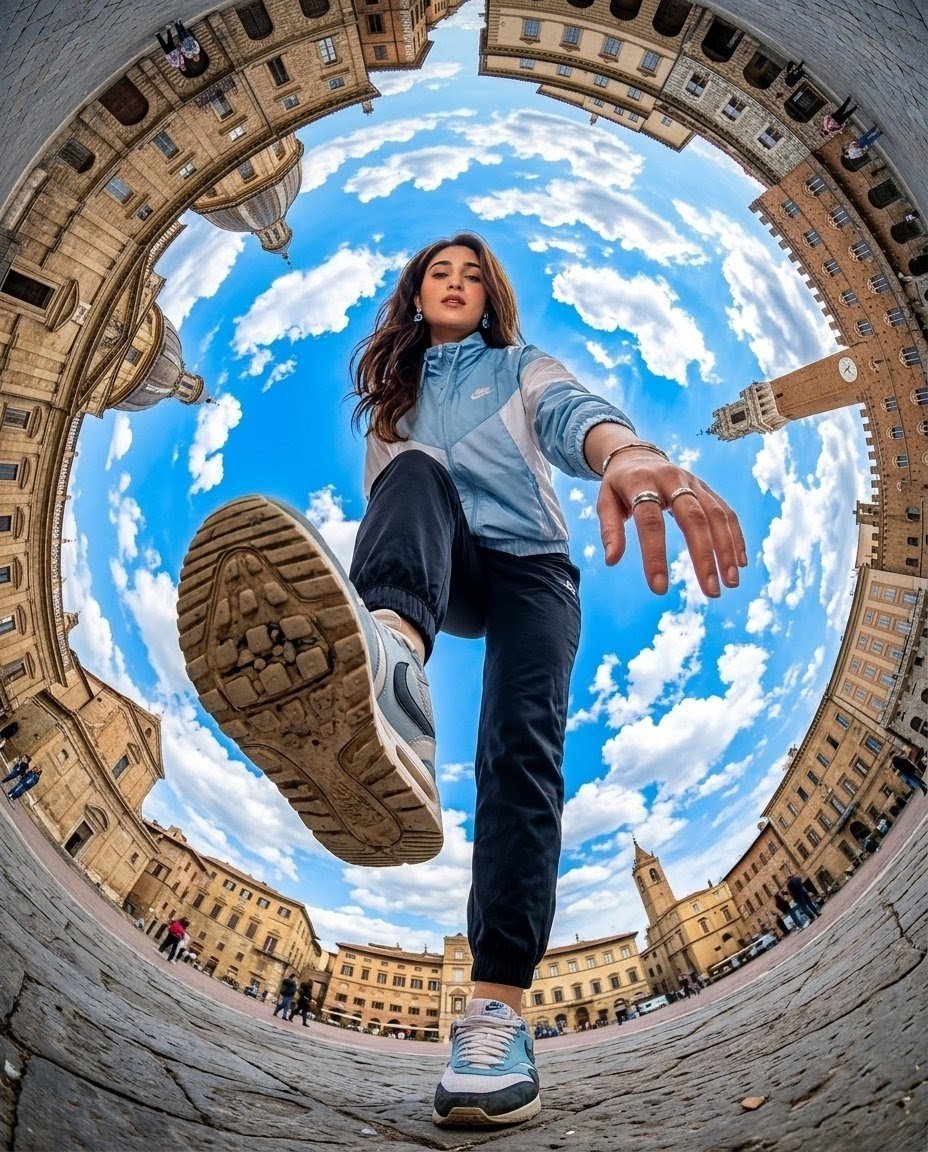
Fisheye Traveler Plaza Shot

Interactive Scene Object Placement

Anime Hidden Mickey Hunt

Fountain Plaza Pigeons
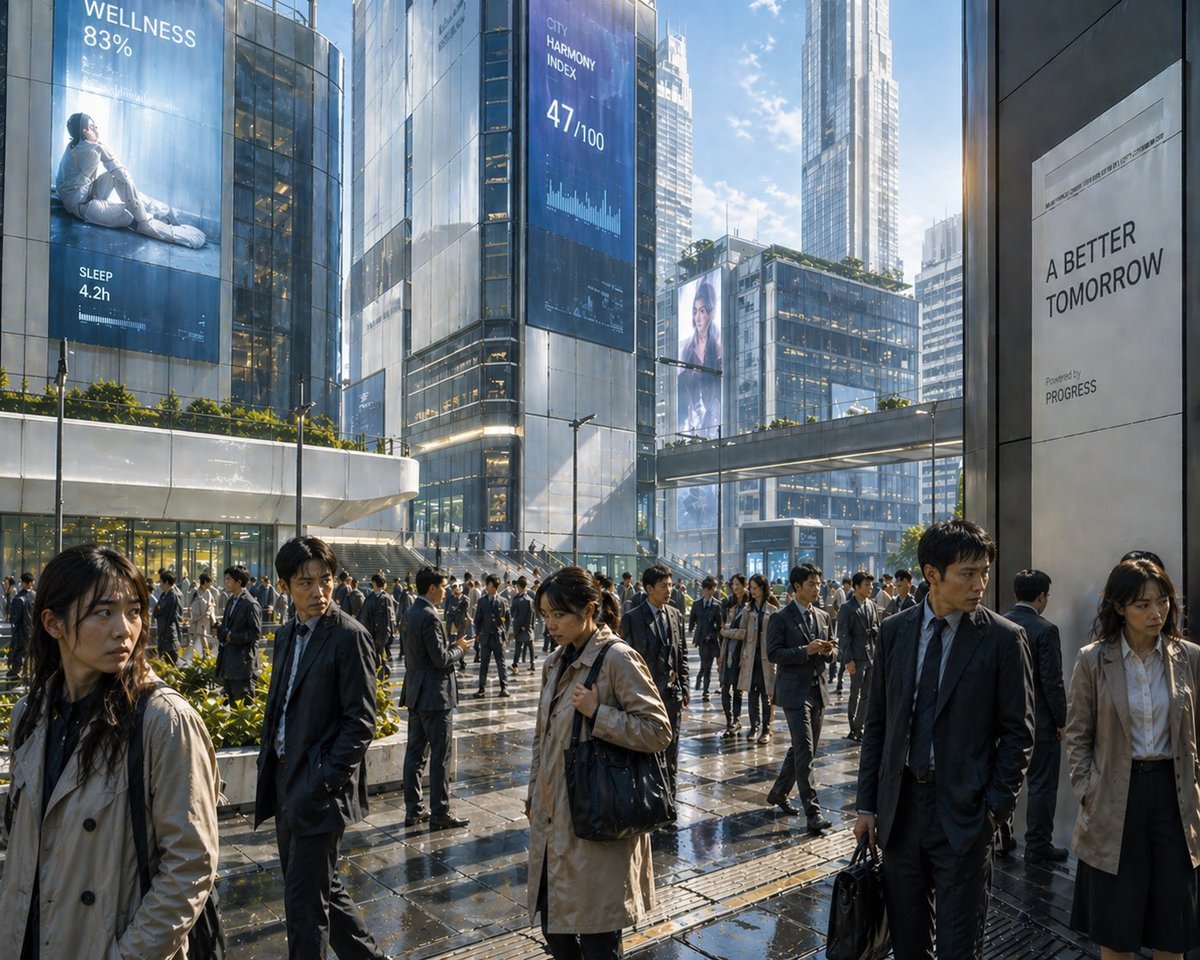
Futuristic Corporate Plaza With Data Billboards
Make it yours
Hidden-Object Madrid Plaza Puzzle works as-is. These are the safest ways to change it without losing the look.
Change one field
Copy a single group, rewrite it, and generate again so you can see what that field is doing.
Keep the frame, change the subject
Hold the composition and light of Hidden-Object Madrid Plaza Puzzle, then swap wardrobe, props or the person for a new take.
| If the result… | Why | Fix |
|---|---|---|
| The result drifts from the preview | Too many fields changed at once. | Reuse Hidden-Object Madrid Plaza Puzzle as-is first, then change one group — subject, light, or setting. |
| The model over-stylizes the scene | The prose prompt leaves finish and camera underspecified. | Add one camera or lighting sentence and stay on GPT Image 2. |
More GPT Image 2 templates
Other prompts made for GPT Image 2.

Six VTuber Japanese Logo Sheet

Realistic Portrait of Woman and Deer

The Vista Modular Condo Poster

AI Model Routing Comparison Infographic

2.5D Anime Art Board

Isometric Productivity Desk Scene

New York Double Exposure Poster

Four-Panel AI Landscape Comparison

Japanese Tatami Lifestyle Magazine Cover

NESCAFÉ Coffee Map Poster
More image prompts
Fresh picks from across the catalog.

Japanese AI Palm Reading Certificate
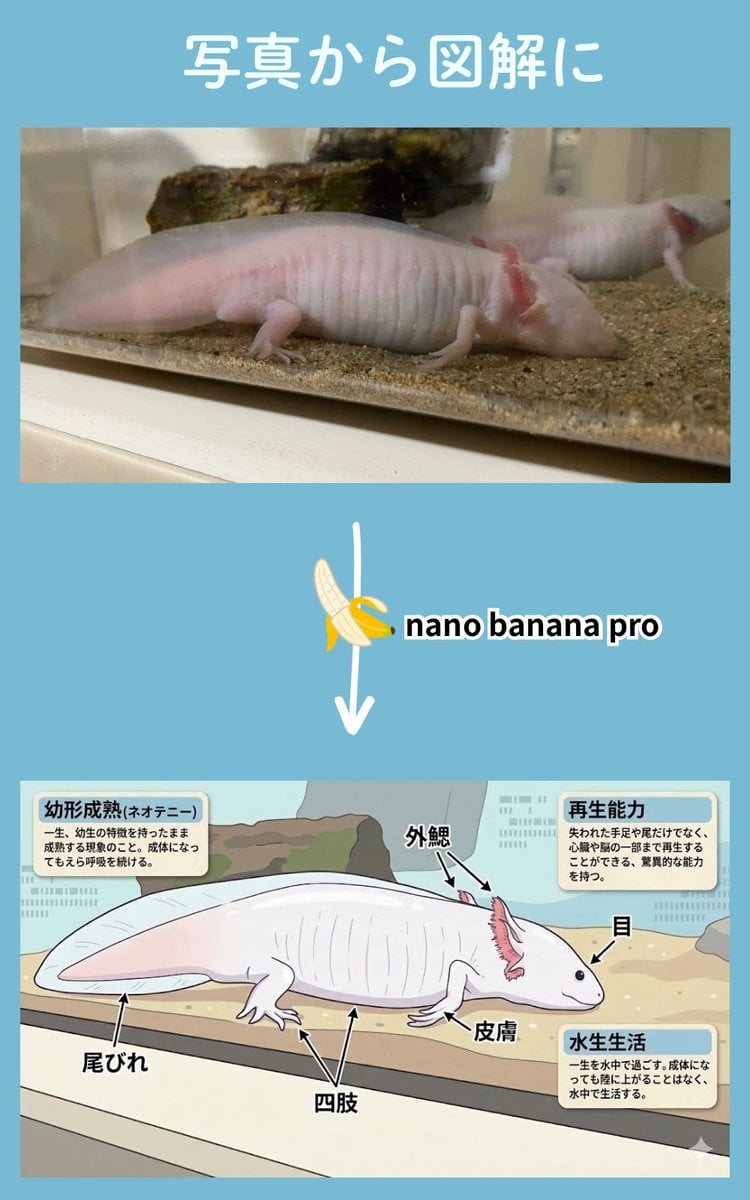
Multi-Step Diagram Generation and Coloring Book Creation
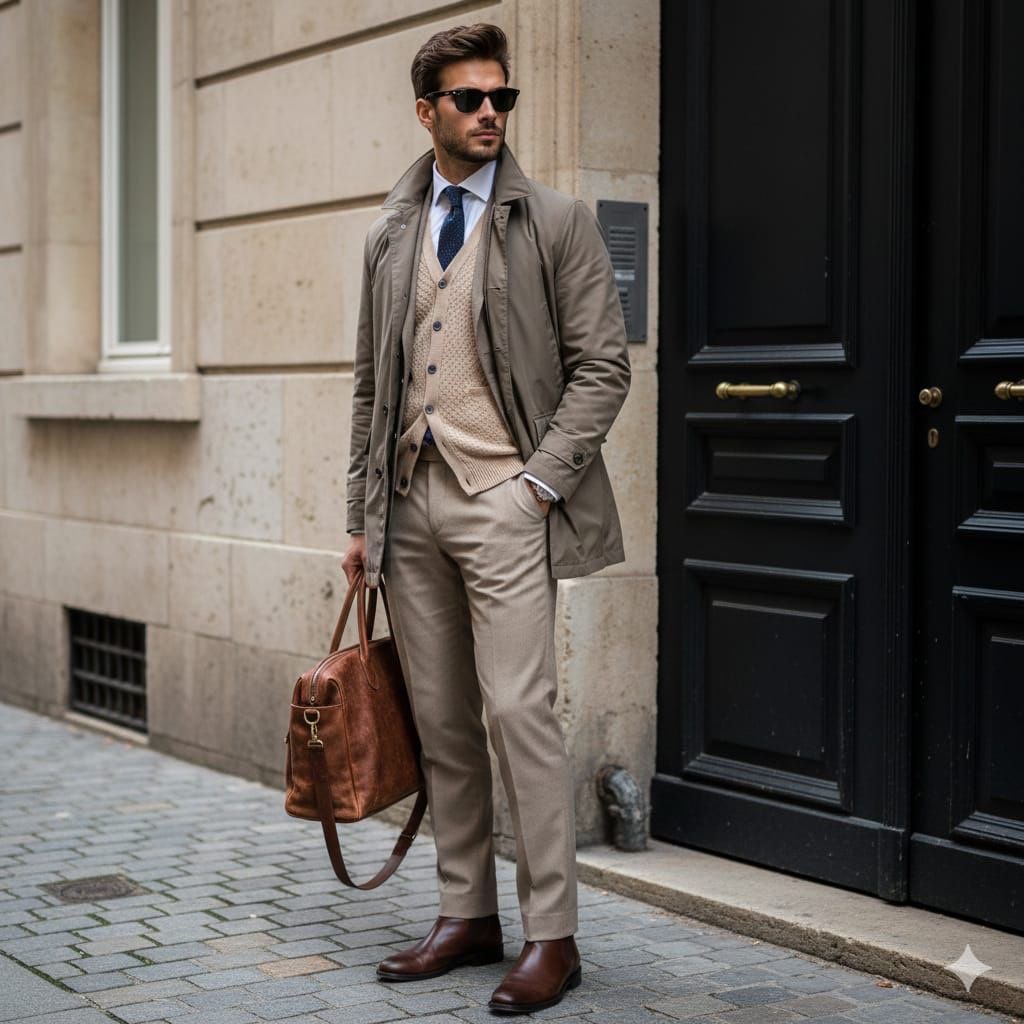
Stylish European Street Portrait
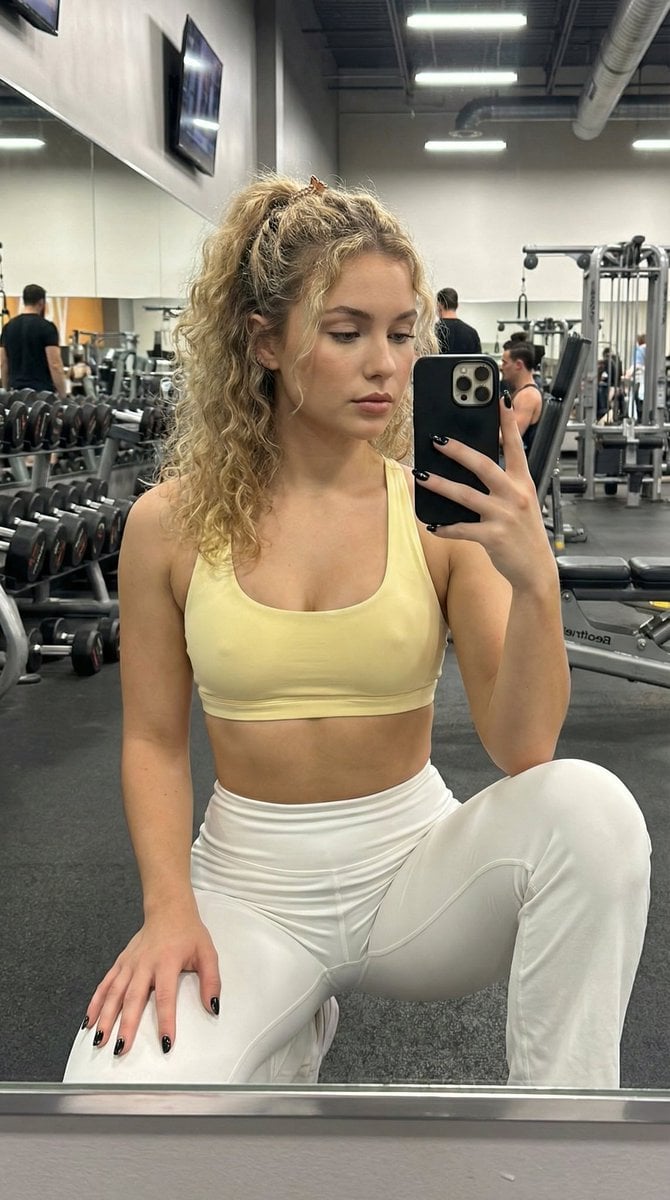
Granular Gym Mirror Selfie Prompt
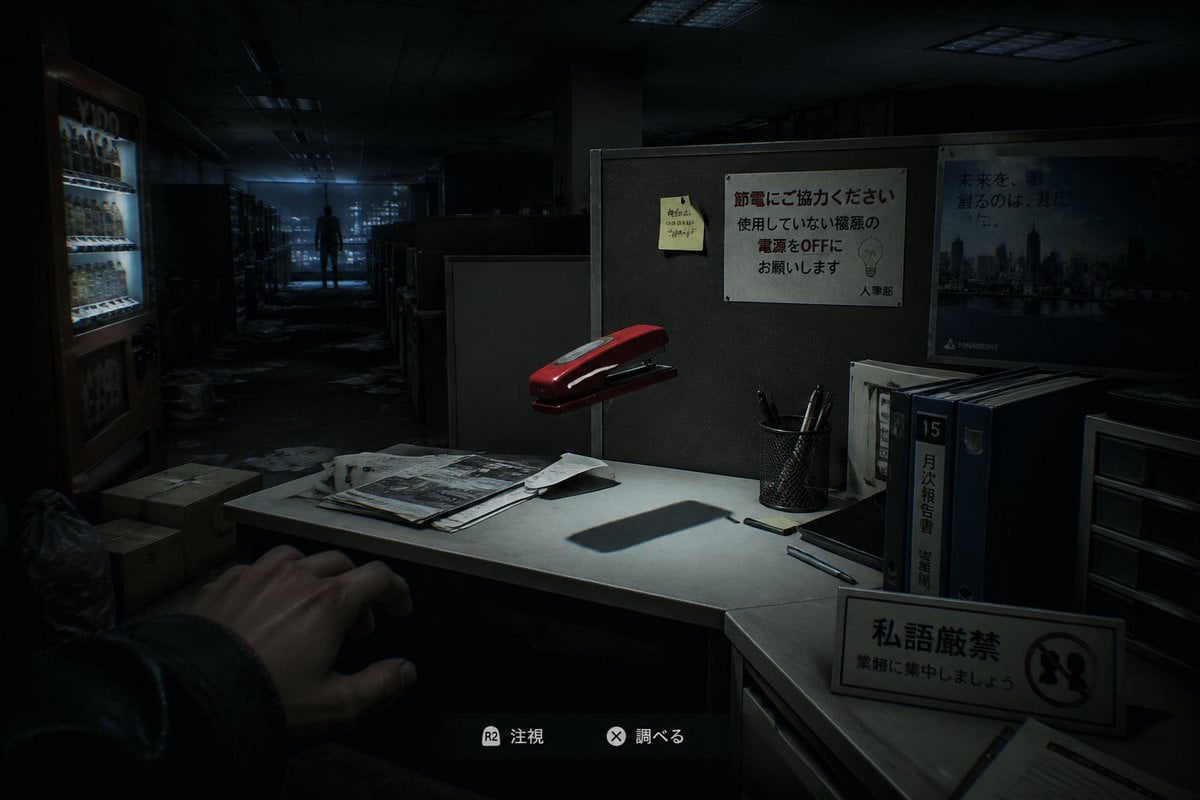
Japanese Office Horror Game Screenshot

Teal Leather Jacket Studio Portrait Prompt
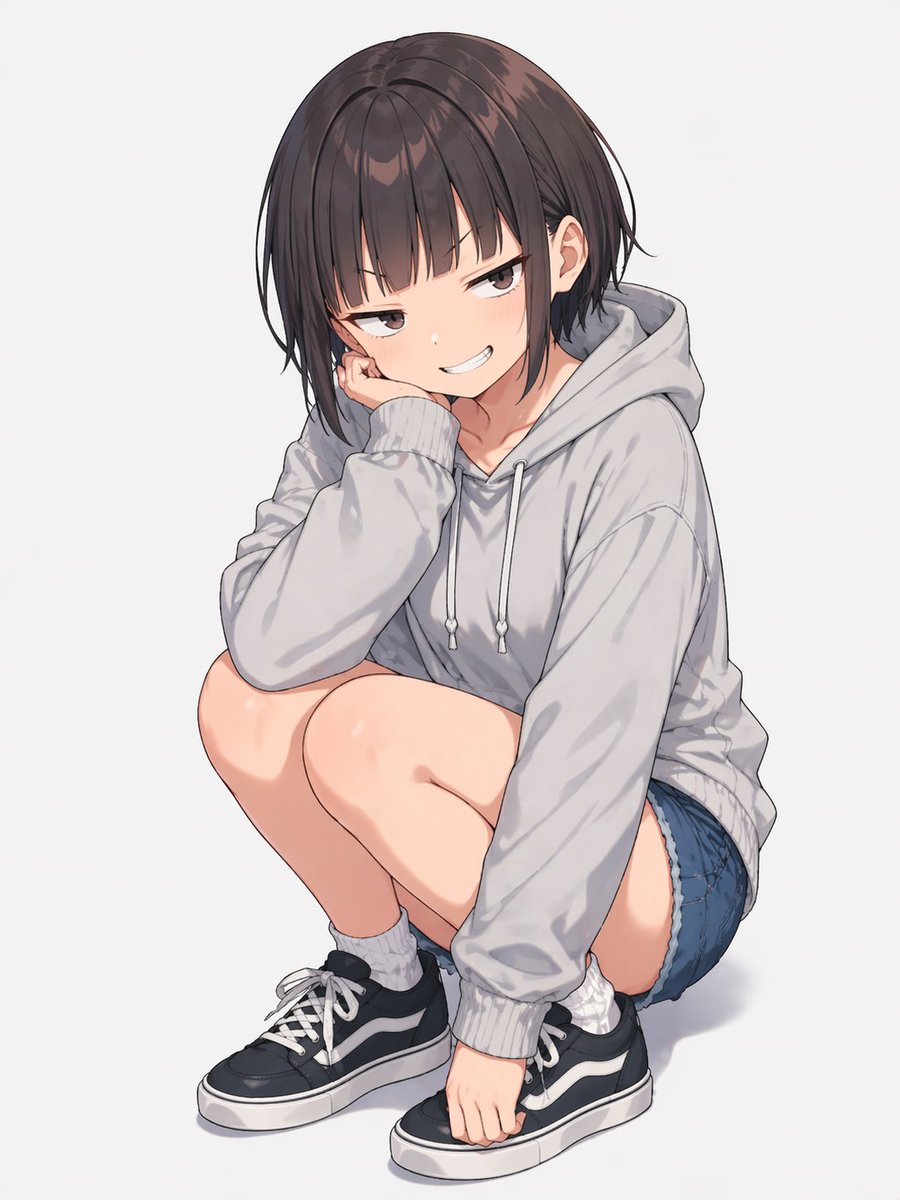
Anime Girl Squatting in Oversized Hoodie
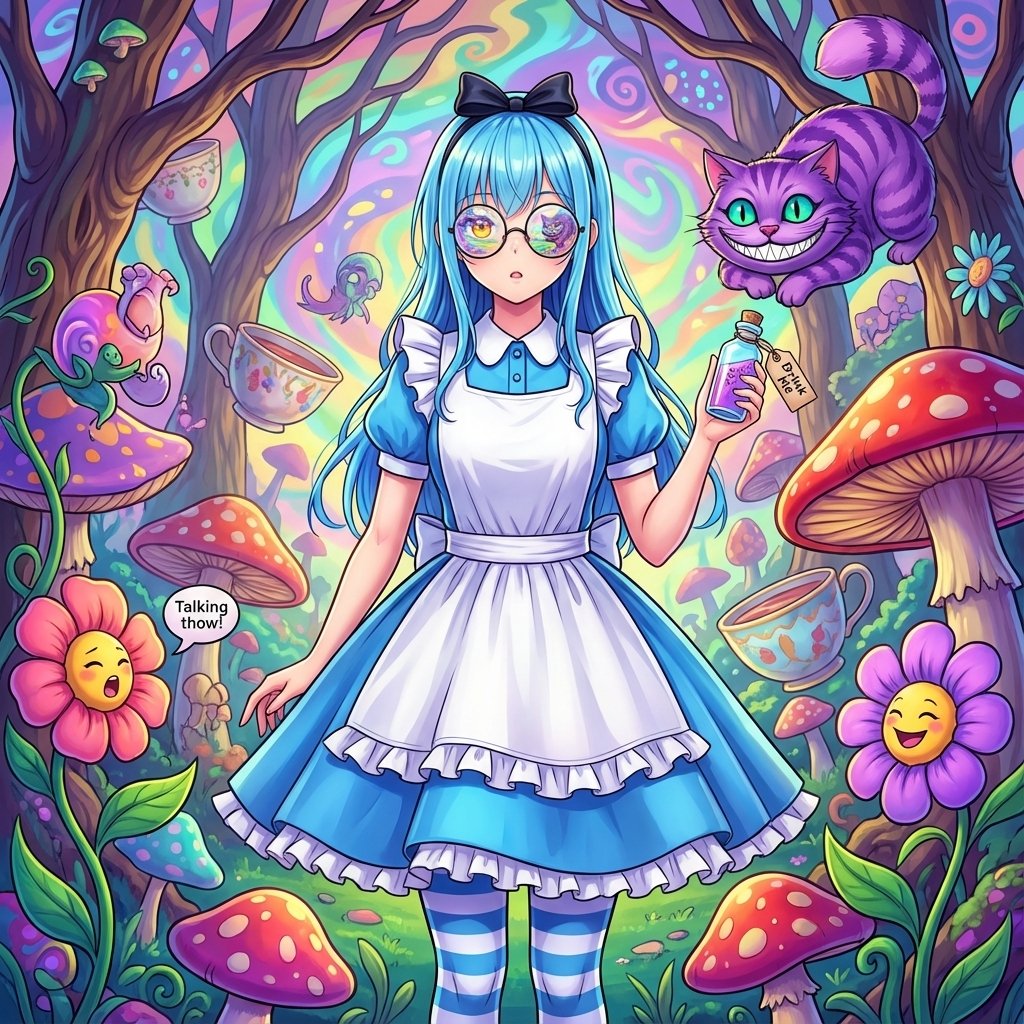
Alice in Wonderland Transformation Prompt
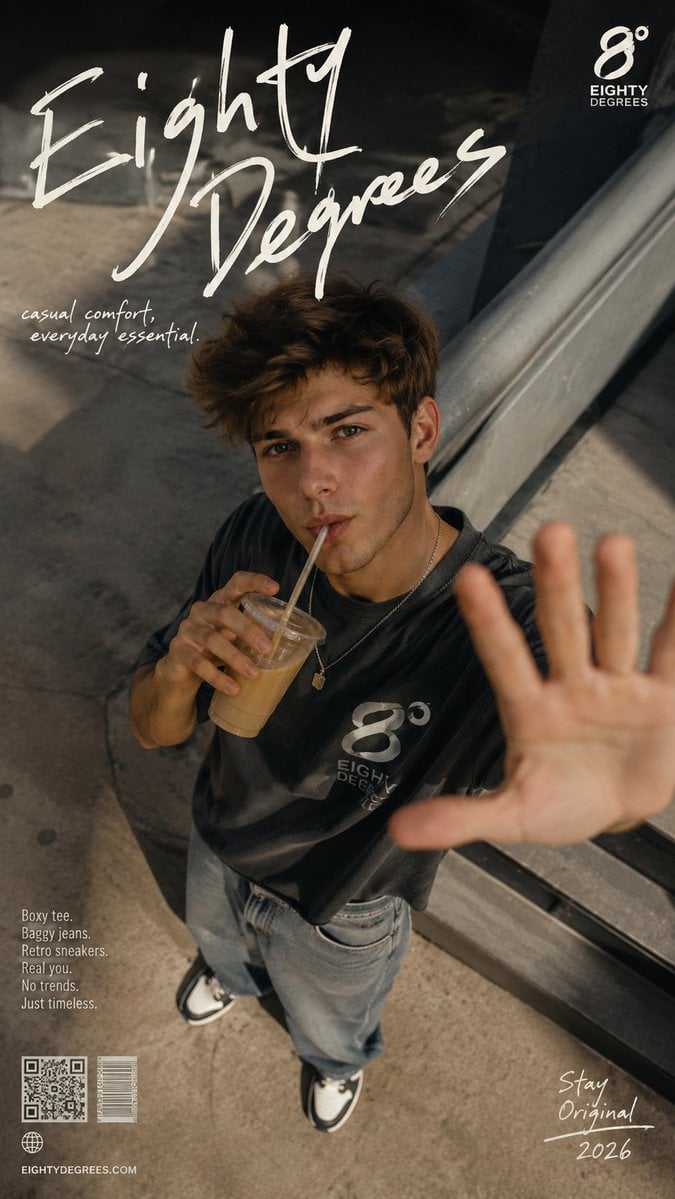
2026 Fashion Editorial Portrait
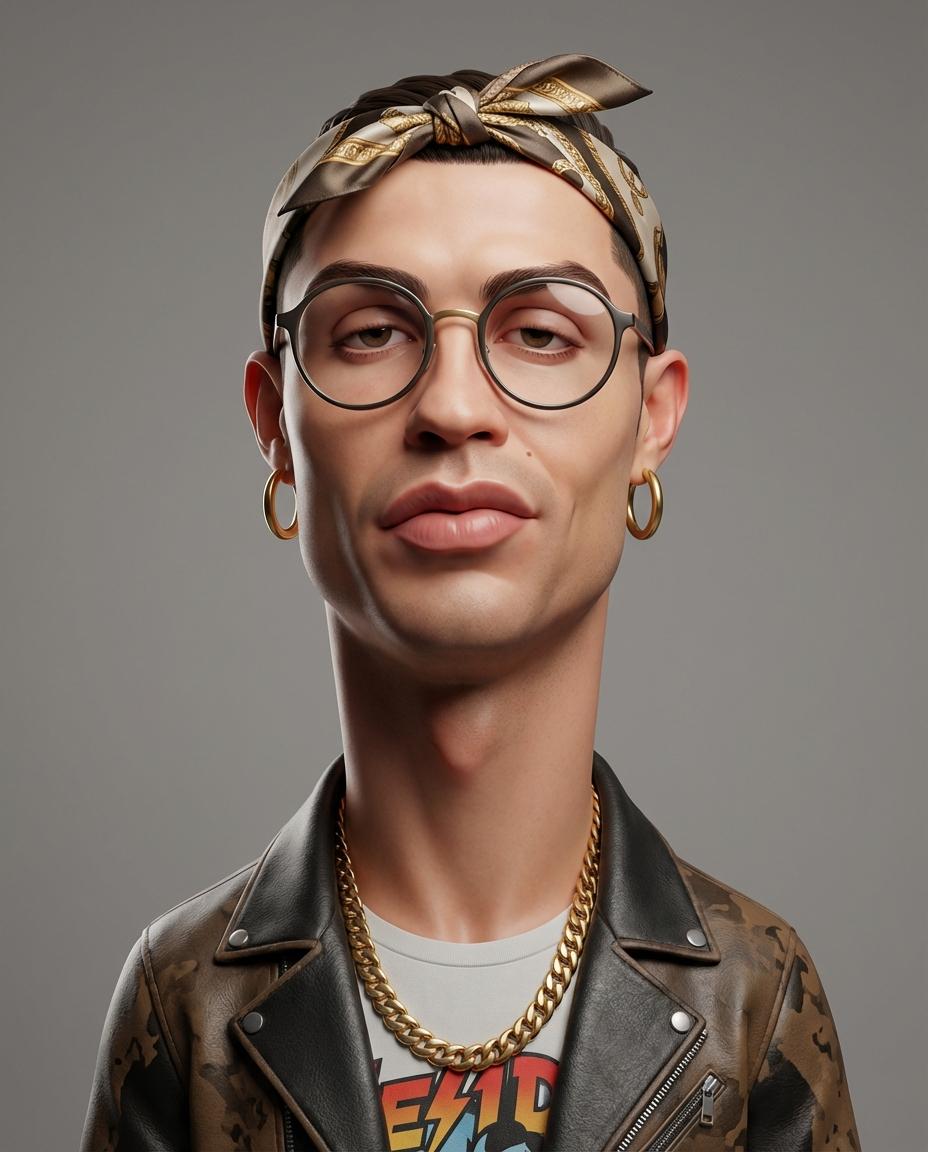
Stylized 3D Caricature Portrait
Browse template categories
Hidden-Object Madrid Plaza Puzzle questions
How do I use the Hidden-Object Madrid Plaza Puzzle template?
Add your photo if the template asks for one, edit the prompt if you like — the template's model and format are already selected — and press Generate. Your version opens in PicX Studio.
Can I customize the Hidden-Object Madrid Plaza Puzzle template?
Yes. You can change the subject, setting, lighting, mood, format, and available model controls before creating your image.
Is the Hidden-Object Madrid Plaza Puzzle template free?
Opening and editing this template is free. Generating uses credits, shown on the Generate button when you are signed in.
Which AI model should I use?
Start with GPT Image 2, which is the model associated with this template. You can compare another compatible model for a different finish.
Looking for something else? Browse all templates.

Your photo, any look
Thousands of ready templates for every top image and video model, from one credit balance.