
Gothic Calligraphy Hidden Clown Poster
Generates a wide beige poster with ornate black Japanese-inspired calligraphy and a small gothic clown doll peeking from behind the central letters.
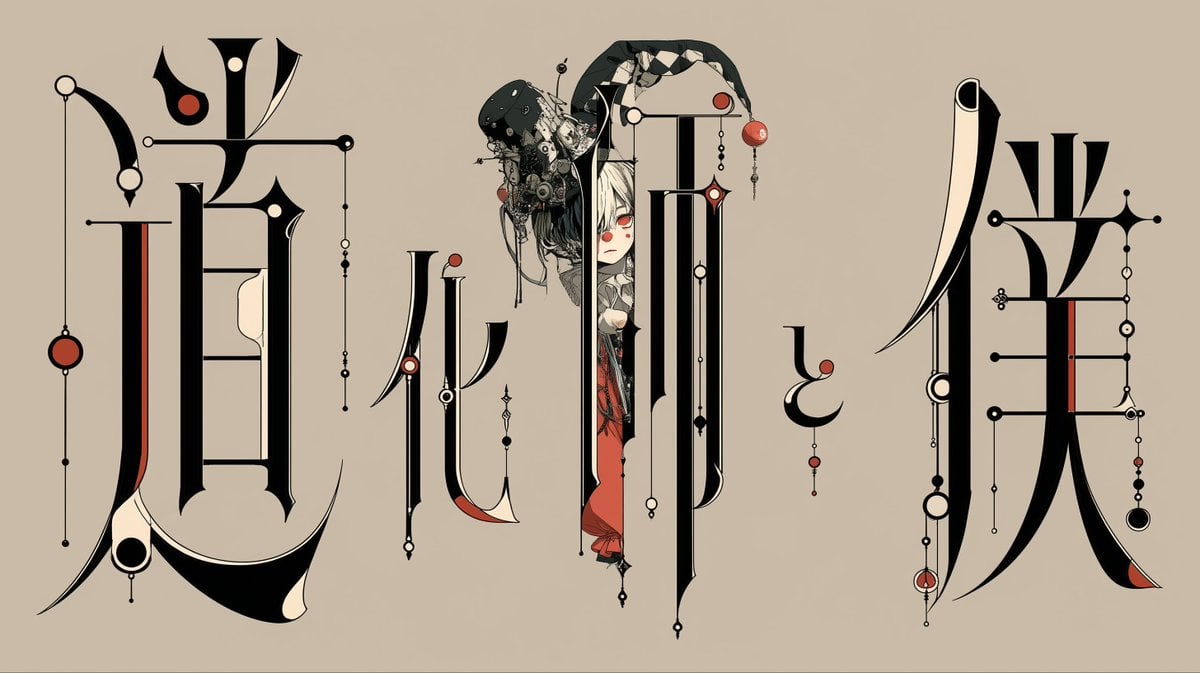
- Prompt included
- Model and format preset
- Free template
The prompt behind this image
Copy the exact prompt behind Gothic Calligraphy Hidden Clown Poster, or open it in the studio and make it yours.
Goal: Create a wide ornamental typography poster where a tiny gothic clown/doll character is peeking out from behind the central calligraphic letters, as if hidden inside the text. Canvas: Horizontal 16:9 composition, approximately 1200×675 px, with a warm beige parchment background and no border. Main typography: Use exactly 5 oversized black abstract Japanese-inspired calligraphic glyph clusters across the canvas, reading visually like decorative kanji/kana rather than clean readable type. Arrange them from left to right: 1 very large left glyph cluster, 1 thinner mid-left glyph cluster, 1 tallest central glyph cluster, 1 small floating comma-like glyph near the right center, and 1 very large right glyph cluster. Make the letterforms extremely elongated and architectural, with sharp serifs, sweeping curves, vertical stems, thin hairline connectors, and Art Nouveau / occult diagram details. Add ivory negative-space cuts inside the black strokes and restrained red accents on selected strokes. Character detail: Place exactly 1 hidden figure behind the central glyph: a pale-faced anime gothic clown or porcelain doll with {argument name="hair color" default="white hair"}, red eyes, a small melancholy expression, and a black elaborate hat or headdress covered in tiny mechanical ornaments, beads, wires, pins, and floral debris. Only the upper body and part of a red outfit should be visible, mostly obscured by the tall central black letter strokes, so the character appears to be peeking from the text. Ornamental elements: Add exactly 18 visible dangling bead-and-line ornaments distributed across the typography: 4 around the left glyph, 3 around the mid-left glyph, 5 around the central glyph, 1 under the small comma-like glyph, and 5 around the right glyph. These ornaments should include thin vertical rods, tiny black and cream circles, red circular beads, small diamond shapes, and miniature chain links. Also include 7 larger red accent circles total, placed on different glyphs and hanging ornaments. Style: High-contrast black ink illustration with cream highlights and muted vermilion red accents, ultra-thin vector-like linework, elegant Japanese gothic calligraphy, poster design, surreal editorial art, crisp edges, flat background, minimal shadows, refined and intricate but not cluttered. Text content: The typography may be unreadable or abstract, but it should evoke {argument name="display text concept" default="mysterious Japanese gothic characters"}. Do not add Latin letters, captions, logos, signatures, or watermarks. Constraints: Keep the beige background plain, preserve the wide empty breathing space between glyph clusters, make the hidden character small compared with the massive letters, and avoid photorealism; the final image should feel like an ornate black-red-cream typographic illustration.
How to use Gothic Calligraphy Hidden Clown Poster in 3 steps
- 1Upload ImagePNG, JPG or paste
Add your photo
Upload the photo the template builds on. The prompt, model and format are already set.
- 2…a portrait of your subject in softgolden-hour light, 85mm…
Personalize
Edit the subject and creative details for your destination.
- 3Generate
Generate
Press Generate — your image is created in PicX Studio, so you can compare it with the original and refine one variable at a time.
More like this
Templates with the same subject, style or setup. Open one to see its prompt.

Japan Travel Brochure Poster

Cartoon TV Show Poster Pack

Trendy Cafe Drink Promo Poster

Urban Fashion Editorial Collage Streetwear Poster

Premium Fashion Editorial Cover Layout System

Polo Ralph Lauren Luxury American Heritage Fashion Campaign

Monochrome Halftone Editorial Fashion Poster

Retro Mirror Luxury Fashion Campaign Poster

Luxury Fashion Campaign Typography Poster System

Premium Fashion Editorial Campaign Poster System

Ultra-Stylized High-Fashion Streetwear Poster

Urban Fashion Editorial Collage Poster
Make it yours
Gothic Calligraphy Hidden Clown Poster works as-is. These are the safest ways to change it without losing the look.
Change one field
Copy a single group, rewrite it, and generate again so you can see what that field is doing.
Keep the frame, change the subject
Hold the composition and light of Gothic Calligraphy Hidden Clown Poster, then swap wardrobe, props or the person for a new take.
| If the result… | Why | Fix |
|---|---|---|
| The result drifts from the preview | Too many fields changed at once. | Reuse Gothic Calligraphy Hidden Clown Poster as-is first, then change one group — subject, light, or setting. |
| The model over-stylizes the scene | The prose prompt leaves finish and camera underspecified. | Add one camera or lighting sentence and stay on GPT Image 2. |
More GPT Image 2 templates
Other prompts made for GPT Image 2.

Six VTuber Japanese Logo Sheet

Realistic Portrait of Woman and Deer

The Vista Modular Condo Poster

AI Model Routing Comparison Infographic

2.5D Anime Art Board

Isometric Productivity Desk Scene

New York Double Exposure Poster

Four-Panel AI Landscape Comparison

Japanese Tatami Lifestyle Magazine Cover

NESCAFÉ Coffee Map Poster
More image prompts
Fresh picks from across the catalog.
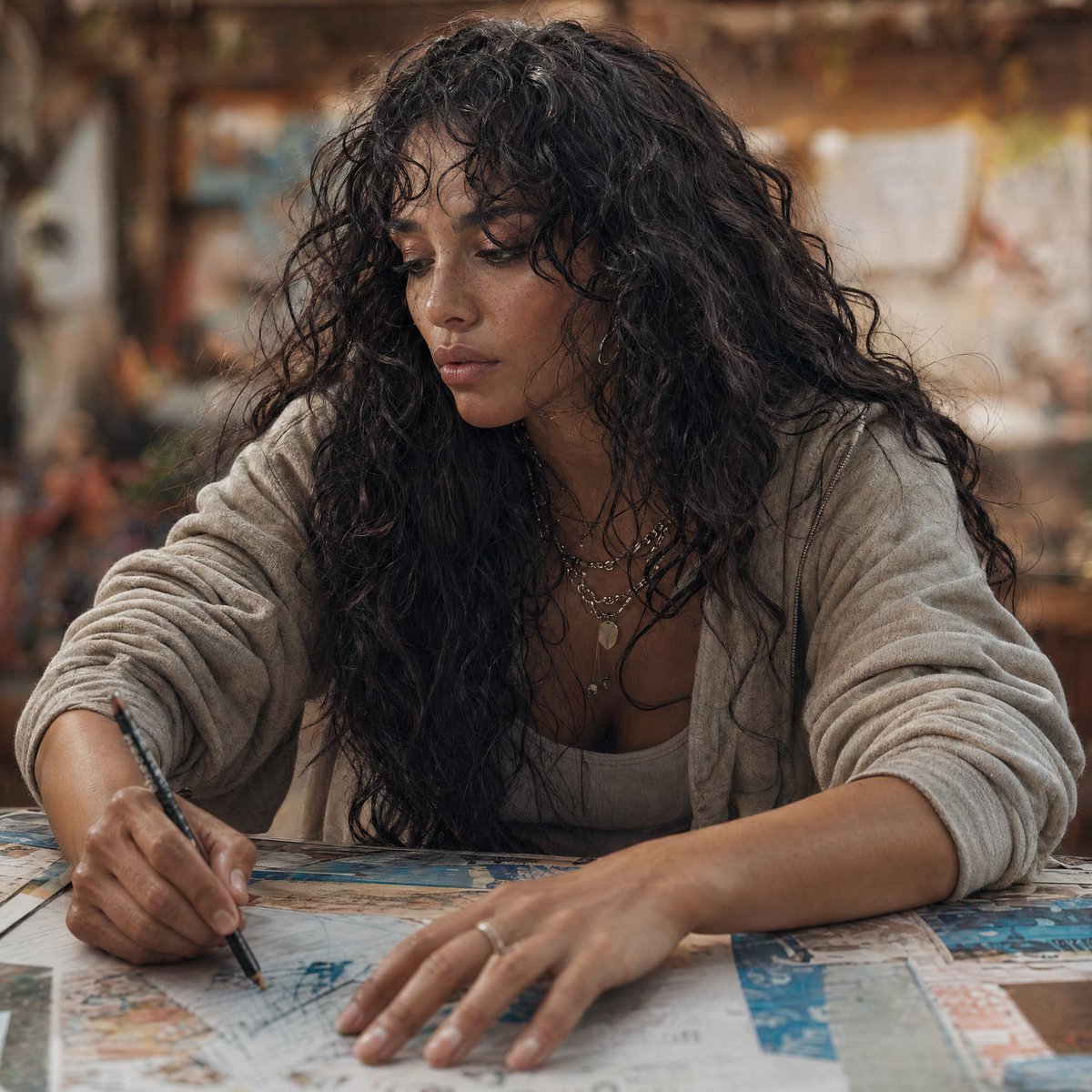
Modern Esther Writing at a Worktable
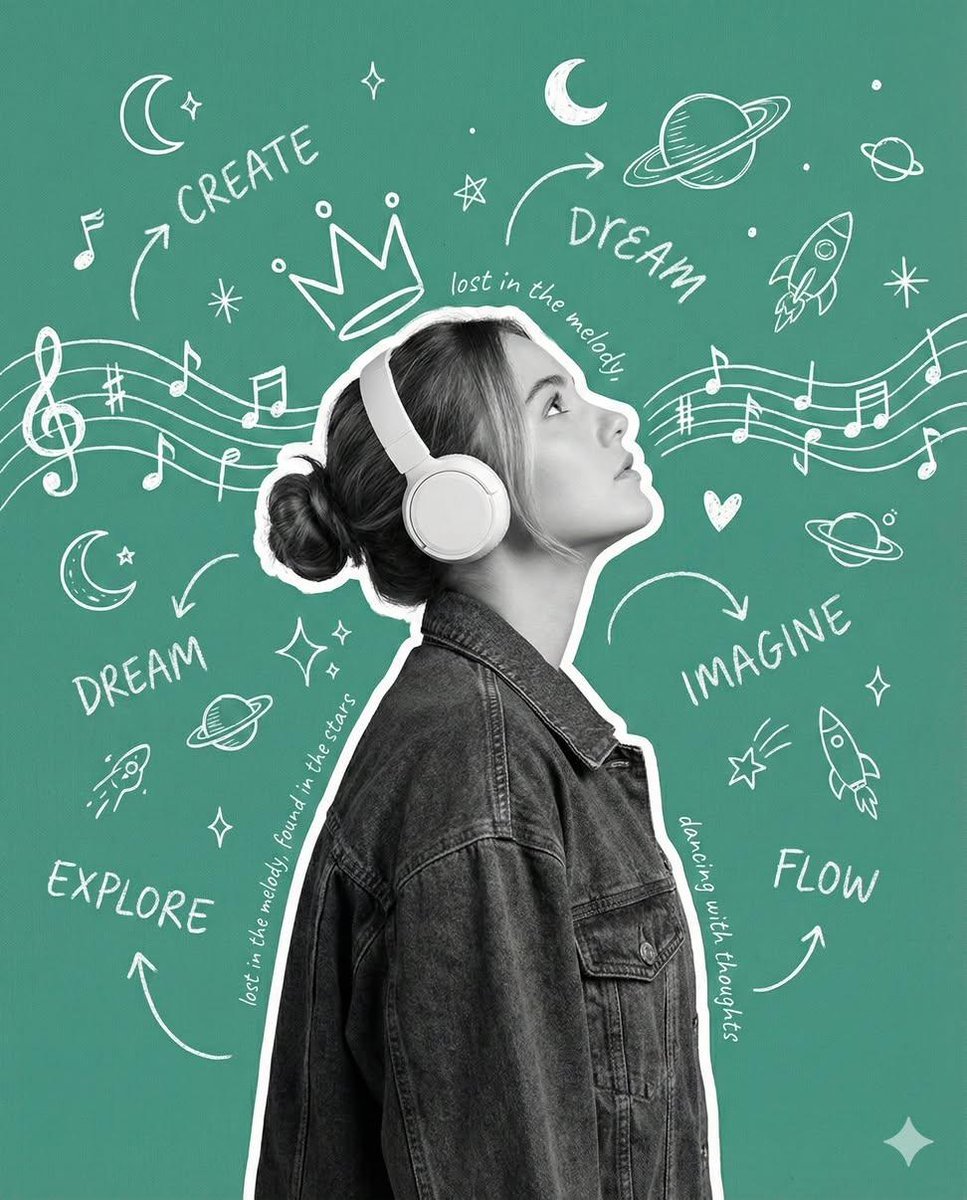
Creative Poster with Cutout Portrait and Chalkboard Doodles
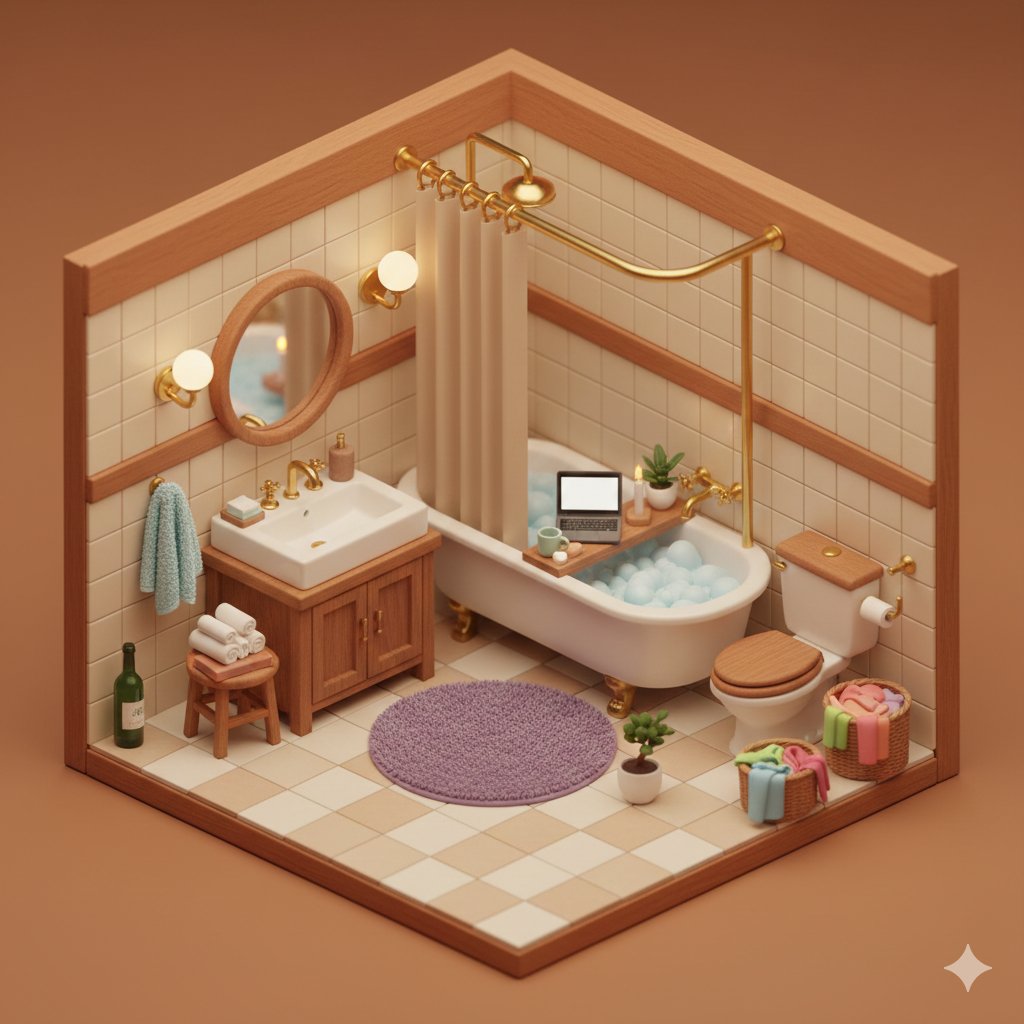
Isometric Cozy Bathroom Diorama Prompt
Luxury Perfume Bottle Product Shot Prompt

Windows 11 desktop with Chrome and MrBeast on YouTube

Wide-Angle Product Poster (Pepsi Can)

Couple Pub Portrait Transformation
Artistic Luxury Trophy Design Poster

Tokyo Tilt-Shift Miniature Diorama
Golden Hour Rooftop Sunset Rest
Browse template categories
Gothic Calligraphy Hidden Clown Poster questions
How do I use the Gothic Calligraphy Hidden Clown Poster template?
Add your photo if the template asks for one, edit the prompt if you like — the template's model and format are already selected — and press Generate. Your version opens in PicX Studio.
Can I customize the Gothic Calligraphy Hidden Clown Poster template?
Yes. You can change the subject, setting, lighting, mood, format, and available model controls before creating your image.
Is the Gothic Calligraphy Hidden Clown Poster template free?
Opening and editing this template is free. Generating uses credits, shown on the Generate button when you are signed in.
Which AI model should I use?
Start with GPT Image 2, which is the model associated with this template. You can compare another compatible model for a different finish.
Looking for something else? Browse all templates.

Your photo, any look
Thousands of ready templates for every top image and video model, from one credit balance.