
Isometric Cozy Bathroom Diorama Prompt
A detailed prompt for generating a cute, cozy, isometric 3D miniature diorama of a Japanese-style bathroom.
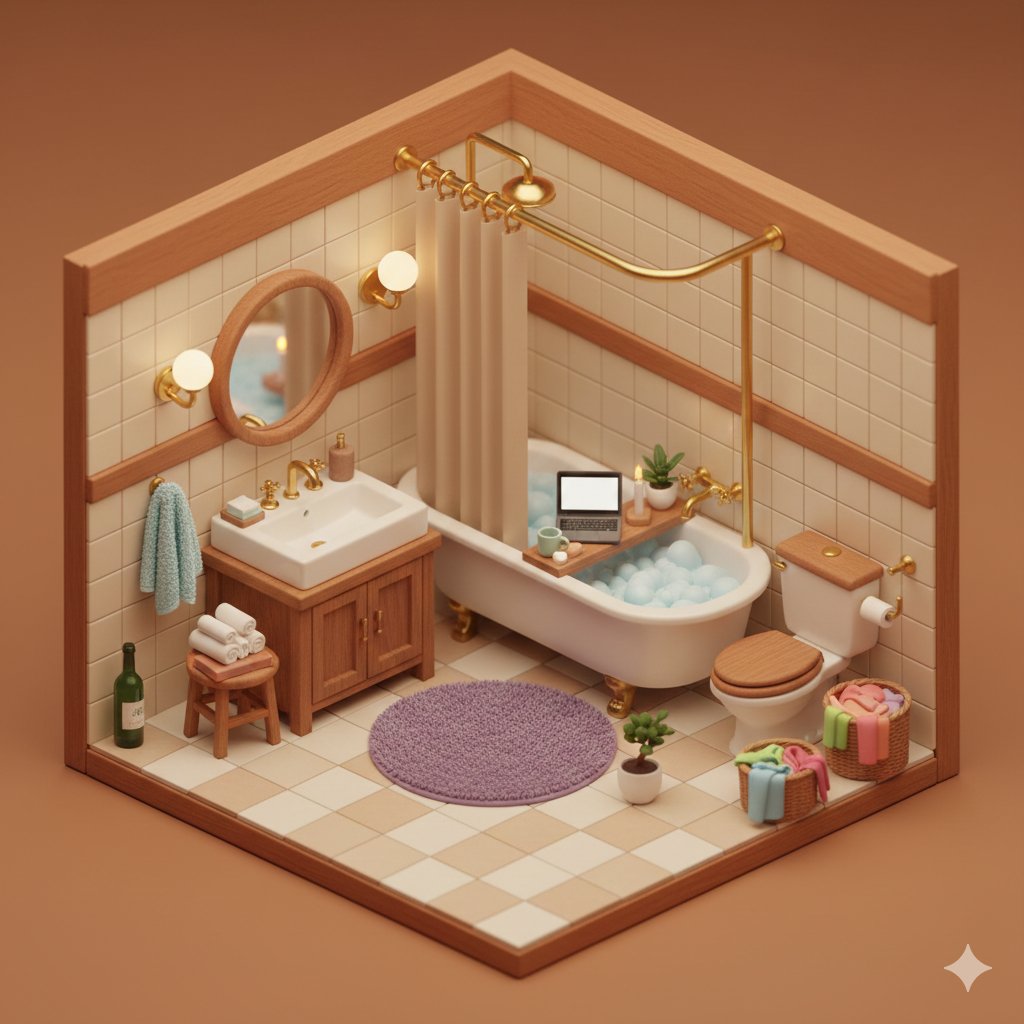
- Prompt included
- Model and format preset
- Premium template
The prompt behind this image
Copy the exact prompt behind Isometric Cozy Bathroom Diorama Prompt, or open it in the studio and make it yours.
- Prompt
- cute cozy isometric 3D miniature bathroom diorama, warm cozy aesthetic, detailed tiny room corner view, warm terracotta and beige color palette, small japanese-style bathroom scene, cream ceramic subway tiles with warm wooden trim, vintage clawfoot bathtub filled with blue bubbly foam, wooden bath tray across tub with open laptop, green mug, soap, candles, small potted plant, golden brass curved shower rod with beige shower curtain, round wooden mirror, white porcelain sink with wooden vanity cabinet, brass faucet, toilet with wooden seat, small wooden stool with rolled white towels and books, green wine bottle, tiny bonsai plant, wall mounted gold sconces with warm glowing bulbs, light blue fluffy towel hanging on wall hook, laundry basket with pink and orange clothes, wicker laundry hamper full of colorful towels, round plush purple bath mat, checkered beige-white floor tiles, small potted plant in white pot, cozy warm lighting, soft shadows, extremely detailed miniature dollhouse style, warm inviting atmosphere, soft bokeh, ken follett miniature aesthetic, tilt-shift effect, 8k, hyperdetailed, trending on artstation
- Negative Prompt
- blurry, low quality, realistic scale, huge objects, people, human figures, text, watermark, logo, overexposed, underexposed, modern chrome, cold blue lighting, hospital style, empty room, cartoon, anime, 2D, sketch, painting, drawing
- Aspect Ratio
- 4:3
- Style
- miniature diorama, isometric, cozy interior, warm tones, detailed product photography
- Lighting
- soft warm golden hour lighting, cozy ambient glow, practical light sources from sconces
- Camera Angle
- isometric 45 degree corner view, looking down into the room corner, miniature photography style
- Quality Tags
- masterpiece, best quality, ultra detailed, 8k, sharp focus, intricate details
- Additional Weights › Miniature
- 1.3
- Additional Weights › Diorama
- 1.4
- Additional Weights › Isometric
- 1.35
- Additional Weights › Cozy
- 1.25
- Additional Weights › Warm Lighting
- 1.2
- Additional Weights › Detailed Textures
- 1.3
Raw JSON
{
  "prompt": "cute cozy isometric 3D miniature bathroom diorama, warm cozy aesthetic, detailed tiny room corner view, warm terracotta and beige color palette, small japanese-style bathroom scene, cream ceramic subway tiles with warm wooden trim, vintage clawfoot bathtub filled with blue bubbly foam, wooden bath tray across tub with open laptop, green mug, soap, candles, small potted plant, golden brass curved shower rod with beige shower curtain, round wooden mirror, white porcelain sink with wooden vanity cabinet, brass faucet, toilet with wooden seat, small wooden stool with rolled white towels and books, green wine bottle, tiny bonsai plant, wall mounted gold sconces with warm glowing bulbs, light blue fluffy towel hanging on wall hook, laundry basket with pink and orange clothes, wicker laundry hamper full of colorful towels, round plush purple bath mat, checkered beige-white floor tiles, small potted plant in white pot, cozy warm lighting, soft shadows, extremely detailed miniature dollhouse style, warm inviting atmosphere, soft bokeh, ken follett miniature aesthetic, tilt-shift effect, 8k, hyperdetailed, trending on artstation",
  "negative_prompt": "blurry, low quality, realistic scale, huge objects, people, human figures, text, watermark, logo, overexposed, underexposed, modern chrome, cold blue lighting, hospital style, empty room, cartoon, anime, 2D, sketch, painting, drawing",
  "aspect_ratio": "4:3",
  "style": "miniature diorama, isometric, cozy interior, warm tones, detailed product photography",
  "lighting": "soft warm golden hour lighting, cozy ambient glow, practical light sources from sconces",
  "camera_angle": "isometric 45 degree corner view, looking down into the room corner, miniature photography style",
  "quality_tags": "masterpiece, best quality, ultra detailed, 8k, sharp focus, intricate details",
  "additional_weights": {
    "miniature": 1.3,
    "diorama": 1.4,
    "isometric": 1.35,
    "cozy": 1.25,
    "warm lighting": 1.2,
    "detailed textures": 1.3
  }
}How to use Isometric Cozy Bathroom Diorama Prompt in 3 steps
- 1
Open
The prompt is already in the box next to the preview, with the template's model and format selected.
- 2…a portrait of your subject in softgolden-hour light, 85mm…
Personalize
Edit the subject and creative details for your destination.
- 3Generate
Generate
Press Generate — your image is created in PicX Studio, so you can compare it with the original and refine one variable at a time.
More like this
Templates with the same subject, style or setup. Open one to see its prompt.

Cozy Isometric Bathroom Miniature Diorama

Isometric Process Educational Diorama

Isometric Brand Store Diorama
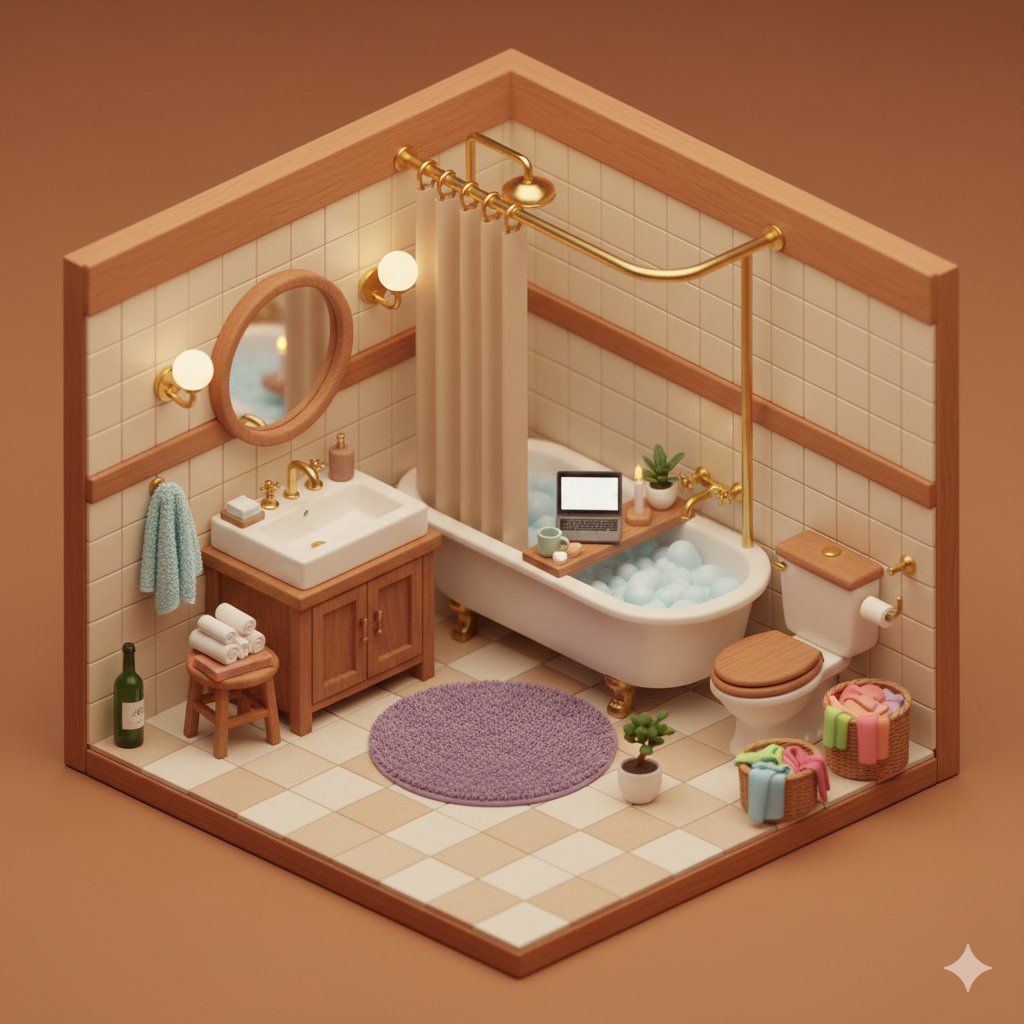
Cozy Isometric Bathroom Diorama

Layered Paper Cut Forest Diorama

Soft Handcrafted Paper-Cut Layered Illustration

Nostalgic Digicam Café Afternoon Portrait

Pixar-Style Chibi Café Morning Scene

Japanese Café Sketch Duo Illustration

Delicate Japanese Café Lifestyle Illustration

Parisian Outdoor Café Silver-Hair Portrait
Pixar-Style Chibi Café Morning Scene
Make it yours
Isometric Cozy Bathroom Diorama Prompt works as-is. These are the safest ways to change it without losing the look.
Swap the light
One lighting change is enough to compare takes. Current light: “soft warm golden hour lighting, cozy ambient glow, practical light sources from ”.
Change one field
Copy a single group, rewrite it, and generate again so you can see what that field is doing.
Keep the frame, change the subject
Hold the composition and light of Isometric Cozy Bathroom Diorama Prompt, then swap wardrobe, props or the person for a new take.
| If the result… | Why | Fix |
|---|---|---|
| The result drifts from the preview | Too many fields changed at once. | Reuse Isometric Cozy Bathroom Diorama Prompt as-is first, then change one group — subject, light, or setting. |
| Nano Banana 2 ignores part of the JSON | Some models flatten or skip nested keys. | Keep the same values and paste them as a short paragraph instead. |
More Nano Banana 2 templates
Other prompts made for Nano Banana 2.

Photorealistic Leaf Shaped Like a Dragon

K-Pop Idol Portrait Grid for Rapid Selection

Poetic Rain Forest Portrait During Golden Hour

Urban Street Portrait with Cartoon Inner Self Duo

Candid Nighttime Photo with Cat Prompt

High-Concept 3D Diorama Generation Prompt

Cinematic Futuristic Studio Portrait Template

Skincare Editorial Photography Collage Prompt

Hyper-Realistic Commercial Product Photography (Splash Effect)

Hyper-Realistic Nightclub Portrait Prompt
More image prompts
Fresh picks from across the catalog.
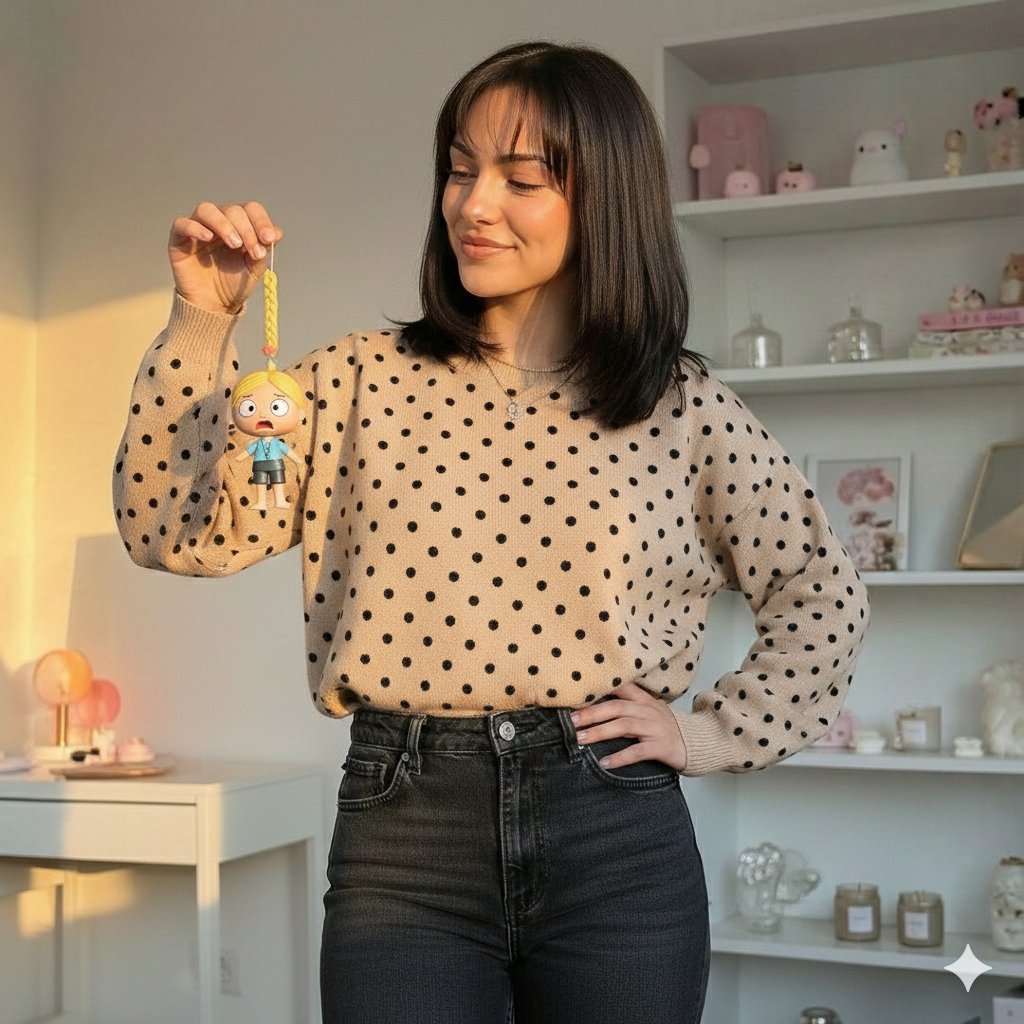
Golden Hour Lifestyle Portrait with Hanging Doll
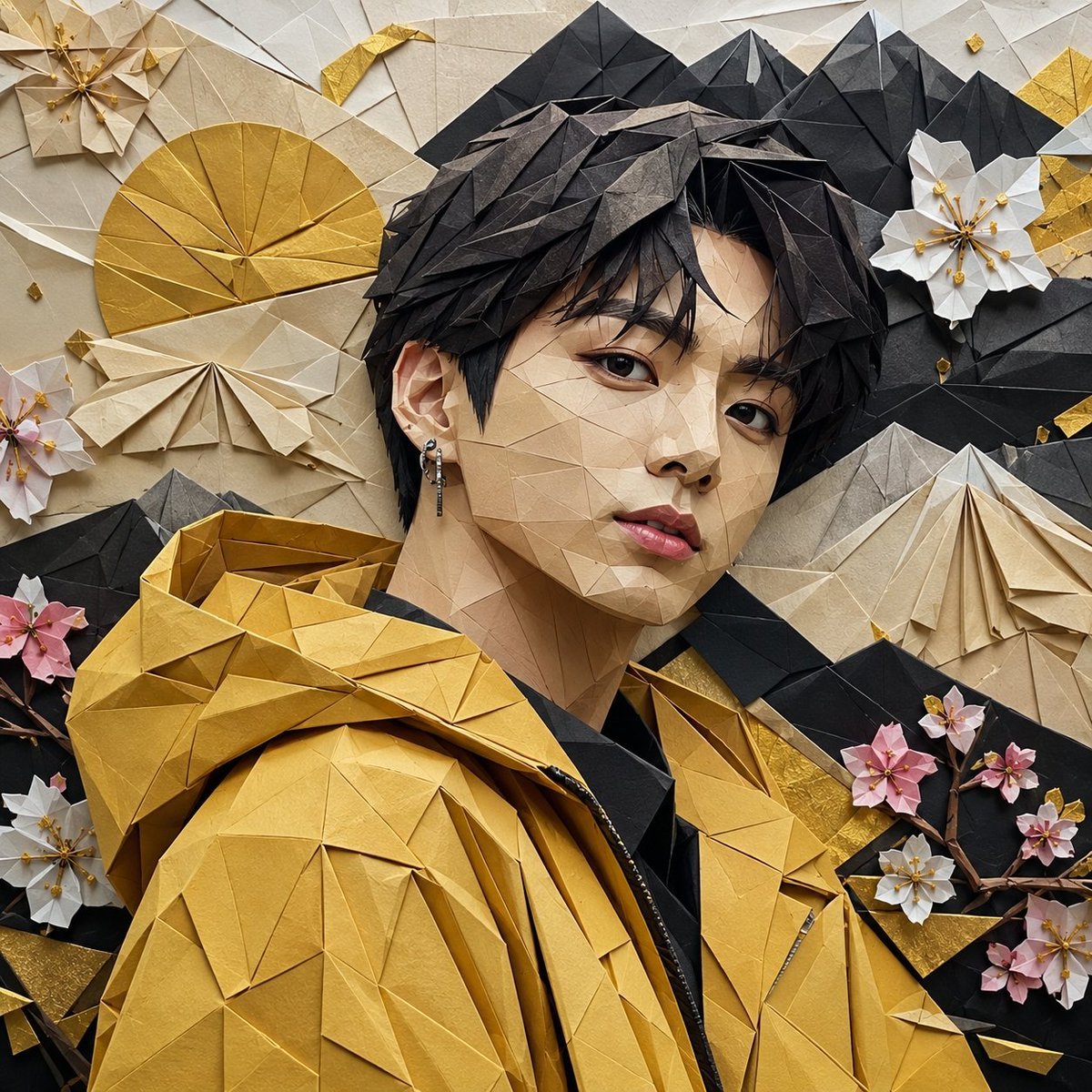
Origami K-Pop Idol Portrait
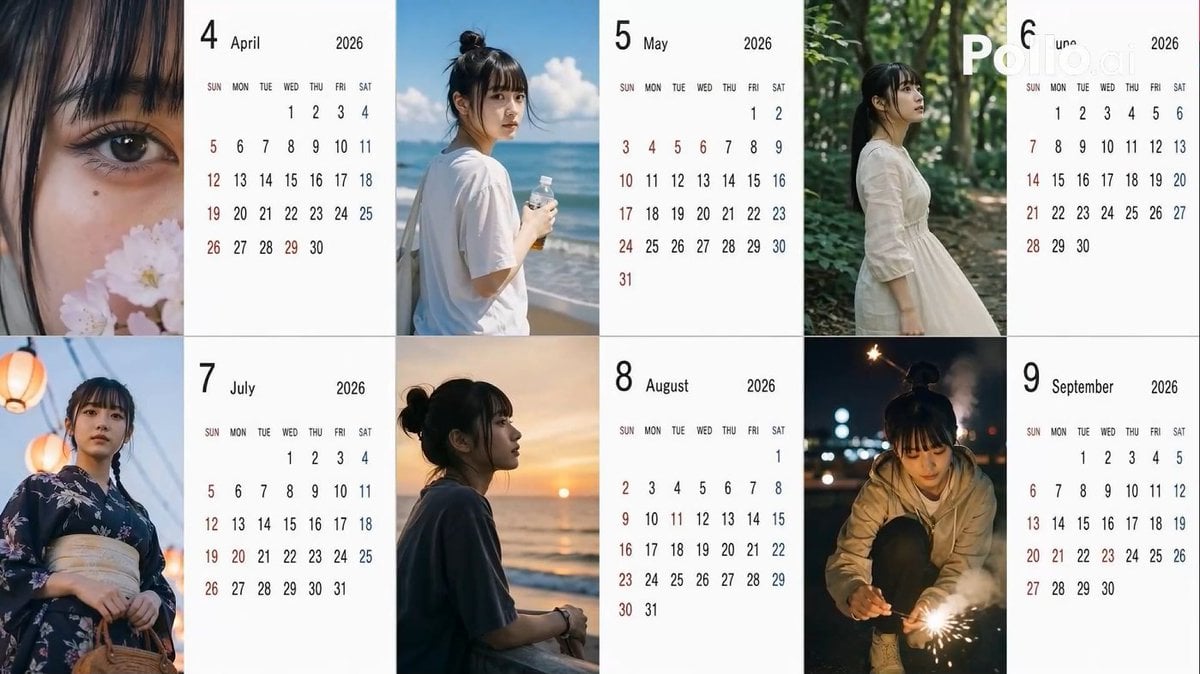
Candid 2026 Japanese Calendar Prompt
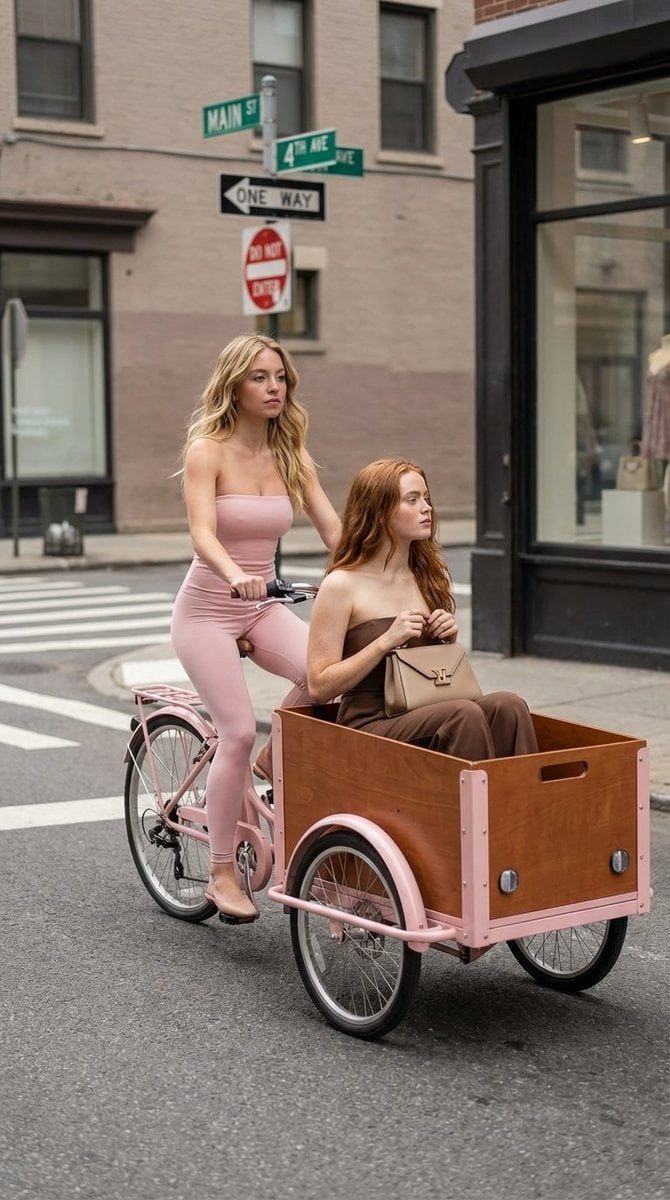
High Fashion Street Photography on a Pink Cargo Bike
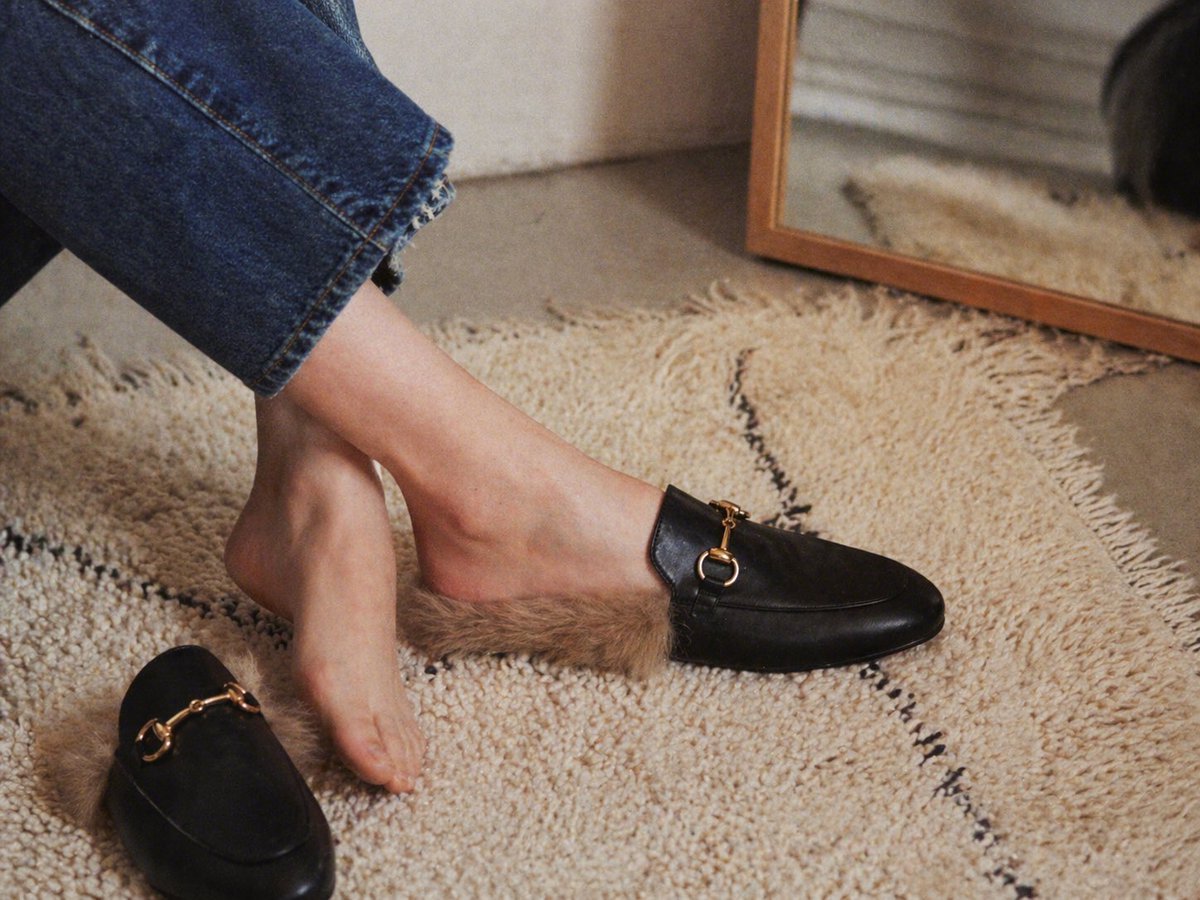
Luxury Fur-Lined Loafer Lifestyle Photo
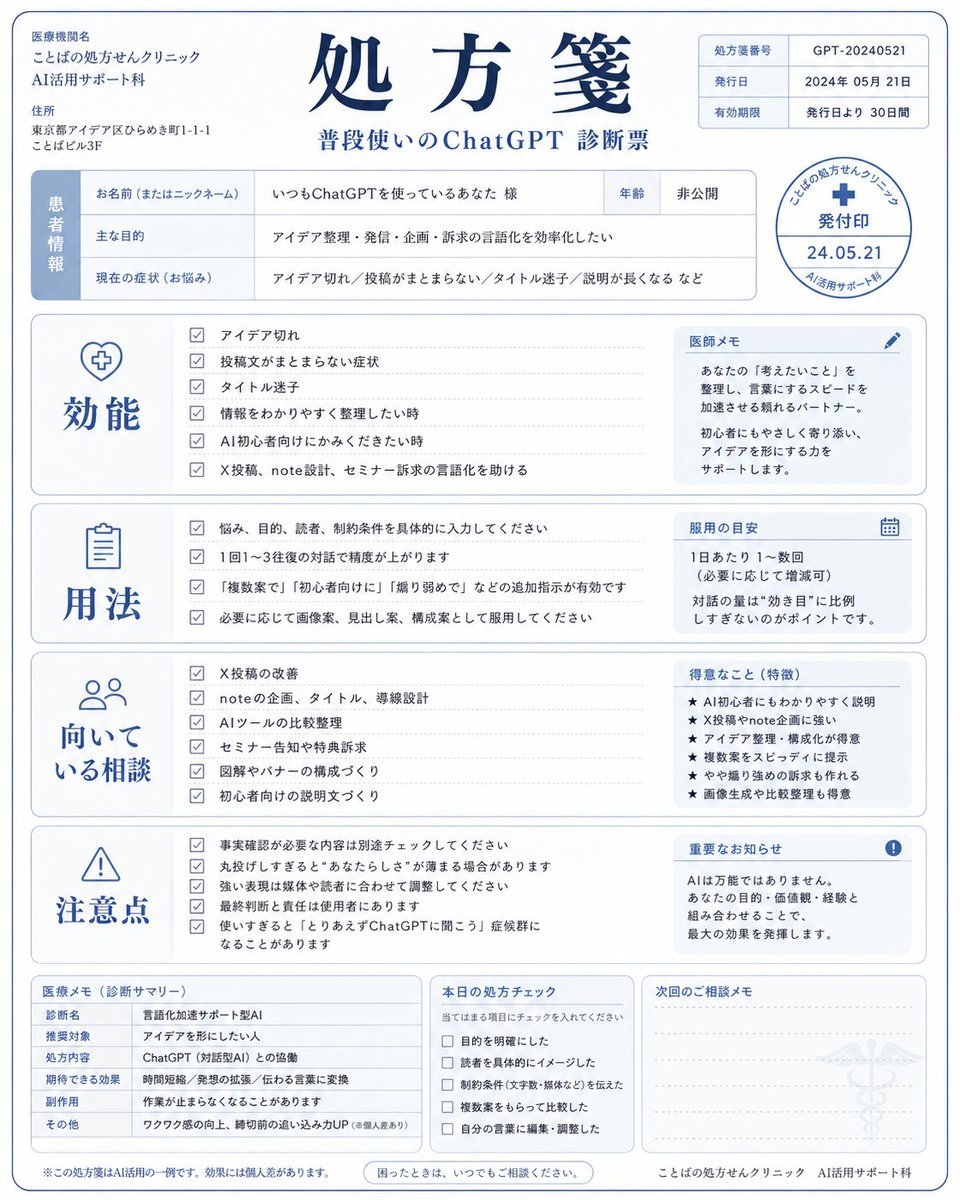
Humorous AI Medical Prescription Design
Anime Girl Candy Sculpture
untitled
Ultra Realistic Studio Portrait Prompt for Nano Banana Pro
Travel Snapshot Collage Prompt
Browse template categories
Isometric Cozy Bathroom Diorama Prompt questions
How do I use the Isometric Cozy Bathroom Diorama Prompt template?
Add your photo if the template asks for one, edit the prompt if you like — the template's model and format are already selected — and press Generate. Your version opens in PicX Studio.
Can I customize the Isometric Cozy Bathroom Diorama Prompt template?
Yes. You can change the subject, setting, lighting, mood, format, and available model controls before creating your image.
Is the Isometric Cozy Bathroom Diorama Prompt template free?
Opening and editing this template is free. Generating uses credits, shown on the Generate button when you are signed in.
Which AI model should I use?
Start with Nano Banana 2, which is the model associated with this template. You can compare another compatible model for a different finish.
Looking for something else? Browse all templates.

Your photo, any look
Thousands of ready templates for every top image and video model, from one credit balance.