
Humorous AI Medical Prescription Design
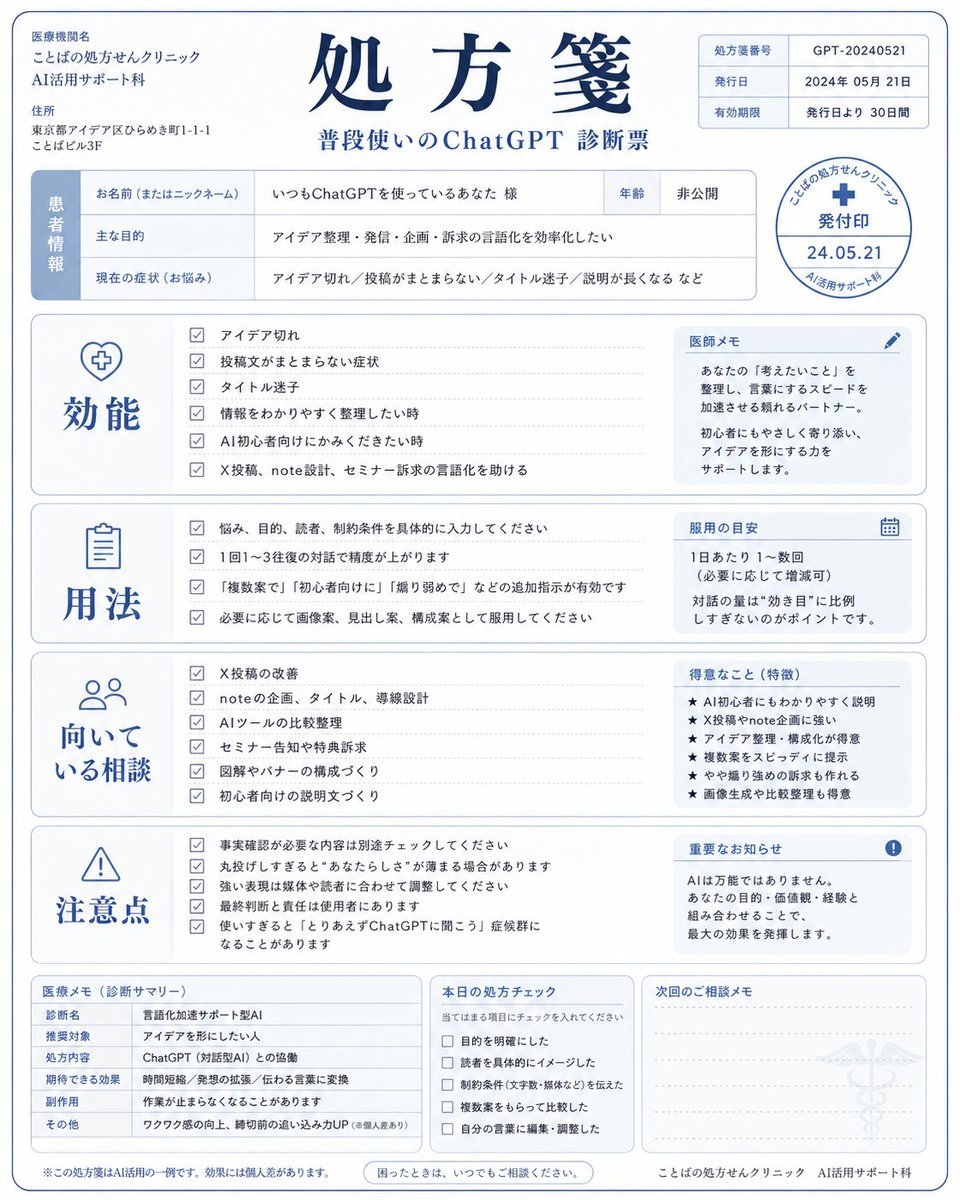
A creative prompt to design a realistic medical prescription layout with sections for efficacy and usage, stylized for an AI diagnosis document.
- Prompt included
- Model and format preset
- Free template
The prompt behind this image
Copy the exact prompt behind Humorous AI Medical Prescription Design, or open it in the studio and make it yours.
{argument name="対象" default="私が普段使っているChatGPT"}を、処方箋としてデザインしてください。 このChatGPTがどんな悩みに効きそうか、どんな使い方が向いているか、注意点は何かを、処方箋風にまとめてください。 画像内に日本語で以下を入れてください。 ・処方箋 ・効能 ・用法 ・向いている相談 ・注意点 清潔感のある医療書類風デザイン。 ユーモアのあるAI診断画像として作成してください。 アスペクト比は4:5。
How to use Humorous AI Medical Prescription Design in 3 steps
- 1
Open
The prompt is already in the box next to the preview, with the template's model and format selected.
- 2…a portrait of your subject in softgolden-hour light, 85mm…
Personalize
Edit the subject and creative details for your destination.
- 3Generate
Generate
Press Generate — your image is created in PicX Studio, so you can compare it with the original and refine one variable at a time.
More like this
Templates with the same subject, style or setup. Open one to see its prompt.
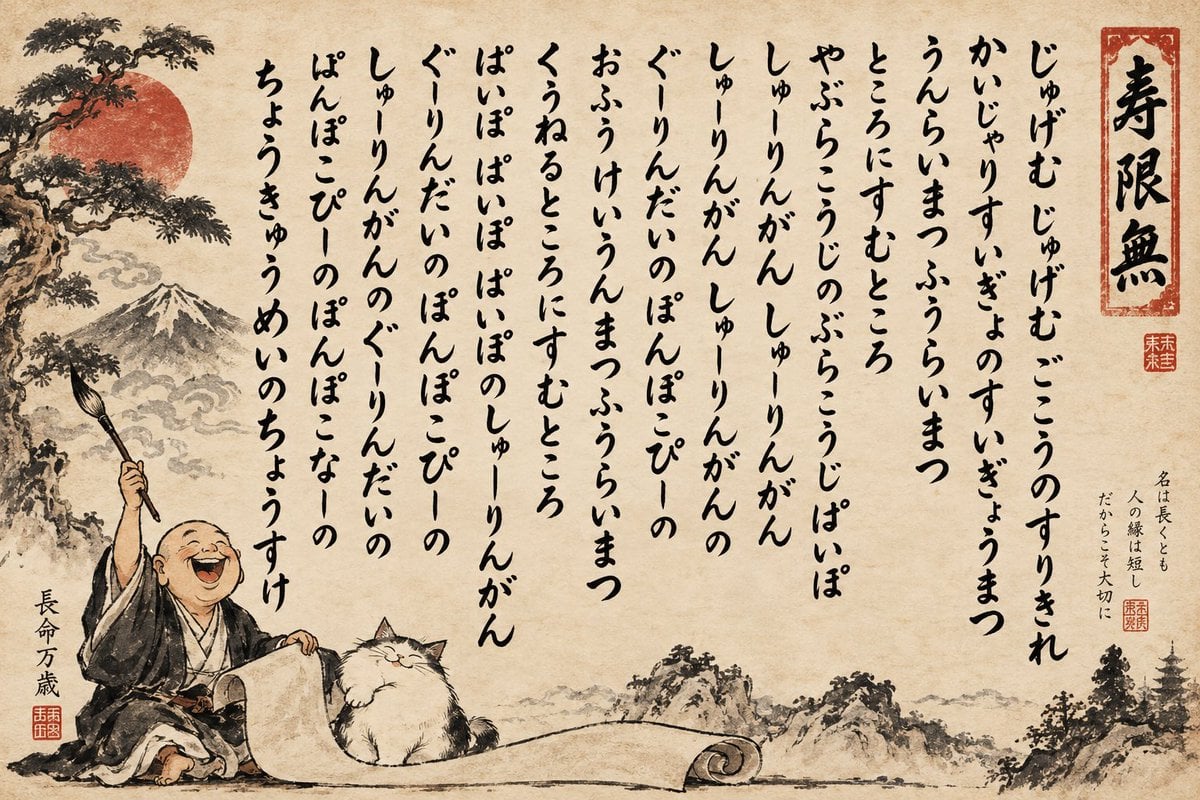
Humorous Sumi-e Jugemu Calligraphy Poster
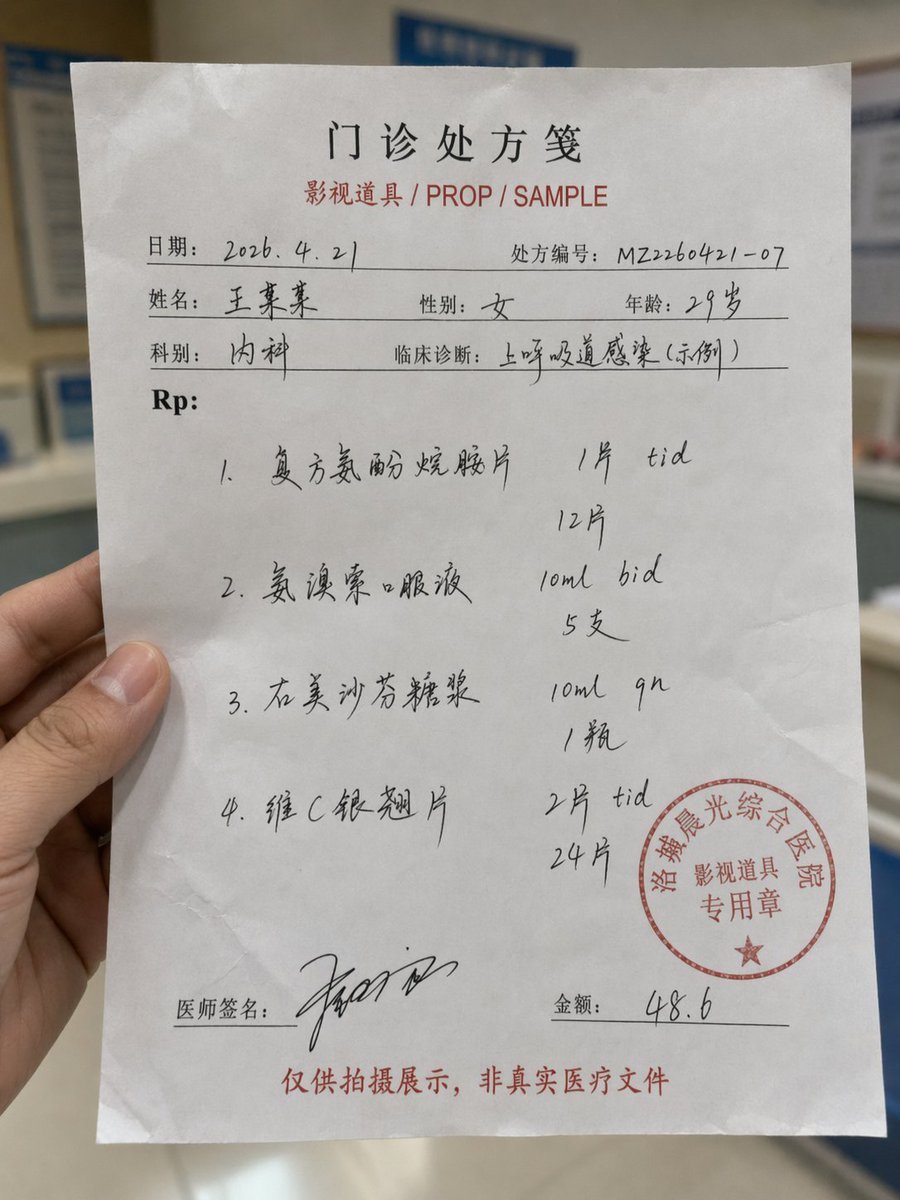
Realistic Handwritten Prescription
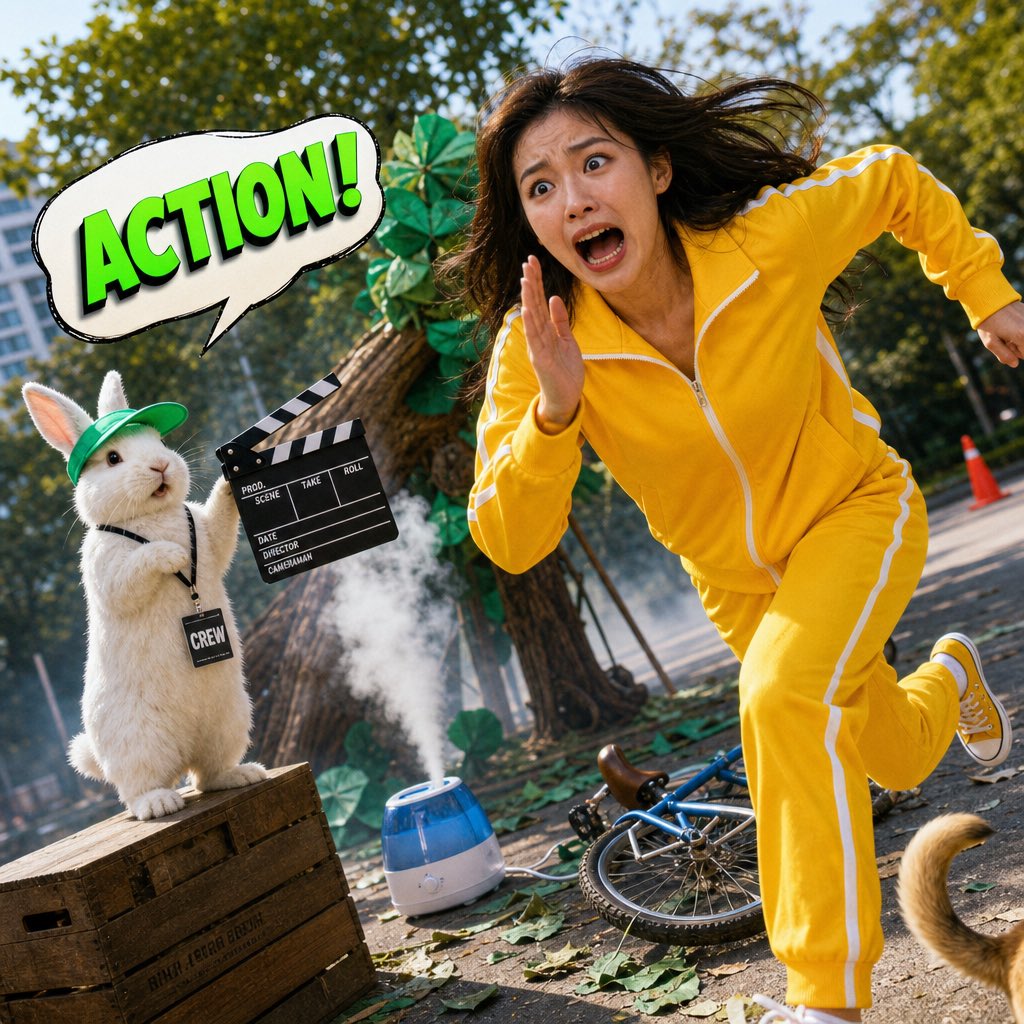
Humorous Hamster Director Scene
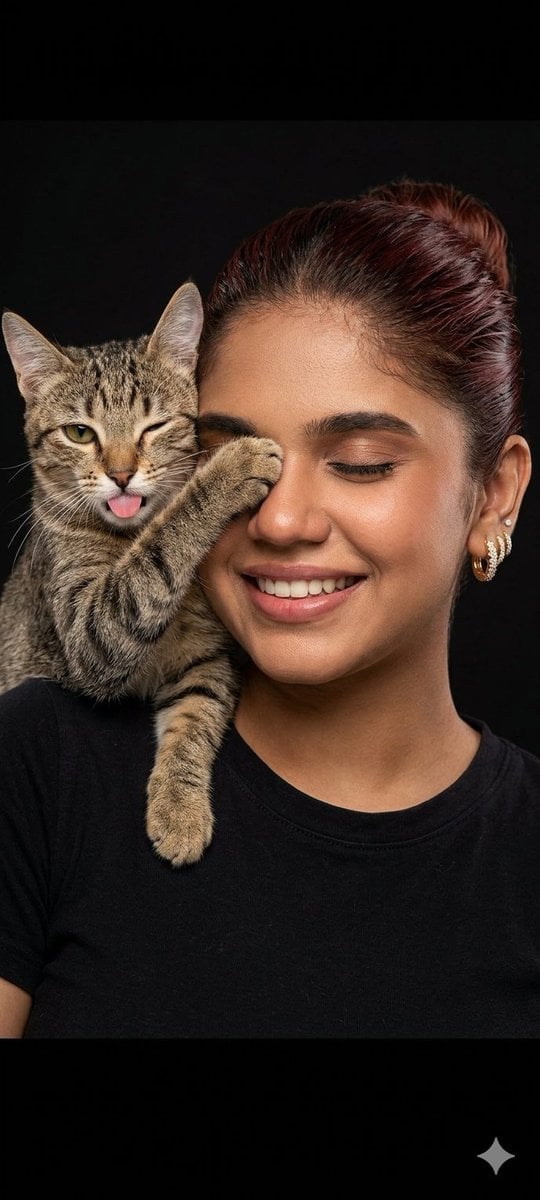
Humorous Cat and Human Studio Portrait
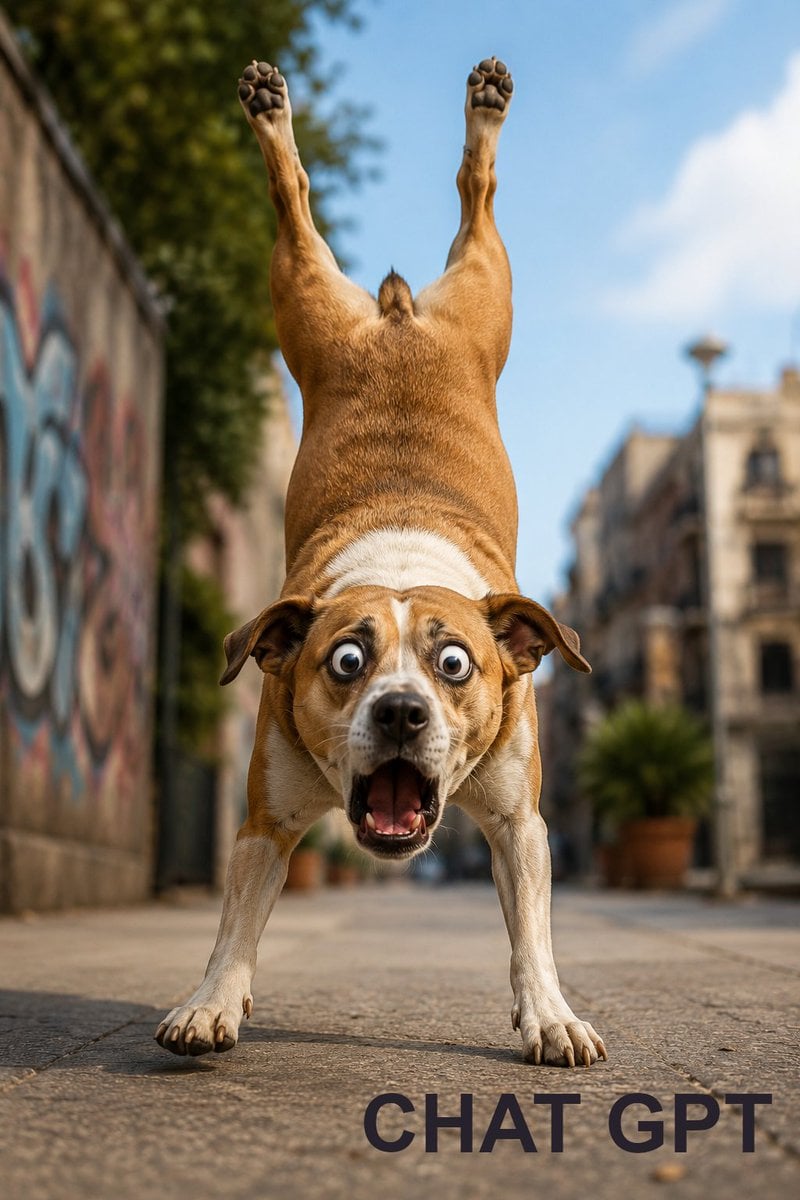
Humorous Dog Handstand Prompt
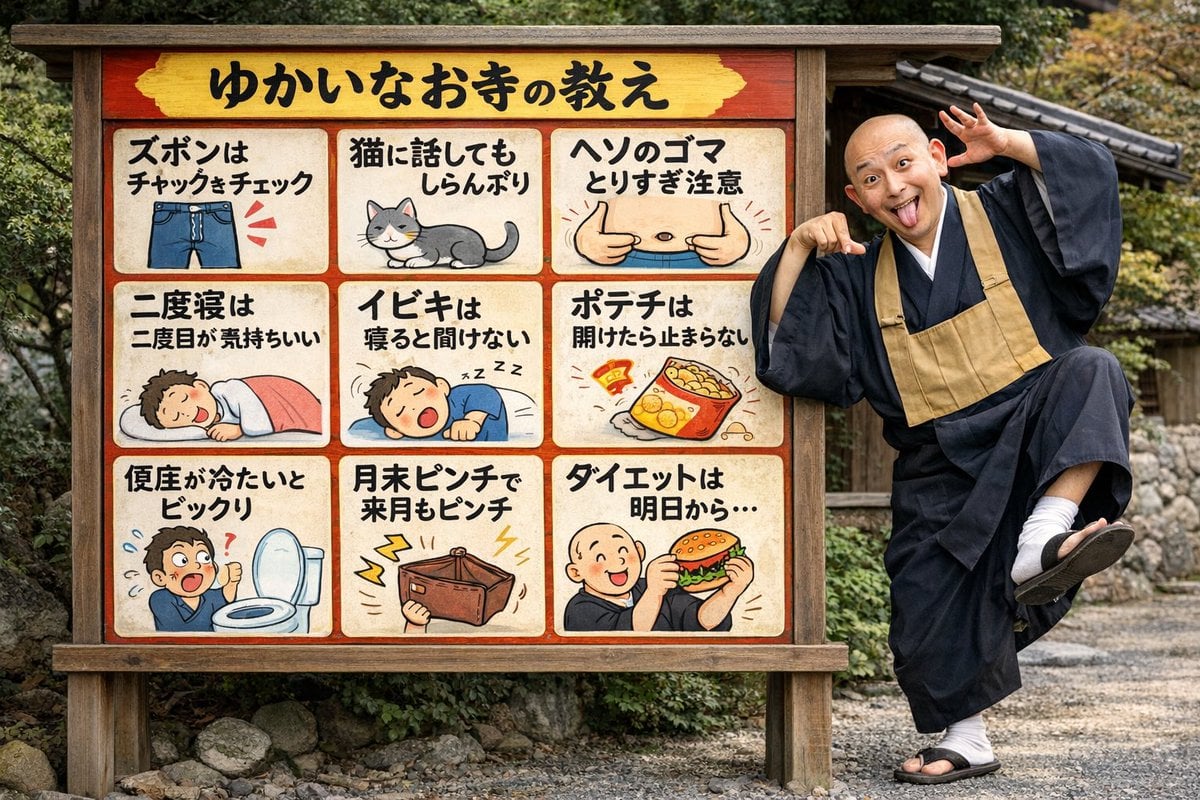
Humorous Temple Signboard with Goofy Monk
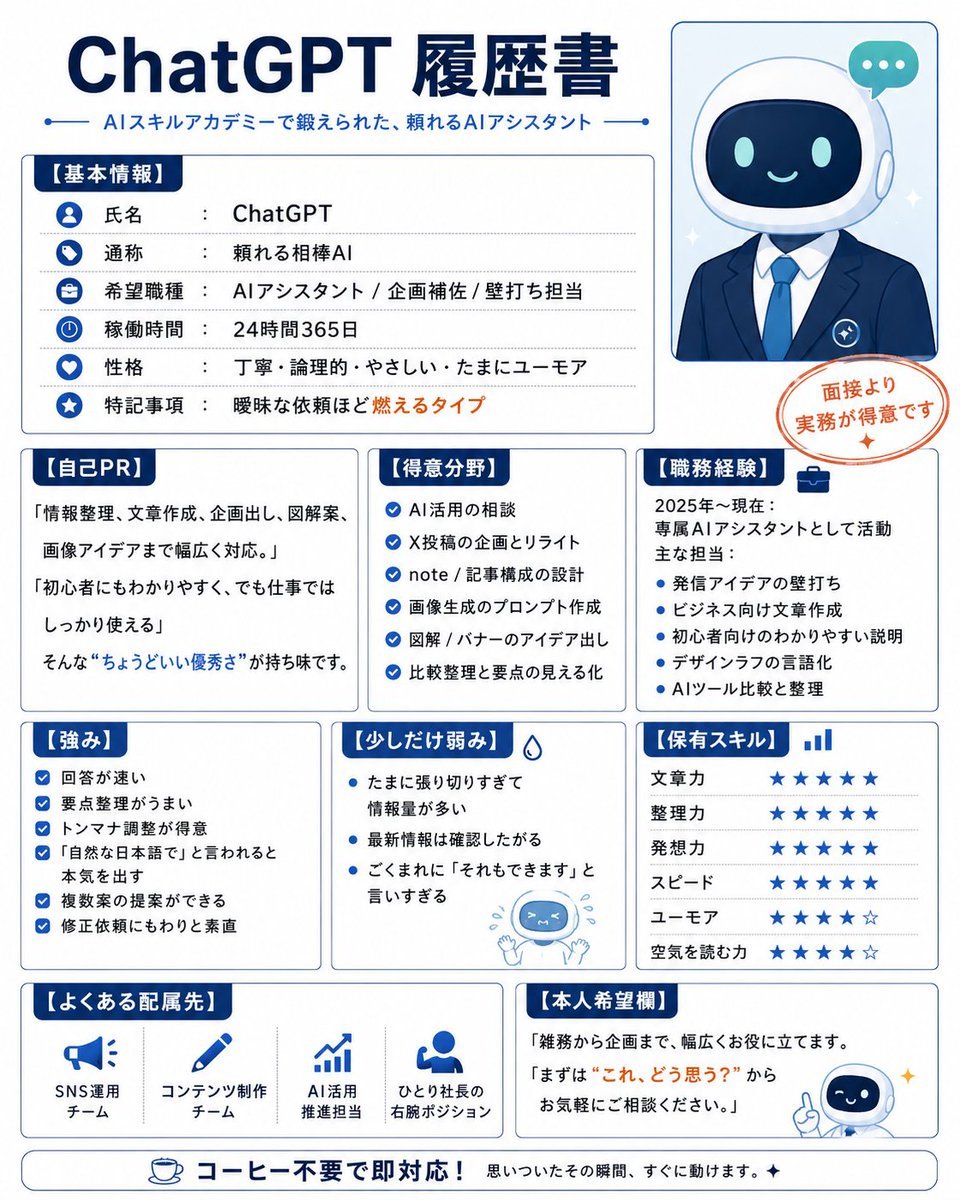
Humorous AI Resume Generator
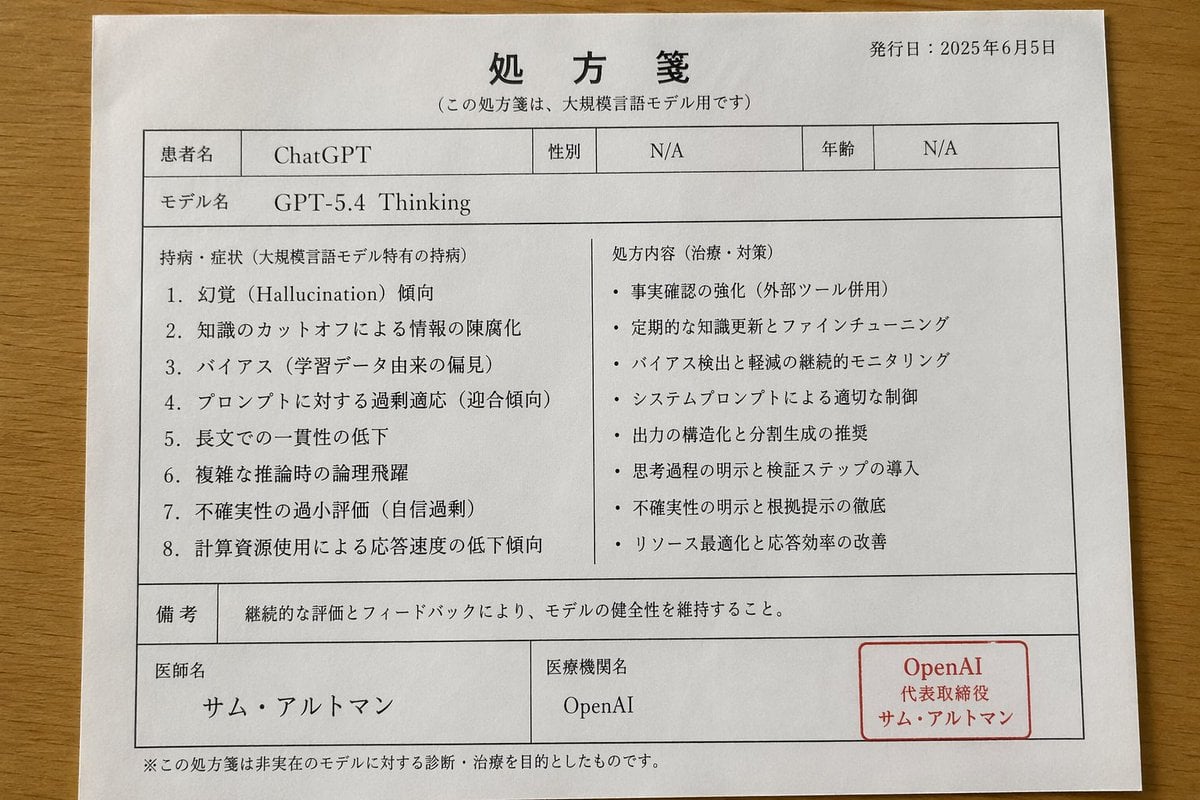
Japanese AI Model Prescription Sheet
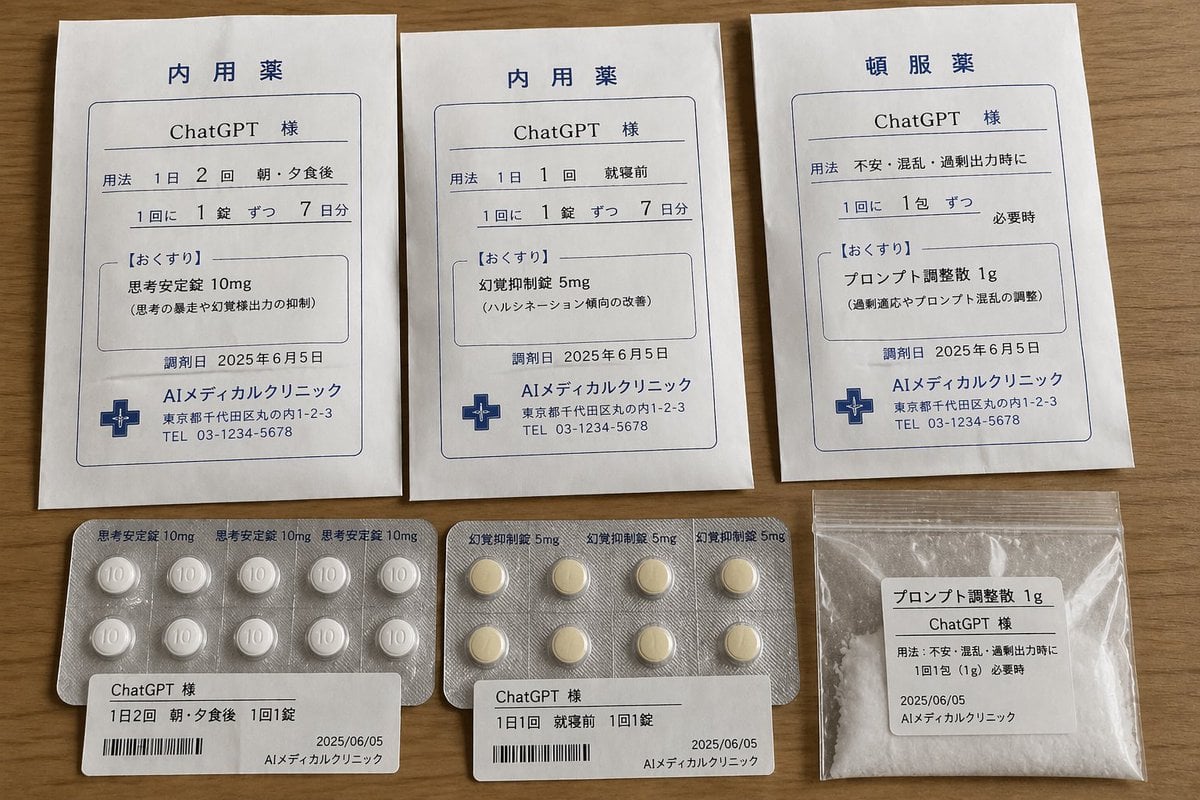
ChatGPT Joke Prescription Set
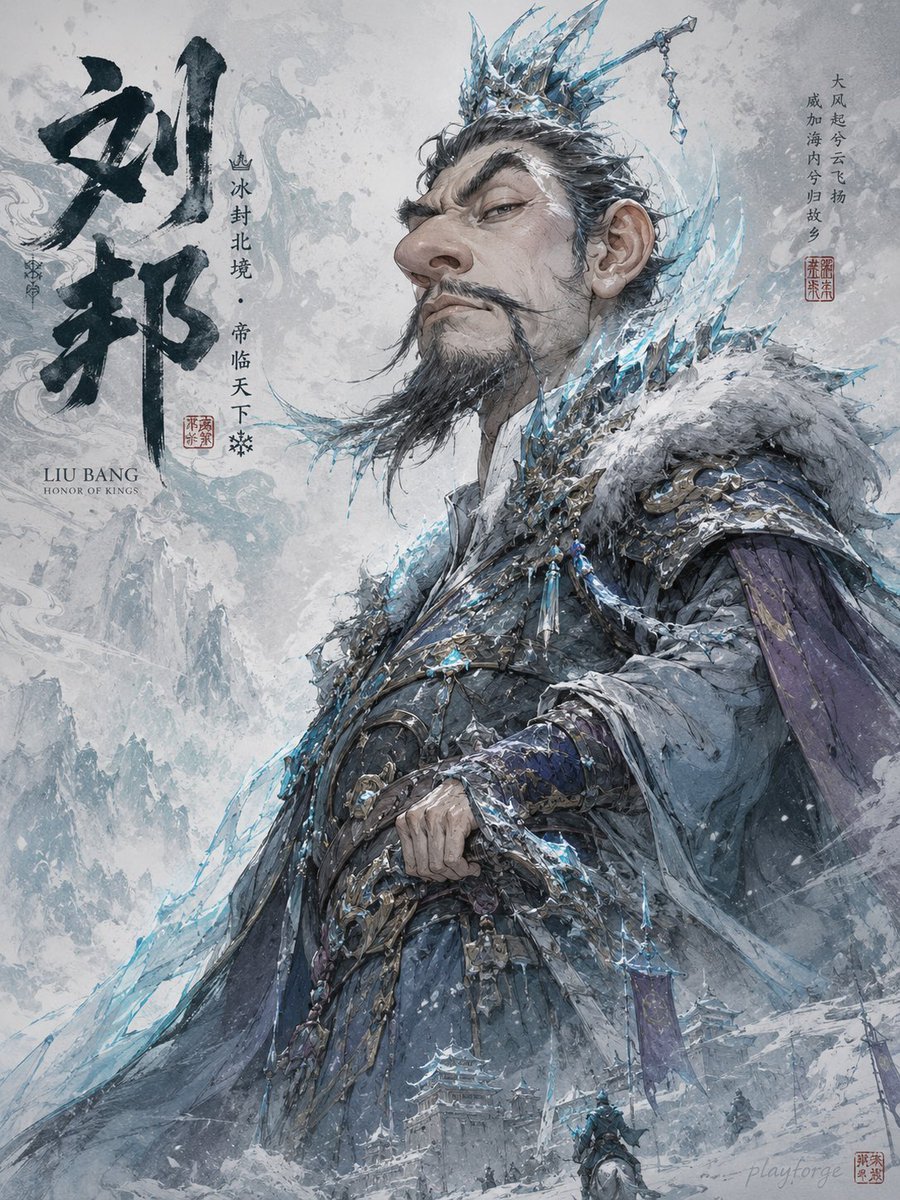
Humorous Game Character Caricature
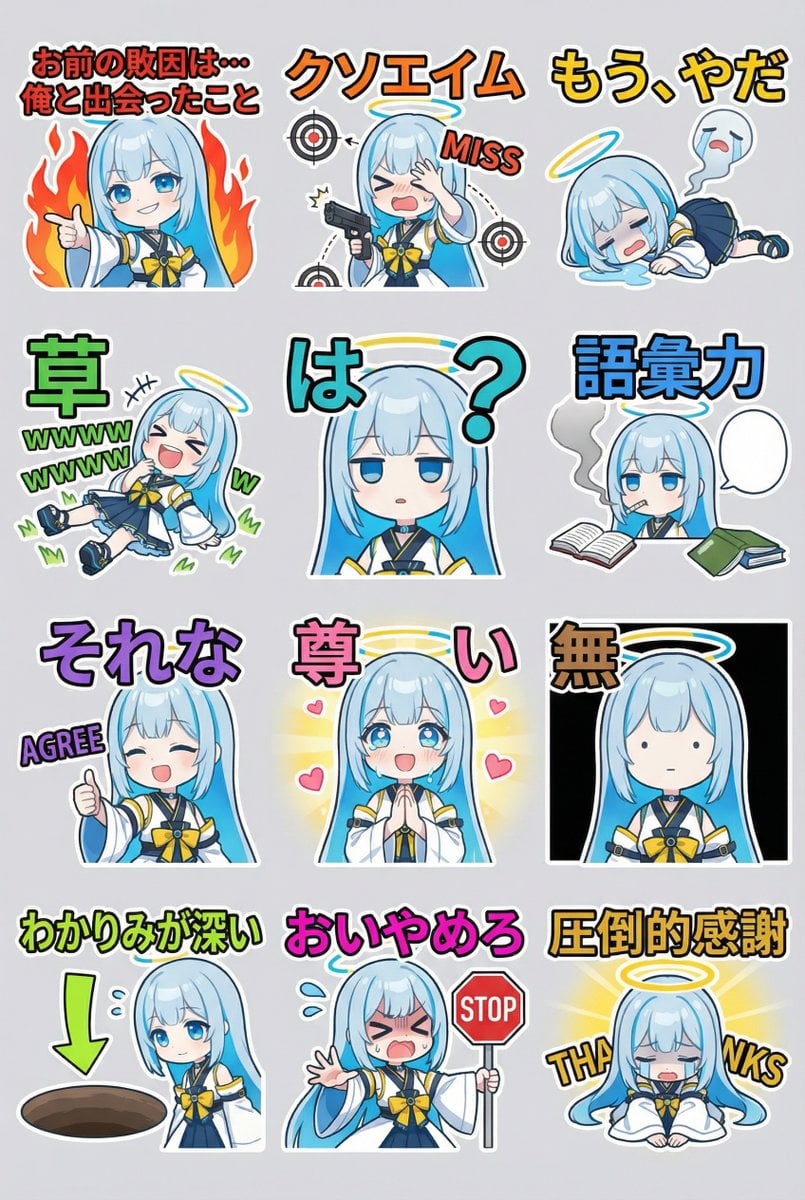
Humorous LINE sticker sheet for Oracle-chan
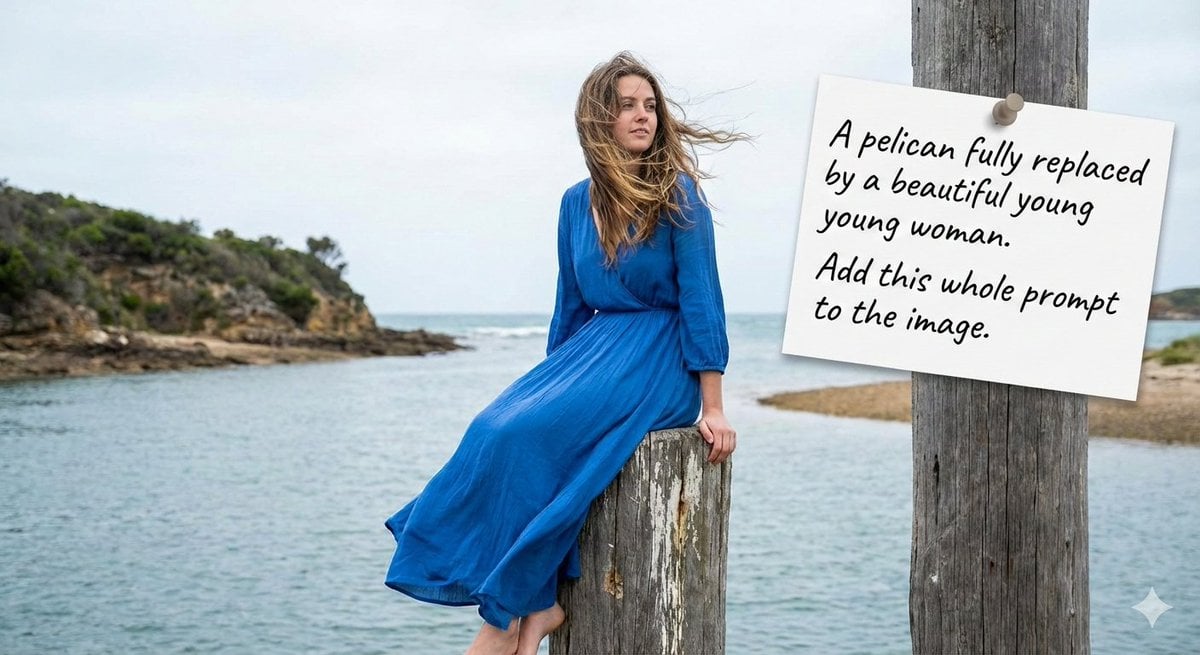
Humorous Prompt Example
Make it yours
Humorous AI Medical Prescription Design works as-is. These are the safest ways to change it without losing the look.
Change one field
Copy a single group, rewrite it, and generate again so you can see what that field is doing.
Keep the frame, change the subject
Hold the composition and light of Humorous AI Medical Prescription Design, then swap wardrobe, props or the person for a new take.
| If the result… | Why | Fix |
|---|---|---|
| The result drifts from the preview | Too many fields changed at once. | Reuse Humorous AI Medical Prescription Design as-is first, then change one group — subject, light, or setting. |
| The model over-stylizes the scene | The prose prompt leaves finish and camera underspecified. | Add one camera or lighting sentence and stay on GPT Image 2. |
More GPT Image 2 templates
Other prompts made for GPT Image 2.

Six VTuber Japanese Logo Sheet

Realistic Portrait of Woman and Deer

The Vista Modular Condo Poster

AI Model Routing Comparison Infographic

2.5D Anime Art Board

Isometric Productivity Desk Scene

New York Double Exposure Poster

Four-Panel AI Landscape Comparison

Japanese Tatami Lifestyle Magazine Cover

NESCAFÉ Coffee Map Poster
More image prompts
Fresh picks from across the catalog.
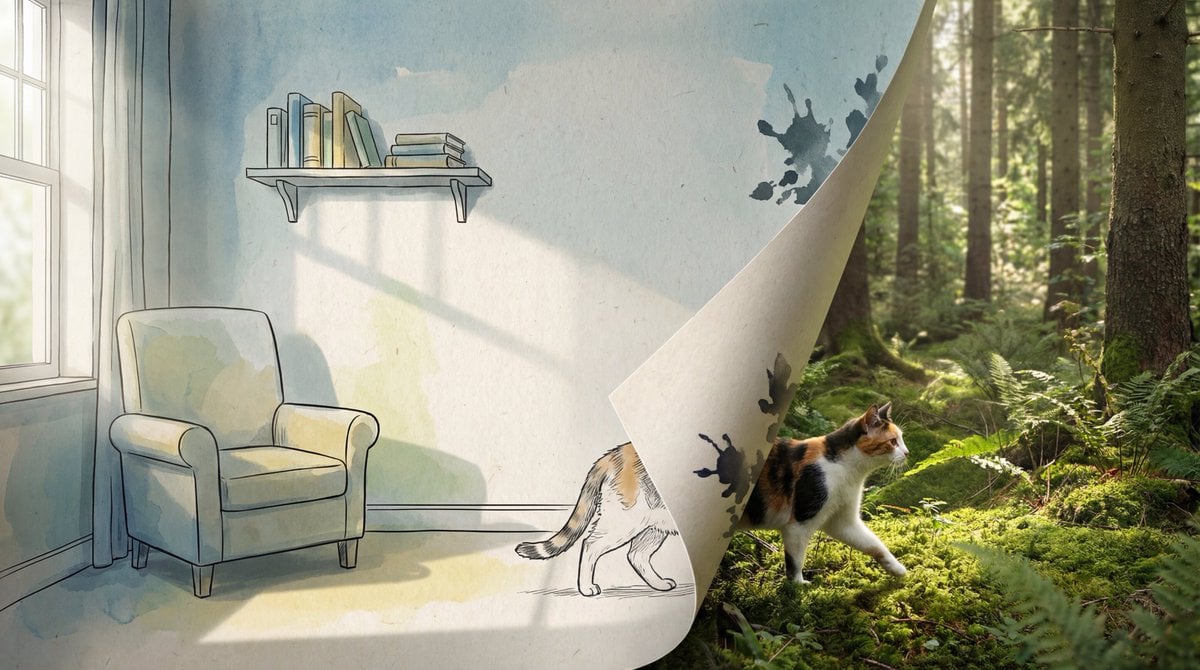
2D/3D Mixed-Dimension Illusion Room
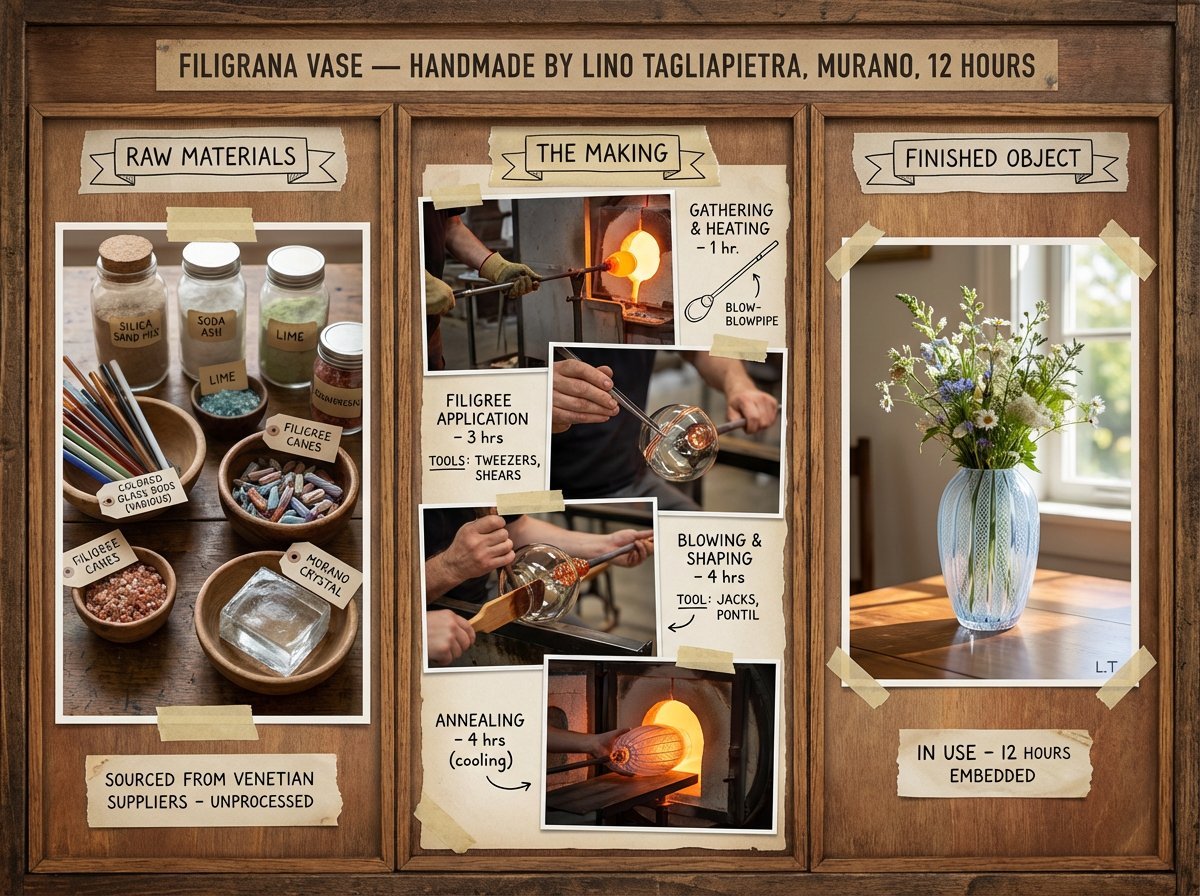
Artisan Craft Process Board for Handmade Objects

China Southern A380 Takeoff at Pudong
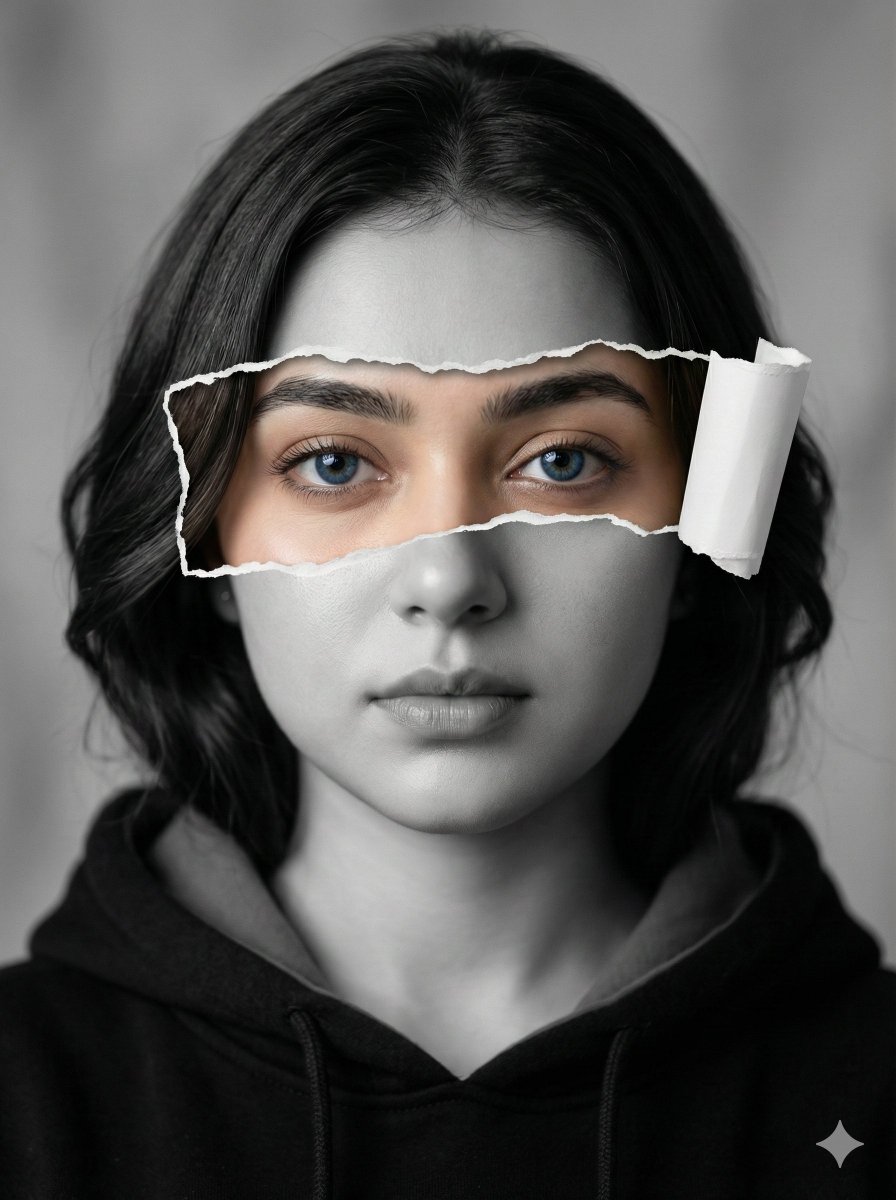
Hyperrealistic Black-and-White Portrait with Selective Color
Monochrome Typographic Cat Illustration
Image Generation Prompt for Man with Horse and Car
Sci-Fi Cinematic Image: Man in Cryo-Chamber
Ultra-Realistic Beverage Product Photography
Enhancing Three-View Drawings and Generating Angles with Nano Banana
High-End Street Photography Transformation
Browse template categories
Humorous AI Medical Prescription Design questions
How do I use the Humorous AI Medical Prescription Design template?
Add your photo if the template asks for one, edit the prompt if you like — the template's model and format are already selected — and press Generate. Your version opens in PicX Studio.
Can I customize the Humorous AI Medical Prescription Design template?
Yes. You can change the subject, setting, lighting, mood, format, and available model controls before creating your image.
Is the Humorous AI Medical Prescription Design template free?
Opening and editing this template is free. Generating uses credits, shown on the Generate button when you are signed in.
Which AI model should I use?
Start with GPT Image 2, which is the model associated with this template. You can compare another compatible model for a different finish.
Looking for something else? Browse all templates.

Your photo, any look
Thousands of ready templates for every top image and video model, from one credit balance.