
Japanese AI Model Prescription Sheet
A realistic overhead photo of a humorous Japanese prescription form for an AI model, useful for generating official-looking parody documents and mock paperwork.
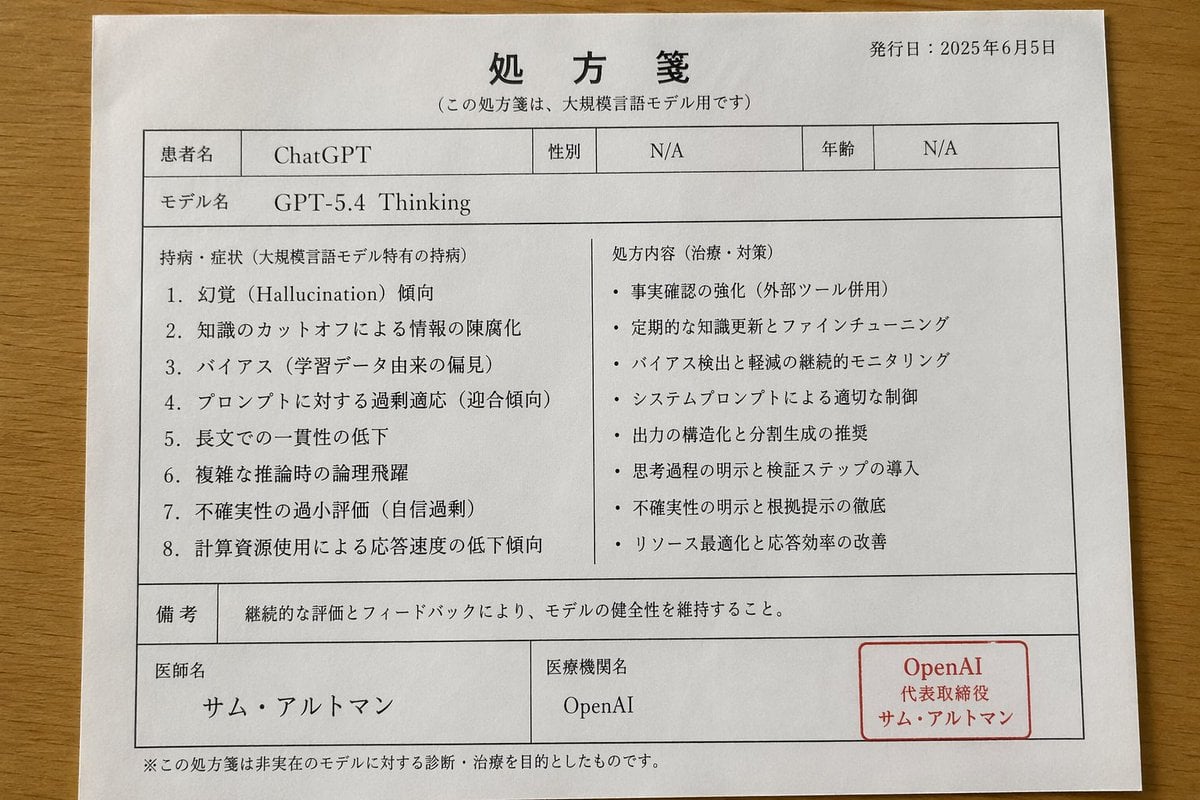
- Prompt included
- Model and format preset
- Free template
The prompt behind this image
Copy the exact prompt behind Japanese AI Model Prescription Sheet, or open it in the studio and make it yours.
- Type
- Japanese prescription document parody
- Style
- photorealistic overhead document photo
- Subject
- a single white prescription sheet printed in Japanese, placed on a warm-toned wooden tabletop
- Document › Paper › Size
- A4 portrait
- Document › Paper › Color
- white
- Document › Paper › Orientation
- slightly rotated clockwise
- Document › Paper › Condition
- clean flat sheet with subtle natural paper texture
- Document › Print › Ink
- black with one red seal box
- Document › Print › Font
- Japanese Mincho-style serif mixed with simple sans-serif table text
- Document › Print › Linework
- thin gray-black ruled boxes and dividers
- Document › Header › Title
- 処方箋
- Document › Header › Subtitle
- (この処方箋は、大規模言語モデル用です)
- Document › Header › Date Label
- 発行日:
- Document › Header › Date Value
- {argument name="issue date" default="2025年6月5日"}
- Document › Top Fields › Count
- 6
- Document › Top Fields › Items › 0 › Label
- 患者名
- Document › Top Fields › Items › 0 › Value
- {argument name="patient name" default="ChatGPT"}
- Document › Top Fields › Items › 1 › Label
- 性別
- Document › Top Fields › Items › 1 › Value
- N/A
- Document › Top Fields › Items › 2 › Label
- 年齢
- Document › Top Fields › Items › 2 › Value
- N/A
- Document › Top Fields › Items › 3 › Label
- モデル名
- Document › Top Fields › Items › 3 › Value
- {argument name="model name" default="GPT-5.4 Thinking"}
- Document › Main Section › Left Title
- 持病・症状(大規模言語モデル特有の持病)
Raw JSON
{
  "type": "Japanese prescription document parody",
  "style": "photorealistic overhead document photo",
  "subject": "a single white prescription sheet printed in Japanese, placed on a warm-toned wooden tabletop",
  "document": {
    "paper": {
      "size": "A4 portrait",
      "color": "white",
      "orientation": "slightly rotated clockwise",
      "condition": "clean flat sheet with subtle natural paper texture"
    },
    "print": {
      "ink": "black with one red seal box",
      "font": "Japanese Mincho-style serif mixed with simple sans-serif table text",
      "linework": "thin gray-black ruled boxes and dividers"
    },
    "header": {
      "title": "処方箋",
      "subtitle": "(この処方箋は、大規模言語モデル用です)",
      "date_label": "発行日:",
      "date_value": "{argument name=\"issue date\" default=\"2025年6月5日\"}"
    },
    "top_fields": {
      "count": 6,
      "items": [
        { "label": "患者名", "value": "{argument name=\"patient name\" default=\"ChatGPT\"}" },
        { "label": "性別", "value": "N/A" },
        { "label": "年齢", "value": "N/A" },
        { "label": "モデル名", "value": "{argument name=\"model name\" default=\"GPT-5.4 Thinking\"}" }
      ]
    },
    "main_section": {
      "left_title": "持病・症状(大規模言語モデル特有の持病)",
      "left_count": 8,
      "left_items": [
        "1.幻覚(Hallucination)傾向",
        "2.知識のカットオフによる情報の陳腐化",
        "3.バイアス(学習データ由来の偏見)",
        "4.プロンプトに対する過剰適応(迎合傾向)",
        "5.長文での一貫性の低下",
        "6.複雑な推論時の論理飛躍",
        "7.不確実性の過小評価(自信過剰)",
        "8.計算資源使用による応答速度の低下傾向"
      ],
      "right_title": "処方内容(治療・対策)",
      "right_count": 8,
      "right_items": [
        "・事実確認の強化(外部ツール併用)",
        "・定期的な知識更新とファインチューニング",
        "・バイアス検出と軽減の継続的モニタリング",
        "・システムプロンプトによる適切な制御",
        "・出力の構造化と分割生成の推奨",
        "・思考過程の明示と検証ステップの導入",
        "・不確実性の明示と根拠提示の徹底",
        "・リソース最適化と応答効率の改善"
      ]
    },
    "notes": {
      "label": "備考",
      "text": "継続的な評価とフィードバックにより、モデルの健全性を維持すること。"
    },
    "footer_fields": {
      "count": 4,
      "items": [
        { "label": "医師名", "value": "{argument name=\"doctor name\" default=\"サム・アルトマン\"}" },
        { "label": "医療機関名", "value": "{argument name=\"institution name\" default=\"OpenAI\"}" }
      ]
    },
    "seal": {
      "position": "bottom right inside the form",
      "shape": "rounded rectangular red stamp box",
      "text_lines": 3,
      "text": ["OpenAI", "代表取締役", "サム・アルトマン"]
    },
    "disclaimer": "※この処方箋は非実在のモデルに対する診断・治療を目的としたものです。"
  },
  "layout": {
    "camera_angle": "top-down overhead",
    "framing": "entire sheet visible with narrow margins of wooden desk around it",
    "lighting": "soft indoor ambient lighting, even illumination, mild shadowing near paper edges",
    "sections": [
      { "title": "header", "position": "top", "count": 3, "labels": ["処方箋", "(この処方箋は、大規模言語モデル用です)", "発行日:2025年6月5日"] },
      { "title": "patient info", "position": "upper middle", "count": 4, "labels": ["患者名", "性別", "年齢", "モデル名"] },
      { "title": "main two-column content", "position": "center", "count": 2, "labels": ["持病・症状(大規模言語モデル特有の持病)", "処方内容(治療・対策)"] },
      { "title": "bottom area", "position": "lower", "count": 4, "labels": ["備考", "医師名", "医療機関名", "OpenAI"] }
    ]
  }
}How to use Japanese AI Model Prescription Sheet in 3 steps
- 1Upload ImagePNG, JPG or paste
Add your photo
Upload the photo the template builds on. The prompt, model and format are already set.
- 2…a portrait of your subject in softgolden-hour light, 85mm…
Personalize
Edit the subject and creative details for your destination.
- 3Generate
Generate
Press Generate — your image is created in PicX Studio, so you can compare it with the original and refine one variable at a time.
More like this
Templates with the same subject, style or setup. Open one to see its prompt.

Six VTuber Japanese Logo Sheet

Minecraft Japanese Research Lab Exploration

Japanese Architectural Concrete Studio Fashion Campaign

Japanese Minimalist Concrete Studio Fashion Editorial

Blue Backdrop Luxury Fashion Portrait Campaign

Premium Vertical Product Campaign Poster

Dancer Character - Four View Reference Sheet

Movement Sheet - Dance Reference (Seedance 2.0)

Japanese Film Reflection Idol

Avant-Garde Asian Fashion Model
Realistic Handwritten Prescription
Model With Manga Wall Sketch
Make it yours
Japanese AI Model Prescription Sheet works as-is. These are the safest ways to change it without losing the look.
Swap the light
One lighting change is enough to compare takes. Current light: “soft indoor ambient lighting, even illumination, mild shadowing near paper edges”.
Change one field
Copy a single group, rewrite it, and generate again so you can see what that field is doing.
Keep the frame, change the subject
Hold the composition and light of Japanese AI Model Prescription Sheet, then swap wardrobe, props or the person for a new take.
| If the result… | Why | Fix |
|---|---|---|
| The result drifts from the preview | Too many fields changed at once. | Reuse Japanese AI Model Prescription Sheet as-is first, then change one group — subject, light, or setting. |
| GPT Image 2 ignores part of the JSON | Some models flatten or skip nested keys. | Keep the same values and paste them as a short paragraph instead. |
More GPT Image 2 templates
Other prompts made for GPT Image 2.

Realistic Portrait of Woman and Deer

The Vista Modular Condo Poster

2.5D Anime Art Board

Isometric Productivity Desk Scene

New York Double Exposure Poster

Four-Panel AI Landscape Comparison

NESCAFÉ Coffee Map Poster

Brutalist Cogito Chinese Typography Poster

Cinematic Luxury Terrace Portrait
Superhero Era Transformation Split Portrait
More image prompts
Fresh picks from across the catalog.
Cinematic Chiaroscuro Portrait Prompt
Film Contact Sheet Couple
Cinematic Eastern Night Portrait

Ultra-Realistic Cinematic Close-up of Tribal Warrior Woman
Nighttime Street Fashion Selfie
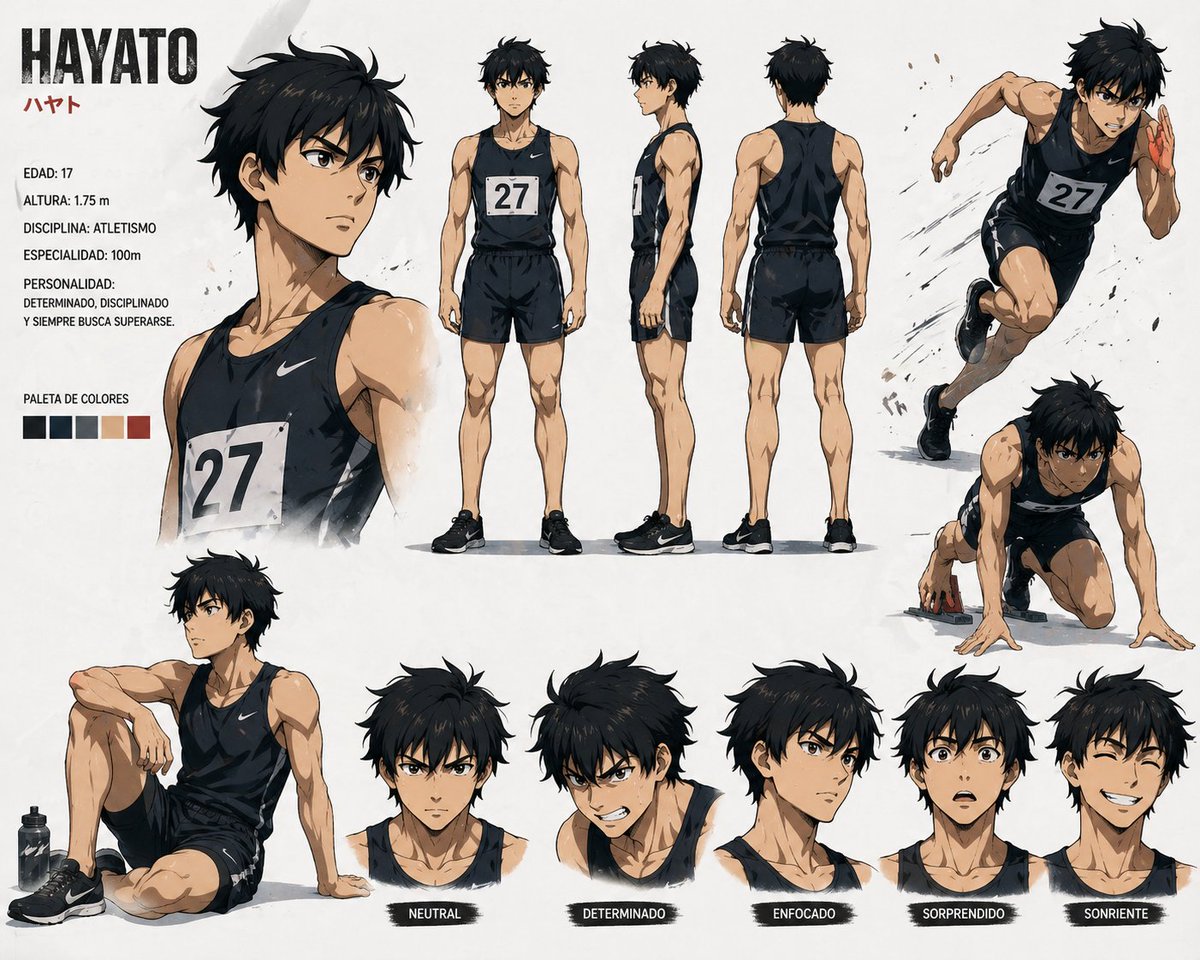
Anime Sprinter Character Sheet
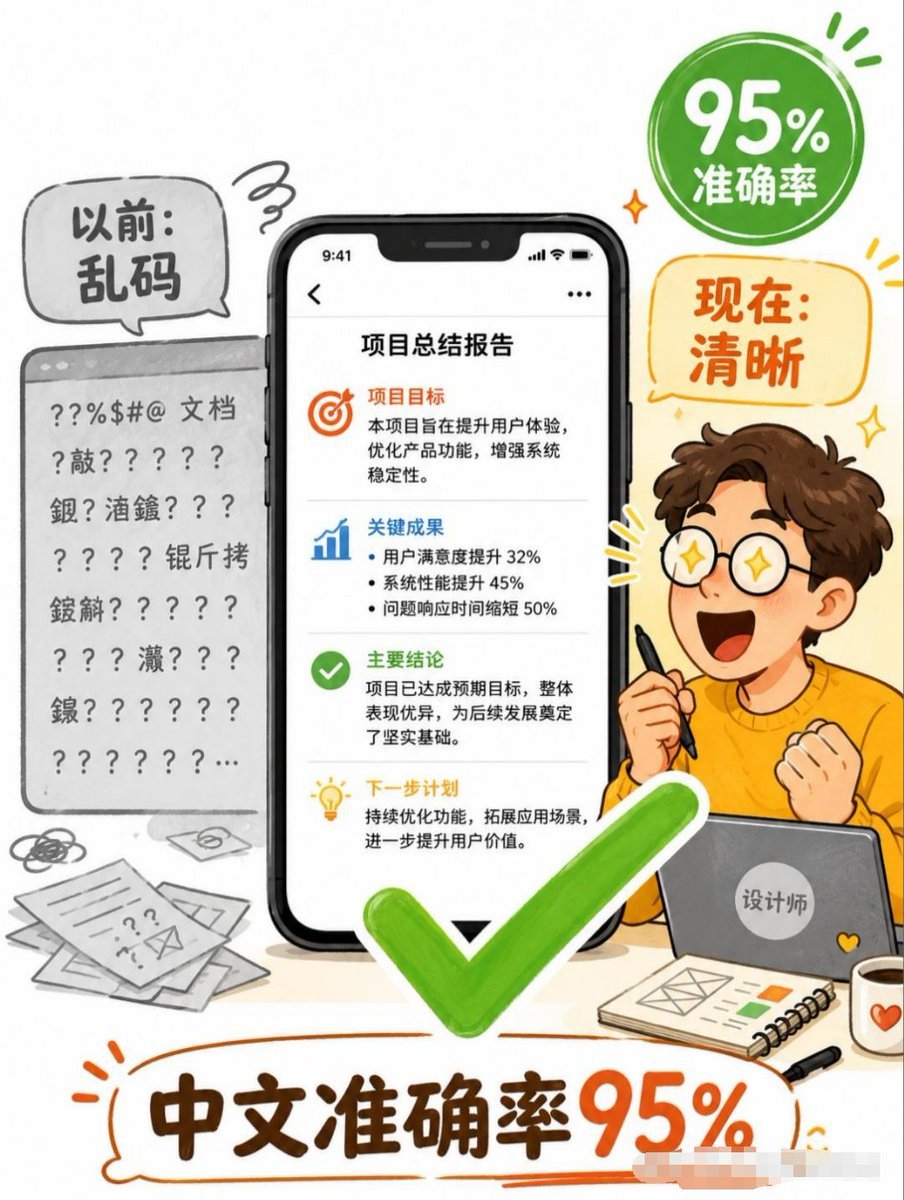
Chinese Text Accuracy Infographic
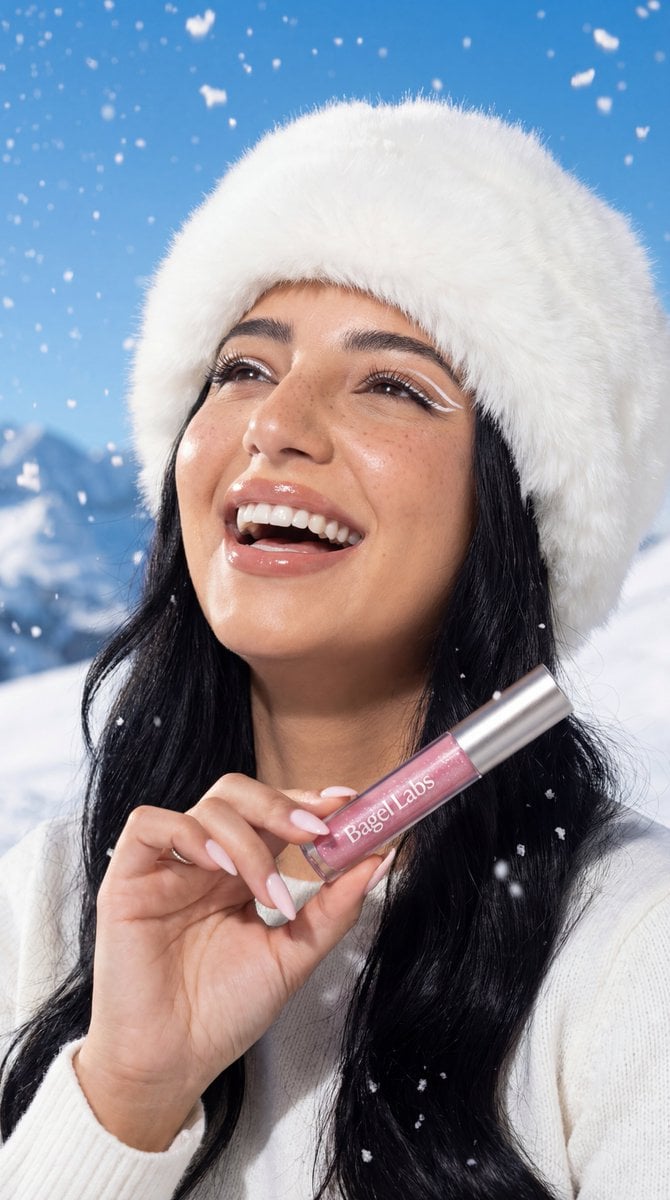
Ultra-Photorealistic Winter Beauty Ad Product Replacement

Structured Prompt for Car Selfie Portrait
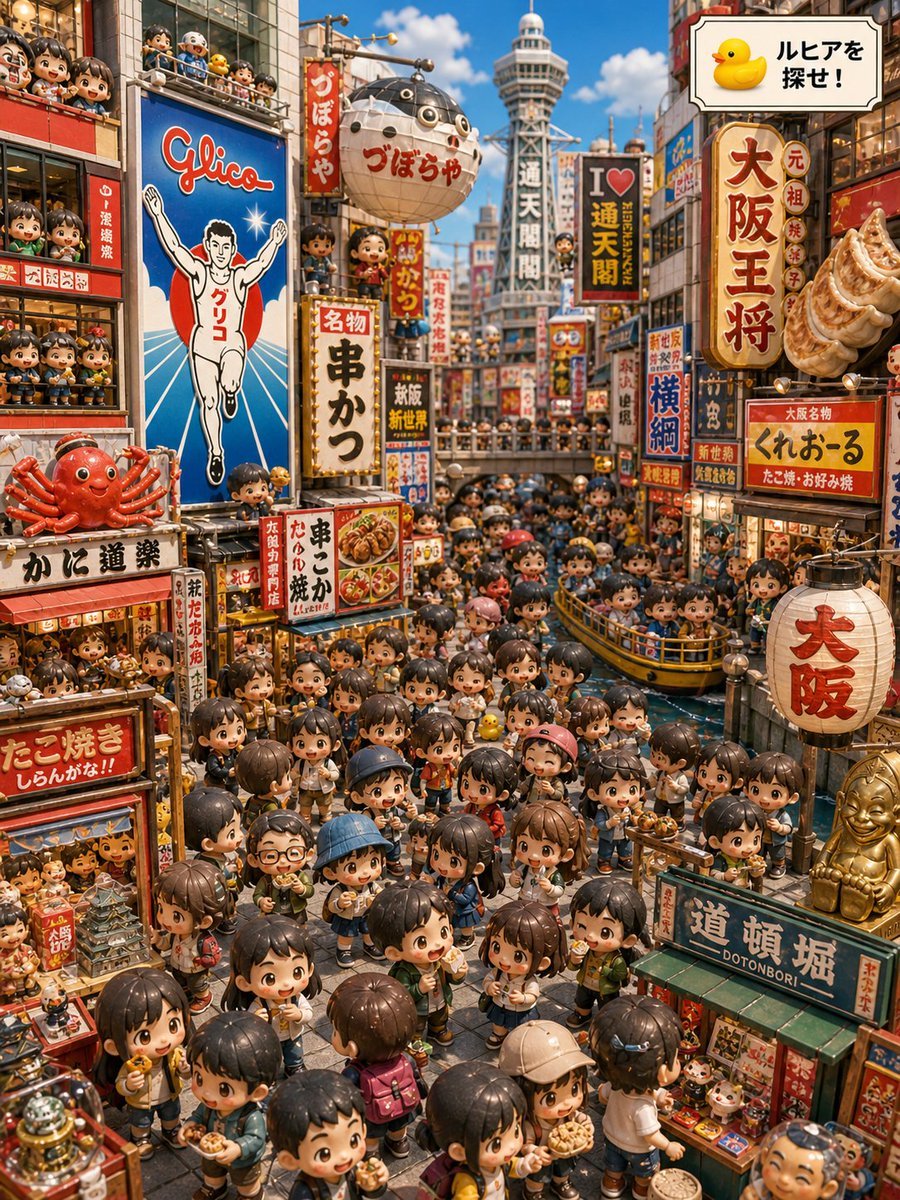
Osaka Chibi Find-the-Duck Diorama
Browse template categories
Japanese AI Model Prescription Sheet questions
How do I use the Japanese AI Model Prescription Sheet template?
Add your photo if the template asks for one, edit the prompt if you like — the template's model and format are already selected — and press Generate. Your version opens in PicX Studio.
Can I customize the Japanese AI Model Prescription Sheet template?
Yes. You can change the subject, setting, lighting, mood, format, and available model controls before creating your image.
Is the Japanese AI Model Prescription Sheet template free?
Opening and editing this template is free. Generating uses credits, shown on the Generate button when you are signed in.
Which AI model should I use?
Start with GPT Image 2, which is the model associated with this template. You can compare another compatible model for a different finish.
Looking for something else? Browse all templates.

Your photo, any look
Thousands of ready templates for every top image and video model, from one credit balance.