
Chinese Text Accuracy Infographic
Creates a vertical Chinese social-media infographic showing AI-generated Chinese text improving from garbled output to 95% accuracy.
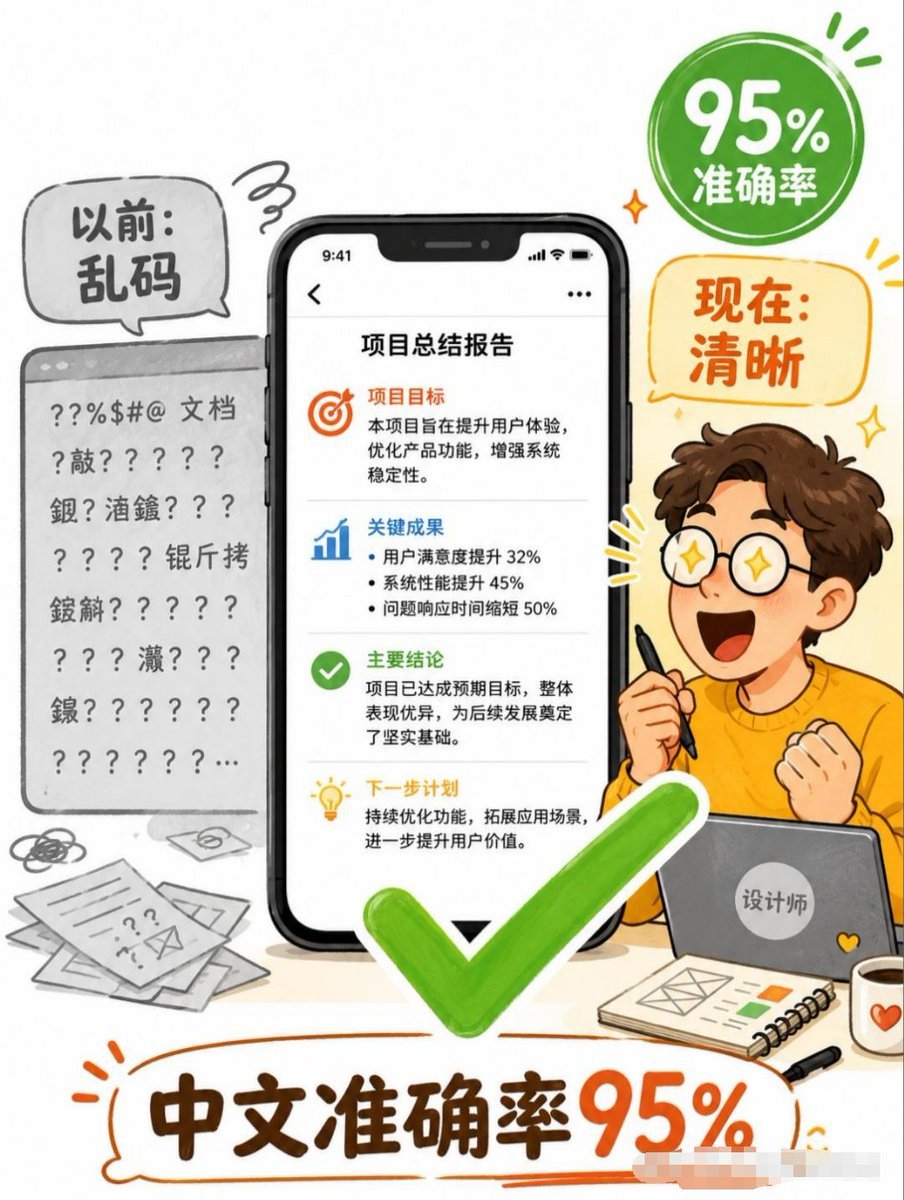
- Prompt included
- Model and format preset
- Premium template
The prompt behind this image
Copy the exact prompt behind Chinese Text Accuracy Infographic, or open it in the studio and make it yours.
Goal: Create a vertical Chinese business infographic poster explaining that AI image generation now achieves high Chinese text accuracy, transforming messy text into clear deliverables. Canvas: Portrait 3:4 poster, clean white background, playful hand-drawn editorial style with orange, green, black, and gray accents. Use thick sketch outlines, rounded speech bubbles, energetic doodle marks, and a friendly tech-explainer tone. Layout: Center the composition around one large smartphone mockup showing a clean Chinese report page. On the left, show a gray “before” document panel full of garbled symbols and unreadable Chinese-like text. On the right, show a cheerful cartoon designer sitting behind a laptop, holding a stylus, with an excited fist pose. Add a large bright green check mark overlapping the lower center of the phone and foreground. Add a green circular badge in the upper right and an orange speech bubble below it. Put a large bottom headline inside an orange hand-drawn outline bubble. Text content: Use exactly 5 main text areas. 1) Left gray speech bubble: “以前:乱码”. 2) Upper-right green badge: “95% 准确率”. 3) Right orange speech bubble: “现在:清晰”. 4) Phone screen title: “项目总结报告”. 5) Bottom headline: “中文准确率95%”. Phone screen details: Show an iPhone-like black smartphone with notch and status bar time 9:41. Inside the report page, include 4 stacked content sections separated by thin gray dividers. Section 1 has an orange target icon and heading “项目目标”, followed by short Chinese body text about improving user experience, optimizing product functions, and strengthening system stability. Section 2 has a blue bar-chart icon and heading “关键成果”, followed by 3 bullet points: user satisfaction increased 32%, system performance improved 45%, issue response time shortened 50%. Section 3 has a green check icon and heading “主要结论”, followed by body text saying the project achieved expected goals and laid a solid foundation. Section 4 has a yellow lightbulb icon and heading “下一步计划”, followed by body text about continuous optimization and expanding application scenarios. Left “before” area: Render a gray browser/document card with a top bar and multiple lines of broken characters, question marks, punctuation, and scattered Chinese characters, clearly unreadable. Add messy paper sheets, scribbles, and an envelope icon near the bottom left to emphasize disorganized documents. Right character details: Create a cute young male cartoon designer with curly brown hair, fair skin, orange sweater, and simple expressive pose; the face may be left blank or softly obscured. He holds a black stylus in one hand and sits behind a gray laptop with a round sticker reading “设计师”. On the desk add exactly 3 foreground accessories: a spiral notebook with simple layout sketches and small color blocks, a black pen, and a white mug with an orange heart. Visual style: Friendly Chinese social-media explainer poster, semi-flat vector illustration mixed with marker-like hand-drawn lines, soft shadows, rounded shapes, high readability, vibrant green check mark and orange headline emphasis. Keep the composition busy but legible, with no photorealism. Constraints: Preserve the Chinese text exactly as specified, keep the smartphone report text crisp and readable, use exactly one central phone, one left messy document card, one designer character, one green check mark, one green badge, one orange speech bubble, and one bottom headline. Do not add watermarks, logos, QR codes, or extra main claims.
How to use Chinese Text Accuracy Infographic in 3 steps
- 1Upload ImagePNG, JPG or paste
Add your photo
Upload the photo the template builds on. The prompt, model and format are already set.
- 2…a portrait of your subject in softgolden-hour light, 85mm…
Personalize
Edit the subject and creative details for your destination.
- 3Generate
Generate
Press Generate — your image is created in PicX Studio, so you can compare it with the original and refine one variable at a time.
More like this
Templates with the same subject, style or setup. Open one to see its prompt.

博物馆图鉴式汉服拆解图 — GPT-image-2
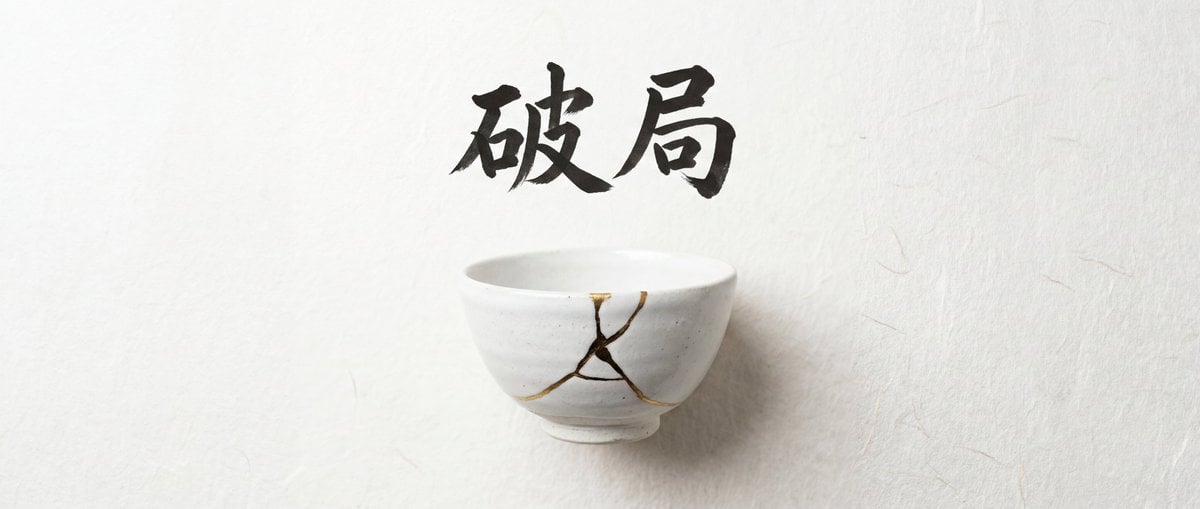
Infographic Generation with Chinese Text Support

Japan Travel Brochure Poster

Isometric Process Educational Diorama

Isometric Vehicle Teardown Infographic Template
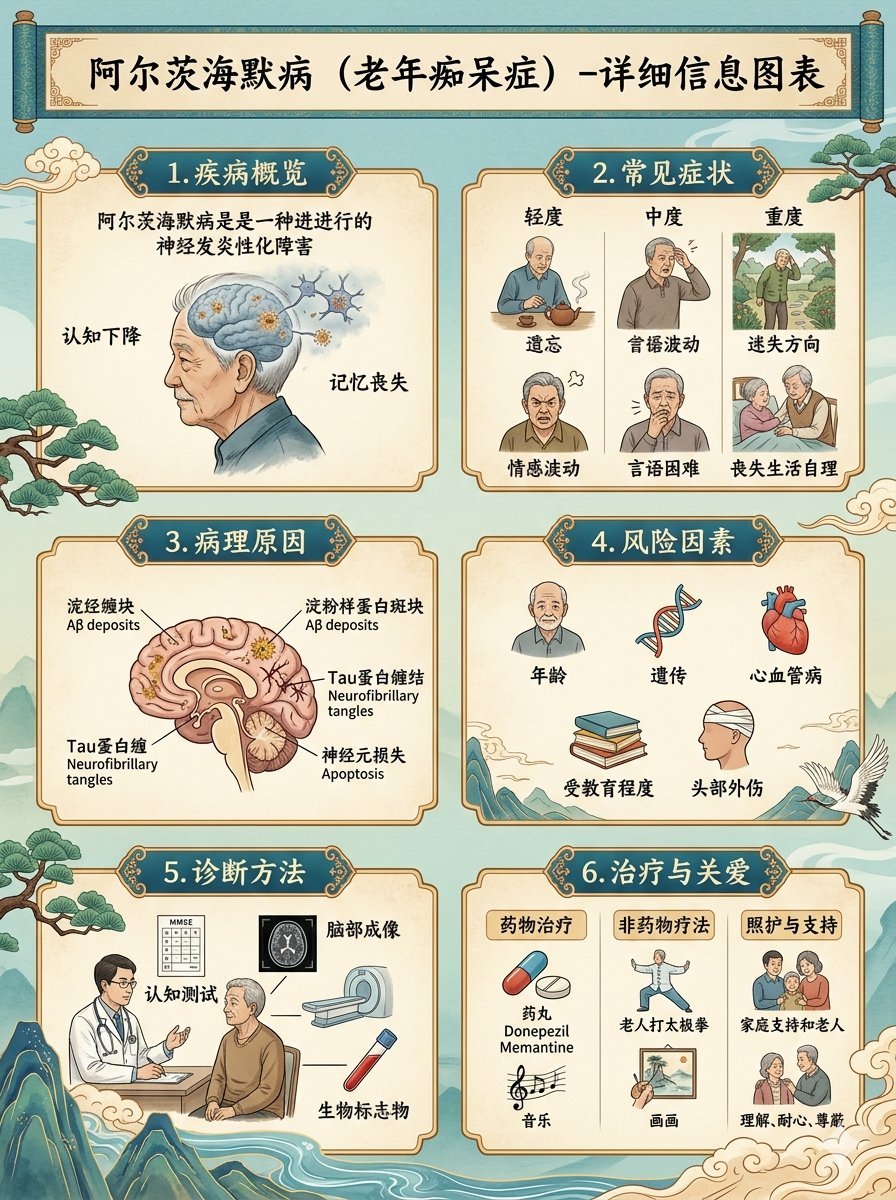
Chinese Alzheimer’s Infographic Poster
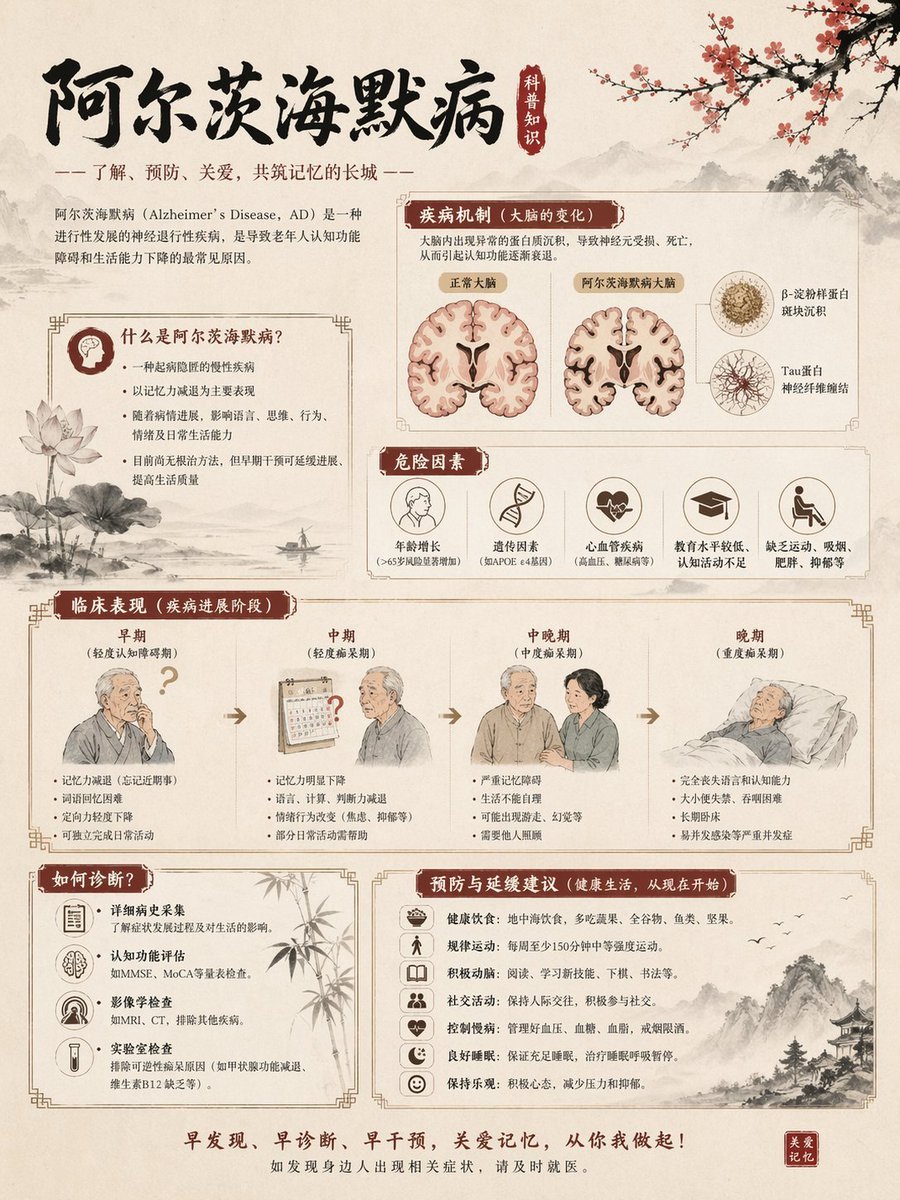
Chinese Alzheimer’s Awareness Infographic
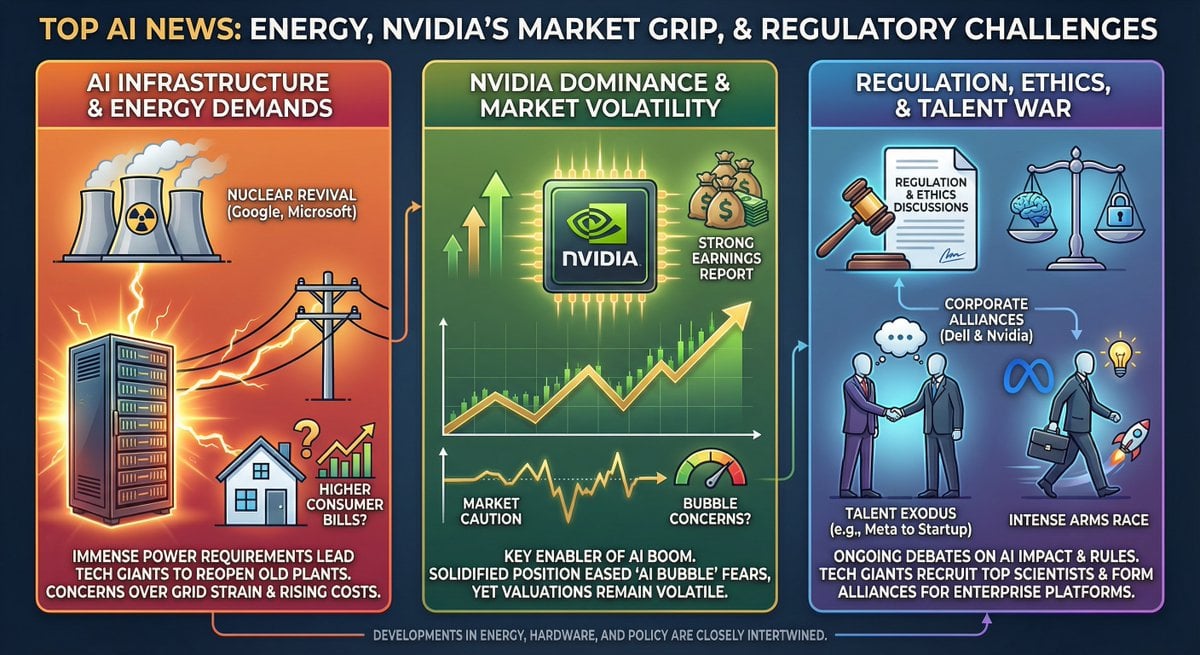
Infographic from pasted text
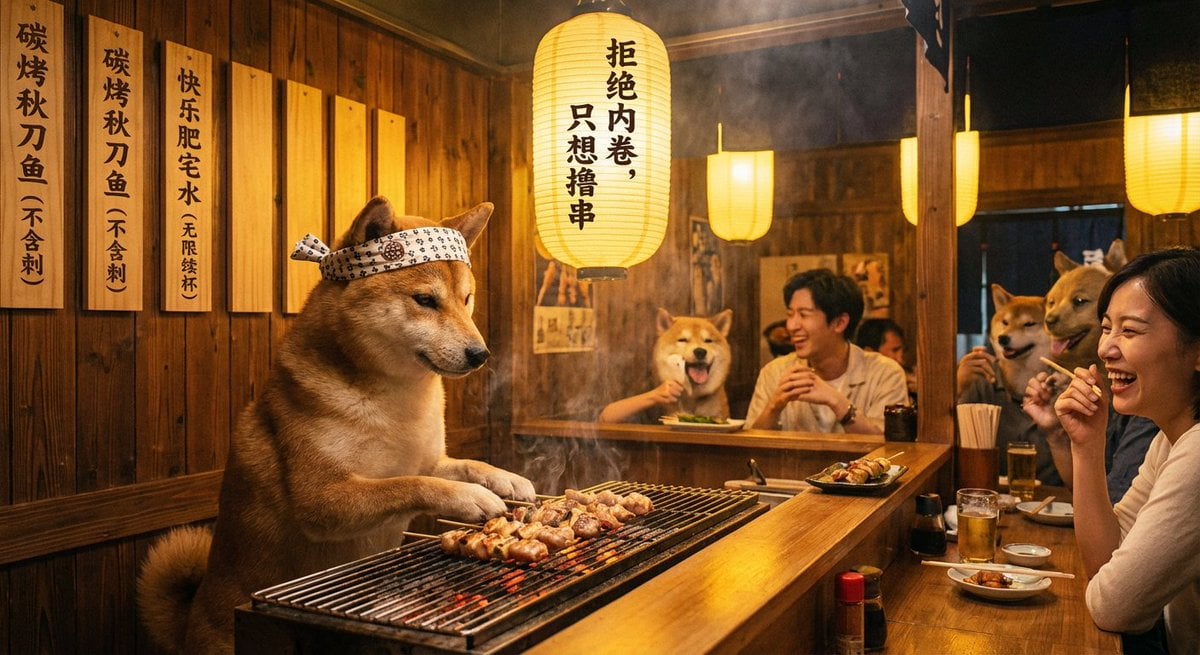
Classical Chinese poem illustration with text (duplicate)
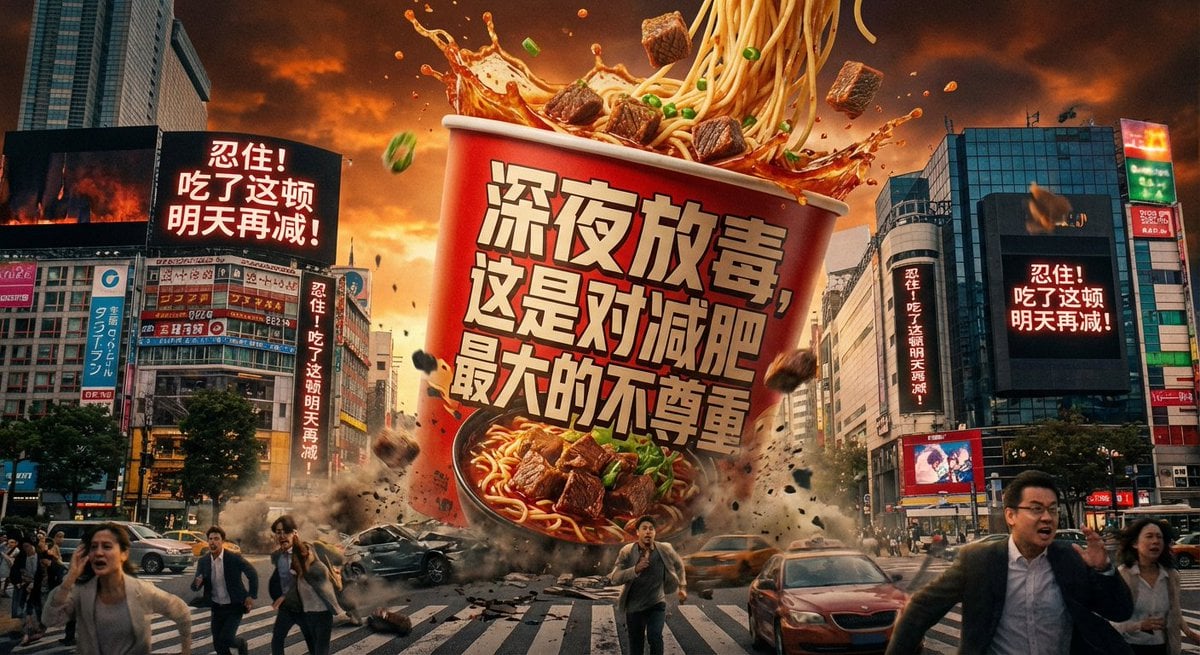
Classical Chinese poem illustration with text
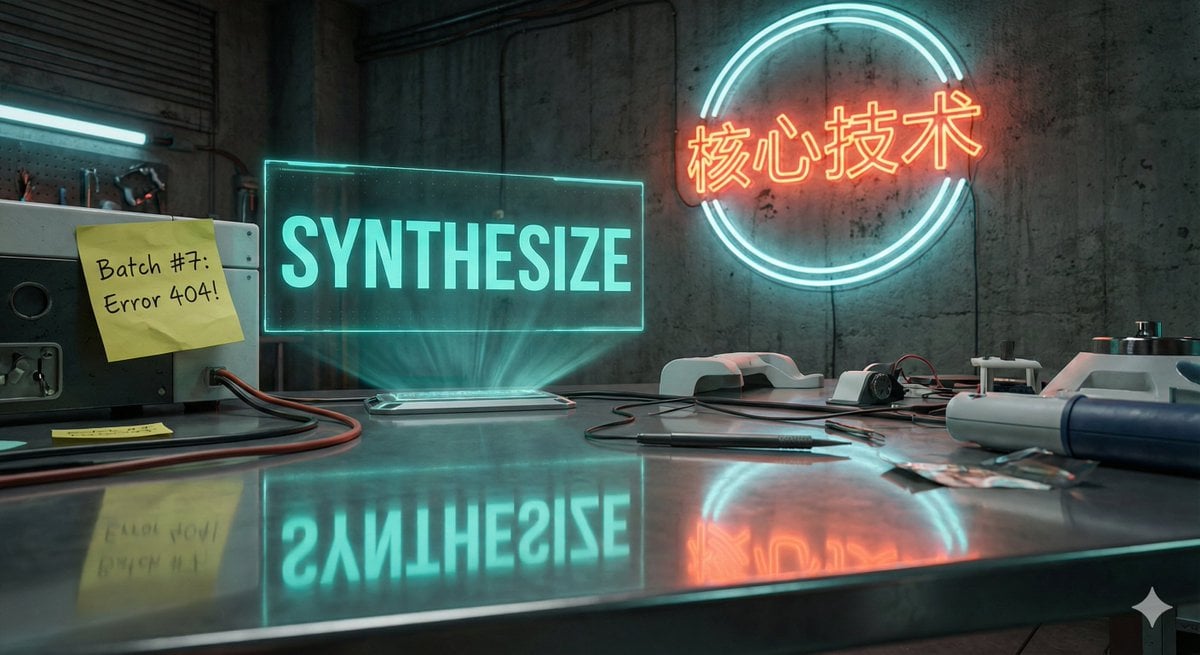
Futuristic Laboratory Text Accuracy Test Prompt
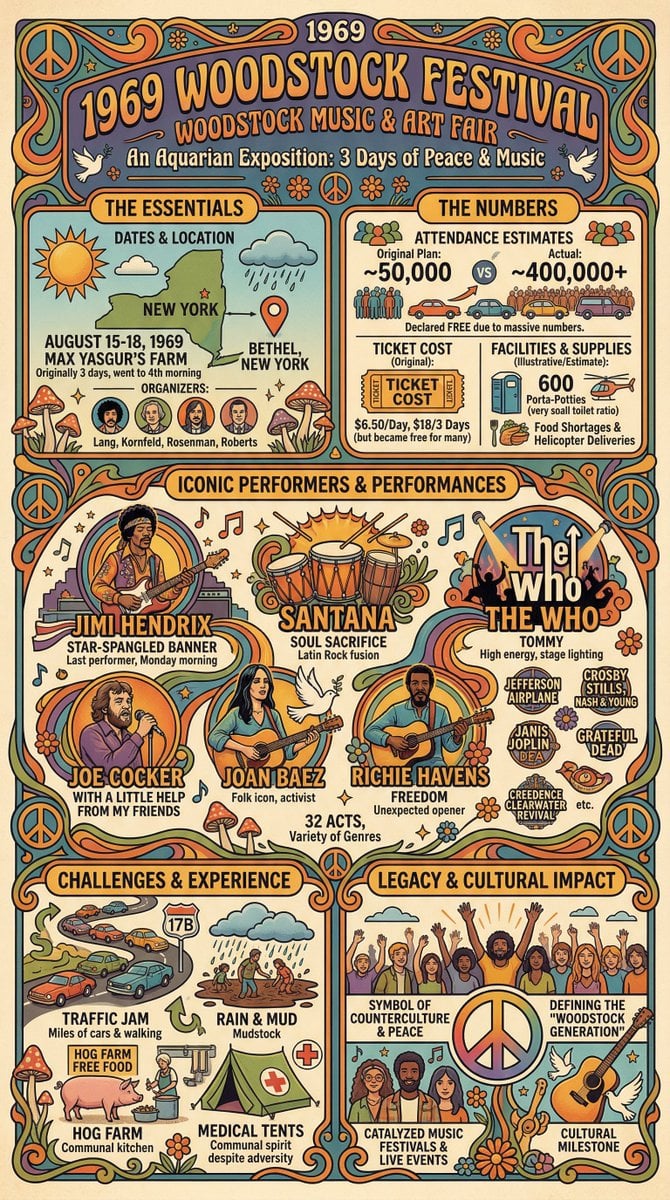
Infographic Creation with Simple Text Prompt
Make it yours
Chinese Text Accuracy Infographic works as-is. These are the safest ways to change it without losing the look.
Change one field
Copy a single group, rewrite it, and generate again so you can see what that field is doing.
Keep the frame, change the subject
Hold the composition and light of Chinese Text Accuracy Infographic, then swap wardrobe, props or the person for a new take.
| If the result… | Why | Fix |
|---|---|---|
| The result drifts from the preview | Too many fields changed at once. | Reuse Chinese Text Accuracy Infographic as-is first, then change one group — subject, light, or setting. |
| The model over-stylizes the scene | The prose prompt leaves finish and camera underspecified. | Add one camera or lighting sentence and stay on GPT Image 2. |
More GPT Image 2 templates
Other prompts made for GPT Image 2.

Six VTuber Japanese Logo Sheet

Realistic Portrait of Woman and Deer

The Vista Modular Condo Poster

AI Model Routing Comparison Infographic

2.5D Anime Art Board

Isometric Productivity Desk Scene

New York Double Exposure Poster

Four-Panel AI Landscape Comparison

Japanese Tatami Lifestyle Magazine Cover

NESCAFÉ Coffee Map Poster
More image prompts
Fresh picks from across the catalog.
Vintage Flash Group Selfie Prompt for Nano Banana Pro

Pastel Chibi Girl Sitting Portrait

Surreal High Fashion Editorial Prompt with Living Insects
Reference to an External Prompt for 1940s Movie Still
Cinematic film stills transformation prompt
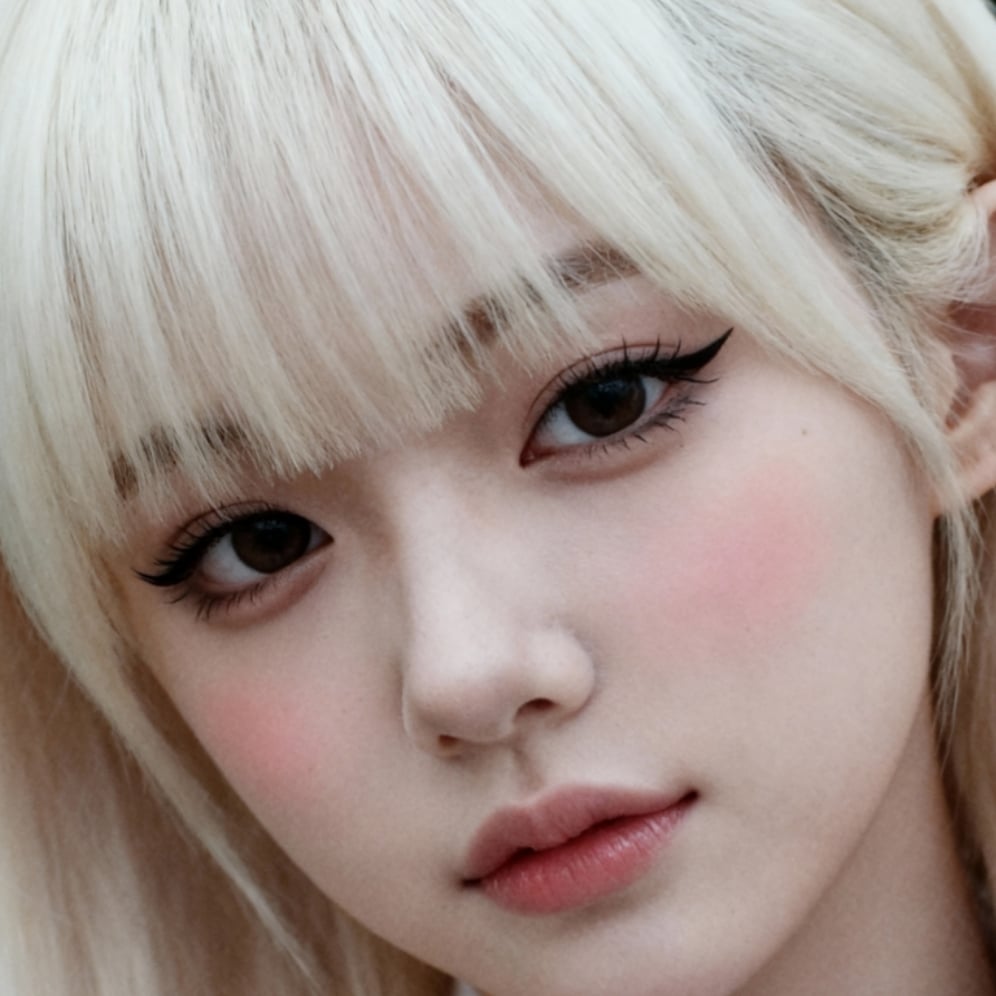
Ultra-High Resolution Upscale and Skin Texture Transfer Prompt
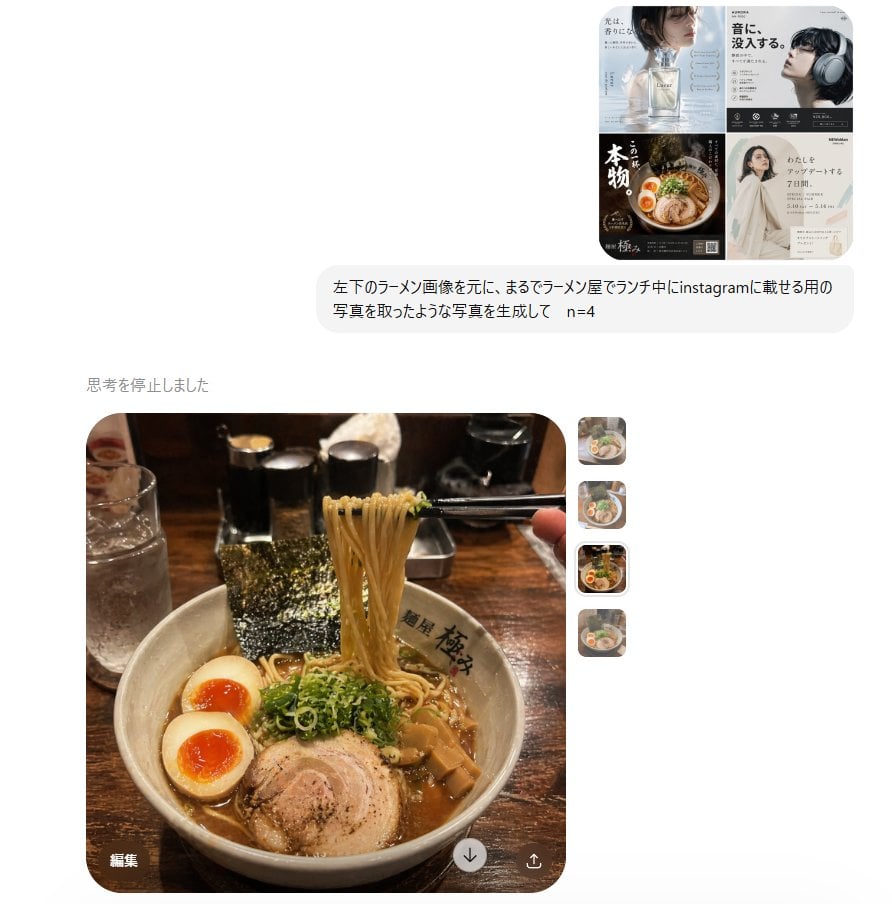
Instagram Style Ramen Photography
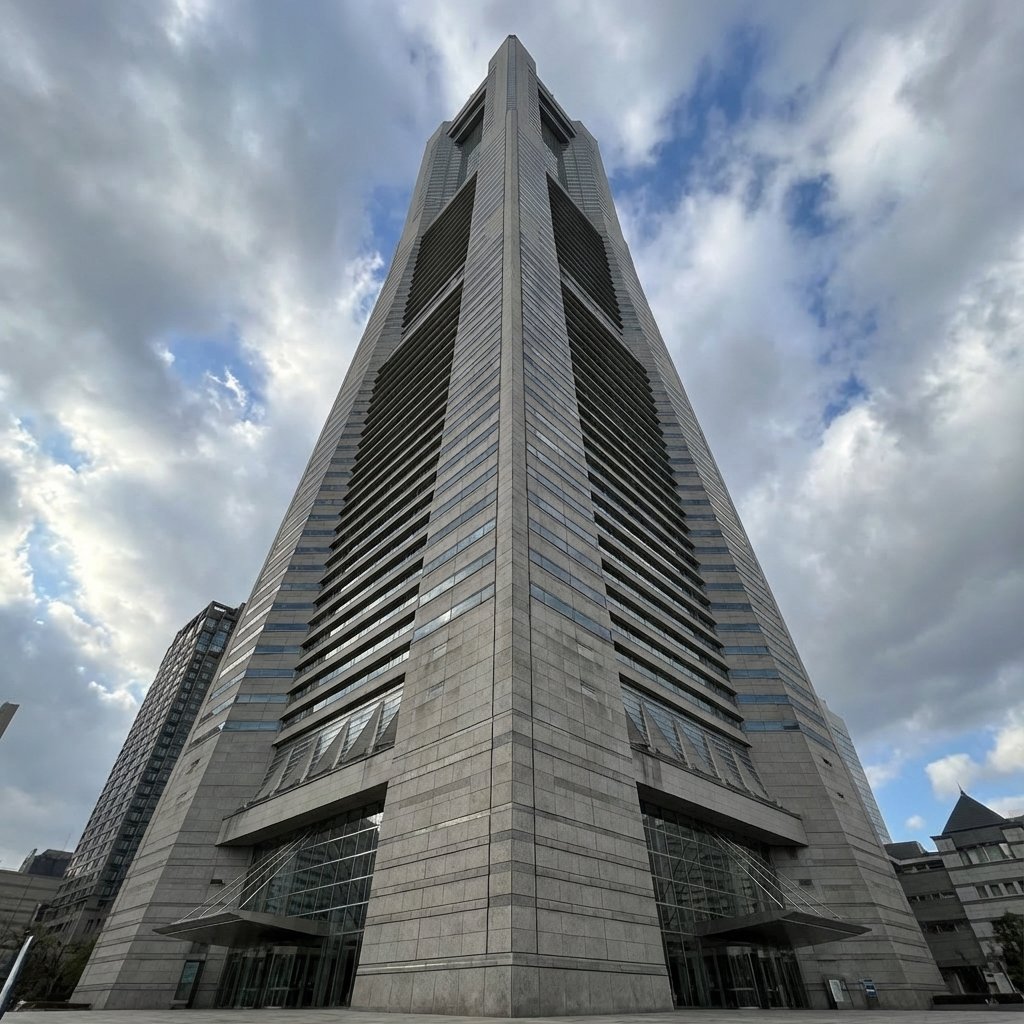
Perspective Change Generation
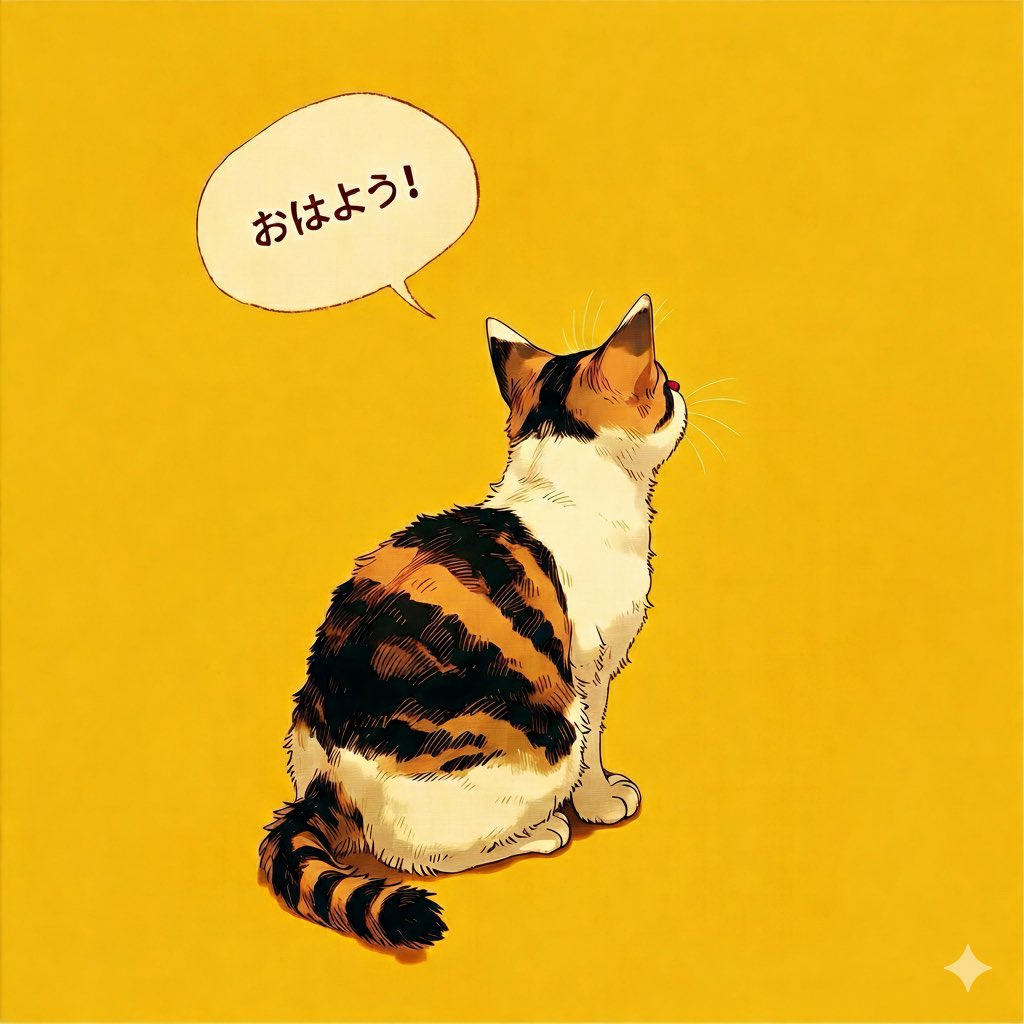
Japanese Text Generation Comparison (Oha-you)
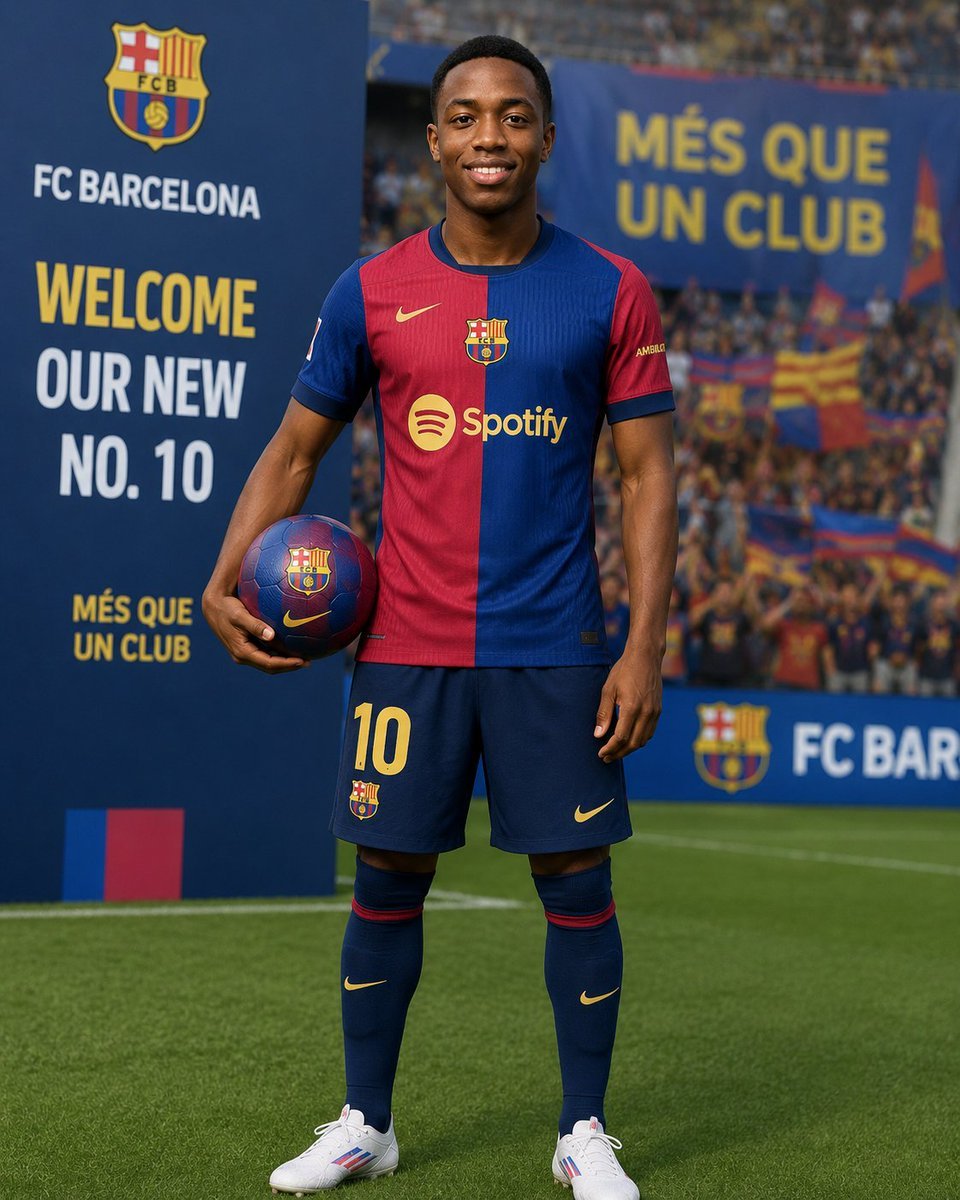
Football Player Signing Presentation
Browse template categories
Chinese Text Accuracy Infographic questions
How do I use the Chinese Text Accuracy Infographic template?
Add your photo if the template asks for one, edit the prompt if you like — the template's model and format are already selected — and press Generate. Your version opens in PicX Studio.
Can I customize the Chinese Text Accuracy Infographic template?
Yes. You can change the subject, setting, lighting, mood, format, and available model controls before creating your image.
Is the Chinese Text Accuracy Infographic template free?
Opening and editing this template is free. Generating uses credits, shown on the Generate button when you are signed in.
Which AI model should I use?
Start with GPT Image 2, which is the model associated with this template. You can compare another compatible model for a different finish.
Looking for something else? Browse all templates.

Your photo, any look
Thousands of ready templates for every top image and video model, from one credit balance.