
Superhero Era Transformation Split Portrait
A complex logic-based prompt that uses reference images to transform a character into two versions (normal and superhero) across different historical eras.
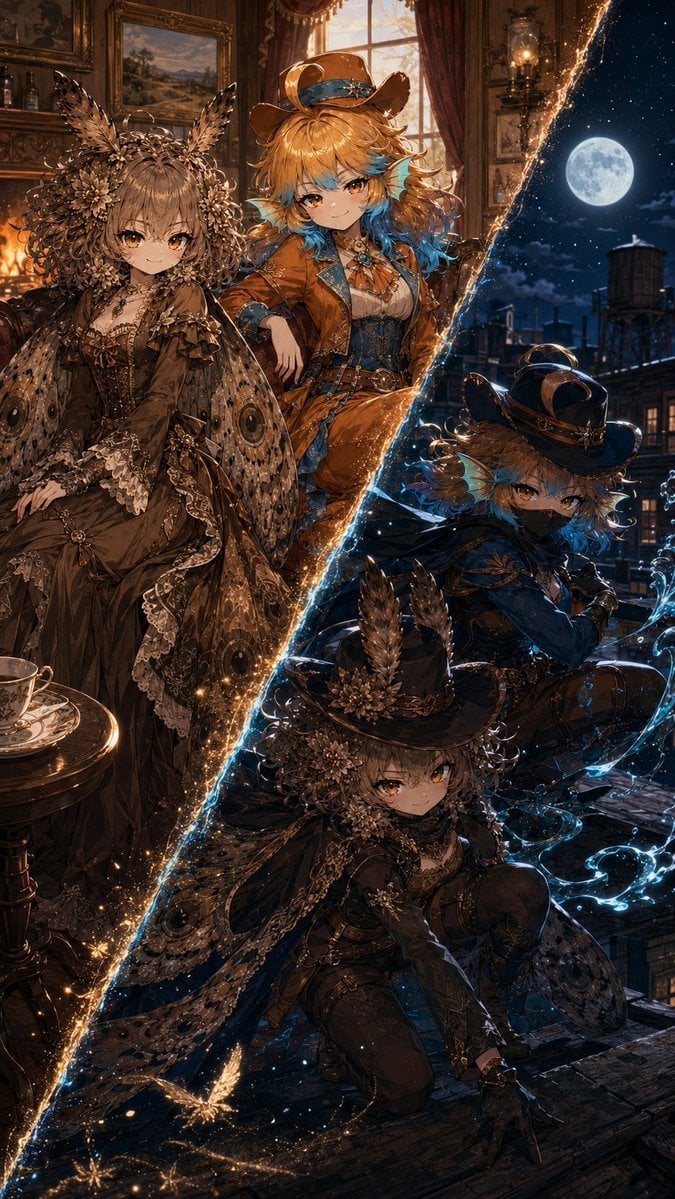
- Prompt included
- Model and format preset
- Premium template
The prompt behind this image
Copy the exact prompt behind Superhero Era Transformation Split Portrait, or open it in the studio and make it yours.
Masterpiece quality 9:16 aspect ratio @image1 = {argument name="reference character" default="primary character reference"} Preserve the referenced characters’ face shape, hairstyle, hair color, eye color, correct number of limbs and fingers, personality, body language, signature color palette, outfit motifs, species traits, accessories, silhouette, body shape, body proportions, and overall character vibe. If the character has a mask, do not change it. If the character does not have a head, do not invent one. Do not lose character recognizability. Do not turn the character into a generic person or unrelated design. Do not overcrowd the composition. Do not introduce extra characters or duplicates. Do not break anatomy unless clearly justified by transformation concept. Do not make the scene visually confusing or unreadable. Do not explicitly list or name the hidden influences used. Do not let environment overpower the character. Use your Python environment (Code Interpreter) to generate a pseudo-random number. Do not guess or rely on your language modeling weights to pick the number. Please follow these exact constraints: 1. Range: Between [1] and [4], inclusive. 2. Type: [Integer] 3. Execution: Import the 'random' or 'secrets' library to compute the result. 4. Output: Do not provide the final random number(s) as the output. Do not include conversational filler. Use the number to select the setting from the list below. 1. Wild West 2. Edwardian England 3. 1920’s Jazz Era 4. Medieval Draw two versions of @image1. Draw a diagonal line separating both versions. The line’s color, shape, and material effect will be determined by the visual personality of @image1. @image1 will be On the left, standing in a parlor fitting to the chosen setting and wearing a formal outfit, also fitting the chosen setting, by a fireplace. The outfit must adhere to the visual personality of @image1. The expression and posture will one of peaceful contentment. This setting will be midday. The right side will have @image1 wearing a superhero costume fitting to the chosen setting. The costume must be intricate, elegant, designed for maximum stealth, adhere to the visual personality of @iamge1, and have a powerful aura. They will be outdoors at night, and they will be stalking potential criminals. @image1 will use weapons or magic fitting to their character and visual personality. If @image1 is a child, they will use magic and ensure their costume is appropriate and cute. The expression and posture will one of a stealthy assassin.
How to use Superhero Era Transformation Split Portrait in 3 steps
- 1Upload ImagePNG, JPG or paste
Add your photo
Upload the photo the template builds on. The prompt, model and format are already set.
- 2…a portrait of your subject in softgolden-hour light, 85mm…
Personalize
Edit the subject and creative details for your destination.
- 3Generate
Generate
Press Generate — your image is created in PicX Studio, so you can compare it with the original and refine one variable at a time.
More like this
Templates with the same subject, style or setup. Open one to see its prompt.
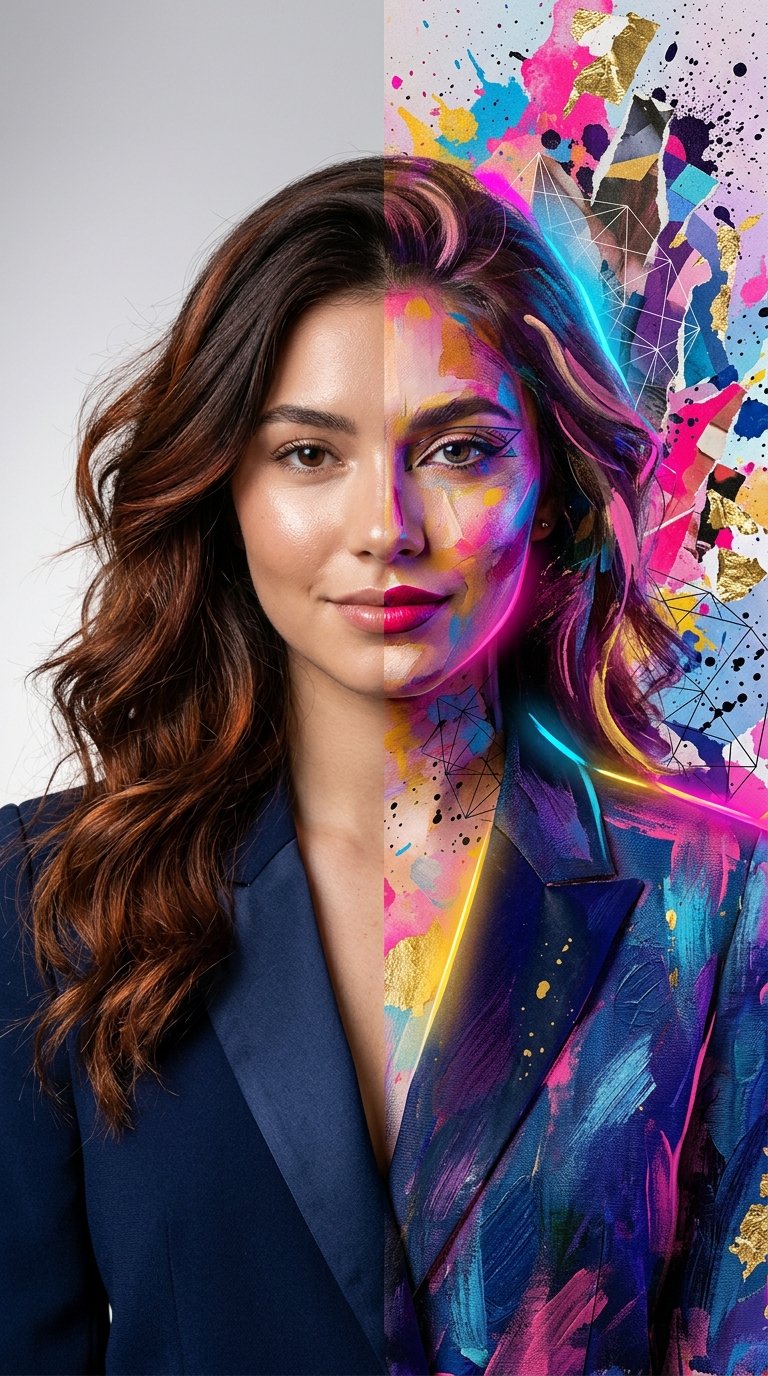
Split Portrait - Mixed Media
Isometric Landmark Generation Using Nano
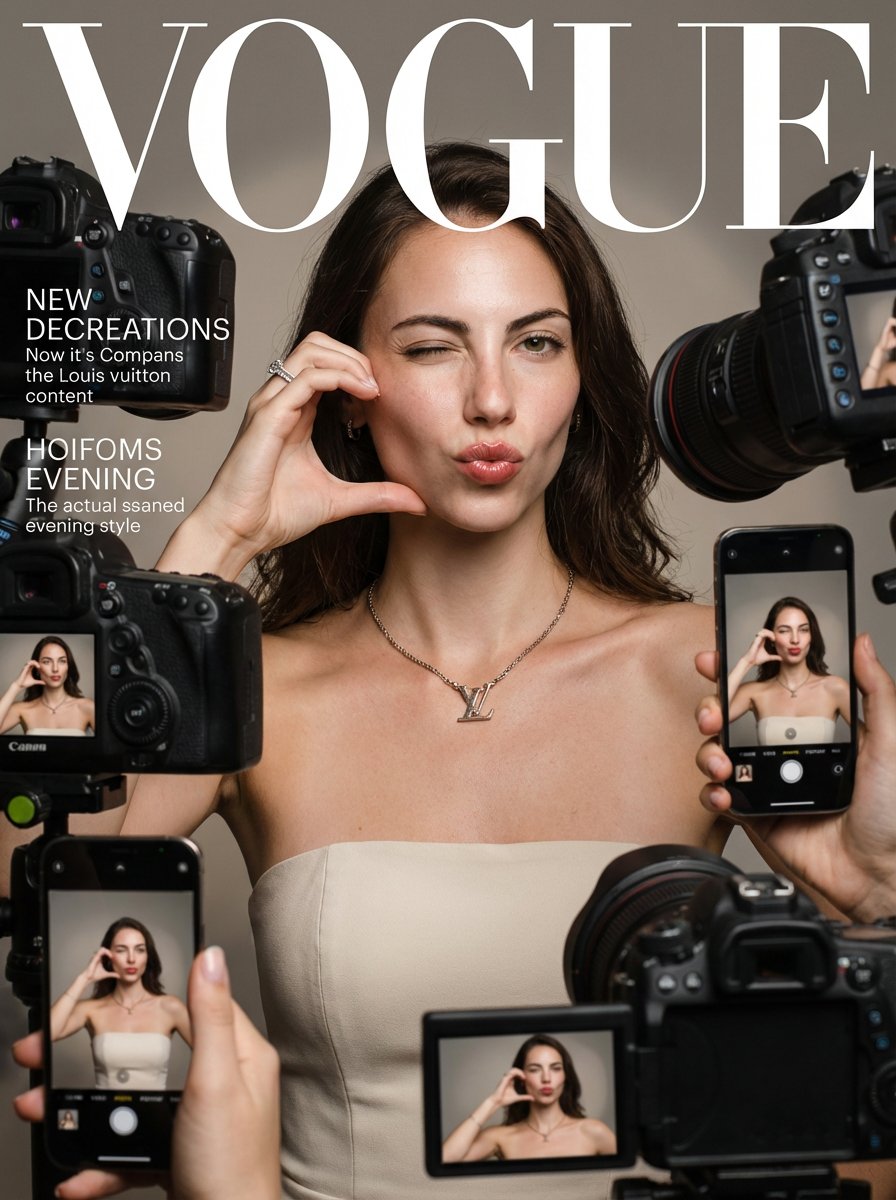
Ultra Realistic Ai Influencer Generator
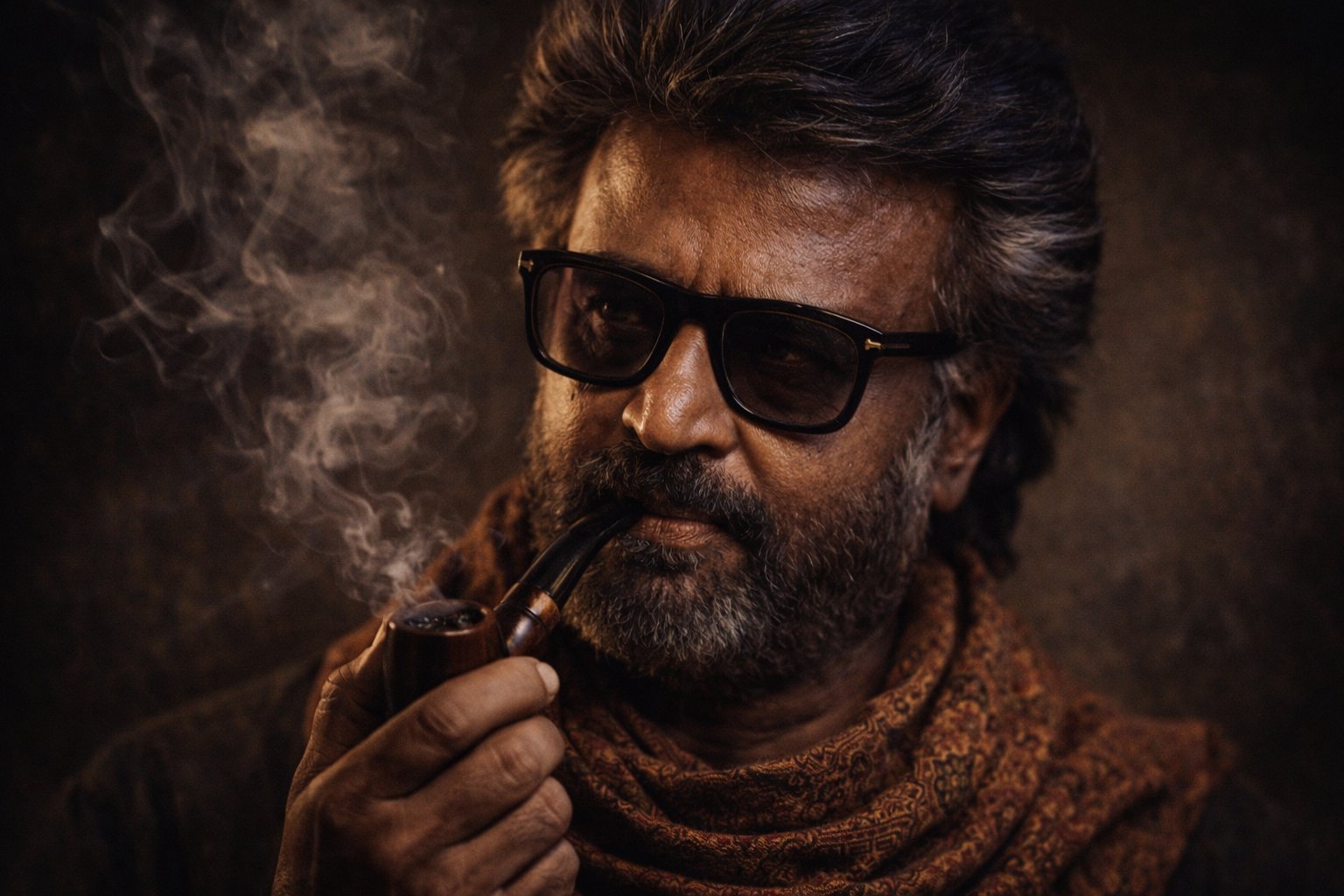
Cinematic Portrait Transformation

Found Photograph: Us, 1970

80s Couple Studio Portrait

80s Bollywood Star

80s Golden Hour Cinema

Me in 1985

1985 Studio Portrait
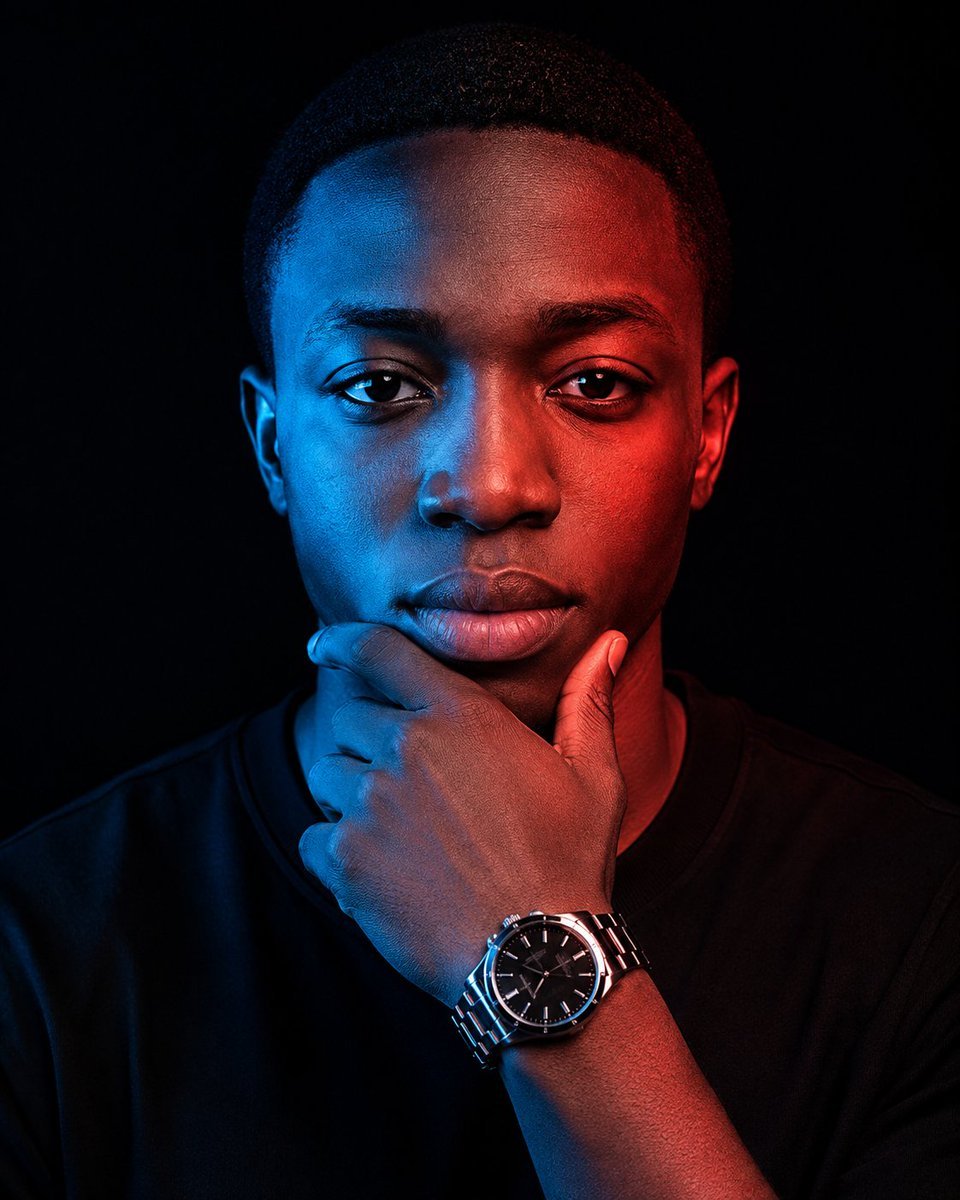
Cinematic Red Blue Split-Light Portrait

Hyper-Realistic Minecraft POV Portrait
Make it yours
Superhero Era Transformation Split Portrait works as-is. These are the safest ways to change it without losing the look.
Change one field
Copy a single group, rewrite it, and generate again so you can see what that field is doing.
Keep the frame, change the subject
Hold the composition and light of Superhero Era Transformation Split Portrait, then swap wardrobe, props or the person for a new take.
| If the result… | Why | Fix |
|---|---|---|
| The result drifts from the preview | Too many fields changed at once. | Reuse Superhero Era Transformation Split Portrait as-is first, then change one group — subject, light, or setting. |
| The model over-stylizes the scene | The prose prompt leaves finish and camera underspecified. | Add one camera or lighting sentence and stay on GPT Image 2. |
More GPT Image 2 templates
Other prompts made for GPT Image 2.

Six VTuber Japanese Logo Sheet

Realistic Portrait of Woman and Deer

The Vista Modular Condo Poster

AI Model Routing Comparison Infographic

2.5D Anime Art Board

Isometric Productivity Desk Scene

New York Double Exposure Poster

Four-Panel AI Landscape Comparison

Japanese Tatami Lifestyle Magazine Cover

NESCAFÉ Coffee Map Poster
More image prompts
Fresh picks from across the catalog.
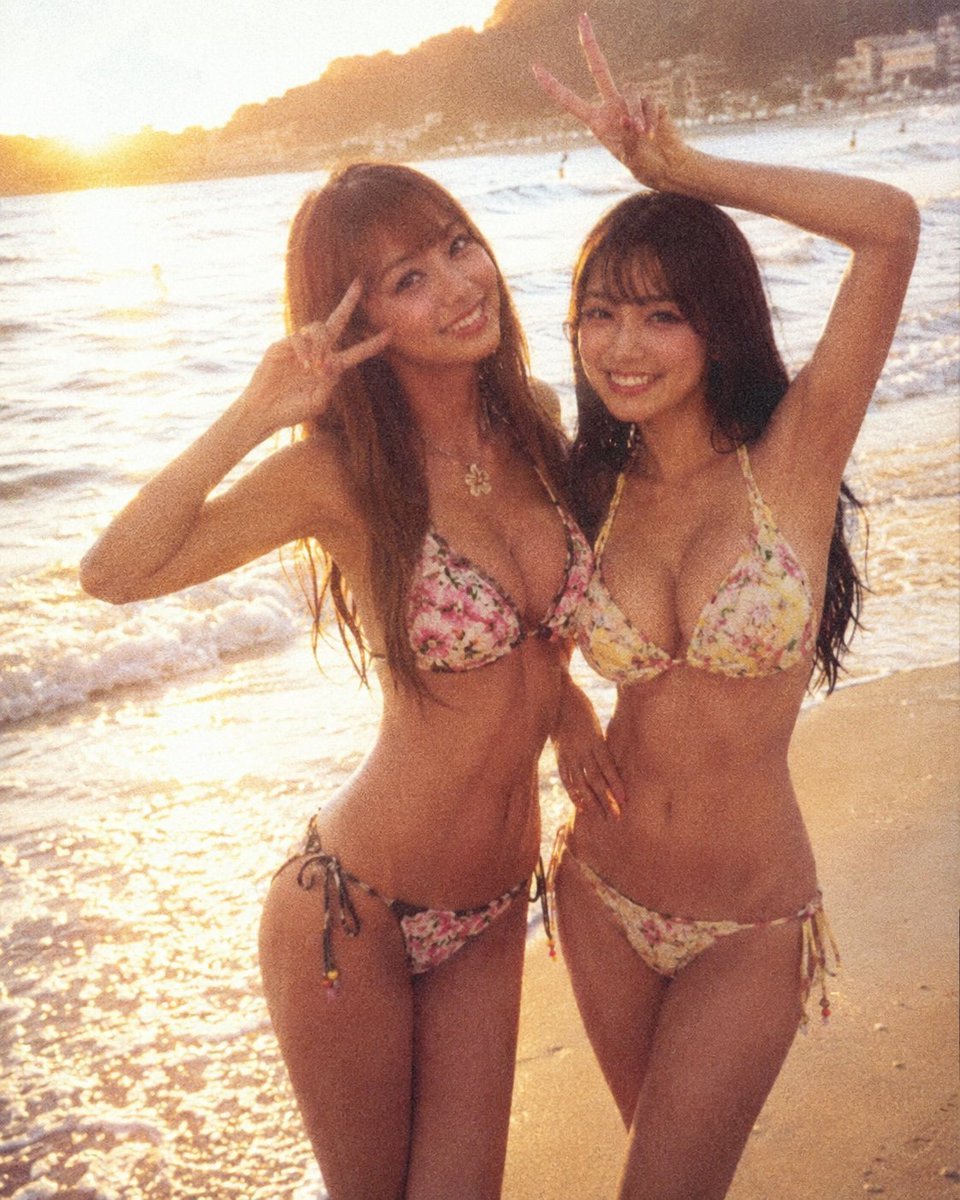
Analog Film Enoshima Portrait
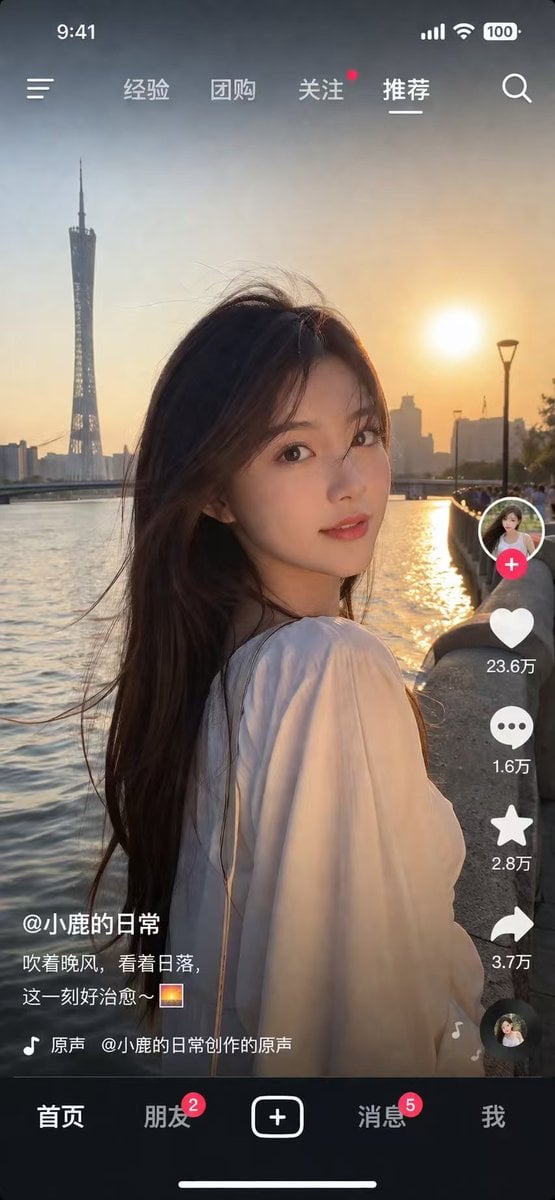
Social Media Video App UI Mockup
Vintage Flash Group Selfie Prompt for Nano Banana Pro
Floating Woman Above Cityscape with Notifications
Impasto Oil Painting Aesthetic
Surreal Conceptual Mind Portrait
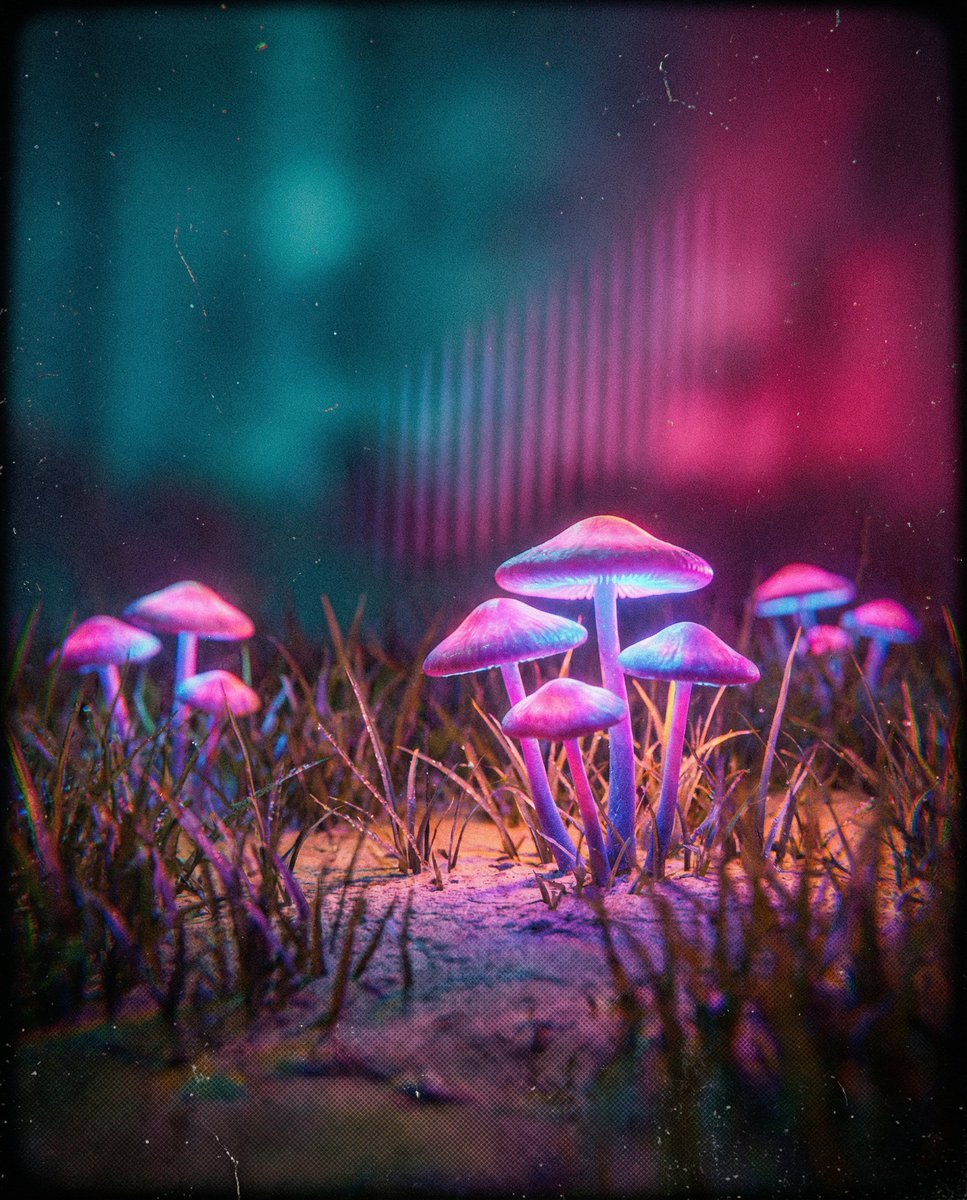
Bioluminescent Mushroom Cluster in Retro Sci-Fi Style
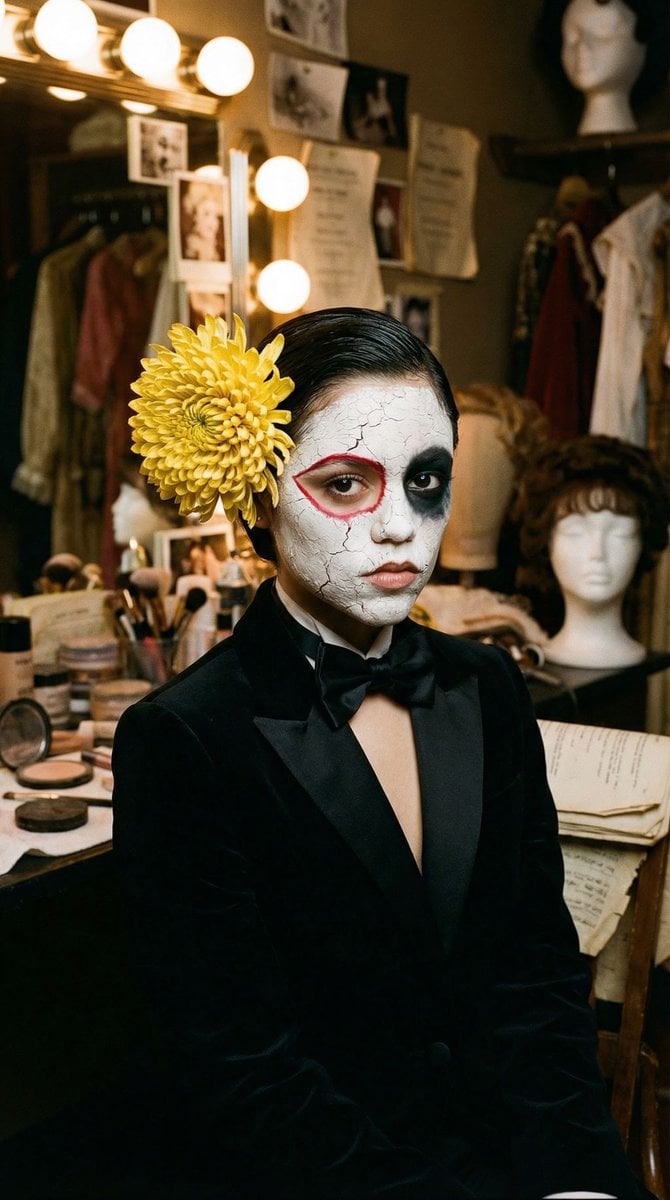
Surrealist Backstage Chaos: Jenna Ortega Editorial Portrait
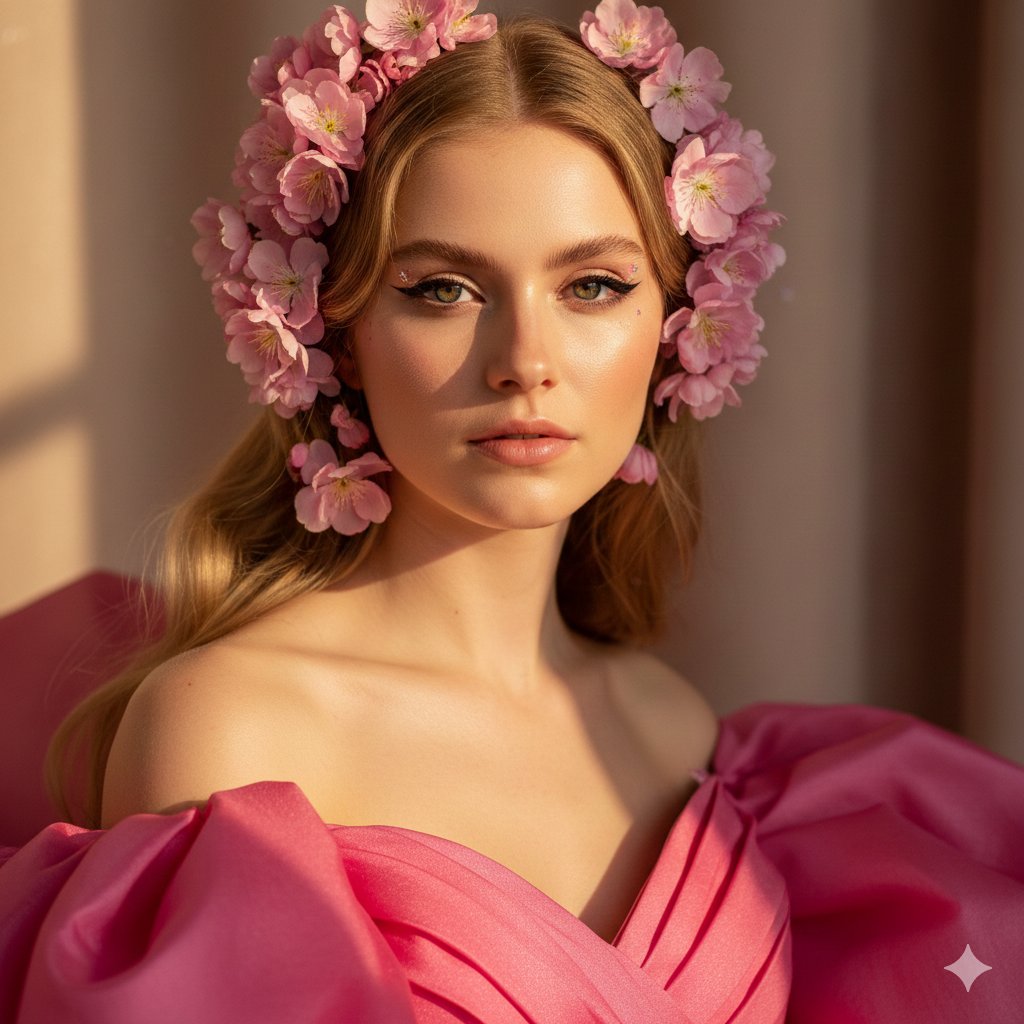
Cinematic Pink Blossom Couture Portrait
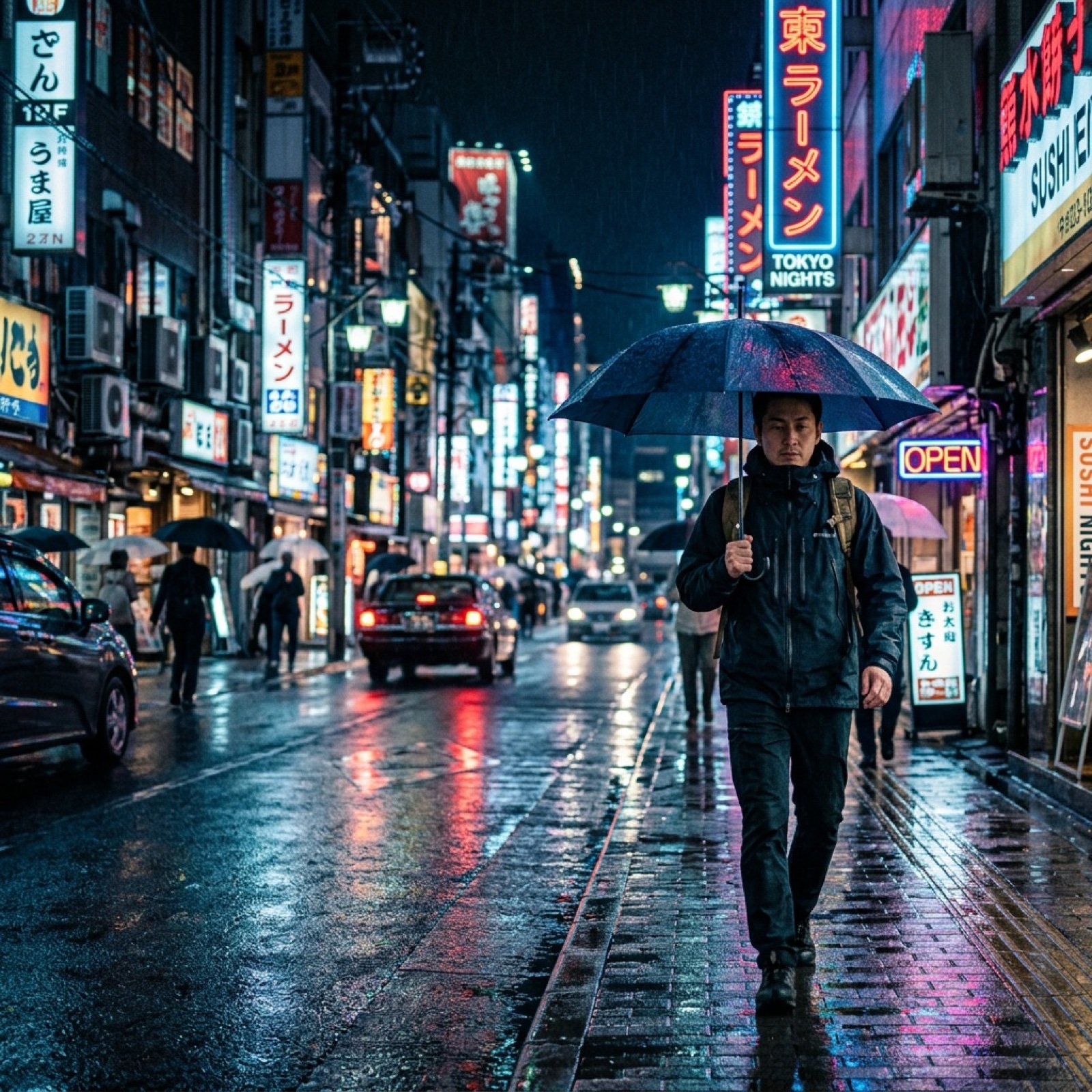
Google Flow video generation prompt formula and features
Browse template categories
Superhero Era Transformation Split Portrait questions
How do I use the Superhero Era Transformation Split Portrait template?
Add your photo if the template asks for one, edit the prompt if you like — the template's model and format are already selected — and press Generate. Your version opens in PicX Studio.
Can I customize the Superhero Era Transformation Split Portrait template?
Yes. You can change the subject, setting, lighting, mood, format, and available model controls before creating your image.
Is the Superhero Era Transformation Split Portrait template free?
Opening and editing this template is free. Generating uses credits, shown on the Generate button when you are signed in.
Which AI model should I use?
Start with GPT Image 2, which is the model associated with this template. You can compare another compatible model for a different finish.
Looking for something else? Browse all templates.

Your photo, any look
Thousands of ready templates for every top image and video model, from one credit balance.