
Surrealist Backstage Chaos: Jenna Ortega Editorial Portrait
A highly detailed, structured JSON prompt for generating a hyper-realistic, medium-format editorial portrait of 'The Protagonist' (Jenna Ortega) in a cluttered vintage theater dressing room, focusing on texture, surreal…
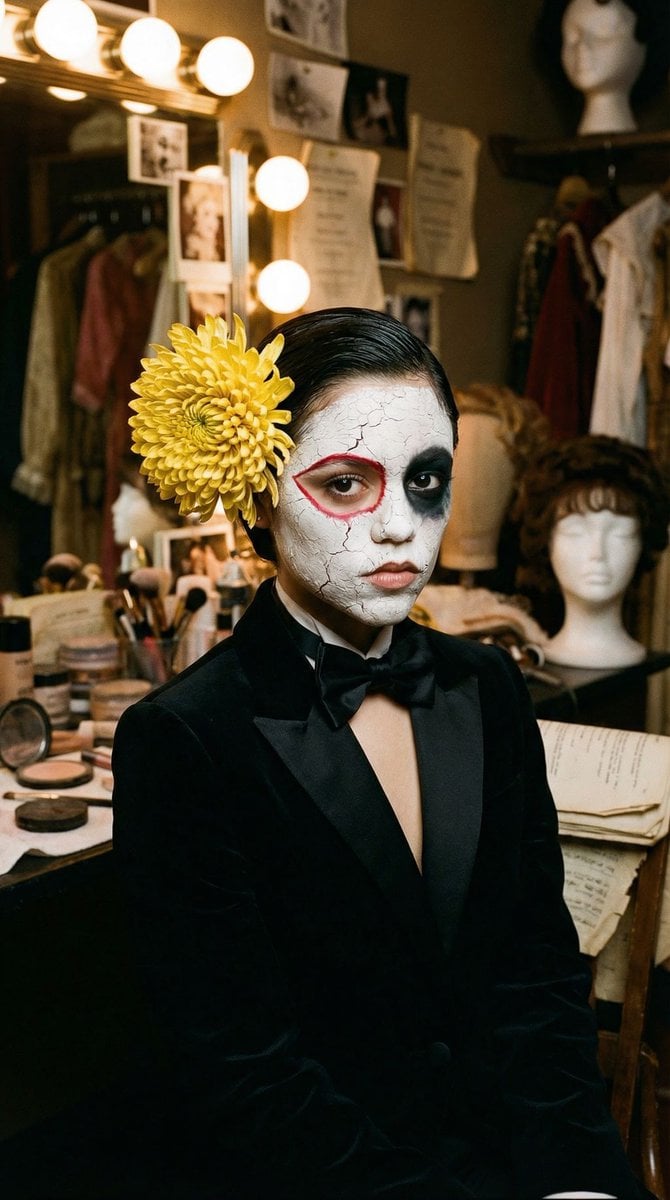
- Prompt included
- Model and format preset
- Free template
The prompt behind this image
Copy the exact prompt behind Surrealist Backstage Chaos: Jenna Ortega Editorial Portrait, or open it in the studio and make it yours.
{ "vibe_title_en": "Surrealist Backstage Chaos", "master_prompt": "A hyper-realistic, medium-format editorial portrait of The Protagonist seated in a cramped, cluttered vintage theater dressing room. The subject is wearing a sharp, high-texture black velvet tuxedo with a silk bow tie. The face features practical, avant-garde makeup effects: the right eye is encased in a thick, cracked white clay texture with a razor-sharp crimson accent line, while the left eye is covered in a deep, matte black pigment that absorbs light like void. A large, hyper-detailed yellow chrysanthemum is pinned to the hair, its petals showing microscopic organic veins and dew drops. The surrounding environment is dense with narrative chaos: scattered makeup powders, vintage wig stands, hanging costumes, spilled sewing pins, dusty mirrors, and old scripts. Lighting is cinematic and moody, sourced from vanity bulbs reflecting off the clutter, creating a Rembrandt-style illumination on the subject's face while the background fades into a rich, textured shadow. Shot on Hasselblad H6D-100c with an 80mm f/1.9 lens, utilizing Kodak Portra 400 film emulation for creamy skin tones and organic grain. No neon, no digital gloss.", "meta": { "intent": "High-End Editorial Fashion", "priorities": "Texture, Atmospheric Depth, Surreal Realism", "device_profile": "Hasselblad H6D-100c" }, "frame": { "aspect": "9:16", "composition": "Central Symmetrical Portrait", "layout": "Subject centered amidst environmental clutter", "camera_angle": "Eye-level, direct engagement", "tilt_roll_degrees": "0" }, "subject": { "gender": "Female", "identity": "The Protagonist", "demographics": "Universal High-Fashion Model", "face": "Neutral expression, avant-garde theatrical makeup (white clay, black void, red accent)", "hair": "Slicked back dark hair, adorned with a large real yellow chrysanthemum", "body": "Slender, wearing formal structured attire", "expression": "Stoic, melancholic, piercing gaze", "pose": "Static bust portrait, facing forward, slight shoulder tension" }, "wardrobe_accessories": { "garments": [ { "item": "Tuxedo Jacket", "material": "Black Velvet", "color": "Deep Black", "fit": "Structured, Tailored" }, { "item": "Dress Shirt", "material": "Cotton Poplin", "color": "Crisp White", "fit": "Fitted" } ], "accessories": [ { "item": "Bow Tie", "color": "Black", "material": "Satin Silk", "brand_style": "Vintage Formal" }, { "item": "Hair Flower", "color": "Vibrant Yellow", "material": "Organic Chrysanthemum", "brand_style": "Natural Element" } ] }, "environment": { "setting": "Backstage Theater Dressing Room", "surfaces": "Wood grain, dusty glass, velvet fabrics, scatt
How to use Surrealist Backstage Chaos: Jenna Ortega Editorial Portrait in 3 steps
- 1
Open
The prompt is already in the box next to the preview, with the template's model and format selected.
- 2…a portrait of your subject in softgolden-hour light, 85mm…
Personalize
Edit the subject and creative details for your destination.
- 3Generate
Generate
Press Generate — your image is created in PicX Studio, so you can compare it with the original and refine one variable at a time.
More like this
Templates with the same subject, style or setup. Open one to see its prompt.

untitled

Gpt Image 2 Fashion Portrait

Caution Tape Fashion — Industrial Editorial
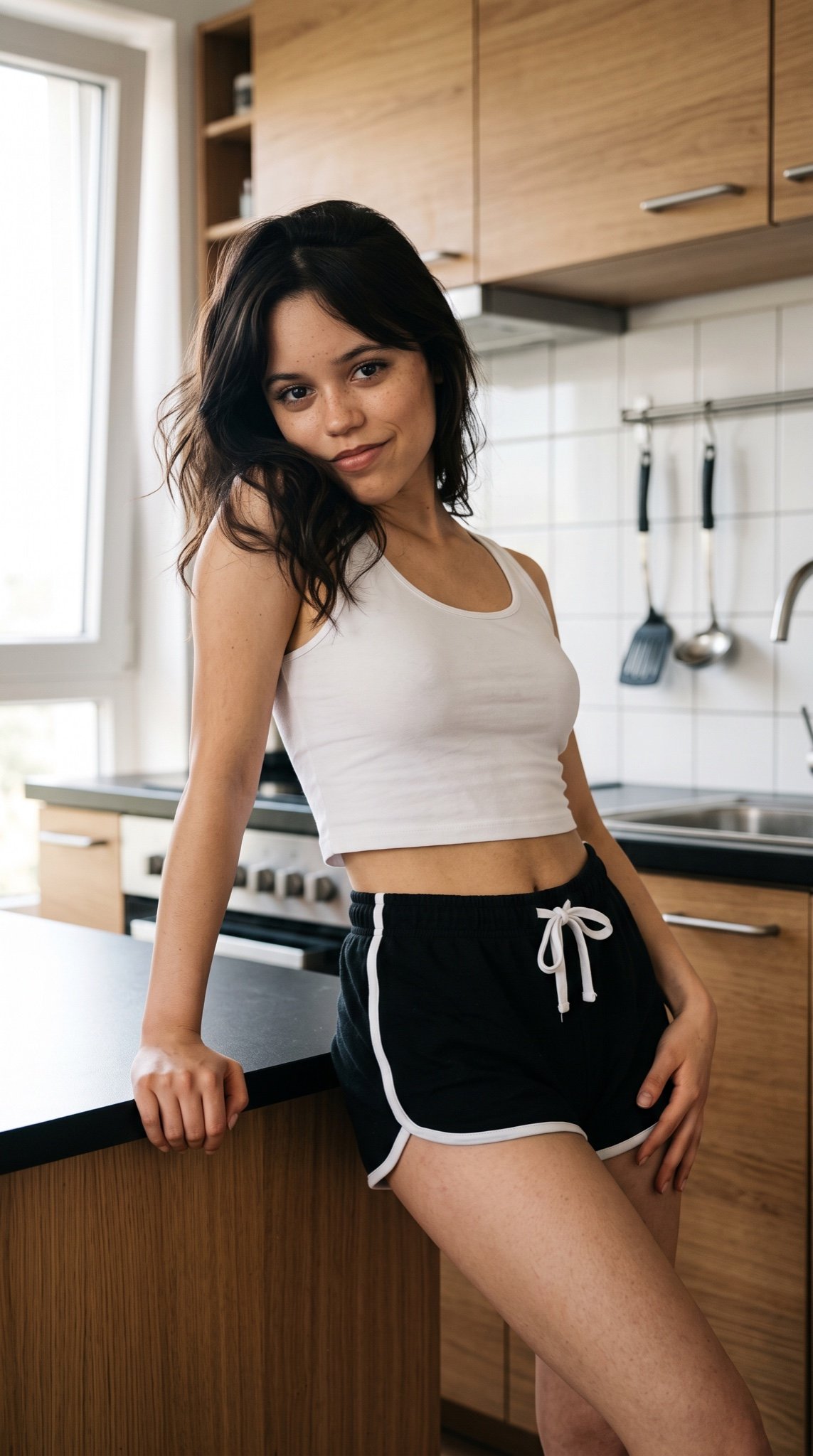
Jenna Ortega Kitchen Lifestyle Portrait
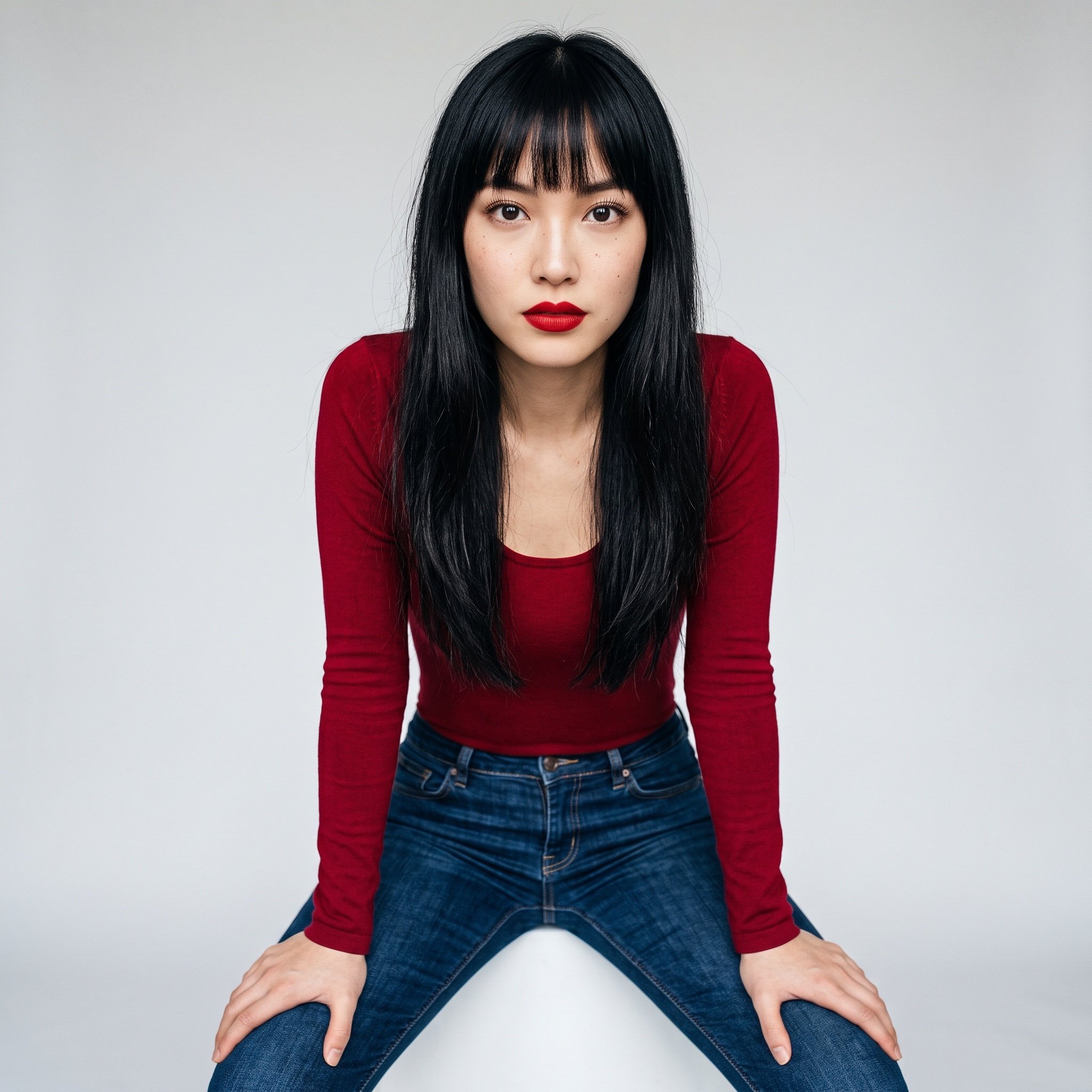
Realistic Jenna Ortega Studio Portrait
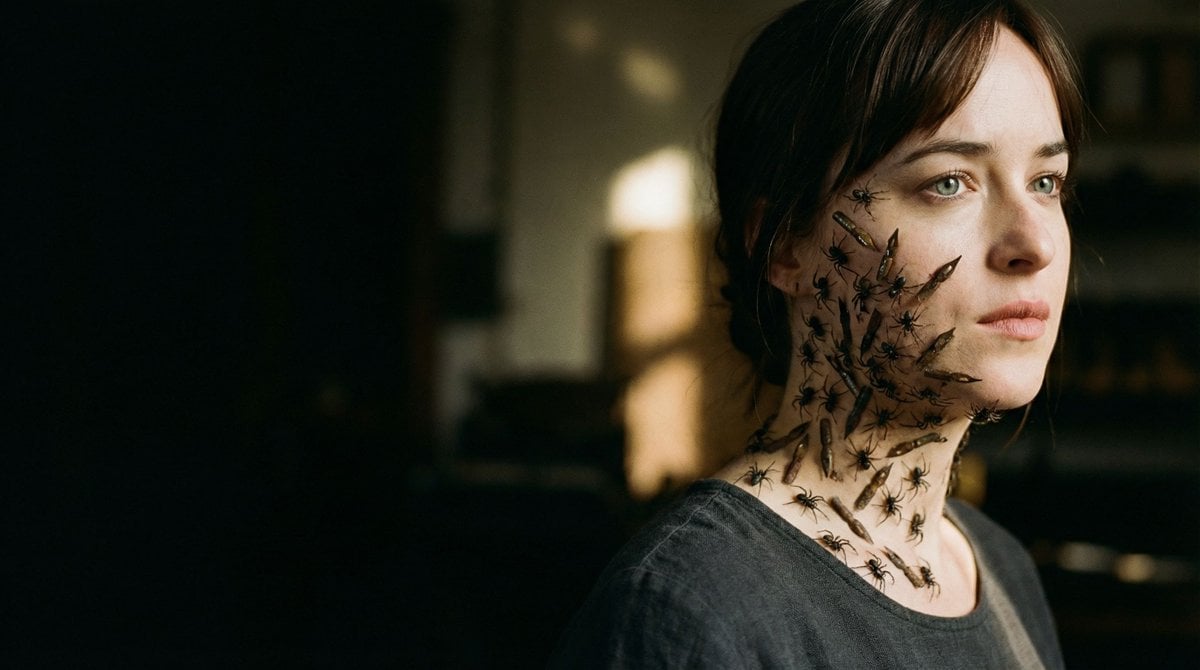
Editorial Surrealist Portrait: The Ink Lament
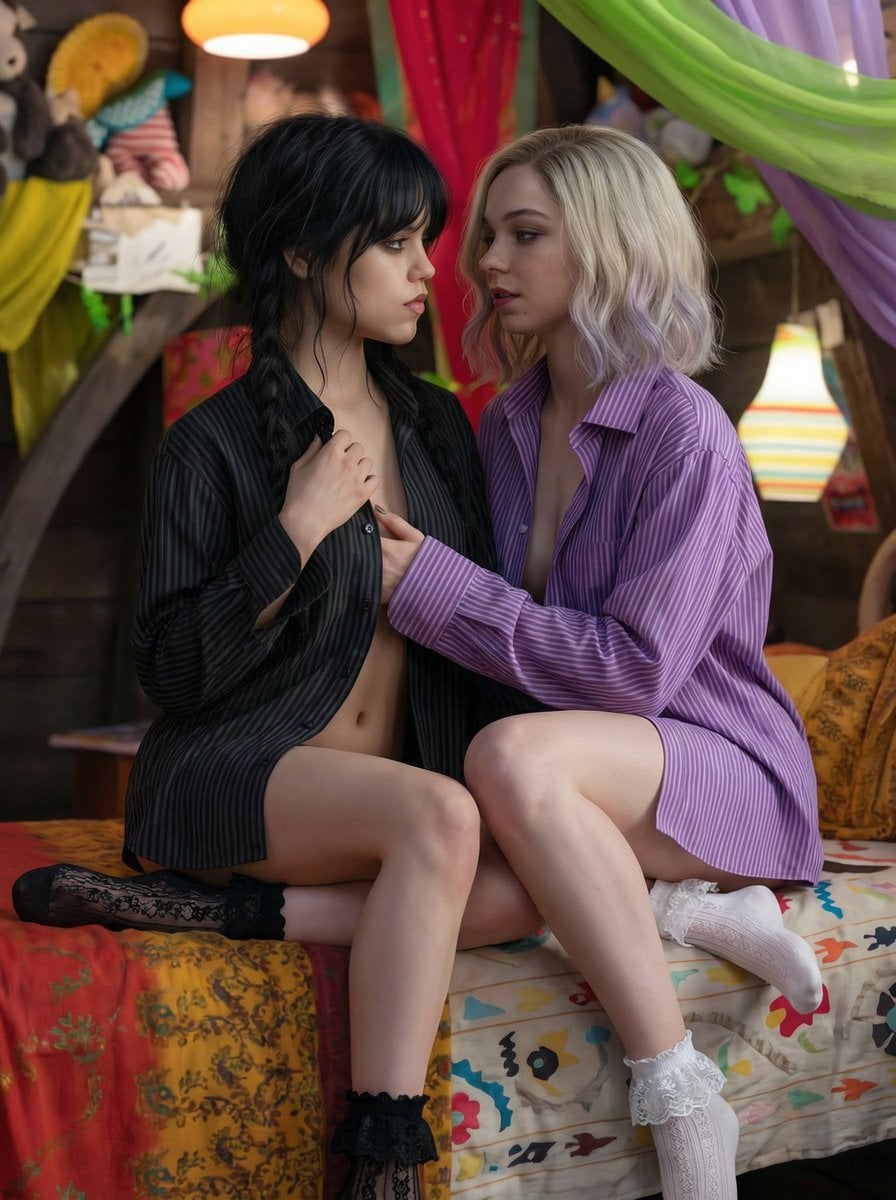
Intimate Bohemian Portrait Prompt (Jenna Ortega & Emma Myers)

Couture Fashion Editorial Woman and Drag

Nano Banana 2 Editorial Fashion Portrait

Found Photograph: Us, 1970

80s Couple Studio Portrait

80s Bollywood Star
Make it yours
Surrealist Backstage Chaos: Jenna Ortega Editorial Portrait works as-is. These are the safest ways to change it without losing the look.
Change one field
Copy a single group, rewrite it, and generate again so you can see what that field is doing.
Keep the frame, change the subject
Hold the composition and light of Surrealist Backstage Chaos: Jenna Ortega Editorial Portrait, then swap wardrobe, props or the person for a new take.
| If the result… | Why | Fix |
|---|---|---|
| The result drifts from the preview | Too many fields changed at once. | Reuse Surrealist Backstage Chaos: Jenna Ortega Editorial Portrait as-is first, then change one group — subject, light, or setting. |
| The model over-stylizes the scene | The prose prompt leaves finish and camera underspecified. | Add one camera or lighting sentence and stay on Nano Banana 2. |
More Nano Banana 2 templates
Other prompts made for Nano Banana 2.

Photorealistic Leaf Shaped Like a Dragon

K-Pop Idol Portrait Grid for Rapid Selection

Poetic Rain Forest Portrait During Golden Hour

Urban Street Portrait with Cartoon Inner Self Duo

Candid Nighttime Photo with Cat Prompt

High-Concept 3D Diorama Generation Prompt

Cinematic Futuristic Studio Portrait Template

Skincare Editorial Photography Collage Prompt

Hyper-Realistic Commercial Product Photography (Splash Effect)

Hyper-Realistic Nightclub Portrait Prompt
More image prompts
Fresh picks from across the catalog.
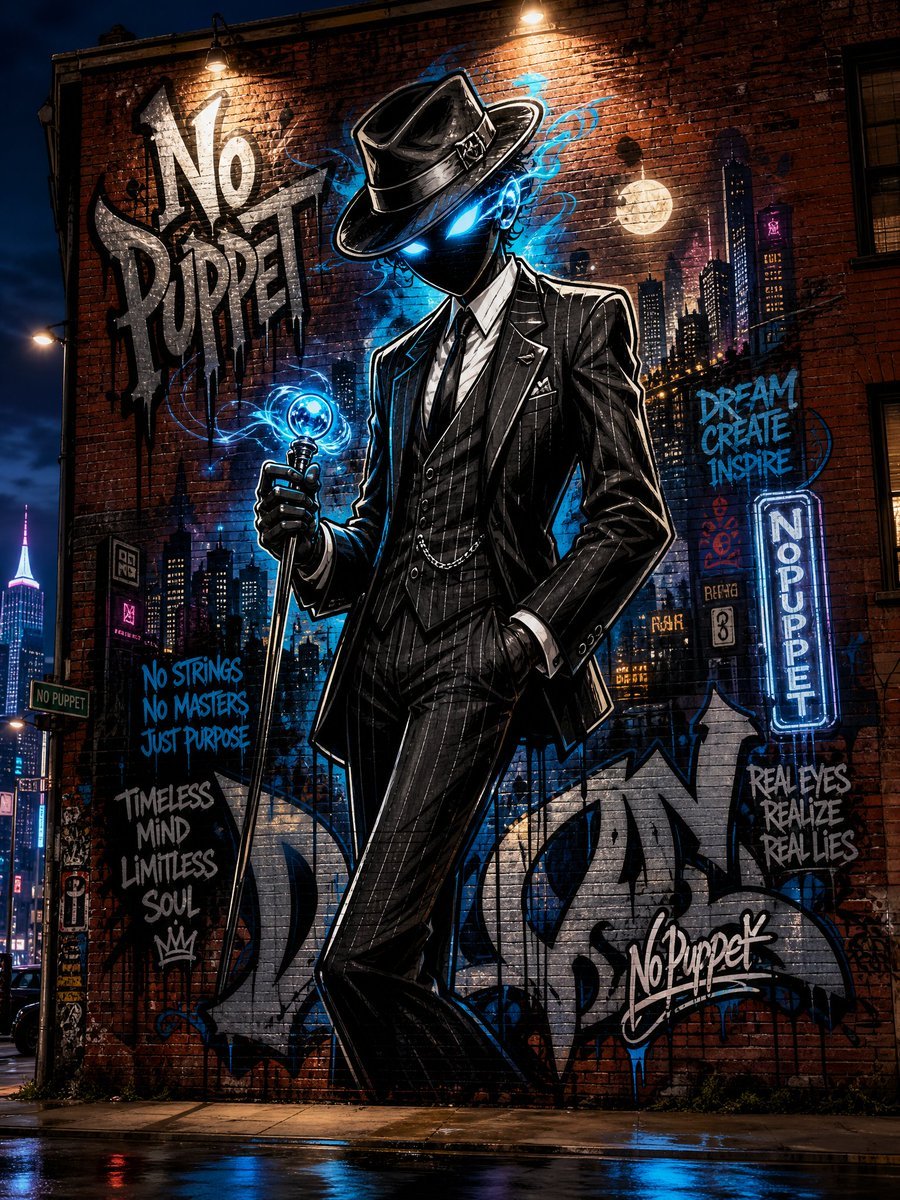
No Puppet Noir Graffiti Mural
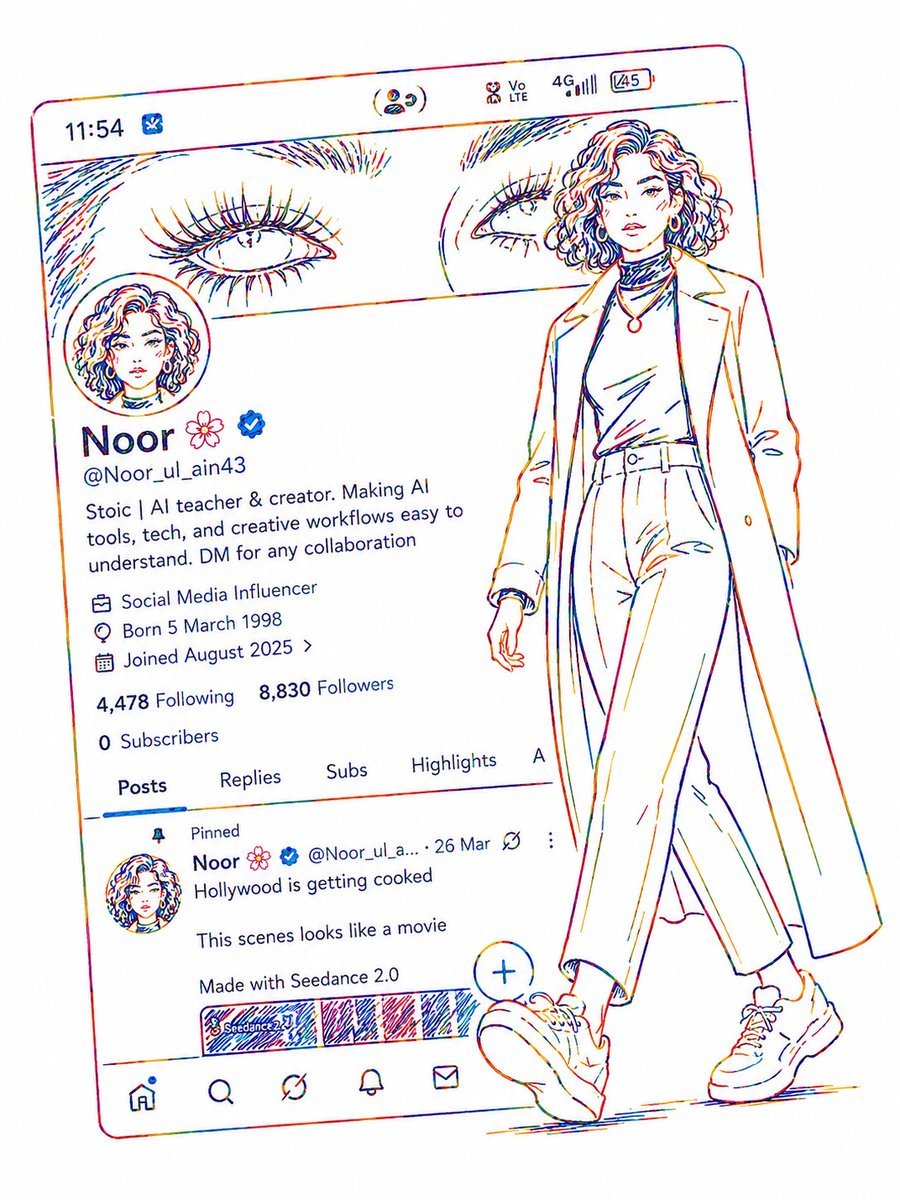
Minimalist Neon UI Character Illustration
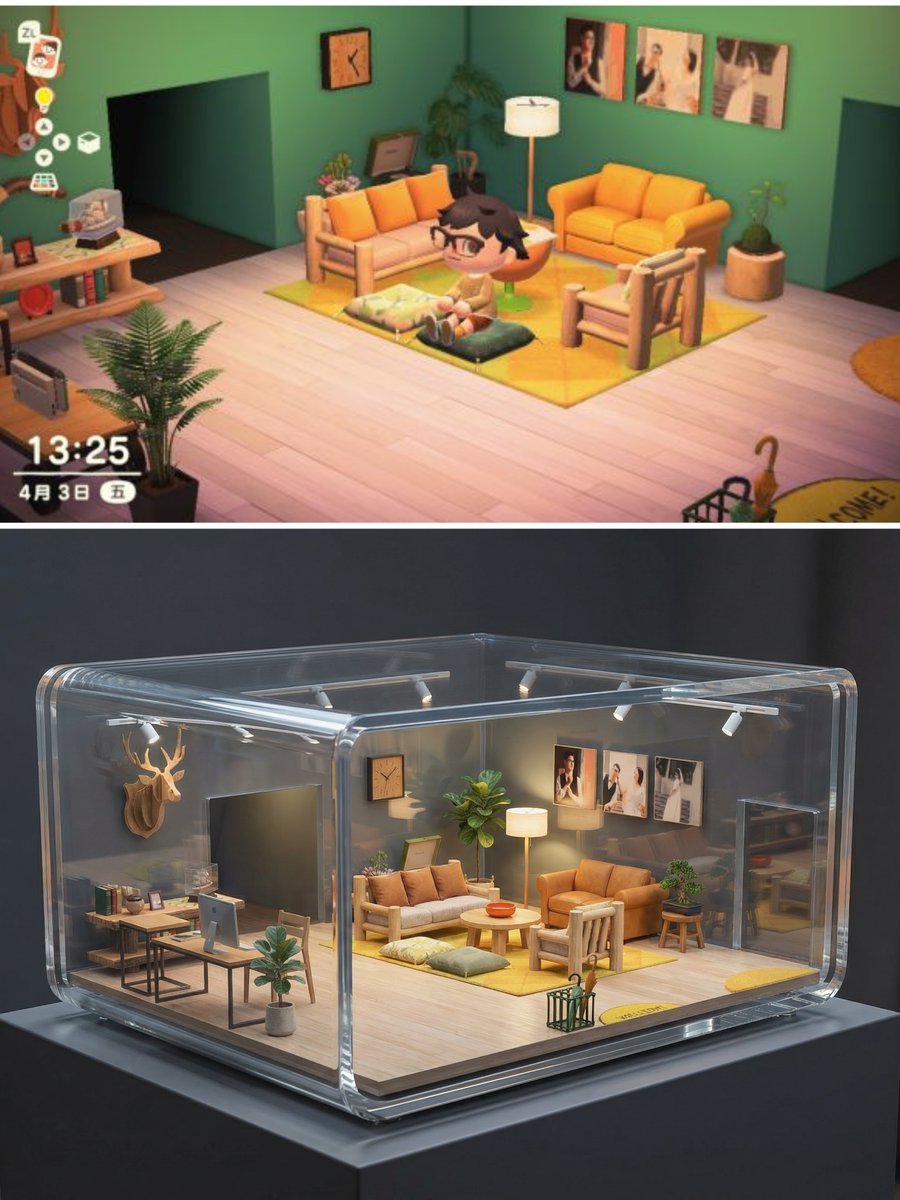
Realistic Interior to Transparent Miniature Diorama Prompt
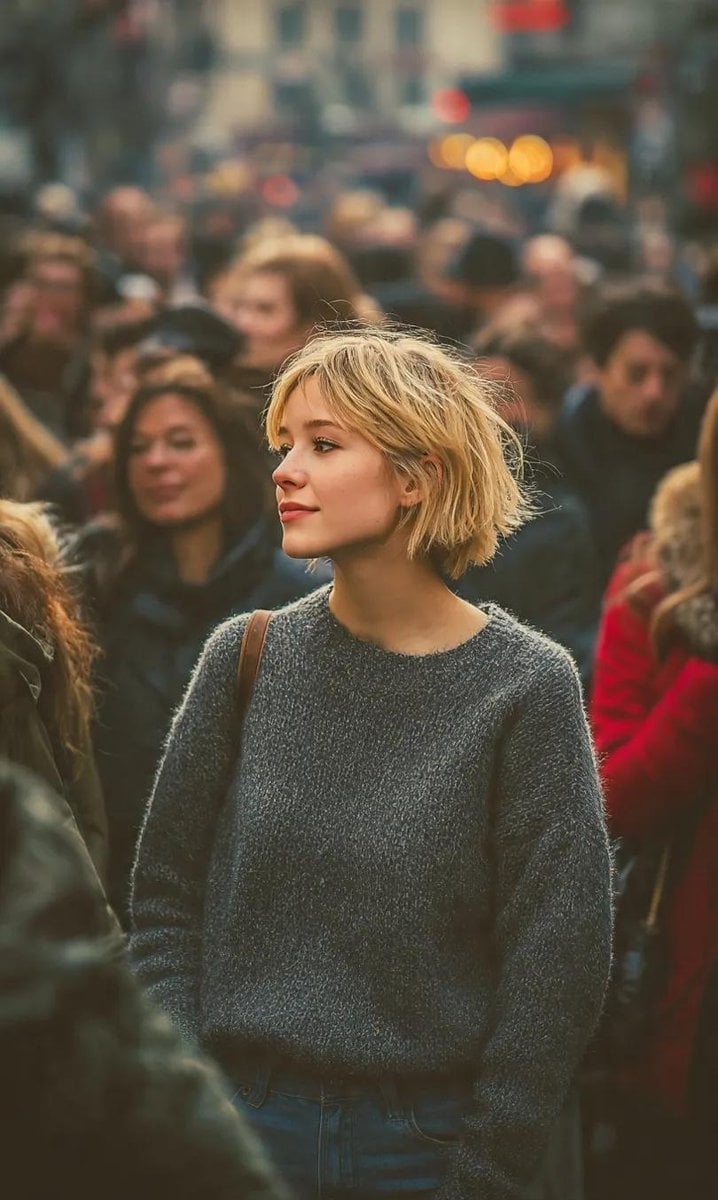
Ultra-Realistic 8K Candid Street Portrait
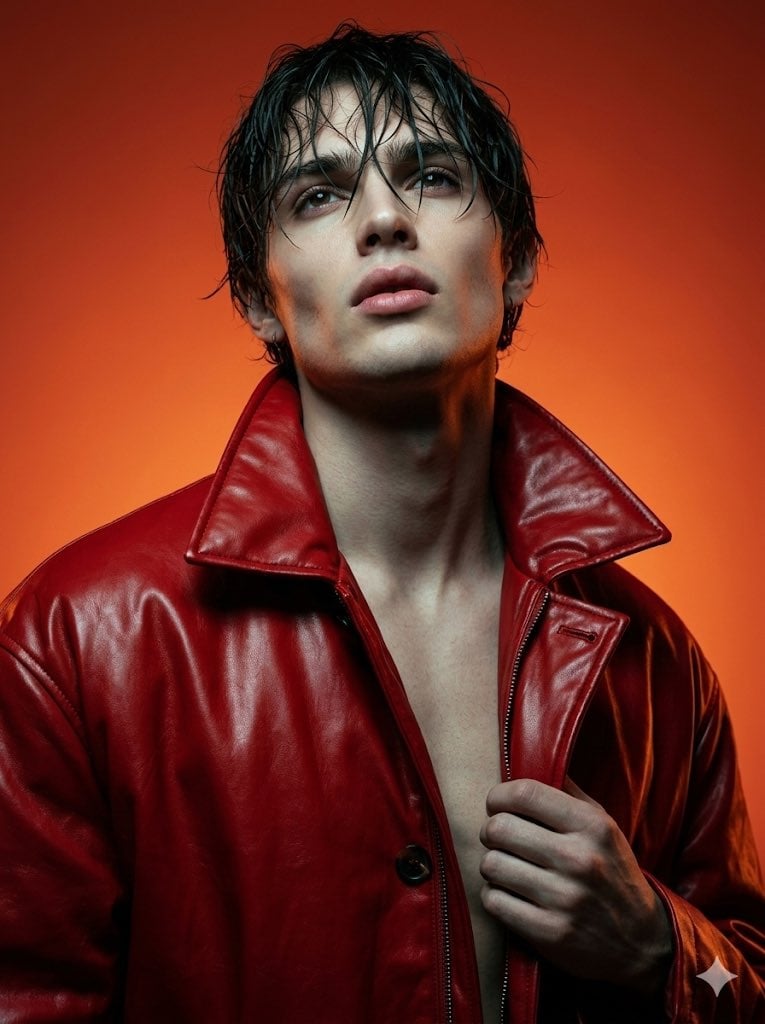
High Fashion Cinematic Androgynous Portrait
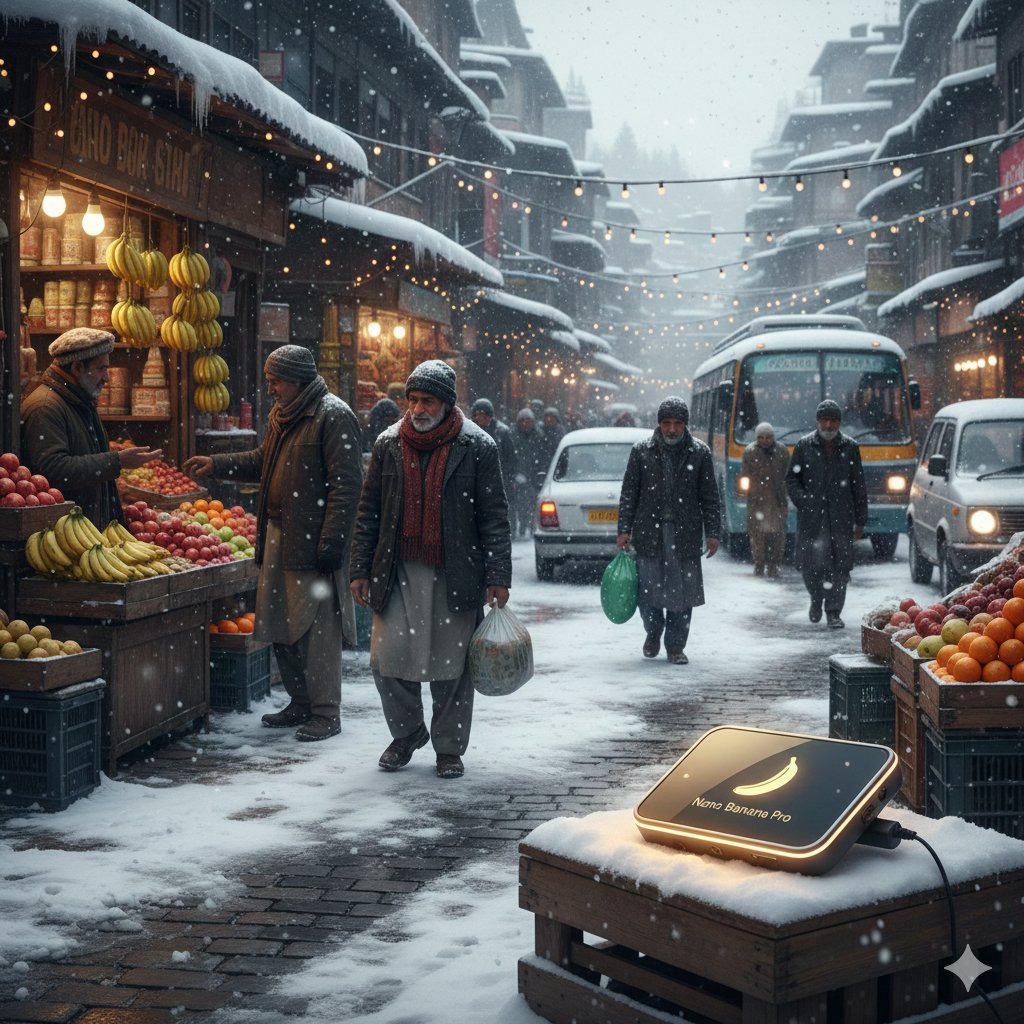
Kashmir Winter Promotional Scene Prompt

Royal Prince Potato Chips Package
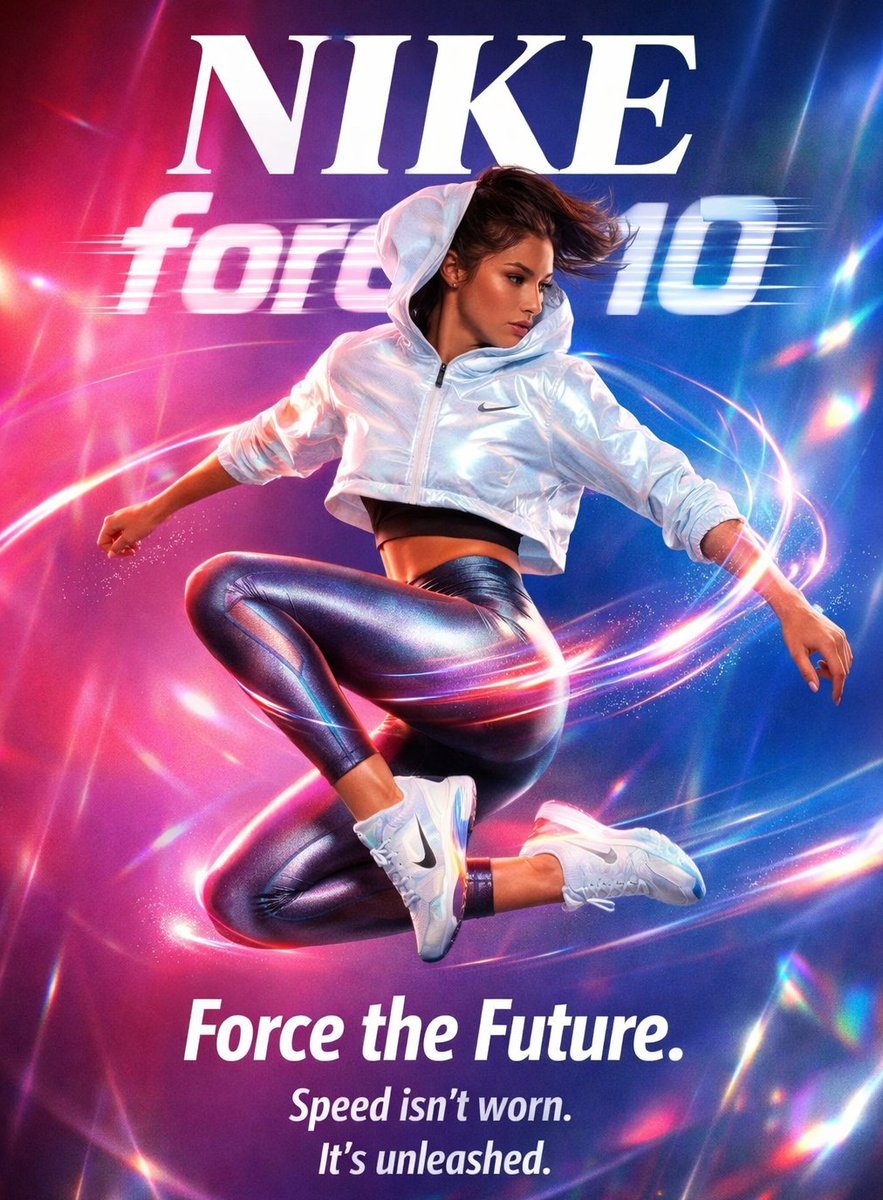
Futuristic Nike Fashion Ad with Light Trails
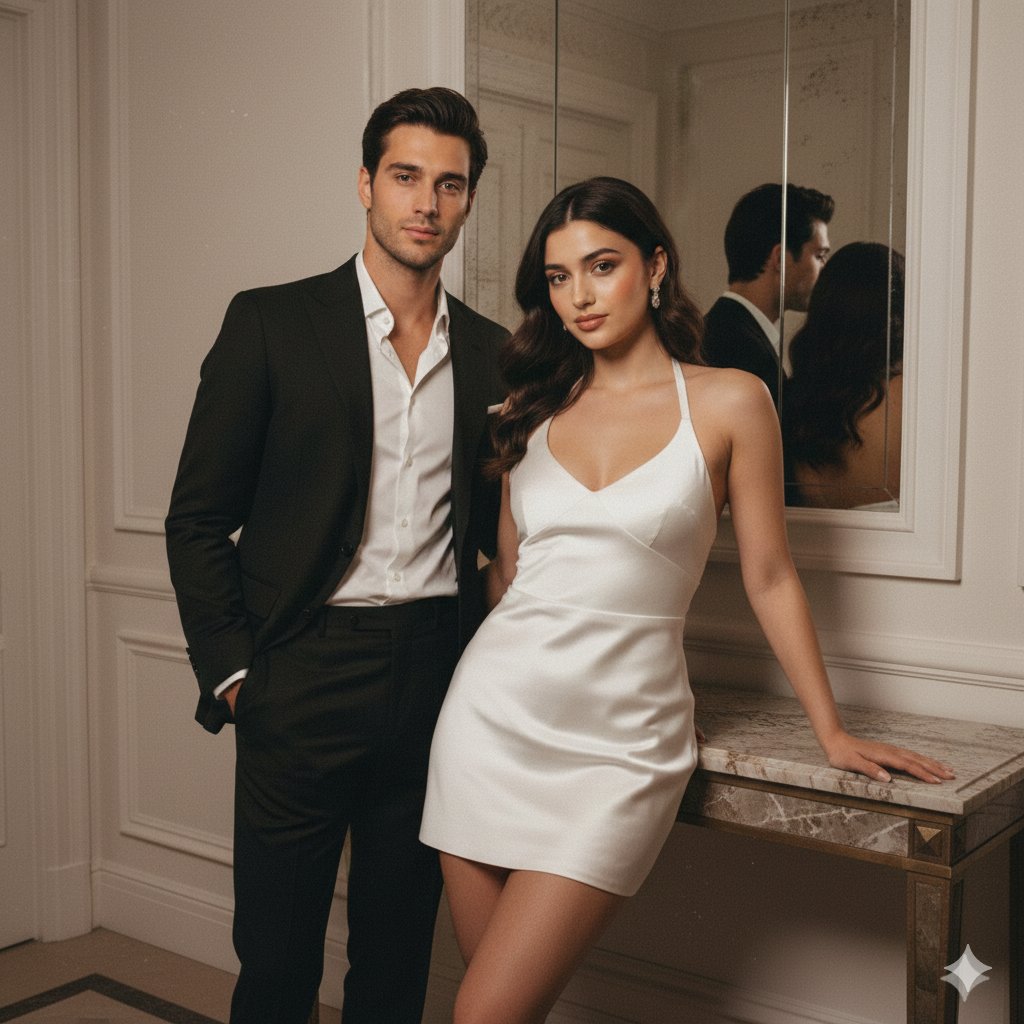
Vintage Flash Couple Portrait with Identity Lock Prompt
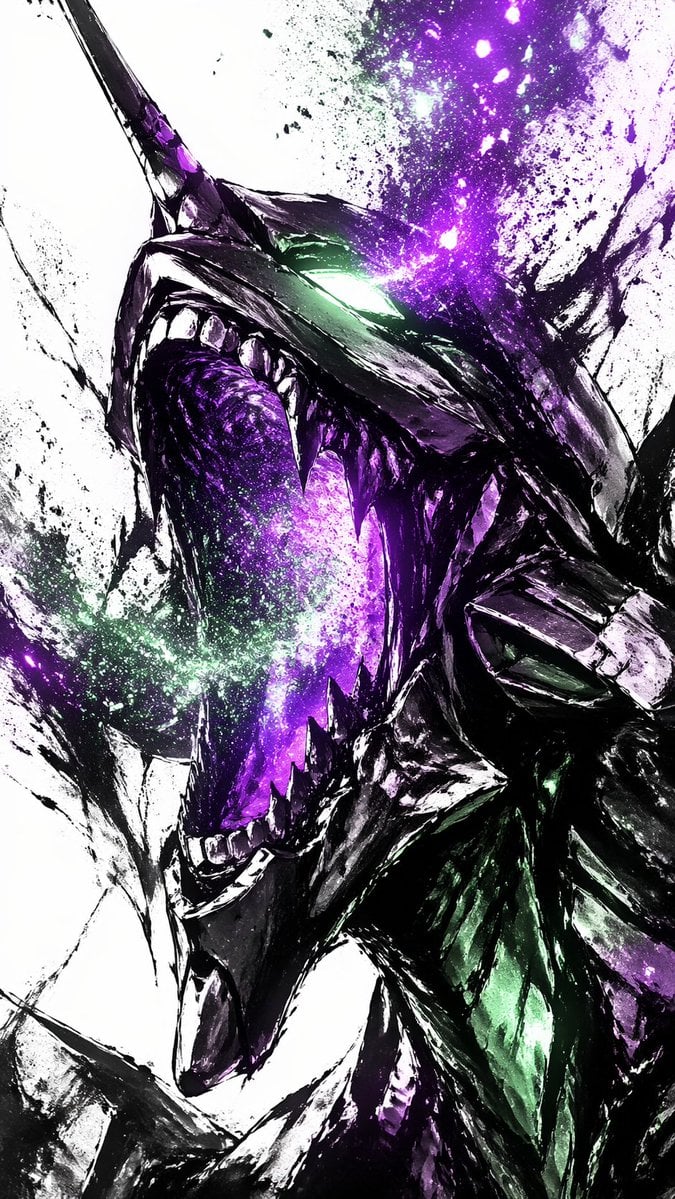
Cosmic Ink Dragon Roar
Browse template categories
Surrealist Backstage Chaos: Jenna Ortega Editorial Portrait questions
How do I use the Surrealist Backstage Chaos: Jenna Ortega Editorial Portrait template?
Add your photo if the template asks for one, edit the prompt if you like — the template's model and format are already selected — and press Generate. Your version opens in PicX Studio.
Can I customize the Surrealist Backstage Chaos: Jenna Ortega Editorial Portrait template?
Yes. You can change the subject, setting, lighting, mood, format, and available model controls before creating your image.
Is the Surrealist Backstage Chaos: Jenna Ortega Editorial Portrait template free?
Opening and editing this template is free. Generating uses credits, shown on the Generate button when you are signed in.
Which AI model should I use?
Start with Nano Banana 2, which is the model associated with this template. You can compare another compatible model for a different finish.
Looking for something else? Browse all templates.

Your photo, any look
Thousands of ready templates for every top image and video model, from one credit balance.