
Realistic Interior to Transparent Miniature Diorama Prompt
This is the second part of the two-step prompt sequence, using the previously generated realistic interior image as a reference.
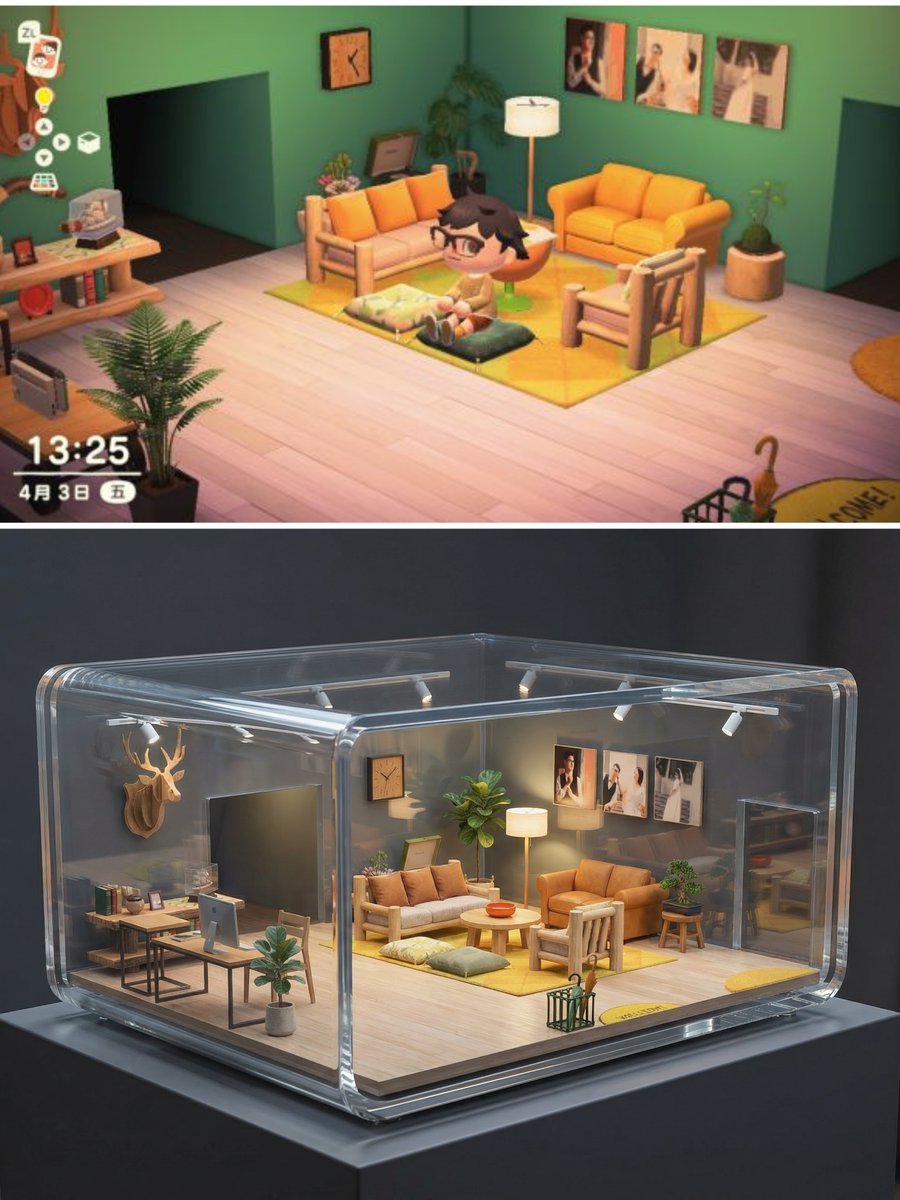
- Prompt included
- Model and format preset
- Free template
The prompt behind this image
Copy the exact prompt behind Realistic Interior to Transparent Miniature Diorama Prompt, or open it in the studio and make it yours.
基于上传的“现实室内空间”参考图,生成一座“透明迷你小屋展示模型”。 【核心展示概念】 - 将原本的真实室内空间转化为一座“微缩比例的透明建筑模型” - 像博物馆中展示的建筑剖面模型 - 房屋被完整封装在透明亚克力 / 玻璃外壳中 - 室内结构与家具完全可见 【结构与布局(必须严格保留)】 - 严格继承参考图中的室内布局与比例 - 墙体位置、家具摆放、动线关系完全一致 - 房间被整体缩小为迷你比例(如 1:10 / 1:12) - 这是比例缩放,不是重新设计 【透明外壳设计】 - 外部为高透明度亚克力或玻璃材质 - 边角圆润,厚度清晰可见 - 局部采用剖切 / 切角结构,方便观察内部 - 透明外壳不遮挡主要室内视线 【室内表现(微缩但真实)】 - 所有家具按比例缩小 - 材质依然真实:木纹、布艺、金属 - 保留现实生活感,而非玩具感 - 灯具、植物、摆件清晰可见 【灯光系统(重点)】 - 室内暖色微光灯(如模型灯) - 外部中性或冷色展示灯 - 形成内暖外冷的高级展示对比 - 轻微发光但不刺眼 【展示环境】 - 放置在极简展台 / 博物馆展示台上 - 背景干净(浅灰 / 深灰 / 黑色) - 有真实比例参照(如展台阴影) 【视觉风格】 - 超写实 - 高级工业设计感 - 像 Apple / Muji / 建筑事务所的展示作品 - 非玩具风,非卡通风 【摄影与构图】 - 专业产品摄影或建筑模型摄影 - 中近景构图,略微俯视 - 景深,背景虚化 - 清晰对焦在透明小屋本体 【技术要求】 - 超高清细节 - 高折射率真实玻璃表现 - 正确反射与透视 - 无人物、无文字、无水印 作为艺术装置展示,具有当代设计与收藏价值 治愈、精致、让人一眼停住的视觉效果 避免玩具质感,避免塑料感,强调建筑模型与工业设计质感 高透明度、清晰折射边缘、干净玻璃 室内灯光清晰可见,像微缩模型灯光系统
How to use Realistic Interior to Transparent Miniature Diorama Prompt in 3 steps
- 1
Open
The prompt is already in the box next to the preview, with the template's model and format selected.
- 2…a portrait of your subject in softgolden-hour light, 85mm…
Personalize
Edit the subject and creative details for your destination.
- 3Generate
Generate
Press Generate — your image is created in PicX Studio, so you can compare it with the original and refine one variable at a time.
More like this
Templates with the same subject, style or setup. Open one to see its prompt.

Isometric Brand Store Diorama

Miniature Sick Day Diorama

Stylized Miniature 3D Diorama Craft

Cozy Isometric Bathroom Miniature Diorama

Paper Tunnel Book Architecture

Layered Paper Cut Forest Diorama

Soft Handcrafted Paper-Cut Layered Illustration
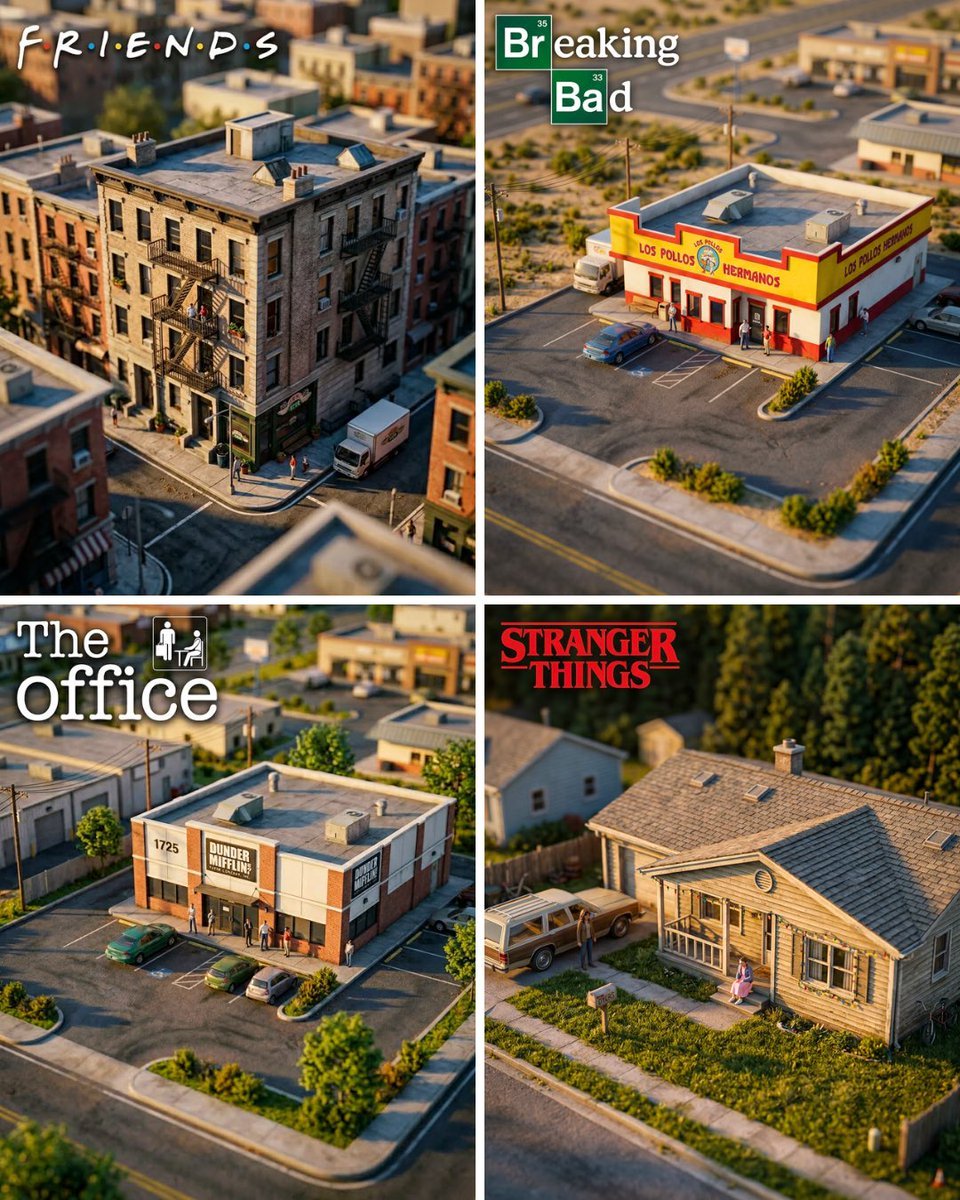
Hyper-Realistic Miniature Diorama Creator

Isometric Process Educational Diorama

FIFA World Cup — Brazil National Pass Diorama
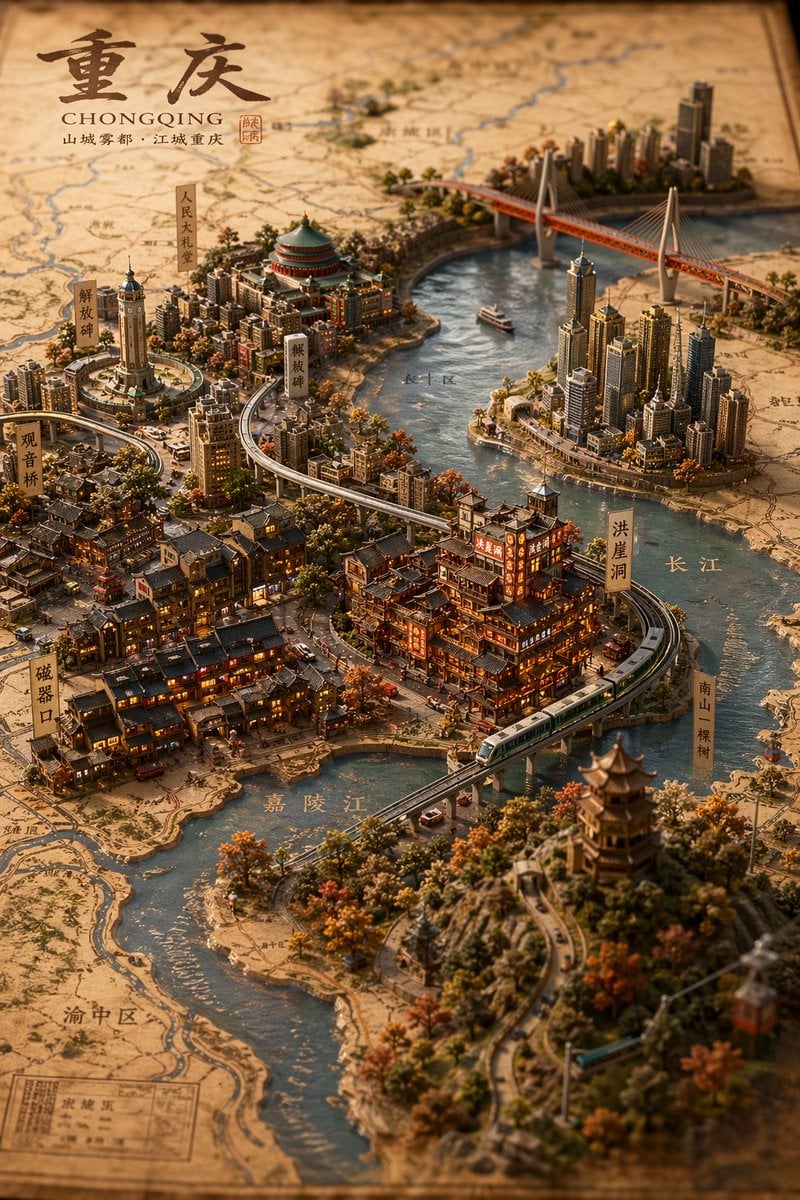
Miniature 3D City Diorama Map
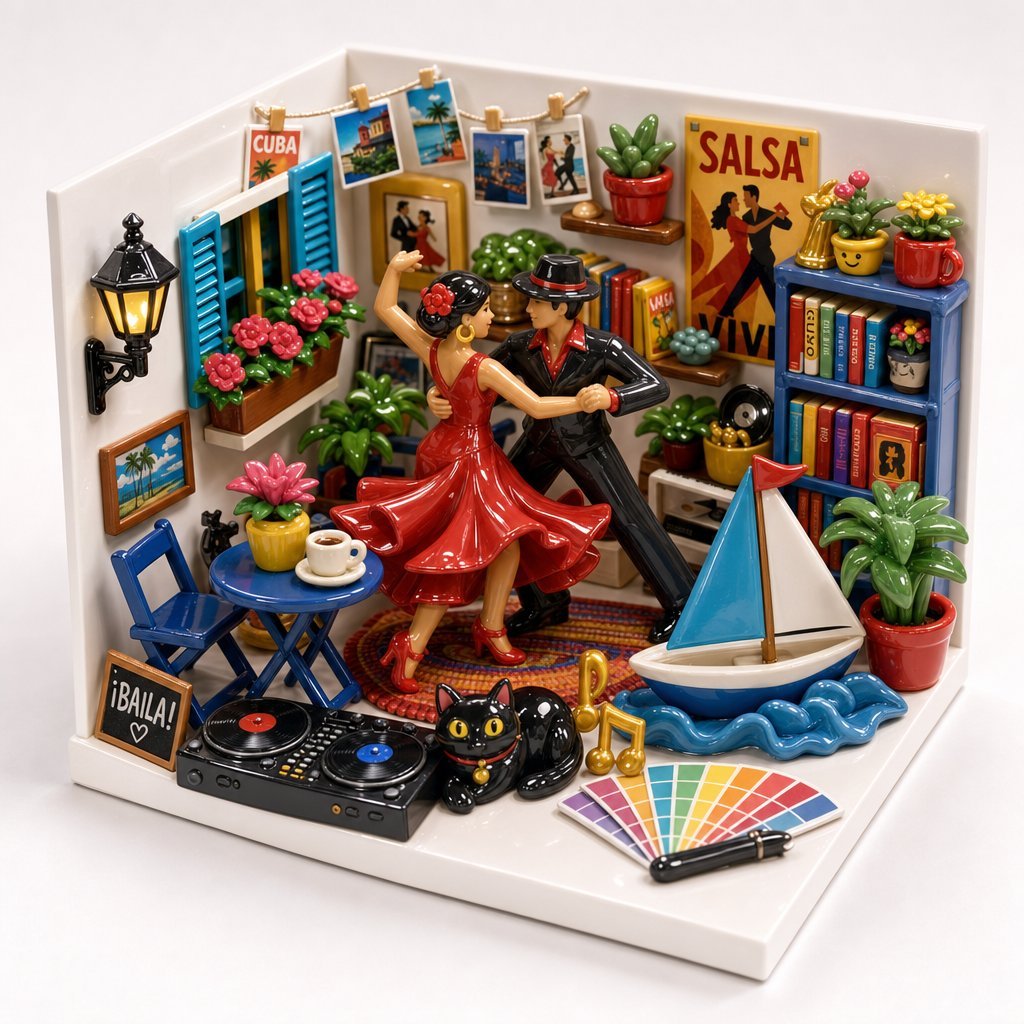
Miniature Salsa Box Garden Diorama
Make it yours
Realistic Interior to Transparent Miniature Diorama Prompt works as-is. These are the safest ways to change it without losing the look.
Change one field
Copy a single group, rewrite it, and generate again so you can see what that field is doing.
Keep the frame, change the subject
Hold the composition and light of Realistic Interior to Transparent Miniature Diorama Prompt, then swap wardrobe, props or the person for a new take.
| If the result… | Why | Fix |
|---|---|---|
| The result drifts from the preview | Too many fields changed at once. | Reuse Realistic Interior to Transparent Miniature Diorama Prompt as-is first, then change one group — subject, light, or setting. |
| The model over-stylizes the scene | The prose prompt leaves finish and camera underspecified. | Add one camera or lighting sentence and stay on Nano Banana 2. |
More Nano Banana 2 templates
Other prompts made for Nano Banana 2.

Photorealistic Leaf Shaped Like a Dragon

K-Pop Idol Portrait Grid for Rapid Selection

Poetic Rain Forest Portrait During Golden Hour

Urban Street Portrait with Cartoon Inner Self Duo

Candid Nighttime Photo with Cat Prompt

High-Concept 3D Diorama Generation Prompt

Cinematic Futuristic Studio Portrait Template

Skincare Editorial Photography Collage Prompt

Hyper-Realistic Commercial Product Photography (Splash Effect)

Hyper-Realistic Nightclub Portrait Prompt
More image prompts
Fresh picks from across the catalog.
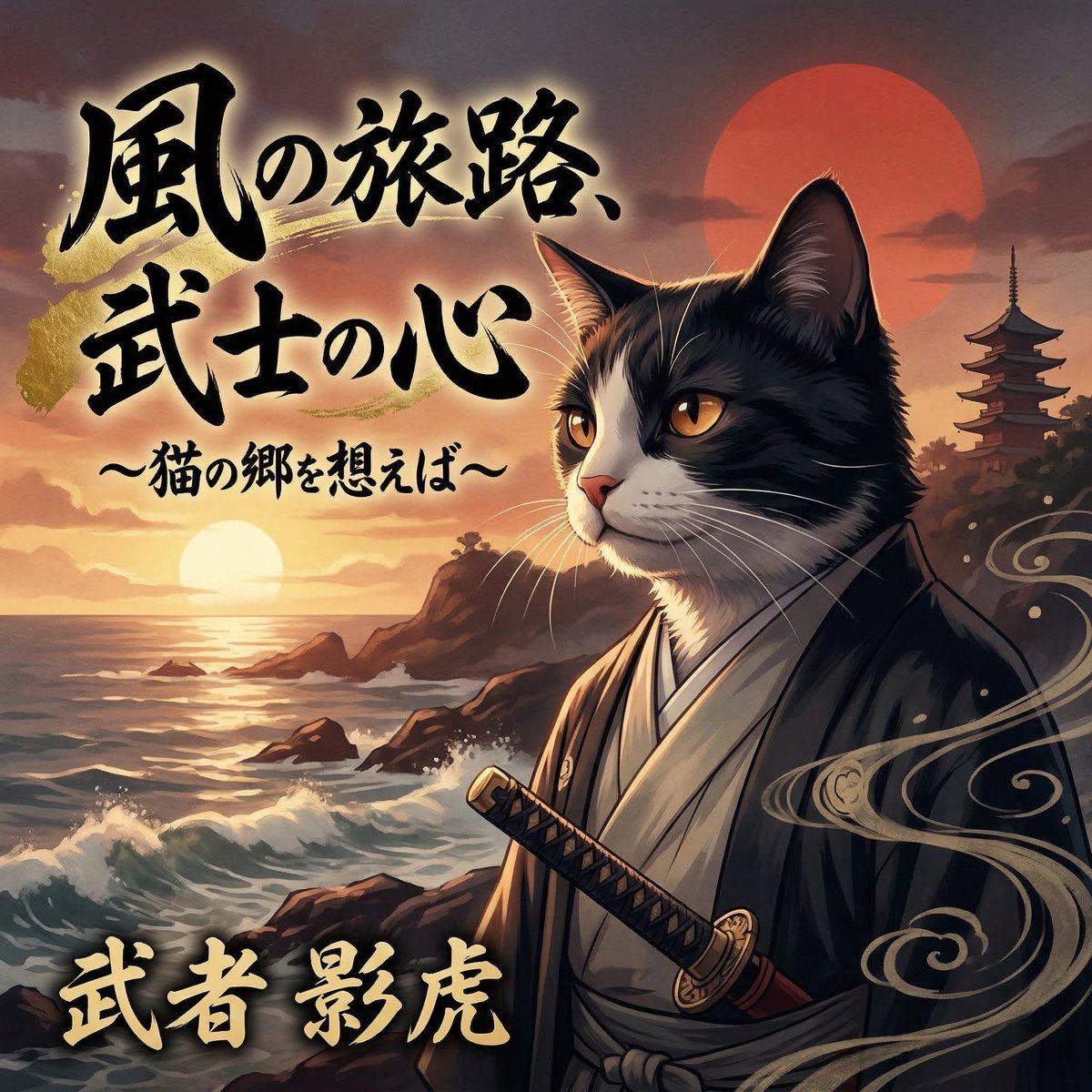
Enka CD Jacket Design with Nano Banana 2
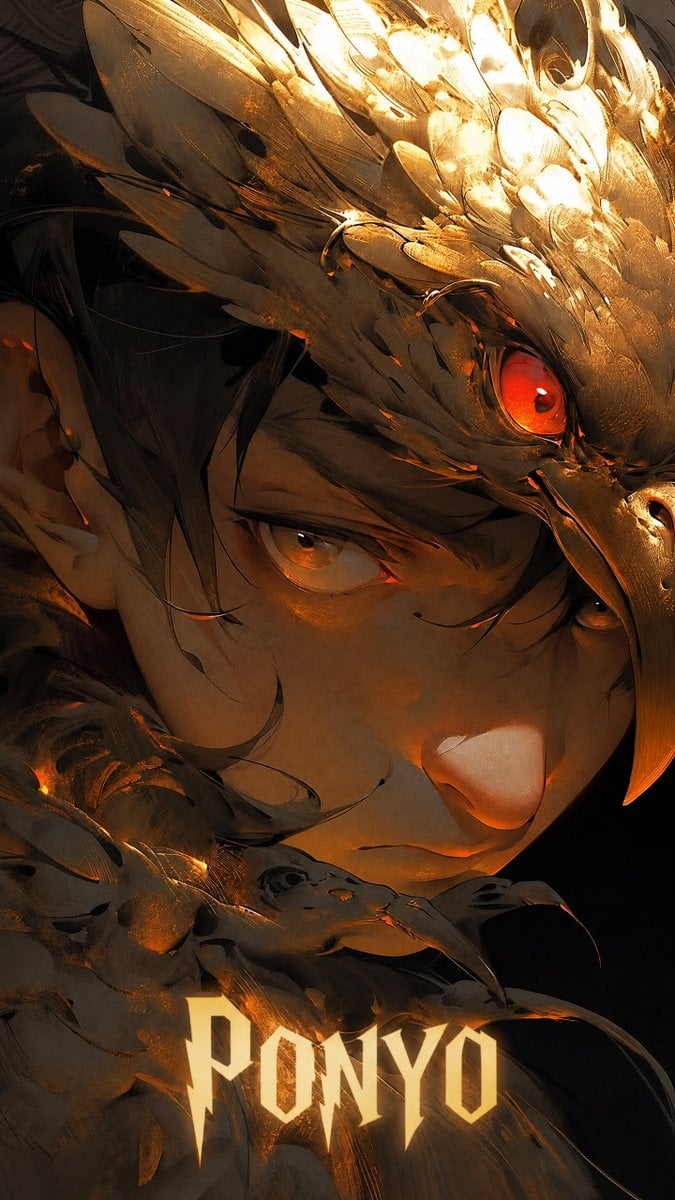
Dark Raven Armor Anime Portrait
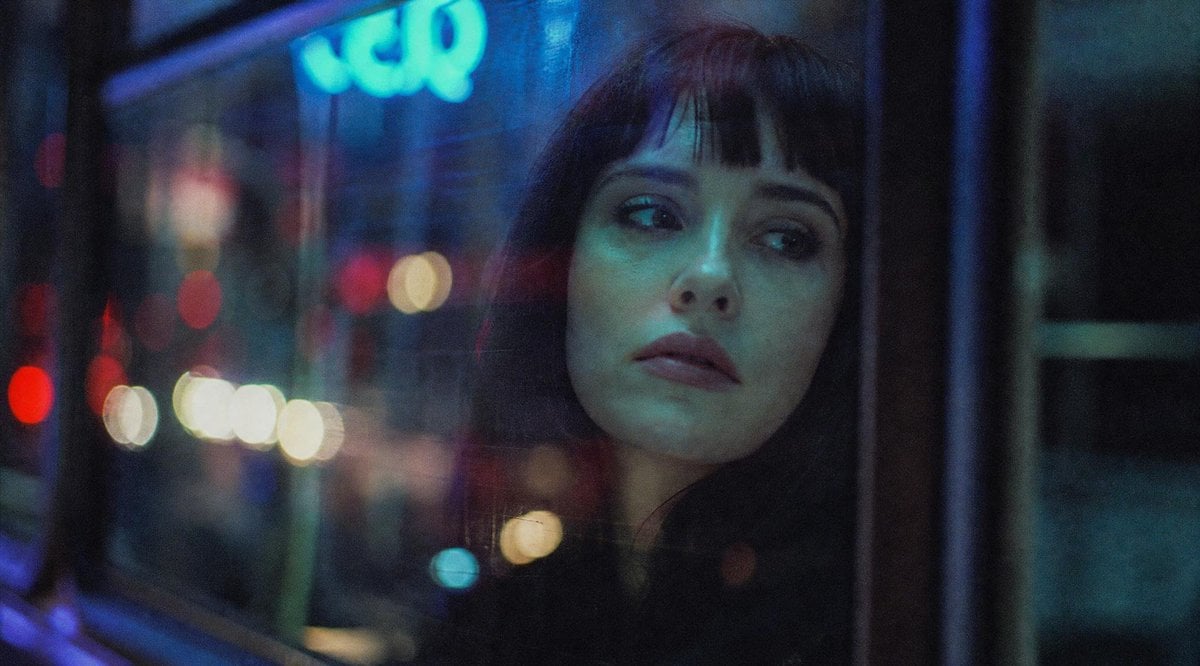
Censored Night Bus Window Scene
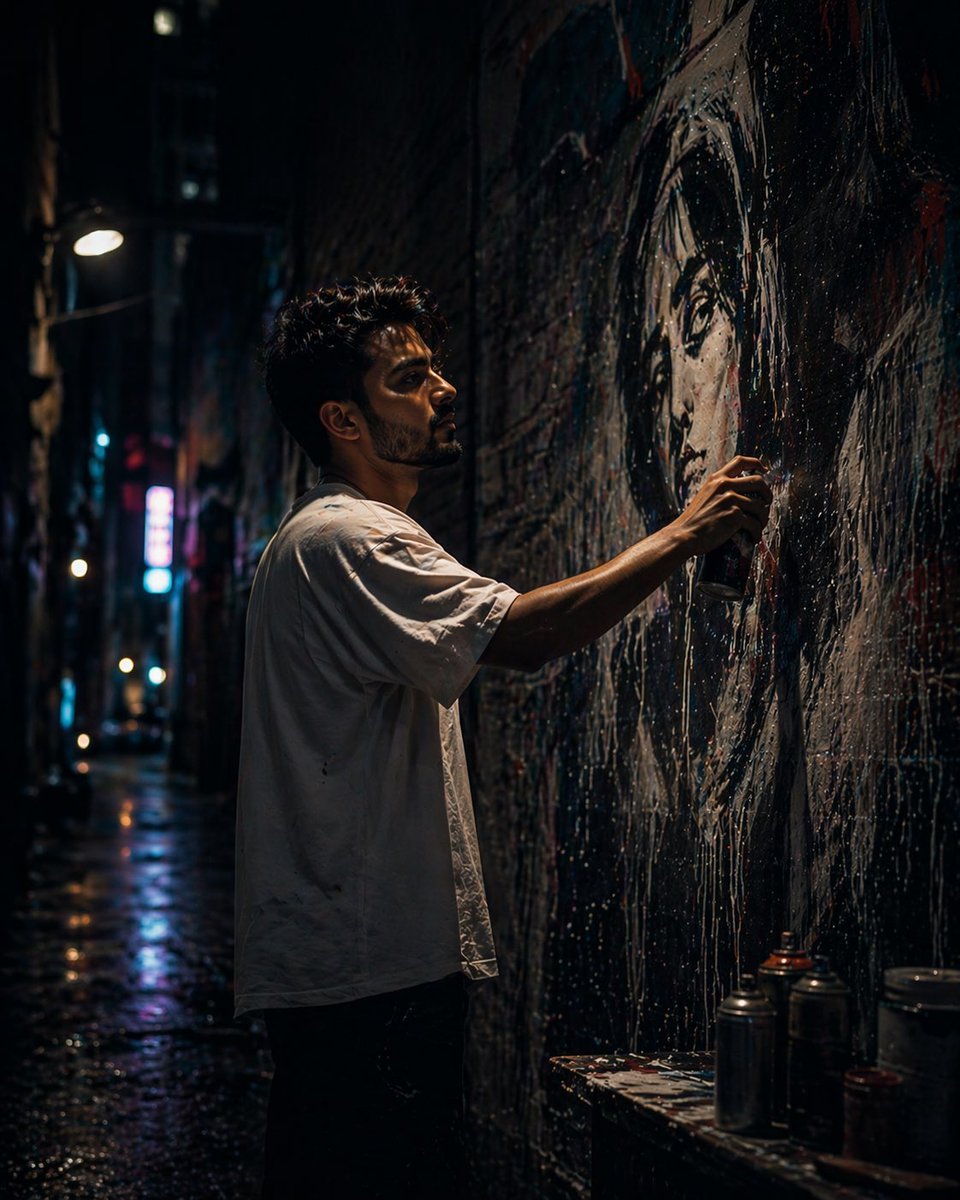
Urban Alley Mural Artist
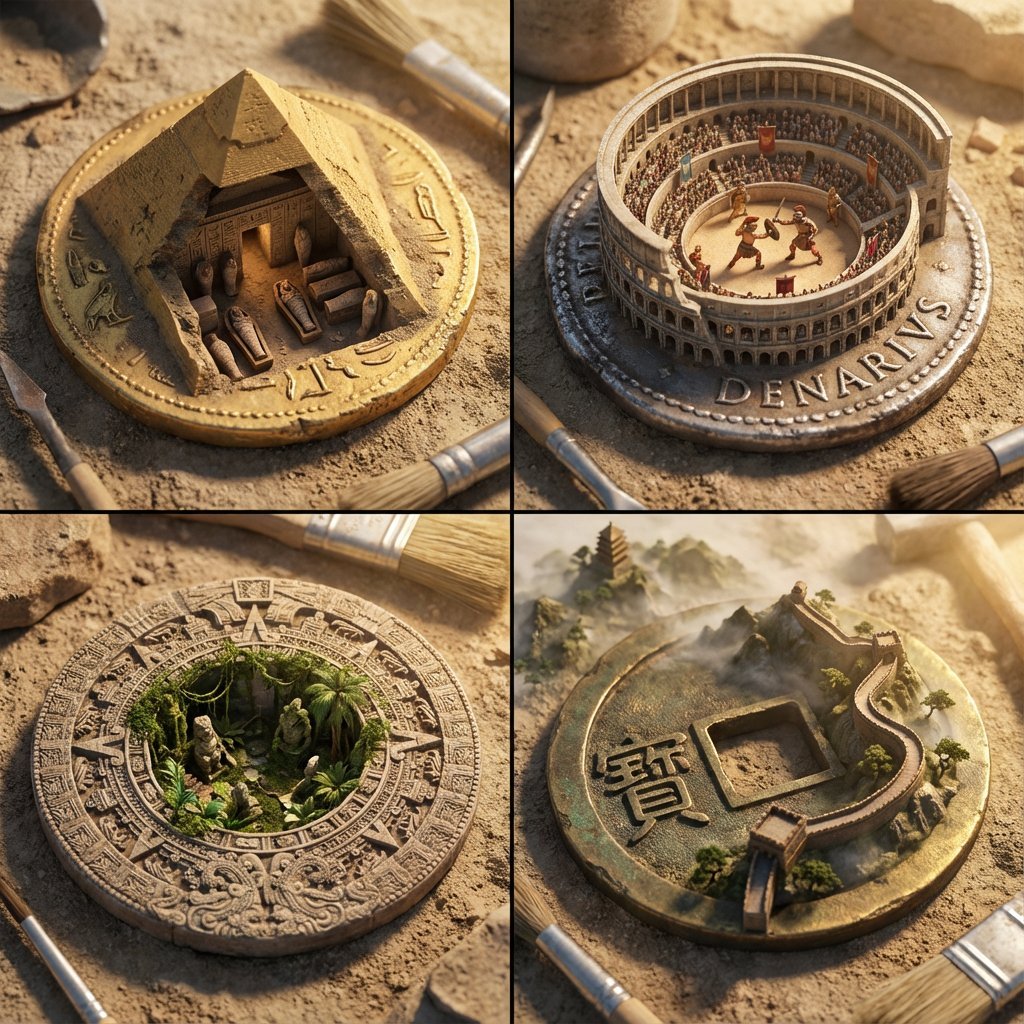
Architectural Diorama Coin Art Grid Prompt
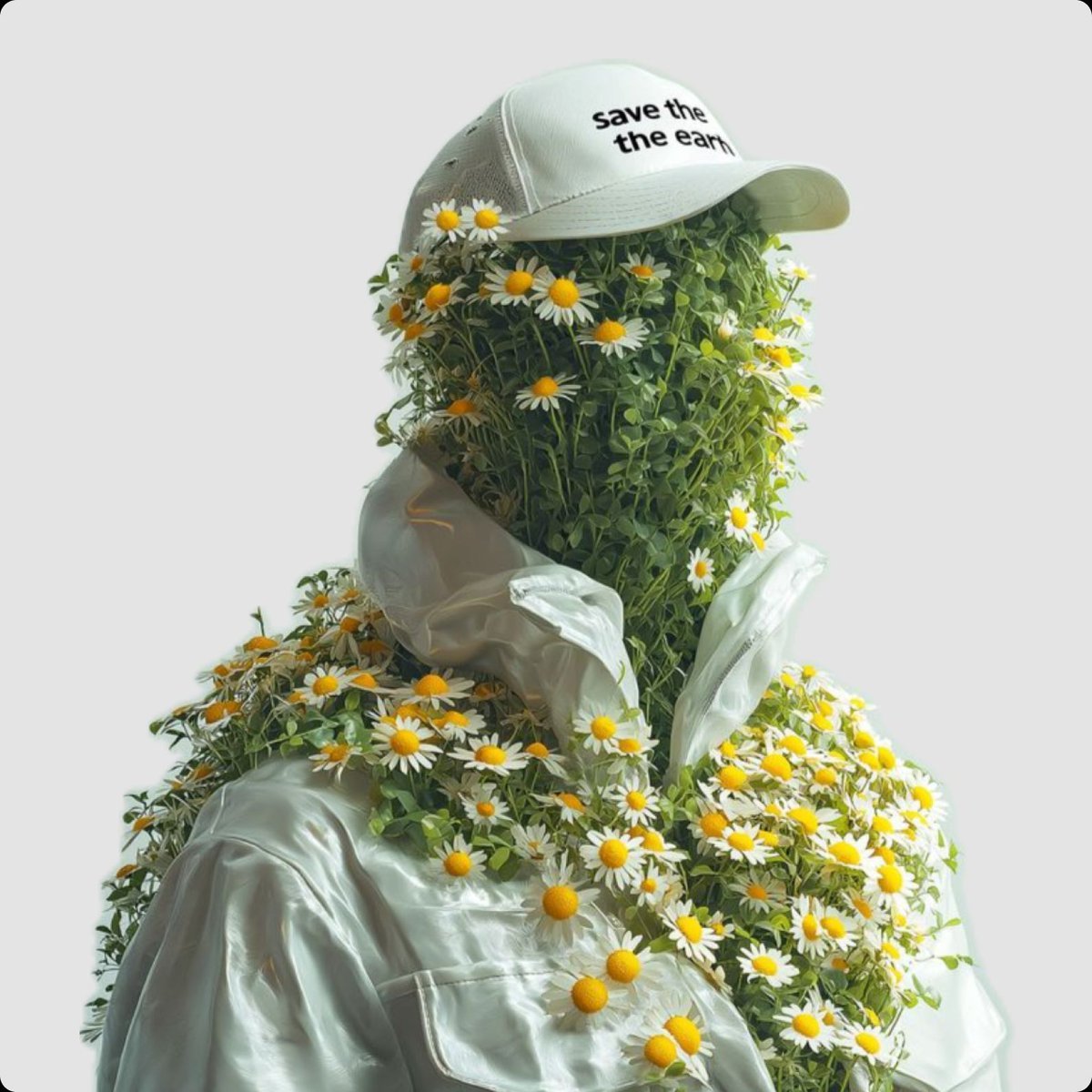
Surreal Portrait of Humanoid Covered in Grass and Daisies
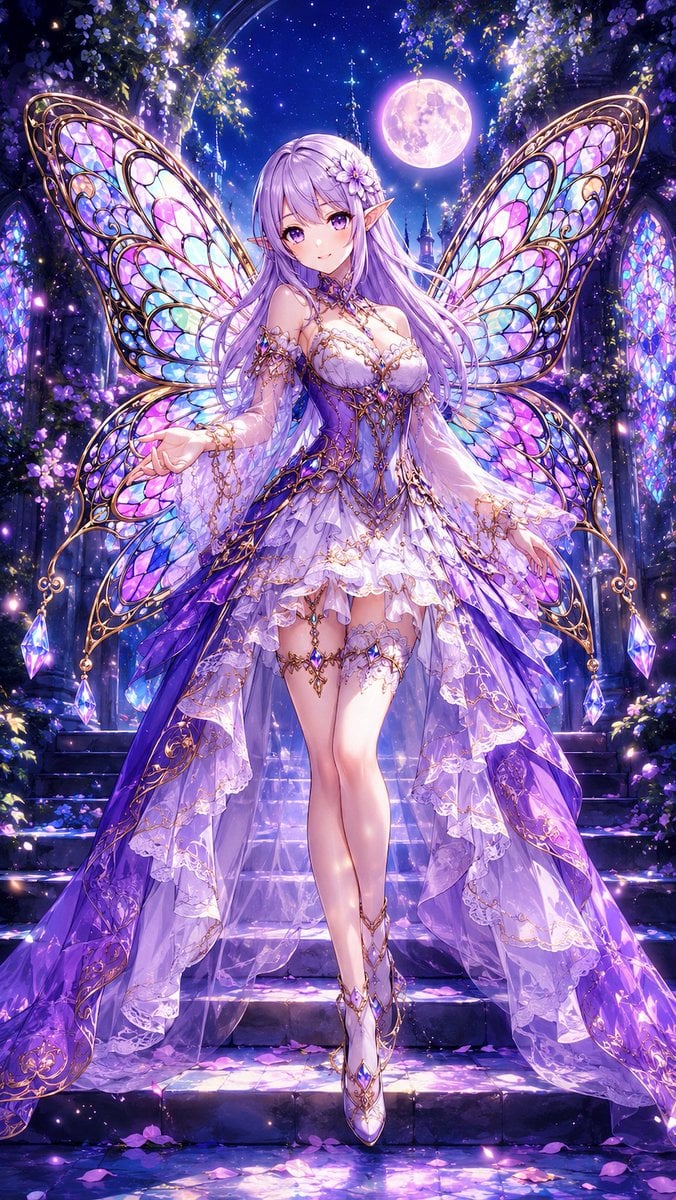
Aisha Wing Character Transformation
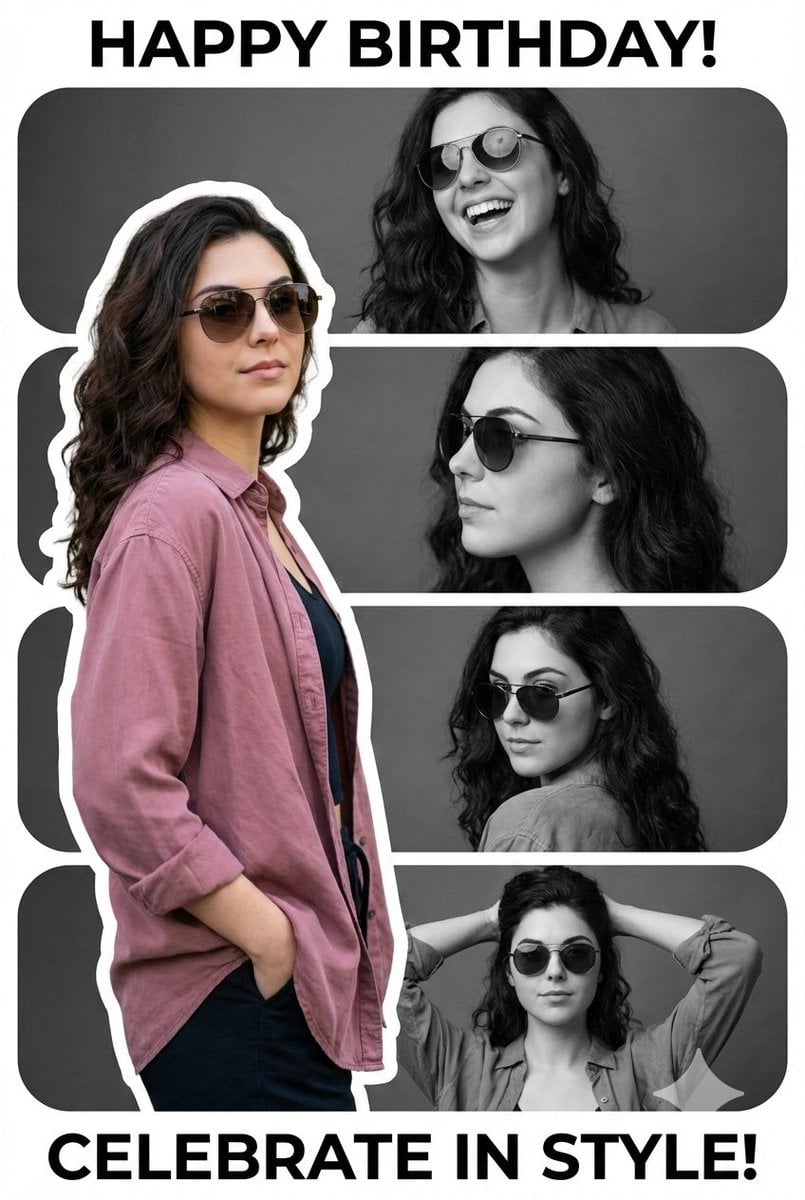
Vertical Birthday Poster Collage with Cinematic Monochrome Photos
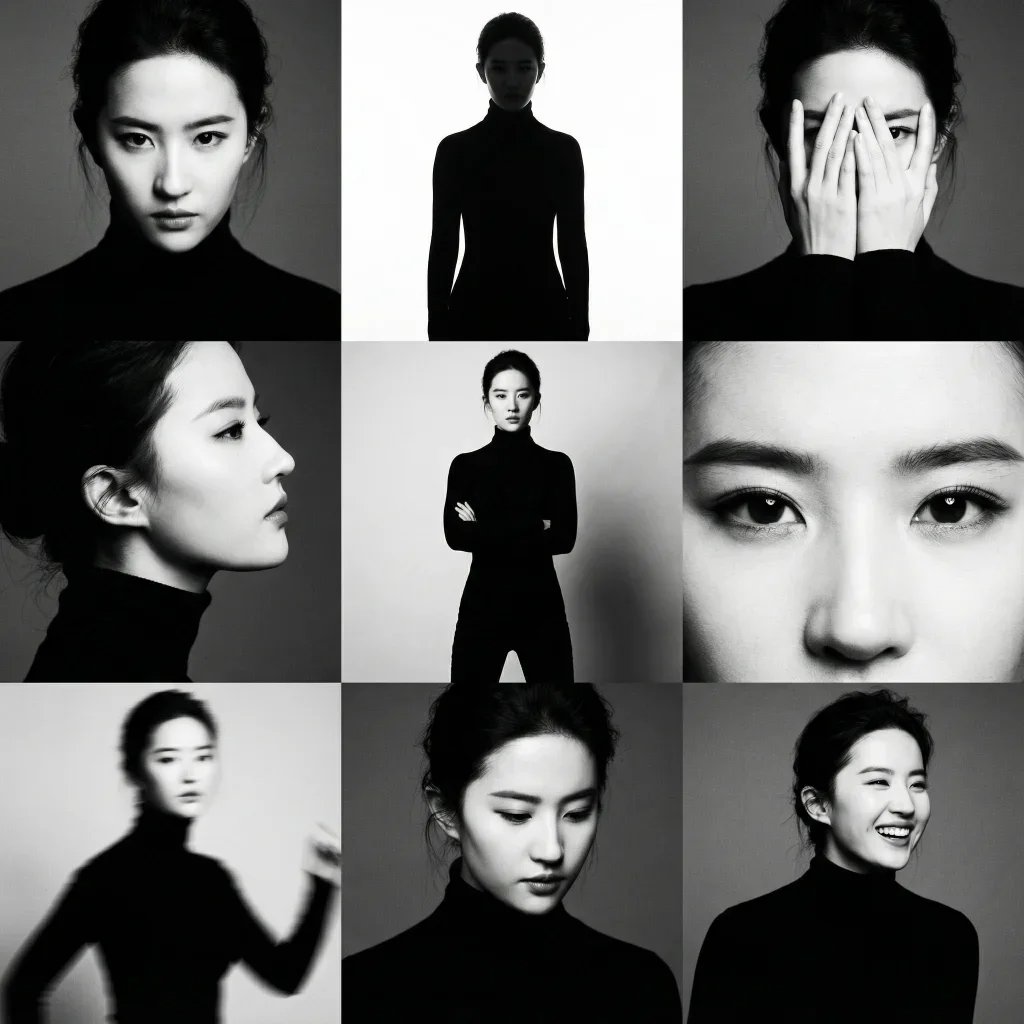
3x3 Black and White Photo Collage
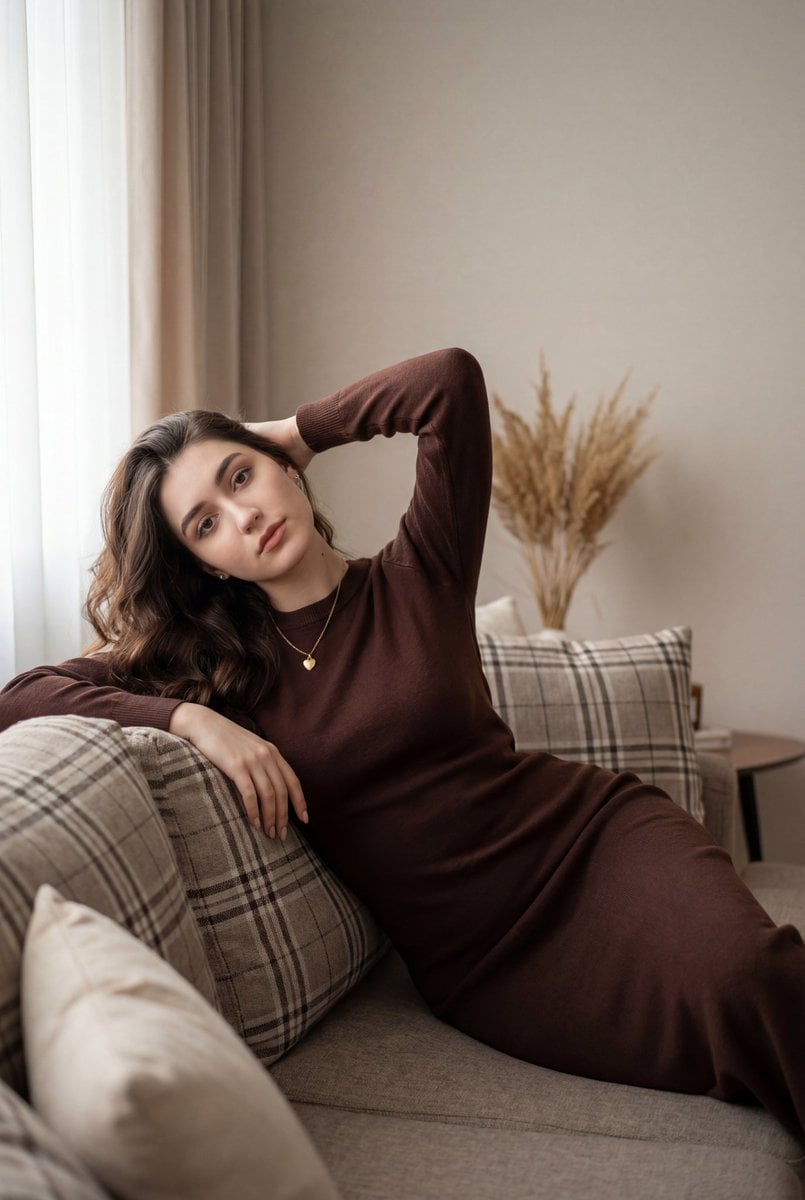
Cozy Indoor Lifestyle Portrait
Browse template categories
Realistic Interior to Transparent Miniature Diorama Prompt questions
How do I use the Realistic Interior to Transparent Miniature Diorama Prompt template?
Add your photo if the template asks for one, edit the prompt if you like — the template's model and format are already selected — and press Generate. Your version opens in PicX Studio.
Can I customize the Realistic Interior to Transparent Miniature Diorama Prompt template?
Yes. You can change the subject, setting, lighting, mood, format, and available model controls before creating your image.
Is the Realistic Interior to Transparent Miniature Diorama Prompt template free?
Opening and editing this template is free. Generating uses credits, shown on the Generate button when you are signed in.
Which AI model should I use?
Start with Nano Banana 2, which is the model associated with this template. You can compare another compatible model for a different finish.
Looking for something else? Browse all templates.

Your photo, any look
Thousands of ready templates for every top image and video model, from one credit balance.