
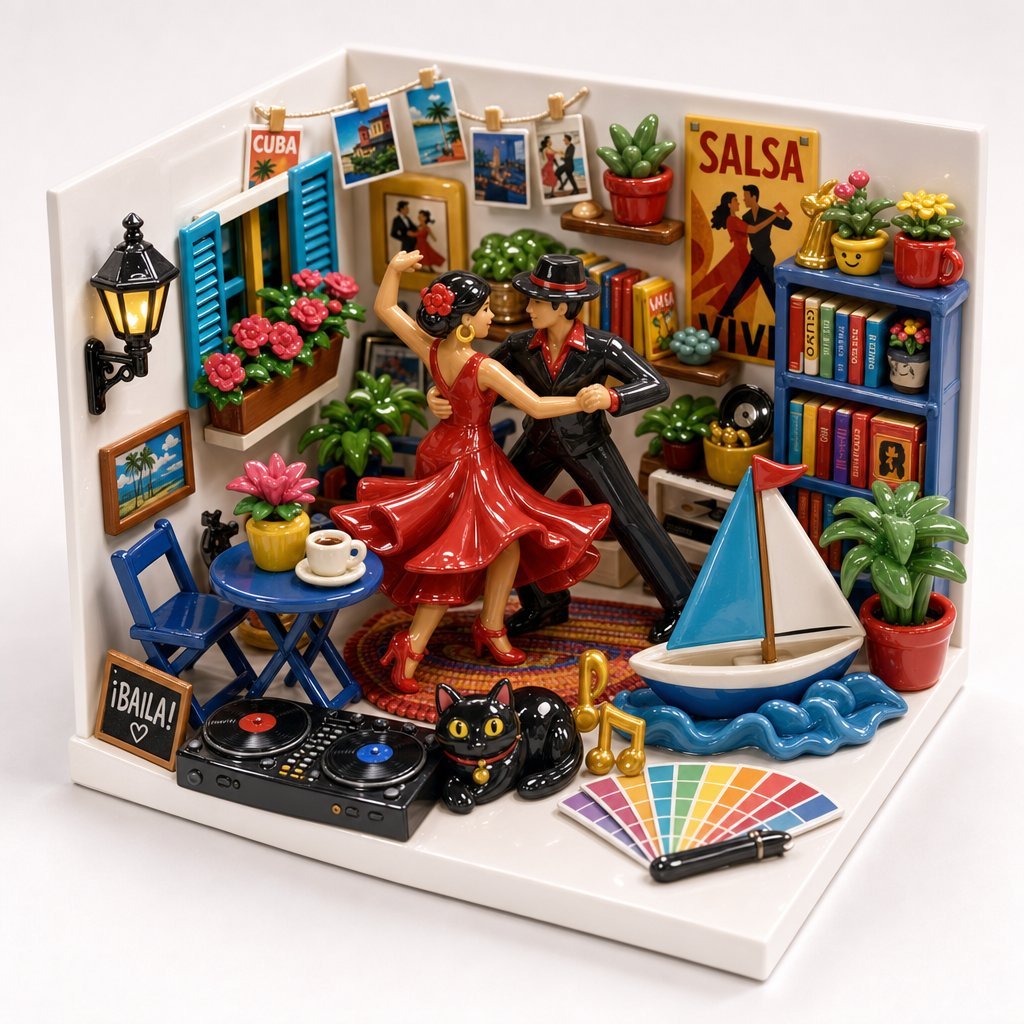
Miniature Salsa Box Garden Diorama
A detailed prompt for generating a glossy miniature diorama filled with salsa dancers, Cuban travel motifs, music gear, plants, books, and playful hobby objects.
- Prompt included
- Model and format preset
- Free template
The prompt behind this image
Copy the exact prompt behind Miniature Salsa Box Garden Diorama, or open it in the studio and make it yours.
Goal: Create a glossy miniature 3D diorama, like a handcrafted ceramic toy “box garden,” filled with salsa dancing, Cuban travel, music, plants, and colorful personal-favorite objects. Canvas: Square 1:1 image, front-facing three-quarter view of a small white corner room on a white base, photographed like a high-end product shot against a clean pale background. Use soft studio lighting, crisp focus, bright saturated colors, shiny enamel/plastic/ceramic textures, and charming miniature scale. Main subject: In the center, place exactly 2 salsa dancers: a woman in a flowing glossy {argument name="dress color" default="red"} salsa dress with matching heels, hair in a bun with red flowers, and a man in a shiny black suit with a red shirt and black fedora. They are mid-dance in a dramatic close embrace, one arm raised, posed on a small round patterned rug. Room layout and counted objects: Build a cozy L-shaped corner room with exactly 2 white walls and 1 white floor base. Include exactly 1 blue shuttered window on the left wall with flower boxes. Include exactly 1 black wall lantern, exactly 1 framed tropical beach picture, exactly 1 small chalkboard sign reading “¡BAILA!” with a heart, exactly 1 blue folding chair, exactly 1 round blue café table, exactly 1 white coffee cup on a saucer, and exactly 1 yellow potted pink flower on or beside the table. On the back wall, hang exactly 1 clothesline with exactly 5 clipped travel photos/postcards, including one that reads “CUBA.” Add exactly 1 large yellow poster on the right back wall reading “SALSA” with silhouettes of dancers and the word “LIVE” near the bottom. Music and dance details: At the front left, include exactly 1 black DJ controller/turntable console with exactly 2 visible vinyl records, one red-centered and one blue-centered. Near the front center, place exactly 1 glossy black cat figurine with bright yellow eyes, sitting beside exactly 2 golden music notes and exactly 1 black maraca-like handheld instrument. Keep the vibe playful and musical, like a tiny salsa party scene. Bookshelves and decor: On the right wall, place exactly 1 blue bookshelf with exactly 2 shelves of colorful books and small decorative items. Put exactly 3 potted plants on top of the shelf: one yellow pot with green cactus and pink flower, one red mug-shaped pot with yellow flowers, and one small green pot. Include another shelf section with books and a small face-like pot. In the room overall, include exactly 9 visible potted plants or succulent arrangements: the yellow pink-flower pot near the café table, a green plant near the dancers, a pink succulent, a red cactus pot on the back shelf, a green succulent mound behind the dancers, a yellow pot with small plant near the stereo shelf, the yellow cactus pot on the bookshelf, the red mug flower pot on the bookshelf, and a large red pot with leafy green plant at the front right. Travel and beach details: At the front right, add exactly 1 small toy sailboat with a blue triangular sail, white triangular sail, brown mast, and white hull, floating on exactly 1 stylized blue wavy water base. Near the lower right foreground, place exactly 1 fan of color swatches containing many rainbow rectangles and exactly 1 black pen or marker laid across it. Style constraints: Make everything miniature, rounded, glossy, tactile, and highly detailed, like a joyful collectible clay/ceramic diorama. Use a cheerful palette dominated by red, blue, yellow, green, and white. Ensure the scene feels packed but organized, with no human-scale realism, no blur, no dark mood, no extra text beyond the visible signs and posters, and no watermark.
How to use Miniature Salsa Box Garden Diorama in 3 steps
- 1Upload ImagePNG, JPG or paste
Add your photo
Upload the photo the template builds on. The prompt, model and format are already set.
- 2…a portrait of your subject in softgolden-hour light, 85mm…
Personalize
Edit the subject and creative details for your destination.
- 3Generate
Generate
Press Generate — your image is created in PicX Studio, so you can compare it with the original and refine one variable at a time.
More like this
Templates with the same subject, style or setup. Open one to see its prompt.

Isometric Brand Store Diorama
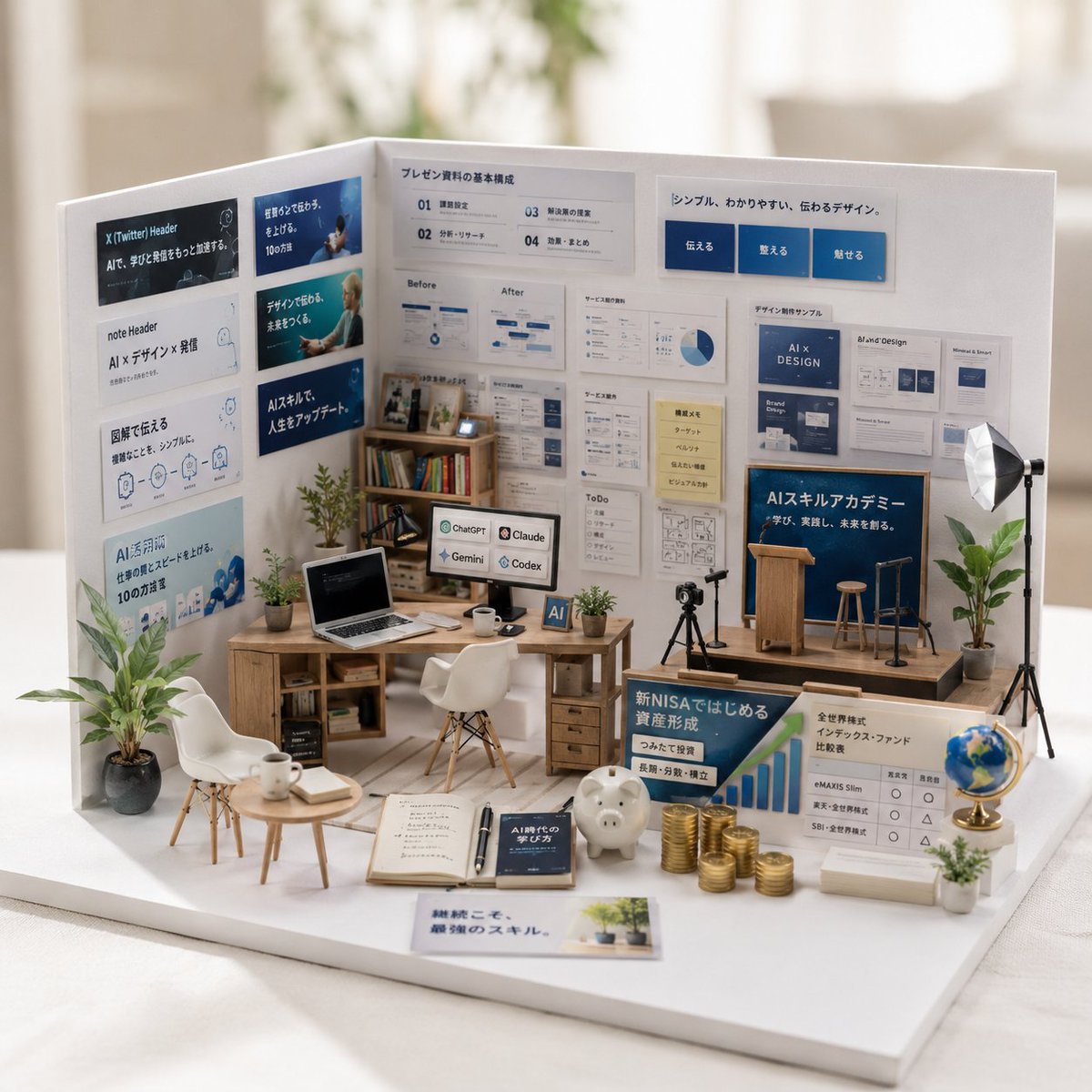
Miniature Garden Box Diorama
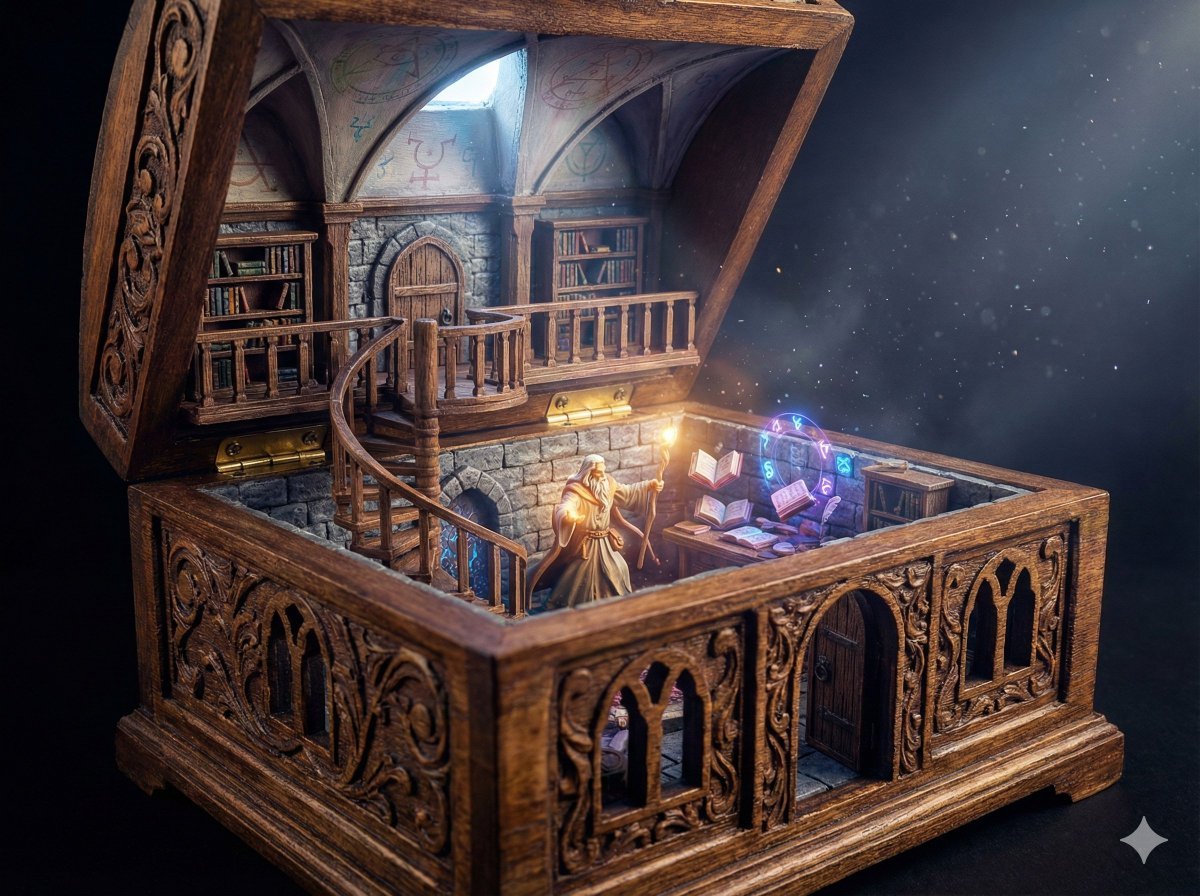
Wizard in a Box Miniature Diorama

Miniature Sick Day Diorama
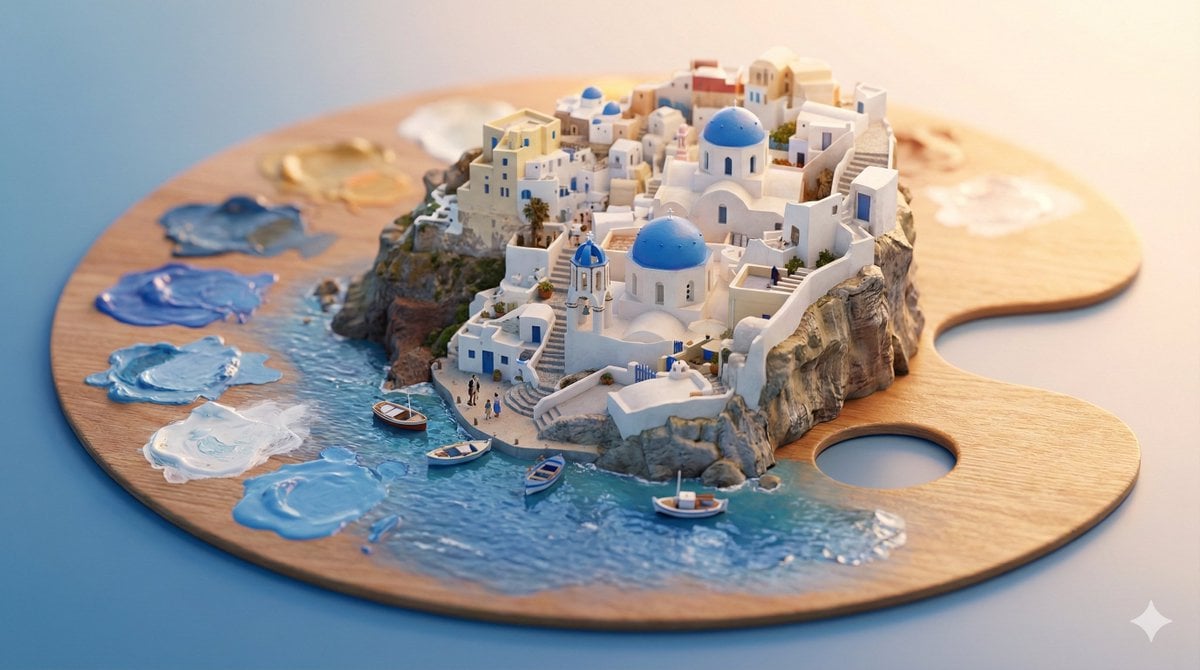
Stylized Miniature 3D Diorama Craft
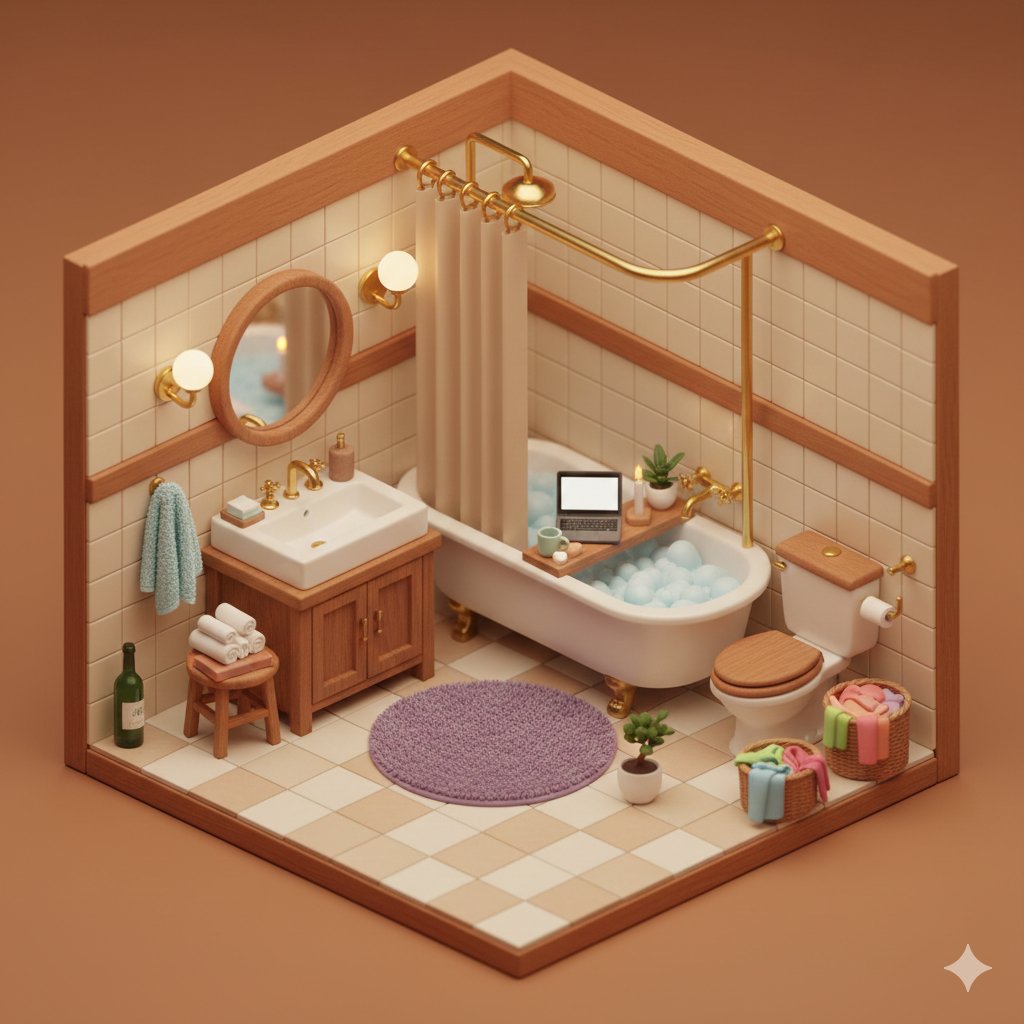
Cozy Isometric Bathroom Miniature Diorama
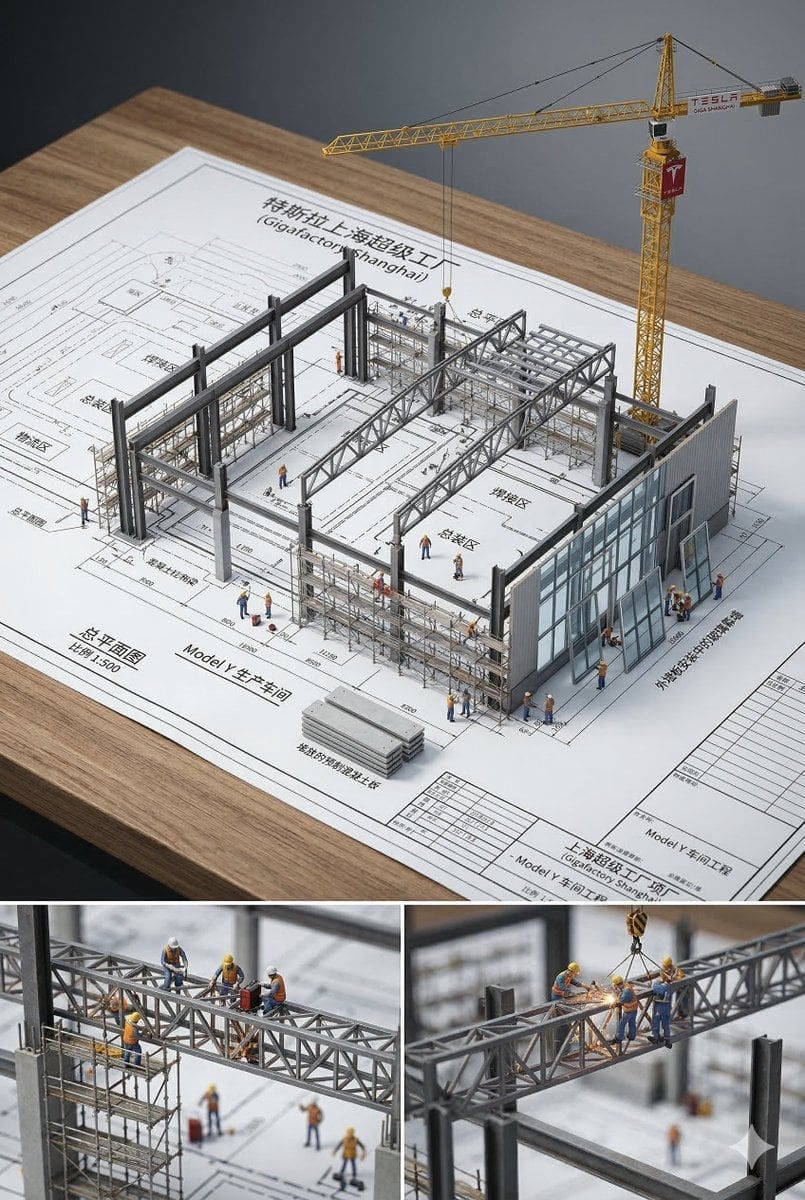
Paper Tunnel Book Architecture
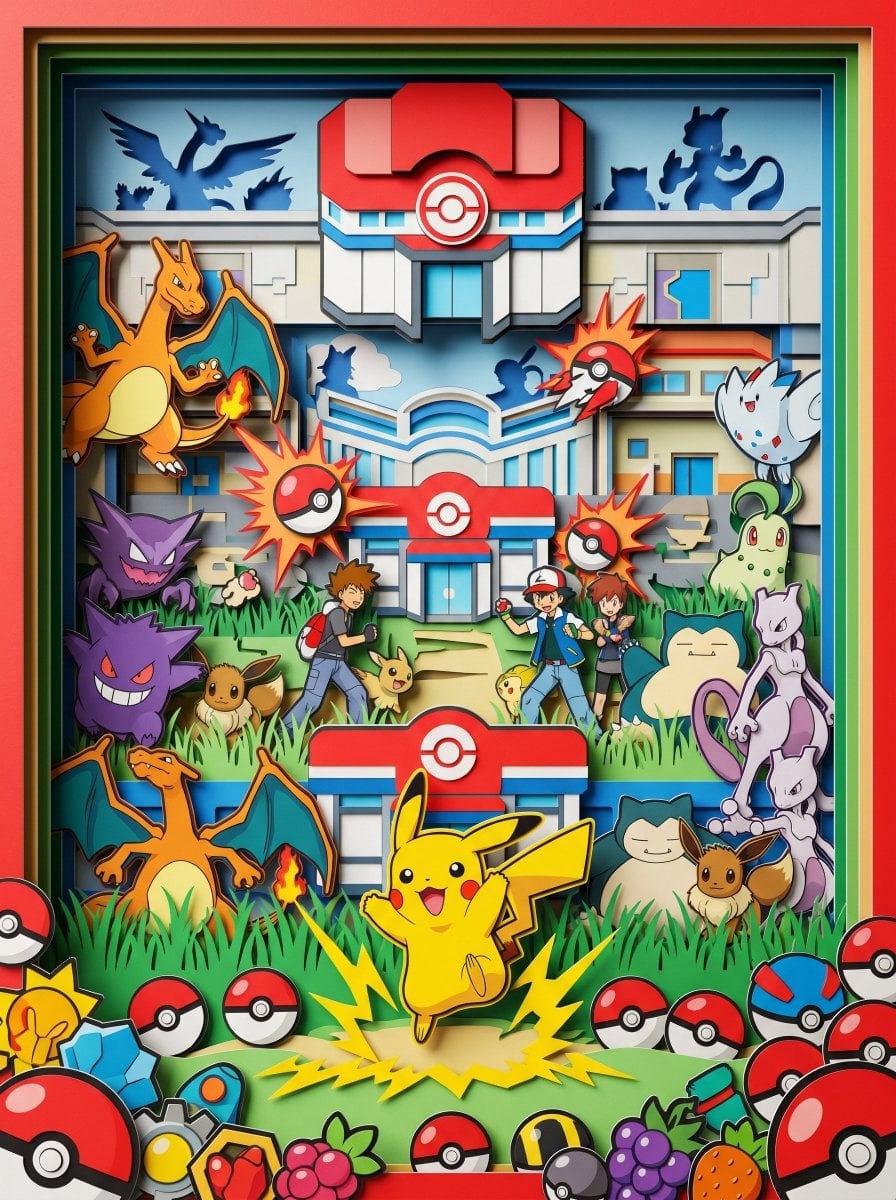
Layered Paper Cut Forest Diorama
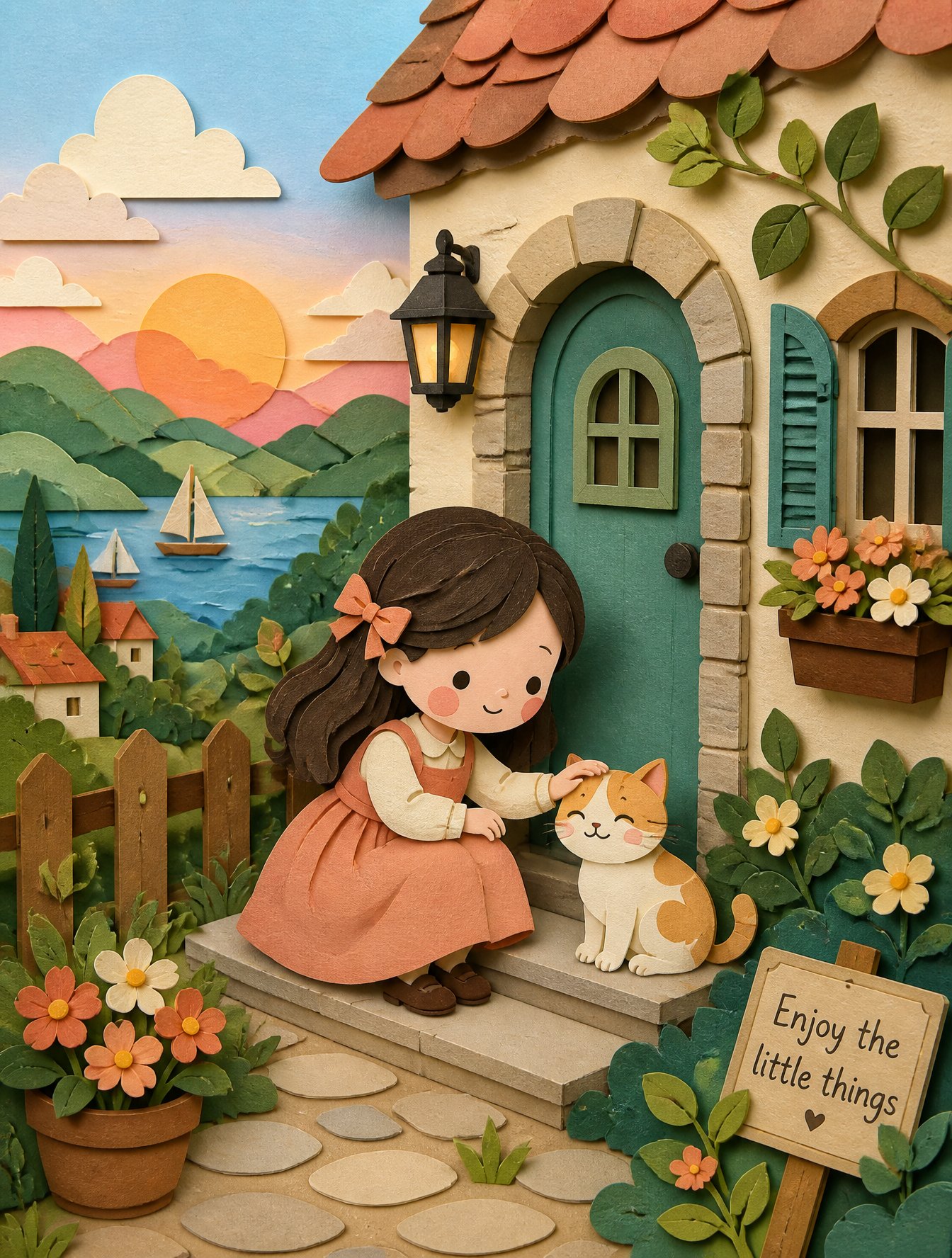
Soft Handcrafted Paper-Cut Layered Illustration
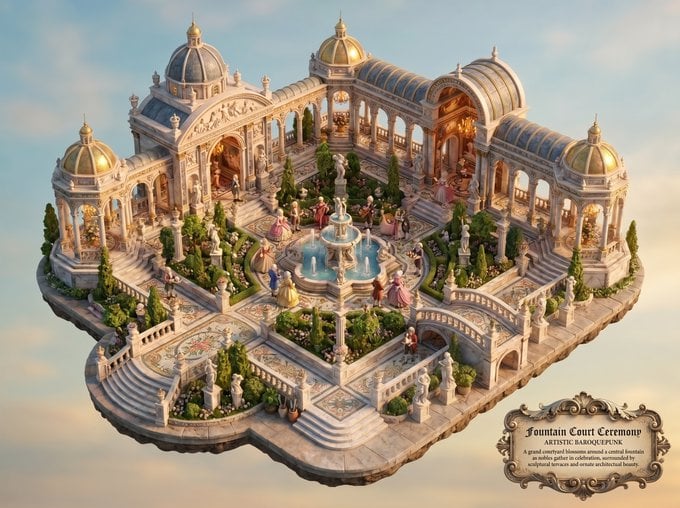
Baroquepunk Royal Garden Miniature
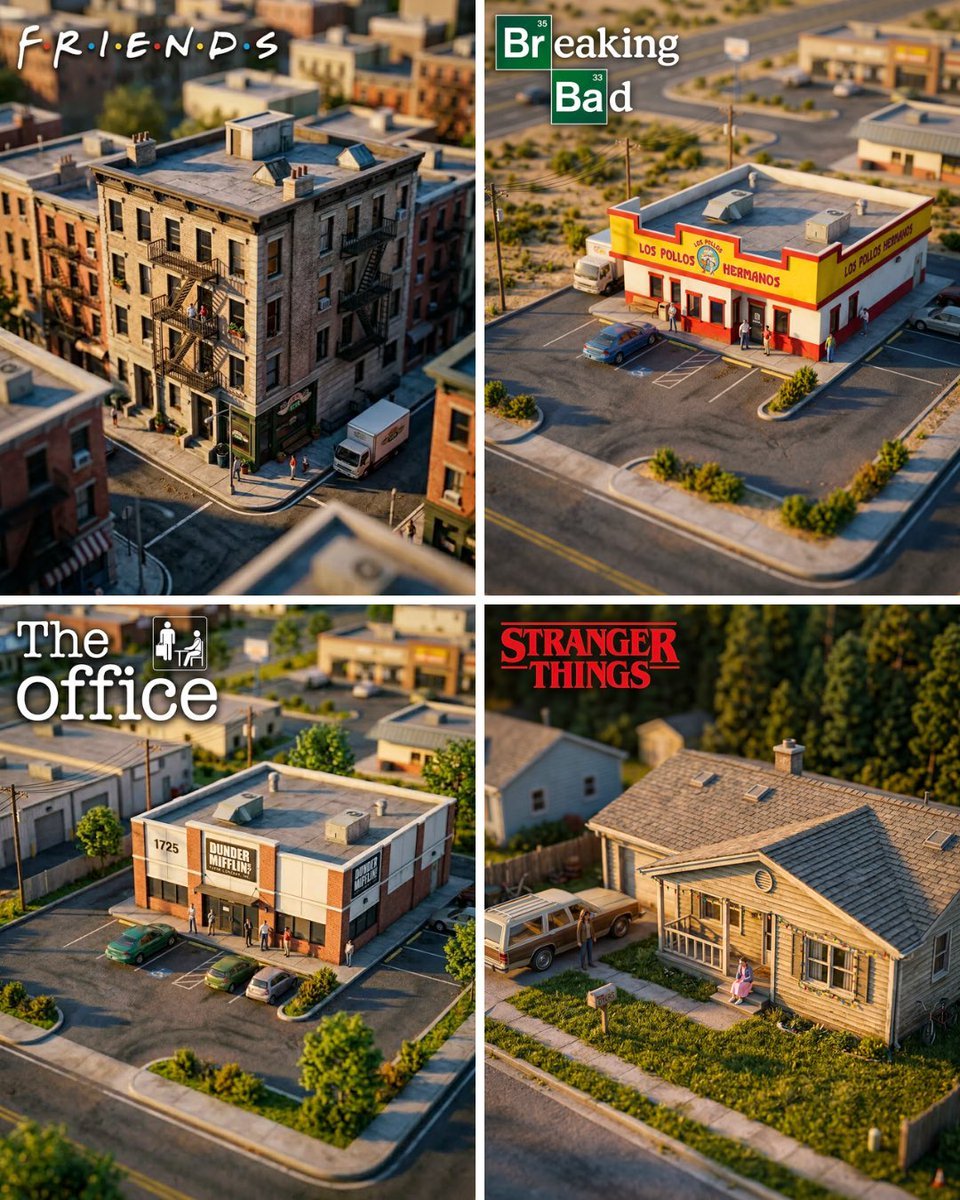
Hyper-Realistic Miniature Diorama Creator
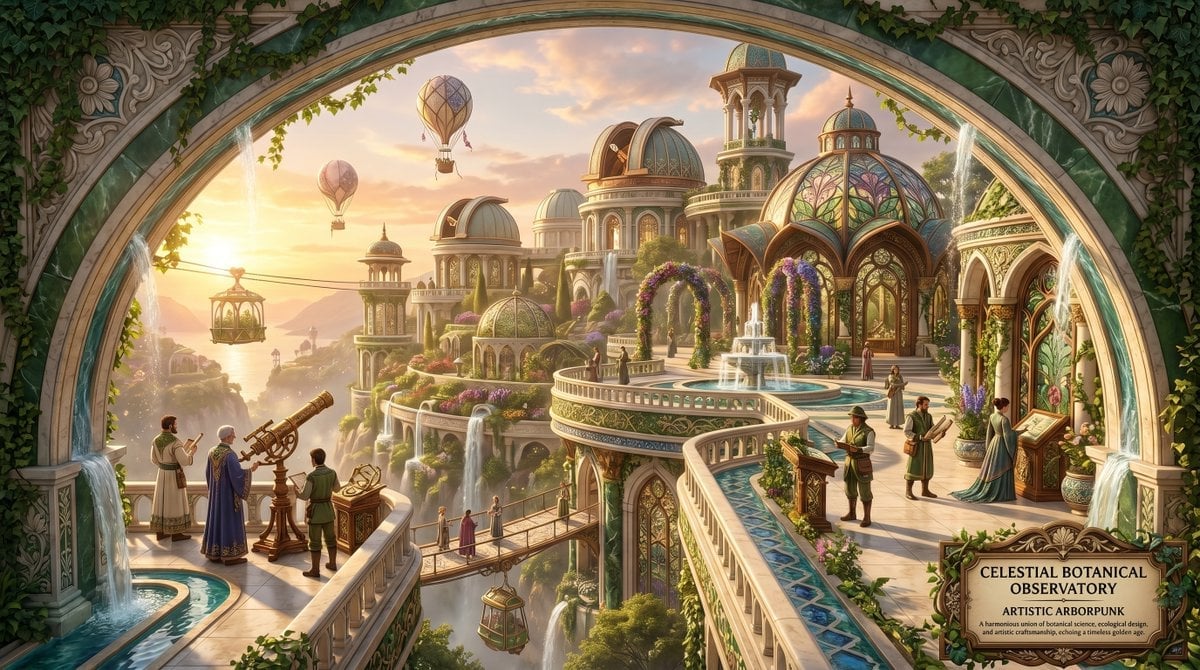
Artistic Arborpunk Garden Observatory Complex
Make it yours
Miniature Salsa Box Garden Diorama works as-is. These are the safest ways to change it without losing the look.
Change one field
Copy a single group, rewrite it, and generate again so you can see what that field is doing.
Keep the frame, change the subject
Hold the composition and light of Miniature Salsa Box Garden Diorama, then swap wardrobe, props or the person for a new take.
| If the result… | Why | Fix |
|---|---|---|
| The result drifts from the preview | Too many fields changed at once. | Reuse Miniature Salsa Box Garden Diorama as-is first, then change one group — subject, light, or setting. |
| The model over-stylizes the scene | The prose prompt leaves finish and camera underspecified. | Add one camera or lighting sentence and stay on GPT Image 2. |
More GPT Image 2 templates
Other prompts made for GPT Image 2.

Six VTuber Japanese Logo Sheet

Realistic Portrait of Woman and Deer

The Vista Modular Condo Poster

AI Model Routing Comparison Infographic

2.5D Anime Art Board

Isometric Productivity Desk Scene

New York Double Exposure Poster

Four-Panel AI Landscape Comparison

Japanese Tatami Lifestyle Magazine Cover

NESCAFÉ Coffee Map Poster
More image prompts
Fresh picks from across the catalog.

Cinematic Night Portrait of a Young Woman
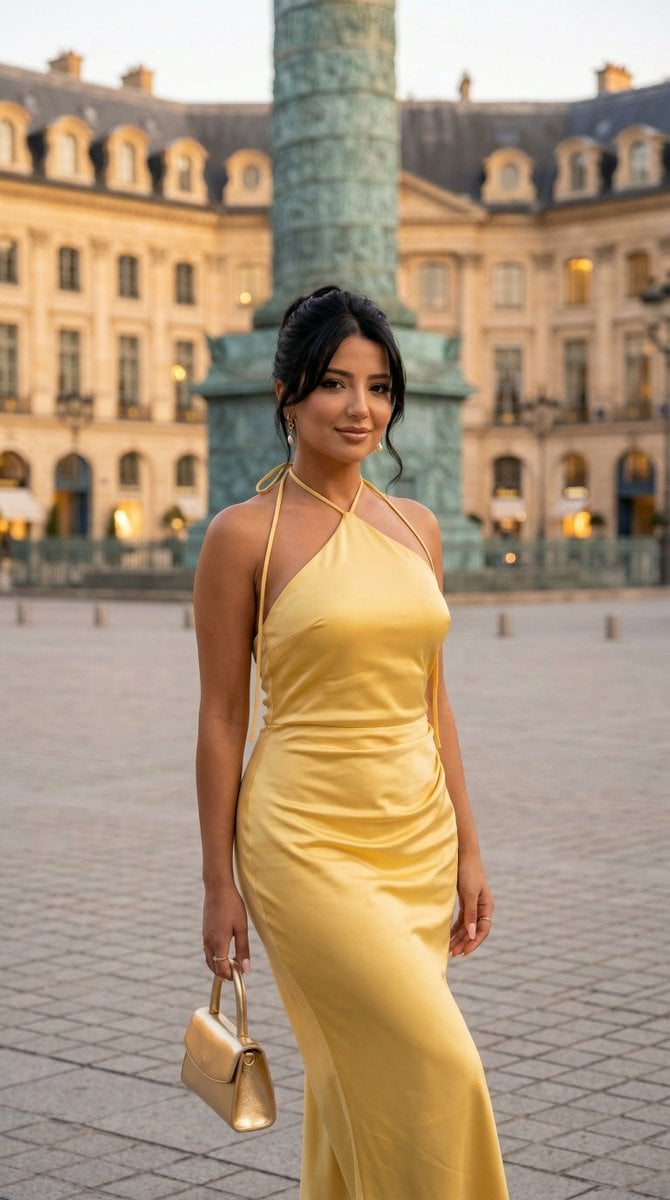
Nano Banana - Place Vendome Yellow Satin

Istanbul Typographic Travel Poster
Taiwanese Nostalgic Travel Collage
3D Layered Paper-Cut Chibi Art
Cinematic Sport in Midjourney V7

Cinematic Portrait Drenched in Electric Blue Water Splashes
Moody 2x2 editorial collage of an androgynous woman
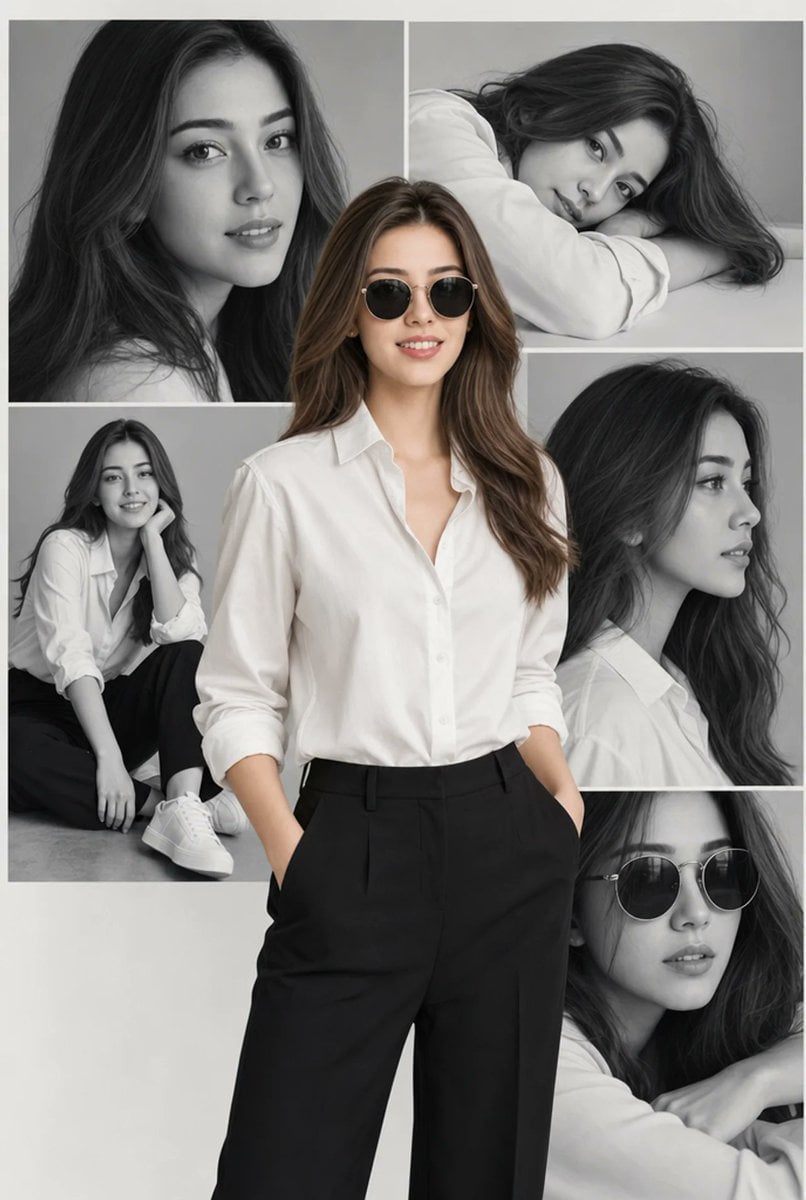
Editorial Portrait Collage
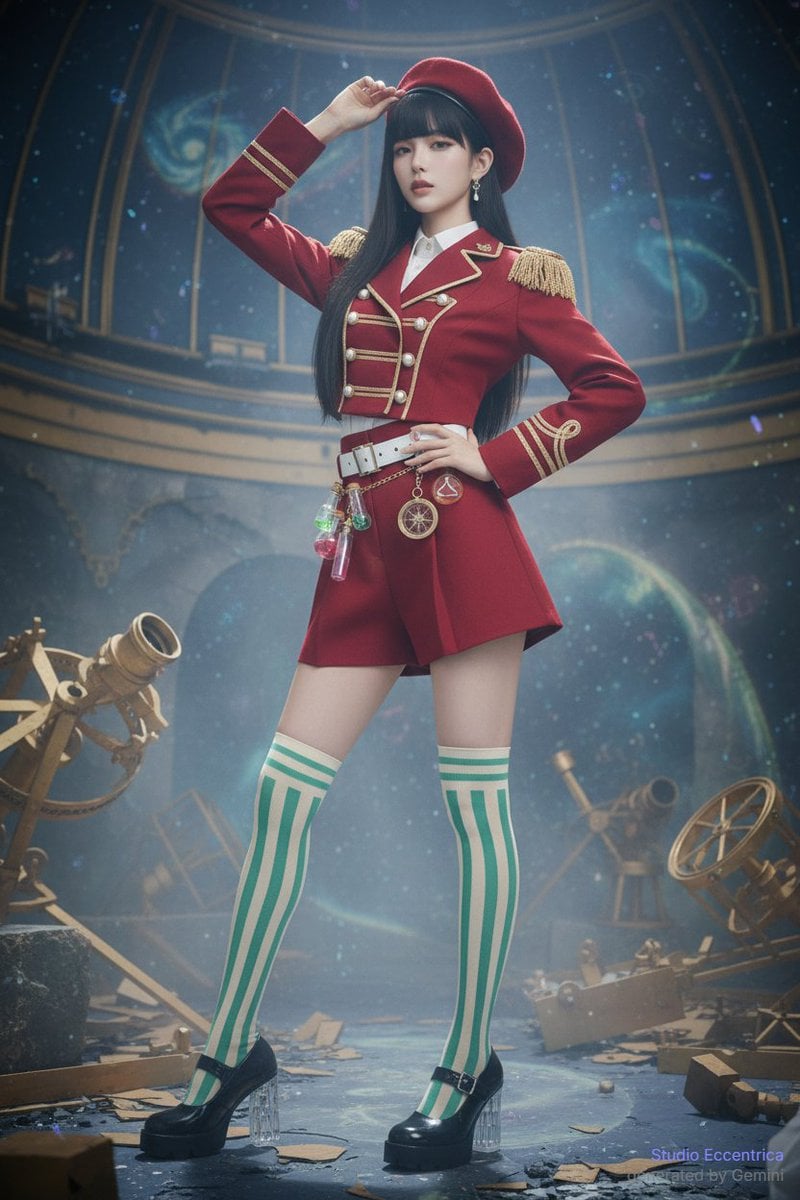
Sharing Reference Models and Outfit Prompts
Browse template categories
Miniature Salsa Box Garden Diorama questions
How do I use the Miniature Salsa Box Garden Diorama template?
Add your photo if the template asks for one, edit the prompt if you like — the template's model and format are already selected — and press Generate. Your version opens in PicX Studio.
Can I customize the Miniature Salsa Box Garden Diorama template?
Yes. You can change the subject, setting, lighting, mood, format, and available model controls before creating your image.
Is the Miniature Salsa Box Garden Diorama template free?
Opening and editing this template is free. Generating uses credits, shown on the Generate button when you are signed in.
Which AI model should I use?
Start with GPT Image 2, which is the model associated with this template. You can compare another compatible model for a different finish.
Looking for something else? Browse all templates.

Your photo, any look
Thousands of ready templates for every top image and video model, from one credit balance.