
Istanbul Typographic Travel Poster
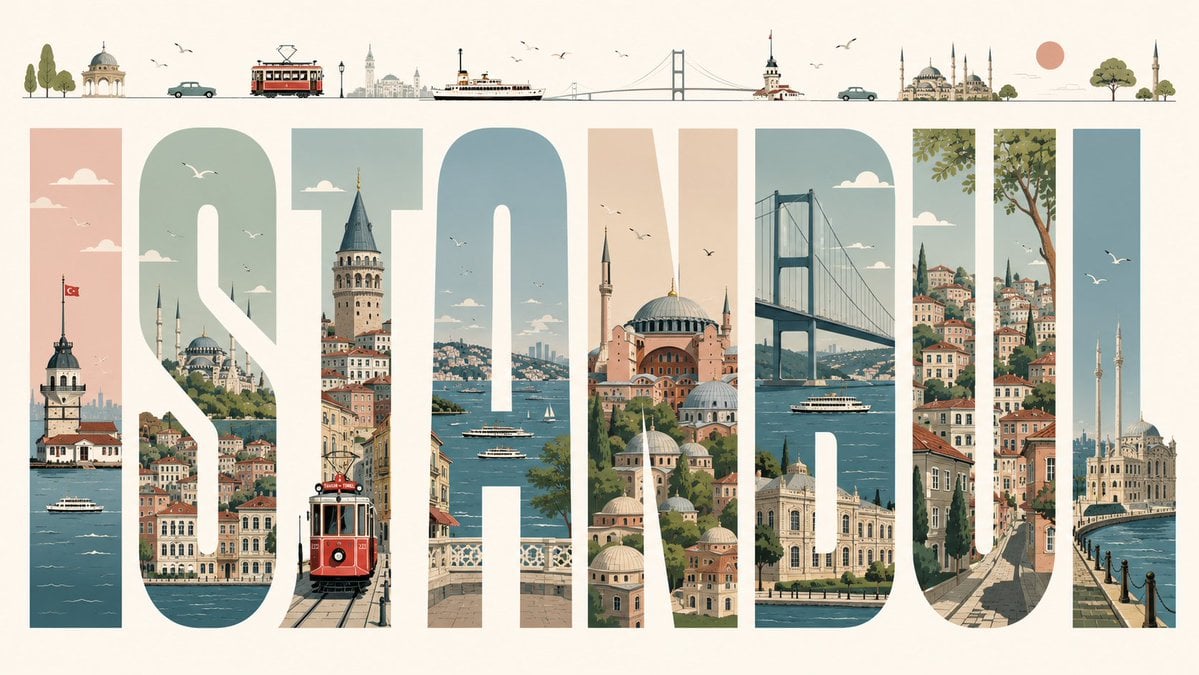
Generates a premium editorial city-name travel poster where each oversized letter is filled with illustrated landmarks and scenery.
- Prompt included
- Model and format preset
- Premium template
The prompt behind this image
Copy the exact prompt behind Istanbul Typographic Travel Poster, or open it in the studio and make it yours.
Create a premium editorial illustrated travel poster for {argument name="city name" default="ISTANBUL"}, built around 8 enormous tall block capital letters spelling “ISTANBUL” across a wide horizontal cream canvas. Use each letter as a vertical window filled with detailed Istanbul scenery: 1) I shows the Maiden’s Tower on the Bosphorus with a Turkish flag and ferry boats, 2) S shows hillside waterfront neighborhoods, domes, minarets, clouds, and birds, 3) T shows Galata Tower above narrow streets with a red vintage tram in the foreground, 4) A shows the Bosphorus with ferries, sailboats, bridges, and distant skyline, 5) N shows Hagia Sophia and layered mosque domes in warm peach and stone tones, 6) B shows the Bosphorus Bridge, water, a ferry, and waterfront palaces, 7) U shows steep historic streets, colorful stacked houses, greenery, and a large tree, 8) L shows Ortaköy Mosque by the waterfront with two minarets and flying seagulls. Above the title, add a thin minimalist skyline strip containing 13 small illustrated elements from left to right: trees, a small domed pavilion, a teal car, a red tram, distant city towers, a ferry, a suspension bridge, Maiden’s Tower, another teal car, a grand mosque with multiple minarets, a peach sun, a round green tree, and a final mosque minaret. Style it as a refined mid-century travel poster with clean vector-like illustration, soft muted palette of teal blue, sea green, dusty peach, terracotta, warm cream, and charcoal linework; crisp geometry, subtle paper grain, elegant negative space, tiny birds and clouds, no photorealism, no extra text besides the city name.
How to use Istanbul Typographic Travel Poster in 3 steps
- 1Upload ImagePNG, JPG or paste
Add your photo
Upload the photo the template builds on. The prompt, model and format are already set.
- 2…a portrait of your subject in softgolden-hour light, 85mm…
Personalize
Edit the subject and creative details for your destination.
- 3Generate
Generate
Press Generate — your image is created in PicX Studio, so you can compare it with the original and refine one variable at a time.
More like this
Templates with the same subject, style or setup. Open one to see its prompt.

Japan Travel Brochure Poster

Clay Miniature Landmark Travel Diorama
Luxury Istanbul Travel Poster
Typographic Travel Poster with Inner Scenes
Luxury Milan Typographic Travel Poster
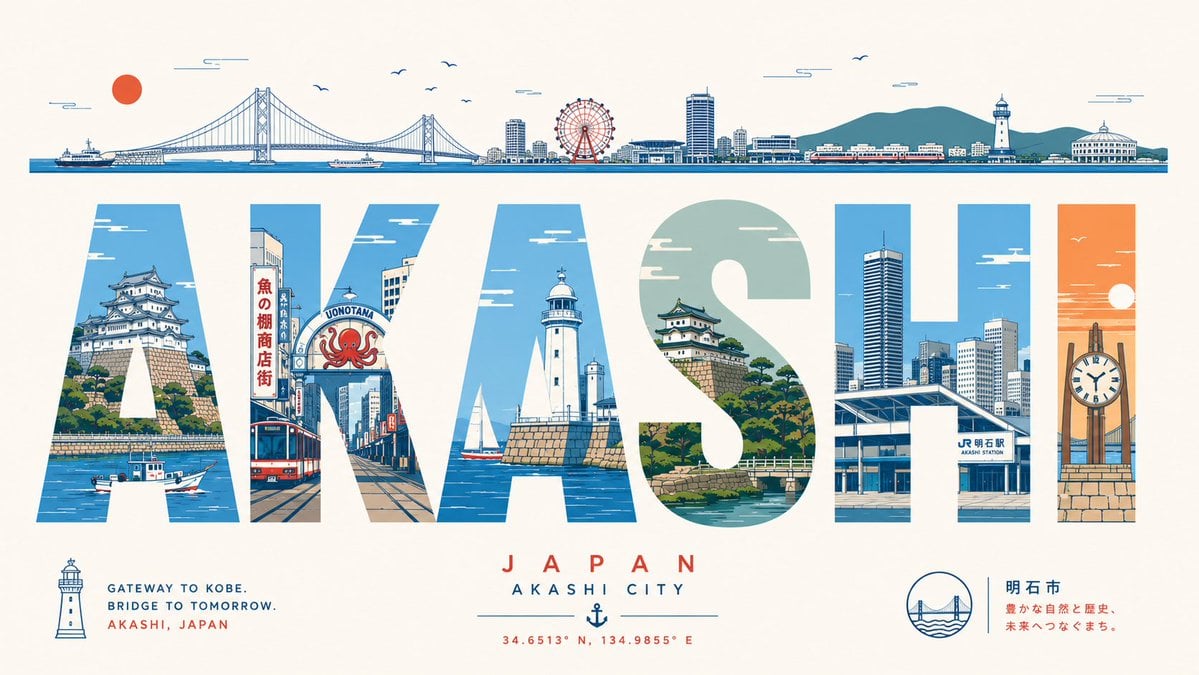
Akashi Typographic Travel Poster

City Posters by Nano Banana Pro

Cartoon TV Show Poster Pack

Trendy Cafe Drink Promo Poster

Urban Fashion Editorial Collage Streetwear Poster

Premium Fashion Editorial Cover Layout System

Polo Ralph Lauren Luxury American Heritage Fashion Campaign
Make it yours
Istanbul Typographic Travel Poster works as-is. These are the safest ways to change it without losing the look.
Change one field
Copy a single group, rewrite it, and generate again so you can see what that field is doing.
Keep the frame, change the subject
Hold the composition and light of Istanbul Typographic Travel Poster, then swap wardrobe, props or the person for a new take.
| If the result… | Why | Fix |
|---|---|---|
| The result drifts from the preview | Too many fields changed at once. | Reuse Istanbul Typographic Travel Poster as-is first, then change one group — subject, light, or setting. |
| The model over-stylizes the scene | The prose prompt leaves finish and camera underspecified. | Add one camera or lighting sentence and stay on GPT Image 2. |
More GPT Image 2 templates
Other prompts made for GPT Image 2.

Six VTuber Japanese Logo Sheet

Realistic Portrait of Woman and Deer

The Vista Modular Condo Poster

AI Model Routing Comparison Infographic

2.5D Anime Art Board

Isometric Productivity Desk Scene

New York Double Exposure Poster

Four-Panel AI Landscape Comparison

Japanese Tatami Lifestyle Magazine Cover

NESCAFÉ Coffee Map Poster
More image prompts
Fresh picks from across the catalog.

Golden Hour Café Portrait
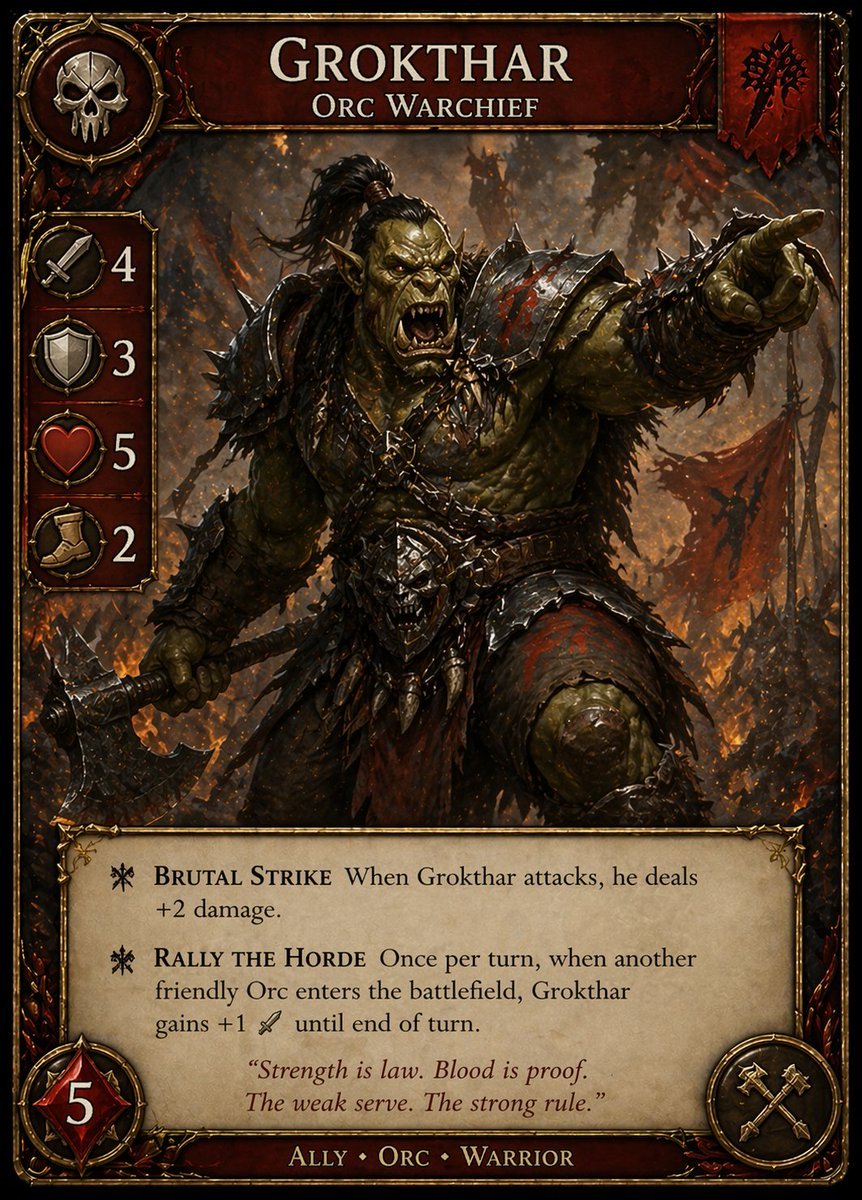
Dark Fantasy Orc Warchief TCG Card
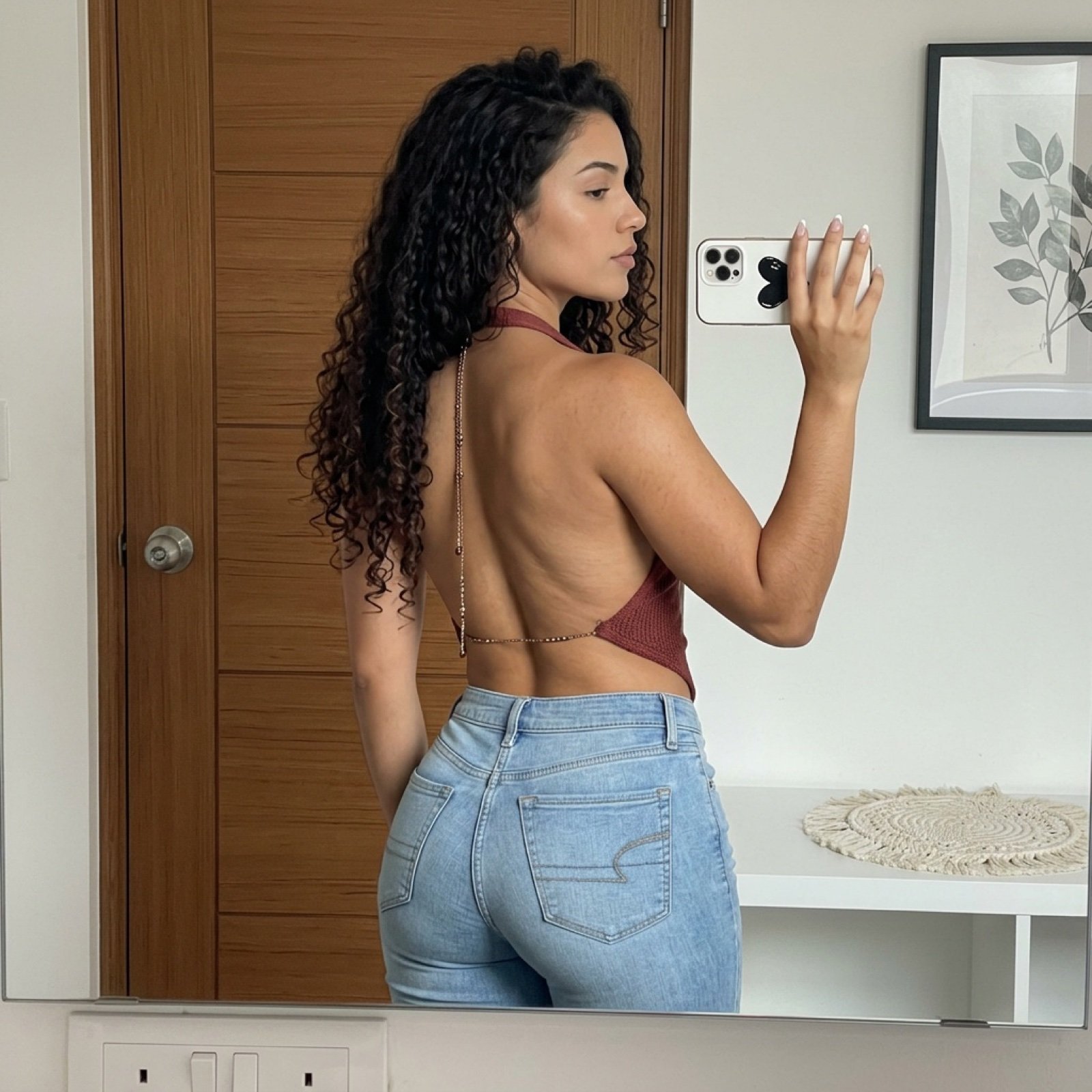
Backless Top Mirror Selfie Emphasizing Curves
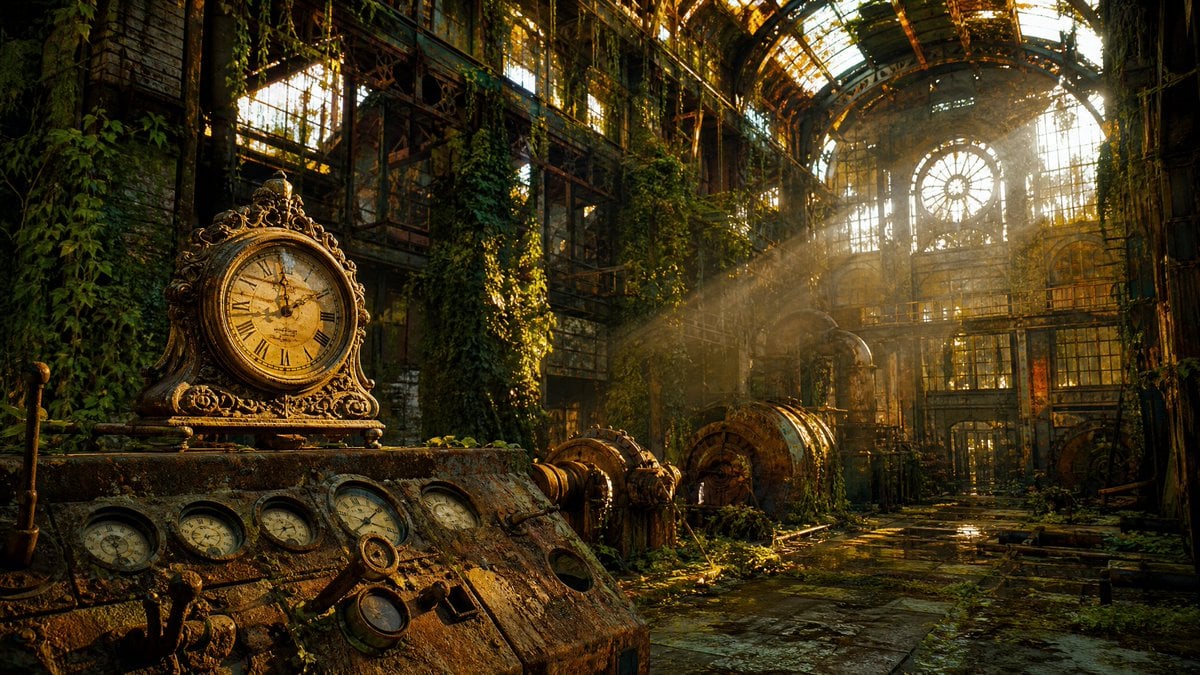
Rusted Decadent Clockwork Ruin
Early 2000s Computer Lab With ChatGPT
Tropical Balcony Full Body Shot Prompt
Time-Travel Birthday Reunion Portrait
Stacked Objects Symbolizing a Concept
Ultra Realistic Studio Portrait Prompt for Nano Banana Pro

Zero-Gravity Space Maid Cafe Portrait
Browse template categories
Istanbul Typographic Travel Poster questions
How do I use the Istanbul Typographic Travel Poster template?
Add your photo if the template asks for one, edit the prompt if you like — the template's model and format are already selected — and press Generate. Your version opens in PicX Studio.
Can I customize the Istanbul Typographic Travel Poster template?
Yes. You can change the subject, setting, lighting, mood, format, and available model controls before creating your image.
Is the Istanbul Typographic Travel Poster template free?
Opening and editing this template is free. Generating uses credits, shown on the Generate button when you are signed in.
Which AI model should I use?
Start with GPT Image 2, which is the model associated with this template. You can compare another compatible model for a different finish.
Looking for something else? Browse all templates.

Your photo, any look
Thousands of ready templates for every top image and video model, from one credit balance.