
Early 2000s Computer Lab With ChatGPT
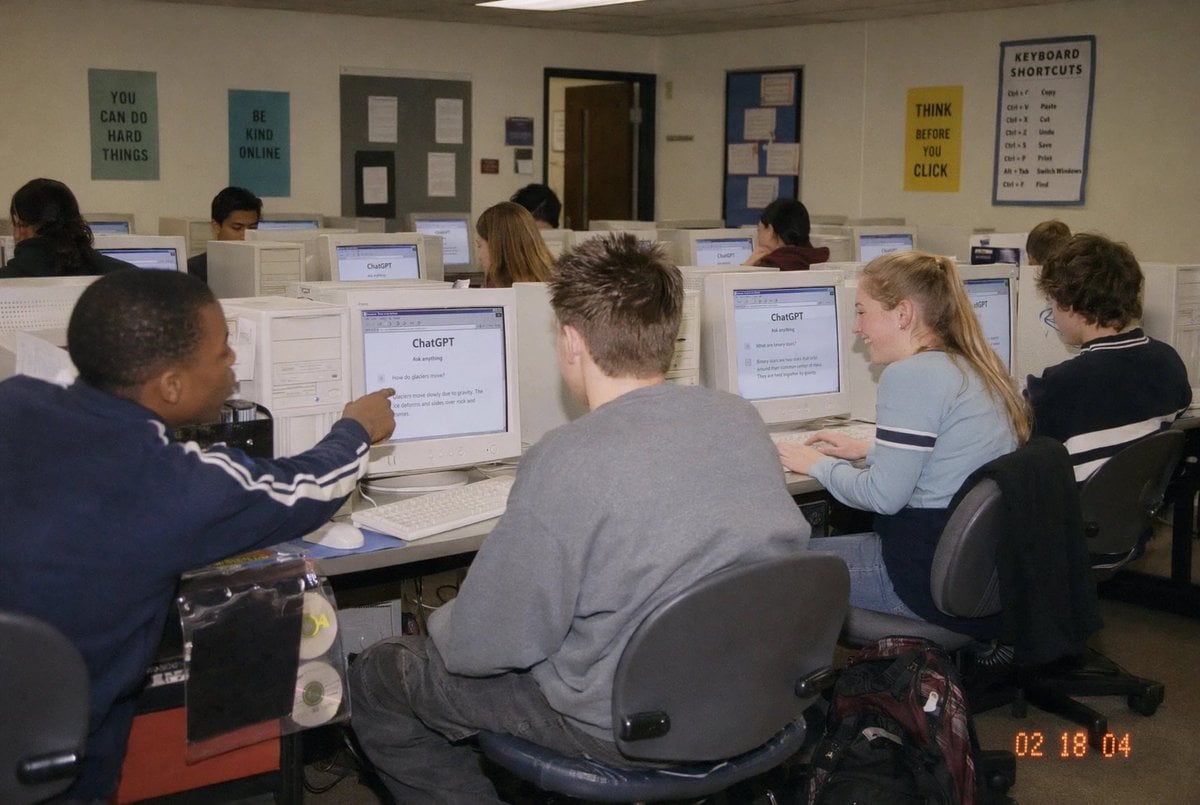
This prompt generates a nostalgic candid classroom photo of students using ChatGPT on CRT computers, ideal for editorial or social-media visuals about AI in everyday education.
- Prompt included
- Model and format preset
- Free template
The prompt behind this image
Copy the exact prompt behind Early 2000s Computer Lab With ChatGPT, or open it in the studio and make it yours.
A candid documentary-style photo of a {argument name="setting" default="high school computer lab classroom"} filled with exactly 10 students seated at rows of bulky off-white CRT desktop computers, viewed from the back-left corner of the room at a slight wide angle. The scene should feel like an early-2000s snapshot taken on a consumer digital camera with direct flash, soft grain, slightly warm indoor fluorescent lighting, and a timestamp in the bottom-right corner reading {argument name="timestamp" default="02 18 04"}. In the foreground left, a student in a navy track jacket with white sleeve stripes points at a CRT monitor; in the center foreground, another student with short spiky hair wears an oversized gray sweatshirt and sits facing away from the camera; on the right foreground, a blonde student with a ponytail wears a light blue long-sleeve top with dark horizontal arm stripes and types at a keyboard; far right, another student with curly dark hair sits at a workstation. Several other students occupy the middle and back rows, all facing their screens. The monitors prominently display the ChatGPT interface, with the visible heading reading {argument name="screen title" default="ChatGPT"} and simple prompt text beneath it. The room has beige walls, drop ceiling tiles, and multiple motivational classroom posters: exactly 4 readable posters on the back wall saying {argument name="poster one" default="YOU CAN DO HARD THINGS"}, "BE KIND ONLINE", "THINK BEFORE YOU CLICK", and a larger poster titled "KEYBOARD SHORTCUTS" with a list beneath it. Include bulletin boards, a classroom door at the back, rolling office chairs, white keyboards and mice, and a backpack on the floor near the right foreground desk. Faces should be partially obscured or softly anonymized, preserving the look of a real classroom photo while keeping the focus on the students using ChatGPT in an old computer lab.
How to use Early 2000s Computer Lab With ChatGPT in 3 steps
- 1Upload ImagePNG, JPG or paste
Add your photo
Upload the photo the template builds on. The prompt, model and format are already set.
- 2…a portrait of your subject in softgolden-hour light, 85mm…
Personalize
Edit the subject and creative details for your destination.
- 3Generate
Generate
Press Generate — your image is created in PicX Studio, so you can compare it with the original and refine one variable at a time.
More like this
Templates with the same subject, style or setup. Open one to see its prompt.
Early 2000s CCD Video Diary Storyboard
Nostalgic Early-2000s Cafe Snapshot

Early 2000s Nightlife Flash Portrait

Floraverse Botanical Fusion

FLORAVERSE BOTANICAL FUSION
2000s Retro-Pop Fashion Cinematic Editorial Portrait

Face-Locked Train Window Lifestyle Portrait
Female Chef Chicken Biryani Luxury Kitchen
Leather Jacket Cream Trousers Fashion Sketch

Golden Hour Fedora Bar Doorway Street Style

Luxury Toothpaste Commercial Storyboard

Unfinished Sketch Comes Alive Portrait
Make it yours
Early 2000s Computer Lab With ChatGPT works as-is. These are the safest ways to change it without losing the look.
Change one field
Copy a single group, rewrite it, and generate again so you can see what that field is doing.
Keep the frame, change the subject
Hold the composition and light of Early 2000s Computer Lab With ChatGPT, then swap wardrobe, props or the person for a new take.
| If the result… | Why | Fix |
|---|---|---|
| The result drifts from the preview | Too many fields changed at once. | Reuse Early 2000s Computer Lab With ChatGPT as-is first, then change one group — subject, light, or setting. |
| The model over-stylizes the scene | The prose prompt leaves finish and camera underspecified. | Add one camera or lighting sentence and stay on GPT Image 2. |
More GPT Image 2 templates
Other prompts made for GPT Image 2.

Six VTuber Japanese Logo Sheet

Realistic Portrait of Woman and Deer

The Vista Modular Condo Poster

AI Model Routing Comparison Infographic

2.5D Anime Art Board

Isometric Productivity Desk Scene

New York Double Exposure Poster

Four-Panel AI Landscape Comparison

Japanese Tatami Lifestyle Magazine Cover

NESCAFÉ Coffee Map Poster
More image prompts
Fresh picks from across the catalog.

Anime Movie Poster for a Paramecium Character
Surreal Nature-Meets-Sci-Fi Astronaut Suit
Epic Fantasy Warriors: Fire and Ice Cinematic Poster
Rolling Steel Gear on Mountain Ridge
Ultra-Realistic Studio Fashion Model Portrait Prompt
Futuristic Point Cloud Portrait

Anime Pop-Art Protest Poster
High-End Fashion Editorial Close-up (Creed Aventus)
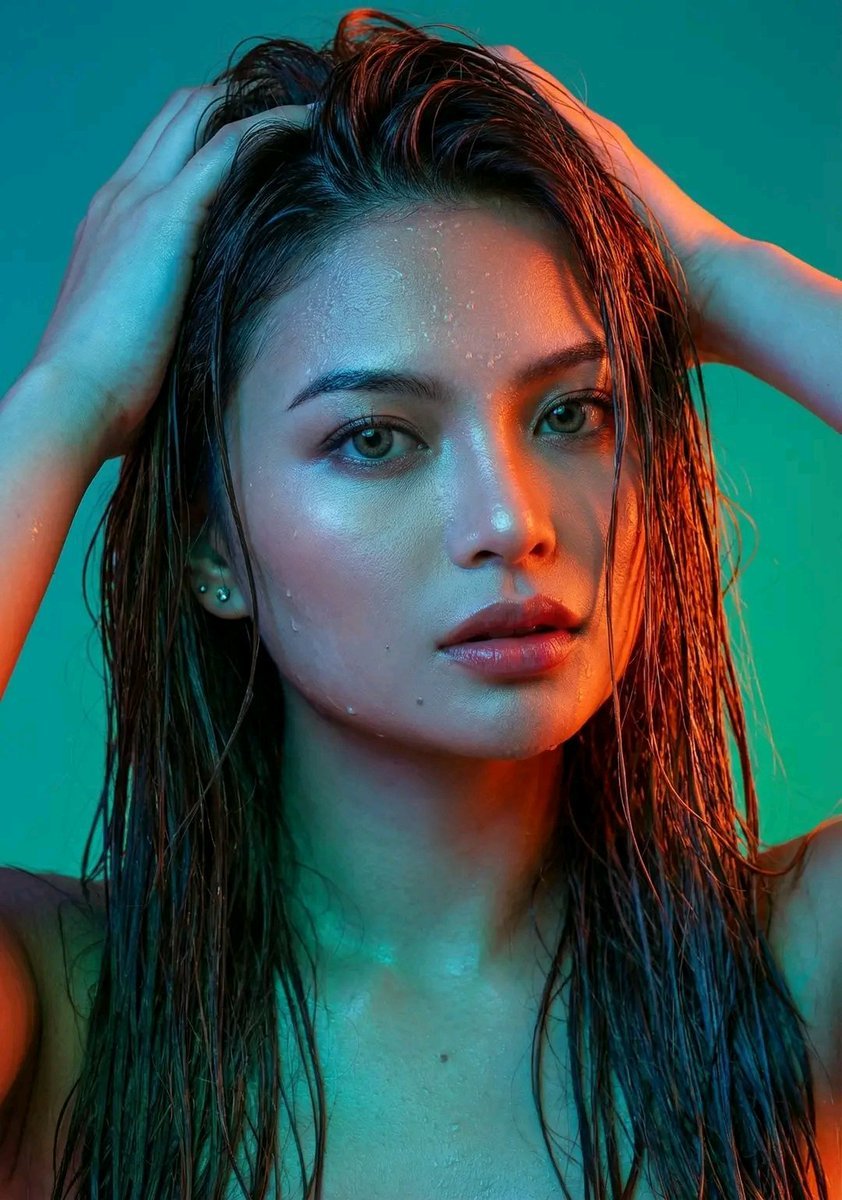
Dramatic Neon Portrait with Wet Hair and Color Contrast
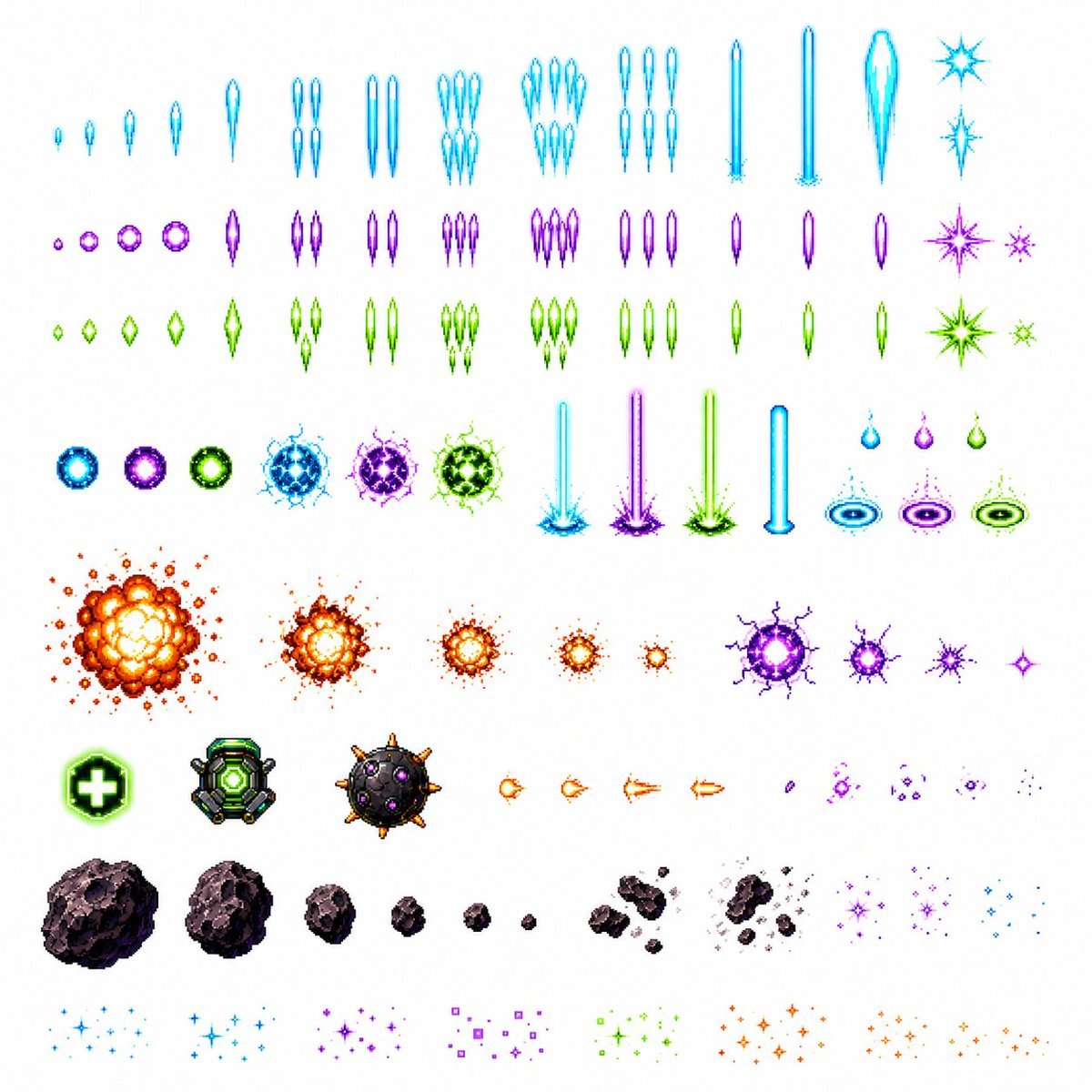
Retro Space Shooter VFX Sprite Sheet
Browse template categories
Early 2000s Computer Lab With ChatGPT questions
How do I use the Early 2000s Computer Lab With ChatGPT template?
Add your photo if the template asks for one, edit the prompt if you like — the template's model and format are already selected — and press Generate. Your version opens in PicX Studio.
Can I customize the Early 2000s Computer Lab With ChatGPT template?
Yes. You can change the subject, setting, lighting, mood, format, and available model controls before creating your image.
Is the Early 2000s Computer Lab With ChatGPT template free?
Opening and editing this template is free. Generating uses credits, shown on the Generate button when you are signed in.
Which AI model should I use?
Start with GPT Image 2, which is the model associated with this template. You can compare another compatible model for a different finish.
Looking for something else? Browse all templates.

Your photo, any look
Thousands of ready templates for every top image and video model, from one credit balance.