
Early 2000s Nightlife Flash Portrait
A sophisticated structured prompt that recreates the specific aesthetic of a 2000s compact camera flash photo in a vintage lounge setting.
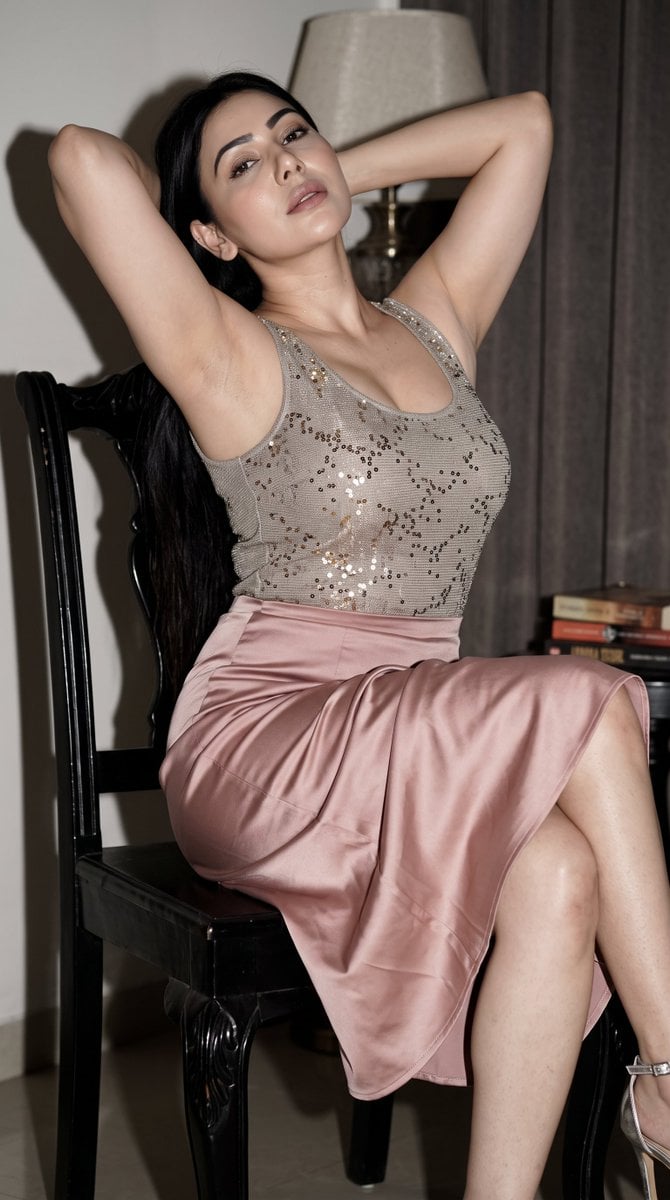
- Prompt included
- Model and format preset
- Premium template
The prompt behind this image
Copy the exact prompt behind Early 2000s Nightlife Flash Portrait, or open it in the studio and make it yours.
{ "task": "Generate a photorealistic vertical seated portrait", "aspect_ratio": "3:4", "subject": { "age": "{argument name="age range" default="adult woman, 24-32"}", "pose": "seated diagonally on a carved black wooden chair, body turned right, face back toward camera, both arms raised behind head, elbows wide, one leg across front of chair, the other bent right" }, "appearance": { "face": "elongated proportions, subtly lifted eyes, defined lips, calm languid self-assured expression", "hair": "natural black or very deep cool brown-black, smooth at crown, heavy long hair falling along left side, sleek satin texture", "skin": "light fair complexion with neutral beige and subtle peach-pink undertones, natural pores and believable texture" }, "styling": { "makeup": "soft matte complexion, refined brows, elongated upward black eyeliner, muted gray-brown eyeshadow, restrained contour, low-saturation rose-bean lipstick", "top": "{argument name="top style" default="fitted sleeveless champagne-gray or pale cool mauve top with fine silver fibers and small metallic points"}", "skirt": "high-waisted satin midi skirt in dusty blush or muted gray rose with rich folds", "jewelry": "long silver or crystal drop earrings, delicate metallic necklace with tiny pendant", "shoes": "silver strappy high-heeled sandals" }, "scene": { "location": "{argument name="location" default="dim private dining room or vintage lounge"}", "background": "aged parchment-brown mural or textile screen with white cranes, bamboo or reeds, glossy black wooden borders, dark wall panels, deep vermilion glow on right" }, "camera": { "style": "early-2000s compact digital camera nightlife photo", "lens": "28-40mm equivalent", "angle": "slightly below face, chest or waist height", "framing": "vertical three-quarter-to-full-body, subject fills most of frame" }, "lighting": { "type": "hard direct on-camera flash", "direction": "close to lens axis, slightly left", "effect": "bright subject, underexposed background, hard-edged shadows, low-light grain, mild JPEG compression" }, "materials": { "chair": "heavy carved black wooden chair with dark floral textile cushion", "fabric": "satin folds with silver-pink highlights and muted gray-violet shadows" } }
How to use Early 2000s Nightlife Flash Portrait in 3 steps
- 1
Open
The prompt is already in the box next to the preview, with the template's model and format selected.
- 2…a portrait of your subject in softgolden-hour light, 85mm…
Personalize
Edit the subject and creative details for your destination.
- 3Generate
Generate
Press Generate — your image is created in PicX Studio, so you can compare it with the original and refine one variable at a time.
More like this
Templates with the same subject, style or setup. Open one to see its prompt.
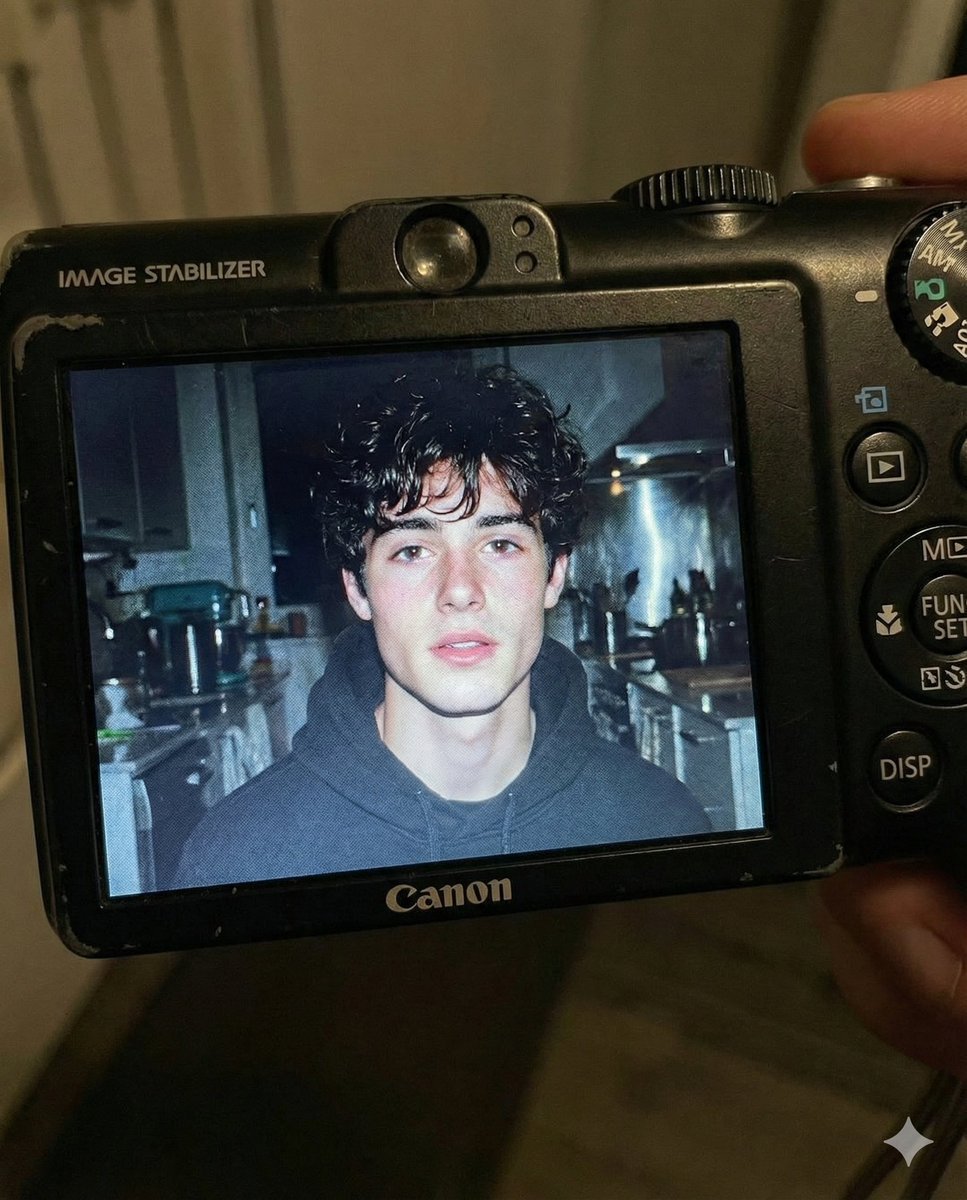
Early 2000s Digital Camera Flash Portrait Prompt
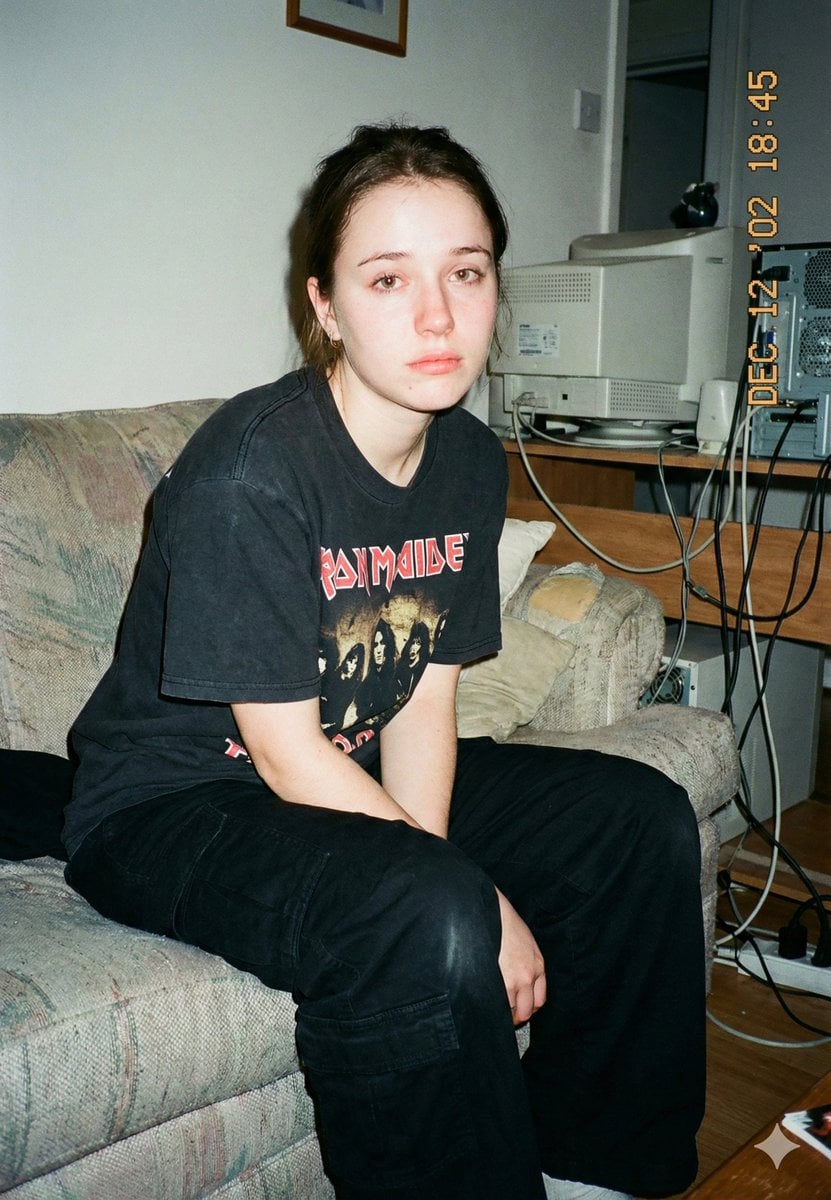
Lo-Fi Candid Portrait with Direct Flash (Early 2000s Aesthetic)
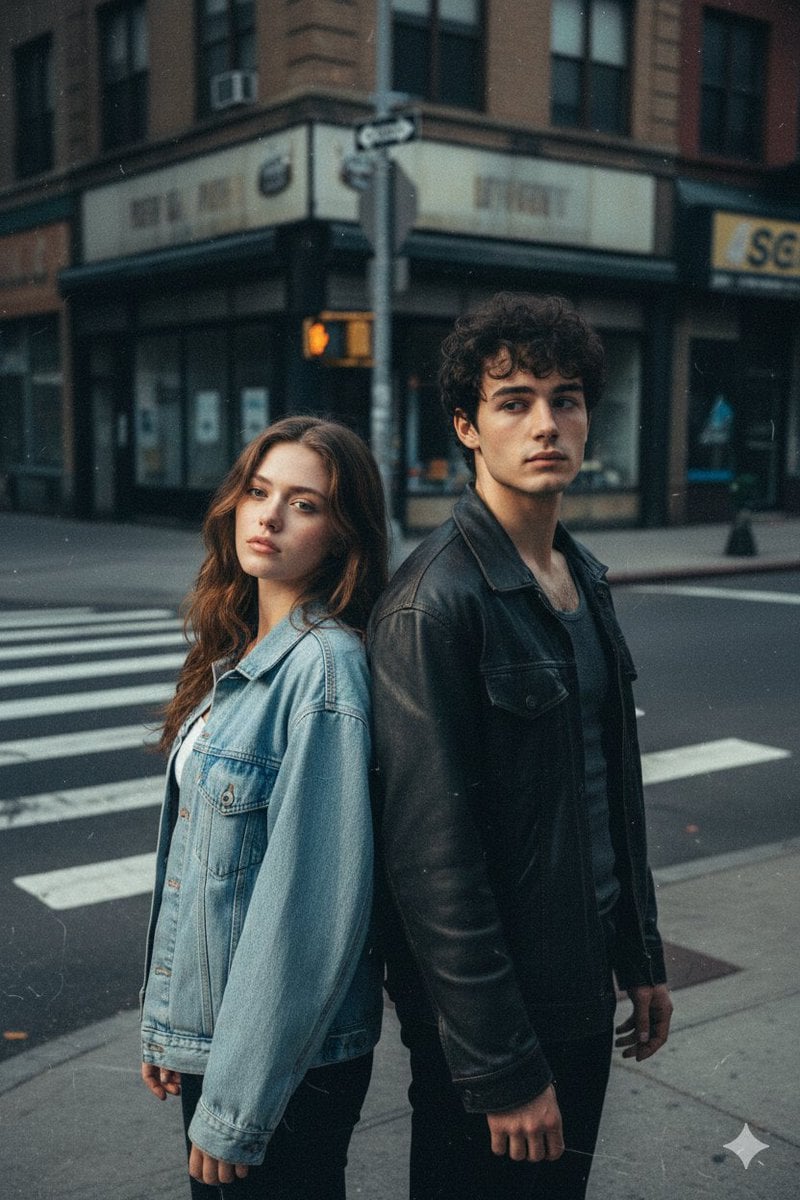
Early 2000s Flash Photo Identity Blend Prompt
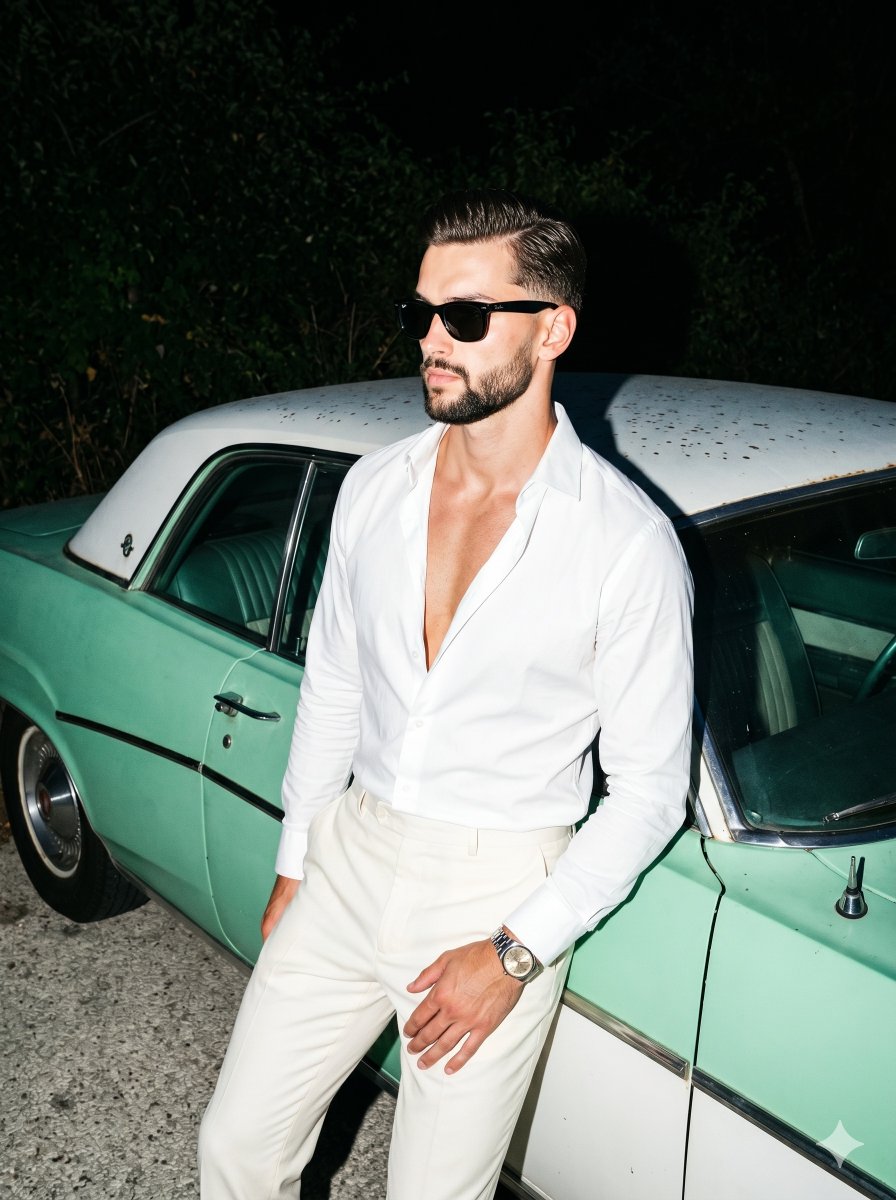
Retro Nightlife Flash Portrait
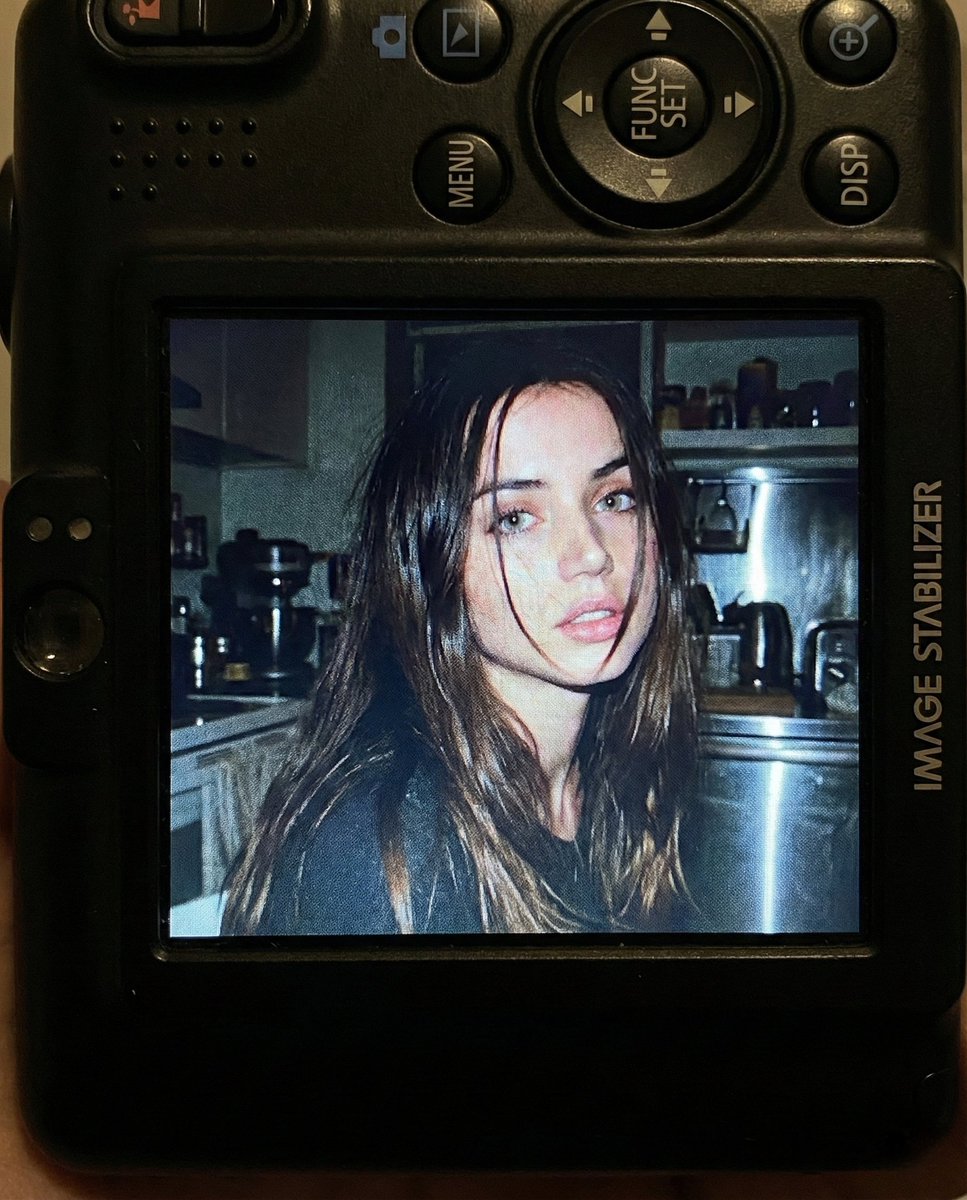
Nostalgic Early 2000s Digital Camera Portrait Prompt
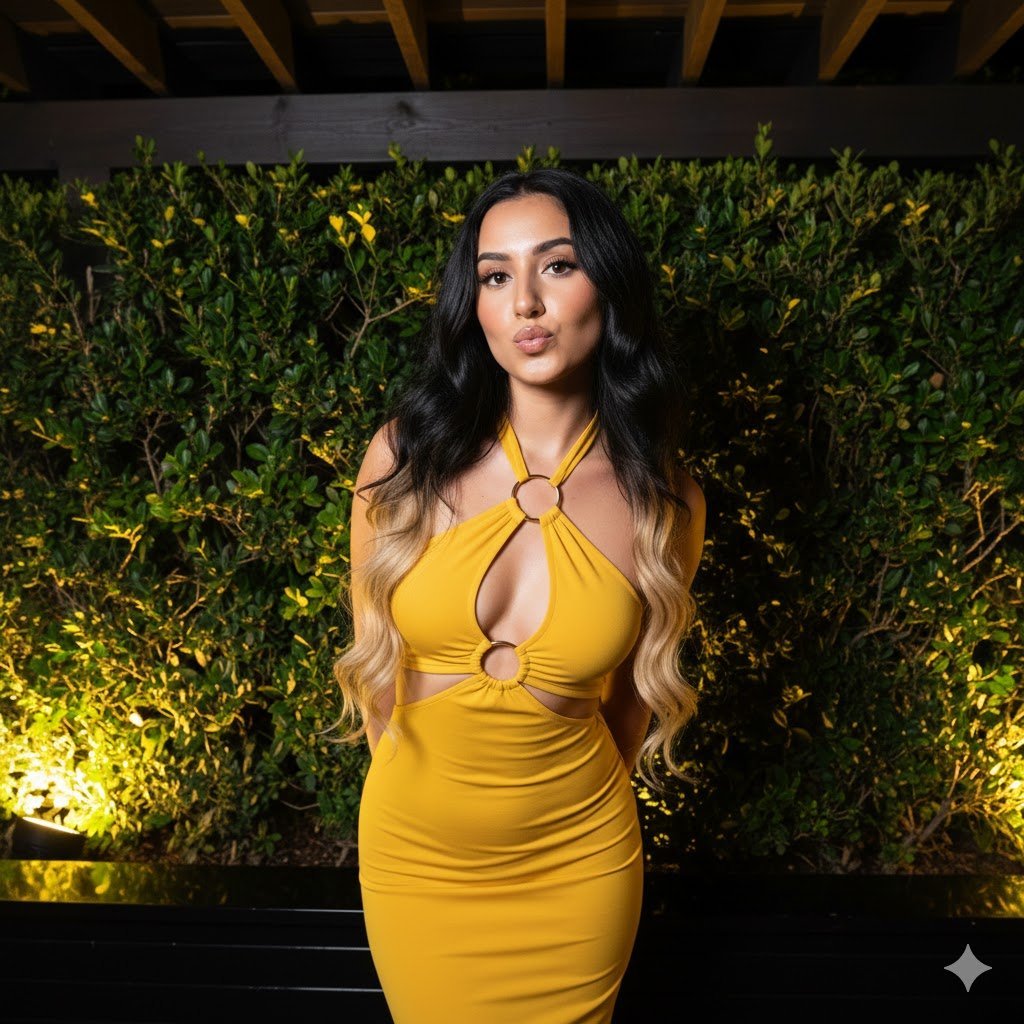
High-Contrast Nightlife Portrait Prompt with Flash Photography Aesthetic
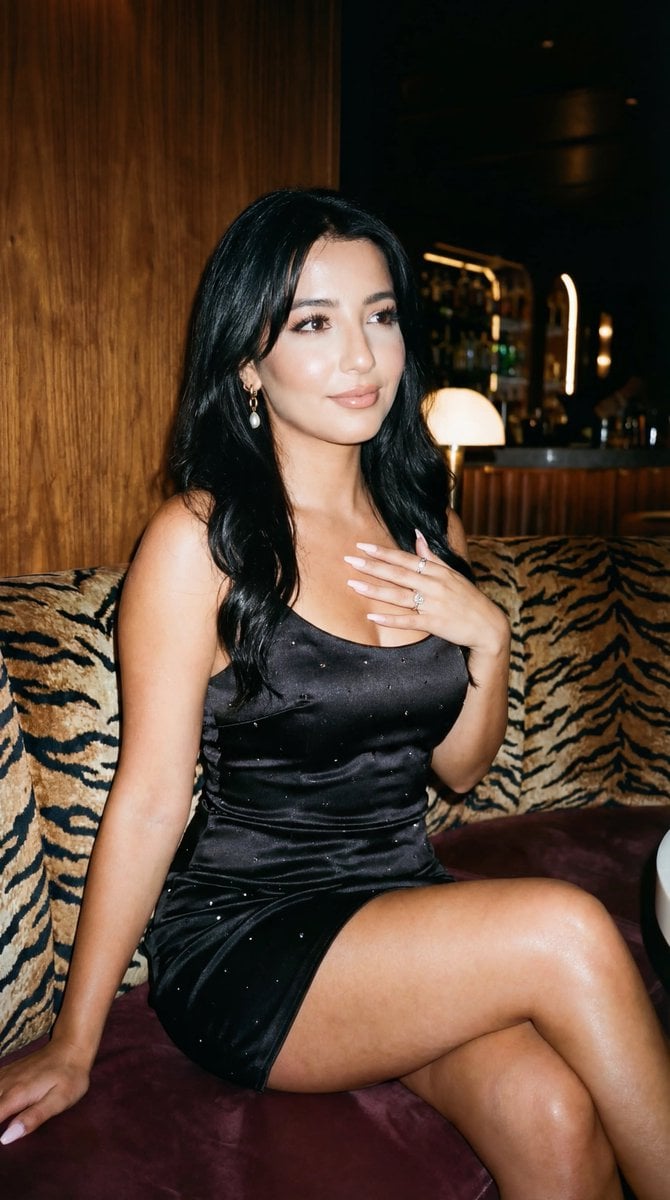
Glamorous Nightlife Flash Portrait in Velvet Booth
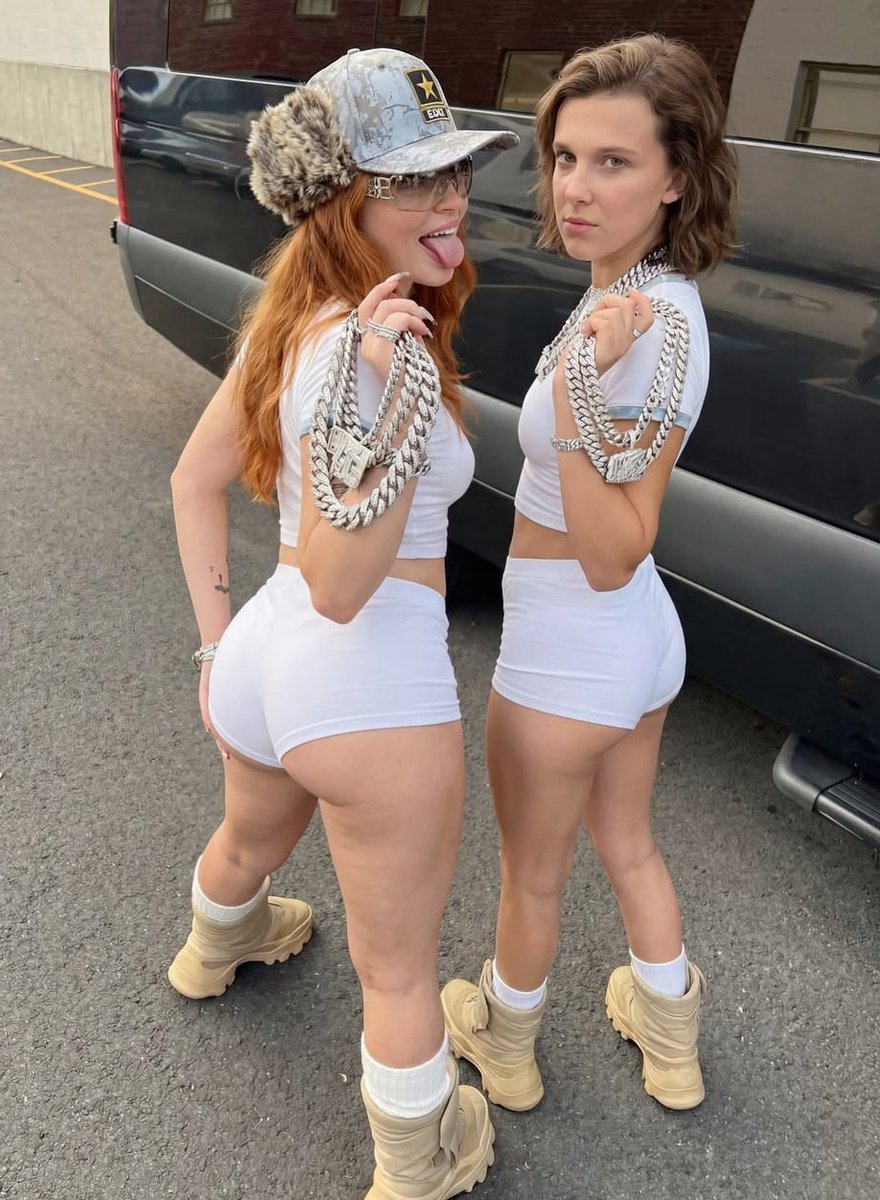
Early 2000s Hip-Hop Fashion Portrait Prompts

Found Photograph: Us, 1970

One Dance Before Midnight

80s Couple Studio Portrait

80s Neon Disco Night
Make it yours
Early 2000s Nightlife Flash Portrait works as-is. These are the safest ways to change it without losing the look.
Change one field
Copy a single group, rewrite it, and generate again so you can see what that field is doing.
Keep the frame, change the subject
Hold the composition and light of Early 2000s Nightlife Flash Portrait, then swap wardrobe, props or the person for a new take.
| If the result… | Why | Fix |
|---|---|---|
| The result drifts from the preview | Too many fields changed at once. | Reuse Early 2000s Nightlife Flash Portrait as-is first, then change one group — subject, light, or setting. |
| The model over-stylizes the scene | The prose prompt leaves finish and camera underspecified. | Add one camera or lighting sentence and stay on Nano Banana 2. |
More Nano Banana 2 templates
Other prompts made for Nano Banana 2.

Photorealistic Leaf Shaped Like a Dragon

K-Pop Idol Portrait Grid for Rapid Selection

Poetic Rain Forest Portrait During Golden Hour

Urban Street Portrait with Cartoon Inner Self Duo

Candid Nighttime Photo with Cat Prompt

High-Concept 3D Diorama Generation Prompt

Cinematic Futuristic Studio Portrait Template

Skincare Editorial Photography Collage Prompt

Hyper-Realistic Commercial Product Photography (Splash Effect)

Hyper-Realistic Nightclub Portrait Prompt
More image prompts
Fresh picks from across the catalog.
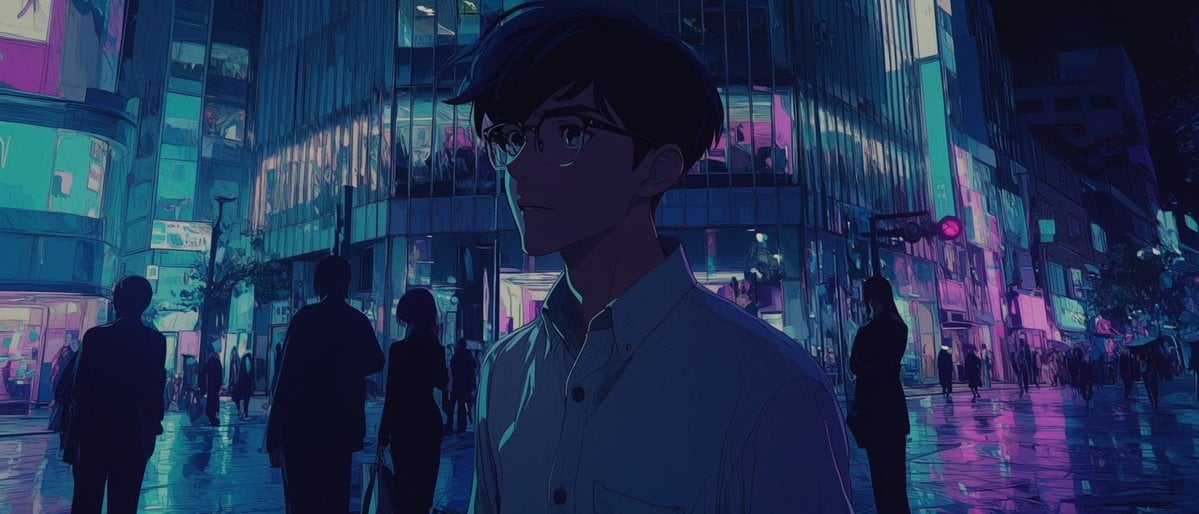
Faceless Anime Neon City Night
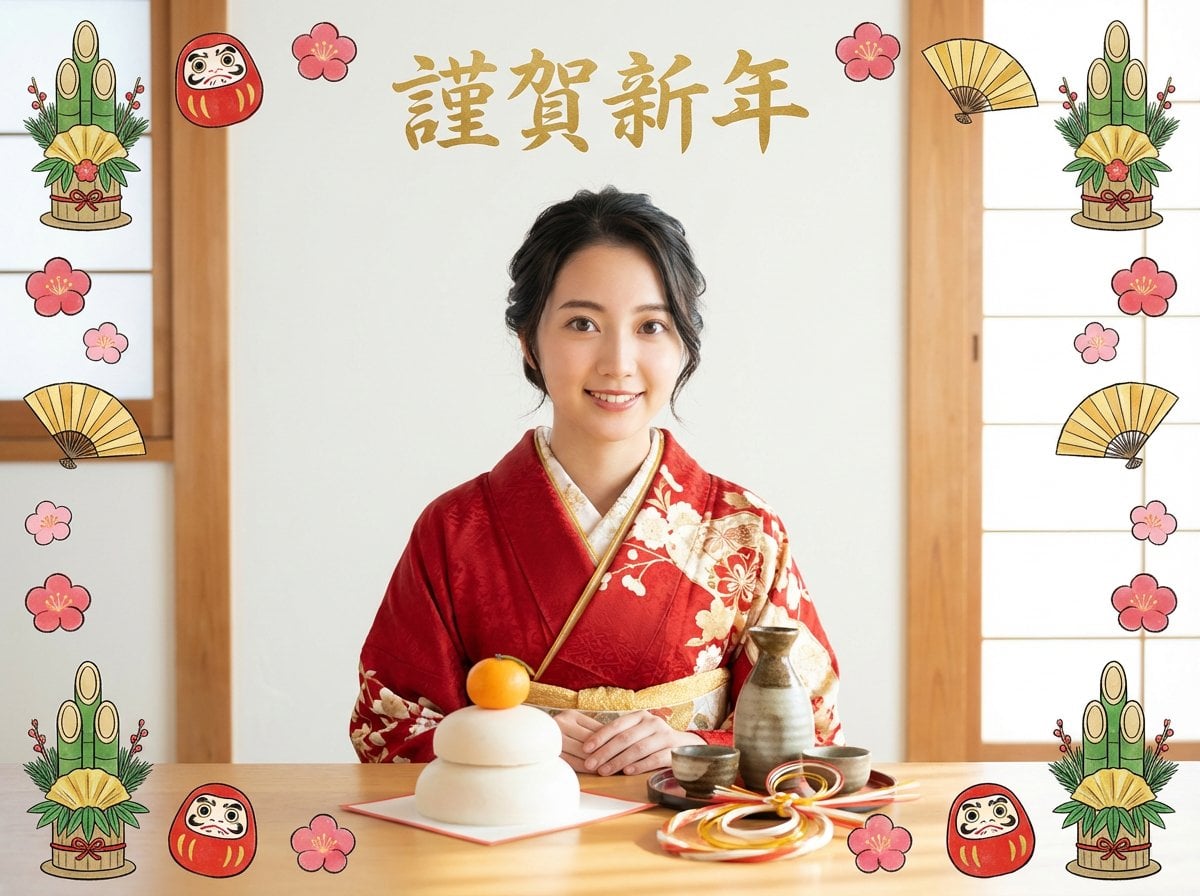
New Year's Portrait Photo Prompt for Nano Banana Pro
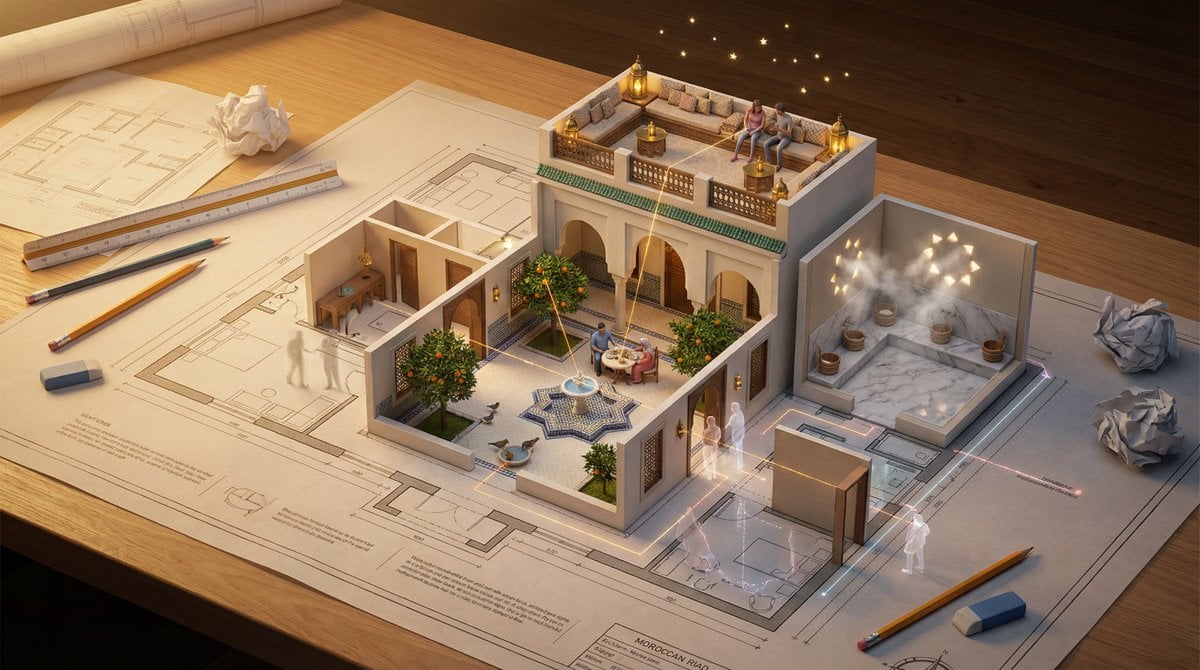
Architectural Floor Plan as Miniature World
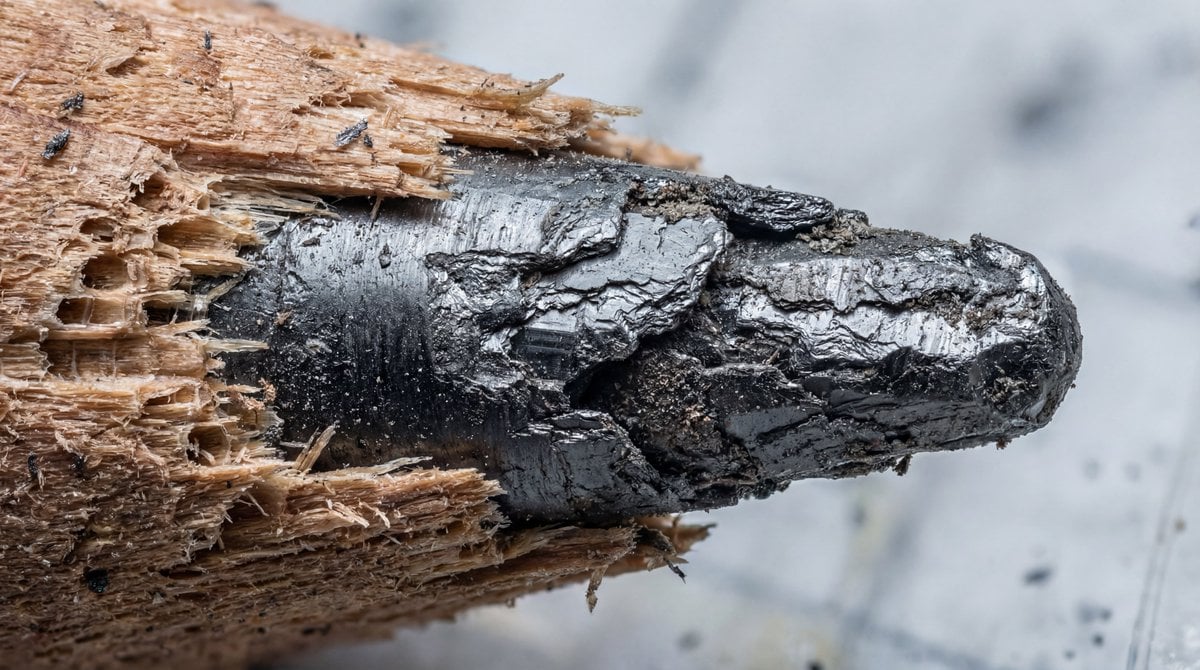
Microscopic View of a Pencil Tip
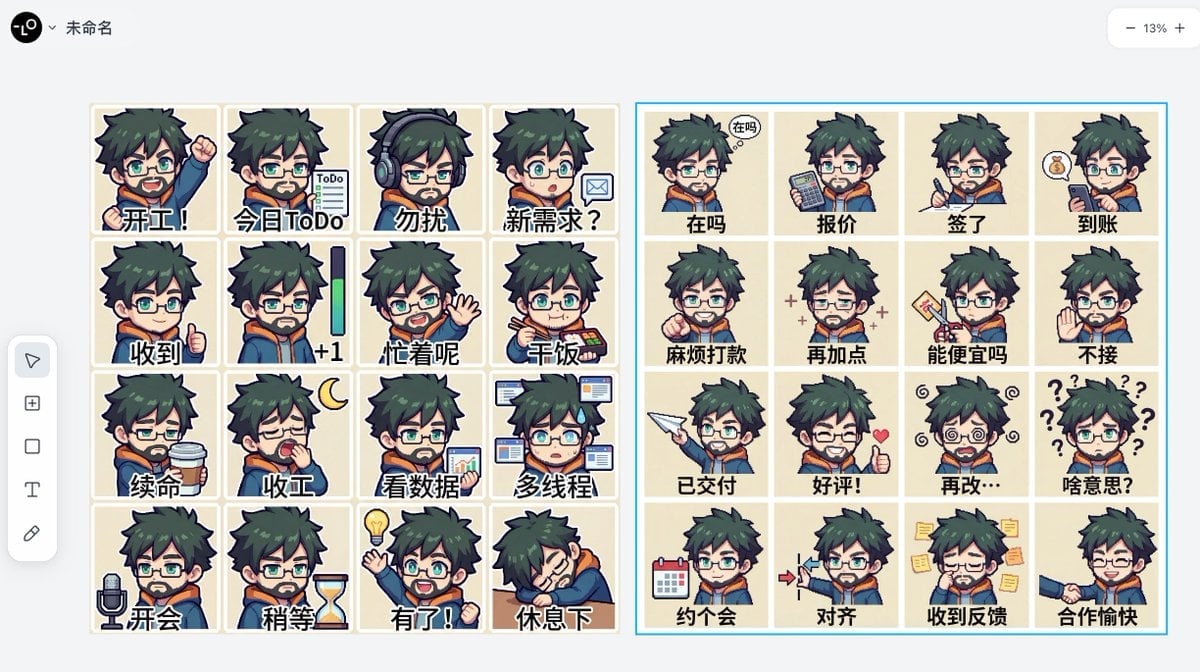
Panel Emoji Pack Generation Prompt
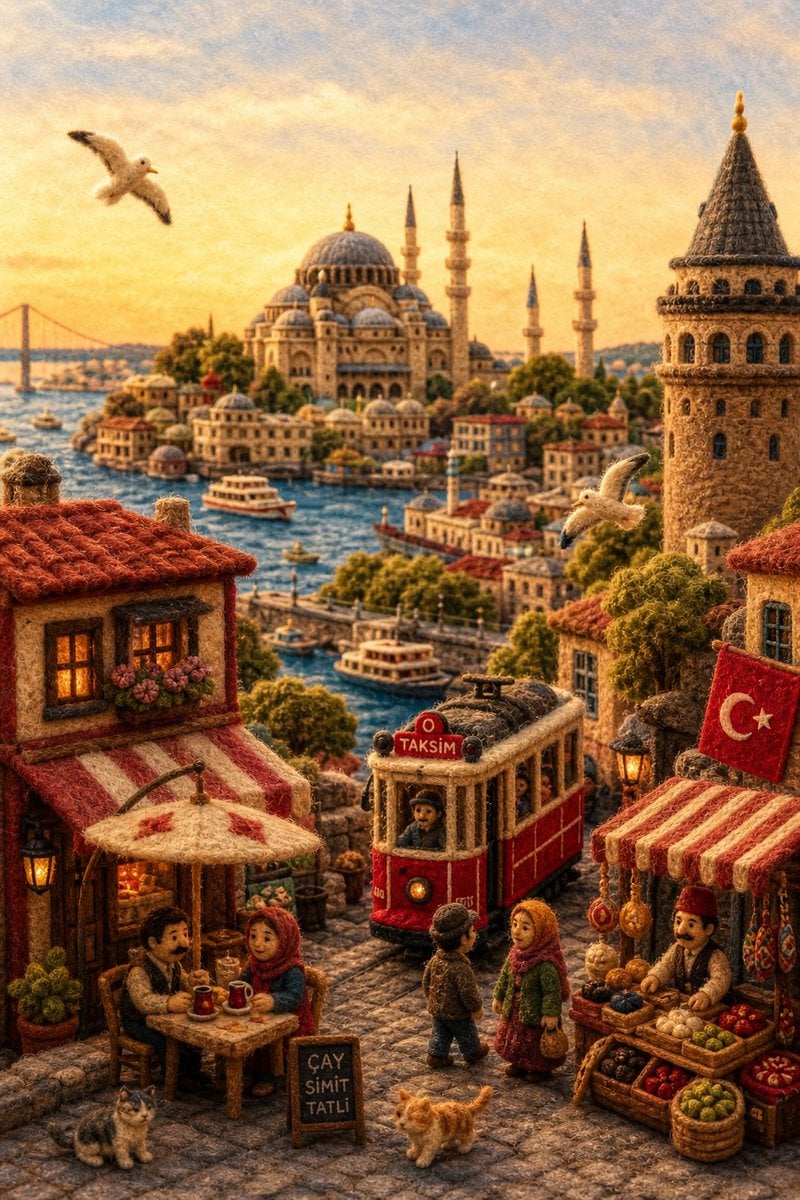
Needle-Felt Country Diorama
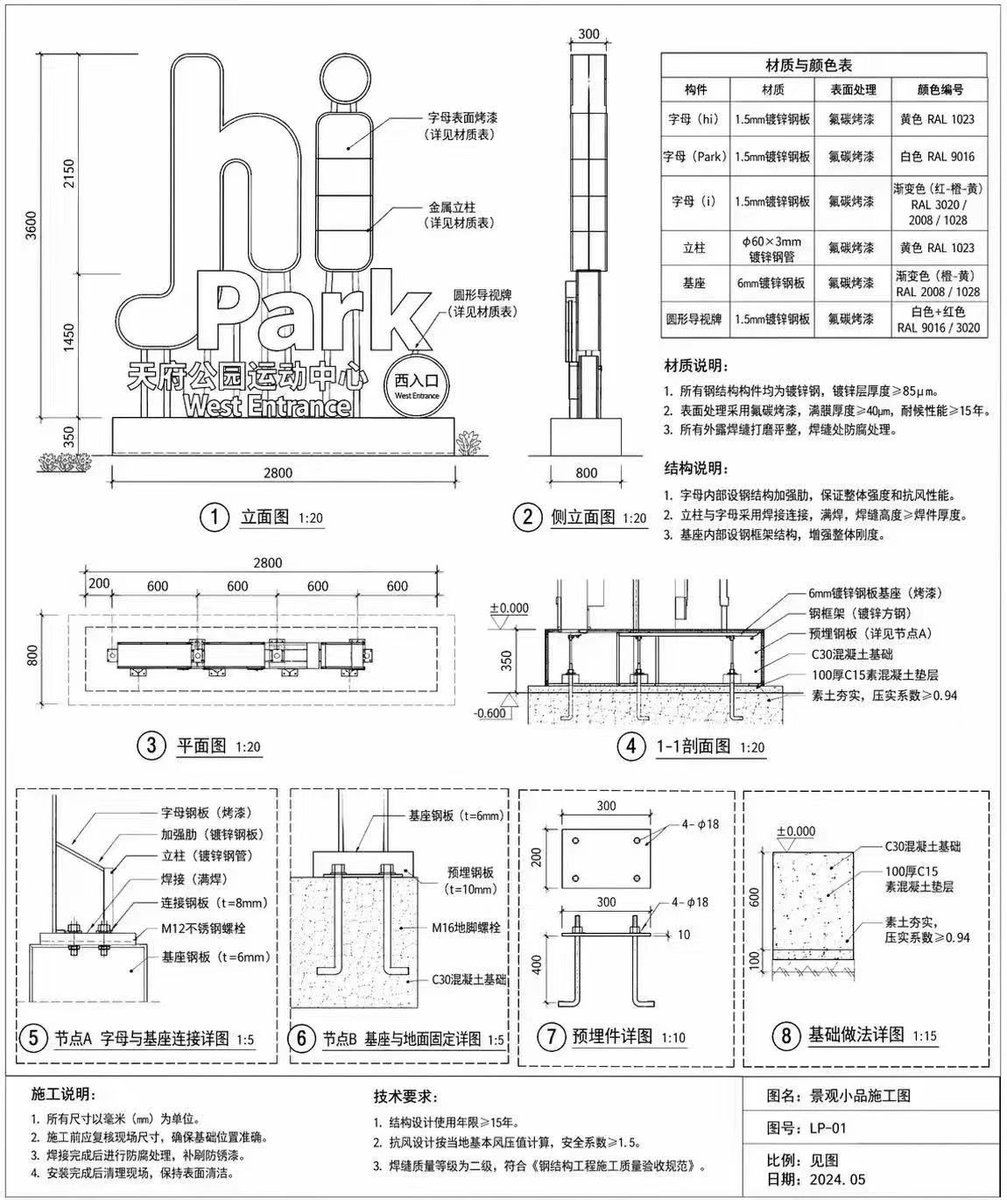
Architectural Signage Construction Drawing
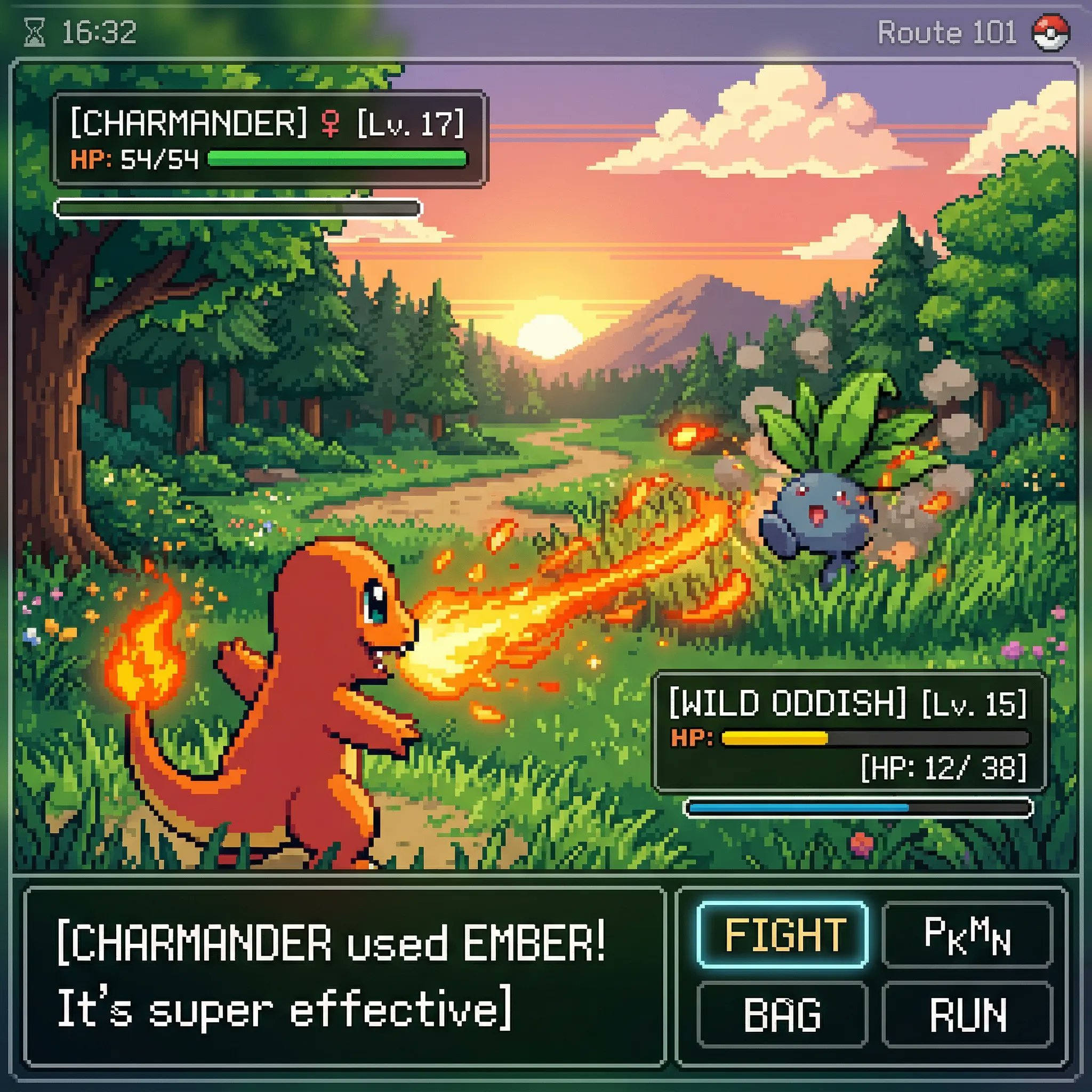
Classic Gameboy Pokemon Style Pixel Art
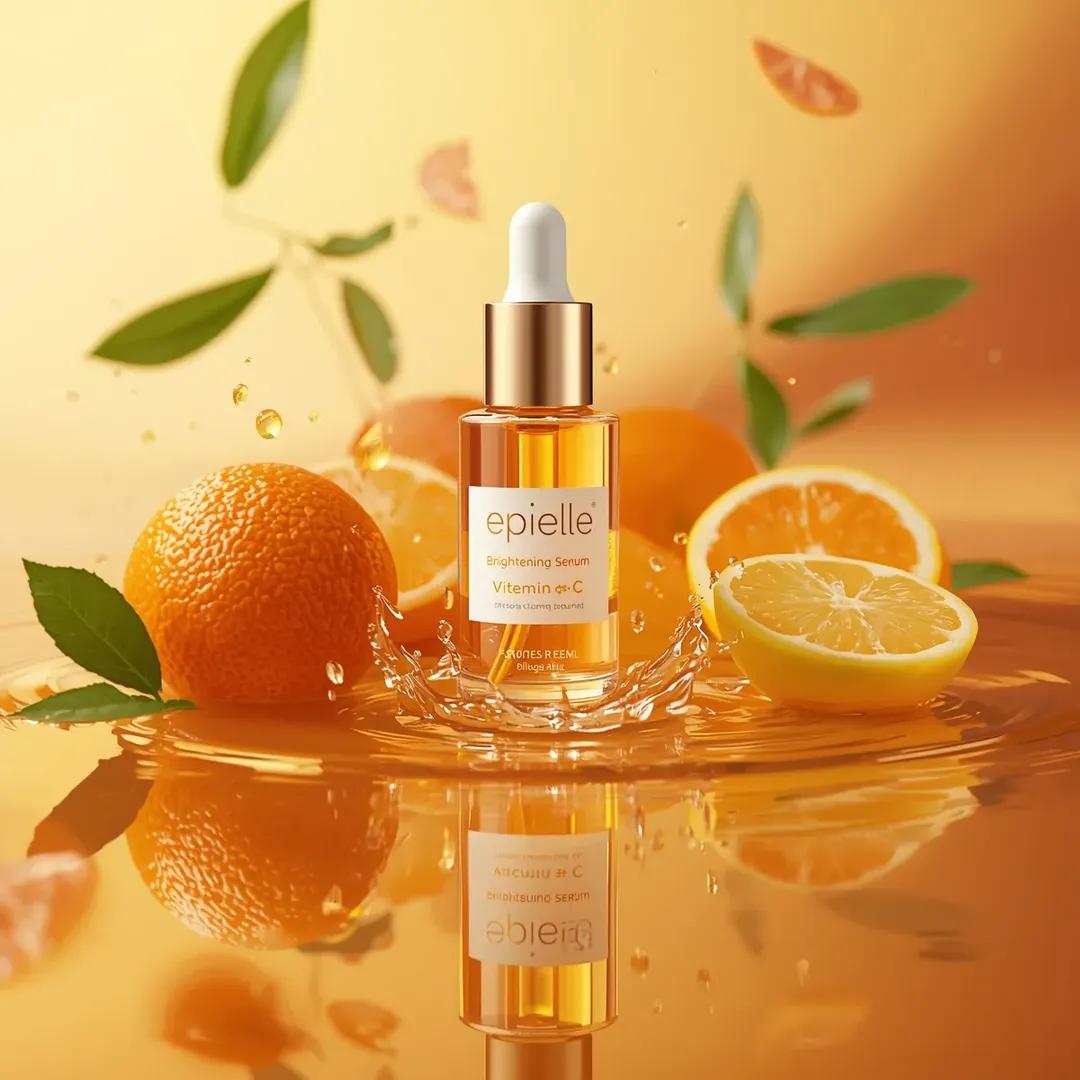
Ultra-High-End Skincare Product Photography Prompt
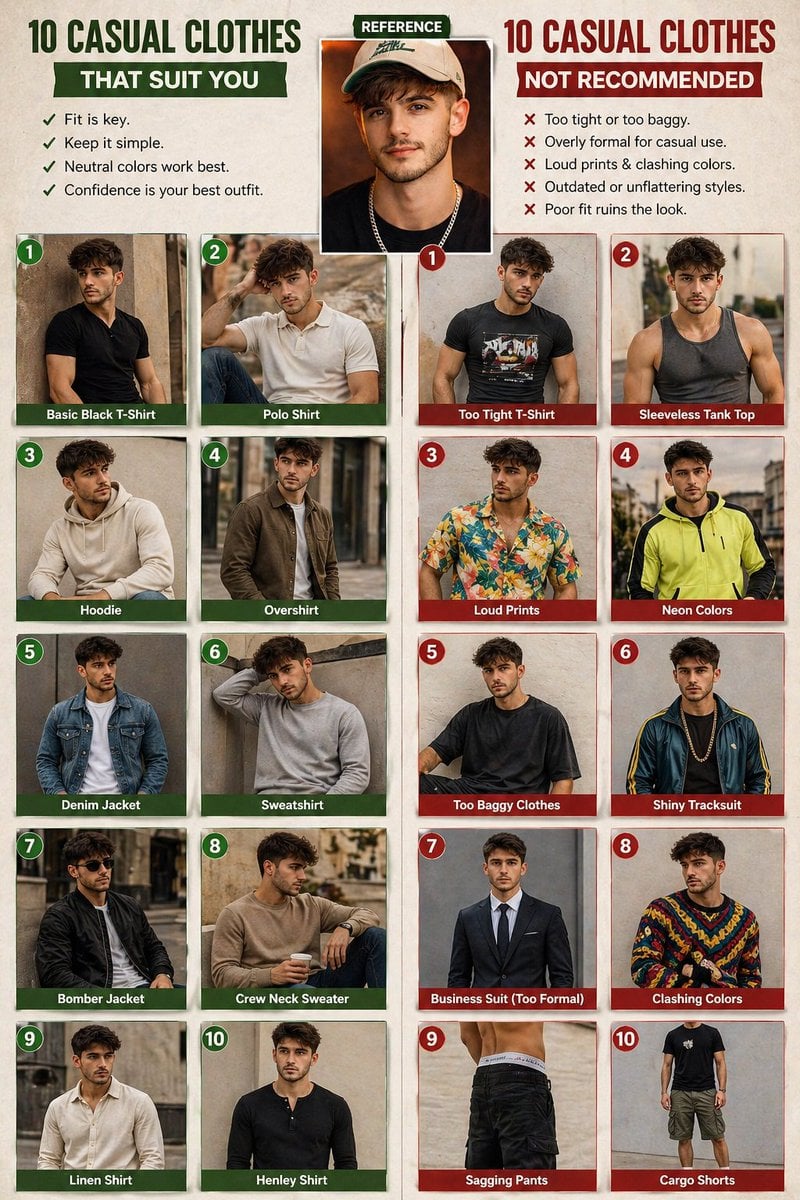
Casual fashion lookbook poster prompt
Browse template categories
Early 2000s Nightlife Flash Portrait questions
How do I use the Early 2000s Nightlife Flash Portrait template?
Add your photo if the template asks for one, edit the prompt if you like — the template's model and format are already selected — and press Generate. Your version opens in PicX Studio.
Can I customize the Early 2000s Nightlife Flash Portrait template?
Yes. You can change the subject, setting, lighting, mood, format, and available model controls before creating your image.
Is the Early 2000s Nightlife Flash Portrait template free?
Opening and editing this template is free. Generating uses credits, shown on the Generate button when you are signed in.
Which AI model should I use?
Start with Nano Banana 2, which is the model associated with this template. You can compare another compatible model for a different finish.
Looking for something else? Browse all templates.

Your photo, any look
Thousands of ready templates for every top image and video model, from one credit balance.