
Early 2000s Digital Camera Flash Portrait Prompt
A detailed image generation prompt for Gemini Nano Banana Pro, aiming to recreate a candid, nostalgic portrait of a young man displayed on the screen of a compact Canon digital camera, emphasizing the harsh direct flash…
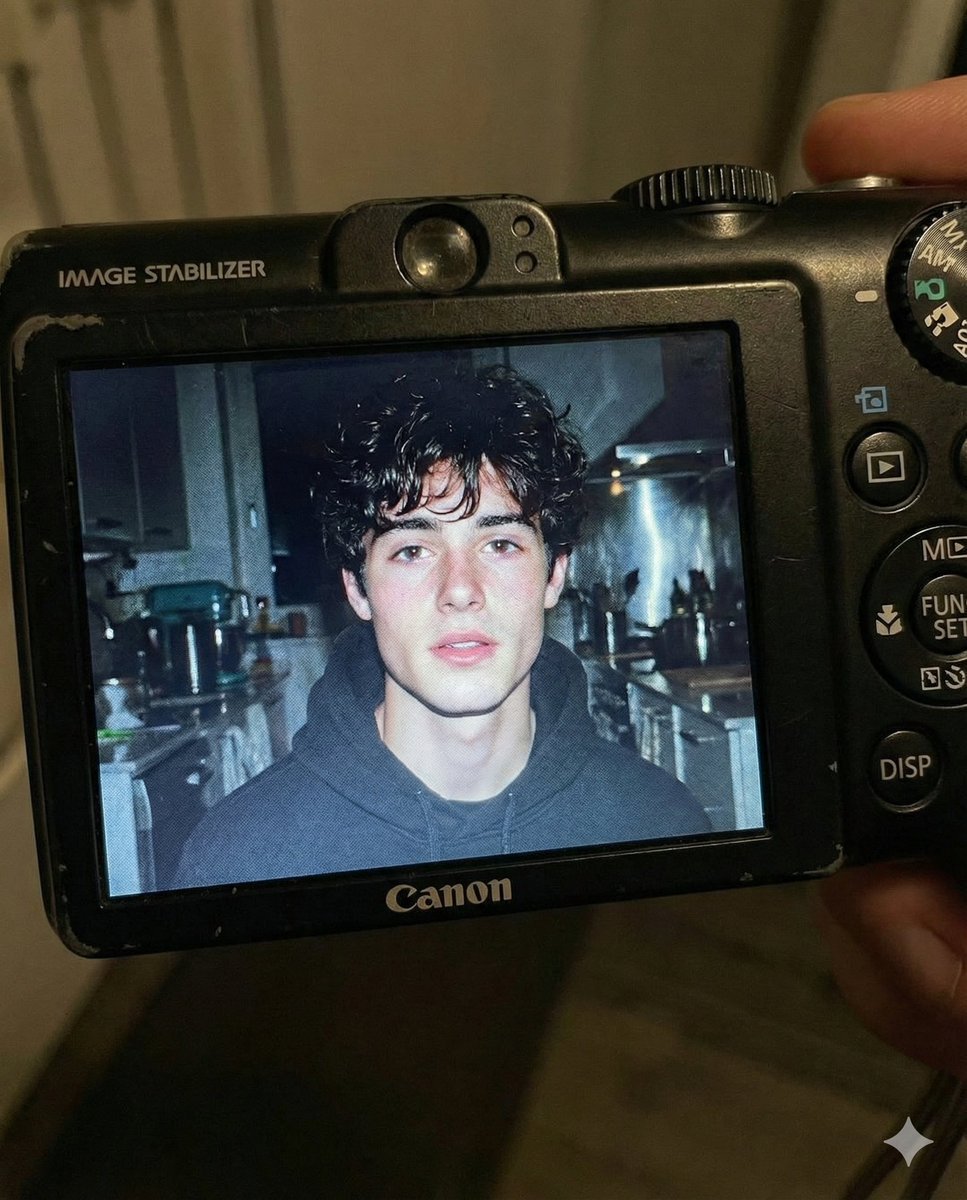
- Prompt included
- Model and format preset
- Free template
The prompt behind this image
Copy the exact prompt behind Early 2000s Digital Camera Flash Portrait Prompt, or open it in the studio and make it yours.
Use the facial features of the attached photo. A close-up shot of a young man displayed on the screen of a compact Canon digital camera. The camera body surrounds the image with its buttons, dials, and textured surface visible, including the FUNC/SET wheel, DISP button, and the “IMAGE STABILIZER” label along the side. The photo on the screen shows the young man indoors at night, illuminated by a bright built-in flash that creates sharp highlights on his face and hair. He has short, slightly messy dark hair with loose strands framing part of his forehead, and a soft, slightly open-lip expression. The flash accentuates his features against a dim, cluttered kitchen background with appliances, shelves, and metallic surfaces softly blurred. The mood is candid, raw, nostalgic, and reminiscent of early 2000s digital camera snapshots. Colors are slightly muted with cool undertones, strong flash contrast, and natural grain from the display. No text, no logos inside the photo preview itself. Scale ratio: 4:5 vertical Camera: compact digital camera simulation Lens: equivalent to 28–35mm Aperture: f/2.8 ISO: 400 Shutter speed: 1/60 with flash White balance: auto flash Lighting: harsh direct flash on subject, ambient low light in the background Color grading: nostalgic digital camera tones, high contrast flash, subtle display grain, authentic screen glow.
How to use Early 2000s Digital Camera Flash Portrait Prompt in 3 steps
- 1Upload ImagePNG, JPG or paste
Add your photo
Upload the photo the template builds on. The prompt, model and format are already set.
- 2…a portrait of your subject in softgolden-hour light, 85mm…
Personalize
Edit the subject and creative details for your destination.
- 3Generate
Generate
Press Generate — your image is created in PicX Studio, so you can compare it with the original and refine one variable at a time.
More like this
Templates with the same subject, style or setup. Open one to see its prompt.
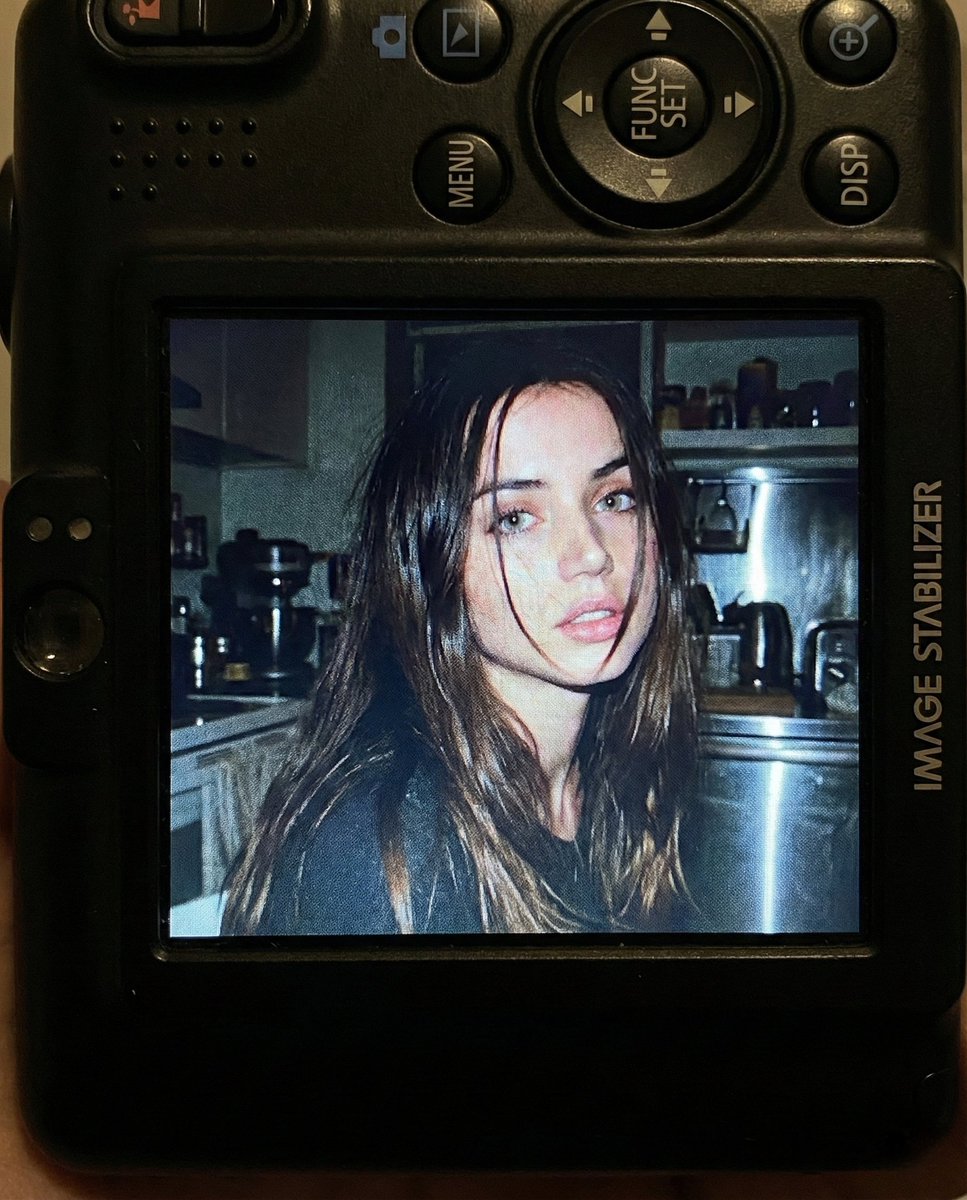
Nostalgic Early 2000s Digital Camera Portrait Prompt

Early 2000s Nightlife Flash Portrait
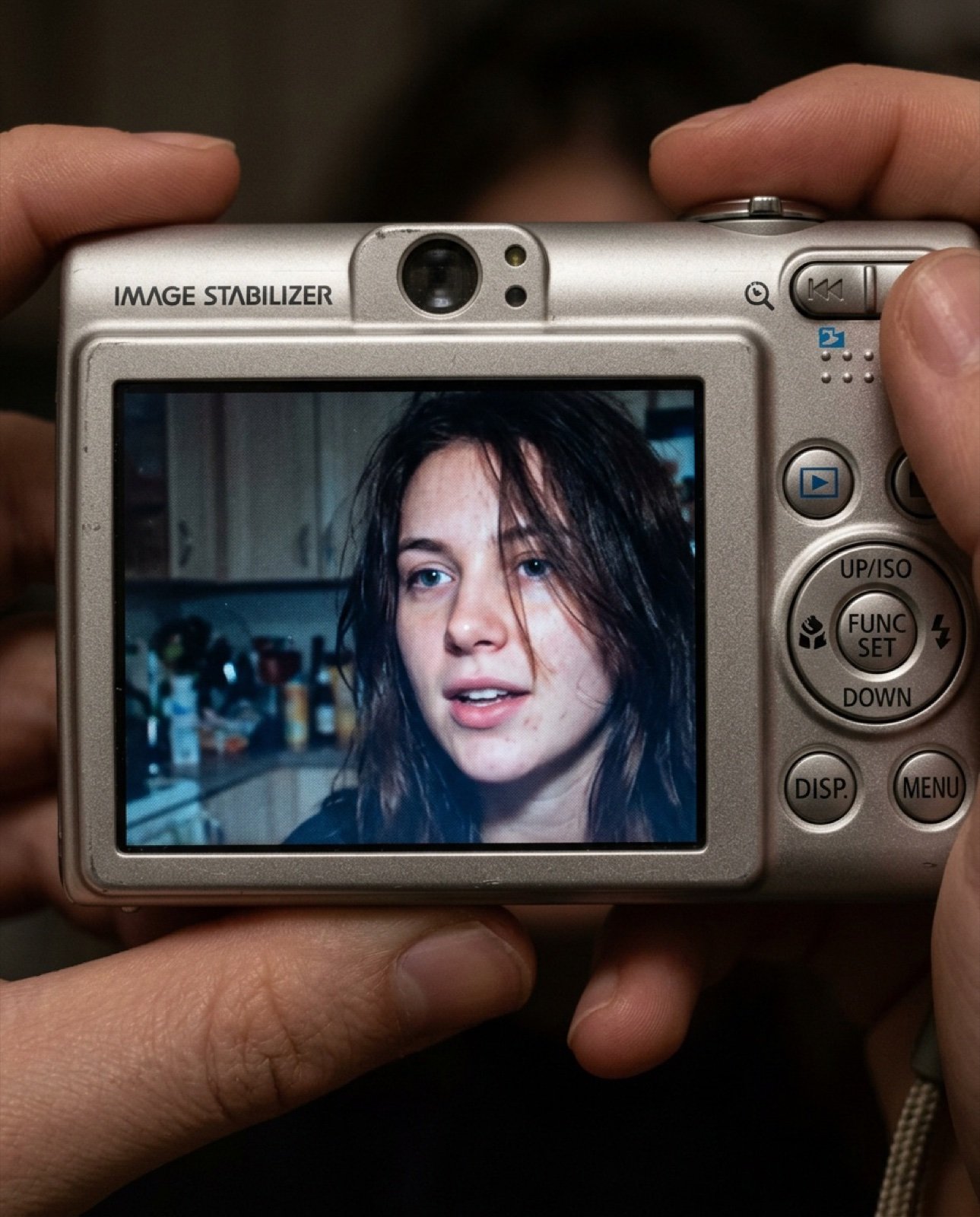
Early 2000s Digital Camera Screen Photo Prompt
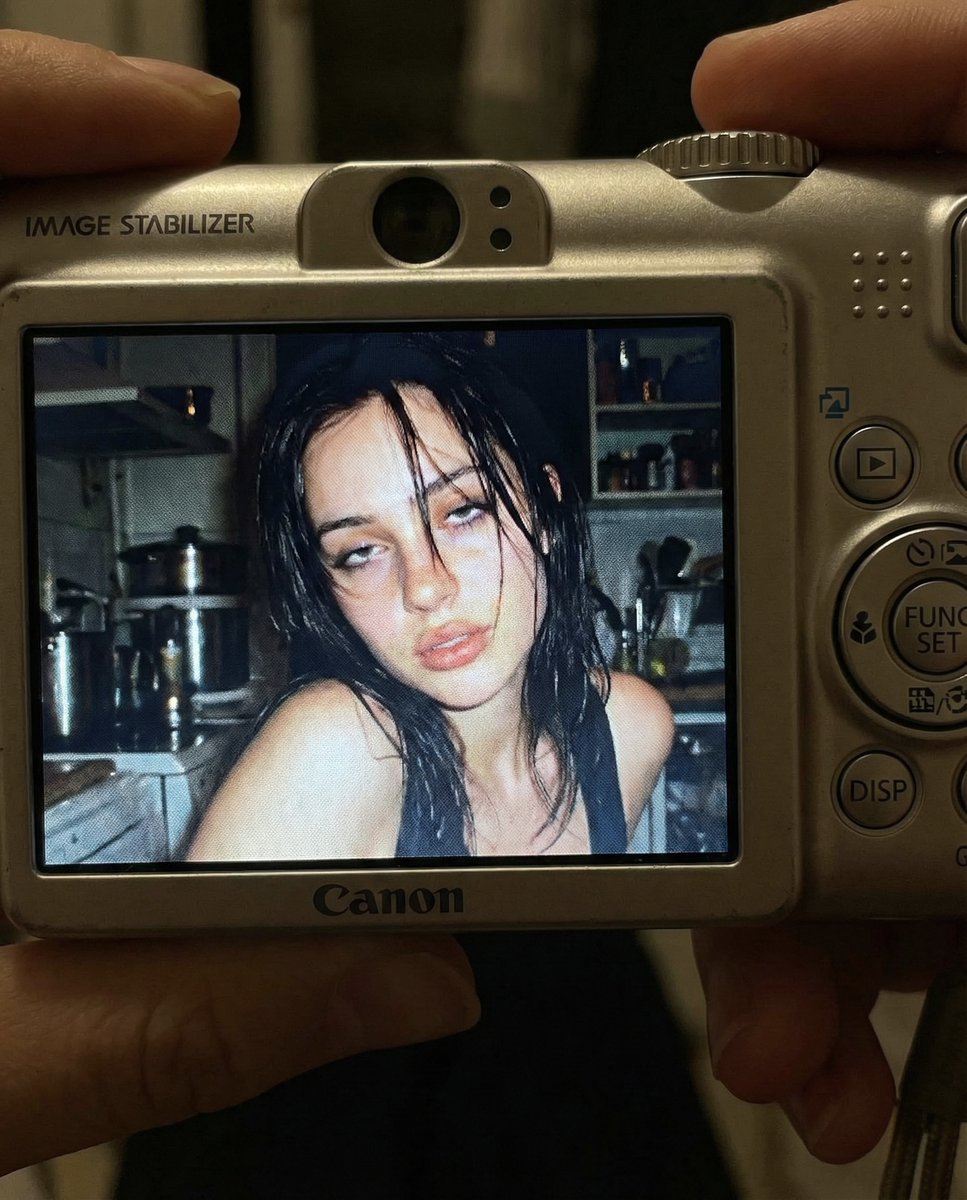
Early 2000s Digital Camera Snapshot Prompt
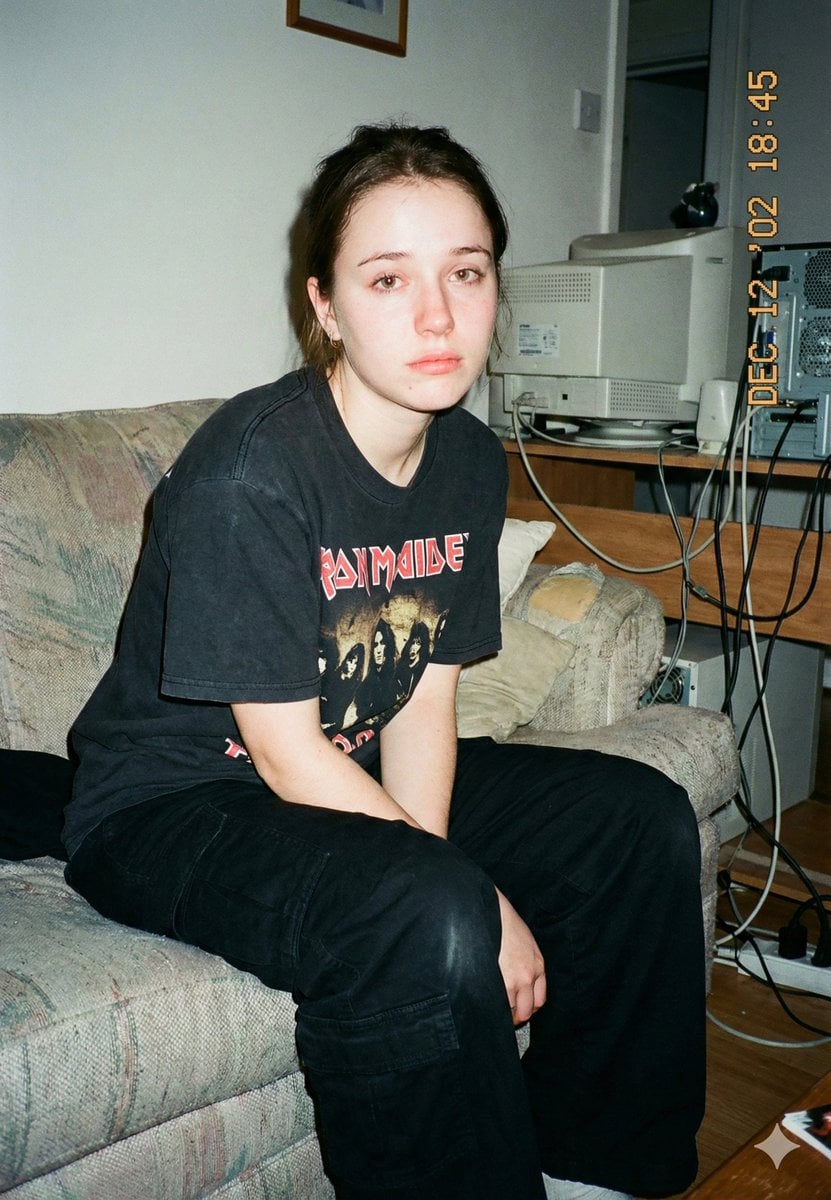
Lo-Fi Candid Portrait with Direct Flash (Early 2000s Aesthetic)
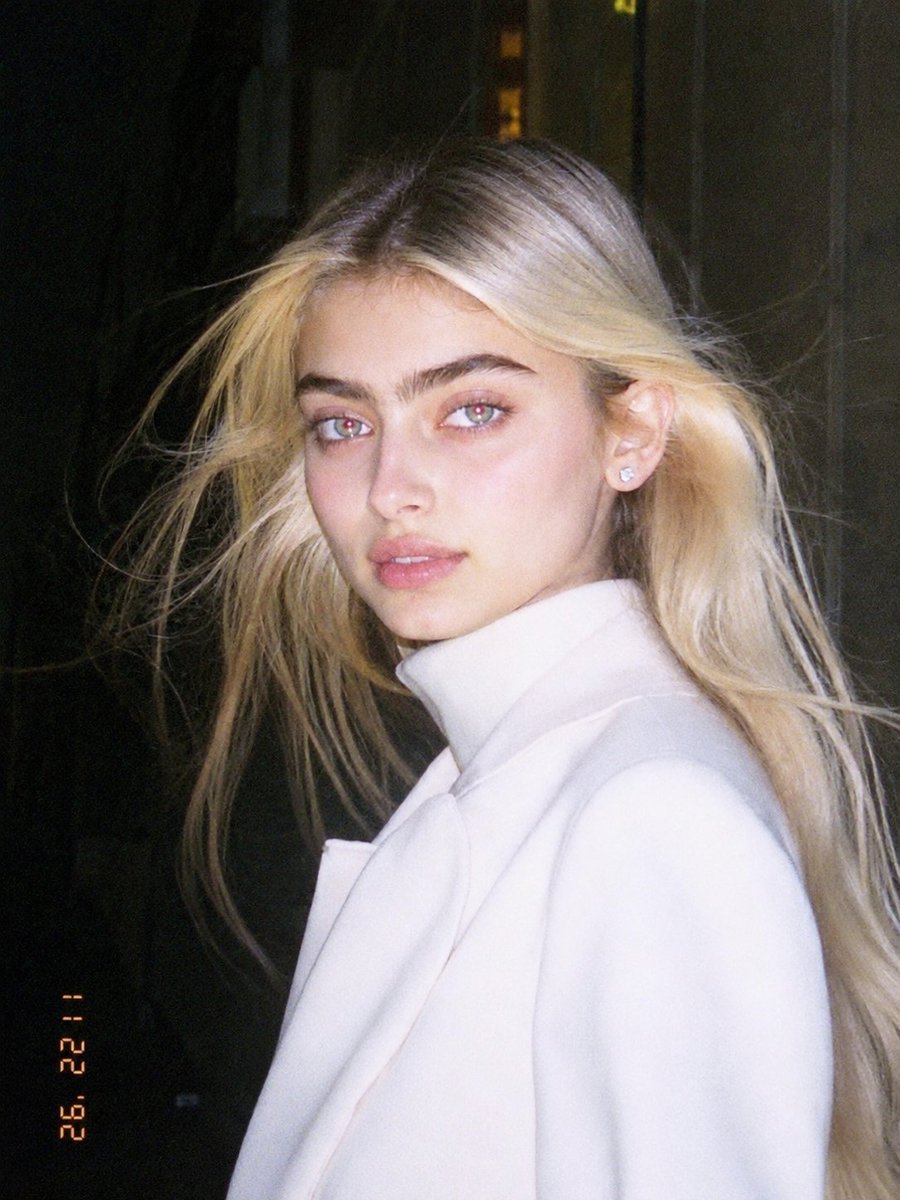
1990s Flash Camera Snapshot Portrait
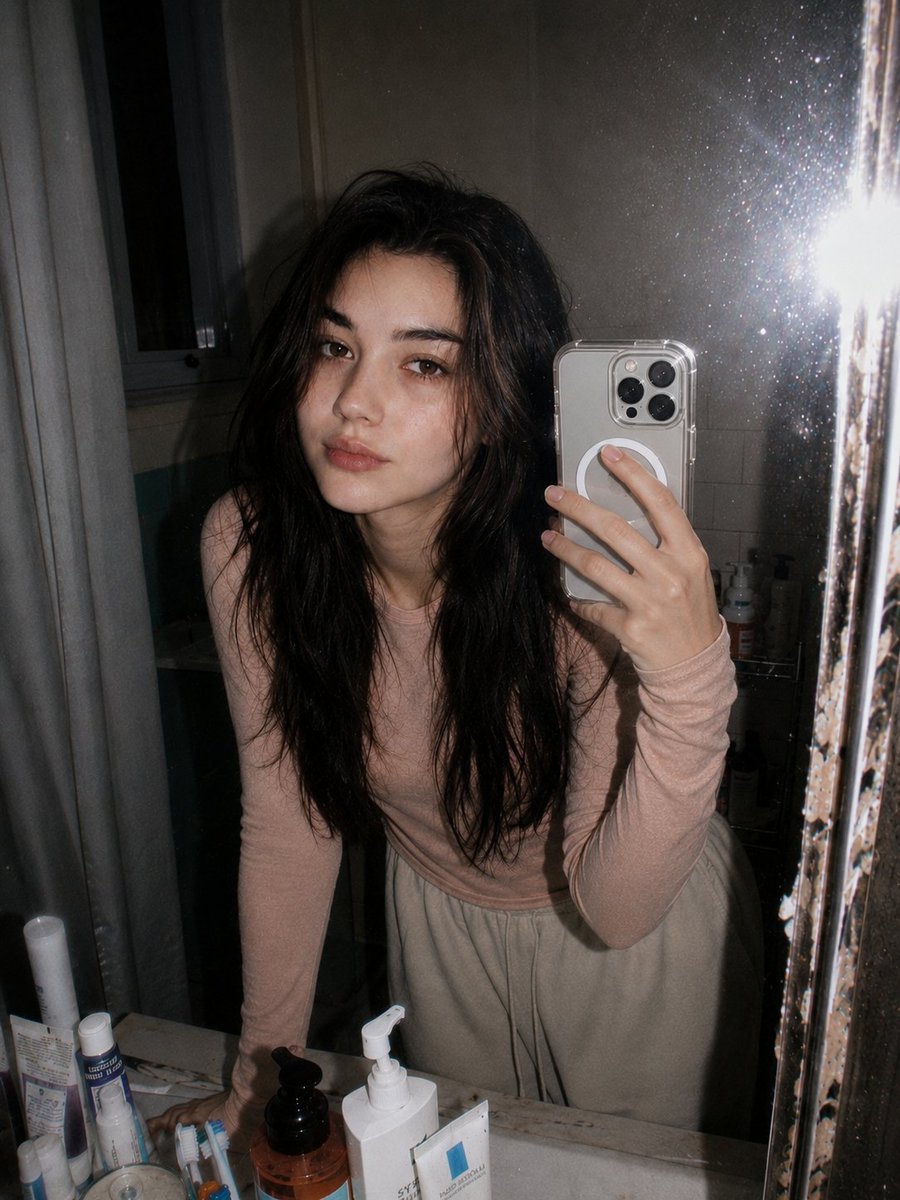
Retro 90s Disposable Camera Flash Portrait
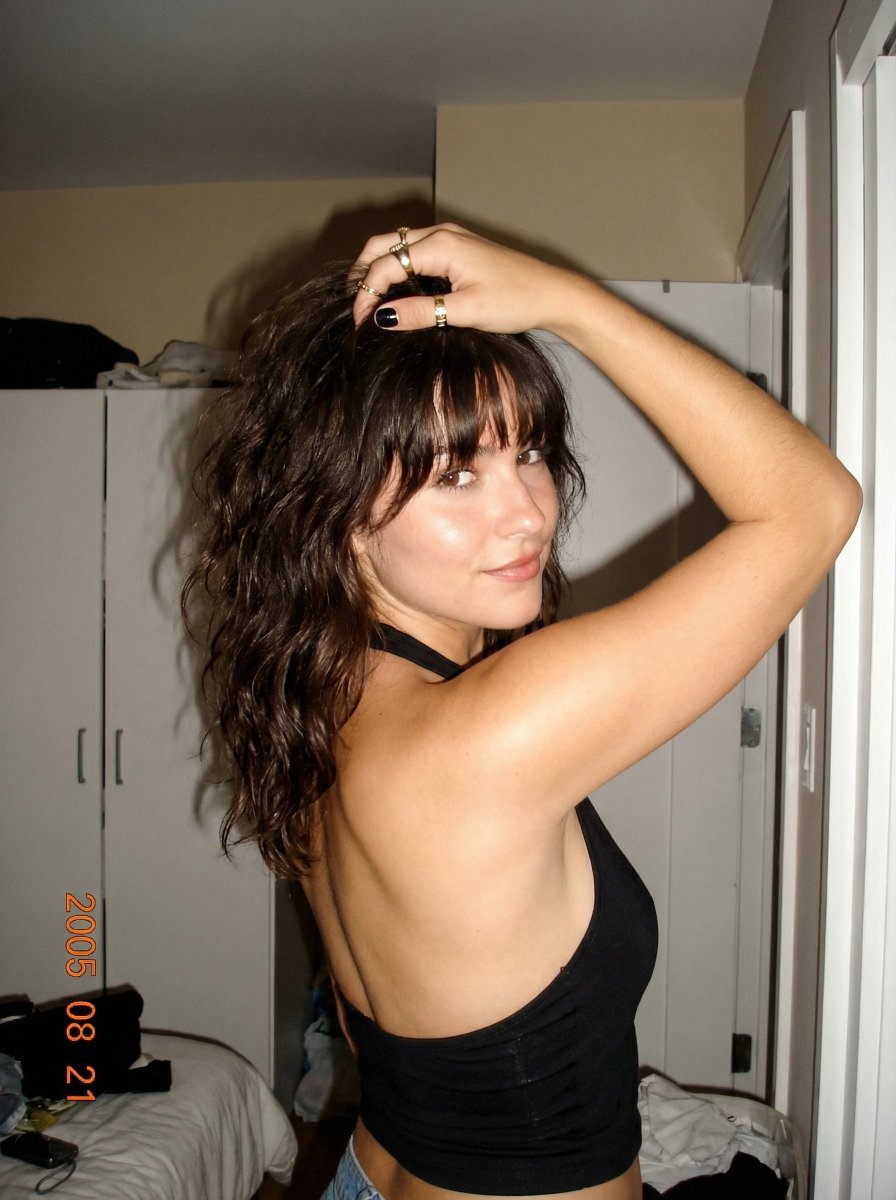
2000s Digital Camera Backless Top Snapshot Prompt
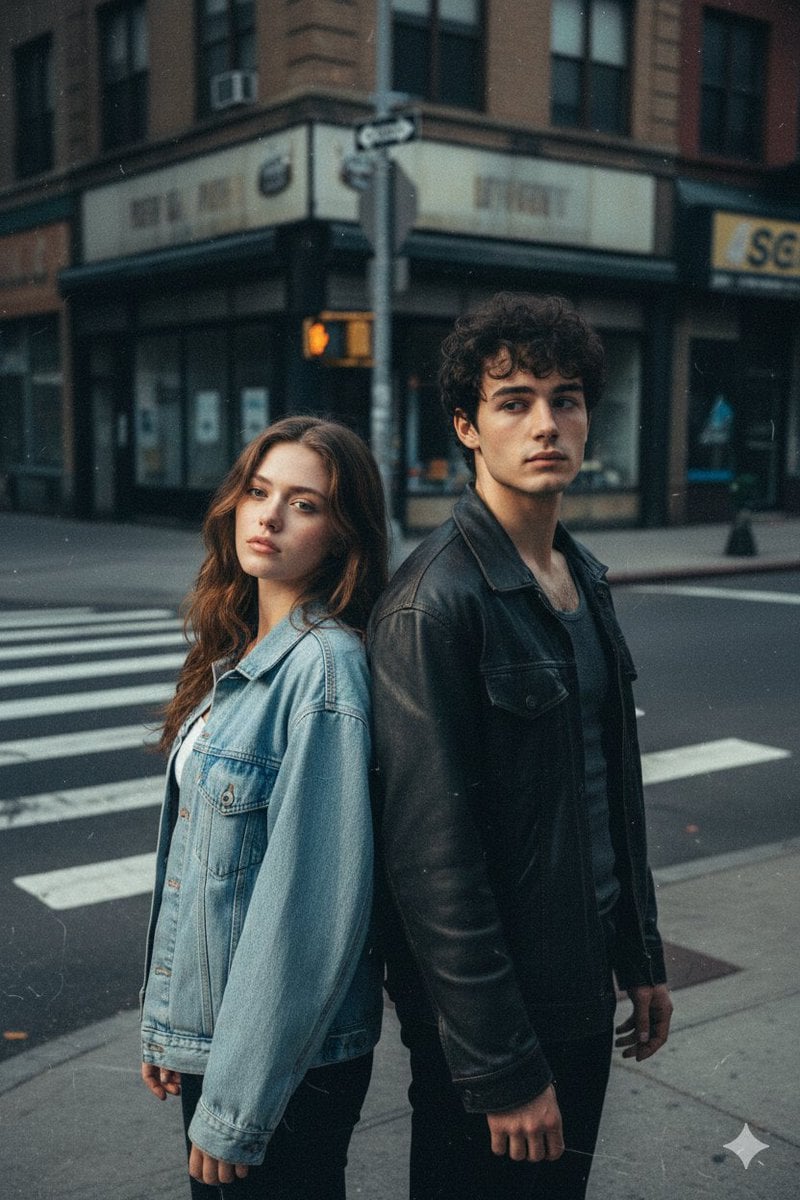
Early 2000s Flash Photo Identity Blend Prompt

Early 2000s Hip-Hop Fashion Portrait Prompts
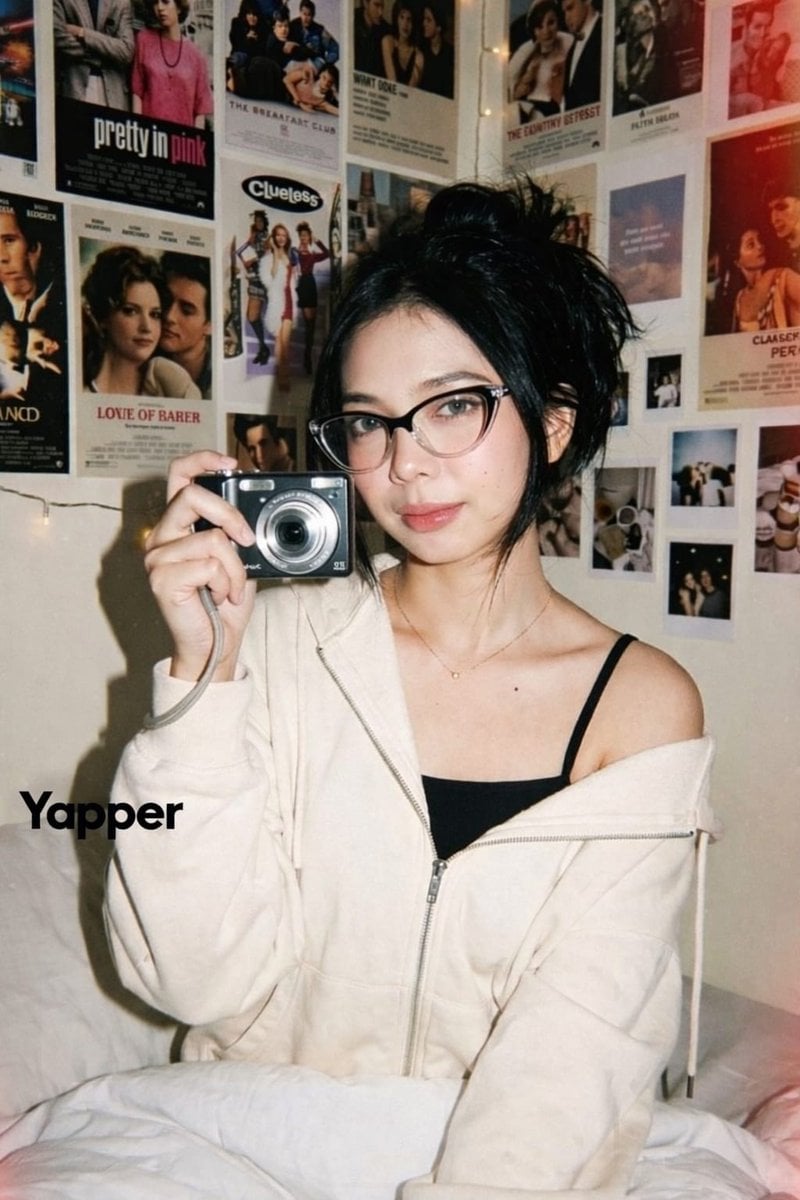
Y2K Candid Digital Camera Portrait of a Young Woman
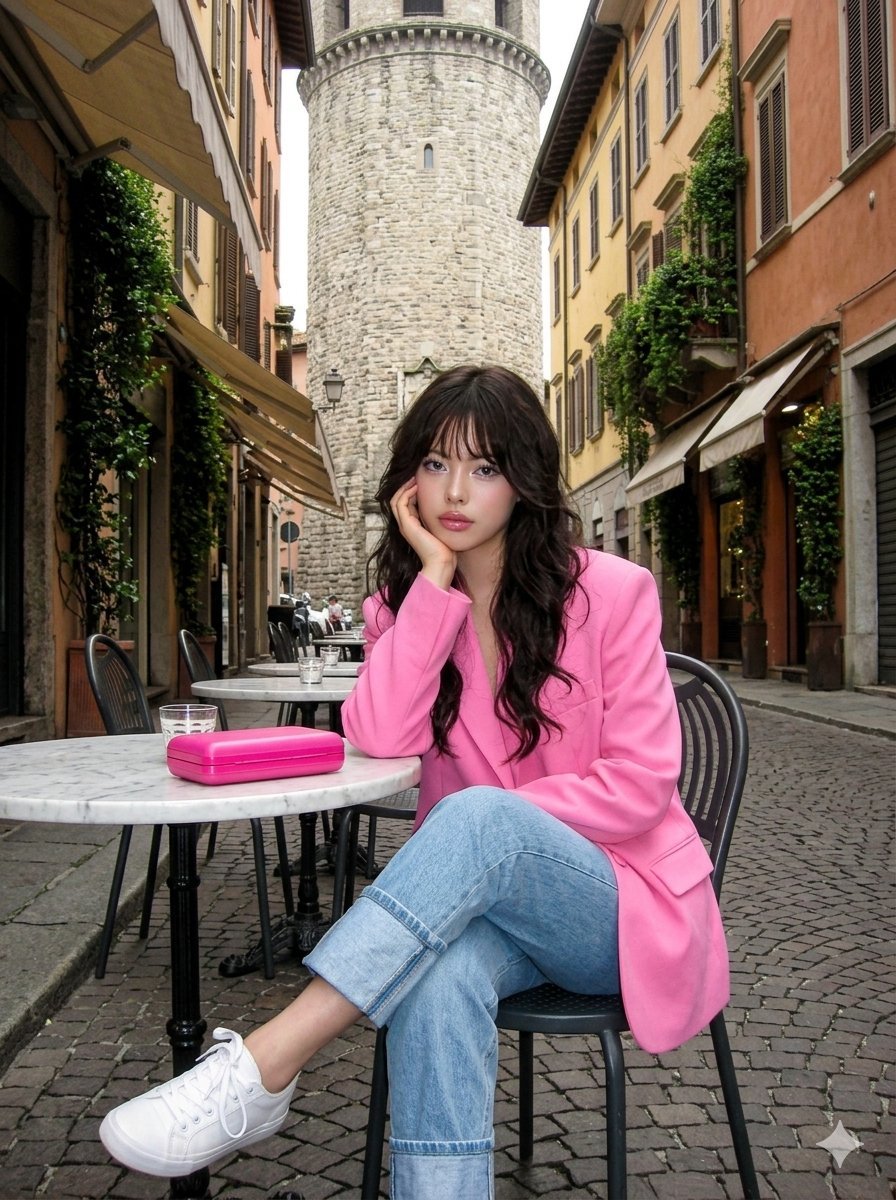
Early 2000s Digital Photo of Subject in Pink Blazer
Make it yours
Early 2000s Digital Camera Flash Portrait Prompt works as-is. These are the safest ways to change it without losing the look.
Change one field
Copy a single group, rewrite it, and generate again so you can see what that field is doing.
Keep the frame, change the subject
Hold the composition and light of Early 2000s Digital Camera Flash Portrait Prompt, then swap wardrobe, props or the person for a new take.
| If the result… | Why | Fix |
|---|---|---|
| The result drifts from the preview | Too many fields changed at once. | Reuse Early 2000s Digital Camera Flash Portrait Prompt as-is first, then change one group — subject, light, or setting. |
| The model over-stylizes the scene | The prose prompt leaves finish and camera underspecified. | Add one camera or lighting sentence and stay on Nano Banana 2. |
More Nano Banana 2 templates
Other prompts made for Nano Banana 2.

Photorealistic Leaf Shaped Like a Dragon

K-Pop Idol Portrait Grid for Rapid Selection

Poetic Rain Forest Portrait During Golden Hour

Urban Street Portrait with Cartoon Inner Self Duo

Candid Nighttime Photo with Cat Prompt

High-Concept 3D Diorama Generation Prompt

Cinematic Futuristic Studio Portrait Template

Skincare Editorial Photography Collage Prompt

Hyper-Realistic Commercial Product Photography (Splash Effect)

Hyper-Realistic Nightclub Portrait Prompt
More image prompts
Fresh picks from across the catalog.
Luxury Office at Dusk Skyline View
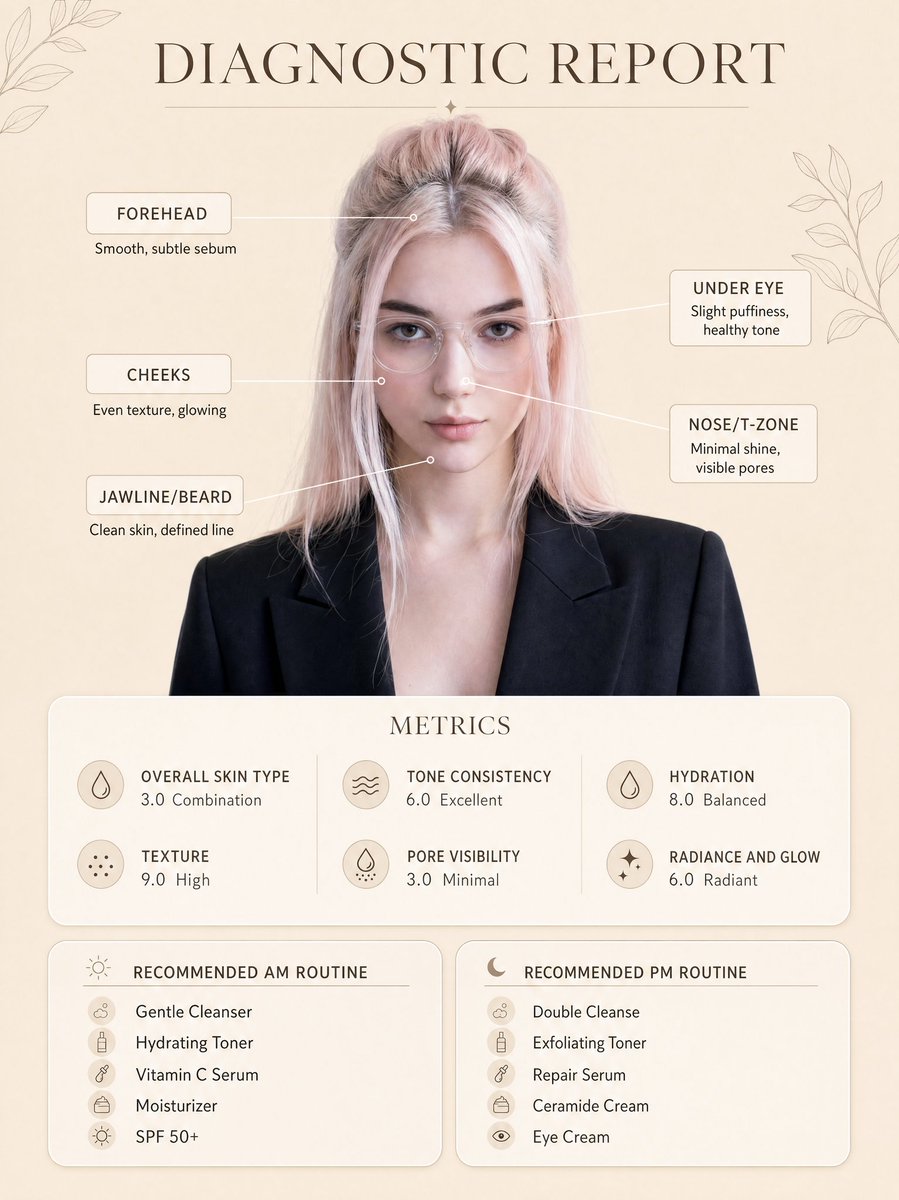
Skincare Diagnostic Infographic Poster

Batch study card generation prompts (physics, English, poetry)
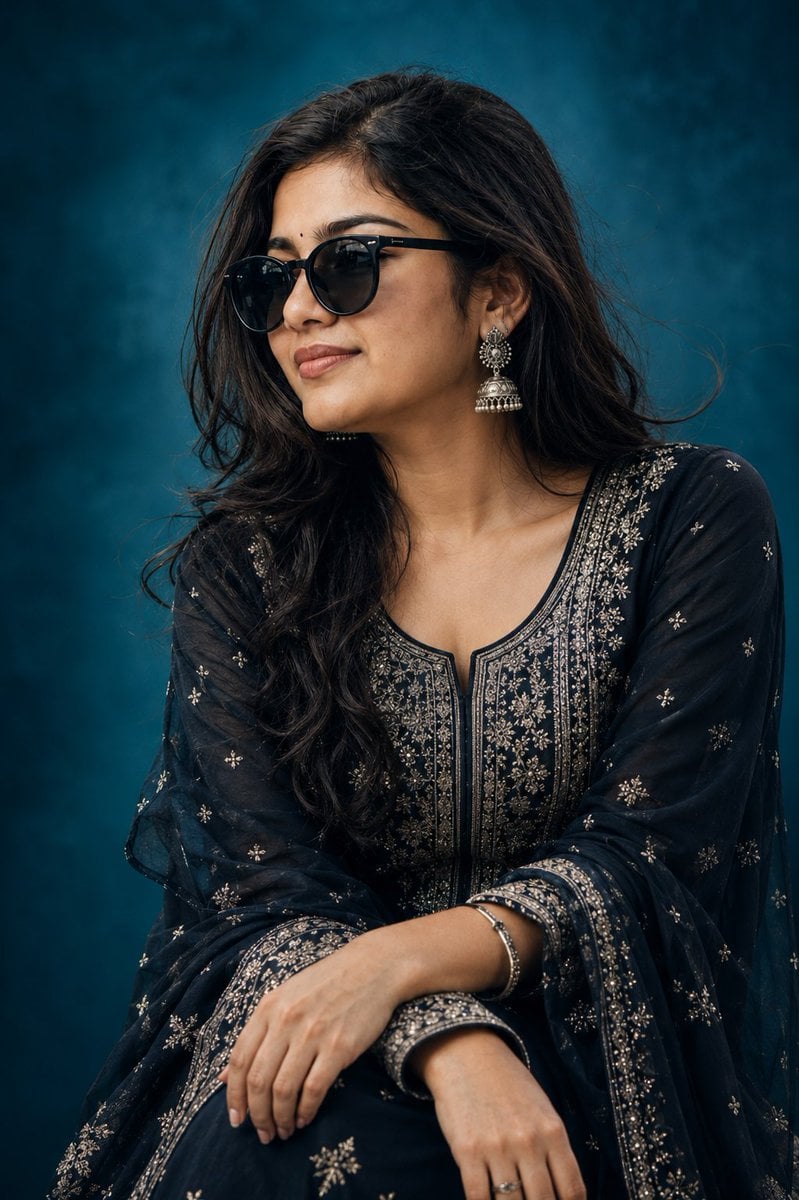
Elegant Indian Birthday Portrait
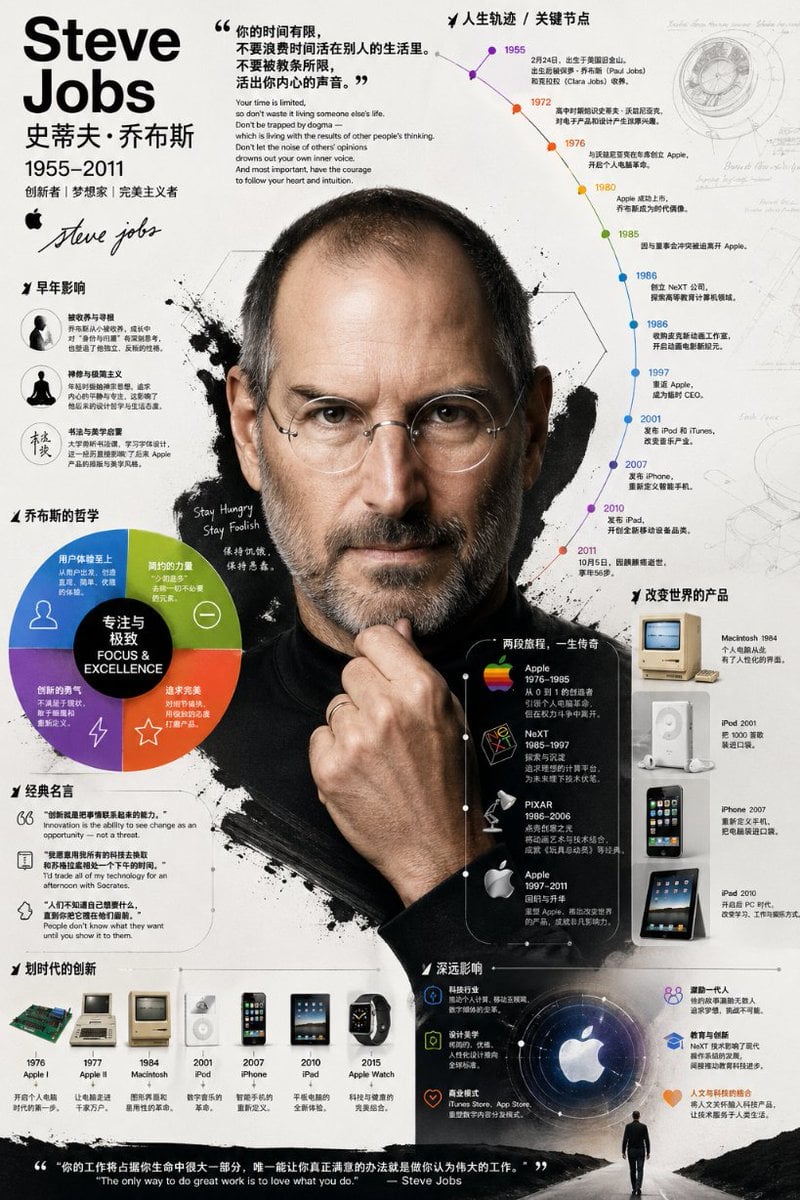
Detailed Biographical Infographic Poster
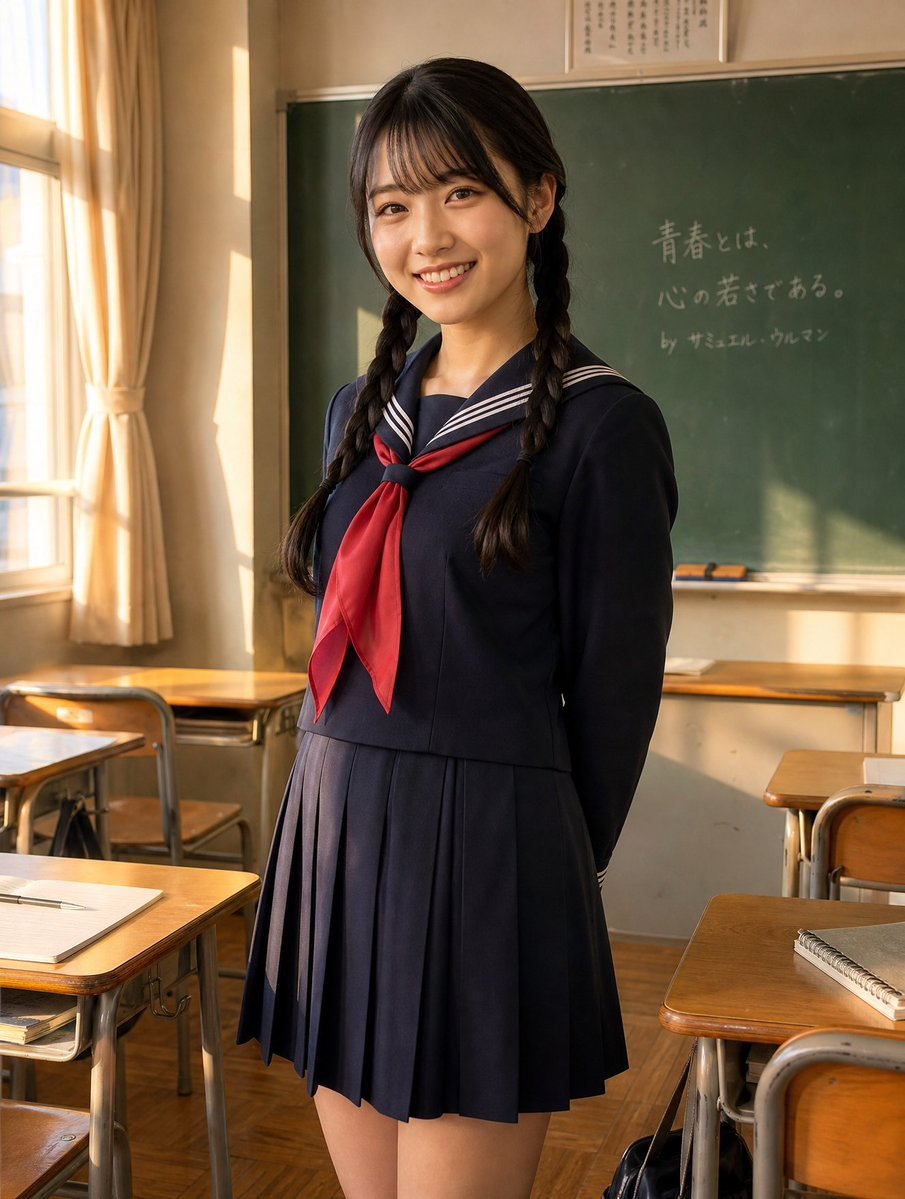
Sunlit Japanese Classroom Sailor Uniform Portrait

Gpt2 Youtube Thumbnail Wuxia Movie Character Posters
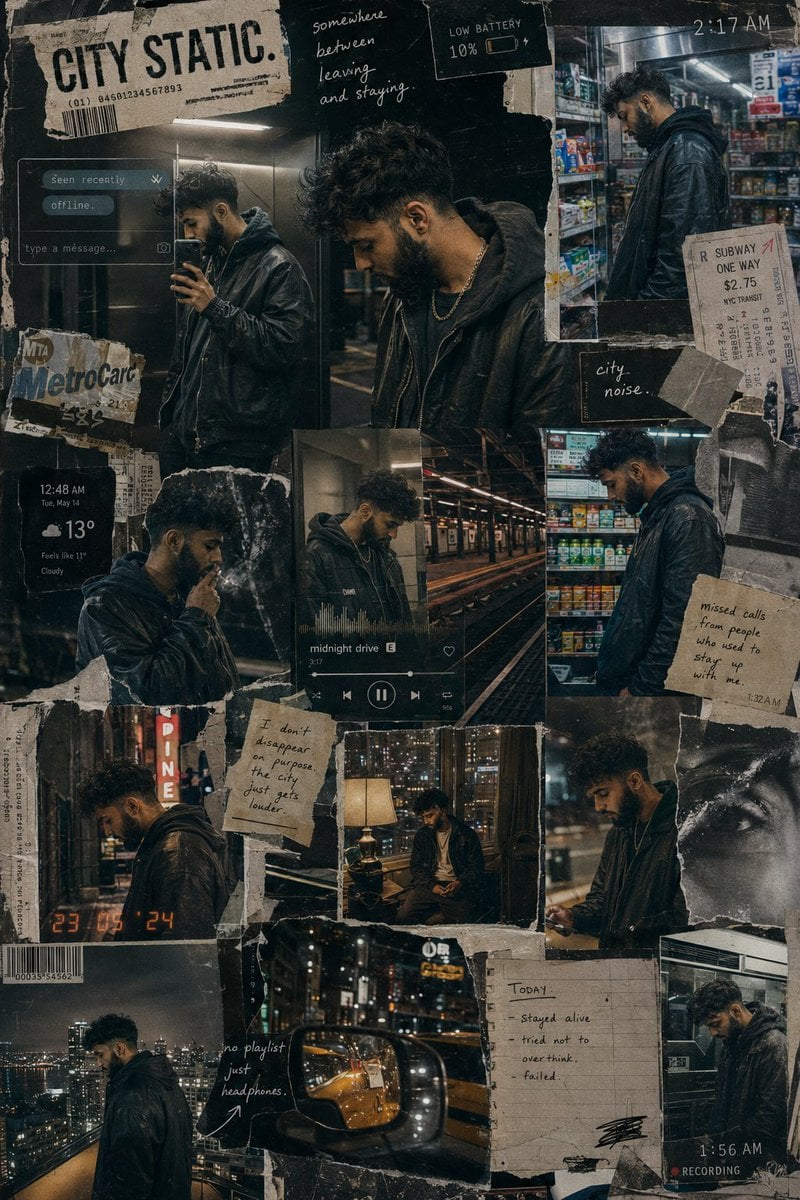
Urban Life Mixed-Media Collage
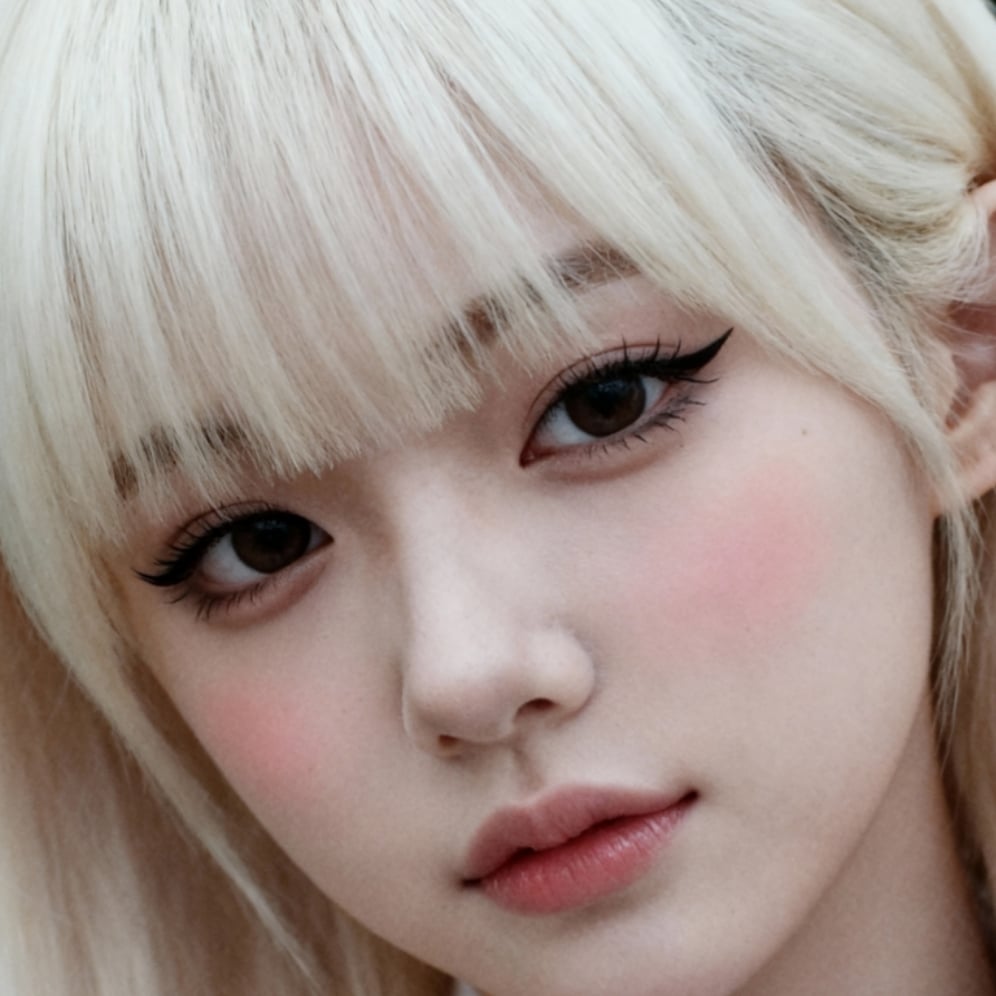
Ultra-High Resolution Upscale and Skin Texture Transfer Prompt
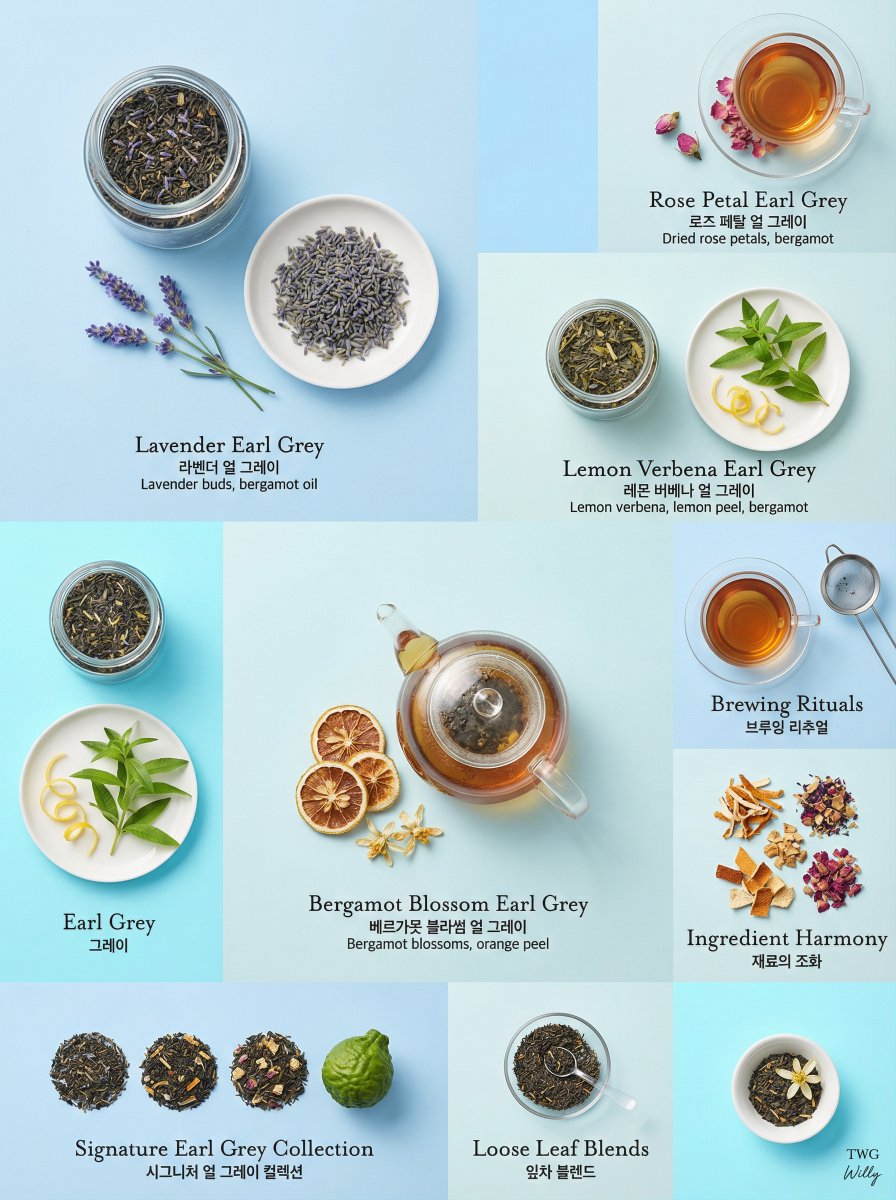
Luxury Earl Grey Tea Editorial Layout
Browse template categories
Early 2000s Digital Camera Flash Portrait Prompt questions
How do I use the Early 2000s Digital Camera Flash Portrait Prompt template?
Add your photo if the template asks for one, edit the prompt if you like — the template's model and format are already selected — and press Generate. Your version opens in PicX Studio.
Can I customize the Early 2000s Digital Camera Flash Portrait Prompt template?
Yes. You can change the subject, setting, lighting, mood, format, and available model controls before creating your image.
Is the Early 2000s Digital Camera Flash Portrait Prompt template free?
Opening and editing this template is free. Generating uses credits, shown on the Generate button when you are signed in.
Which AI model should I use?
Start with Nano Banana 2, which is the model associated with this template. You can compare another compatible model for a different finish.
Looking for something else? Browse all templates.

Your photo, any look
Thousands of ready templates for every top image and video model, from one credit balance.