How do I use the Detailed Biographical Infographic Poster template?
Edit the prompt in the box under the preview — the template's model and format are already selected — and press Generate. Your version appears right on this page.
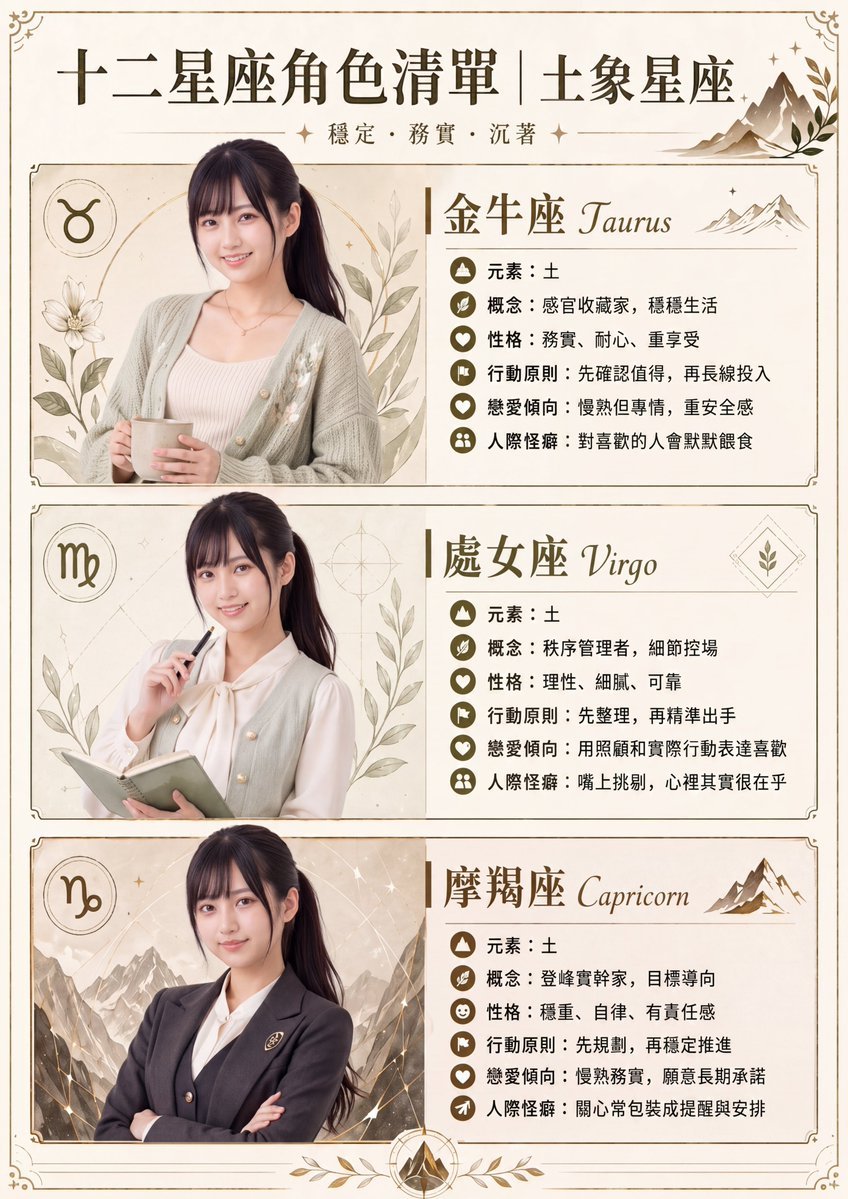
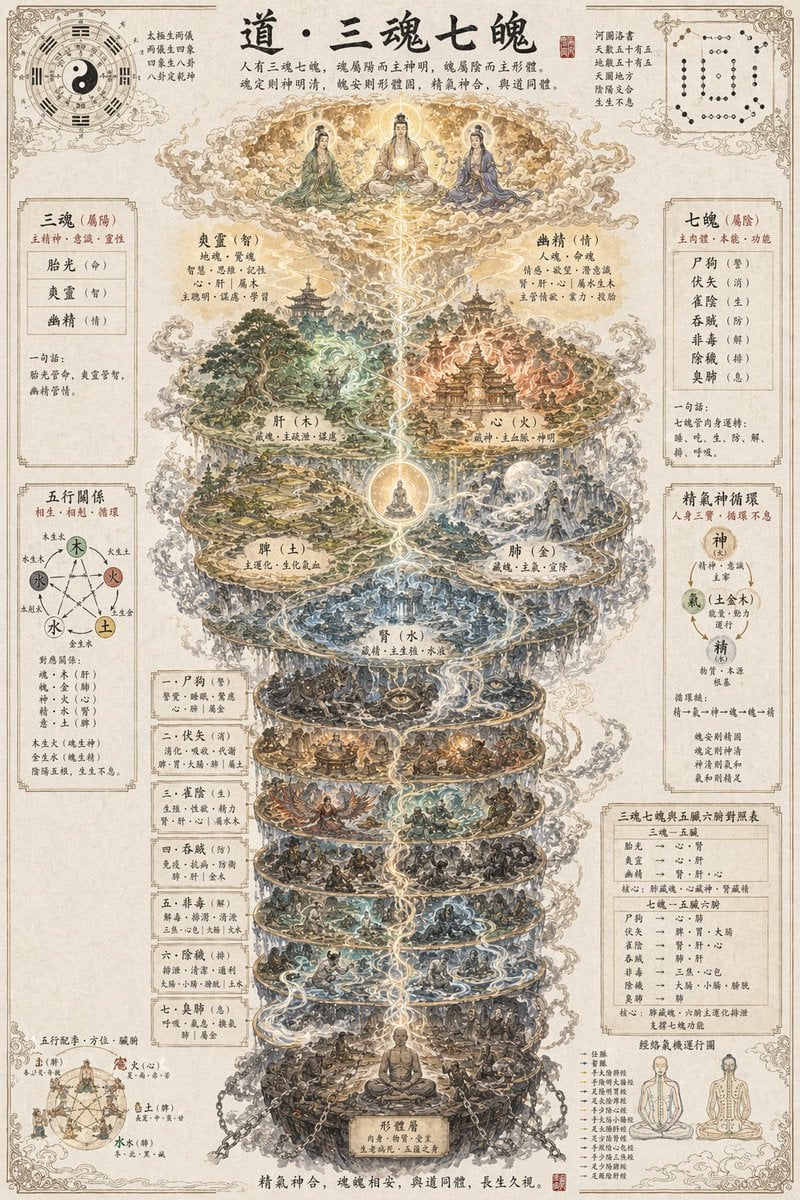
A sophisticated prompt for creating a rich biographical infographic that combines a realistic portrait with graphical charts, timelines, and annotations in a professional illustration style.

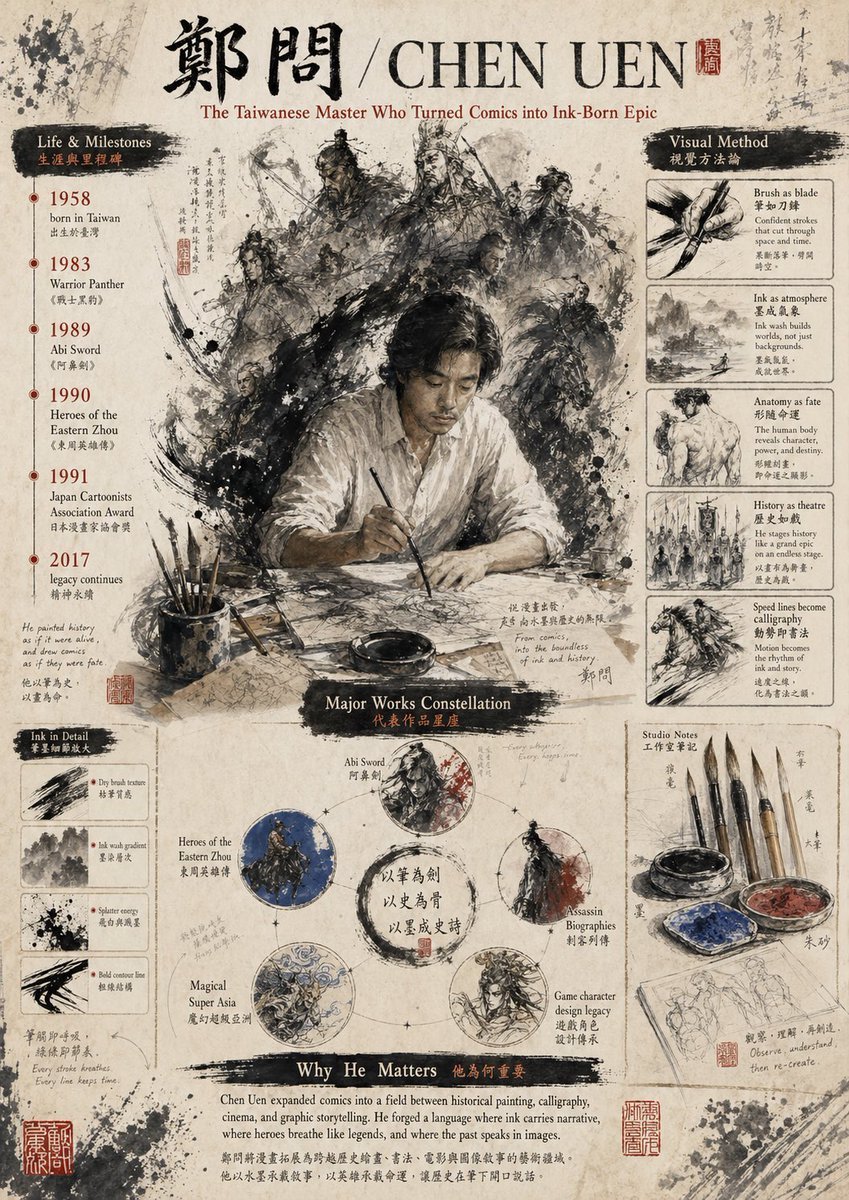
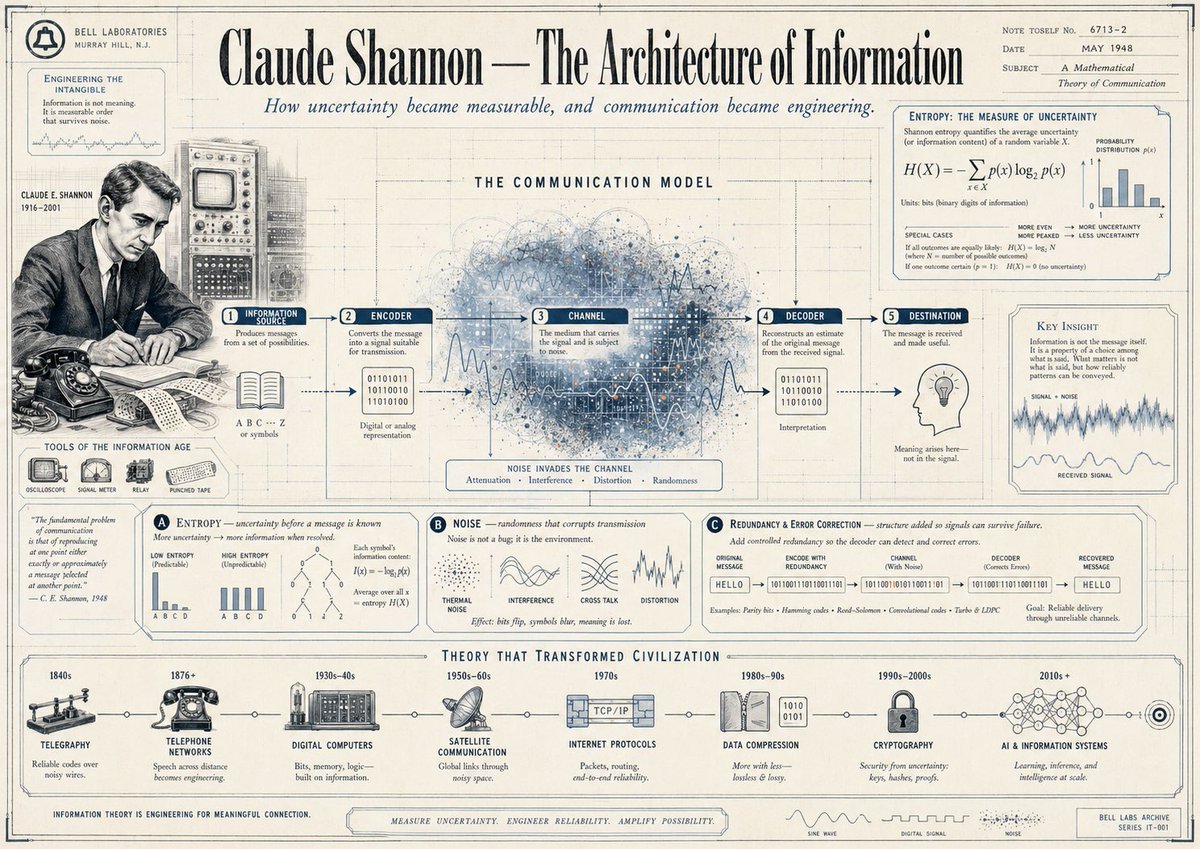
Please help me create an infographic about {argument name="person's name" default="[person's name]"}, with a visual style that is rich and layered. Don't just list information: I need you to dig deep into his life story, major achievements, key career milestones, philosophical thinking, and his unique influence on technology and design. Don't use that rigid, block-by-block layout — combine this information organically using diagrams, annotations, and leader-line callouts. Visual style: go for a bold, powerful, strongly graphic illustration approach. Specifically, it should look like this: the central focal point is an extremely detailed, photorealistic portrait of the person. Around this core, surround it with things like a timeline, analytical charts, iconic products, famous quotes, and short, punchy text. Composition technique: keep the background clean. Use a layered composition that perfectly blends the realistic portrait with strong graphic elements (such as various shapes, icons, and large blocks of color). The whole image should feel packed with content, textured, and highly professional-looking.
Please help me create an infographic about {argument name="person's name" default="[person's name]"}, with a visual style that is rich and layered. Don't just list information: I need you to dig deep into his life story, major achievements, key career milestones, philosophical thinking, and his unique influence on technology and design. Don't use that rigid, block-by-block layout — combine this information organically using diagrams, annotations, and leader-line callouts. Visual style: go for a bold, powerful, strongly graphic illustration approach. Specifically, it should look like this: the central focal point is an extremely detailed, photorealistic portrait of the person. Around this core, surround it with things like a timeline, analytical charts, iconic products, famous quotes, and short, punchy text. Composition technique: keep the background clean. Use a layered composition that perfectly blends the realistic portrait with strong graphic elements (such as various shapes, icons, and large blocks of color). The whole image should feel packed with content, textured, and highly professional-looking.
Edit the prompt in the box under the preview — the template's model and format are already selected — and press Generate. Your version appears right on this page.
Yes. You can change the subject, setting, lighting, mood, format, and available model controls before creating your image.
Opening and editing this template is free. Generating uses credits, shown on the Generate button when you are signed in.
Start with GPT Image 2, which is the model associated with this template. You can compare another compatible model for a different finish.
Follow a topic to a crawlable collection of related PicX Studio templates.